GitHub
ROLL NO: BSF2103527
NAME: MUNIBA TABSAUM
GitHub
Why it is useful?
Repository
Pull commit in a repo
- BASIC WORKING ON GIT HUB
GitHub
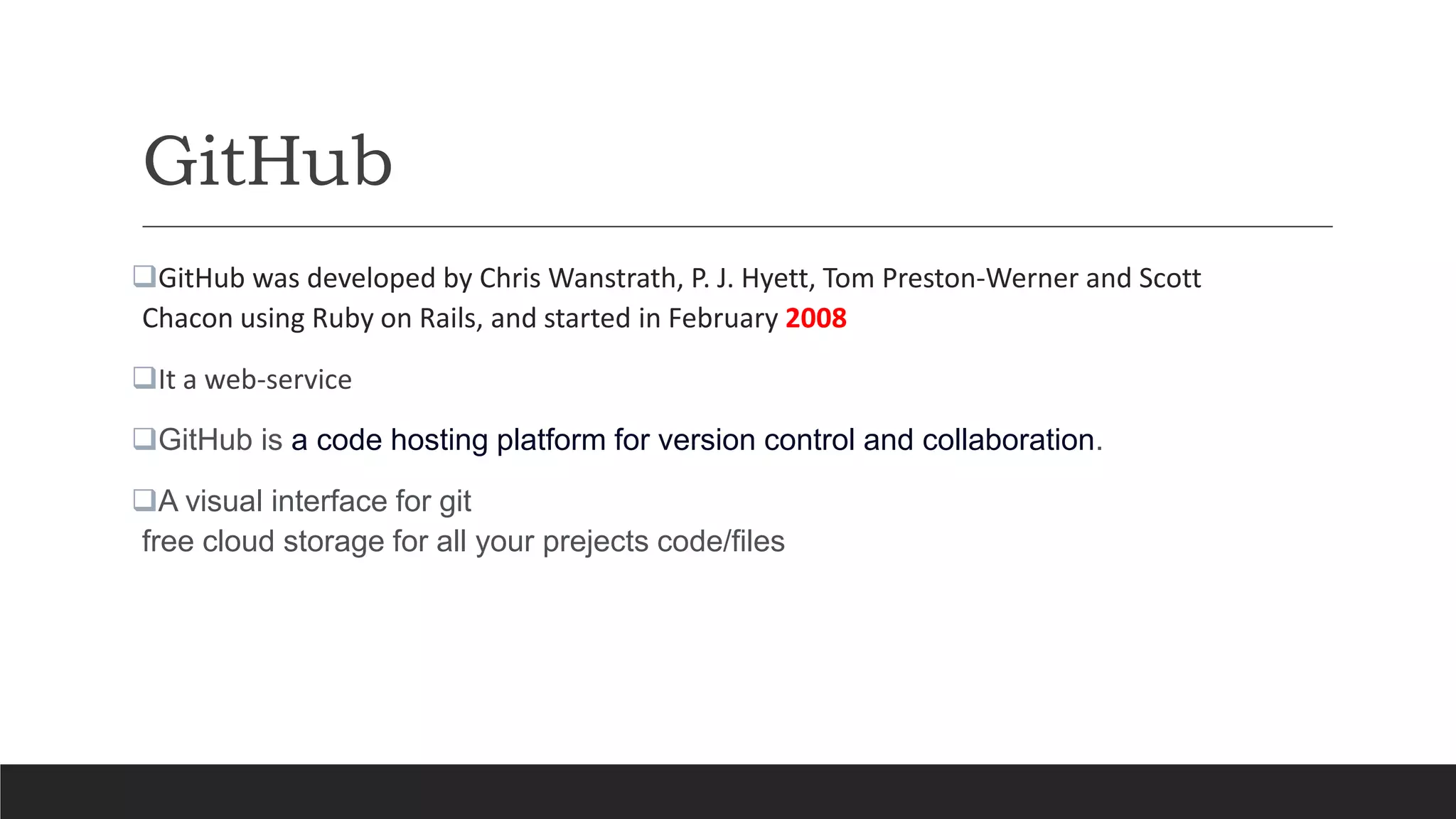
GitHub was developed by Chris Wanstrath, P. J. Hyett, Tom Preston-Werner and Scott
Chacon using Ruby on Rails, and started in February 2008
It a web-service
GitHub is a code hosting platform for version control and collaboration.
A visual interface for git
free cloud storage for all your prejects code/files
Functions
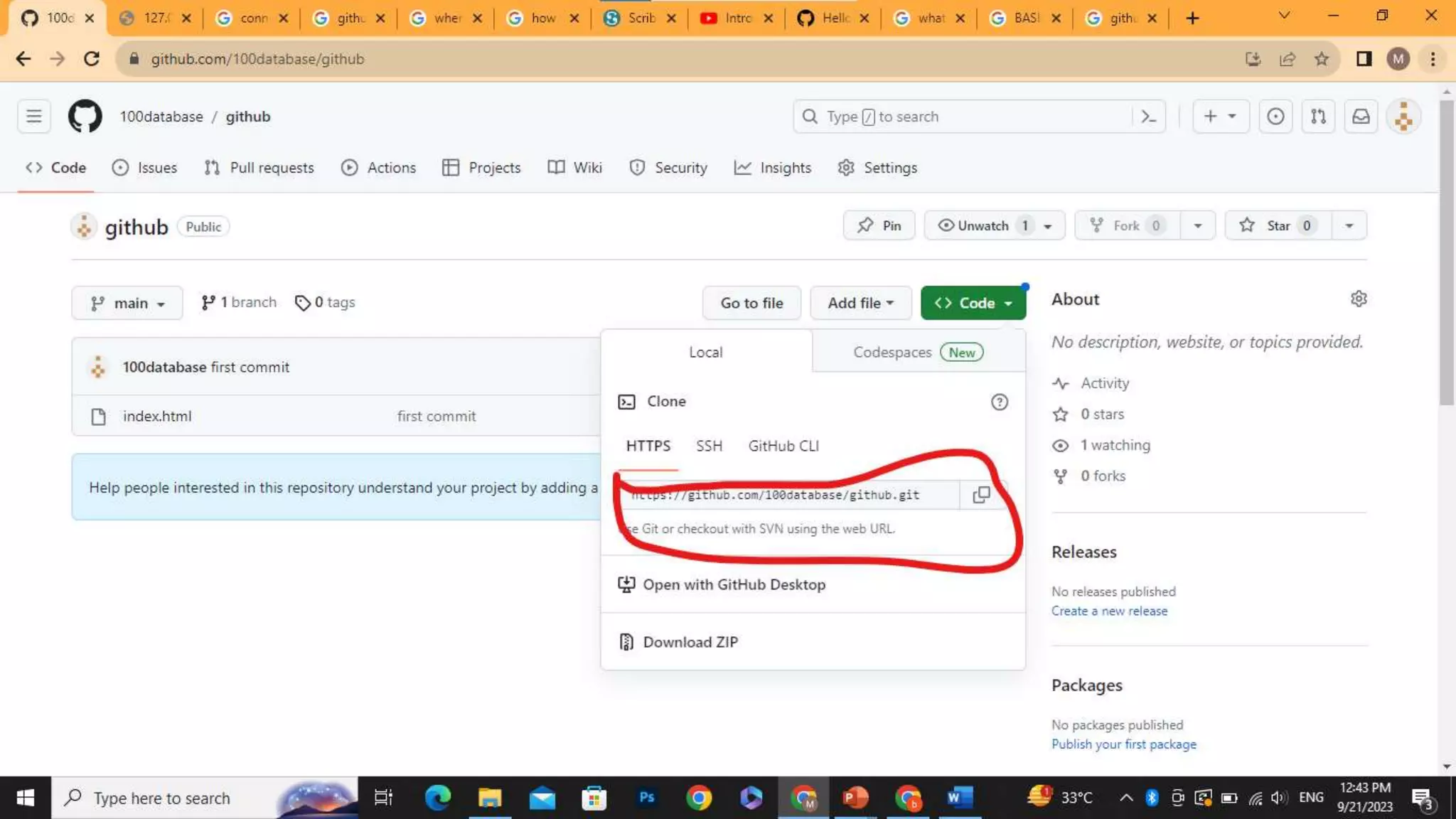
Cloning a Repository:
- Use the `git clone` command to copy a remote repository to your local machine. For example:
git clone https://github.com/username/repository.git
Continue..
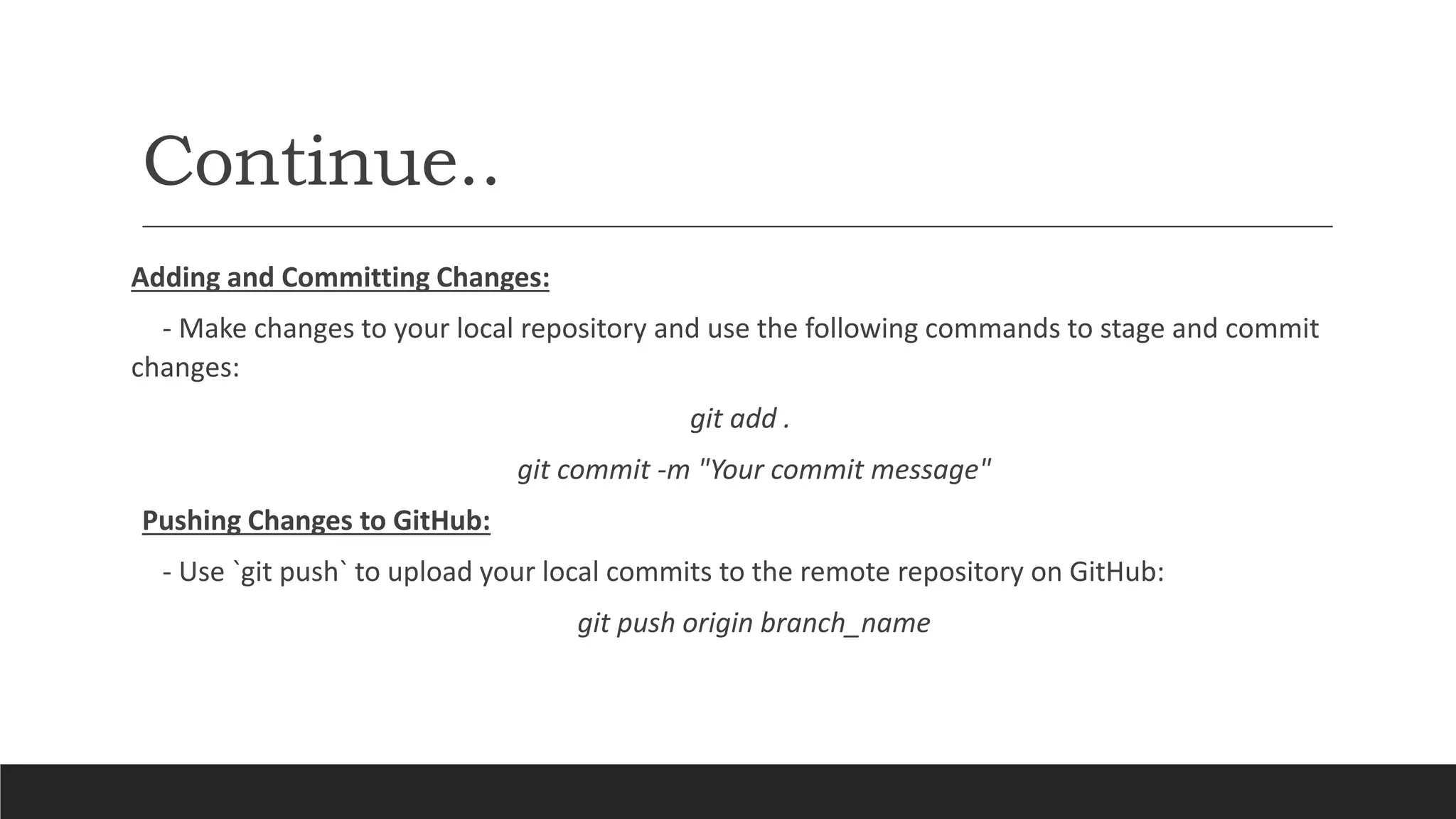
Adding and Committing Changes:
- Make changes to your local repository and use the following commands to stage and commit
changes:
git add .
git commit -m "Your commit message"
Pushing Changes to GitHub:
- Use `git push` to upload your local commits to the remote repository on GitHub:
git push origin branch_name
Why it is useful?
Version control:
tracks the history of changes as people and teams collaborate on projects together
Collaborations:
Integrate edit from multiple people
Keeps record of who did what and when
Documentation:
All things are on a single place
Continue..
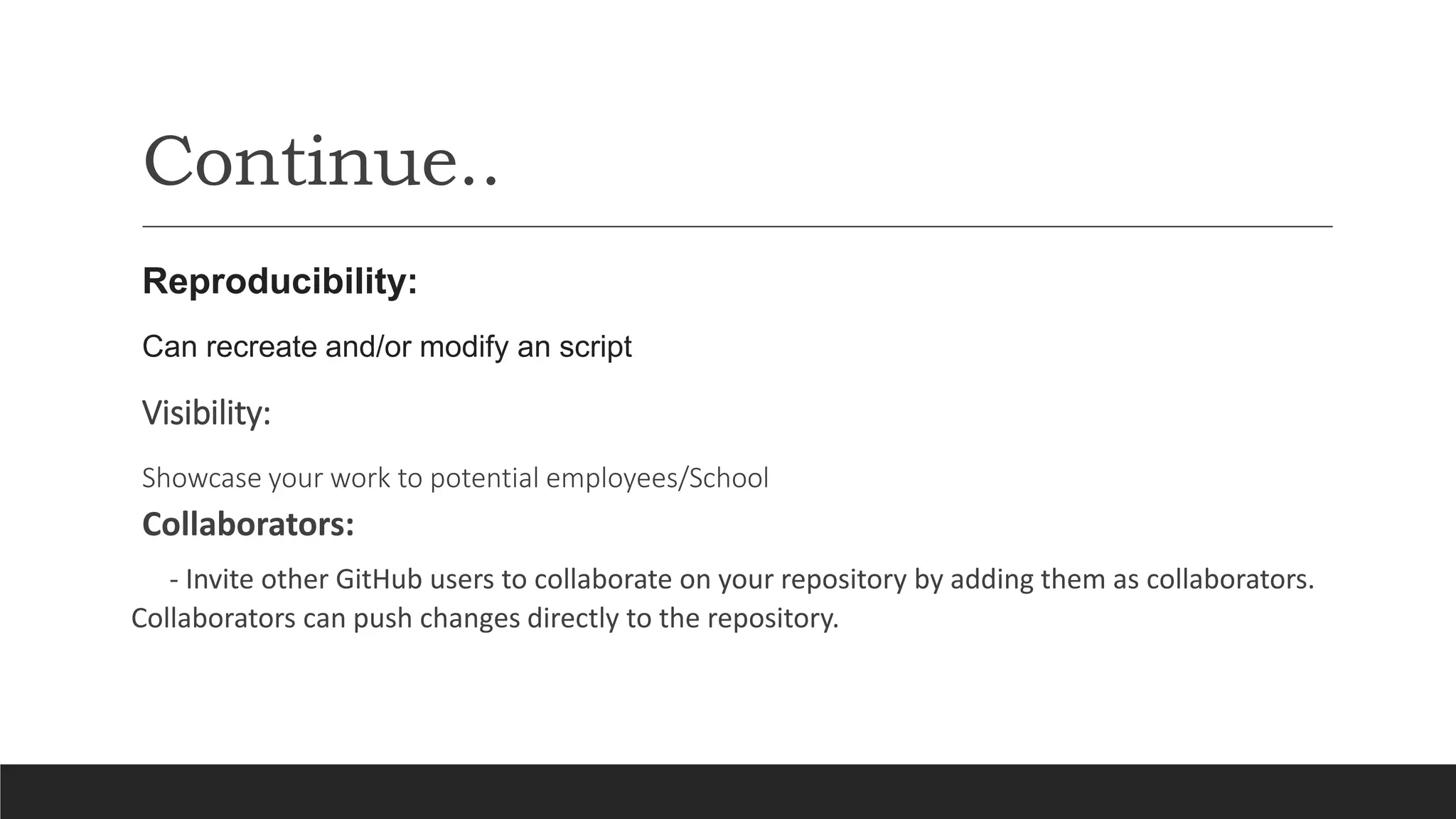
Reproducibility:
Can recreate and/or modify an script
Visibility:
Showcase your work to potential employees/School
Collaborators:
- Invite other GitHub users to collaborate on your repository by adding them as collaborators.
Collaborators can push changes directly to the repository.
Continue..
Forks
- Forking a repository creates a copy of the repository in your GitHub account. You can make changes to
the forked repository and create pull requests to contribute changes back to the original repository.
Code Reviews:
- Use the code review feature to review and comment on changes proposed in pull requests, discussing
code quality and improvements.
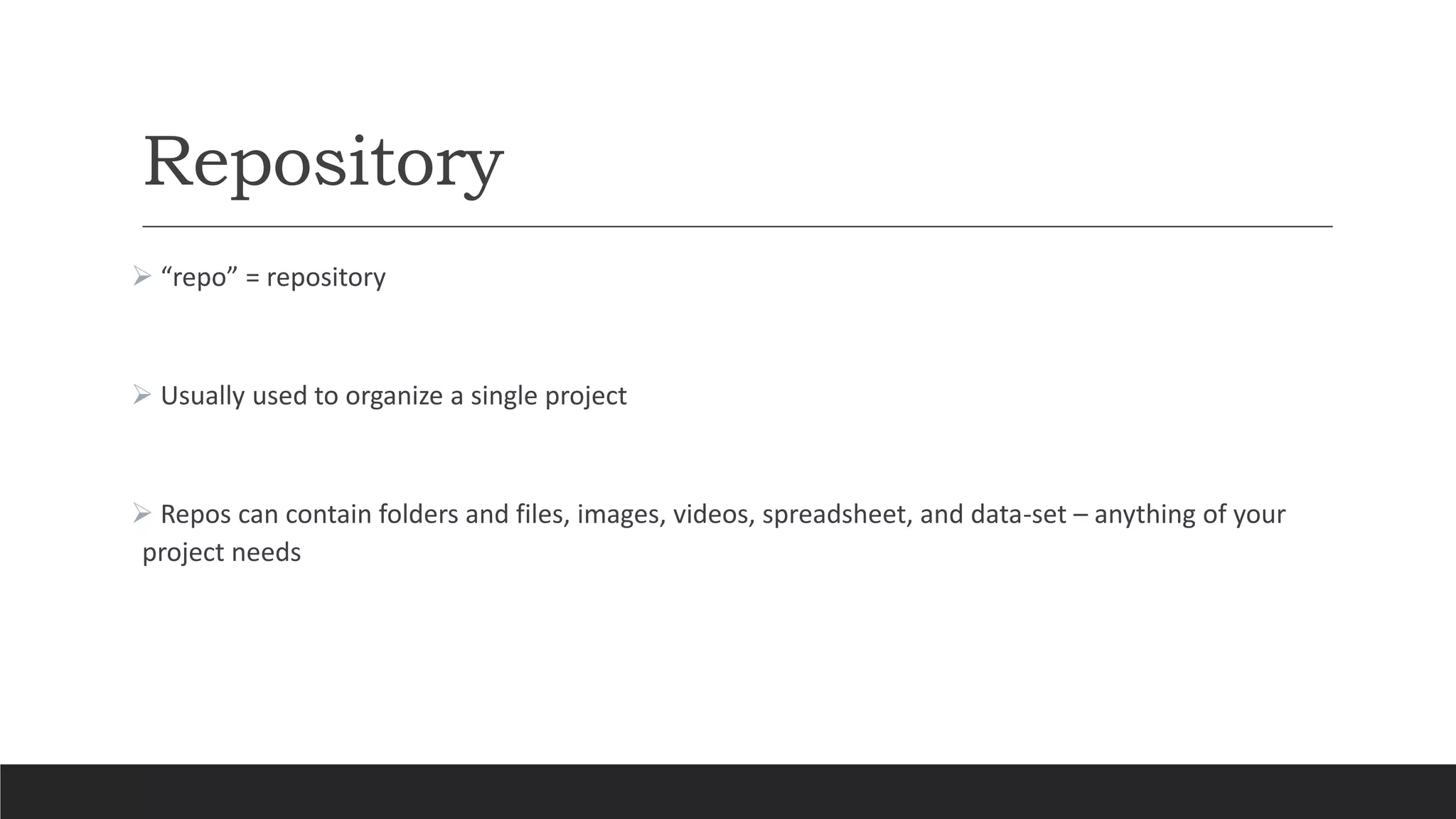
Repository
 “repo” = repository
 Usually used to organize a single project
 Repos can contain folders and files, images, videos, spreadsheet, and data-set – anything of your
project needs
Push Commit in a repo
Requirements:
Install Git
GitHub Account
Installing Git
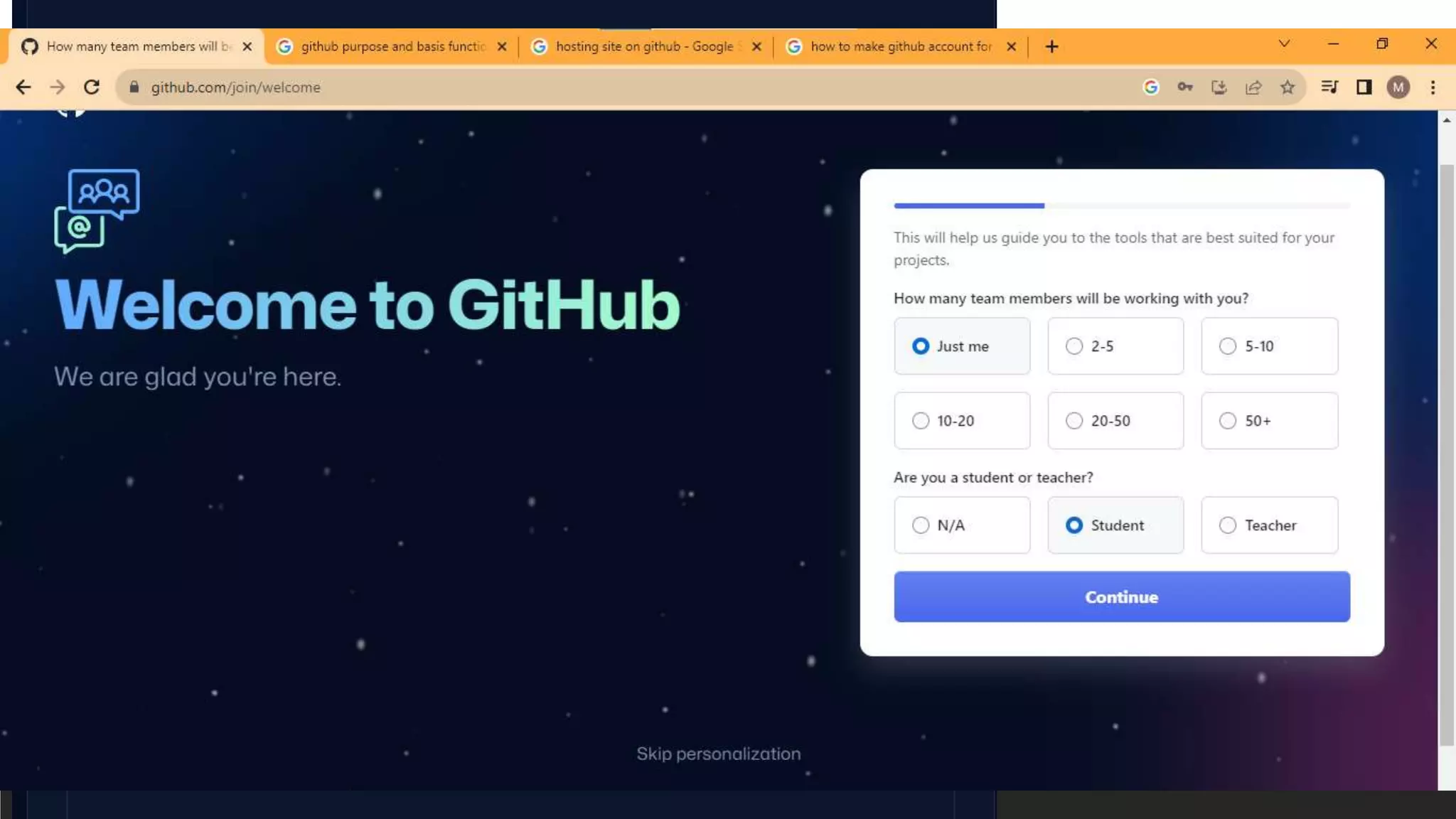
Creating GitHub account
Creating Repository
Push and Commit Commands
database.pptx

database.pptx

  • 2.
  • 3.
    GitHub Why it isuseful? Repository Pull commit in a repo - BASIC WORKING ON GIT HUB
  • 4.
    GitHub GitHub was developedby Chris Wanstrath, P. J. Hyett, Tom Preston-Werner and Scott Chacon using Ruby on Rails, and started in February 2008 It a web-service GitHub is a code hosting platform for version control and collaboration. A visual interface for git free cloud storage for all your prejects code/files
  • 5.
    Functions Cloning a Repository: -Use the `git clone` command to copy a remote repository to your local machine. For example: git clone https://github.com/username/repository.git
  • 6.
    Continue.. Adding and CommittingChanges: - Make changes to your local repository and use the following commands to stage and commit changes: git add . git commit -m "Your commit message" Pushing Changes to GitHub: - Use `git push` to upload your local commits to the remote repository on GitHub: git push origin branch_name
  • 7.
    Why it isuseful? Version control: tracks the history of changes as people and teams collaborate on projects together Collaborations: Integrate edit from multiple people Keeps record of who did what and when Documentation: All things are on a single place
  • 8.
    Continue.. Reproducibility: Can recreate and/ormodify an script Visibility: Showcase your work to potential employees/School Collaborators: - Invite other GitHub users to collaborate on your repository by adding them as collaborators. Collaborators can push changes directly to the repository.
  • 9.
    Continue.. Forks - Forking arepository creates a copy of the repository in your GitHub account. You can make changes to the forked repository and create pull requests to contribute changes back to the original repository. Code Reviews: - Use the code review feature to review and comment on changes proposed in pull requests, discussing code quality and improvements.
  • 10.
    Repository  “repo” =repository  Usually used to organize a single project  Repos can contain folders and files, images, videos, spreadsheet, and data-set – anything of your project needs
  • 11.
    Push Commit ina repo Requirements: Install Git GitHub Account
  • 12.
  • 13.
  • 14.
  • 15.