Maybe…
All your maps look the same & you’re ready for
something different.
You need a specific icon, but it’s not in QGIS.
You see other maps and wonder where the
cartographer got that cool/clever/hipster
element.
let’s look at one option:
Inkscape
What is Inkscape?
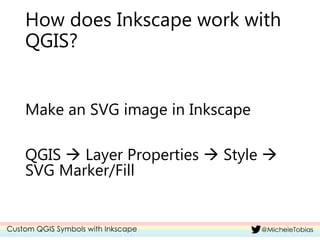
How does Inkscape work with
QGIS?
Make an SVG image in Inkscape
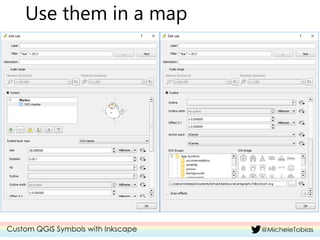
QGIS  Layer Properties  Style 
SVG Marker/Fill
Ok, enough talking!
Let’s make some stuff
in Inkscape!
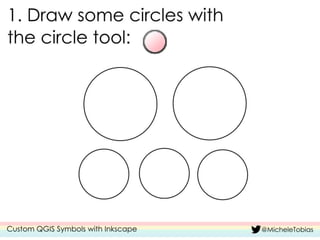
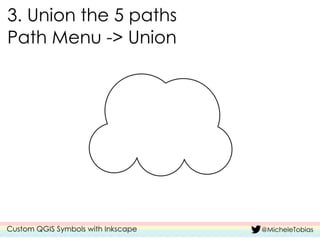
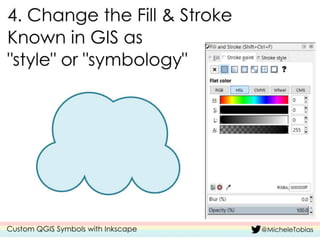
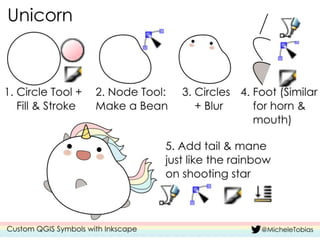
Make some icons
Key Concepts:
Use simple shapes
Layer shapes to create complex items
Skip details = simple is better
Let’s do a few more!
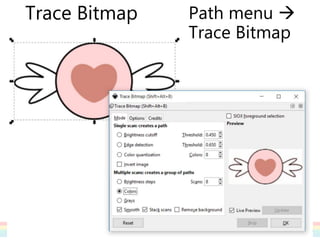
Trace Bitmap Path menu 
Trace Bitmap
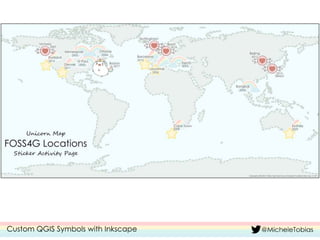
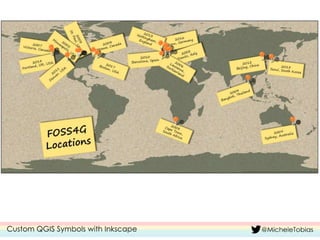
Use them in a map
More Resources
Monday’s Cartography Workshop Materials:
https://github.com/MicheleTobias/OpenSourceCarto
graphy
Cartography Collections for Resources Sharing
Plugin: https://github.com/MicheleTobias/QGIS-
Cartography-Resources
Inkscape Tutorials: https://inkscape.org/en/learn/

Custom qgis symbols with inkscape