Download to read offline




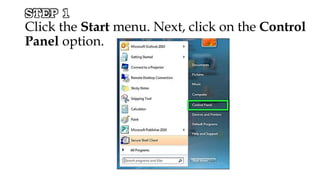
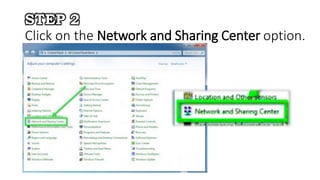
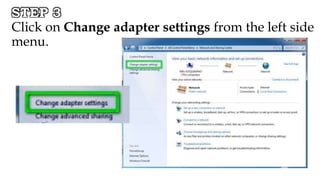
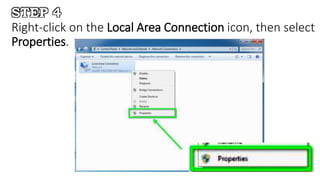


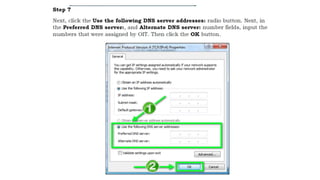

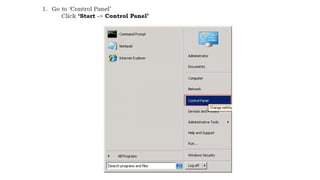
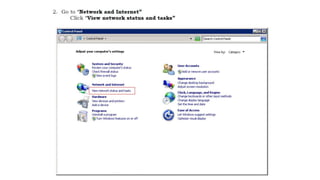
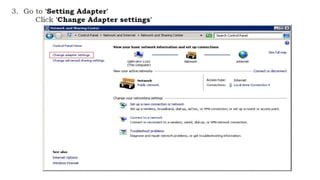

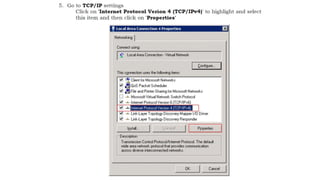

To set up peer-to-peer networking between Windows Server 2008 R2 and Windows 7, you first configure static IP addresses on each system. On Windows 7, open the Control Panel, go to Network and Sharing Center, then Change adapter settings to access the Local Area Connection properties and set a static IP. On Windows Server 2008, right-click the network connection and select Properties to configure a static IP.


