CREATING SALESFORCE
DOCUMENTATION WITH
SCREENSTEPS AND
SCREENSTEPS LIVE
WHO WE ARE AND WHY YOU SHOULD CARE

• Started in 2003 - E-learning consulting company
• Launched ScreenSteps as a side project in 2007
• Launched ScreenSteps Live in 2009
• Launched ScreenSteps.me in 2010
WHO WE ARE AND WHY YOU SHOULD CARE

• We create hundreds of pages of documentation
• We support thousands of customers
• Documentation and support are not our primary jobs
KEYS TO HOW WE WORK

1. Tools
2. Methodology
GOALS OF A SALESFORCE
DEPLOYMENT

1. Adoption
2. Proficiency
3. Low error rate
4. No phone calls
KEY KNOWLEDGE AREAS


1. What - Leads, Opportunities, Contacts, Accounts, etc.
2. Why - What are our Salesforce goals
3. How - How do I complete the tasks that will help my
   organization achieve those goals
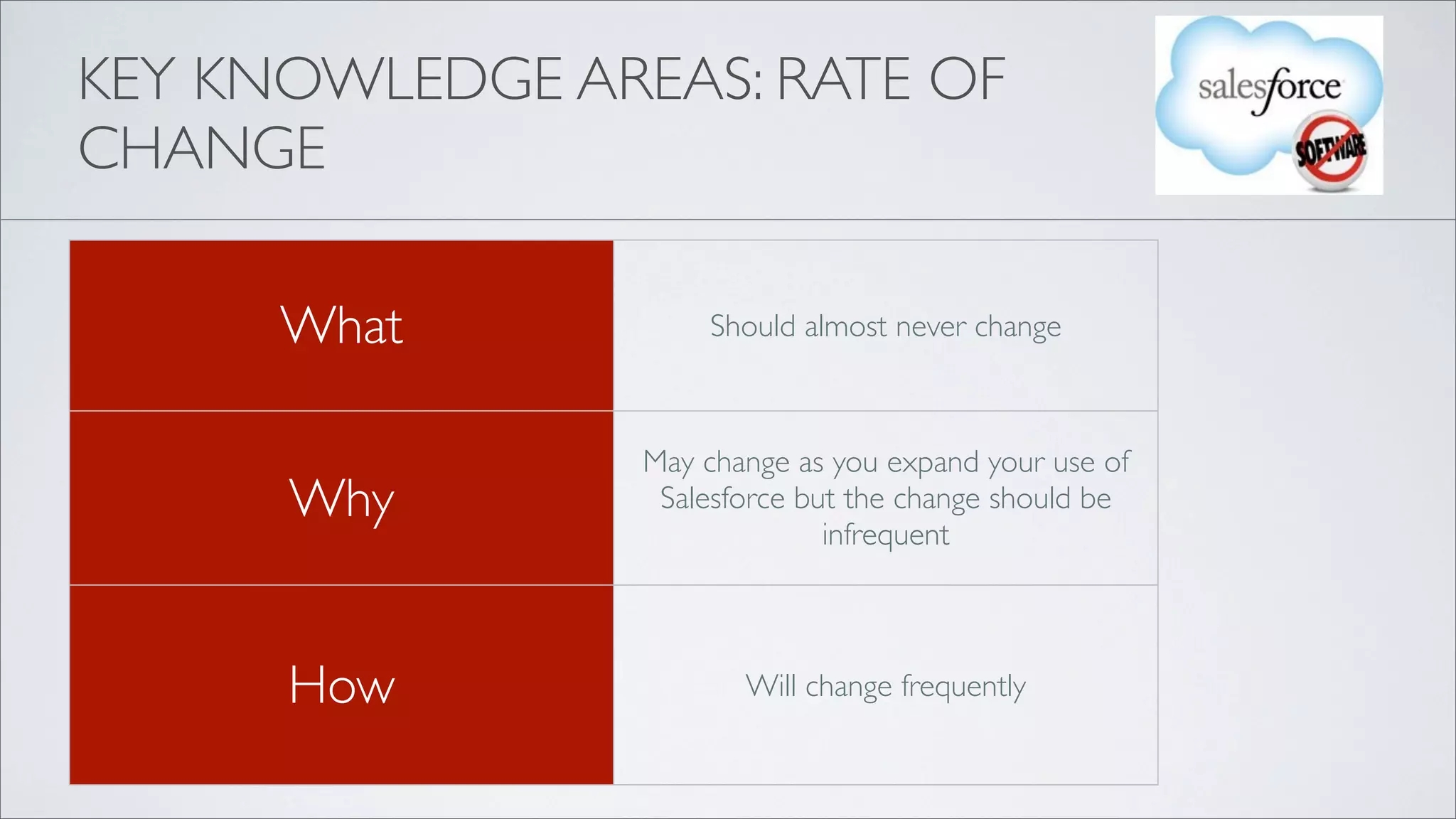
KEY KNOWLEDGE AREAS: RATE OF
CHANGE

      What           Should almost never change


                 May change as you expand your use of
      Why         Salesforce but the change should be
                               infrequent


      How               Will change frequently
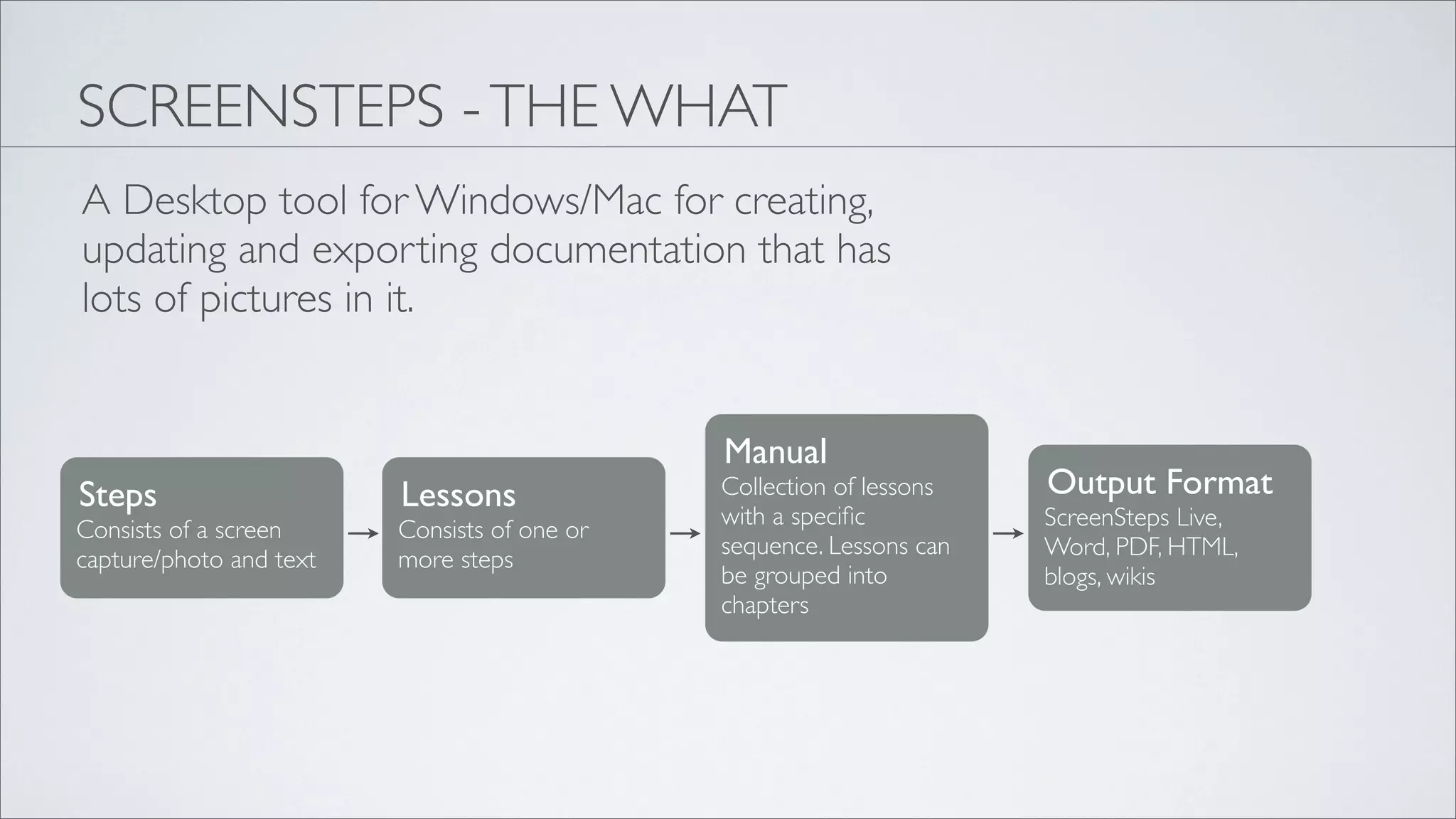
SCREENSTEPS - THE WHAT
A Desktop tool for Windows/Mac for creating,
updating and exporting documentation that has
lots of pictures in it.


                                              Manual
Steps                    Lessons              Collection of lessons   Output Format
                                              with a specific          ScreenSteps Live,
Consists of a screen     Consists of one or
                                              sequence. Lessons can   Word, PDF, HTML,
capture/photo and text   more steps
                                              be grouped into         blogs, wikis
                                              chapters
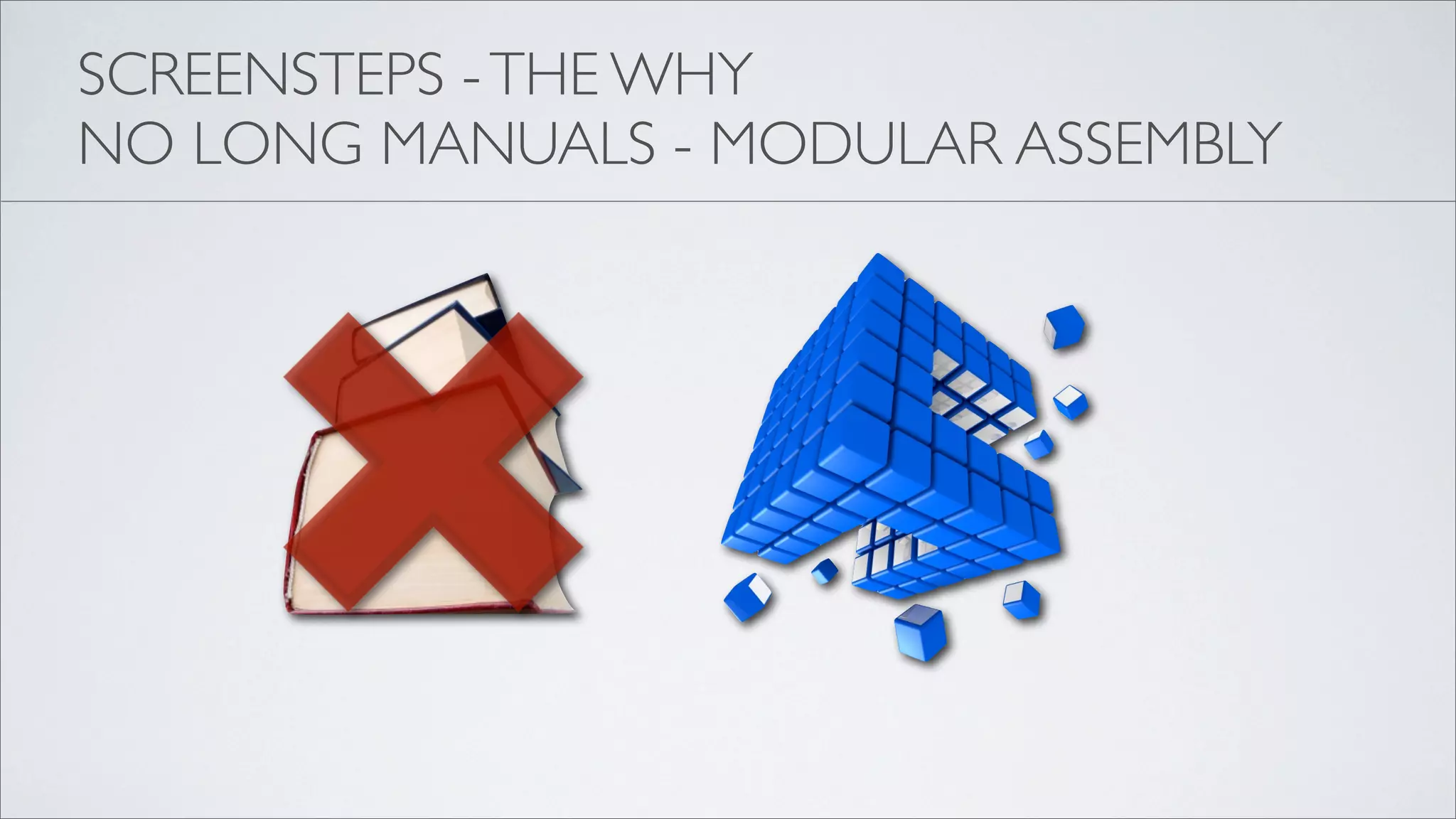
SCREENSTEPS - THE WHY
NO LONG MANUALS - MODULAR ASSEMBLY
MODULAR DOCUMENTATION

1. Easier to create
2. Easier to keep up to date
3. Easier for your users to
   reference
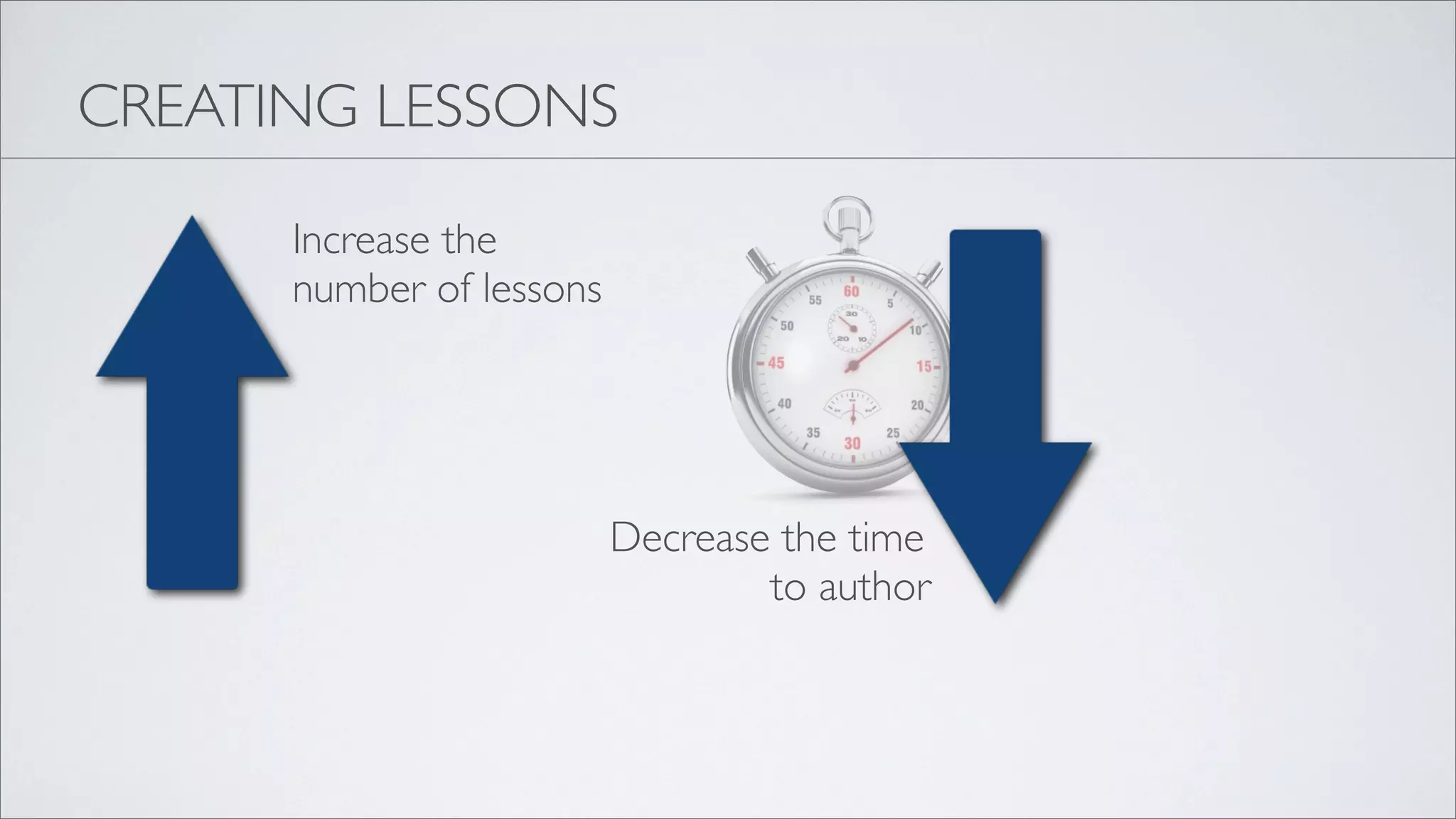
CREATING LESSONS

      Increase the
      number of lessons


                          Decrease the time
                                  to author
CREATING SALESFORCE DOCUMENTATION
1. Scoping out your manual
2. Lesson titles
3. Image capture tricks
4. Annotation tricks
5. Working with steps
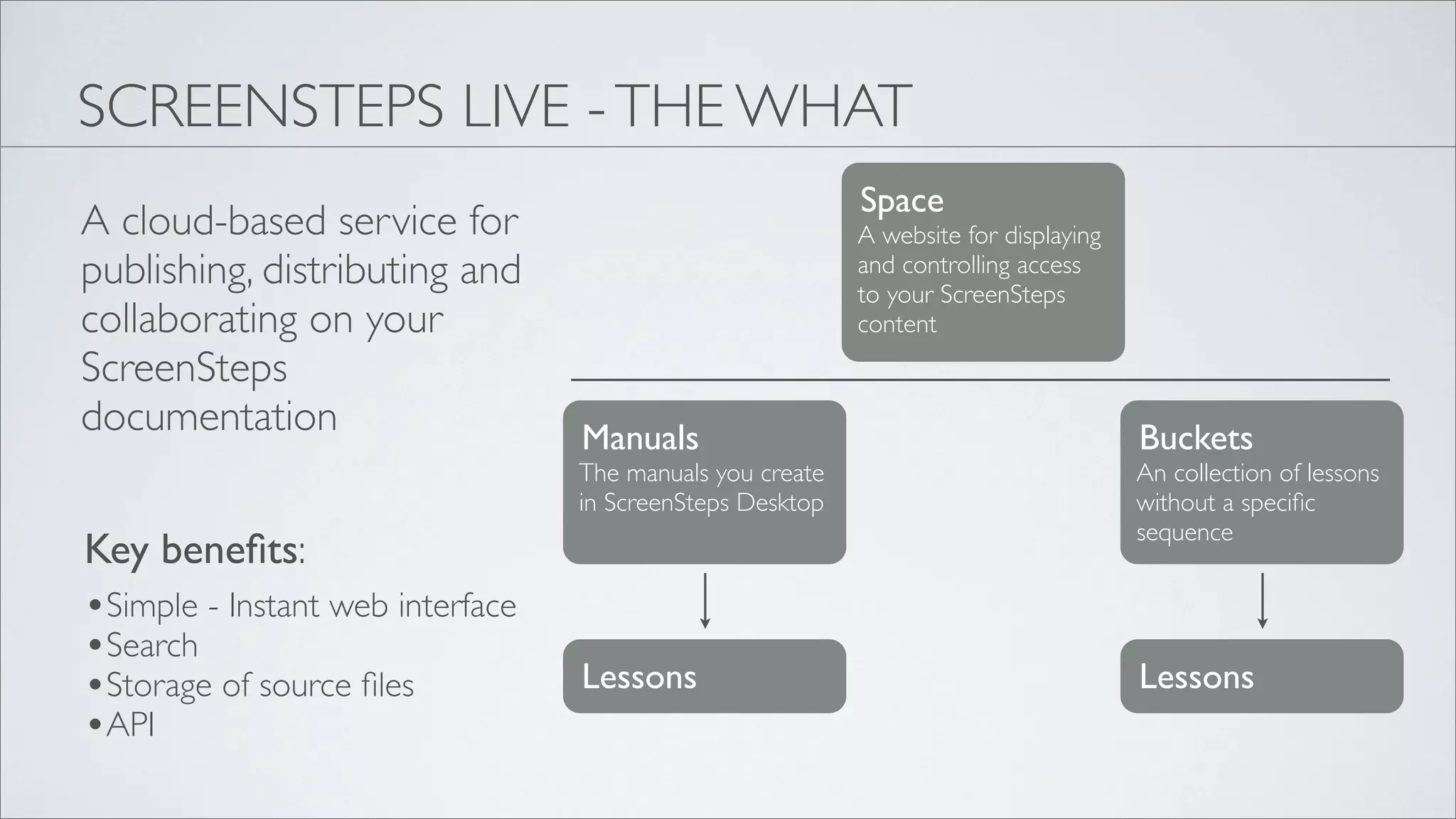
SCREENSTEPS LIVE - THE WHAT
                                                           Space
A cloud-based service for                                  A website for displaying
publishing, distributing and                               and controlling access
                                                           to your ScreenSteps
collaborating on your                                      content
ScreenSteps
documentation                     Manuals                                             Buckets
                                  The manuals you create                              An collection of lessons
                                  in ScreenSteps Desktop                              without a specific
                                                                                      sequence
Key benefits:
•Simple - Instant web interface
•Search
•Storage of source files           Lessons                                             Lessons
•API
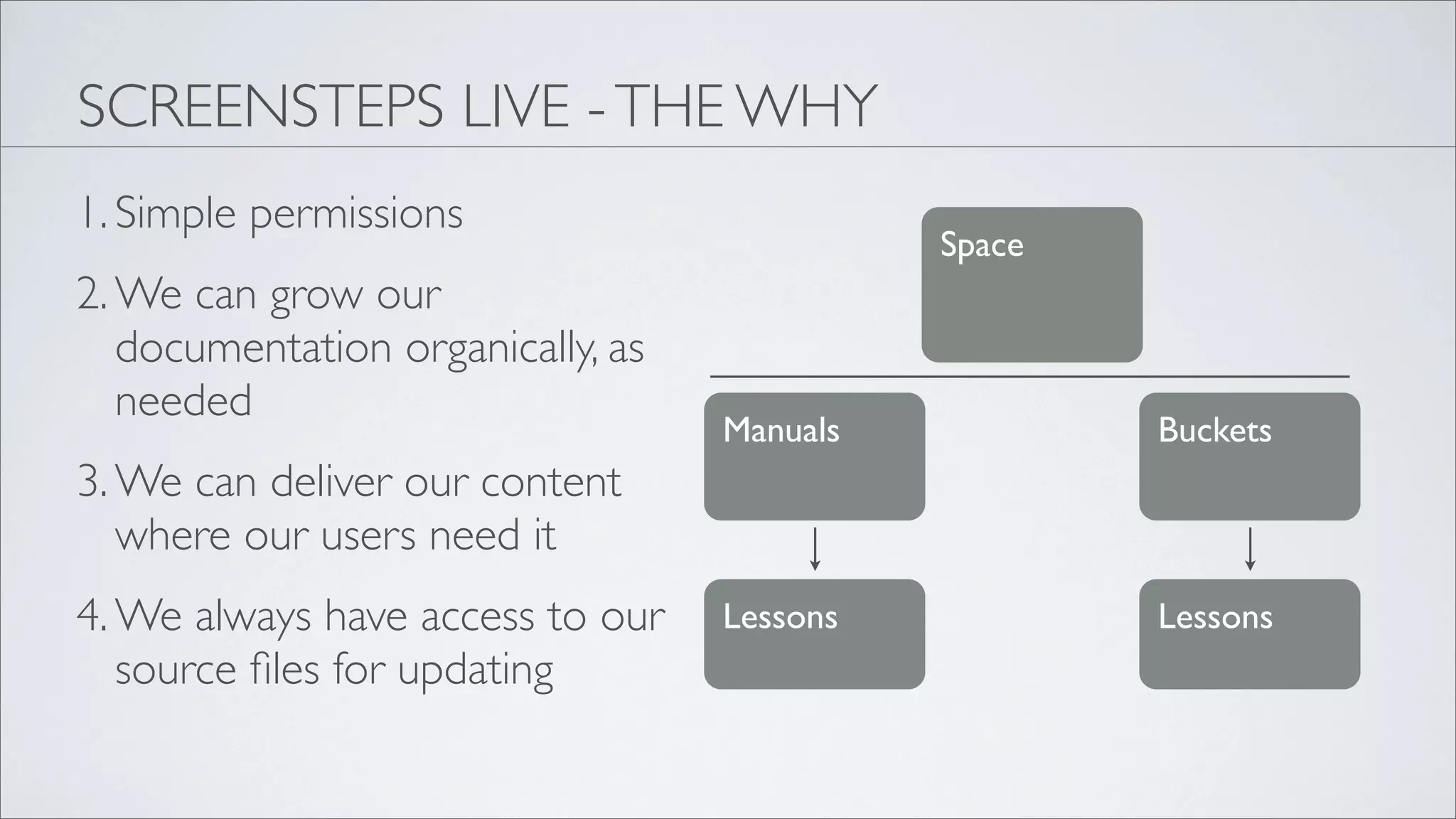
SCREENSTEPS LIVE - THE WHY
1. Simple permissions
                                             Space
2. We can grow our
   documentation organically, as
   needed
                                   Manuals           Buckets
3. We can deliver our content
   where our users need it
4. We always have access to our    Lessons           Lessons
   source files for updating
PUBLISHING SALESFORCE DOCUMENTATION
1. Publishing manuals
2. Tags
3. Permissions
4. Integrating with Salesforce
5. Bringing in other authors
TIPS FOR GETTING STARTED

1. Don’t Plan
2. Don’t Finish
3. Don’t Worry
DON’T PLAN
1. Write down your top 10 support questions
2. Answer them
DON’T FINISH
1. As new questions come in, add to your documentation
2. Split out manuals and buckets as needed
DON’T WORRY
       1. Get started, don’t wait to get everything just
          right
       2. ScreenSteps Live makes it easy to change your
          content organization as your needs change
SCREENSTEPS AND SCREENSTEPS LIVE
                            Simple and effective
                            Salesforce
                            documentation for
                            people who have
                            better things to do
                            than create
                            documentation

Creating Salesforce documentation with ScreenSteps

  • 1.
  • 2.
    WHO WE AREAND WHY YOU SHOULD CARE • Started in 2003 - E-learning consulting company • Launched ScreenSteps as a side project in 2007 • Launched ScreenSteps Live in 2009 • Launched ScreenSteps.me in 2010
  • 3.
    WHO WE AREAND WHY YOU SHOULD CARE • We create hundreds of pages of documentation • We support thousands of customers • Documentation and support are not our primary jobs
  • 4.
    KEYS TO HOWWE WORK 1. Tools 2. Methodology
  • 5.
    GOALS OF ASALESFORCE DEPLOYMENT 1. Adoption 2. Proficiency 3. Low error rate 4. No phone calls
  • 6.
    KEY KNOWLEDGE AREAS 1.What - Leads, Opportunities, Contacts, Accounts, etc. 2. Why - What are our Salesforce goals 3. How - How do I complete the tasks that will help my organization achieve those goals
  • 7.
    KEY KNOWLEDGE AREAS:RATE OF CHANGE What Should almost never change May change as you expand your use of Why Salesforce but the change should be infrequent How Will change frequently
  • 8.
    SCREENSTEPS - THEWHAT A Desktop tool for Windows/Mac for creating, updating and exporting documentation that has lots of pictures in it. Manual Steps Lessons Collection of lessons Output Format with a specific ScreenSteps Live, Consists of a screen Consists of one or sequence. Lessons can Word, PDF, HTML, capture/photo and text more steps be grouped into blogs, wikis chapters
  • 9.
    SCREENSTEPS - THEWHY NO LONG MANUALS - MODULAR ASSEMBLY
  • 10.
    MODULAR DOCUMENTATION 1. Easierto create 2. Easier to keep up to date 3. Easier for your users to reference
  • 11.
    CREATING LESSONS Increase the number of lessons Decrease the time to author
  • 12.
    CREATING SALESFORCE DOCUMENTATION 1.Scoping out your manual 2. Lesson titles 3. Image capture tricks 4. Annotation tricks 5. Working with steps
  • 13.
    SCREENSTEPS LIVE -THE WHAT Space A cloud-based service for A website for displaying publishing, distributing and and controlling access to your ScreenSteps collaborating on your content ScreenSteps documentation Manuals Buckets The manuals you create An collection of lessons in ScreenSteps Desktop without a specific sequence Key benefits: •Simple - Instant web interface •Search •Storage of source files Lessons Lessons •API
  • 14.
    SCREENSTEPS LIVE -THE WHY 1. Simple permissions Space 2. We can grow our documentation organically, as needed Manuals Buckets 3. We can deliver our content where our users need it 4. We always have access to our Lessons Lessons source files for updating
  • 15.
    PUBLISHING SALESFORCE DOCUMENTATION 1.Publishing manuals 2. Tags 3. Permissions 4. Integrating with Salesforce 5. Bringing in other authors
  • 16.
    TIPS FOR GETTINGSTARTED 1. Don’t Plan 2. Don’t Finish 3. Don’t Worry
  • 17.
    DON’T PLAN 1. Writedown your top 10 support questions 2. Answer them
  • 18.
    DON’T FINISH 1. Asnew questions come in, add to your documentation 2. Split out manuals and buckets as needed
  • 19.
    DON’T WORRY 1. Get started, don’t wait to get everything just right 2. ScreenSteps Live makes it easy to change your content organization as your needs change
  • 20.
    SCREENSTEPS AND SCREENSTEPSLIVE Simple and effective Salesforce documentation for people who have better things to do than create documentation