Download to read offline
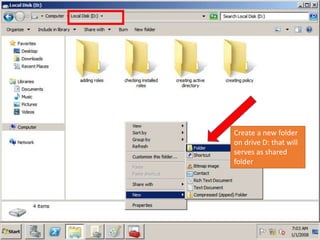
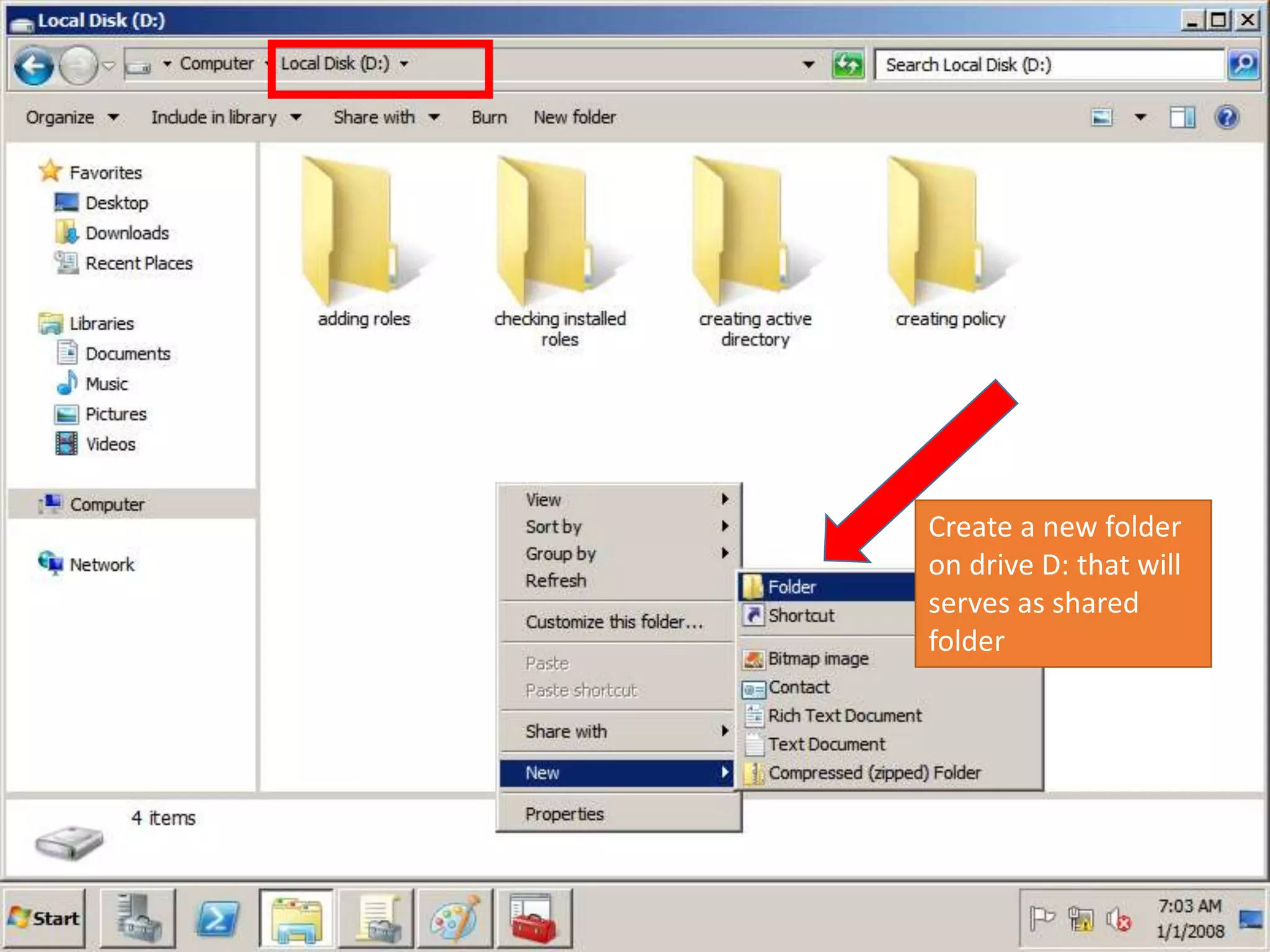
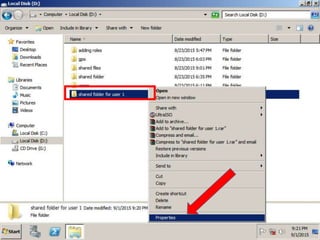
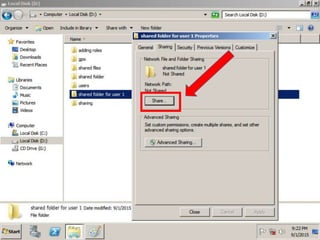
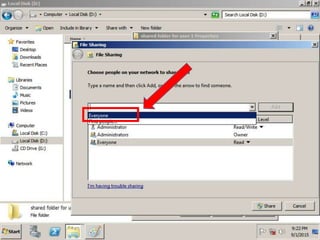
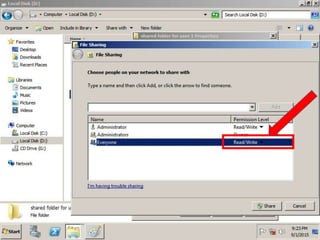
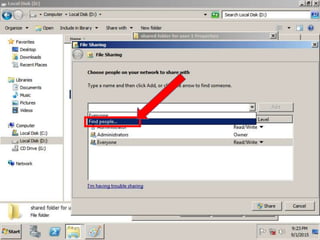
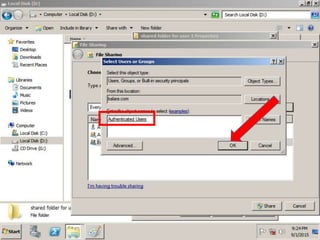
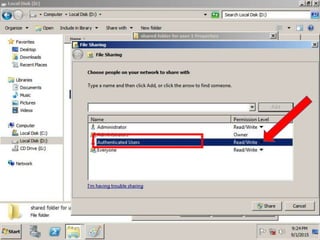
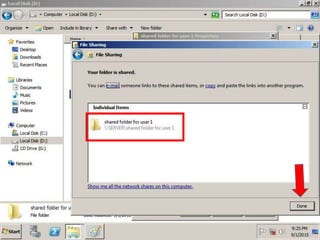
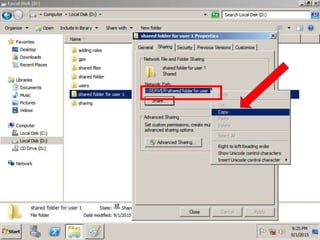
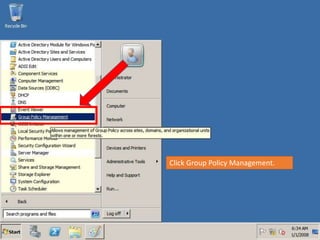
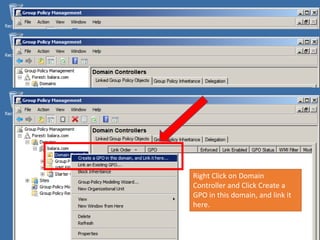
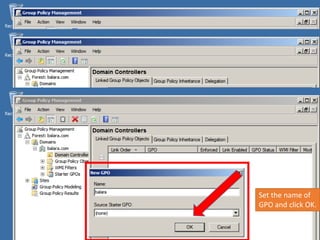
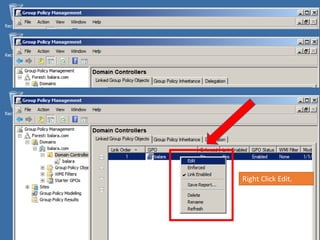
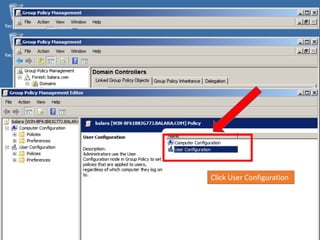
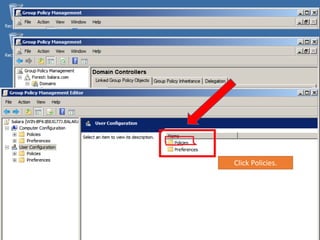
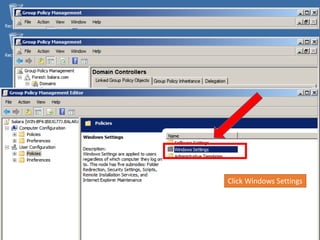
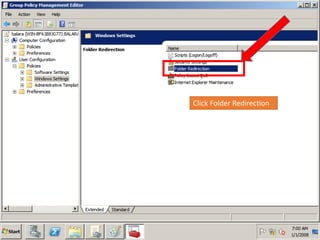
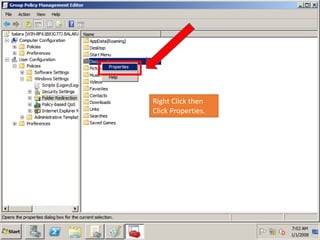
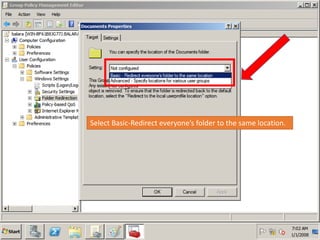
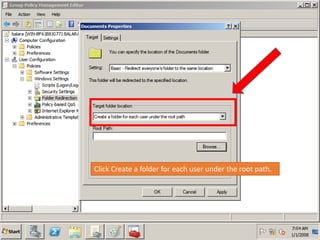
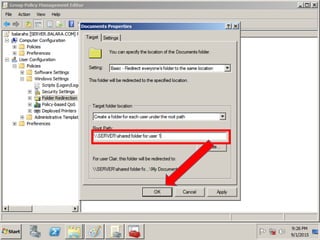
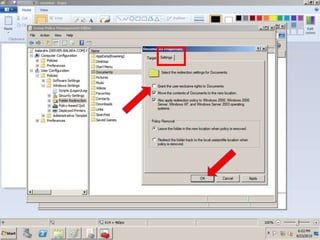
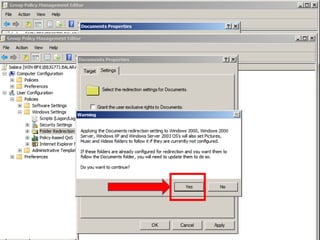
The document provides instructions for creating a shared folder on drive D:, then using Group Policy to redirect all user folders to that shared location. The steps are to create a new folder on D:, open Group Policy Management, create a new GPO linked to the domain, name the GPO and edit it, navigate to User Configuration > Policies > Windows Settings > Folder Redirection, right click and select properties, choose the option to redirect everyone's folder to the same location and create a subfolder for each user under that path.


