Download as PDF, PPTX




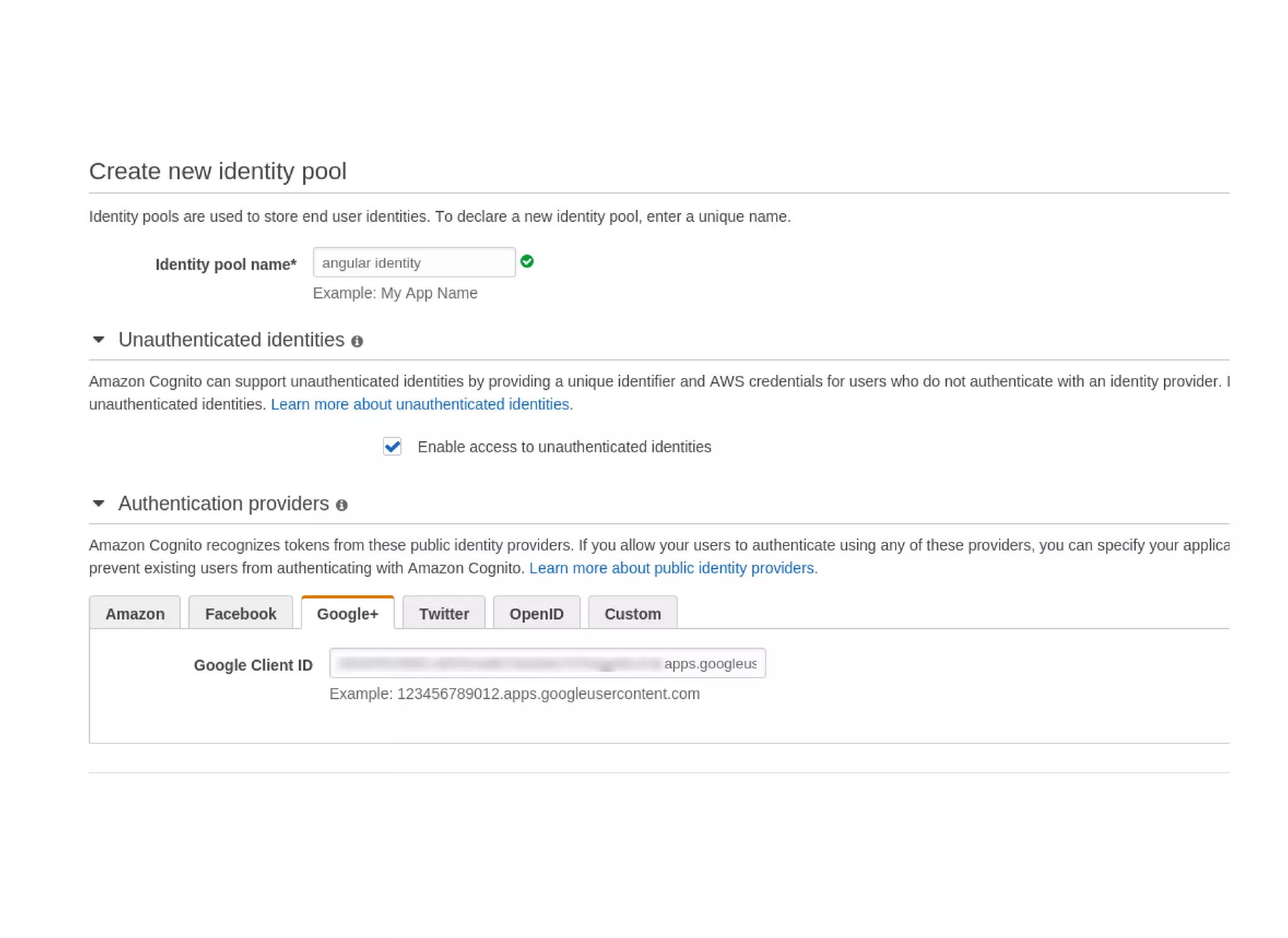
![in AngularJS
// app/app.js
.config([function() {
var creds = new AWS.CognitoIdentityCredentials({
IdentityPoolId: 'useast1:0000000000000008c3c5397a17ad174'
});
AWS.config.update({
region: 'useast1',
credentials: creds
});
}]);](https://image.slidesharecdn.com/corleycloud-angularincloud-151027084156-lva1-app6892/75/Corley-cloud-angular-in-cloud-15-2048.jpg)
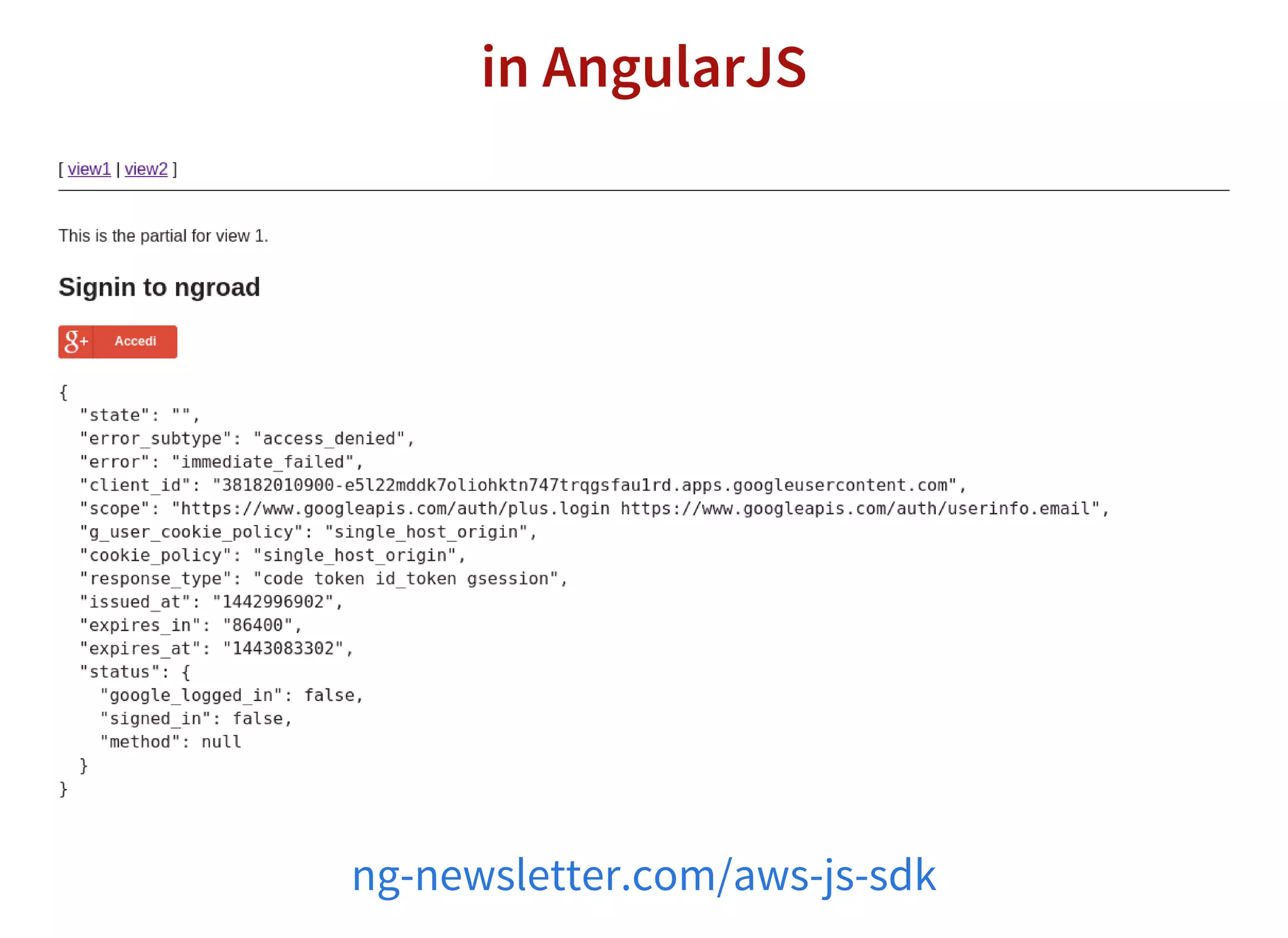
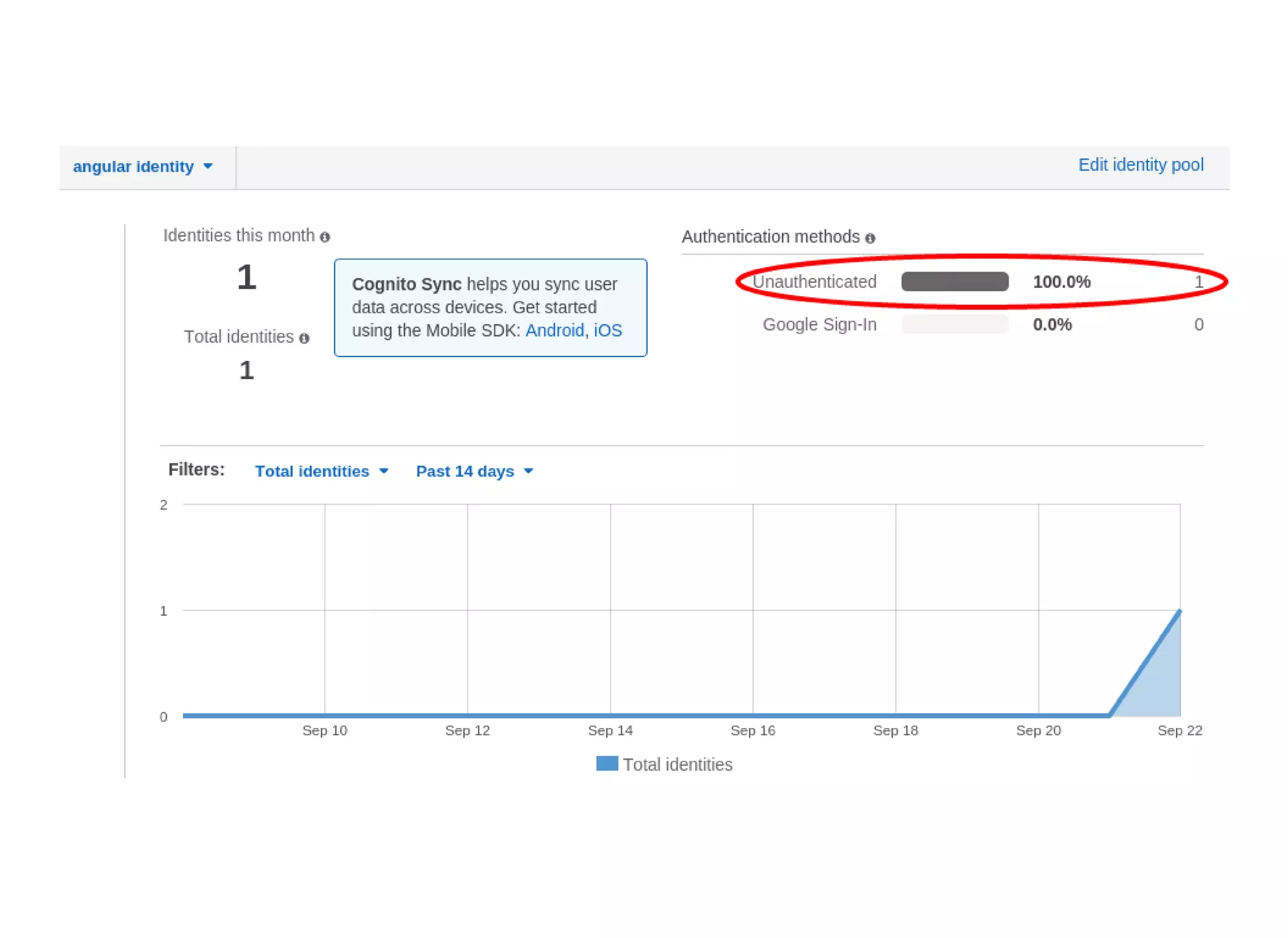
![in AngularJS
$scope.signedIn = function(oauth) {
var creds = {
params: {}
};
$scope.user = oauth;
creds = AWS.config.credentials;
creds.params.Logins = {};
creds.params.Logins['accounts.google.com'] = oauth.id_token;
AWS.config.update({
credentials: creds
});
AWS.config.credentials.refresh(function(err){
if (err) {
console.log(err);
}
});
};](https://image.slidesharecdn.com/corleycloud-angularincloud-151027084156-lva1-app6892/75/Corley-cloud-angular-in-cloud-20-2048.jpg)

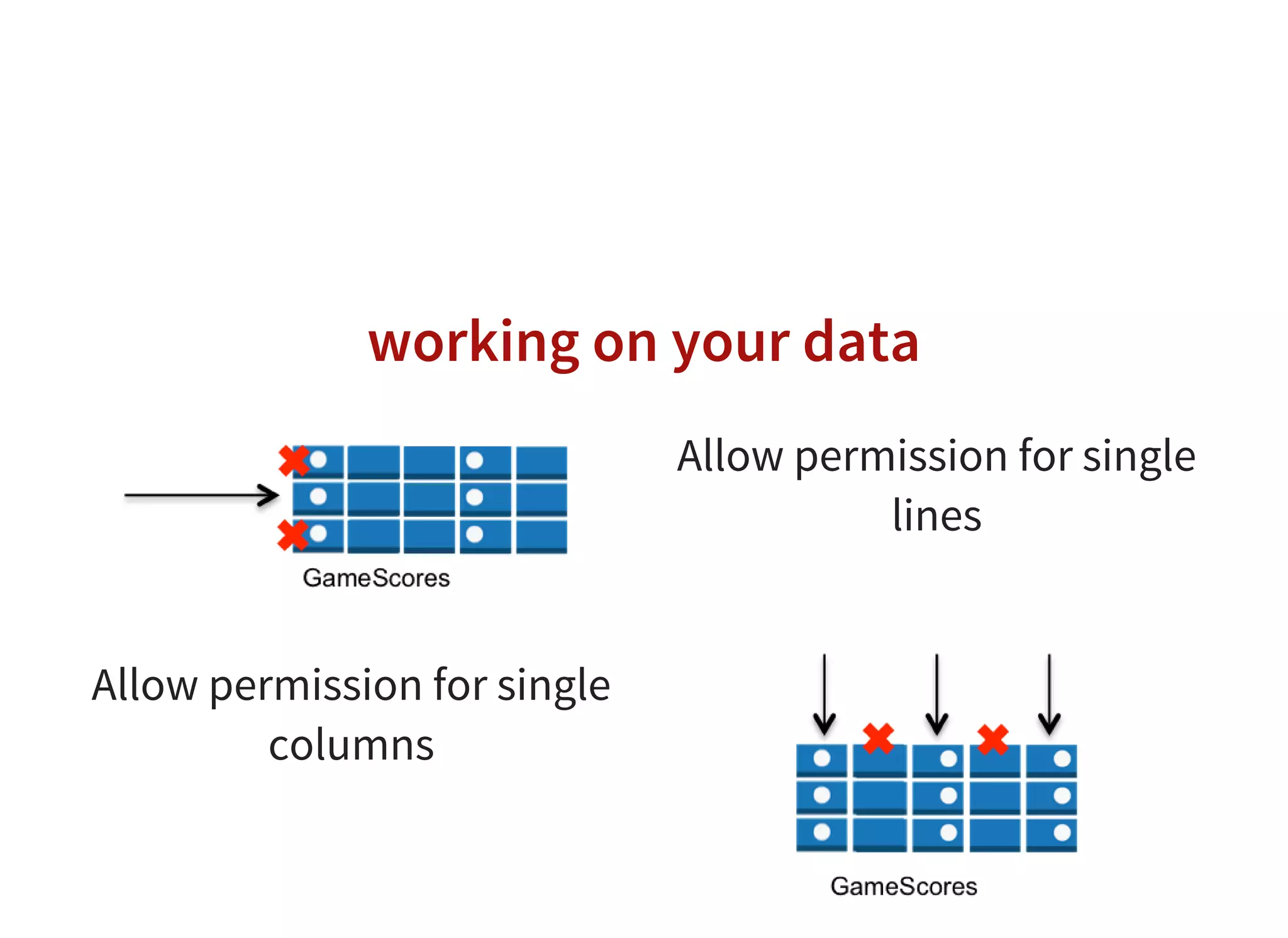
![working on your data
{
"Version": "20121017",
"Statement": [
{
"Effect": "Allow",
"Action": [
"dynamodb:GetItem",
"dynamodb:PutItem",
"dynamodb:UpdateItem",
"dynamodb:DeleteItem"
],
"Resource": ["arn:aws:dynamodb:uswest2::table/GameScores"],
"Condition": {
"ForAllValues:StringEquals": {
"dynamodb:LeadingKeys": ["${www.amazon.com:user_id}"]}
}
}
]
}](https://image.slidesharecdn.com/corleycloud-angularincloud-151027084156-lva1-app6892/75/Corley-cloud-angular-in-cloud-33-2048.jpg)
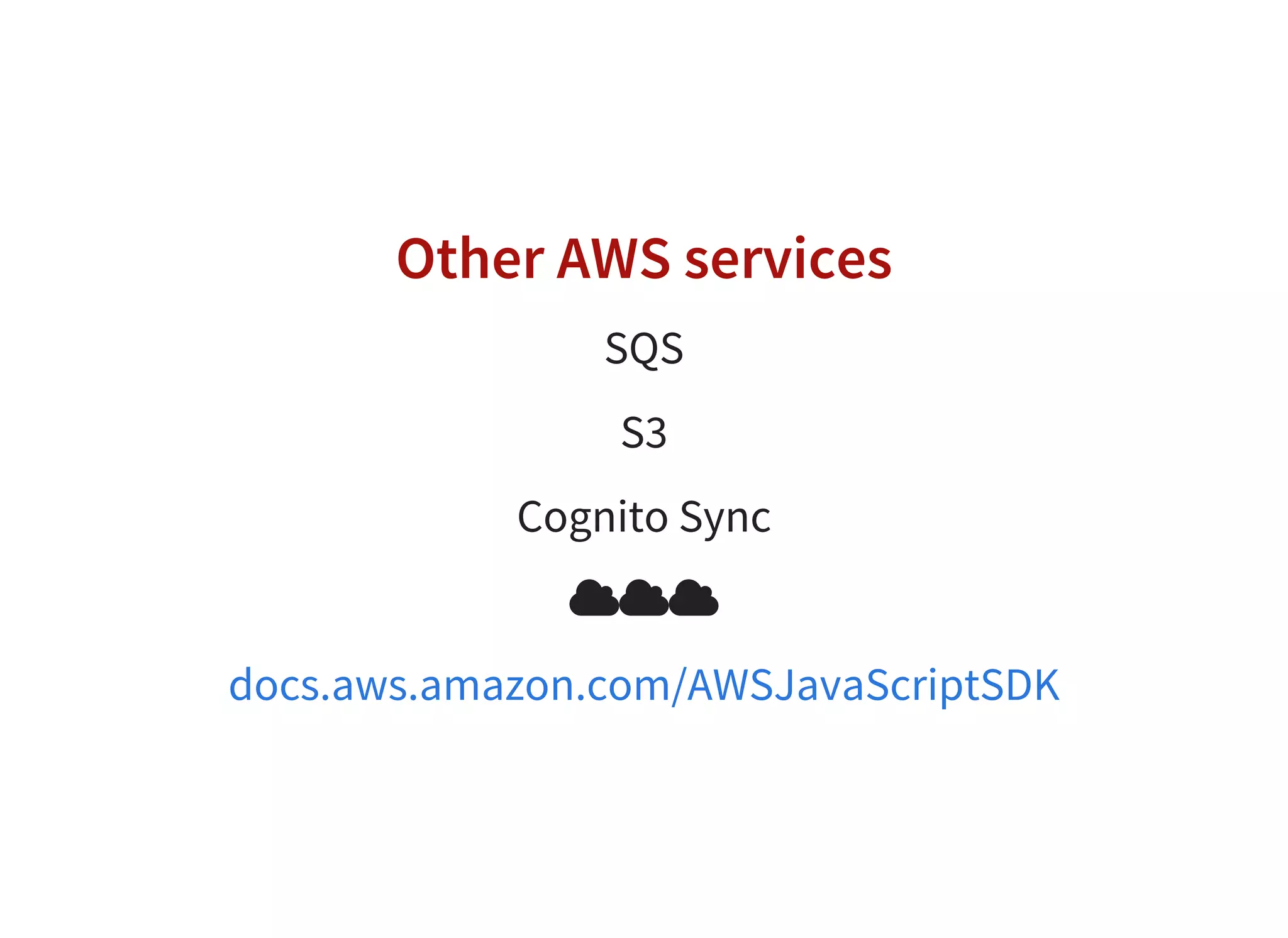


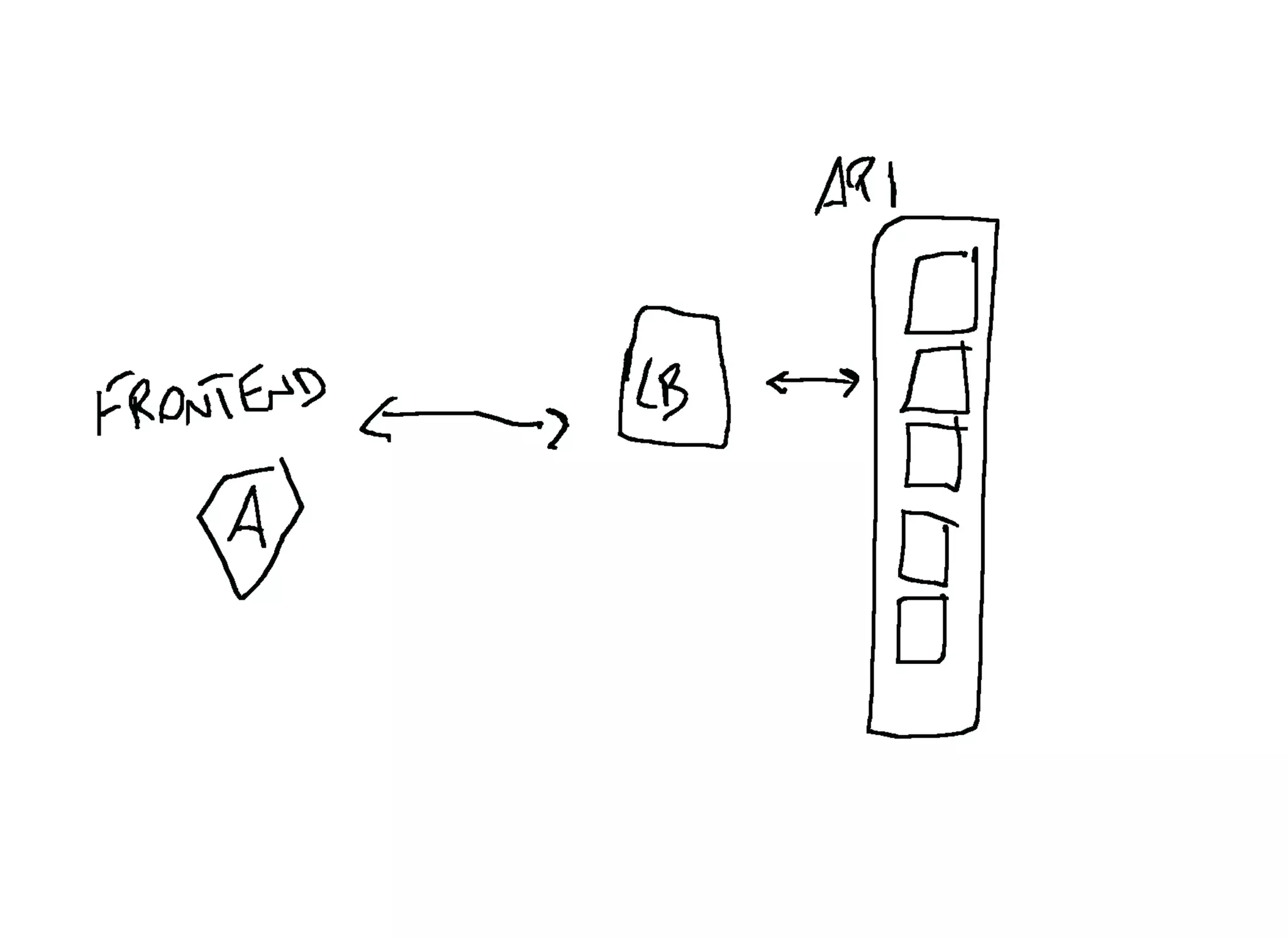
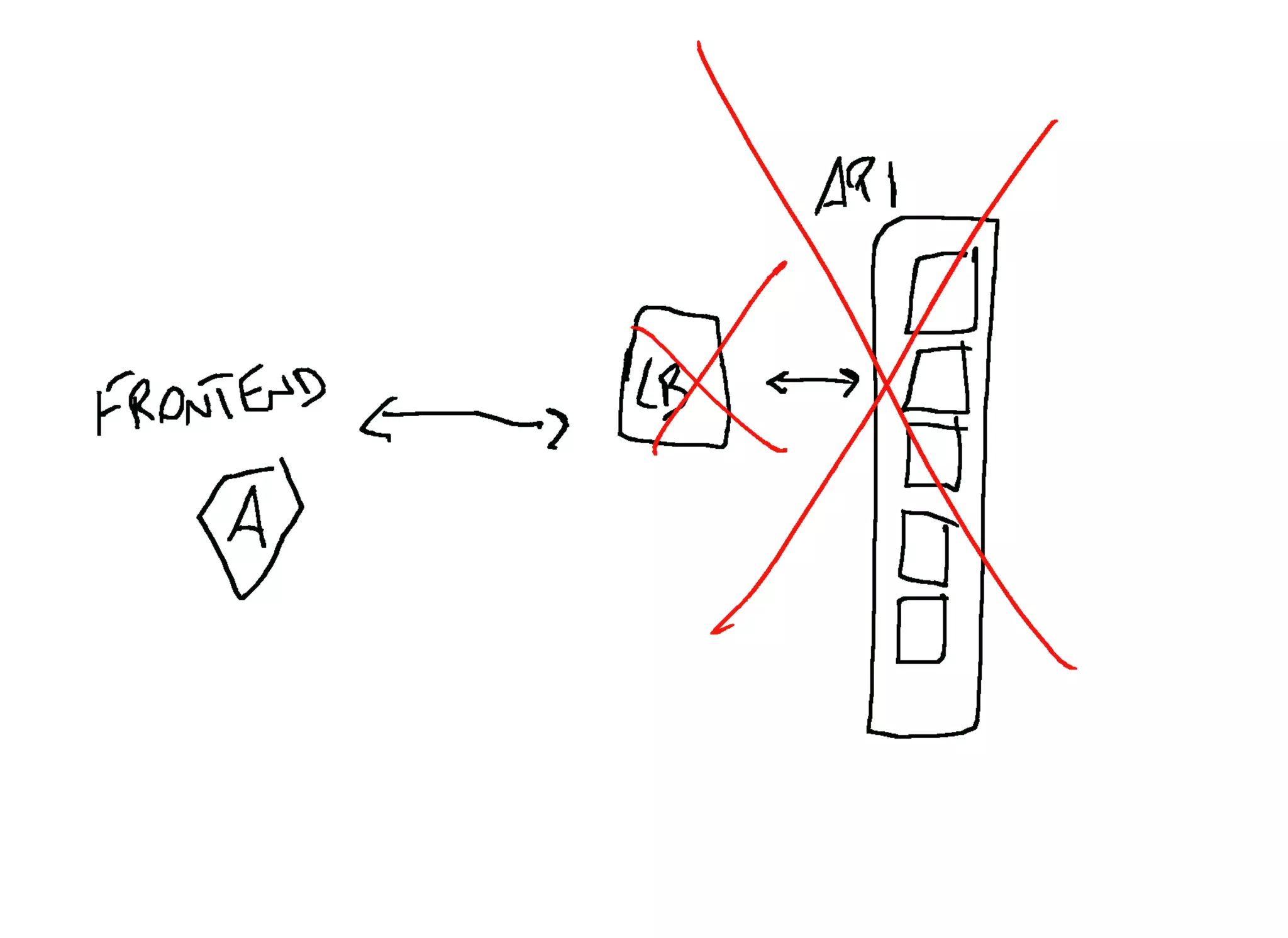
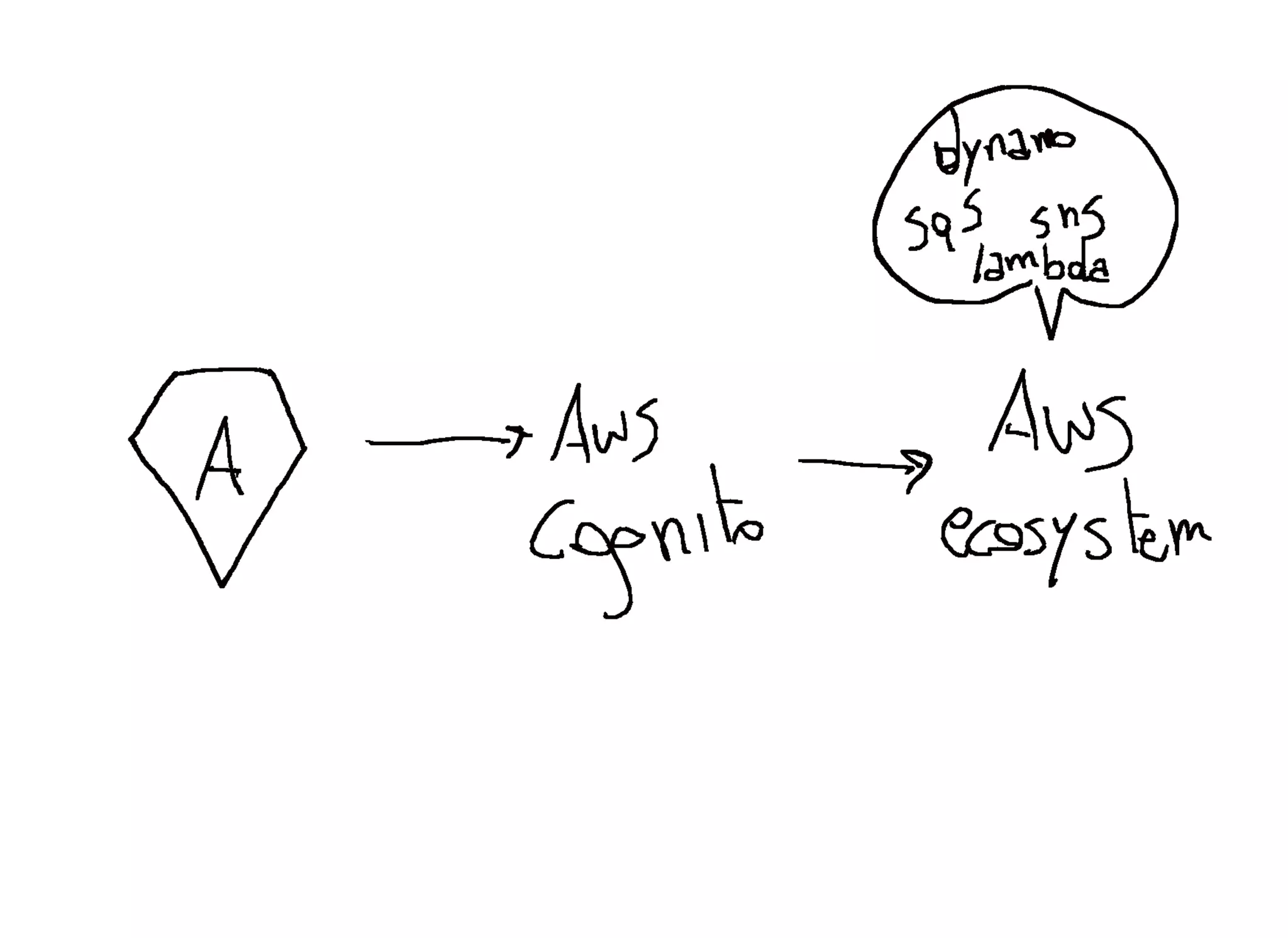
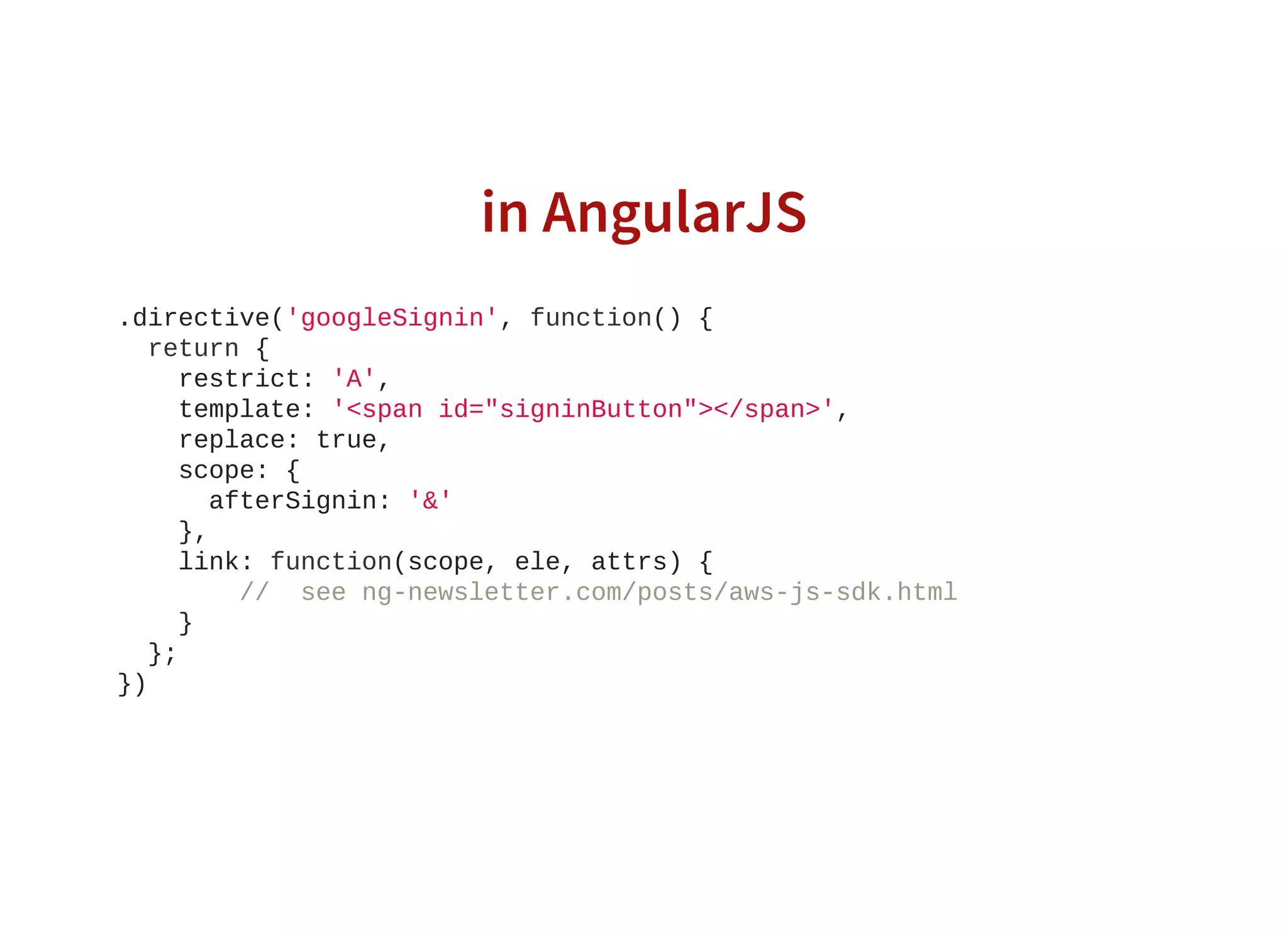
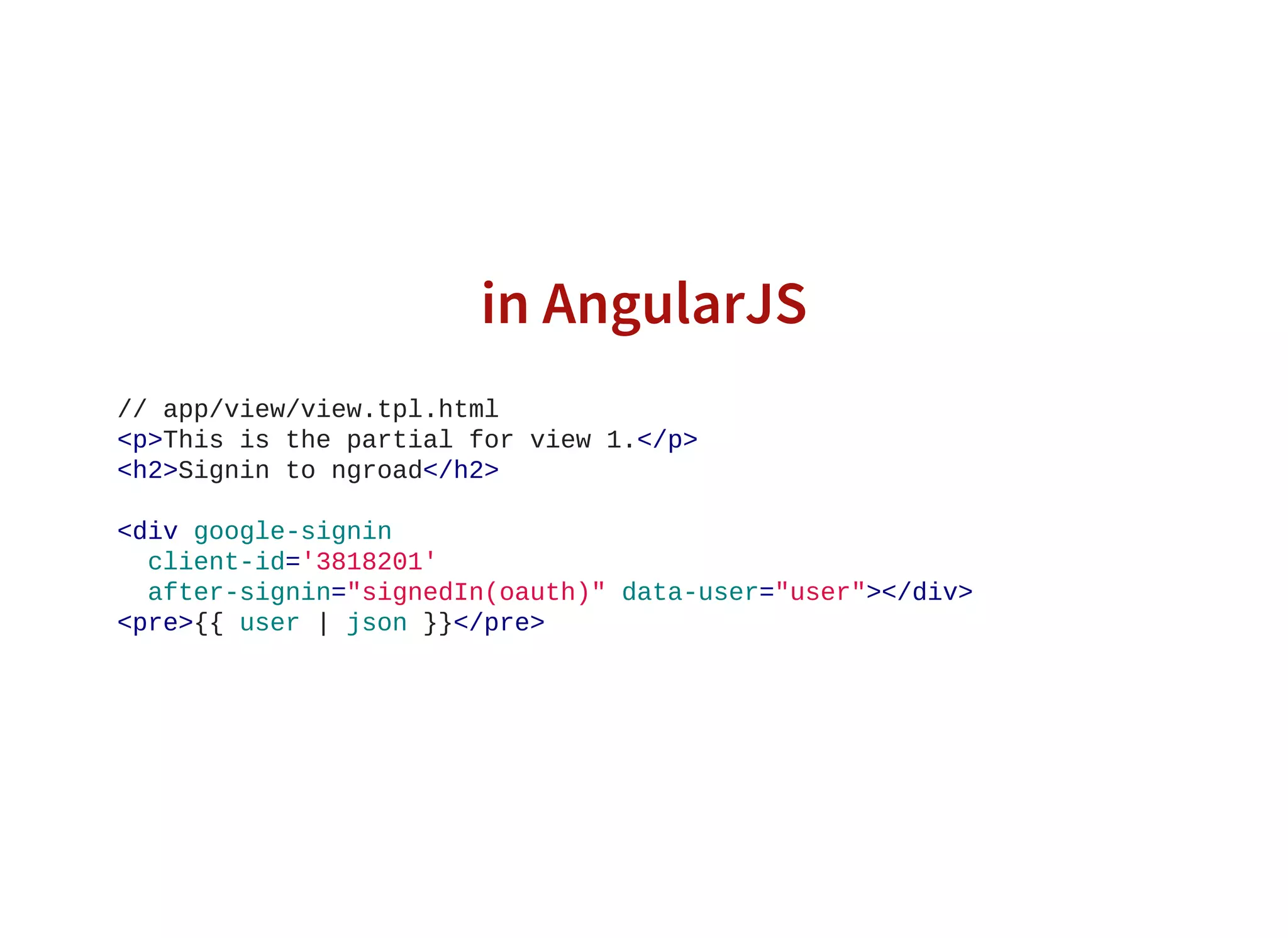
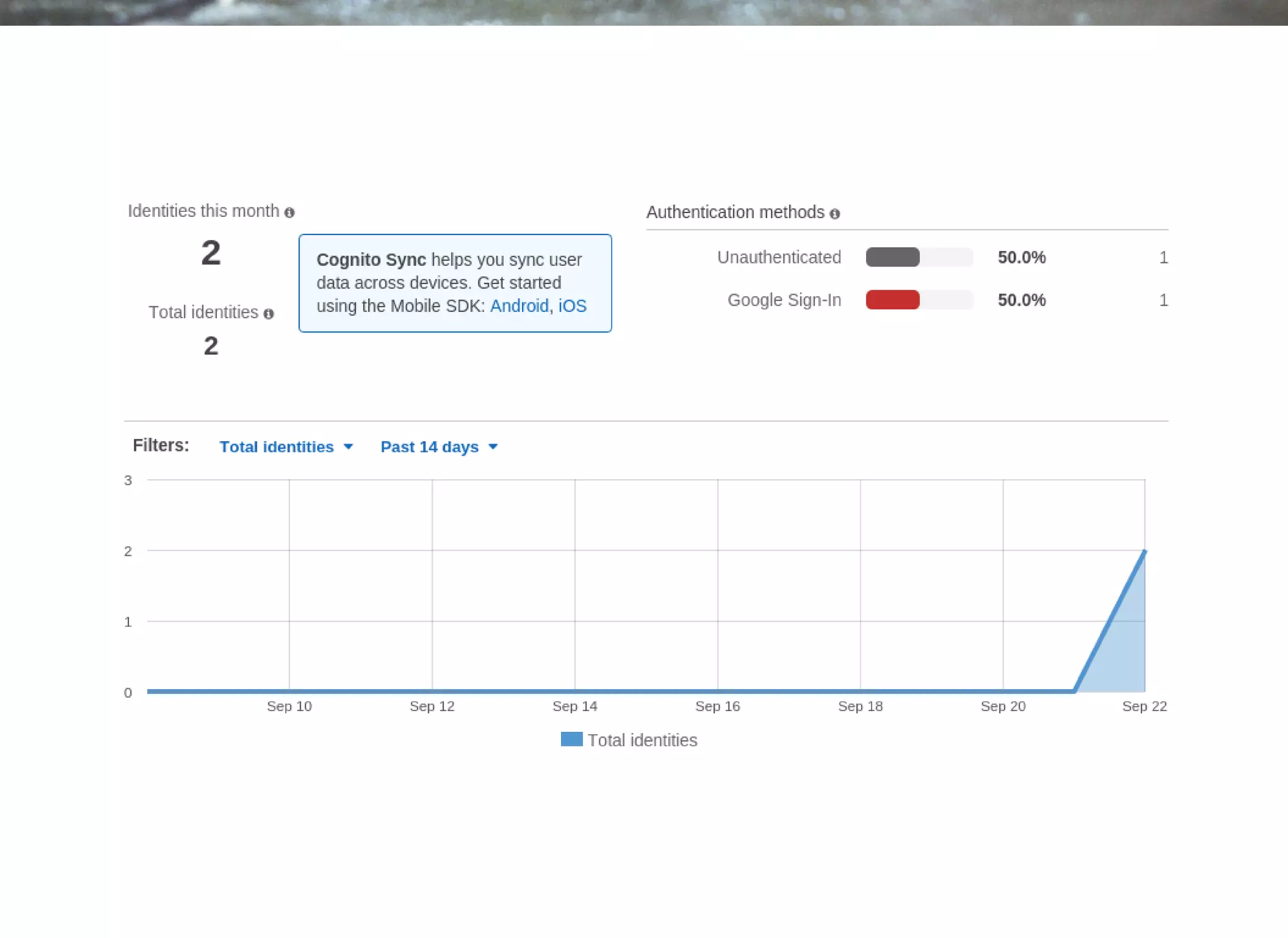
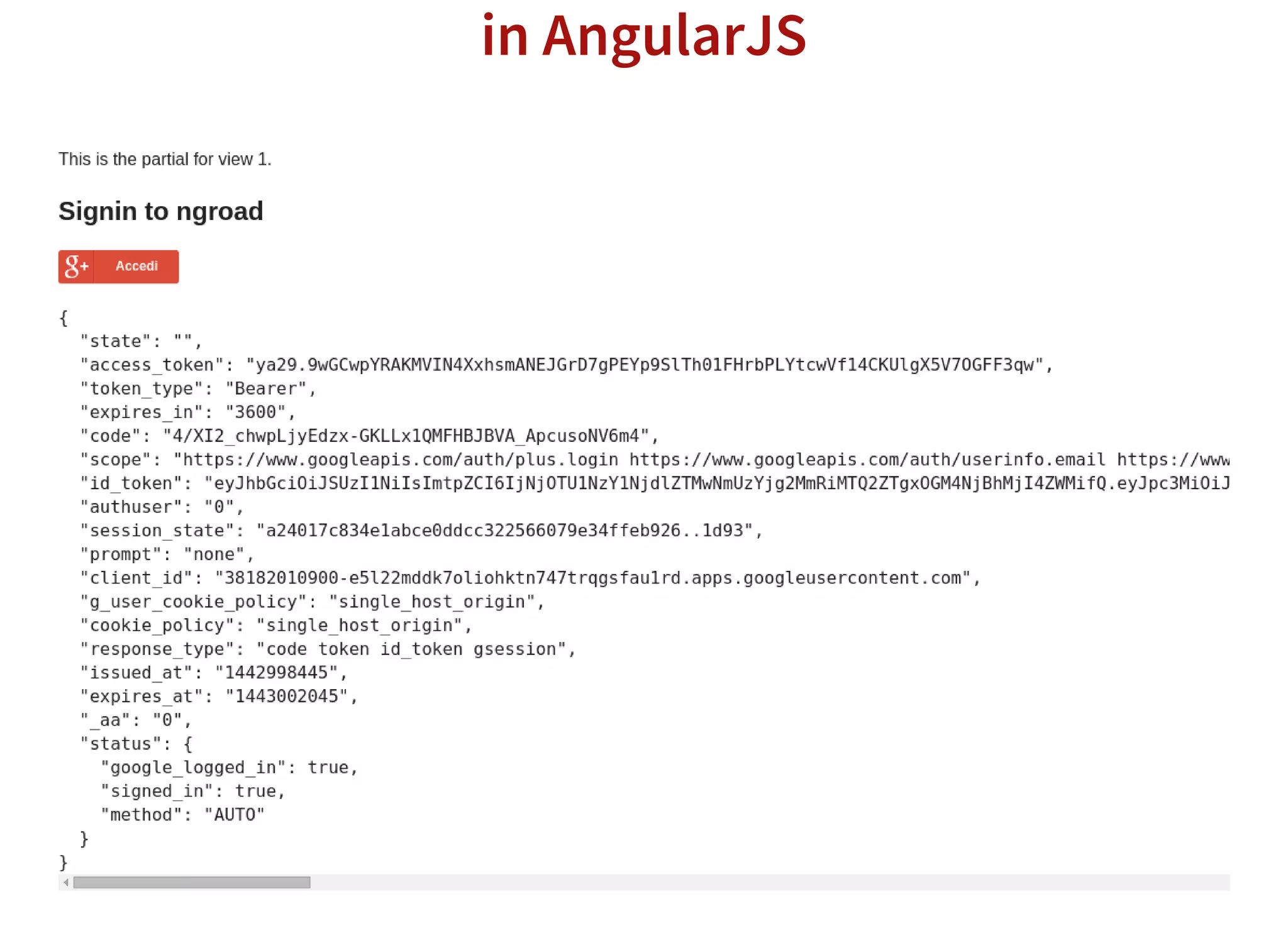
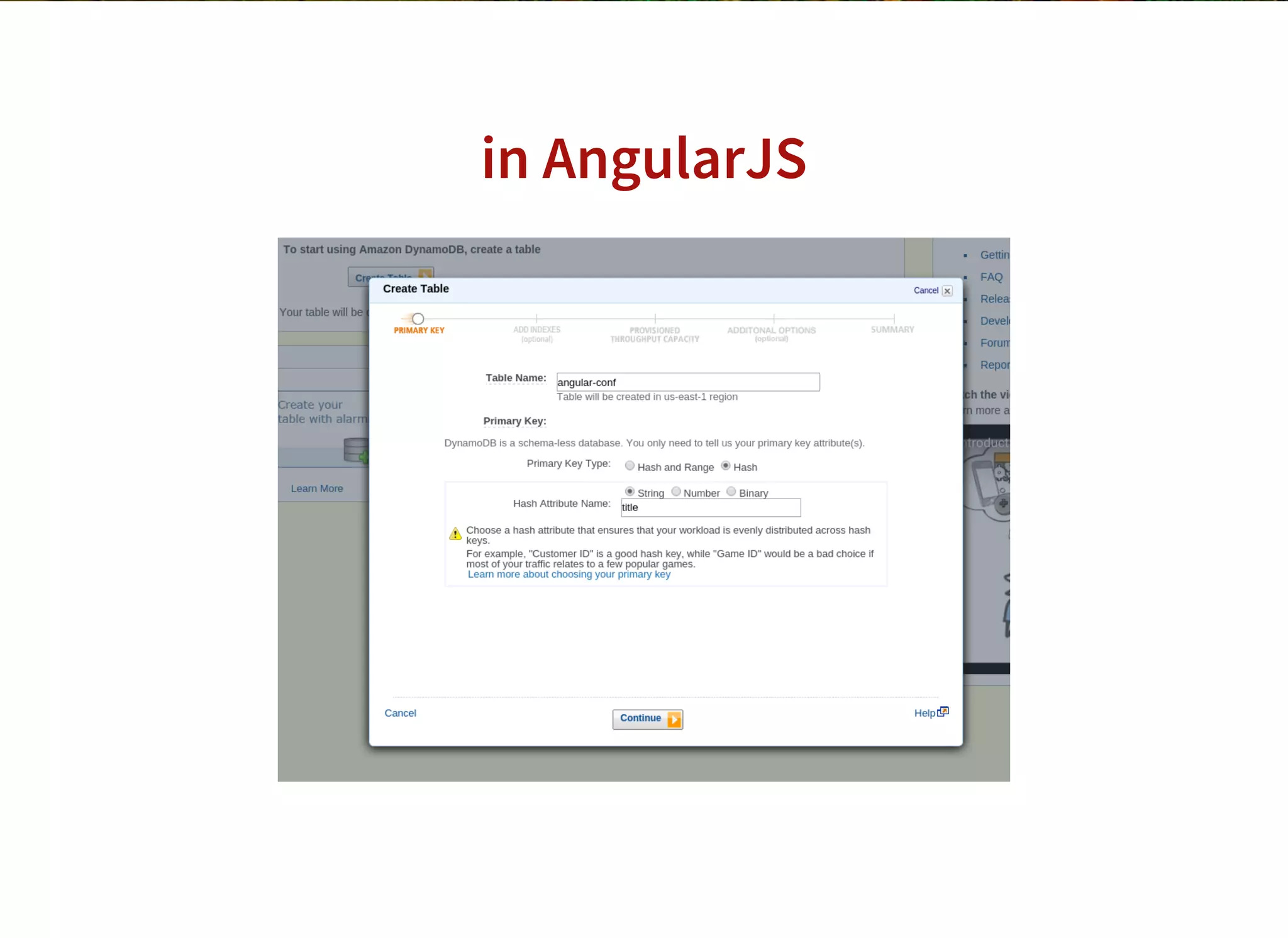
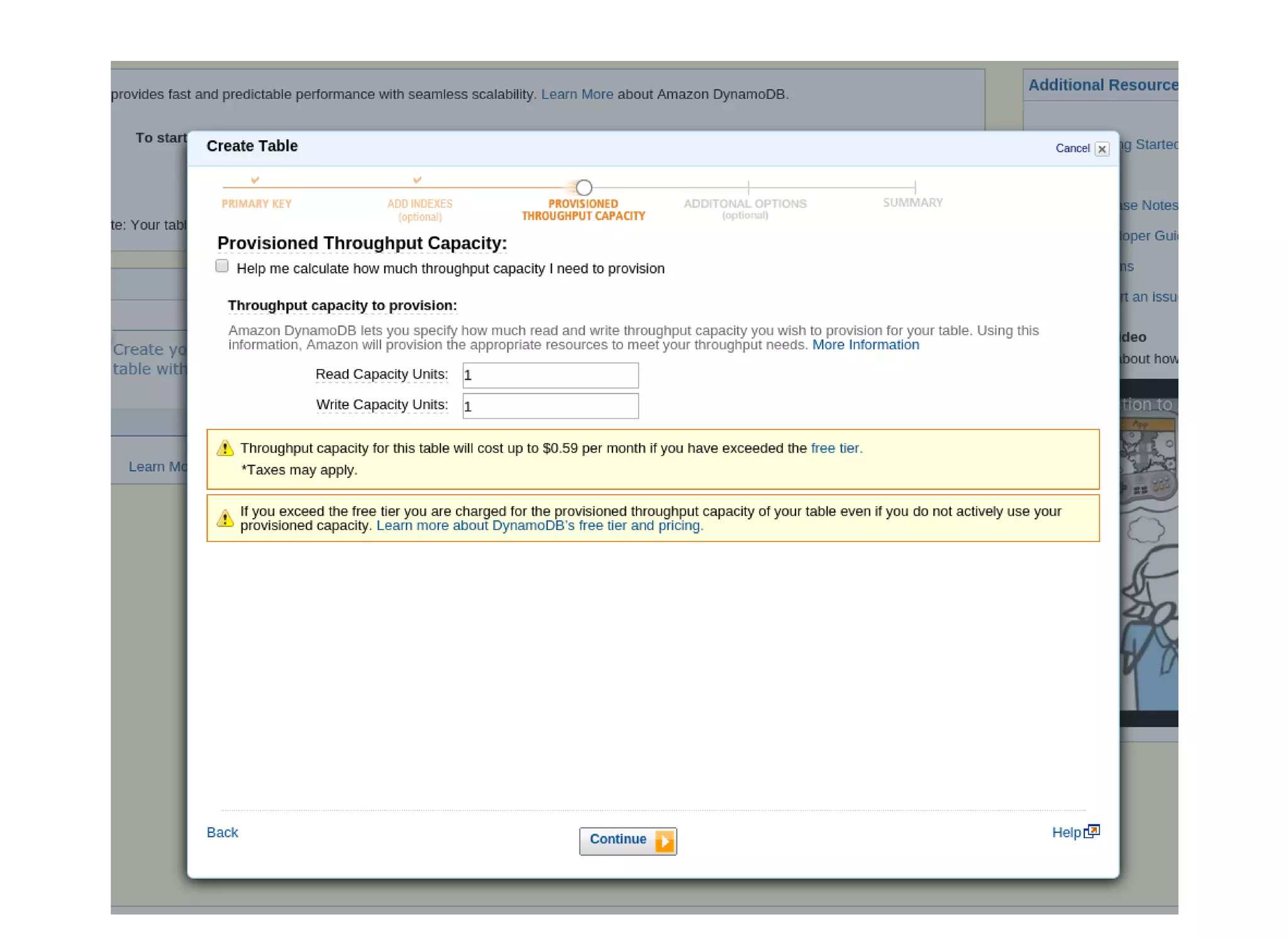
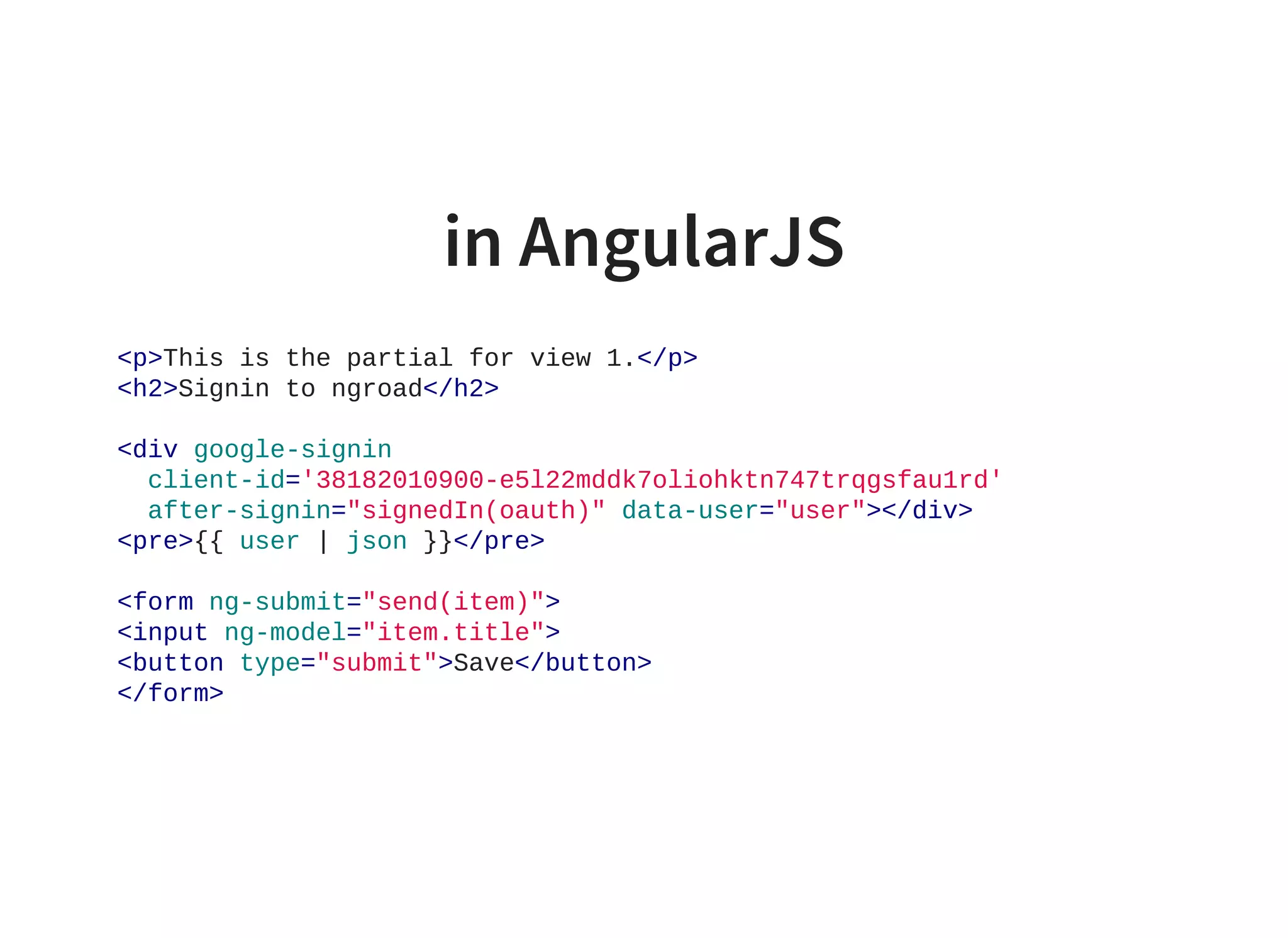
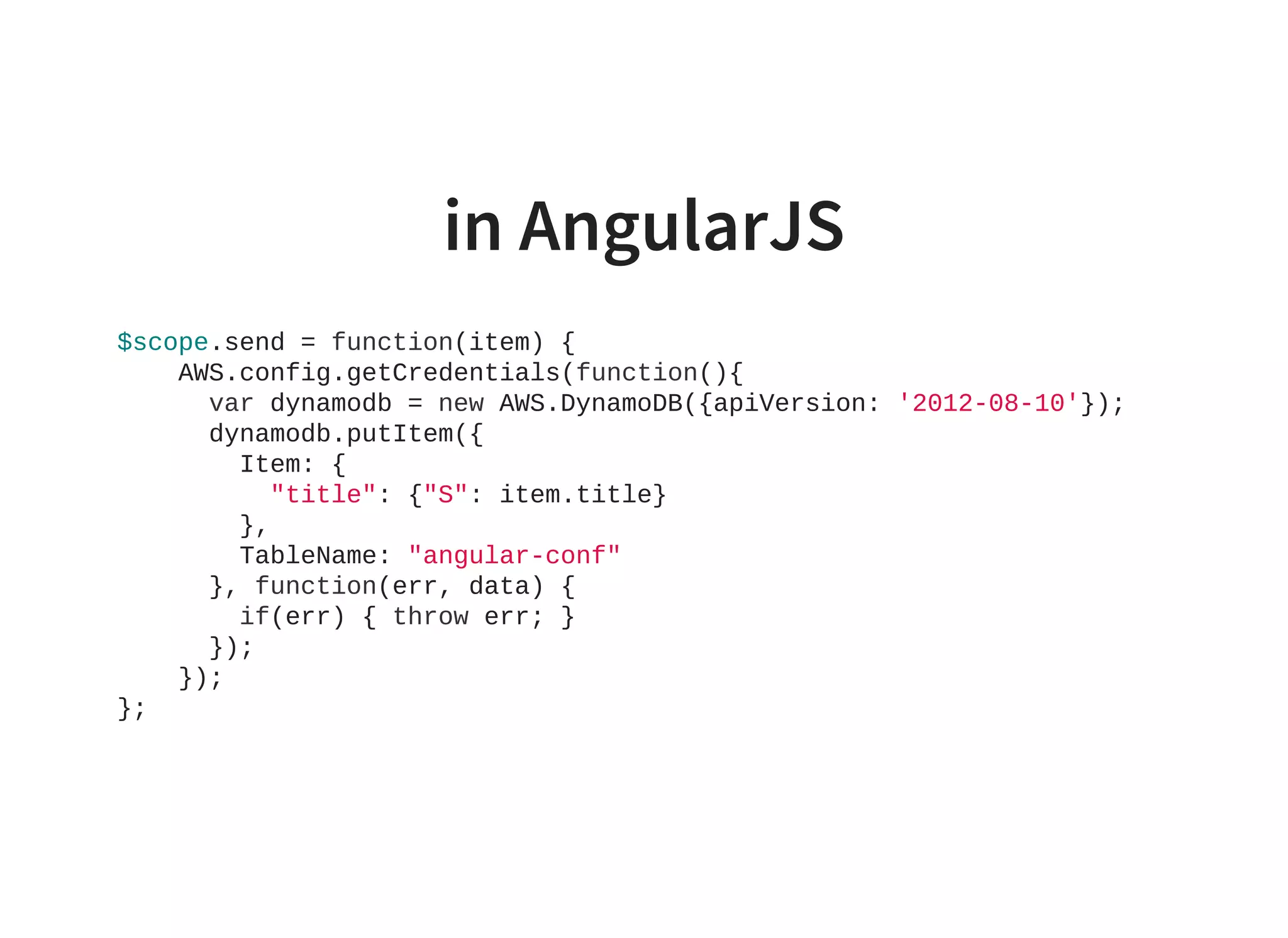
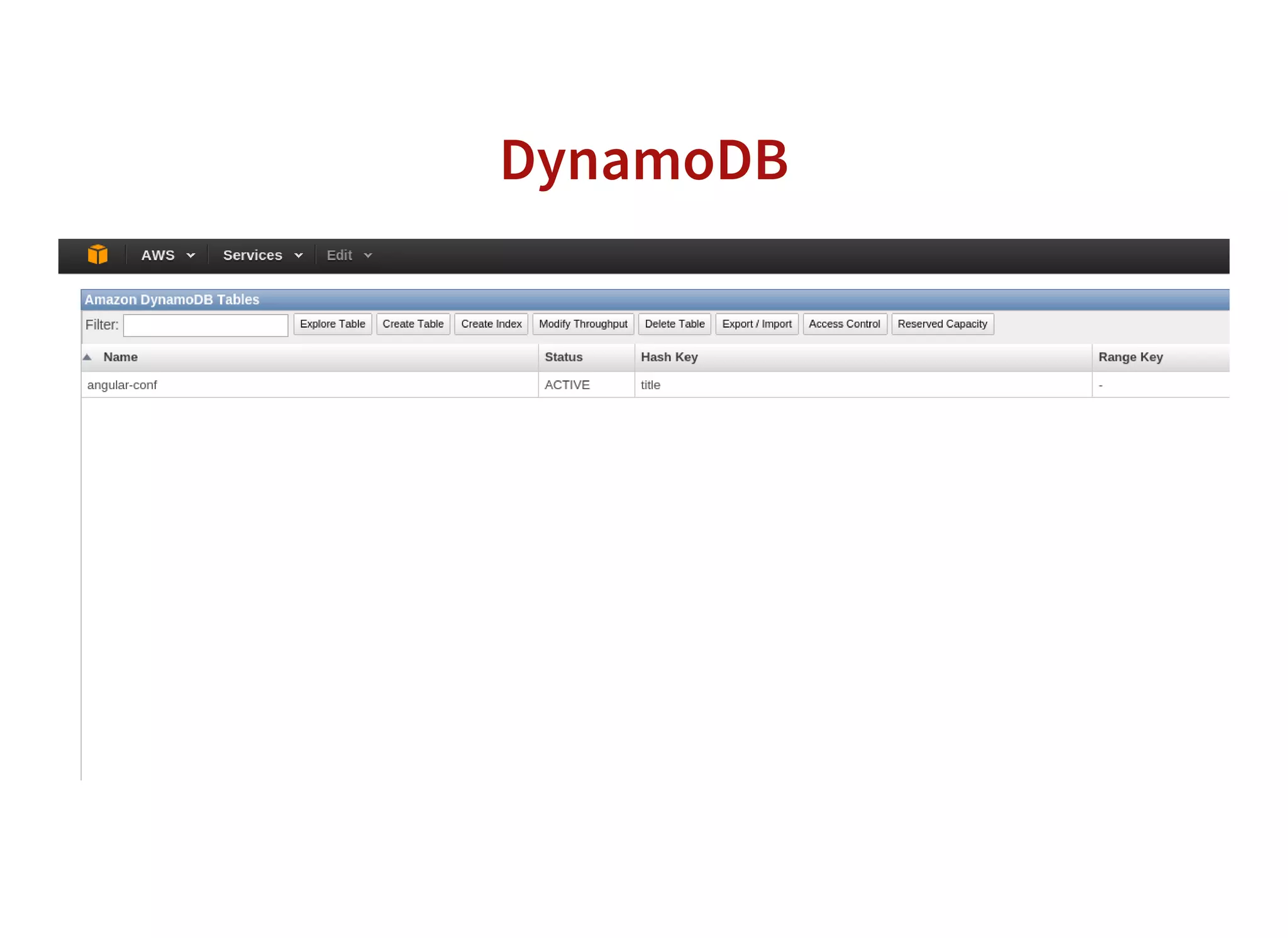
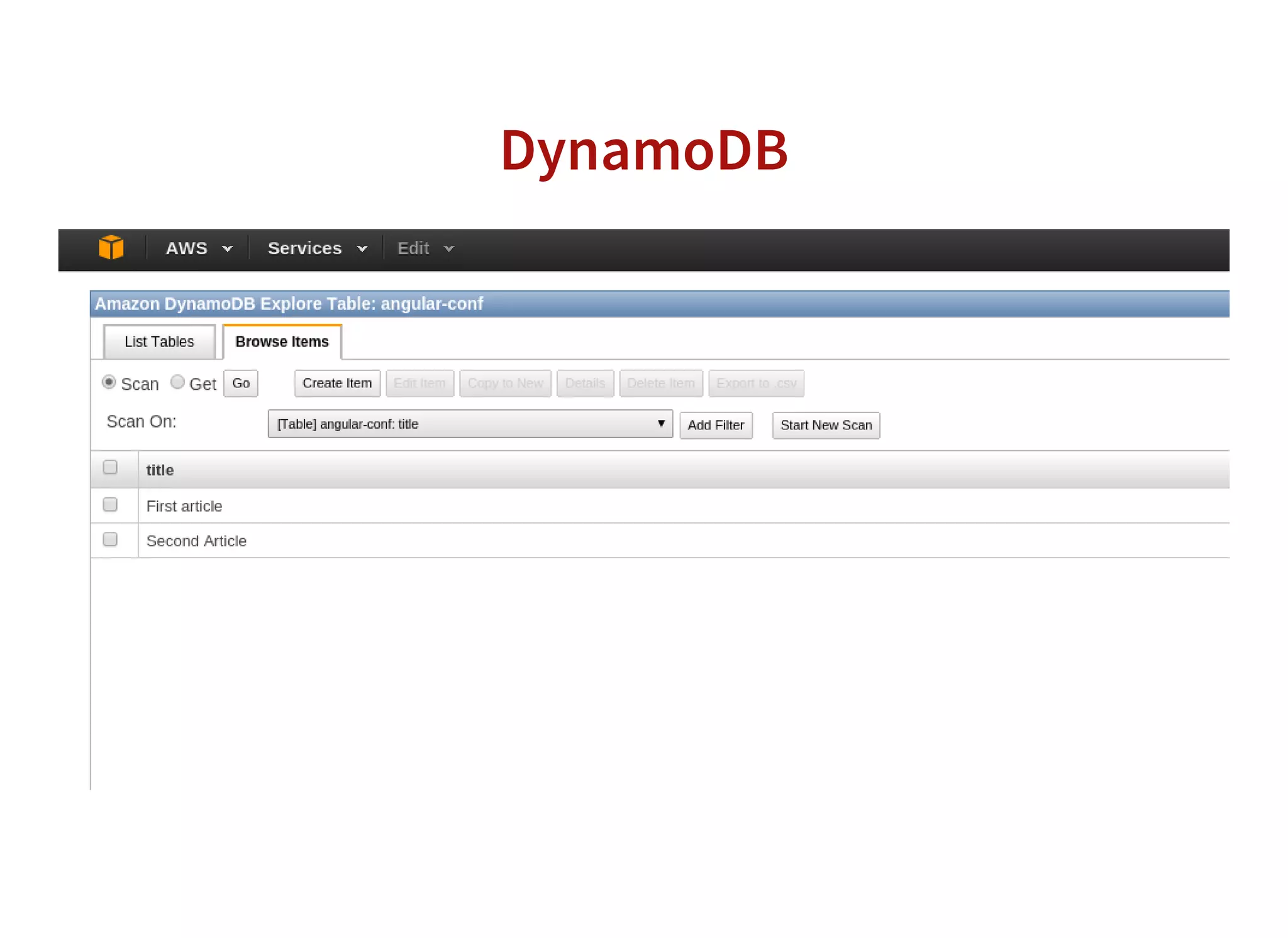
This document summarizes how to build an AngularJS application managed by AWS to avoid system administration. It discusses using Cognito for authentication, DynamoDB for data storage, and other AWS services like SQS and S3. Code examples are provided for initializing credentials with Cognito, signing in users with Google, and saving data to DynamoDB. Permission policies are shown to allow access to specific DynamoDB rows based on user ID. Overall it focuses on leveraging AWS services within an AngularJS application to reduce infrastructure management.


![What’s new in angular 12[highlights of angular 12 features]](https://cdn.slidesharecdn.com/ss_thumbnails/whatsnewinangular12highlightsofangular12features-210630043217-thumbnail.jpg?width=640&height=640&fit=bounds)


