Download to read offline
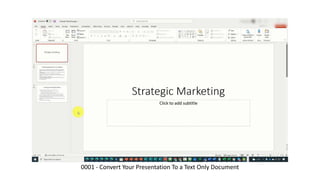
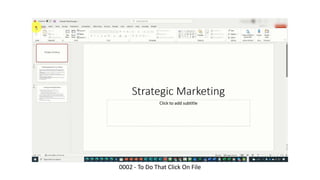
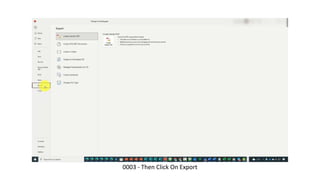
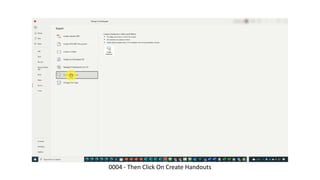
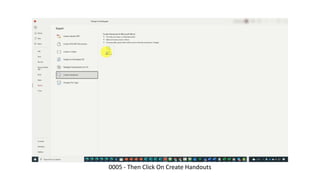
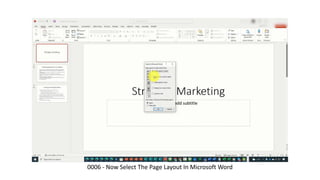
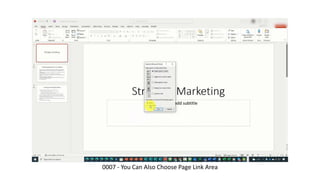
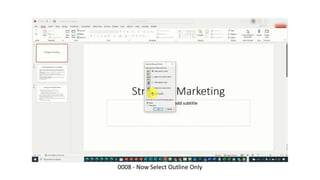
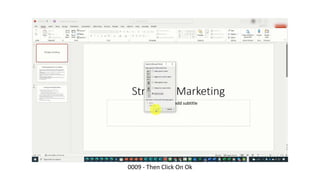
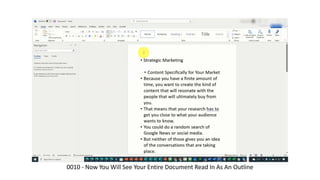
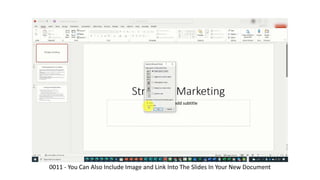

To convert a PowerPoint presentation to a text-only document, click File then Export and Create Handouts. Select the Outline Only page layout option to see the entire presentation translated into an outline format in Microsoft Word. This allows including images and links from the slides in the new document.


