


Connecting to the Raspberry Pi
     from your Laptop.
            Gary Short
       Head of Gibraltar Labs
           @garyshort
Who the Hell’s this Guy?
• Gary Short
• Head of Gibraltar Labs
  – Skunk works division of Gibraltar Software
     • Social Network Analysis and Computational Linguistics research

• @garyshort
• Facebook.com/theothergaryshort
• gary.short@gibraltarsoftware.com
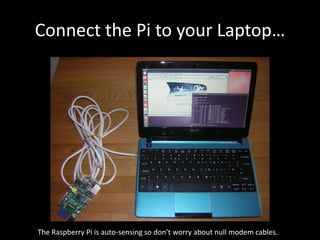
Connect the Pi to your Laptop…


The Raspberry Pi is auto-sensing so don’t worry about null modem cables.
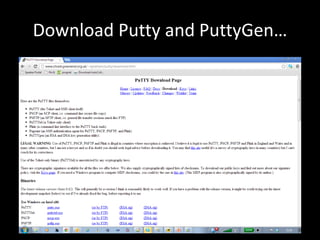
Download Putty and PuttyGen…
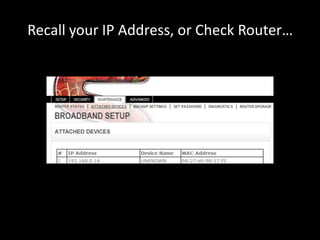
Recall your IP Address, or Check Router…
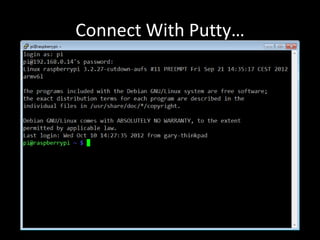
Connect With Putty…
Remembering Passwords is Dull, we can do Better…
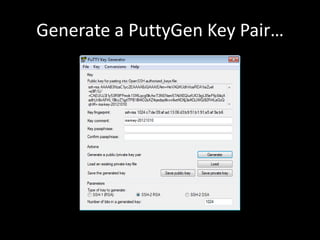
Generate a PuttyGen Key Pair…
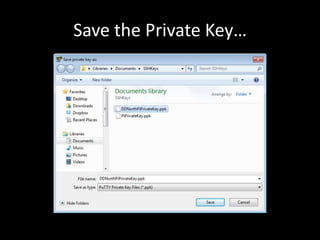
Save the Private Key…
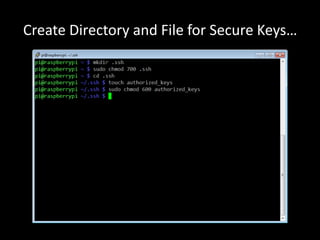
Create Directory and File for Secure Keys…
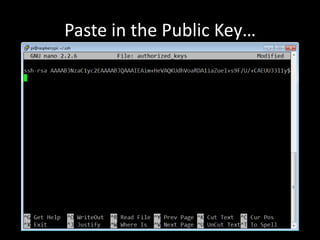
Paste in the Public Key…
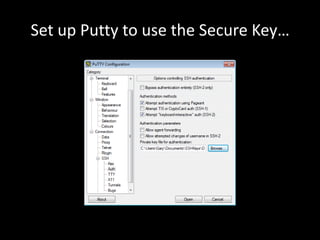
Set up Putty to use the Secure Key…
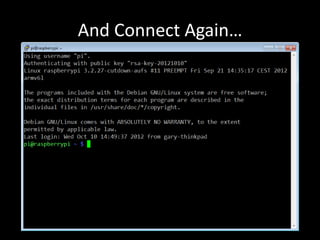
And Connect Again…
What About File Transfer..?
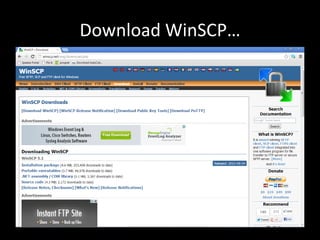
Download WinSCP…
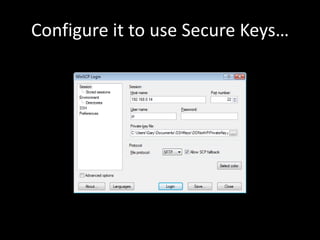
Configure it to use Secure Keys…
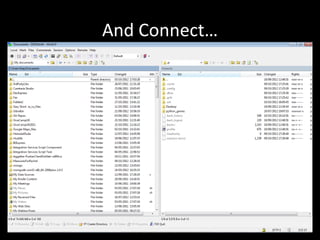
And Connect…
You’re Done! 

Connecting to the Raspberry Pi from your Laptop