Company
Organizational
Chart
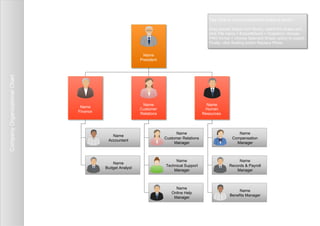
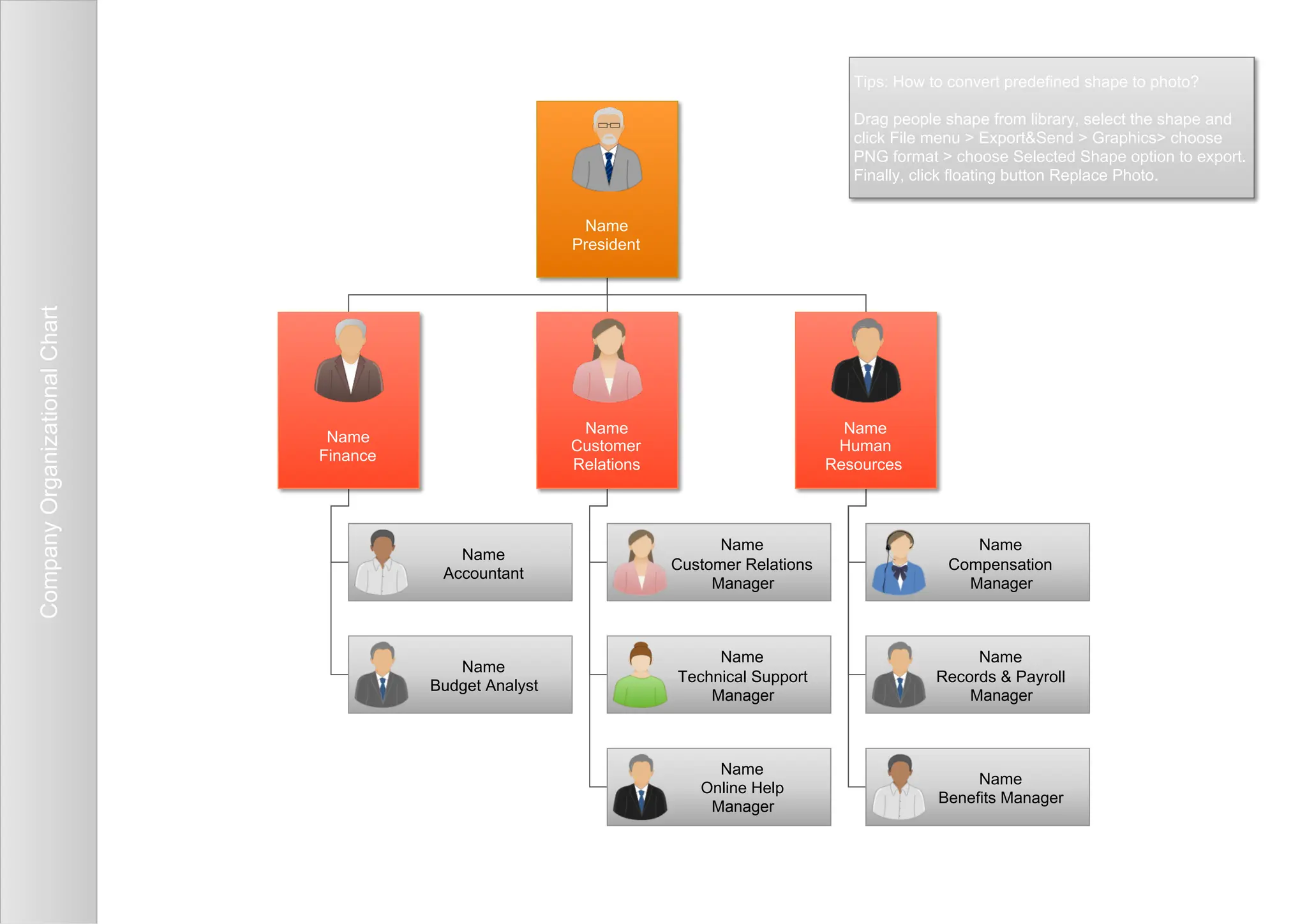
Name
President
Name
Human
Resources
Name
Benefits Manager
Name
Records & Payroll
Manager
Name
Customer
Relations
Name
Online Help
Manager
Name
Technical Support
Manager
Name
Finance
Name
Accountant
Name
Budget Analyst
Name
Customer Relations
Manager
Name
Compensation
Manager
Tips: How to convert predefined shape to photo?
Drag people shape from library, select the shape and
click File menu > Export&Send > Graphics> choose
PNG format > choose Selected Shape option to export.
Finally, click floating button Replace Photo.

company-hierarchy-org-chart-.pdf

  • 1.
    Company Organizational Chart Name President Name Human Resources Name Benefits Manager Name Records &Payroll Manager Name Customer Relations Name Online Help Manager Name Technical Support Manager Name Finance Name Accountant Name Budget Analyst Name Customer Relations Manager Name Compensation Manager Tips: How to convert predefined shape to photo? Drag people shape from library, select the shape and click File menu > Export&Send > Graphics> choose PNG format > choose Selected Shape option to export. Finally, click floating button Replace Photo.