Introduction to Java 2
    Programming
                         Lecture 5
                  Array and Collections
                    Ref: www.ldodds.com
 Edited by Hoàng Văn Hậu – VTC Academy – THSoft co.,ltd
 https://play.google.com/store/apps/developer?id=THSoft+Co.,Ltd
Introduction
    Course Objectives
    Organization of the Book


VTC Academy      THSoft Co.,Ltd   2
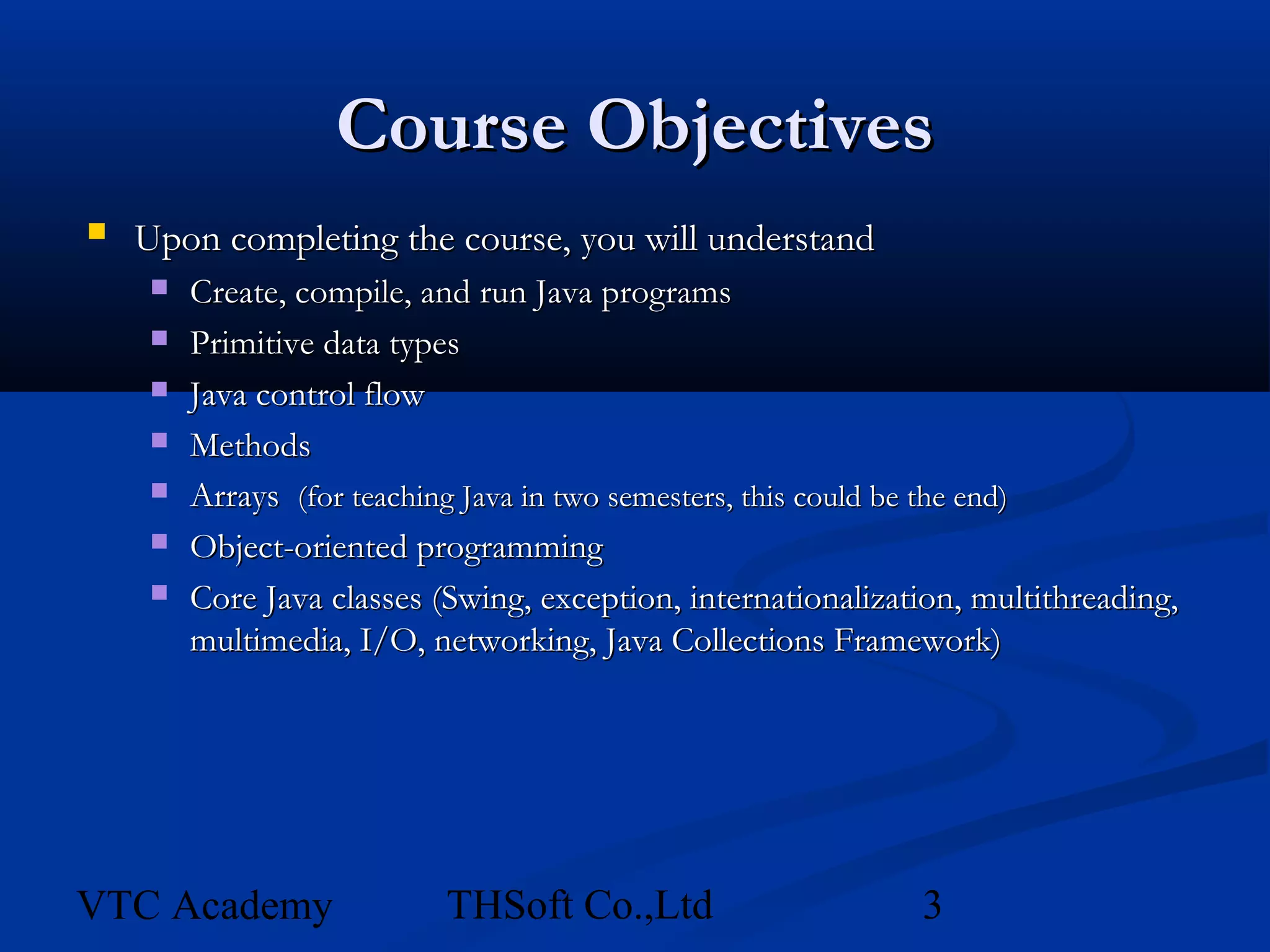
Course Objectives
   Upon completing the course, you will understand
        Create, compile, and run Java programs
        Primitive data types
        Java control flow
        Methods
        Arrays (for teaching Java in two semesters, this could be the end)
        Object-oriented programming
        Core Java classes (Swing, exception, internationalization, multithreading,
         multimedia, I/O, networking, Java Collections Framework)


VTC Academy                 THSoft Co.,Ltd                     3
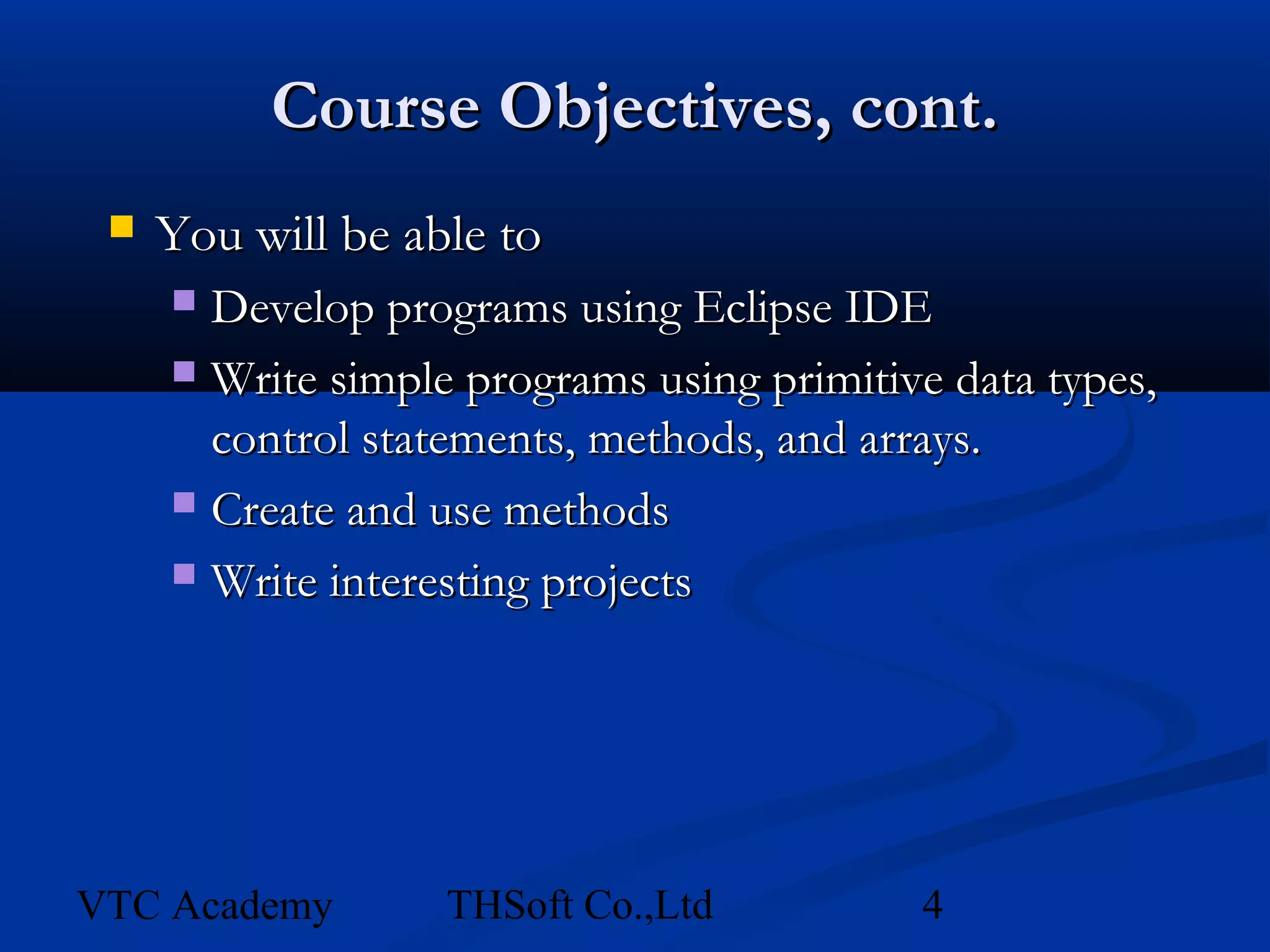
Course Objectives, cont.
    You will be able to
      Develop programs using Eclipse IDE
      Write simple programs using primitive data types,
       control statements, methods, and arrays.
      Create and use methods

      Write interesting projects


VTC Academy        THSoft Co.,Ltd          4
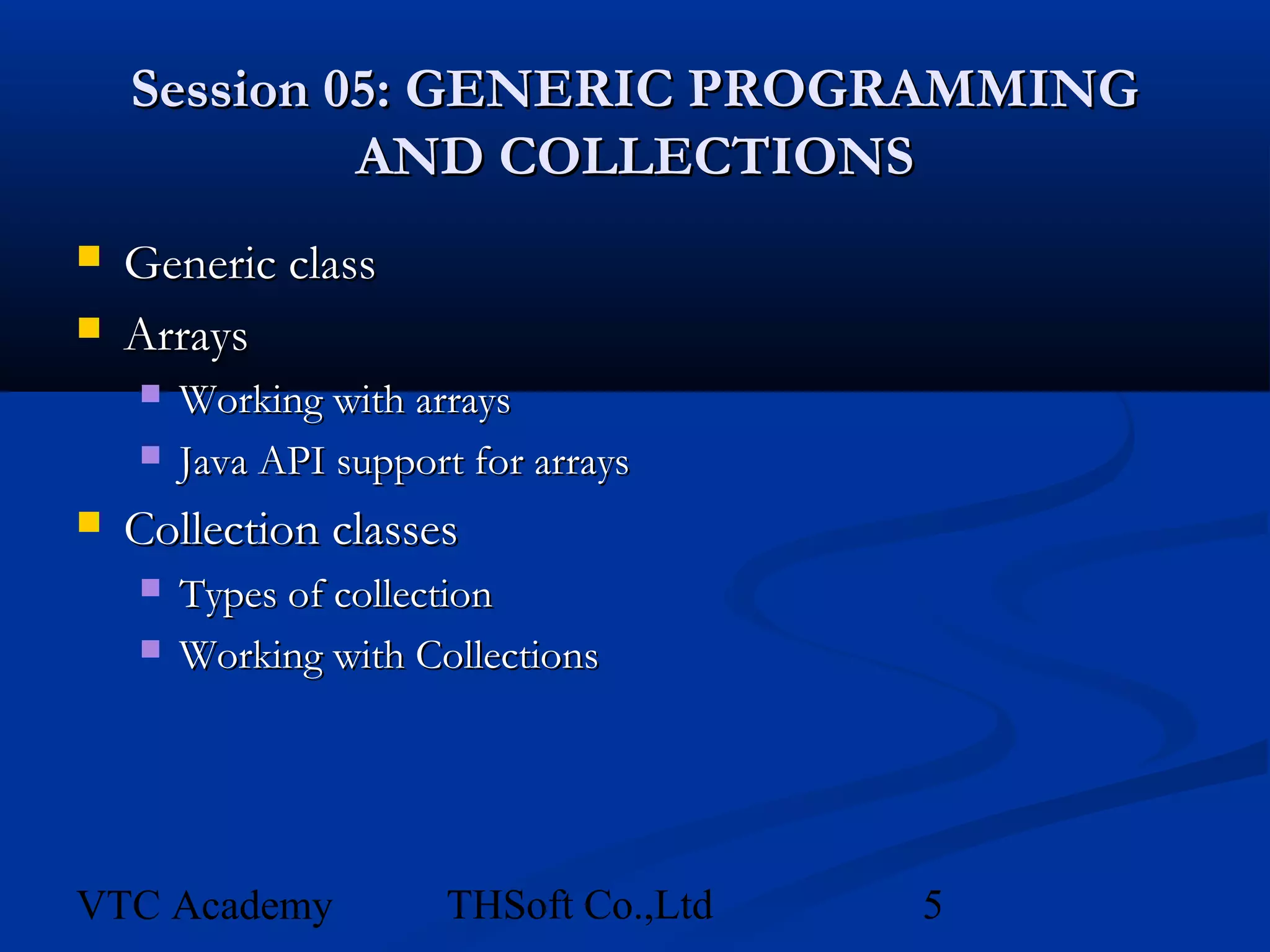
Session 05: GENERIC PROGRAMMING
             AND COLLECTIONS
   Generic class
   Arrays
       Working with arrays
       Java API support for arrays
   Collection classes
       Types of collection
       Working with Collections


VTC Academy            THSoft Co.,Ltd   5
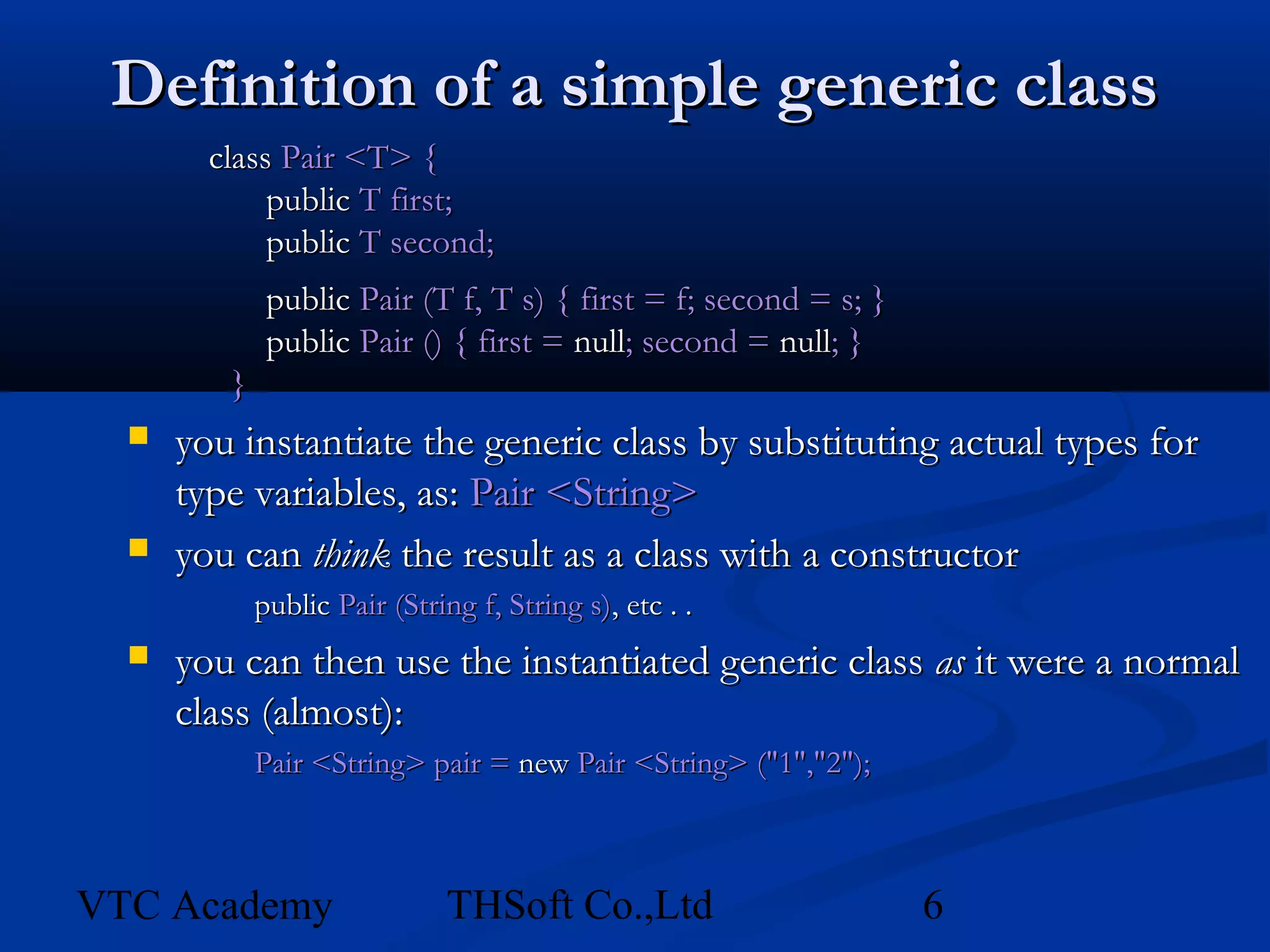
Definition of a simple generic class
        class Pair <T> {
             public T first;
             public T second;
              public Pair (T f, T s) { first = f; second = s; }
              public Pair () { first = null; second = null; }
         }
     you instantiate the generic class by substituting actual types for
      type variables, as: Pair <String>
     you can think the result as a class with a constructor
             public Pair (String f, String s), etc . .
     you can then use the instantiated generic class as it were a normal
      class (almost):
             Pair <String> pair = new Pair <String> ("1","2");


VTC Academy                   THSoft Co.,Ltd                      6
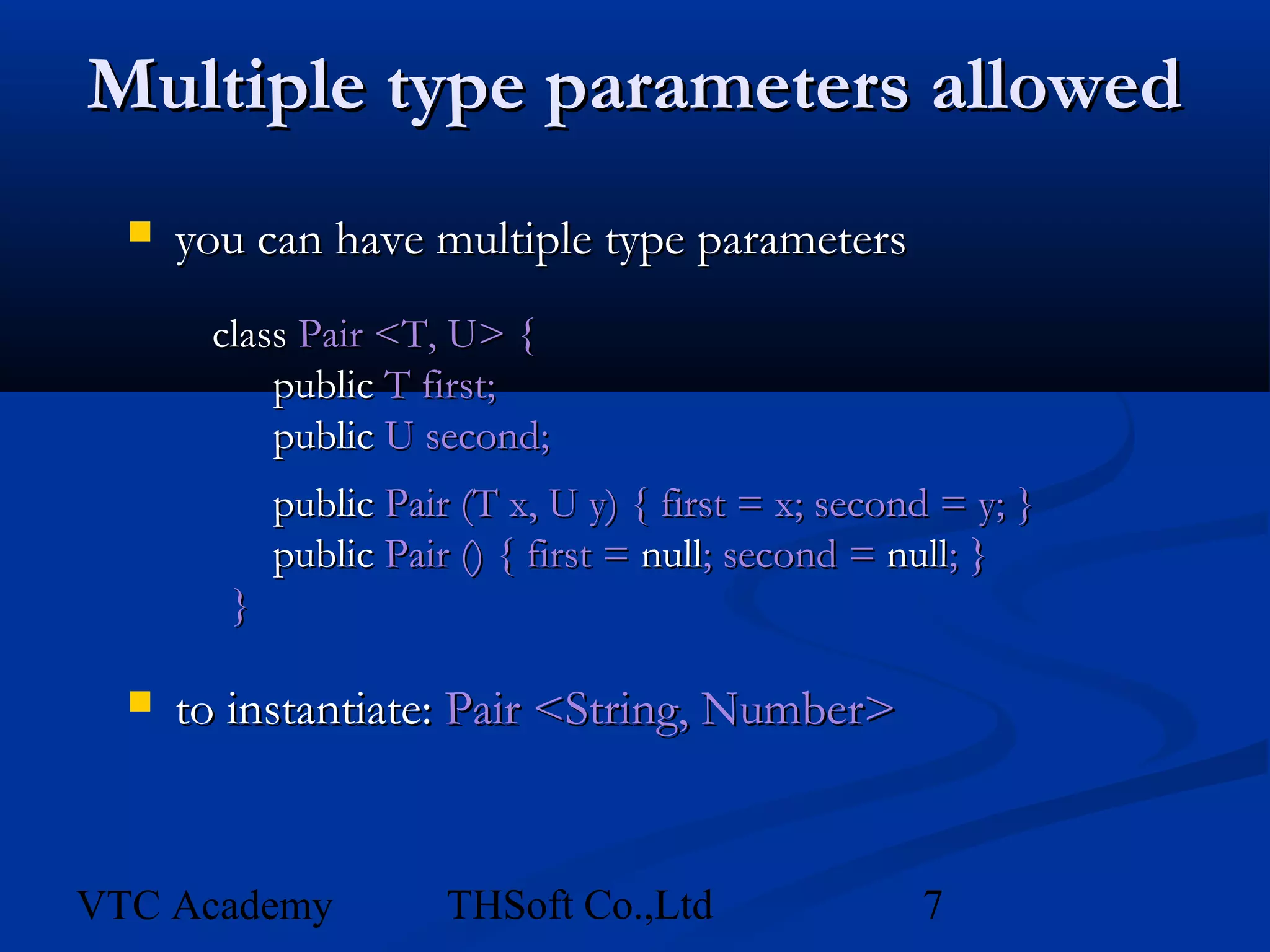
Multiple type parameters allowed
     you can have multiple type parameters
       class Pair <T, U> {
           public T first;
           public U second;
            public Pair (T x, U y) { first = x; second = y; }
            public Pair () { first = null; second = null; }
        }

     to instantiate: Pair <String, Number>


VTC Academy            THSoft Co.,Ltd                7
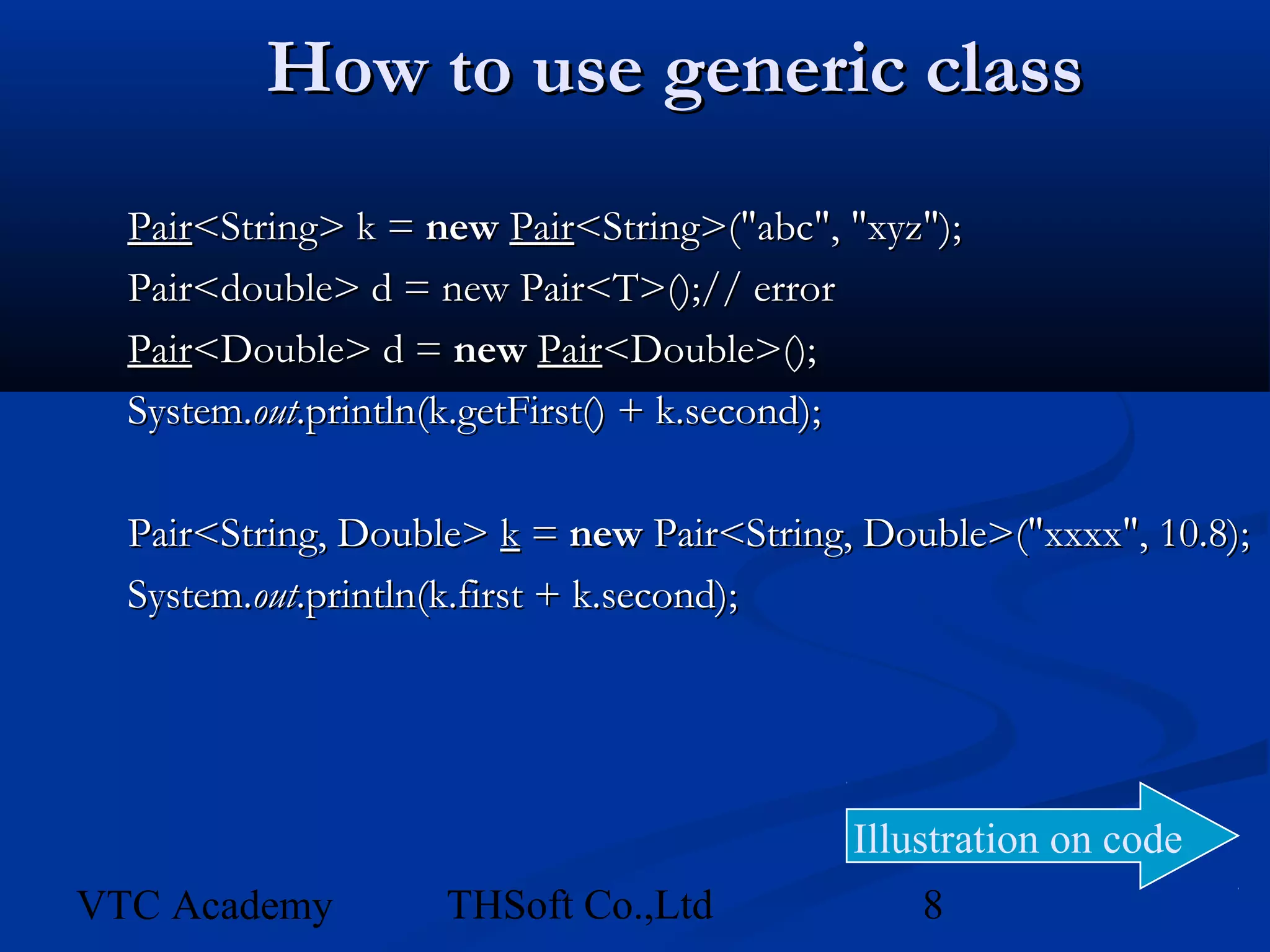
How to use generic class
  Pair<String> k = new Pair<String>("abc", "xyz");
  Pair<double> d = new Pair<T>();// error
  Pair<Double> d = new Pair<Double>();
  System.out.println(k.getFirst() + k.second);

  Pair<String, Double> k = new Pair<String, Double>("xxxx", 10.8);
  System.out.println(k.first + k.second);


                                           Illustration on code
VTC Academy         THSoft Co.,Ltd             8
Java Arrays – Copying
   Don’t copy arrays “by hand” by looping over
    the array
   The System class has an arrayCopy method
    to do this efficiently
int array1[] = new int[10];
int array2[] = new int[10];
//assume we add items to array1

//copy array1 into array2
System.arrayCopy(array1, 0, array2, 0, 10);
//copy last 5 elements in array1 into first 5 of array2
System.arrayCopy(array1, 5, array2, 0, 5);


VTC Academy        THSoft Co.,Ltd           9
Java Arrays – Sorting
   Again no need to do this “by hand”.
   The java.util.Arrays class has methods to sort
    different kinds of arrays

int myArray[] = new int[] {5, 4, 3, 2, 1};
java.util.Arrays.sort(myArray);
//myArray now holds 1, 2, 3, 4, 5


   Sorting arrays of objects is involves some extra
    work, as we’ll see later…

VTC Academy        THSoft Co.,Ltd            10
Java Arrays
   Advantages
       Very efficient, quick to access and add to
       Type-safe, can only add items that match the declared type of
        the array
   Disadvantages
       Fixed size, some overhead in copying/resizing
       Can’t tell how many items in the array, just how large it was
        declared to be
       Limited functionality, need more general functionality


VTC Academy             THSoft Co.,Ltd                11
Java Collections
   What are they?
       A number of pre-packaged implementations of common
        ‘container’ classes, such as LinkedLists, Sets, etc.
       Part of the java.util package.
   Advantages
       Very flexible, can hold any kind of object
   Disadvantages
       Not as efficient as arrays (for some uses)
       Not type-safe. Store references to Object


VTC Academy             THSoft Co.,Ltd               12
Java Collections
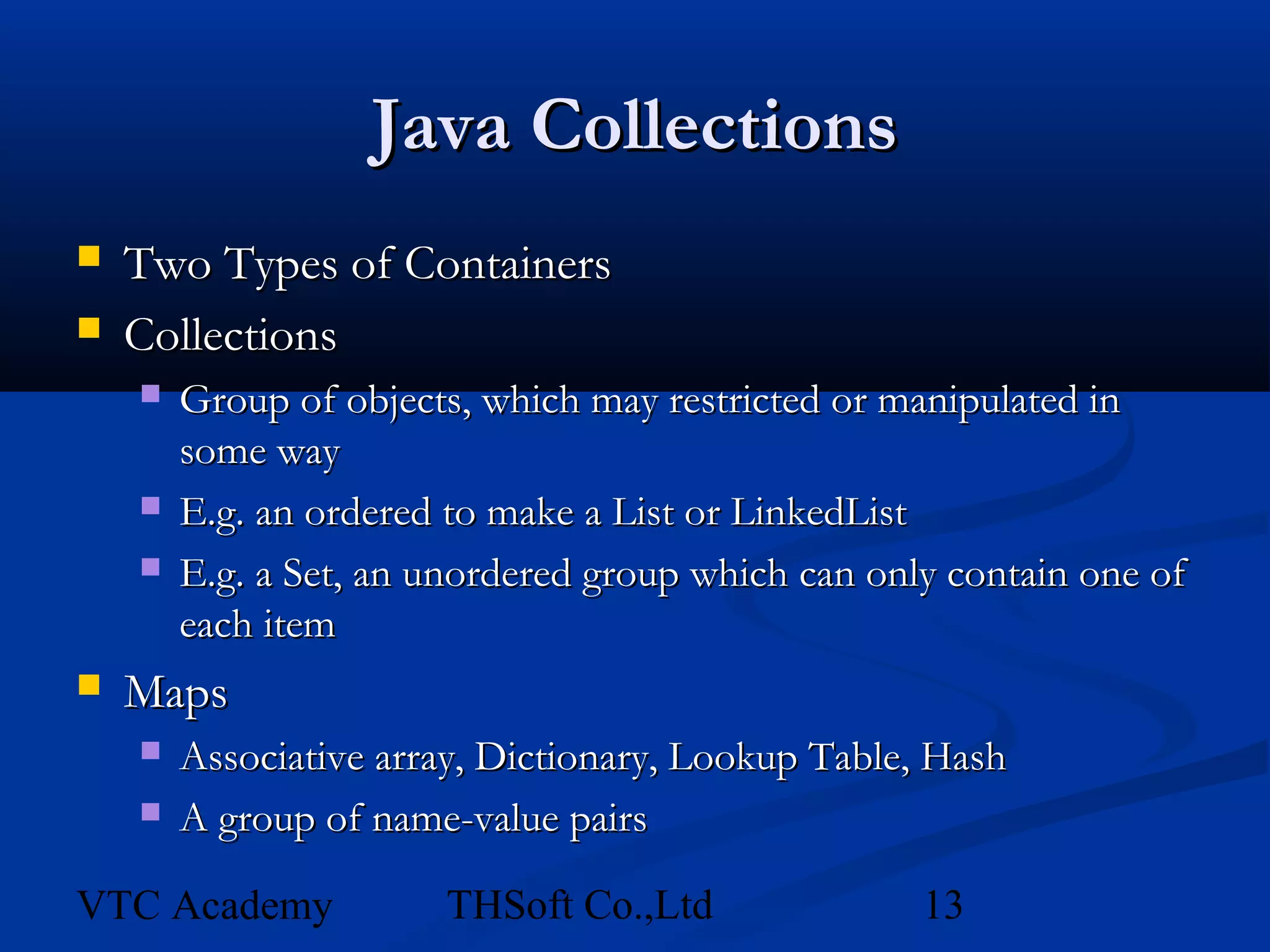
   Two Types of Containers
   Collections
       Group of objects, which may restricted or manipulated in
        some way
       E.g. an ordered to make a List or LinkedList
       E.g. a Set, an unordered group which can only contain one of
        each item
   Maps
       Associative array, Dictionary, Lookup Table, Hash
       A group of name-value pairs

VTC Academy            THSoft Co.,Ltd               13
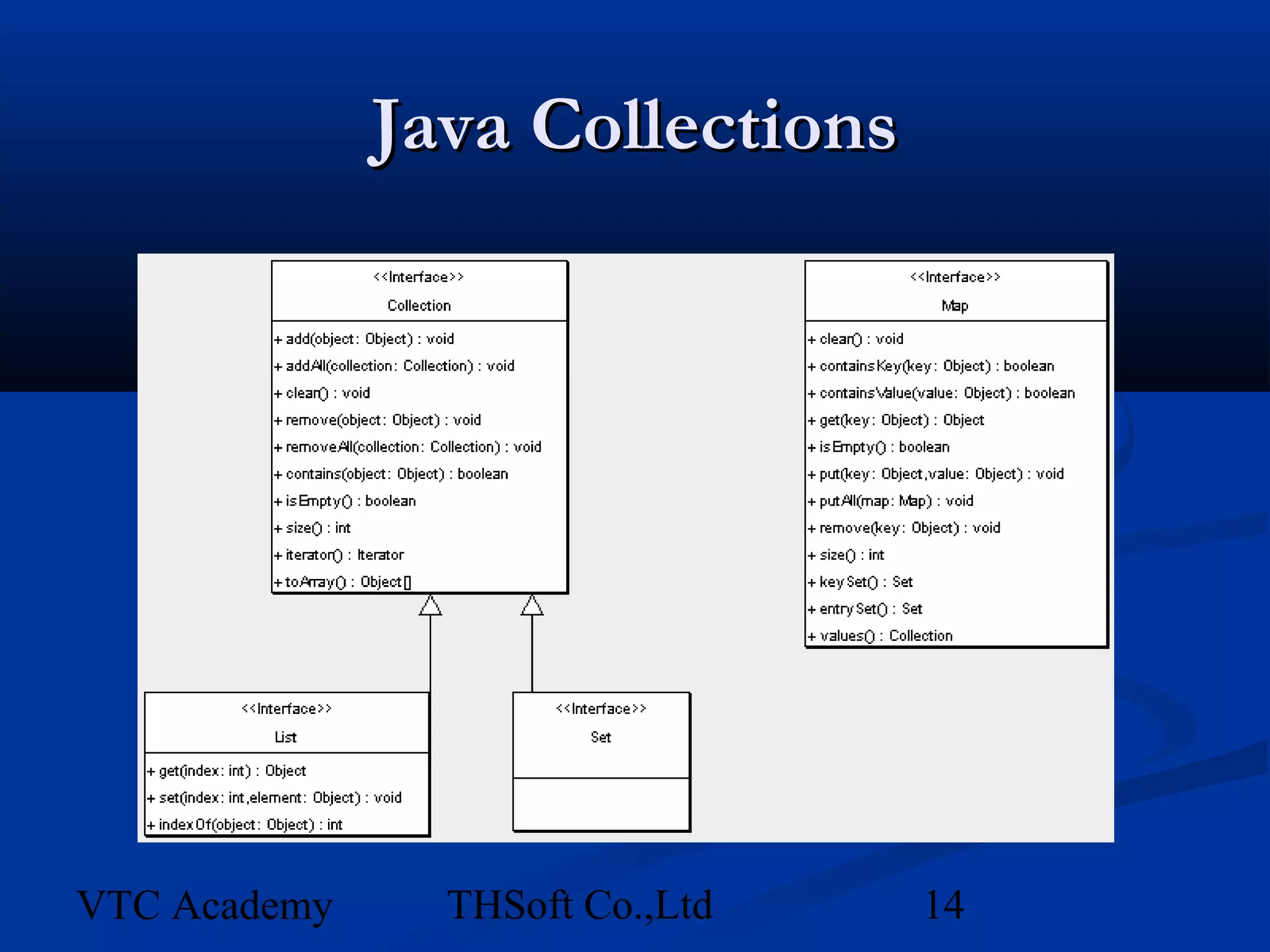
Java Collections


VTC Academy     THSoft Co.,Ltd   14
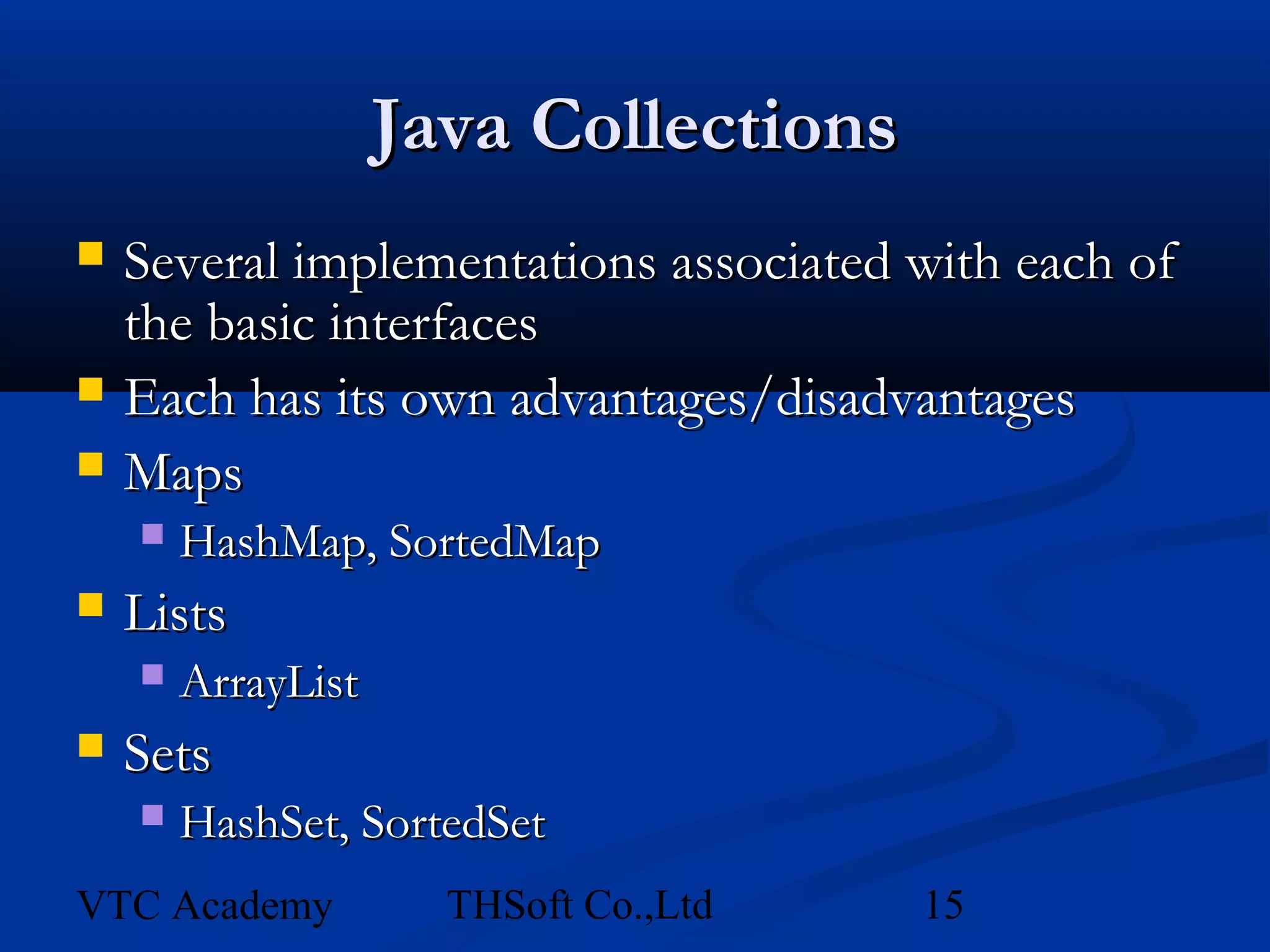
Java Collections
   Several implementations associated with each of
    the basic interfaces
   Each has its own advantages/disadvantages
   Maps
       HashMap, SortedMap
   Lists
       ArrayList
   Sets
       HashSet, SortedSet
VTC Academy           THSoft Co.,Ltd   15
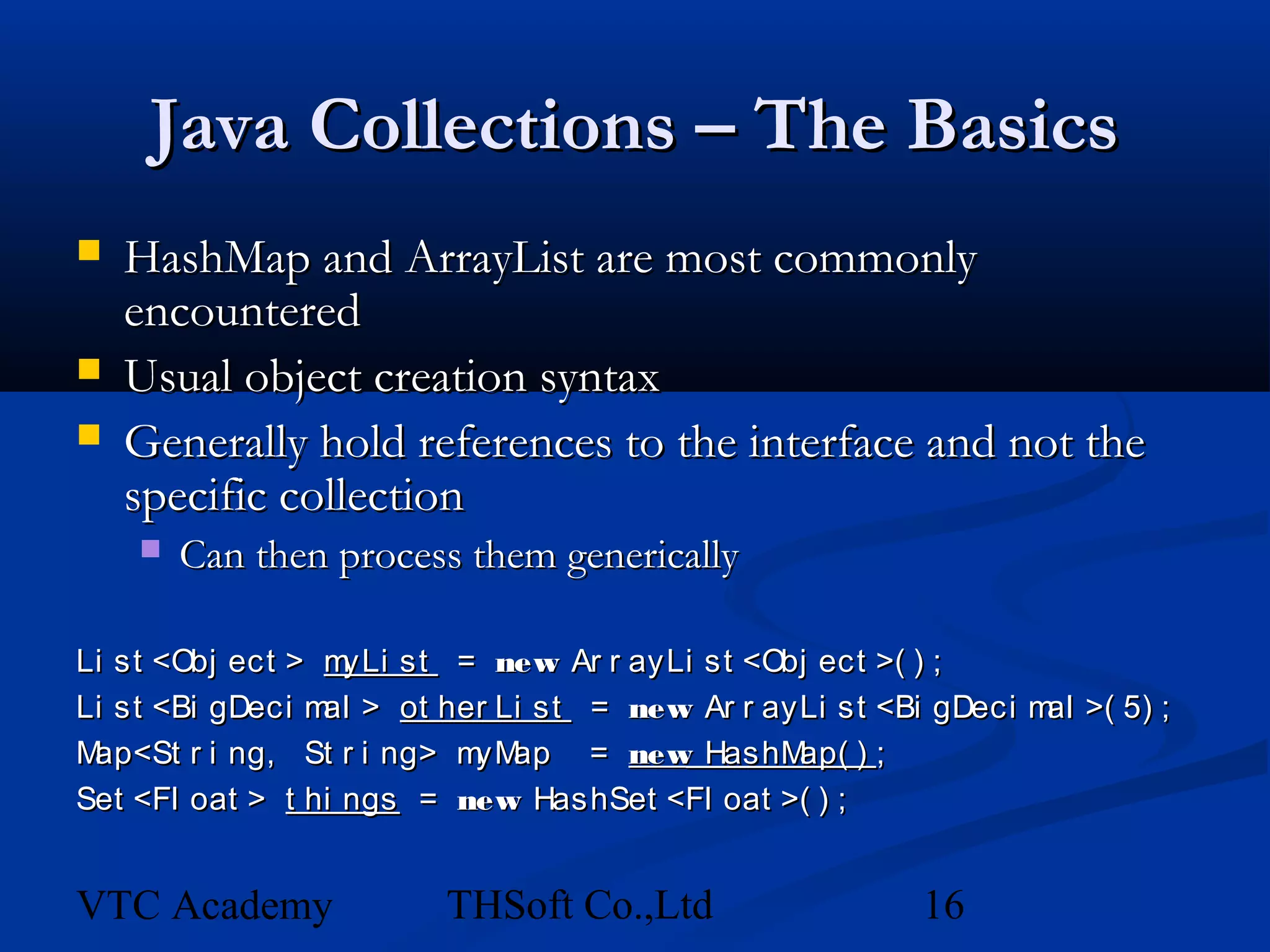
Java Collections – The Basics
   HashMap and ArrayList are most commonly
    encountered
   Usual object creation syntax
   Generally hold references to the interface and not the
    specific collection
       Can then process them generically

Li st <Obj ect > m yLi st = new Ar r ayLi st <Obj ect >( ) ;
Li st <Bi gDeci m > ot her Li st = new Ar r ayLi st <Bi gDeci m >( 5) ;
                 al                                            al
Map<St r i ng, St r i ng> m ap = new HashM
                           yM                   ap( ) ;
Set <Fl oat > t hi ngs = new HashSet <Fl oat >( ) ;


VTC Academy             THSoft Co.,Ltd                16
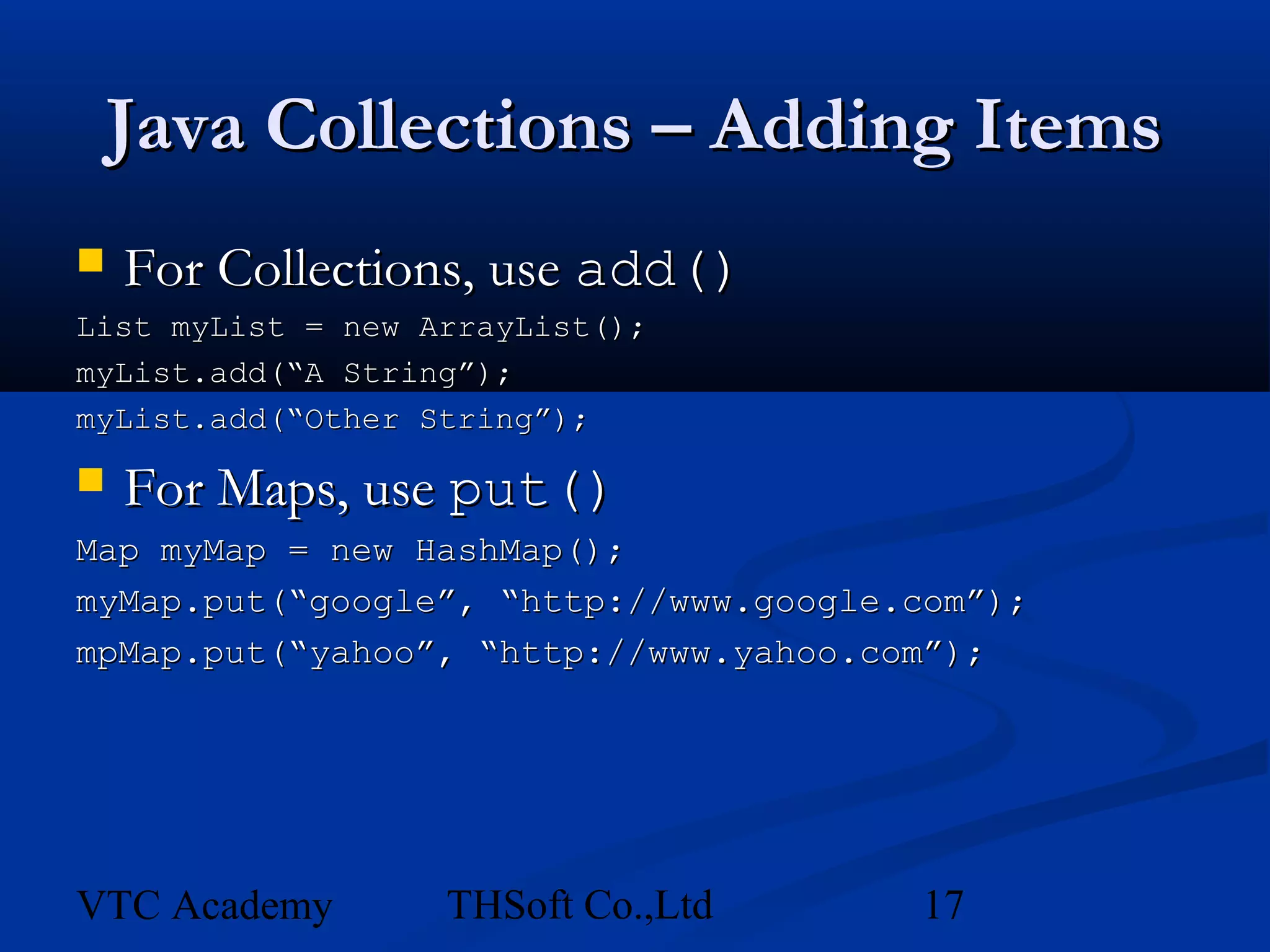
Java Collections – Adding Items
   For Collections, use add()
List myList = new ArrayList();
myList.add(“A String”);
myList.add(“Other String”);

   For Maps, use put()
Map myMap = new HashMap();
myMap.put(“google”, “http://www.google.com”);
mpMap.put(“yahoo”, “http://www.yahoo.com”);


VTC Academy        THSoft Co.,Ltd      17
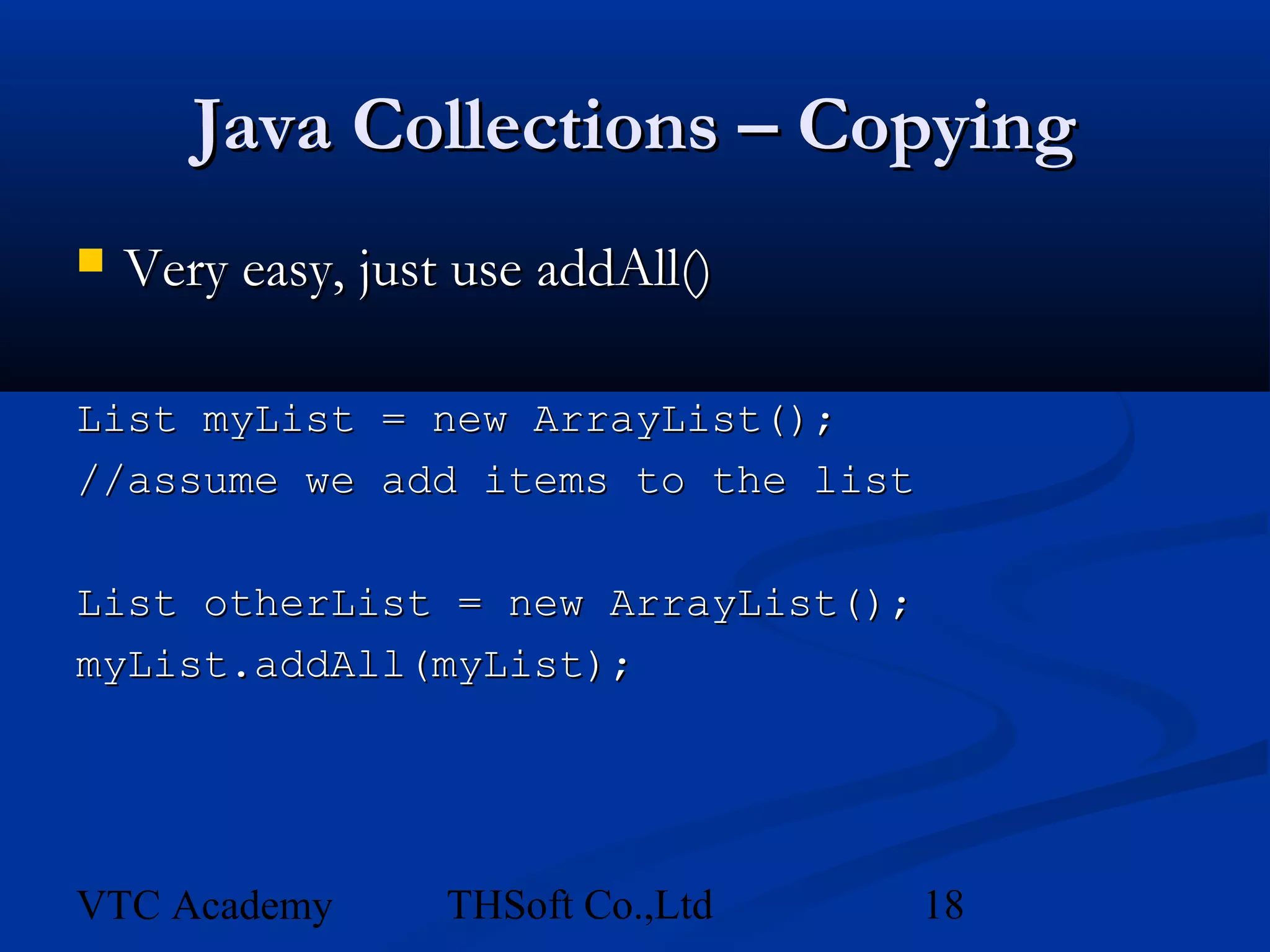
Java Collections – Copying
   Very easy, just use addAll()

List myList = new ArrayList();
//assume we add items to the list

List otherList = new ArrayList();
myList.addAll(myList);


VTC Academy        THSoft Co.,Ltd   18
Collections – Getting Individual
                 Items
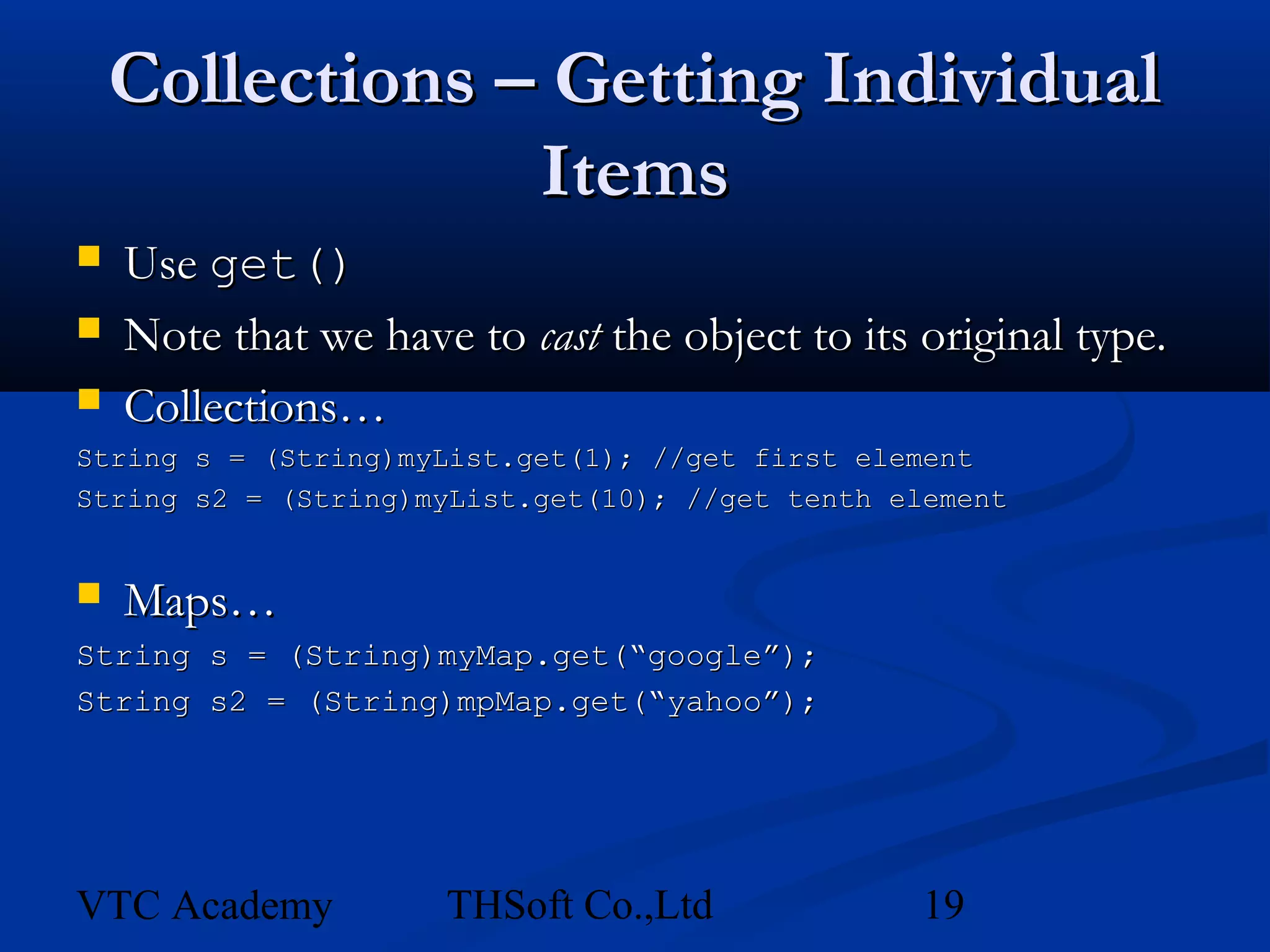
   Use get()
   Note that we have to cast the object to its original type.
   Collections…
String s = (String)myList.get(1); //get first element
String s2 = (String)myList.get(10); //get tenth element


   Maps…
String s = (String)myMap.get(“google”);
String s2 = (String)mpMap.get(“yahoo”);


VTC Academy          THSoft Co.,Ltd              19
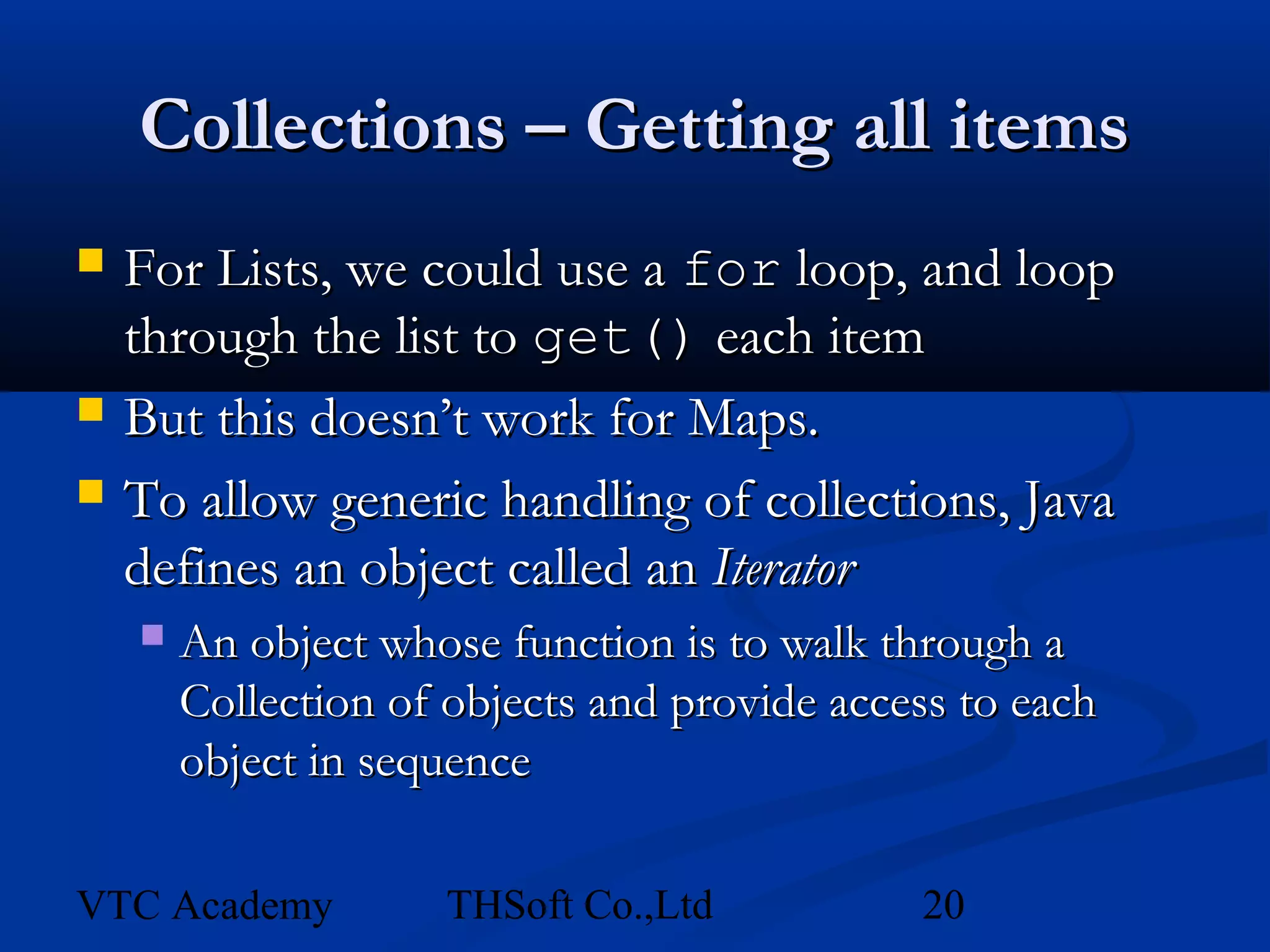
Collections – Getting all items
   For Lists, we could use a for loop, and loop
    through the list to get() each item
   But this doesn’t work for Maps.
   To allow generic handling of collections, Java
    defines an object called an Iterator
       An object whose function is to walk through a
        Collection of objects and provide access to each
        object in sequence

VTC Academy          THSoft Co.,Ltd           20
Collections – Getting all items
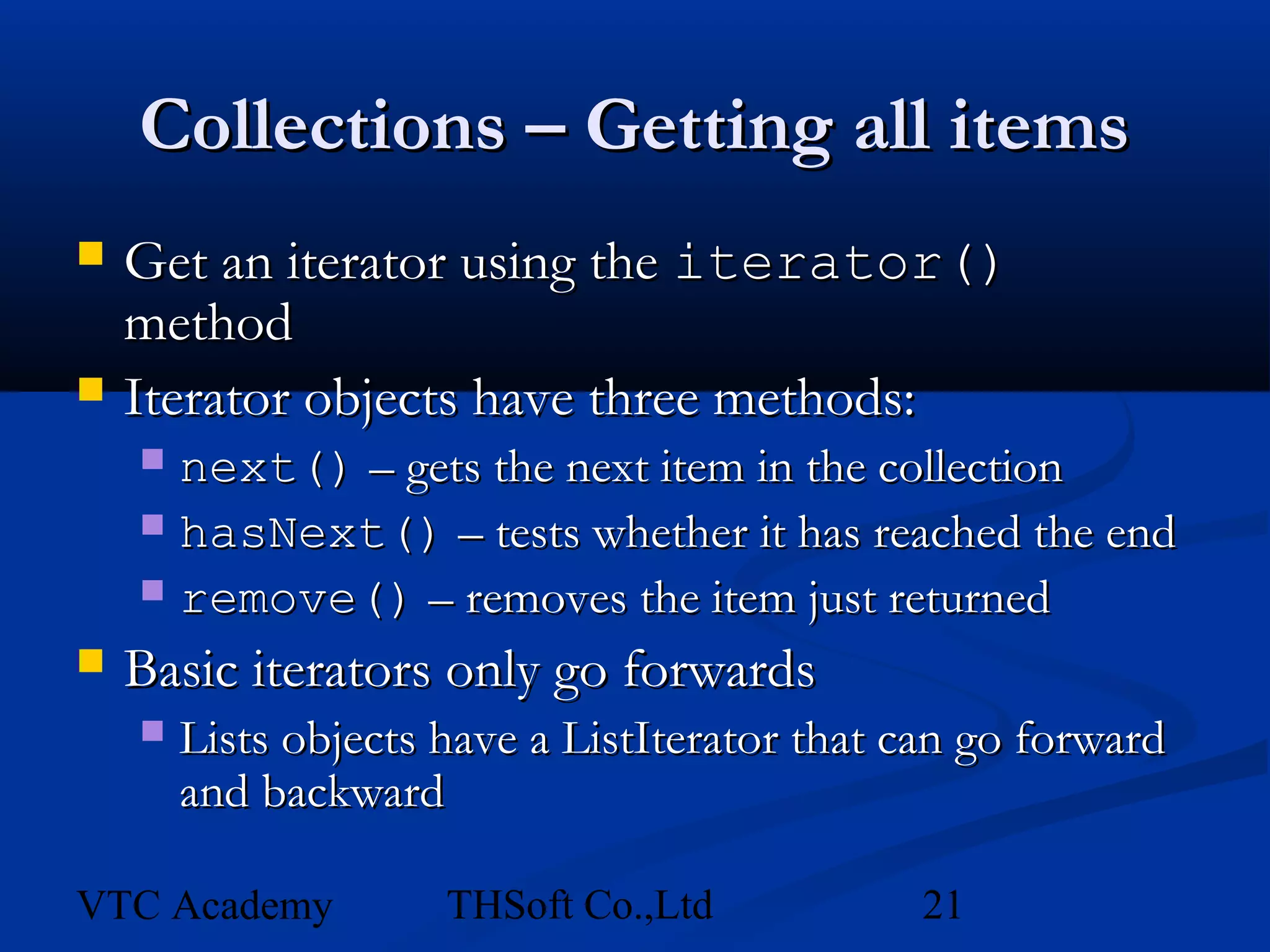
   Get an iterator using the iterator()
    method
   Iterator objects have three methods:
     next() – gets the next item in the collection
     hasNext() – tests whether it has reached the end
     remove() – removes the item just returned

   Basic iterators only go forwards
       Lists objects have a ListIterator that can go forward
        and backward

VTC Academy           THSoft Co.,Ltd           21
Collections – Getting all items
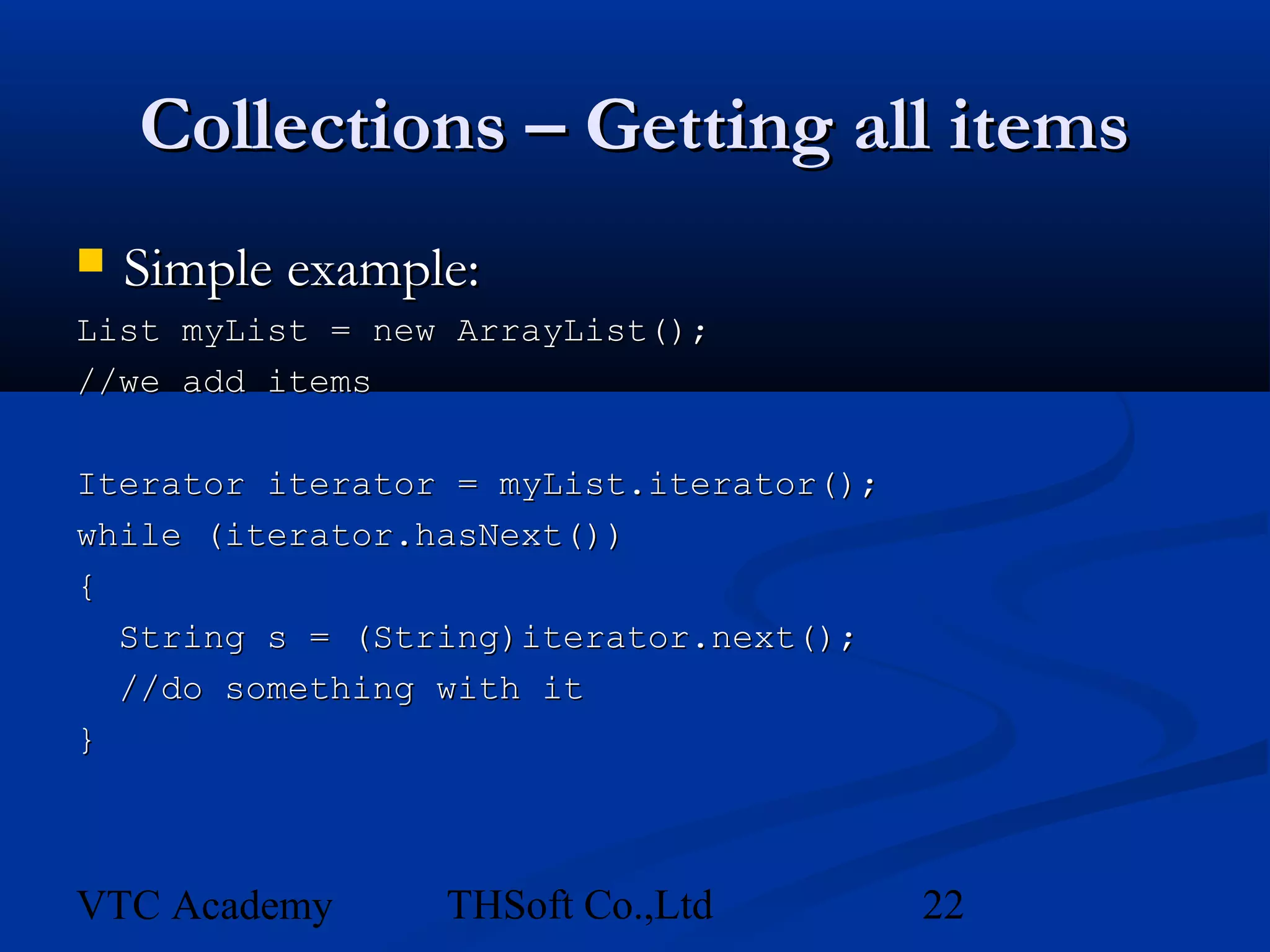
   Simple example:
List myList = new ArrayList();
//we add items

Iterator iterator = myList.iterator();
while (iterator.hasNext())
{
  String s = (String)iterator.next();
  //do something with it
}


VTC Academy      THSoft Co.,Ltd          22
Collections – Other Functions
   The java.util.Collections class has many
    useful methods for working with collections
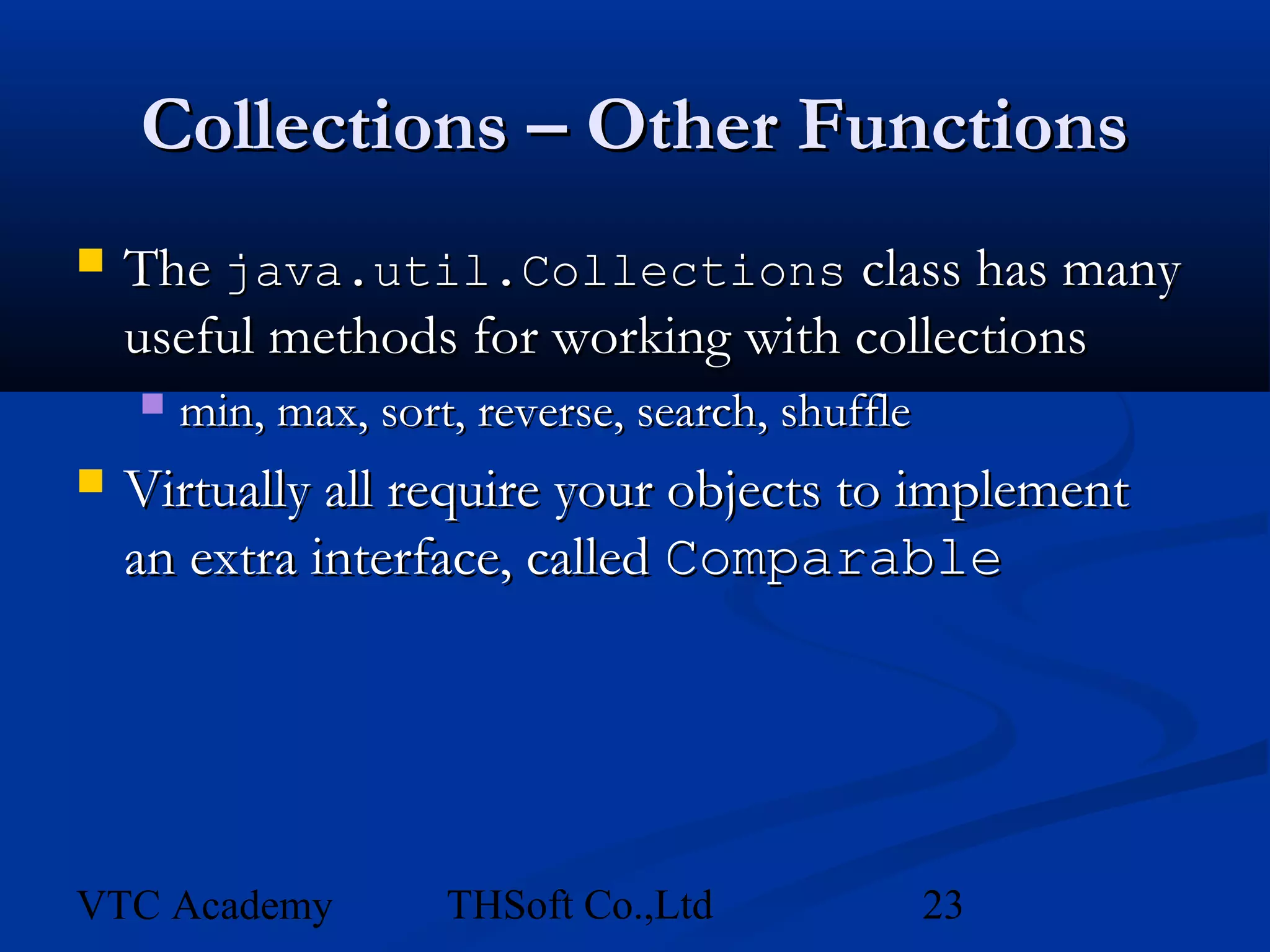
       min, max, sort, reverse, search, shuffle
   Virtually all require your objects to implement
    an extra interface, called Comparable


VTC Academy           THSoft Co.,Ltd               23
Collections – Comparable
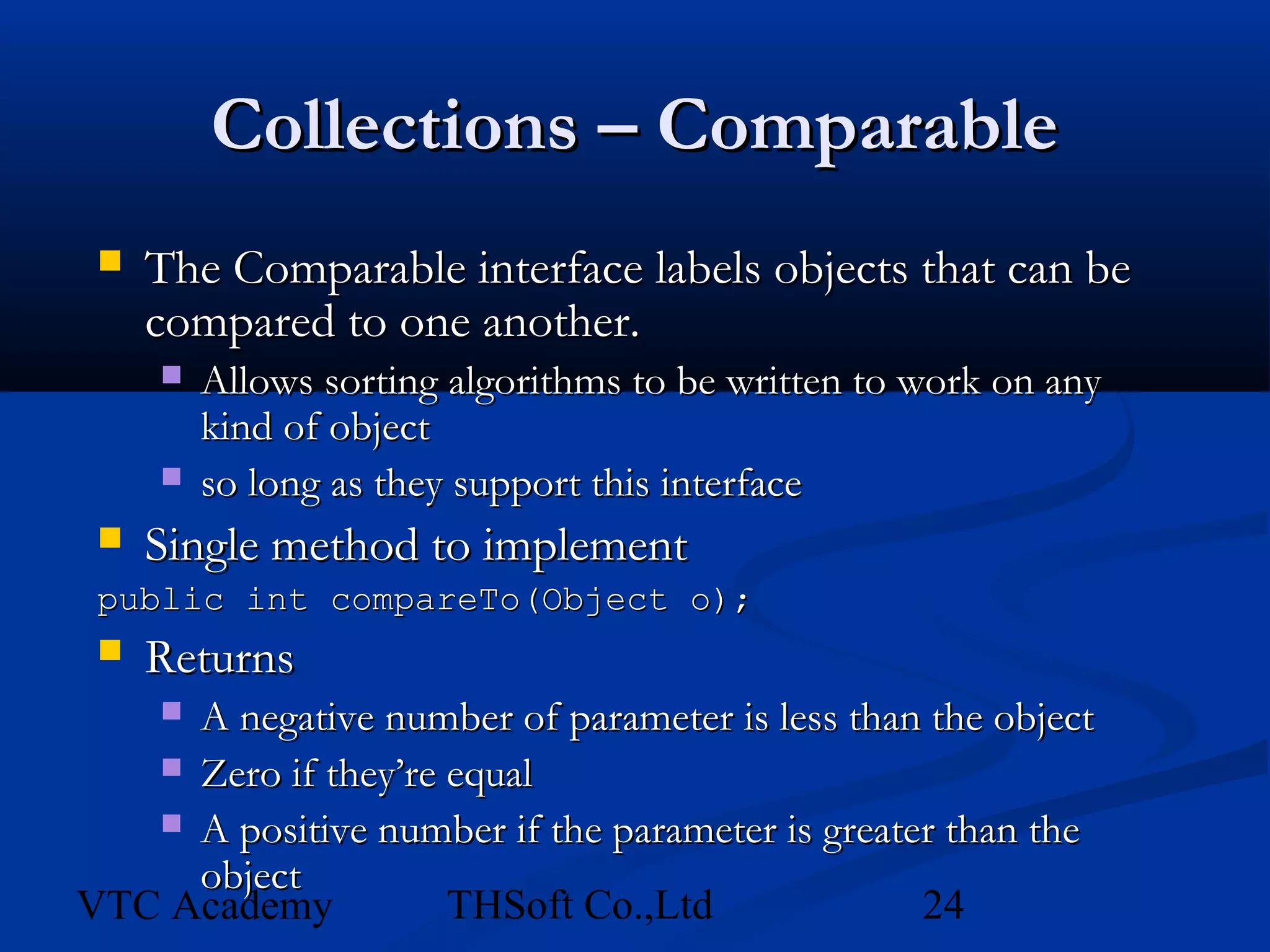
    The Comparable interface labels objects that can be
     compared to one another.
        Allows sorting algorithms to be written to work on any
         kind of object
        so long as they support this interface
    Single method to implement
 public int compareTo(Object o);
  Returns
     A negative number of parameter is less than the object
     
    Zero if they’re equal
    A positive number if the parameter is greater than the
     object
VTC Academy          THSoft Co.,Ltd              24
Collections – Comparator
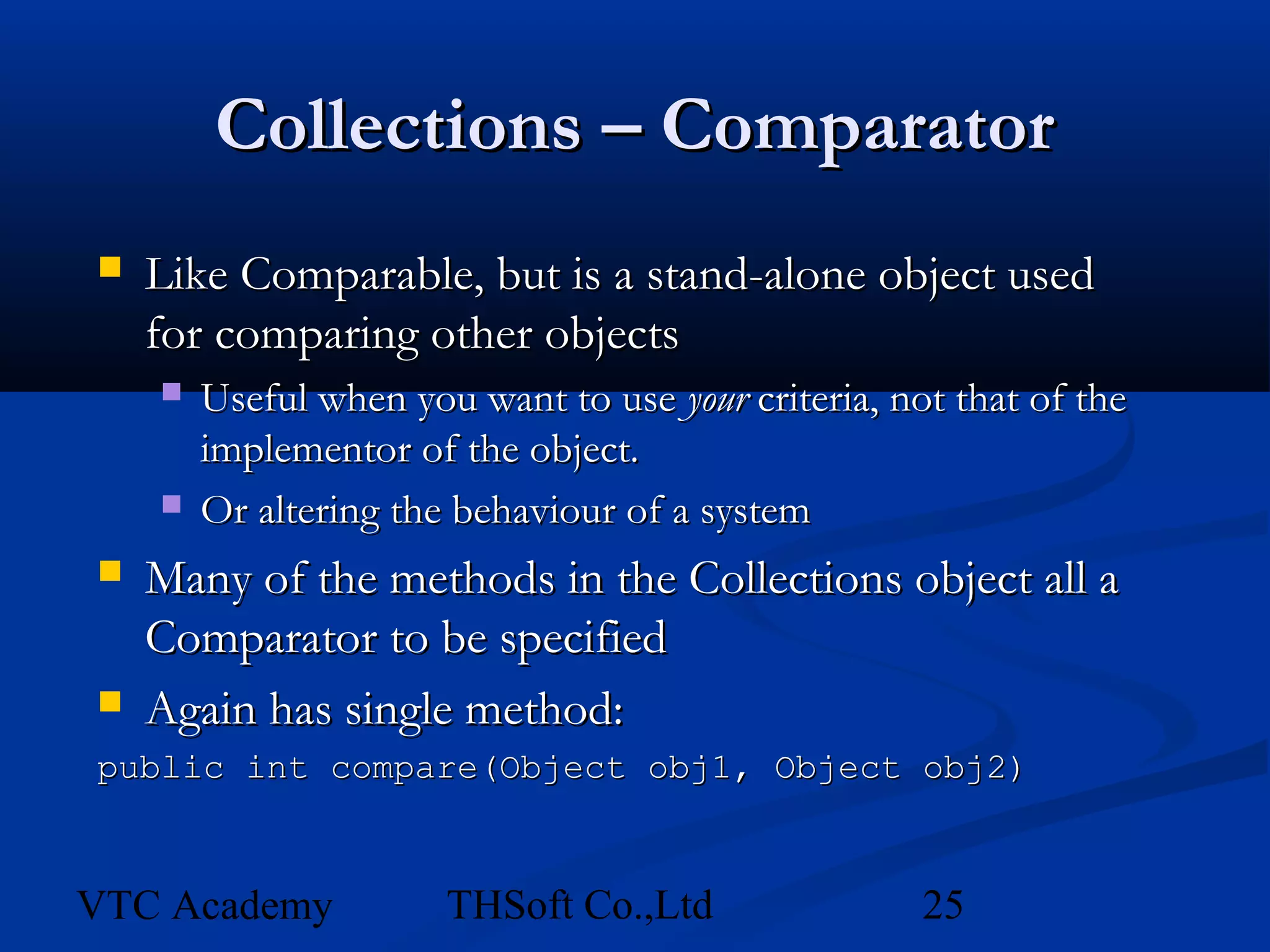
   Like Comparable, but is a stand-alone object used
    for comparing other objects
       Useful when you want to use your criteria, not that of the
        implementor of the object.
       Or altering the behaviour of a system
   Many of the methods in the Collections object all a
    Comparator to be specified
   Again has single method:
public int compare(Object obj1, Object obj2)


VTC Academy            THSoft Co.,Ltd                25
Action on class
   Teacher
     hauc2@yahoo.com
     0984380003
       https://play.google.com/store/search?q=thsoft+co&c=apps
   Captions
   Members


VTC Academy              THSoft Co.,Ltd                 26

Collections and generic class

  • 1.
    Introduction to Java2 Programming Lecture 5 Array and Collections Ref: www.ldodds.com Edited by Hoàng Văn Hậu – VTC Academy – THSoft co.,ltd https://play.google.com/store/apps/developer?id=THSoft+Co.,Ltd
  • 2.
    Introduction  Course Objectives  Organization of the Book VTC Academy THSoft Co.,Ltd 2
  • 3.
    Course Objectives  Upon completing the course, you will understand  Create, compile, and run Java programs  Primitive data types  Java control flow  Methods  Arrays (for teaching Java in two semesters, this could be the end)  Object-oriented programming  Core Java classes (Swing, exception, internationalization, multithreading, multimedia, I/O, networking, Java Collections Framework) VTC Academy THSoft Co.,Ltd 3
  • 4.
    Course Objectives, cont.  You will be able to  Develop programs using Eclipse IDE  Write simple programs using primitive data types, control statements, methods, and arrays.  Create and use methods  Write interesting projects VTC Academy THSoft Co.,Ltd 4
  • 5.
    Session 05: GENERICPROGRAMMING AND COLLECTIONS  Generic class  Arrays  Working with arrays  Java API support for arrays  Collection classes  Types of collection  Working with Collections VTC Academy THSoft Co.,Ltd 5
  • 6.
    Definition of asimple generic class class Pair <T> { public T first; public T second; public Pair (T f, T s) { first = f; second = s; } public Pair () { first = null; second = null; } }  you instantiate the generic class by substituting actual types for type variables, as: Pair <String>  you can think the result as a class with a constructor public Pair (String f, String s), etc . .  you can then use the instantiated generic class as it were a normal class (almost): Pair <String> pair = new Pair <String> ("1","2"); VTC Academy THSoft Co.,Ltd 6
  • 7.
    Multiple type parametersallowed  you can have multiple type parameters class Pair <T, U> { public T first; public U second; public Pair (T x, U y) { first = x; second = y; } public Pair () { first = null; second = null; } }  to instantiate: Pair <String, Number> VTC Academy THSoft Co.,Ltd 7
  • 8.
    How to usegeneric class Pair<String> k = new Pair<String>("abc", "xyz"); Pair<double> d = new Pair<T>();// error Pair<Double> d = new Pair<Double>(); System.out.println(k.getFirst() + k.second); Pair<String, Double> k = new Pair<String, Double>("xxxx", 10.8); System.out.println(k.first + k.second); Illustration on code VTC Academy THSoft Co.,Ltd 8
  • 9.
    Java Arrays –Copying  Don’t copy arrays “by hand” by looping over the array  The System class has an arrayCopy method to do this efficiently int array1[] = new int[10]; int array2[] = new int[10]; //assume we add items to array1 //copy array1 into array2 System.arrayCopy(array1, 0, array2, 0, 10); //copy last 5 elements in array1 into first 5 of array2 System.arrayCopy(array1, 5, array2, 0, 5); VTC Academy THSoft Co.,Ltd 9
  • 10.
    Java Arrays –Sorting  Again no need to do this “by hand”.  The java.util.Arrays class has methods to sort different kinds of arrays int myArray[] = new int[] {5, 4, 3, 2, 1}; java.util.Arrays.sort(myArray); //myArray now holds 1, 2, 3, 4, 5  Sorting arrays of objects is involves some extra work, as we’ll see later… VTC Academy THSoft Co.,Ltd 10
  • 11.
    Java Arrays  Advantages  Very efficient, quick to access and add to  Type-safe, can only add items that match the declared type of the array  Disadvantages  Fixed size, some overhead in copying/resizing  Can’t tell how many items in the array, just how large it was declared to be  Limited functionality, need more general functionality VTC Academy THSoft Co.,Ltd 11
  • 12.
    Java Collections  What are they?  A number of pre-packaged implementations of common ‘container’ classes, such as LinkedLists, Sets, etc.  Part of the java.util package.  Advantages  Very flexible, can hold any kind of object  Disadvantages  Not as efficient as arrays (for some uses)  Not type-safe. Store references to Object VTC Academy THSoft Co.,Ltd 12
  • 13.
    Java Collections  Two Types of Containers  Collections  Group of objects, which may restricted or manipulated in some way  E.g. an ordered to make a List or LinkedList  E.g. a Set, an unordered group which can only contain one of each item  Maps  Associative array, Dictionary, Lookup Table, Hash  A group of name-value pairs VTC Academy THSoft Co.,Ltd 13
  • 14.
    Java Collections VTC Academy THSoft Co.,Ltd 14
  • 15.
    Java Collections  Several implementations associated with each of the basic interfaces  Each has its own advantages/disadvantages  Maps  HashMap, SortedMap  Lists  ArrayList  Sets  HashSet, SortedSet VTC Academy THSoft Co.,Ltd 15
  • 16.
    Java Collections –The Basics  HashMap and ArrayList are most commonly encountered  Usual object creation syntax  Generally hold references to the interface and not the specific collection  Can then process them generically Li st <Obj ect > m yLi st = new Ar r ayLi st <Obj ect >( ) ; Li st <Bi gDeci m > ot her Li st = new Ar r ayLi st <Bi gDeci m >( 5) ; al al Map<St r i ng, St r i ng> m ap = new HashM yM ap( ) ; Set <Fl oat > t hi ngs = new HashSet <Fl oat >( ) ; VTC Academy THSoft Co.,Ltd 16
  • 17.
    Java Collections –Adding Items  For Collections, use add() List myList = new ArrayList(); myList.add(“A String”); myList.add(“Other String”);  For Maps, use put() Map myMap = new HashMap(); myMap.put(“google”, “http://www.google.com”); mpMap.put(“yahoo”, “http://www.yahoo.com”); VTC Academy THSoft Co.,Ltd 17
  • 18.
    Java Collections –Copying  Very easy, just use addAll() List myList = new ArrayList(); //assume we add items to the list List otherList = new ArrayList(); myList.addAll(myList); VTC Academy THSoft Co.,Ltd 18
  • 19.
    Collections – GettingIndividual Items  Use get()  Note that we have to cast the object to its original type.  Collections… String s = (String)myList.get(1); //get first element String s2 = (String)myList.get(10); //get tenth element  Maps… String s = (String)myMap.get(“google”); String s2 = (String)mpMap.get(“yahoo”); VTC Academy THSoft Co.,Ltd 19
  • 20.
    Collections – Gettingall items  For Lists, we could use a for loop, and loop through the list to get() each item  But this doesn’t work for Maps.  To allow generic handling of collections, Java defines an object called an Iterator  An object whose function is to walk through a Collection of objects and provide access to each object in sequence VTC Academy THSoft Co.,Ltd 20
  • 21.
    Collections – Gettingall items  Get an iterator using the iterator() method  Iterator objects have three methods:  next() – gets the next item in the collection  hasNext() – tests whether it has reached the end  remove() – removes the item just returned  Basic iterators only go forwards  Lists objects have a ListIterator that can go forward and backward VTC Academy THSoft Co.,Ltd 21
  • 22.
    Collections – Gettingall items  Simple example: List myList = new ArrayList(); //we add items Iterator iterator = myList.iterator(); while (iterator.hasNext()) { String s = (String)iterator.next(); //do something with it } VTC Academy THSoft Co.,Ltd 22
  • 23.
    Collections – OtherFunctions  The java.util.Collections class has many useful methods for working with collections  min, max, sort, reverse, search, shuffle  Virtually all require your objects to implement an extra interface, called Comparable VTC Academy THSoft Co.,Ltd 23
  • 24.
    Collections – Comparable  The Comparable interface labels objects that can be compared to one another.  Allows sorting algorithms to be written to work on any kind of object  so long as they support this interface  Single method to implement public int compareTo(Object o);  Returns A negative number of parameter is less than the object   Zero if they’re equal  A positive number if the parameter is greater than the object VTC Academy THSoft Co.,Ltd 24
  • 25.
    Collections – Comparator  Like Comparable, but is a stand-alone object used for comparing other objects  Useful when you want to use your criteria, not that of the implementor of the object.  Or altering the behaviour of a system  Many of the methods in the Collections object all a Comparator to be specified  Again has single method: public int compare(Object obj1, Object obj2) VTC Academy THSoft Co.,Ltd 25
  • 26.
    Action on class  Teacher  hauc2@yahoo.com  0984380003  https://play.google.com/store/search?q=thsoft+co&c=apps  Captions  Members VTC Academy THSoft Co.,Ltd 26