OM, CRF and
KAF
Rubén Izquierdo Beviá
CLTL tutorial
11-July-2013
OM, CRF and KAF
1. OM
Develop an Opinion Miner tool
2. CRF
Using supervised Machine Learning (CRF)
3. KAF
Using KAF files as input
Opinion Miner
EXPRESSIO
N
TARGETHOLDER
 Detecting and extracting fine grained opinions in text.
 Opinion elements:
 Expression  the actual subjective statement
 Holder  mentions of whom the opinion is from
 Target  what the opinion is about
My wife said that the room was really dirty.
CRF
 Conditional Random Fields
 Statistical modeling method
 Obtain conditional probably distribution over sequences
 Suitable for segmenting and labeling structured data (sequences, trees…)
 Expressions, holders and targets are sequences
 Many different packages:
 Mallet (http://mallet.cs.umass.edu)
 CRFSuite (http://www.chokkan.org/software/crfsuite)
 Most used input format:
 Sequential data
 One token per line, represented by features
KAF
 KAF modified for OpeNER
 Different layers for different information
 All the features are extracted from the KAF
No external linguistics processors are called
First steps
 Define which will be our “output classes”
 Target, Holder, Positive, Negative
 Define which features will represent each token
 Token, lemma, pos, polarity, entity, polarity and bi/tri-
grams around
 Study the input format of your selected CRF package
(CRFSuite in my case)
CRFSuite input format
 Input format of CRFSuite
 One file with all data
 Sequences separated by empty lines
 One token per line with the format:
 CLASS [TAB] FEATS
 CLASS  O| B-class | I-class
 O  no class
 B-class  the first element of a sequence of type “class”
 I-class  element inside of a sequence of type “class”
 FEATS  feat1=val1 [TAB] feat2=val2 …
B-NP a=He b=reckons c=the d=He|reckons e=P
Simple Example
NP NPVP
B-NP t=He p=PR
P
pt=O nt=reckons pp=O np=VBZ
B-VP t=reckons p=VBZ pt=He nt=the pp=PR
P
np=DT
B-NP t=the p=DT pt=reckons nt=current pp=VB
Z
np=JJ
I-NP t=current p=JJ pt=the nt=account pp=DT np=NN
I-NP t=account p=NN pt=current nt=O pp=JJ np=NN
 We want to train a chunker (also sequences)
 Tagged data
He/PRP reckons/VBZ the/DT current/JJ account/NN
 Features per token:
 token (t), pos (p), previous token (pt), next token (nt), previous pos (pp)
next pos (np)
My approach
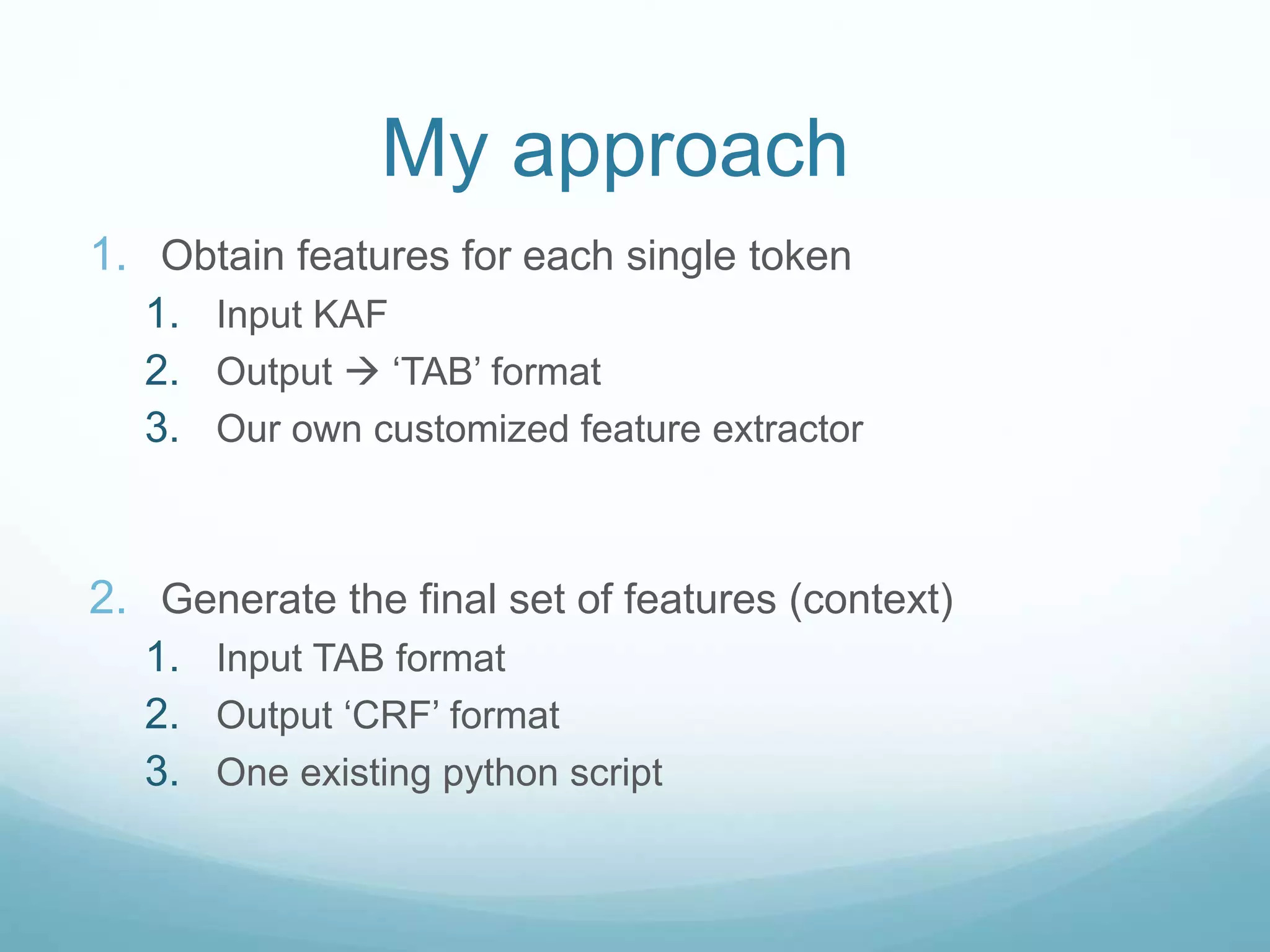
1. Obtain features for each single token
1. Input KAF
2. Output  ‘TAB’ format
3. Our own customized feature extractor
2. Generate the final set of features (context)
1. Input TAB format
2. Output ‘CRF’ format
3. One existing python script
KAF feature extractor
 Python script that reads a KAF file and generates the
‘TAB’ format
 KafParser + Python script
KAF feature extractor
 Python script that reads a KAF file and generates the
‘TAB’ format
KAF feature extractor
 Python script that reads a KAF file and generates the
‘TAB’ format
 KafParser + Python script
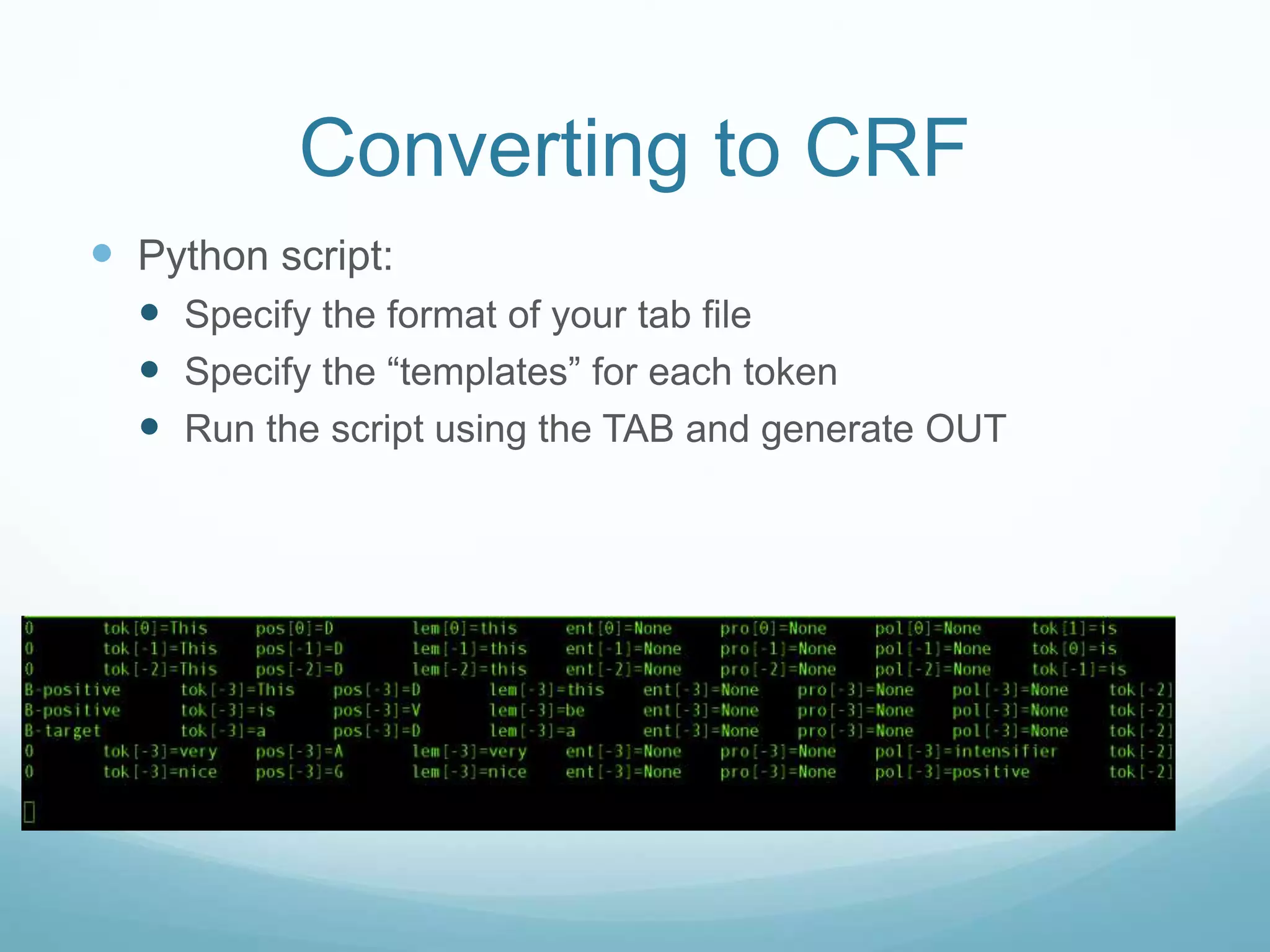
Converting to CRF
 Python script:
 Specify the format of your tab file
 Specify the “templates” (features) for each token
Converting to CRF
 Python script:
 Specify the format of your tab file
 Specify the “templates” for each token
Converting to CRF
 Python script:
 Specify the format of your tab file
 Specify the “templates” for each token
 Run the script using the TAB and generate OUT
Extracting opinions
 Training
1. Get all KAF files with annotations
2. Obtain TAB file for each file
3. Convert to CRF for each file
4. Create a single training file with all CRF files
5. Train the MODEL with crfsuite
crfsuite learn –m my_model my_data.crf
Extracting opinions
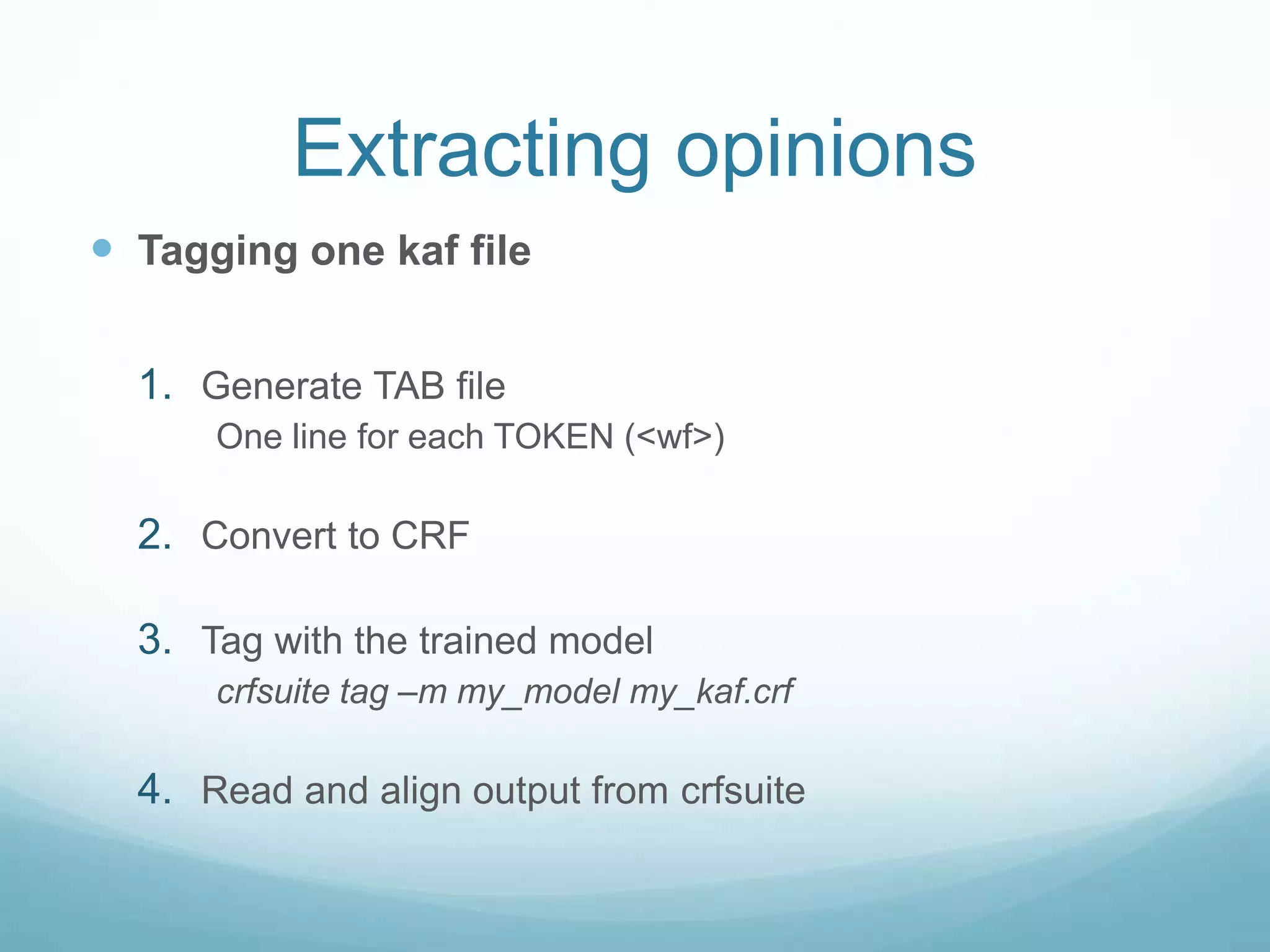
 Tagging one kaf file
1. Generate TAB file
One line for each TOKEN (<wf>)
2. Convert to CRF
3. Tag with the trained model
crfsuite tag –m my_model my_kaf.crf
4. Read and align output from crfsuite
Extracting opinions
 Tagging one kaf file
 Generate TAB file
 One line for each TOKEN (<wf>)
 Convert to CRF
 Tag with the trained model
crfsuite tag –m my_model my_kaf.crf
 Read and align output from crfsuite
Extracting opinions
 Tagging one kaf file
 Generate TAB file
 One line for each TOKEN (<wf>)
 Convert to CRF
 Tag with the trained model
crfsuite tag –m my_model my_kaf.crf
 Read and align output from crfsuite
 Generate the KAF layer
Extracting opinions
 Tagging one kaf file
 Generate TAB file
 One line for each TOKEN (<wf>)
 Convert to CRF
 Tag with the trained model
crfsuite tag –m my_model my_kaf.crf
 Read and align output from crfsuite
 Generate the KAF layer
How to adapt this?
1. Adapt the KAF feature extractor (+++)
1. Adapt the TAB-CRF converter (+)
2. Train your model (+)
3. Adapt the CRF-> KAF de-converter (++)

CLTL presentation: training an opinion mining system from KAF files using CRF

  • 1.
    OM, CRF and KAF RubénIzquierdo Beviá CLTL tutorial 11-July-2013
  • 2.
    OM, CRF andKAF 1. OM Develop an Opinion Miner tool 2. CRF Using supervised Machine Learning (CRF) 3. KAF Using KAF files as input
  • 3.
    Opinion Miner EXPRESSIO N TARGETHOLDER  Detectingand extracting fine grained opinions in text.  Opinion elements:  Expression  the actual subjective statement  Holder  mentions of whom the opinion is from  Target  what the opinion is about My wife said that the room was really dirty.
  • 4.
    CRF  Conditional RandomFields  Statistical modeling method  Obtain conditional probably distribution over sequences  Suitable for segmenting and labeling structured data (sequences, trees…)  Expressions, holders and targets are sequences  Many different packages:  Mallet (http://mallet.cs.umass.edu)  CRFSuite (http://www.chokkan.org/software/crfsuite)  Most used input format:  Sequential data  One token per line, represented by features
  • 5.
    KAF  KAF modifiedfor OpeNER  Different layers for different information  All the features are extracted from the KAF No external linguistics processors are called
  • 6.
    First steps  Definewhich will be our “output classes”  Target, Holder, Positive, Negative  Define which features will represent each token  Token, lemma, pos, polarity, entity, polarity and bi/tri- grams around  Study the input format of your selected CRF package (CRFSuite in my case)
  • 7.
    CRFSuite input format Input format of CRFSuite  One file with all data  Sequences separated by empty lines  One token per line with the format:  CLASS [TAB] FEATS  CLASS  O| B-class | I-class  O  no class  B-class  the first element of a sequence of type “class”  I-class  element inside of a sequence of type “class”  FEATS  feat1=val1 [TAB] feat2=val2 … B-NP a=He b=reckons c=the d=He|reckons e=P
  • 8.
    Simple Example NP NPVP B-NPt=He p=PR P pt=O nt=reckons pp=O np=VBZ B-VP t=reckons p=VBZ pt=He nt=the pp=PR P np=DT B-NP t=the p=DT pt=reckons nt=current pp=VB Z np=JJ I-NP t=current p=JJ pt=the nt=account pp=DT np=NN I-NP t=account p=NN pt=current nt=O pp=JJ np=NN  We want to train a chunker (also sequences)  Tagged data He/PRP reckons/VBZ the/DT current/JJ account/NN  Features per token:  token (t), pos (p), previous token (pt), next token (nt), previous pos (pp) next pos (np)
  • 9.
    My approach 1. Obtainfeatures for each single token 1. Input KAF 2. Output  ‘TAB’ format 3. Our own customized feature extractor 2. Generate the final set of features (context) 1. Input TAB format 2. Output ‘CRF’ format 3. One existing python script
  • 10.
    KAF feature extractor Python script that reads a KAF file and generates the ‘TAB’ format  KafParser + Python script
  • 11.
    KAF feature extractor Python script that reads a KAF file and generates the ‘TAB’ format
  • 12.
    KAF feature extractor Python script that reads a KAF file and generates the ‘TAB’ format  KafParser + Python script
  • 13.
    Converting to CRF Python script:  Specify the format of your tab file  Specify the “templates” (features) for each token
  • 14.
    Converting to CRF Python script:  Specify the format of your tab file  Specify the “templates” for each token
  • 15.
    Converting to CRF Python script:  Specify the format of your tab file  Specify the “templates” for each token  Run the script using the TAB and generate OUT
  • 16.
    Extracting opinions  Training 1.Get all KAF files with annotations 2. Obtain TAB file for each file 3. Convert to CRF for each file 4. Create a single training file with all CRF files 5. Train the MODEL with crfsuite crfsuite learn –m my_model my_data.crf
  • 17.
    Extracting opinions  Taggingone kaf file 1. Generate TAB file One line for each TOKEN (<wf>) 2. Convert to CRF 3. Tag with the trained model crfsuite tag –m my_model my_kaf.crf 4. Read and align output from crfsuite
  • 18.
    Extracting opinions  Taggingone kaf file  Generate TAB file  One line for each TOKEN (<wf>)  Convert to CRF  Tag with the trained model crfsuite tag –m my_model my_kaf.crf  Read and align output from crfsuite
  • 19.
    Extracting opinions  Taggingone kaf file  Generate TAB file  One line for each TOKEN (<wf>)  Convert to CRF  Tag with the trained model crfsuite tag –m my_model my_kaf.crf  Read and align output from crfsuite  Generate the KAF layer
  • 20.
    Extracting opinions  Taggingone kaf file  Generate TAB file  One line for each TOKEN (<wf>)  Convert to CRF  Tag with the trained model crfsuite tag –m my_model my_kaf.crf  Read and align output from crfsuite  Generate the KAF layer
  • 21.
    How to adaptthis? 1. Adapt the KAF feature extractor (+++) 1. Adapt the TAB-CRF converter (+) 2. Train your model (+) 3. Adapt the CRF-> KAF de-converter (++)