SAFETY LAB PROCEDURE AND
TOOL USE
CHAPTER 9
INTEND LEARNING OUTCOMES
At the end of this Chapter, the students expected to:
• Know how to work safely inside the laboratories;
• Explain the Guidelines for Basic Safety Practices;
• Explain the functions of Hardware Tools;
• Apply the tools and software to be used in personal computer;
• Know the Software Tools;
• Familiarize the computer components and its purpose; and
• Train on how to properly practice the different computer tools.
CHAPTER 9
GUIDELINES FOR BASIC SAFETY PRACTICES IN THE I.T WORKPLACE
INJURY PREVENTION
FOLLOW & BE ALERT
TRAIN & USE TOOLS
WISELY
BE PROFESSIONAL
&
HEALTHY
CAN YOU RECOGNIZE SAFE WORKING CONDITION?
CLEAN AND ORGANIZE
PROFESSIONAL TECHNICIANS
GENERAL SAFETY GUIDELINES
REPORT INCLUDING THE
DESCRIPTIONS
PREVENT INJURIES
CAUTION:
• Power supplies and monitors contain very high voltage.
• Do not wear the antistatic wrist strap when repairing power
supplies or monitors.
• Some printer parts may become very hot when in use and other parts
may contain very high voltages.
1. Dangers of working on computers – List possible dangers
2. Precautions and warnings – List ways to protect technicians
3. Share a story about damage to equipment or an injury due to lack
safety procedures
CUTS
BURNS
ELECTRICAL
SHOCK
DAMAGE TO
EYES
POSSIBLE DANGERS TO A TECHNICIANS
FIRE SAFETY GUIDELINES
• KNOW THE LOCATION OF FIRE EXTINGUISHER AND LEARN HOW TO
USE IT
• HAVE AN ESCAPE ROUTE
• KNOW HOW TO CONTACT EMERGENCY SERVICES QUICKLY
• KEEP THE WORKSCPACE CLEAN
• KEEP SOLVENTS IN SEPARATE AREA
HAVE A FIRE PLAN BEFORE YOU BEGIN WORK:
• P – PULL THE PIN.
• A – AIM AT THE BASE OF THE FIRE, NOT AT THE FLAMES.
• S – SQUEEZ THE LEVER.
• S – SWEEP THE NOZZLE FROM SIDE TO SIDE
HOW TO USE FIRE EXTINGUISHER?
ELECTROSTATIC DISCHARGE (ESD) AND HOW TO PREVENT IT
ELECTROSTATIC DISCHARGE (ESD)
Static electricity is the build up of an electric charge resting on a
surface. This buildup may zap a component and cause damage. This is known as
electrostatic discharge (ESD). ESD can be destructive to the electronics in
computer components.
PREVENTING ESD DAMAGE
• Keep all components in antistatic bag until you need them.
• Use ground mats on workbenches.
• Use grounded floor mats in working area.
• Use antistatic wrist strap when working on computers.
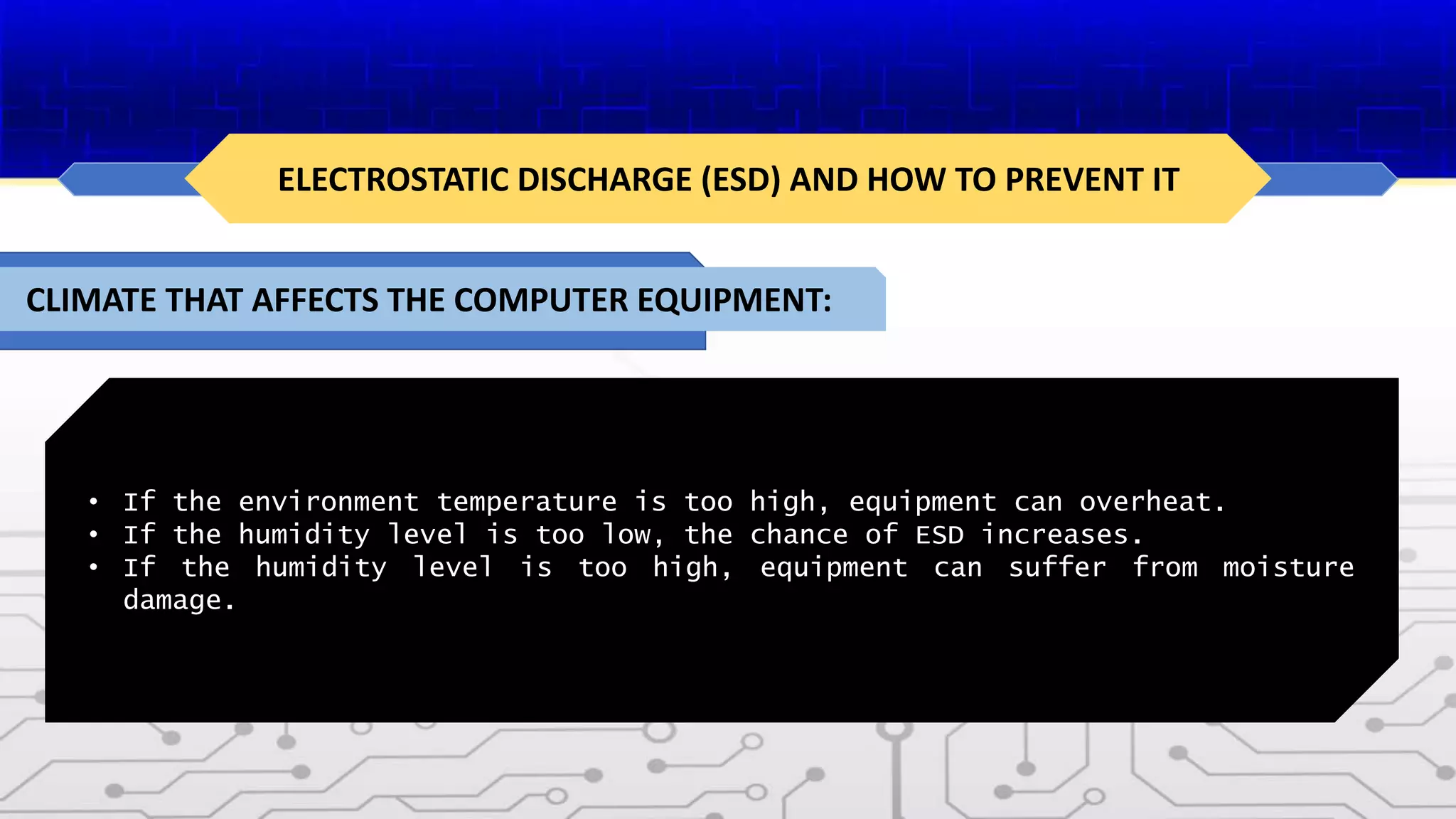
CLIMATE THAT AFFECTS THE COMPUTER EQUIPMENT:
• If the environment temperature is too high, equipment can overheat.
• If the humidity level is too low, the chance of ESD increases.
• If the humidity level is too high, equipment can suffer from moisture
damage.
POWER FLUCTUATION
Computer circuits need voltage and
current to operate electronic
components. Unsteady voltages are
called power fluctuation.
TYPES OF AC POWER FLUCTUATIONS
• BLACKOUT
• BROWNOUT
• NOISE
• SPIKE
• POWER SURGE
SHIELD FOR POWER FLUCTUATION
• SURGE SUPPRESSOR
• UNINTERRUPTIBLE POWER SUPPLY (UPS)
• STANDBY POWER SUPPLY (SPS)
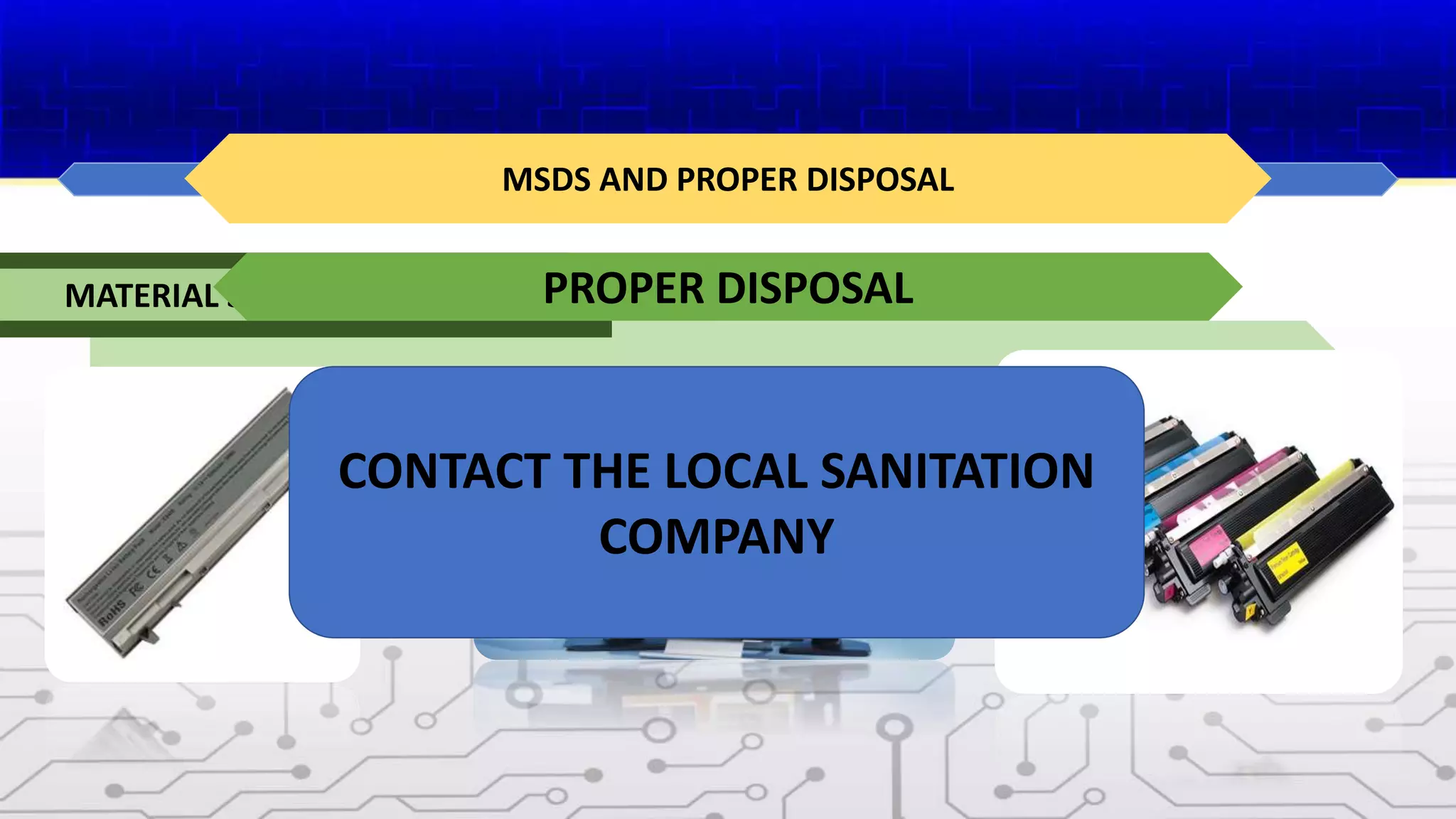
MSDS AND PROPER DISPOSAL
MSDS is a fact sheet summarizing information about materials
identification, including hazardous ingredients that can affect health ,
fire hazards, and first aid requirements.
MATERIAL SAFETY DATA SHEET (MSDS)
PROPER DISPOSAL
CONTACT THE LOCAL SANITATION
COMPANY
TOOLS FOR THE JOB
SOME HARDWARE TOOLS
HAND TOOLS
CLEANING TOOLS
DIAGNOSTIC TOOLS
SOFTWARE TOOLS
SOME HARDWARE TOOLS
Antistatic Mat and Antistatic Wrist Strap
HAND TOOLS
INCLUDE VARIOUS SCREWRIVERS,
NEEDLE-NOSE PLIERS, HEX DRIVERS,
WIRE CUTTERS, TWEEZERS, PART
RETRIEVER, AND FLASHLIGHT.
CLEANING TOOLS
SOFT CLOTH, AIR COMPRESSED AIR CAN, CABLE TIES, AND PART ORGANIZER
DIAGNOSTIC TOOLS
Include digital multimeter and loopback
adapter
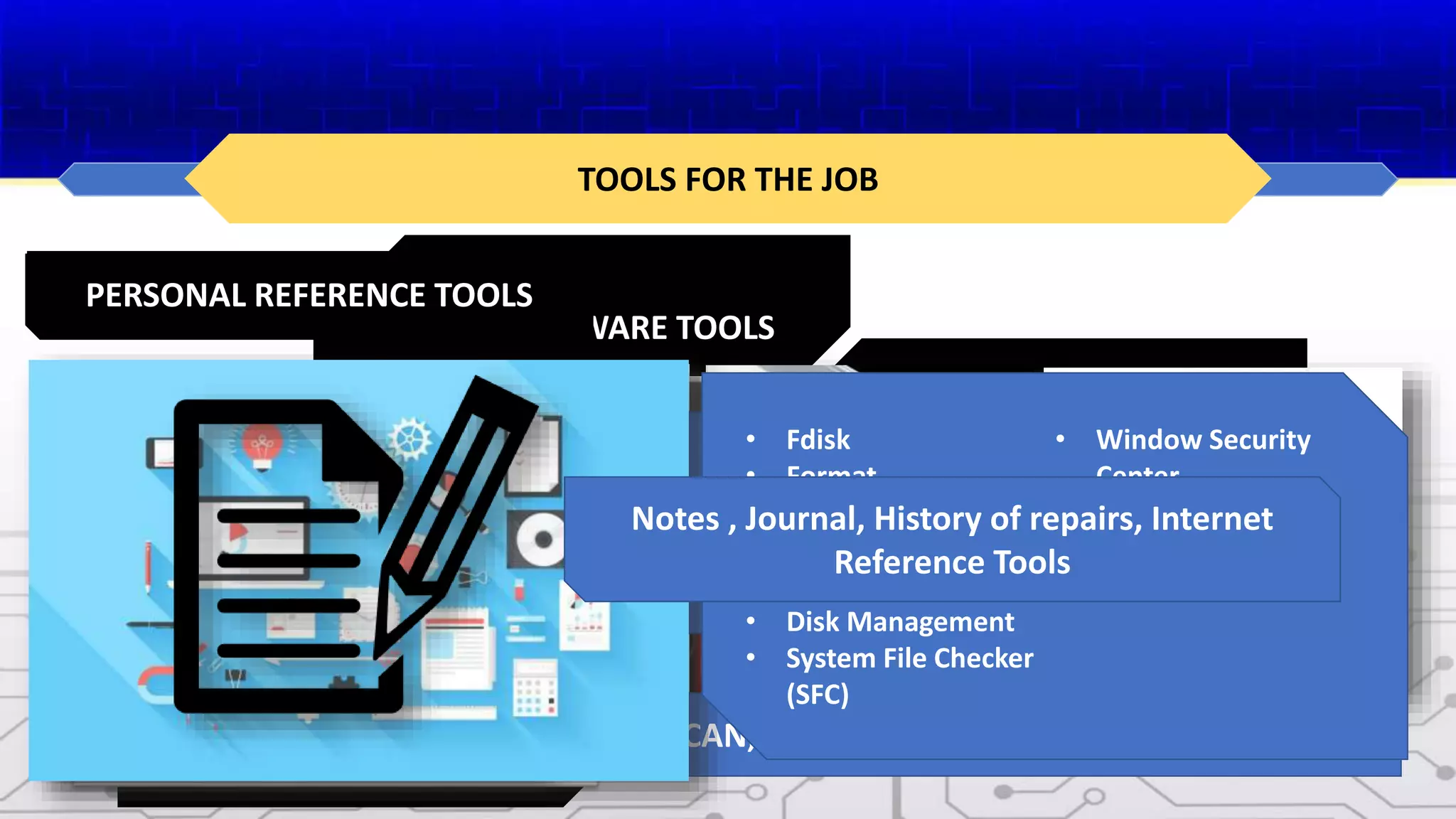
SOFTWARE TOOLS
• Fdisk
• Format
• Scandisk or Chkdsk
• Defrag
• Disk Cleanup
• Disk Management
• System File Checker
(SFC)
• Window Security
Center
• Antivirus Program
• Spyware Remover
• Firewall
PERSONAL REFERENCE TOOLS
Notes , Journal, History of repairs, Internet
Reference Tools

Chapter9_SafetyLabProcedureAndToolUse.pptx

  • 1.
    SAFETY LAB PROCEDUREAND TOOL USE CHAPTER 9
  • 2.
    INTEND LEARNING OUTCOMES Atthe end of this Chapter, the students expected to: • Know how to work safely inside the laboratories; • Explain the Guidelines for Basic Safety Practices; • Explain the functions of Hardware Tools; • Apply the tools and software to be used in personal computer; • Know the Software Tools; • Familiarize the computer components and its purpose; and • Train on how to properly practice the different computer tools. CHAPTER 9
  • 3.
    GUIDELINES FOR BASICSAFETY PRACTICES IN THE I.T WORKPLACE INJURY PREVENTION FOLLOW & BE ALERT TRAIN & USE TOOLS WISELY BE PROFESSIONAL & HEALTHY
  • 4.
    CAN YOU RECOGNIZESAFE WORKING CONDITION? CLEAN AND ORGANIZE PROFESSIONAL TECHNICIANS
  • 5.
    GENERAL SAFETY GUIDELINES REPORTINCLUDING THE DESCRIPTIONS PREVENT INJURIES CAUTION: • Power supplies and monitors contain very high voltage. • Do not wear the antistatic wrist strap when repairing power supplies or monitors. • Some printer parts may become very hot when in use and other parts may contain very high voltages. 1. Dangers of working on computers – List possible dangers 2. Precautions and warnings – List ways to protect technicians 3. Share a story about damage to equipment or an injury due to lack safety procedures CUTS BURNS ELECTRICAL SHOCK DAMAGE TO EYES POSSIBLE DANGERS TO A TECHNICIANS
  • 6.
    FIRE SAFETY GUIDELINES •KNOW THE LOCATION OF FIRE EXTINGUISHER AND LEARN HOW TO USE IT • HAVE AN ESCAPE ROUTE • KNOW HOW TO CONTACT EMERGENCY SERVICES QUICKLY • KEEP THE WORKSCPACE CLEAN • KEEP SOLVENTS IN SEPARATE AREA HAVE A FIRE PLAN BEFORE YOU BEGIN WORK: • P – PULL THE PIN. • A – AIM AT THE BASE OF THE FIRE, NOT AT THE FLAMES. • S – SQUEEZ THE LEVER. • S – SWEEP THE NOZZLE FROM SIDE TO SIDE HOW TO USE FIRE EXTINGUISHER?
  • 7.
    ELECTROSTATIC DISCHARGE (ESD)AND HOW TO PREVENT IT ELECTROSTATIC DISCHARGE (ESD) Static electricity is the build up of an electric charge resting on a surface. This buildup may zap a component and cause damage. This is known as electrostatic discharge (ESD). ESD can be destructive to the electronics in computer components. PREVENTING ESD DAMAGE • Keep all components in antistatic bag until you need them. • Use ground mats on workbenches. • Use grounded floor mats in working area. • Use antistatic wrist strap when working on computers. CLIMATE THAT AFFECTS THE COMPUTER EQUIPMENT: • If the environment temperature is too high, equipment can overheat. • If the humidity level is too low, the chance of ESD increases. • If the humidity level is too high, equipment can suffer from moisture damage.
  • 8.
    POWER FLUCTUATION Computer circuitsneed voltage and current to operate electronic components. Unsteady voltages are called power fluctuation. TYPES OF AC POWER FLUCTUATIONS • BLACKOUT • BROWNOUT • NOISE • SPIKE • POWER SURGE SHIELD FOR POWER FLUCTUATION • SURGE SUPPRESSOR • UNINTERRUPTIBLE POWER SUPPLY (UPS) • STANDBY POWER SUPPLY (SPS)
  • 9.
    MSDS AND PROPERDISPOSAL MSDS is a fact sheet summarizing information about materials identification, including hazardous ingredients that can affect health , fire hazards, and first aid requirements. MATERIAL SAFETY DATA SHEET (MSDS) PROPER DISPOSAL CONTACT THE LOCAL SANITATION COMPANY
  • 10.
    TOOLS FOR THEJOB SOME HARDWARE TOOLS HAND TOOLS CLEANING TOOLS DIAGNOSTIC TOOLS SOFTWARE TOOLS SOME HARDWARE TOOLS Antistatic Mat and Antistatic Wrist Strap HAND TOOLS INCLUDE VARIOUS SCREWRIVERS, NEEDLE-NOSE PLIERS, HEX DRIVERS, WIRE CUTTERS, TWEEZERS, PART RETRIEVER, AND FLASHLIGHT. CLEANING TOOLS SOFT CLOTH, AIR COMPRESSED AIR CAN, CABLE TIES, AND PART ORGANIZER DIAGNOSTIC TOOLS Include digital multimeter and loopback adapter SOFTWARE TOOLS • Fdisk • Format • Scandisk or Chkdsk • Defrag • Disk Cleanup • Disk Management • System File Checker (SFC) • Window Security Center • Antivirus Program • Spyware Remover • Firewall PERSONAL REFERENCE TOOLS Notes , Journal, History of repairs, Internet Reference Tools