I N P R O G R A M M I N G L O G I C A N D D E S I G N
G R O U P 3
COMPLEXITY OF PROBLEM-
SOLVING AND ALGORITHYM
DESIGN
JAY LORD
BALANCING EFFICIENCY AND
READABILITY IN CODE
KATHERINE
ADOPTING TO EVOLVING
TECHNOLOGIES AND
PROGRAMMING
LANGUAGES
ACE
J A Y L O R D
Our Facilities
An Algorithm Development Process:
Every problem solution starts with a plan. That plan is called an algorithm.
There are many ways to write an algorithm. Some are very informal, some are quite formal and
mathematical in nature, and some are quite graphical. The instructions for connecting a DVD player to a
television are an algorithm. A mathematical formula such as πR2 is a special case of an algorithm. The
form is not particularly important as long as it provides a good way to describe and check the logic of the
plan.
Our Facilities
The development of an algorithm (a plan) is a key step in solving a problem. Once we have an algorithm,
we can translate it into a computer program in some programming language. Our algorithm development
process consists of five major steps.
Step 1: Obtain a description of the problem.
Step 2: Analyze the problem.
Step 3: Develop a high-level algorithm.
Step 4: Refine the algorithm by adding more detail.
Step 5: Review the algorithm
Our Facilities
Step 1: Obtain a description of the problem.
This step is much more difficult than it appears. In the following discussion, the word client refers to
someone who wants to find a solution to a problem, and the word developer refers to someone who finds
a way to solve the problem. The developer must create an algorithm that will solve the client's problem.
The client is responsible for creating a description of the problem, but this is often the weakest part of the
process. It's quite common for a problem description to suffer from one or more of the following types of
defects: (1) the description relies on unstated assumptions, (2) the description is ambiguous, (3) the
description is incomplete, or (4) the description has internal contradictions. These defects are seldom due
to carelessness by the client. Instead, they are due to the fact that natural languages (English, French,
Korean, etc.) are rather imprecise. Part of the developer's responsibility is to identify defects in the
description of a problem, and to work with the client to remedy those defects.
Our Facilities
Step 2: Analyze the problem.
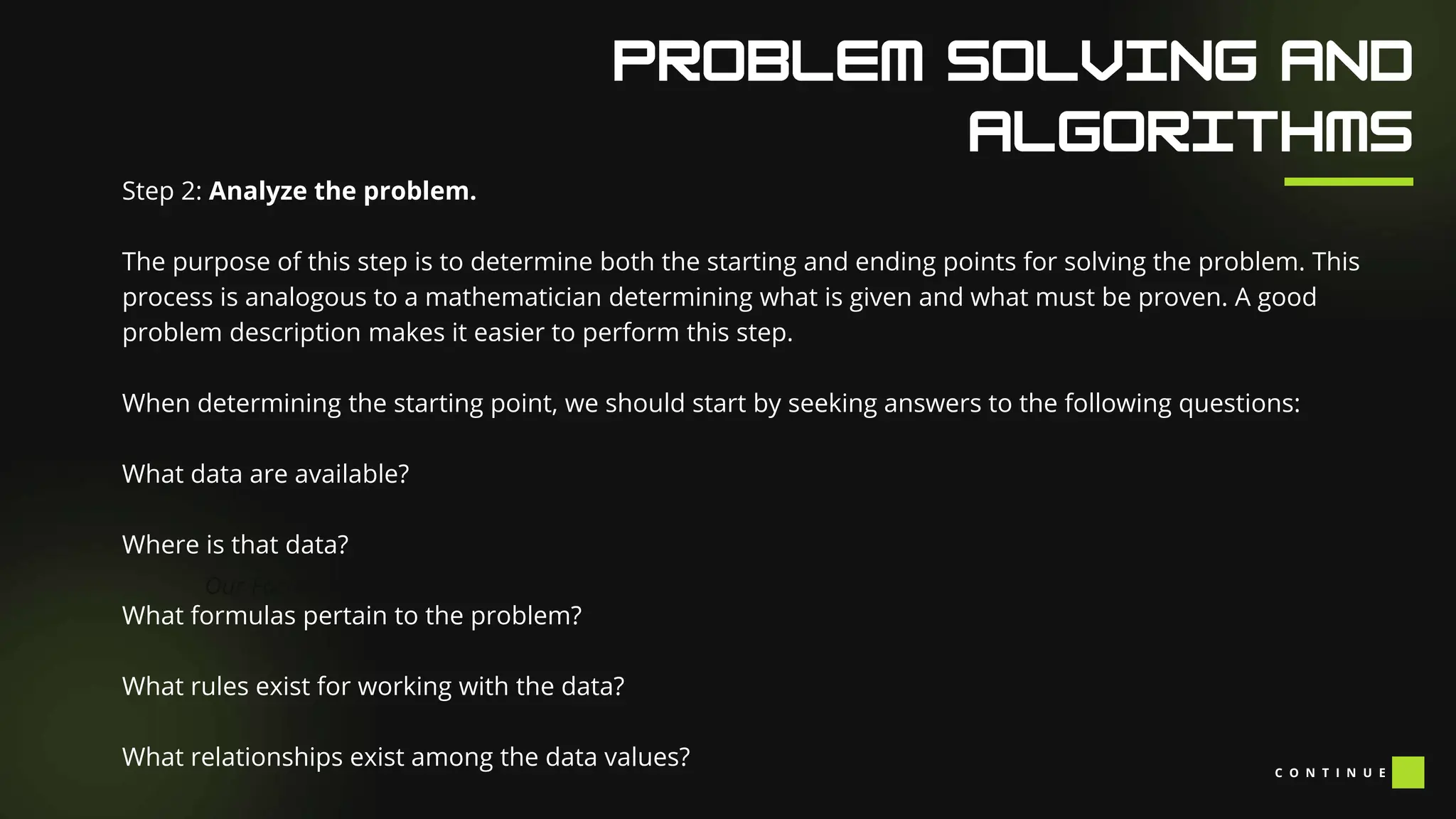
The purpose of this step is to determine both the starting and ending points for solving the problem. This
process is analogous to a mathematician determining what is given and what must be proven. A good
problem description makes it easier to perform this step.
When determining the starting point, we should start by seeking answers to the following questions:
What data are available?
Where is that data?
What formulas pertain to the problem?
What rules exist for working with the data?
What relationships exist among the data values? C O N T I N U E
Our Facilities
Step 2: Analyze the problem.
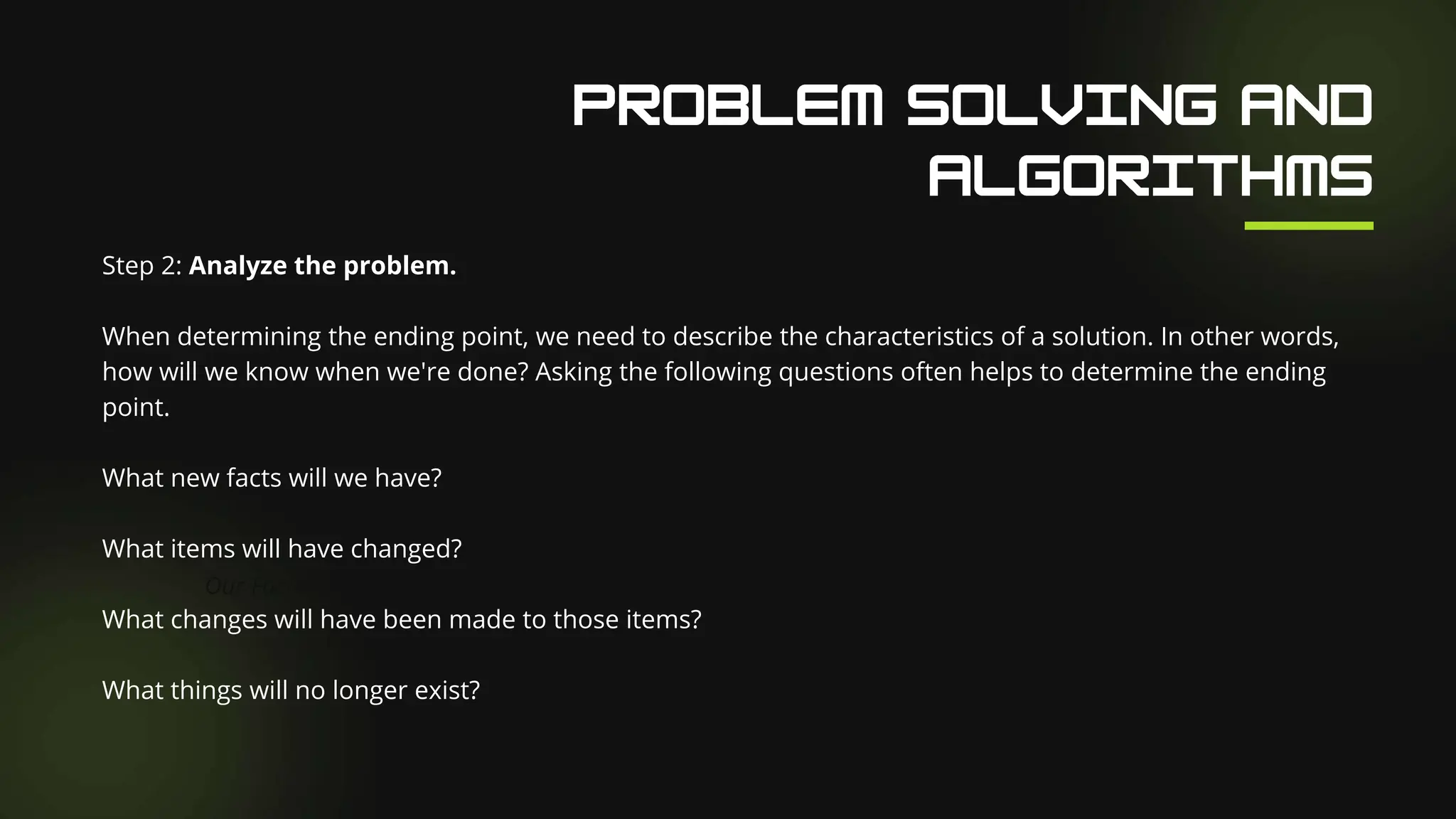
When determining the ending point, we need to describe the characteristics of a solution. In other words,
how will we know when we're done? Asking the following questions often helps to determine the ending
point.
What new facts will we have?
What items will have changed?
What changes will have been made to those items?
What things will no longer exist?
Our Facilities
Step 3: Develop a high-level algorithm.
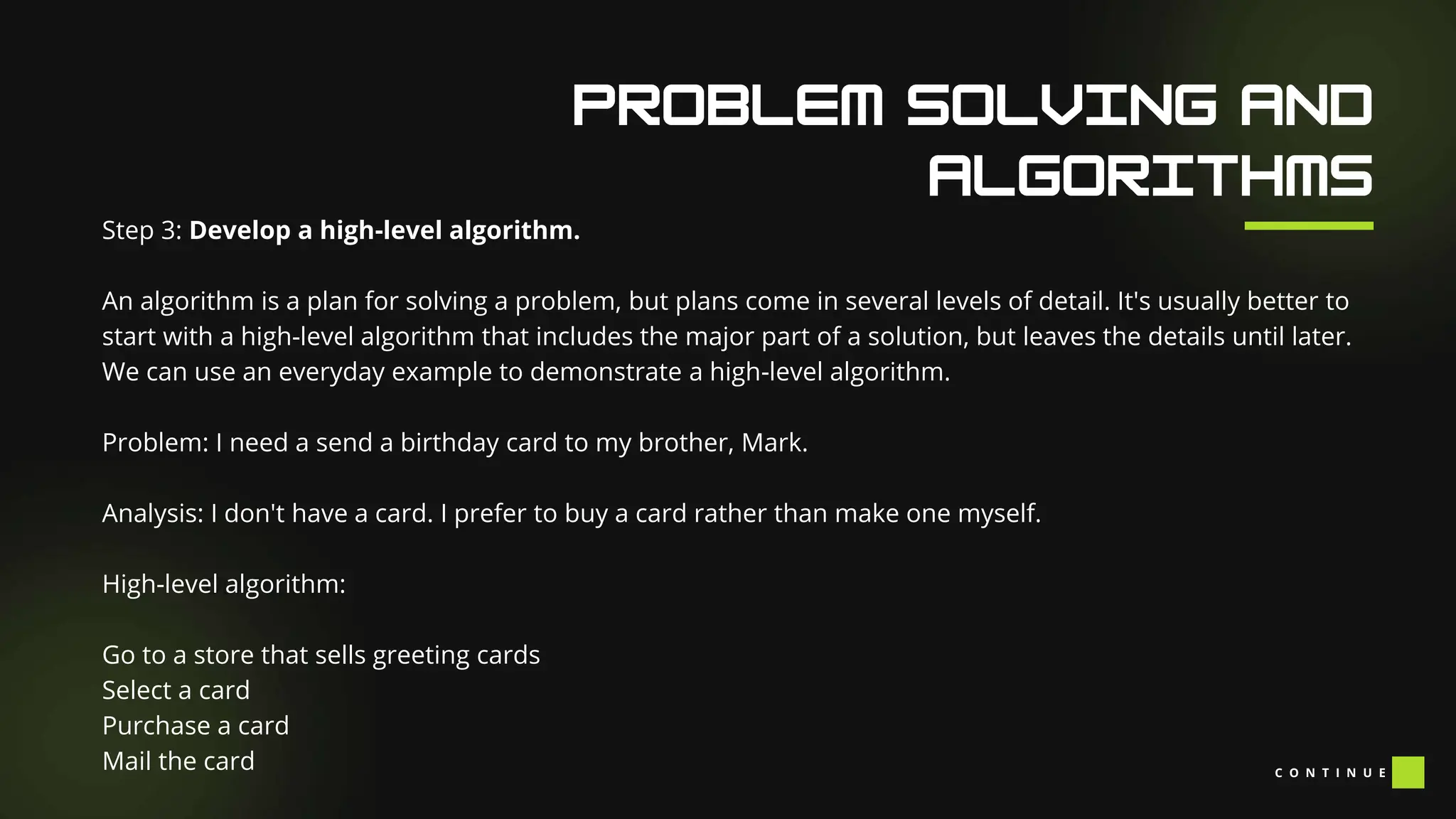
An algorithm is a plan for solving a problem, but plans come in several levels of detail. It's usually better to
start with a high-level algorithm that includes the major part of a solution, but leaves the details until later.
We can use an everyday example to demonstrate a high-level algorithm.
Problem: I need a send a birthday card to my brother, Mark.
Analysis: I don't have a card. I prefer to buy a card rather than make one myself.
High-level algorithm:
Go to a store that sells greeting cards
Select a card
Purchase a card
Mail the card C O N T I N U E
Our Facilities
Step 3: Develop a high-level algorithm.
This algorithm is satisfactory for daily use, but it lacks details that would have to be added were a
computer to carry out the solution. These details include answers to questions such as the following.
"Which store will I visit?"
"How will I get there: walk, drive, ride my bicycle, take the bus?"
"What kind of card does Mark like: humorous, sentimental, risqué?"
These kinds of details are considered in the next step of our process.
Our Facilities
Step 4: Refine the algorithm by adding more detail.
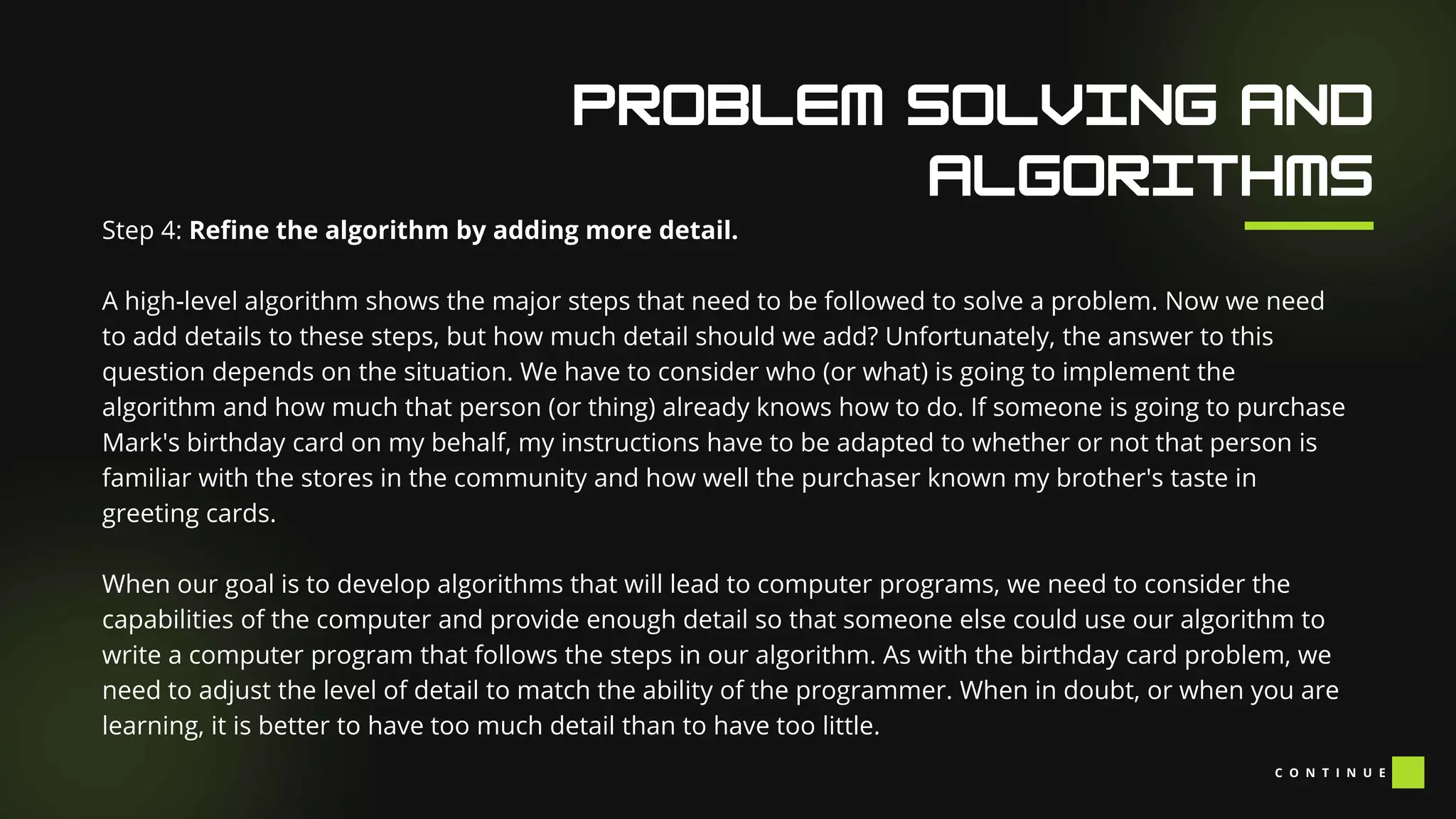
A high-level algorithm shows the major steps that need to be followed to solve a problem. Now we need
to add details to these steps, but how much detail should we add? Unfortunately, the answer to this
question depends on the situation. We have to consider who (or what) is going to implement the
algorithm and how much that person (or thing) already knows how to do. If someone is going to purchase
Mark's birthday card on my behalf, my instructions have to be adapted to whether or not that person is
familiar with the stores in the community and how well the purchaser known my brother's taste in
greeting cards.
When our goal is to develop algorithms that will lead to computer programs, we need to consider the
capabilities of the computer and provide enough detail so that someone else could use our algorithm to
write a computer program that follows the steps in our algorithm. As with the birthday card problem, we
need to adjust the level of detail to match the ability of the programmer. When in doubt, or when you are
learning, it is better to have too much detail than to have too little.
C O N T I N U E
Our Facilities
Step 4: Refine the algorithm by adding more detail.
Most of our examples will move from a high-level to a detailed algorithm in a single step, but this is not
always reasonable. For larger, more complex problems, it is common to go through this process several
times, developing intermediate level algorithms as we go. Each time, we add more detail to the previous
algorithm, stopping when we see no benefit to further refinement. This technique of gradually working
from a high-level to a detailed algorithm is often called stepwise refinement.
Stepwise refinement is a process for developing a detailed algorithm by gradually adding detail to a high-
level algorithm.
Our Facilities
Step 5: Review the algorithm.
The final step is to review the algorithm. What are we looking for? First, we need to work through the
algorithm step by step to determine whether or not it will solve the original problem. Once we are
satisfied that the algorithm does provide a solution to the problem, we start to look for other things. The
following questions are typical of ones that should be asked whenever we review an algorithm. Asking
these questions and seeking their answers is a good way to develop skills that can be applied to the next
problem.
Does this algorithm solve a very specific problem or does it solve a more general problem? If it solves a
very specific problem, should it be generalized?
C O N T I N U E
Our Facilities
Step 5: Review the algorithm.
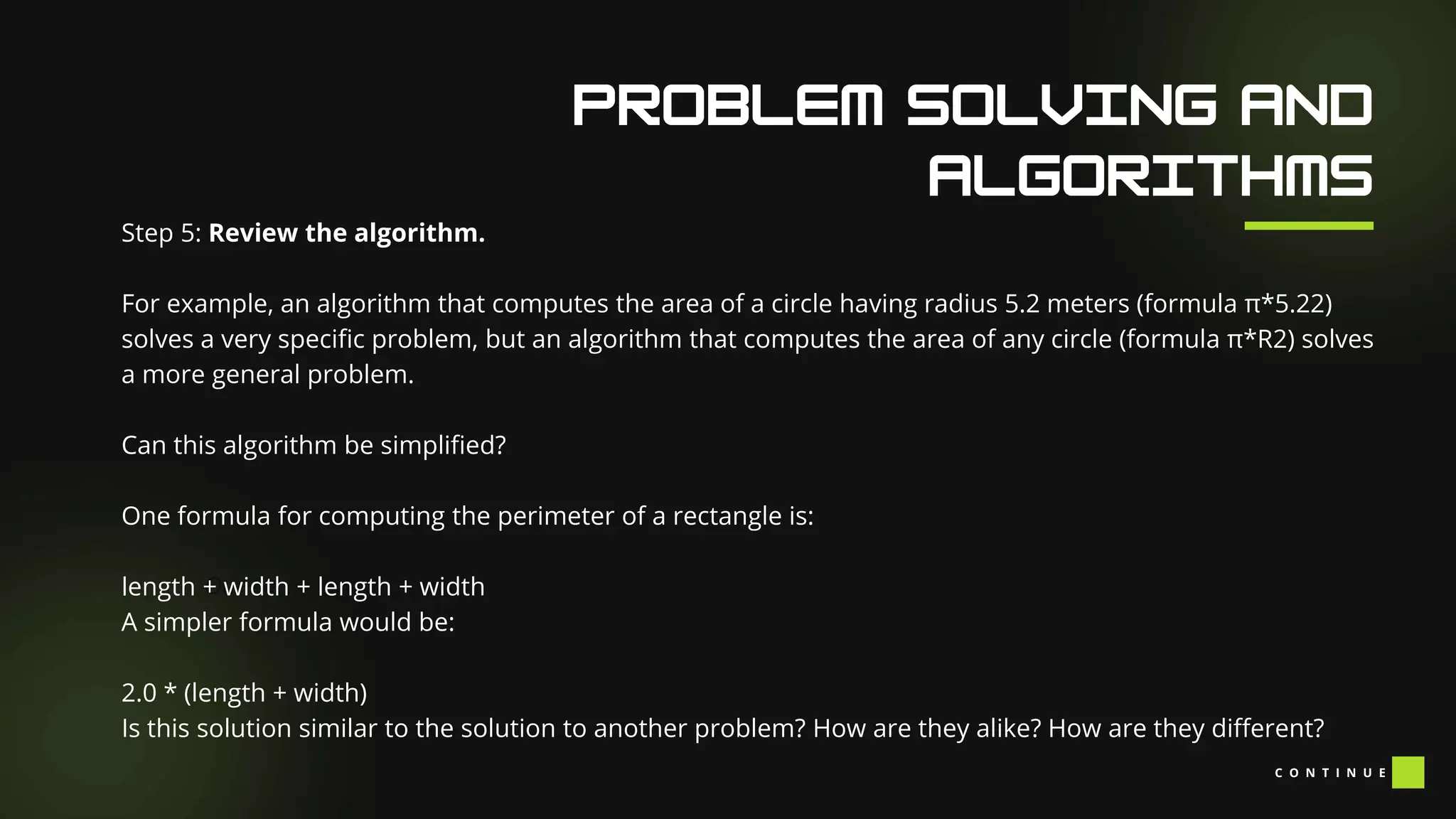
For example, an algorithm that computes the area of a circle having radius 5.2 meters (formula π*5.22)
solves a very specific problem, but an algorithm that computes the area of any circle (formula π*R2) solves
a more general problem.
Can this algorithm be simplified?
One formula for computing the perimeter of a rectangle is:
length + width + length + width
A simpler formula would be:
2.0 * (length + width)
Is this solution similar to the solution to another problem? How are they alike? How are they different?
C O N T I N U E
Our Facilities
Step 5: Review the algorithm.
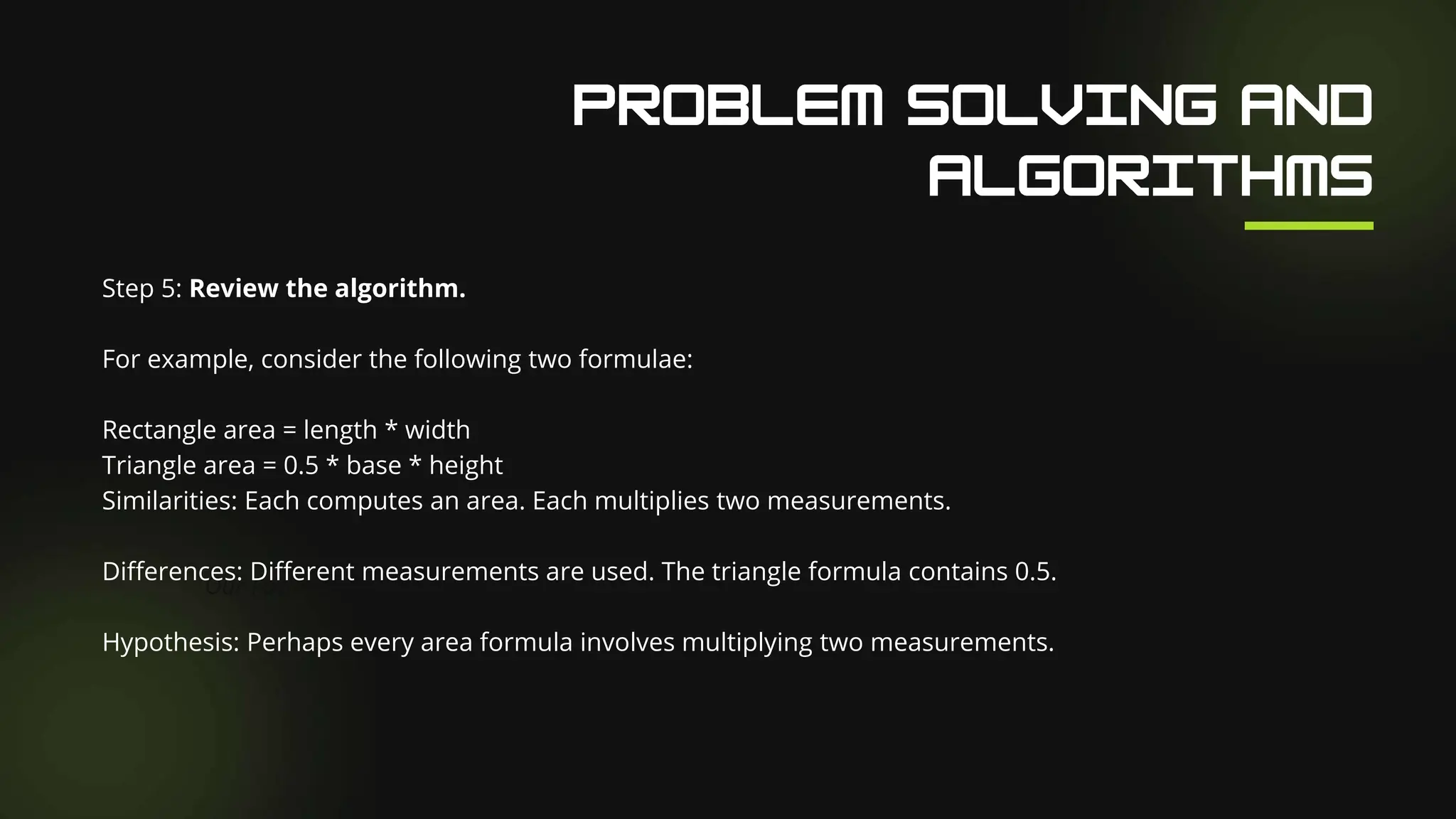
For example, consider the following two formulae:
Rectangle area = length * width
Triangle area = 0.5 * base * height
Similarities: Each computes an area. Each multiplies two measurements.
Differences: Different measurements are used. The triangle formula contains 0.5.
Hypothesis: Perhaps every area formula involves multiplying two measurements.
K A T H E R I N E
Gary Pollock, 2018-03-20
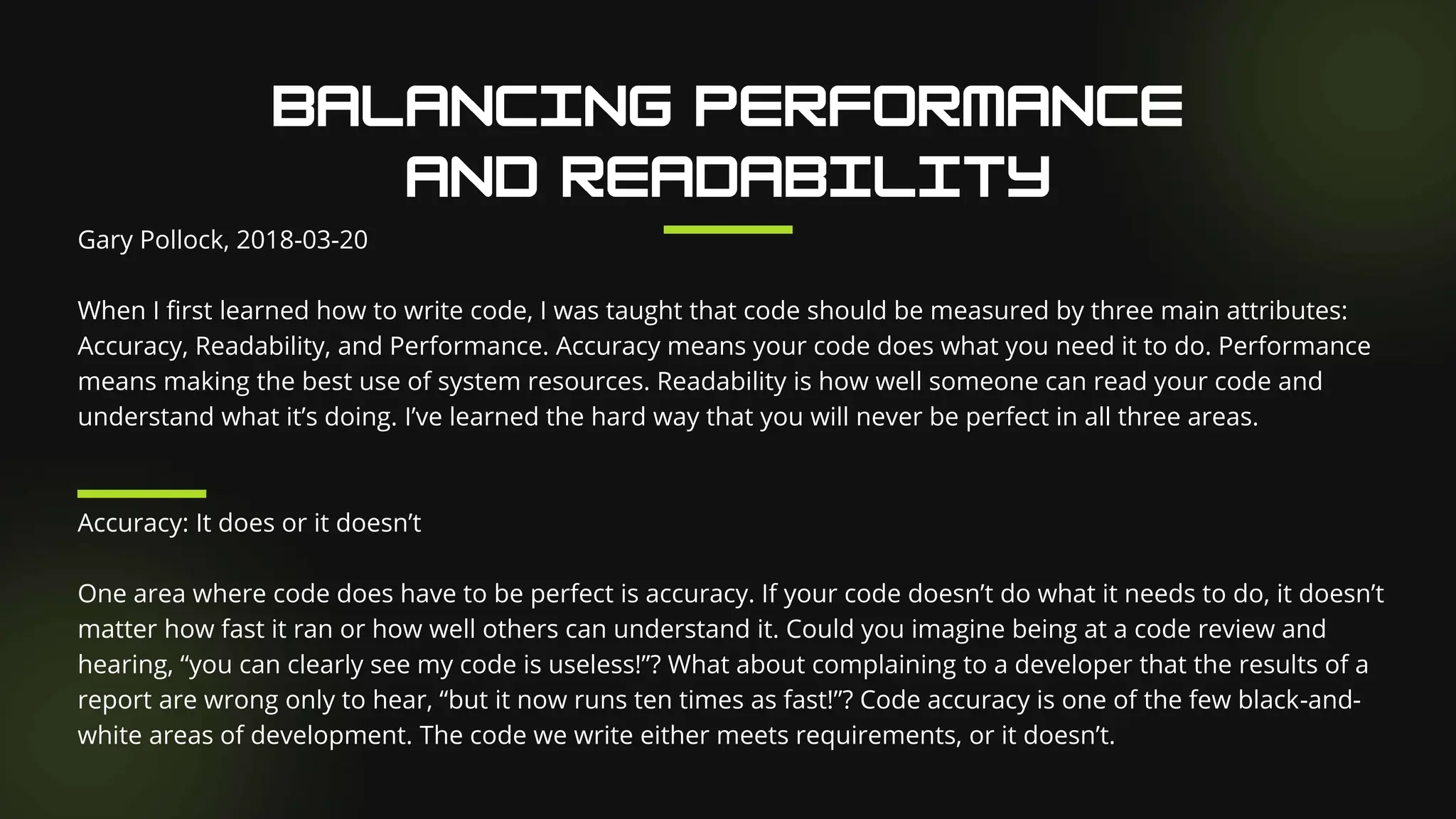
When I first learned how to write code, I was taught that code should be measured by three main attributes:
Accuracy, Readability, and Performance. Accuracy means your code does what you need it to do. Performance
means making the best use of system resources. Readability is how well someone can read your code and
understand what it’s doing. I’ve learned the hard way that you will never be perfect in all three areas.
Accuracy: It does or it doesn’t
One area where code does have to be perfect is accuracy. If your code doesn’t do what it needs to do, it doesn’t
matter how fast it ran or how well others can understand it. Could you imagine being at a code review and
hearing, “you can clearly see my code is useless!”? What about complaining to a developer that the results of a
report are wrong only to hear, “but it now runs ten times as fast!”? Code accuracy is one of the few black-and-
white areas of development. The code we write either meets requirements, or it doesn’t.
Performance: Being nicer to the machine
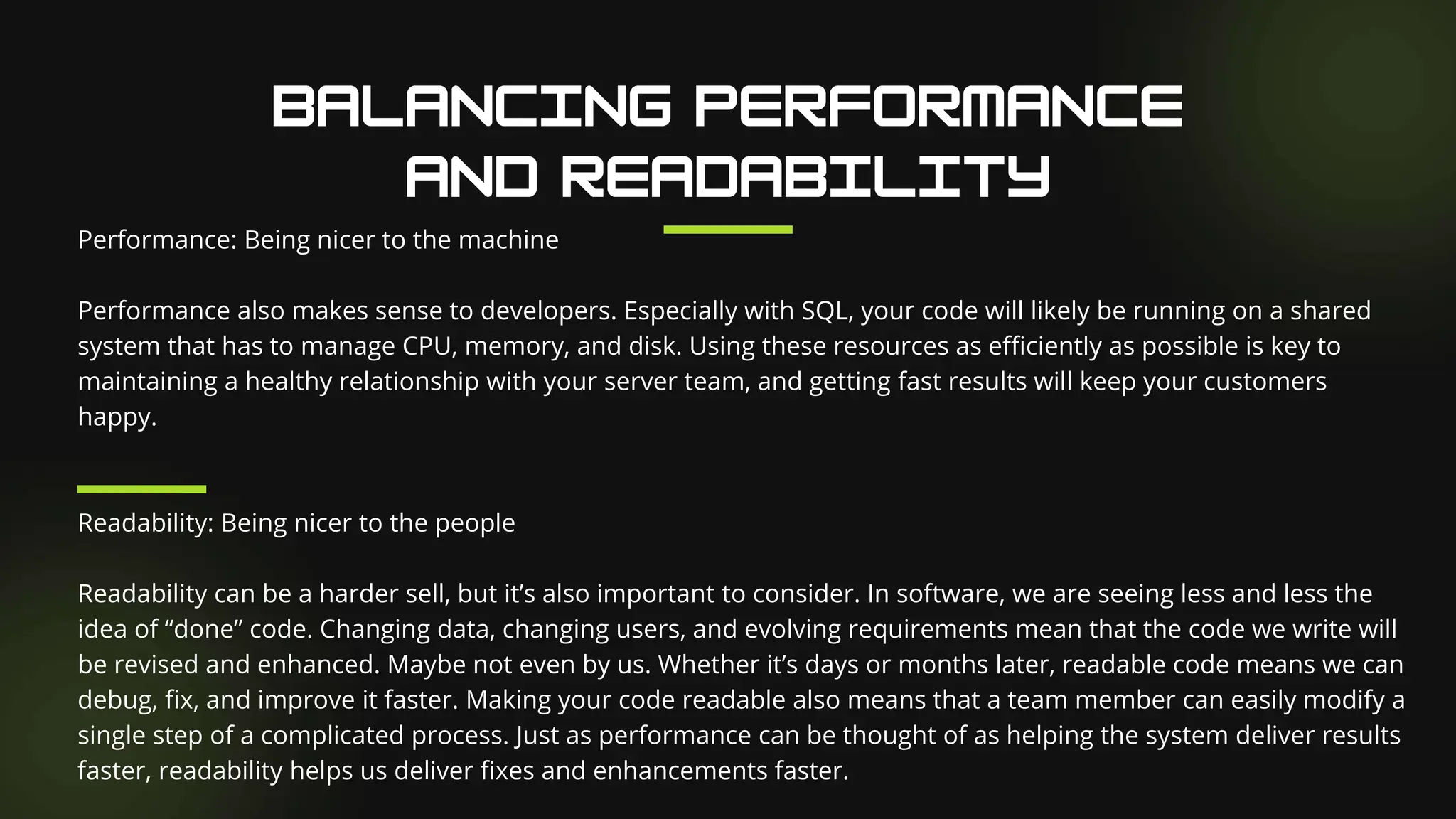
Performance also makes sense to developers. Especially with SQL, your code will likely be running on a shared
system that has to manage CPU, memory, and disk. Using these resources as efficiently as possible is key to
maintaining a healthy relationship with your server team, and getting fast results will keep your customers
happy.
Readability: Being nicer to the people
Readability can be a harder sell, but it’s also important to consider. In software, we are seeing less and less the
idea of “done” code. Changing data, changing users, and evolving requirements mean that the code we write will
be revised and enhanced. Maybe not even by us. Whether it’s days or months later, readable code means we can
debug, fix, and improve it faster. Making your code readable also means that a team member can easily modify a
single step of a complicated process. Just as performance can be thought of as helping the system deliver results
faster, readability helps us deliver fixes and enhancements faster.
Conflicting Interests
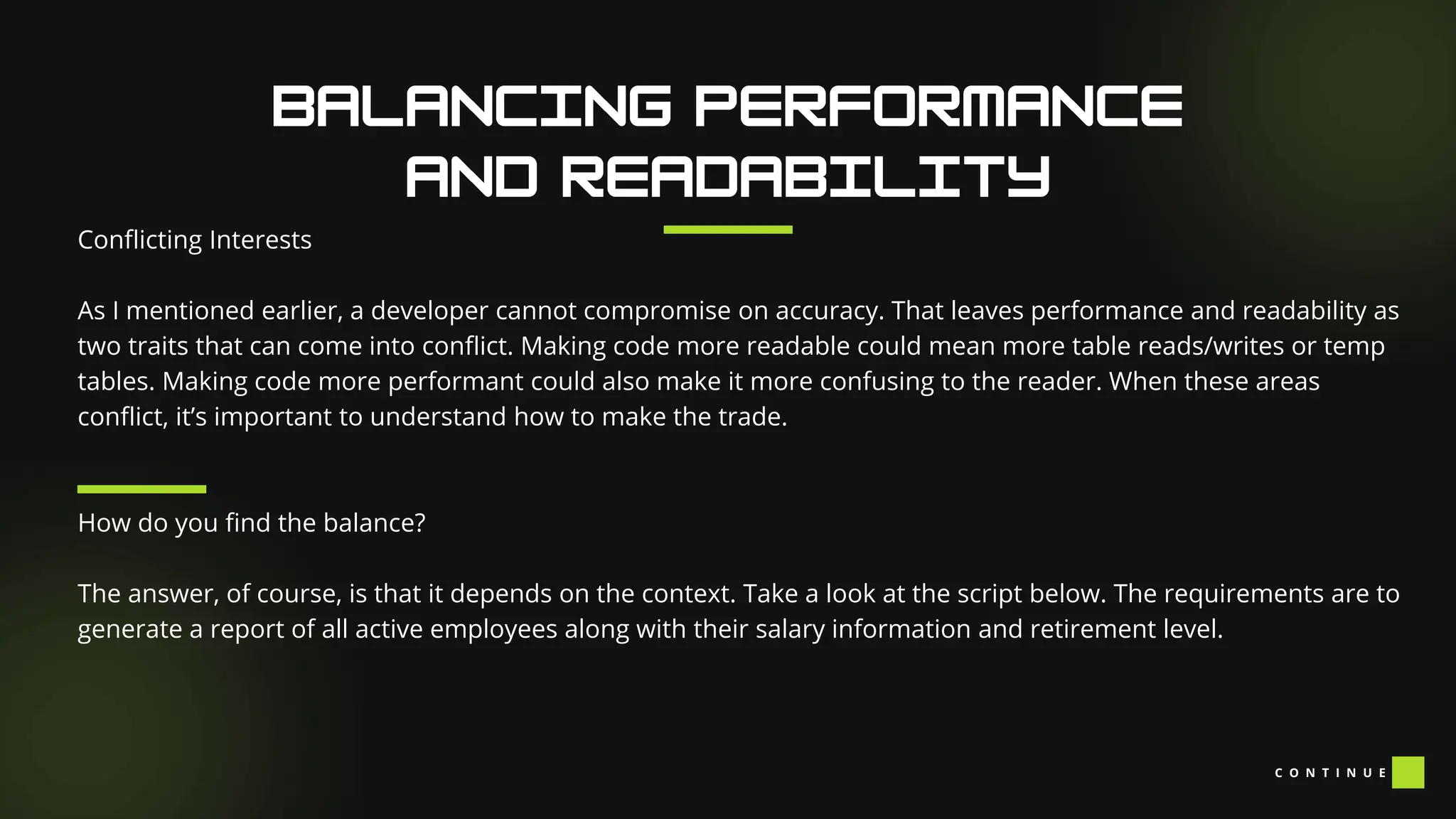
As I mentioned earlier, a developer cannot compromise on accuracy. That leaves performance and readability as
two traits that can come into conflict. Making code more readable could mean more table reads/writes or temp
tables. Making code more performant could also make it more confusing to the reader. When these areas
conflict, it’s important to understand how to make the trade.
How do you find the balance?
The answer, of course, is that it depends on the context. Take a look at the script below. The requirements are to
generate a report of all active employees along with their salary information and retirement level.
C O N T I N U E
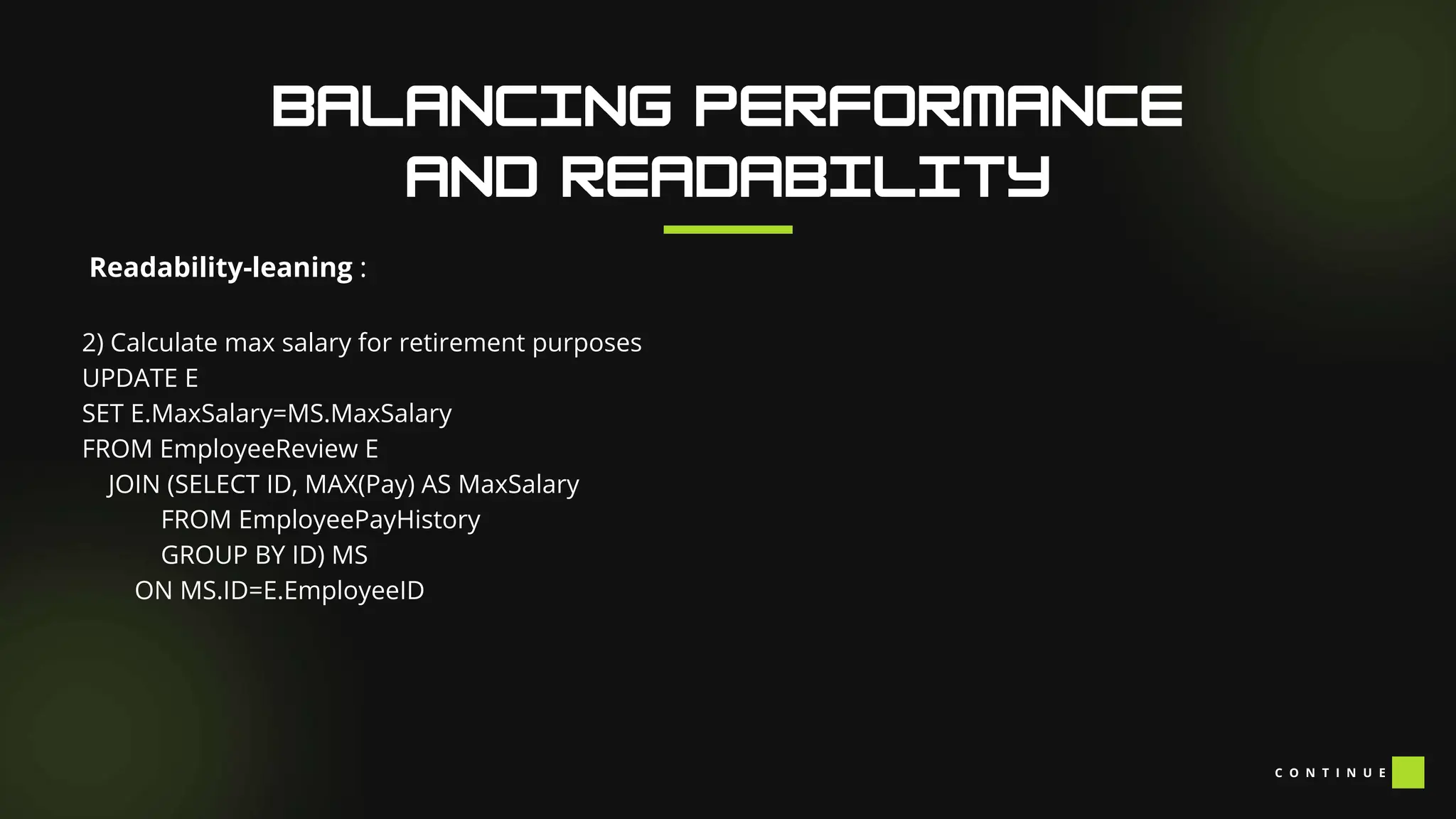
Readability-leaning :
1) Grab our initial employee list
INSERT INTO EmployeeReview(EmployeeID, FirstName, LastName, HireDate, Salary, Retirement)
SELECT ID AS EmployeeID
,[First] AS FirstName
,[Last] AS LastName
,StartDate AS HireDate
,Pay AS Salary
,'Basic' AS Retirement
FROM Employees
WHERE Active=1
C O N T I N U E
Readability-leaning :
2) Calculate max salary for retirement purposes
UPDATE E
SET E.MaxSalary=MS.MaxSalary
FROM EmployeeReview E
JOIN (SELECT ID, MAX(Pay) AS MaxSalary
FROM EmployeePayHistory
GROUP BY ID) MS
ON MS.ID=E.EmployeeID
C O N T I N U E
Readability-leaning :
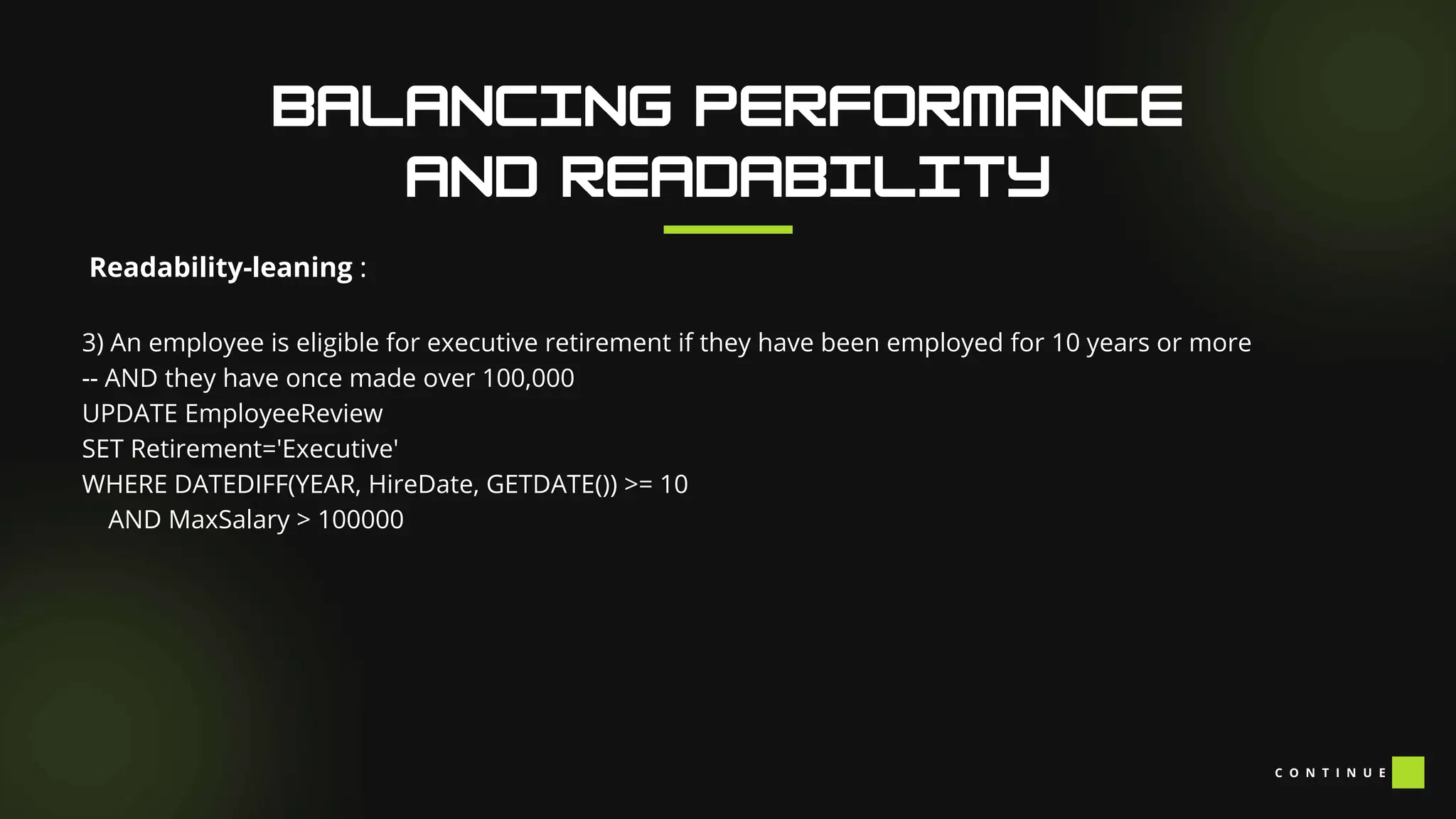
3) An employee is eligible for executive retirement if they have been employed for 10 years or more
-- AND they have once made over 100,000
UPDATE EmployeeReview
SET Retirement='Executive'
WHERE DATEDIFF(YEAR, HireDate, GETDATE()) >= 10
AND MaxSalary > 100000
C O N T I N U E
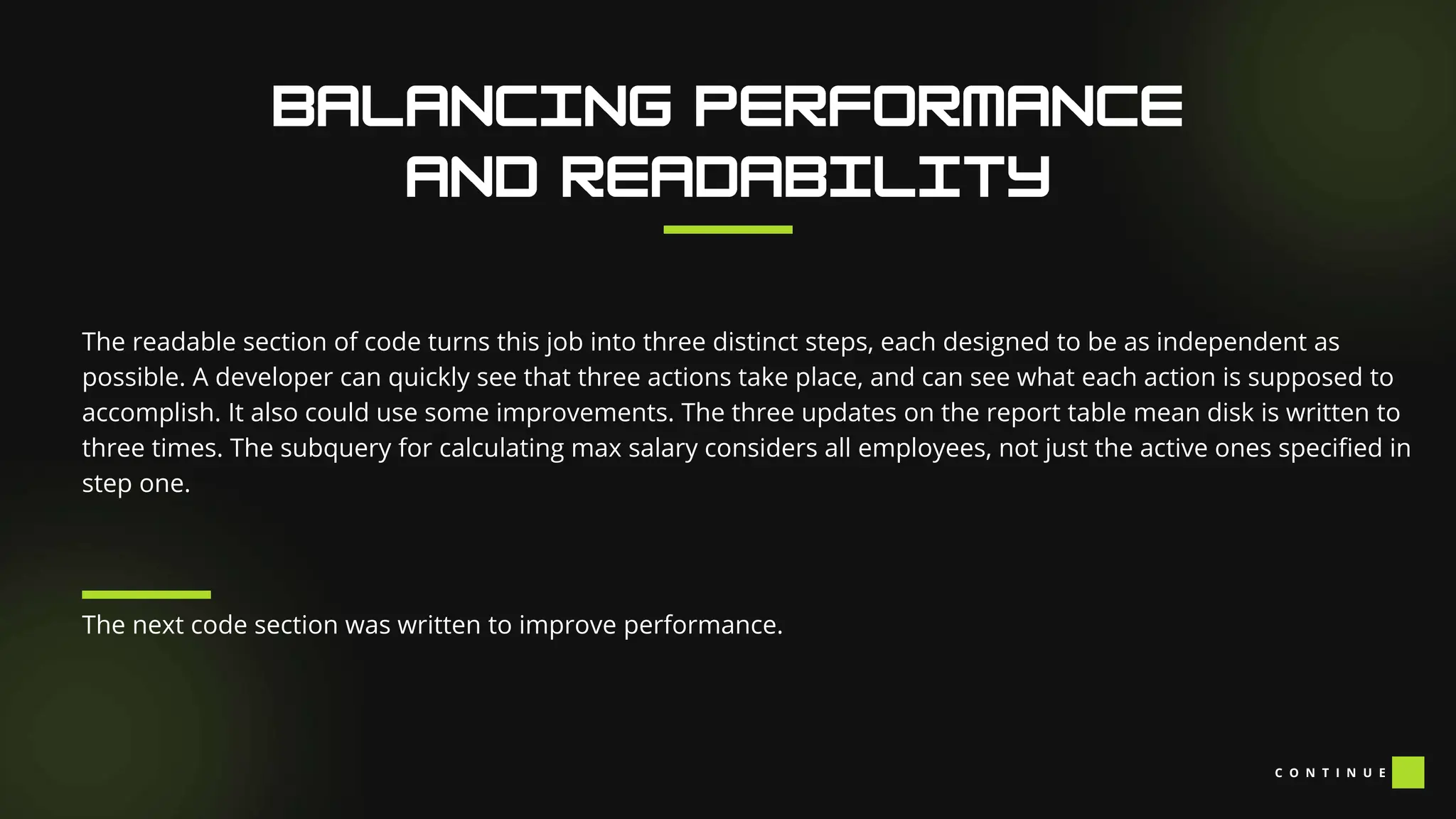
The readable section of code turns this job into three distinct steps, each designed to be as independent as
possible. A developer can quickly see that three actions take place, and can see what each action is supposed to
accomplish. It also could use some improvements. The three updates on the report table mean disk is written to
three times. The subquery for calculating max salary considers all employees, not just the active ones specified in
step one.
The next code section was written to improve performance.
C O N T I N U E
Performance-leaning :
INSERT INTO EmployeeReview(EmployeeID, FirstName, LastName, HireDate, Salary, MaxSalary,
Retirement)
SELECT ID AS EmployeeID
,[First] AS FirstName
,[Last] AS LastName
,StartDate AS HireDate
,Pay AS Salary
,MAX(Pay) AS MaxSalary
,CASE
WHEN DATEDIFF(YEAR, HireDate, GETDATE()) >= 10 AND MAX(Pay) > 100000 THEN 'Executive'
ELSE 'Basic' END AS Retirement
,SUM(EPC.Amount) AS PaidToDate
C O N T I N U E
Performance-leaning :
FROM Employees E
JOIN EmployeePayHistory EPH --If I can't find a way to make this join 1:1, I'm in trouble
ON EPH.ID=E.ID
JOIN EmployeePayChecks EPC
ON EPC.ID=E.ID
WHERE Active=1
AND EPH.MaxSal=1 --In order to add paid-to-date, I also need to understand the pay
history table
GROUP BY ID
,[First]
,[Last]
,StartDate
,Pay C O N T I N U E
Performance-leaning :
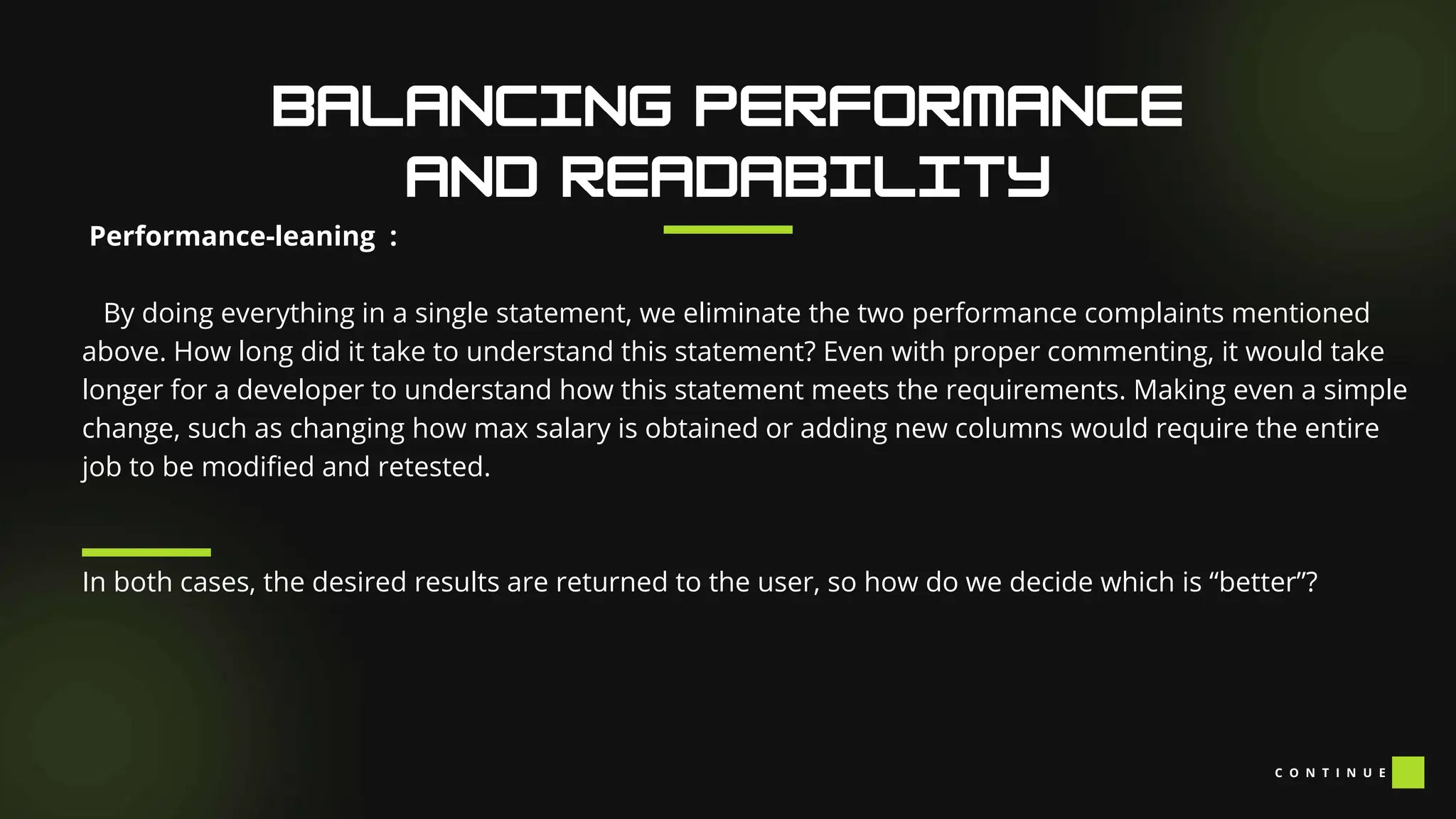
By doing everything in a single statement, we eliminate the two performance complaints mentioned
above. How long did it take to understand this statement? Even with proper commenting, it would take
longer for a developer to understand how this statement meets the requirements. Making even a simple
change, such as changing how max salary is obtained or adding new columns would require the entire
job to be modified and retested.
In both cases, the desired results are returned to the user, so how do we decide which is “better”?
C O N T I N U E
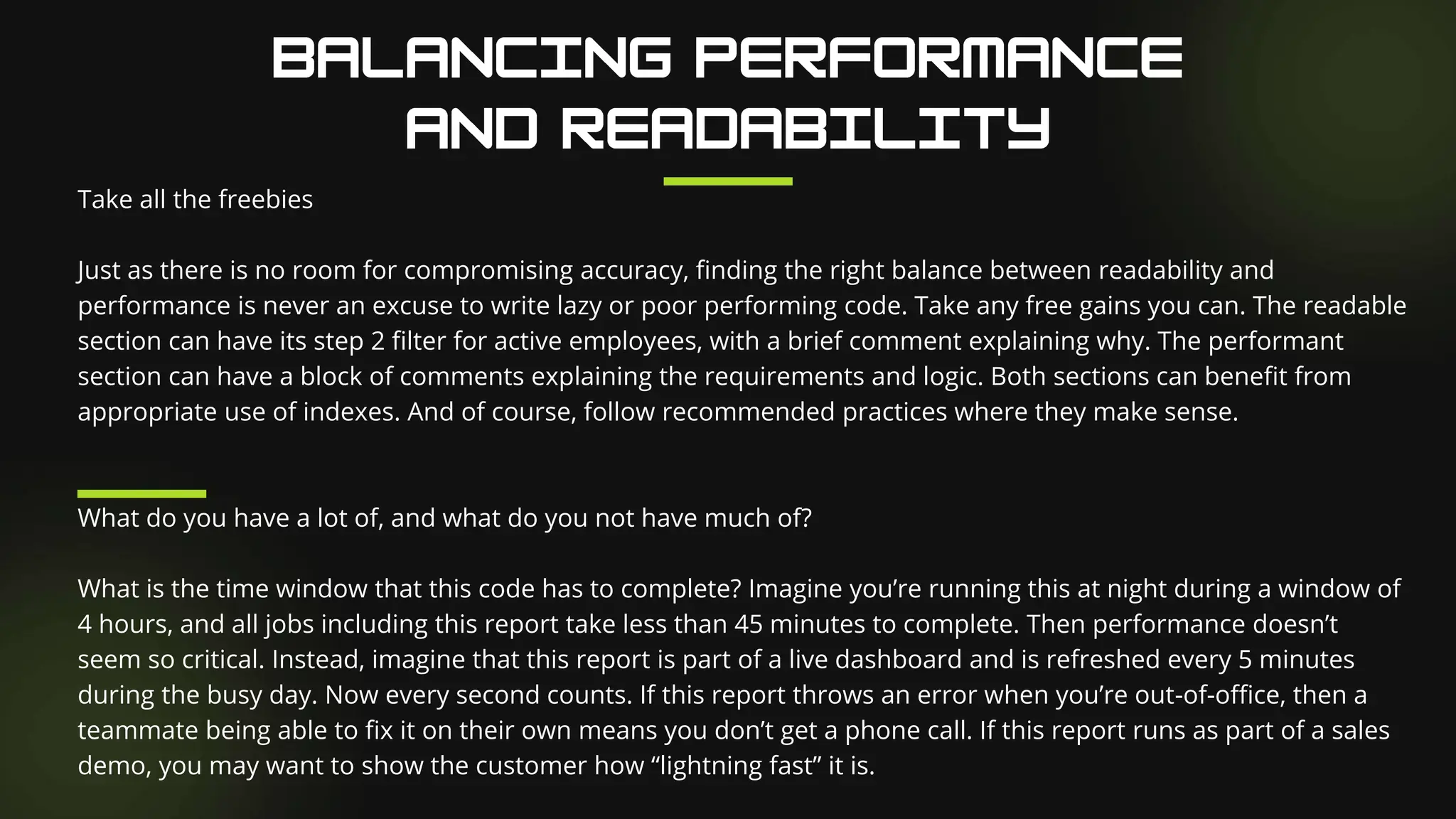
Take all the freebies
Just as there is no room for compromising accuracy, finding the right balance between readability and
performance is never an excuse to write lazy or poor performing code. Take any free gains you can. The readable
section can have its step 2 filter for active employees, with a brief comment explaining why. The performant
section can have a block of comments explaining the requirements and logic. Both sections can benefit from
appropriate use of indexes. And of course, follow recommended practices where they make sense.
What do you have a lot of, and what do you not have much of?
What is the time window that this code has to complete? Imagine you’re running this at night during a window of
4 hours, and all jobs including this report take less than 45 minutes to complete. Then performance doesn’t
seem so critical. Instead, imagine that this report is part of a live dashboard and is refreshed every 5 minutes
during the busy day. Now every second counts. If this report throws an error when you’re out-of-office, then a
teammate being able to fix it on their own means you don’t get a phone call. If this report runs as part of a sales
demo, you may want to show the customer how “lightning fast” it is.
C O N T I N U E
How likely is the business logic to change?
Pretend this report has been running for over a month and you’ve moved on to another project. Then the user
tells you they want to see total paid to date, which sums a value from a paycheck table. For the readable code,
you could simply add a step 4. For the performant code, you would have to modify the whole statement,
rewriting your join to pay history to ensure one-to-one cardinality.
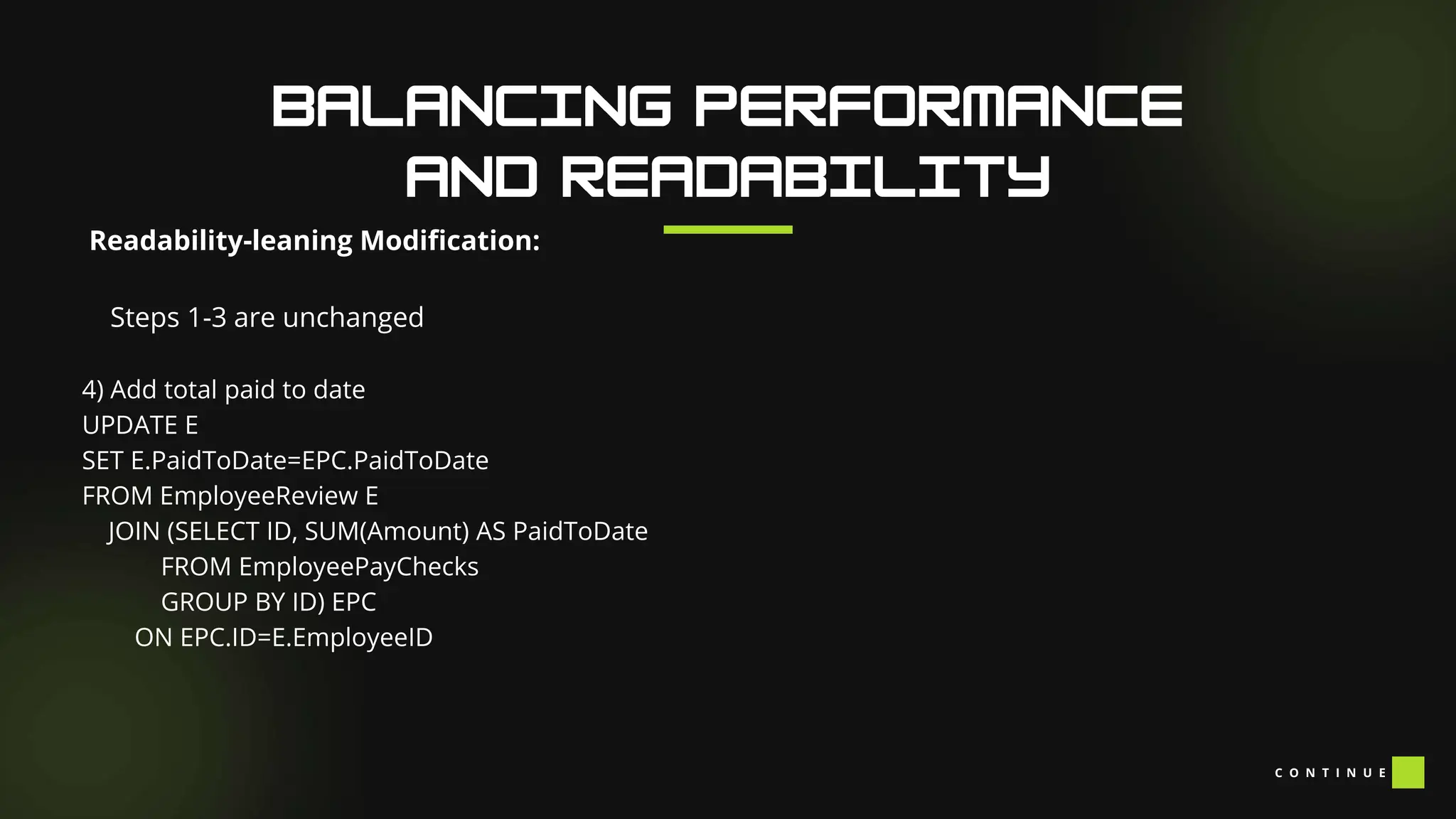
Readability-leaning Modification:
Steps 1-3 are unchanged
4) Add total paid to date
UPDATE E
SET E.PaidToDate=EPC.PaidToDate
FROM EmployeeReview E
JOIN (SELECT ID, SUM(Amount) AS PaidToDate
FROM EmployeePayChecks
GROUP BY ID) EPC
ON EPC.ID=E.EmployeeID
C O N T I N U E
Performance-leaning Modification:
INSERT INTO EmployeeReview(EmployeeID, FirstName, LastName, HireDate, Salary, MaxSalary,
Retirement)
SELECT ID AS EmployeeID
,[First] AS FirstName
,[Last] AS LastName
,StartDate AS HireDate
,Pay AS Salary
,MAX(Pay) AS MaxSalary
,CASE
WHEN DATEDIFF(YEAR, HireDate, GETDATE()) >= 10 AND MAX(Pay) > 100000 THEN 'Executive'
ELSE 'Basic' END AS Retirement
,SUM(EPC.Amount) AS PaidToDate
C O N T I N U E
Performance-leaning Modification:
FROM Employees E
JOIN EmployeePayHistory EPH --If I can't find a way to make this join 1:1, I'm in trouble
ON EPH.ID=E.ID
JOIN EmployeePayChecks EPC
ON EPC.ID=E.ID
WHERE Active=1
AND EPH.MaxSal=1 --In order to add paid-to-date, I also need to understand the pay
history table
GROUP BY ID
,[First]
,[Last]
,StartDate
,Pay C O N T I N U E
Performance-leaning Modification:
When we write code that is easy to understand, we write code that can be easily modified. When we
write code that is optimized for performance but harder to understand, we commit extra time to the
next modification, by way of deciphering and regression testing. An extra day or two is acceptable to the
user for code that will only be modified once a year. For code that needs to be modified every couple
weeks, even a few hours is painful.
How complex is the business logic?
In the example, there are only three distinct steps to achieve the results, which can be optimized to less
than 20 lines in a single select statement. Many tasks in SQL Server, such as Data warehousing and self-
serve report tables could easily grow to 20-30 steps each. I’ve seen performance optimization attempts
for these jobs lead to developers asking for comically-oversized monitors just so they could see one
command in its entirety. However, simple tasks like displaying a menu or showing recommended indexes
only read from pre-built tables and views.
Finding the right fit
I encourage all of us to avoid seeing working code as good or bad, but instead as a component to a
system. That system includes its objective, the machines on which it executes, and the people who work
to maintain it. Then, developing code means fitting into this system as well as possible. How do you
balance code between readability and performance? Please comment and let me know what you think
A C E
Programming, originating in the 19th century, has undergone significant evolution driven by technological
advancements. This evolution encompasses the history of programming, various programming languages, the
future trajectory of programming, the integration of AI, and the significance of popular Integrated Development
Environments (IDEs). Programming is crucial for creating software, websites, mobile apps, games, and other
digital products, enabling automation of tasks, solving complex problems, and fostering innovation. In the
contemporary digital landscape, programming skills are in high demand, proving essential for success across
diverse industries. Despite its initial tedious nature using punch cards, programming became more accessible
and efficient with the advent of computers. The ongoing exploration in this field involves a closer examination of
the evolution of programming languages, historical milestones, types of languages, future trends, the role of AI,
and the prominence of popular IDEs. Learning to code opens up a world of opportunities, allowing individuals to
leverage the numerous benefits offered by technology.
The history of programming traces back to the 19th century when Ada Lovelace devised an algorithm for Charles
Babbage's Analytical Engine, considered the first computer. The 1950s introduced FORTRAN, the first
programming language used for scientific calculations. In the 1960s, COBOL, BASIC, and ALGOL emerged for
business and research applications. The 1970s saw C and Pascal for operating systems, while the 1980s
introduced Smalltalk, the first object-oriented language for graphical user interfaces. The 1990s brought scripting
languages like Perl and Python for web development, with Ruby and PHP gaining popularity in the early 2000s.
Today, Java, C++, Python, and JavaScript are widely used. Logic is integral to programming, guiding the creation of
logical and well-organized instructions for computers. Logical thinking is crucial for breaking down complex
problems into manageable parts, developing algorithms, and utilizing logical operators and conditional
statements to control program flow. Strong logical thinking enables programmers to write efficient code, solving
intricate problems effectively.
Programming languages can be broadly classified into three categories:
Low-Level Languages: These languages are closer to the machine language and are used to write operating
systems, device drivers, and firmware. Examples include Assembly Language, C, and C++.
High-Level Languages: These languages are easier to learn and use than low-level languages. They are used to
write applications, games, and websites. Examples include Java, Python, and Ruby.
Scripting Languages: These languages are used to automate repetitive tasks, such as web development and
system administration. Examples include Perl, Python, and Ruby.
Here is a list of programming languages and a brief explanation of each:
Java: Java is a high-level, object-oriented programming language developed by Sun Microsystems (now owned by
Oracle Corporation). Java is designed to be platform-independent, meaning that Java code can run on any
computer with a Java Virtual Machine (JVM) installed. Java is widely used for developing web applications, mobile
apps, and enterprise software.
Python: Python is a high-level, interpreted programming language that emphasizes code readability and
simplicity. Python is widely used for scientific computing, data analysis, web development, and artificial
intelligence.
C: C is a low-level, compiled programming language that is widely used for systems programming and embedded
systems development. C is known for its efficiency and control over hardware, making it an ideal choice for
developing operating systems, device drivers, and firmware.
C O N T I N U E
Here is a list of programming languages and a brief explanation of each:
C++: C++ is an extension of the C programming language that adds support for object-oriented programming.
C++ is widely used for developing high-performance software, including operating systems, games, and scientific
simulations.
Ruby: Ruby is a high-level, interpreted programming language that emphasizes simplicity and productivity. Ruby
is widely used for web development, automation, and scripting.
Swift: Swift is a high-level, compiled programming language developed by Apple Inc. Swift is designed for
developing applications for iOS, macOS, and watchOS. Swift is known for its safety, speed, and expressiveness.
PHP: PHP is a server-side, interpreted programming language that is widely used for developing web
applications. PHP is known for its simplicity and ease of use, making it a popular choice for web developers.
C O N T I N U E
Here is a list of programming languages and a brief explanation of each:
SQL: SQL (Structured Query Language) is a domain-specific language used for managing relational databases.
SQL is used to create, modify, and query databases, and is widely used in business and data analysis.
Assembly language: Assembly language is a low-level programming language that is used to write instructions
for a computer's CPU. Assembly language is difficult to read and write, but provides direct access to hardware
and can be used to write highly optimized code.
There are many other programming languages in use today, each with its strengths and weaknesses. Choosing
the right programming language for a particular task depends on a variety of factors, including the requirements
of the project, the developer's experience and expertise, and the availability of tools and libraries.
C O N T I N U E
Here are some examples of low-level programming languages and a brief explanation of each:
Machine Language: Machine language is the lowest-level programming language that a computer can
understand. It is a binary code consisting of 0's and 1's that correspond to machine instructions. Each computer
architecture has its specific machine language, which is difficult to read and write.
Assembly Language: Assembly language is a low-level programming language that is easier to read and write
than machine language. Assembly language uses mnemonics to represent machine instructions, making it more
human-readable. Assembly language programs are translated into machine language by an assembler.
C: C is a high-level programming language that can also be considered a low-level language due to its low-level
memory access and pointer manipulation capabilities. C provides direct access to hardware, making it an ideal
choice for systems programming and embedded systems development.
C O N T I N U E
Here are some examples of low-level programming languages and a brief explanation of each:
Ada: Ada is a high-level programming language designed for safety-critical systems, such as aerospace and
defense applications. Ada provides low-level access to hardware and memory management, making it suitable
for systems programming.
FORTRAN: FORTRAN (FORmula TRANslation) is a high-level programming language that was designed for
scientific and engineering applications. FORTRAN provides low-level control over hardware, allowing for efficient
computation and numerical analysis.
Low-level programming languages provide direct access to hardware and memory, allowing for precise control
over system resources. However, they can be difficult to read and write and require a deep understanding of
computer architecture. Low-level programming languages are often used for systems programming, device
drivers, and embedded systems development, where performance and control are critical.
To become a good programmer, there are several key skills that you should develop:
Logical thinking: Programming requires logical thinking, the ability to break down complex problems into
smaller, manageable parts, and to develop algorithms to solve them.
Attention to detail: Good programmers pay attention to detail, writing clean, efficient, and error-free code.
Persistence: Programming can be challenging, and it often requires persistence and patience to debug and
solve problems.
Adaptability: Programming languages and technologies are constantly evolving, so good programmers must be
adaptable and willing to learn new skills and techniques.
Collaboration: Programming often involves working in teams, so good programmers must be able to
collaborate effectively with others, share their ideas, and give and receive constructive feedback.
C O N T I N U E
To become a good programmer, there are several key skills that you should develop:
Creativity: Programming can also be a creative process, requiring programmers to come up with innovative
solutions to problems and to think outside the box.
By developing these skills and continuously learning and improving your programming abilities, you can become
a successful and highly skilled programmer.
Role of AI in Programming
The role of artificial intelligence (AI) in programming has become increasingly significant, automating key aspects
like code generation, testing, and debugging. Leveraging machine learning algorithms, AI can learn from
historical code data, enabling it to predict and offer solutions to programming challenges. Moreover, AI is
enhancing software development workflows, simplifying collaboration and code management for developers.
Platforms such as GitHub utilize AI to furnish code suggestions and streamline workflows, exemplifying the
integration of AI in optimizing programming processes.
Role of IDEs popular for Programming
Integrated Development Environments (IDEs) are software applications that provide developers with tools for
writing, testing, and debugging code. IDEs are designed to streamline the development process, making it easier
for developers to write code and manage their projects. Some of the most popular IDEs for programming
include: C O N T I N U E
Visual Studio Code: This IDE is a lightweight and powerful tool that supports many programming languages,
including JavaScript, Python, and C++. It has built-in debugging, Git integration, and extensions that can enhance
its functionality.
IntelliJ IDEA: This IDE is designed for Java developers and provides advanced features such as code refactoring,
code analysis, and debugging. It also supports other programming languages such as Python, Kotlin, and Scala.
Eclipse: This IDE is an open-source platform that supports many programming languages, including Java, C++,
and Python. It has a modular architecture, making it easy to customize and extend its functionality.
Xcode: This IDE is designed for macOS and iOS development and supports languages such as Swift and
Objective-C. It has a graphical user interface that allows developers to create interfaces and design layouts.
IDEs have become an essential tool for modern programming, allowing developers to write and manage code
more efficiently. With the rise of AI and machine learning, IDEs are likely to become even more intelligent,
providing developers with better code suggestions and automated workflows.
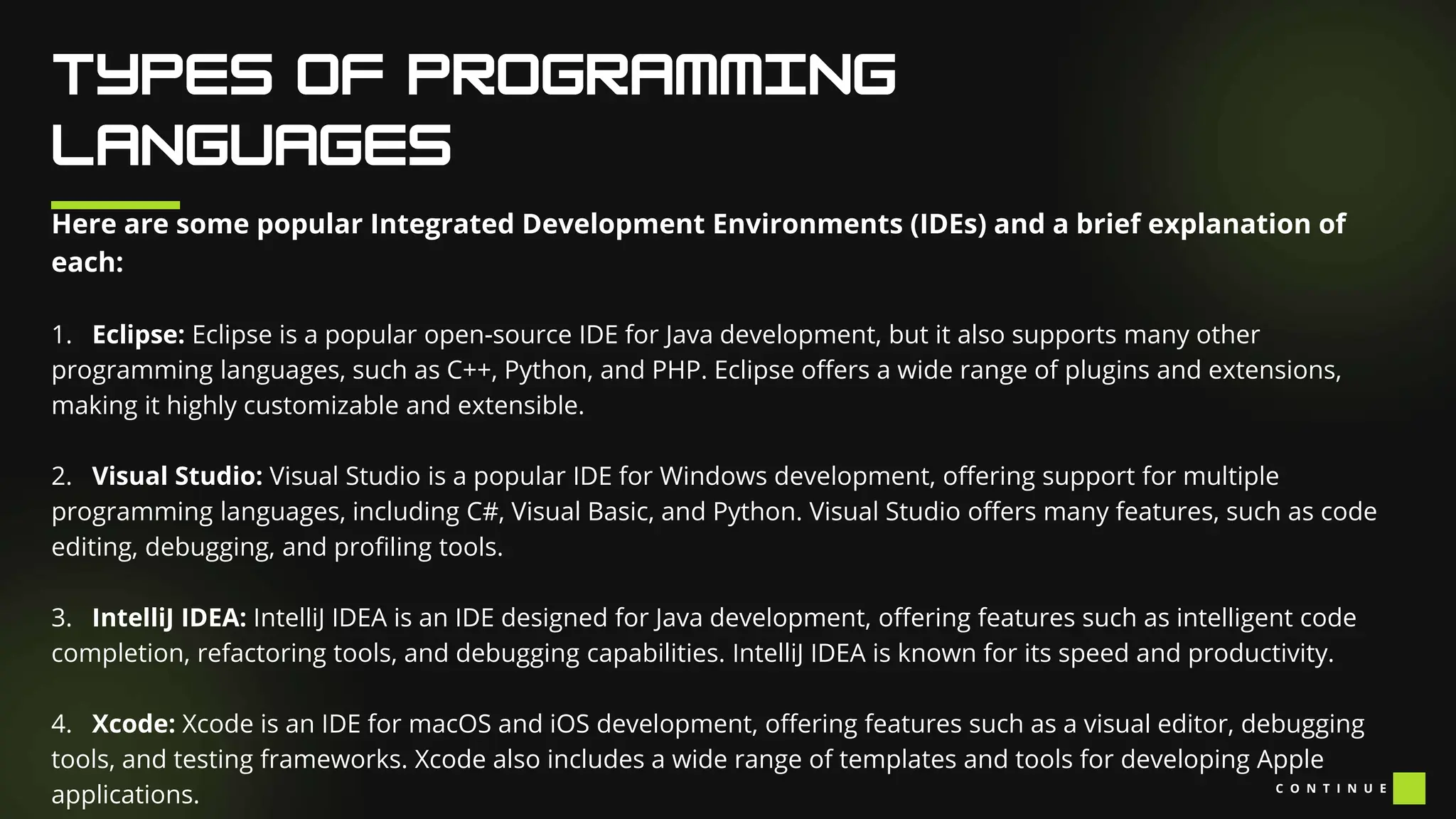
Here are some popular Integrated Development Environments (IDEs) and a brief explanation of
each:
1. Eclipse: Eclipse is a popular open-source IDE for Java development, but it also supports many other
programming languages, such as C++, Python, and PHP. Eclipse offers a wide range of plugins and extensions,
making it highly customizable and extensible.
2. Visual Studio: Visual Studio is a popular IDE for Windows development, offering support for multiple
programming languages, including C#, Visual Basic, and Python. Visual Studio offers many features, such as code
editing, debugging, and profiling tools.
3. IntelliJ IDEA: IntelliJ IDEA is an IDE designed for Java development, offering features such as intelligent code
completion, refactoring tools, and debugging capabilities. IntelliJ IDEA is known for its speed and productivity.
4. Xcode: Xcode is an IDE for macOS and iOS development, offering features such as a visual editor, debugging
tools, and testing frameworks. Xcode also includes a wide range of templates and tools for developing Apple
applications. C O N T I N U E
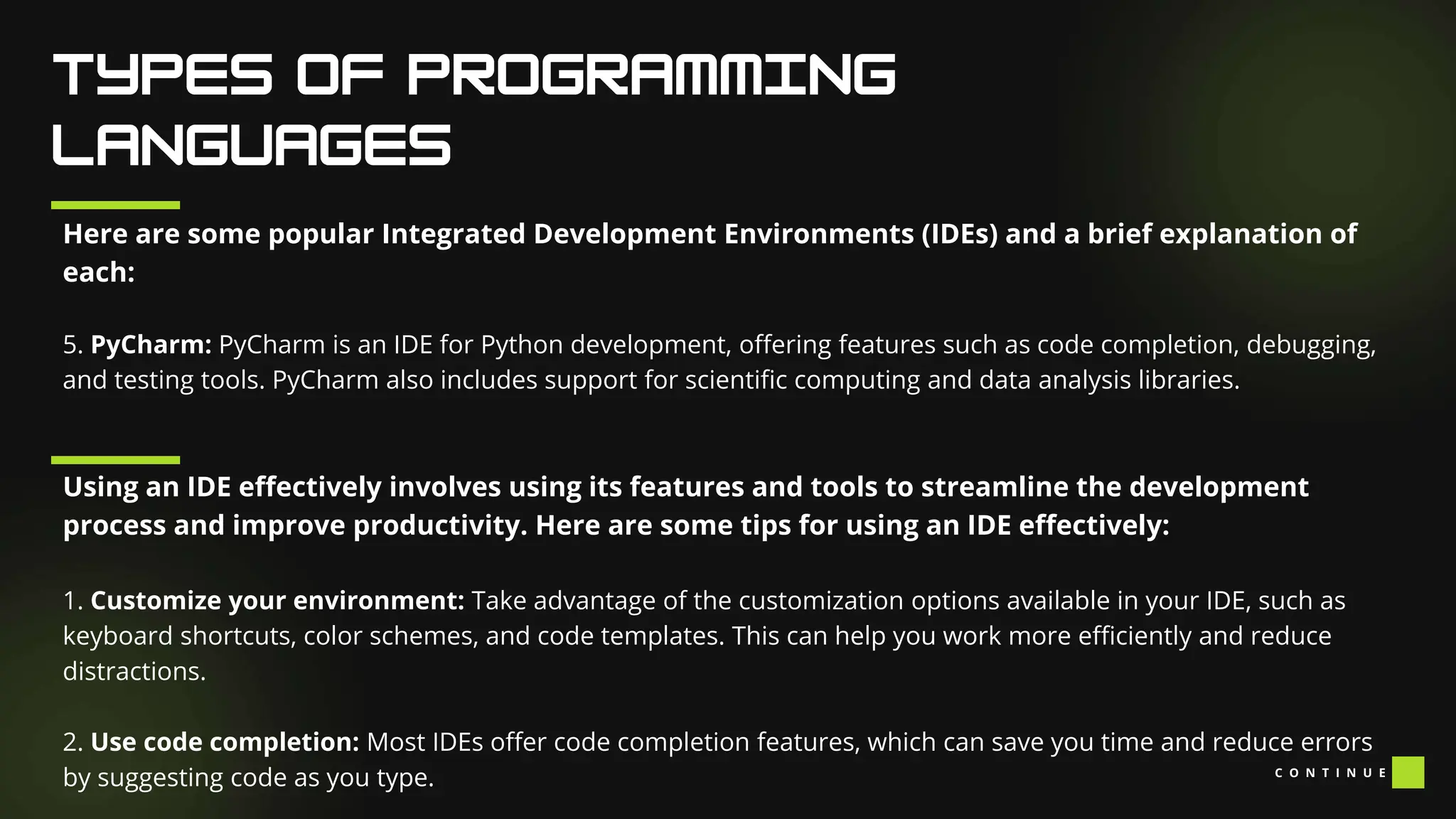
Here are some popular Integrated Development Environments (IDEs) and a brief explanation of
each:
5. PyCharm: PyCharm is an IDE for Python development, offering features such as code completion, debugging,
and testing tools. PyCharm also includes support for scientific computing and data analysis libraries.
Using an IDE effectively involves using its features and tools to streamline the development
process and improve productivity. Here are some tips for using an IDE effectively:
1. Customize your environment: Take advantage of the customization options available in your IDE, such as
keyboard shortcuts, color schemes, and code templates. This can help you work more efficiently and reduce
distractions.
2. Use code completion: Most IDEs offer code completion features, which can save you time and reduce errors
by suggesting code as you type. C O N T I N U E
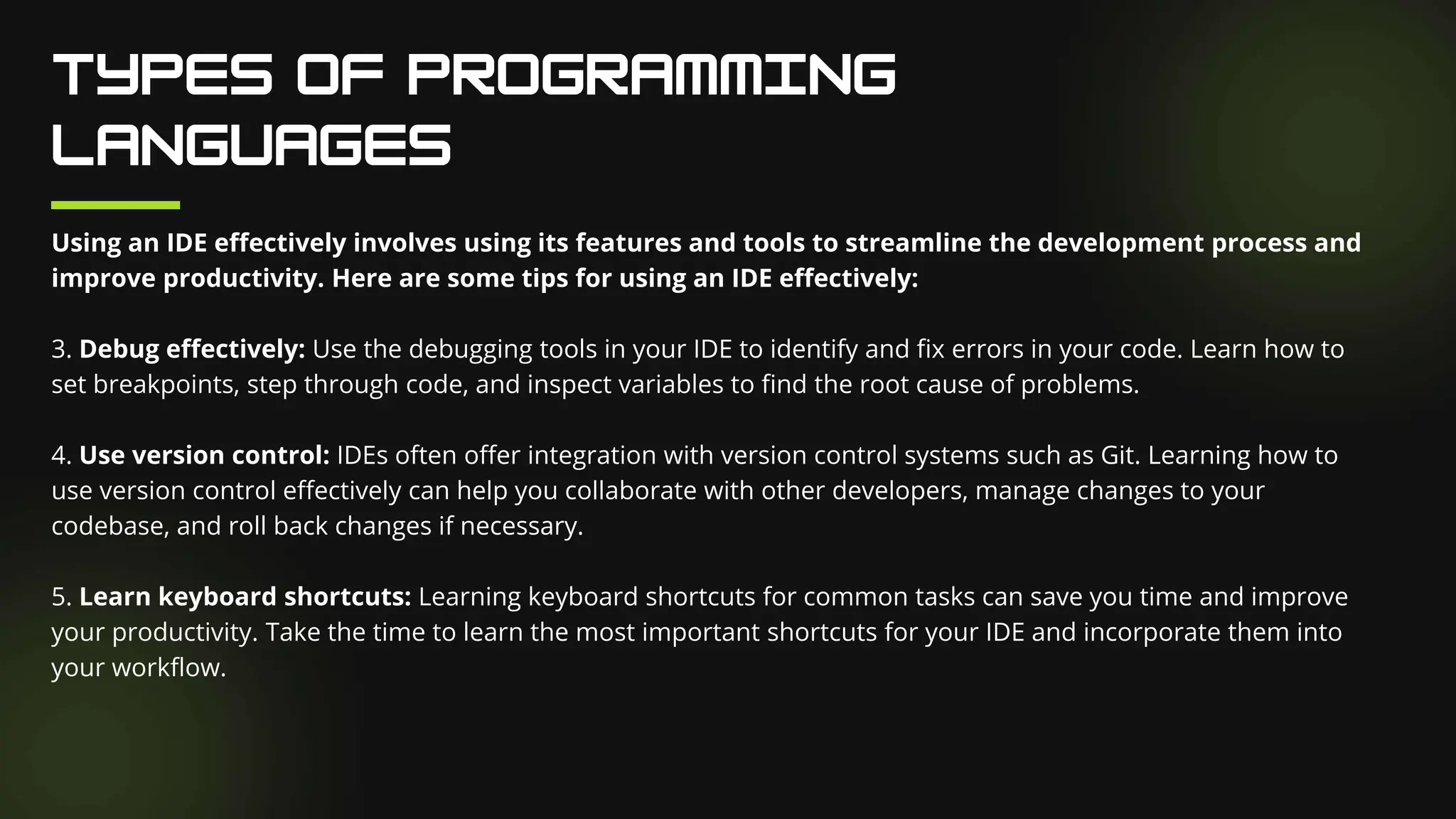
Using an IDE effectively involves using its features and tools to streamline the development process and
improve productivity. Here are some tips for using an IDE effectively:
3. Debug effectively: Use the debugging tools in your IDE to identify and fix errors in your code. Learn how to
set breakpoints, step through code, and inspect variables to find the root cause of problems.
4. Use version control: IDEs often offer integration with version control systems such as Git. Learning how to
use version control effectively can help you collaborate with other developers, manage changes to your
codebase, and roll back changes if necessary.
5. Learn keyboard shortcuts: Learning keyboard shortcuts for common tasks can save you time and improve
your productivity. Take the time to learn the most important shortcuts for your IDE and incorporate them into
your workflow.
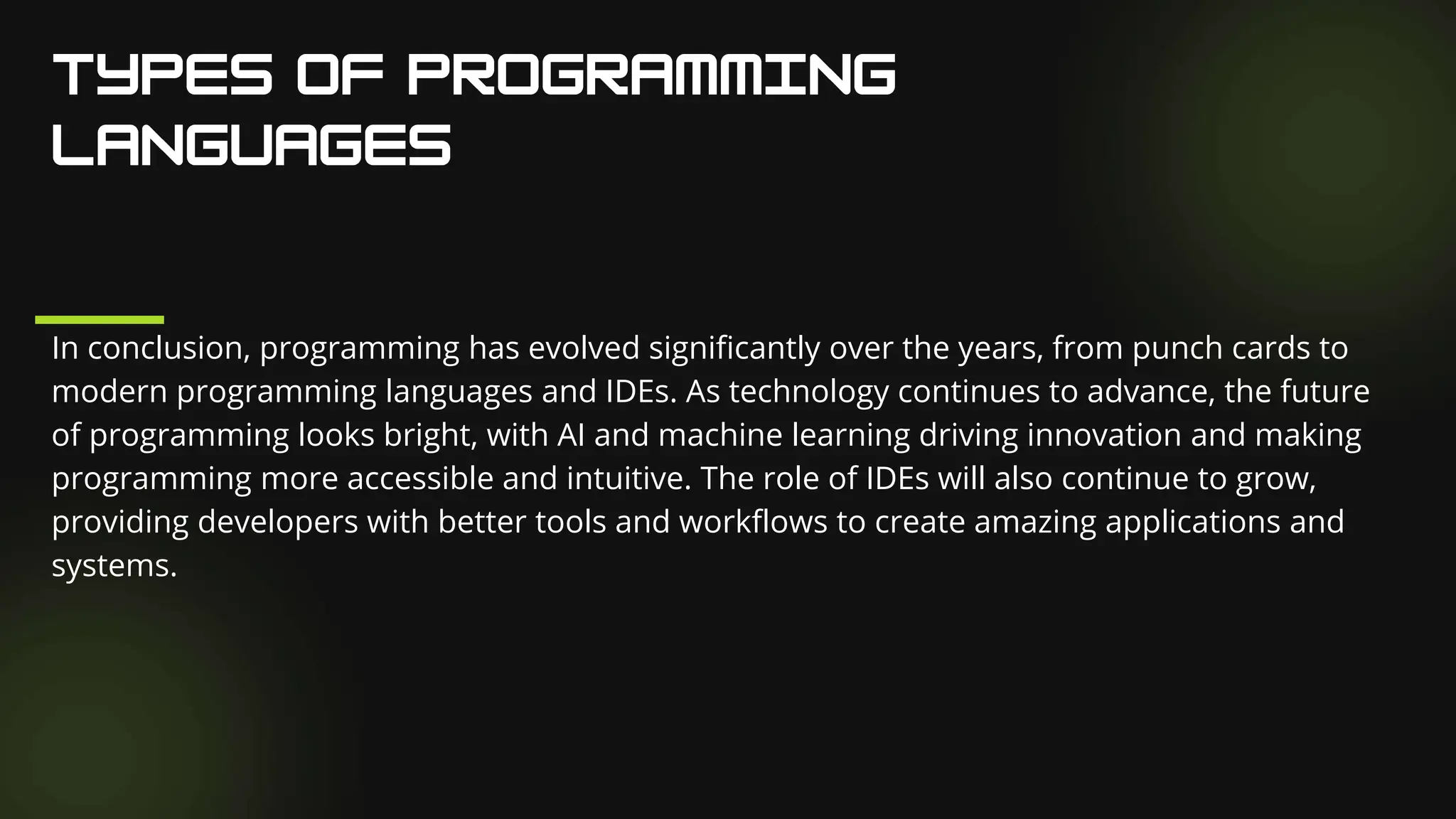
In conclusion, programming has evolved significantly over the years, from punch cards to
modern programming languages and IDEs. As technology continues to advance, the future
of programming looks bright, with AI and machine learning driving innovation and making
programming more accessible and intuitive. The role of IDEs will also continue to grow,
providing developers with better tools and workflows to create amazing applications and
systems.
G R O U P 3

Challenges-and-Consideration-in-Programming-Logic-and-Design...pptx

  • 1.
    I N PR O G R A M M I N G L O G I C A N D D E S I G N G R O U P 3
  • 2.
    COMPLEXITY OF PROBLEM- SOLVINGAND ALGORITHYM DESIGN JAY LORD BALANCING EFFICIENCY AND READABILITY IN CODE KATHERINE ADOPTING TO EVOLVING TECHNOLOGIES AND PROGRAMMING LANGUAGES ACE
  • 3.
    J A YL O R D
  • 4.
    Our Facilities An AlgorithmDevelopment Process: Every problem solution starts with a plan. That plan is called an algorithm. There are many ways to write an algorithm. Some are very informal, some are quite formal and mathematical in nature, and some are quite graphical. The instructions for connecting a DVD player to a television are an algorithm. A mathematical formula such as πR2 is a special case of an algorithm. The form is not particularly important as long as it provides a good way to describe and check the logic of the plan.
  • 5.
    Our Facilities The developmentof an algorithm (a plan) is a key step in solving a problem. Once we have an algorithm, we can translate it into a computer program in some programming language. Our algorithm development process consists of five major steps. Step 1: Obtain a description of the problem. Step 2: Analyze the problem. Step 3: Develop a high-level algorithm. Step 4: Refine the algorithm by adding more detail. Step 5: Review the algorithm
  • 6.
    Our Facilities Step 1:Obtain a description of the problem. This step is much more difficult than it appears. In the following discussion, the word client refers to someone who wants to find a solution to a problem, and the word developer refers to someone who finds a way to solve the problem. The developer must create an algorithm that will solve the client's problem. The client is responsible for creating a description of the problem, but this is often the weakest part of the process. It's quite common for a problem description to suffer from one or more of the following types of defects: (1) the description relies on unstated assumptions, (2) the description is ambiguous, (3) the description is incomplete, or (4) the description has internal contradictions. These defects are seldom due to carelessness by the client. Instead, they are due to the fact that natural languages (English, French, Korean, etc.) are rather imprecise. Part of the developer's responsibility is to identify defects in the description of a problem, and to work with the client to remedy those defects.
  • 7.
    Our Facilities Step 2:Analyze the problem. The purpose of this step is to determine both the starting and ending points for solving the problem. This process is analogous to a mathematician determining what is given and what must be proven. A good problem description makes it easier to perform this step. When determining the starting point, we should start by seeking answers to the following questions: What data are available? Where is that data? What formulas pertain to the problem? What rules exist for working with the data? What relationships exist among the data values? C O N T I N U E
  • 8.
    Our Facilities Step 2:Analyze the problem. When determining the ending point, we need to describe the characteristics of a solution. In other words, how will we know when we're done? Asking the following questions often helps to determine the ending point. What new facts will we have? What items will have changed? What changes will have been made to those items? What things will no longer exist?
  • 9.
    Our Facilities Step 3:Develop a high-level algorithm. An algorithm is a plan for solving a problem, but plans come in several levels of detail. It's usually better to start with a high-level algorithm that includes the major part of a solution, but leaves the details until later. We can use an everyday example to demonstrate a high-level algorithm. Problem: I need a send a birthday card to my brother, Mark. Analysis: I don't have a card. I prefer to buy a card rather than make one myself. High-level algorithm: Go to a store that sells greeting cards Select a card Purchase a card Mail the card C O N T I N U E
  • 10.
    Our Facilities Step 3:Develop a high-level algorithm. This algorithm is satisfactory for daily use, but it lacks details that would have to be added were a computer to carry out the solution. These details include answers to questions such as the following. "Which store will I visit?" "How will I get there: walk, drive, ride my bicycle, take the bus?" "What kind of card does Mark like: humorous, sentimental, risqué?" These kinds of details are considered in the next step of our process.
  • 11.
    Our Facilities Step 4:Refine the algorithm by adding more detail. A high-level algorithm shows the major steps that need to be followed to solve a problem. Now we need to add details to these steps, but how much detail should we add? Unfortunately, the answer to this question depends on the situation. We have to consider who (or what) is going to implement the algorithm and how much that person (or thing) already knows how to do. If someone is going to purchase Mark's birthday card on my behalf, my instructions have to be adapted to whether or not that person is familiar with the stores in the community and how well the purchaser known my brother's taste in greeting cards. When our goal is to develop algorithms that will lead to computer programs, we need to consider the capabilities of the computer and provide enough detail so that someone else could use our algorithm to write a computer program that follows the steps in our algorithm. As with the birthday card problem, we need to adjust the level of detail to match the ability of the programmer. When in doubt, or when you are learning, it is better to have too much detail than to have too little. C O N T I N U E
  • 12.
    Our Facilities Step 4:Refine the algorithm by adding more detail. Most of our examples will move from a high-level to a detailed algorithm in a single step, but this is not always reasonable. For larger, more complex problems, it is common to go through this process several times, developing intermediate level algorithms as we go. Each time, we add more detail to the previous algorithm, stopping when we see no benefit to further refinement. This technique of gradually working from a high-level to a detailed algorithm is often called stepwise refinement. Stepwise refinement is a process for developing a detailed algorithm by gradually adding detail to a high- level algorithm.
  • 13.
    Our Facilities Step 5:Review the algorithm. The final step is to review the algorithm. What are we looking for? First, we need to work through the algorithm step by step to determine whether or not it will solve the original problem. Once we are satisfied that the algorithm does provide a solution to the problem, we start to look for other things. The following questions are typical of ones that should be asked whenever we review an algorithm. Asking these questions and seeking their answers is a good way to develop skills that can be applied to the next problem. Does this algorithm solve a very specific problem or does it solve a more general problem? If it solves a very specific problem, should it be generalized? C O N T I N U E
  • 14.
    Our Facilities Step 5:Review the algorithm. For example, an algorithm that computes the area of a circle having radius 5.2 meters (formula π*5.22) solves a very specific problem, but an algorithm that computes the area of any circle (formula π*R2) solves a more general problem. Can this algorithm be simplified? One formula for computing the perimeter of a rectangle is: length + width + length + width A simpler formula would be: 2.0 * (length + width) Is this solution similar to the solution to another problem? How are they alike? How are they different? C O N T I N U E
  • 15.
    Our Facilities Step 5:Review the algorithm. For example, consider the following two formulae: Rectangle area = length * width Triangle area = 0.5 * base * height Similarities: Each computes an area. Each multiplies two measurements. Differences: Different measurements are used. The triangle formula contains 0.5. Hypothesis: Perhaps every area formula involves multiplying two measurements.
  • 16.
    K A TH E R I N E
  • 17.
    Gary Pollock, 2018-03-20 WhenI first learned how to write code, I was taught that code should be measured by three main attributes: Accuracy, Readability, and Performance. Accuracy means your code does what you need it to do. Performance means making the best use of system resources. Readability is how well someone can read your code and understand what it’s doing. I’ve learned the hard way that you will never be perfect in all three areas. Accuracy: It does or it doesn’t One area where code does have to be perfect is accuracy. If your code doesn’t do what it needs to do, it doesn’t matter how fast it ran or how well others can understand it. Could you imagine being at a code review and hearing, “you can clearly see my code is useless!”? What about complaining to a developer that the results of a report are wrong only to hear, “but it now runs ten times as fast!”? Code accuracy is one of the few black-and- white areas of development. The code we write either meets requirements, or it doesn’t.
  • 18.
    Performance: Being nicerto the machine Performance also makes sense to developers. Especially with SQL, your code will likely be running on a shared system that has to manage CPU, memory, and disk. Using these resources as efficiently as possible is key to maintaining a healthy relationship with your server team, and getting fast results will keep your customers happy. Readability: Being nicer to the people Readability can be a harder sell, but it’s also important to consider. In software, we are seeing less and less the idea of “done” code. Changing data, changing users, and evolving requirements mean that the code we write will be revised and enhanced. Maybe not even by us. Whether it’s days or months later, readable code means we can debug, fix, and improve it faster. Making your code readable also means that a team member can easily modify a single step of a complicated process. Just as performance can be thought of as helping the system deliver results faster, readability helps us deliver fixes and enhancements faster.
  • 19.
    Conflicting Interests As Imentioned earlier, a developer cannot compromise on accuracy. That leaves performance and readability as two traits that can come into conflict. Making code more readable could mean more table reads/writes or temp tables. Making code more performant could also make it more confusing to the reader. When these areas conflict, it’s important to understand how to make the trade. How do you find the balance? The answer, of course, is that it depends on the context. Take a look at the script below. The requirements are to generate a report of all active employees along with their salary information and retirement level. C O N T I N U E
  • 20.
    Readability-leaning : 1) Grabour initial employee list INSERT INTO EmployeeReview(EmployeeID, FirstName, LastName, HireDate, Salary, Retirement) SELECT ID AS EmployeeID ,[First] AS FirstName ,[Last] AS LastName ,StartDate AS HireDate ,Pay AS Salary ,'Basic' AS Retirement FROM Employees WHERE Active=1 C O N T I N U E
  • 21.
    Readability-leaning : 2) Calculatemax salary for retirement purposes UPDATE E SET E.MaxSalary=MS.MaxSalary FROM EmployeeReview E JOIN (SELECT ID, MAX(Pay) AS MaxSalary FROM EmployeePayHistory GROUP BY ID) MS ON MS.ID=E.EmployeeID C O N T I N U E
  • 22.
    Readability-leaning : 3) Anemployee is eligible for executive retirement if they have been employed for 10 years or more -- AND they have once made over 100,000 UPDATE EmployeeReview SET Retirement='Executive' WHERE DATEDIFF(YEAR, HireDate, GETDATE()) >= 10 AND MaxSalary > 100000 C O N T I N U E
  • 23.
    The readable sectionof code turns this job into three distinct steps, each designed to be as independent as possible. A developer can quickly see that three actions take place, and can see what each action is supposed to accomplish. It also could use some improvements. The three updates on the report table mean disk is written to three times. The subquery for calculating max salary considers all employees, not just the active ones specified in step one. The next code section was written to improve performance. C O N T I N U E
  • 24.
    Performance-leaning : INSERT INTOEmployeeReview(EmployeeID, FirstName, LastName, HireDate, Salary, MaxSalary, Retirement) SELECT ID AS EmployeeID ,[First] AS FirstName ,[Last] AS LastName ,StartDate AS HireDate ,Pay AS Salary ,MAX(Pay) AS MaxSalary ,CASE WHEN DATEDIFF(YEAR, HireDate, GETDATE()) >= 10 AND MAX(Pay) > 100000 THEN 'Executive' ELSE 'Basic' END AS Retirement ,SUM(EPC.Amount) AS PaidToDate C O N T I N U E
  • 25.
    Performance-leaning : FROM EmployeesE JOIN EmployeePayHistory EPH --If I can't find a way to make this join 1:1, I'm in trouble ON EPH.ID=E.ID JOIN EmployeePayChecks EPC ON EPC.ID=E.ID WHERE Active=1 AND EPH.MaxSal=1 --In order to add paid-to-date, I also need to understand the pay history table GROUP BY ID ,[First] ,[Last] ,StartDate ,Pay C O N T I N U E
  • 26.
    Performance-leaning : By doingeverything in a single statement, we eliminate the two performance complaints mentioned above. How long did it take to understand this statement? Even with proper commenting, it would take longer for a developer to understand how this statement meets the requirements. Making even a simple change, such as changing how max salary is obtained or adding new columns would require the entire job to be modified and retested. In both cases, the desired results are returned to the user, so how do we decide which is “better”? C O N T I N U E
  • 27.
    Take all thefreebies Just as there is no room for compromising accuracy, finding the right balance between readability and performance is never an excuse to write lazy or poor performing code. Take any free gains you can. The readable section can have its step 2 filter for active employees, with a brief comment explaining why. The performant section can have a block of comments explaining the requirements and logic. Both sections can benefit from appropriate use of indexes. And of course, follow recommended practices where they make sense. What do you have a lot of, and what do you not have much of? What is the time window that this code has to complete? Imagine you’re running this at night during a window of 4 hours, and all jobs including this report take less than 45 minutes to complete. Then performance doesn’t seem so critical. Instead, imagine that this report is part of a live dashboard and is refreshed every 5 minutes during the busy day. Now every second counts. If this report throws an error when you’re out-of-office, then a teammate being able to fix it on their own means you don’t get a phone call. If this report runs as part of a sales demo, you may want to show the customer how “lightning fast” it is.
  • 28.
    C O NT I N U E How likely is the business logic to change? Pretend this report has been running for over a month and you’ve moved on to another project. Then the user tells you they want to see total paid to date, which sums a value from a paycheck table. For the readable code, you could simply add a step 4. For the performant code, you would have to modify the whole statement, rewriting your join to pay history to ensure one-to-one cardinality.
  • 29.
    Readability-leaning Modification: Steps 1-3are unchanged 4) Add total paid to date UPDATE E SET E.PaidToDate=EPC.PaidToDate FROM EmployeeReview E JOIN (SELECT ID, SUM(Amount) AS PaidToDate FROM EmployeePayChecks GROUP BY ID) EPC ON EPC.ID=E.EmployeeID C O N T I N U E
  • 30.
    Performance-leaning Modification: INSERT INTOEmployeeReview(EmployeeID, FirstName, LastName, HireDate, Salary, MaxSalary, Retirement) SELECT ID AS EmployeeID ,[First] AS FirstName ,[Last] AS LastName ,StartDate AS HireDate ,Pay AS Salary ,MAX(Pay) AS MaxSalary ,CASE WHEN DATEDIFF(YEAR, HireDate, GETDATE()) >= 10 AND MAX(Pay) > 100000 THEN 'Executive' ELSE 'Basic' END AS Retirement ,SUM(EPC.Amount) AS PaidToDate C O N T I N U E
  • 31.
    Performance-leaning Modification: FROM EmployeesE JOIN EmployeePayHistory EPH --If I can't find a way to make this join 1:1, I'm in trouble ON EPH.ID=E.ID JOIN EmployeePayChecks EPC ON EPC.ID=E.ID WHERE Active=1 AND EPH.MaxSal=1 --In order to add paid-to-date, I also need to understand the pay history table GROUP BY ID ,[First] ,[Last] ,StartDate ,Pay C O N T I N U E
  • 32.
    Performance-leaning Modification: When wewrite code that is easy to understand, we write code that can be easily modified. When we write code that is optimized for performance but harder to understand, we commit extra time to the next modification, by way of deciphering and regression testing. An extra day or two is acceptable to the user for code that will only be modified once a year. For code that needs to be modified every couple weeks, even a few hours is painful.
  • 33.
    How complex isthe business logic? In the example, there are only three distinct steps to achieve the results, which can be optimized to less than 20 lines in a single select statement. Many tasks in SQL Server, such as Data warehousing and self- serve report tables could easily grow to 20-30 steps each. I’ve seen performance optimization attempts for these jobs lead to developers asking for comically-oversized monitors just so they could see one command in its entirety. However, simple tasks like displaying a menu or showing recommended indexes only read from pre-built tables and views. Finding the right fit I encourage all of us to avoid seeing working code as good or bad, but instead as a component to a system. That system includes its objective, the machines on which it executes, and the people who work to maintain it. Then, developing code means fitting into this system as well as possible. How do you balance code between readability and performance? Please comment and let me know what you think
  • 34.
  • 35.
    Programming, originating inthe 19th century, has undergone significant evolution driven by technological advancements. This evolution encompasses the history of programming, various programming languages, the future trajectory of programming, the integration of AI, and the significance of popular Integrated Development Environments (IDEs). Programming is crucial for creating software, websites, mobile apps, games, and other digital products, enabling automation of tasks, solving complex problems, and fostering innovation. In the contemporary digital landscape, programming skills are in high demand, proving essential for success across diverse industries. Despite its initial tedious nature using punch cards, programming became more accessible and efficient with the advent of computers. The ongoing exploration in this field involves a closer examination of the evolution of programming languages, historical milestones, types of languages, future trends, the role of AI, and the prominence of popular IDEs. Learning to code opens up a world of opportunities, allowing individuals to leverage the numerous benefits offered by technology.
  • 36.
    The history ofprogramming traces back to the 19th century when Ada Lovelace devised an algorithm for Charles Babbage's Analytical Engine, considered the first computer. The 1950s introduced FORTRAN, the first programming language used for scientific calculations. In the 1960s, COBOL, BASIC, and ALGOL emerged for business and research applications. The 1970s saw C and Pascal for operating systems, while the 1980s introduced Smalltalk, the first object-oriented language for graphical user interfaces. The 1990s brought scripting languages like Perl and Python for web development, with Ruby and PHP gaining popularity in the early 2000s. Today, Java, C++, Python, and JavaScript are widely used. Logic is integral to programming, guiding the creation of logical and well-organized instructions for computers. Logical thinking is crucial for breaking down complex problems into manageable parts, developing algorithms, and utilizing logical operators and conditional statements to control program flow. Strong logical thinking enables programmers to write efficient code, solving intricate problems effectively.
  • 37.
    Programming languages canbe broadly classified into three categories: Low-Level Languages: These languages are closer to the machine language and are used to write operating systems, device drivers, and firmware. Examples include Assembly Language, C, and C++. High-Level Languages: These languages are easier to learn and use than low-level languages. They are used to write applications, games, and websites. Examples include Java, Python, and Ruby. Scripting Languages: These languages are used to automate repetitive tasks, such as web development and system administration. Examples include Perl, Python, and Ruby.
  • 38.
    Here is alist of programming languages and a brief explanation of each: Java: Java is a high-level, object-oriented programming language developed by Sun Microsystems (now owned by Oracle Corporation). Java is designed to be platform-independent, meaning that Java code can run on any computer with a Java Virtual Machine (JVM) installed. Java is widely used for developing web applications, mobile apps, and enterprise software. Python: Python is a high-level, interpreted programming language that emphasizes code readability and simplicity. Python is widely used for scientific computing, data analysis, web development, and artificial intelligence. C: C is a low-level, compiled programming language that is widely used for systems programming and embedded systems development. C is known for its efficiency and control over hardware, making it an ideal choice for developing operating systems, device drivers, and firmware. C O N T I N U E
  • 39.
    Here is alist of programming languages and a brief explanation of each: C++: C++ is an extension of the C programming language that adds support for object-oriented programming. C++ is widely used for developing high-performance software, including operating systems, games, and scientific simulations. Ruby: Ruby is a high-level, interpreted programming language that emphasizes simplicity and productivity. Ruby is widely used for web development, automation, and scripting. Swift: Swift is a high-level, compiled programming language developed by Apple Inc. Swift is designed for developing applications for iOS, macOS, and watchOS. Swift is known for its safety, speed, and expressiveness. PHP: PHP is a server-side, interpreted programming language that is widely used for developing web applications. PHP is known for its simplicity and ease of use, making it a popular choice for web developers. C O N T I N U E
  • 40.
    Here is alist of programming languages and a brief explanation of each: SQL: SQL (Structured Query Language) is a domain-specific language used for managing relational databases. SQL is used to create, modify, and query databases, and is widely used in business and data analysis. Assembly language: Assembly language is a low-level programming language that is used to write instructions for a computer's CPU. Assembly language is difficult to read and write, but provides direct access to hardware and can be used to write highly optimized code. There are many other programming languages in use today, each with its strengths and weaknesses. Choosing the right programming language for a particular task depends on a variety of factors, including the requirements of the project, the developer's experience and expertise, and the availability of tools and libraries. C O N T I N U E
  • 41.
    Here are someexamples of low-level programming languages and a brief explanation of each: Machine Language: Machine language is the lowest-level programming language that a computer can understand. It is a binary code consisting of 0's and 1's that correspond to machine instructions. Each computer architecture has its specific machine language, which is difficult to read and write. Assembly Language: Assembly language is a low-level programming language that is easier to read and write than machine language. Assembly language uses mnemonics to represent machine instructions, making it more human-readable. Assembly language programs are translated into machine language by an assembler. C: C is a high-level programming language that can also be considered a low-level language due to its low-level memory access and pointer manipulation capabilities. C provides direct access to hardware, making it an ideal choice for systems programming and embedded systems development. C O N T I N U E
  • 42.
    Here are someexamples of low-level programming languages and a brief explanation of each: Ada: Ada is a high-level programming language designed for safety-critical systems, such as aerospace and defense applications. Ada provides low-level access to hardware and memory management, making it suitable for systems programming. FORTRAN: FORTRAN (FORmula TRANslation) is a high-level programming language that was designed for scientific and engineering applications. FORTRAN provides low-level control over hardware, allowing for efficient computation and numerical analysis. Low-level programming languages provide direct access to hardware and memory, allowing for precise control over system resources. However, they can be difficult to read and write and require a deep understanding of computer architecture. Low-level programming languages are often used for systems programming, device drivers, and embedded systems development, where performance and control are critical.
  • 43.
    To become agood programmer, there are several key skills that you should develop: Logical thinking: Programming requires logical thinking, the ability to break down complex problems into smaller, manageable parts, and to develop algorithms to solve them. Attention to detail: Good programmers pay attention to detail, writing clean, efficient, and error-free code. Persistence: Programming can be challenging, and it often requires persistence and patience to debug and solve problems. Adaptability: Programming languages and technologies are constantly evolving, so good programmers must be adaptable and willing to learn new skills and techniques. Collaboration: Programming often involves working in teams, so good programmers must be able to collaborate effectively with others, share their ideas, and give and receive constructive feedback. C O N T I N U E
  • 44.
    To become agood programmer, there are several key skills that you should develop: Creativity: Programming can also be a creative process, requiring programmers to come up with innovative solutions to problems and to think outside the box. By developing these skills and continuously learning and improving your programming abilities, you can become a successful and highly skilled programmer.
  • 45.
    Role of AIin Programming The role of artificial intelligence (AI) in programming has become increasingly significant, automating key aspects like code generation, testing, and debugging. Leveraging machine learning algorithms, AI can learn from historical code data, enabling it to predict and offer solutions to programming challenges. Moreover, AI is enhancing software development workflows, simplifying collaboration and code management for developers. Platforms such as GitHub utilize AI to furnish code suggestions and streamline workflows, exemplifying the integration of AI in optimizing programming processes. Role of IDEs popular for Programming Integrated Development Environments (IDEs) are software applications that provide developers with tools for writing, testing, and debugging code. IDEs are designed to streamline the development process, making it easier for developers to write code and manage their projects. Some of the most popular IDEs for programming include: C O N T I N U E
  • 46.
    Visual Studio Code:This IDE is a lightweight and powerful tool that supports many programming languages, including JavaScript, Python, and C++. It has built-in debugging, Git integration, and extensions that can enhance its functionality. IntelliJ IDEA: This IDE is designed for Java developers and provides advanced features such as code refactoring, code analysis, and debugging. It also supports other programming languages such as Python, Kotlin, and Scala. Eclipse: This IDE is an open-source platform that supports many programming languages, including Java, C++, and Python. It has a modular architecture, making it easy to customize and extend its functionality. Xcode: This IDE is designed for macOS and iOS development and supports languages such as Swift and Objective-C. It has a graphical user interface that allows developers to create interfaces and design layouts. IDEs have become an essential tool for modern programming, allowing developers to write and manage code more efficiently. With the rise of AI and machine learning, IDEs are likely to become even more intelligent, providing developers with better code suggestions and automated workflows.
  • 47.
    Here are somepopular Integrated Development Environments (IDEs) and a brief explanation of each: 1. Eclipse: Eclipse is a popular open-source IDE for Java development, but it also supports many other programming languages, such as C++, Python, and PHP. Eclipse offers a wide range of plugins and extensions, making it highly customizable and extensible. 2. Visual Studio: Visual Studio is a popular IDE for Windows development, offering support for multiple programming languages, including C#, Visual Basic, and Python. Visual Studio offers many features, such as code editing, debugging, and profiling tools. 3. IntelliJ IDEA: IntelliJ IDEA is an IDE designed for Java development, offering features such as intelligent code completion, refactoring tools, and debugging capabilities. IntelliJ IDEA is known for its speed and productivity. 4. Xcode: Xcode is an IDE for macOS and iOS development, offering features such as a visual editor, debugging tools, and testing frameworks. Xcode also includes a wide range of templates and tools for developing Apple applications. C O N T I N U E
  • 48.
    Here are somepopular Integrated Development Environments (IDEs) and a brief explanation of each: 5. PyCharm: PyCharm is an IDE for Python development, offering features such as code completion, debugging, and testing tools. PyCharm also includes support for scientific computing and data analysis libraries. Using an IDE effectively involves using its features and tools to streamline the development process and improve productivity. Here are some tips for using an IDE effectively: 1. Customize your environment: Take advantage of the customization options available in your IDE, such as keyboard shortcuts, color schemes, and code templates. This can help you work more efficiently and reduce distractions. 2. Use code completion: Most IDEs offer code completion features, which can save you time and reduce errors by suggesting code as you type. C O N T I N U E
  • 49.
    Using an IDEeffectively involves using its features and tools to streamline the development process and improve productivity. Here are some tips for using an IDE effectively: 3. Debug effectively: Use the debugging tools in your IDE to identify and fix errors in your code. Learn how to set breakpoints, step through code, and inspect variables to find the root cause of problems. 4. Use version control: IDEs often offer integration with version control systems such as Git. Learning how to use version control effectively can help you collaborate with other developers, manage changes to your codebase, and roll back changes if necessary. 5. Learn keyboard shortcuts: Learning keyboard shortcuts for common tasks can save you time and improve your productivity. Take the time to learn the most important shortcuts for your IDE and incorporate them into your workflow.
  • 50.
    In conclusion, programminghas evolved significantly over the years, from punch cards to modern programming languages and IDEs. As technology continues to advance, the future of programming looks bright, with AI and machine learning driving innovation and making programming more accessible and intuitive. The role of IDEs will also continue to grow, providing developers with better tools and workflows to create amazing applications and systems.
  • 51.
    G R OU P 3