http://goo.gl/dgQEqz
WHAT IS…
•
http://goo.gl/2xX9Mz
It is a non-profit organization
that enables the sharing and use
of creativity and knowledge
through free legal tools.
TRY TO HELP
CREATORS
http://goo.gl/fpCzlF
A CC licensor
answers a few
simple questions
on the path to
choosing a license.
http://goo.gl/lWgtmo
STEPS
Do I want to allow
commercial use
or not?
http://goo.gl/M0ykdt
STEPS
Do I want to
allow derivative
works or not?
http://goo.gl/g3576P
How to create a License?
You must to sign
on a website
http://goo.gl/FsDWiZ
If a licensor decides
to allow derivative
works, we call
them licensees and
this idea is
“ShareAlike”.
http://goo.gl/12mqU6
ShareAlike…
...is inspired by
the GNU
General Public
License.
http://goo.gl/ZjHzoF
It is FREE and OPEN
SOURCE software projects.
http://goo.gl/0zlSZ3
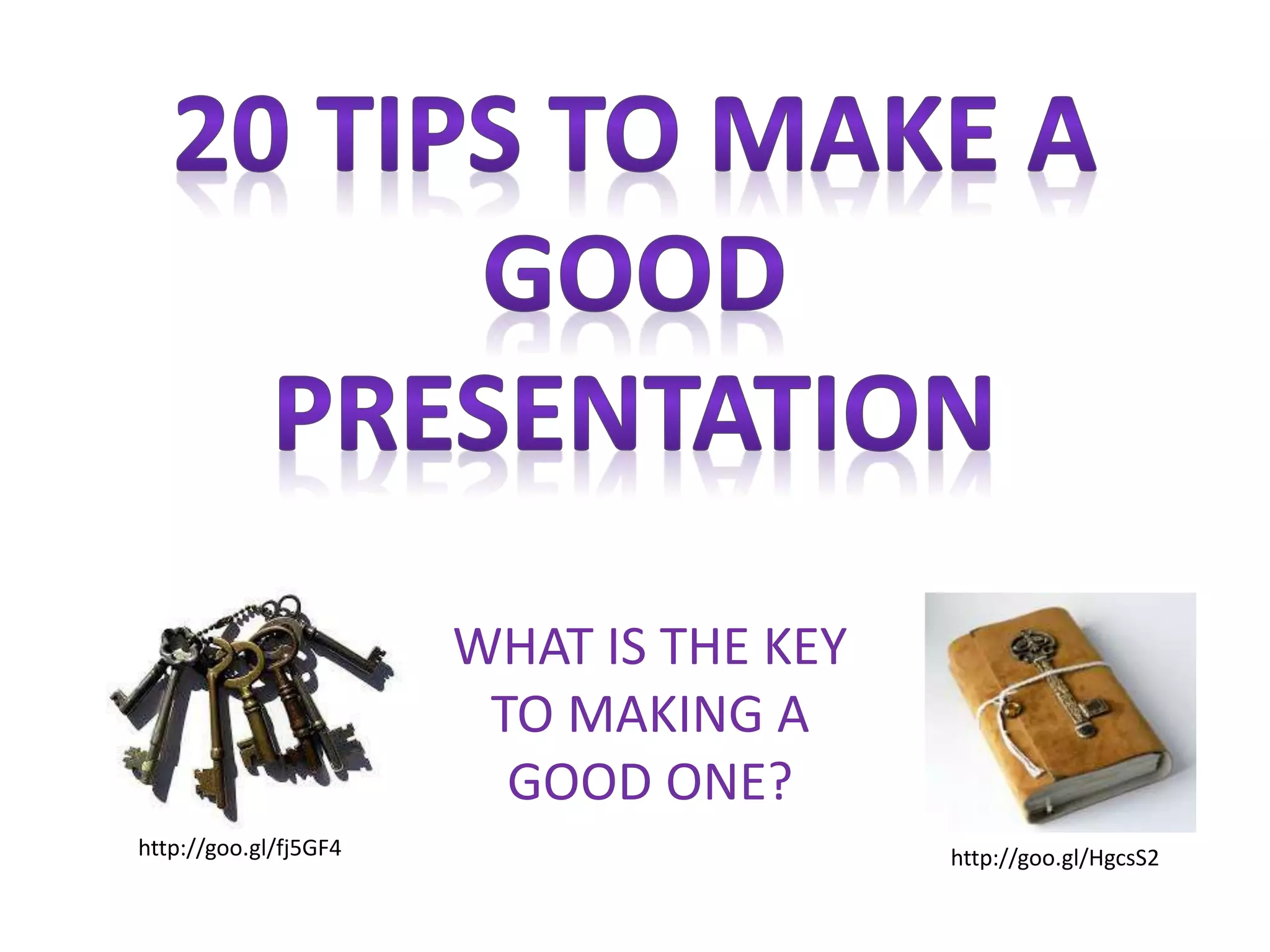
WHAT IS THE KEY
TO MAKING A
GOOD ONE?
http://goo.gl/HgcsS2http://goo.gl/fj5GF4
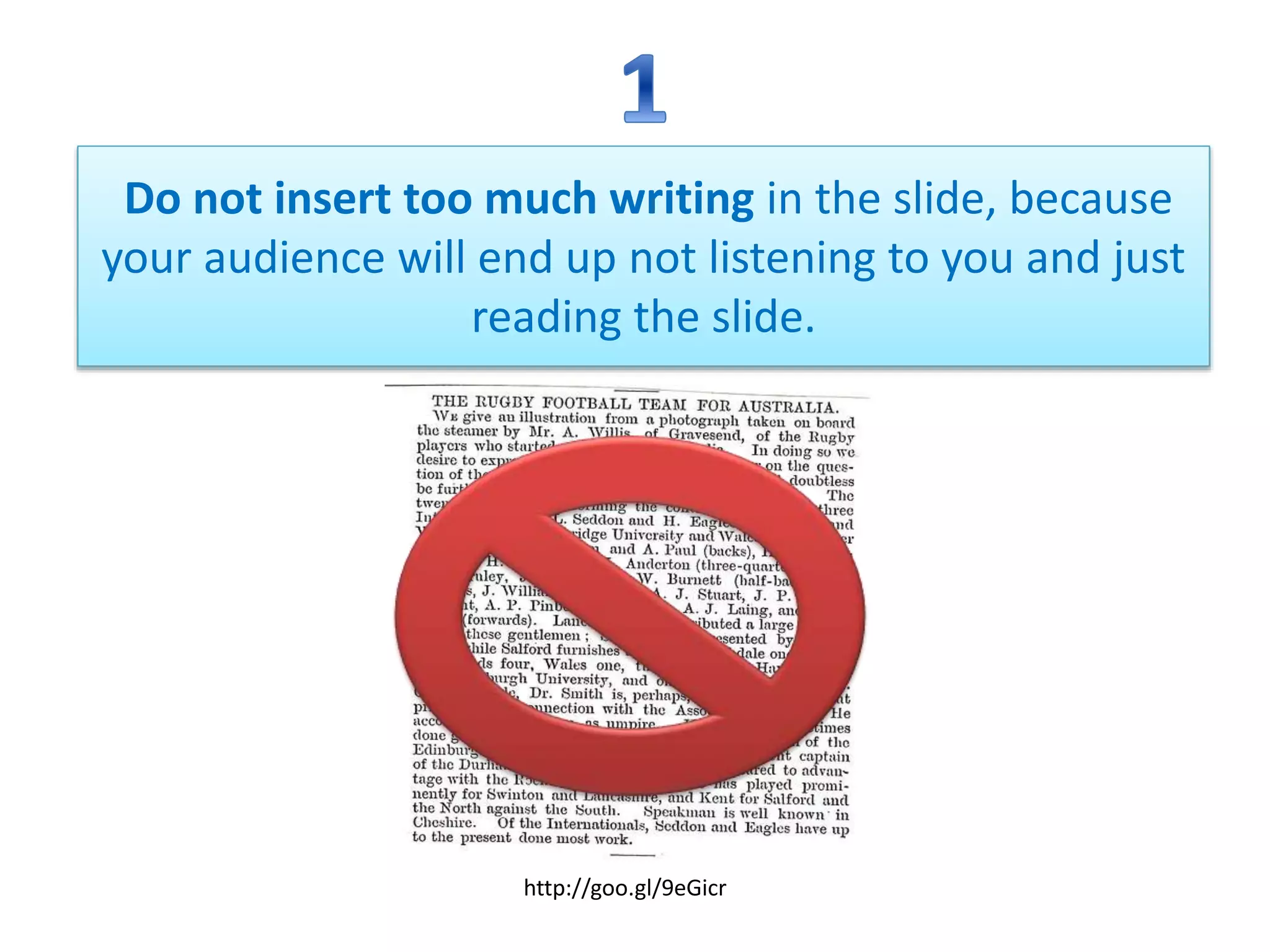
Do not insert too much writing in the slide, because
your audience will end up not listening to you and just
reading the slide.
http://goo.gl/9eGicr
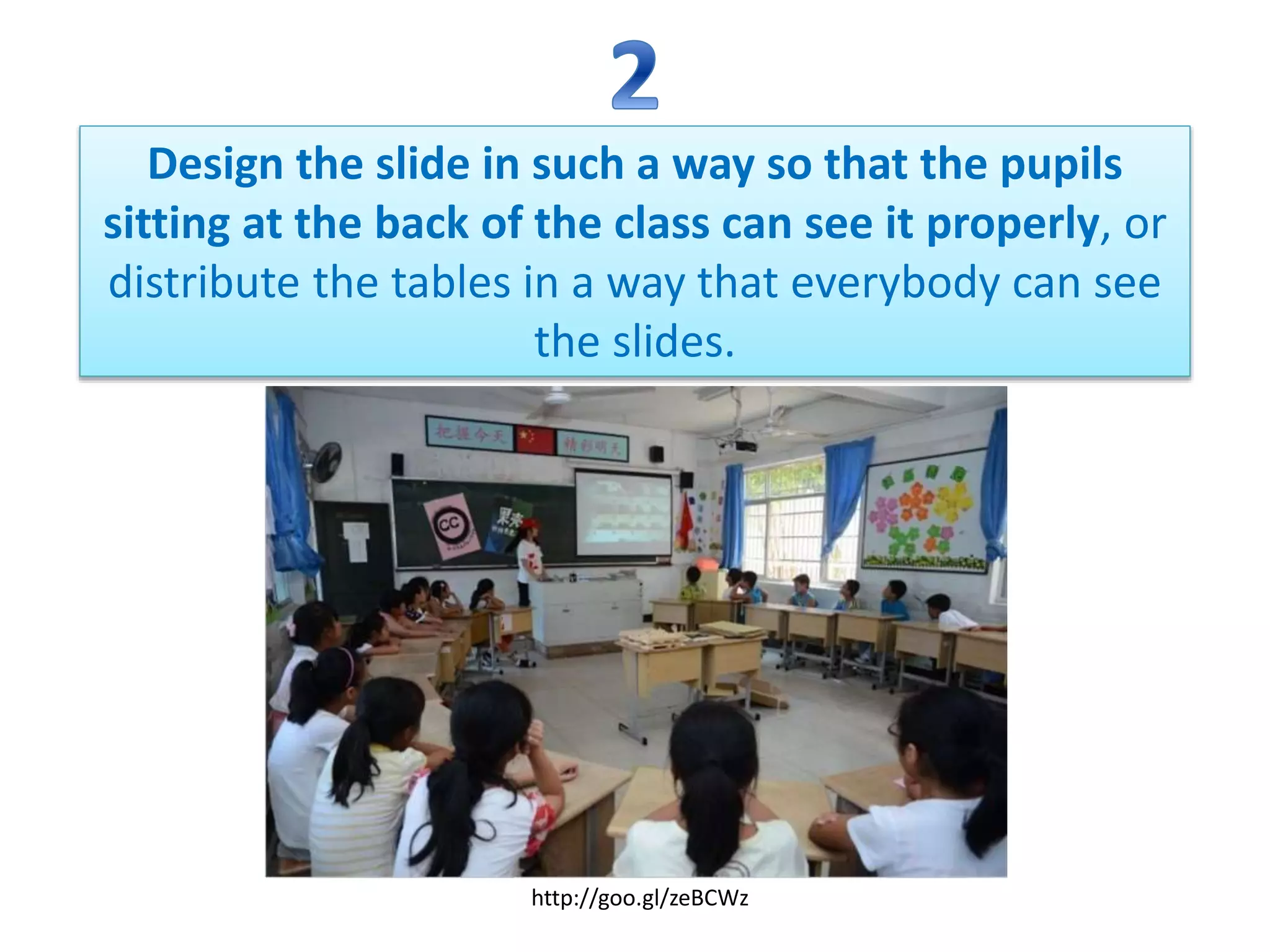
Design the slide in such a way so that the pupils
sitting at the back of the class can see it properly, or
distribute the tables in a way that everybody can see
the slides.
http://goo.gl/zeBCWz
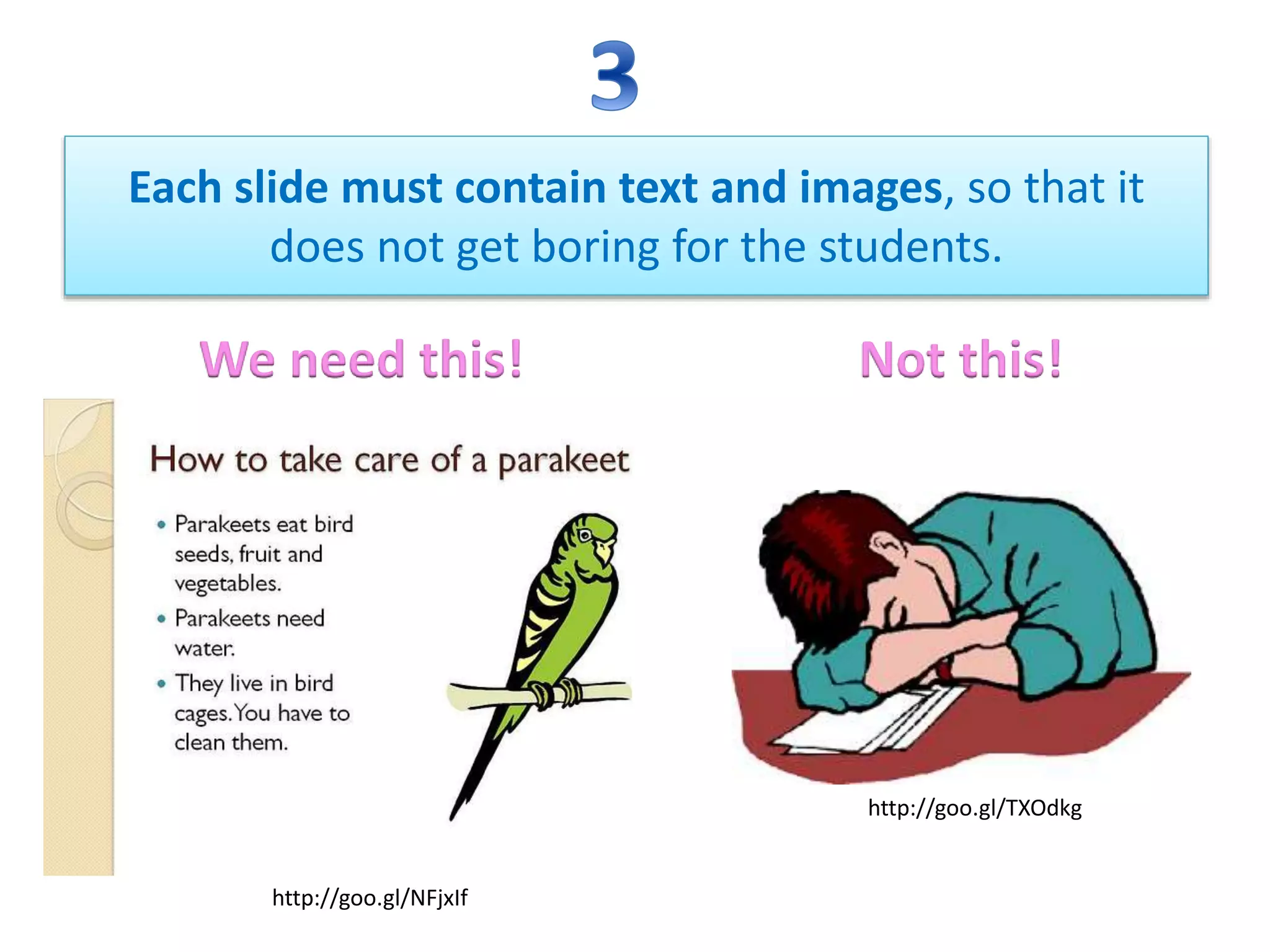
Each slide must contain text and images, so that it
does not get boring for the students.
We need this! Not this!
http://goo.gl/TXOdkg
http://goo.gl/NFjxIf
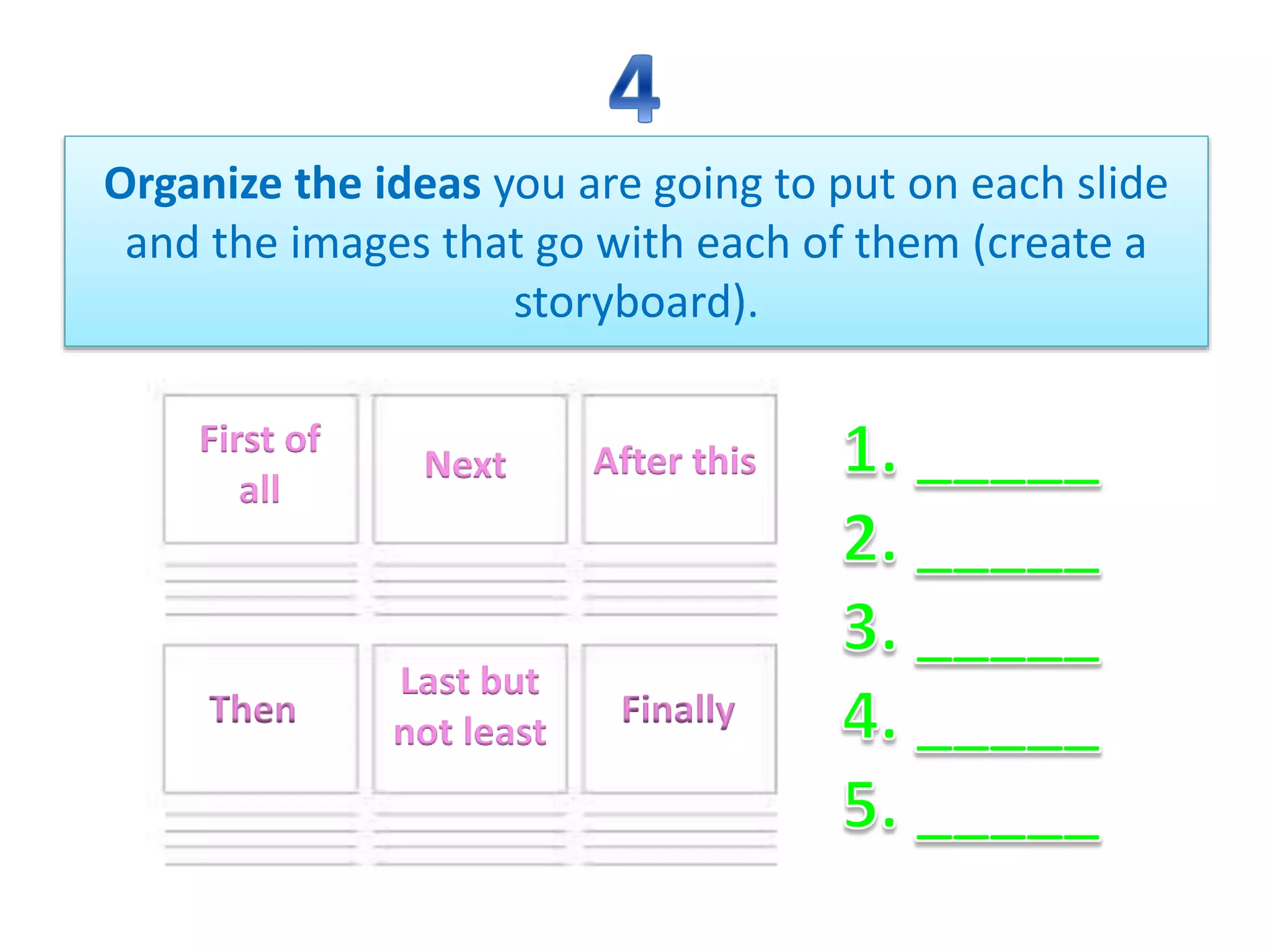
Organize the ideas you are going to put on each slide
and the images that go with each of them (create a
storyboard).
First of
all
Next After this
FinallyThen
Last but
not least
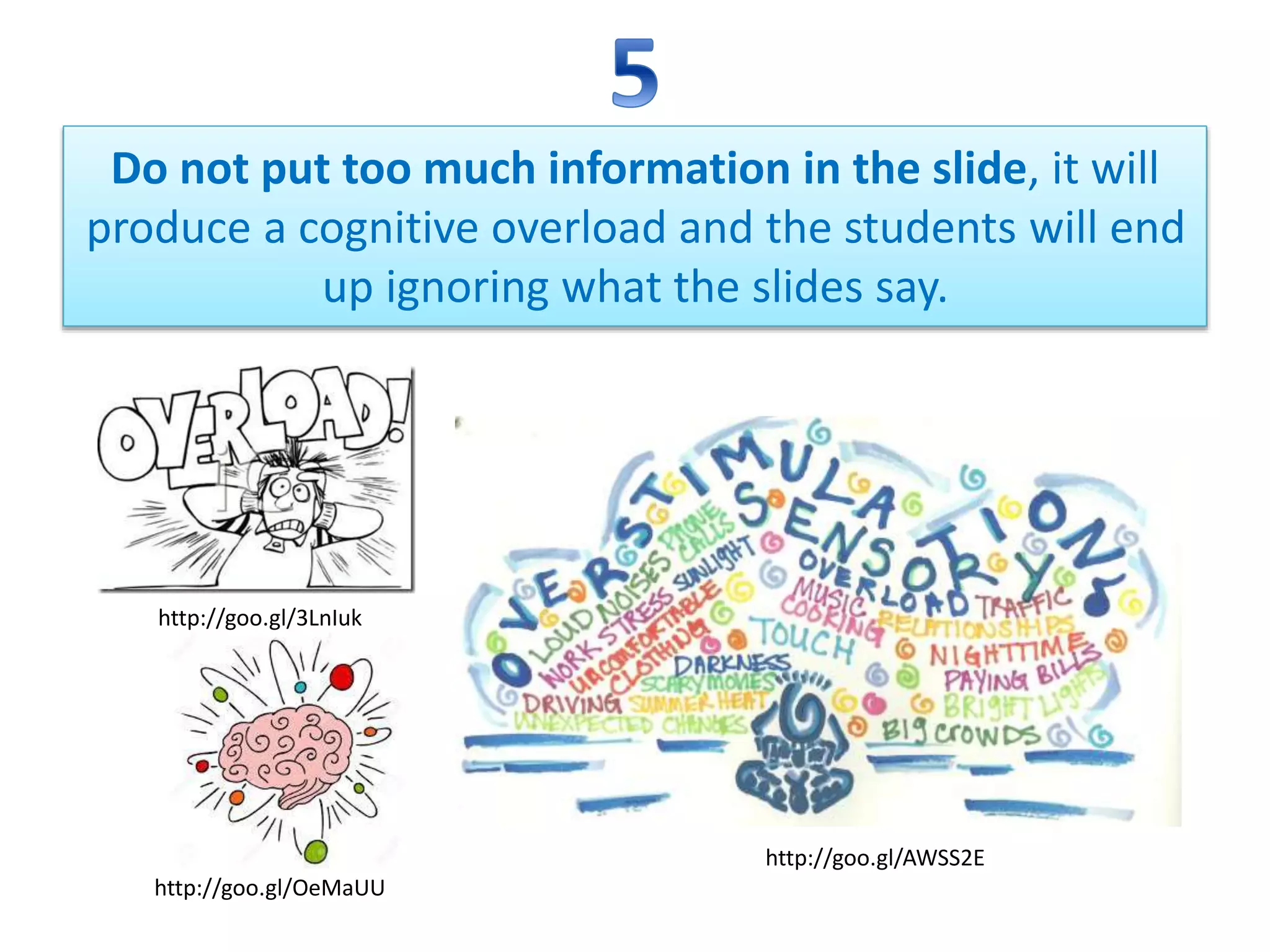
Do not put too much information in the slide, it will
produce a cognitive overload and the students will end
up ignoring what the slides say.
http://goo.gl/3LnIuk
http://goo.gl/AWSS2E
http://goo.gl/OeMaUU
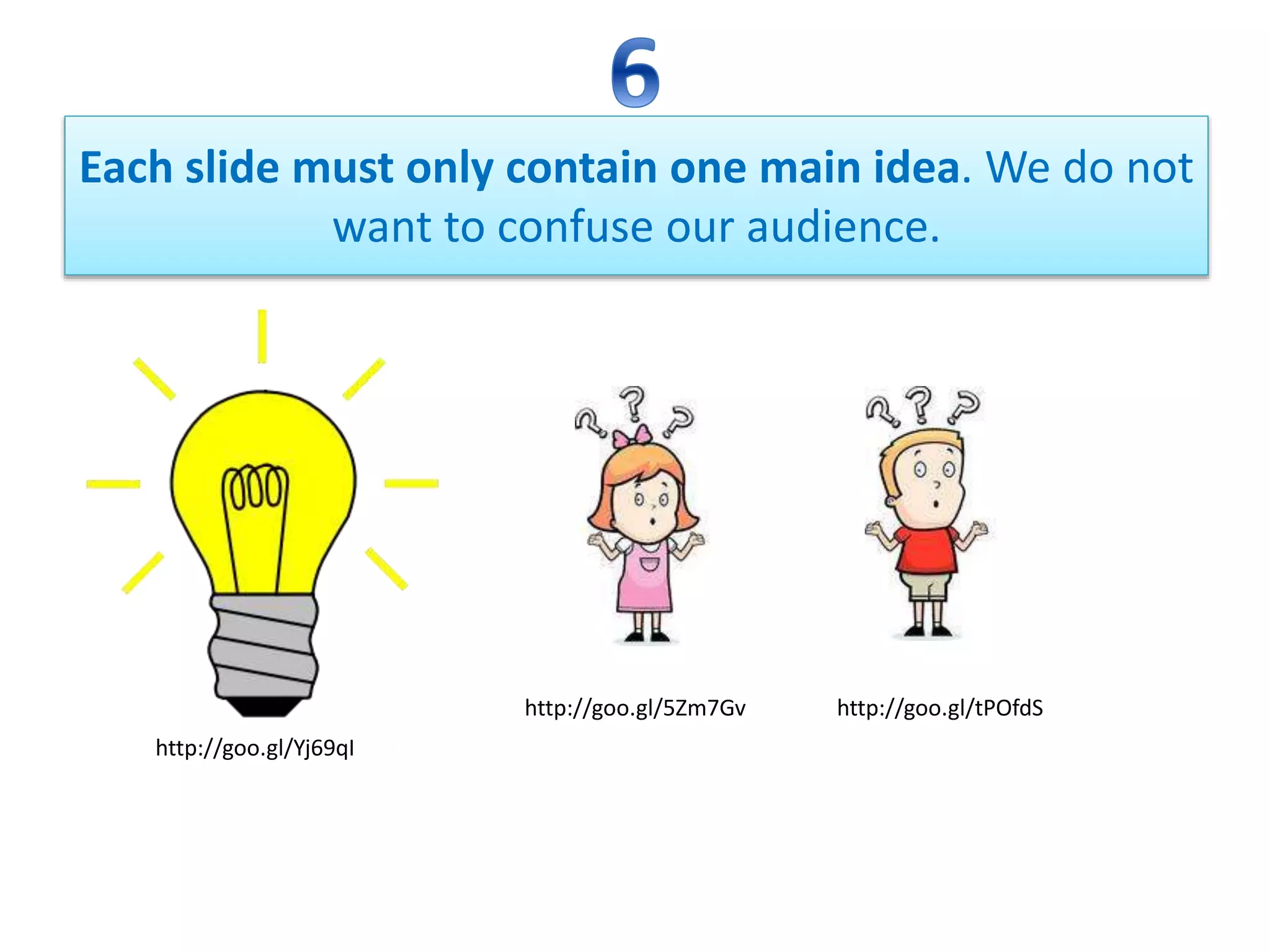
Each slide must only contain one main idea. We do not
want to confuse our audience.
http://goo.gl/tPOfdShttp://goo.gl/5Zm7Gv
http://goo.gl/Yj69qI
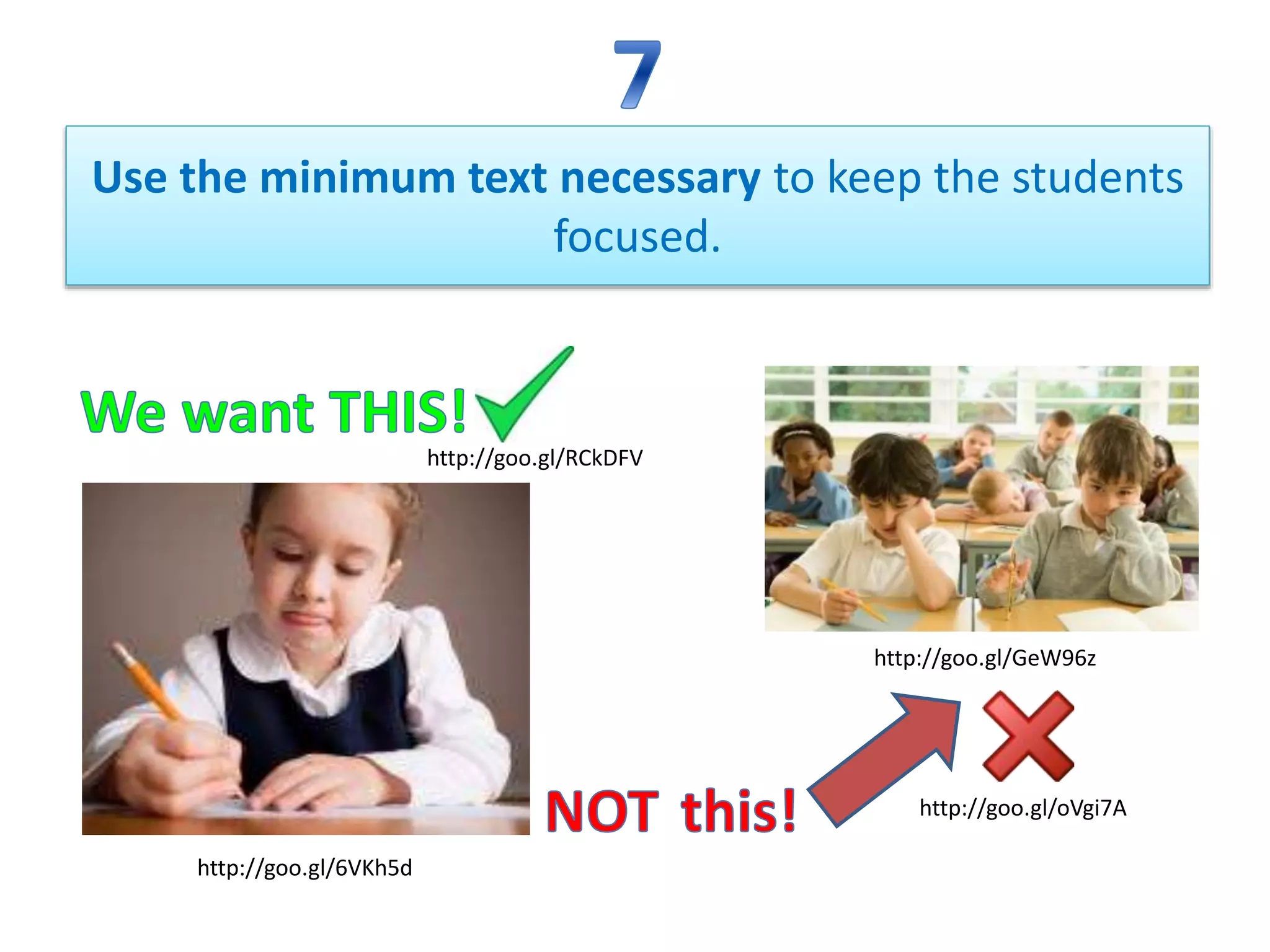
Use the minimum text necessary to keep the students
focused.
http://goo.gl/6VKh5d
http://goo.gl/GeW96z
http://goo.gl/RCkDFV
http://goo.gl/oVgi7A
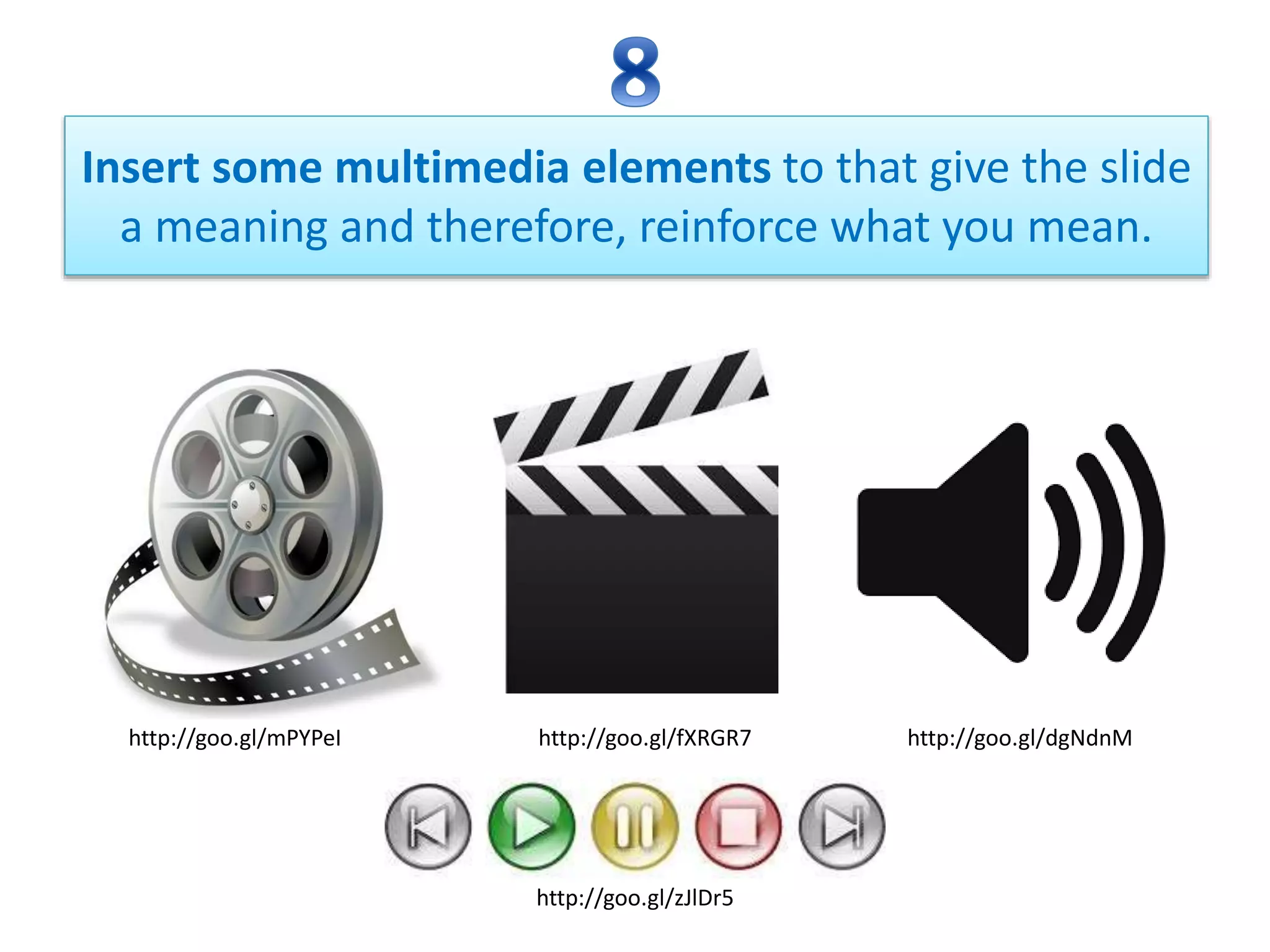
Insert some multimedia elements to that give the slide
a meaning and therefore, reinforce what you mean.
http://goo.gl/mPYPeI http://goo.gl/fXRGR7 http://goo.gl/dgNdnM
http://goo.gl/zJlDr5
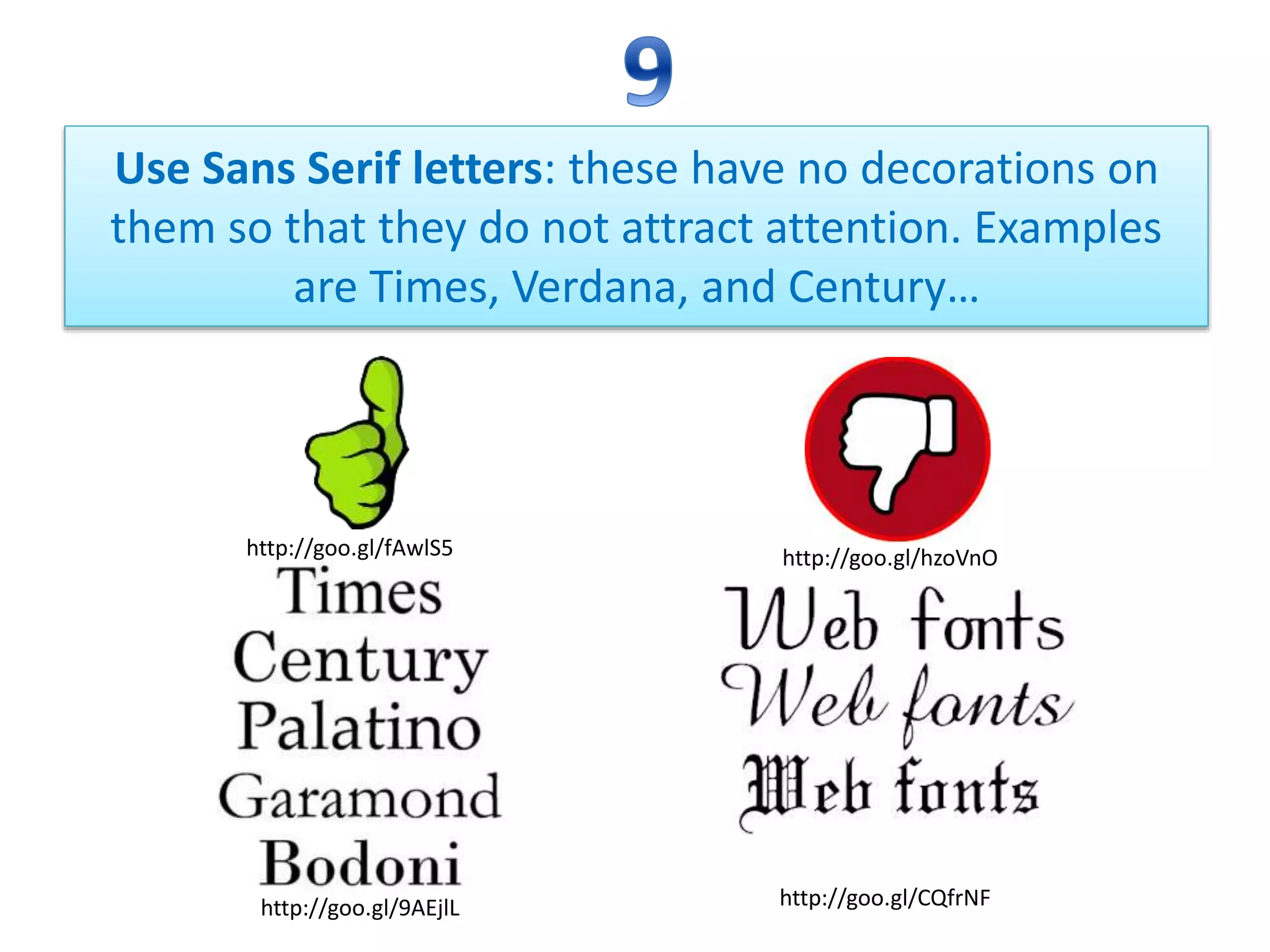
Use Sans Serif letters: these have no decorations on
them so that they do not attract attention. Examples
are Times, Verdana, and Century…
http://goo.gl/hzoVnO
http://goo.gl/9AEjlL http://goo.gl/CQfrNF
http://goo.gl/fAwlS5
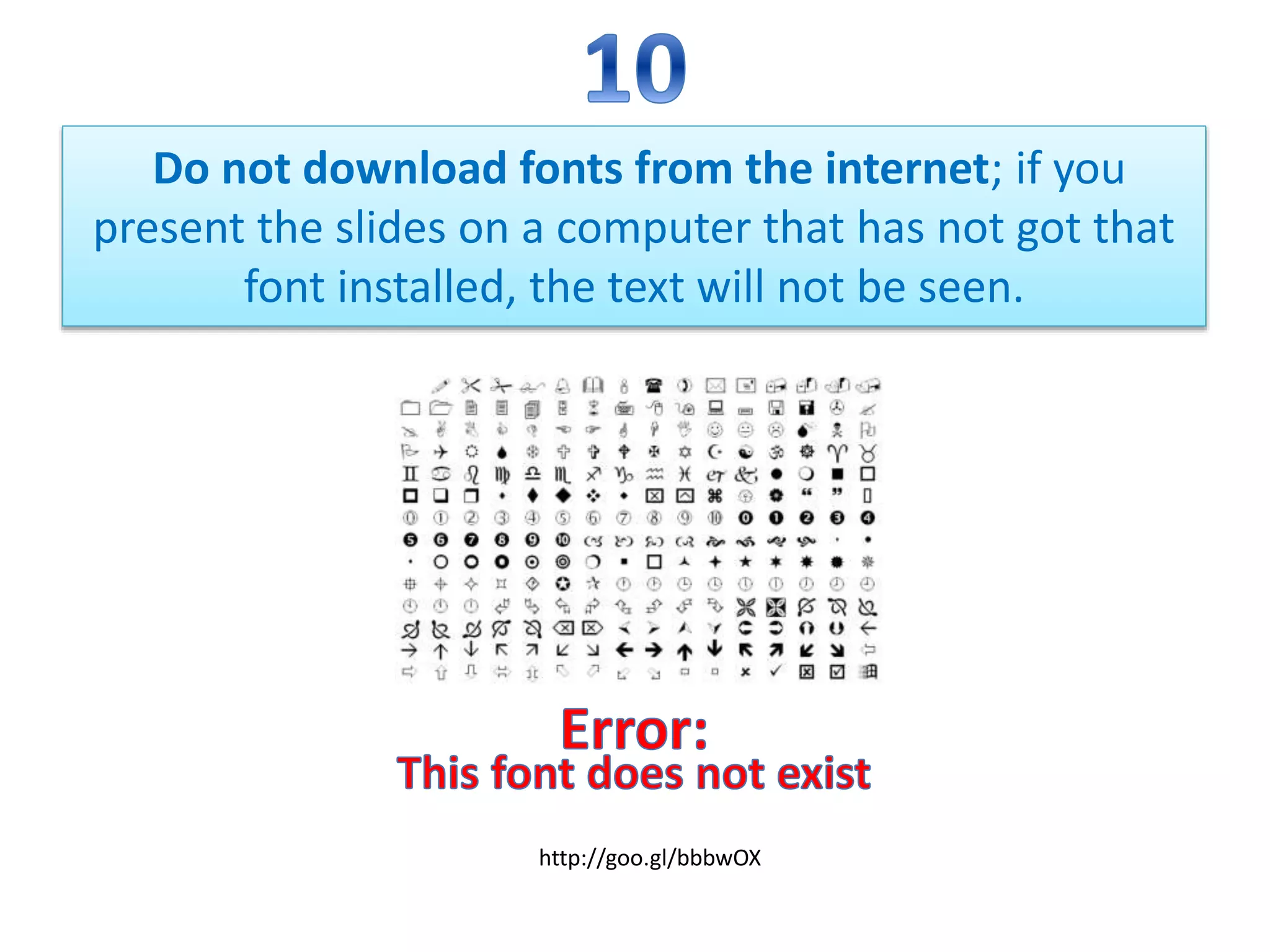
Do not download fonts from the internet; if you
present the slides on a computer that has not got that
font installed, the text will not be seen.
http://goo.gl/bbbwOX
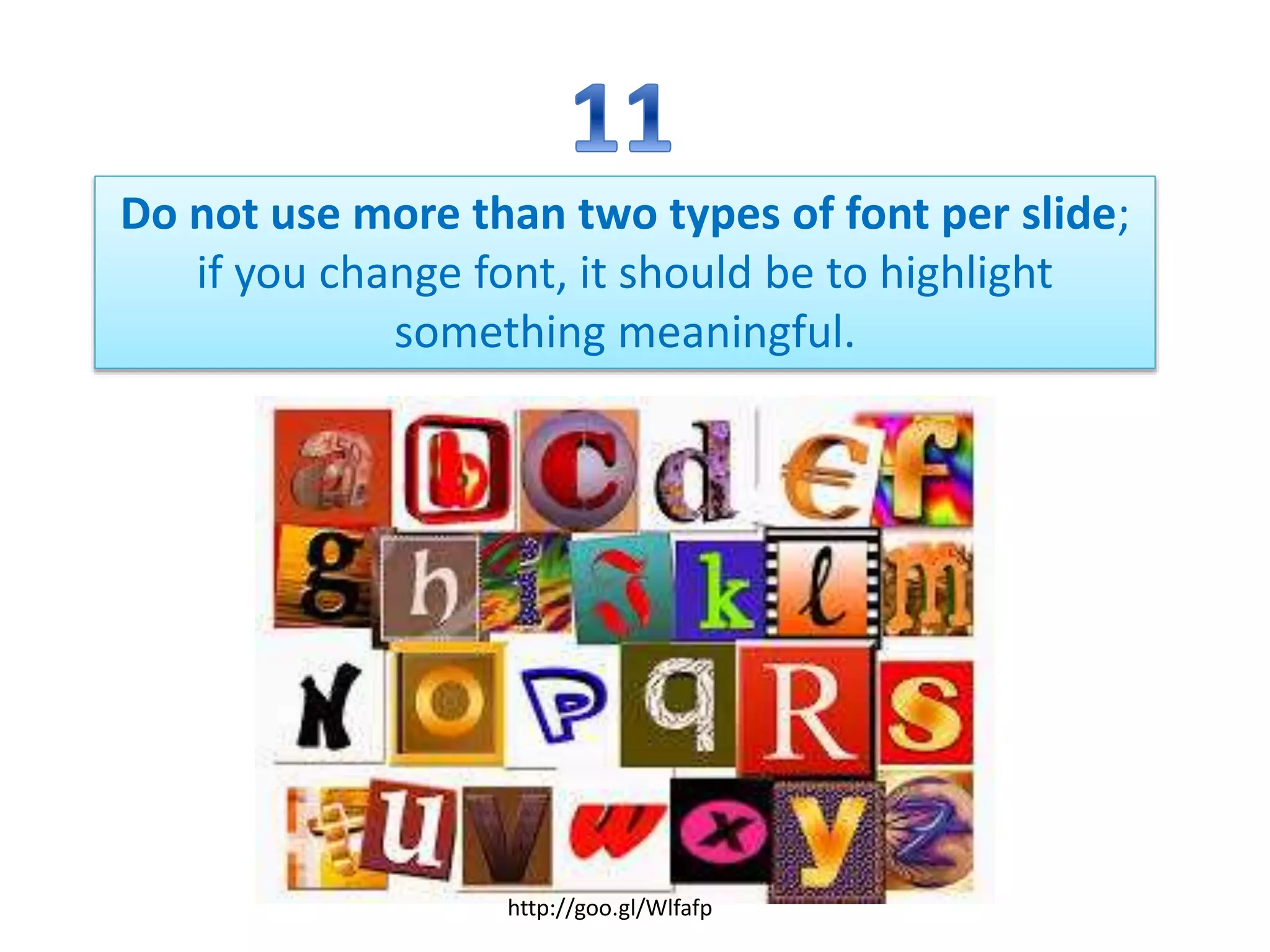
Do not use more than two types of font per slide;
if you change font, it should be to highlight
something meaningful.
http://goo.gl/Wlfafp
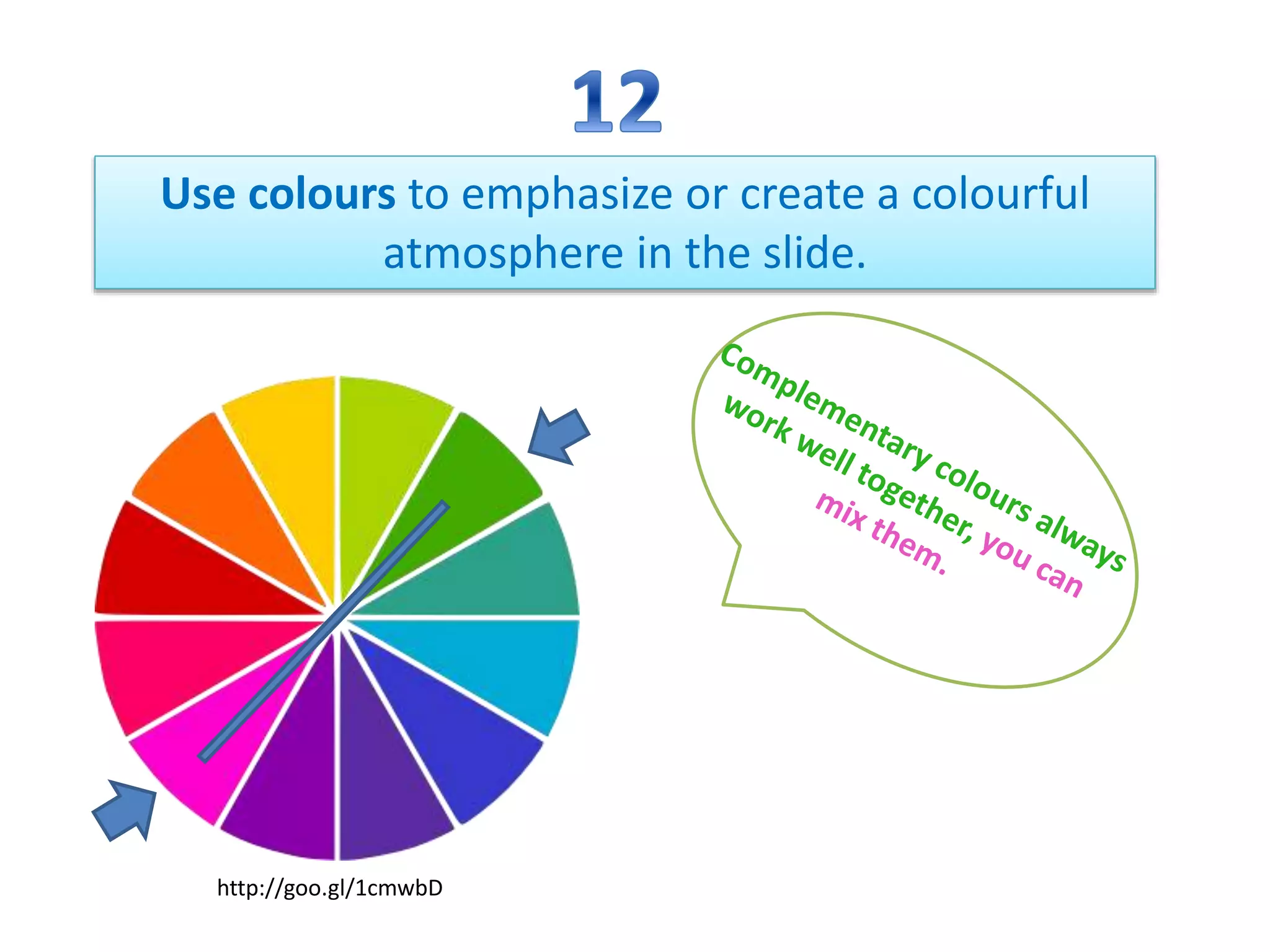
Use colours to emphasize or create a colourful
atmosphere in the slide.
http://goo.gl/1cmwbD
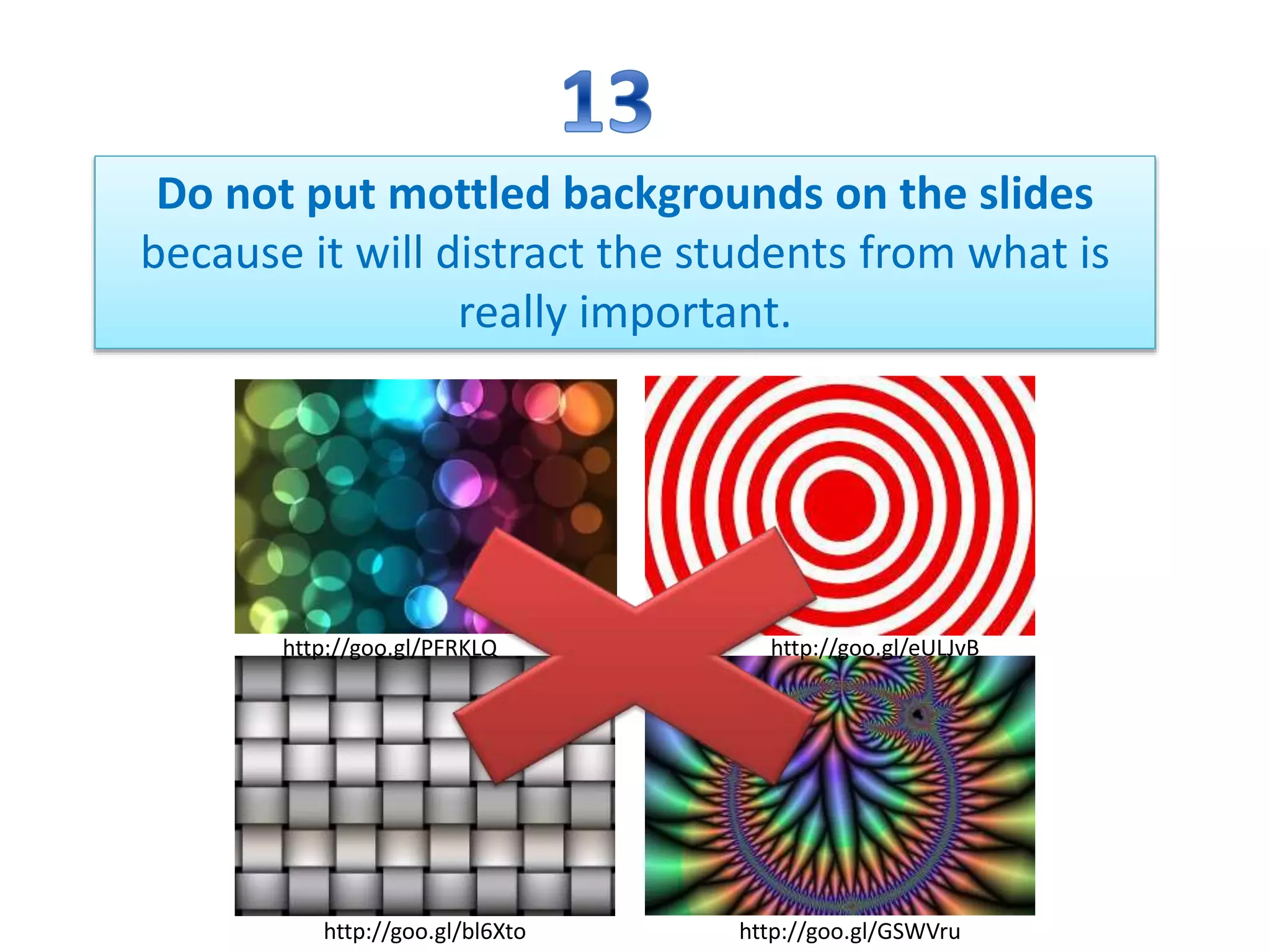
Do not put mottled backgrounds on the slides
because it will distract the students from what is
really important.
http://goo.gl/bl6Xto http://goo.gl/GSWVru
http://goo.gl/eULJvBhttp://goo.gl/PFRKLQ
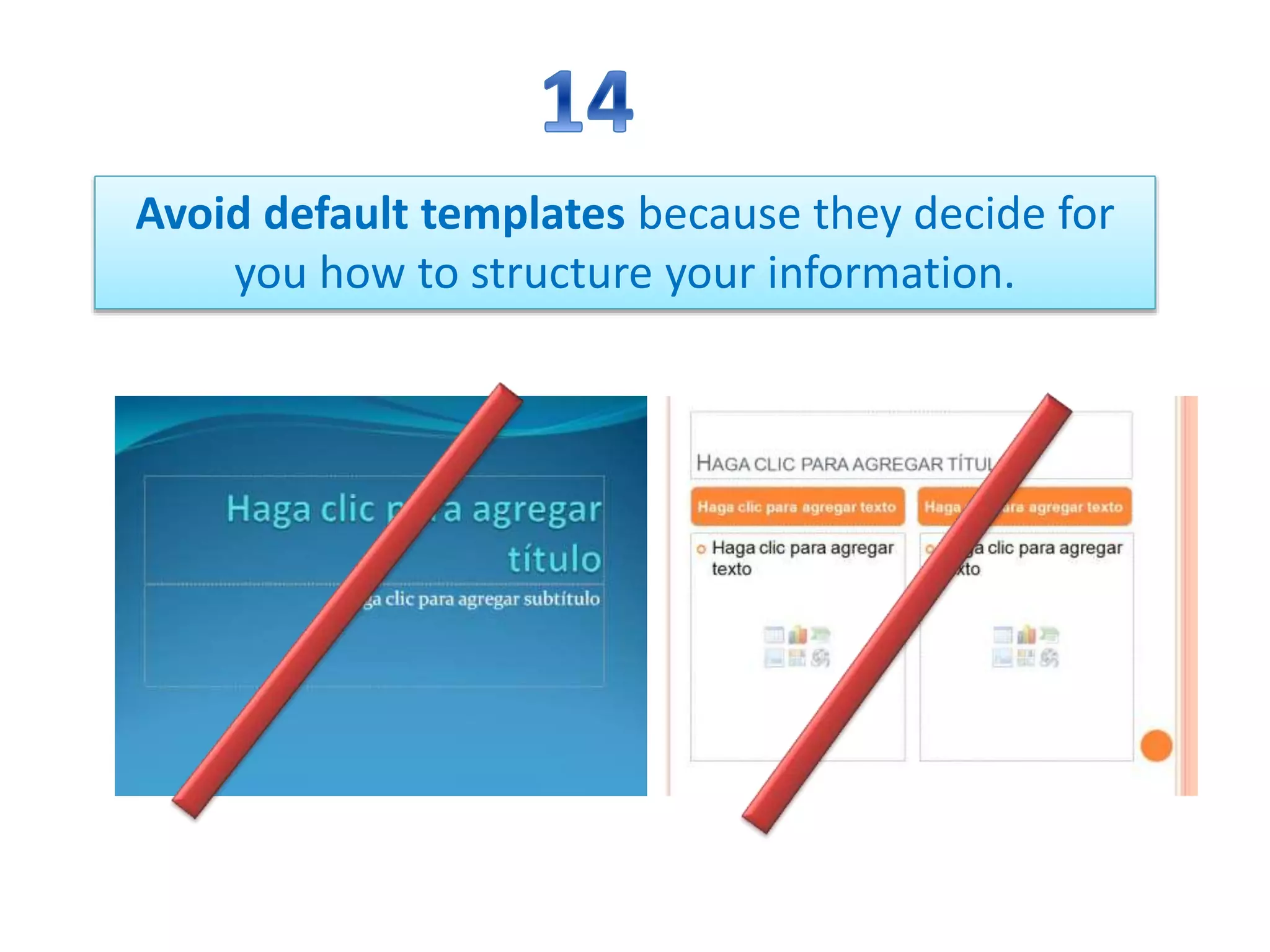
Avoid default templates because they decide for
you how to structure your information.
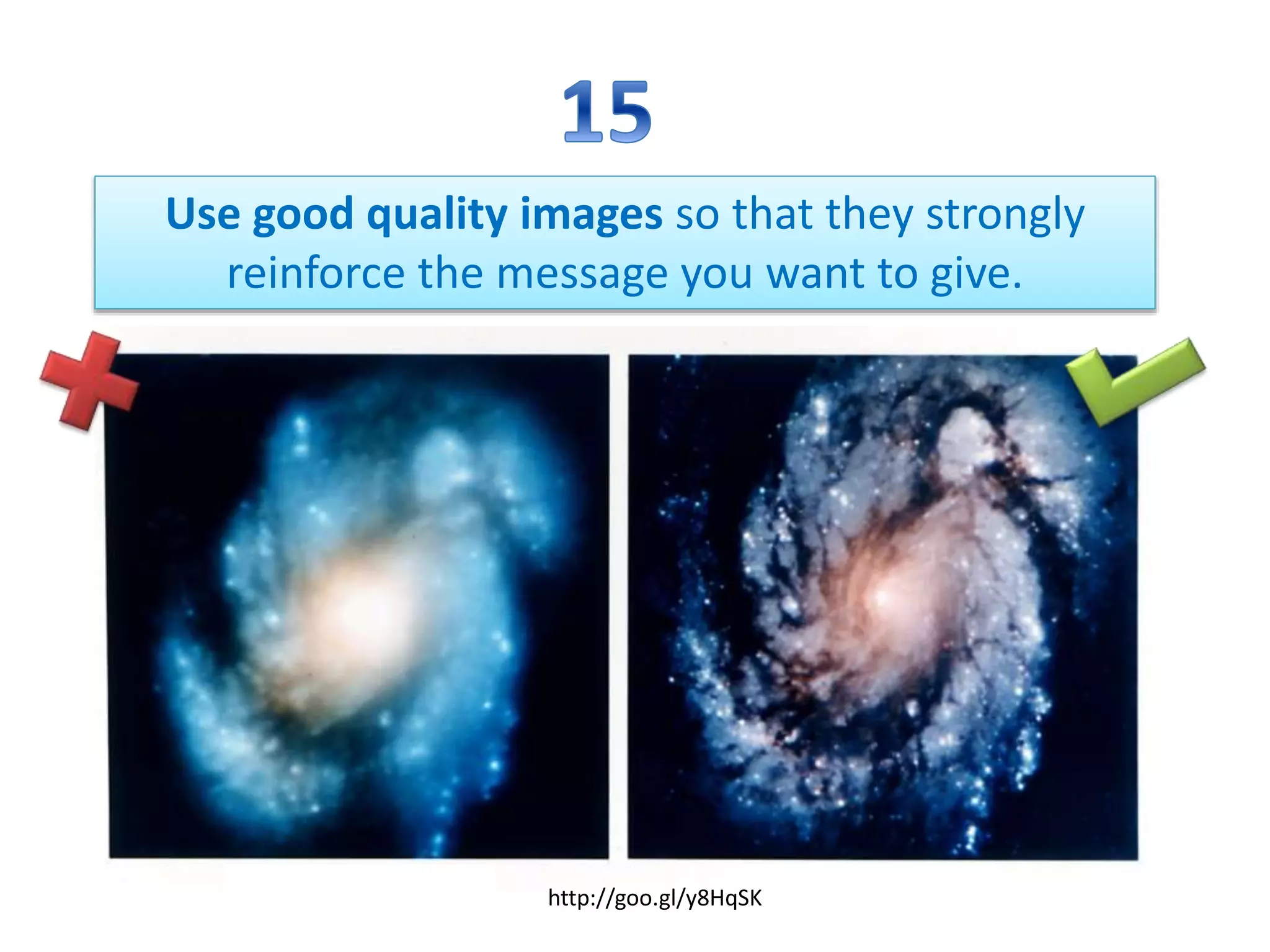
Use good quality images so that they strongly
reinforce the message you want to give.
http://goo.gl/y8HqSK
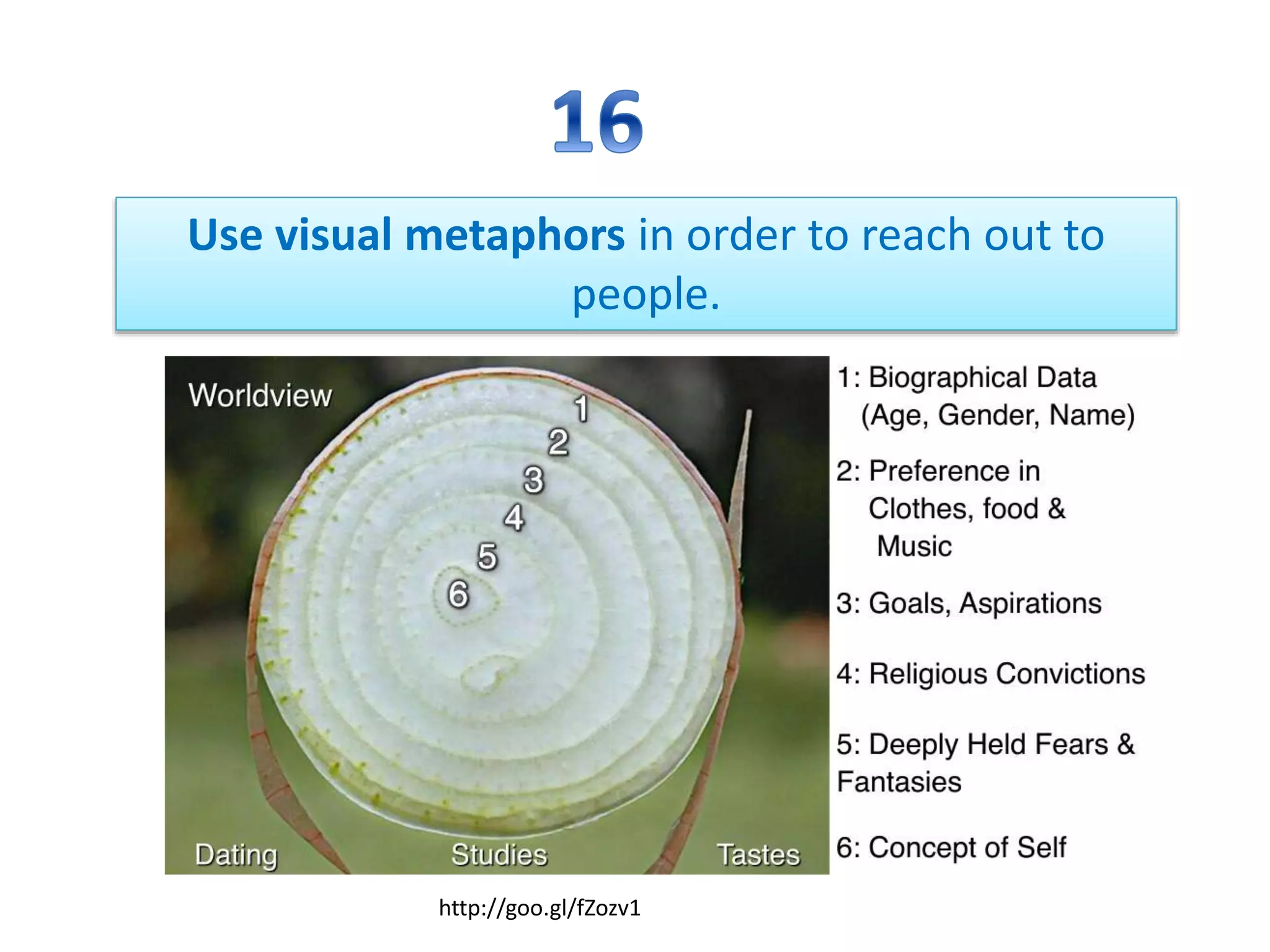
Use visual metaphors in order to reach out to
people.
http://goo.gl/fZozv1
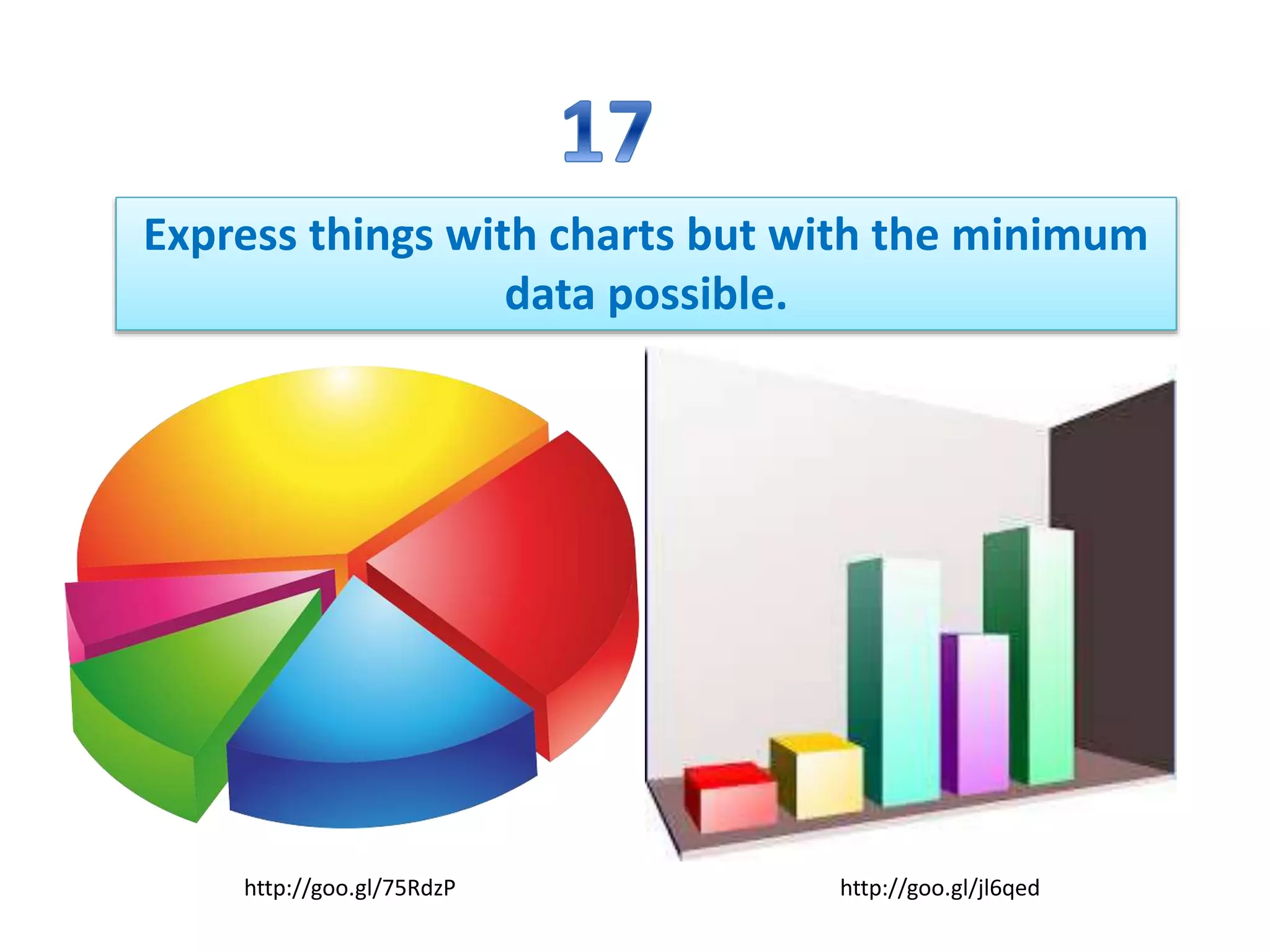
Express things with charts but with the minimum
data possible.
http://goo.gl/75RdzP http://goo.gl/jl6qed
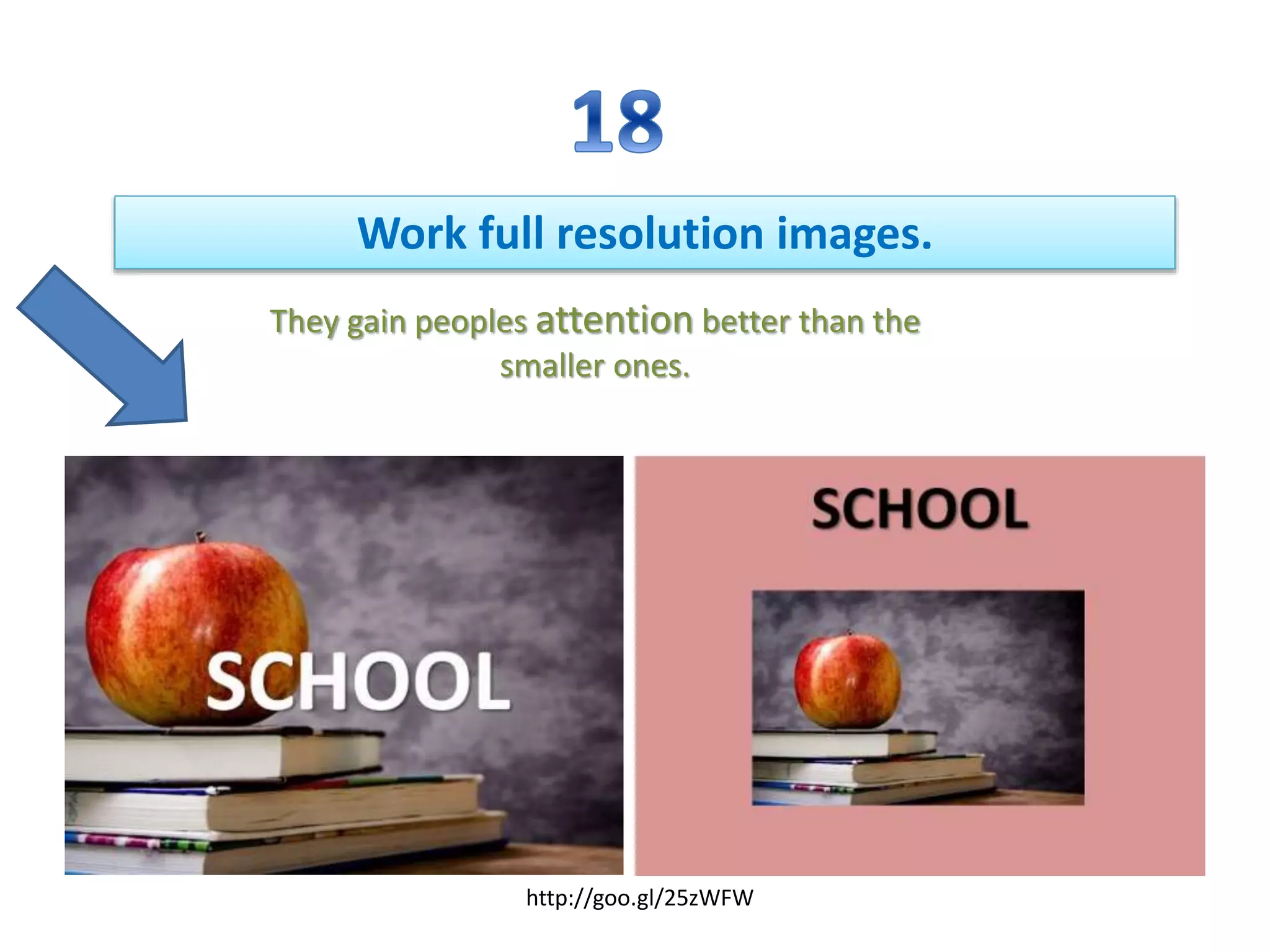
Work full resolution images.
They gain peoples attention better than the
smaller ones.
http://goo.gl/25zWFW
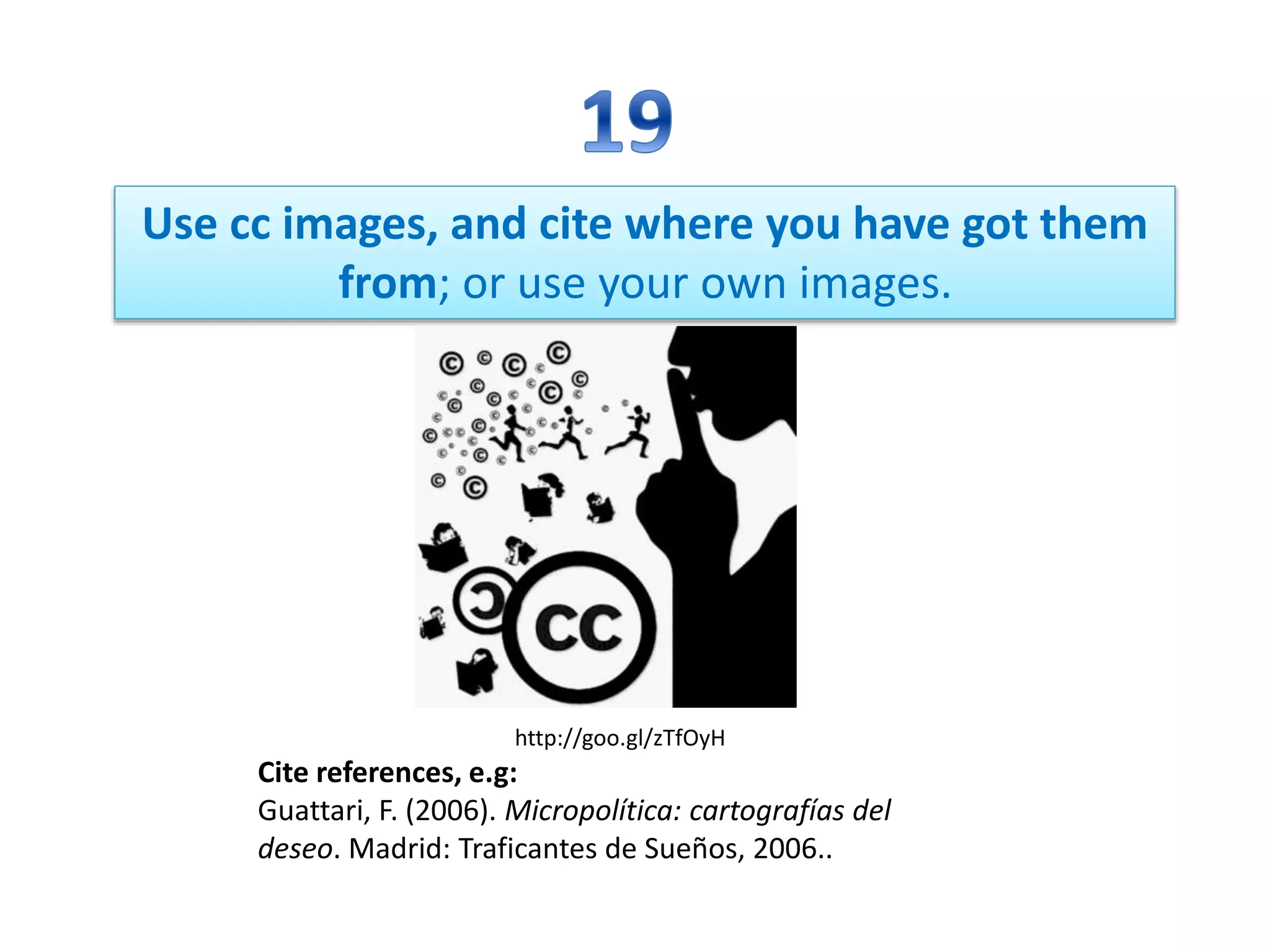
Use cc images, and cite where you have got them
from; or use your own images.
Cite references, e.g:
Guattari, F. (2006). Micropolítica: cartografías del
deseo. Madrid: Traficantes de Sueños, 2006..
http://goo.gl/zTfOyH
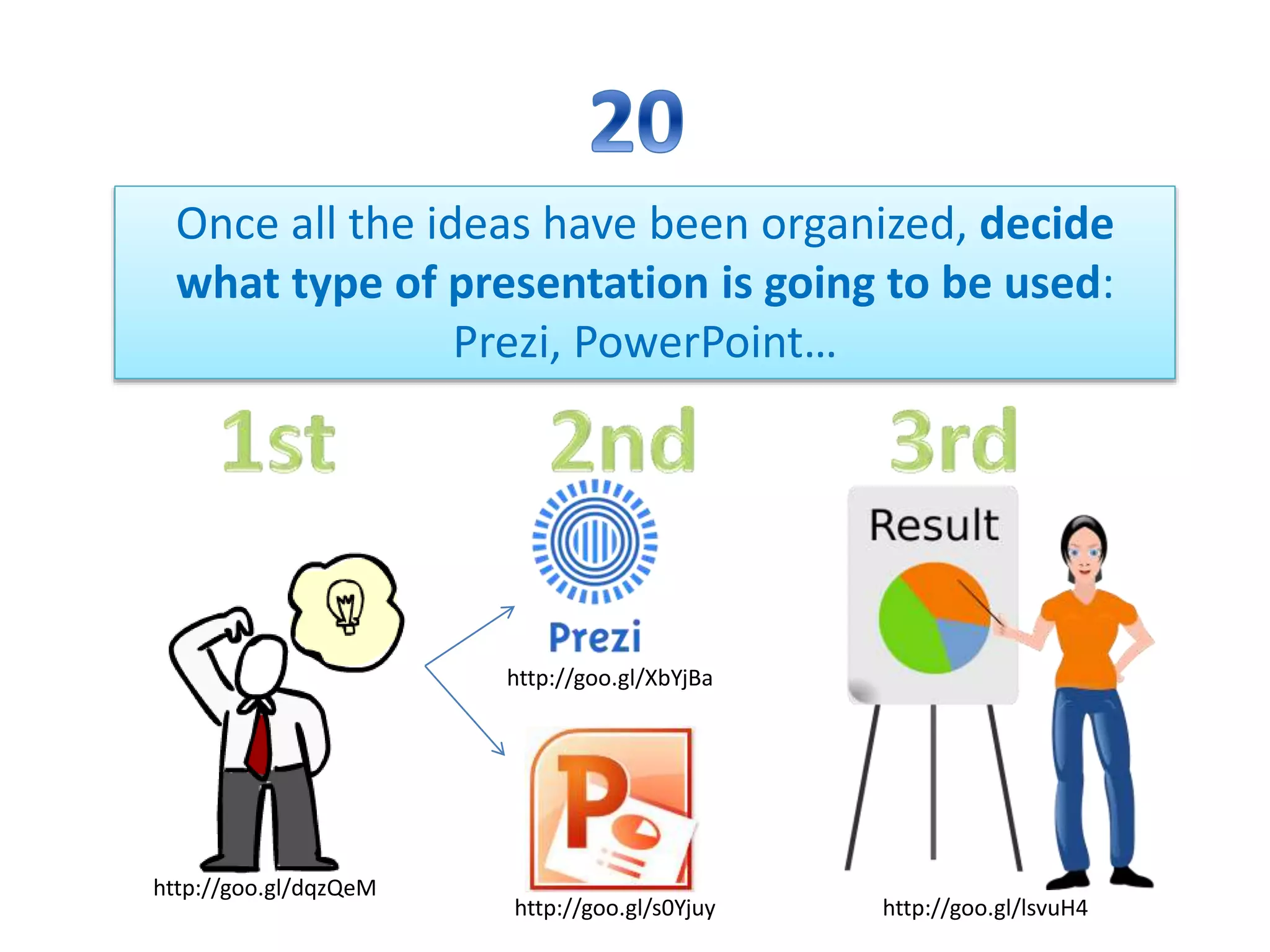
Once all the ideas have been organized, decide
what type of presentation is going to be used:
Prezi, PowerPoint…
http://goo.gl/lsvuH4http://goo.gl/s0Yjuy
http://goo.gl/XbYjBa
http://goo.gl/dqzQeM

Creative Commons and 20 tips to create a good power point presentation

  • 1.
  • 2.
    • http://goo.gl/2xX9Mz It is anon-profit organization that enables the sharing and use of creativity and knowledge through free legal tools.
  • 3.
  • 4.
    A CC licensor answersa few simple questions on the path to choosing a license. http://goo.gl/lWgtmo
  • 5.
    STEPS Do I wantto allow commercial use or not? http://goo.gl/M0ykdt
  • 6.
    STEPS Do I wantto allow derivative works or not? http://goo.gl/g3576P
  • 7.
    How to createa License? You must to sign on a website http://goo.gl/FsDWiZ
  • 8.
    If a licensordecides to allow derivative works, we call them licensees and this idea is “ShareAlike”. http://goo.gl/12mqU6
  • 9.
    ShareAlike… ...is inspired by theGNU General Public License. http://goo.gl/ZjHzoF
  • 10.
    It is FREEand OPEN SOURCE software projects. http://goo.gl/0zlSZ3
  • 11.
    WHAT IS THEKEY TO MAKING A GOOD ONE? http://goo.gl/HgcsS2http://goo.gl/fj5GF4
  • 12.
    Do not inserttoo much writing in the slide, because your audience will end up not listening to you and just reading the slide. http://goo.gl/9eGicr
  • 13.
    Design the slidein such a way so that the pupils sitting at the back of the class can see it properly, or distribute the tables in a way that everybody can see the slides. http://goo.gl/zeBCWz
  • 14.
    Each slide mustcontain text and images, so that it does not get boring for the students. We need this! Not this! http://goo.gl/TXOdkg http://goo.gl/NFjxIf
  • 15.
    Organize the ideasyou are going to put on each slide and the images that go with each of them (create a storyboard). First of all Next After this FinallyThen Last but not least
  • 16.
    Do not puttoo much information in the slide, it will produce a cognitive overload and the students will end up ignoring what the slides say. http://goo.gl/3LnIuk http://goo.gl/AWSS2E http://goo.gl/OeMaUU
  • 17.
    Each slide mustonly contain one main idea. We do not want to confuse our audience. http://goo.gl/tPOfdShttp://goo.gl/5Zm7Gv http://goo.gl/Yj69qI
  • 18.
    Use the minimumtext necessary to keep the students focused. http://goo.gl/6VKh5d http://goo.gl/GeW96z http://goo.gl/RCkDFV http://goo.gl/oVgi7A
  • 19.
    Insert some multimediaelements to that give the slide a meaning and therefore, reinforce what you mean. http://goo.gl/mPYPeI http://goo.gl/fXRGR7 http://goo.gl/dgNdnM http://goo.gl/zJlDr5
  • 20.
    Use Sans Serifletters: these have no decorations on them so that they do not attract attention. Examples are Times, Verdana, and Century… http://goo.gl/hzoVnO http://goo.gl/9AEjlL http://goo.gl/CQfrNF http://goo.gl/fAwlS5
  • 21.
    Do not downloadfonts from the internet; if you present the slides on a computer that has not got that font installed, the text will not be seen. http://goo.gl/bbbwOX
  • 22.
    Do not usemore than two types of font per slide; if you change font, it should be to highlight something meaningful. http://goo.gl/Wlfafp
  • 23.
    Use colours toemphasize or create a colourful atmosphere in the slide. http://goo.gl/1cmwbD
  • 24.
    Do not putmottled backgrounds on the slides because it will distract the students from what is really important. http://goo.gl/bl6Xto http://goo.gl/GSWVru http://goo.gl/eULJvBhttp://goo.gl/PFRKLQ
  • 25.
    Avoid default templatesbecause they decide for you how to structure your information.
  • 26.
    Use good qualityimages so that they strongly reinforce the message you want to give. http://goo.gl/y8HqSK
  • 27.
    Use visual metaphorsin order to reach out to people. http://goo.gl/fZozv1
  • 28.
    Express things withcharts but with the minimum data possible. http://goo.gl/75RdzP http://goo.gl/jl6qed
  • 29.
    Work full resolutionimages. They gain peoples attention better than the smaller ones. http://goo.gl/25zWFW
  • 30.
    Use cc images,and cite where you have got them from; or use your own images. Cite references, e.g: Guattari, F. (2006). Micropolítica: cartografías del deseo. Madrid: Traficantes de Sueños, 2006.. http://goo.gl/zTfOyH
  • 31.
    Once all theideas have been organized, decide what type of presentation is going to be used: Prezi, PowerPoint… http://goo.gl/lsvuH4http://goo.gl/s0Yjuy http://goo.gl/XbYjBa http://goo.gl/dqzQeM