Card sorting
workshop
UX in LUX 15/03/2018
Welcome to the first
workshop!
We are UX designers and we want to create
UX workshops in Luxembourg !
Share your knowledge
with the community!
Contact us if you want to present a
workshop or share a UX method!
Thanks :)
Atos Luxembourg is providing the venue,
the drinks and the snacks!
Reach Urszula Siegel
if you have any questions :)
What’s the plan?
➔ Card sorting 101
➔ Try it!
➔ Networking & drinks
Schedule
Card sorting 101
01
Card sorting
is a UX method that
involves asking users
to organize data into
logical groups.
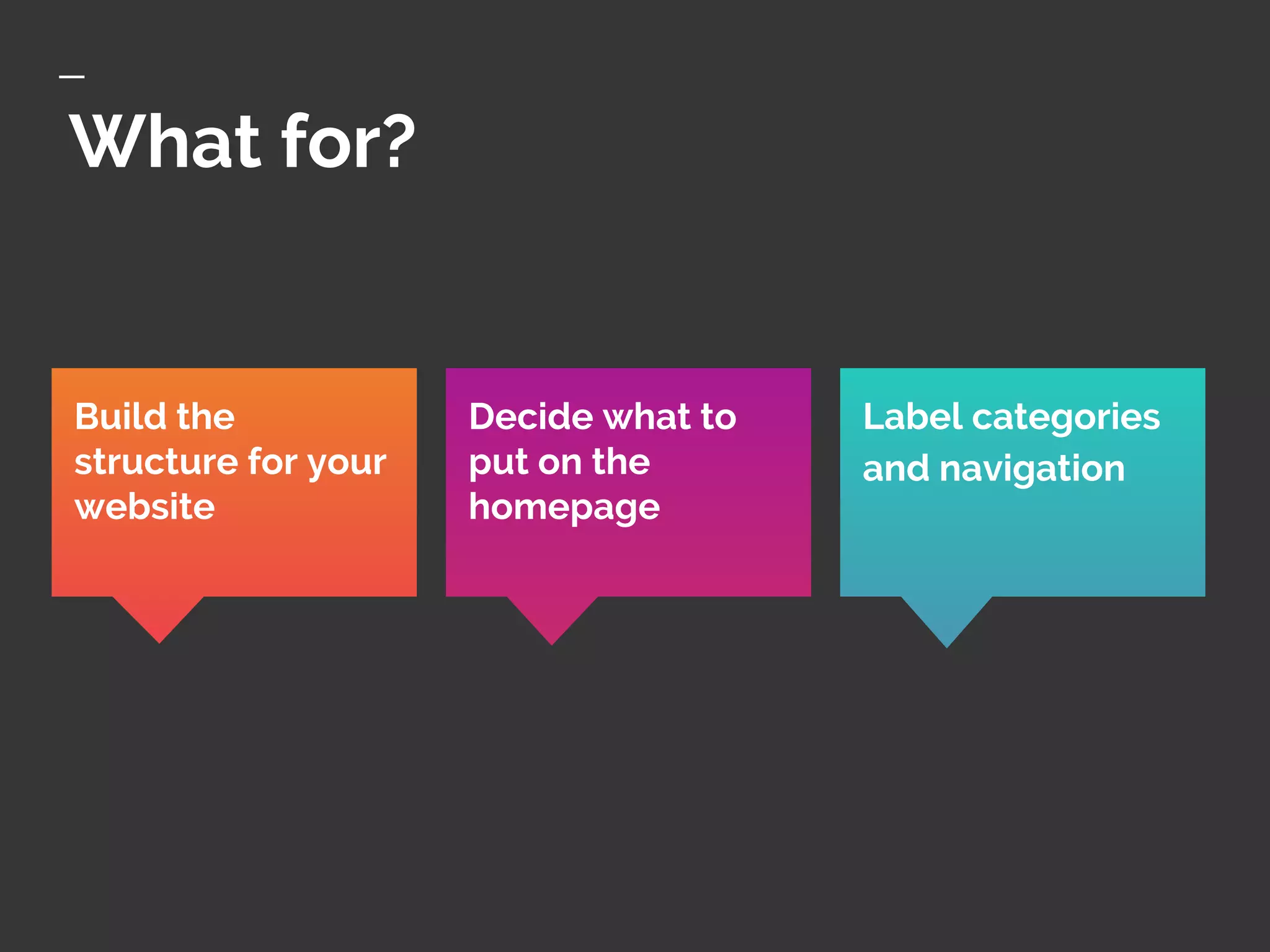
What for?
Label categories
and navigation
Build the
structure for your
website
Decide what to
put on the
homepage
How ?
REMOTE
CARD SORT
Sort cards on a
computer/app.
Unmoderated
OPEN
CARD SORT
Sort cards in groups
that your users
name
CLOSED
CARD SORT
Sort cards in
categories that are
already defined
The process
1. Select users
2. Prepare the cards
3. Set-up the session
4. Lead the session
5. Save the card sorting
6. Analyze your data
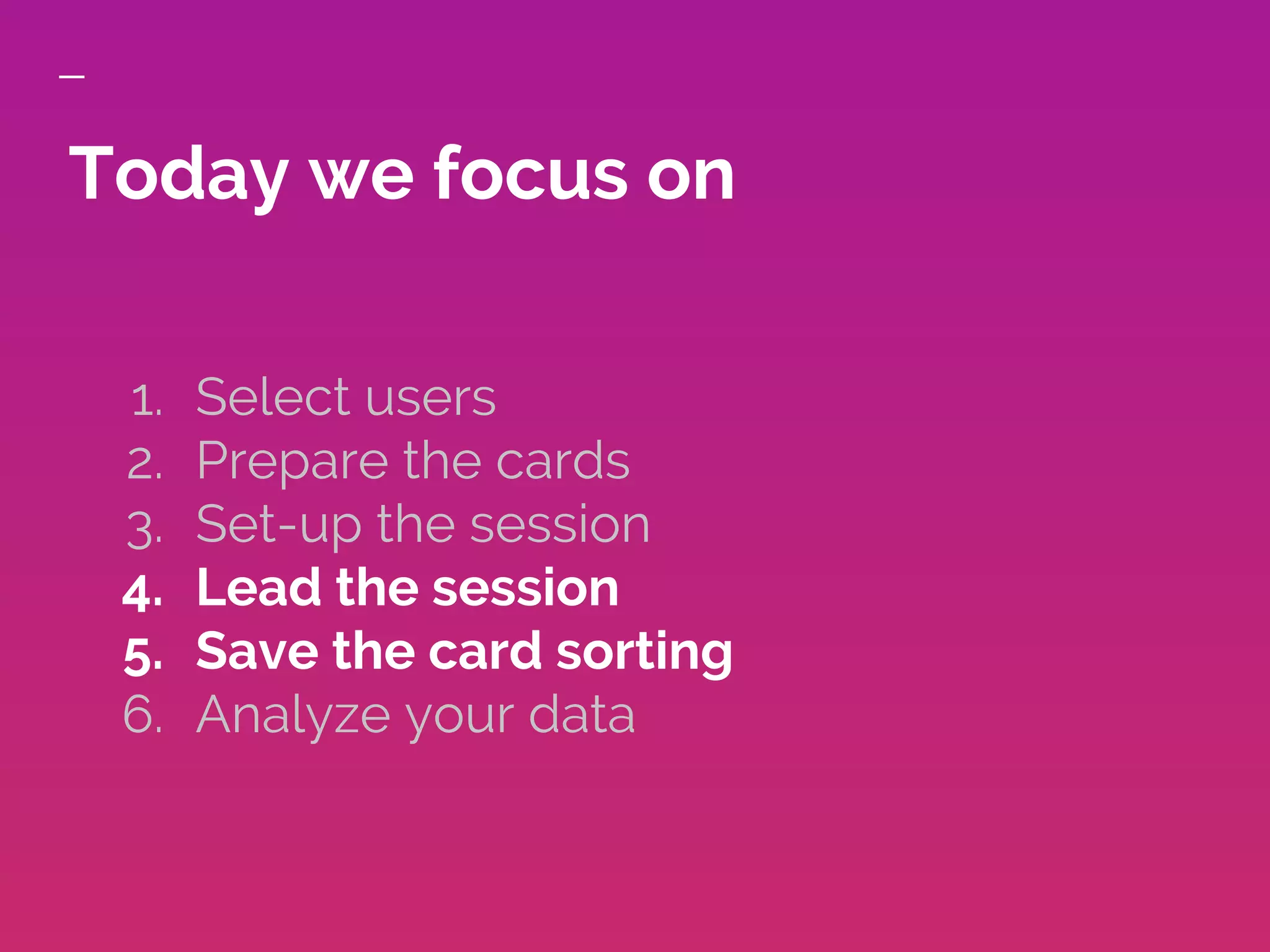
Today we focus on
1. Select users
2. Prepare the cards
3. Set-up the session
4. Lead the session
5. Save the card sorting
6. Analyze your data
Photo credit University of Luxembourg
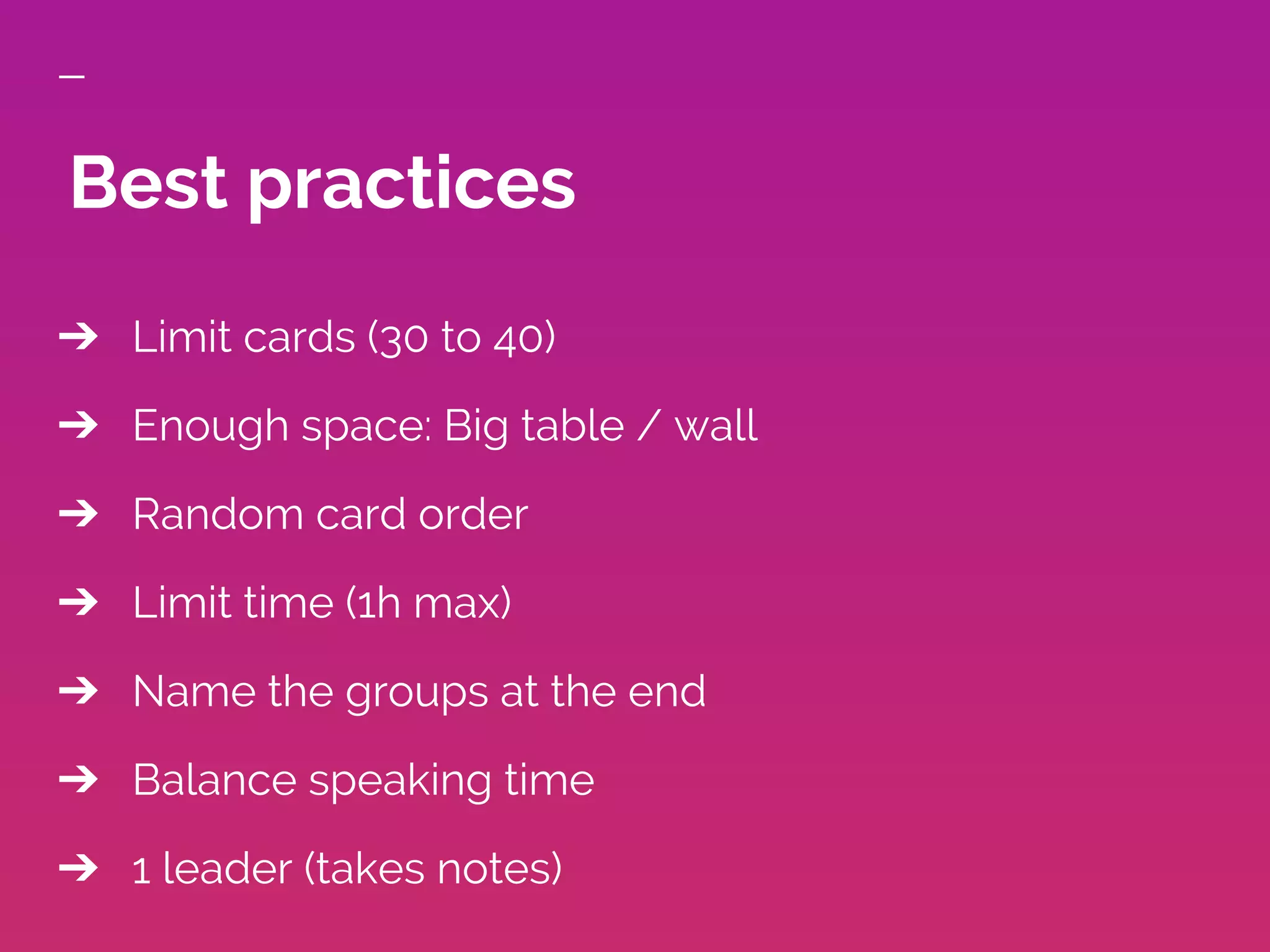
➔ Limit cards (30 to 40)
➔ Enough space: Big table / wall
➔ Random card order
➔ Limit time (1h max)
➔ Name the groups at the end
➔ Balance speaking time
➔ 1 leader (takes notes)
Best practices
Try it!
02
➔ We need 5 to 6 groups (3 on the icons sorting, 3 on
the navigation)
➔ Take a look at the cards in front of you
➔ Put together the cards that belong together for
you (you can discuss the classification)
➔ Name the groups you’ve created
1. Arrange and group the cards
➔ Gather together the 3 groups and compare your
groups
◆ Are there similarities?
◆ Are there things that totally differ from one
group to another
➔ Can you already see some statistically significant
patterns?
2. Gather and discuss
● Optimal Sort: online tool to build remote card
sorting and help you with the analysis
● Card maker // cardsort.ignorethecode online
tools to help you quickly generate your cards
● Card Sorting: a book to help you
● Card sorting - Ne perdez plus vos utilisateurs !
another book to help you in French
● Card sorting analysis spreadsheet: a template to
help you with the analysis of the data collected
Some tools
Thank you :)
Contact us (@ux_lux on twitter or
uxinlux@gmail.com) if you want to present a
workshop or share a UX method!
Food, drinks and
networking time.
03

Card sorting

  • 2.
  • 3.
    Welcome to thefirst workshop! We are UX designers and we want to create UX workshops in Luxembourg !
  • 5.
    Share your knowledge withthe community! Contact us if you want to present a workshop or share a UX method!
  • 6.
    Thanks :) Atos Luxembourgis providing the venue, the drinks and the snacks! Reach Urszula Siegel if you have any questions :)
  • 7.
    What’s the plan? ➔Card sorting 101 ➔ Try it! ➔ Networking & drinks Schedule
  • 8.
  • 9.
    Card sorting is aUX method that involves asking users to organize data into logical groups.
  • 10.
    What for? Label categories andnavigation Build the structure for your website Decide what to put on the homepage
  • 11.
    How ? REMOTE CARD SORT Sortcards on a computer/app. Unmoderated OPEN CARD SORT Sort cards in groups that your users name CLOSED CARD SORT Sort cards in categories that are already defined
  • 12.
    The process 1. Selectusers 2. Prepare the cards 3. Set-up the session 4. Lead the session 5. Save the card sorting 6. Analyze your data
  • 13.
    Today we focuson 1. Select users 2. Prepare the cards 3. Set-up the session 4. Lead the session 5. Save the card sorting 6. Analyze your data
  • 14.
  • 15.
    ➔ Limit cards(30 to 40) ➔ Enough space: Big table / wall ➔ Random card order ➔ Limit time (1h max) ➔ Name the groups at the end ➔ Balance speaking time ➔ 1 leader (takes notes) Best practices
  • 16.
  • 17.
    ➔ We need5 to 6 groups (3 on the icons sorting, 3 on the navigation) ➔ Take a look at the cards in front of you ➔ Put together the cards that belong together for you (you can discuss the classification) ➔ Name the groups you’ve created 1. Arrange and group the cards
  • 18.
    ➔ Gather togetherthe 3 groups and compare your groups ◆ Are there similarities? ◆ Are there things that totally differ from one group to another ➔ Can you already see some statistically significant patterns? 2. Gather and discuss
  • 19.
    ● Optimal Sort:online tool to build remote card sorting and help you with the analysis ● Card maker // cardsort.ignorethecode online tools to help you quickly generate your cards ● Card Sorting: a book to help you ● Card sorting - Ne perdez plus vos utilisateurs ! another book to help you in French ● Card sorting analysis spreadsheet: a template to help you with the analysis of the data collected Some tools
  • 20.
    Thank you :) Contactus (@ux_lux on twitter or uxinlux@gmail.com) if you want to present a workshop or share a UX method!
  • 21.