Building WebLogic Domains with 
WLST 
Matt Brasier – C2B2 Consulting LTD
Matt Brasier 
• Consultant at C2B2 
– Middleware support and services 
• 13 years experience with WebLogic 
• Specialise in high performance Java 
applications 
• Author
Agenda 
• Problem Statement 
• What is WLST? 
• Why should we automate domain builds? 
• How should we do it?
Problem Statement 
• Increasing demand for repeatable builds 
– Don’t just consider the application build 
• Repeatable environment builds 
– Scaling out 
– New Environments 
– New projects 
– Disaster Recovery
What is WLST? 
• WebLogic Scripting Toolkit 
– Introduced in WebLogic 9.0 
• Jython based scripting language for interacting 
with WebLogic 
– Anything you can do through the WebLogic console 
– And more... 
• Better than other vendor equivalents 
– Full power of python based scripting 
• Logic, File IO, network IO etc
How to use WLST 
• Distributed with WebLogic 
• $FMW_HOME/wlserverXX/common/bin/wlst.sh 
• %FMW_HOME%/wlserverXX/common/bin/wlst.cmd 
• Execute on its own to launch in interactive 
mode 
– Very useful for debugging and discovering 
resources you need 
• Specify a file name to execute a script
What can we do with WLST? 
• View/Edit configuration 
– Server properties 
– Connection pools 
– JMS resources 
– Applications 
– Clustering
What can we do with WLST? 
• Read runtime metrics 
– Message queue sizes 
– Memory use 
– GC stats 
– Call stats 
– Anything available via JMX
What can we do with WLST? 
• Operations 
– Start servers 
– Stop servers 
– Deploy applications 
– Reset connection pools 
– Clear JMS queues
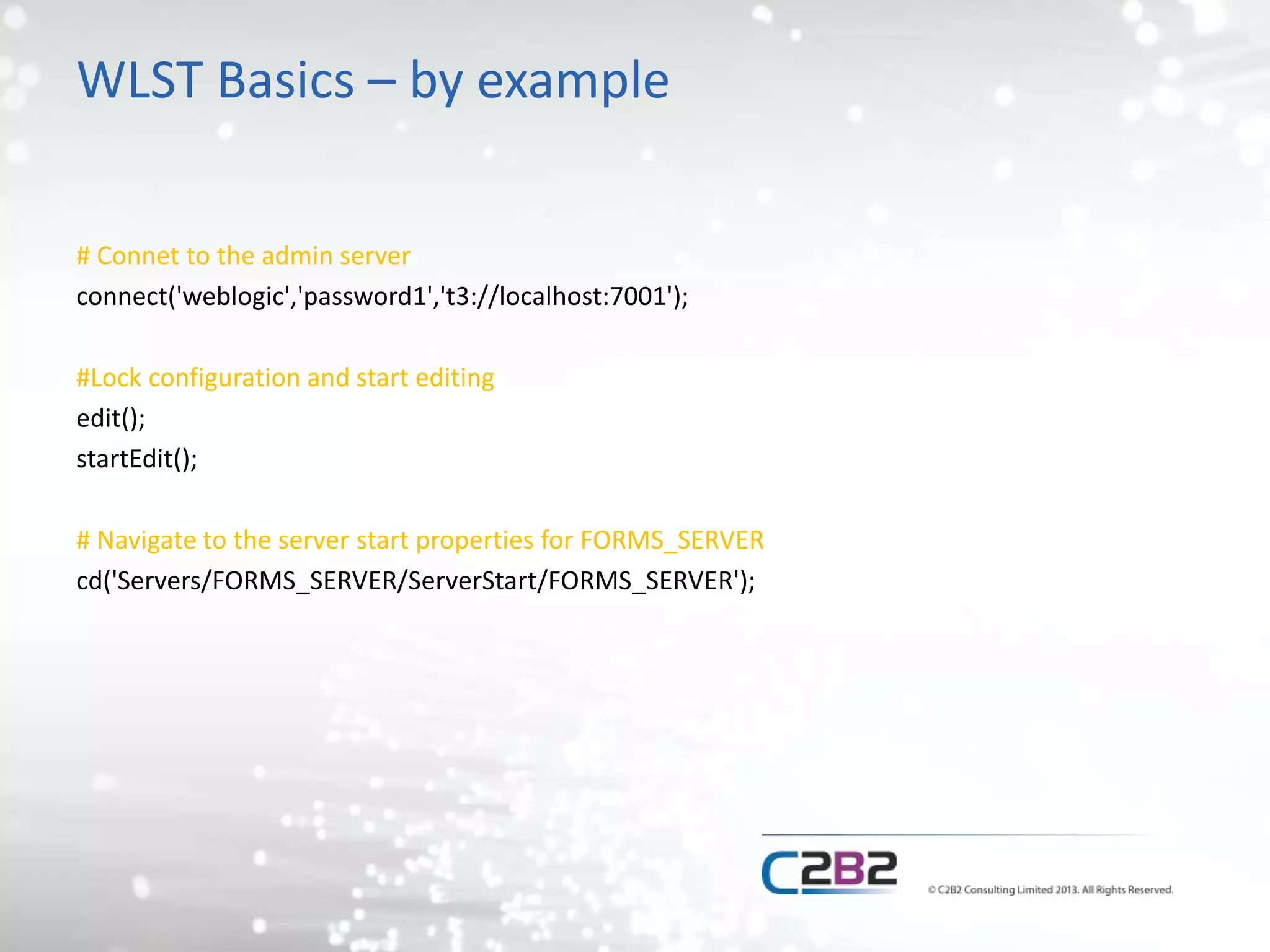
WLST Basics – by example 
# Connet to the admin server 
connect('weblogic','password1','t3://localhost:7001'); 
#Lock configuration and start editing 
edit(); 
startEdit(); 
# Navigate to the server start properties for FORMS_SERVER 
cd('Servers/FORMS_SERVER/ServerStart/FORMS_SERVER');
WLST Basics – by example 
#Set the properties 
set('Arguments','-Xms=2048m -Xmx=2048m -XX:NewSize=512M -XX:MaxNewSize=512M - 
XX:PermSize=256M -XX:MaxPermSize=256M'); 
set('Username','weblogic'); 
set('Password', 'welcome1'); 
set('BeaHome',os.environ["WL_HOME"]); //This needs an import that we have not shown 
set('JavaHome',os.environ["JAVA_HOME"]); //This needs an import that we have not shown 
set('JavaVendor','BEA'); 
#Save changes and apply 
save(); 
activate();
WLST Things to watch out for 
• Python 
– Whitespace/indentation matters 
– String types (‘ ‘ vs “ “) 
• Security 
– You can use a secure key/password store rather 
than username/password
WLST Things to watch out for 
• MBean trees 
– WLST splits the configuration into different “trees” 
– Switch to the appropriate tree 
• ServerRuntime, DomainConfig, ServerConfig, Custom
Example WLST script 
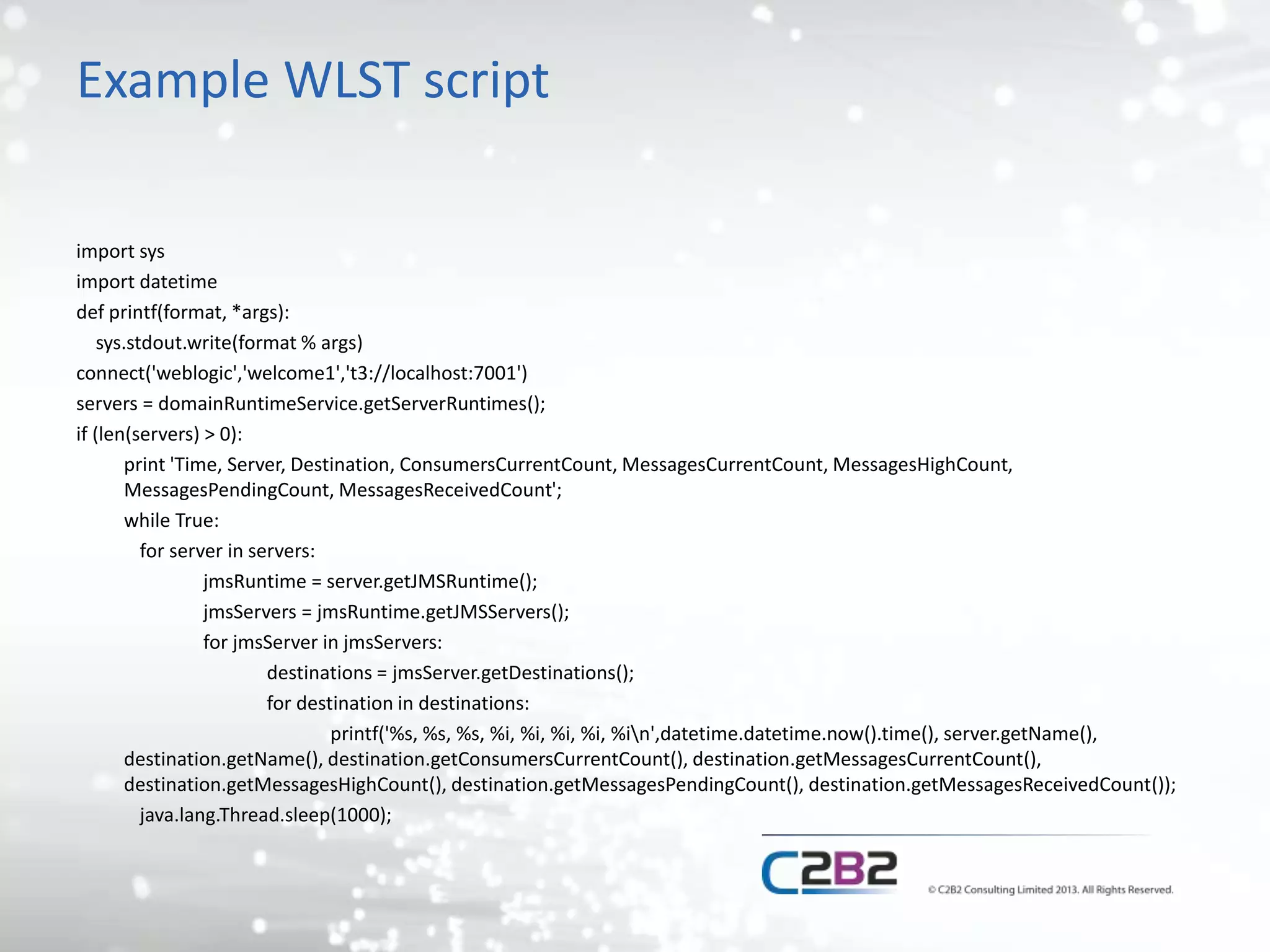
import sys 
import datetime 
def printf(format, *args): 
sys.stdout.write(format % args) 
connect('weblogic','welcome1','t3://localhost:7001') 
servers = domainRuntimeService.getServerRuntimes(); 
if (len(servers) > 0): 
print 'Time, Server, Destination, ConsumersCurrentCount, MessagesCurrentCount, MessagesHighCount, 
MessagesPendingCount, MessagesReceivedCount'; 
while True: 
for server in servers: 
jmsRuntime = server.getJMSRuntime(); 
jmsServers = jmsRuntime.getJMSServers(); 
for jmsServer in jmsServers: 
destinations = jmsServer.getDestinations(); 
for destination in destinations: 
printf('%s, %s, %s, %i, %i, %i, %i, %in',datetime.datetime.now().time(), server.getName(), 
destination.getName(), destination.getConsumersCurrentCount(), destination.getMessagesCurrentCount(), 
destination.getMessagesHighCount(), destination.getMessagesPendingCount(), destination.getMessagesReceivedCount()); 
java.lang.Thread.sleep(1000);
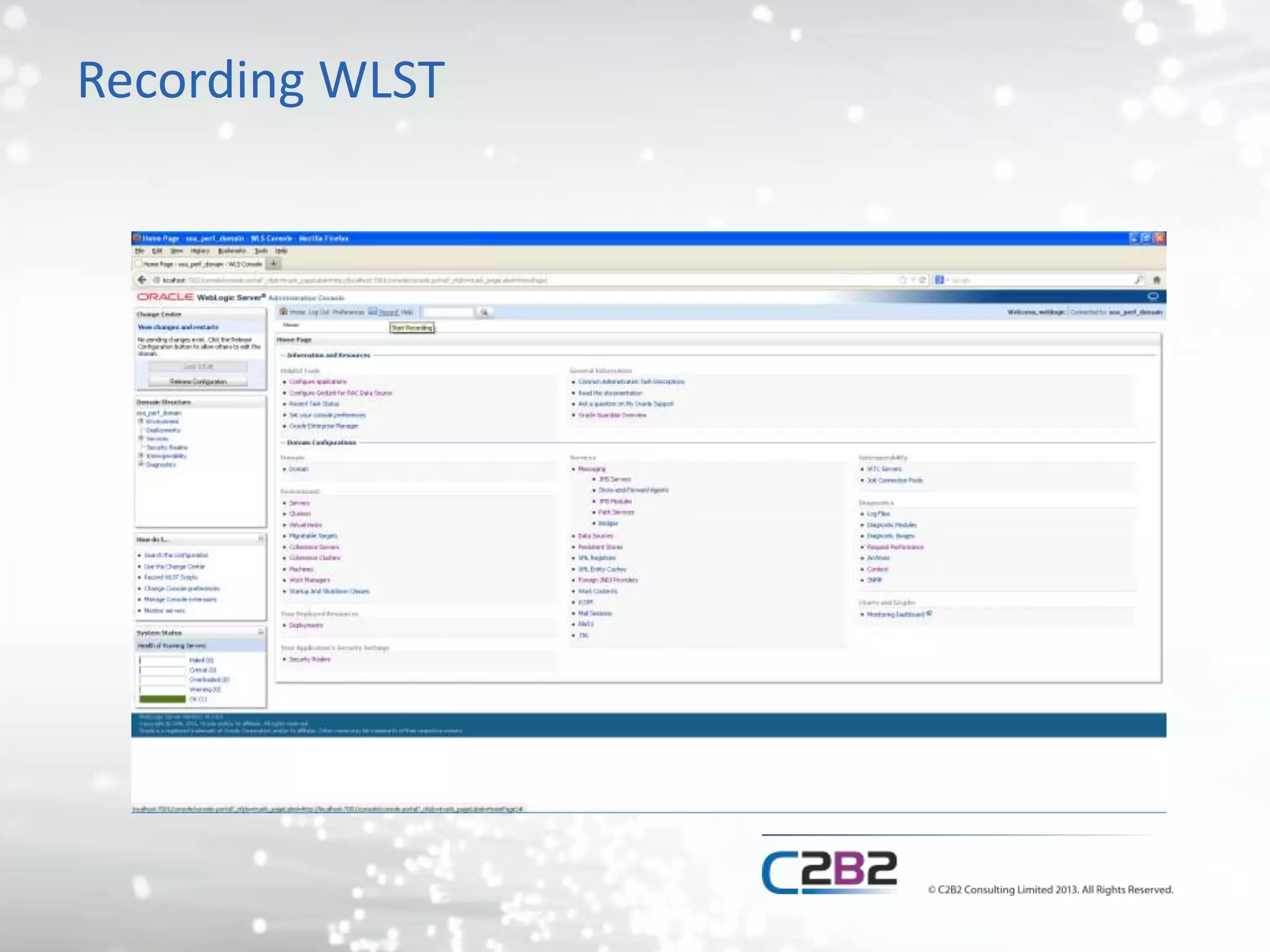
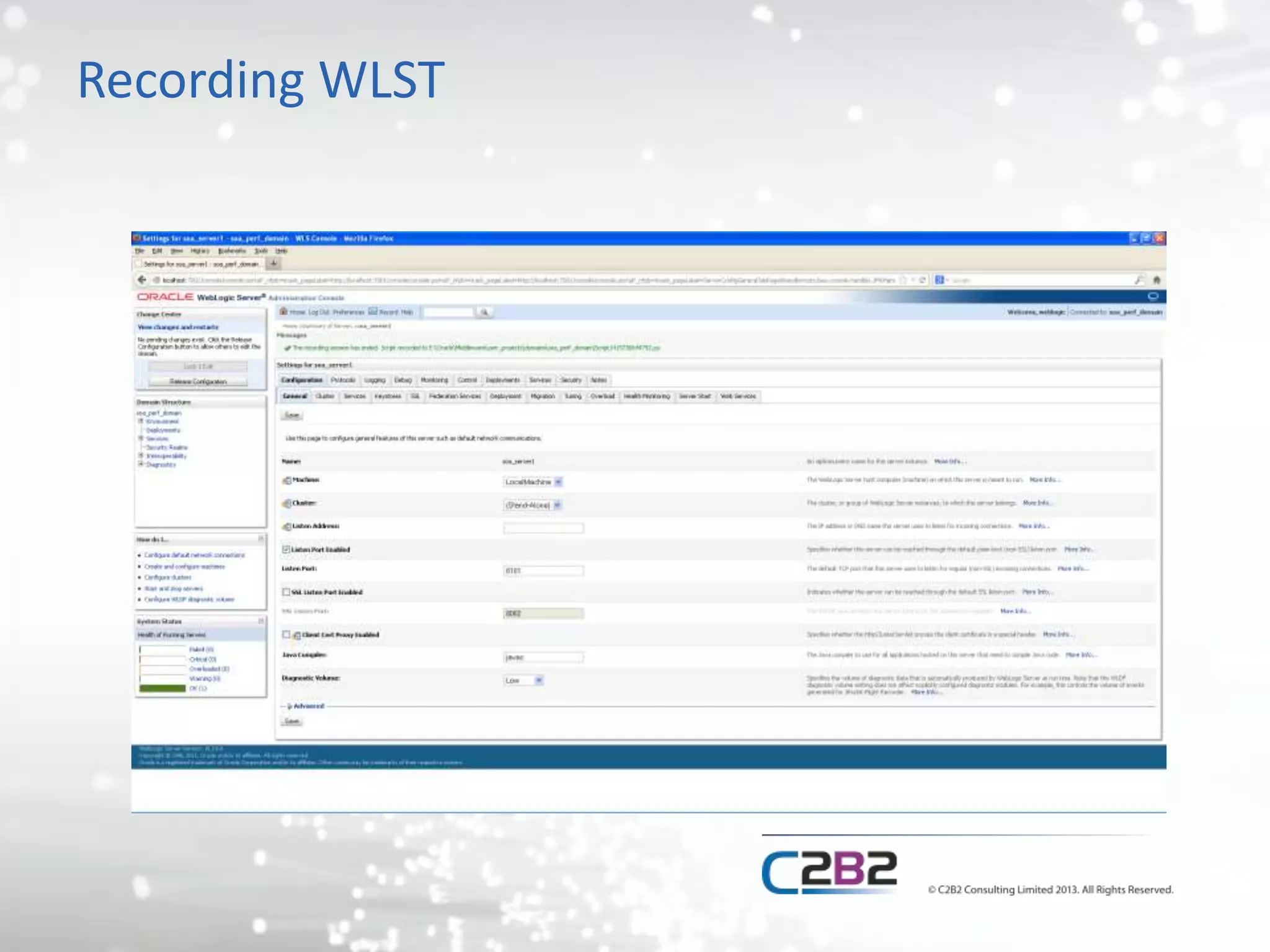
Recording WLST scripts 
• You can record WLST scripts using the 
WebLogic admin console 
– Any changes you make get written to a script 
– Hard codes in variables (URLs etc) 
– Can be a good basis for change scripts
Recording WLST
Recording WLST
Recorded WLST 
startEdit() 
cd('/Servers/soa_server1') 
cmo.setListenPort(8101) 
cmo.setCluster(None) 
activate()
Automating domain building 
• Why automate a domain build? 
– Consistency between environments 
– Build new environments quickly 
– Disaster Recovery 
– Consistency over time
Building a domain 
• Key steps 
– Install software 
– Create domain 
– Customise configuration
Install software 
• Not done with WLST 
• Automate using silent installers for the relevant 
products 
– No standard approach across oracle products 
– Response files used to answer the installer 
“Questions” 
• Can generate the response files
Create domain 
• A number of options available 
– WLST script creates from a domain template 
– Configuration wizard creates from a domain 
template 
– Create with a WLST script generated from an 
existing domain 
– Write a WLST script from scratch
Create base domain 
• Create from template 
– WLST createDomain command 
– Template can be re-used by conifguration wizard 
• And pack/unpack commands 
– Can open template ‘offline’ and edit it 
– Not human readable 
– Hard to edit the template 
– Brittle to version changes
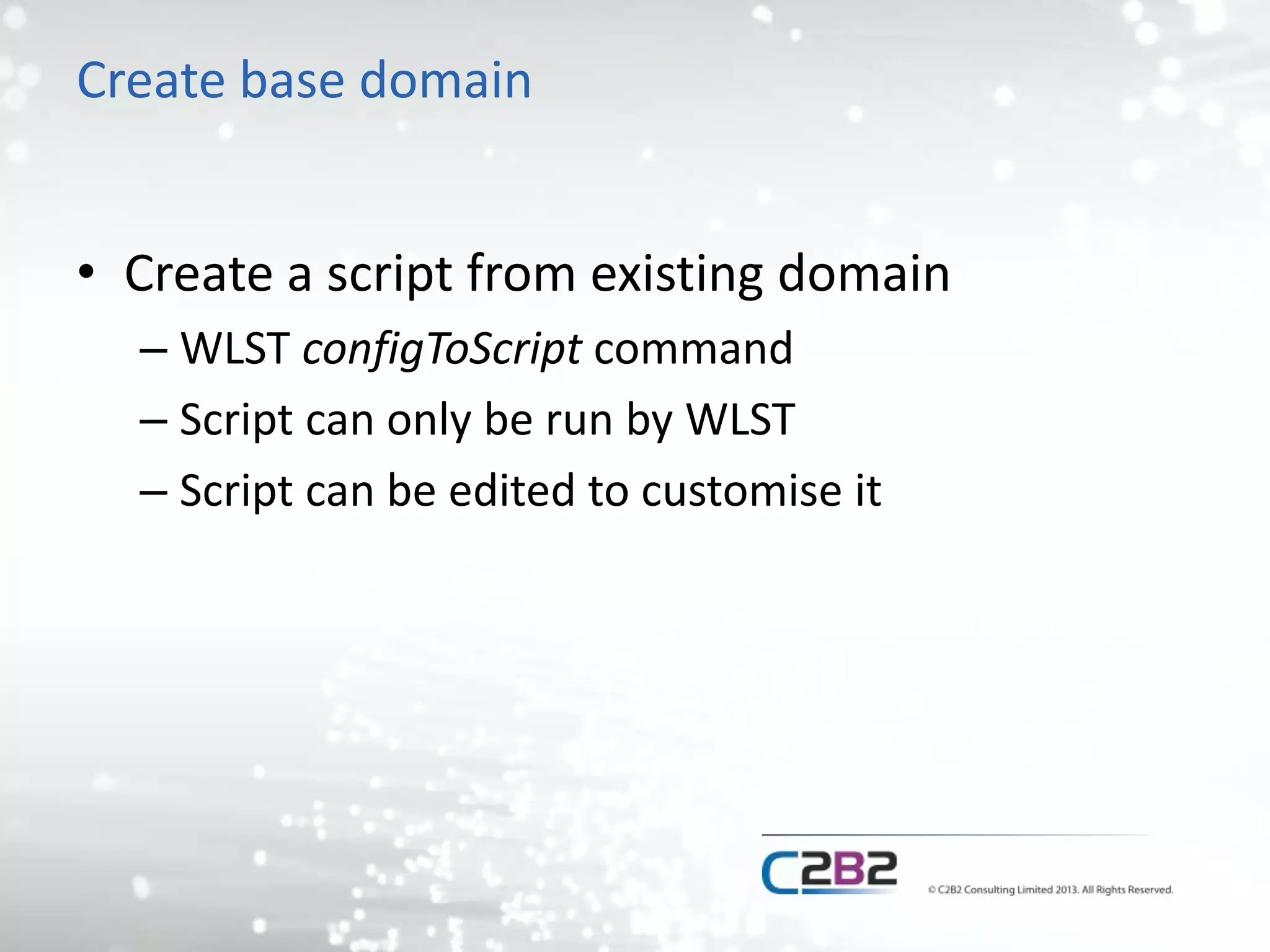
Create base domain 
• Create a script from existing domain 
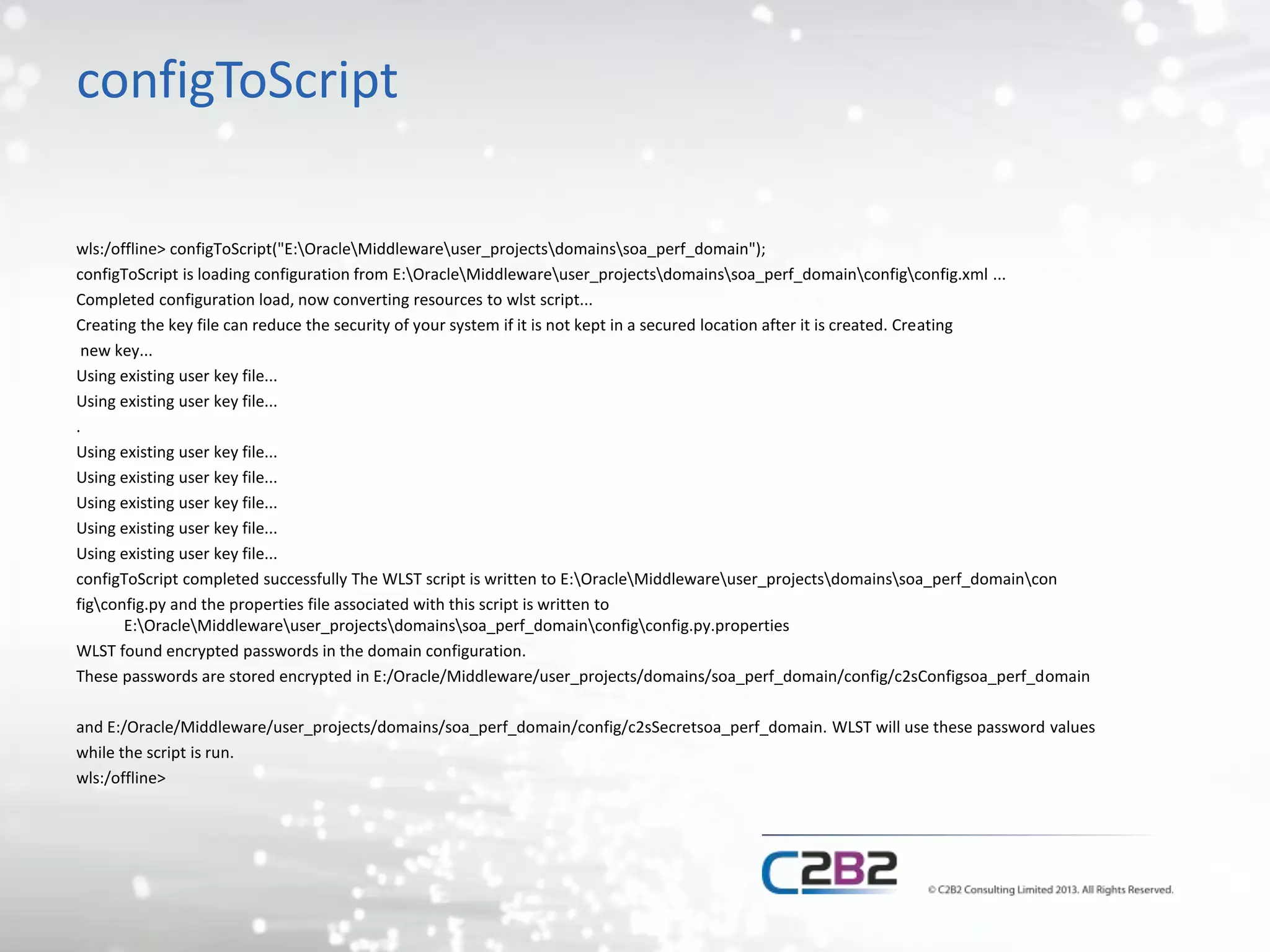
– WLST configToScript command 
– Script can only be run by WLST 
– Script can be edited to customise it
configToScript 
wls:/offline> configToScript("E:OracleMiddlewareuser_projectsdomainssoa_perf_domain"); 
configToScript is loading configuration from E:OracleMiddlewareuser_projectsdomainssoa_perf_domainconfigconfig.xml ... 
Completed configuration load, now converting resources to wlst script... 
Creating the key file can reduce the security of your system if it is not kept in a secured location after it is created. Creating 
new key... 
Using existing user key file... 
. 
Using existing user key file... 
configToScript completed successfully The WLST script is written to E:OracleMiddlewareuser_projectsdomainssoa_perf_domaincon 
figconfig.py and the properties file associated with this script is written to 
E:OracleMiddlewareuser_projectsdomainssoa_perf_domainconfigconfig.py.properties 
WLST found encrypted passwords in the domain configuration. 
These passwords are stored encrypted in E:/Oracle/Middleware/user_projects/domains/soa_perf_domain/config/c2sConfigsoa_perf_domain 
and E:/Oracle/Middleware/user_projects/domains/soa_perf_domain/config/c2sSecretsoa_perf_domain. WLST will use these password values 
while the script is run. 
wls:/offline>
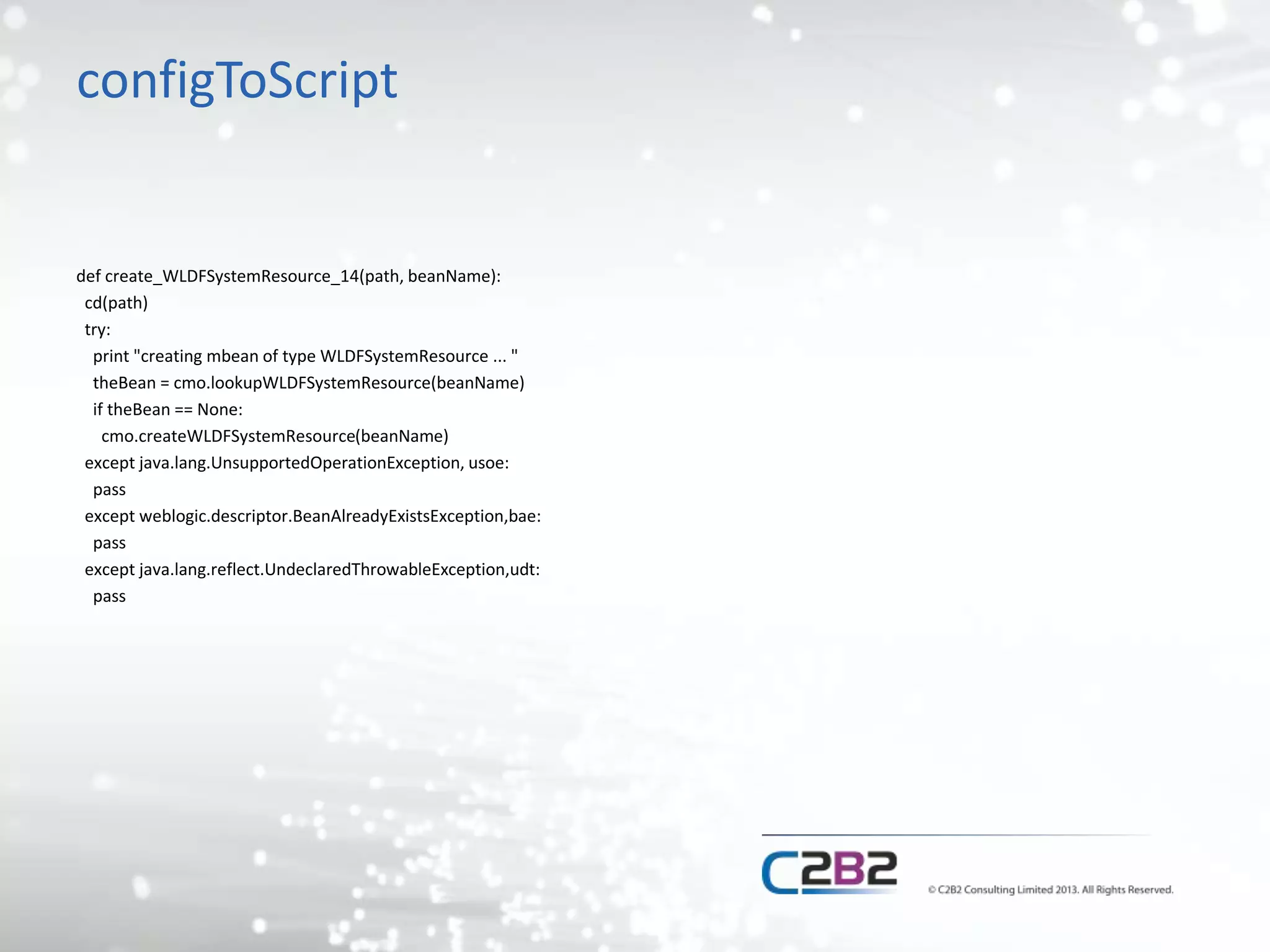
configToScript 
def create_WLDFSystemResource_14(path, beanName): 
cd(path) 
try: 
print "creating mbean of type WLDFSystemResource ... " 
theBean = cmo.lookupWLDFSystemResource(beanName) 
if theBean == None: 
cmo.createWLDFSystemResource(beanName) 
except java.lang.UnsupportedOperationException, usoe: 
pass 
except weblogic.descriptor.BeanAlreadyExistsException,bae: 
pass 
except java.lang.reflect.UndeclaredThrowableException,udt: 
pass
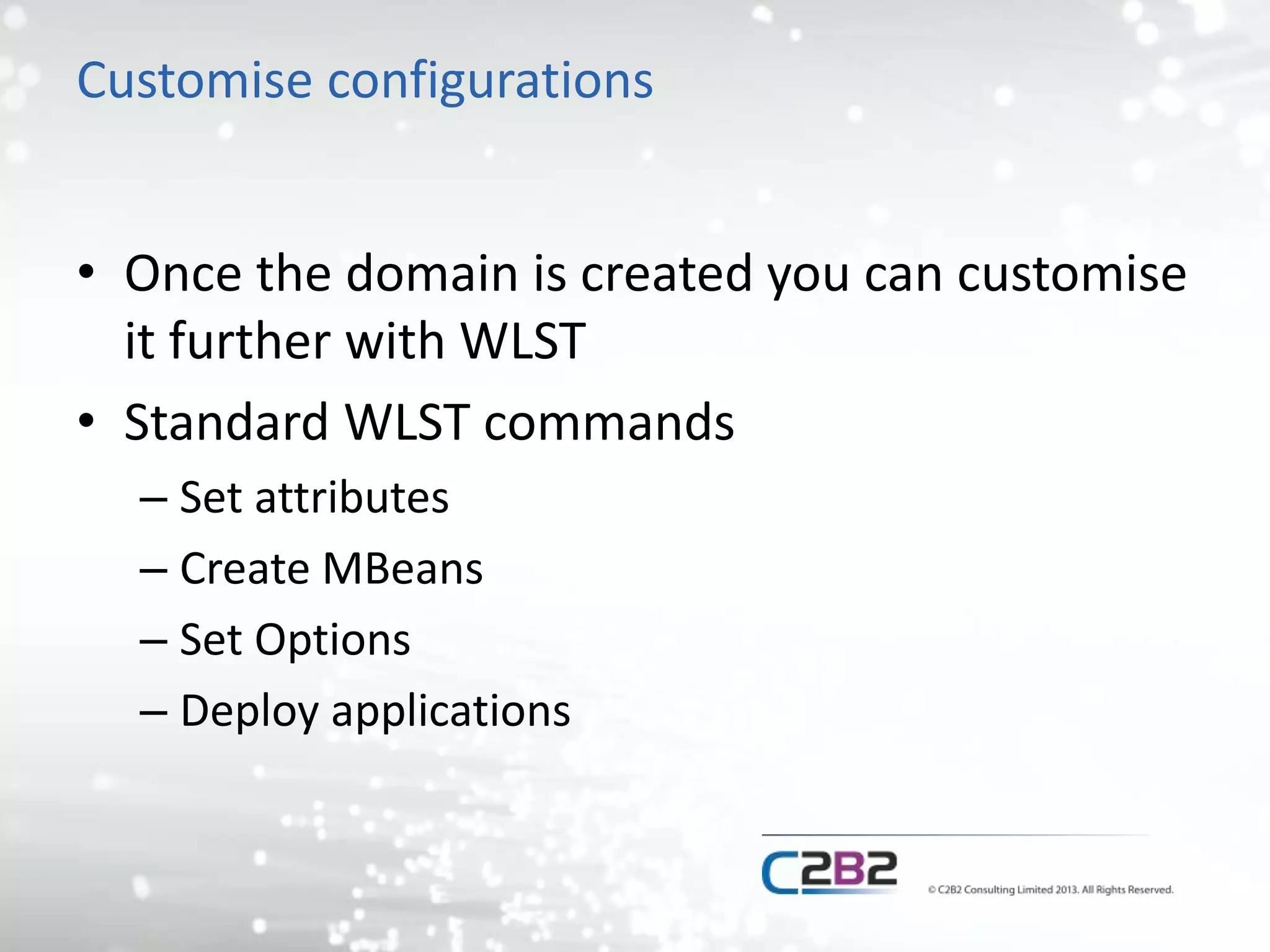
Customise configurations 
• Once the domain is created you can customise 
it further with WLST 
• Standard WLST commands 
– Set attributes 
– Create MBeans 
– Set Options 
– Deploy applications
Reading MBean values 
• Reading existing values in scripts allows you to 
make changes based on existing values 
– 20% increase 
– mycompany.com -> dev.mycompany.com
Advanced customisation 
• Build a domain from the ground up 
– Start with just the admin server 
– Add all other resources using WLST 
– Create a framework that reads a set of scripts 
• New changes can be done with scripts and dropped in to 
the framework for new deployments 
• All scripts read from a single properties file
Summary 
• WLST provides a number of ways to build and 
configure your WebLogic domain 
– It won’t install the software though 
• Changes to domain configuration can be 
applied with WLST scripts rather than through 
the console 
– Can be repeated across environments
Questions? 
• @mbrasier, @c2b2consulting

Building WebLogic Domains With WLST

  • 1.
    Building WebLogic Domainswith WLST Matt Brasier – C2B2 Consulting LTD
  • 2.
    Matt Brasier •Consultant at C2B2 – Middleware support and services • 13 years experience with WebLogic • Specialise in high performance Java applications • Author
  • 3.
    Agenda • ProblemStatement • What is WLST? • Why should we automate domain builds? • How should we do it?
  • 4.
    Problem Statement •Increasing demand for repeatable builds – Don’t just consider the application build • Repeatable environment builds – Scaling out – New Environments – New projects – Disaster Recovery
  • 5.
    What is WLST? • WebLogic Scripting Toolkit – Introduced in WebLogic 9.0 • Jython based scripting language for interacting with WebLogic – Anything you can do through the WebLogic console – And more... • Better than other vendor equivalents – Full power of python based scripting • Logic, File IO, network IO etc
  • 6.
    How to useWLST • Distributed with WebLogic • $FMW_HOME/wlserverXX/common/bin/wlst.sh • %FMW_HOME%/wlserverXX/common/bin/wlst.cmd • Execute on its own to launch in interactive mode – Very useful for debugging and discovering resources you need • Specify a file name to execute a script
  • 7.
    What can wedo with WLST? • View/Edit configuration – Server properties – Connection pools – JMS resources – Applications – Clustering
  • 8.
    What can wedo with WLST? • Read runtime metrics – Message queue sizes – Memory use – GC stats – Call stats – Anything available via JMX
  • 9.
    What can wedo with WLST? • Operations – Start servers – Stop servers – Deploy applications – Reset connection pools – Clear JMS queues
  • 10.
    WLST Basics –by example # Connet to the admin server connect('weblogic','password1','t3://localhost:7001'); #Lock configuration and start editing edit(); startEdit(); # Navigate to the server start properties for FORMS_SERVER cd('Servers/FORMS_SERVER/ServerStart/FORMS_SERVER');
  • 11.
    WLST Basics –by example #Set the properties set('Arguments','-Xms=2048m -Xmx=2048m -XX:NewSize=512M -XX:MaxNewSize=512M - XX:PermSize=256M -XX:MaxPermSize=256M'); set('Username','weblogic'); set('Password', 'welcome1'); set('BeaHome',os.environ["WL_HOME"]); //This needs an import that we have not shown set('JavaHome',os.environ["JAVA_HOME"]); //This needs an import that we have not shown set('JavaVendor','BEA'); #Save changes and apply save(); activate();
  • 12.
    WLST Things towatch out for • Python – Whitespace/indentation matters – String types (‘ ‘ vs “ “) • Security – You can use a secure key/password store rather than username/password
  • 13.
    WLST Things towatch out for • MBean trees – WLST splits the configuration into different “trees” – Switch to the appropriate tree • ServerRuntime, DomainConfig, ServerConfig, Custom
  • 14.
    Example WLST script import sys import datetime def printf(format, *args): sys.stdout.write(format % args) connect('weblogic','welcome1','t3://localhost:7001') servers = domainRuntimeService.getServerRuntimes(); if (len(servers) > 0): print 'Time, Server, Destination, ConsumersCurrentCount, MessagesCurrentCount, MessagesHighCount, MessagesPendingCount, MessagesReceivedCount'; while True: for server in servers: jmsRuntime = server.getJMSRuntime(); jmsServers = jmsRuntime.getJMSServers(); for jmsServer in jmsServers: destinations = jmsServer.getDestinations(); for destination in destinations: printf('%s, %s, %s, %i, %i, %i, %i, %in',datetime.datetime.now().time(), server.getName(), destination.getName(), destination.getConsumersCurrentCount(), destination.getMessagesCurrentCount(), destination.getMessagesHighCount(), destination.getMessagesPendingCount(), destination.getMessagesReceivedCount()); java.lang.Thread.sleep(1000);
  • 15.
    Recording WLST scripts • You can record WLST scripts using the WebLogic admin console – Any changes you make get written to a script – Hard codes in variables (URLs etc) – Can be a good basis for change scripts
  • 16.
  • 17.
  • 18.
    Recorded WLST startEdit() cd('/Servers/soa_server1') cmo.setListenPort(8101) cmo.setCluster(None) activate()
  • 19.
    Automating domain building • Why automate a domain build? – Consistency between environments – Build new environments quickly – Disaster Recovery – Consistency over time
  • 20.
    Building a domain • Key steps – Install software – Create domain – Customise configuration
  • 21.
    Install software •Not done with WLST • Automate using silent installers for the relevant products – No standard approach across oracle products – Response files used to answer the installer “Questions” • Can generate the response files
  • 22.
    Create domain •A number of options available – WLST script creates from a domain template – Configuration wizard creates from a domain template – Create with a WLST script generated from an existing domain – Write a WLST script from scratch
  • 23.
    Create base domain • Create from template – WLST createDomain command – Template can be re-used by conifguration wizard • And pack/unpack commands – Can open template ‘offline’ and edit it – Not human readable – Hard to edit the template – Brittle to version changes
  • 24.
    Create base domain • Create a script from existing domain – WLST configToScript command – Script can only be run by WLST – Script can be edited to customise it
  • 25.
    configToScript wls:/offline> configToScript("E:OracleMiddlewareuser_projectsdomainssoa_perf_domain"); configToScript is loading configuration from E:OracleMiddlewareuser_projectsdomainssoa_perf_domainconfigconfig.xml ... Completed configuration load, now converting resources to wlst script... Creating the key file can reduce the security of your system if it is not kept in a secured location after it is created. Creating new key... Using existing user key file... Using existing user key file... . Using existing user key file... Using existing user key file... Using existing user key file... Using existing user key file... Using existing user key file... configToScript completed successfully The WLST script is written to E:OracleMiddlewareuser_projectsdomainssoa_perf_domaincon figconfig.py and the properties file associated with this script is written to E:OracleMiddlewareuser_projectsdomainssoa_perf_domainconfigconfig.py.properties WLST found encrypted passwords in the domain configuration. These passwords are stored encrypted in E:/Oracle/Middleware/user_projects/domains/soa_perf_domain/config/c2sConfigsoa_perf_domain and E:/Oracle/Middleware/user_projects/domains/soa_perf_domain/config/c2sSecretsoa_perf_domain. WLST will use these password values while the script is run. wls:/offline>
  • 26.
    configToScript def create_WLDFSystemResource_14(path,beanName): cd(path) try: print "creating mbean of type WLDFSystemResource ... " theBean = cmo.lookupWLDFSystemResource(beanName) if theBean == None: cmo.createWLDFSystemResource(beanName) except java.lang.UnsupportedOperationException, usoe: pass except weblogic.descriptor.BeanAlreadyExistsException,bae: pass except java.lang.reflect.UndeclaredThrowableException,udt: pass
  • 27.
    Customise configurations •Once the domain is created you can customise it further with WLST • Standard WLST commands – Set attributes – Create MBeans – Set Options – Deploy applications
  • 28.
    Reading MBean values • Reading existing values in scripts allows you to make changes based on existing values – 20% increase – mycompany.com -> dev.mycompany.com
  • 29.
    Advanced customisation •Build a domain from the ground up – Start with just the admin server – Add all other resources using WLST – Create a framework that reads a set of scripts • New changes can be done with scripts and dropped in to the framework for new deployments • All scripts read from a single properties file
  • 30.
    Summary • WLSTprovides a number of ways to build and configure your WebLogic domain – It won’t install the software though • Changes to domain configuration can be applied with WLST scripts rather than through the console – Can be repeated across environments
  • 31.