Building Better
Valuation Reports:
Excel Automation
Introduction
In this presentation, we will explore how Excel automation can improve
the accuracy, efficiency, and flexibility of your valuation reports, and
introduce key Excel formulas for productive report creation.
Introduction
Why Valuation
Reports Matter
Building accurate and
reliable valuation reports
is essential for making
informed business
decisions.
The Importance of
Excel
Excel provides
enhanced analytical
capabilities, allowing
users to easily create
complex calculations
and generate dynamic
reports efficiently.
Why Automation
is Key
Automation greatly
expedites the report
creation process and
eliminates errors related
to manual data entry.
Benefits of Excel in Valuation Reports
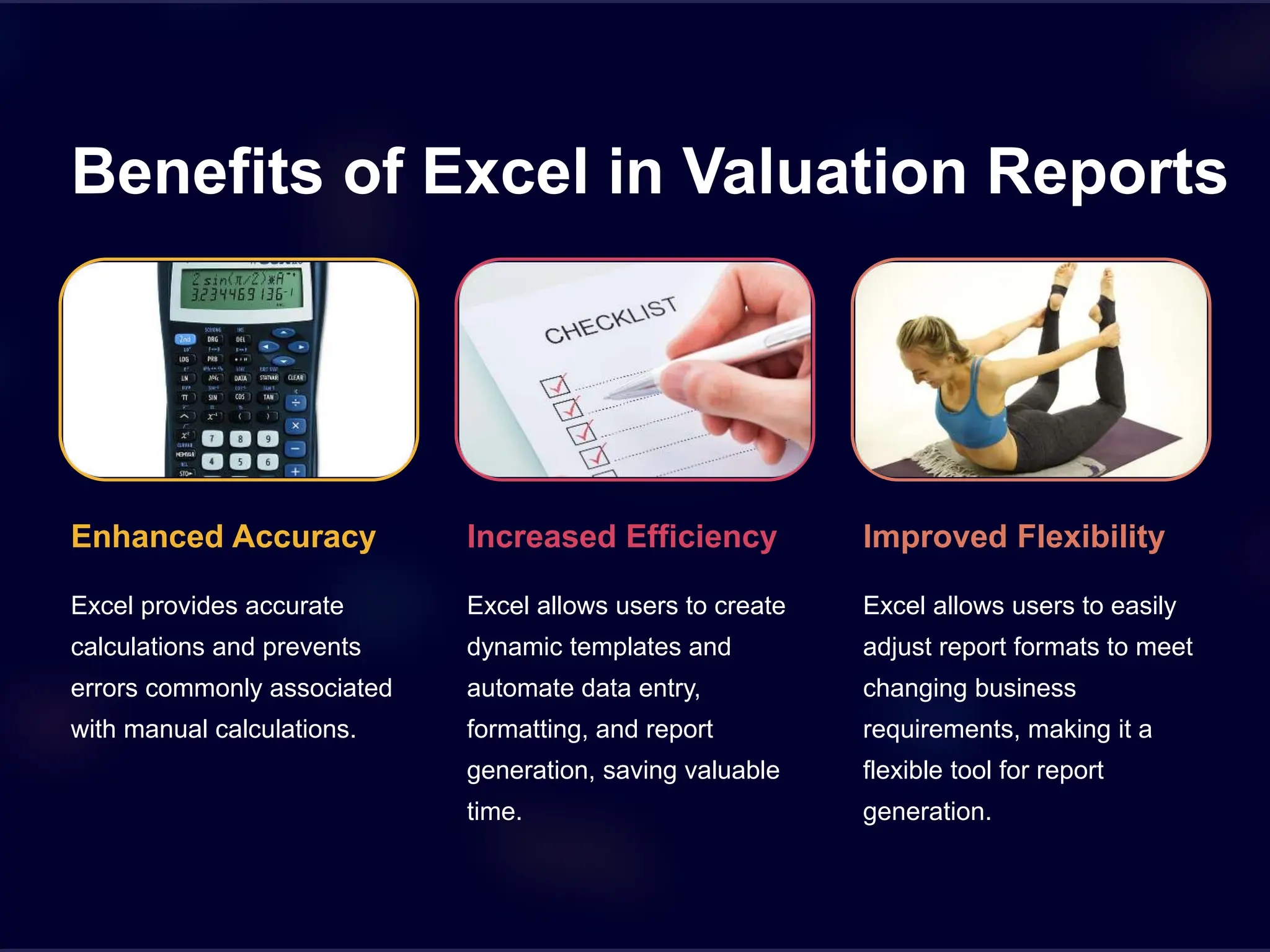
Enhanced Accuracy
Excel provides accurate
calculations and prevents
errors commonly associated
with manual calculations.
Increased Efficiency
Excel allows users to create
dynamic templates and
automate data entry,
formatting, and report
generation, saving valuable
time.
Improved Flexibility
Excel allows users to easily
adjust report formats to meet
changing business
requirements, making it a
flexible tool for report
generation.
c and Productive Excel
mulas for Valuation Reports
m()
s values together.
2 Average()
Computes the average of a range
of values.
OOKUP()
porates data from a separate
into a report for comparison
oses.
4 IF()
Allows users to automate report
variables based on conditions
specified in the formula.
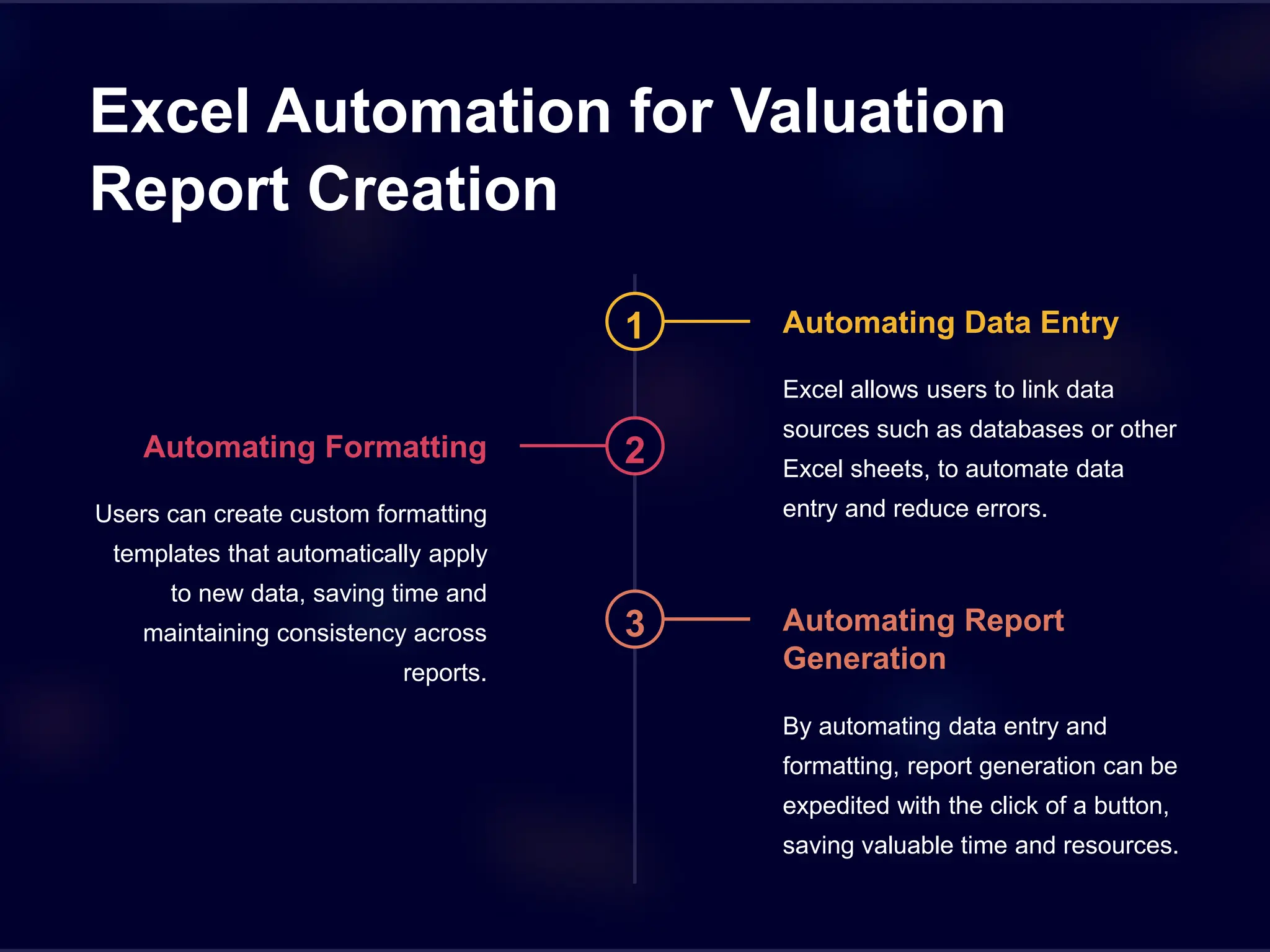
Excel Automation for Valuation
Report Creation
1 Automating Data Entry
Excel allows users to link data
sources such as databases or other
Excel sheets, to automate data
entry and reduce errors.
2
Automating Formatting
Users can create custom formatting
templates that automatically apply
to new data, saving time and
maintaining consistency across
reports.
3 Automating Report
Generation
By automating data entry and
formatting, report generation can be
expedited with the click of a button,
saving valuable time and resources.
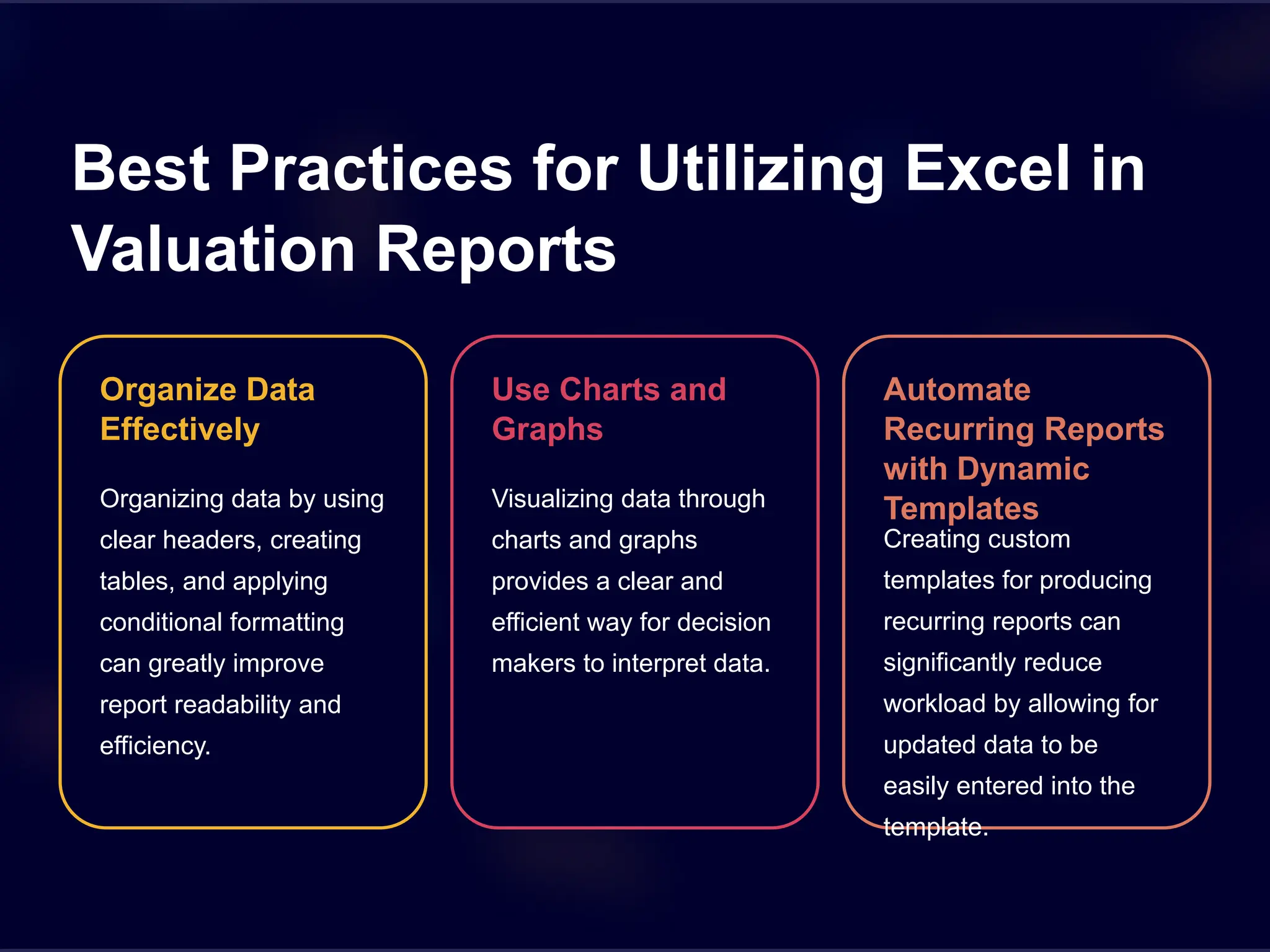
Best Practices for Utilizing Excel in
Valuation Reports
Organize Data
Effectively
Organizing data by using
clear headers, creating
tables, and applying
conditional formatting
can greatly improve
report readability and
efficiency.
Use Charts and
Graphs
Visualizing data through
charts and graphs
provides a clear and
efficient way for decision
makers to interpret data.
Automate
Recurring Reports
with Dynamic
Templates
Creating custom
templates for producing
recurring reports can
significantly reduce
workload by allowing for
updated data to be
easily entered into the
template.
nclusion
ng Excel for valuation reporting, you can greatly improve
, efficiency, and flexibility, while minimizing errors and reducing
. Incorporating Excel automation and key formulas can
e the report creation process and enhance the effectiveness of
orts.

Building-Better-Valuation-Reports-Excel-Automation-Introduction.pptx

  • 1.
    Building Better Valuation Reports: ExcelAutomation Introduction In this presentation, we will explore how Excel automation can improve the accuracy, efficiency, and flexibility of your valuation reports, and introduce key Excel formulas for productive report creation.
  • 2.
    Introduction Why Valuation Reports Matter Buildingaccurate and reliable valuation reports is essential for making informed business decisions. The Importance of Excel Excel provides enhanced analytical capabilities, allowing users to easily create complex calculations and generate dynamic reports efficiently. Why Automation is Key Automation greatly expedites the report creation process and eliminates errors related to manual data entry.
  • 3.
    Benefits of Excelin Valuation Reports Enhanced Accuracy Excel provides accurate calculations and prevents errors commonly associated with manual calculations. Increased Efficiency Excel allows users to create dynamic templates and automate data entry, formatting, and report generation, saving valuable time. Improved Flexibility Excel allows users to easily adjust report formats to meet changing business requirements, making it a flexible tool for report generation.
  • 4.
    c and ProductiveExcel mulas for Valuation Reports m() s values together. 2 Average() Computes the average of a range of values. OOKUP() porates data from a separate into a report for comparison oses. 4 IF() Allows users to automate report variables based on conditions specified in the formula.
  • 5.
    Excel Automation forValuation Report Creation 1 Automating Data Entry Excel allows users to link data sources such as databases or other Excel sheets, to automate data entry and reduce errors. 2 Automating Formatting Users can create custom formatting templates that automatically apply to new data, saving time and maintaining consistency across reports. 3 Automating Report Generation By automating data entry and formatting, report generation can be expedited with the click of a button, saving valuable time and resources.
  • 6.
    Best Practices forUtilizing Excel in Valuation Reports Organize Data Effectively Organizing data by using clear headers, creating tables, and applying conditional formatting can greatly improve report readability and efficiency. Use Charts and Graphs Visualizing data through charts and graphs provides a clear and efficient way for decision makers to interpret data. Automate Recurring Reports with Dynamic Templates Creating custom templates for producing recurring reports can significantly reduce workload by allowing for updated data to be easily entered into the template.
  • 7.
    nclusion ng Excel forvaluation reporting, you can greatly improve , efficiency, and flexibility, while minimizing errors and reducing . Incorporating Excel automation and key formulas can e the report creation process and enhance the effectiveness of orts.