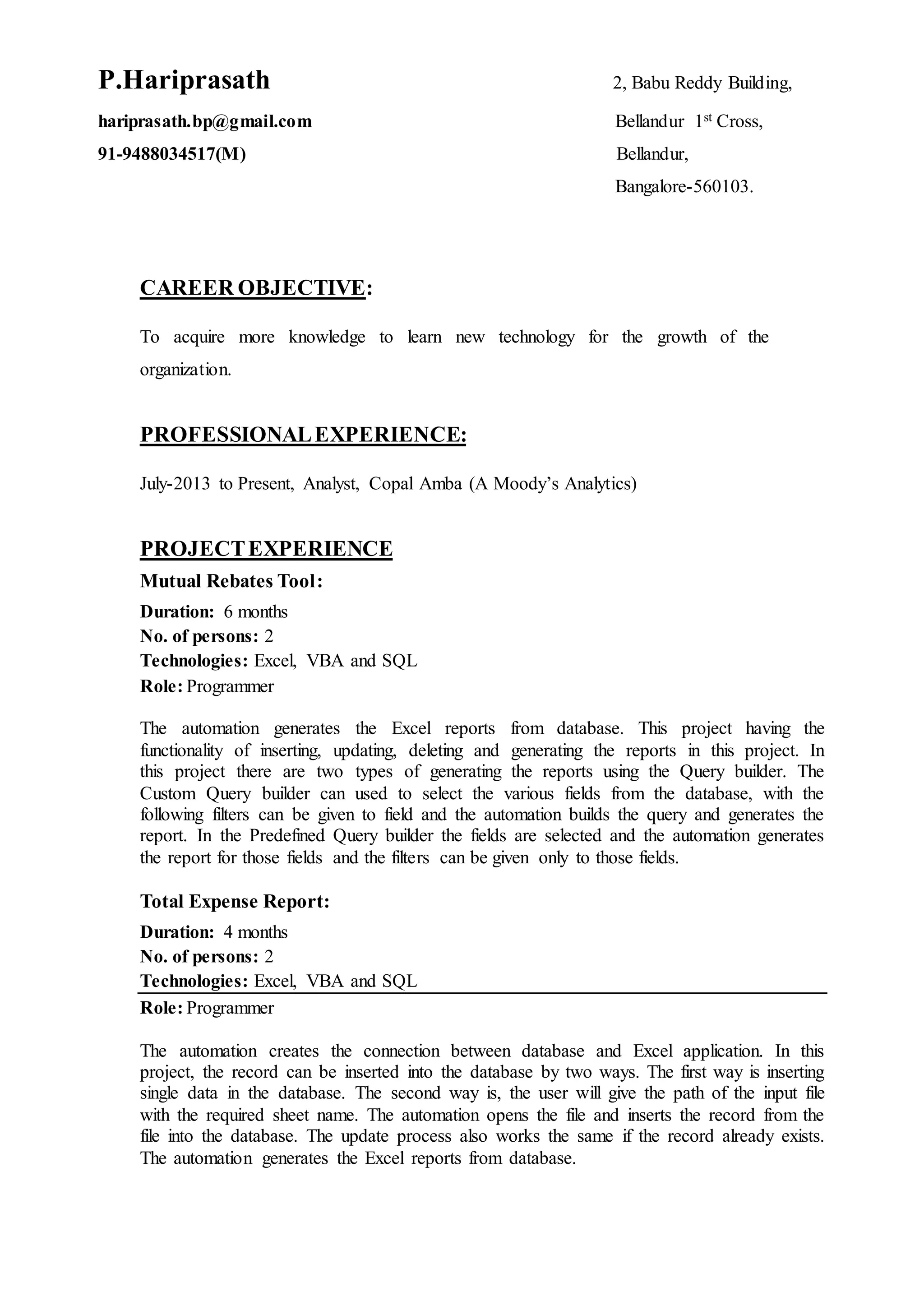
P.Hariprasath 2, Babu Reddy Building,
hariprasath.bp@gmail.com Bellandur 1st Cross,
91-9488034517(M) Bellandur,
Bangalore-560103.
CAREER OBJECTIVE:
To acquire more knowledge to learn new technology for the growth of the
organization.
PROFESSIONALEXPERIENCE:
July-2013 to Present, Analyst, Copal Amba (A Moody’s Analytics)
PROJECTEXPERIENCE
Mutual Rebates Tool:
Duration: 6 months
No. of persons: 2
Technologies: Excel, VBA and SQL
Role: Programmer
The automation generates the Excel reports from database. This project having the
functionality of inserting, updating, deleting and generating the reports in this project. In
this project there are two types of generating the reports using the Query builder. The
Custom Query builder can used to select the various fields from the database, with the
following filters can be given to field and the automation builds the query and generates the
report. In the Predefined Query builder the fields are selected and the automation generates
the report for those fields and the filters can be given only to those fields.
Total Expense Report:
Duration: 4 months
No. of persons: 2
Technologies: Excel, VBA and SQL
Role: Programmer
The automation creates the connection between database and Excel application. In this
project, the record can be inserted into the database by two ways. The first way is inserting
single data in the database. The second way is, the user will give the path of the input file
with the required sheet name. The automation opens the file and inserts the record from the
file into the database. The update process also works the same if the record already exists.
The automation generates the Excel reports from database.
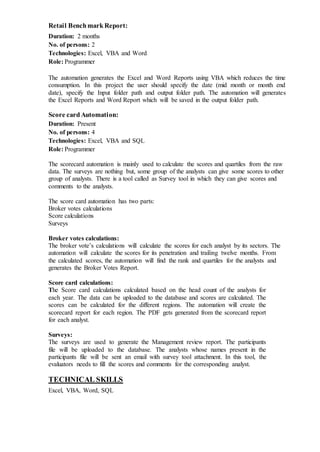
Retail BenchmarkReport:
Duration: 2 months
No. of persons: 2
Technologies: Excel, VBA and Word
Role: Programmer
The automation generates the Excel and Word Reports using VBA which reduces the time
consumption. In this project the user should specify the date (mid month or month end
date), specify the Input folder path and output folder path. The automation will generates
the Excel Reports and Word Report which will be saved in the output folder path.
Score cardAutomation:
Duration: Present
No. of persons: 4
Technologies: Excel, VBA and SQL
Role: Programmer
The scorecard automation is mainly used to calculate the scores and quartiles from the raw
data. The surveys are nothing but, some group of the analysts can give some scores to other
group of analysts. There is a tool called as Survey tool in which they can give scores and
comments to the analysts.
The score card automation has two parts:
Broker votes calculations
Score calculations
Surveys
Broker votes calculations:
The broker vote’s calculations will calculate the scores for each analyst by its sectors. The
automation will calculate the scores for its penetration and trailing twelve months. From
the calculated scores, the automation will find the rank and quartiles for the analysts and
generates the Broker Votes Report.
Score card calculations:
The Score card calculations calculated based on the head count of the analysts for
each year. The data can be uploaded to the database and scores are calculated. The
scores can be calculated for the different regions. The automation will create the
scorecard report for each region. The PDF gets generated from the scorecard report
for each analyst.
Surveys:
The surveys are used to generate the Management review report. The participants
file will be uploaded to the database. The analysts whose names present in the
participants file will be sent an email with survey tool attachment. In this tool, the
evaluators needs to fill the scores and comments for the corresponding analyst.
TECHNICAL SKILLS
Excel, VBA, Word, SQL
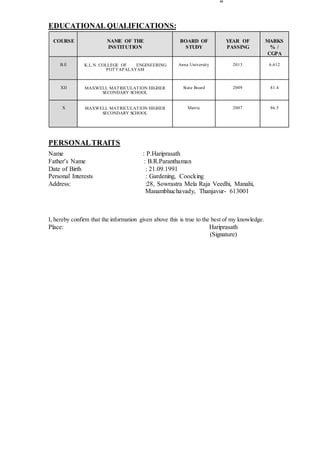
EDUCATIONAL QUALIFICATIONS:
COURSE NAME OF THE
INSTITUTION
BOARD OF
STUDY
YEAR OF
PASSING
MARKS
% /
CGPA
B.E K.L.N. COLLEGE OF ENGINEERING
POTTAPALAYAM
Anna University 2013 6.612
XII MAXWELL MATRICULATION HIGHER
SECONDARY SCHOOL
State Board 2009 81.4
X MAXWELL MATRICULATION HIGHER
SECONDARY SCHOOL
Matric 2007 86.5
PERSONALTRAITS
Name : P.Hariprasath
Father’s Name : B.R.Paranthaman
Date of Birth : 21.09.1991
Personal Interests : Gardening, Coocking
Address: :28, Sowrastra Mela Raja Veedhi, Manahi,
Manambhuchavady, Thanjavur- 613001
I, hereby confirm that the information given above this is true to the best of my knowledge.
Place: Hariprasath
(Signature)

Hariprasath

  • 1.
    P.Hariprasath 2, BabuReddy Building, hariprasath.bp@gmail.com Bellandur 1st Cross, 91-9488034517(M) Bellandur, Bangalore-560103. CAREER OBJECTIVE: To acquire more knowledge to learn new technology for the growth of the organization. PROFESSIONALEXPERIENCE: July-2013 to Present, Analyst, Copal Amba (A Moody’s Analytics) PROJECTEXPERIENCE Mutual Rebates Tool: Duration: 6 months No. of persons: 2 Technologies: Excel, VBA and SQL Role: Programmer The automation generates the Excel reports from database. This project having the functionality of inserting, updating, deleting and generating the reports in this project. In this project there are two types of generating the reports using the Query builder. The Custom Query builder can used to select the various fields from the database, with the following filters can be given to field and the automation builds the query and generates the report. In the Predefined Query builder the fields are selected and the automation generates the report for those fields and the filters can be given only to those fields. Total Expense Report: Duration: 4 months No. of persons: 2 Technologies: Excel, VBA and SQL Role: Programmer The automation creates the connection between database and Excel application. In this project, the record can be inserted into the database by two ways. The first way is inserting single data in the database. The second way is, the user will give the path of the input file with the required sheet name. The automation opens the file and inserts the record from the file into the database. The update process also works the same if the record already exists. The automation generates the Excel reports from database.
  • 2.
    Retail BenchmarkReport: Duration: 2months No. of persons: 2 Technologies: Excel, VBA and Word Role: Programmer The automation generates the Excel and Word Reports using VBA which reduces the time consumption. In this project the user should specify the date (mid month or month end date), specify the Input folder path and output folder path. The automation will generates the Excel Reports and Word Report which will be saved in the output folder path. Score cardAutomation: Duration: Present No. of persons: 4 Technologies: Excel, VBA and SQL Role: Programmer The scorecard automation is mainly used to calculate the scores and quartiles from the raw data. The surveys are nothing but, some group of the analysts can give some scores to other group of analysts. There is a tool called as Survey tool in which they can give scores and comments to the analysts. The score card automation has two parts: Broker votes calculations Score calculations Surveys Broker votes calculations: The broker vote’s calculations will calculate the scores for each analyst by its sectors. The automation will calculate the scores for its penetration and trailing twelve months. From the calculated scores, the automation will find the rank and quartiles for the analysts and generates the Broker Votes Report. Score card calculations: The Score card calculations calculated based on the head count of the analysts for each year. The data can be uploaded to the database and scores are calculated. The scores can be calculated for the different regions. The automation will create the scorecard report for each region. The PDF gets generated from the scorecard report for each analyst. Surveys: The surveys are used to generate the Management review report. The participants file will be uploaded to the database. The analysts whose names present in the participants file will be sent an email with survey tool attachment. In this tool, the evaluators needs to fill the scores and comments for the corresponding analyst. TECHNICAL SKILLS Excel, VBA, Word, SQL
  • 3.
    EDUCATIONAL QUALIFICATIONS: COURSE NAMEOF THE INSTITUTION BOARD OF STUDY YEAR OF PASSING MARKS % / CGPA B.E K.L.N. COLLEGE OF ENGINEERING POTTAPALAYAM Anna University 2013 6.612 XII MAXWELL MATRICULATION HIGHER SECONDARY SCHOOL State Board 2009 81.4 X MAXWELL MATRICULATION HIGHER SECONDARY SCHOOL Matric 2007 86.5 PERSONALTRAITS Name : P.Hariprasath Father’s Name : B.R.Paranthaman Date of Birth : 21.09.1991 Personal Interests : Gardening, Coocking Address: :28, Sowrastra Mela Raja Veedhi, Manahi, Manambhuchavady, Thanjavur- 613001 I, hereby confirm that the information given above this is true to the best of my knowledge. Place: Hariprasath (Signature)