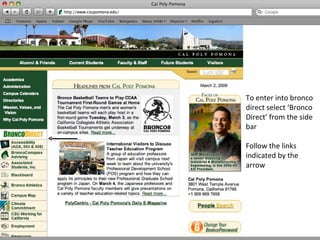
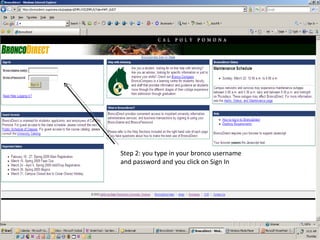
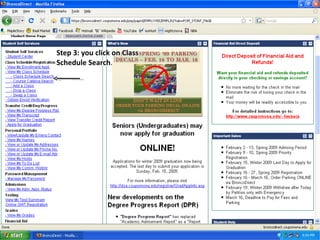
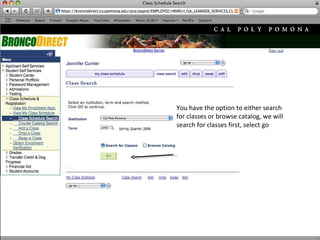
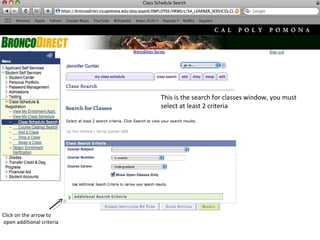
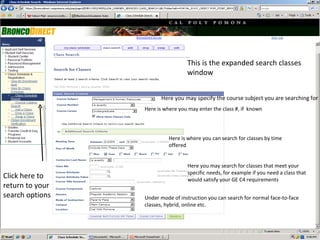
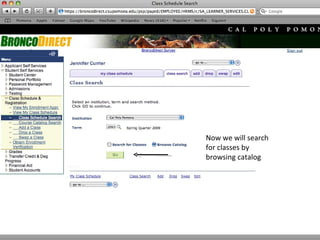
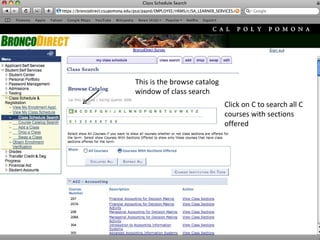
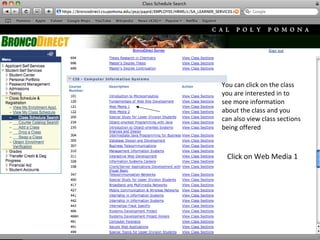
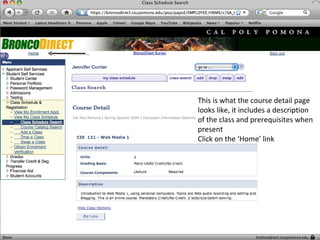
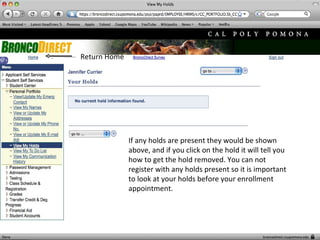
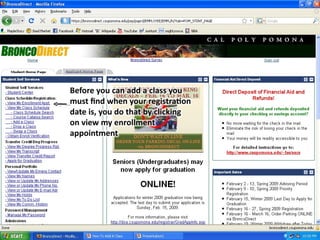
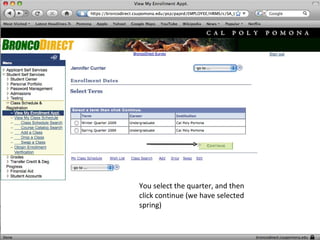
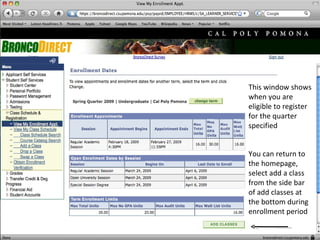
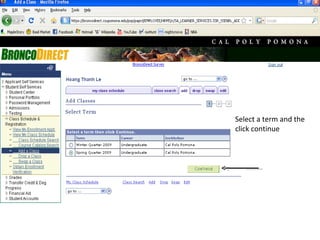
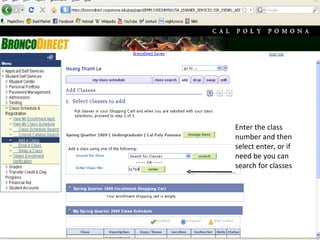
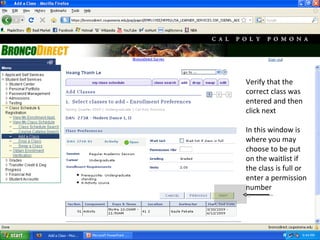
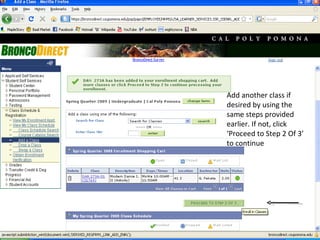
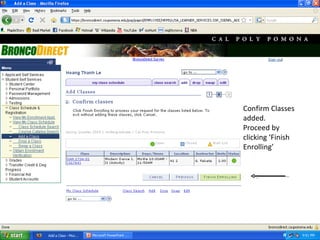
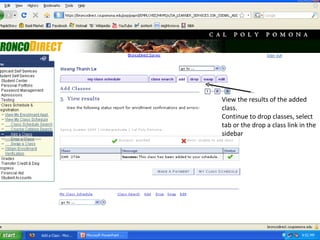
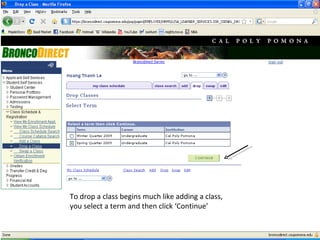
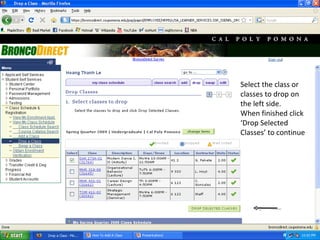
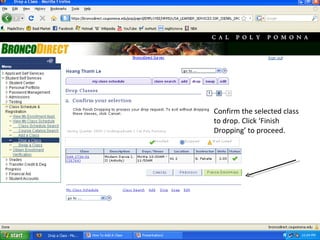
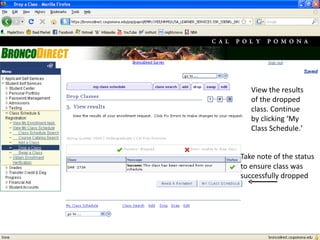
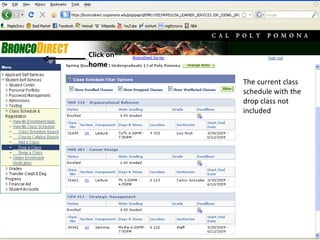
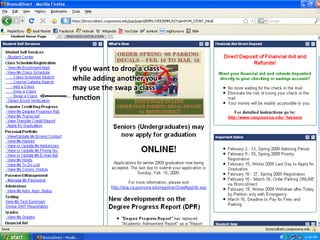
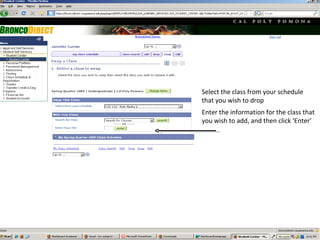
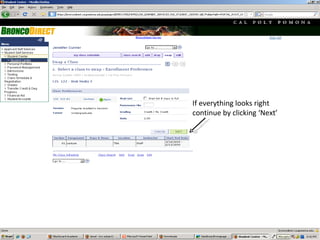
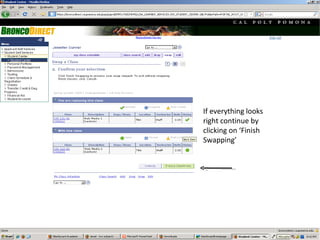
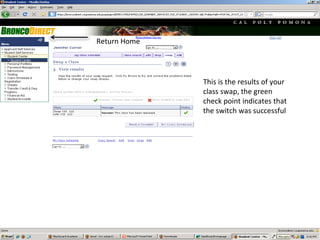
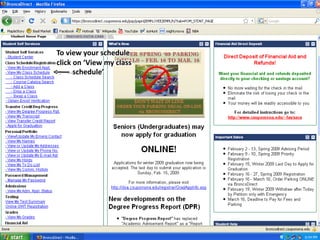
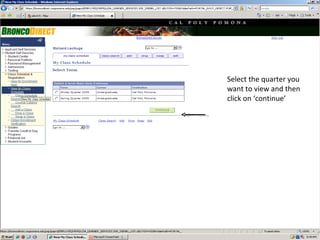
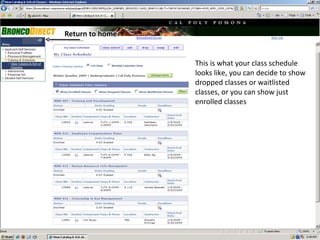
This document provides step-by-step instructions for using Bronco Direct to search for classes, add and drop classes, and swap classes. It outlines how to log in to Bronco Direct, search for classes by subject, number, time, or other criteria. It then demonstrates how to view class details, check for holds, select a term, add classes to your schedule, choose the waitlist if a class is full, and finish enrolling. The document also explains how to drop classes, swap classes on your schedule, and view your enrolled class schedule in Bronco Direct.

![Students Test Guide[1]](https://cdn.slidesharecdn.com/ss_thumbnails/studentstestguide1-090320181958-phpapp01-thumbnail.jpg?width=640&height=640&fit=bounds)


