BrightLightOn Education
First steps
Overview of the general flow
●
Registration on the www.brightlighton.net portal
●
Configuration of the school survey on
www.brightlighton.net portal
●
Diagnostics in the computer classroom for the
students (all using the same link received as a
result of the survey configuration)
●
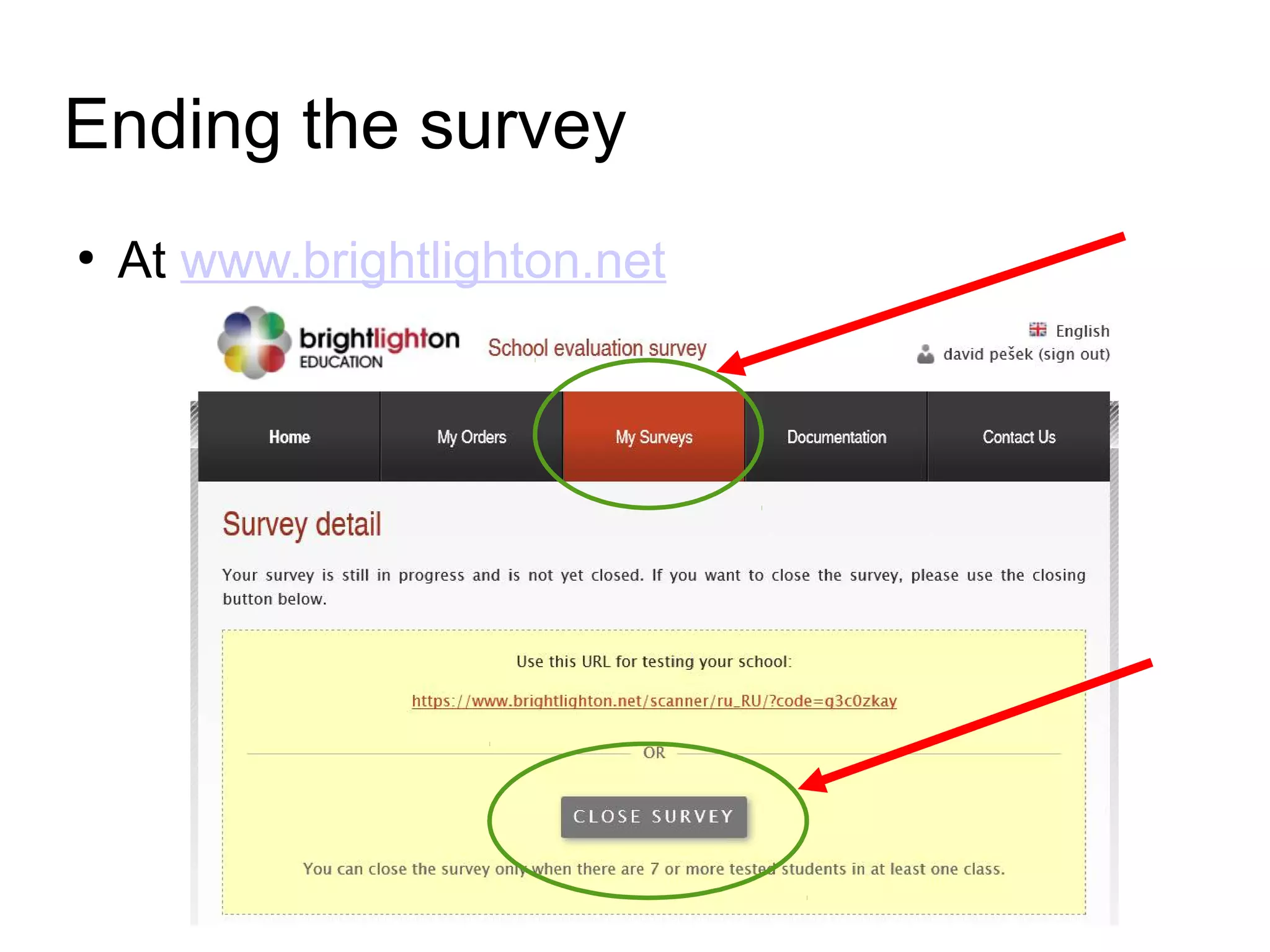
Manually ending the survey at
www.brightlighton.net
●
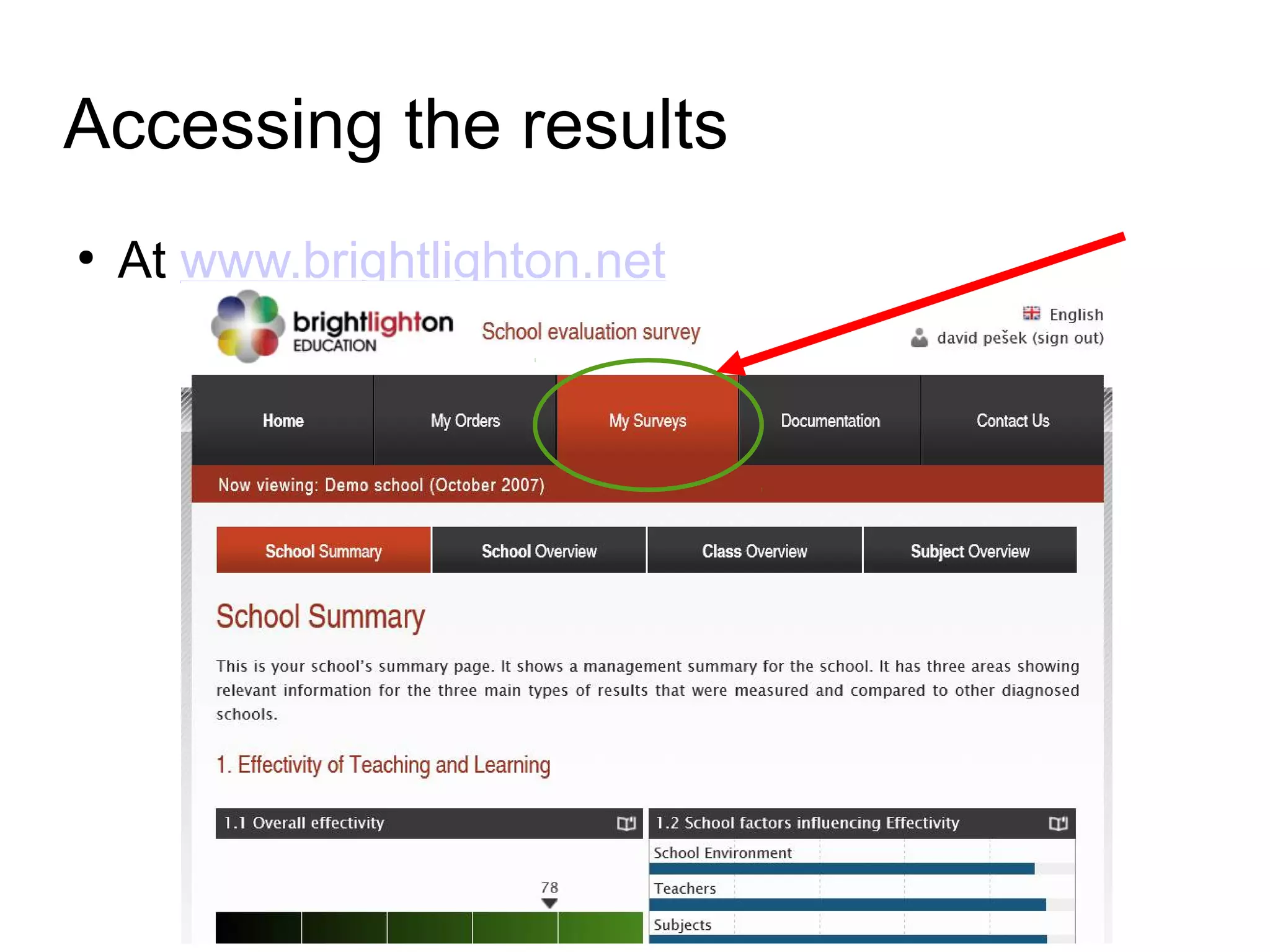
Seeing results of the survey at
www.brightlighton.net
Overview of the general flow
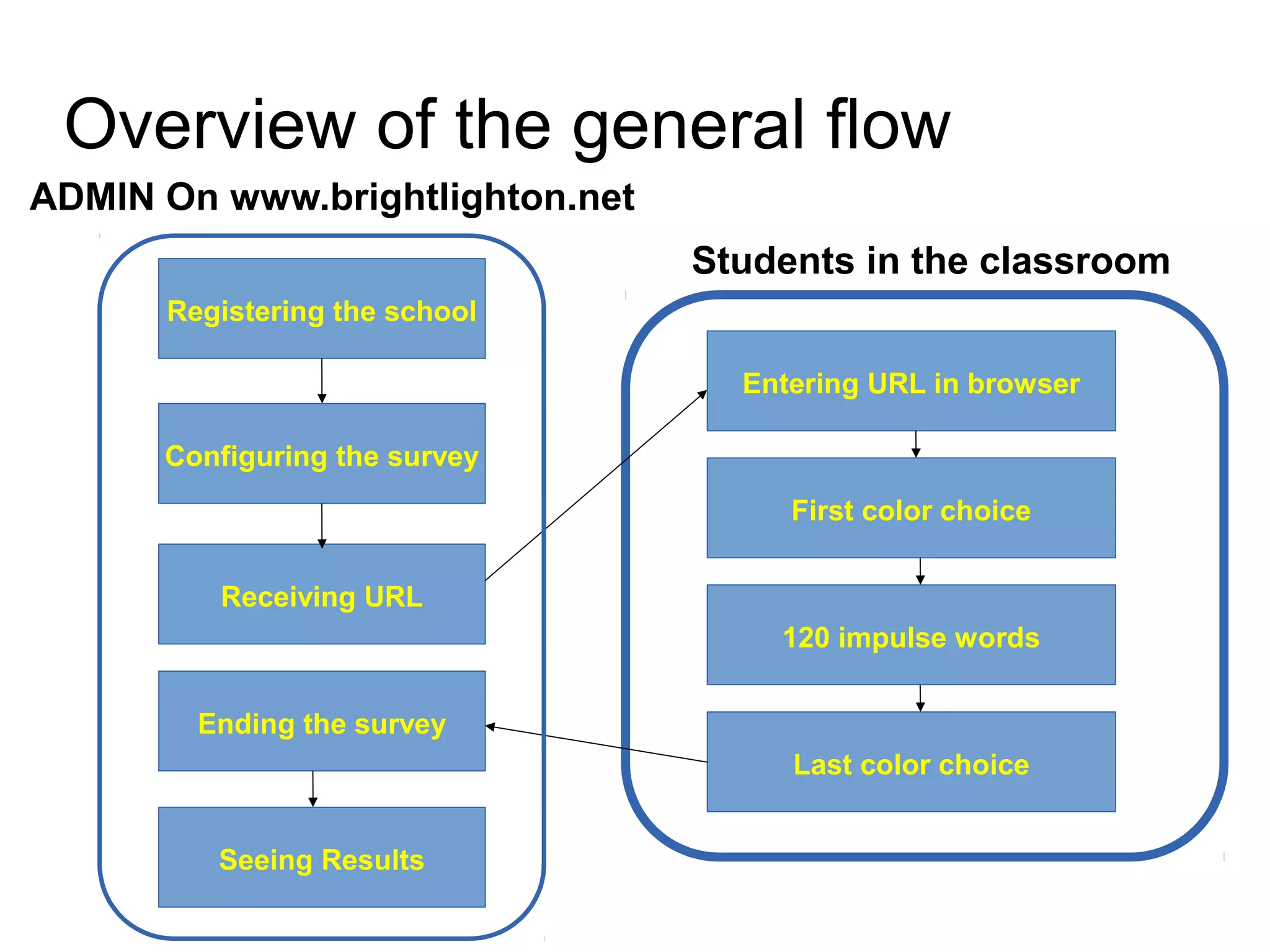
Registering the school
Configuring the survey
Ending the survey
Seeing Results
Receiving URL
Students in the classroom
Entering URL in browser
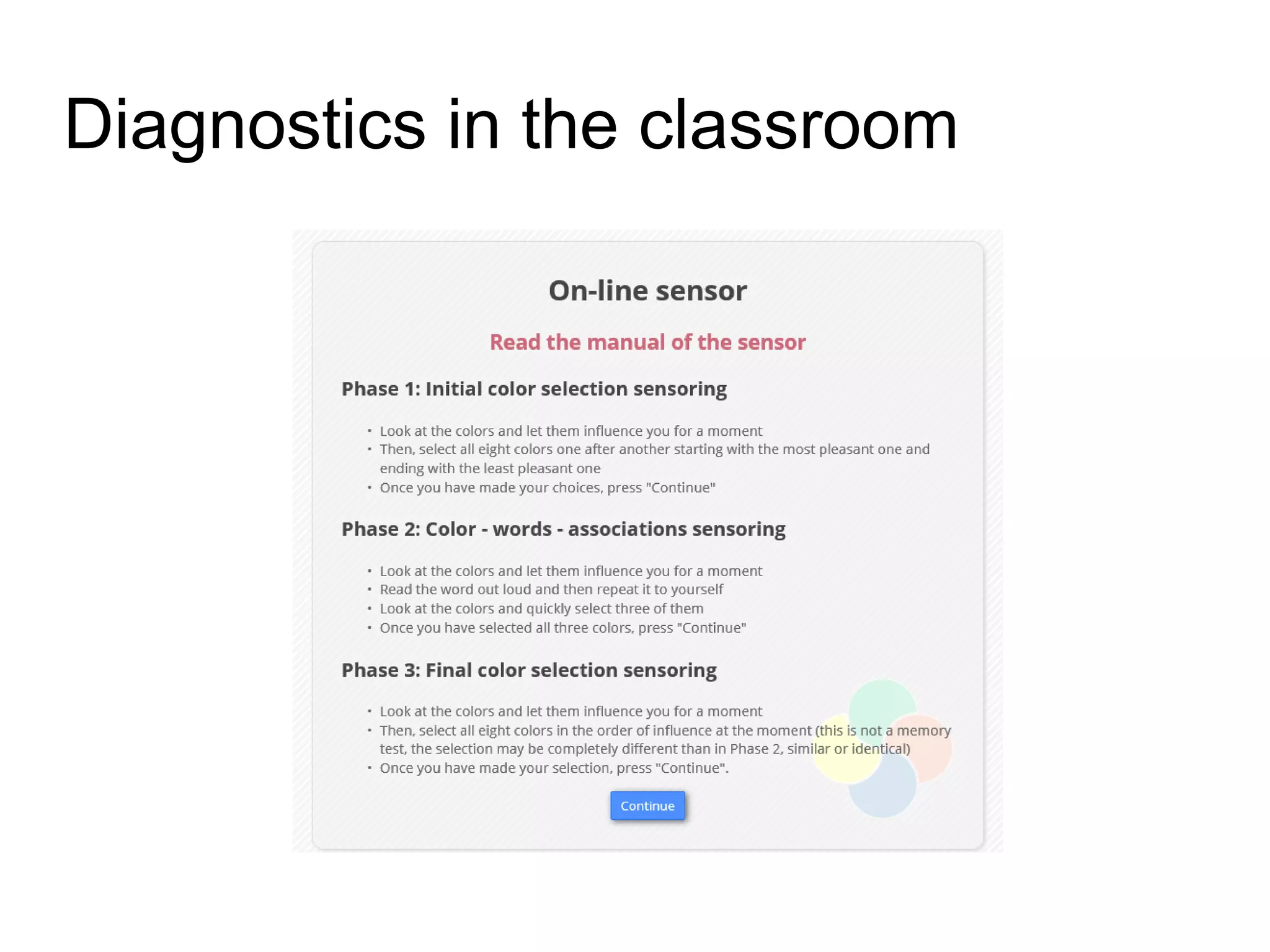
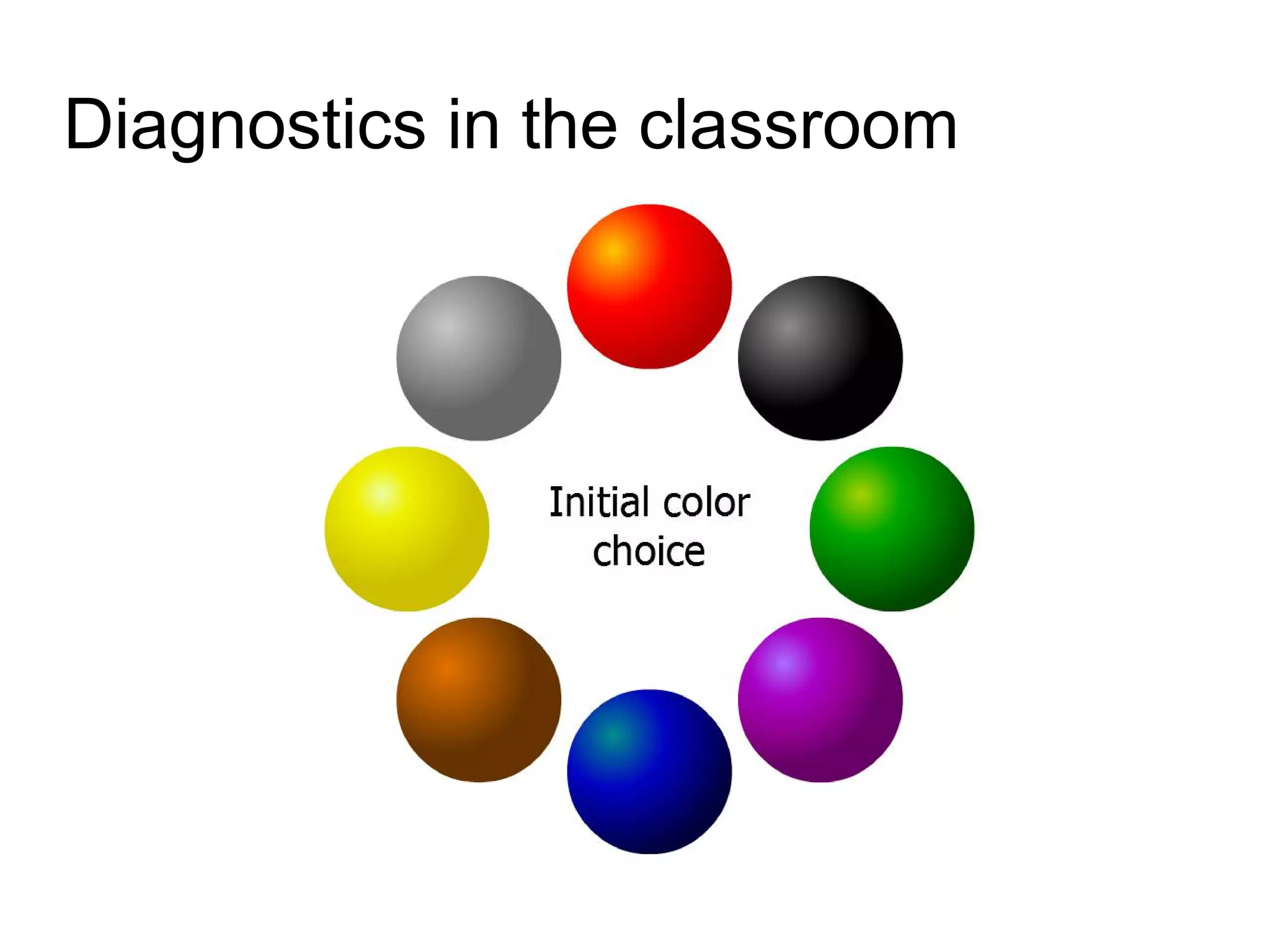
First color choice
120 impulse words
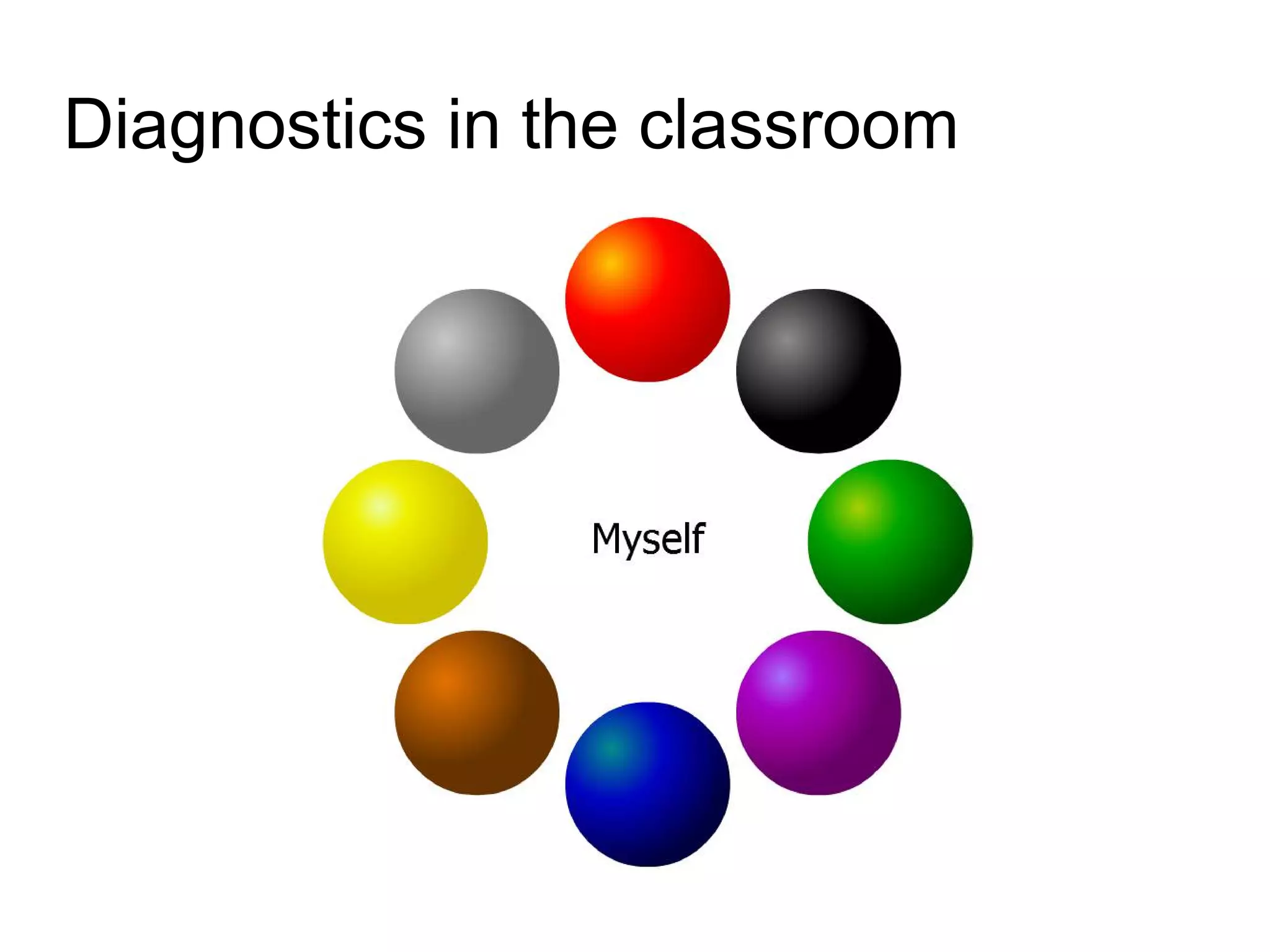
Last color choice
ADMIN On www.brightlighton.net
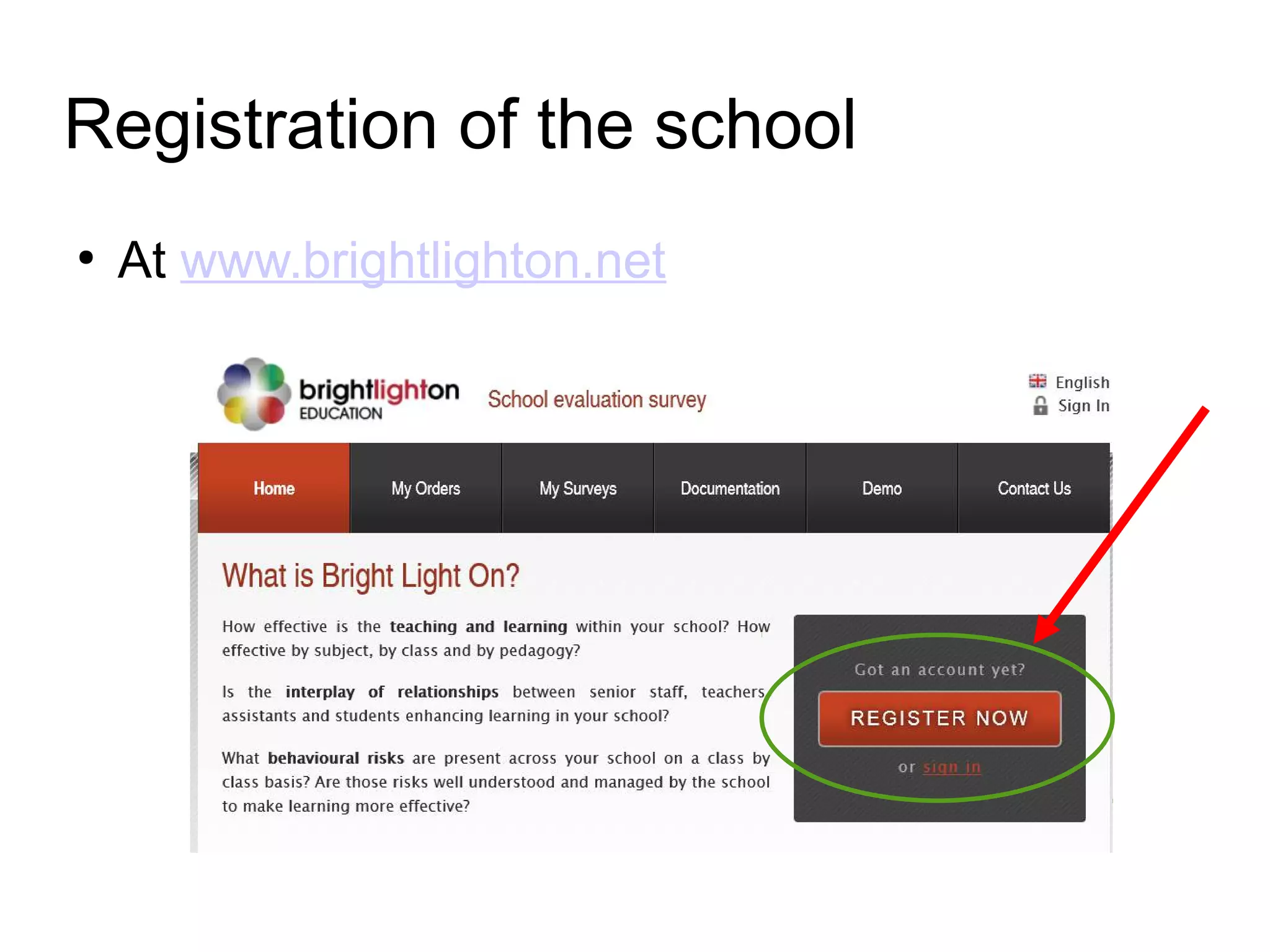
Registration of the school
●
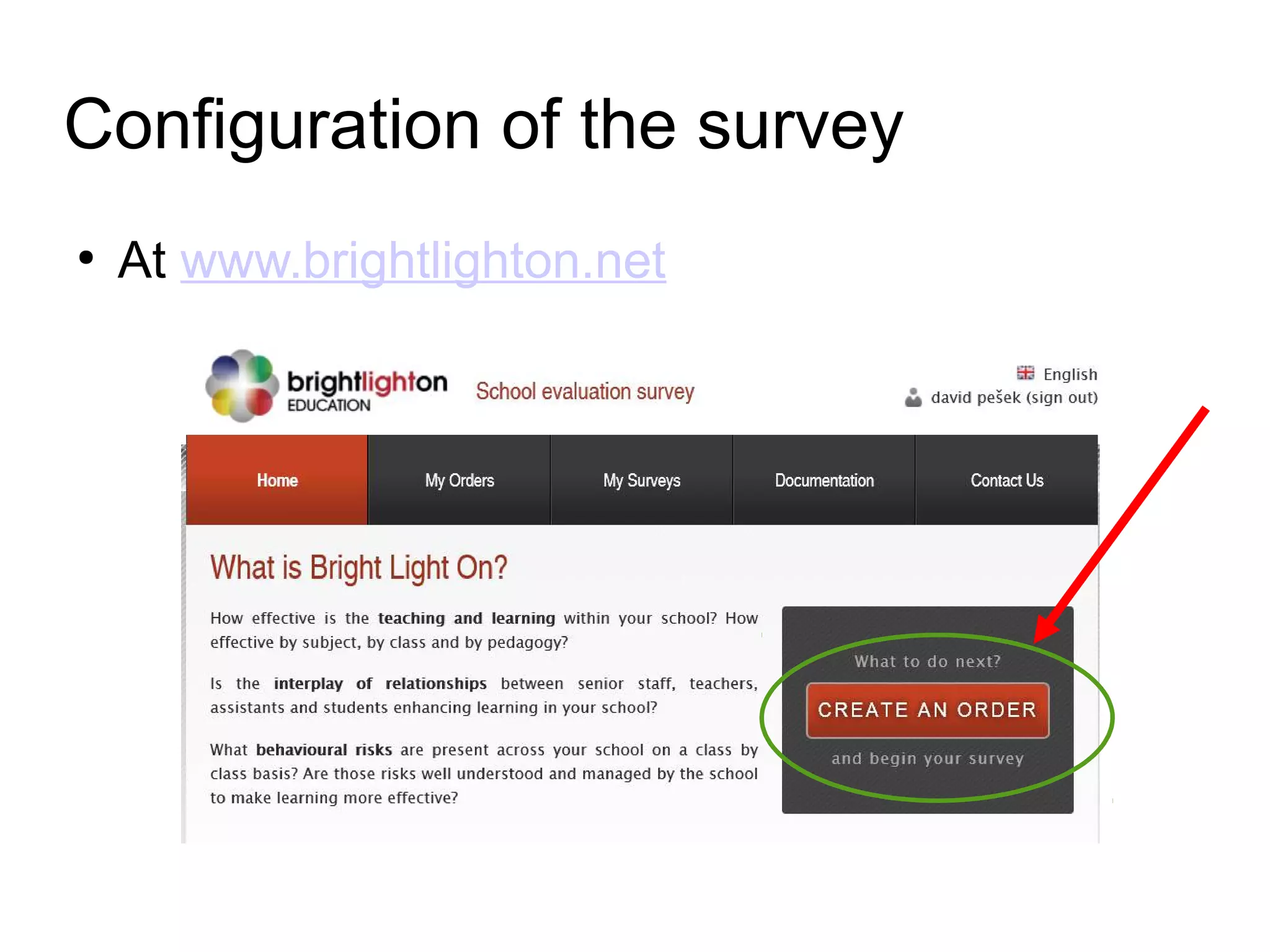
At www.brightlighton.net
Configuration of the survey
●
At www.brightlighton.net
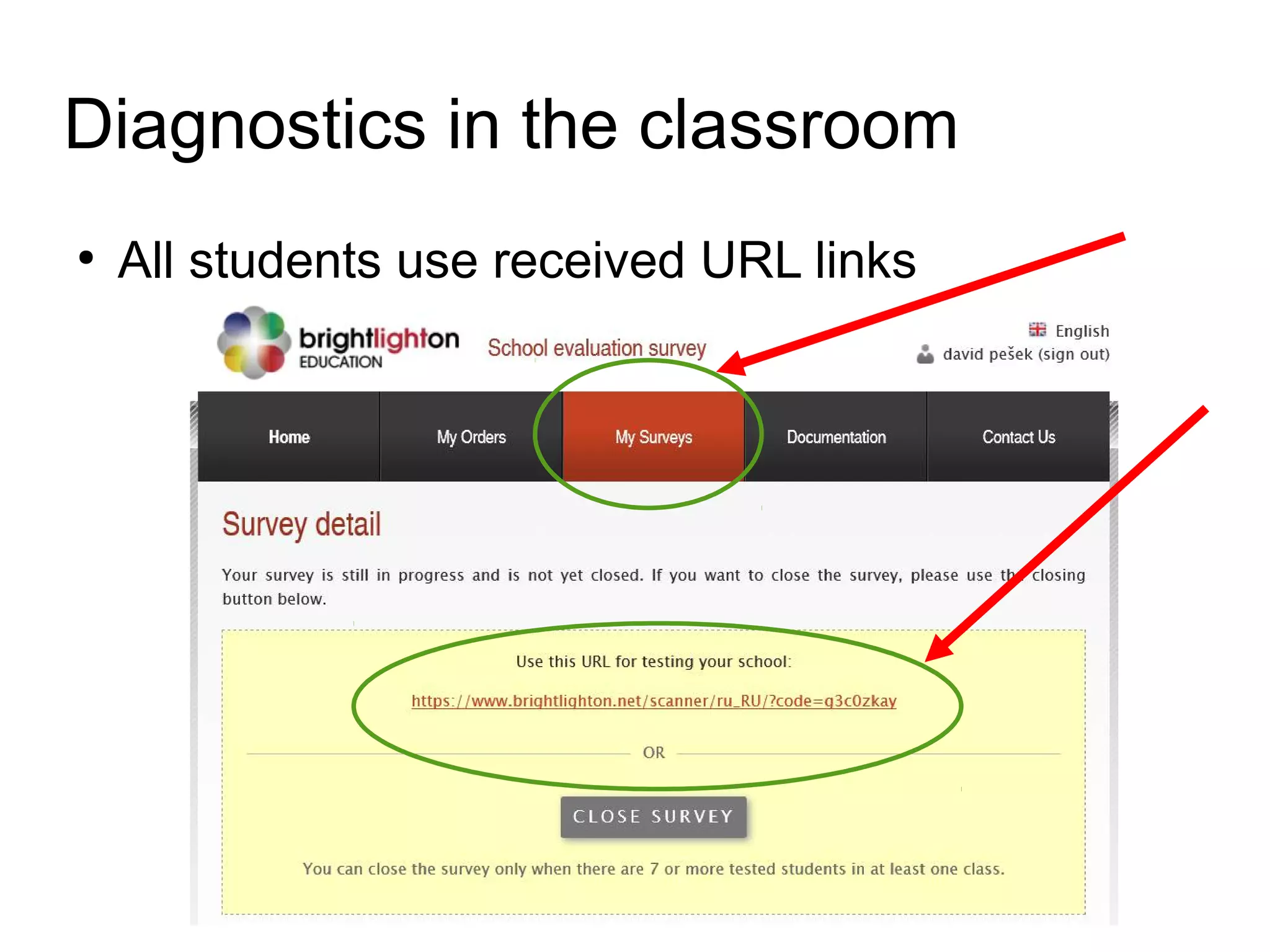
Diagnostics in the classroom
●
All students use received URL links
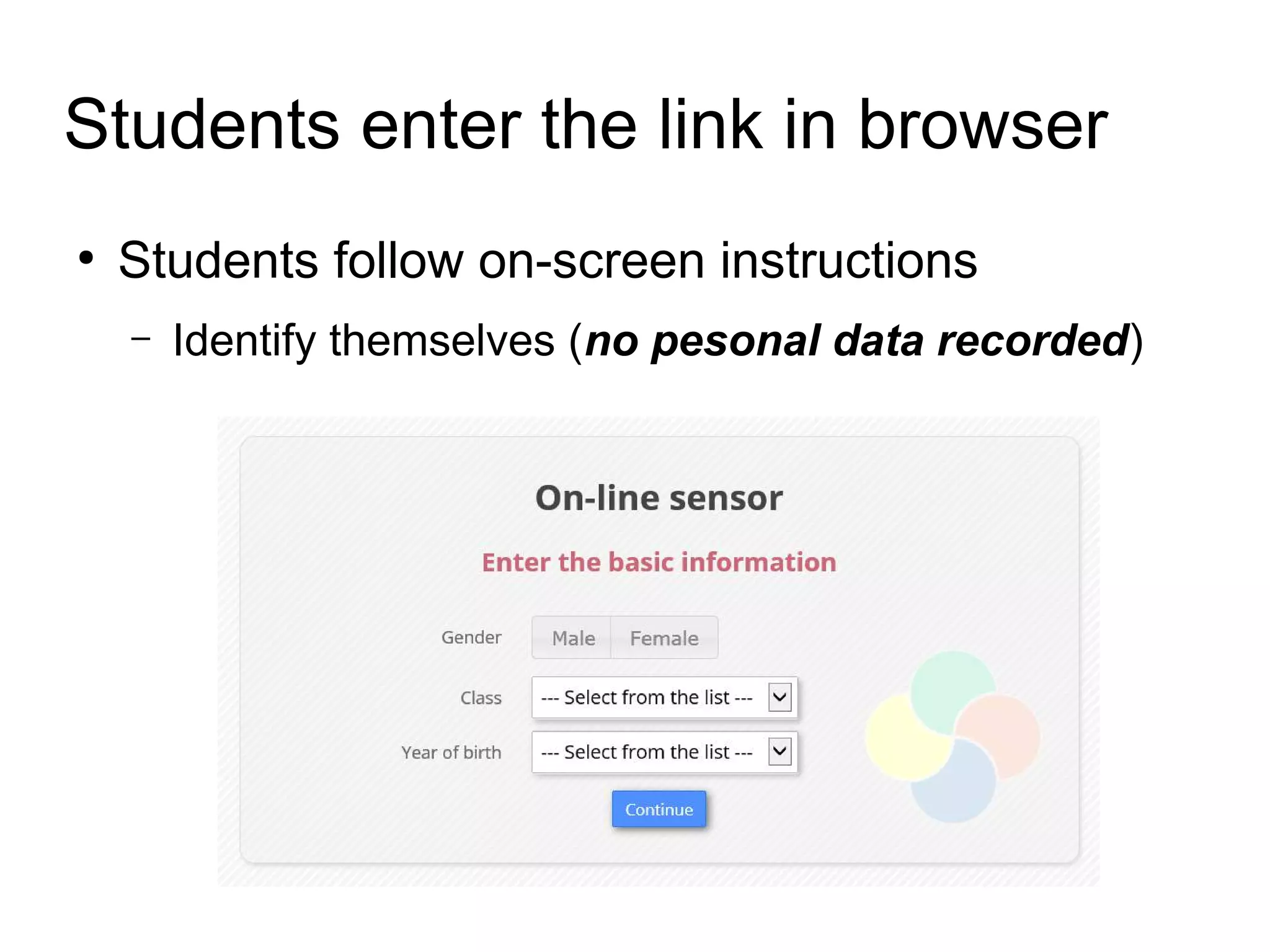
Students enter the link in browser
●
Students follow on-screen instructions
– Identify themselves (no pesonal data recorded)
Diagnostics in the classroom
Ending the survey
●
At www.brightlighton.net
Accessing the results
●
At www.brightlighton.net

Bright light on education - first steps - overview ru