 When we create objects in .NET Framework,
they reside in memory as long as our program
runs
 .NET Framework Runtime takes care of all
the details of creating and destroying objects
in Memory.
 The process of storing object data in
different formats so that they can easily be
transferred or reused later is
called Serialization.
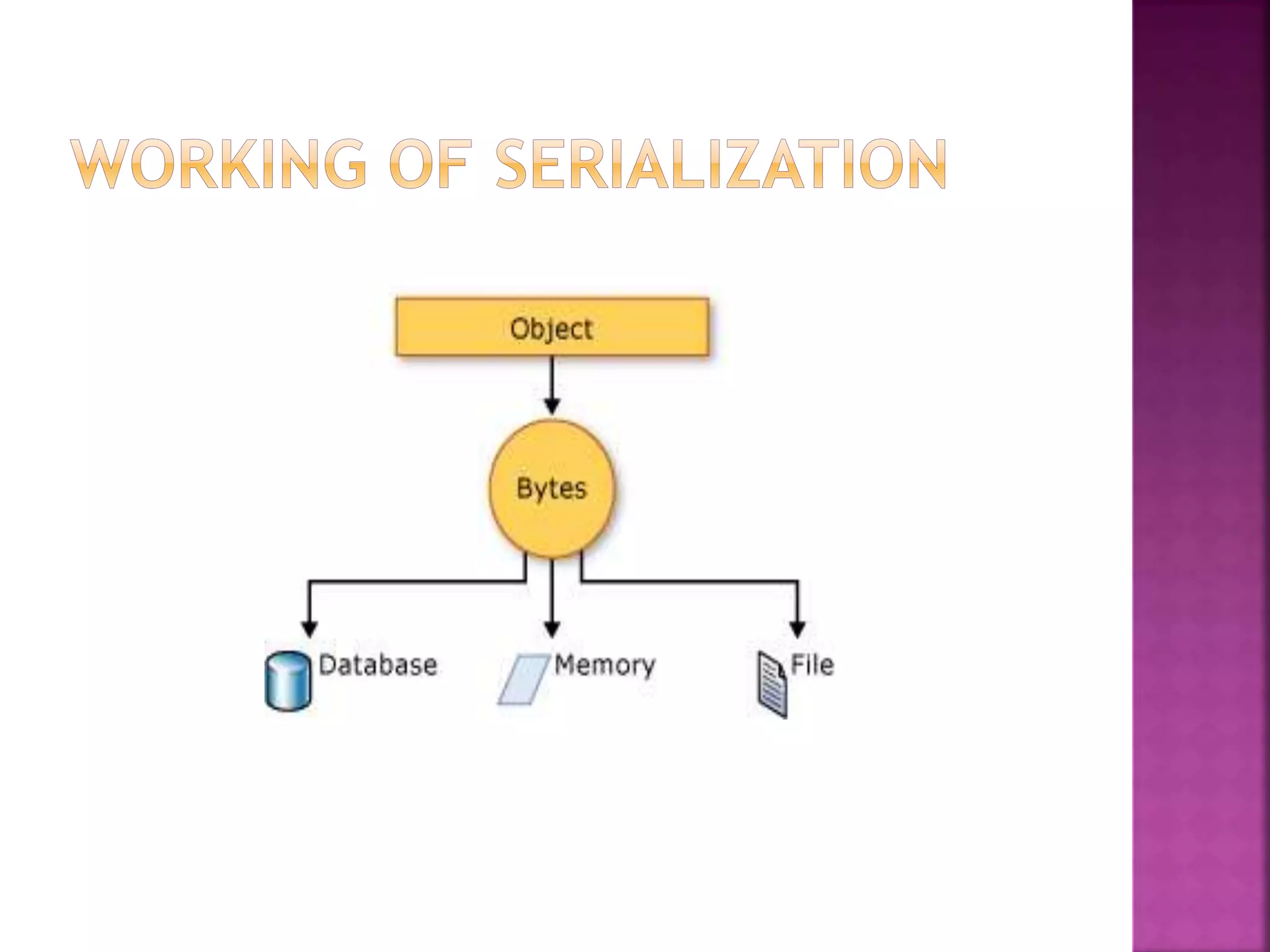
Serialization is used for
 Saving objects to disk
 Transmitting objects across a network
 Transmitting objects as parameters of
remote procedure calls
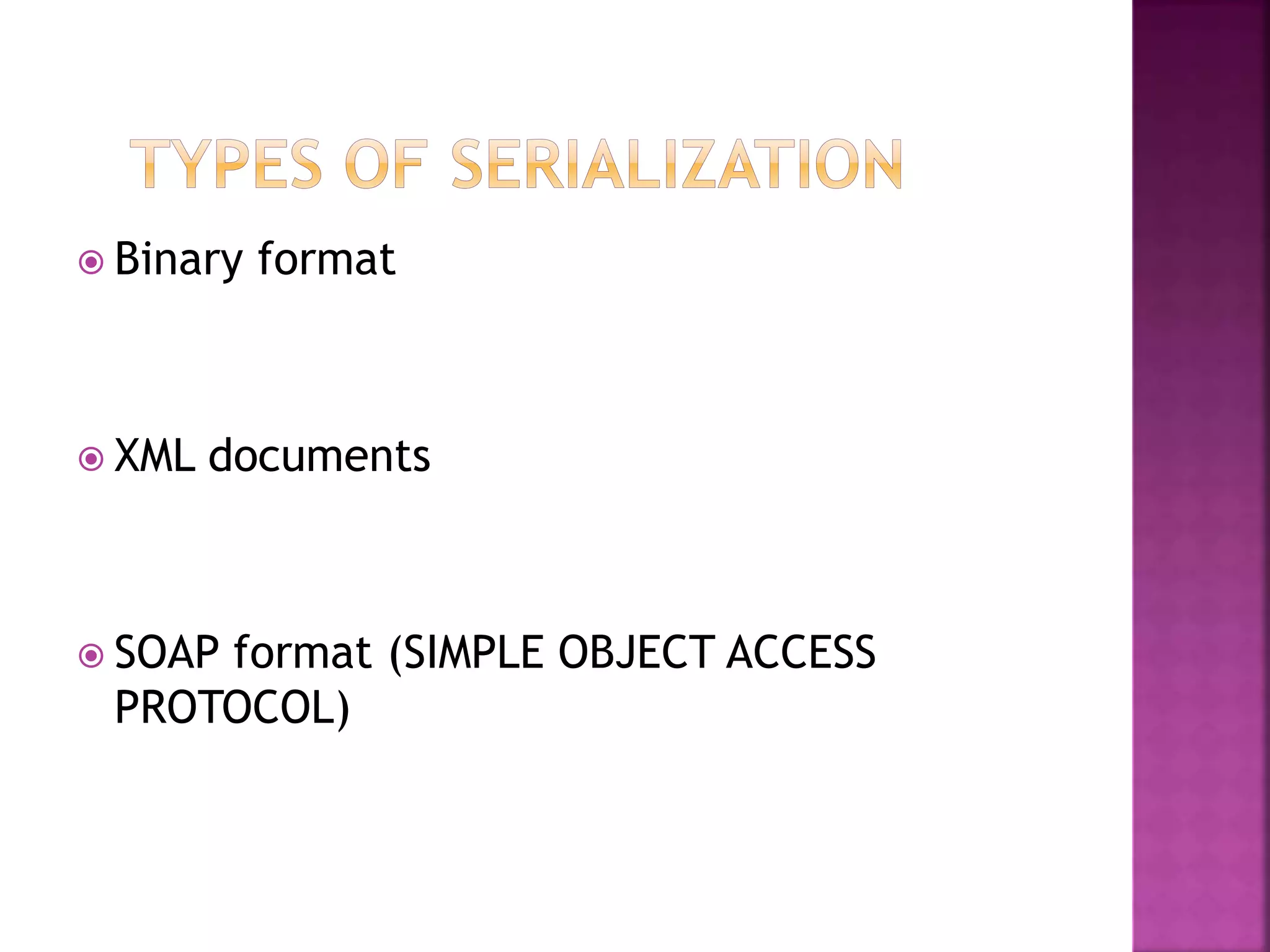
 Binary format
 XML documents
 SOAP format (SIMPLE OBJECT ACCESS
PROTOCOL)
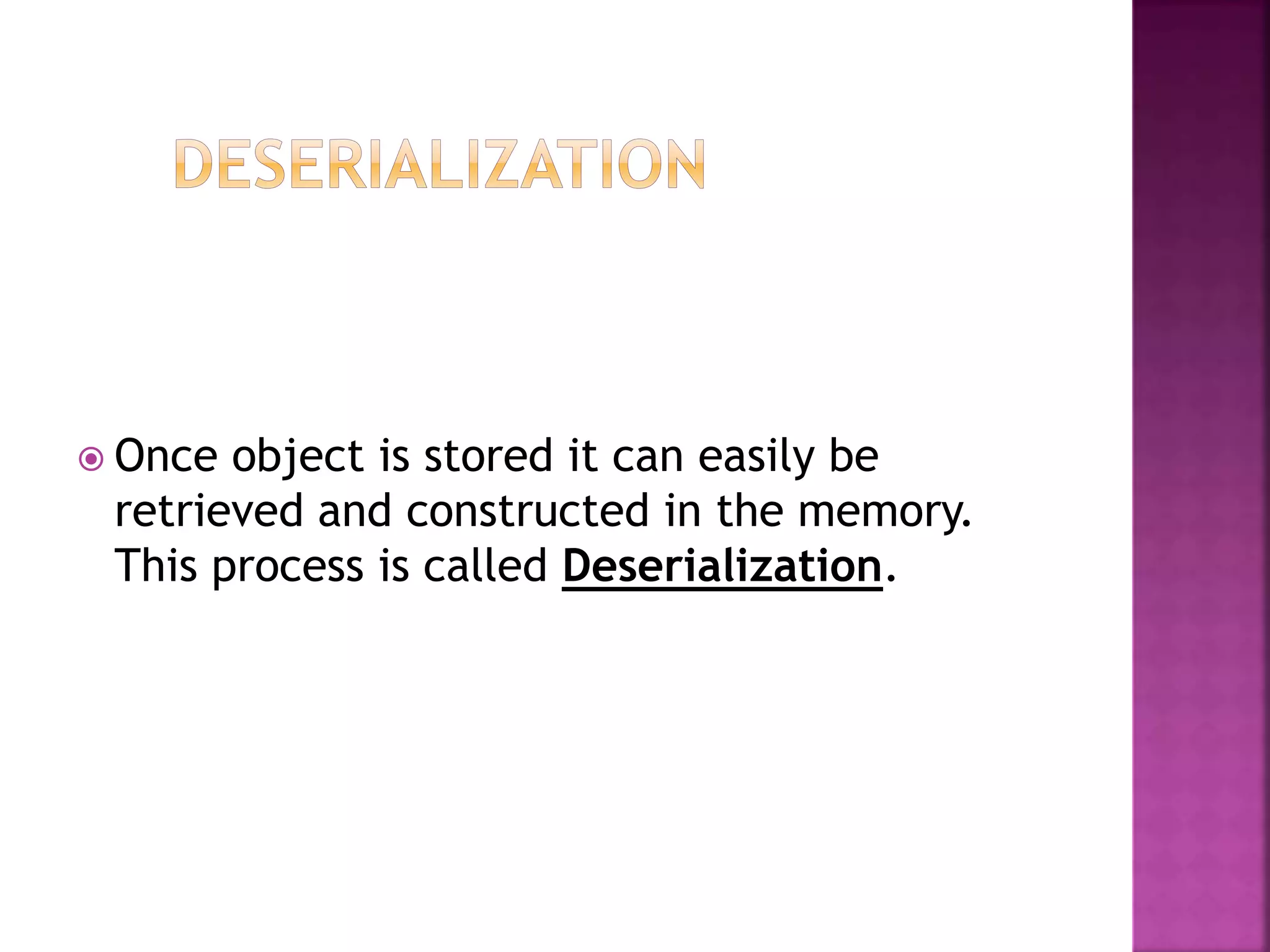
 Once object is stored it can easily be
retrieved and constructed in the memory.
This process is called Deserialization.
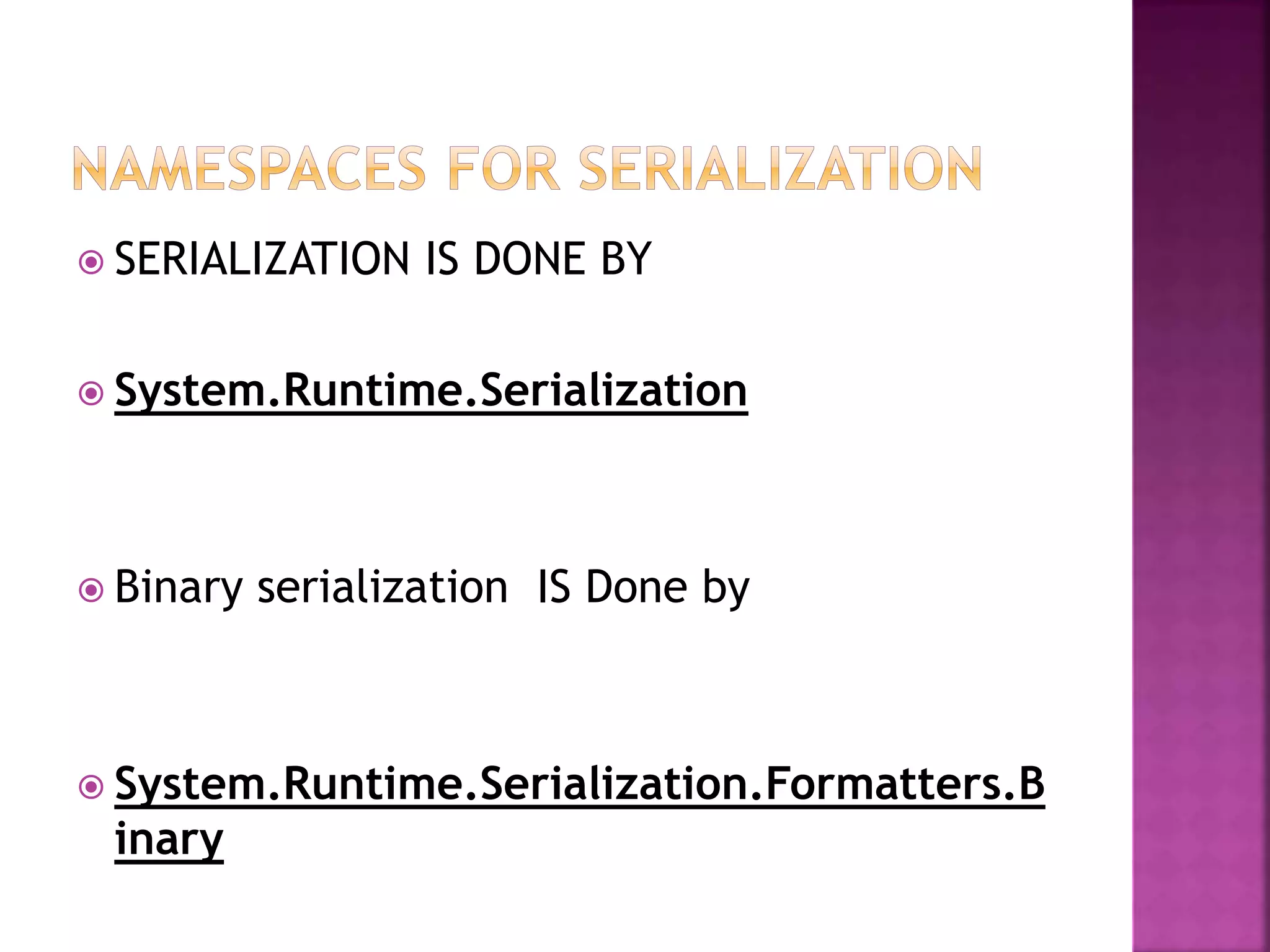
 SERIALIZATION IS DONE BY
 System.Runtime.Serialization
 Binary serialization IS Done by
 System.Runtime.Serialization.Formatters.B
inary
 Binary serialization uses binary encoding to
produce compact serialization for uses such
as storage or socket-based network streams.
 In binary serialization, all members, even
those that are read-only, are serialized, and
performance is enhanced
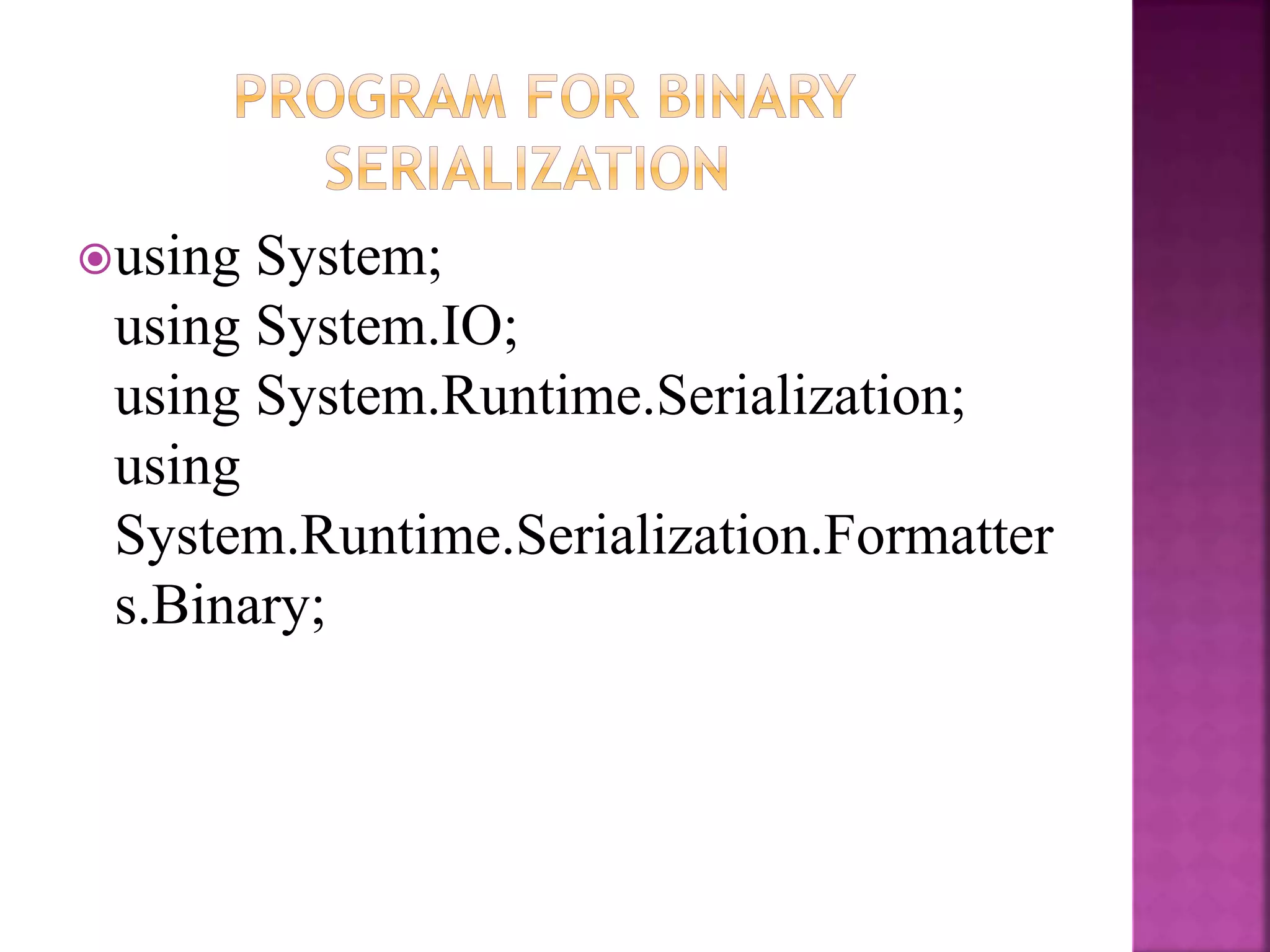
using System;
using System.IO;
using System.Runtime.Serialization;
using
System.Runtime.Serialization.Formatter
s.Binary;
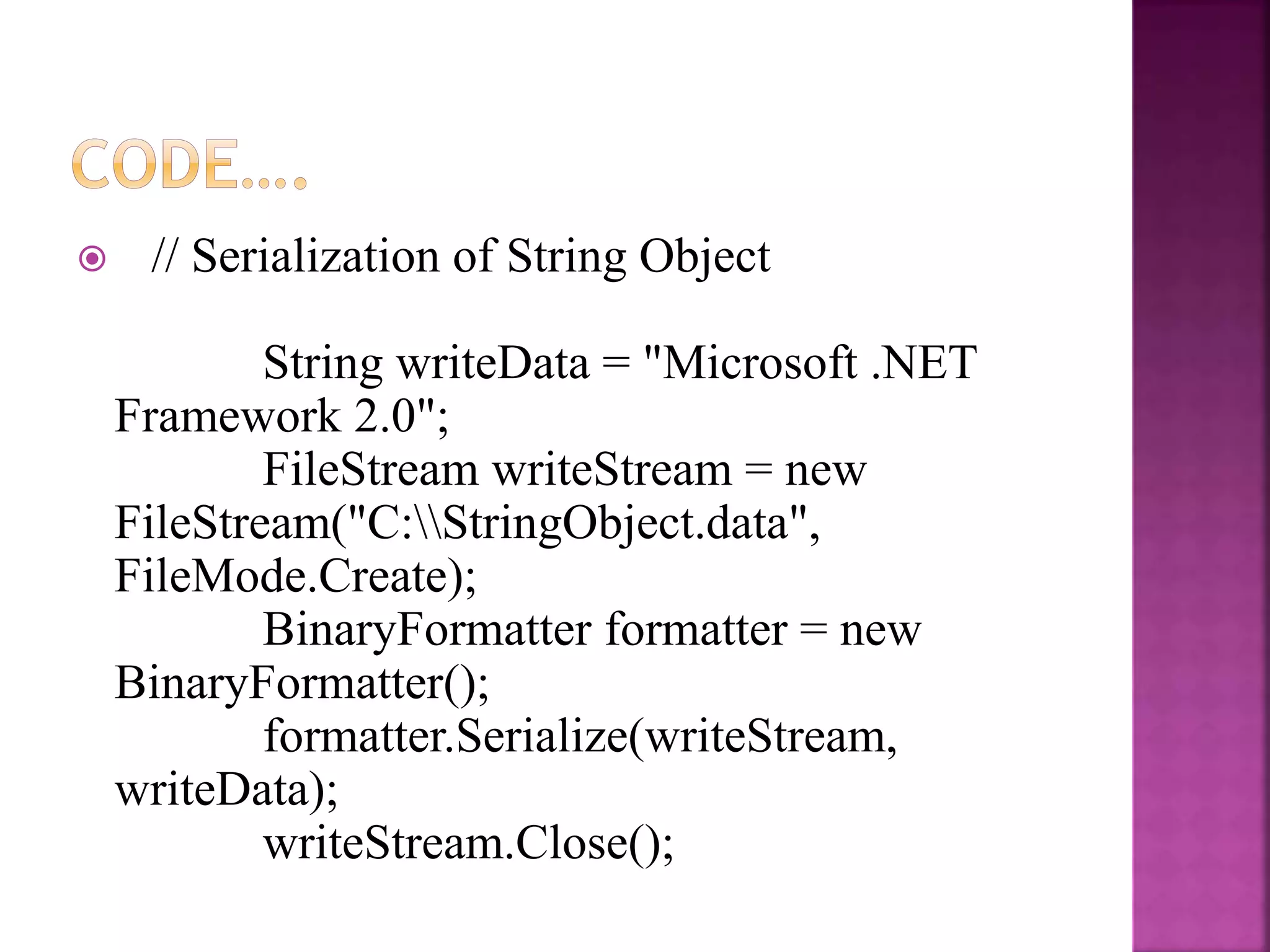
 // Serialization of String Object
String writeData = "Microsoft .NET
Framework 2.0";
FileStream writeStream = new
FileStream("C:StringObject.data",
FileMode.Create);
BinaryFormatter formatter = new
BinaryFormatter();
formatter.Serialize(writeStream,
writeData);
writeStream.Close();
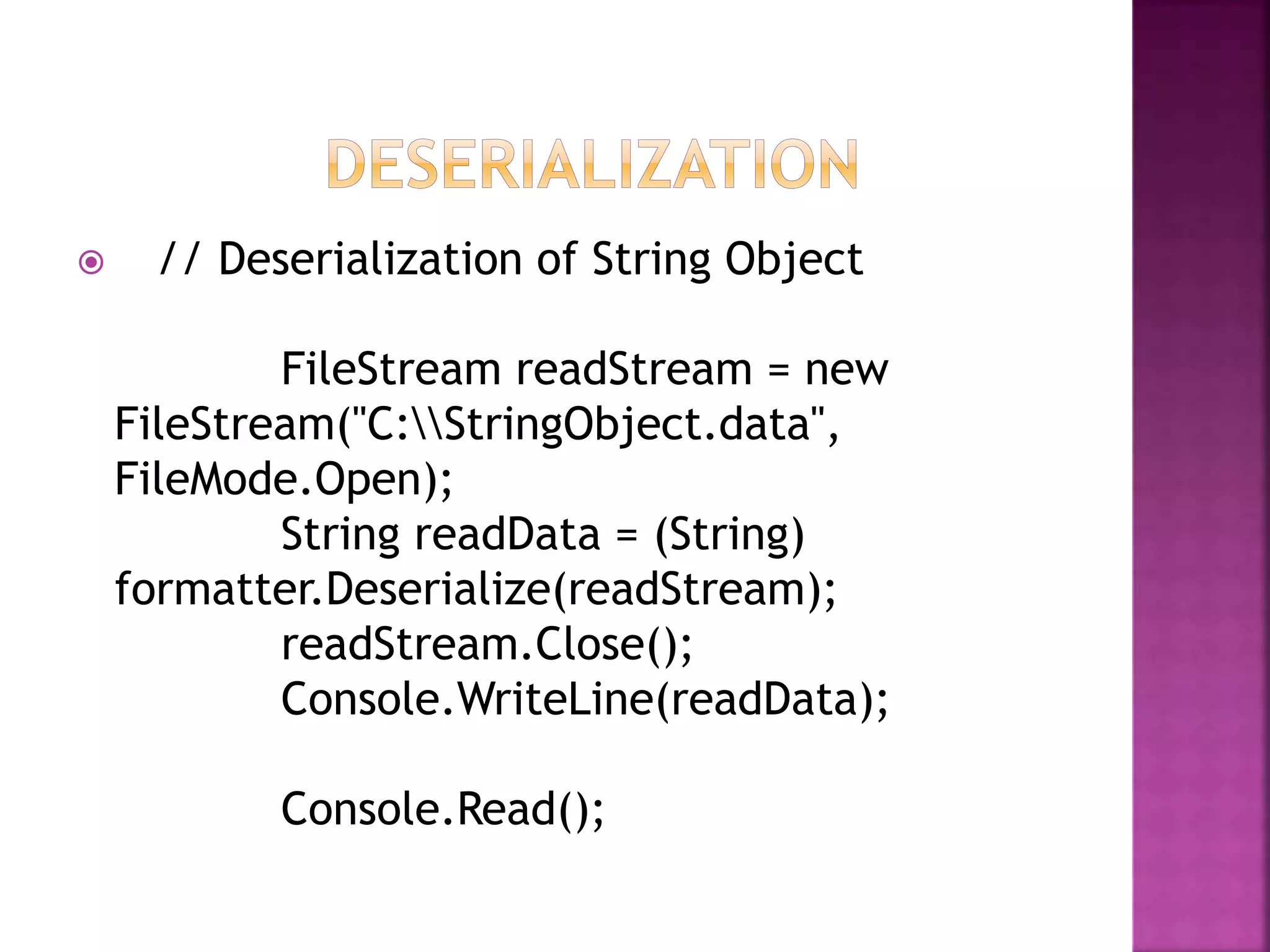
 // Deserialization of String Object
FileStream readStream = new
FileStream("C:StringObject.data",
FileMode.Open);
String readData = (String)
formatter.Deserialize(readStream);
readStream.Close();
Console.WriteLine(readData);
Console.Read();
THANKU

C# Binary serialization

  • 2.
     When wecreate objects in .NET Framework, they reside in memory as long as our program runs  .NET Framework Runtime takes care of all the details of creating and destroying objects in Memory.
  • 3.
     The processof storing object data in different formats so that they can easily be transferred or reused later is called Serialization.
  • 5.
    Serialization is usedfor  Saving objects to disk  Transmitting objects across a network  Transmitting objects as parameters of remote procedure calls
  • 6.
     Binary format XML documents  SOAP format (SIMPLE OBJECT ACCESS PROTOCOL)
  • 7.
     Once objectis stored it can easily be retrieved and constructed in the memory. This process is called Deserialization.
  • 8.
     SERIALIZATION ISDONE BY  System.Runtime.Serialization  Binary serialization IS Done by  System.Runtime.Serialization.Formatters.B inary
  • 9.
     Binary serializationuses binary encoding to produce compact serialization for uses such as storage or socket-based network streams.
  • 10.
     In binaryserialization, all members, even those that are read-only, are serialized, and performance is enhanced
  • 11.
    using System; using System.IO; usingSystem.Runtime.Serialization; using System.Runtime.Serialization.Formatter s.Binary;
  • 12.
     // Serializationof String Object String writeData = "Microsoft .NET Framework 2.0"; FileStream writeStream = new FileStream("C:StringObject.data", FileMode.Create); BinaryFormatter formatter = new BinaryFormatter(); formatter.Serialize(writeStream, writeData); writeStream.Close();
  • 13.
     // Deserializationof String Object FileStream readStream = new FileStream("C:StringObject.data", FileMode.Open); String readData = (String) formatter.Deserialize(readStream); readStream.Close(); Console.WriteLine(readData); Console.Read();
  • 14.