Best practices
FOR CREATING MODULAR WEB APPLICATIONS
Iliyan Peychev
HERE GmbH
@ipeychev
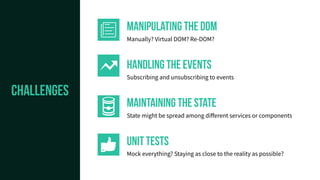
CHALLENGES
CHALLENGES
handling the Events
Subscribing and unsubscribing to events
Manipulating the dom
Manually? Virtual DOM? Re-DOM?
UNIT TESTS
Mock everything? Staying as close to the reality as possible?
maintaining the state
State might be spread among different services or components




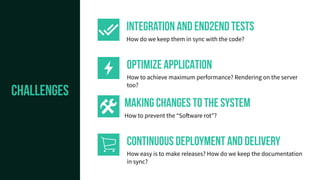
CHALLENGES
OPTIMIZE APPLICATION
How to achieve maximum performance? Rendering on the server
too?
Integration and end2end tests
How do we keep them in sync with the code?
CONTINUOUS DEPLOYMENT AND DELIVERY
How easy is to make releases? How do we keep the documentation
in sync?
MAKING CHANGES TO THE SYSTEM
How to prevent the “Software rot”?




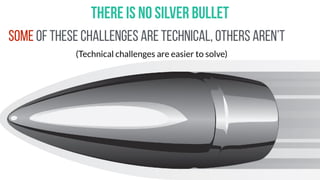
There is no silver bullet
Some of these challenges are technical, others aren’t
(Technical challenges are easier to solve)
FRAMEWORKS
Someone tells you how to write an application and
gives you the tools for writing it
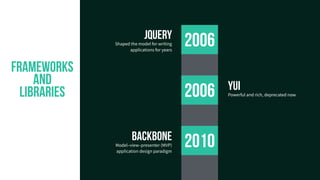
FRAMEWORKS
and
libraries 2006
2010backbone
Model–view–presenter (MVP)
application design paradigm
YUI
Powerful and rich, deprecated now
jQuery
Shaped the model for writing
applications for years
2006
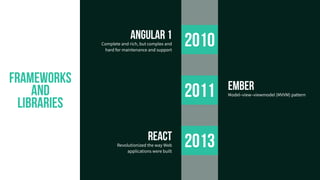
2011
2013
2010
react
Revolutionized the way Web
applications were built
ember
Model–view–viewmodel (MVVM) pattern
angular 1
Complete and rich, but complex and
hard for maintenance and support
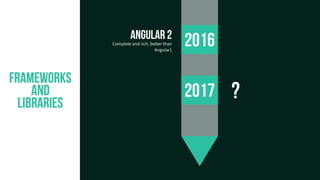
FRAMEWORKS
and
libraries
2017
2016angular 2
Complete and rich, better than
Angular1
FRAMEWORKS
and
libraries
?
FUNDAMENTALS OF DESIGNING
YOUR APPLICATION ARCHITECTURE
COMPONENTS AND MODULES
WHAT IS A MODULE?
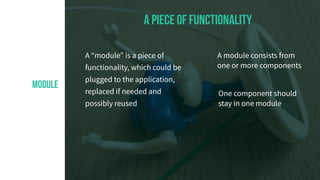
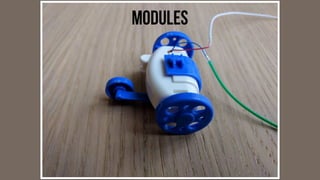
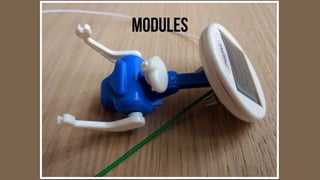
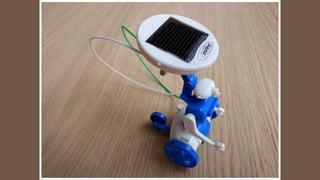
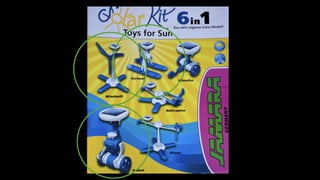
MODULE
A “module” is a piece of
functionality, which could be
plugged to the application,
replaced if needed and
possibly reused
a piece of functionality
A module consists from
one or more components
One component should
stay in one module
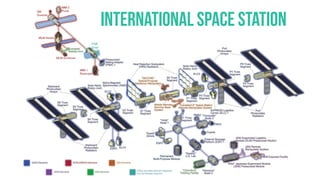
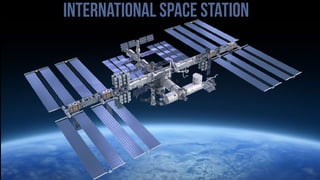
LET’S TAKE A LOOK AT THE REAL WORLD
COMPONENTS AND MODULES
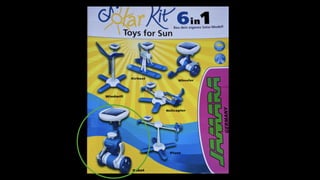
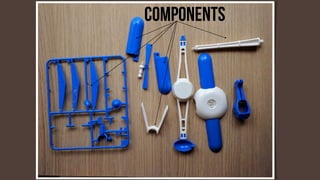
Components
Modules
Modules
INTERNATIONAL SPACE STATION
International space station
Apply the same model to your
applications
(This is where things go wrong usually)
PRACTICAL GUIDELINES
features as modules
Separate the features of the application in modules
One module may consist from multiple components
The feature should be tested individually
Then included to the application
COMPONENTS
Prefer to create components, which only render data
Create a few components to maintain the state
They will provide data to the rendering components
When testing, mock the external dependencies
Avoid framework dependencies when possible
Try to make your classes framework agnostic
Then “glue” them to you framework of choice
maintaining the state
Maintaining the state properly is the key to keep the
whole application maintainable
Use Flux pattern and some implementation like
Redux, MobX, or write your own
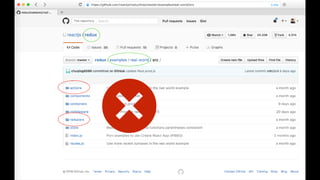
Do not follow blindly
documentation/examples

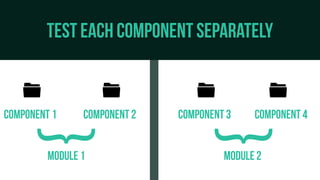
Test each component separately
component 1
Module 2
Component 2 Component 3
Module 1
Component 4
   
}
}
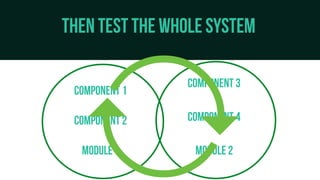
Then test the whole system
component 1
Module 2
Component 2
Component 3
Module 1
Component 4



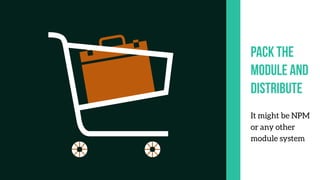
pack the
module and
distribute
It might be NPM
or any other
module system
SHARE CODE
Design the system
with the idea to
share code with
other people
Module systems
in JavaScript world
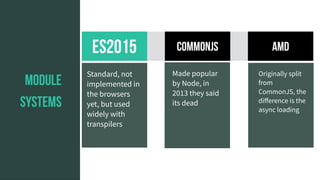
ES2015 Commonjs
module
systems
amd
Made popular
by Node, in
2013 they said
its dead
Standard, not
implemented in
the browsers
yet, but used
widely with
transpilers
Originally split
from
CommonJS, the
difference is the
async loading
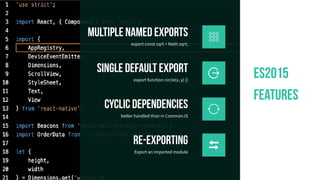
ES2015
features
Re-exporting
Export an imported module
cyclic dependencies
better handled than in CommonJS
single default export
export function circle(x, y) {}
multiple named exports
export const sqrt = Math.sqrt;
CREATING MODULAR Web applications IN PRACTICE
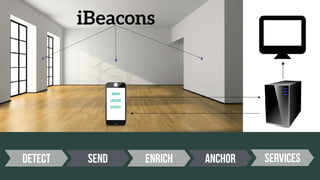
Could be part of an Indoor Positioning System
Let’s create an application for
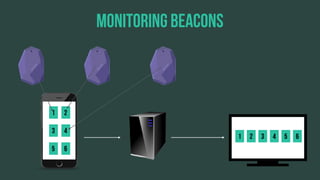
monitoring iBeacons in range
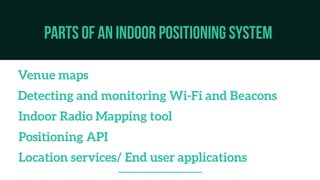
PARTS OF AN indoor positioning system
Venue maps
Indoor Radio Mapping tool
Detecting and monitoring Wi-Fi and Beacons
Positioning API
Location services/ End user applications

iBeacons
Location
Services
Indoor
detect send Enrich Anchor Services
Monitoring beacons
1 2
3 4
5 6
1 2 3 4 5 6
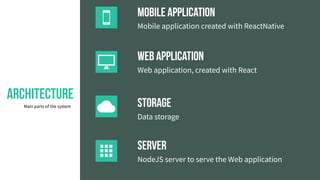
Architecture
Main parts of the system
 Mobile application
Mobile application created with ReactNative
 Web Application
Web application, created with React
 Storage
Data storage
 Server
NodeJS server to serve the Web application
Which parts could be reused?
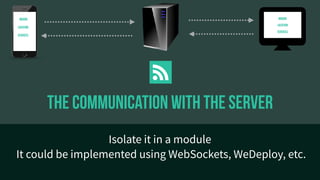
The Communication with the server
Isolate it in a module
It could be implemented using WebSockets, WeDeploy, etc.

Location
Services
Indoor
Location
Services
Indoor
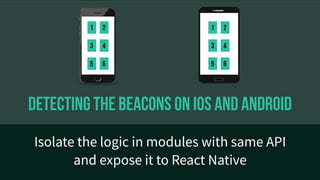
Detecting the beacons on iOS and android
Isolate the logic in modules with same API
and expose it to React Native
1 2
3 4
5 6
1 2
3 4
5 6
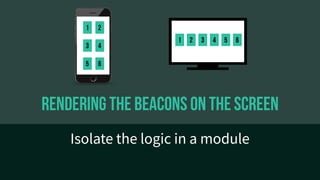
rendering the beacons on the screen
Isolate the logic in a module
1 2
3 4
5 6
1 2 3 4 5 6
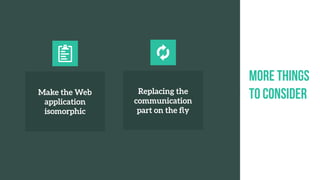
More things
to considerMake the Web
application
isomorphic

Replacing the
communication
part on the fly

DEMO
Questions?
Thanks!
ipeychev
ipeychev

Best practices for creating modular Web applications