

Best Practices- Android Programming					Jan 2011
2HiglightsCommon Mistakes
 Avoiding Mistakes
Efficient UI Layouts
Design UI for Responsiveness
Design for Performance
Use of Profilers/Tools
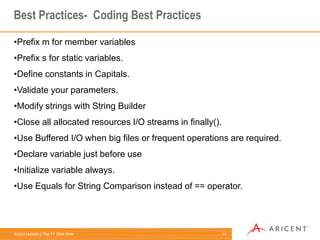
Best Coding Practices3Common Mistakes- Which we should not do Write Duplicate Code
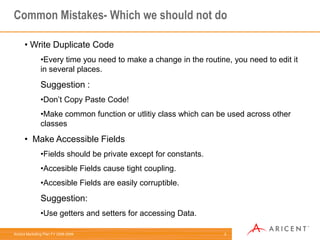
Every time you need to make a change in the routine, you need to edit it in several places.  Suggestion : Don’t Copy Paste Code!
Make common function or utlitiy class which can be used across other classes
  Make Accessible Fields
Fields should be private except for constants.
Accesible Fields cause tight coupling.
Accesible Fields are easily corruptible.Suggestion: Use getters and setters for accessing Data.4Common Mistakes- Which we should not do  Using Magic Numbers
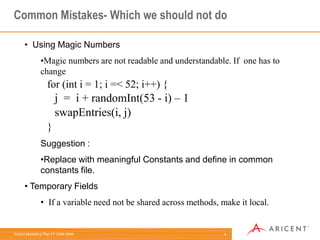
Magic numbers are not readable and understandable. If  one has to change for (inti = 1; i =< 52; i++) {j  =  i + randomInt(53 - i) – 1swapEntries(i, j)}Suggestion : Replace with meaningful Constants and define in common constants file.
 Temporary Fields
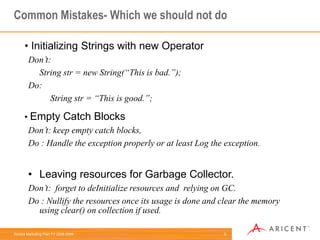
If a variable need not be shared across methods, make it local.5Common Mistakes- Which we should not do Initializing Strings with new OperatorDon’t:String str = new String(“This is bad.”);Do:String str = “This is good.”;Empty Catch BlocksDon’t: keep empty catch blocks, Do : Handle the exception properly or at least Log the exception.Leaving resources for Garbage Collector. Don’t:  forget to deInitialize resources and  relying on GC. Do : Nullify the resources once its usage is done and clear the memory   using clear() on collection if used.
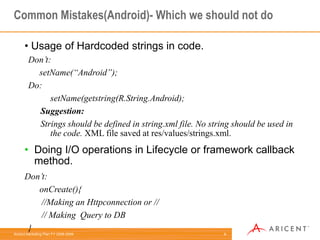
6Common Mistakes(Android)- Which we should not do Usage of Hardcoded strings in code.Don’t:setName(“Android”);Do:setName(getstring(R.String.Android);Suggestion:Strings should be defined in string.xml file. No string should be used in the code. XML file saved at res/values/strings.xml.Doing I/O operations in Lifecycle or framework callback method.Don’t:onCreate(){      //Making an Httpconnection or //      // Making  Query to DB }
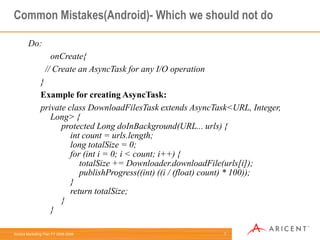
7Common Mistakes(Android)- Which we should not doDo:onCreate{  // Create an AsyncTask for any I/O operation}Example for creating AsyncTask:private class DownloadFilesTask extends AsyncTask<URL, Integer, Long> {     protected Long doInBackground(URL... urls) {         int count = urls.length;         long totalSize = 0;         for (inti = 0; i < count; i++) {             totalSize += Downloader.downloadFile(urls[i]);             publishProgress((int) ((i / (float) count) * 100));         }         return totalSize;     }}
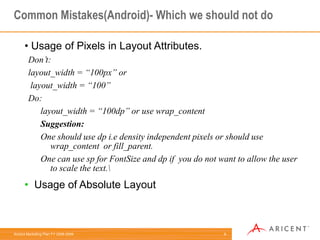
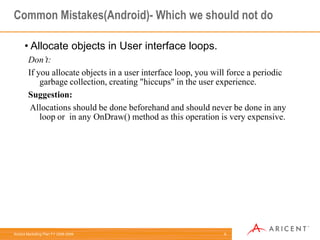
8Common Mistakes(Android)- Which we should not do Usage of Pixels in Layout Attributes.Don’t:layout_width = “100px” or layout_width = “100”Do:layout_width = “100dp” or use wrap_contentSuggestion:One should use dpi.e density independent pixels or should use wrap_content  or fill_parent.One can use sp for FontSize and dp if  you do not want to allow the user to scale the text.\Usage of Absolute Layout 9Common Mistakes(Android)- Which we should not do Allocate objects in User interface loops.Don’t:If you allocate objects in a user interface loop, you will force a periodic garbage collection, creating "hiccups" in the user experience.Suggestion:Allocations should be done beforehand and should never be done in any loop or  in any OnDraw() method as this operation is very expensive.
Best Practices-Performance10
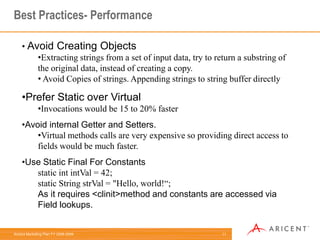
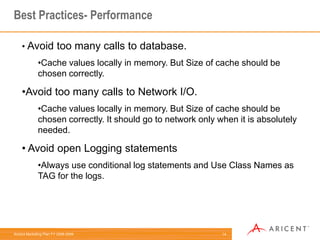
11Best Practices- PerformanceAvoid Creating Objects
Extracting strings from a set of input data, try to return a substring of the original data, instead of creating a copy.
 Avoid Copies of strings. Appending strings to string buffer directly
Prefer Static over Virtual
Invocations would be 15 to 20% faster
Avoid internal Getter and Setters.
Virtual methods calls are very expensive so providing direct access to fields would be much faster.
Use Static Final For Constantsstatic intintVal = 42;static String strVal = "Hello, world!“;As it requires <clinit>method and constants are accessed via Field lookups.
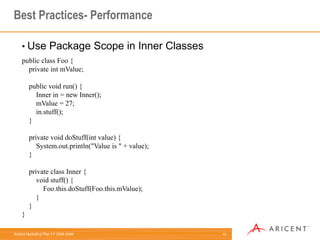
12Best Practices- PerformanceUse Package Scope in Inner Classespublic class Foo {    private intmValue;    public void run() {        Inner in = new Inner();        mValue = 27;        in.stuff();    }    private void doStuff(int value) {        System.out.println("Value is " + value);    }    private class Inner {        void stuff() {            Foo.this.doStuff(Foo.this.mValue);        }    }}
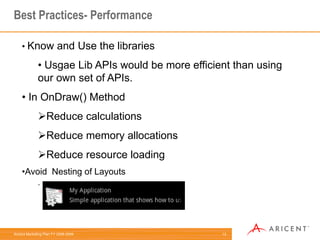
13Best Practices- PerformanceKnow and Use the libraries
Usgae Lib APIs would be more efficient than using our own set of APIs.

Best practices android_2010

  • 1.
    Best Practices- AndroidProgramming Jan 2011
  • 2.
  • 3.
  • 4.
  • 5.
    Design UI forResponsiveness
  • 6.
  • 7.
  • 8.
    Best Coding Practices3CommonMistakes- Which we should not do Write Duplicate Code
  • 9.
    Every time youneed to make a change in the routine, you need to edit it in several places. Suggestion : Don’t Copy Paste Code!
  • 10.
    Make common functionor utlitiy class which can be used across other classes
  • 11.
    MakeAccessible Fields
  • 12.
    Fields should beprivate except for constants.
  • 13.
    Accesible Fields causetight coupling.
  • 14.
    Accesible Fields areeasily corruptible.Suggestion: Use getters and setters for accessing Data.4Common Mistakes- Which we should not do Using Magic Numbers
  • 15.
    Magic numbers arenot readable and understandable. If one has to change for (inti = 1; i =< 52; i++) {j = i + randomInt(53 - i) – 1swapEntries(i, j)}Suggestion : Replace with meaningful Constants and define in common constants file.
  • 16.
  • 17.
    If a variableneed not be shared across methods, make it local.5Common Mistakes- Which we should not do Initializing Strings with new OperatorDon’t:String str = new String(“This is bad.”);Do:String str = “This is good.”;Empty Catch BlocksDon’t: keep empty catch blocks, Do : Handle the exception properly or at least Log the exception.Leaving resources for Garbage Collector. Don’t: forget to deInitialize resources and relying on GC. Do : Nullify the resources once its usage is done and clear the memory using clear() on collection if used.
  • 18.
    6Common Mistakes(Android)- Whichwe should not do Usage of Hardcoded strings in code.Don’t:setName(“Android”);Do:setName(getstring(R.String.Android);Suggestion:Strings should be defined in string.xml file. No string should be used in the code. XML file saved at res/values/strings.xml.Doing I/O operations in Lifecycle or framework callback method.Don’t:onCreate(){ //Making an Httpconnection or // // Making Query to DB }
  • 19.
    7Common Mistakes(Android)- Whichwe should not doDo:onCreate{ // Create an AsyncTask for any I/O operation}Example for creating AsyncTask:private class DownloadFilesTask extends AsyncTask<URL, Integer, Long> {     protected Long doInBackground(URL... urls) {         int count = urls.length;         long totalSize = 0;         for (inti = 0; i < count; i++) {             totalSize += Downloader.downloadFile(urls[i]);             publishProgress((int) ((i / (float) count) * 100));         }         return totalSize;     }}
  • 20.
    8Common Mistakes(Android)- Whichwe should not do Usage of Pixels in Layout Attributes.Don’t:layout_width = “100px” or layout_width = “100”Do:layout_width = “100dp” or use wrap_contentSuggestion:One should use dpi.e density independent pixels or should use wrap_content or fill_parent.One can use sp for FontSize and dp if you do not want to allow the user to scale the text.\Usage of Absolute Layout 9Common Mistakes(Android)- Which we should not do Allocate objects in User interface loops.Don’t:If you allocate objects in a user interface loop, you will force a periodic garbage collection, creating "hiccups" in the user experience.Suggestion:Allocations should be done beforehand and should never be done in any loop or in any OnDraw() method as this operation is very expensive.
  • 21.
  • 22.
  • 23.
    Extracting strings froma set of input data, try to return a substring of the original data, instead of creating a copy.
  • 24.
    Avoid Copiesof strings. Appending strings to string buffer directly
  • 25.
  • 26.
    Invocations would be15 to 20% faster
  • 27.
  • 28.
    Virtual methods callsare very expensive so providing direct access to fields would be much faster.
  • 29.
    Use Static FinalFor Constantsstatic intintVal = 42;static String strVal = "Hello, world!“;As it requires <clinit>method and constants are accessed via Field lookups.
  • 30.
    12Best Practices- PerformanceUsePackage Scope in Inner Classespublic class Foo {    private intmValue;    public void run() {        Inner in = new Inner();        mValue = 27;        in.stuff();    }    private void doStuff(int value) {        System.out.println("Value is " + value);    }    private class Inner {        void stuff() {            Foo.this.doStuff(Foo.this.mValue);        }    }}
  • 31.
  • 32.
    Usgae Lib APIswould be more efficient than using our own set of APIs.