iabac.org
Beginner’s Guide to
Computer Vision courses
iabac.org
What is Computer Vision?
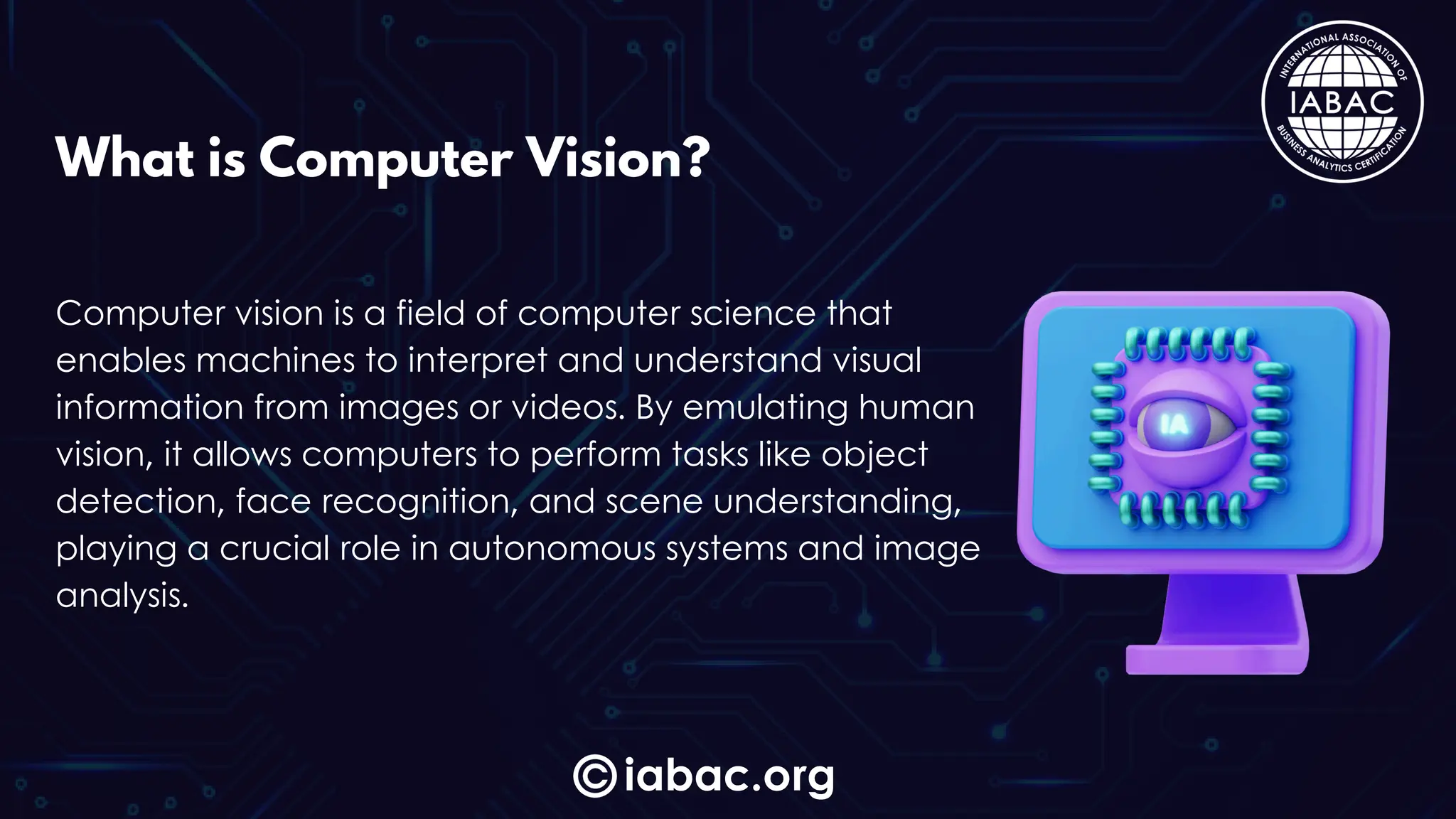
Computer vision is a field of computer science that
enables machines to interpret and understand visual
information from images or videos. By emulating human
vision, it allows computers to perform tasks like object
detection, face recognition, and scene understanding,
playing a crucial role in autonomous systems and image
analysis.
Computer vision lets you bring tech to life by building
smart applications that "see" and understand the world.
Imagine creating tools that detect objects, recognize
faces, or add fun filters to photos! These skills are in high
demand across industries like healthcare, security, and
entertainment, opening doors to exciting projects and
career paths.
iabac.org
Why Learn Computer Vision?
iabac.org
Basic Skills Needed
Programming (Python) – Essential for working with CV
libraries.
Math (Algebra, Calculus) – Helps with image processing
concepts.
Image Basics – Understanding pixels and color.
iabac.org
Key Topics in Computer Vision
Image Representation – How computers store/display images.
Image Processing – Techniques like blurring and edge
detection.
Feature Detection – Identifying unique image features for tasks
like facial recognition.
Object Detection – Locating and identifying objects within
images.
Deep Learning Basics – Neural networks for complex recognition
tasks.
iabac.org
Popular Tools & Libraries
OpenCV – Image processing library, beginner-
friendly.
TensorFlow & PyTorch – Ideal for deep learning
applications.
SimpleCV & Scikit-image – User-friendly libraries for
common CV tasks.
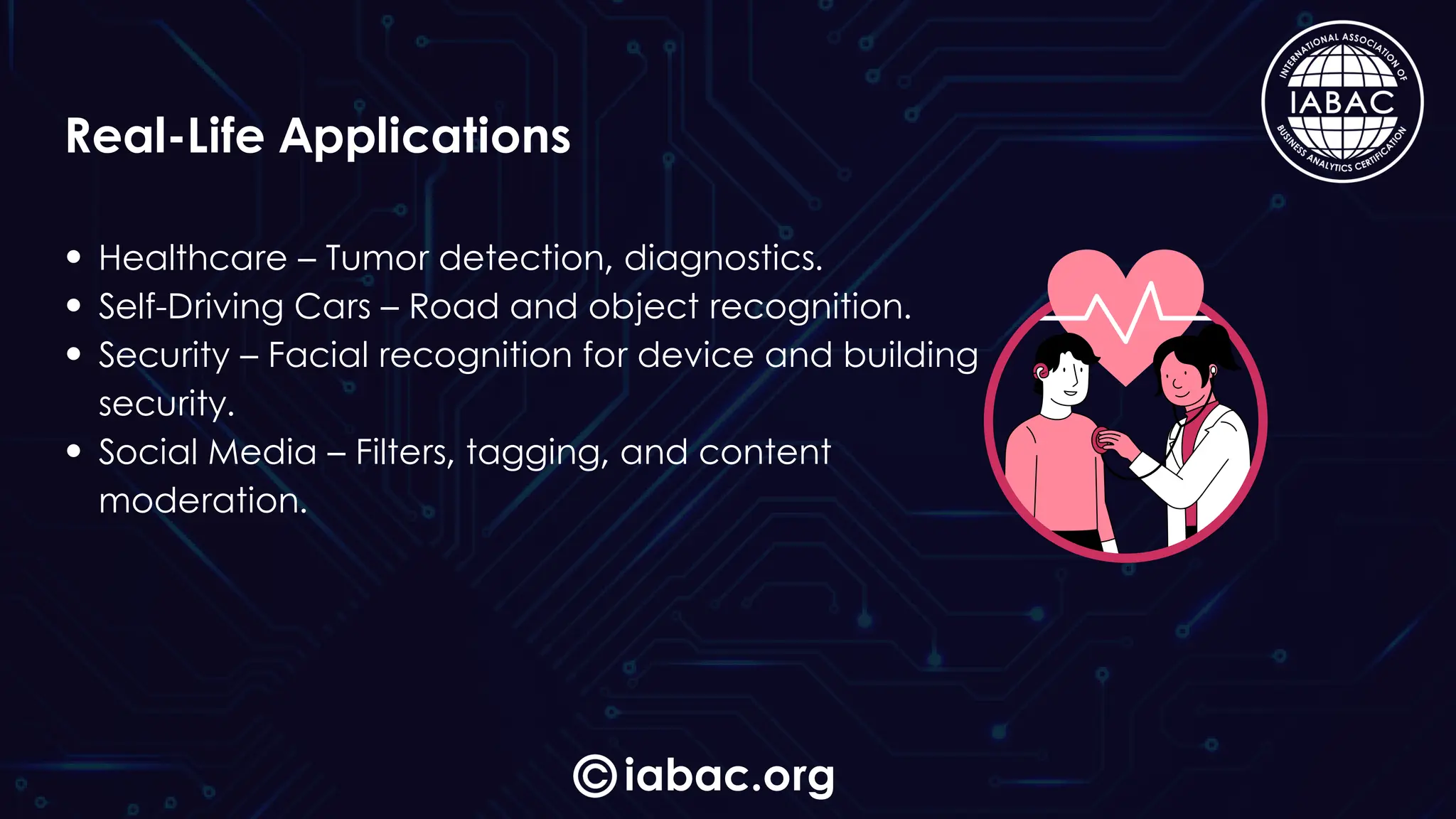
Healthcare – Tumor detection, diagnostics.
Self-Driving Cars – Road and object recognition.
Security – Facial recognition for device and building
security.
Social Media – Filters, tagging, and content
moderation.
iabac.org
Real-Life Applications
Start with image classification (like cats vs. dogs),
face detection with OpenCV, and designing
custom filters (sepia or blur). Try object detection
for identifying items in photos and edge
detection to highlight outlines. These beginner-
friendly projects build practical skills for real-world
computer vision applications.
iabac.org
Hands-On Project Ideas
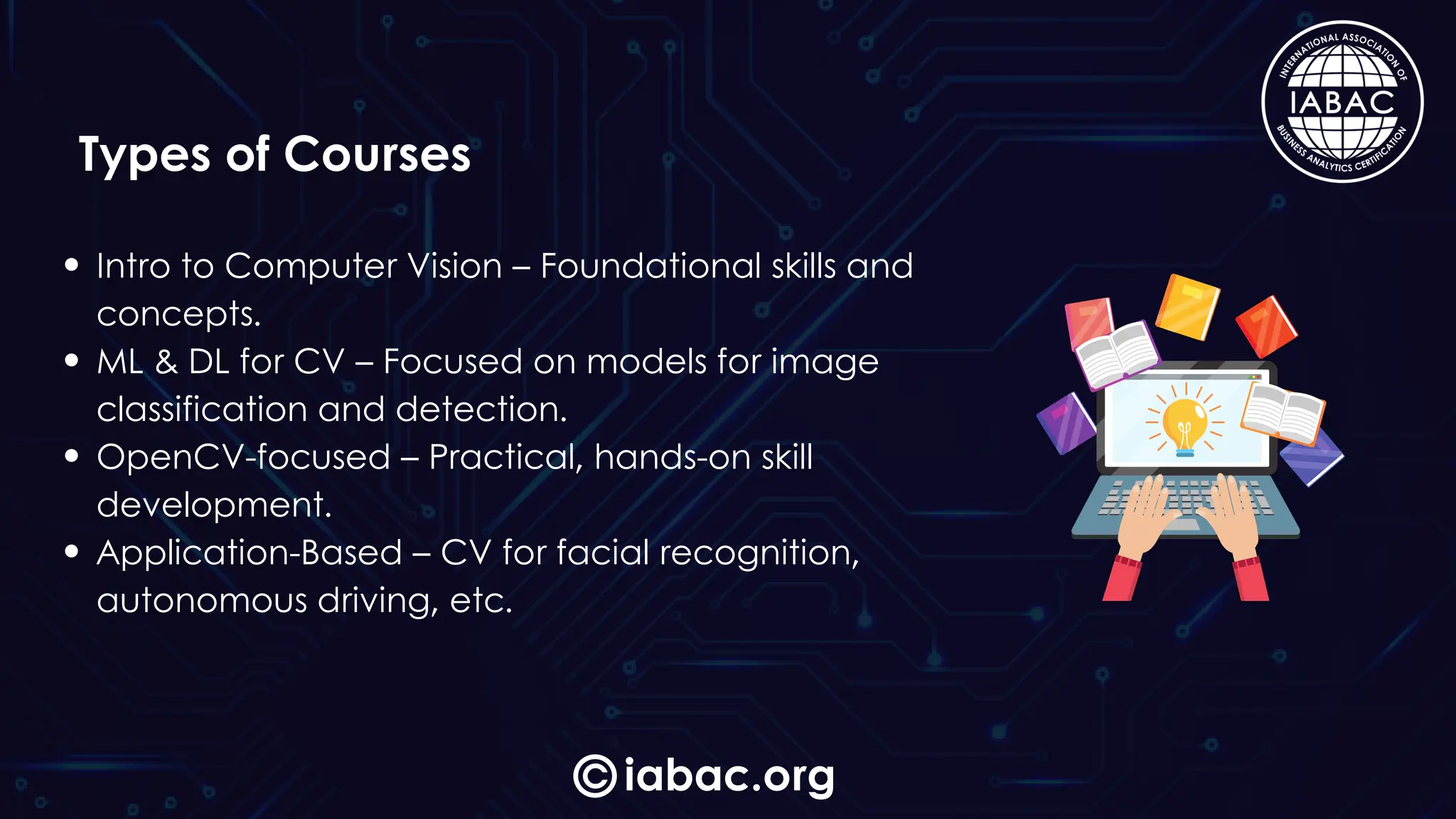
Intro to Computer Vision – Foundational skills and
concepts.
ML & DL for CV – Focused on models for image
classification and detection.
OpenCV-focused – Practical, hands-on skill
development.
Application-Based – CV for facial recognition,
autonomous driving, etc.
iabac.org
Types of Courses
iabac.org
Career Paths
Computer Vision Engineer – Builds systems for
image analysis.
Data Scientist – Uses CV for industry-specific
insights.
Machine Learning Engineer – Develops models
for object and image recognition.
iabac.org
Certifications
IABAC Certification – Validates skills in CV for
practical applications in fields like AI and
healthcare.
www.iabac.org
THANKYOU
VISIT

beginners guide to computer vision courses | IABAC

  • 1.
  • 2.
    iabac.org What is ComputerVision? Computer vision is a field of computer science that enables machines to interpret and understand visual information from images or videos. By emulating human vision, it allows computers to perform tasks like object detection, face recognition, and scene understanding, playing a crucial role in autonomous systems and image analysis.
  • 3.
    Computer vision letsyou bring tech to life by building smart applications that "see" and understand the world. Imagine creating tools that detect objects, recognize faces, or add fun filters to photos! These skills are in high demand across industries like healthcare, security, and entertainment, opening doors to exciting projects and career paths. iabac.org Why Learn Computer Vision?
  • 4.
    iabac.org Basic Skills Needed Programming(Python) – Essential for working with CV libraries. Math (Algebra, Calculus) – Helps with image processing concepts. Image Basics – Understanding pixels and color.
  • 5.
    iabac.org Key Topics inComputer Vision Image Representation – How computers store/display images. Image Processing – Techniques like blurring and edge detection. Feature Detection – Identifying unique image features for tasks like facial recognition. Object Detection – Locating and identifying objects within images. Deep Learning Basics – Neural networks for complex recognition tasks.
  • 6.
    iabac.org Popular Tools &Libraries OpenCV – Image processing library, beginner- friendly. TensorFlow & PyTorch – Ideal for deep learning applications. SimpleCV & Scikit-image – User-friendly libraries for common CV tasks.
  • 7.
    Healthcare – Tumordetection, diagnostics. Self-Driving Cars – Road and object recognition. Security – Facial recognition for device and building security. Social Media – Filters, tagging, and content moderation. iabac.org Real-Life Applications
  • 8.
    Start with imageclassification (like cats vs. dogs), face detection with OpenCV, and designing custom filters (sepia or blur). Try object detection for identifying items in photos and edge detection to highlight outlines. These beginner- friendly projects build practical skills for real-world computer vision applications. iabac.org Hands-On Project Ideas
  • 9.
    Intro to ComputerVision – Foundational skills and concepts. ML & DL for CV – Focused on models for image classification and detection. OpenCV-focused – Practical, hands-on skill development. Application-Based – CV for facial recognition, autonomous driving, etc. iabac.org Types of Courses
  • 10.
    iabac.org Career Paths Computer VisionEngineer – Builds systems for image analysis. Data Scientist – Uses CV for industry-specific insights. Machine Learning Engineer – Develops models for object and image recognition.
  • 11.
    iabac.org Certifications IABAC Certification –Validates skills in CV for practical applications in fields like AI and healthcare.
  • 12.