1
HTML (Hypertext MarkUP
Language)
 HTML is the lingua franca for publishing hypertext on
the World Wide Web
 Define tags <html><body> <head>….etc
 Allow to embed other scripting languages to manipulate
design layout, text and graphics
 Platform independent
 Current version is 4.x and in February W3C released the
first draft of a test suite 4.01
 For more info: http://www.w3.org/MarkUp/
2
HTML (Hypertext Markup Language)
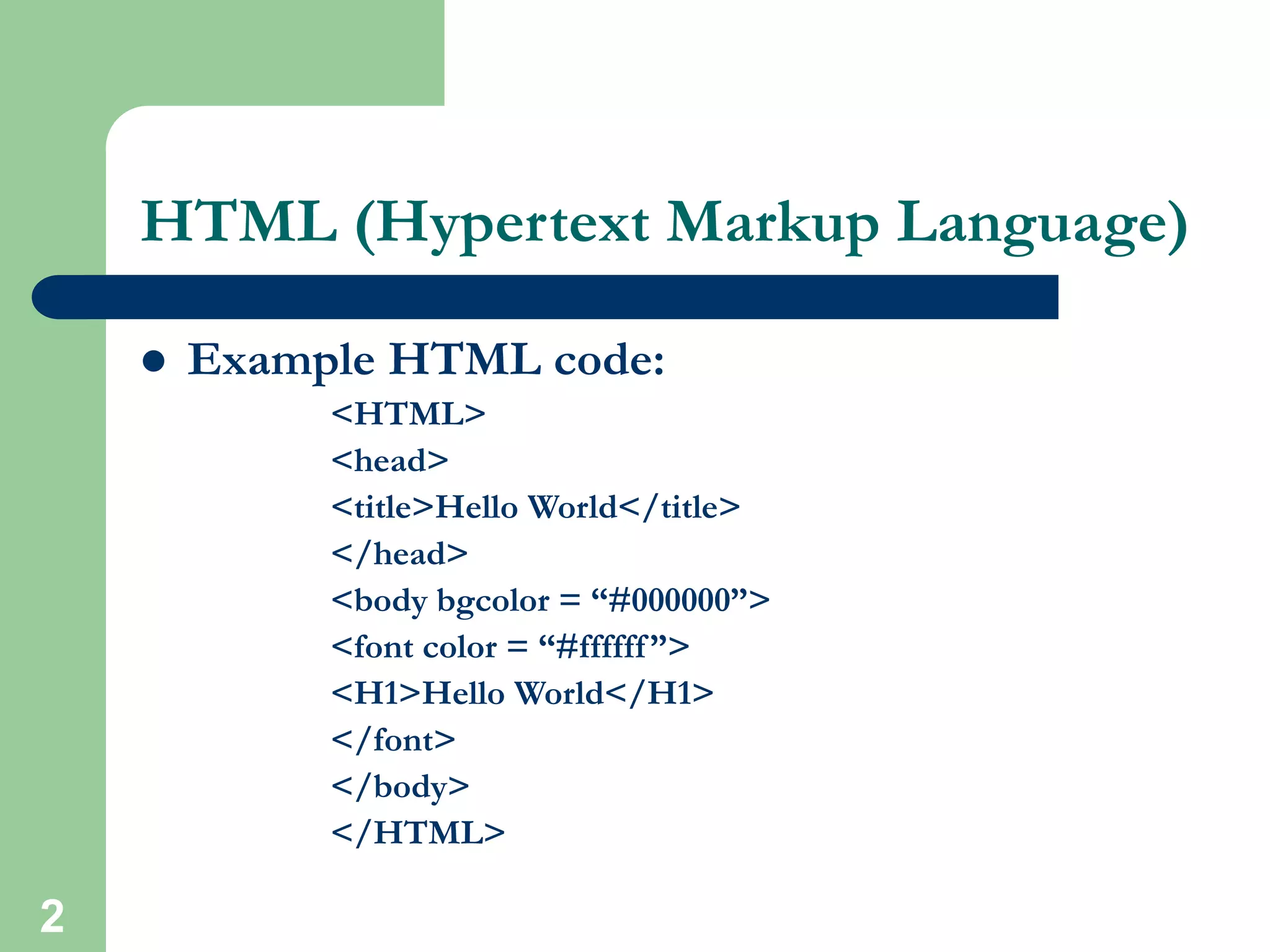
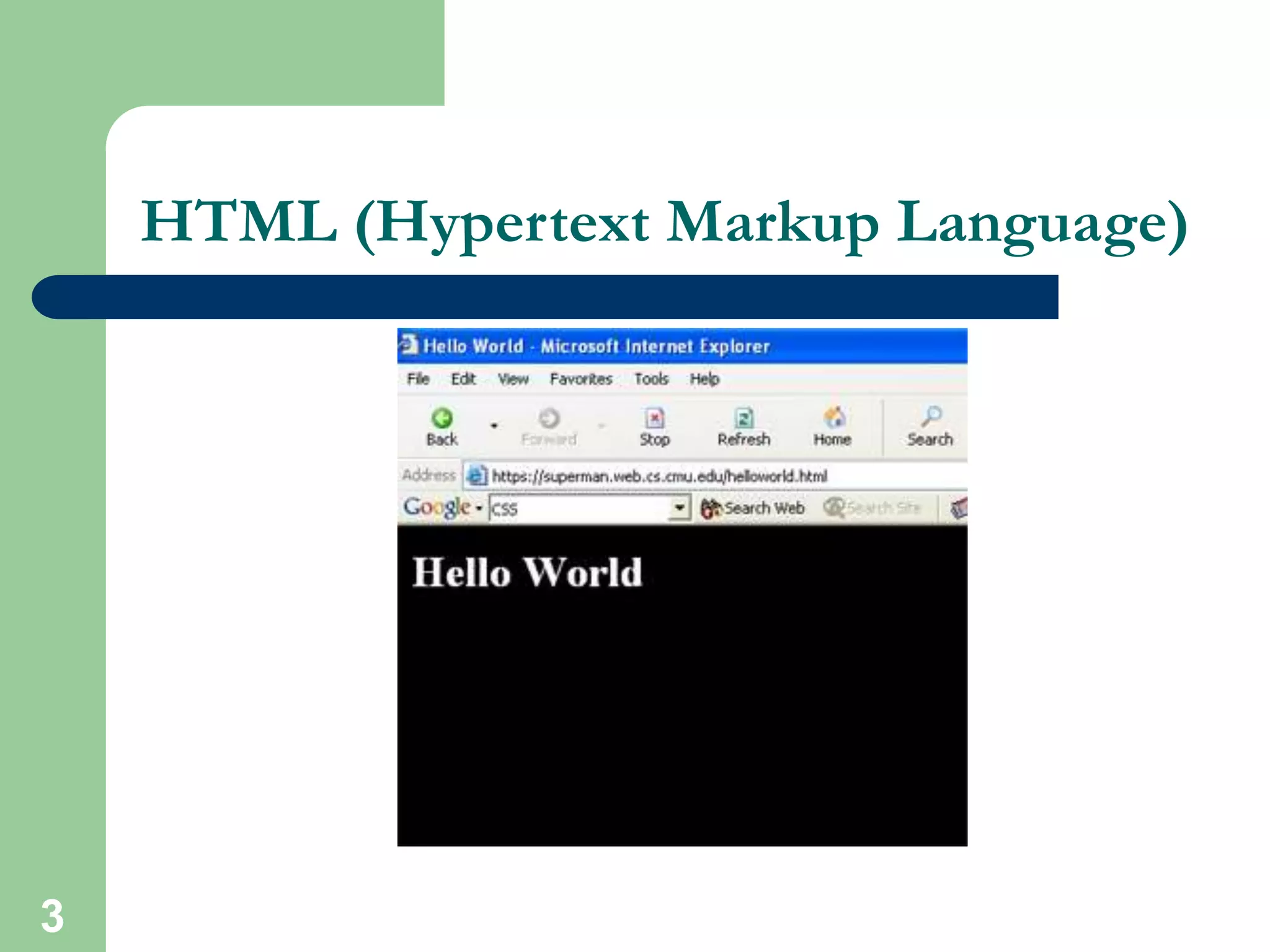
 Example HTML code:
<HTML>
<head>
<title>Hello World</title>
</head>
<body bgcolor = “#000000”>
<font color = “#ffffff”>
<H1>Hello World</H1>
</font>
</body>
</HTML>
3
HTML (Hypertext Markup Language)
4
HTML (Hypertext Markup Language)
 Common features
– Tables
– Frame
– Form
– Image map
– Character Set
– Meta tags
– Images, Hyperlink, etc…
5
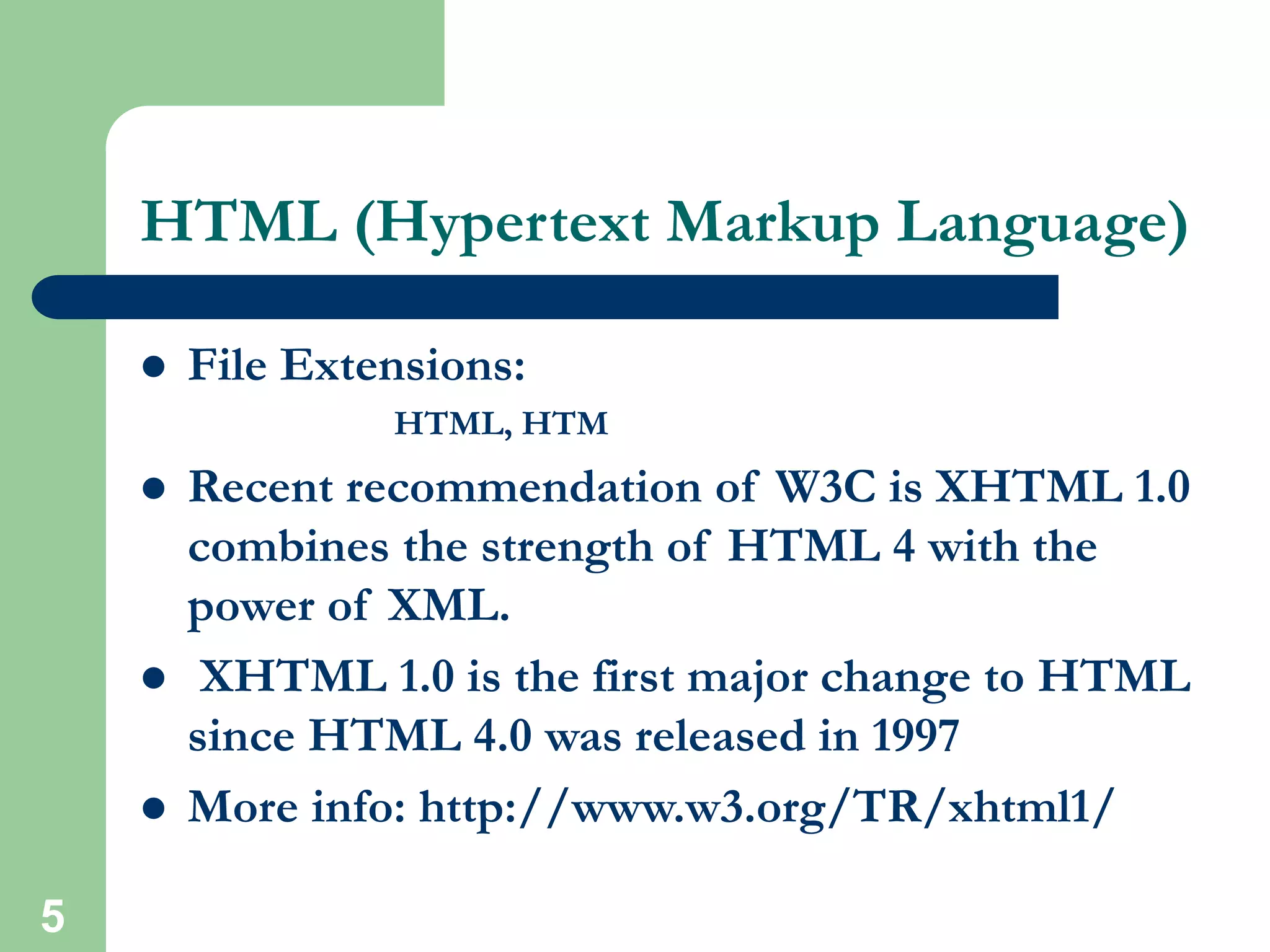
HTML (Hypertext Markup Language)
 File Extensions:
HTML, HTM
 Recent recommendation of W3C is XHTML 1.0
combines the strength of HTML 4 with the
power of XML.
 XHTML 1.0 is the first major change to HTML
since HTML 4.0 was released in 1997
 More info: http://www.w3.org/TR/xhtml1/
6
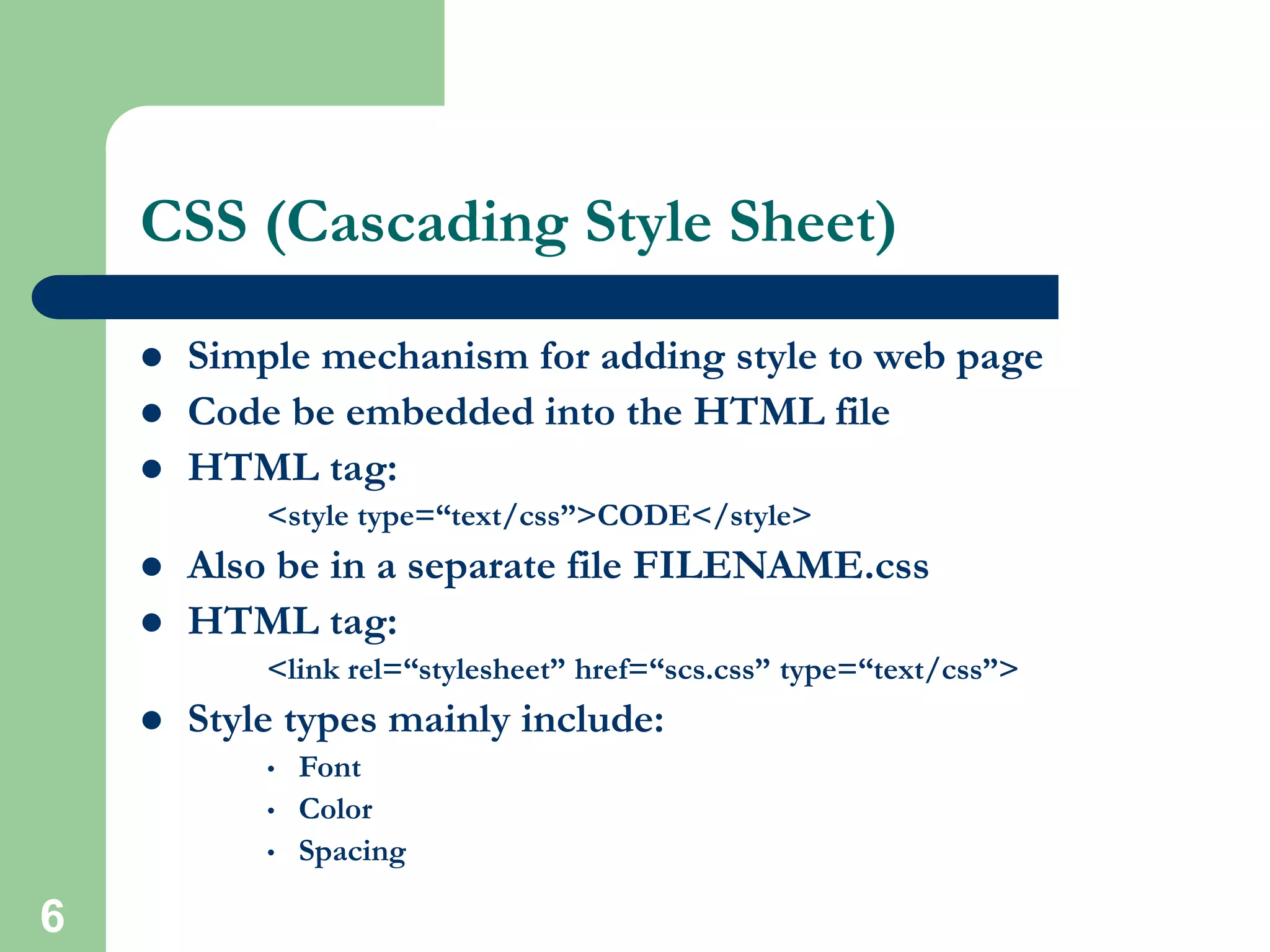
CSS (Cascading Style Sheet)
 Simple mechanism for adding style to web page
 Code be embedded into the HTML file
 HTML tag:
<style type=“text/css”>CODE</style>
 Also be in a separate file FILENAME.css
 HTML tag:
<link rel=“stylesheet” href=“scs.css” type=“text/css”>
 Style types mainly include:
• Font
• Color
• Spacing
7
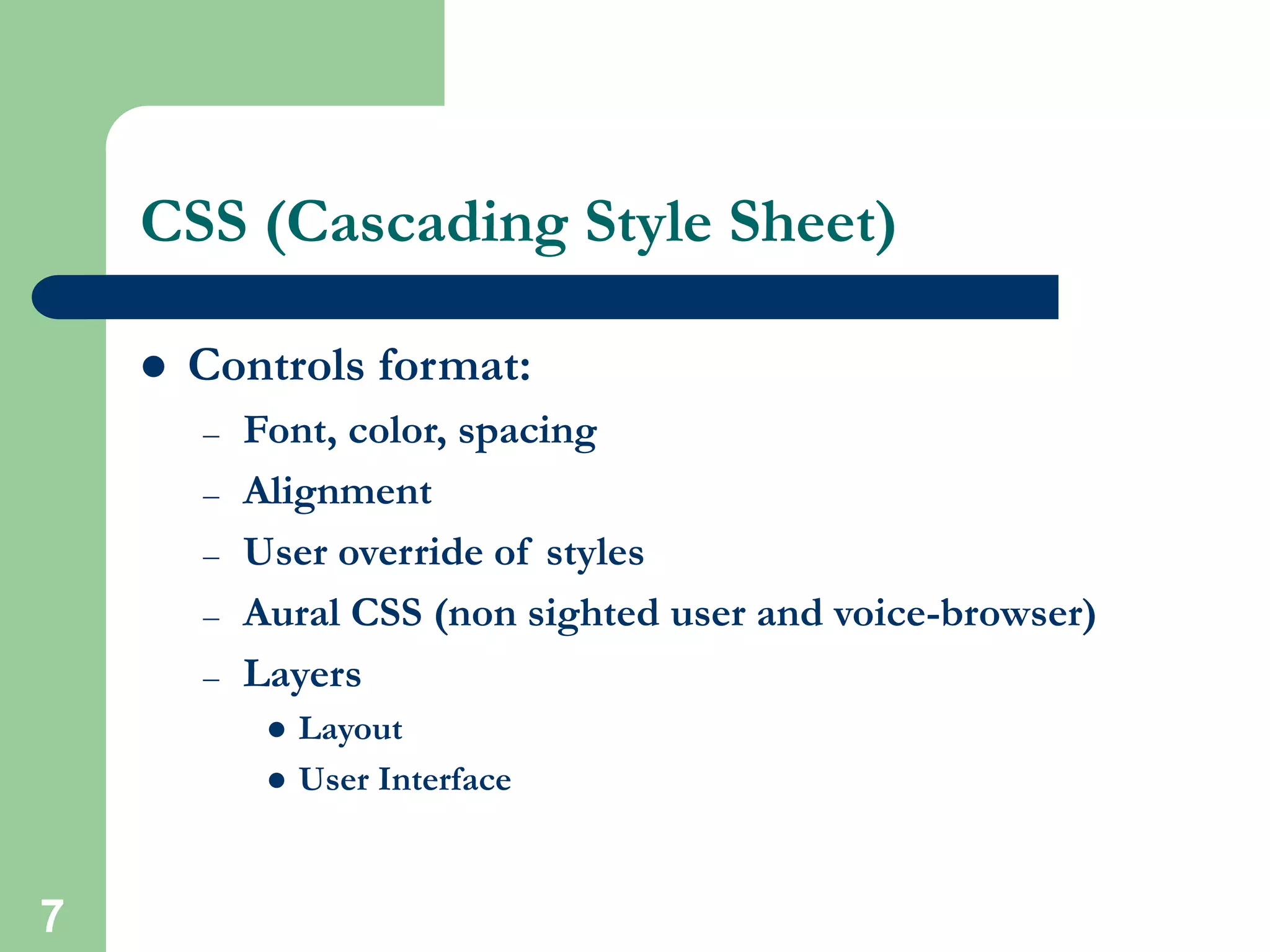
CSS (Cascading Style Sheet)
 Controls format:
– Font, color, spacing
– Alignment
– User override of styles
– Aural CSS (non sighted user and voice-browser)
– Layers
 Layout
 User Interface
8
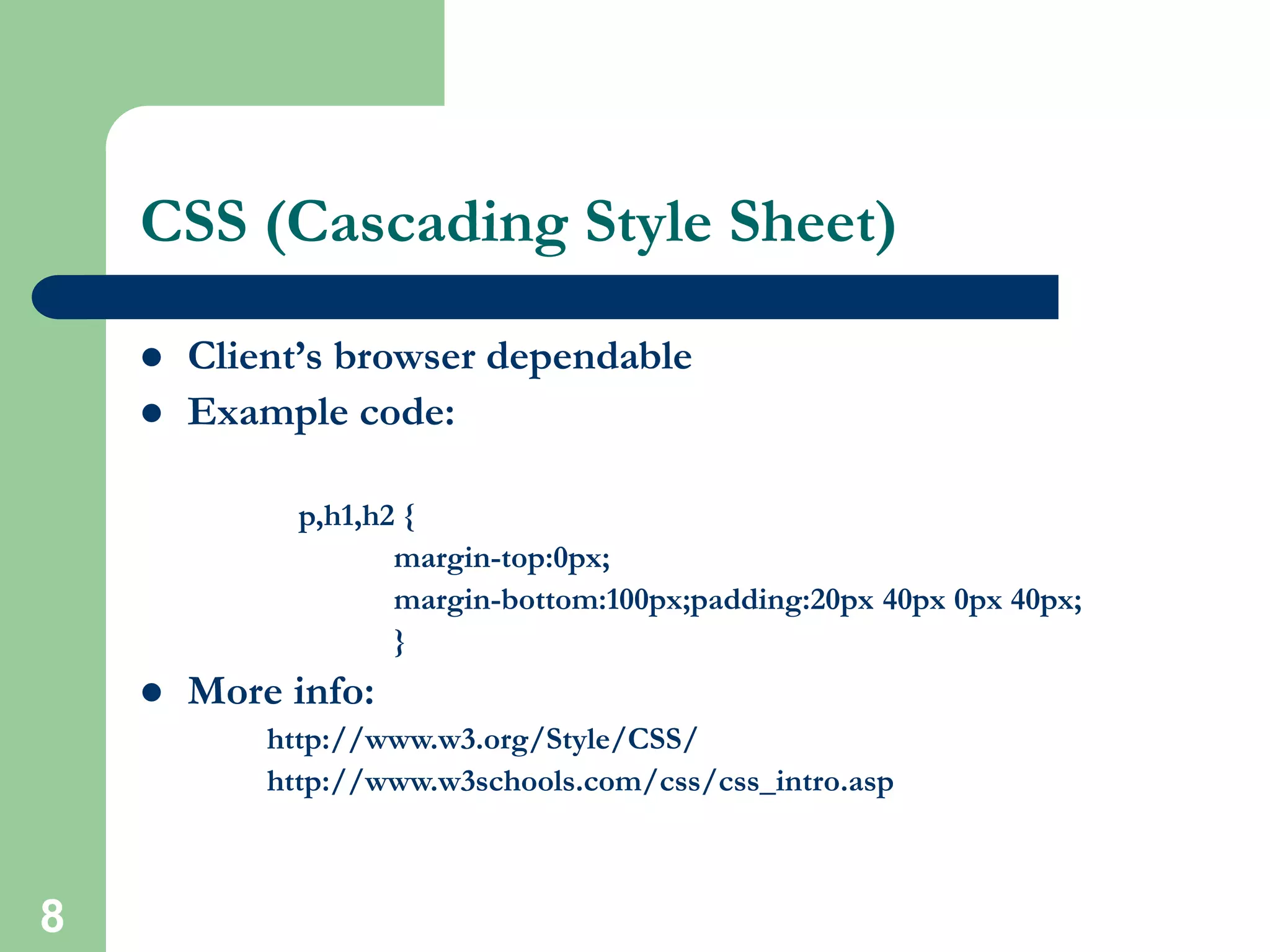
CSS (Cascading Style Sheet)
 Client’s browser dependable
 Example code:
p,h1,h2 {
margin-top:0px;
margin-bottom:100px;padding:20px 40px 0px 40px;
}
 More info:
http://www.w3.org/Style/CSS/
http://www.w3schools.com/css/css_intro.asp
9
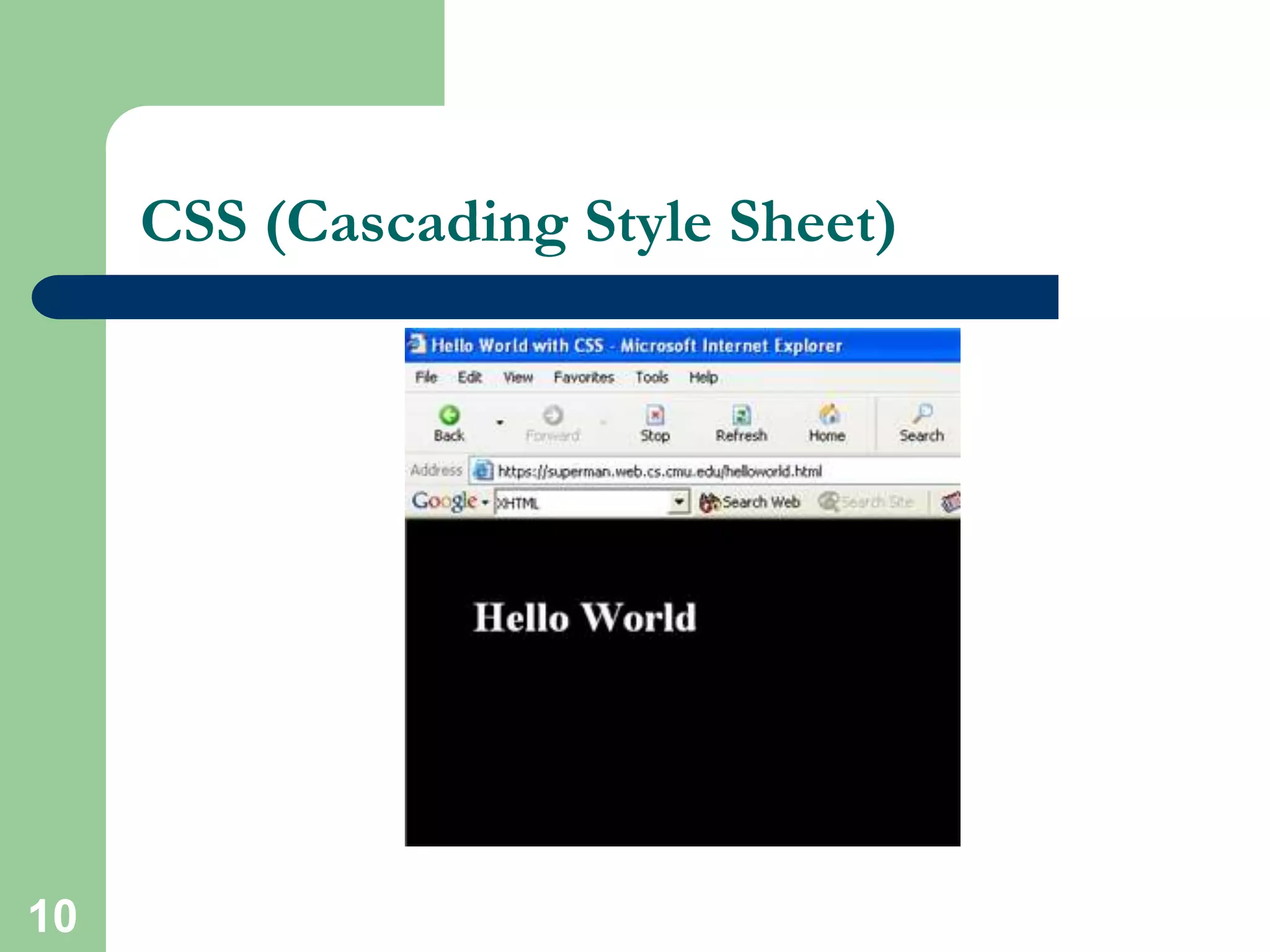
CSS (Cascading Style Sheet)
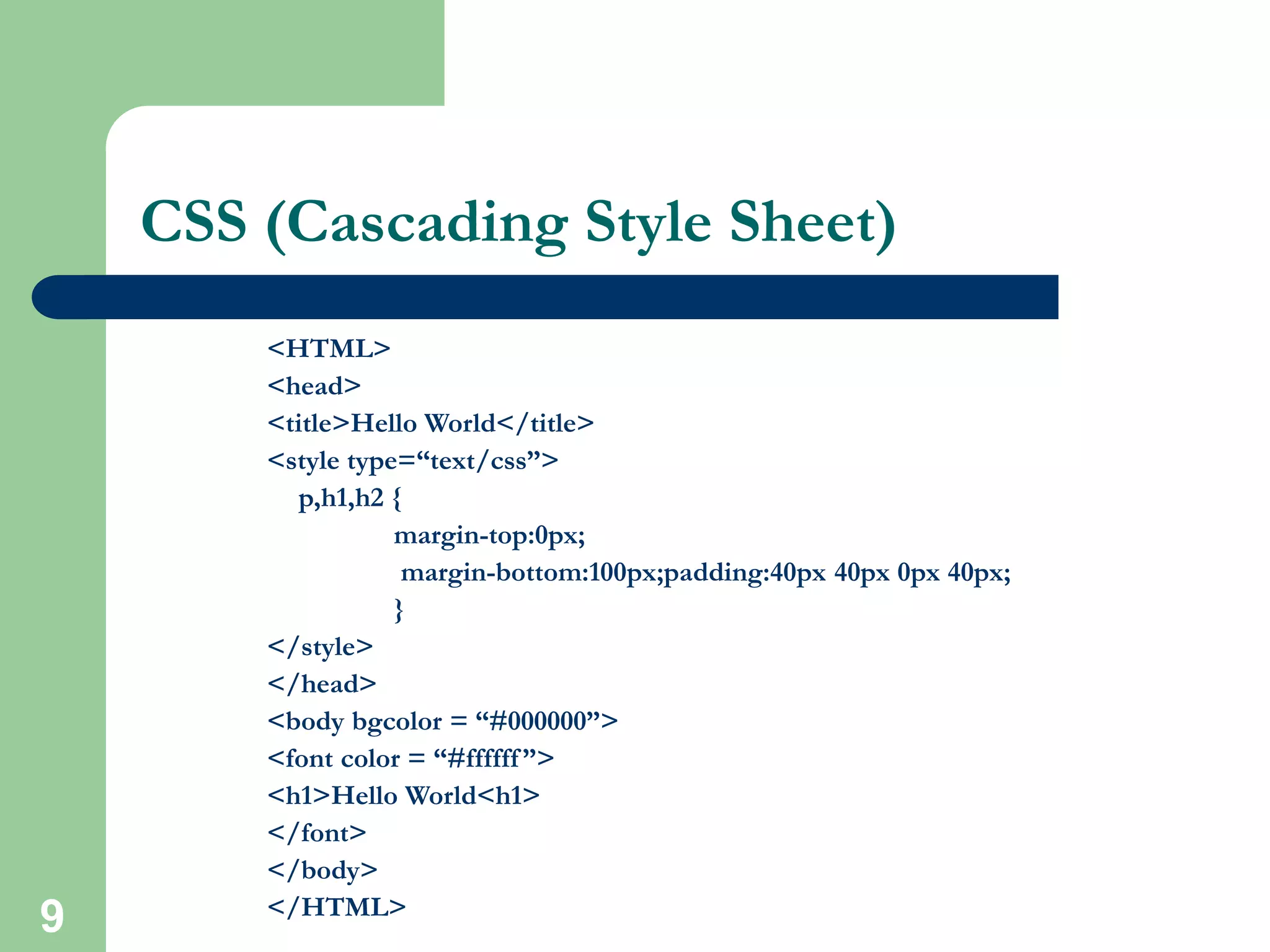
<HTML>
<head>
<title>Hello World</title>
<style type=“text/css”>
p,h1,h2 {
margin-top:0px;
margin-bottom:100px;padding:40px 40px 0px 40px;
}
</style>
</head>
<body bgcolor = “#000000”>
<font color = “#ffffff”>
<h1>Hello World<h1>
</font>
</body>
</HTML>
10
CSS (Cascading Style Sheet)
11
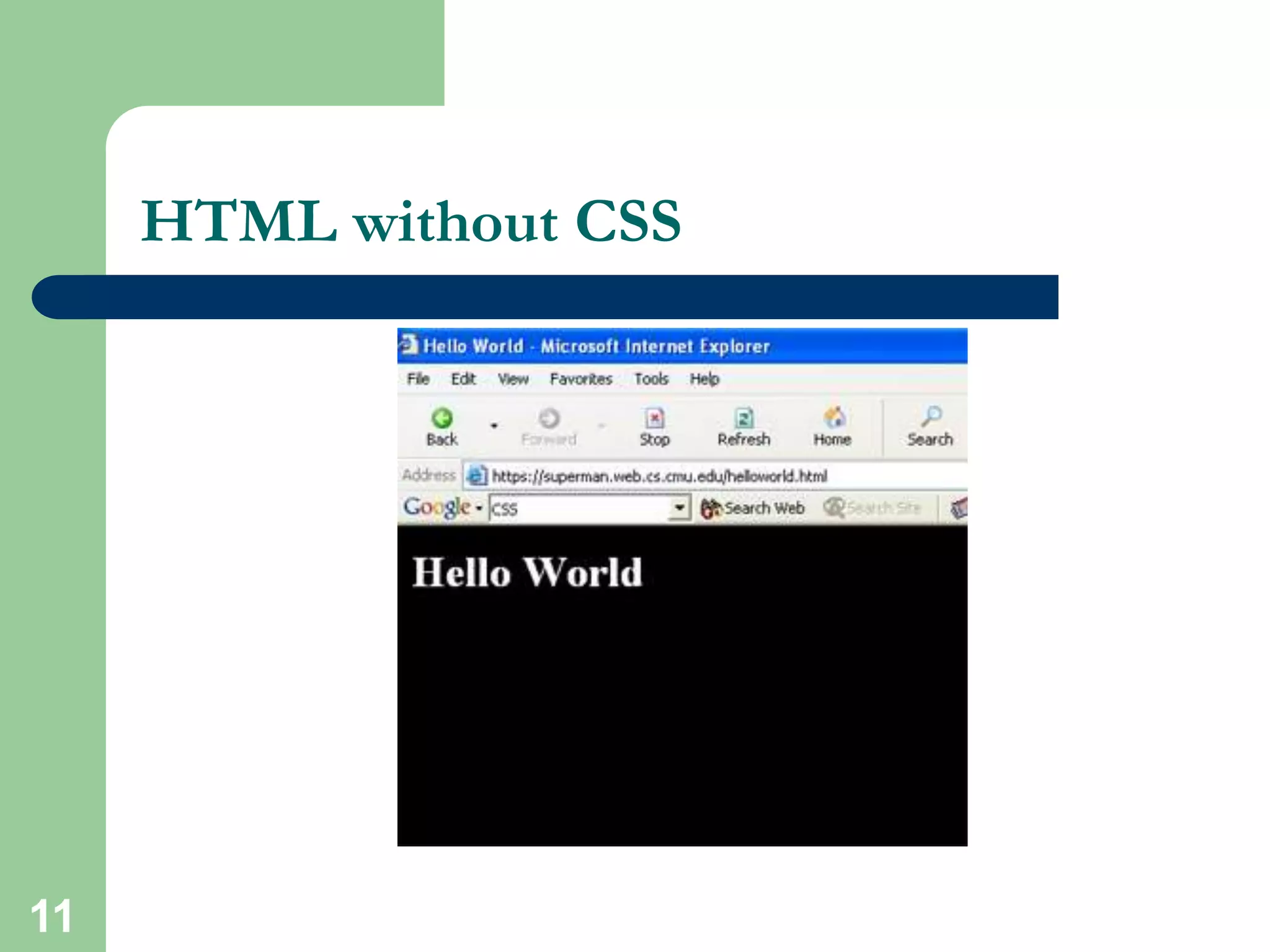
HTML without CSS
12
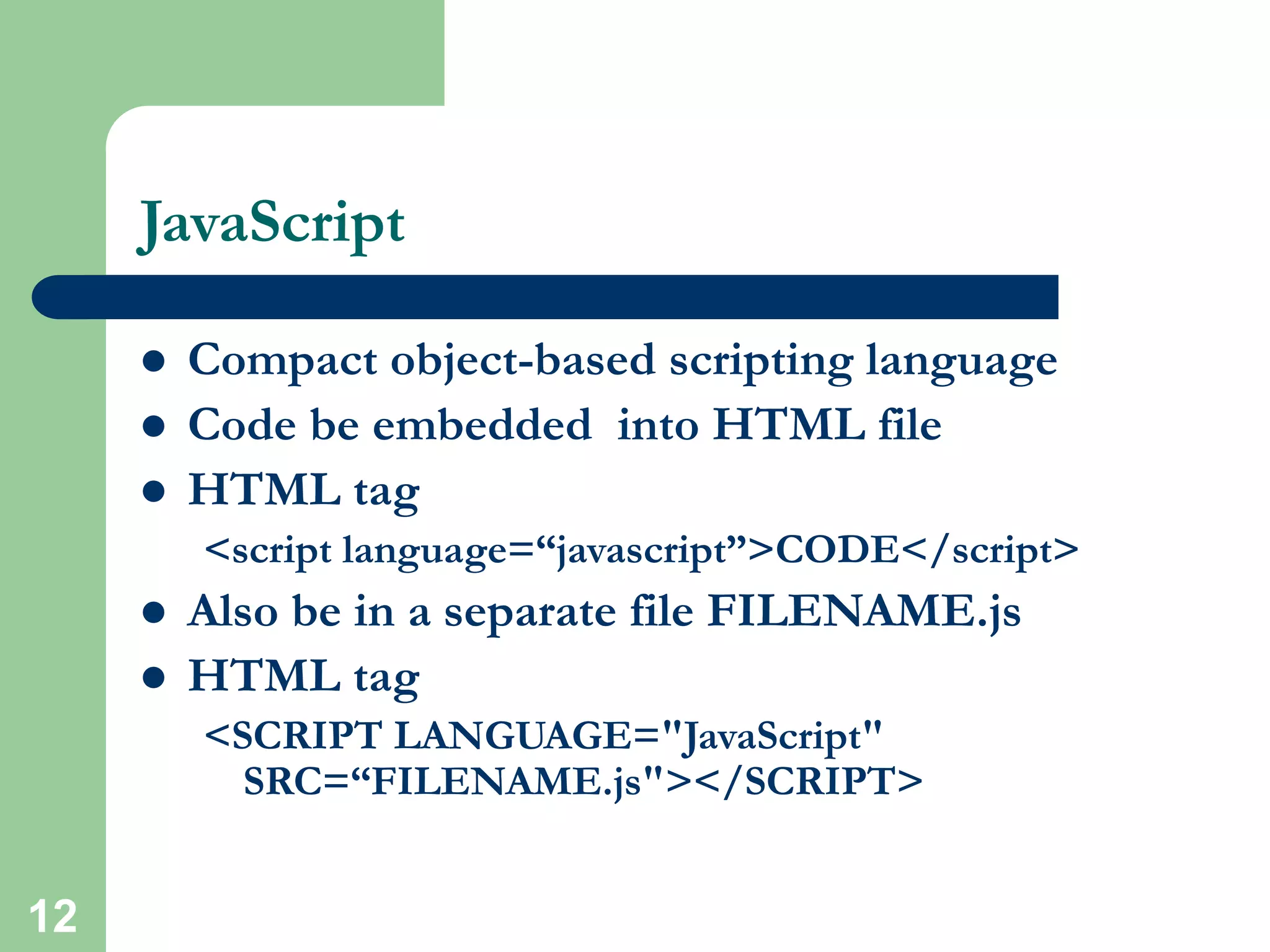
JavaScript
 Compact object-based scripting language
 Code be embedded into HTML file
 HTML tag
<script language=“javascript”>CODE</script>
 Also be in a separate file FILENAME.js
 HTML tag
<SCRIPT LANGUAGE="JavaScript"
SRC=“FILENAME.js"></SCRIPT>
13
JavaScript
 Main objectives:
User interface, CGI capabilities without involving server
 Client side compilation
 Server provides no support
 Security hazard for client’s computer
 SCS websites JavaScript's Examples
http://www.cs.cmu.edu
14
VBScripts
 Microsoft’s share of scripting language
 Similar objectives as JavaScript and any other
scripting language
 Similar to Visual Basic
<SCRIPT LANGUAGE="VBScript">CODE</script>
 VBScript is integrated with WWW and web
browsers
 Other Microsoft developer tools
15
PHP (Hypertext Preprocessor)
 PHP- HTML-embedded scripting language
 Syntax looks like C, JAVA, and PERL
 File extension: FILENAME.php
 Main Objective:
• Generate Dynamic content
• User Interface
 Server side loadable module
 Server side execution
 Current version and release: 4.3.x
 More info: http://www.php.net
16
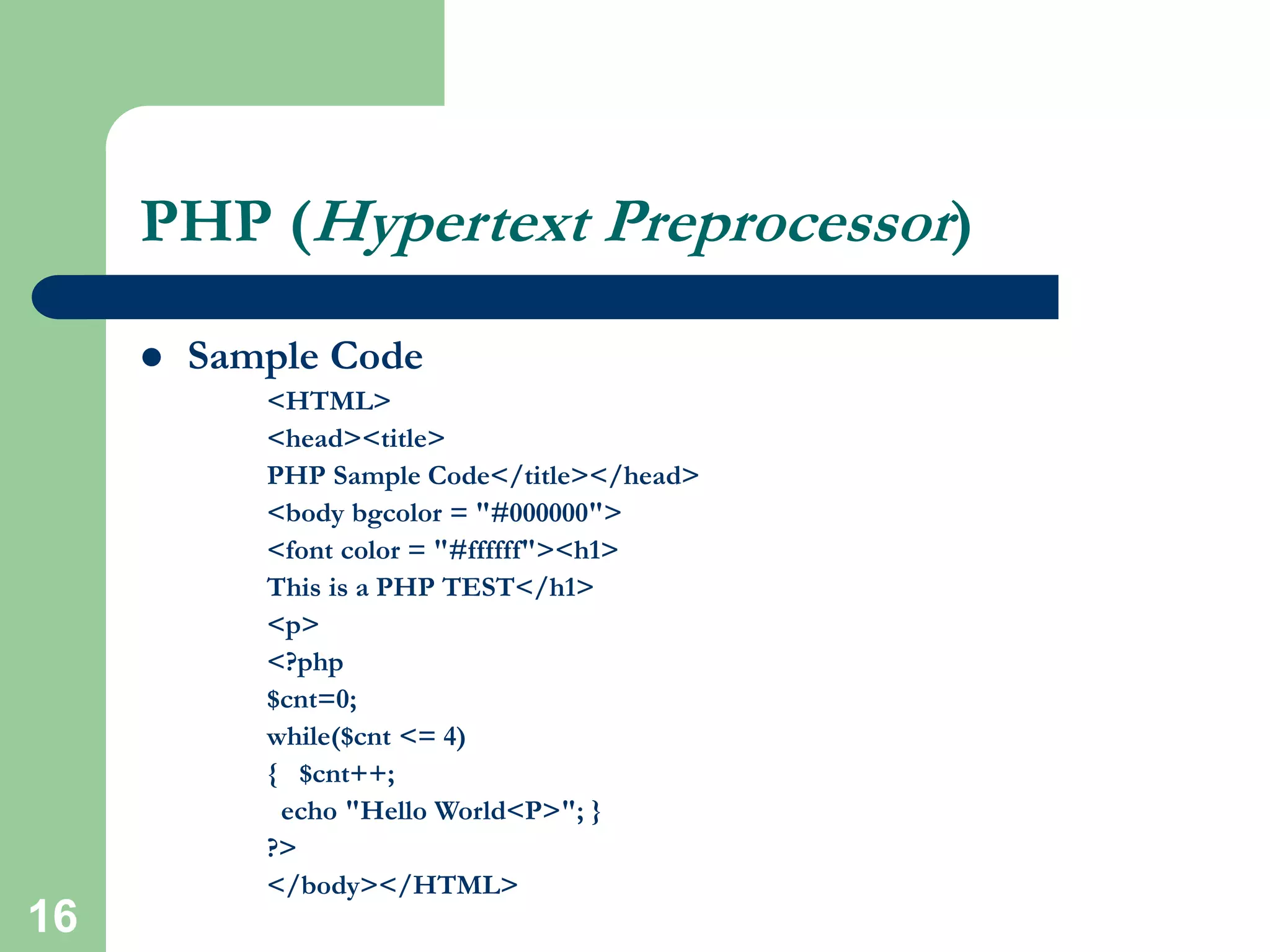
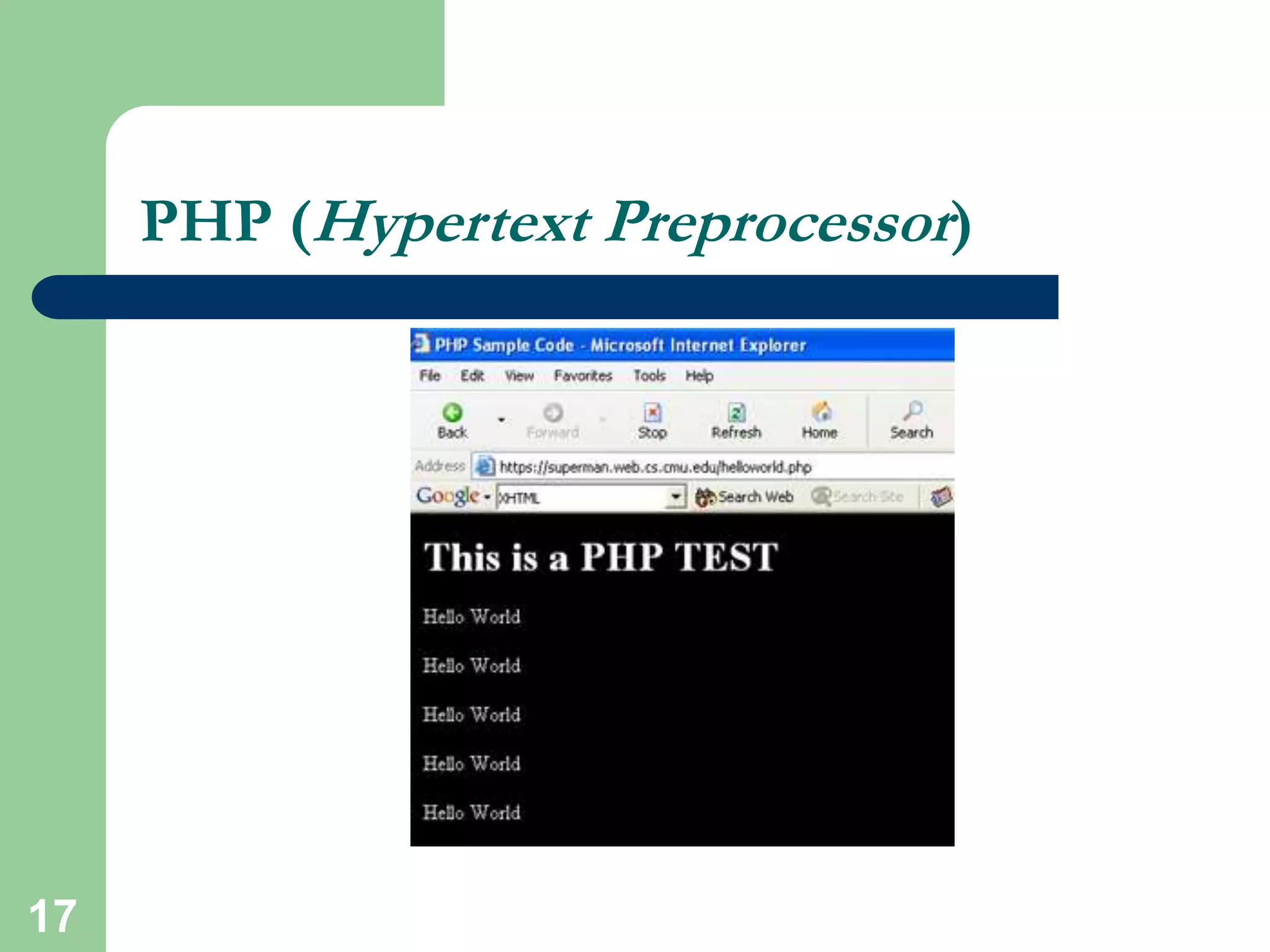
PHP (Hypertext Preprocessor)
 Sample Code
<HTML>
<head><title>
PHP Sample Code</title></head>
<body bgcolor = "#000000">
<font color = "#ffffff"><h1>
This is a PHP TEST</h1>
<p>
<?php
$cnt=0;
while($cnt <= 4)
{ $cnt++;
echo "Hello World<P>"; }
?>
</body></HTML>
17
PHP (Hypertext Preprocessor)
18
PHP (Hypertext Preprocessor)
 PHP is getting really popular in the web developers
community
 ODBC support
 PHP developer community think this is the web future
 SCS Undergraduate sites; done in PHP:
http://www.ugrad.cs.cmu.edu/
 Drawback:
• Security
• Easy manipulation of code for hackers
19
CGI (Common Gateway Interface)
 Standard for external gateway programs to
interface with information servers such as HTTP
servers
 Real-time execution
 Main Objective:
• Dynamic Content
• User Interface
 Current version 1.1
20
CGI (Common Gateway Interface)
 Various choice in Programming language
selections
C, C++, PERL, Python
 PERL; most popular and widely used
 Server side execution
 Script runs as a stand alone process unlike PHP
 Basic difference with PHP is the execution
approach
21
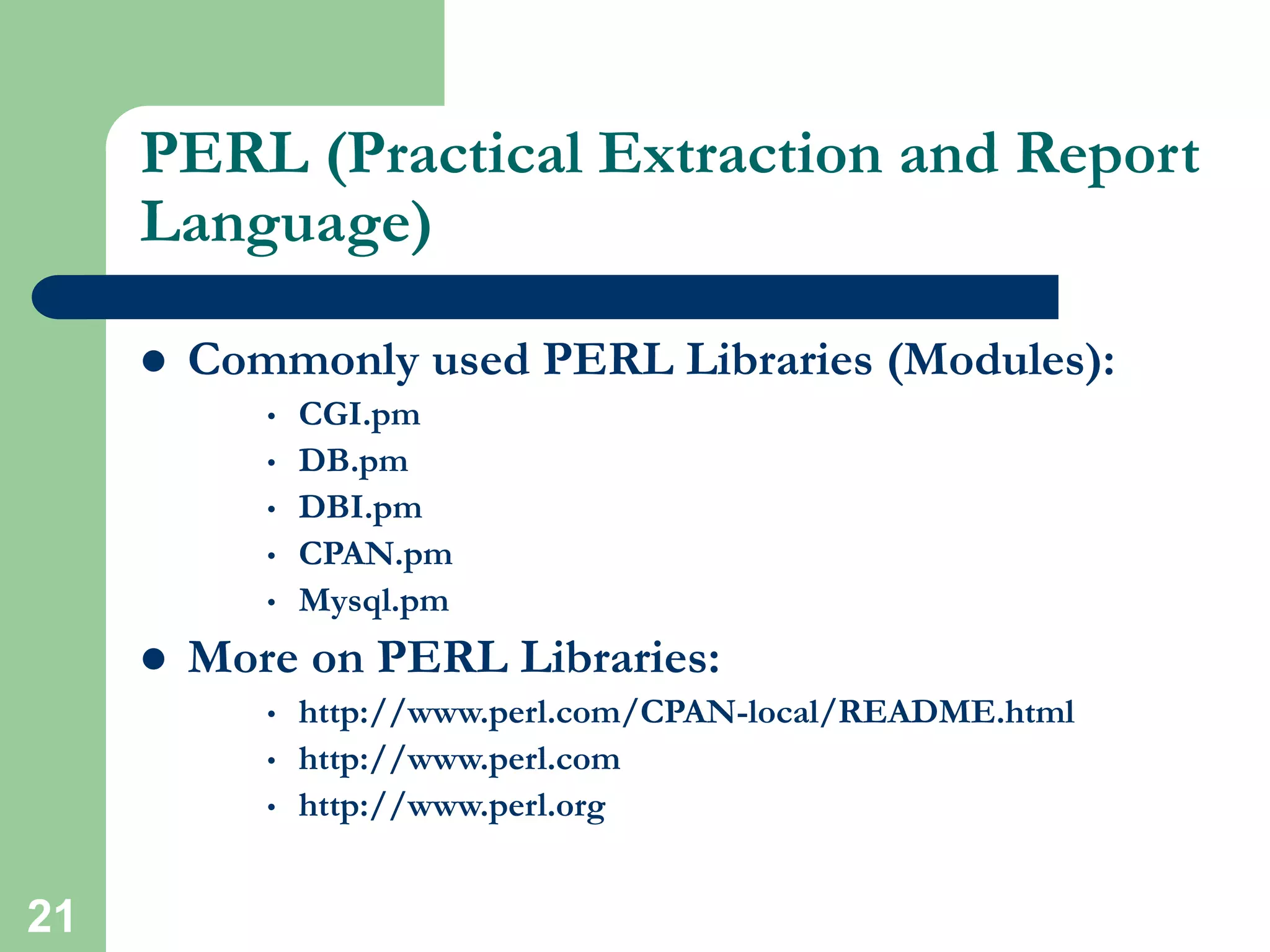
PERL (Practical Extraction and Report
Language)
 Commonly used PERL Libraries (Modules):
• CGI.pm
• DB.pm
• DBI.pm
• CPAN.pm
• Mysql.pm
 More on PERL Libraries:
• http://www.perl.com/CPAN-local/README.html
• http://www.perl.com
• http://www.perl.org
22
PERL (Practical Extraction and Report
Language)
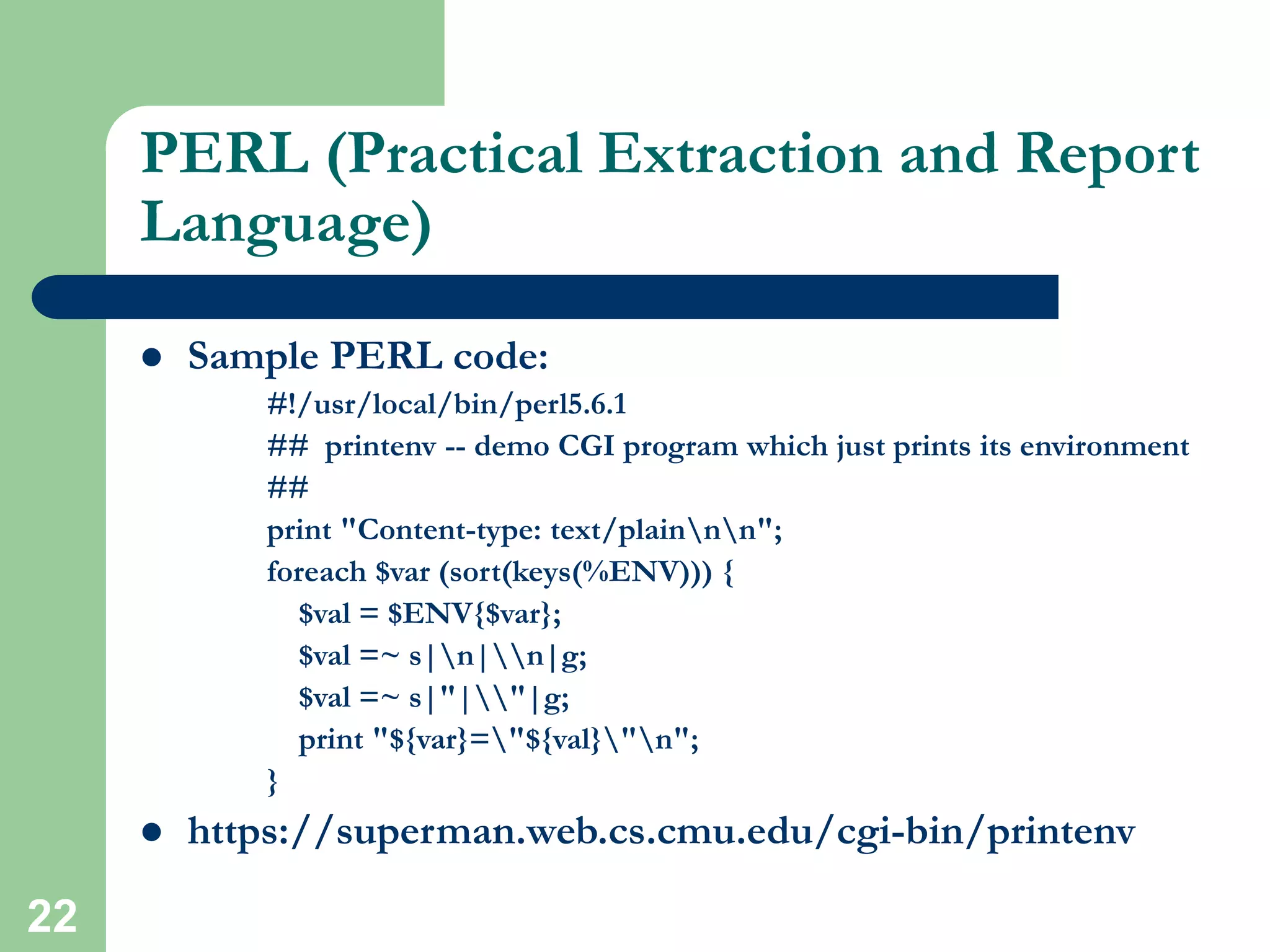
 Sample PERL code:
#!/usr/local/bin/perl5.6.1
## printenv -- demo CGI program which just prints its environment
##
print "Content-type: text/plainnn";
foreach $var (sort(keys(%ENV))) {
$val = $ENV{$var};
$val =~ s|n|n|g;
$val =~ s|"|"|g;
print "${var}="${val}"n";
}
 https://superman.web.cs.cmu.edu/cgi-bin/printenv
23
PERL (Practical Extraction and Report
Language)
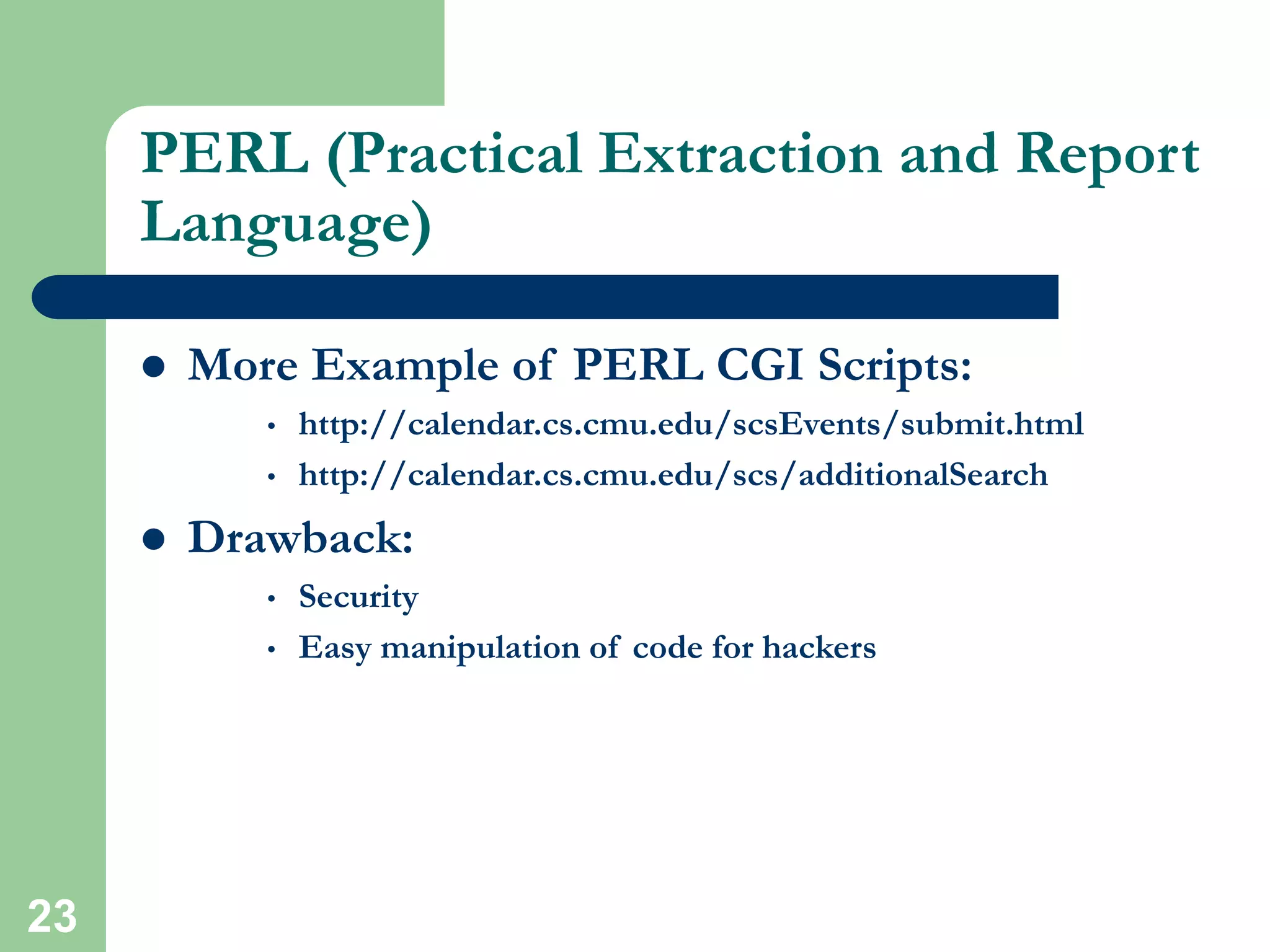
 More Example of PERL CGI Scripts:
• http://calendar.cs.cmu.edu/scsEvents/submit.html
• http://calendar.cs.cmu.edu/scs/additionalSearch
 Drawback:
• Security
• Easy manipulation of code for hackers
24
Mod_PERL (PERL Module for
Apache)
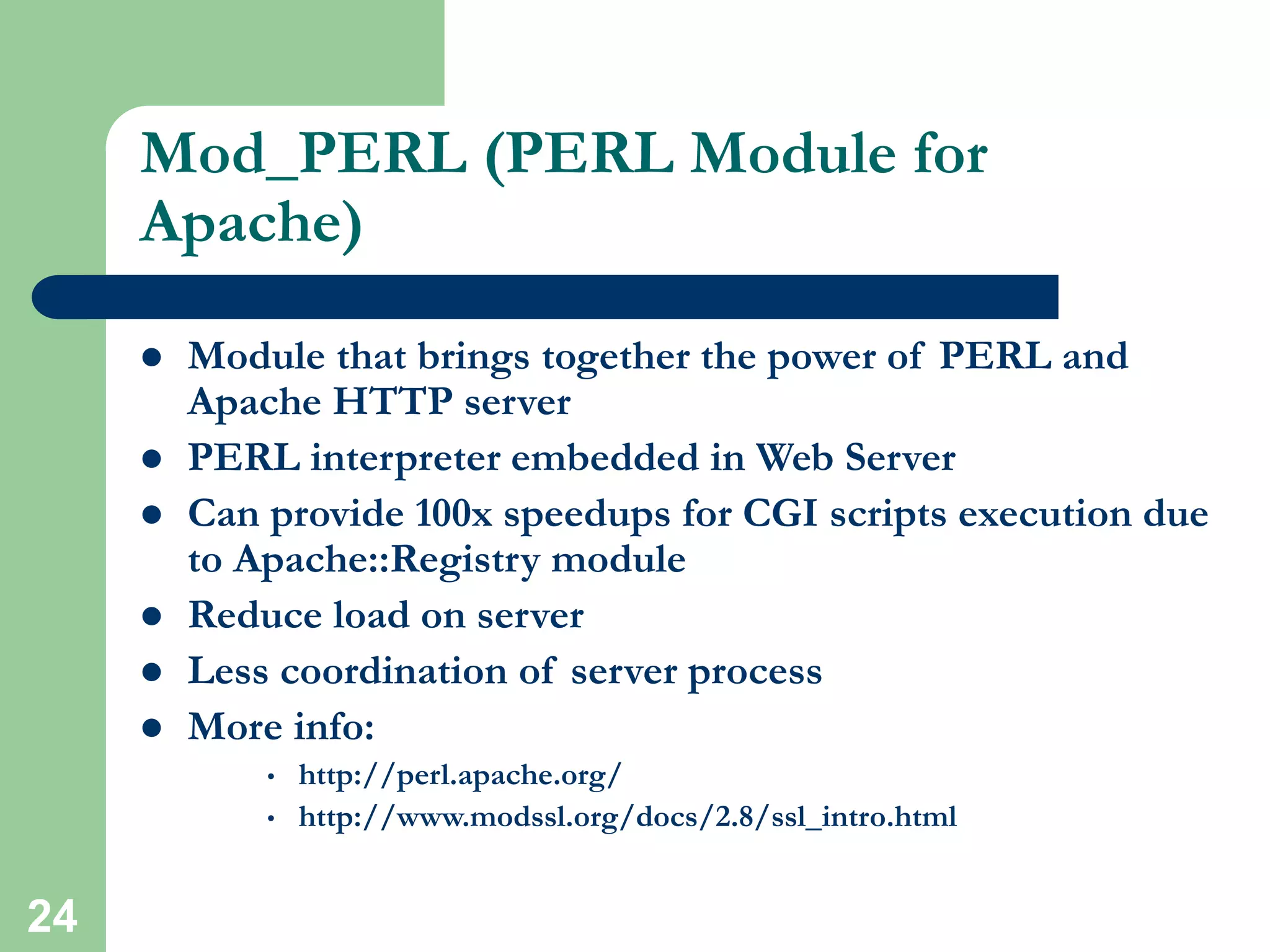
 Module that brings together the power of PERL and
Apache HTTP server
 PERL interpreter embedded in Web Server
 Can provide 100x speedups for CGI scripts execution due
to Apache::Registry module
 Reduce load on server
 Less coordination of server process
 More info:
• http://perl.apache.org/
• http://www.modssl.org/docs/2.8/ssl_intro.html
25
Secured Web Server (HTTPS,
MOD_SSL)
 Provide strong cryptography for web server
 Mod_ssl is the module for Apache to enable
encrypted web connection
 Use Secured Socket Layer (SSL v2/v3) and
Transport Layer Security
 Two categories of cryptographic algorithms
• Conventional (Symmetric)
• Public Key (Asymmetric)
26
Secured Web Server (HTTPS,
MOD_SSL)
 Conventional or Symmetric
• Sender and Receiver share a key
 Public key or Asymmetric
• Solve the key exchange issue
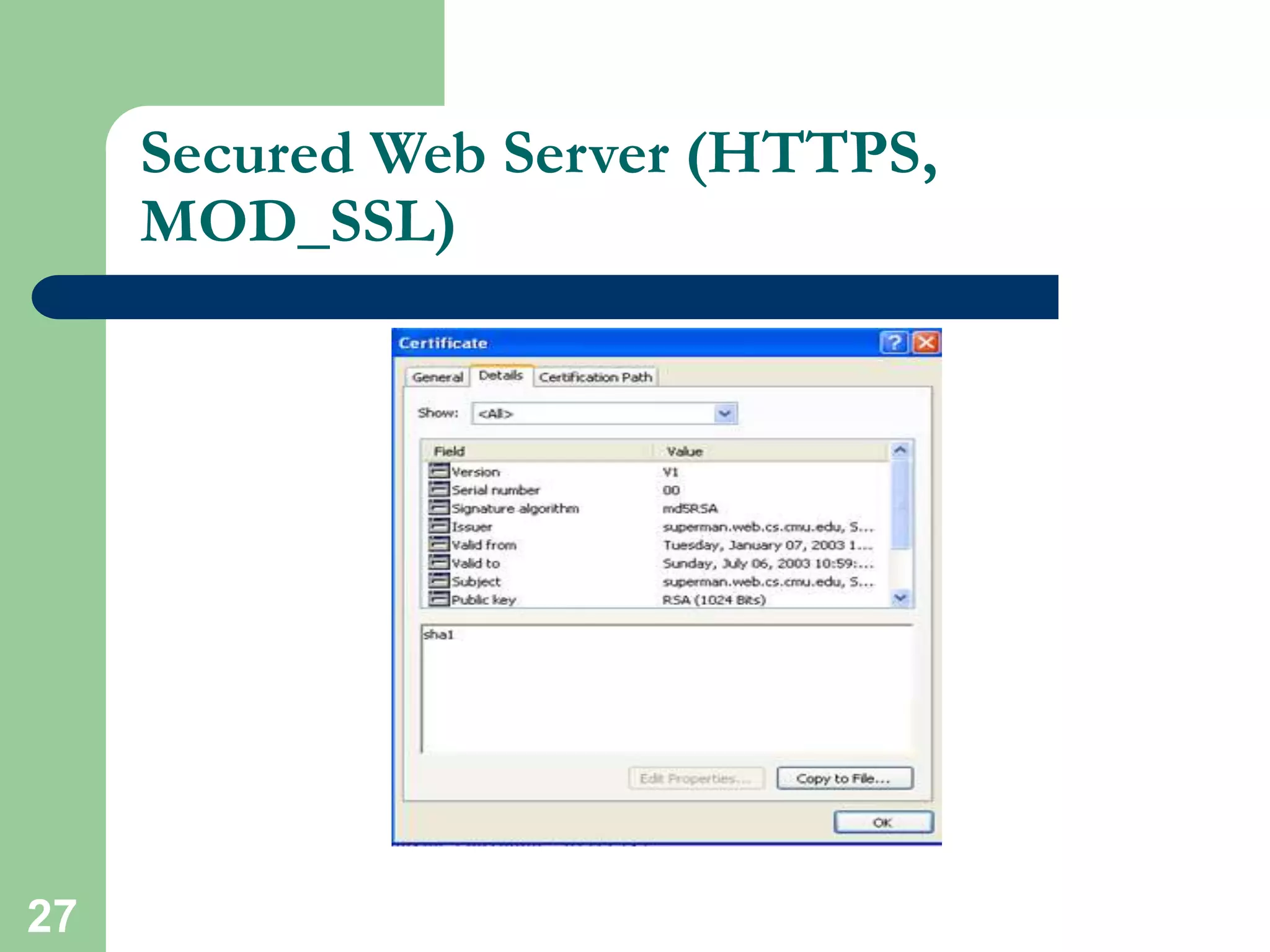
 Certificate
• A certificate associates a public key with the real identity of
an individual, server
• Includes the identification and signature of the Certificate
Authority that issued the certificate
27
Secured Web Server (HTTPS,
MOD_SSL)
28
WebISO (Initial Sign-on and
Pubcookie)
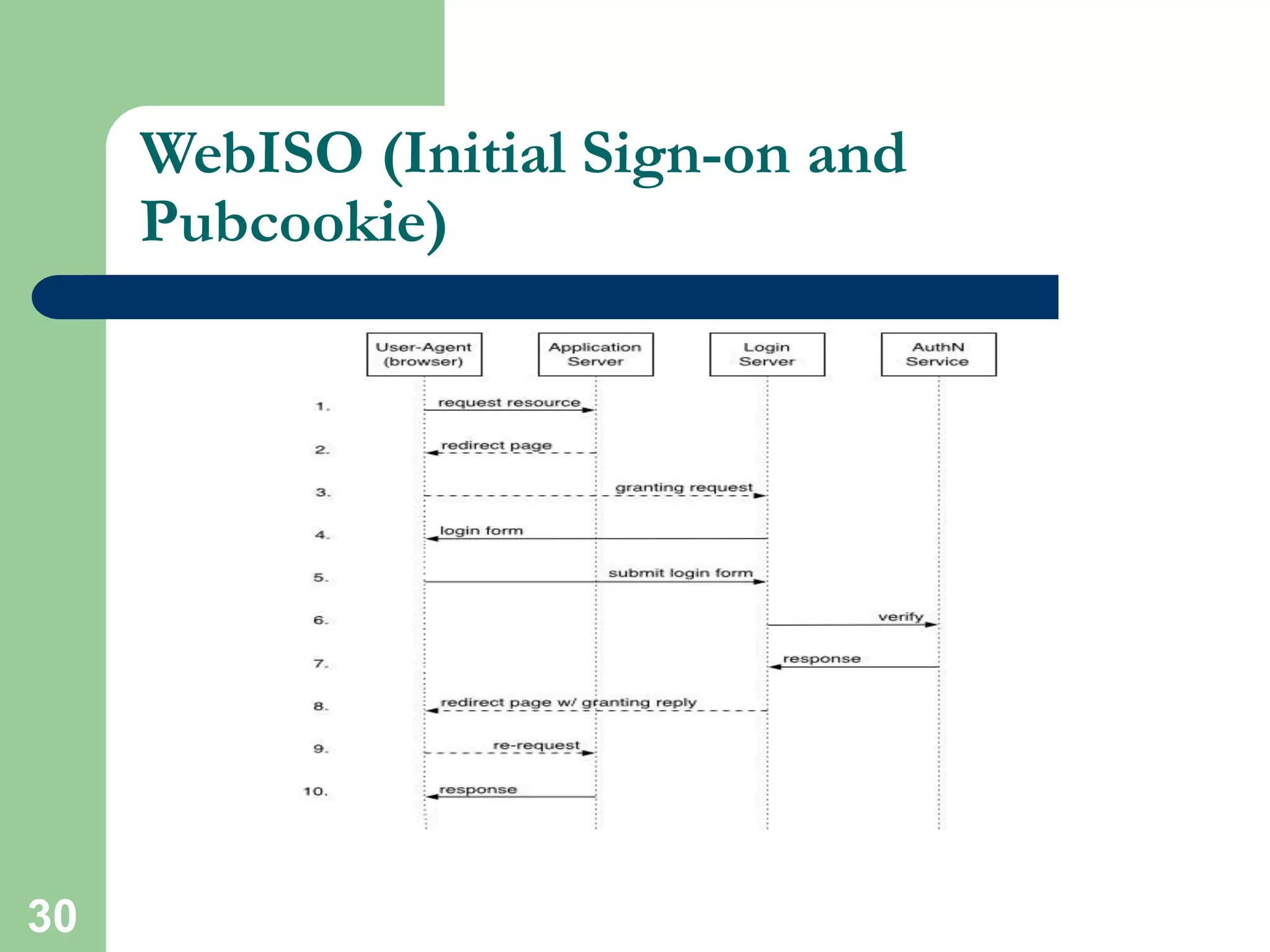
 One time authentication process
 Typically username/password-based central
authentication
 Use standard web browser
 Eventually the session time-out
 Commonly uses double encryption
29
WebISO (Initial Sign-on and
Pubcookie)
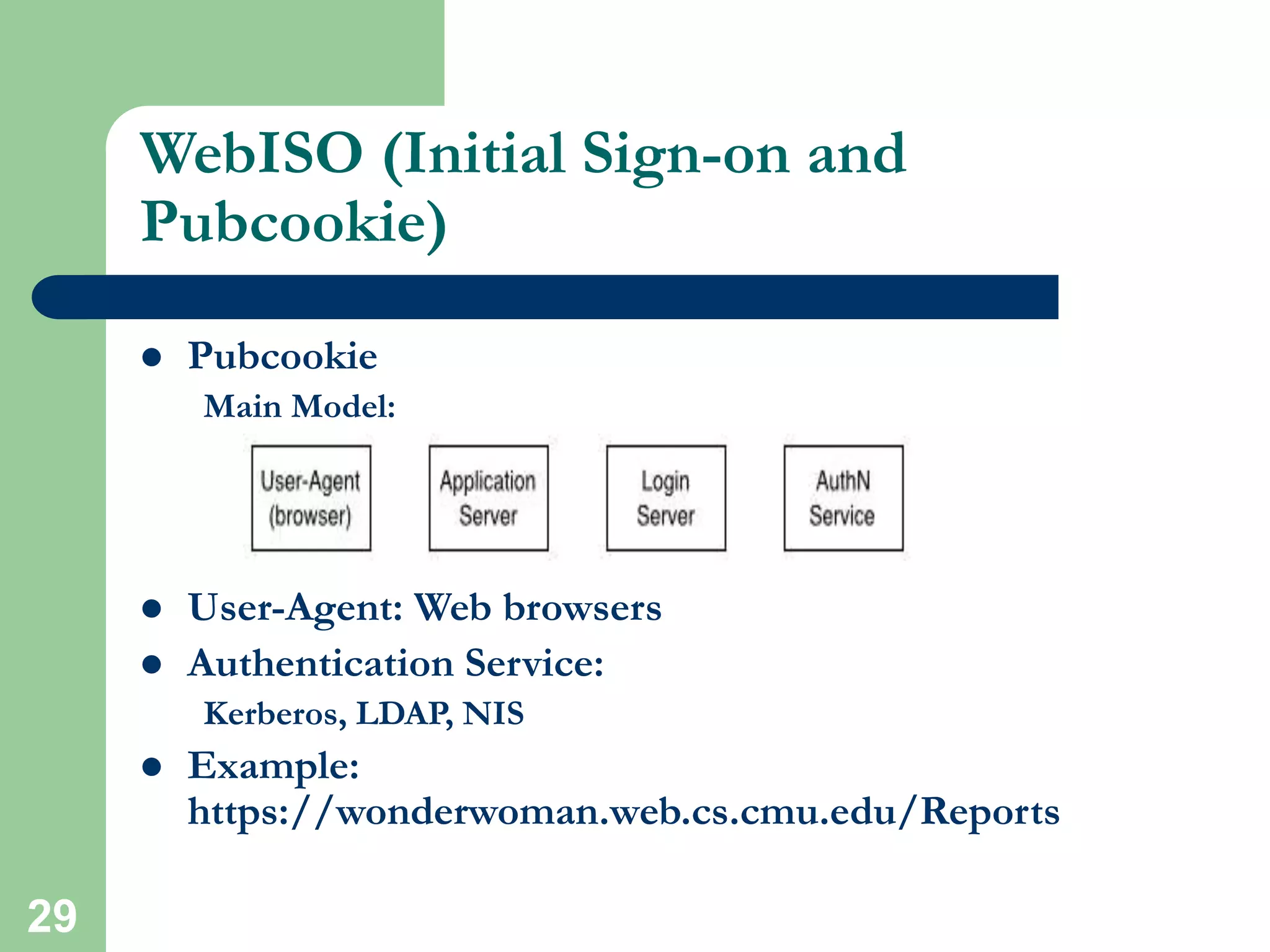
 Pubcookie
Main Model:
 User-Agent: Web browsers
 Authentication Service:
Kerberos, LDAP, NIS
 Example:
https://wonderwoman.web.cs.cmu.edu/Reports
30
WebISO (Initial Sign-on and
Pubcookie)
31
Cookies
 Web cookies are simply bits of software placed
on your computer when you browse websites
 WebISO (Pubcookie) use cookie implementation
to keep track of a user
 Drawback:
Security
32
Kerberos
 Network authentication protocal
 Developed in MIT
 Strong cryptography
 Private (shared) key
 Use ticket to authenticate
 Never sends password over the network
 Single sign-on approach for network
authentication
33
Database Technology (MYSQL)
 Database driven backend infrastructure
 Content is independent from design
 CGI and PHP are widely used
 Provide the flexibility of data storage
 Popular database for web systems:
MYSQL, MSQL, Cold Fusion, MS-ACCESS, ORACLE
 SCS database driven sites USE MYSQL
 Example of SCS database driven sites
34
Database Technology (MYSQL)
 Great database package for handling text
 Drawback
– View
– Multi-master replication
– Locking
– Support for sub quires
– Character set handling
 More info: http://www.mysql.com
35
XML XSLT (Extensible Stylesheet
Language Transformations)
 XSLT is designed for use as part of XSL
 Stylesheet language for XML
 XSLT is also designed to be used independently
of XSL
 Work under the umbrella of XML
 Example:
http://wonderwoman.web.cs.cmu.edu:8888/xml/
36
JAVA Applets
 Precompiled code
 Included in HTML page
 HTML tag:
<applet code=FILENAME.class>LIST OF
PARAMETER</applet>
 The class is executed by clients browser’s JVM (Java
Virtual Machine)
 JAR (Java Archive) Bundle multiple files into a single
archive file
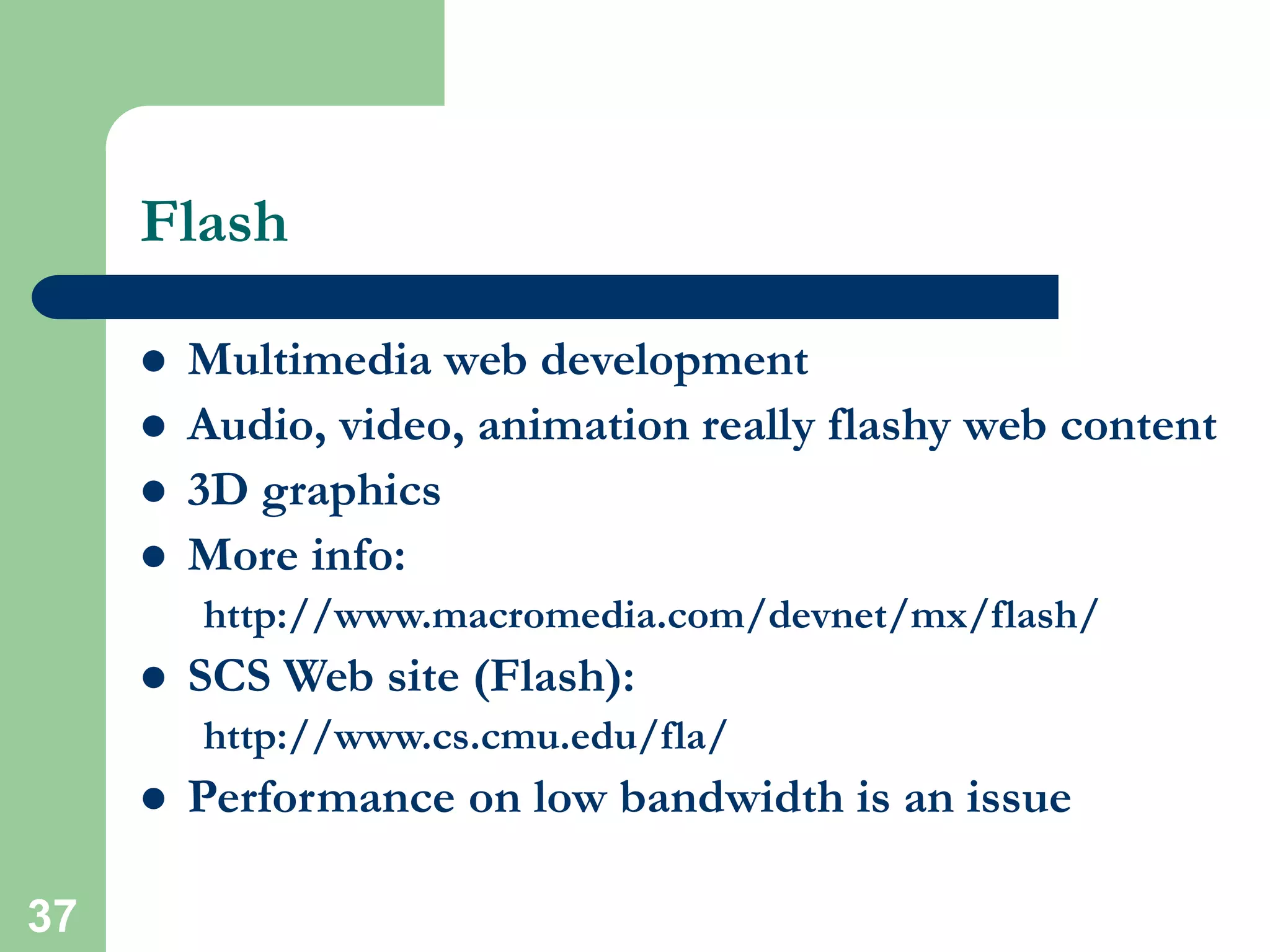
 More info: http://java.sun.com/applets/
37
Flash
 Multimedia web development
 Audio, video, animation really flashy web content
 3D graphics
 More info:
http://www.macromedia.com/devnet/mx/flash/
 SCS Web site (Flash):
http://www.cs.cmu.edu/fla/
 Performance on low bandwidth is an issue
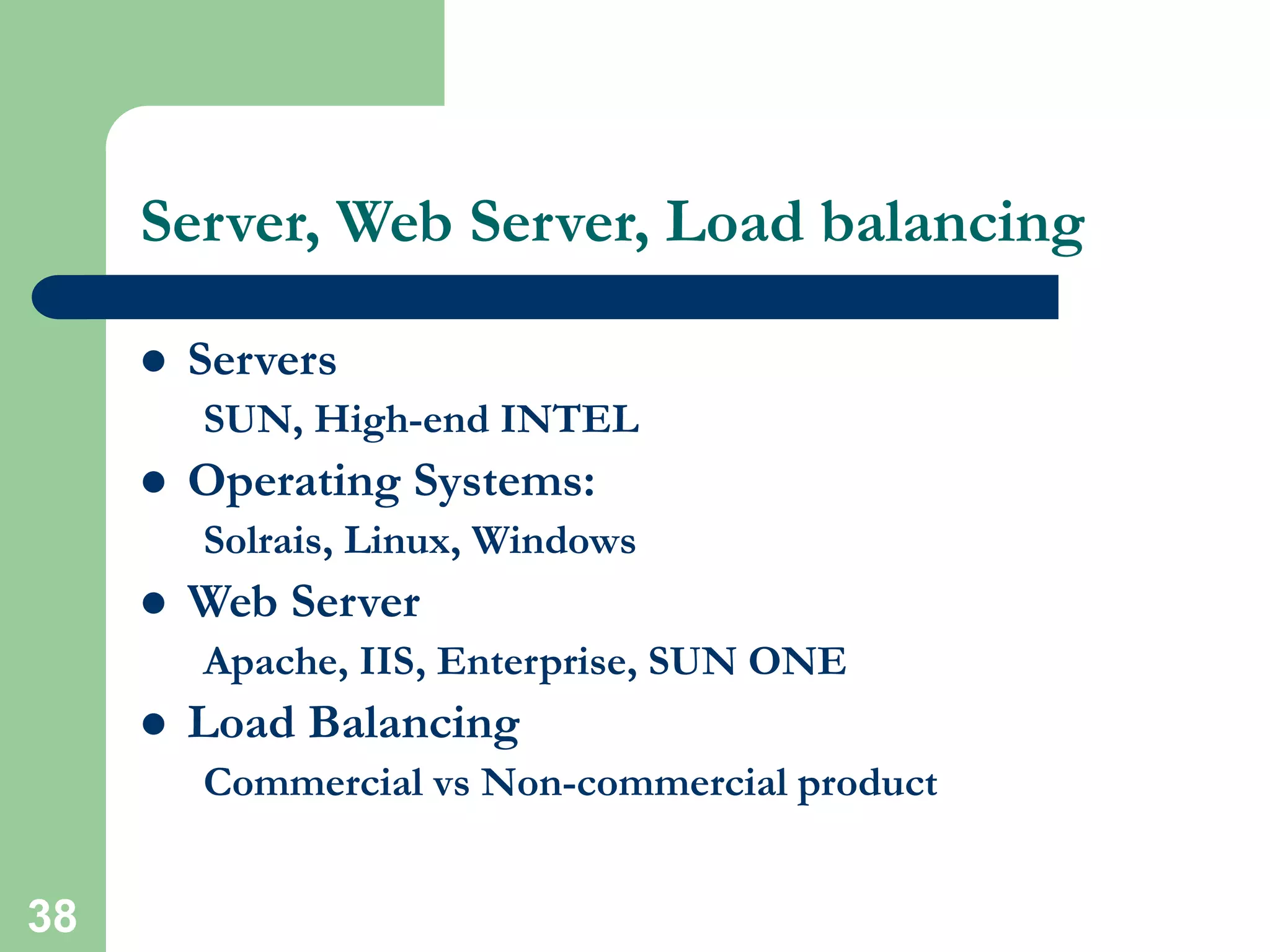
38
Server, Web Server, Load balancing
 Servers
SUN, High-end INTEL
 Operating Systems:
Solrais, Linux, Windows
 Web Server
Apache, IIS, Enterprise, SUN ONE
 Load Balancing
Commercial vs Non-commercial product
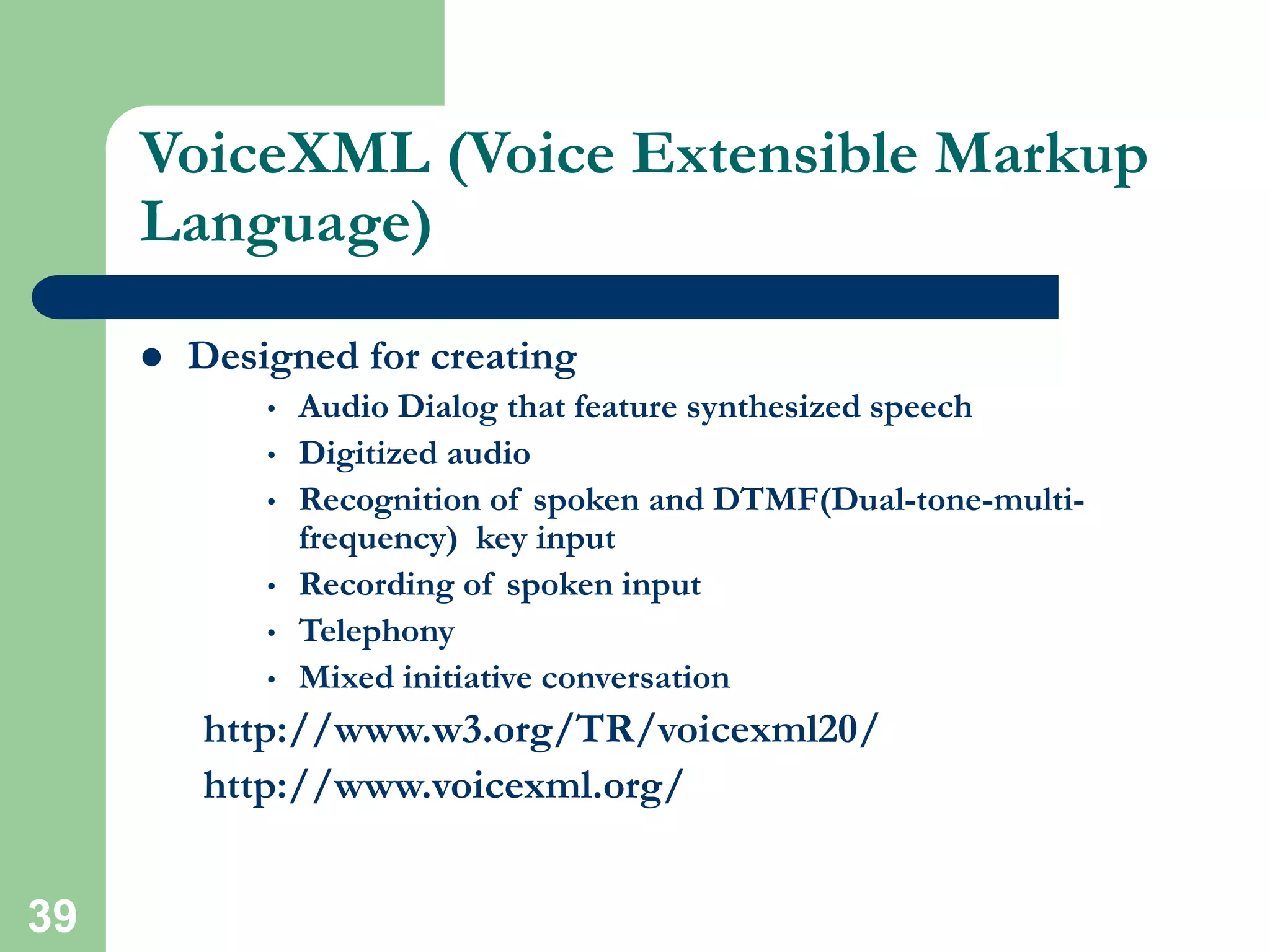
39
VoiceXML (Voice Extensible Markup
Language)
 Designed for creating
• Audio Dialog that feature synthesized speech
• Digitized audio
• Recognition of spoken and DTMF(Dual-tone-multi-
frequency) key input
• Recording of spoken input
• Telephony
• Mixed initiative conversation
http://www.w3.org/TR/voicexml20/
http://www.voicexml.org/
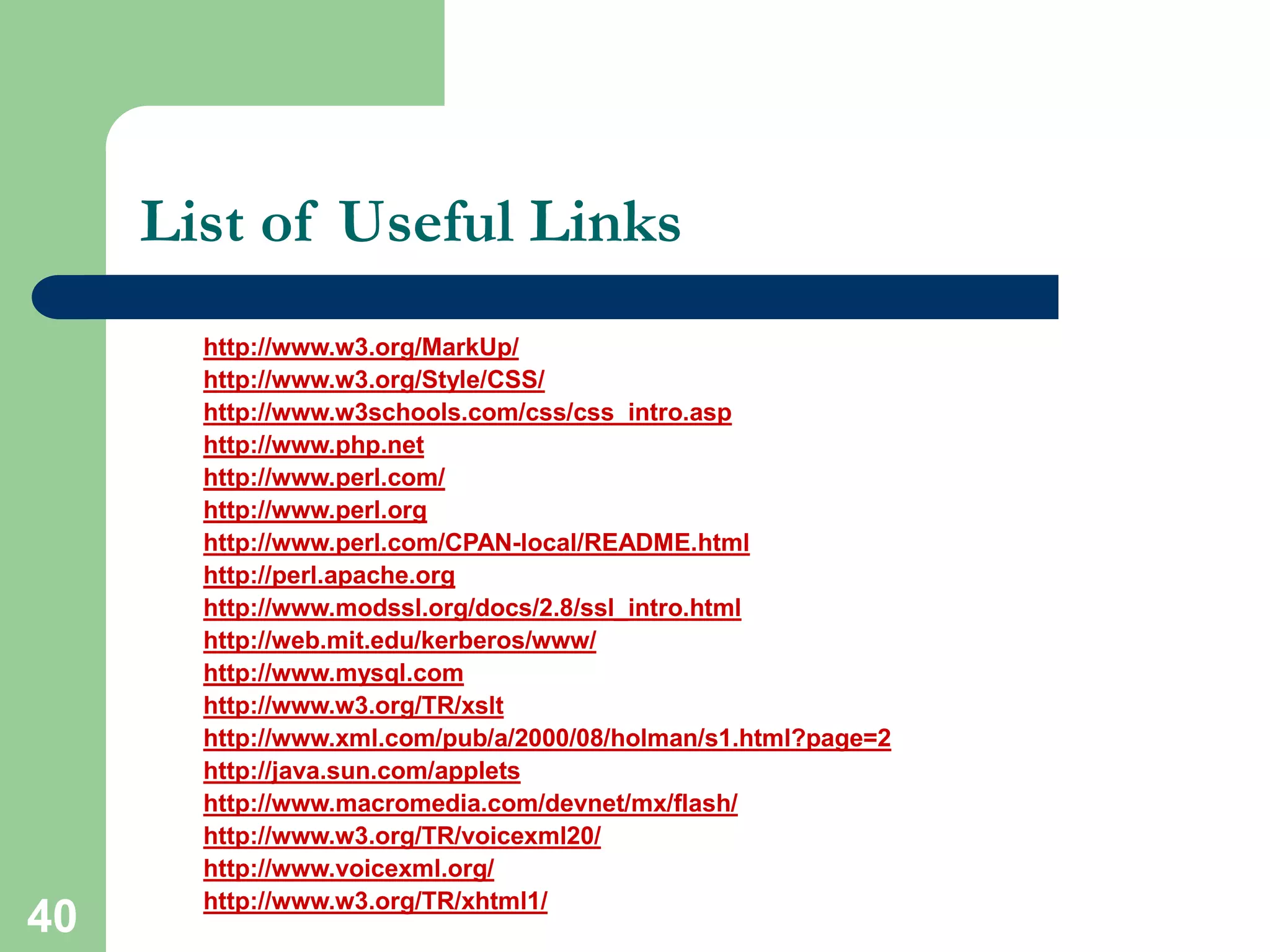
40
List of Useful Links
http://www.w3.org/MarkUp/
http://www.w3.org/Style/CSS/
http://www.w3schools.com/css/css_intro.asp
http://www.php.net
http://www.perl.com/
http://www.perl.org
http://www.perl.com/CPAN-local/README.html
http://perl.apache.org
http://www.modssl.org/docs/2.8/ssl_intro.html
http://web.mit.edu/kerberos/www/
http://www.mysql.com
http://www.w3.org/TR/xslt
http://www.xml.com/pub/a/2000/08/holman/s1.html?page=2
http://java.sun.com/applets
http://www.macromedia.com/devnet/mx/flash/
http://www.w3.org/TR/voicexml20/
http://www.voicexml.org/
http://www.w3.org/TR/xhtml1/

Basics of HTML.ppt

  • 1.
    1 HTML (Hypertext MarkUP Language) HTML is the lingua franca for publishing hypertext on the World Wide Web  Define tags <html><body> <head>….etc  Allow to embed other scripting languages to manipulate design layout, text and graphics  Platform independent  Current version is 4.x and in February W3C released the first draft of a test suite 4.01  For more info: http://www.w3.org/MarkUp/
  • 2.
    2 HTML (Hypertext MarkupLanguage)  Example HTML code: <HTML> <head> <title>Hello World</title> </head> <body bgcolor = “#000000”> <font color = “#ffffff”> <H1>Hello World</H1> </font> </body> </HTML>
  • 3.
  • 4.
    4 HTML (Hypertext MarkupLanguage)  Common features – Tables – Frame – Form – Image map – Character Set – Meta tags – Images, Hyperlink, etc…
  • 5.
    5 HTML (Hypertext MarkupLanguage)  File Extensions: HTML, HTM  Recent recommendation of W3C is XHTML 1.0 combines the strength of HTML 4 with the power of XML.  XHTML 1.0 is the first major change to HTML since HTML 4.0 was released in 1997  More info: http://www.w3.org/TR/xhtml1/
  • 6.
    6 CSS (Cascading StyleSheet)  Simple mechanism for adding style to web page  Code be embedded into the HTML file  HTML tag: <style type=“text/css”>CODE</style>  Also be in a separate file FILENAME.css  HTML tag: <link rel=“stylesheet” href=“scs.css” type=“text/css”>  Style types mainly include: • Font • Color • Spacing
  • 7.
    7 CSS (Cascading StyleSheet)  Controls format: – Font, color, spacing – Alignment – User override of styles – Aural CSS (non sighted user and voice-browser) – Layers  Layout  User Interface
  • 8.
    8 CSS (Cascading StyleSheet)  Client’s browser dependable  Example code: p,h1,h2 { margin-top:0px; margin-bottom:100px;padding:20px 40px 0px 40px; }  More info: http://www.w3.org/Style/CSS/ http://www.w3schools.com/css/css_intro.asp
  • 9.
    9 CSS (Cascading StyleSheet) <HTML> <head> <title>Hello World</title> <style type=“text/css”> p,h1,h2 { margin-top:0px; margin-bottom:100px;padding:40px 40px 0px 40px; } </style> </head> <body bgcolor = “#000000”> <font color = “#ffffff”> <h1>Hello World<h1> </font> </body> </HTML>
  • 10.
  • 11.
  • 12.
    12 JavaScript  Compact object-basedscripting language  Code be embedded into HTML file  HTML tag <script language=“javascript”>CODE</script>  Also be in a separate file FILENAME.js  HTML tag <SCRIPT LANGUAGE="JavaScript" SRC=“FILENAME.js"></SCRIPT>
  • 13.
    13 JavaScript  Main objectives: Userinterface, CGI capabilities without involving server  Client side compilation  Server provides no support  Security hazard for client’s computer  SCS websites JavaScript's Examples http://www.cs.cmu.edu
  • 14.
    14 VBScripts  Microsoft’s shareof scripting language  Similar objectives as JavaScript and any other scripting language  Similar to Visual Basic <SCRIPT LANGUAGE="VBScript">CODE</script>  VBScript is integrated with WWW and web browsers  Other Microsoft developer tools
  • 15.
    15 PHP (Hypertext Preprocessor) PHP- HTML-embedded scripting language  Syntax looks like C, JAVA, and PERL  File extension: FILENAME.php  Main Objective: • Generate Dynamic content • User Interface  Server side loadable module  Server side execution  Current version and release: 4.3.x  More info: http://www.php.net
  • 16.
    16 PHP (Hypertext Preprocessor) Sample Code <HTML> <head><title> PHP Sample Code</title></head> <body bgcolor = "#000000"> <font color = "#ffffff"><h1> This is a PHP TEST</h1> <p> <?php $cnt=0; while($cnt <= 4) { $cnt++; echo "Hello World<P>"; } ?> </body></HTML>
  • 17.
  • 18.
    18 PHP (Hypertext Preprocessor) PHP is getting really popular in the web developers community  ODBC support  PHP developer community think this is the web future  SCS Undergraduate sites; done in PHP: http://www.ugrad.cs.cmu.edu/  Drawback: • Security • Easy manipulation of code for hackers
  • 19.
    19 CGI (Common GatewayInterface)  Standard for external gateway programs to interface with information servers such as HTTP servers  Real-time execution  Main Objective: • Dynamic Content • User Interface  Current version 1.1
  • 20.
    20 CGI (Common GatewayInterface)  Various choice in Programming language selections C, C++, PERL, Python  PERL; most popular and widely used  Server side execution  Script runs as a stand alone process unlike PHP  Basic difference with PHP is the execution approach
  • 21.
    21 PERL (Practical Extractionand Report Language)  Commonly used PERL Libraries (Modules): • CGI.pm • DB.pm • DBI.pm • CPAN.pm • Mysql.pm  More on PERL Libraries: • http://www.perl.com/CPAN-local/README.html • http://www.perl.com • http://www.perl.org
  • 22.
    22 PERL (Practical Extractionand Report Language)  Sample PERL code: #!/usr/local/bin/perl5.6.1 ## printenv -- demo CGI program which just prints its environment ## print "Content-type: text/plainnn"; foreach $var (sort(keys(%ENV))) { $val = $ENV{$var}; $val =~ s|n|n|g; $val =~ s|"|"|g; print "${var}="${val}"n"; }  https://superman.web.cs.cmu.edu/cgi-bin/printenv
  • 23.
    23 PERL (Practical Extractionand Report Language)  More Example of PERL CGI Scripts: • http://calendar.cs.cmu.edu/scsEvents/submit.html • http://calendar.cs.cmu.edu/scs/additionalSearch  Drawback: • Security • Easy manipulation of code for hackers
  • 24.
    24 Mod_PERL (PERL Modulefor Apache)  Module that brings together the power of PERL and Apache HTTP server  PERL interpreter embedded in Web Server  Can provide 100x speedups for CGI scripts execution due to Apache::Registry module  Reduce load on server  Less coordination of server process  More info: • http://perl.apache.org/ • http://www.modssl.org/docs/2.8/ssl_intro.html
  • 25.
    25 Secured Web Server(HTTPS, MOD_SSL)  Provide strong cryptography for web server  Mod_ssl is the module for Apache to enable encrypted web connection  Use Secured Socket Layer (SSL v2/v3) and Transport Layer Security  Two categories of cryptographic algorithms • Conventional (Symmetric) • Public Key (Asymmetric)
  • 26.
    26 Secured Web Server(HTTPS, MOD_SSL)  Conventional or Symmetric • Sender and Receiver share a key  Public key or Asymmetric • Solve the key exchange issue  Certificate • A certificate associates a public key with the real identity of an individual, server • Includes the identification and signature of the Certificate Authority that issued the certificate
  • 27.
    27 Secured Web Server(HTTPS, MOD_SSL)
  • 28.
    28 WebISO (Initial Sign-onand Pubcookie)  One time authentication process  Typically username/password-based central authentication  Use standard web browser  Eventually the session time-out  Commonly uses double encryption
  • 29.
    29 WebISO (Initial Sign-onand Pubcookie)  Pubcookie Main Model:  User-Agent: Web browsers  Authentication Service: Kerberos, LDAP, NIS  Example: https://wonderwoman.web.cs.cmu.edu/Reports
  • 30.
  • 31.
    31 Cookies  Web cookiesare simply bits of software placed on your computer when you browse websites  WebISO (Pubcookie) use cookie implementation to keep track of a user  Drawback: Security
  • 32.
    32 Kerberos  Network authenticationprotocal  Developed in MIT  Strong cryptography  Private (shared) key  Use ticket to authenticate  Never sends password over the network  Single sign-on approach for network authentication
  • 33.
    33 Database Technology (MYSQL) Database driven backend infrastructure  Content is independent from design  CGI and PHP are widely used  Provide the flexibility of data storage  Popular database for web systems: MYSQL, MSQL, Cold Fusion, MS-ACCESS, ORACLE  SCS database driven sites USE MYSQL  Example of SCS database driven sites
  • 34.
    34 Database Technology (MYSQL) Great database package for handling text  Drawback – View – Multi-master replication – Locking – Support for sub quires – Character set handling  More info: http://www.mysql.com
  • 35.
    35 XML XSLT (ExtensibleStylesheet Language Transformations)  XSLT is designed for use as part of XSL  Stylesheet language for XML  XSLT is also designed to be used independently of XSL  Work under the umbrella of XML  Example: http://wonderwoman.web.cs.cmu.edu:8888/xml/
  • 36.
    36 JAVA Applets  Precompiledcode  Included in HTML page  HTML tag: <applet code=FILENAME.class>LIST OF PARAMETER</applet>  The class is executed by clients browser’s JVM (Java Virtual Machine)  JAR (Java Archive) Bundle multiple files into a single archive file  More info: http://java.sun.com/applets/
  • 37.
    37 Flash  Multimedia webdevelopment  Audio, video, animation really flashy web content  3D graphics  More info: http://www.macromedia.com/devnet/mx/flash/  SCS Web site (Flash): http://www.cs.cmu.edu/fla/  Performance on low bandwidth is an issue
  • 38.
    38 Server, Web Server,Load balancing  Servers SUN, High-end INTEL  Operating Systems: Solrais, Linux, Windows  Web Server Apache, IIS, Enterprise, SUN ONE  Load Balancing Commercial vs Non-commercial product
  • 39.
    39 VoiceXML (Voice ExtensibleMarkup Language)  Designed for creating • Audio Dialog that feature synthesized speech • Digitized audio • Recognition of spoken and DTMF(Dual-tone-multi- frequency) key input • Recording of spoken input • Telephony • Mixed initiative conversation http://www.w3.org/TR/voicexml20/ http://www.voicexml.org/
  • 40.
    40 List of UsefulLinks http://www.w3.org/MarkUp/ http://www.w3.org/Style/CSS/ http://www.w3schools.com/css/css_intro.asp http://www.php.net http://www.perl.com/ http://www.perl.org http://www.perl.com/CPAN-local/README.html http://perl.apache.org http://www.modssl.org/docs/2.8/ssl_intro.html http://web.mit.edu/kerberos/www/ http://www.mysql.com http://www.w3.org/TR/xslt http://www.xml.com/pub/a/2000/08/holman/s1.html?page=2 http://java.sun.com/applets http://www.macromedia.com/devnet/mx/flash/ http://www.w3.org/TR/voicexml20/ http://www.voicexml.org/ http://www.w3.org/TR/xhtml1/