
SUBMITTED BY-
PARTHA PRATIM
BANIK(1003006)
&
RAPPY SAHA(1003018)
Course Instructor-
DR. MOHIUDDIN AHMAD
&
MR. ABU FARJAN MITUL
DEPARTMENT OF ELECTRICAL AND
ELECTRONIC ENGINEERING
KHULNA UNIVERSITY OF
ENGINEERING AND TECHNOLOGY
 Image Processing
 Vision of work
 Previous related work
 Why this project is better?
 Project Overview
 Project Details
 Conclusion
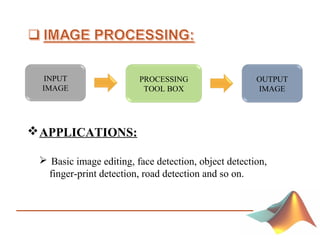
PROCESSING
TOOL BOX
OUTPUT
IMAGE
INPUT
IMAGE
APPLICATIONS:
 Basic image editing, face detection, object detection,
finger-print detection, road detection and so on.
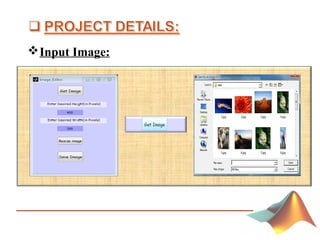
 To input an image of any format from any drive.
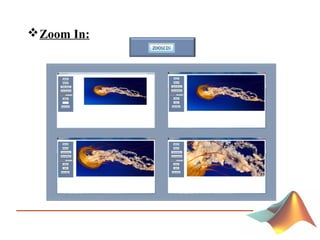
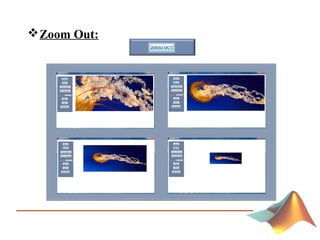
 To zoom in and zoom out the image.
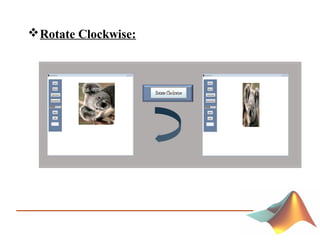
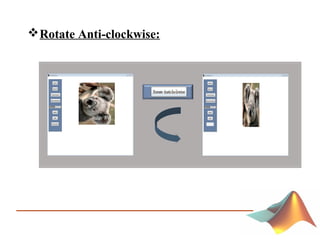
 To rotate the image in clockwise and anticlockwise.
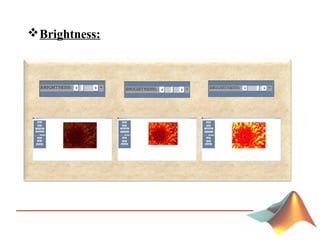
 To control the brightness of the image.
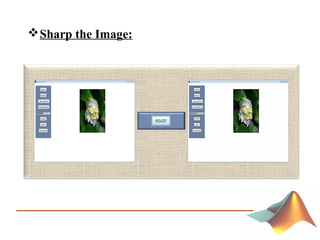
 To sharp the image.
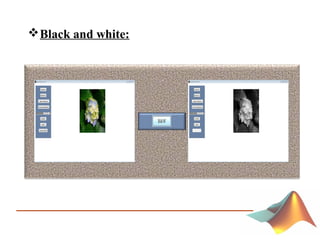
 To convert the image into black&white.
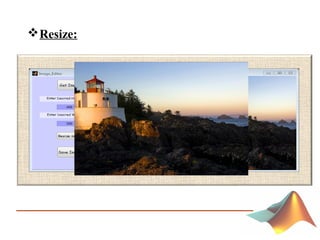
 To resize the image.
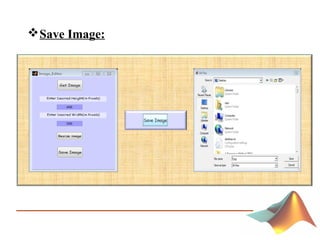
 To save the image in any drive in any format.
 A program was used to only magnify the image.
 To resize image a coding was written.
 To convert the image only into black&white.
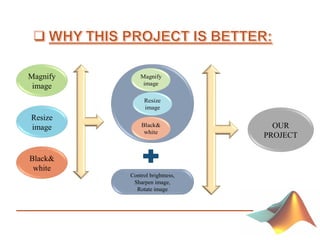
Magnify
image
Resize
image
Black&
white
Control brightness,
Sharpen image,
Rotate image
OUR
PROJECT
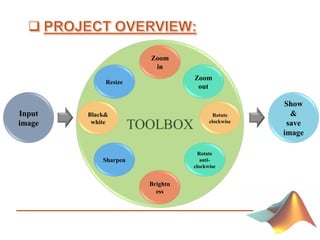
Input
image
Show
&
save
image
Resize
Zoom
in
Zoom
out
Rotate
clockwise
Rotate
anti-
clockwise
Brightn
ess
Sharpen
Black&
white
Input Image:
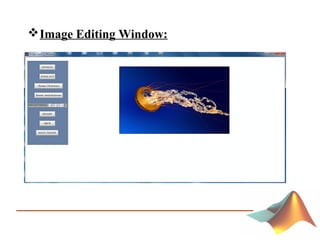
Image Editing Window:
Zoom In:
Zoom Out:
Rotate Clockwise:
Rotate Anti-clockwise:
Brightness:
Sharp the Image:
Black and white:
Resize:
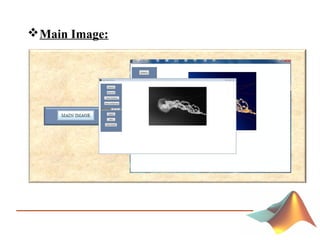
Main Image:
Save Image:
• The analysis show that the proposed project is
successful in taking input, editing any kind of image and
saving the image in any format.
• In future more features(e.g. histogram, noise reduction,
lens correction, adding special effects of image, gamma
correction etc.) will be added and make the project more
user friendly.
Basic Image Editor Tools with MATLAB

Basic Image Editor Tools with MATLAB