The document discusses how USB devices contain hidden microcontrollers that can run malicious firmware. The firmware can be reversed engineered and patched to carry out attacks like diverting network traffic or emulating keyboard input. No effective defenses against USB attacks currently exist since the firmware is hidden and can be updated.
In this document
Powered by AI
Introduction to BadUSB and the notion of USB devices having hidden microcontrollers.
Overview of the initialization steps required for USB devices, including powering on and firmware setup.
Techniques for reversing firmware and applying heuristics to find specific USB descriptors.
Methods to patch USB firmware including sniffing update communications and replaying commands.
Description of how USB devices can spoof Ethernet adapters to intercept DNS queries for attacks.
Various possible USB attacks including emulating keyboards and executing BIOS updates.
Challenges in defending against USB attacks and suggested preventive measures.
USB devices includea micro-‐controller, hidden from the user
2
8051 CPU
Bootloader
USB controller
Controller
firmware
Mass storage
Flash
The only part
visible to the user
3.
USB devices areinitialized in several steps
Power-‐on+
Firmware init
Load driver
Register
Set address
Send descriptor
Set configuration
Normal operation
Optional: deregister
Register again …
Load another
driver
USB device
USB plug-‐and-‐play
4.
Reversing and patchingUSB firmware
Find leaked firmware
Sniff update communication using Wireshark
Replay custom SCSI commands used for
updates
5.
Reverse-‐engineer firmware
Loadinto disassembler
Apply heuristics
Find known USB bit fields such as descriptors
Apply standard software reversing to find hooking
points
6.
Patch firmware
Findleaked firmware
Sniff update communication using Wireshark
Replay custom SCSI commands used for updates
7.
Network traffic canbe diverted by “DHCP on
USB”
Attack steps
1. USB stick spoofs
Ethernet adapter
2. Replies to DHCP query
with DNS server on the
Internet, but without
default gateway
Result
3. Internet traffic is still routed
through the normal Wi-‐Fi
connection
4. However, DNS queries are sent to
the USB-‐supplied server, enabling
redirection attacks
DNS assignment in
DHCP over spoofed
USB-‐Ethernet
adapter
All DNS
queries go to
attacker’s DNS
server
8.
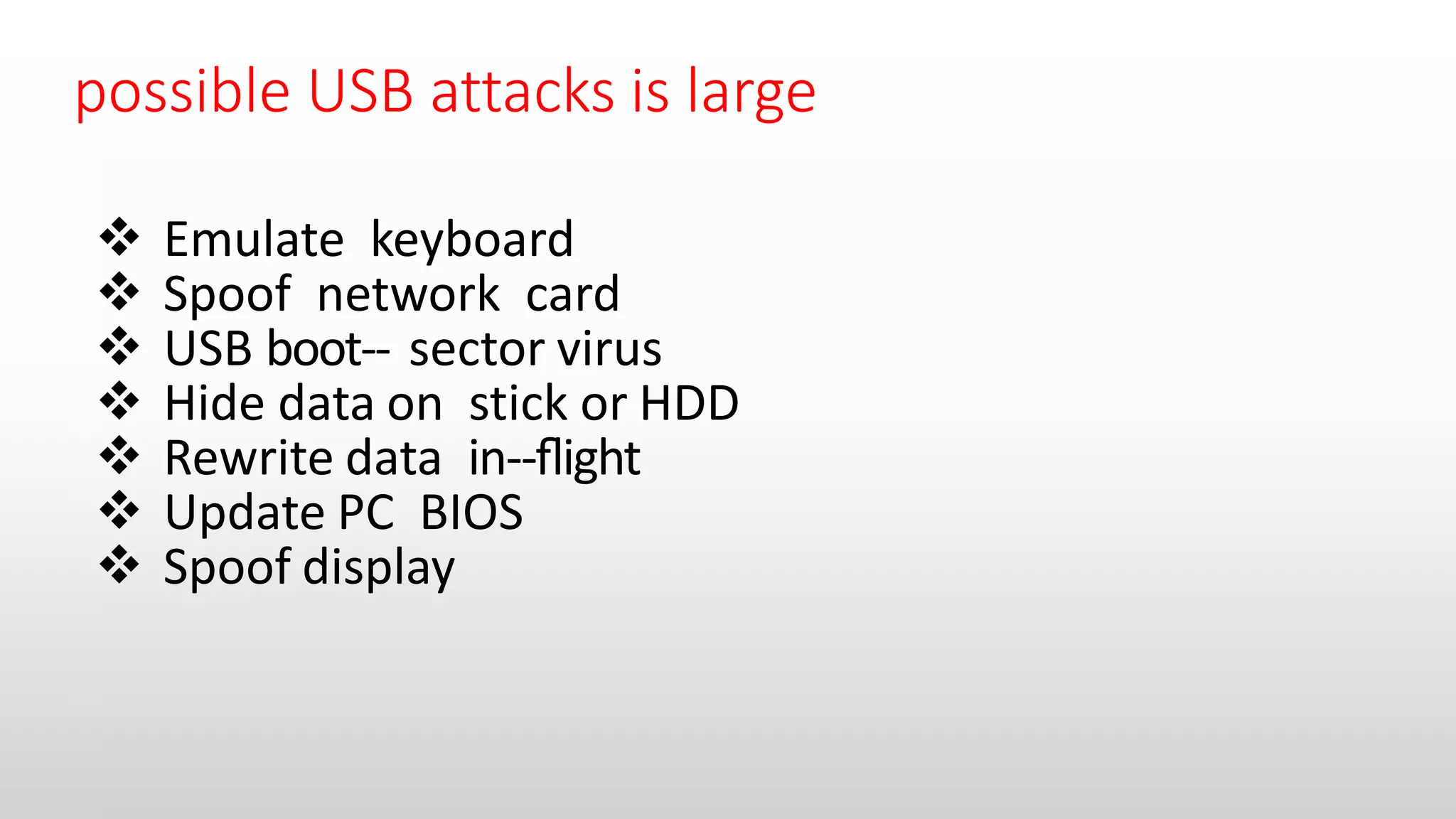
possible USB attacksis large
Emulate keyboard
Spoof network card
USB boot-‐ sector virus
Hide data on stick or HDD
Rewrite data in-‐flight
Update PC BIOS
Spoof display
9.
No effective defensesfrom USB attacks exist
Scan peripheral firmware for malware
Disable firmware updates in hardware