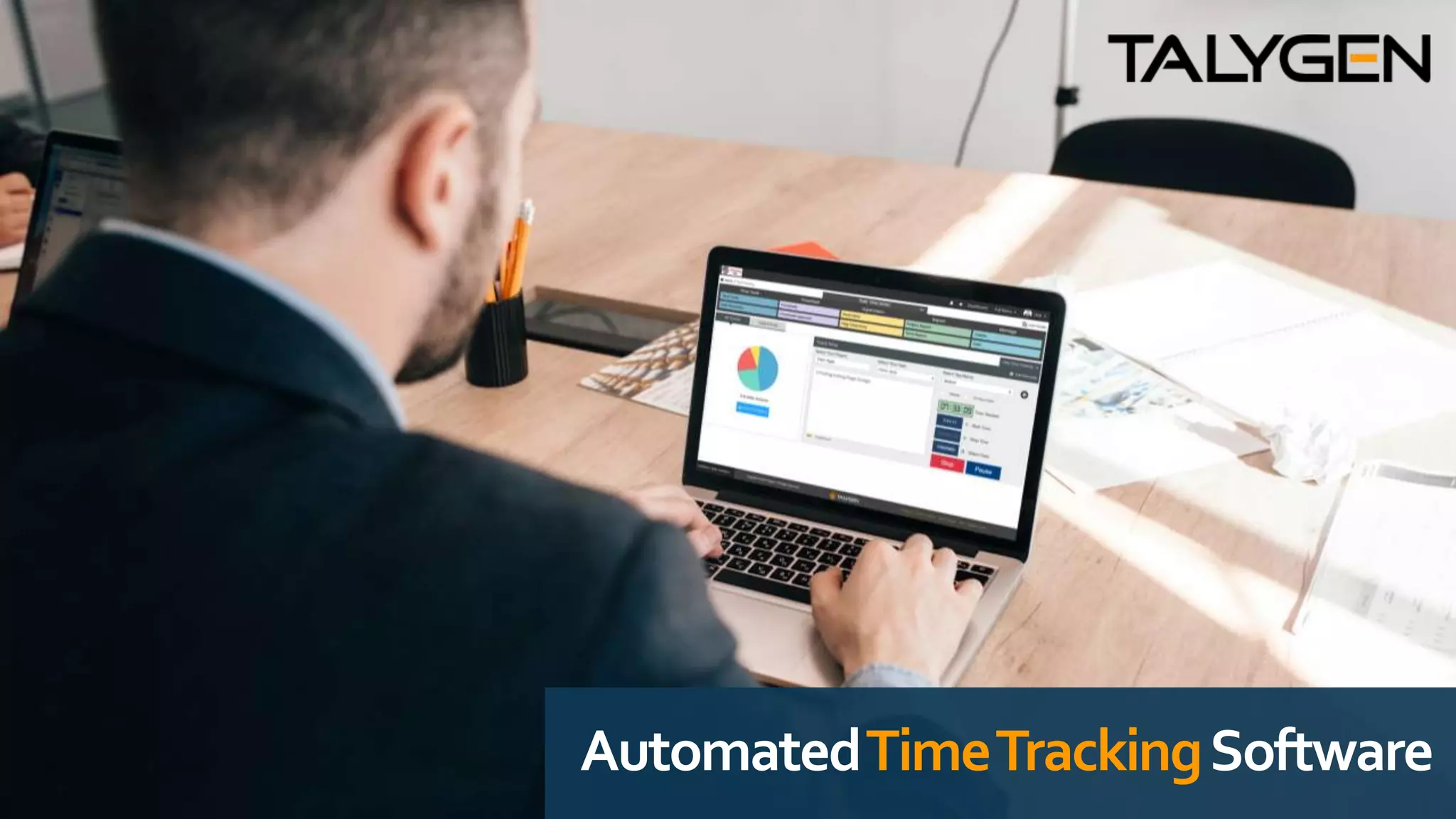
AutomatedTimeTrackingSoftware
5ReasonstoUseTimeTrackingin
ProjectManagement
Modern workforces, especially the ones with “work-from-home” employees are identifying
the importance of monitoring employees these days. Employee Time Tracking is now
becoming a vital part of many workforces across the globe.
Thinking why should you use a time tracking tool? Here are the top 5 Reasons to Use Time
Tracking in Project Management.
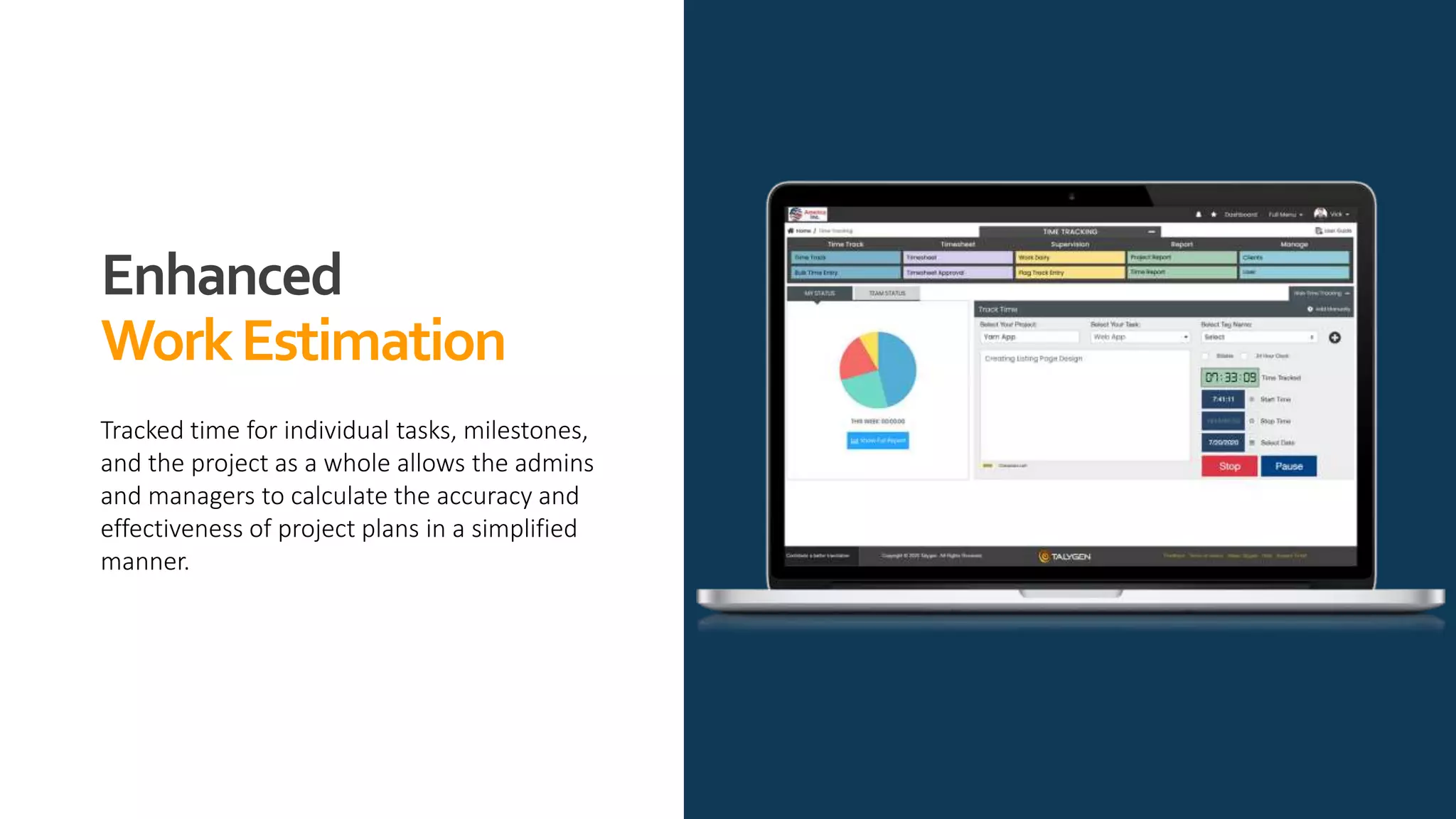
Enhanced
WorkEstimation
Tracked time for individual tasks, milestones,
and the project as a whole allows the admins
and managers to calculate the accuracy and
effectiveness of project plans in a simplified
manner.
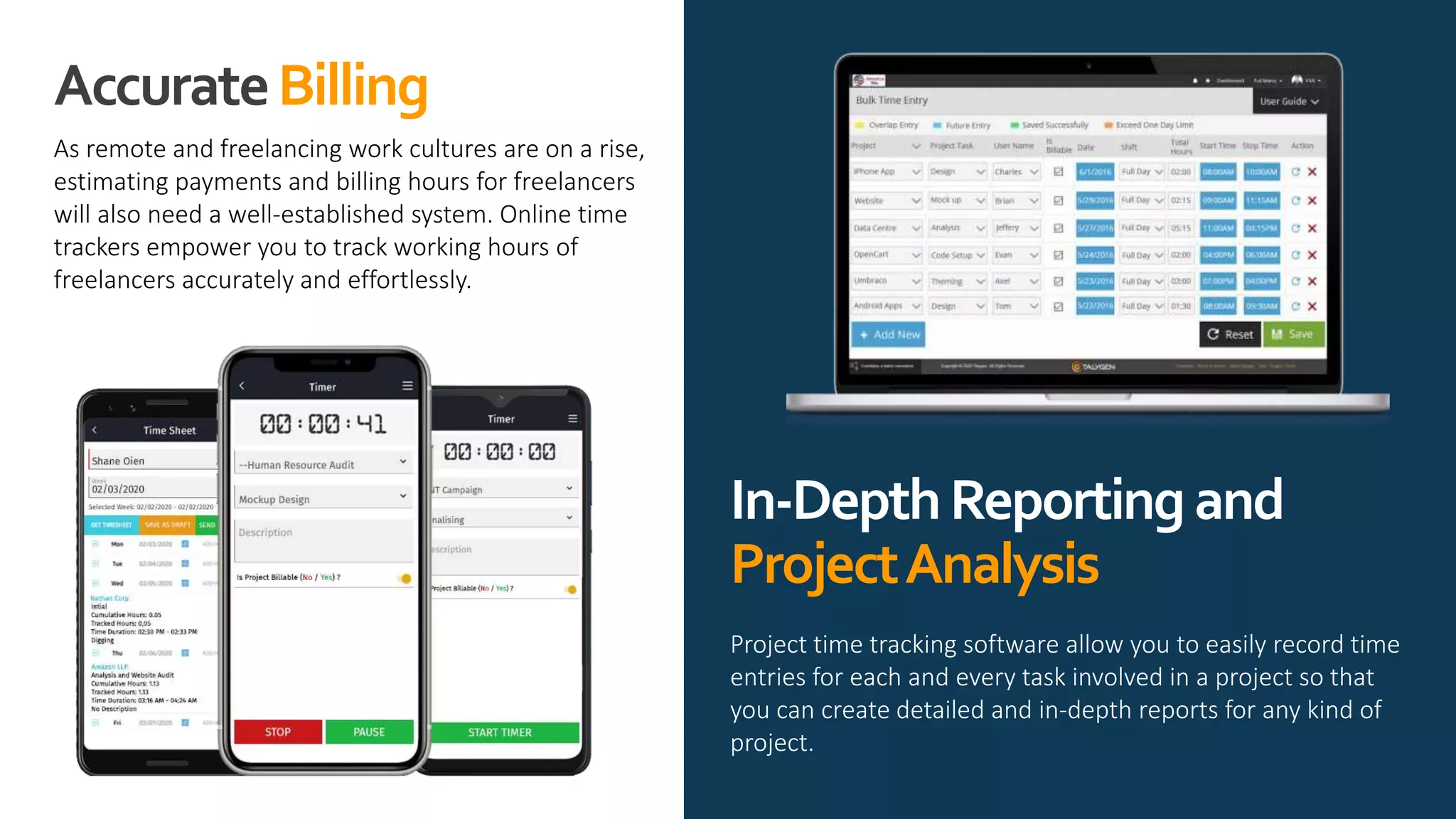
AccurateBilling
As remote and freelancing work cultures are on a rise,
estimating payments and billing hours for freelancers
will also need a well-established system. Online time
trackers empower you to track working hours of
freelancers accurately and effortlessly.
Project time tracking software allow you to easily record time
entries for each and every task involved in a project so that
you can create detailed and in-depth reports for any kind of
project.
In-DepthReportingand
ProjectAnalysis
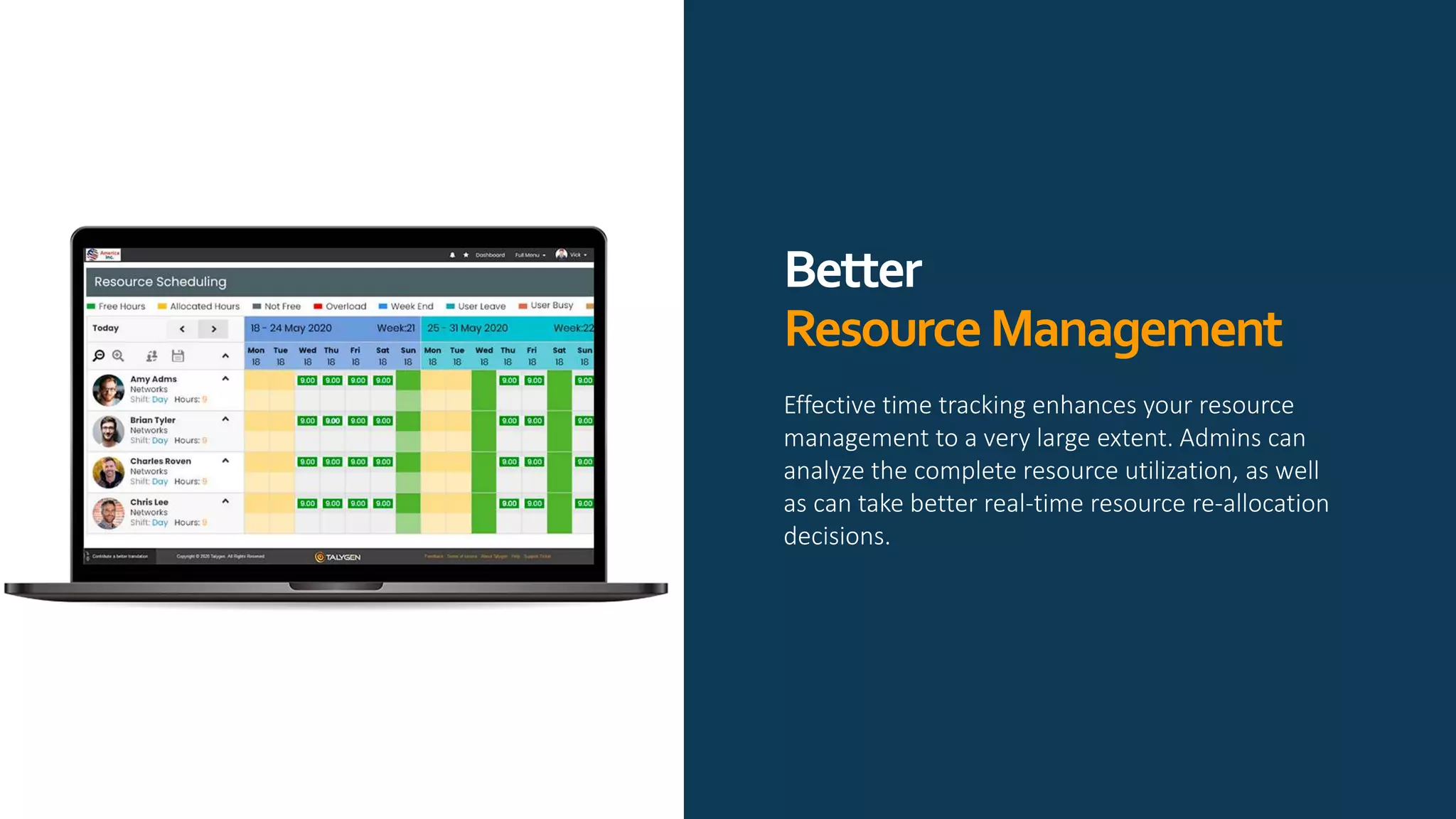
Better
ResourceManagement
Effective time tracking enhances your resource
management to a very large extent. Admins can
analyze the complete resource utilization, as well
as can take better real-time resource re-allocation
decisions.
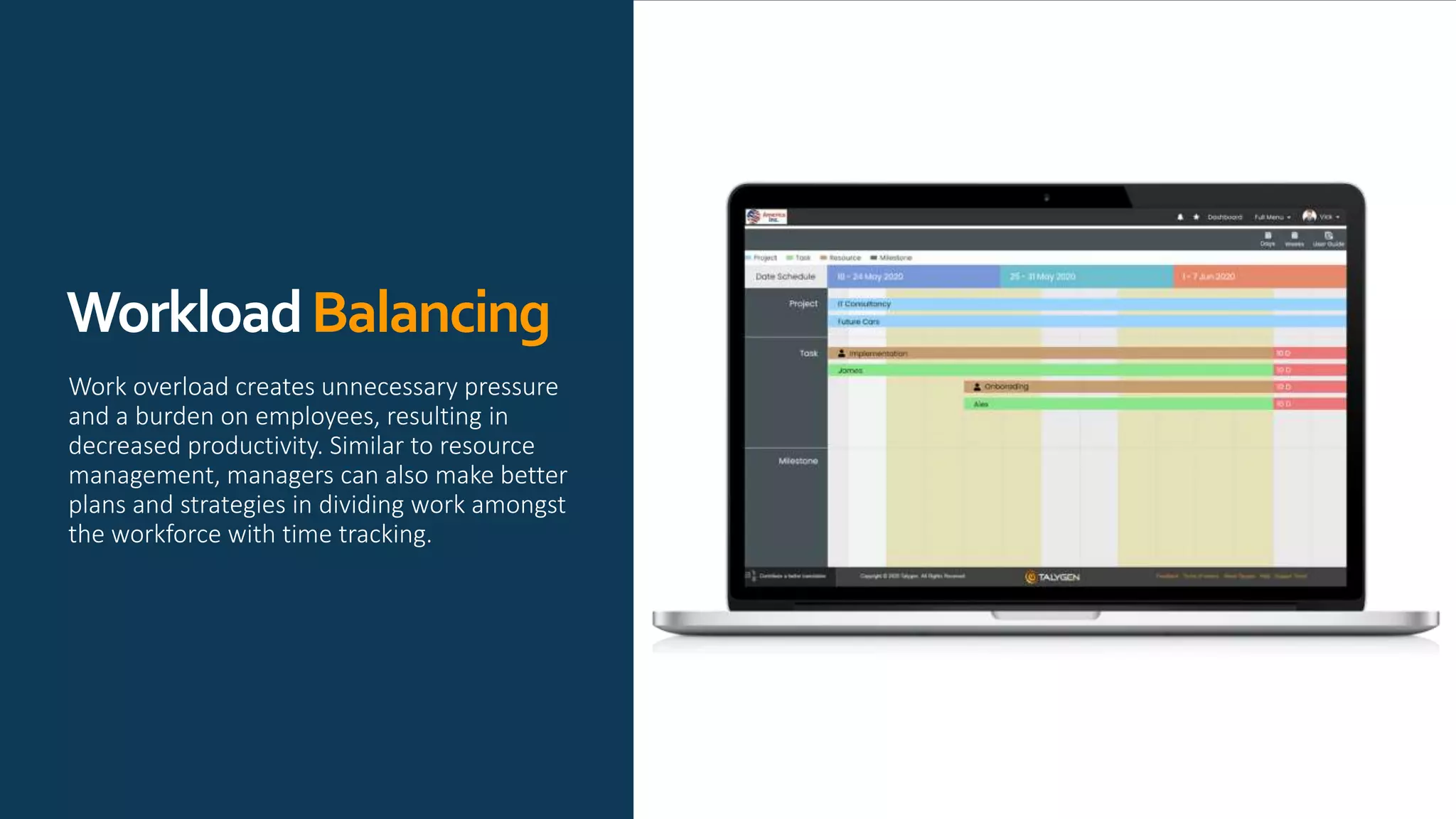
WorkloadBalancing
Work overload creates unnecessary pressure
and a burden on employees, resulting in
decreased productivity. Similar to resource
management, managers can also make better
plans and strategies in dividing work amongst
the workforce with time tracking.
MajorFeaturesof Talygen’sCloud
BasedTimeTrackingSoftware
 Time Tracking on the Go
 Auto Detect the Users Time Zone
 12/24 hour Format Time capturing
 Activity Logs
 Generate Invoices based on Time Logs
 Virtual Users
 Flag Track Entry
 Comparing Planned Costs and Actual Cost
 Measuring Employee Performance
 Set Approval Rules
 Manual Time Tracking
 Manually Log Time
 Calendar View of Tracked Time
 Detailed Reports
 Offline Time Tracking
228 Hamilton Ave, 3rd floor,
Palo Alto CA 94301
info@talygen.com
+1 (650) 800 3850
www.facebook.com/Talygen
www.twitter.com/TalygenInc
www.linkedin.com/company/talygen
www.youtube.com/user/Talygen
https://talygen.com/

Automated time tracking software

  • 1.
  • 2.
    5ReasonstoUseTimeTrackingin ProjectManagement Modern workforces, especiallythe ones with “work-from-home” employees are identifying the importance of monitoring employees these days. Employee Time Tracking is now becoming a vital part of many workforces across the globe. Thinking why should you use a time tracking tool? Here are the top 5 Reasons to Use Time Tracking in Project Management.
  • 3.
    Enhanced WorkEstimation Tracked time forindividual tasks, milestones, and the project as a whole allows the admins and managers to calculate the accuracy and effectiveness of project plans in a simplified manner.
  • 4.
    AccurateBilling As remote andfreelancing work cultures are on a rise, estimating payments and billing hours for freelancers will also need a well-established system. Online time trackers empower you to track working hours of freelancers accurately and effortlessly. Project time tracking software allow you to easily record time entries for each and every task involved in a project so that you can create detailed and in-depth reports for any kind of project. In-DepthReportingand ProjectAnalysis
  • 5.
    Better ResourceManagement Effective time trackingenhances your resource management to a very large extent. Admins can analyze the complete resource utilization, as well as can take better real-time resource re-allocation decisions.
  • 6.
    WorkloadBalancing Work overload createsunnecessary pressure and a burden on employees, resulting in decreased productivity. Similar to resource management, managers can also make better plans and strategies in dividing work amongst the workforce with time tracking.
  • 7.
    MajorFeaturesof Talygen’sCloud BasedTimeTrackingSoftware  TimeTracking on the Go  Auto Detect the Users Time Zone  12/24 hour Format Time capturing  Activity Logs  Generate Invoices based on Time Logs  Virtual Users  Flag Track Entry  Comparing Planned Costs and Actual Cost  Measuring Employee Performance  Set Approval Rules  Manual Time Tracking  Manually Log Time  Calendar View of Tracked Time  Detailed Reports  Offline Time Tracking
  • 8.
    228 Hamilton Ave,3rd floor, Palo Alto CA 94301 info@talygen.com +1 (650) 800 3850 www.facebook.com/Talygen www.twitter.com/TalygenInc www.linkedin.com/company/talygen www.youtube.com/user/Talygen https://talygen.com/