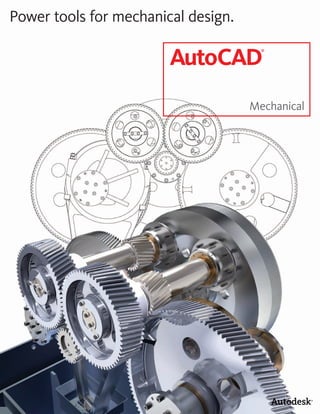
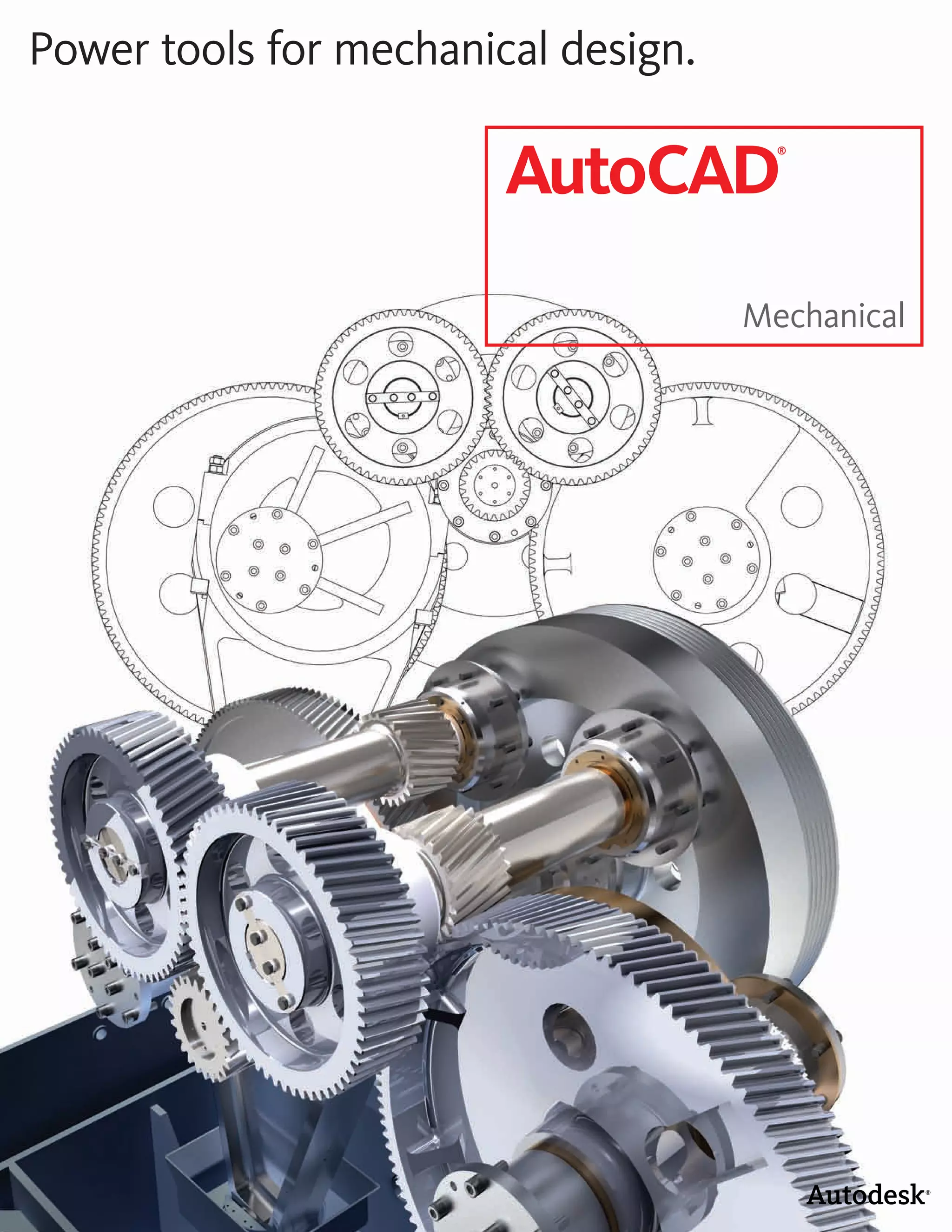
Power tools for mechanical design.

                        AutoCAD
                                       ®


                                     Mechanical
The AutoCAD Mechanical Advantage


To compete and win in today’s design marketplace, engineers
need to create and revise mechanical drawings faster than
ever before. AutoCAD Mechanical is AutoCAD software for   ®                                                               ®


manufacturing, offering significant productivity gains over
standard AutoCAD by simplifying complex mechanical design
                                                     ®


work.


   Facing these issues?                                  The Standard in 2D Mechanical Design
                                                         With comprehensive libraries of standards-based
                                                                                                                Maximize Your Productivity
                                                                                                                Creating mechanical designs often requires spend-
   •	 	 roductivity	is	limited	by	software	that	
      P                                                  parts, and tools for automating common design          ing valuable time on manual workarounds to get the
      is not built specifically for mechanical           tasks, AutoCAD® Mechanical software acceler-           job done. Since AutoCAD Mechanical provides a
      design.                                            ates the mechanical design process. AutoCAD            simplified drafting environment for manufacturing
                                                         Mechanical provides innovative design and drafting     and automates many manual tasks, it improves the
   •	 	 requent	design	changes	are	creating	
      F                                                  tools that are wholly focused on ease of use for the   design experience and offers immediate efficiency
      hours of manual rework.                            AutoCAD user. Keeping the AutoCAD user experi-         gains. AutoCAD Mechanical delivers high-impact
                                                         ence intact enables designers to maintain their        productivity tools to AutoCAD users who are
   •	 	 esign	errors	and	incorrect	bills	of	
      D                                                  existing workflows while adopting the enhanced         performing updates and iterative design changes,
      materials (BOMs) and parts lists are               functionality of AutoCAD Mechanical at their own       reducing the amount of rework associated with
      keeping products from shipping on time.            pace. Designers gain a competitive edge by saving      these tasks. In addition, powerful dimensioning
                                                         countless hours of design and rework, so they can      tools make adding, deleting, and editing dimen-
   •	 	 pdating	existing	drawings	is	costing	your	
      U                                                  spend time innovating rather than managing work-       sions fast and easy. Built to save you time, AutoCAD
      company valuable time.                             flow issues.                                           Mechanical has a specific tool for almost every
                                                                                                                aspect of the mechanical drafting process.
   •	 	 nconsistent	use	of	drafting	standards	is	
      I
      slowing down shop-floor production.

   •	 	 nability	to	find	and	reuse	designs	is	
      I
      forcing your teams to create too many
      drawings from scratch.

   Discover why so many designers
   and drafters are switching to
   AutoCAD Mechanical.


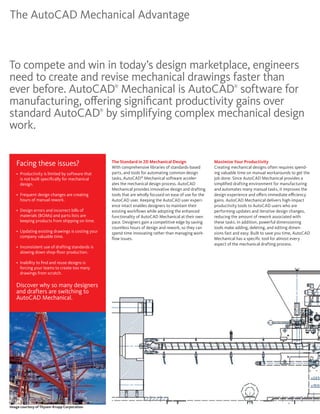
Image courtesy of Thysen-Krupp Corporation
Reduce Errors and Inconsistencies
When creating mechanical drawings, designers
can sometimes inadvertently introduce errors
and design inconsistencies, wasting time and
money. AutoCAD Mechanical includes libraries of
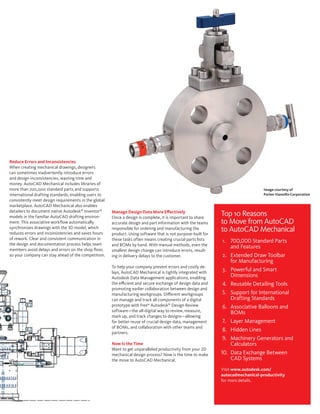
more than 700,000 standard parts and supports                                                                                     Image courtesy of
international drafting standards, enabling users to                                                                               Parker Hannifin Corporation
consistently meet design requirements in the global
marketplace. AutoCAD Mechanical also enables
detailers to document native Autodesk® Inventor®
models in the familiar AutoCAD drafting environ-
                                                      Manage Design Data More Effectively
                                                      Once a design is complete, it is important to share
                                                                                                              Top 10 Reasons
ment. This associative workflow automatically         accurate design and part information with the teams     to Move from AutoCAD
synchronizes drawings with the 3D model, which
reduces errors and inconsistencies and saves hours
                                                      responsible for ordering and manufacturing the
                                                      product. Using software that is not purpose-built for
                                                                                                              to AutoCAD Mechanical
of rework. Clear and consistent communication in      these tasks often means creating crucial parts lists     1. 700,000 Standard Parts
the design and documentation process helps team       and BOMs by hand. With manual methods, even the
members avoid delays and errors on the shop floor,
                                                                                                                  and Features
                                                      smallest design change can introduce errors, result-
so your company can stay ahead of the competition.    ing in delivery delays to the customer.                  2. Extended Draw Toolbar
                                                                                                                  for Manufacturing
                                                      To help your company prevent errors and costly de-
                                                      lays, AutoCAD Mechanical is tightly integrated with
                                                                                                               3. Powerful and Smart
                                                      Autodesk Data Management applications, enabling             Dimensions
                                                      the efficient and secure exchange of design data and     4. Reusable Detailing Tools
                                                      promoting earlier collaboration between design and
                                                      manufacturing workgroups. Different workgroups           5. Support for International
                                                      can manage and track all components of a digital            Drafting Standards
                                                      prototype with free* Autodesk® Design Review             6. Associative Balloons and
                                                      software—the all-digital way to review, measure,            BOMs
                                                      mark up, and track changes to designs—allowing
                                                      for better reuse of crucial design data, management      7. Layer Management
                                                      of BOMs, and collaboration with other teams and
                                                      partners.
                                                                                                               8. Hidden Lines
                                                                                                               9. Machinery Generators and
                                                      Now Is the Time                                             Calculators
                                                      Want to get unparalleled productivity from your 2D
                                                      mechanical design process? Now is the time to make      10. Data Exchange Between
                                                      the move to AutoCAD Mechanical.                             CAD Systems
                                                                                                              Visit www.autodesk.com/
                                                                                                              autocadmechanical-productivity
                                                                                                              for more details.
Digital Prototyping for the Manufacturing Market

Autodesk is a world-leading supplier of engineering software,
providing companies with tools to help them experience their
ideas before they are real. By putting powerful Digital Prototyping
technology within the reach of mainstream manufacturers,
Autodesk is changing the way manufacturers think about their
design processes and is helping them create more productive
work ows. The Autodesk approach to Digital Prototyping is
unique in that it is scalable, attainable, and cost-e ective, which
allows a broader group of manufacturers to realize the bene ts
with minimal disruption to existing work ows, and provides the
most straightforward path to creating and maintaining a single
digital model in a multidisciplinary engineering environment.


                                        Learn More or Purchase
                                        Access specialists worldwide who can provide product expertise, a deep
                                        understanding of your industry, and value that extends beyond your software
                                        purchase. To purchase AutoCAD Mechanical, contact an Autodesk Premier
                                        Solutions Provider or Autodesk Authorized Reseller. Locate a reseller near you
                                        at visit www.autodesk.com/reseller.

                                        Autodesk Learning and Education
                                        From instructor-led or self-paced classes to online training or education
                                        resources, Autodesk o ers learning solutions to t your needs. Get expert
                                        guidance at an Autodesk Authorized Training Center (ATC ) site, access learning
                                                                                                   ®

                                        tools online or at your local bookstore, and validate your experience with
                                        Autodesk certi cations. Learn more at www.autodesk.com/learning.

                                        Autodesk Services and Support
                                        Accelerate return on investment and optimize productivity with innovative
                                        purchase methods, companion products, consulting services, and support from
                                        Autodesk and Autodesk authorized partners. Designed to get you up to speed
                                        and keep you ahead of the competition, these tools help you make the most
                                        of your software purchase—no matter what industry you are in. Learn more at
                                        www.autodesk.com/servicesandsupport.

                                        Autodesk Subscription
                                        Get the bene ts of increased productivity, predictable budgeting, and simpli ed
                                        license management with Autodesk Subscription. You get any new upgrades
                                                                            ®


    763-420-6600   Maple Grove, MN      of your Autodesk software and any incremental product enhancements, if
                                        these are released during your Subscription term. In addition, you get exclusive
    701-281-1884   Fargo, ND            license terms available only to Subscription members. A range of community
    701-255-1137   Bismarck, ND         resources, including web support direct from Autodesk technical experts,
                                        self-paced training, and e-Learning, help extend your skills and make Autodesk
    715-552-1944   Eau Claire, WI       Subscription the best way to optimize your investment. Learn more atwww.
    605-977-1988   Sioux Falls, SD      autodesk.com/subscription.


    www.AE-Solutions.com/Autodesk       *Free products are subject to the terms and conditions of the end-user license agreement that accompanies
                                        download of this software.

                                        Cover image courtesy of Prensa Jundiai, Brasil

                                        Autodesk, AutoCAD, Autodesk Inventor, and Inventor are registered trademarks or trademarks of Autodesk,
                                        Inc., and/or its subsidiaries and/or a liates in the USA and/or other countries. All other brand names, product
                                        names, or trademarks belong to their respective holders. Autodesk reserves the right to alter product o erings
                                        and speci cations at any time without notice, and is not responsible for typographical or graphical errors that
                                        may appear in this document.
                                        © 2009 Autodesk, Inc. All rights reserved. 206A1-000000-MZ02

Autocad Mechanical 2011 Overview Brochure

  • 1.
    Power tools formechanical design. AutoCAD ® Mechanical
  • 2.
    The AutoCAD MechanicalAdvantage To compete and win in today’s design marketplace, engineers need to create and revise mechanical drawings faster than ever before. AutoCAD Mechanical is AutoCAD software for ® ® manufacturing, offering significant productivity gains over standard AutoCAD by simplifying complex mechanical design ® work. Facing these issues? The Standard in 2D Mechanical Design With comprehensive libraries of standards-based Maximize Your Productivity Creating mechanical designs often requires spend- • roductivity is limited by software that P parts, and tools for automating common design ing valuable time on manual workarounds to get the is not built specifically for mechanical tasks, AutoCAD® Mechanical software acceler- job done. Since AutoCAD Mechanical provides a design. ates the mechanical design process. AutoCAD simplified drafting environment for manufacturing Mechanical provides innovative design and drafting and automates many manual tasks, it improves the • requent design changes are creating F tools that are wholly focused on ease of use for the design experience and offers immediate efficiency hours of manual rework. AutoCAD user. Keeping the AutoCAD user experi- gains. AutoCAD Mechanical delivers high-impact ence intact enables designers to maintain their productivity tools to AutoCAD users who are • esign errors and incorrect bills of D existing workflows while adopting the enhanced performing updates and iterative design changes, materials (BOMs) and parts lists are functionality of AutoCAD Mechanical at their own reducing the amount of rework associated with keeping products from shipping on time. pace. Designers gain a competitive edge by saving these tasks. In addition, powerful dimensioning countless hours of design and rework, so they can tools make adding, deleting, and editing dimen- • pdating existing drawings is costing your U spend time innovating rather than managing work- sions fast and easy. Built to save you time, AutoCAD company valuable time. flow issues. Mechanical has a specific tool for almost every aspect of the mechanical drafting process. • nconsistent use of drafting standards is I slowing down shop-floor production. • nability to find and reuse designs is I forcing your teams to create too many drawings from scratch. Discover why so many designers and drafters are switching to AutoCAD Mechanical. Image courtesy of Thysen-Krupp Corporation
  • 3.
    Reduce Errors andInconsistencies When creating mechanical drawings, designers can sometimes inadvertently introduce errors and design inconsistencies, wasting time and money. AutoCAD Mechanical includes libraries of more than 700,000 standard parts and supports Image courtesy of international drafting standards, enabling users to Parker Hannifin Corporation consistently meet design requirements in the global marketplace. AutoCAD Mechanical also enables detailers to document native Autodesk® Inventor® models in the familiar AutoCAD drafting environ- Manage Design Data More Effectively Once a design is complete, it is important to share Top 10 Reasons ment. This associative workflow automatically accurate design and part information with the teams to Move from AutoCAD synchronizes drawings with the 3D model, which reduces errors and inconsistencies and saves hours responsible for ordering and manufacturing the product. Using software that is not purpose-built for to AutoCAD Mechanical of rework. Clear and consistent communication in these tasks often means creating crucial parts lists 1. 700,000 Standard Parts the design and documentation process helps team and BOMs by hand. With manual methods, even the members avoid delays and errors on the shop floor, and Features smallest design change can introduce errors, result- so your company can stay ahead of the competition. ing in delivery delays to the customer. 2. Extended Draw Toolbar for Manufacturing To help your company prevent errors and costly de- lays, AutoCAD Mechanical is tightly integrated with 3. Powerful and Smart Autodesk Data Management applications, enabling Dimensions the efficient and secure exchange of design data and 4. Reusable Detailing Tools promoting earlier collaboration between design and manufacturing workgroups. Different workgroups 5. Support for International can manage and track all components of a digital Drafting Standards prototype with free* Autodesk® Design Review 6. Associative Balloons and software—the all-digital way to review, measure, BOMs mark up, and track changes to designs—allowing for better reuse of crucial design data, management 7. Layer Management of BOMs, and collaboration with other teams and partners. 8. Hidden Lines 9. Machinery Generators and Now Is the Time Calculators Want to get unparalleled productivity from your 2D mechanical design process? Now is the time to make 10. Data Exchange Between the move to AutoCAD Mechanical. CAD Systems Visit www.autodesk.com/ autocadmechanical-productivity for more details.
  • 4.
    Digital Prototyping forthe Manufacturing Market Autodesk is a world-leading supplier of engineering software, providing companies with tools to help them experience their ideas before they are real. By putting powerful Digital Prototyping technology within the reach of mainstream manufacturers, Autodesk is changing the way manufacturers think about their design processes and is helping them create more productive work ows. The Autodesk approach to Digital Prototyping is unique in that it is scalable, attainable, and cost-e ective, which allows a broader group of manufacturers to realize the bene ts with minimal disruption to existing work ows, and provides the most straightforward path to creating and maintaining a single digital model in a multidisciplinary engineering environment. Learn More or Purchase Access specialists worldwide who can provide product expertise, a deep understanding of your industry, and value that extends beyond your software purchase. To purchase AutoCAD Mechanical, contact an Autodesk Premier Solutions Provider or Autodesk Authorized Reseller. Locate a reseller near you at visit www.autodesk.com/reseller. Autodesk Learning and Education From instructor-led or self-paced classes to online training or education resources, Autodesk o ers learning solutions to t your needs. Get expert guidance at an Autodesk Authorized Training Center (ATC ) site, access learning ® tools online or at your local bookstore, and validate your experience with Autodesk certi cations. Learn more at www.autodesk.com/learning. Autodesk Services and Support Accelerate return on investment and optimize productivity with innovative purchase methods, companion products, consulting services, and support from Autodesk and Autodesk authorized partners. Designed to get you up to speed and keep you ahead of the competition, these tools help you make the most of your software purchase—no matter what industry you are in. Learn more at www.autodesk.com/servicesandsupport. Autodesk Subscription Get the bene ts of increased productivity, predictable budgeting, and simpli ed license management with Autodesk Subscription. You get any new upgrades ® 763-420-6600 Maple Grove, MN of your Autodesk software and any incremental product enhancements, if these are released during your Subscription term. In addition, you get exclusive 701-281-1884 Fargo, ND license terms available only to Subscription members. A range of community 701-255-1137 Bismarck, ND resources, including web support direct from Autodesk technical experts, self-paced training, and e-Learning, help extend your skills and make Autodesk 715-552-1944 Eau Claire, WI Subscription the best way to optimize your investment. Learn more atwww. 605-977-1988 Sioux Falls, SD autodesk.com/subscription. www.AE-Solutions.com/Autodesk *Free products are subject to the terms and conditions of the end-user license agreement that accompanies download of this software. Cover image courtesy of Prensa Jundiai, Brasil Autodesk, AutoCAD, Autodesk Inventor, and Inventor are registered trademarks or trademarks of Autodesk, Inc., and/or its subsidiaries and/or a liates in the USA and/or other countries. All other brand names, product names, or trademarks belong to their respective holders. Autodesk reserves the right to alter product o erings and speci cations at any time without notice, and is not responsible for typographical or graphical errors that may appear in this document. © 2009 Autodesk, Inc. All rights reserved. 206A1-000000-MZ02