Apps Development
for Firefox OS &
Introduction to Web
APIs
Rashik Ishrak Nahian
rashik@nahian.me
WHAT IS
FIREFOX
OS ?
Firefox OS is actually
Firefox Browser .
That works as the
system for
smartphones. What
you feel & what you
is pure web
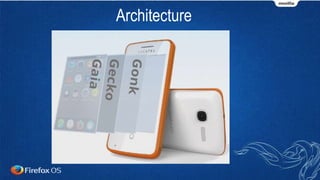
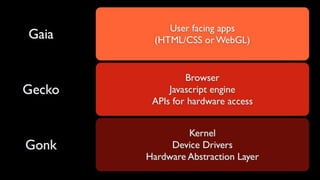
Architecture
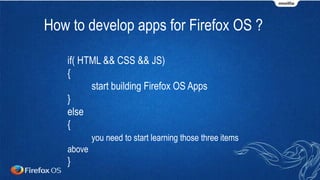
How to develop apps for Firefox OS ?
if( HTML && CSS && JS)
{
start building Firefox OS Apps
}
else
{
you need to start learning those three items
above
}
So, your application is actually
a webpage?
Yes it is!
Webpage with access to your phone's
Hardware on demand.
Will it run only in internet ??
NO!!! It will run offline too. It will run
in Android too..
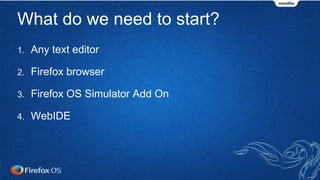
What do we need to start?
1. Any text editor
2. Firefox browser
3. Firefox OS Simulator Add On
4. WebIDE
To develop any application,
we worry about two things...
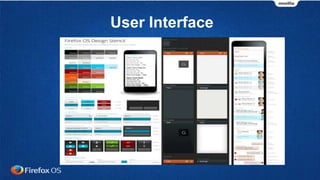
User Interface
& Controls!
Logic
programming,
loops, working
with data etc...
While building FirefoxOS apps, We
Build user interface with HTML &
CSS
& Javascript does the
programming!
Step 1: Create a directory
 Create a directory named hello
anywhere in your computer.
 This will be the base directory - we
put all files of our app here.
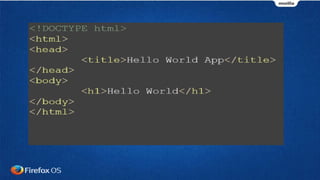
Step 2: Create file named
index.html
Create a file index.html (it
doesn't need to be index.html,
it could be any name with .html
extension) in the hello
directory.
One more
step to turn
this into an
app!
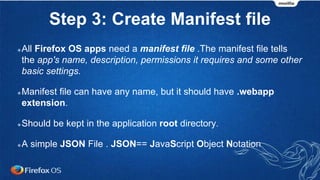
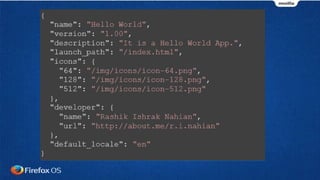
Step 3: Create Manifest file
All Firefox OS apps need a manifest file .The manifest file tells
the app's name, description, permissions it requires and some other
basic settings.
Manifest file can have any name, but it should have .webapp
extension.
Should be kept in the application root directory.
A simple JSON File . JSON== JavaScript Object Notation
Step 3: icon.png
How to run/test? I don't have
device!
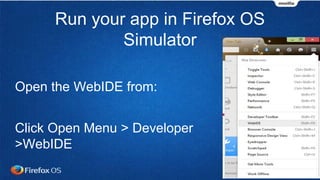
Run your app in Firefox OS
Simulator
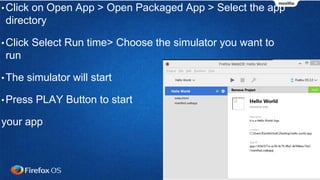
Open the WebIDE from:
Click Open Menu > Developer
>WebIDE
•Click on Open App > Open Packaged App > Select the app
directory
•Click Select Run time> Choose the simulator you want to
run
•The simulator will start
•Press PLAY Button to start
your app
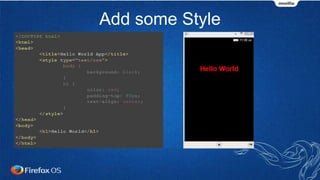
Add some Style
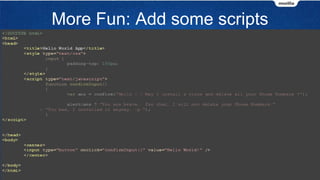
More Fun: Add some scripts
You have created your first FirefoxOs app!
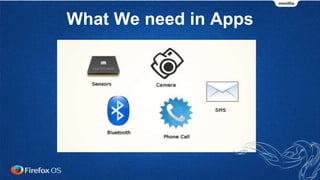
What We need in Apps
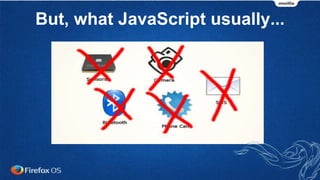
But, what JavaScript usually...
There are JavaScript APIs!
•For making phone calls
•For sending SMS
•For reading sensors
•For manipulating files
•For ....
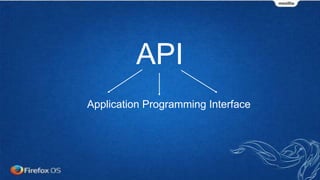
API
Application Programming Interface
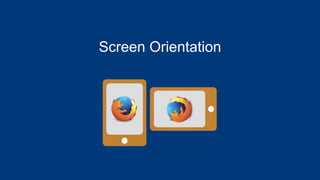
Screen Orientation
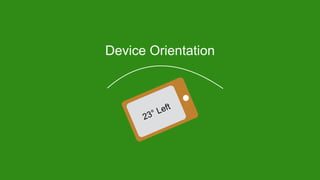
Device Orientation
Device Storage API
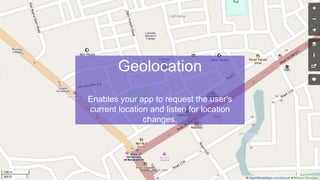
Geolocation
Enables your app to request the user's
current location and listen for location
changes.
Ambient Light Sensor API
Provides access to the ambient light
sensor, which lets your app detect the
ambient light level in the vicinity of the
device.
Battery Status API
Provides information about the battery's charge
level and whether or not the device is currently
plugged in and charging.
Pointer Lock API
Lets apps lock access to the mouse and gain
access to movement deltas rather than absolute
coordinates; this is great for gaming.
Apps development for Firefox OS & introduction to WebAPIs

Apps development for Firefox OS & introduction to WebAPIs

Editor's Notes

  • #3 Probably you already know about Firefox OS, note that it's not Firefox the browser... it's a brand new OS for mobile platforms
  • #8 Probably you already know about Firefox OS, note that it's not Firefox the browser... it's a brand new OS for mobile platforms
  • #9 Probably you already know about Firefox OS, note that it's not Firefox the browser... it's a brand new OS for mobile platforms
  • #10 Probably you already know about Firefox OS, note that it's not Firefox the browser... it's a brand new OS for mobile platforms
  • #11 Probably you already know about Firefox OS, note that it's not Firefox the browser... it's a brand new OS for mobile platforms
  • #14 Probably you already know about Firefox OS, note that it's not Firefox the browser... it's a brand new OS for mobile platforms