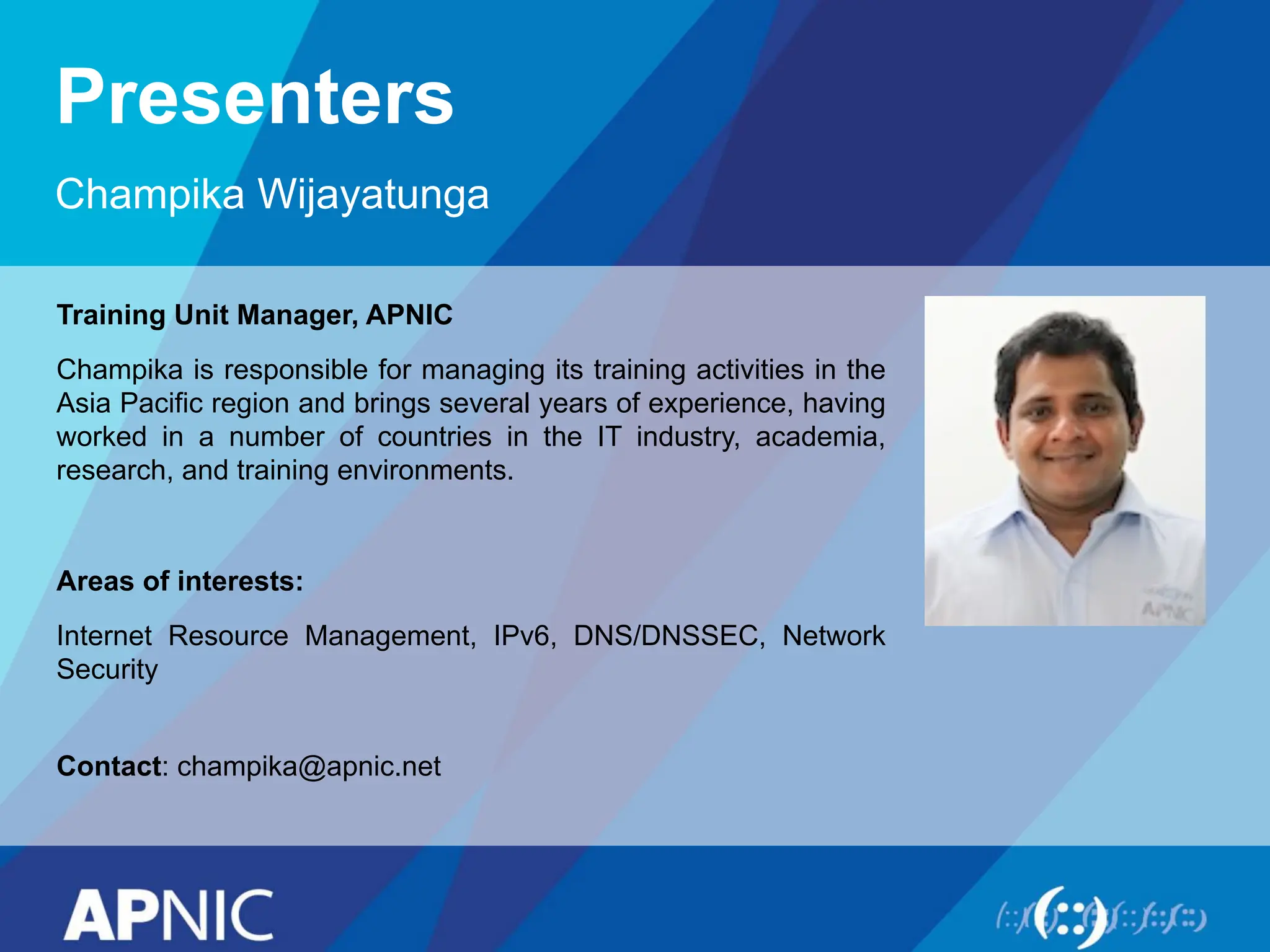
Presenters
Champika Wijayatunga
Training UnitManager, APNIC
Champika is responsible for managing its training activities in the
Asia Pacific region and brings several years of experience, having
worked in a number of countries in the IT industry, academia,
research, and training environments.
Areas of interests:
Internet Resource Management, IPv6, DNS/DNSSEC, Network
Security
Contact: champika@apnic.net
3.
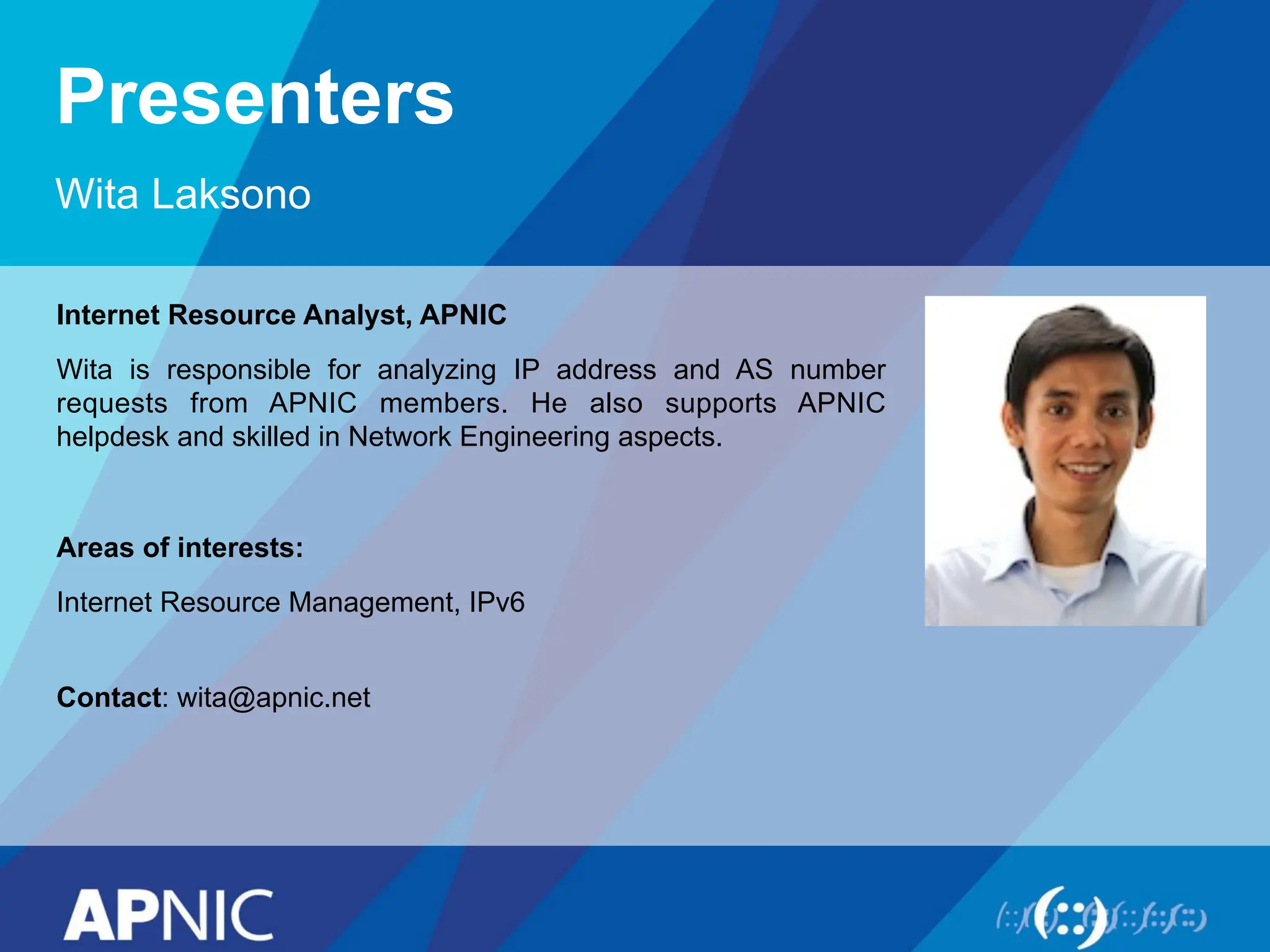
Presenters
Wita Laksono
Internet ResourceAnalyst, APNIC
Wita is responsible for analyzing IP address and AS number
requests from APNIC members. He also supports APNIC
helpdesk and skilled in Network Engineering aspects.
Areas of interests:
Internet Resource Management, IPv6
Contact: wita@apnic.net
4.
Overview
• Network SecurityFundamentals
• Cryptography and PKI
• Registration of Internet Resources
• Security on Different Layers and Attack Mitigation
• DNS Security and DNSSEC
• Device and Infrastructure Security
• Virtual Private Networks and IPSec
• Route Filtering
Overview
• Why WeNeed Security
• Definitions and Concepts
• Access Control
• Risk vs. Vulnerability
• Threats and Attack Types
7.
Why Security?
• TheInternet was initially designed for connectivity
– Trust assumed
– We do more with the Internet nowadays
– Security protocols are added on top of the TCP/IP
• Fundamental aspects of information must be protected
– Confidential data
– Employee information
– Business models
– Protect identity and resources
• We can’t keep ourselves isolated from the Internet
– Most business communications are done online
– We provide online services
– We get services from third-party organizations online
8.
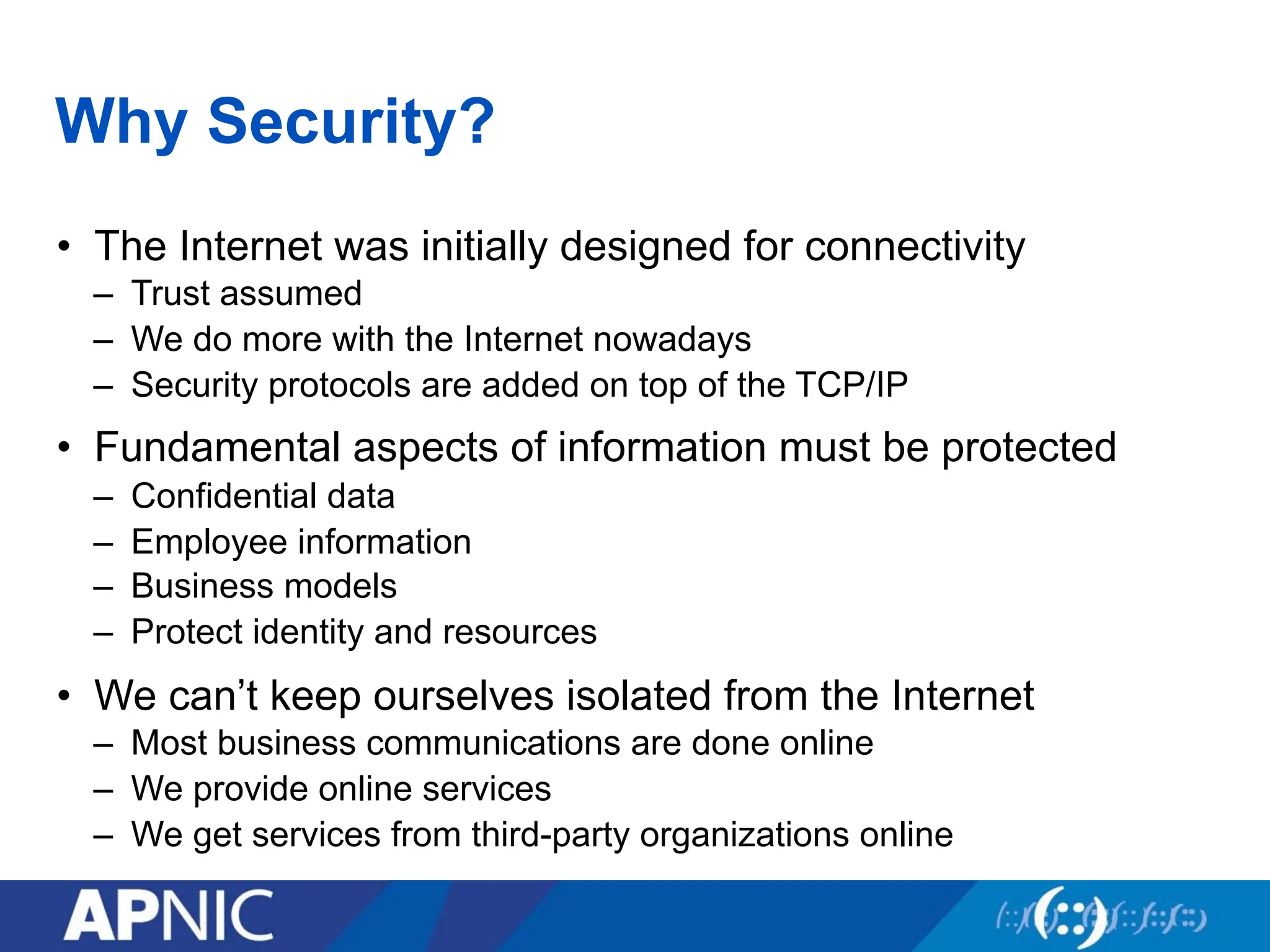
Internet Evolution
• Differentways to handle security as the Internet evolves
LAN connectivity Application-specific
More online content
Cloud computing
Application/data hosted
in the cloud environment
9.
Why Security?
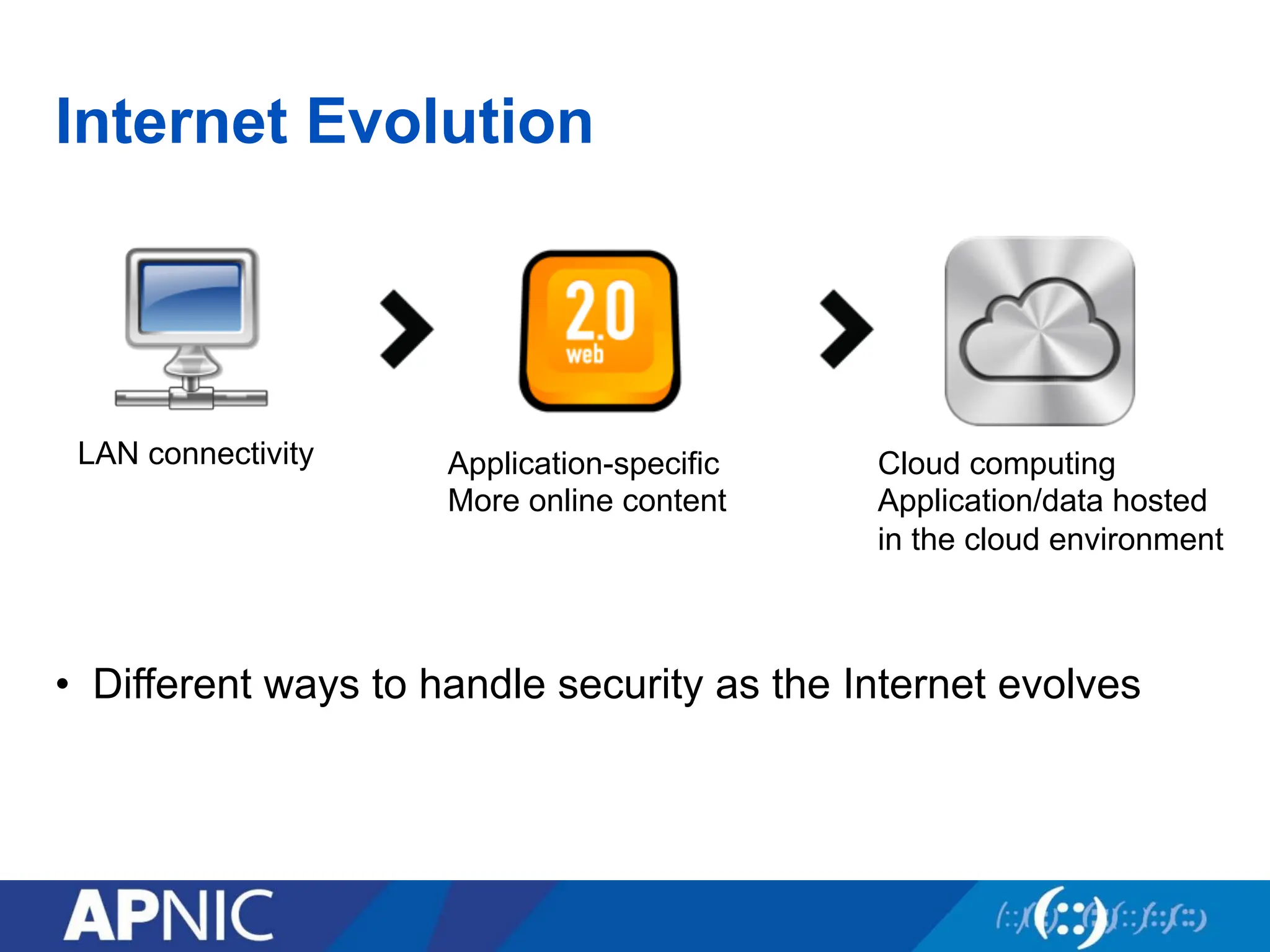
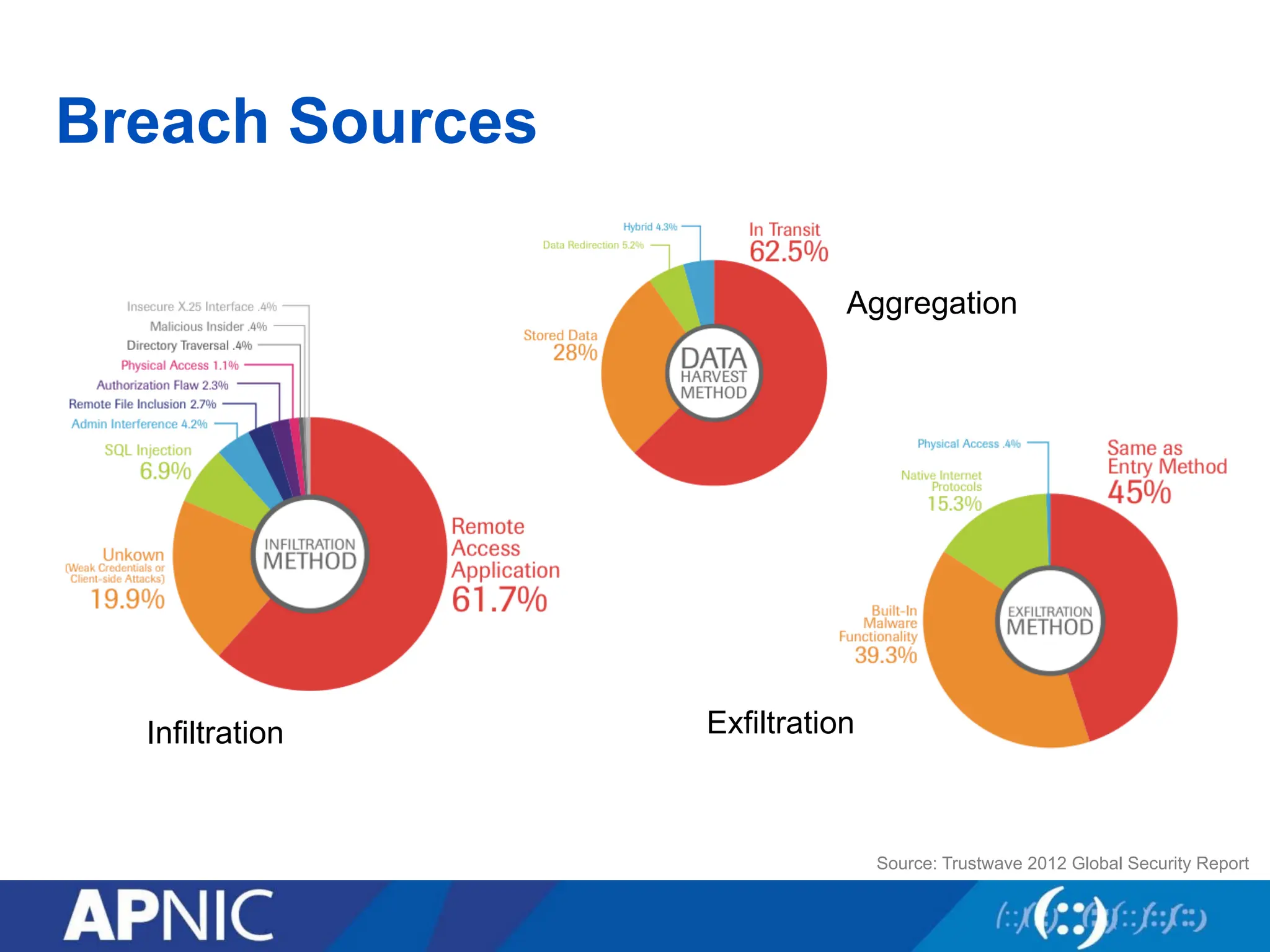
• Keyfindings:
– Hacktivism and vandalism are the common DDoS attack motivation
– High-bandwidth DDoS attacks are the ‘new normal’
– First-ever IPv6 DDoS attacks are reported
– Trust issues across geographic boundaries
Source: Arbor Networks Worldwide Infrastructure
Security Report Volume VII
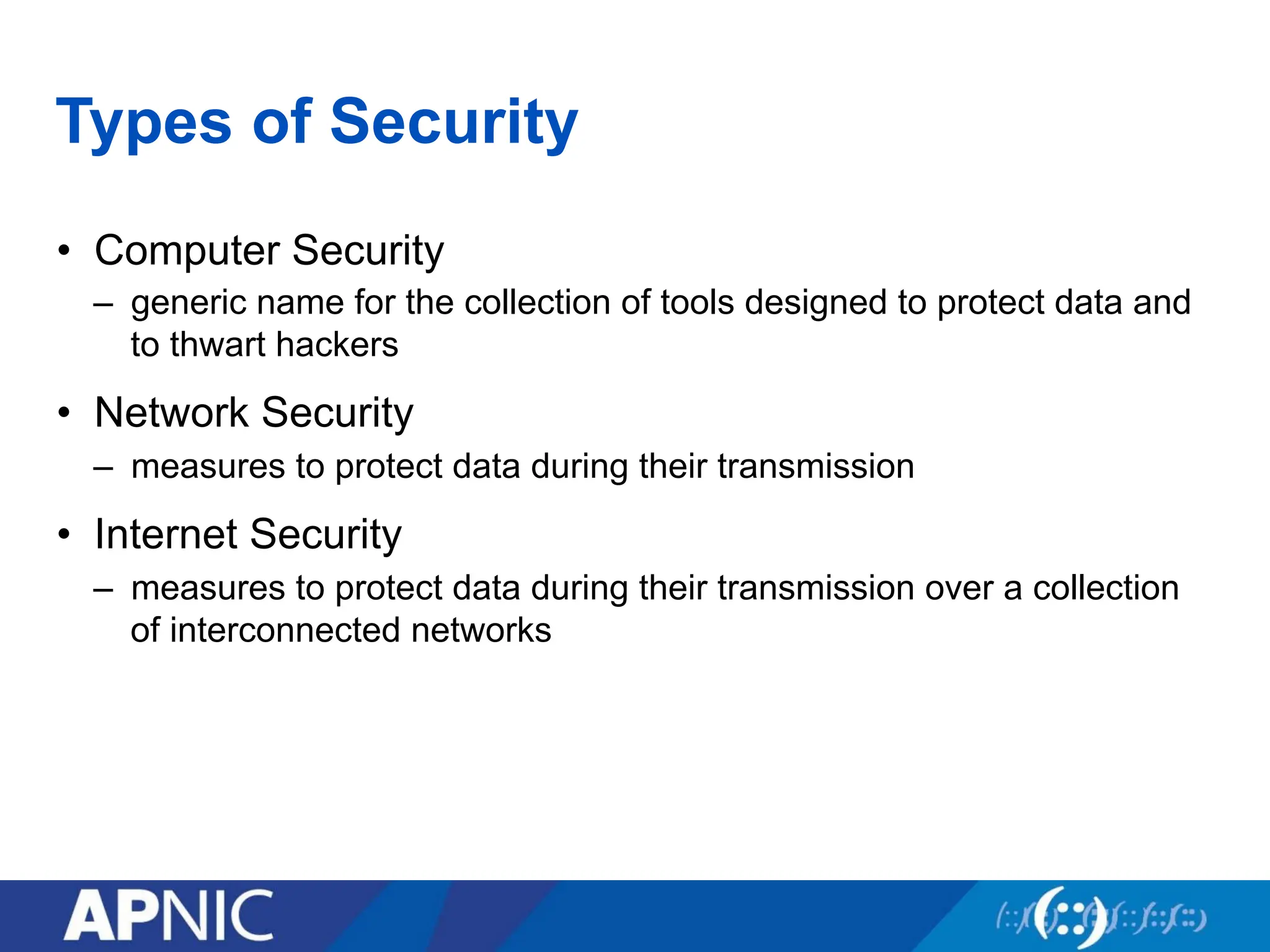
Types of Security
•Computer Security
– generic name for the collection of tools designed to protect data and
to thwart hackers
• Network Security
– measures to protect data during their transmission
• Internet Security
– measures to protect data during their transmission over a collection
of interconnected networks
12.
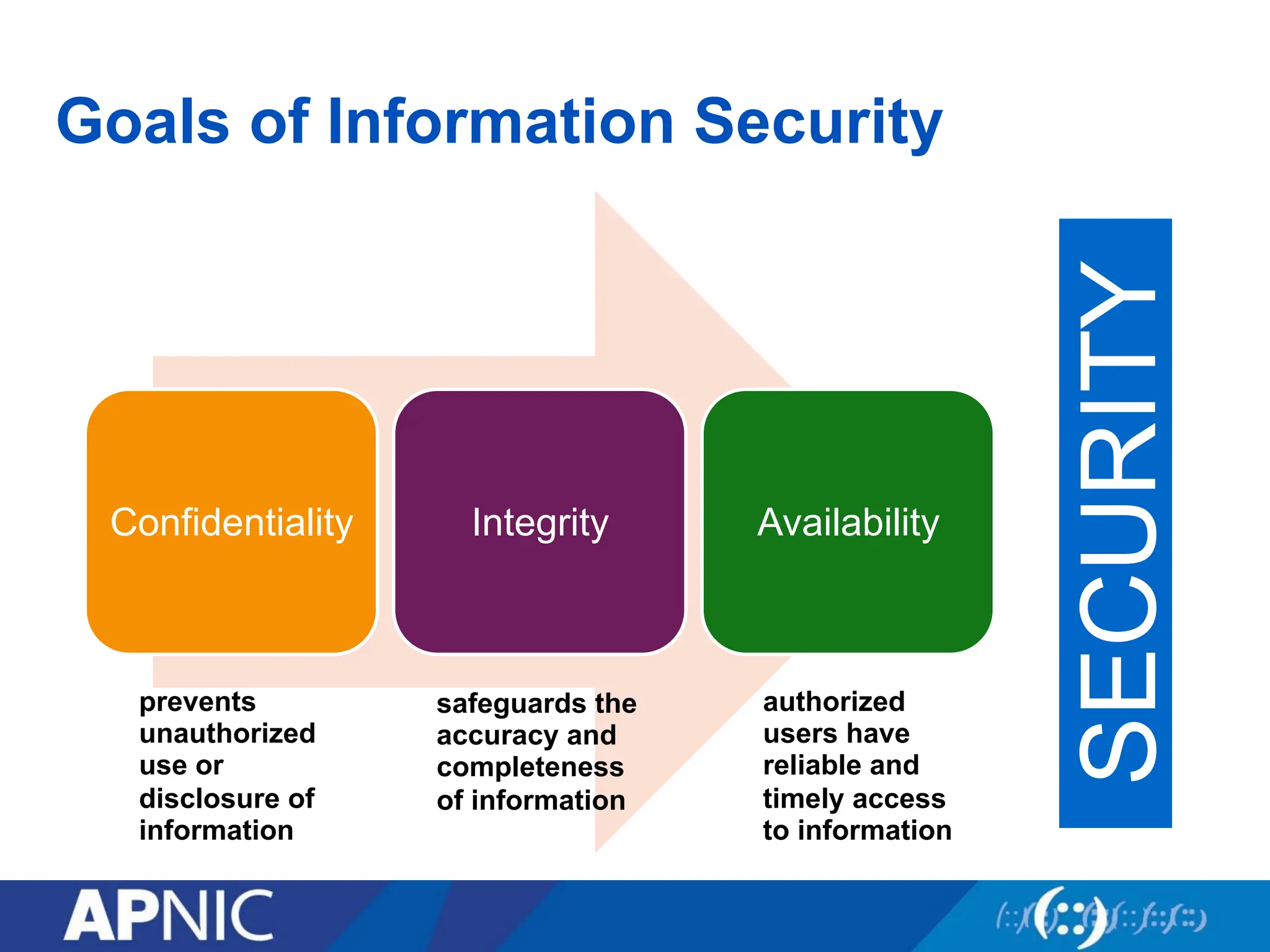
Goals of InformationSecurity
Confidentiality Integrity Availability
SECURITY
prevents
unauthorized
use or
disclosure of
information
safeguards the
accuracy and
completeness
of information
authorized
users have
reliable and
timely access
to information
13.
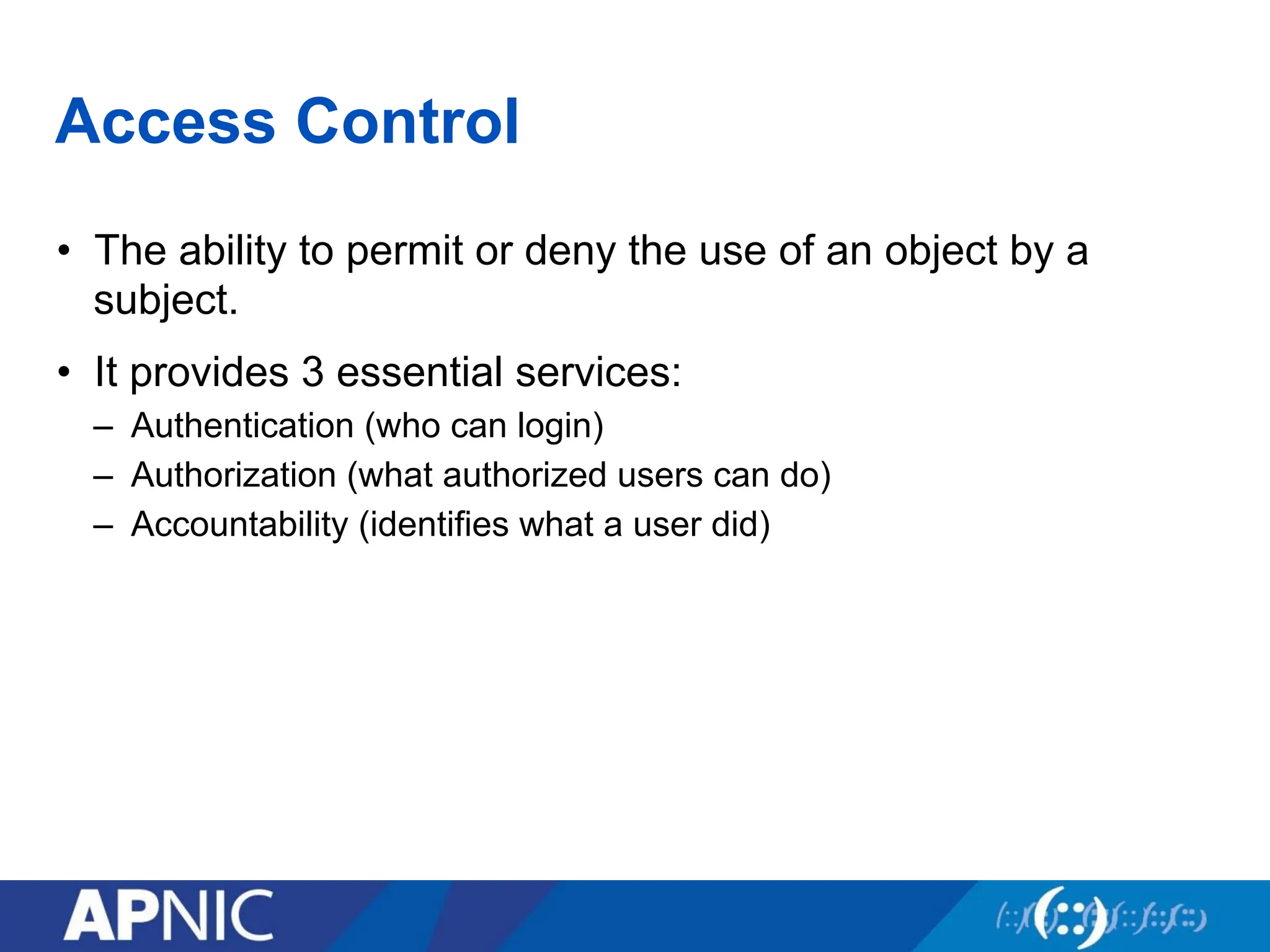
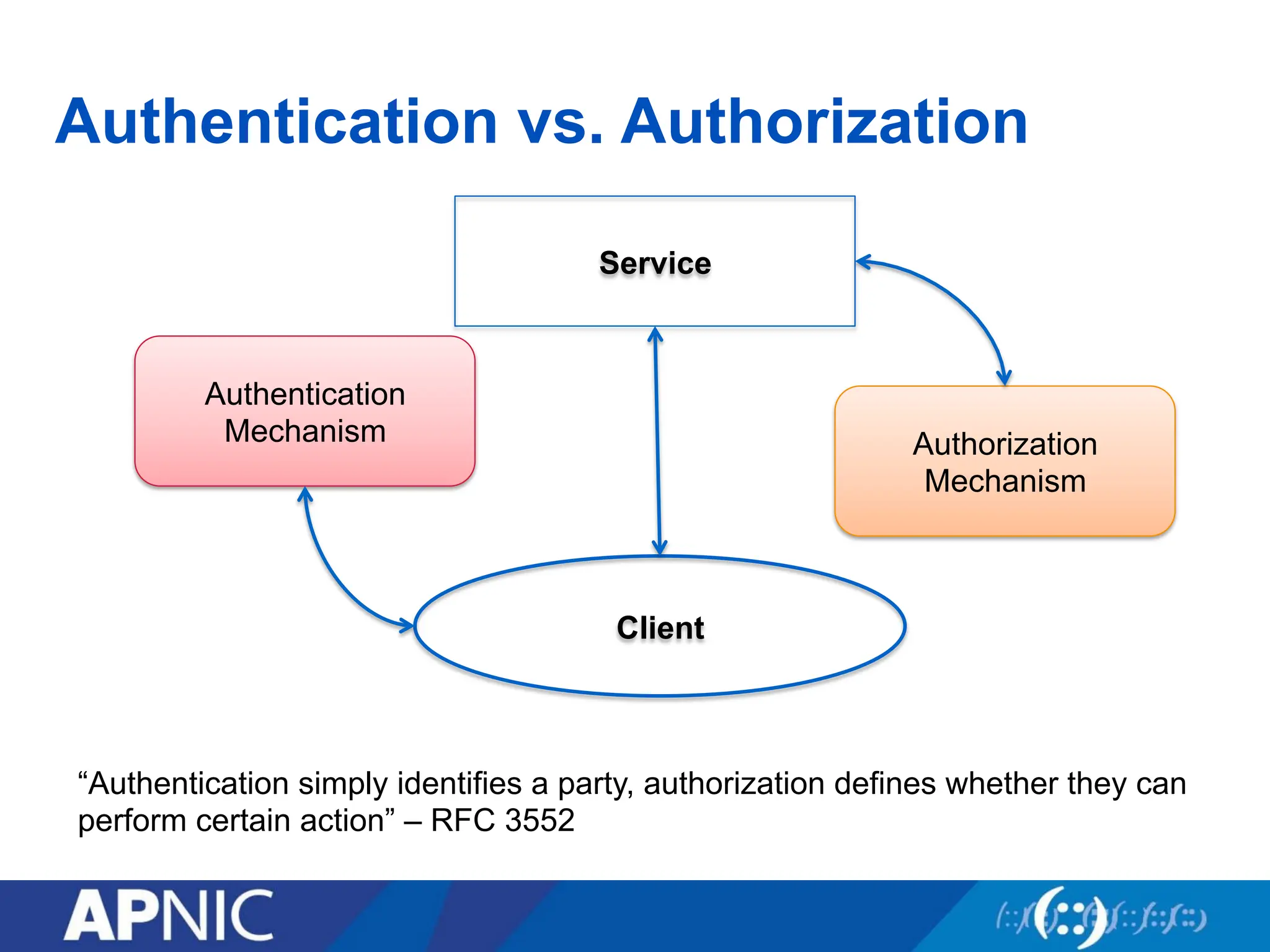
Access Control
• Theability to permit or deny the use of an object by a
subject.
• It provides 3 essential services:
– Authentication (who can login)
– Authorization (what authorized users can do)
– Accountability (identifies what a user did)
14.
Authentication
• A meansto verify or prove a user’s identity
• The term “user” may refer to:
– Person
– Application or process
– Machine or device
• Identification comes before authentication
– Provide username to establish user’s identity
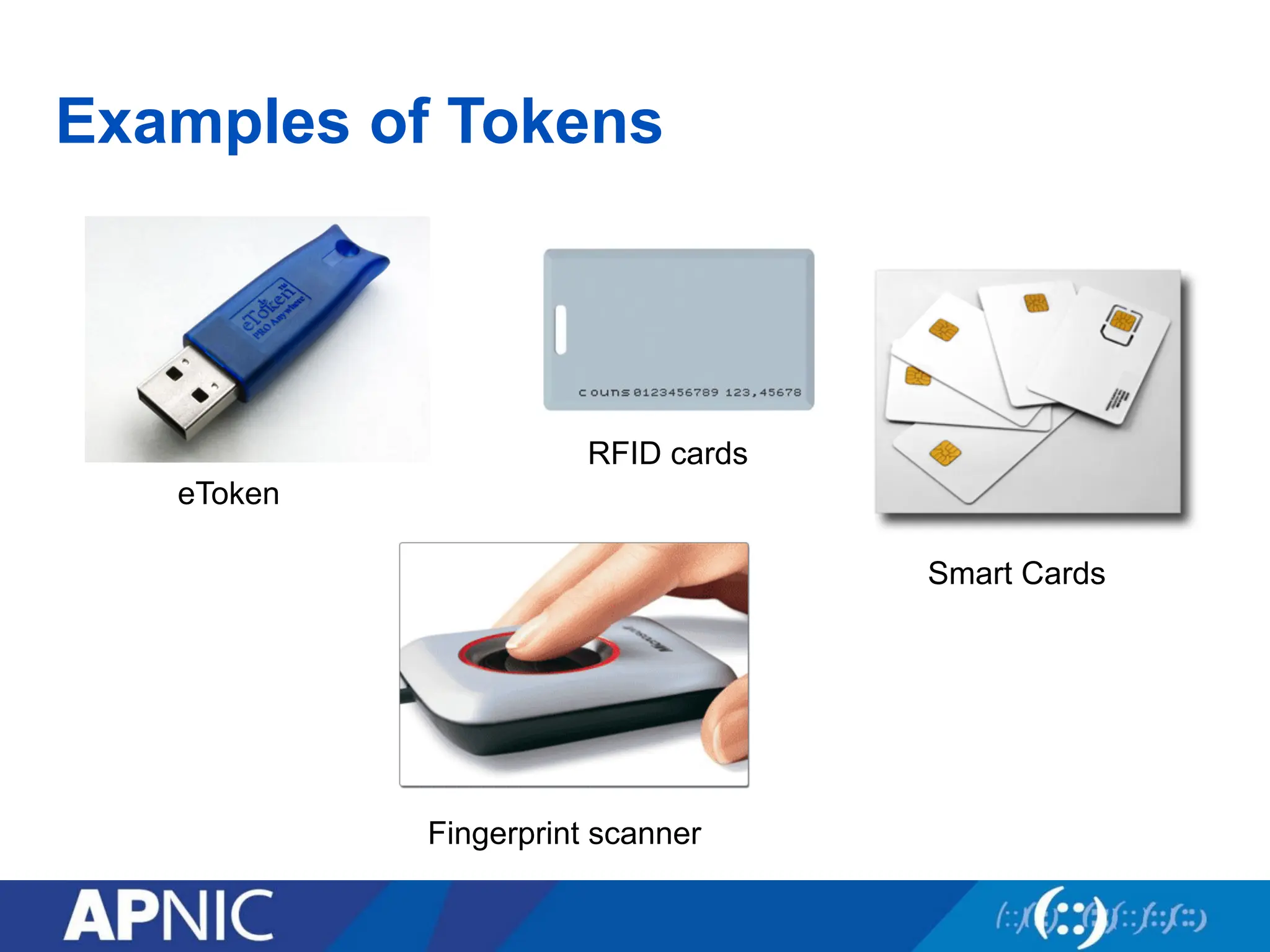
• To prove identity, a user must present either of the following:
– What you know (passwords, passphrase, PIN)
– What you have (token, smart cards, passcodes, RFID)
– Who you are (biometrics such as fingerprints and iris scan, signature or
voice)
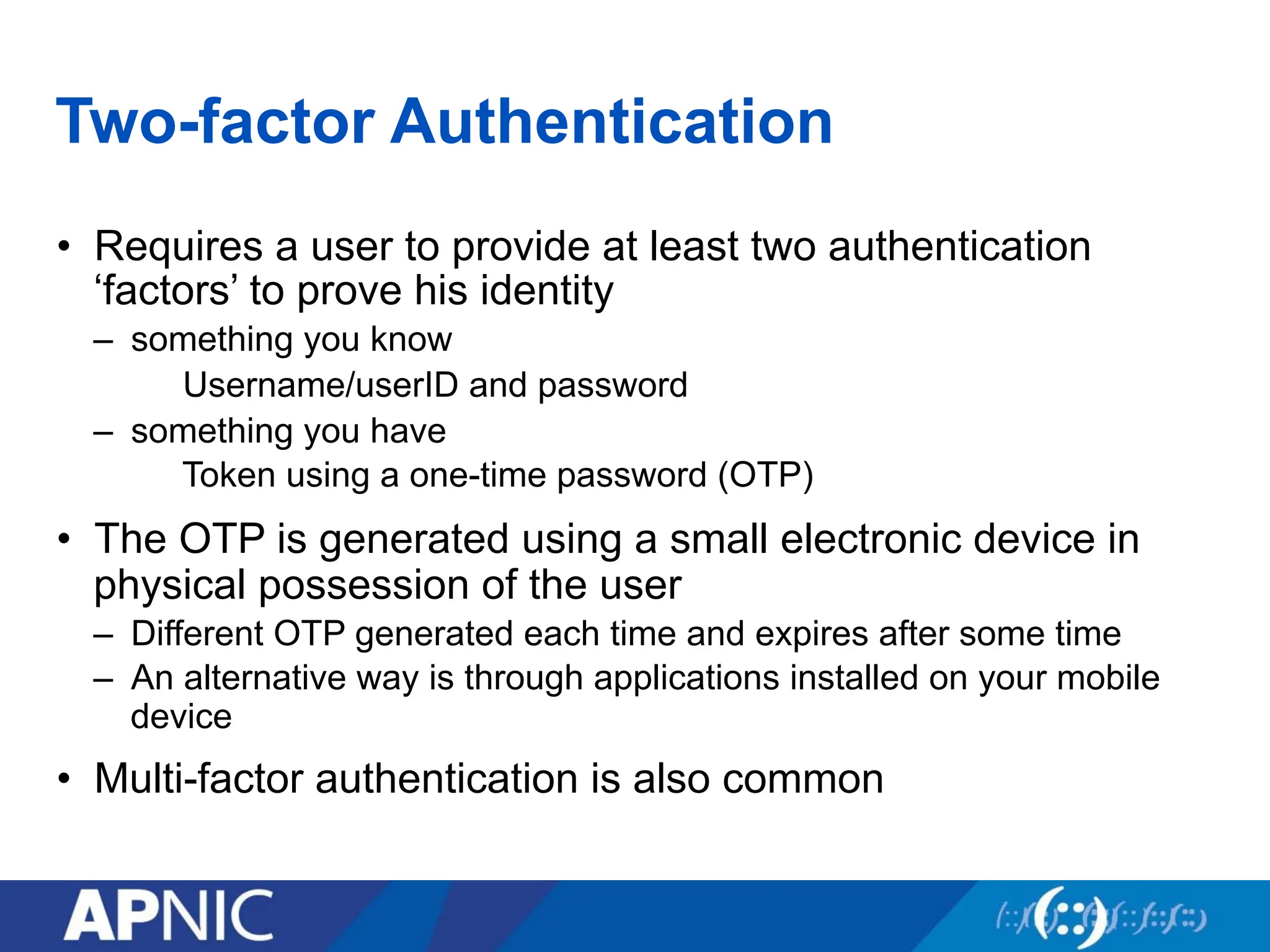
Two-factor Authentication
• Requiresa user to provide at least two authentication
‘factors’ to prove his identity
– something you know
Username/userID and password
– something you have
Token using a one-time password (OTP)
• The OTP is generated using a small electronic device in
physical possession of the user
– Different OTP generated each time and expires after some time
– An alternative way is through applications installed on your mobile
device
• Multi-factor authentication is also common
19.
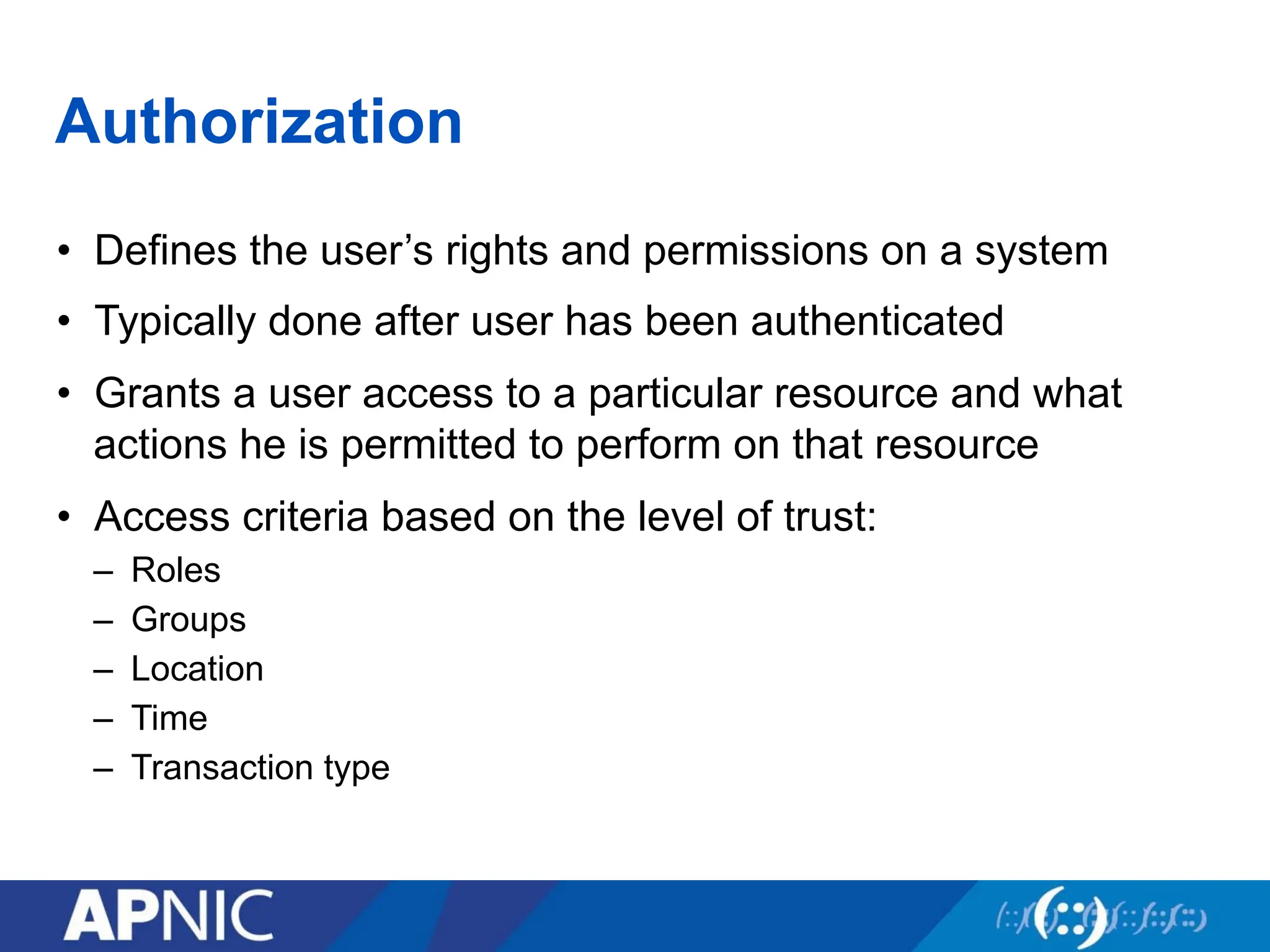
Authorization
• Defines theuser’s rights and permissions on a system
• Typically done after user has been authenticated
• Grants a user access to a particular resource and what
actions he is permitted to perform on that resource
• Access criteria based on the level of trust:
– Roles
– Groups
– Location
– Time
– Transaction type
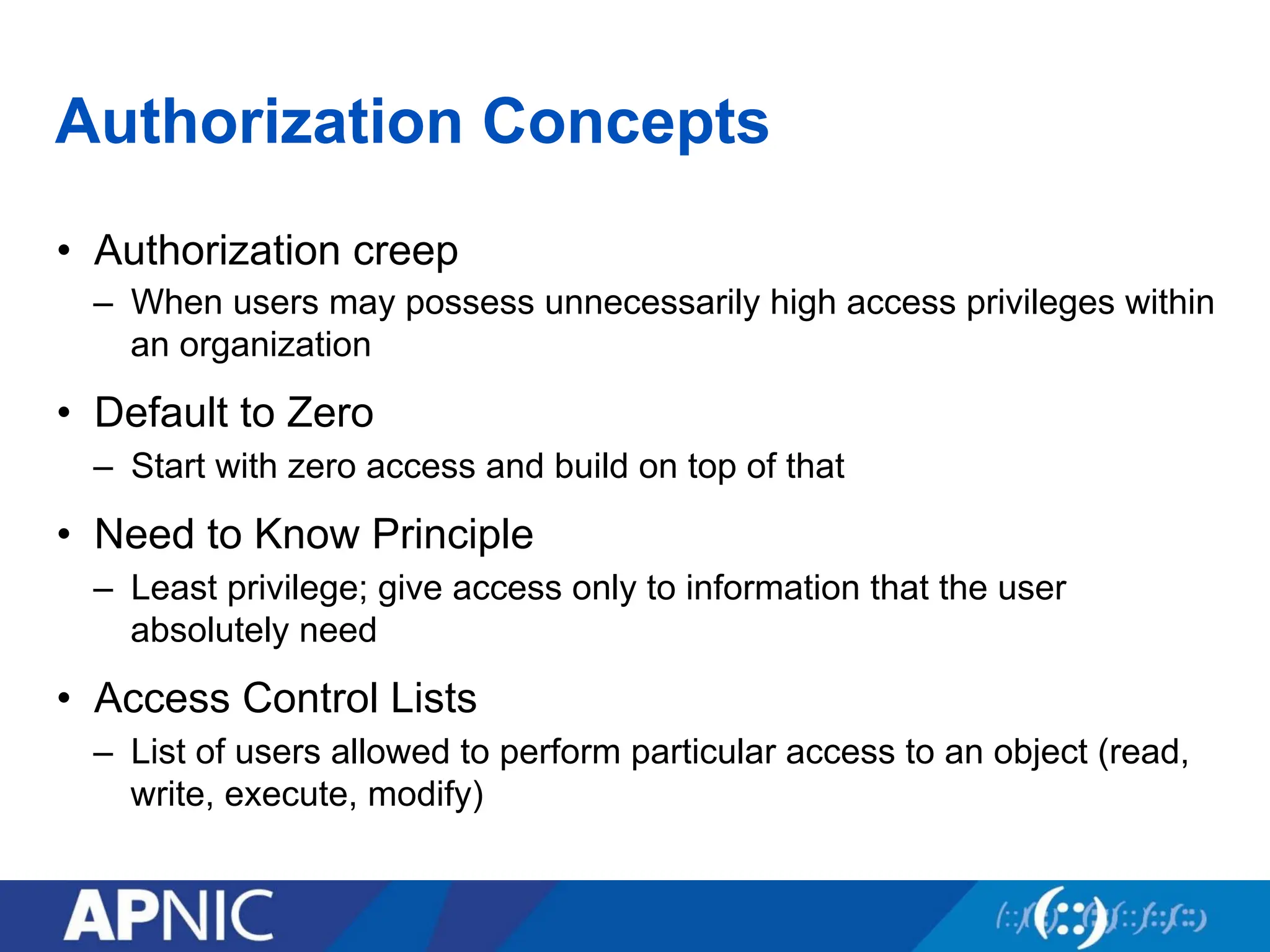
Authorization Concepts
• Authorizationcreep
– When users may possess unnecessarily high access privileges within
an organization
• Default to Zero
– Start with zero access and build on top of that
• Need to Know Principle
– Least privilege; give access only to information that the user
absolutely need
• Access Control Lists
– List of users allowed to perform particular access to an object (read,
write, execute, modify)
22.
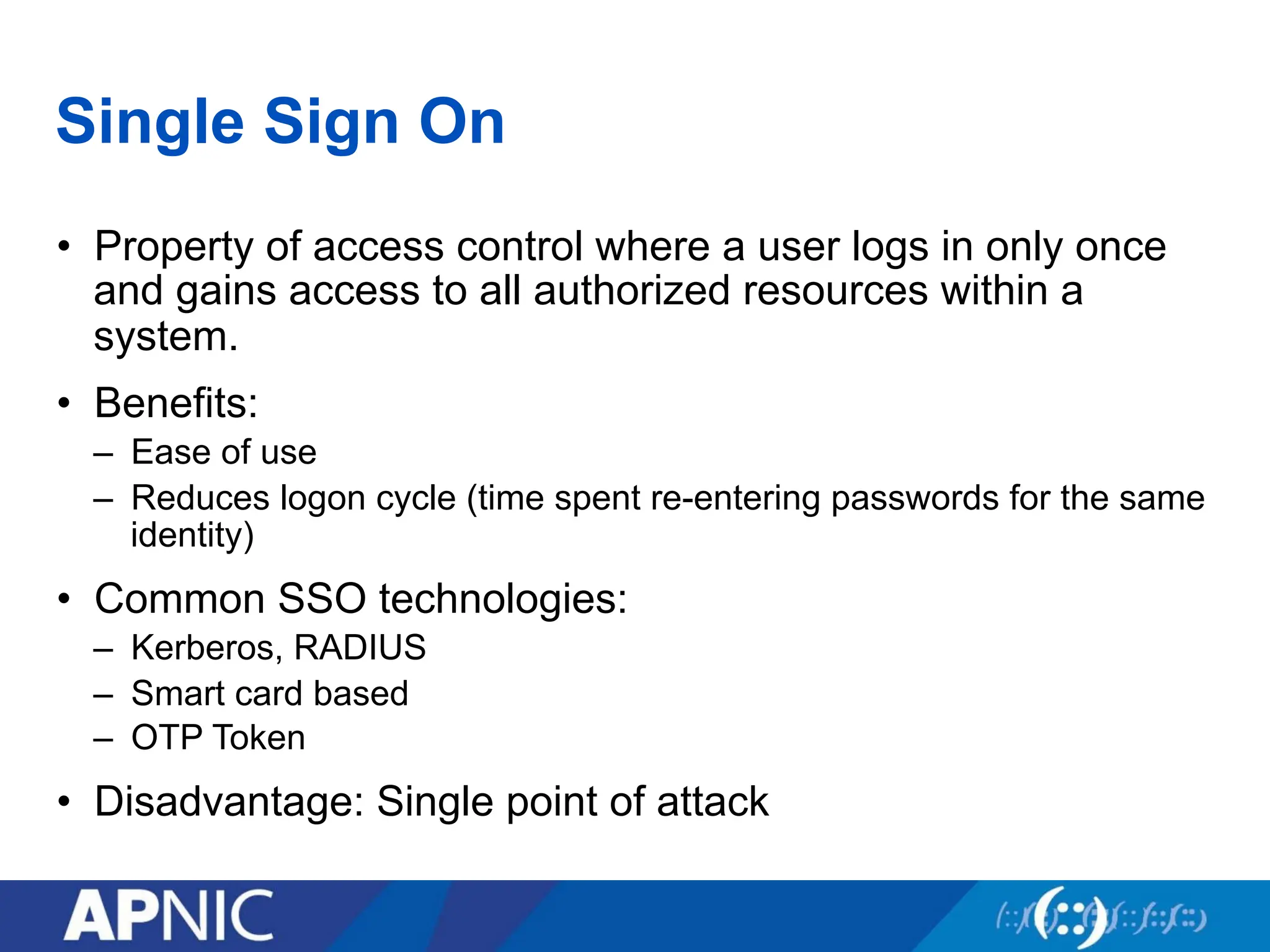
Single Sign On
•Property of access control where a user logs in only once
and gains access to all authorized resources within a
system.
• Benefits:
– Ease of use
– Reduces logon cycle (time spent re-entering passwords for the same
identity)
• Common SSO technologies:
– Kerberos, RADIUS
– Smart card based
– OTP Token
• Disadvantage: Single point of attack
23.
Types of AccessControl
• Centralized Access Control
– Radius
– TACACS+
– Diameter
• Decentralized Access Control
– Control of access by people who are closer to the resources
– No method for consistent control
24.
Accountability
• The securitygoal that generates the requirement for actions
of an entity to be traced uniquely to that entity
– Senders cannot deny sending information
– Receivers cannot deny receiving it
– Users cannot deny performing a certain action
• Supports nonrepudiation, deterrence, fault isolation,
intrusion detection and prevention and after-action recovery
and legal action
Source: NIST Risk Management Guide for
Information Technology Systems
25.
Integrity
• Security goalthat generates the requirement for protection
against either intentional or accidental attempts to violate
data integrity
• Data integrity
– The property that data has when it has not been altered in an
unauthorized manner
• System integrity
– The quality that a system has when it performs its intended function
in an unimpaired manner, free from unauthorized manipulation
Source: NIST Risk Management Guide for
Information Technology Systems
26.
Risk, Threat andVulnerability
• Vulnerability - weakness in a system
• Risk - likelihood that a particular threat using a particular
attack will exploit a particular vulnerability
• Exploit - taking advantage of a vulnerability
• Non-repudiation—assurance that both parties are involved
in the transaction
27.
Vulnerability
• A weaknessin security procedures, network design, or
implementation that can be exploited to violate a corporate
security policy
– Software bugs
– Configuration mistakes
– Network design flaw
– Lack of encryption
• Exploit
– Taking advantage of a vulnerability
28.
Threat
• Any circumstanceor event with the potential to cause harm
to a networked system.
• These are some example of threats:
– Denial of service
• Attacks make computer resources (e.g., bandwidth, disk space, or CPU time)
unavailable to its intended users
– Unauthorised access
• Access without permission issues by a rightful owner of devices or networks
– Impersonation
– Worms
– Viruses
29.
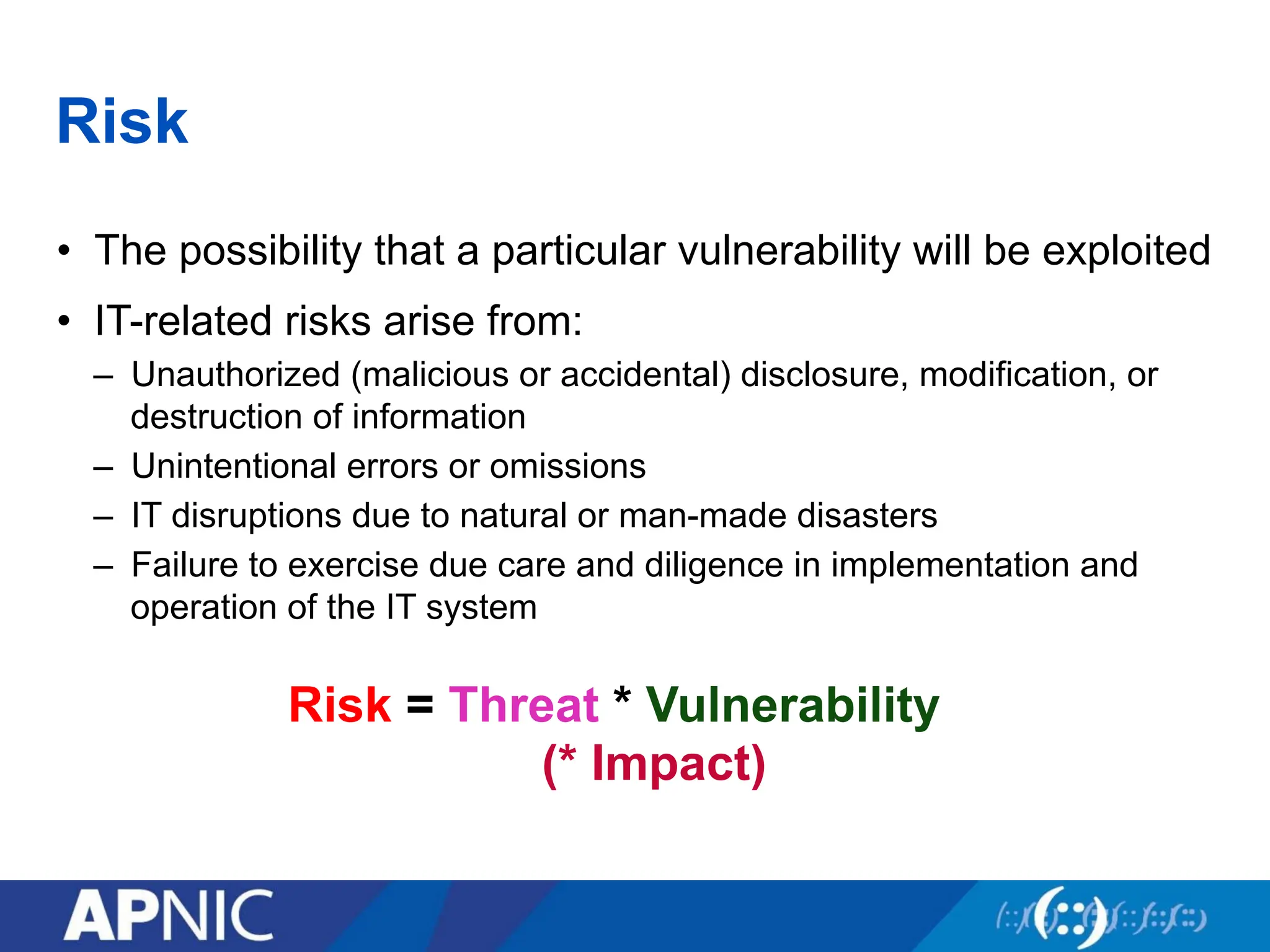
Risk
• The possibilitythat a particular vulnerability will be exploited
• IT-related risks arise from:
– Unauthorized (malicious or accidental) disclosure, modification, or
destruction of information
– Unintentional errors or omissions
– IT disruptions due to natural or man-made disasters
– Failure to exercise due care and diligence in implementation and
operation of the IT system
Risk = Threat * Vulnerability
(* Impact)
30.
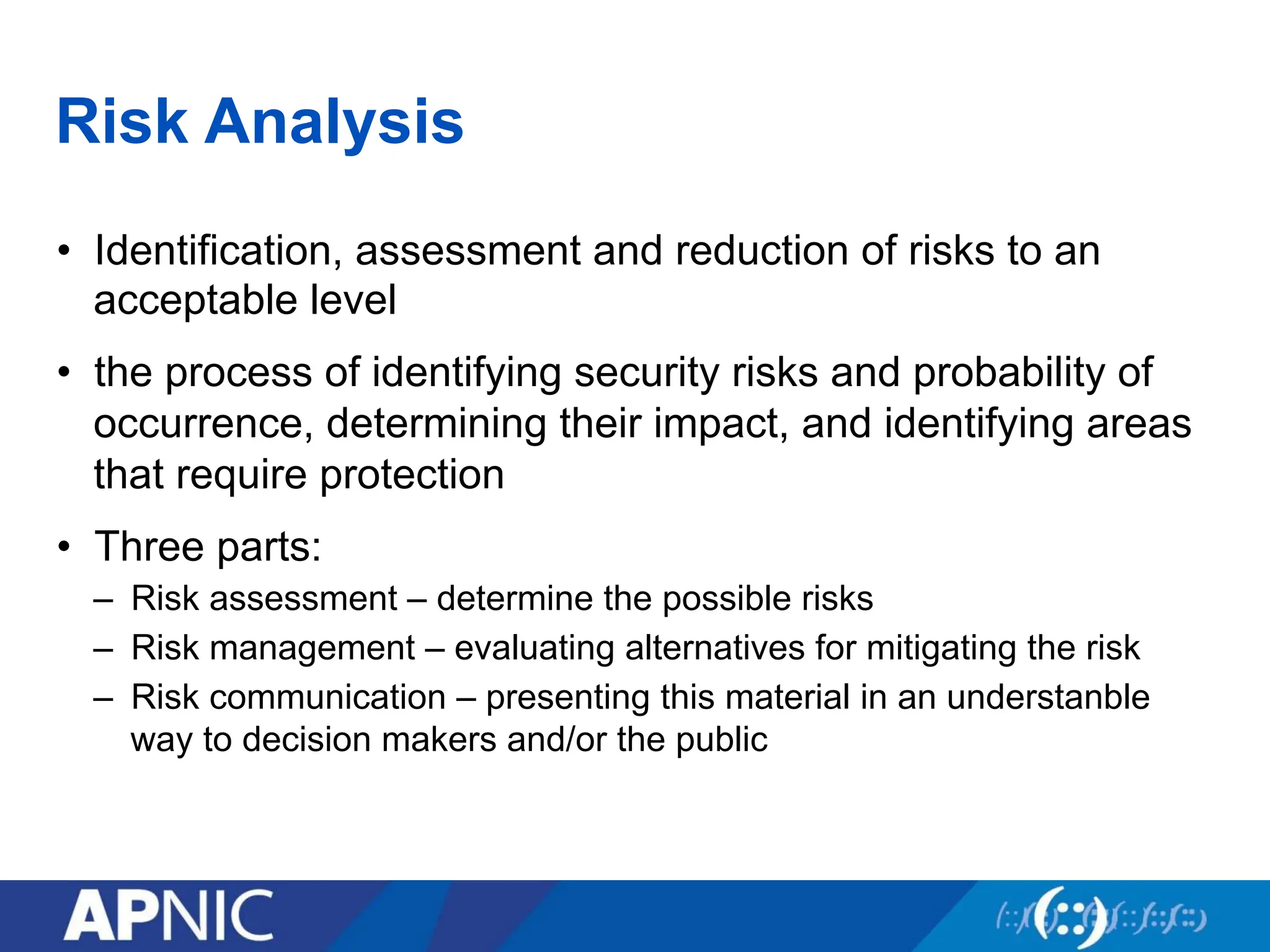
Risk Analysis
• Identification,assessment and reduction of risks to an
acceptable level
• the process of identifying security risks and probability of
occurrence, determining their impact, and identifying areas
that require protection
• Three parts:
– Risk assessment – determine the possible risks
– Risk management – evaluating alternatives for mitigating the risk
– Risk communication – presenting this material in an understanble
way to decision makers and/or the public
31.
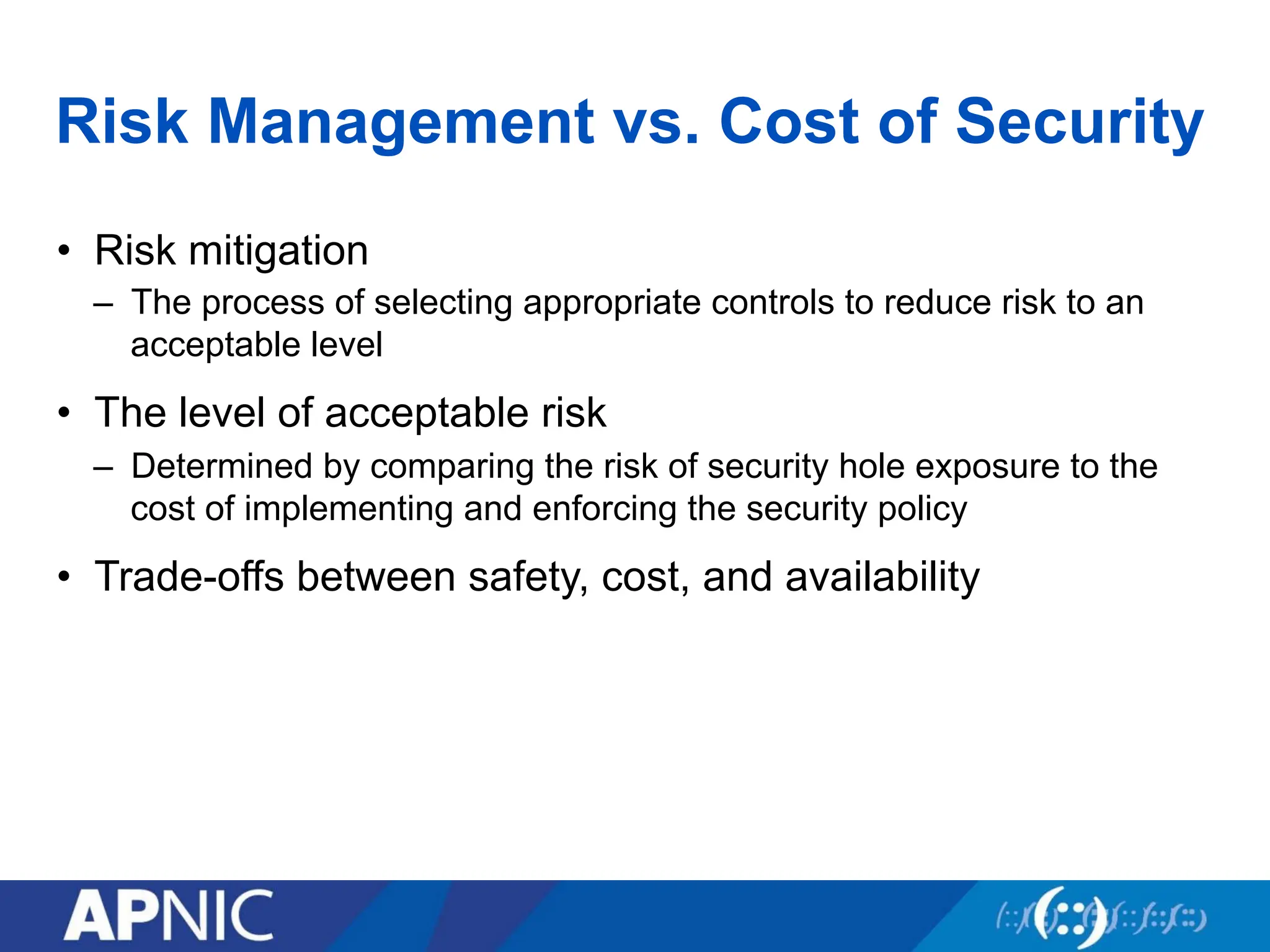
Risk Management vs.Cost of Security
• Risk mitigation
– The process of selecting appropriate controls to reduce risk to an
acceptable level
• The level of acceptable risk
– Determined by comparing the risk of security hole exposure to the
cost of implementing and enforcing the security policy
• Trade-offs between safety, cost, and availability
32.
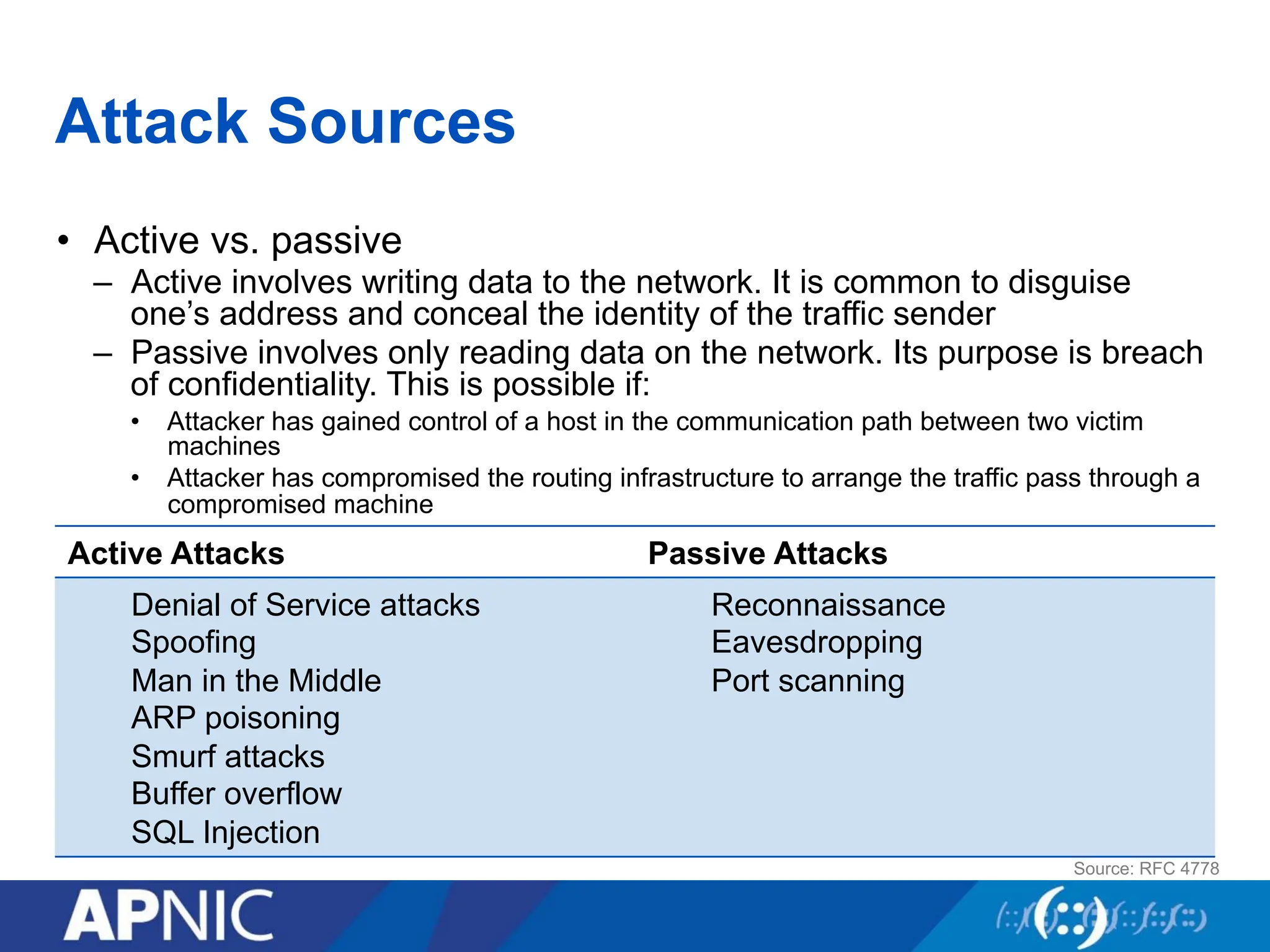
Attack Sources
• Activevs. passive
– Active involves writing data to the network. It is common to disguise
one’s address and conceal the identity of the traffic sender
– Passive involves only reading data on the network. Its purpose is breach
of confidentiality. This is possible if:
• Attacker has gained control of a host in the communication path between two victim
machines
• Attacker has compromised the routing infrastructure to arrange the traffic pass through a
compromised machine
Active Attacks Passive Attacks
Denial of Service attacks
Spoofing
Man in the Middle
ARP poisoning
Smurf attacks
Buffer overflow
SQL Injection
Reconnaissance
Eavesdropping
Port scanning
Source: RFC 4778
33.
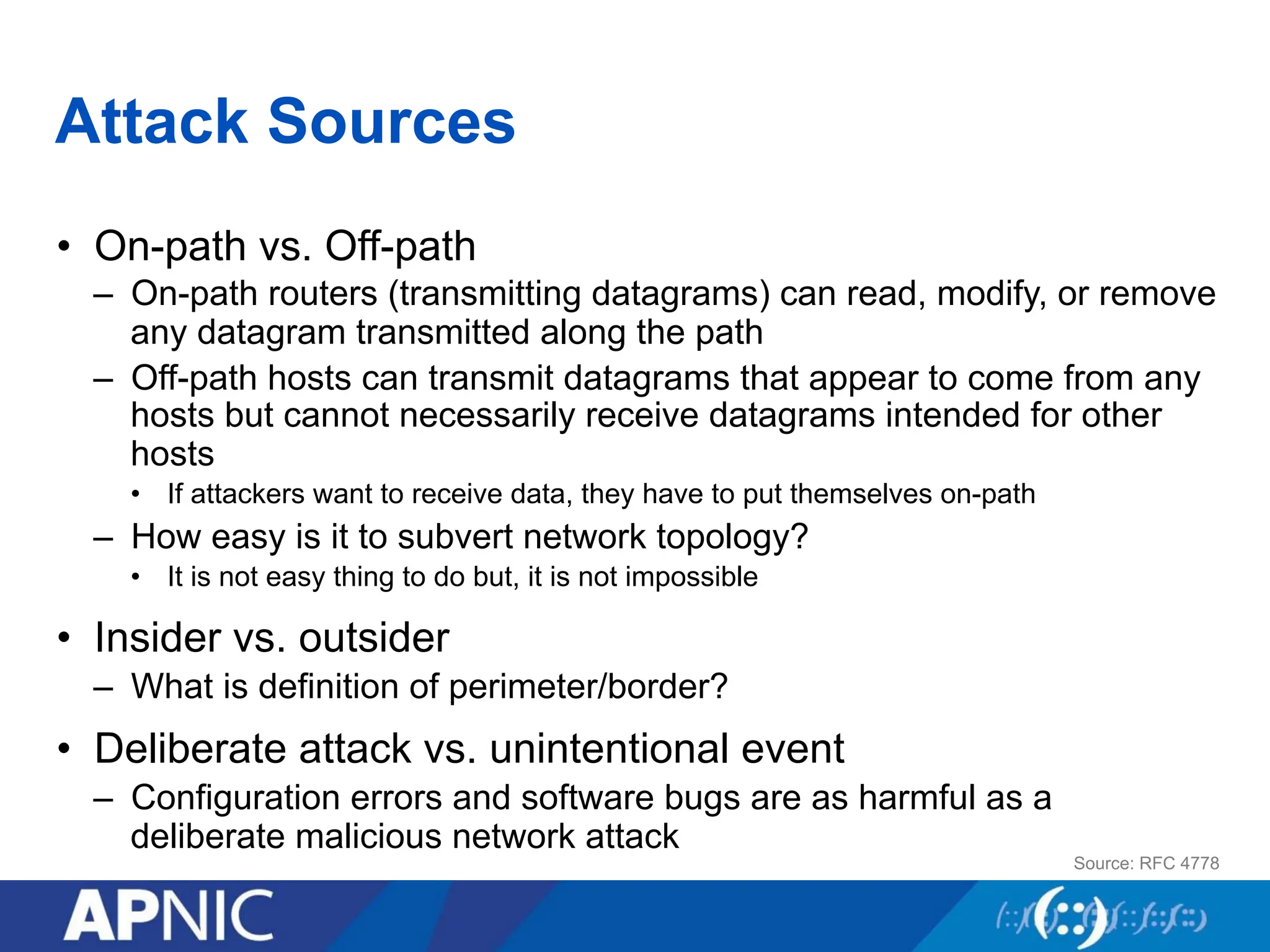
Attack Sources
• On-pathvs. Off-path
– On-path routers (transmitting datagrams) can read, modify, or remove
any datagram transmitted along the path
– Off-path hosts can transmit datagrams that appear to come from any
hosts but cannot necessarily receive datagrams intended for other
hosts
• If attackers want to receive data, they have to put themselves on-path
– How easy is it to subvert network topology?
• It is not easy thing to do but, it is not impossible
• Insider vs. outsider
– What is definition of perimeter/border?
• Deliberate attack vs. unintentional event
– Configuration errors and software bugs are as harmful as a
deliberate malicious network attack
Source: RFC 4778
34.
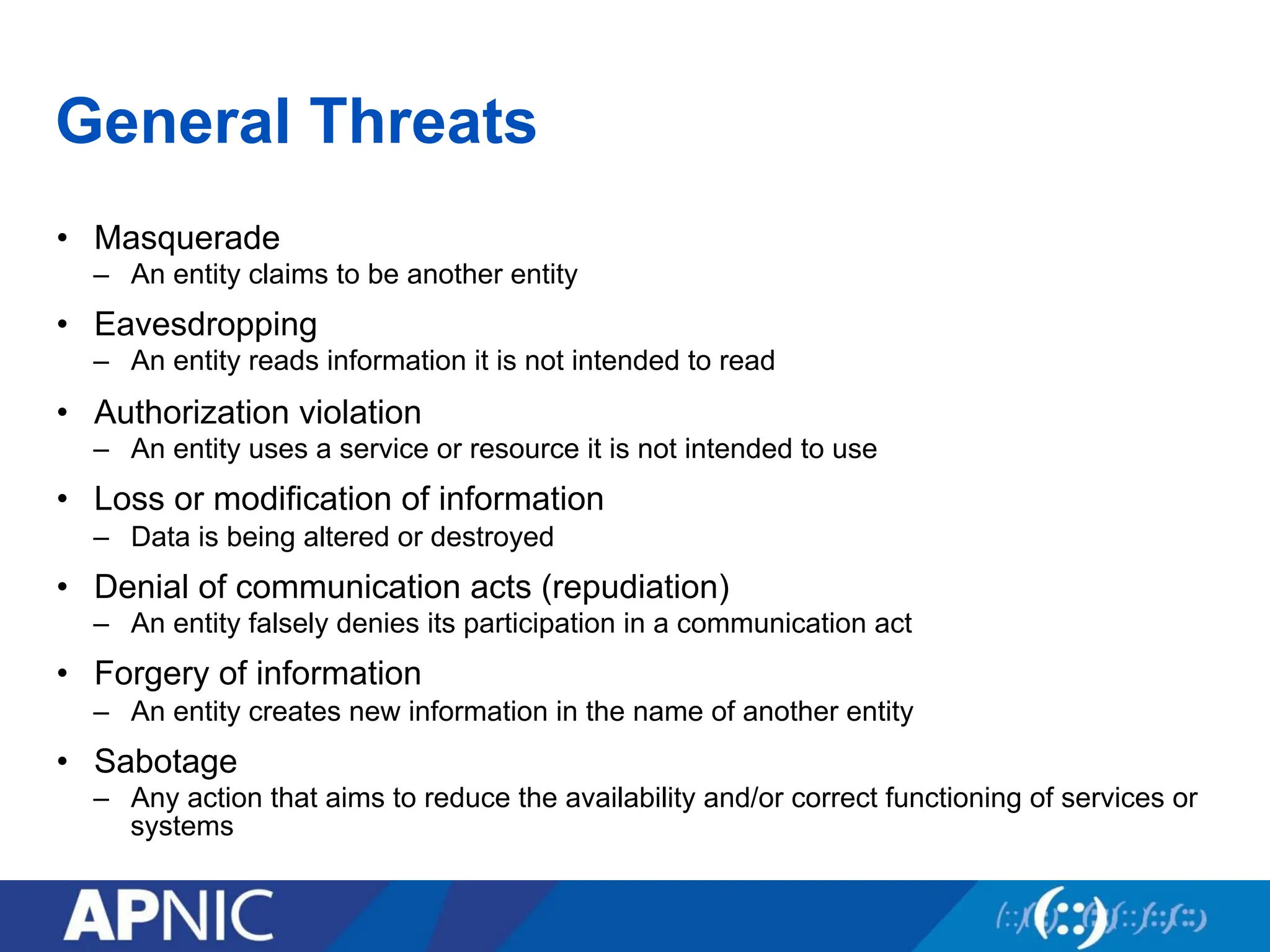
General Threats
• Masquerade
–An entity claims to be another entity
• Eavesdropping
– An entity reads information it is not intended to read
• Authorization violation
– An entity uses a service or resource it is not intended to use
• Loss or modification of information
– Data is being altered or destroyed
• Denial of communication acts (repudiation)
– An entity falsely denies its participation in a communication act
• Forgery of information
– An entity creates new information in the name of another entity
• Sabotage
– Any action that aims to reduce the availability and/or correct functioning of services or
systems
35.
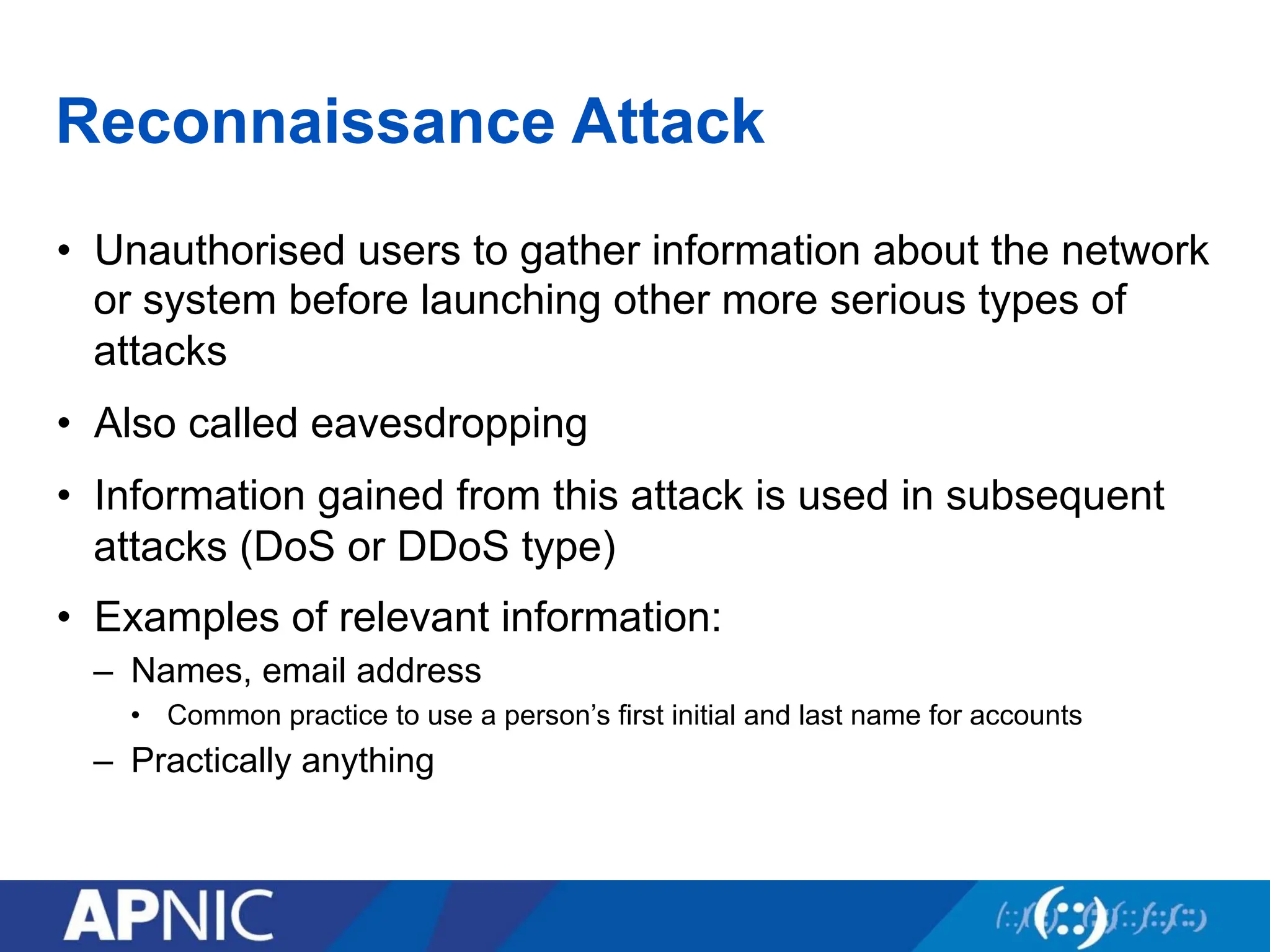
Reconnaissance Attack
• Unauthorisedusers to gather information about the network
or system before launching other more serious types of
attacks
• Also called eavesdropping
• Information gained from this attack is used in subsequent
attacks (DoS or DDoS type)
• Examples of relevant information:
– Names, email address
• Common practice to use a person’s first initial and last name for accounts
– Practically anything
36.
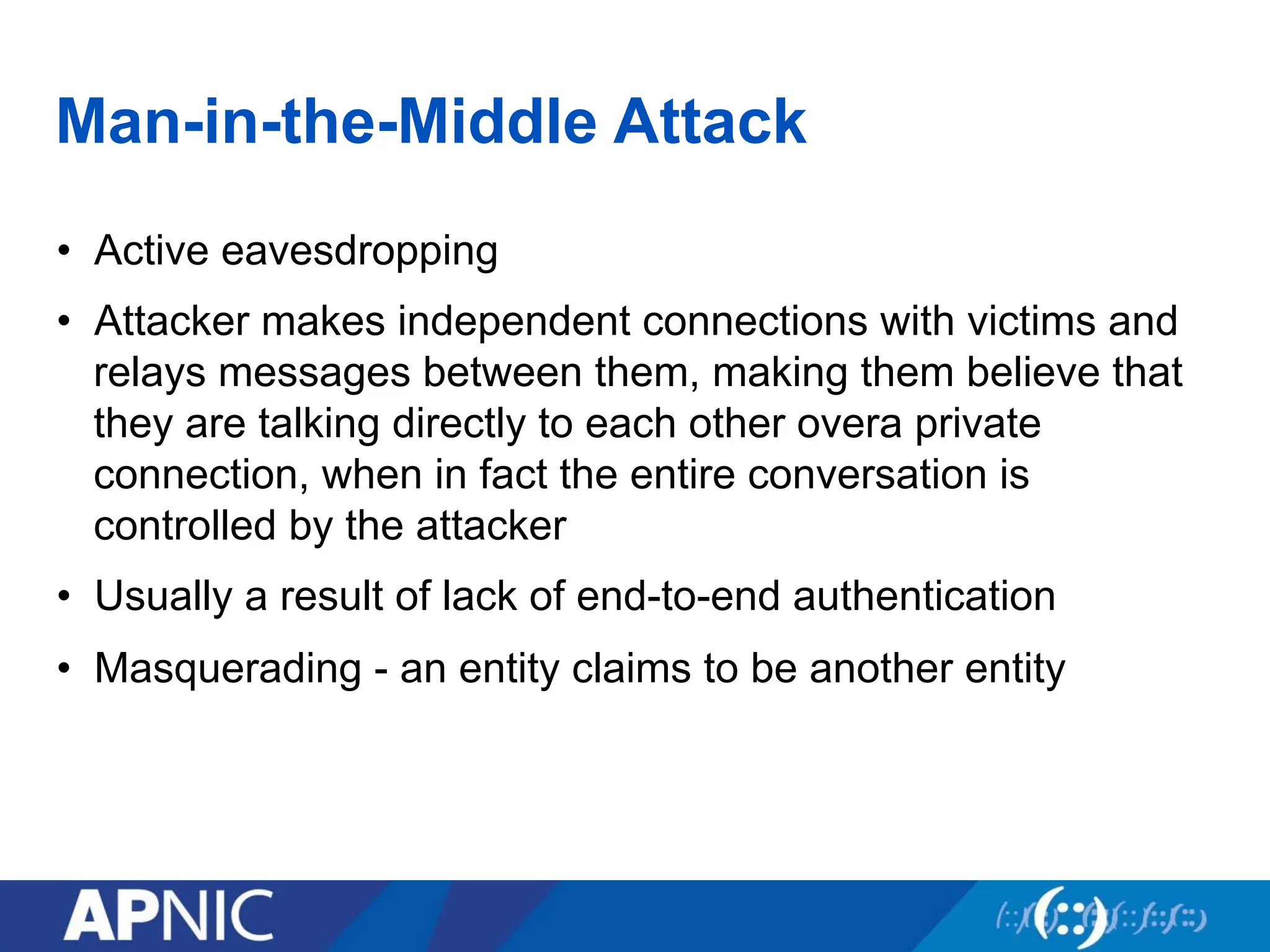
Man-in-the-Middle Attack
• Activeeavesdropping
• Attacker makes independent connections with victims and
relays messages between them, making them believe that
they are talking directly to each other overa private
connection, when in fact the entire conversation is
controlled by the attacker
• Usually a result of lack of end-to-end authentication
• Masquerading - an entity claims to be another entity
37.
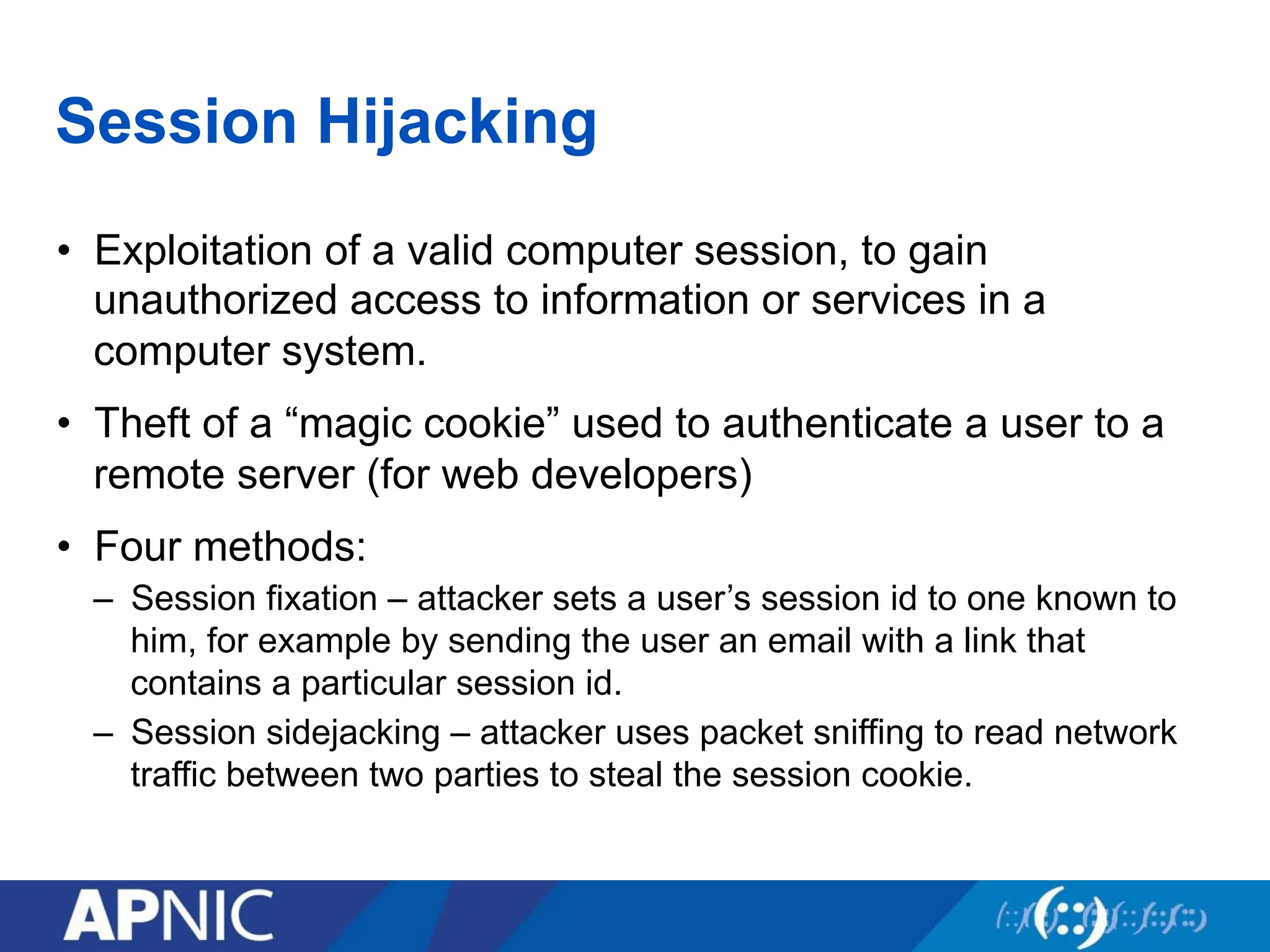
Session Hijacking
• Exploitationof a valid computer session, to gain
unauthorized access to information or services in a
computer system.
• Theft of a “magic cookie” used to authenticate a user to a
remote server (for web developers)
• Four methods:
– Session fixation – attacker sets a user’s session id to one known to
him, for example by sending the user an email with a link that
contains a particular session id.
– Session sidejacking – attacker uses packet sniffing to read network
traffic between two parties to steal the session cookie.
38.
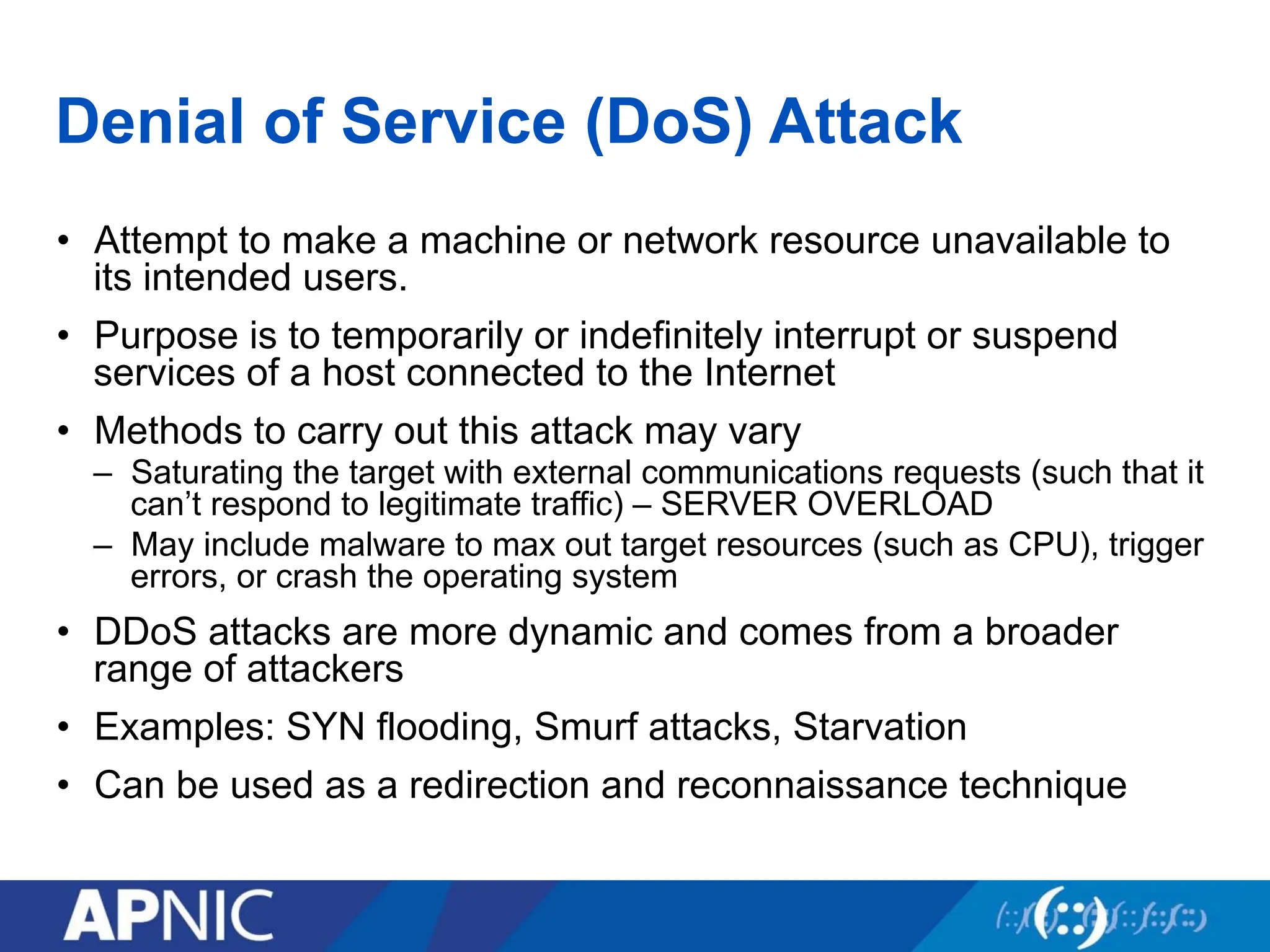
Denial of Service(DoS) Attack
• Attempt to make a machine or network resource unavailable to
its intended users.
• Purpose is to temporarily or indefinitely interrupt or suspend
services of a host connected to the Internet
• Methods to carry out this attack may vary
– Saturating the target with external communications requests (such that it
can’t respond to legitimate traffic) – SERVER OVERLOAD
– May include malware to max out target resources (such as CPU), trigger
errors, or crash the operating system
• DDoS attacks are more dynamic and comes from a broader
range of attackers
• Examples: SYN flooding, Smurf attacks, Starvation
• Can be used as a redirection and reconnaissance technique
Overview
• What isCryptography?
• Symmetric Key Cryptography
• Asymmetric Key Cryptography
• Block and Stream Cipher
• Digital Signature and Message Digest
• Diffie-Hellman Algorithm
42.
Cryptography
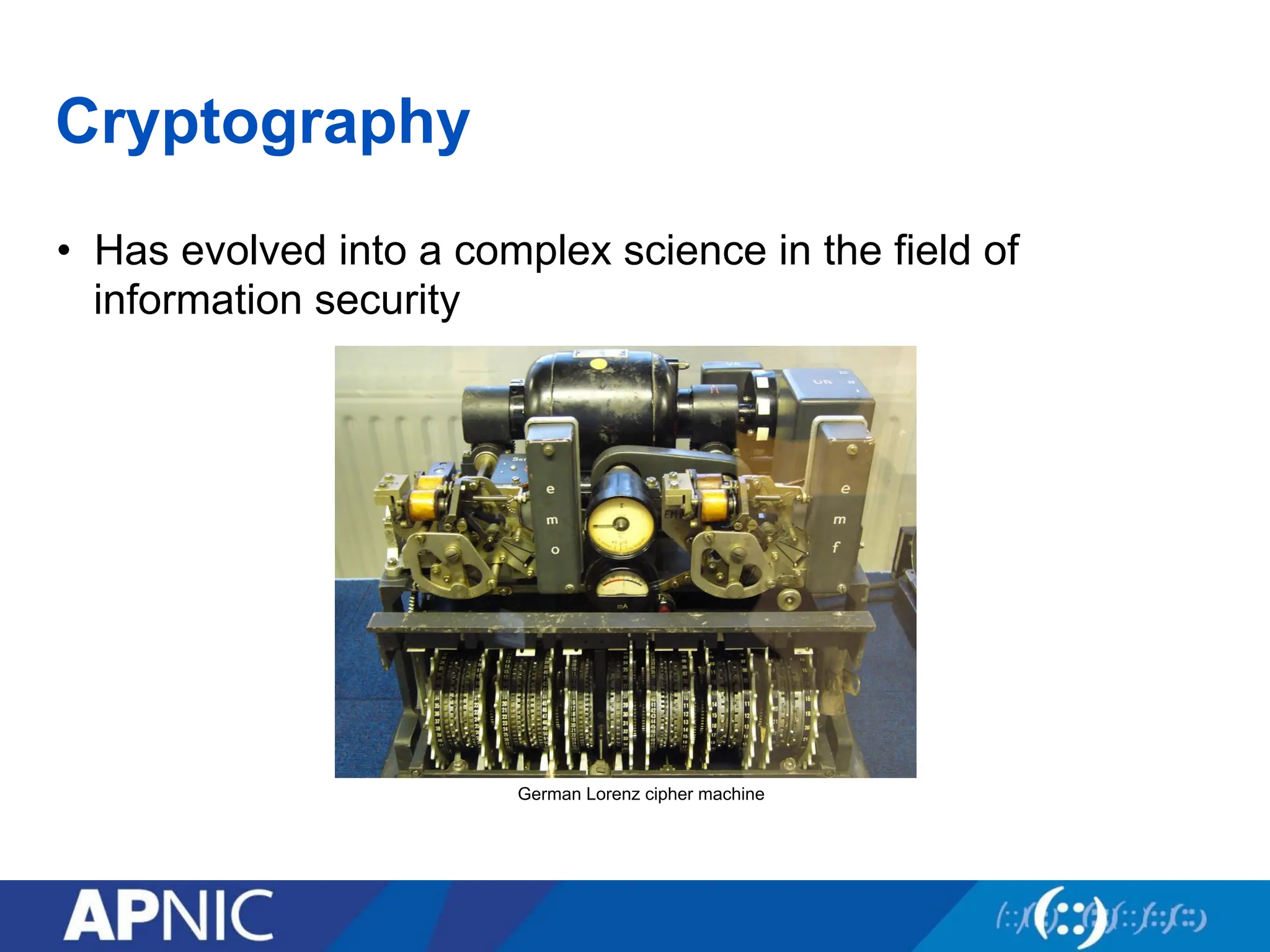
• Has evolvedinto a complex science in the field of
information security
German Lorenz cipher machine
43.
Cryptography
• Cryptography dealswith creating documents that can be
shared secretly over public communication channels
• Other terms closely associated
– Cryptanalysis (breaking an encoded data without the knowledge of
the key)
– Cryptology (combination of cryptography and cryptanalysis)
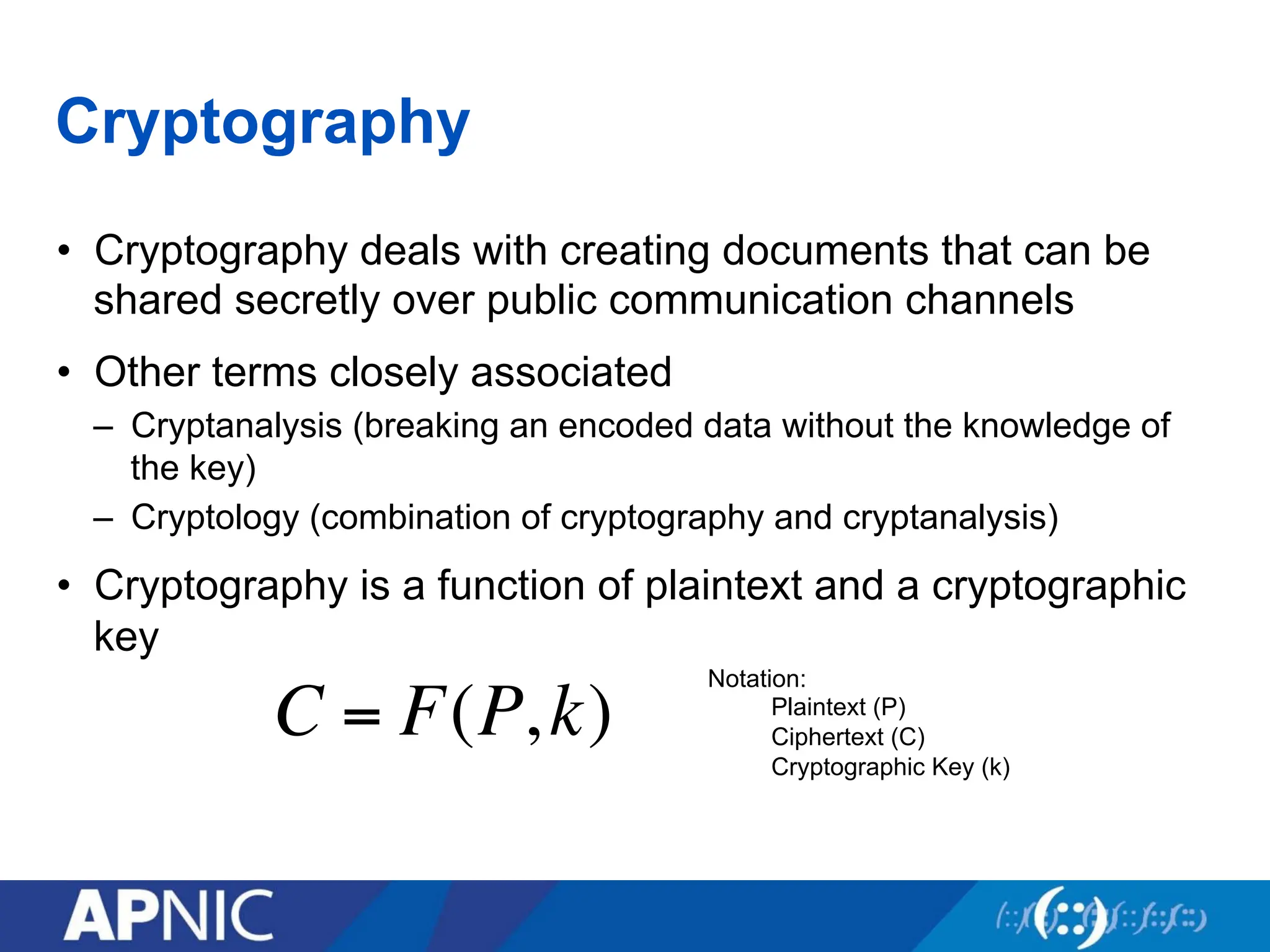
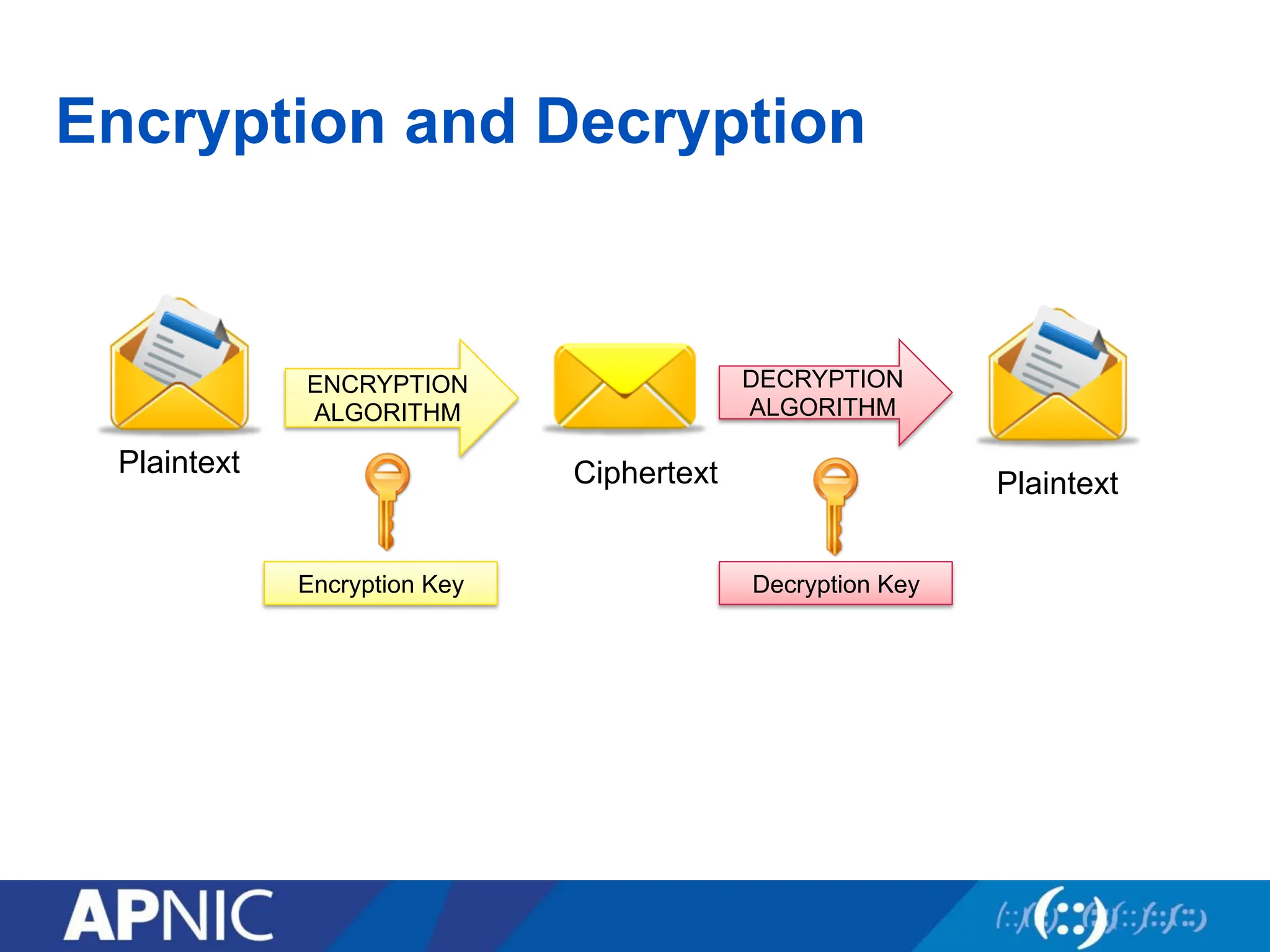
• Cryptography is a function of plaintext and a cryptographic
key
C = F(P,k)
Notation:
Plaintext (P)
Ciphertext (C)
Cryptographic Key (k)
44.
Crypto Algorithms
• specifiesthe mathematical transformation that is performed
on data to encrypt/decrypt
• Crypto algorithm is NOT proprietary
• Analyzed by public community to show that there are no
serious weaknesses
• Explicitly designed for encryption
44
45.
Typical Scenario
• Alicewants to send a “secret” message to Bob
• What are the possible problems?
– Data can be intercepted
• What are the ways to intercept this message?
• How to conceal the message?
– Old algorithms such as the “substitution cipher”
46.
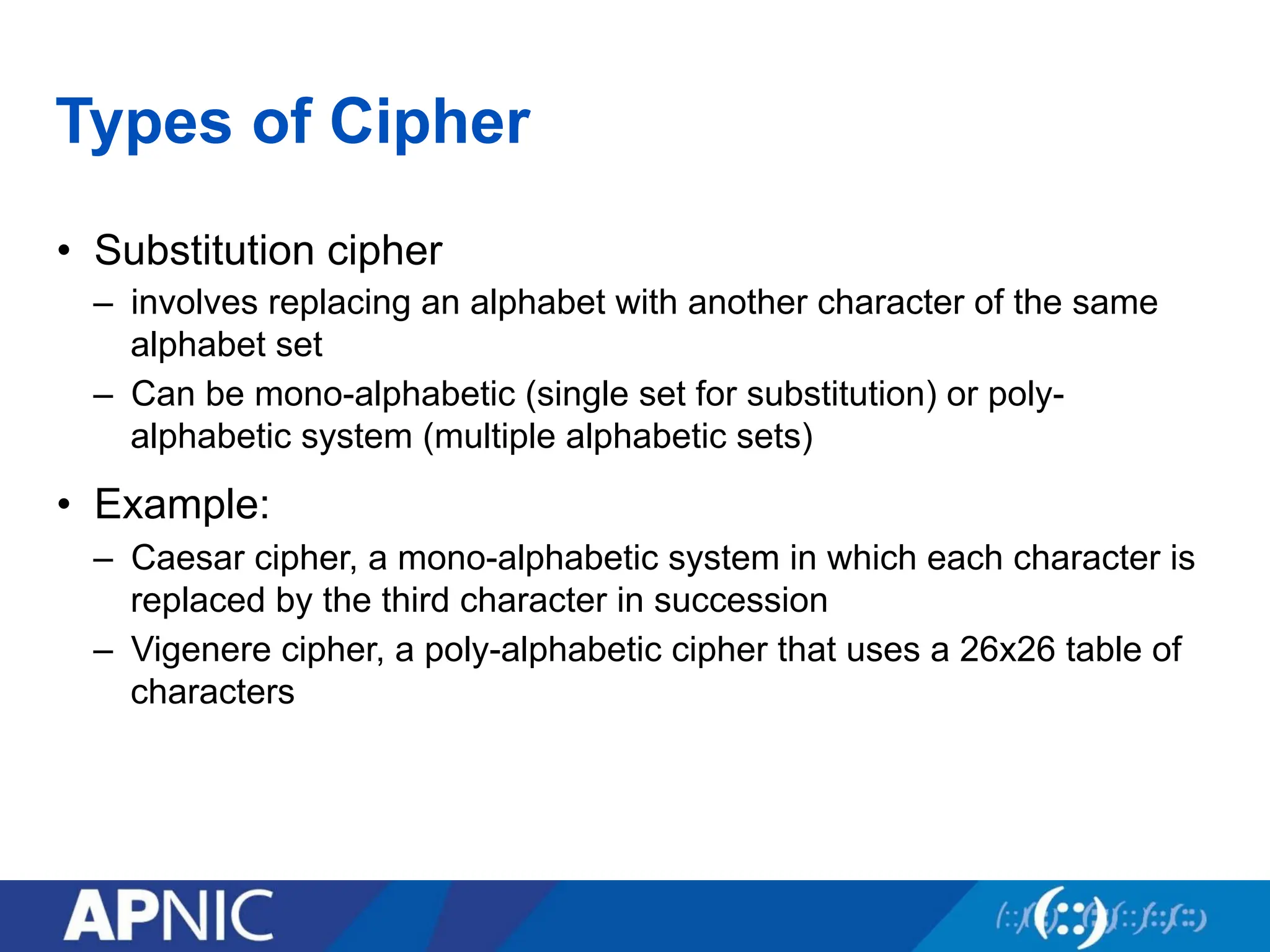
Types of Cipher
•Substitution cipher
– involves replacing an alphabet with another character of the same
alphabet set
– Can be mono-alphabetic (single set for substitution) or poly-
alphabetic system (multiple alphabetic sets)
• Example:
– Caesar cipher, a mono-alphabetic system in which each character is
replaced by the third character in succession
– Vigenere cipher, a poly-alphabetic cipher that uses a 26x26 table of
characters
47.
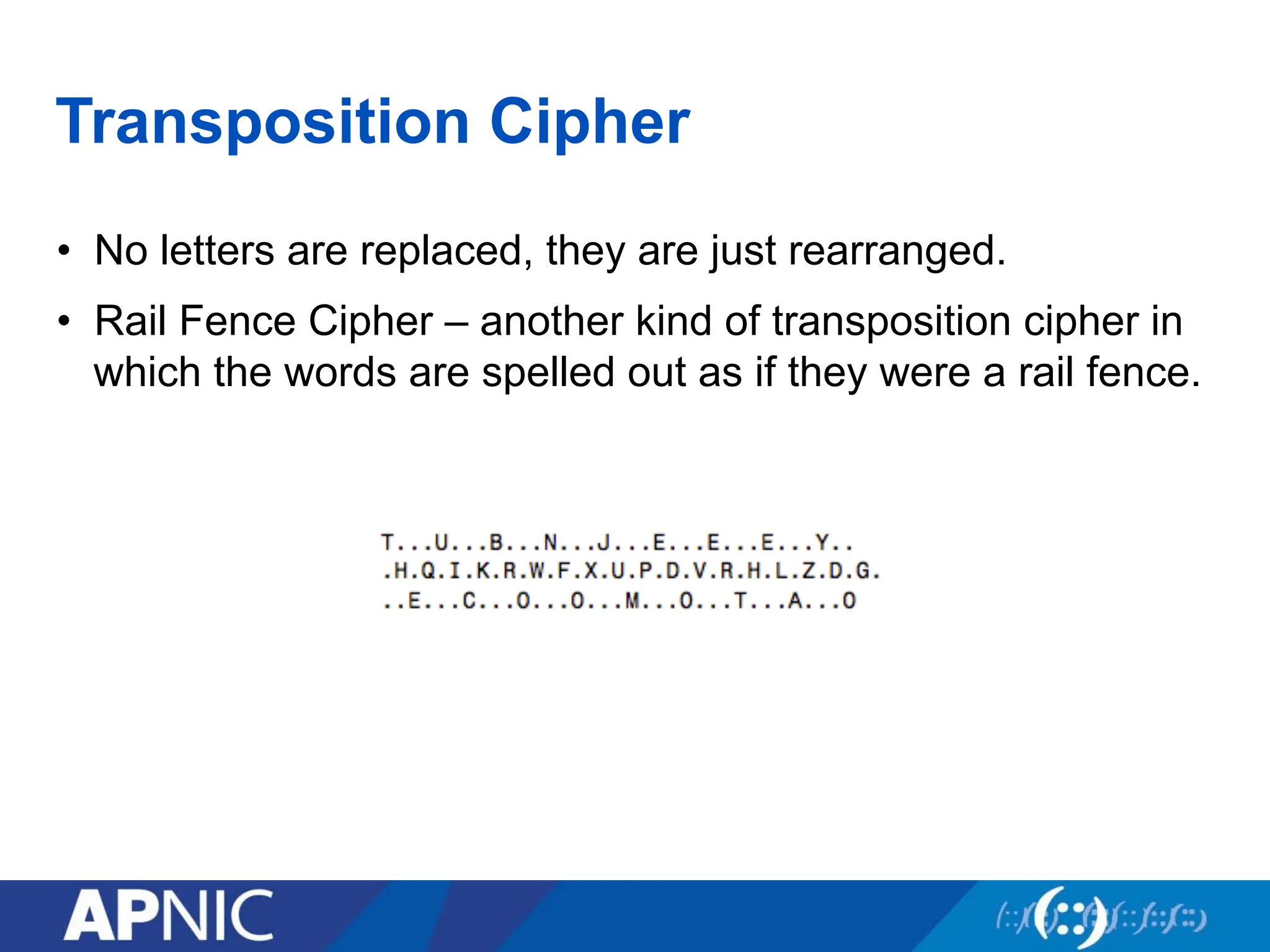
Transposition Cipher
• Noletters are replaced, they are just rearranged.
• Rail Fence Cipher – another kind of transposition cipher in
which the words are spelled out as if they were a rail fence.
48.
Encryption
• process oftransforming plaintext to ciphertext using a
cryptographic key
• Used all around us
– In Application Layer – used in secure email, database sessions, and
messaging
– In session layer – using Secure Socket Layer (SSL) or Transport Layer
Security (TLS)
– In the Network Layer – using protocols such as IPSec
• Benefits of good encryption algorithm:
– Resistant to cryptographic attack
– They support variable and long key lengths and scalability
– They create an avalanche effect
– No export or import restrictions
• Two general types:
– Symmetric and Asymmetric
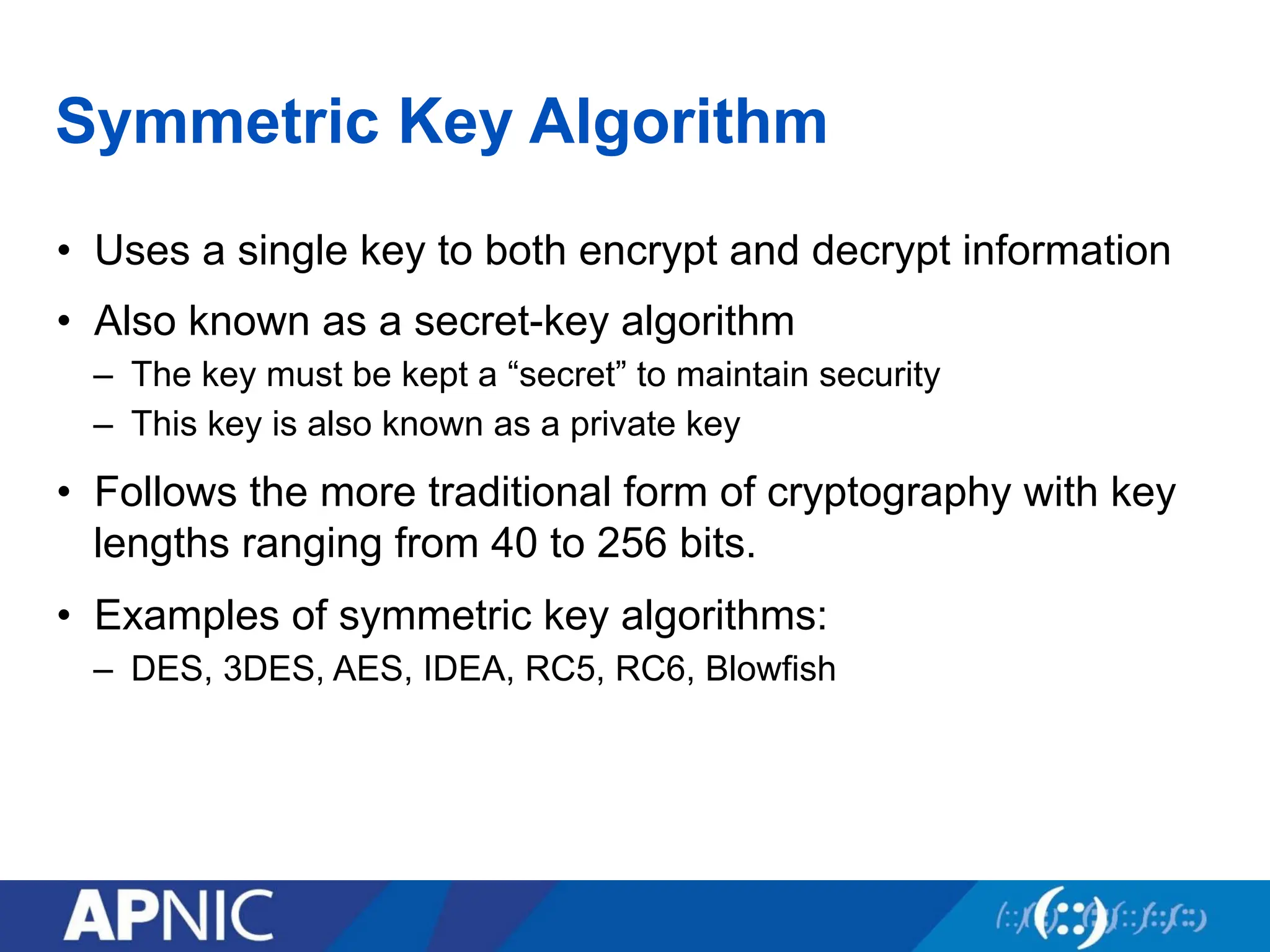
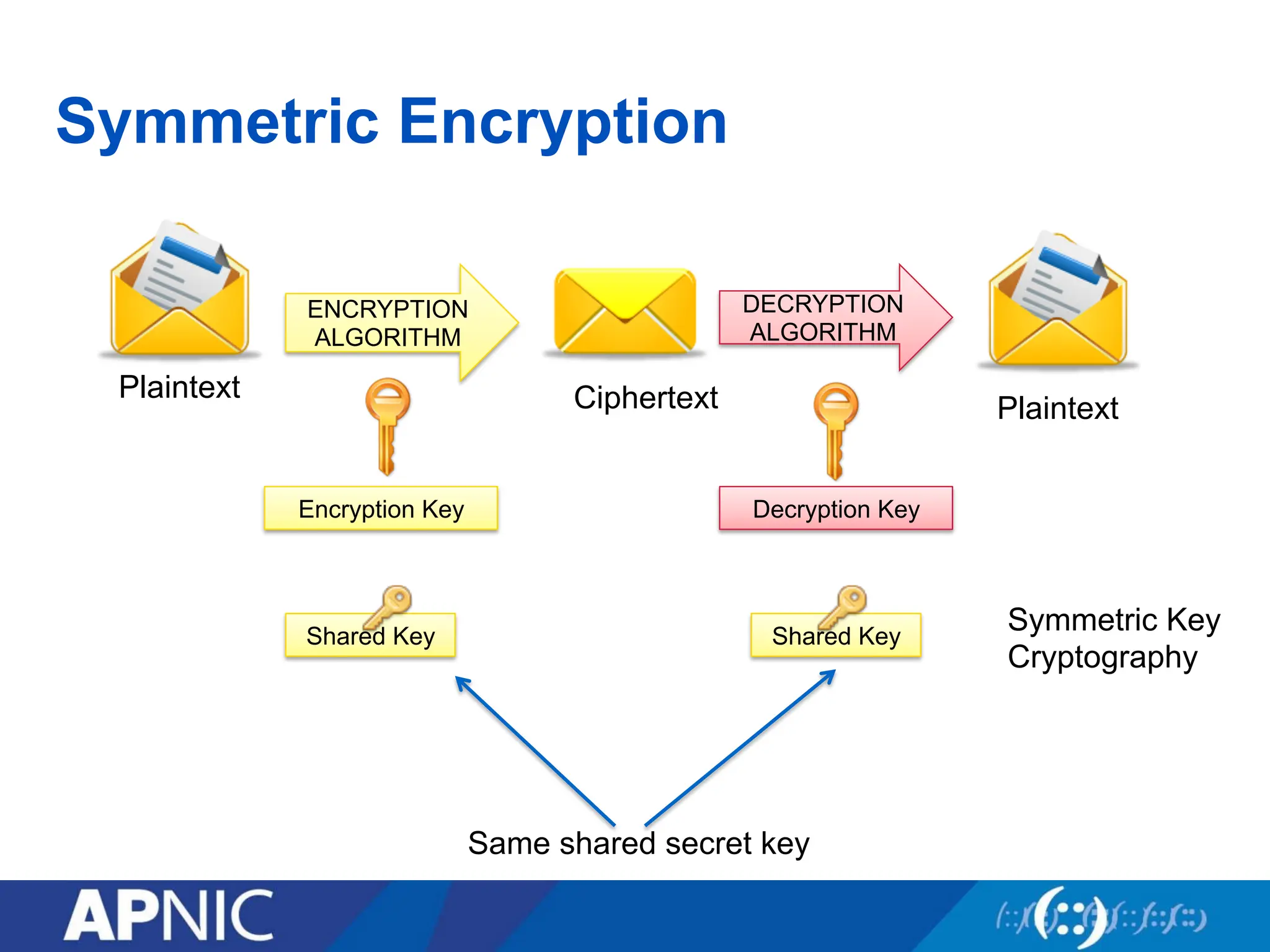
Symmetric Key Algorithm
•Uses a single key to both encrypt and decrypt information
• Also known as a secret-key algorithm
– The key must be kept a “secret” to maintain security
– This key is also known as a private key
• Follows the more traditional form of cryptography with key
lengths ranging from 40 to 256 bits.
• Examples of symmetric key algorithms:
– DES, 3DES, AES, IDEA, RC5, RC6, Blowfish
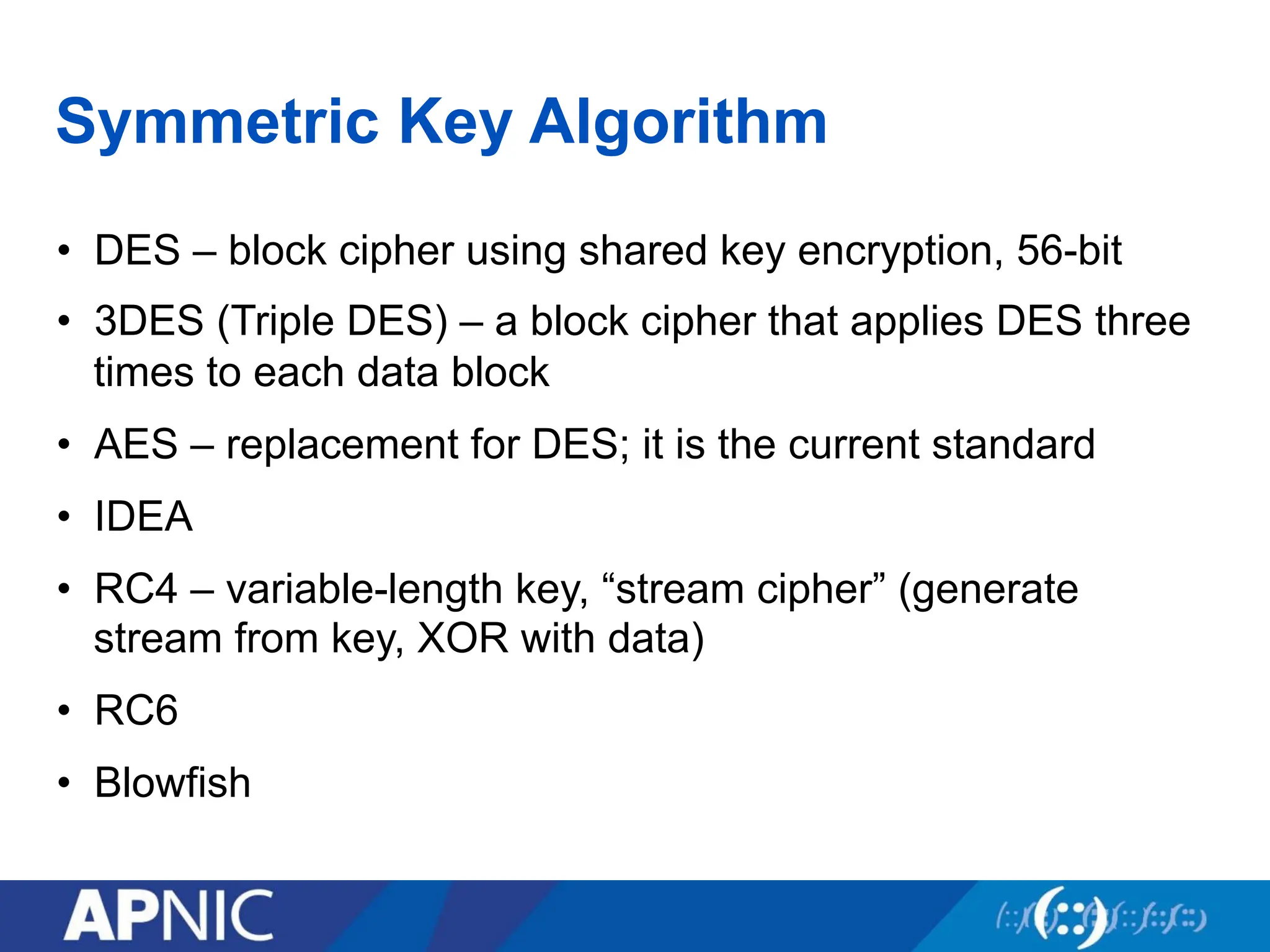
Symmetric Key Algorithm
•DES – block cipher using shared key encryption, 56-bit
• 3DES (Triple DES) – a block cipher that applies DES three
times to each data block
• AES – replacement for DES; it is the current standard
• IDEA
• RC4 – variable-length key, “stream cipher” (generate
stream from key, XOR with data)
• RC6
• Blowfish
53.
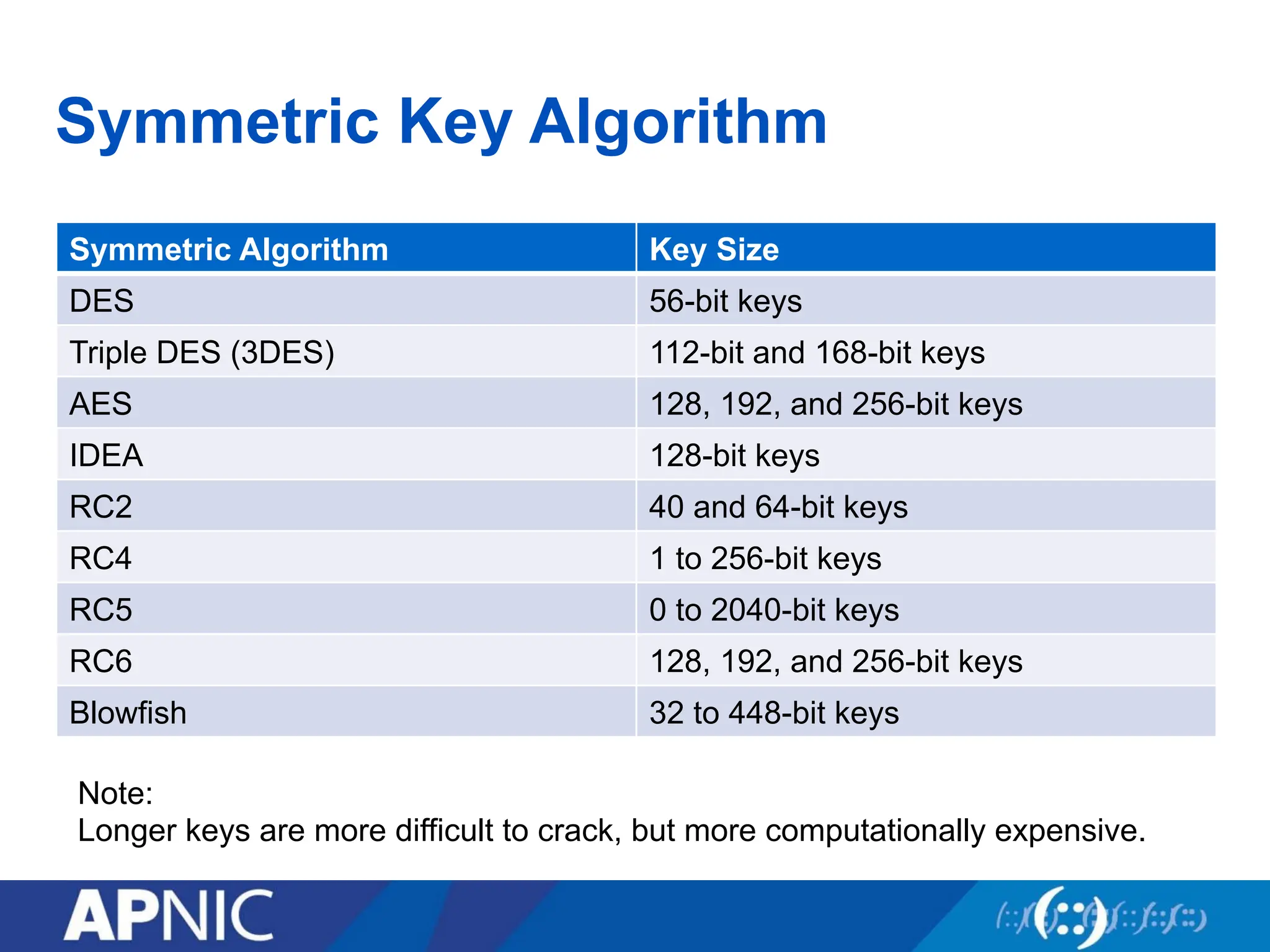
Symmetric Key Algorithm
SymmetricAlgorithm Key Size
DES 56-bit keys
Triple DES (3DES) 112-bit and 168-bit keys
AES 128, 192, and 256-bit keys
IDEA 128-bit keys
RC2 40 and 64-bit keys
RC4 1 to 256-bit keys
RC5 0 to 2040-bit keys
RC6 128, 192, and 256-bit keys
Blowfish 32 to 448-bit keys
Note:
Longer keys are more difficult to crack, but more computationally expensive.
54.
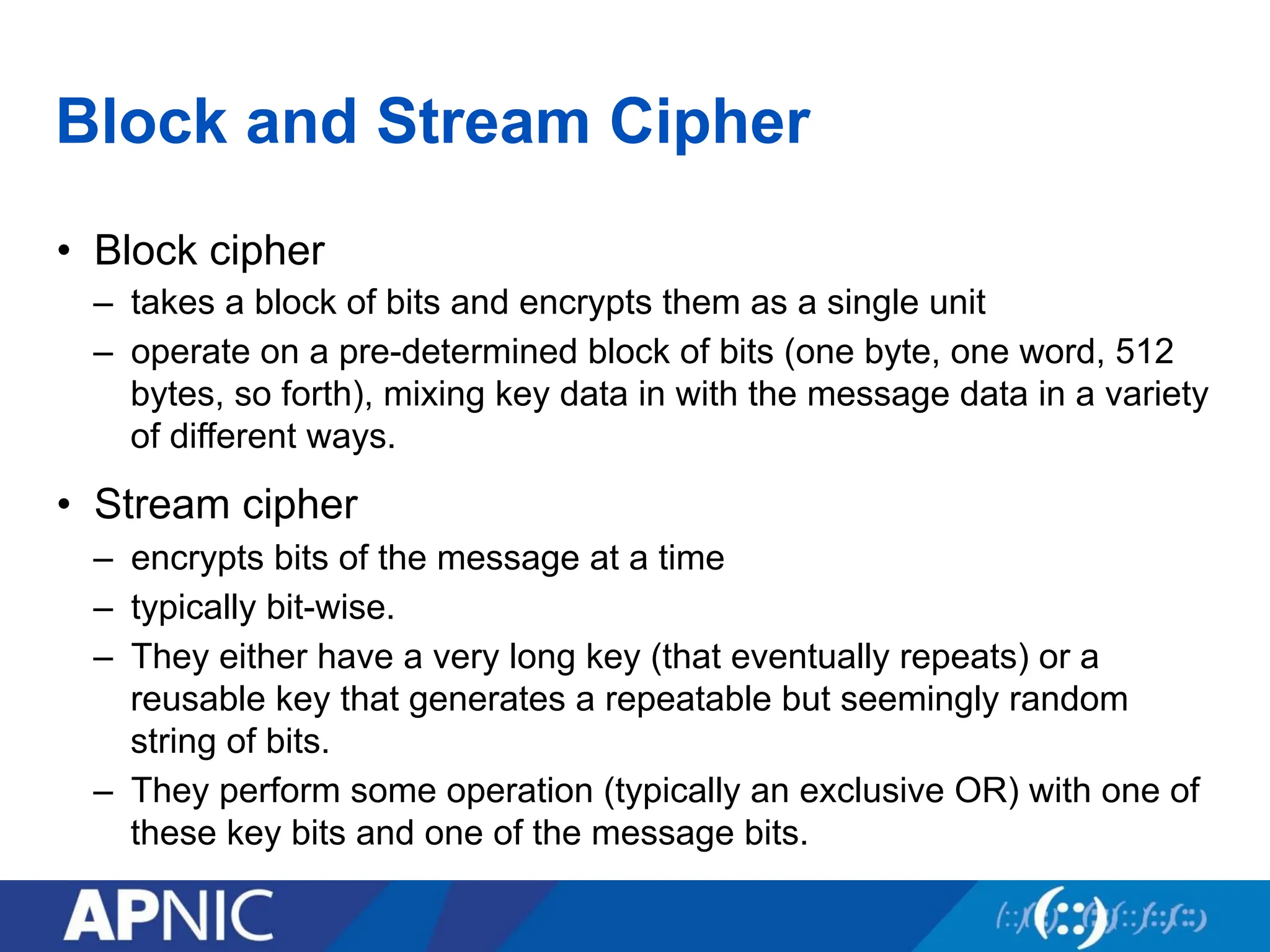
Block and StreamCipher
• Block cipher
– takes a block of bits and encrypts them as a single unit
– operate on a pre-determined block of bits (one byte, one word, 512
bytes, so forth), mixing key data in with the message data in a variety
of different ways.
• Stream cipher
– encrypts bits of the message at a time
– typically bit-wise.
– They either have a very long key (that eventually repeats) or a
reusable key that generates a repeatable but seemingly random
string of bits.
– They perform some operation (typically an exclusive OR) with one of
these key bits and one of the message bits.
55.
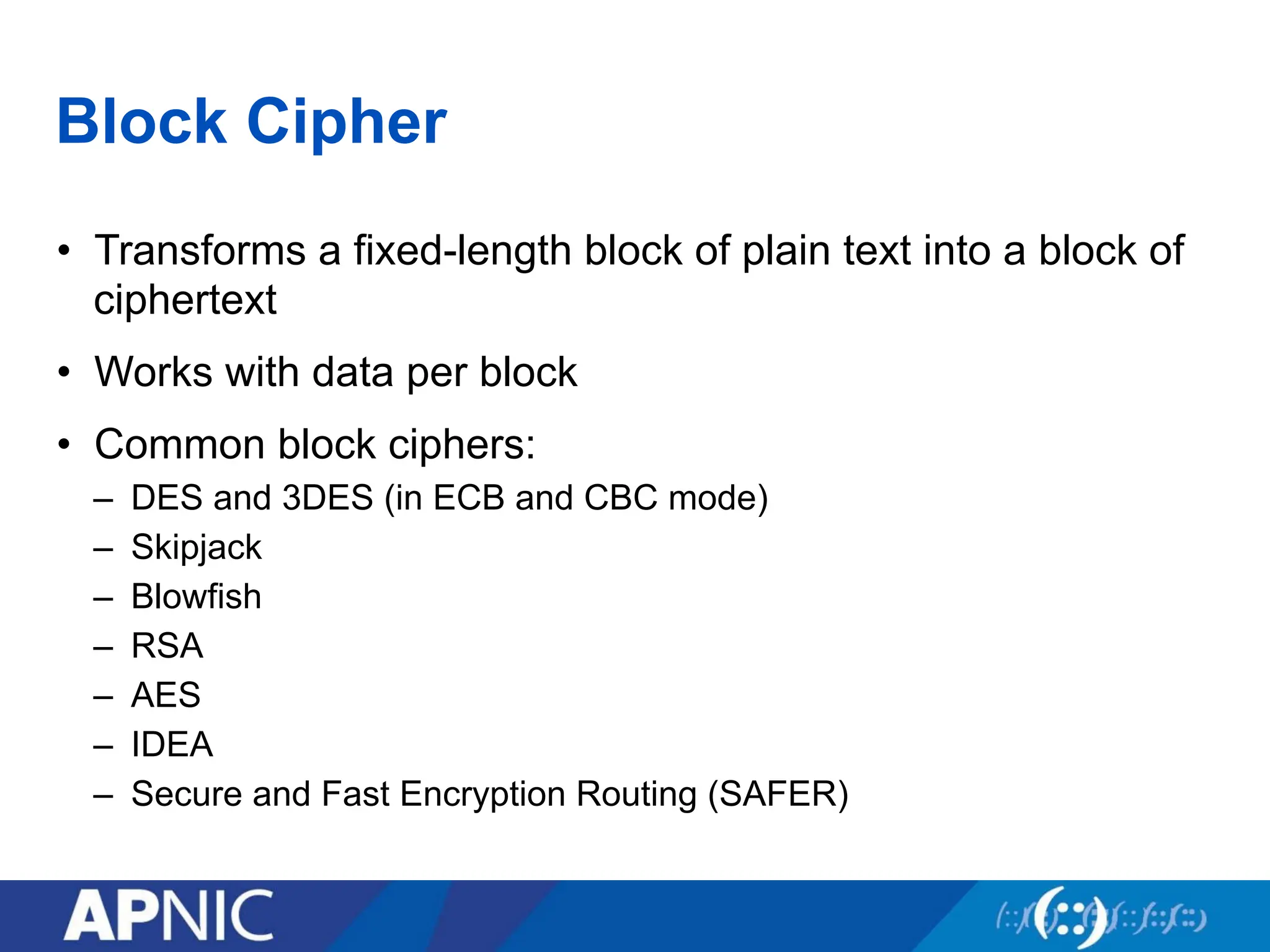
Block Cipher
• Transformsa fixed-length block of plain text into a block of
ciphertext
• Works with data per block
• Common block ciphers:
– DES and 3DES (in ECB and CBC mode)
– Skipjack
– Blowfish
– RSA
– AES
– IDEA
– Secure and Fast Encryption Routing (SAFER)
56.
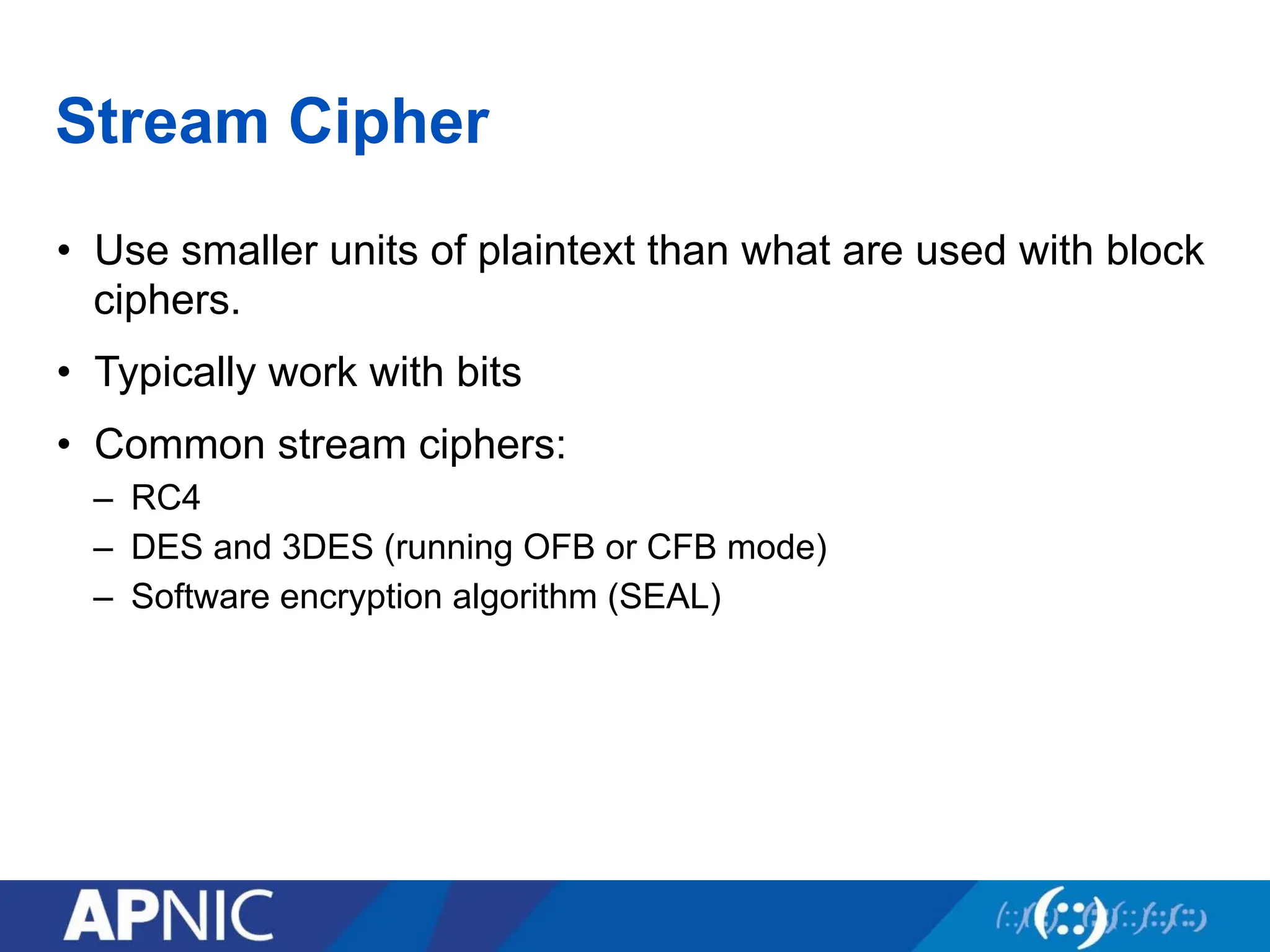
Stream Cipher
• Usesmaller units of plaintext than what are used with block
ciphers.
• Typically work with bits
• Common stream ciphers:
– RC4
– DES and 3DES (running OFB or CFB mode)
– Software encryption algorithm (SEAL)
57.
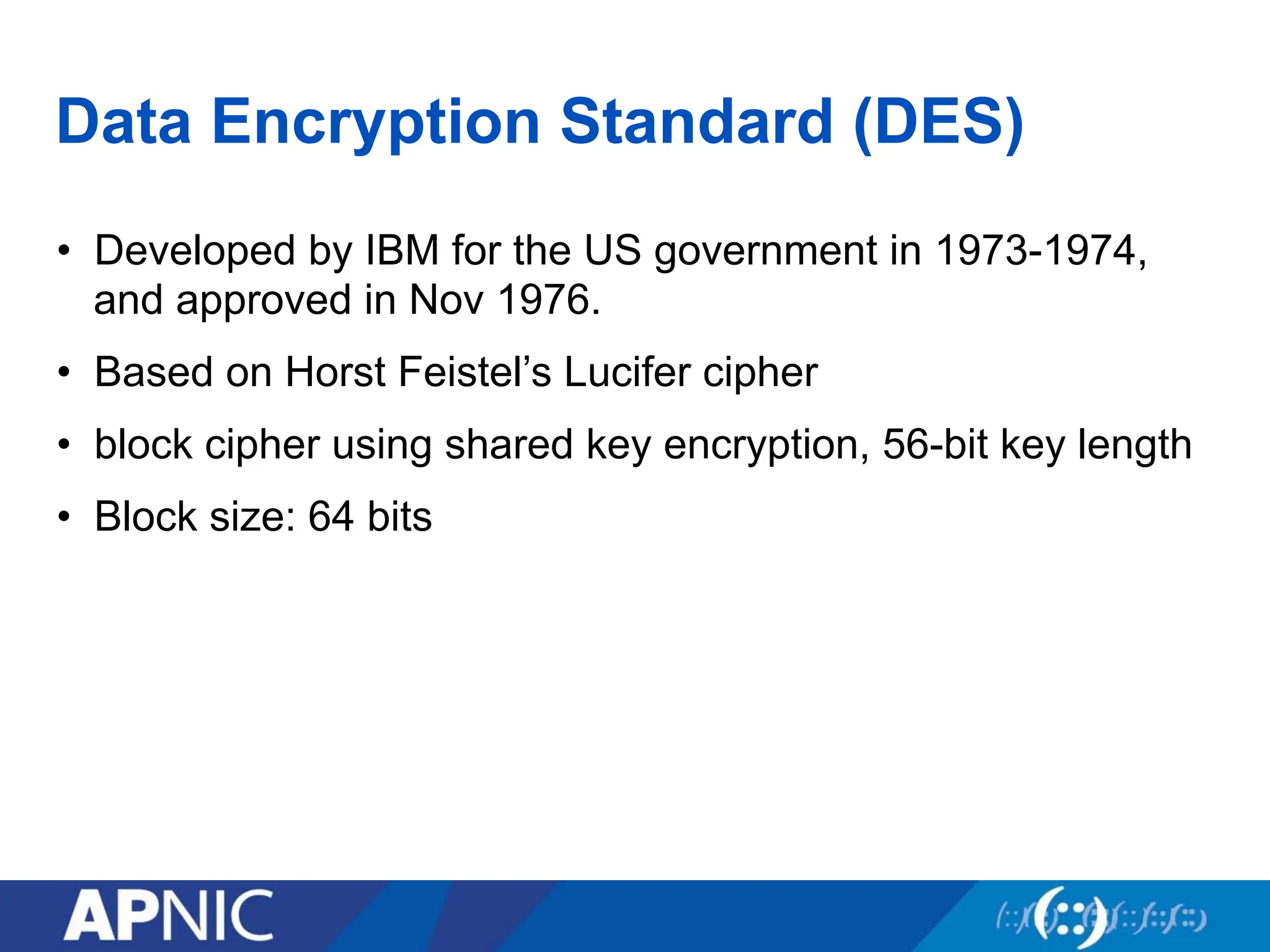
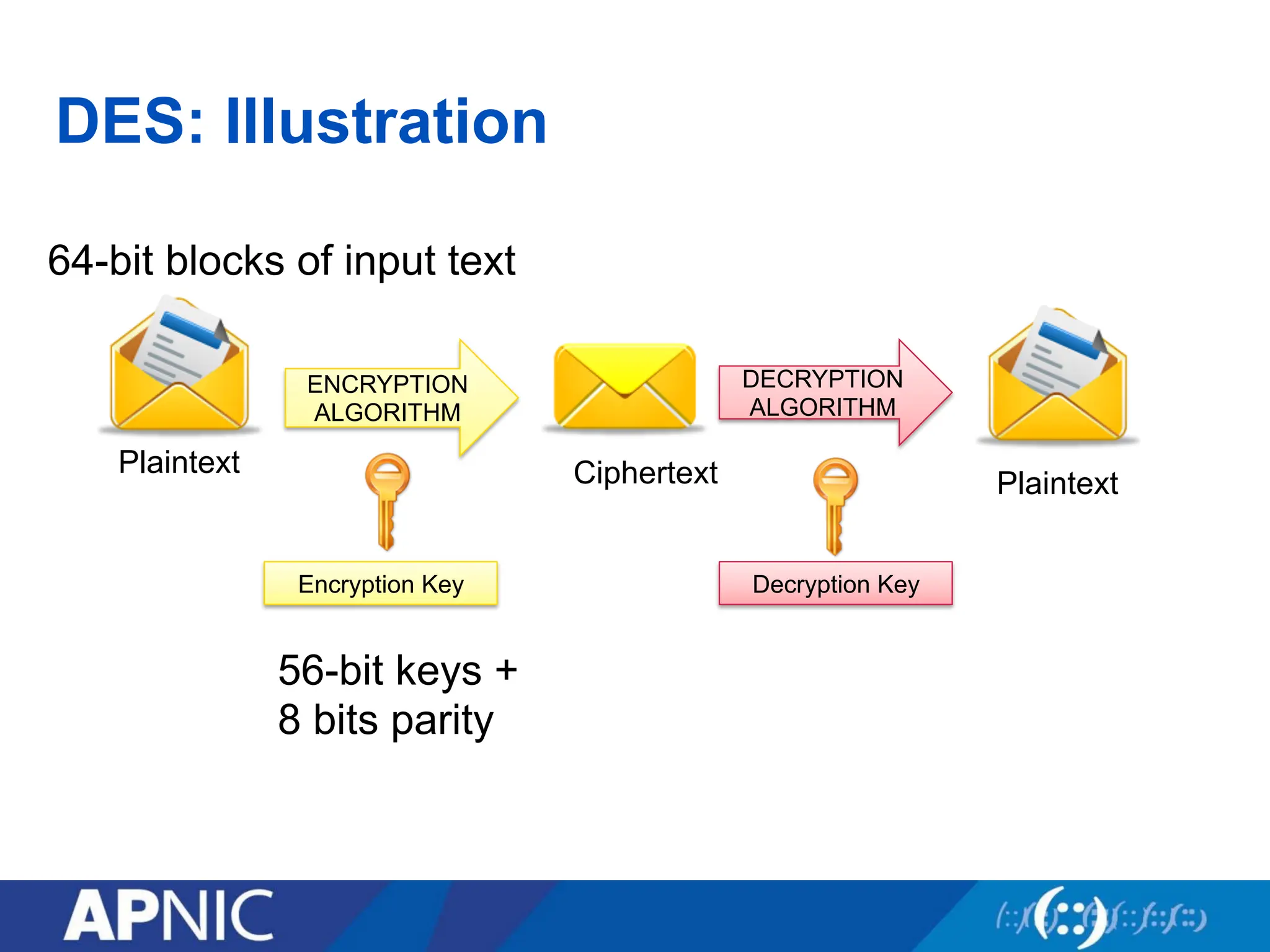
Data Encryption Standard(DES)
• Developed by IBM for the US government in 1973-1974,
and approved in Nov 1976.
• Based on Horst Feistel’s Lucifer cipher
• block cipher using shared key encryption, 56-bit key length
• Block size: 64 bits
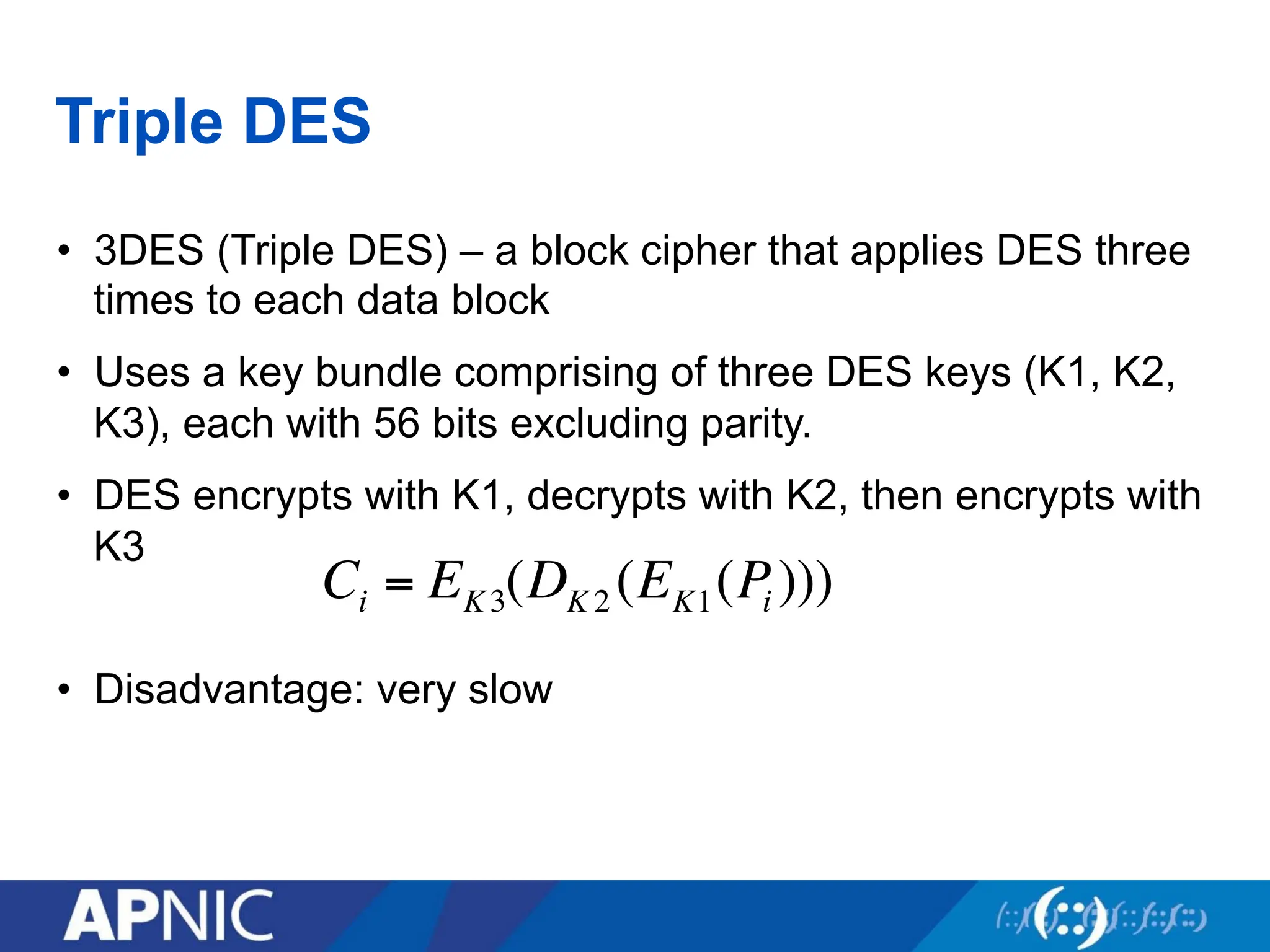
Triple DES
• 3DES(Triple DES) – a block cipher that applies DES three
times to each data block
• Uses a key bundle comprising of three DES keys (K1, K2,
K3), each with 56 bits excluding parity.
• DES encrypts with K1, decrypts with K2, then encrypts with
K3
• Disadvantage: very slow
Ci = EK3(DK 2 (EK1(Pi )))
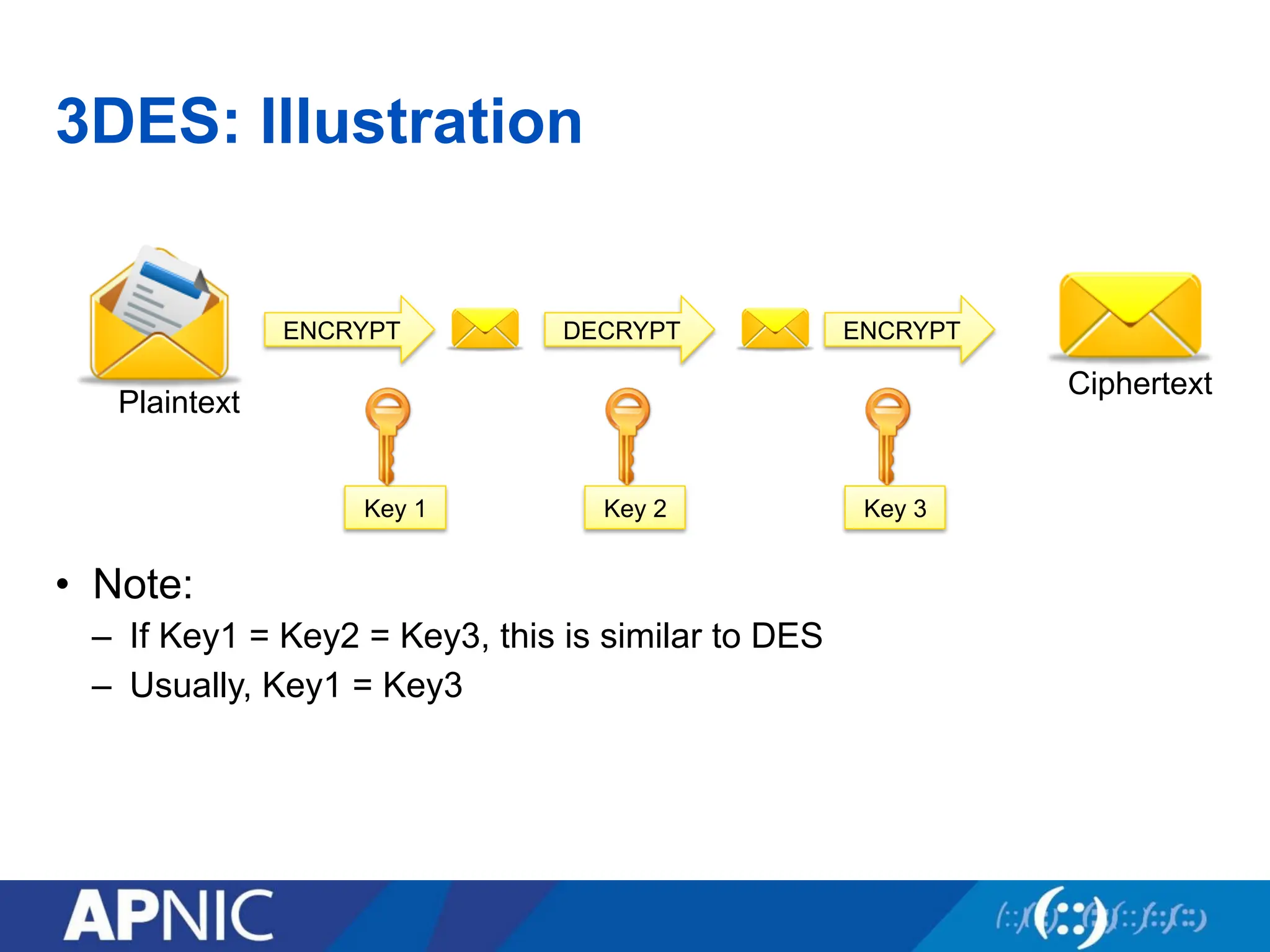
60.
3DES: Illustration
• Note:
–If Key1 = Key2 = Key3, this is similar to DES
– Usually, Key1 = Key3
Plaintext
ENCRYPT
Ciphertext
Key 1
DECRYPT ENCRYPT
Key 2 Key 3
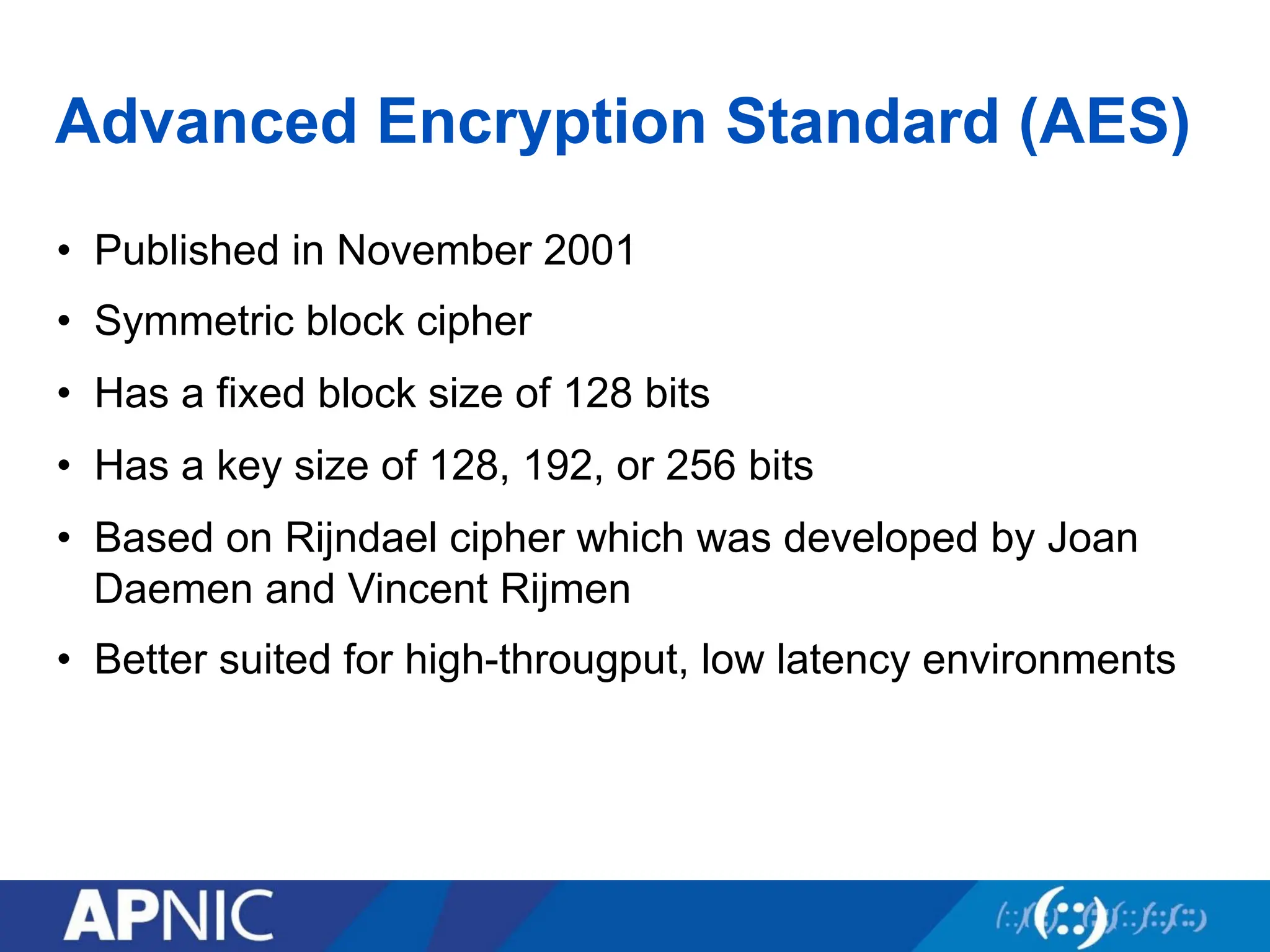
61.
Advanced Encryption Standard(AES)
• Published in November 2001
• Symmetric block cipher
• Has a fixed block size of 128 bits
• Has a key size of 128, 192, or 256 bits
• Based on Rijndael cipher which was developed by Joan
Daemen and Vincent Rijmen
• Better suited for high-througput, low latency environments
62.
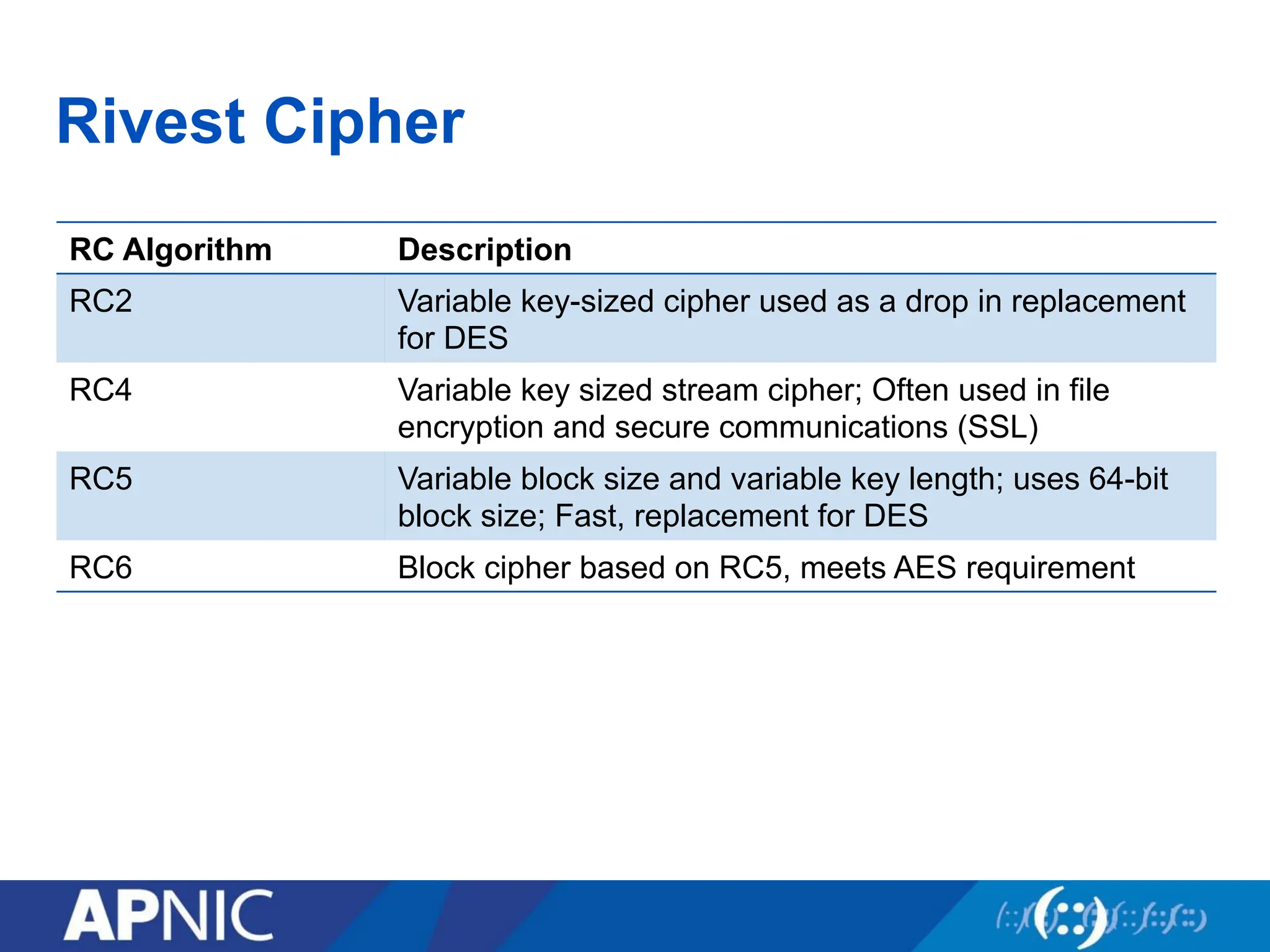
Rivest Cipher
RC AlgorithmDescription
RC2 Variable key-sized cipher used as a drop in replacement
for DES
RC4 Variable key sized stream cipher; Often used in file
encryption and secure communications (SSL)
RC5 Variable block size and variable key length; uses 64-bit
block size; Fast, replacement for DES
RC6 Block cipher based on RC5, meets AES requirement
63.
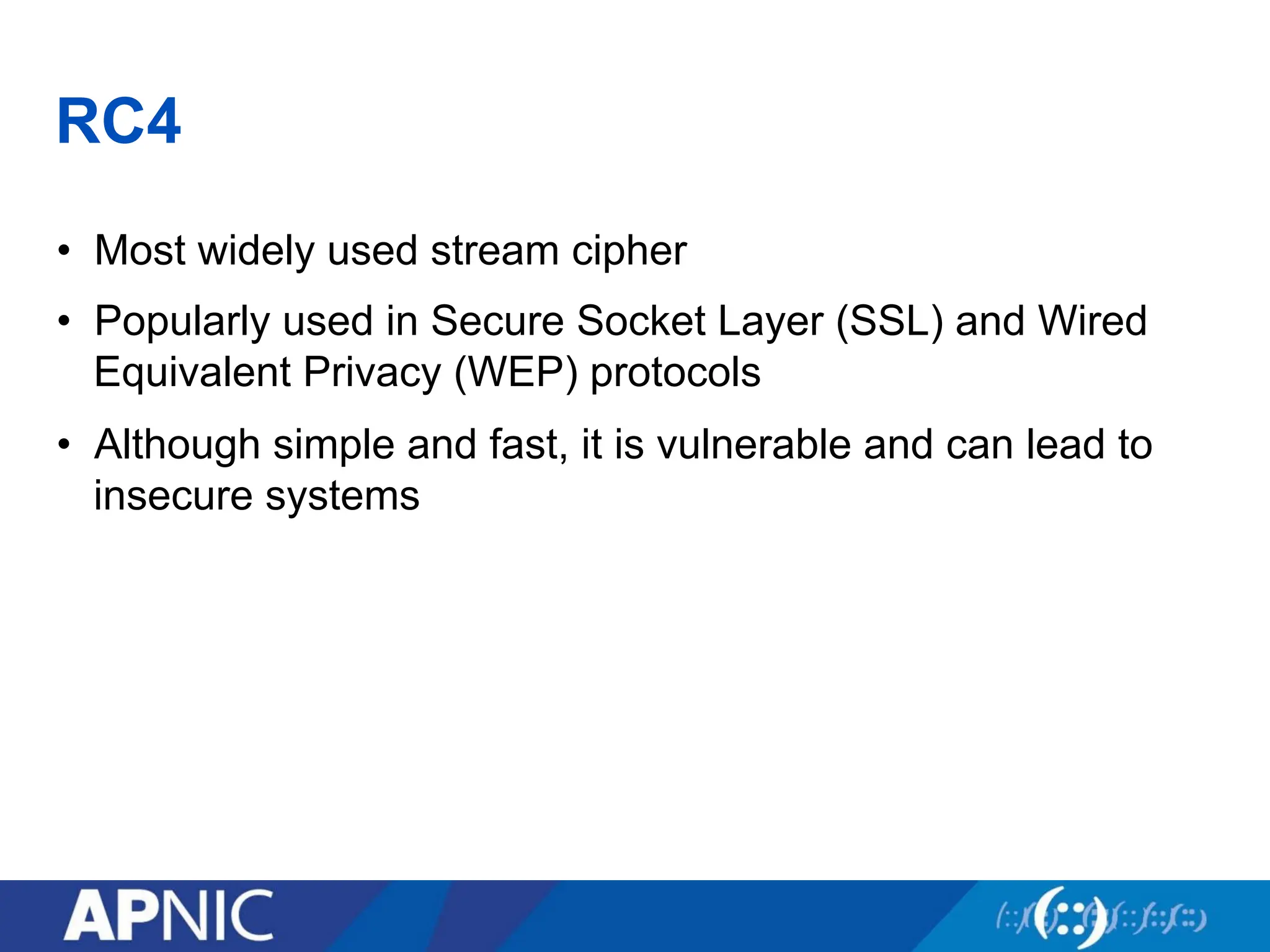
RC4
• Most widelyused stream cipher
• Popularly used in Secure Socket Layer (SSL) and Wired
Equivalent Privacy (WEP) protocols
• Although simple and fast, it is vulnerable and can lead to
insecure systems
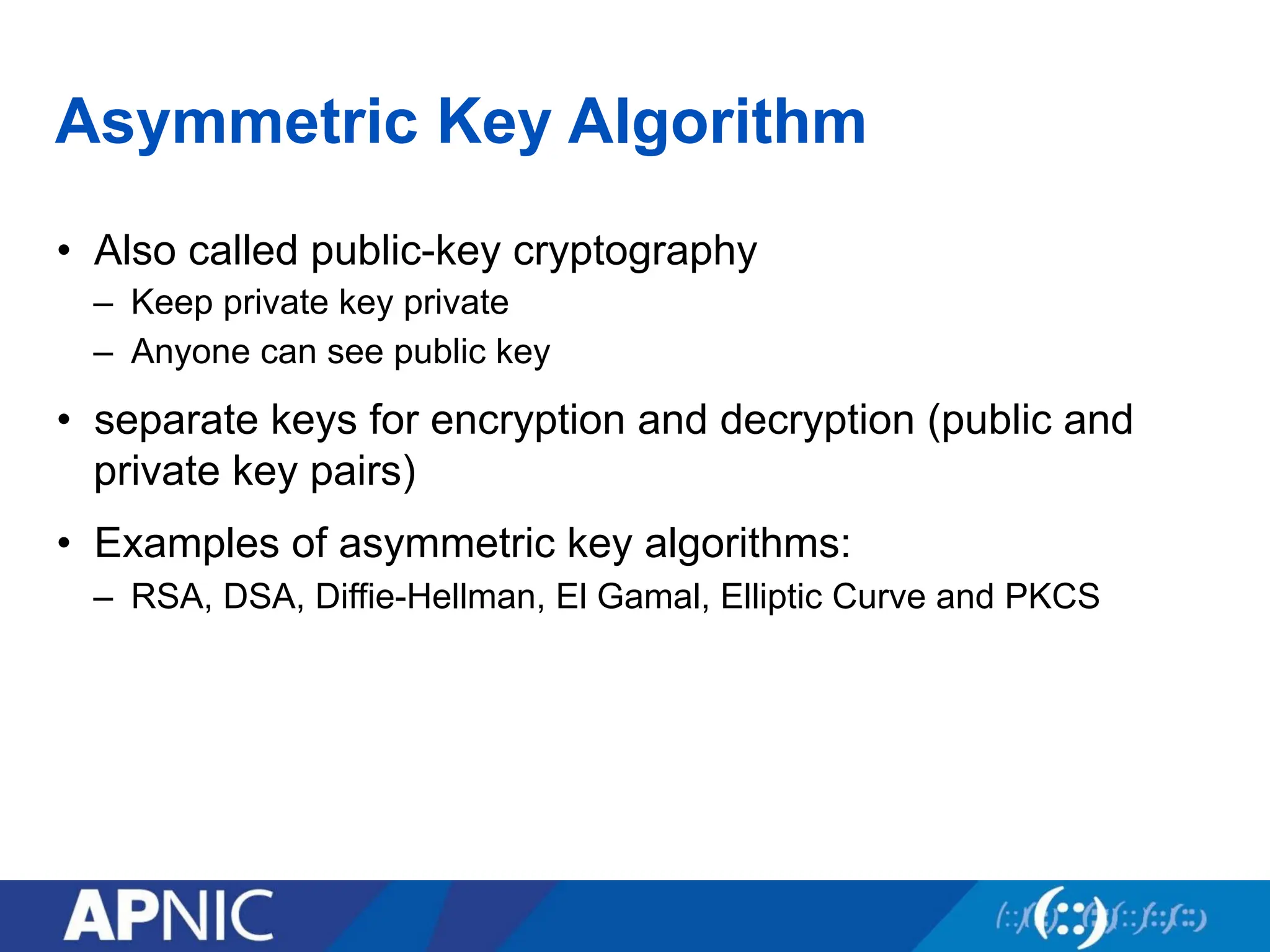
64.
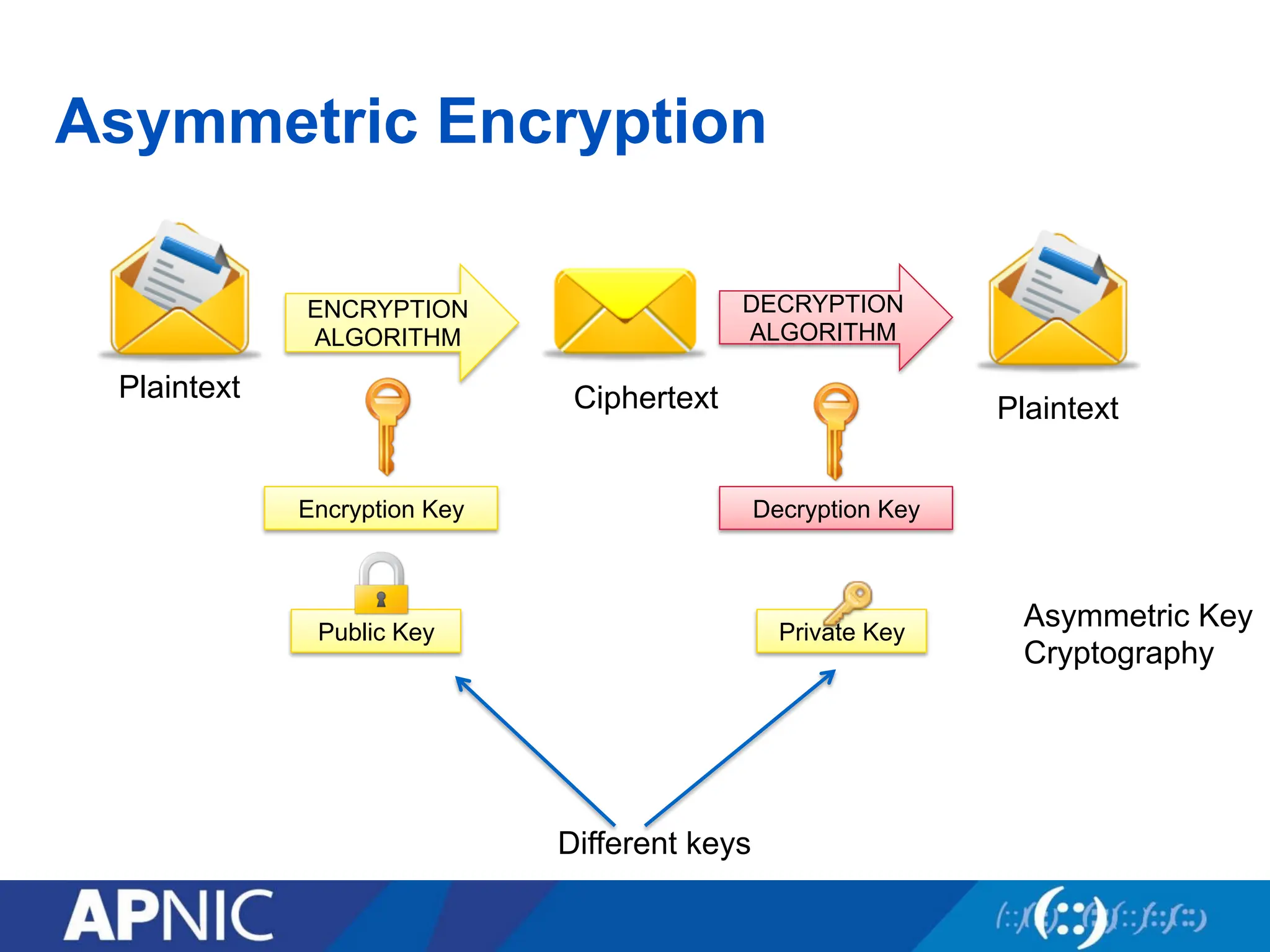
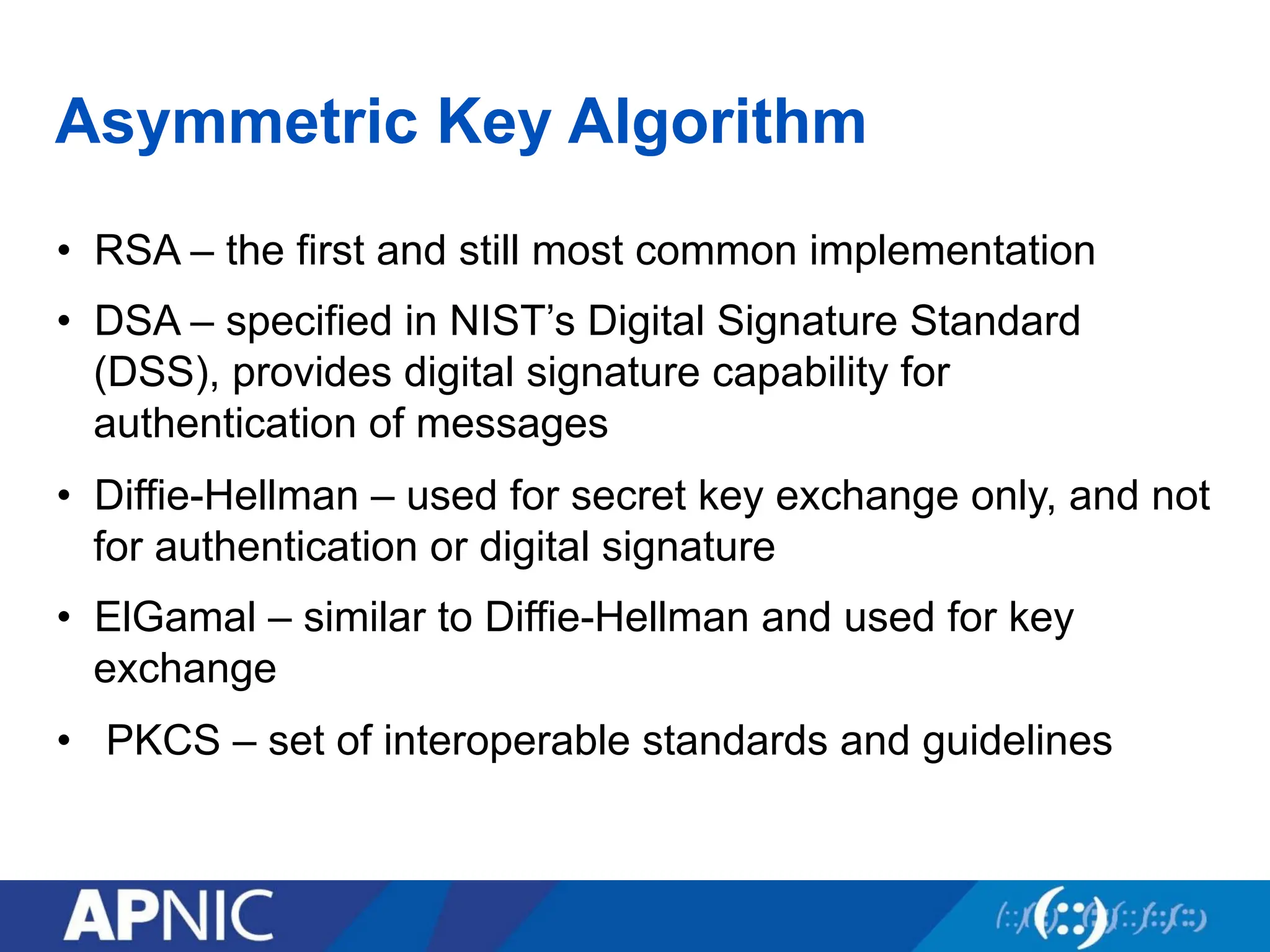
Asymmetric Key Algorithm
•Also called public-key cryptography
– Keep private key private
– Anyone can see public key
• separate keys for encryption and decryption (public and
private key pairs)
• Examples of asymmetric key algorithms:
– RSA, DSA, Diffie-Hellman, El Gamal, Elliptic Curve and PKCS
Asymmetric Key Algorithm
•RSA – the first and still most common implementation
• DSA – specified in NIST’s Digital Signature Standard
(DSS), provides digital signature capability for
authentication of messages
• Diffie-Hellman – used for secret key exchange only, and not
for authentication or digital signature
• ElGamal – similar to Diffie-Hellman and used for key
exchange
• PKCS – set of interoperable standards and guidelines
67.
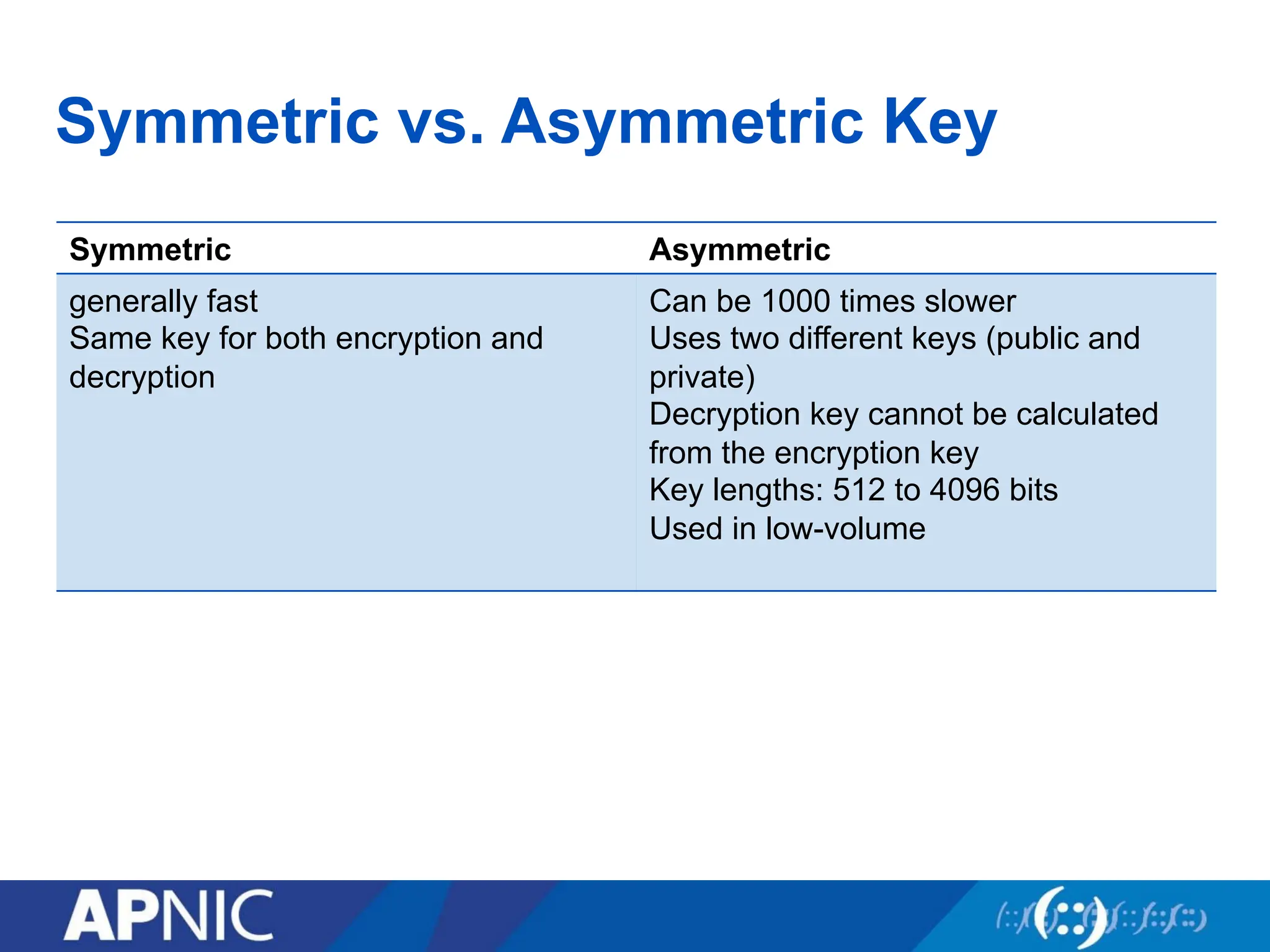
Symmetric vs. AsymmetricKey
Symmetric Asymmetric
generally fast
Same key for both encryption and
decryption
Can be 1000 times slower
Uses two different keys (public and
private)
Decryption key cannot be calculated
from the encryption key
Key lengths: 512 to 4096 bits
Used in low-volume
68.
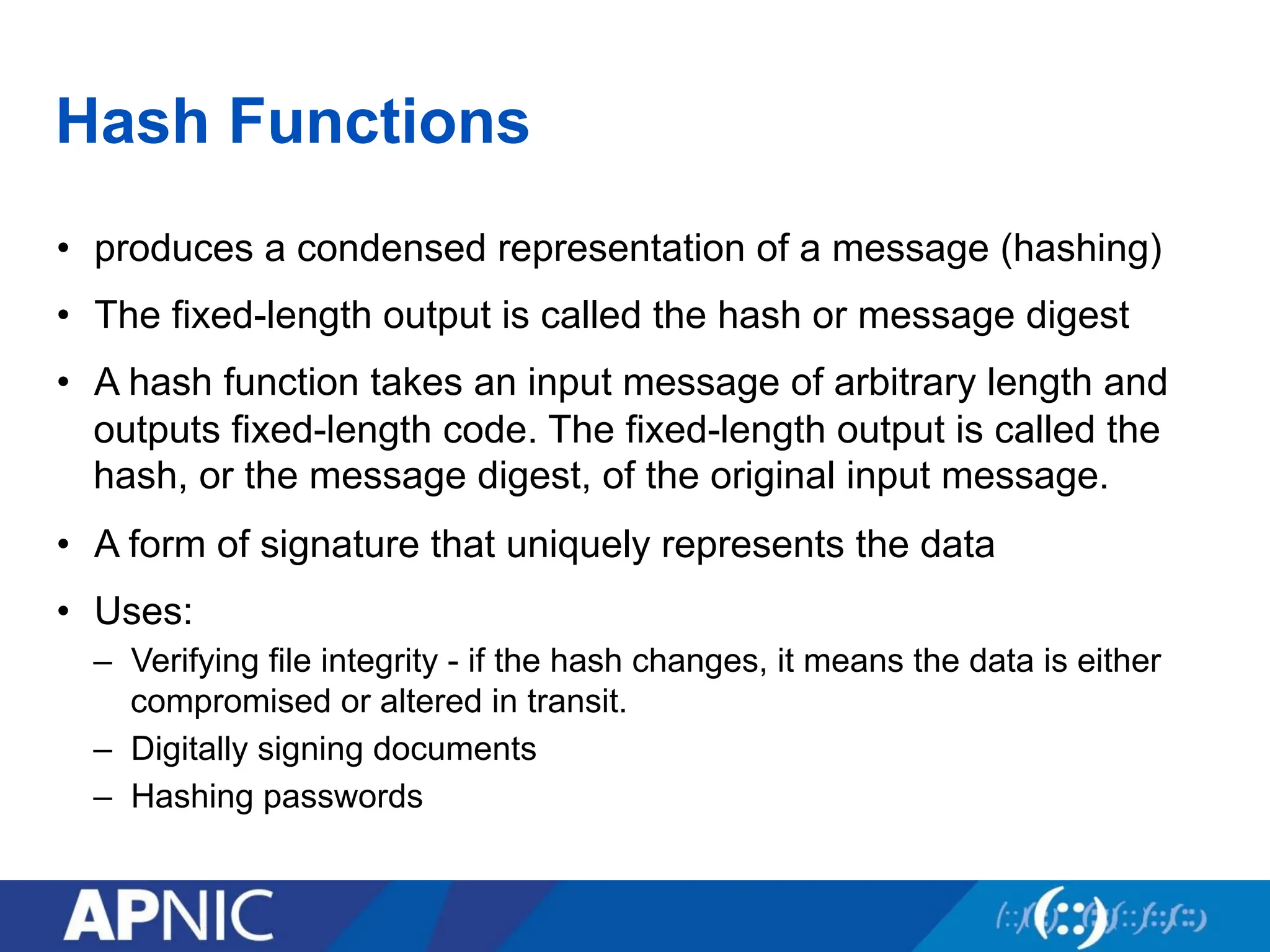
Hash Functions
• producesa condensed representation of a message (hashing)
• The fixed-length output is called the hash or message digest
• A hash function takes an input message of arbitrary length and
outputs fixed-length code. The fixed-length output is called the
hash, or the message digest, of the original input message.
• A form of signature that uniquely represents the data
• Uses:
– Verifying file integrity - if the hash changes, it means the data is either
compromised or altered in transit.
– Digitally signing documents
– Hashing passwords
69.
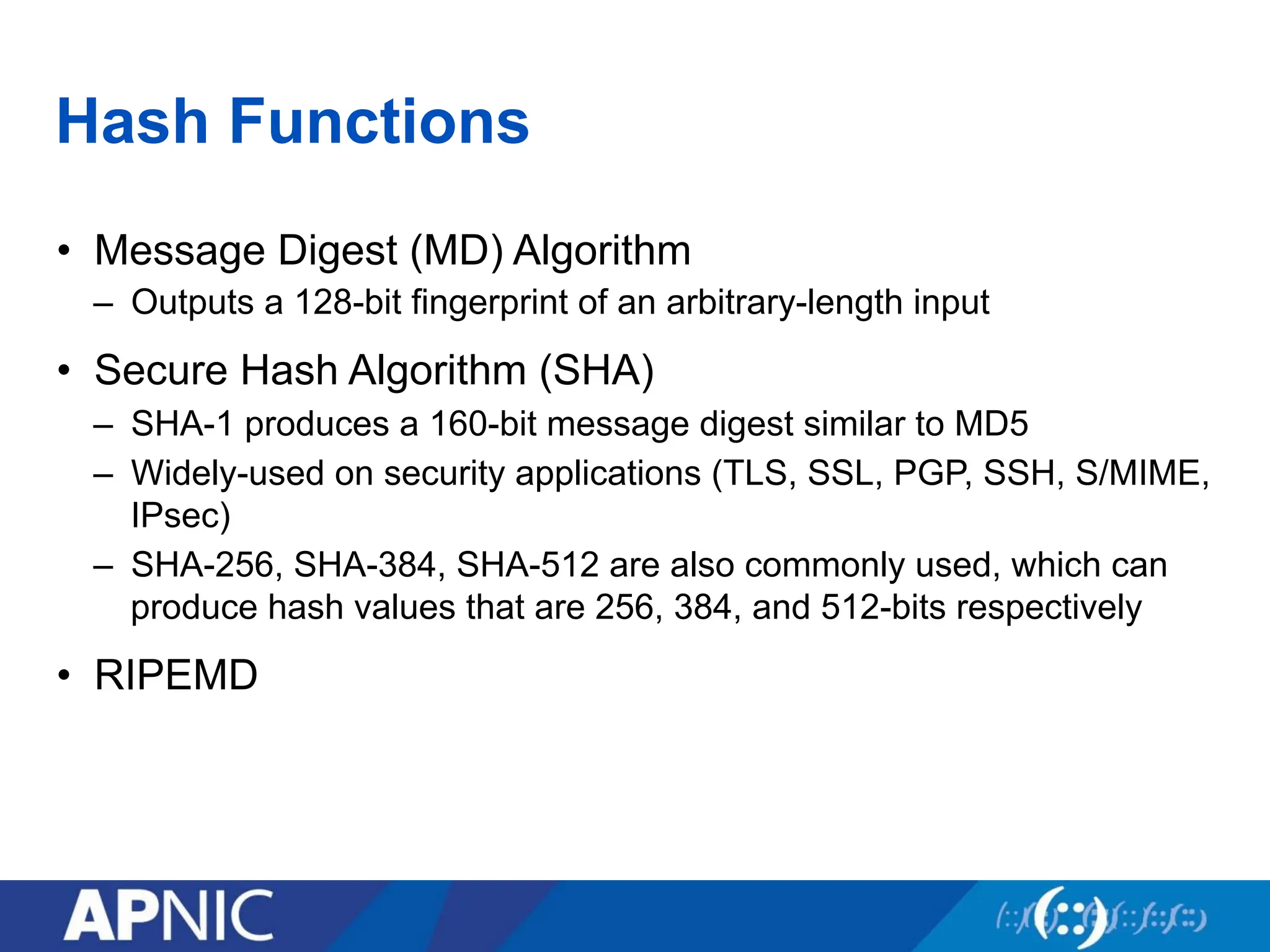
Hash Functions
• MessageDigest (MD) Algorithm
– Outputs a 128-bit fingerprint of an arbitrary-length input
• Secure Hash Algorithm (SHA)
– SHA-1 produces a 160-bit message digest similar to MD5
– Widely-used on security applications (TLS, SSL, PGP, SSH, S/MIME,
IPsec)
– SHA-256, SHA-384, SHA-512 are also commonly used, which can
produce hash values that are 256, 384, and 512-bits respectively
• RIPEMD
70.
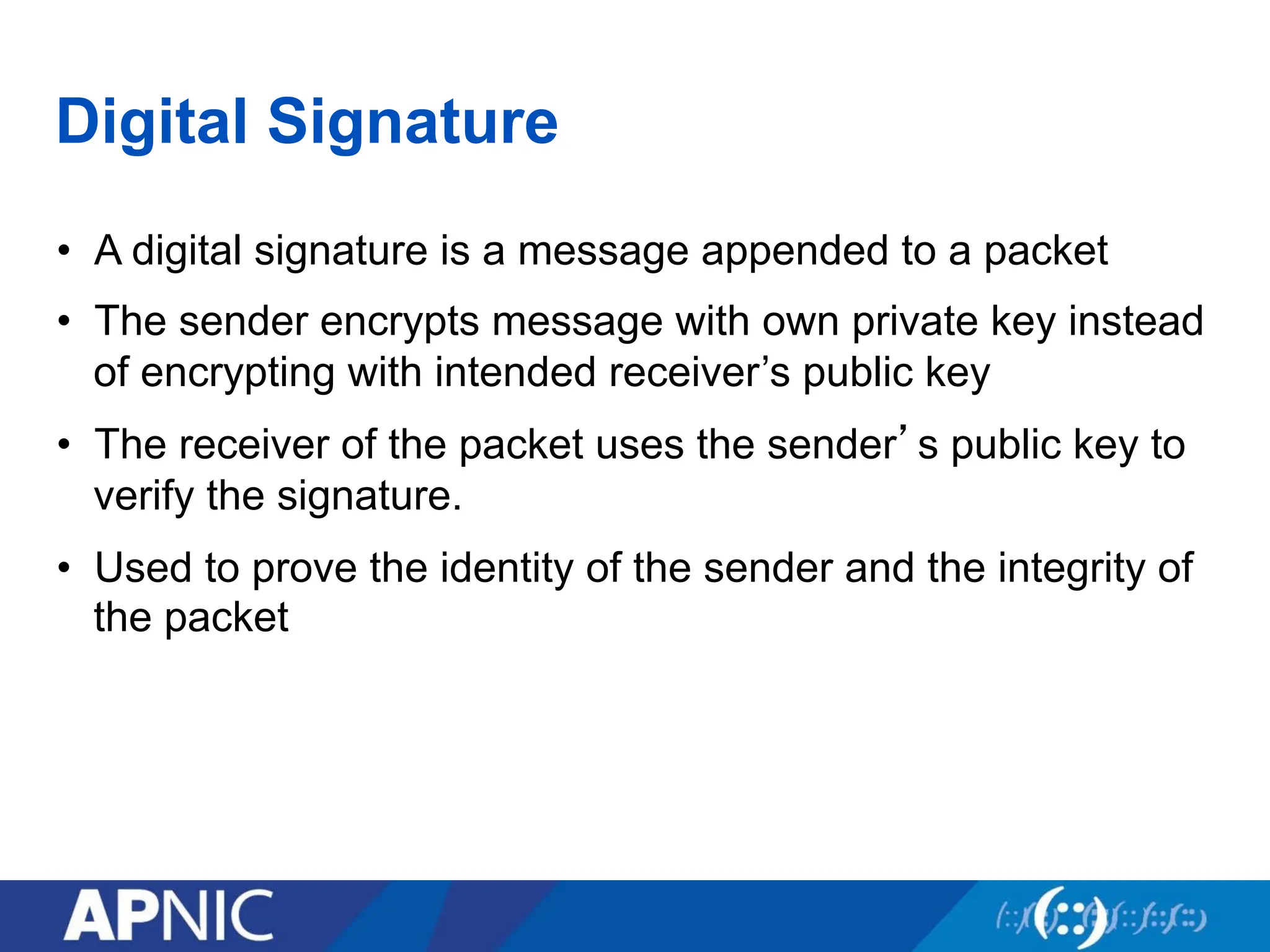
Digital Signature
• Adigital signature is a message appended to a packet
• The sender encrypts message with own private key instead
of encrypting with intended receiver’s public key
• The receiver of the packet uses the sender’s public key to
verify the signature.
• Used to prove the identity of the sender and the integrity of
the packet
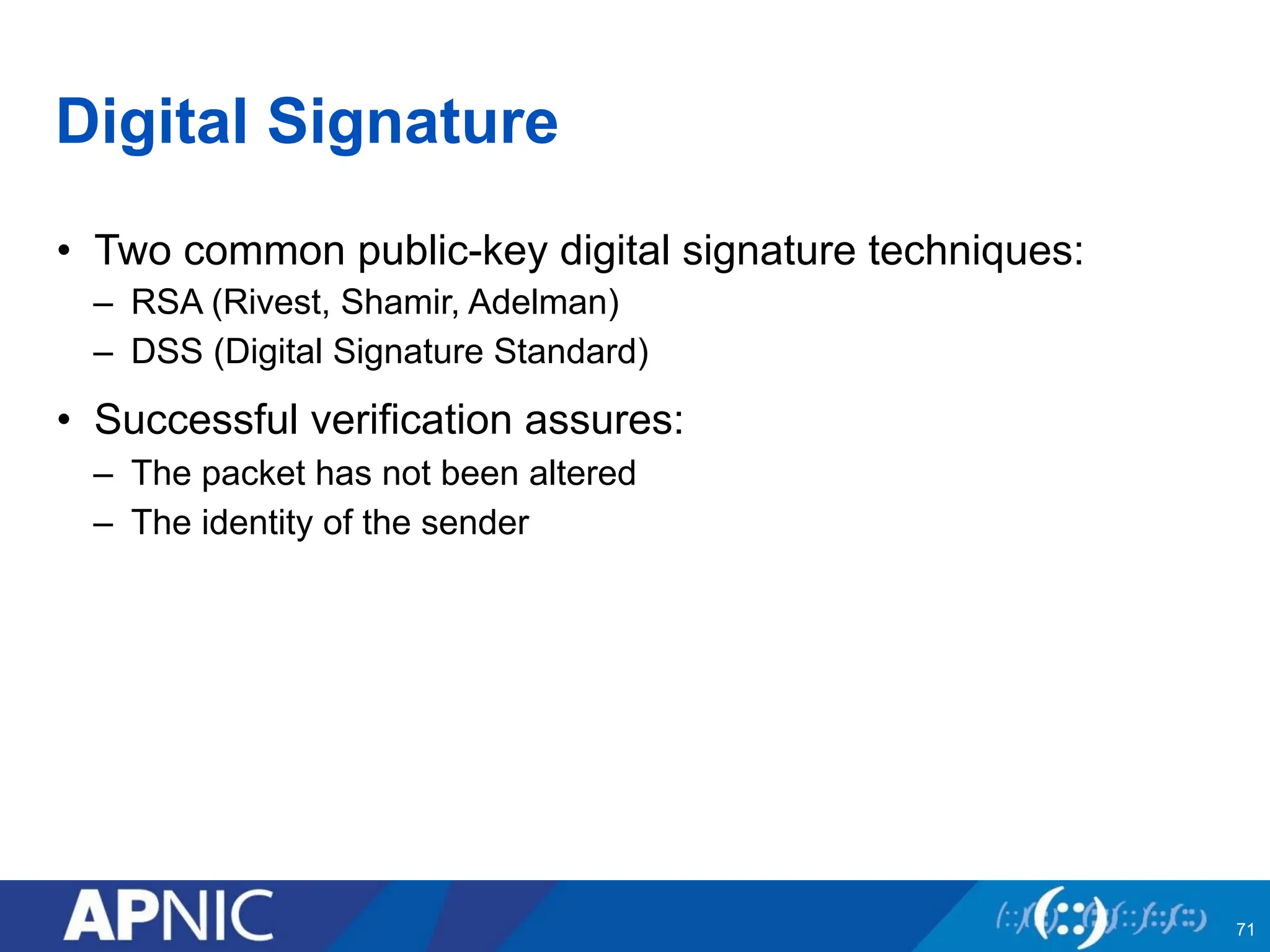
71.
Digital Signature
• Twocommon public-key digital signature techniques:
– RSA (Rivest, Shamir, Adelman)
– DSS (Digital Signature Standard)
• Successful verification assures:
– The packet has not been altered
– The identity of the sender
71
72.
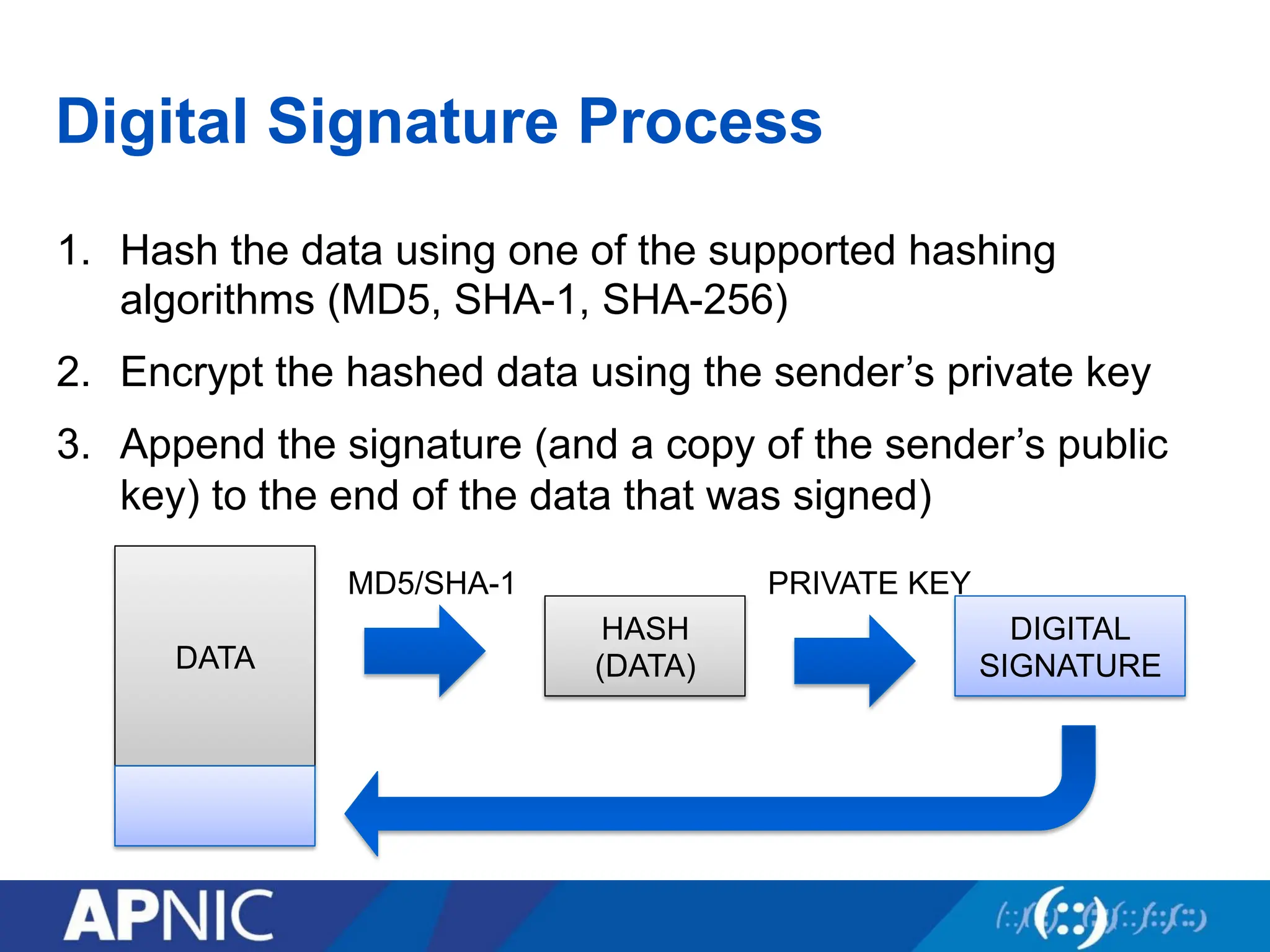
Digital Signature Process
1.Hash the data using one of the supported hashing
algorithms (MD5, SHA-1, SHA-256)
2. Encrypt the hashed data using the sender’s private key
3. Append the signature (and a copy of the sender’s public
key) to the end of the data that was signed)
DATA
HASH
(DATA)
DIGITAL
SIGNATURE
MD5/SHA-1 PRIVATE KEY
73.
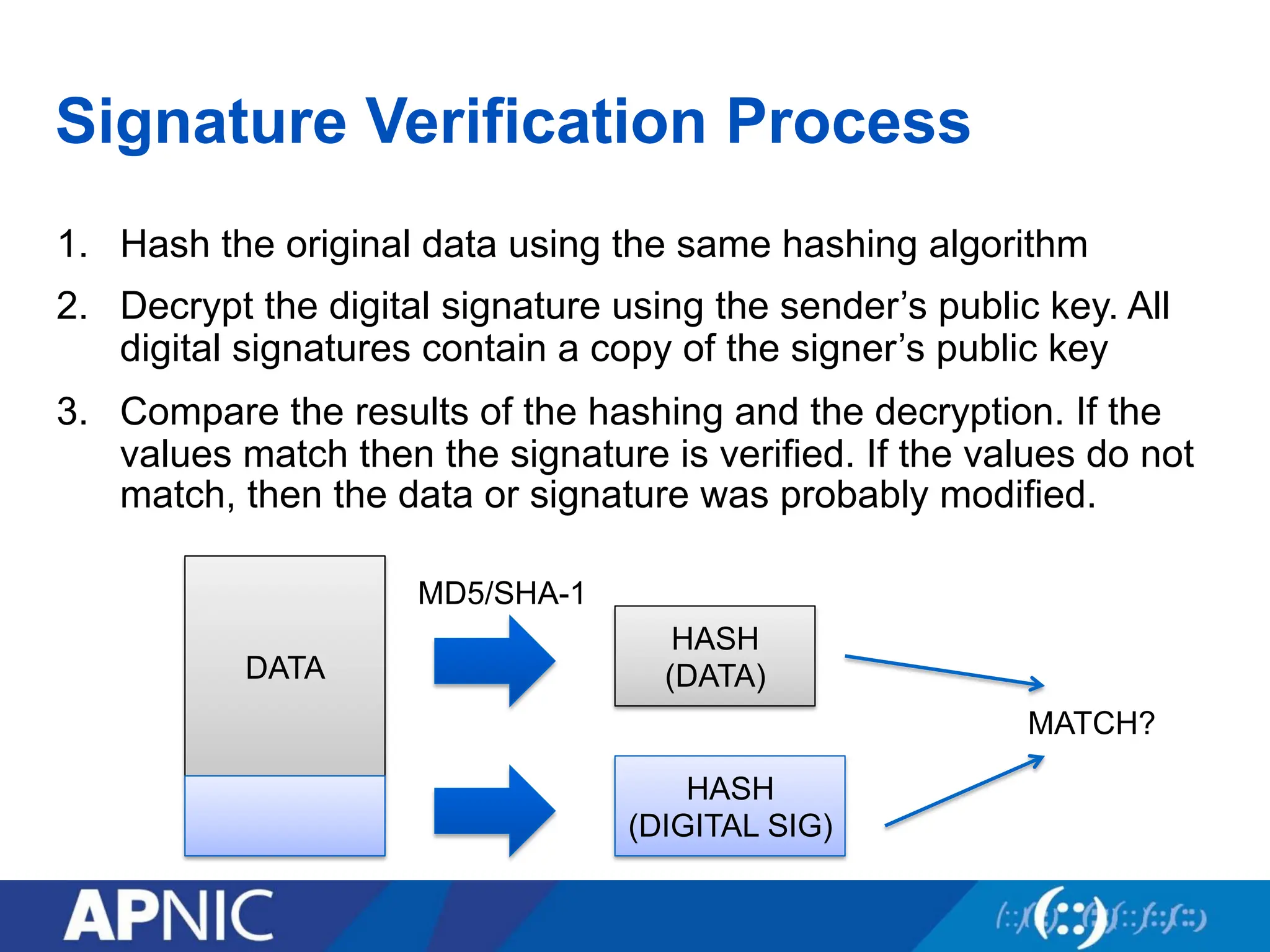
Signature Verification Process
1.Hash the original data using the same hashing algorithm
2. Decrypt the digital signature using the sender’s public key. All
digital signatures contain a copy of the signer’s public key
3. Compare the results of the hashing and the decryption. If the
values match then the signature is verified. If the values do not
match, then the data or signature was probably modified.
DATA
HASH
(DATA)
HASH
(DIGITAL SIG)
MD5/SHA-1
MATCH?
74.
RSA Public KeyCryptography
• Based on relative ease of multiplying large primes together
but almost impossible to factor the resulting product
• RSA keys: 3 special numeric values
• Algorithm produces public keys that are tied to specific
private keys
• Provides both digital signatures and public-key encryption
74
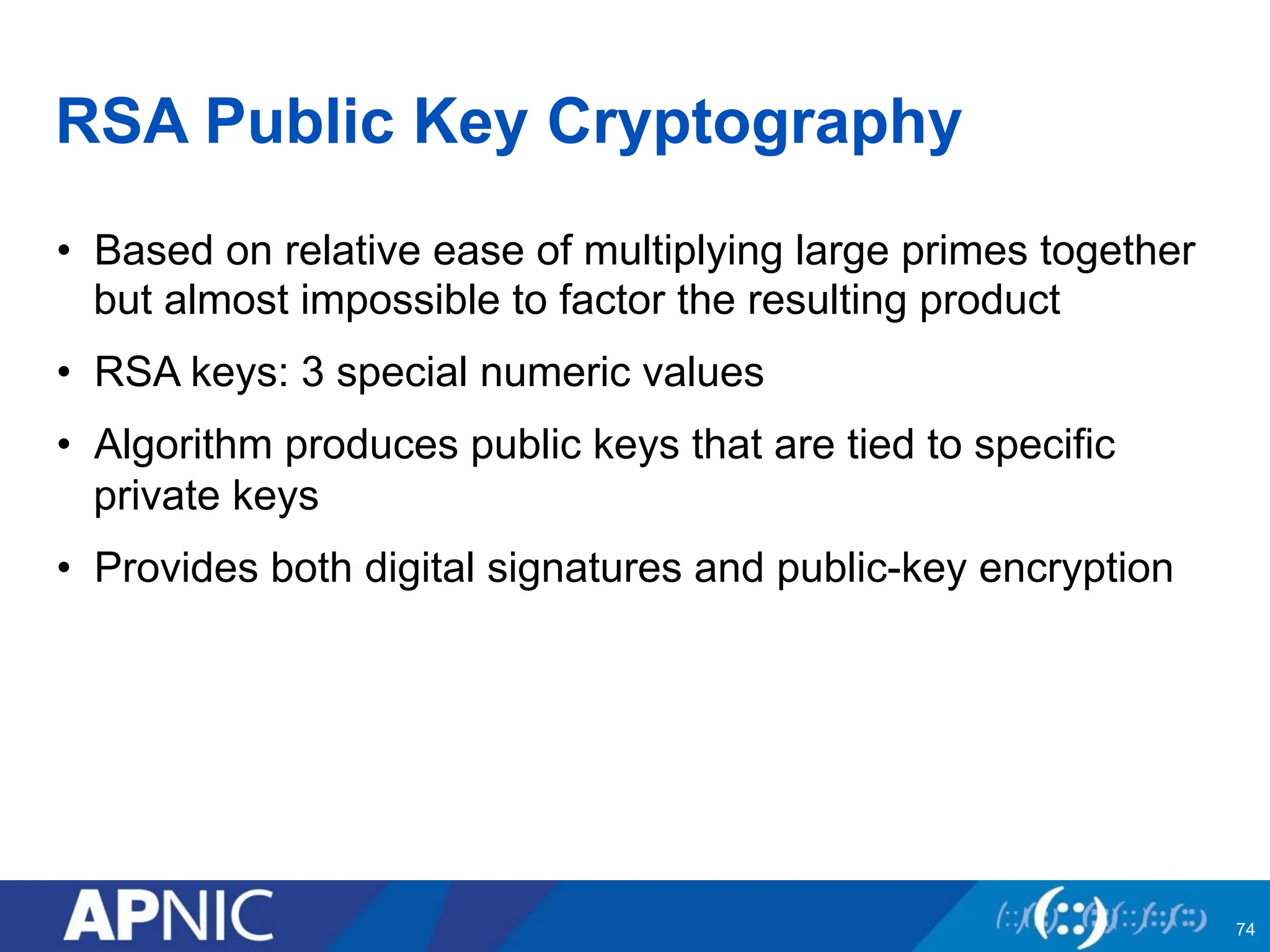
75.
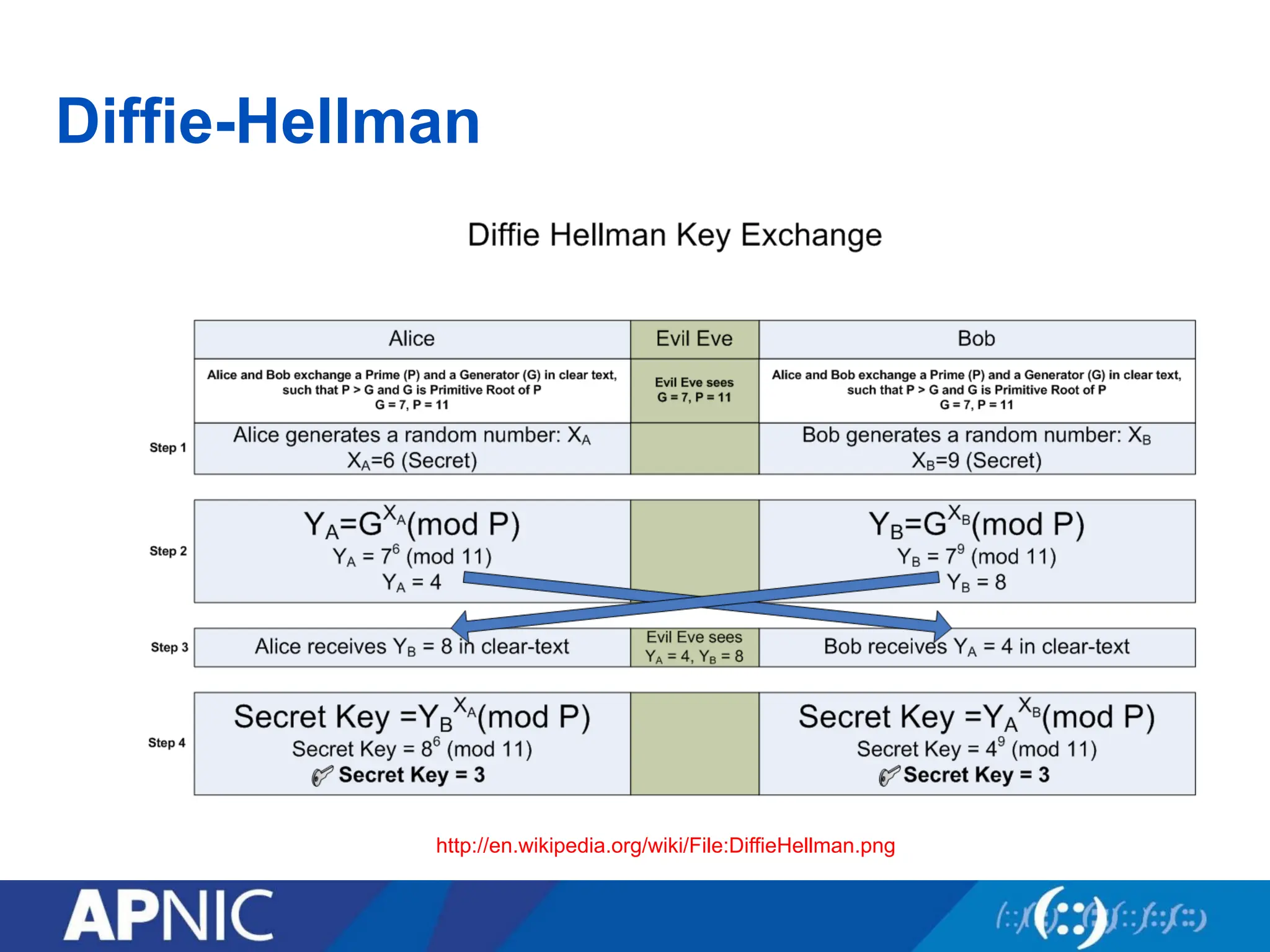
What Is Diffie-Hellman?
•Arguably the first public key algorithm (1976)
• Diffie Hellman is a key establishment algorithm
– Two parties in a DH exchange can generate a shared secret
– Combining one’s private key and the other’s public key, both parties
can compute the same shared secret number.
– There can even be N-party DH exchanges where N peers can all
establish the same secret key
• Diffie Hellman can be done over an insecure channel
75
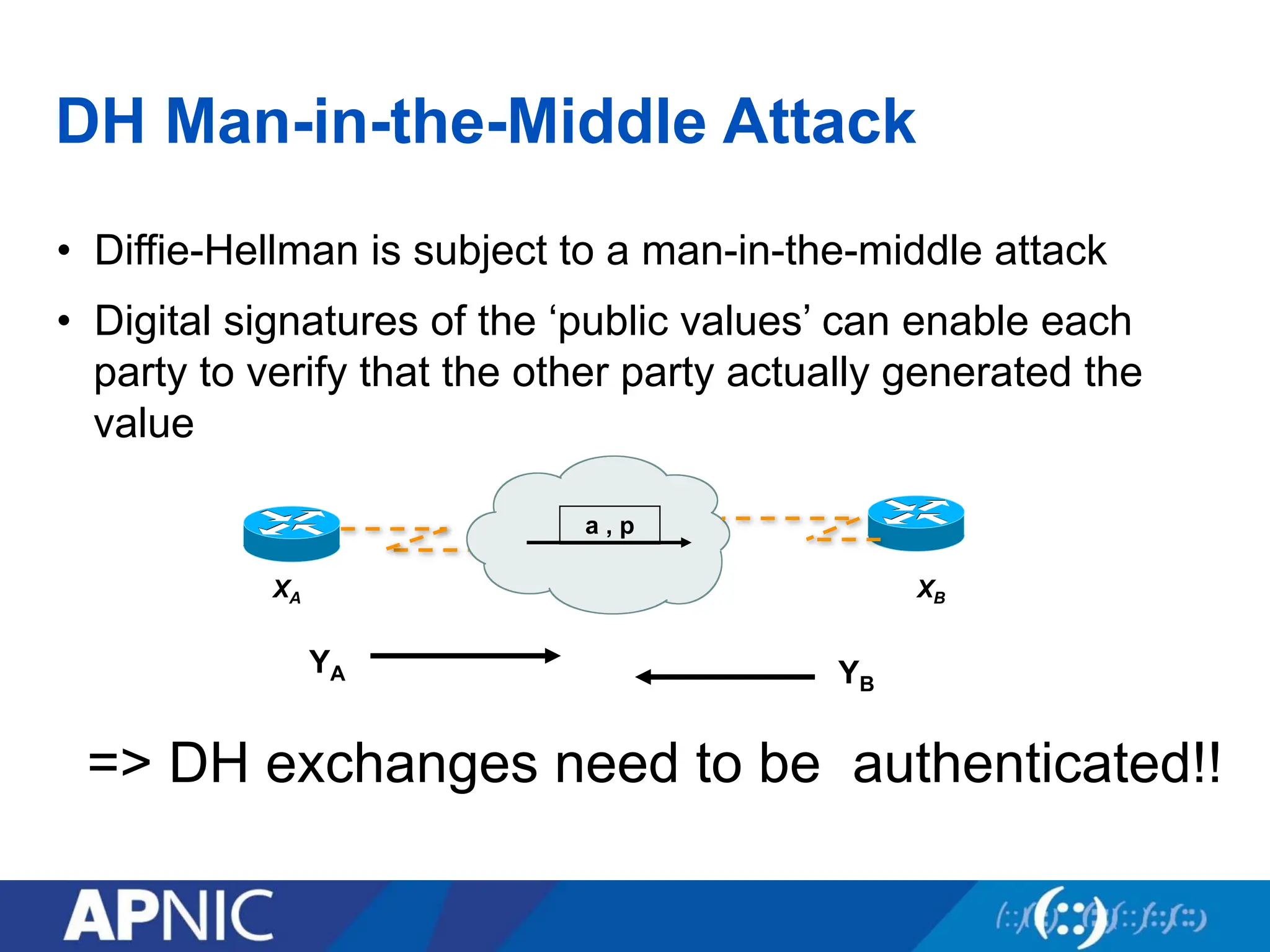
DH Man-in-the-Middle Attack
•Diffie-Hellman is subject to a man-in-the-middle attack
• Digital signatures of the ‘public values’ can enable each
party to verify that the other party actually generated the
value
=> DH exchanges need to be authenticated!!
XA XB
a , p
YA YB
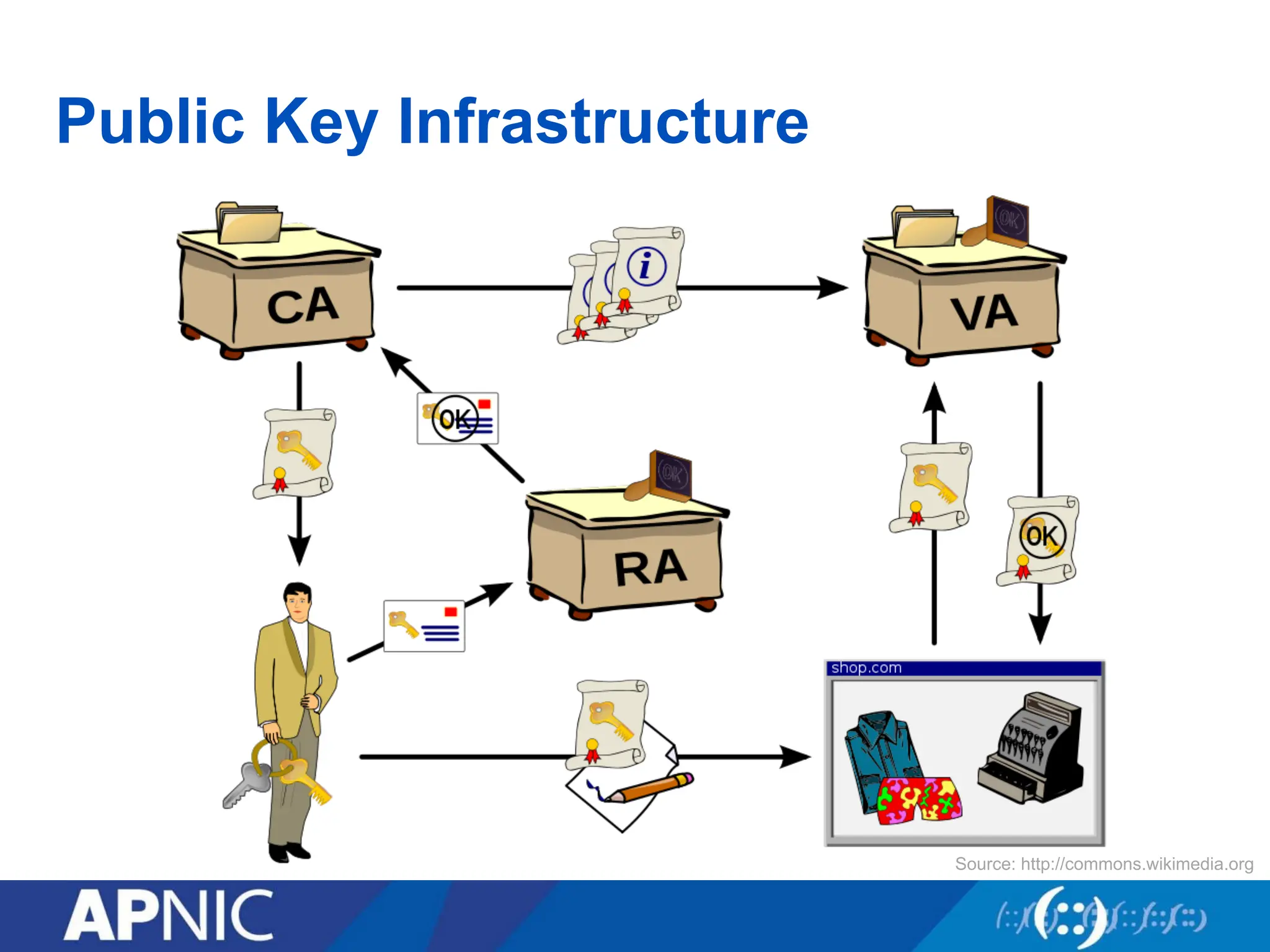
Public Key Infrastructure
•Framework that builds the network of trust
• Combines public key cryptography, digital signatures, to
ensure confidentiality, integrity, authentication,
nonrepudiation, and access control
• Protects applications that require high level of security
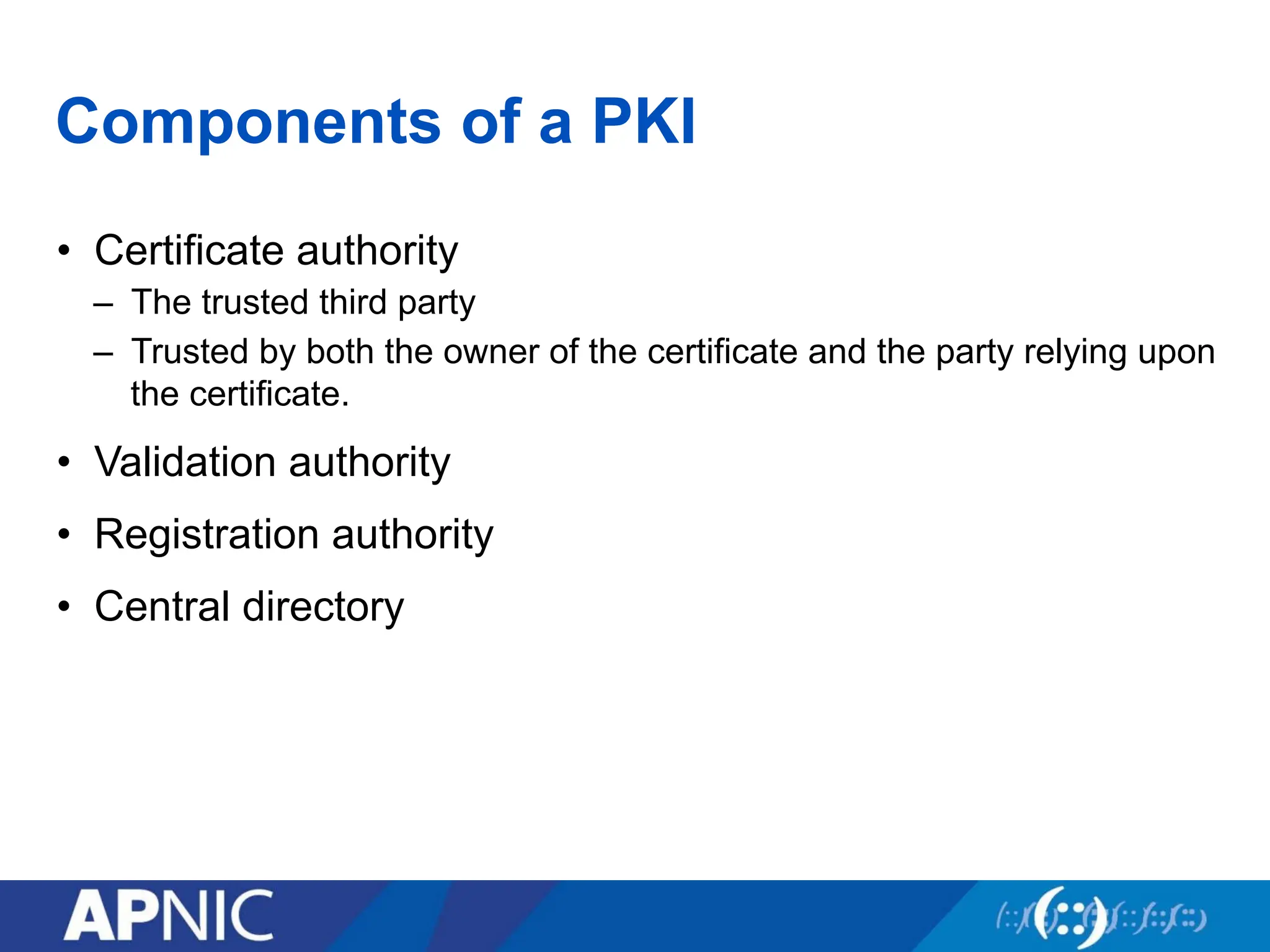
Components of aPKI
• Certificate authority
– The trusted third party
– Trusted by both the owner of the certificate and the party relying upon
the certificate.
• Validation authority
• Registration authority
• Central directory
85.
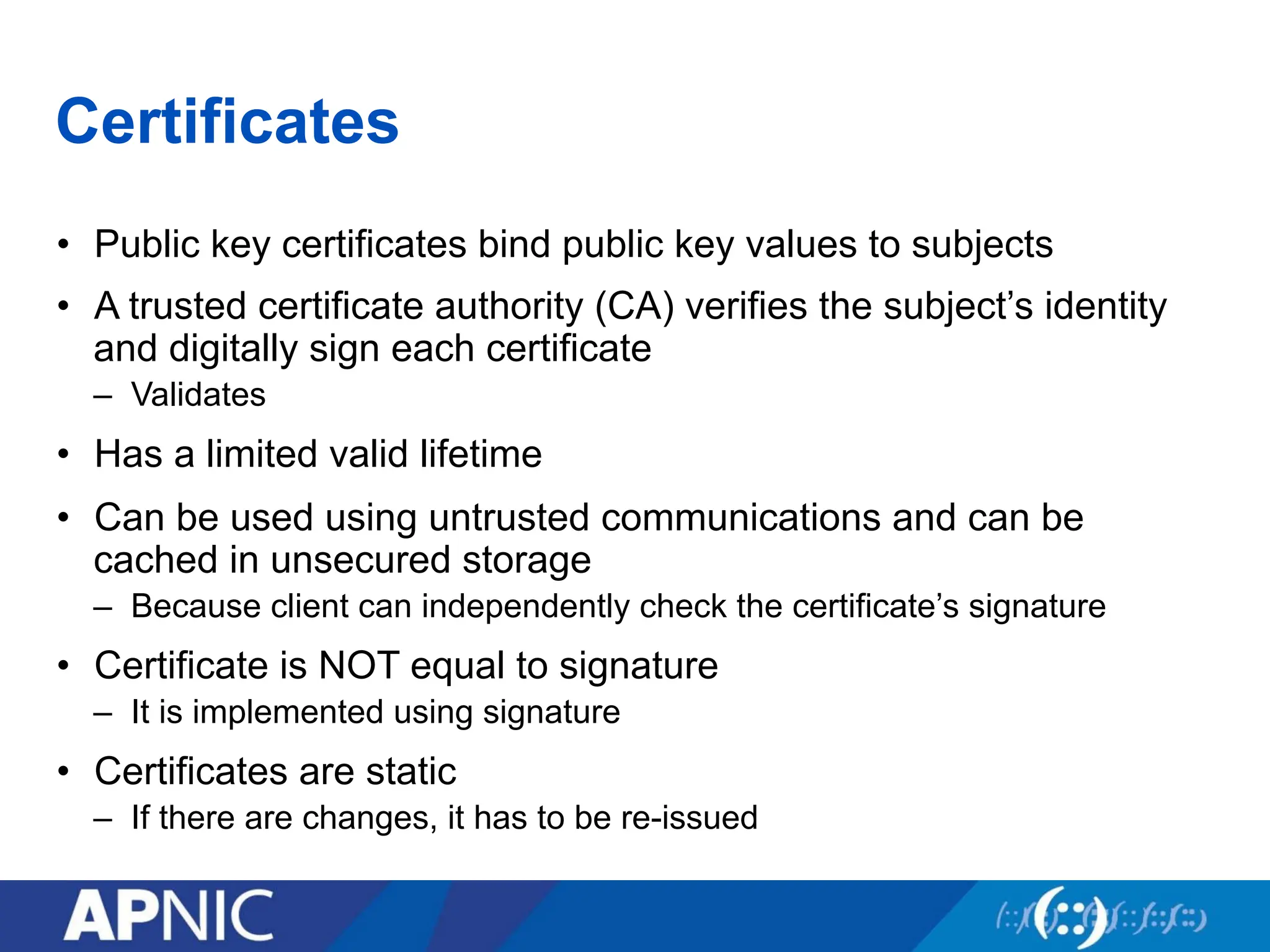
Certificates
• Public keycertificates bind public key values to subjects
• A trusted certificate authority (CA) verifies the subject’s identity
and digitally sign each certificate
– Validates
• Has a limited valid lifetime
• Can be used using untrusted communications and can be
cached in unsecured storage
– Because client can independently check the certificate’s signature
• Certificate is NOT equal to signature
– It is implemented using signature
• Certificates are static
– If there are changes, it has to be re-issued
86.
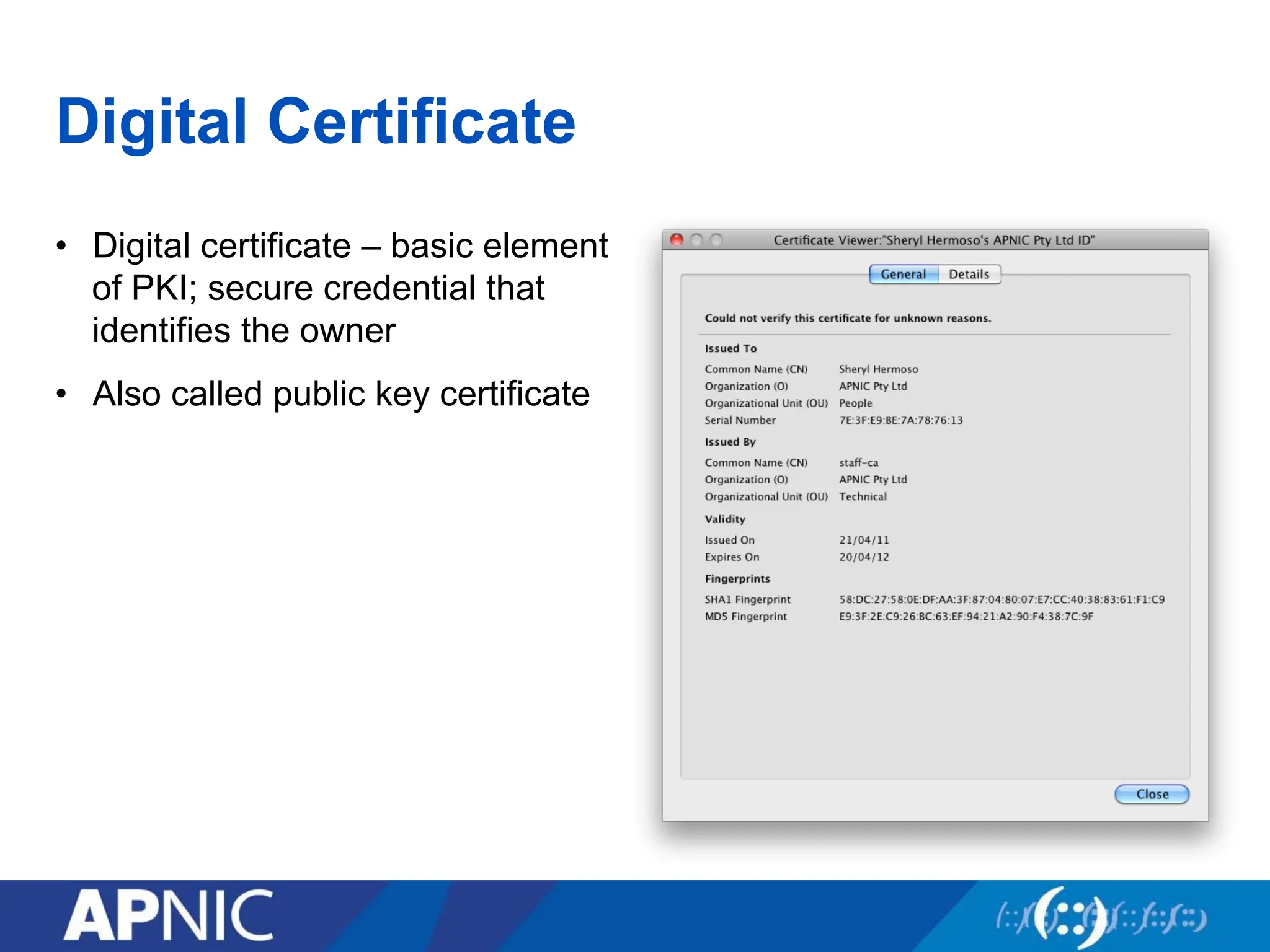
Digital Certificate
• Digitalcertificate – basic element
of PKI; secure credential that
identifies the owner
• Also called public key certificate
87.
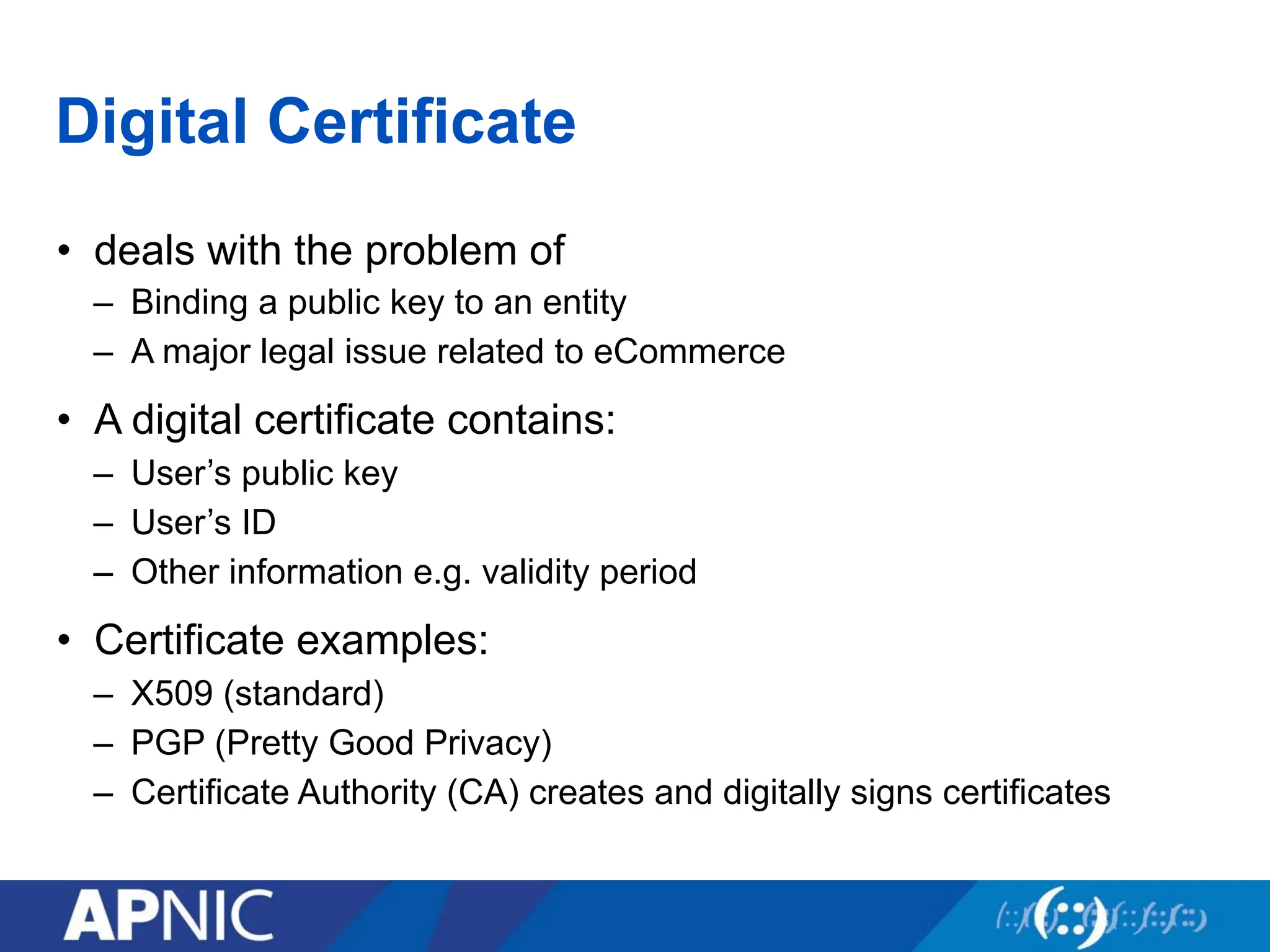
Digital Certificate
• dealswith the problem of
– Binding a public key to an entity
– A major legal issue related to eCommerce
• A digital certificate contains:
– User’s public key
– User’s ID
– Other information e.g. validity period
• Certificate examples:
– X509 (standard)
– PGP (Pretty Good Privacy)
– Certificate Authority (CA) creates and digitally signs certificates
88.
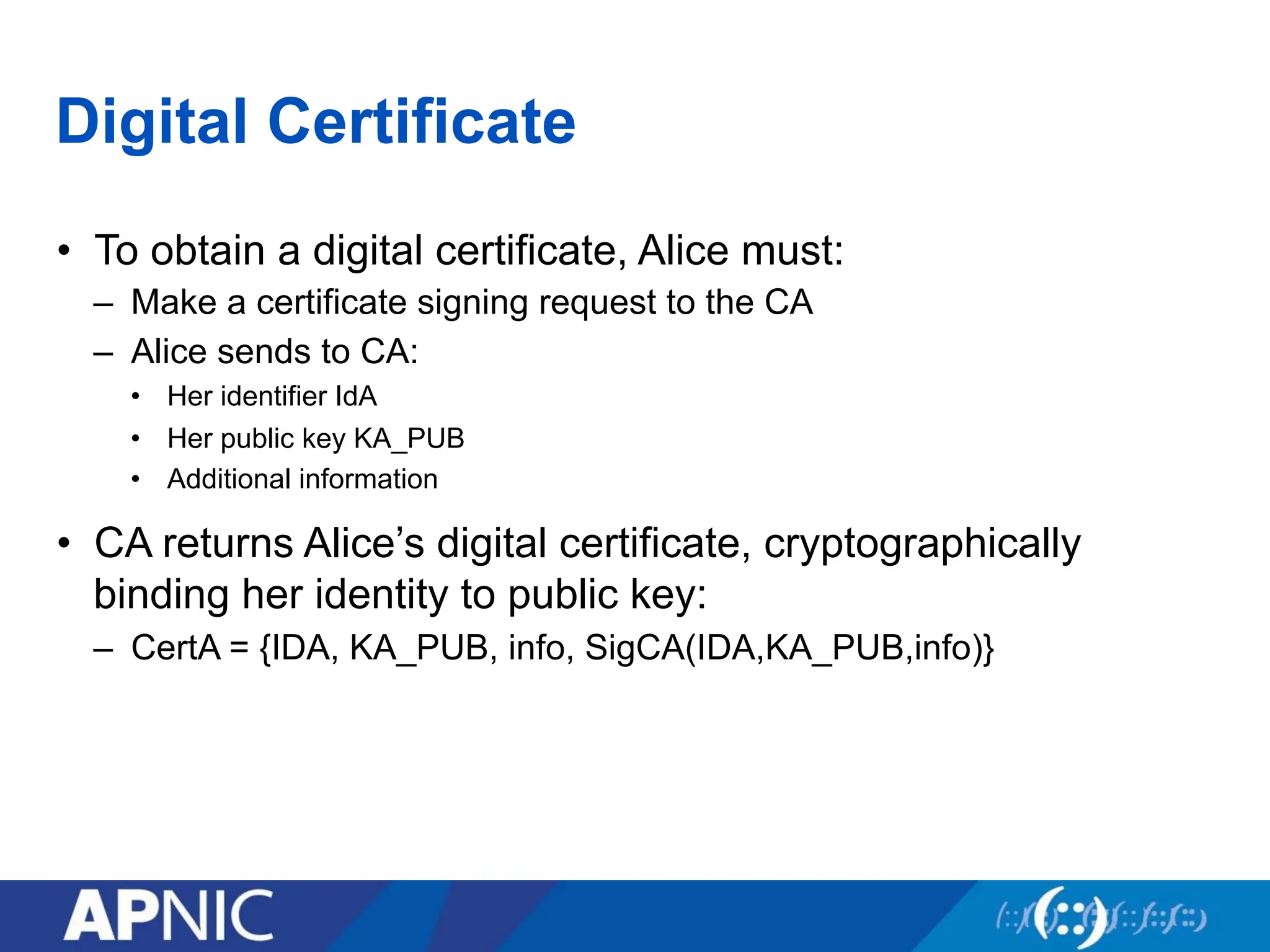
Digital Certificate
• Toobtain a digital certificate, Alice must:
– Make a certificate signing request to the CA
– Alice sends to CA:
• Her identifier IdA
• Her public key KA_PUB
• Additional information
• CA returns Alice’s digital certificate, cryptographically
binding her identity to public key:
– CertA = {IDA, KA_PUB, info, SigCA(IDA,KA_PUB,info)}
89.
Digital Certificate
• Toobtain a digital certificate, Alice must:
– Make a certificate signing request to the CA
– Alice sends to CA:
• Her identifier IdA
• Her public key KA_PUB
• Additional information
• CA returns Alice’s digital certificate, cryptographically
binding her identity to public key:
– CertA = {IDA, KA_PUB, info, SigCA(IDA,KA_PUB,info)}
90.
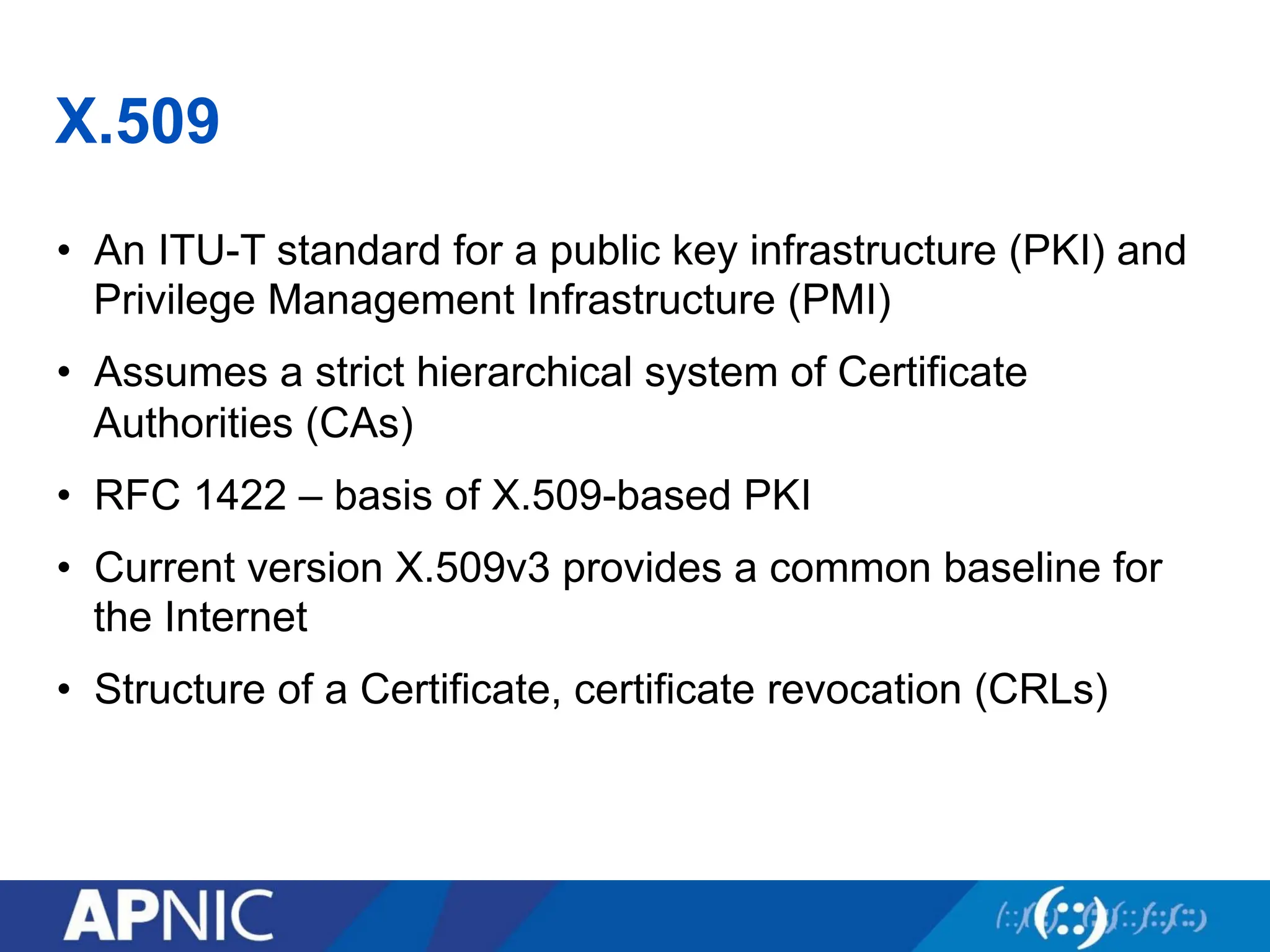
X.509
• An ITU-Tstandard for a public key infrastructure (PKI) and
Privilege Management Infrastructure (PMI)
• Assumes a strict hierarchical system of Certificate
Authorities (CAs)
• RFC 1422 – basis of X.509-based PKI
• Current version X.509v3 provides a common baseline for
the Internet
• Structure of a Certificate, certificate revocation (CRLs)
91.
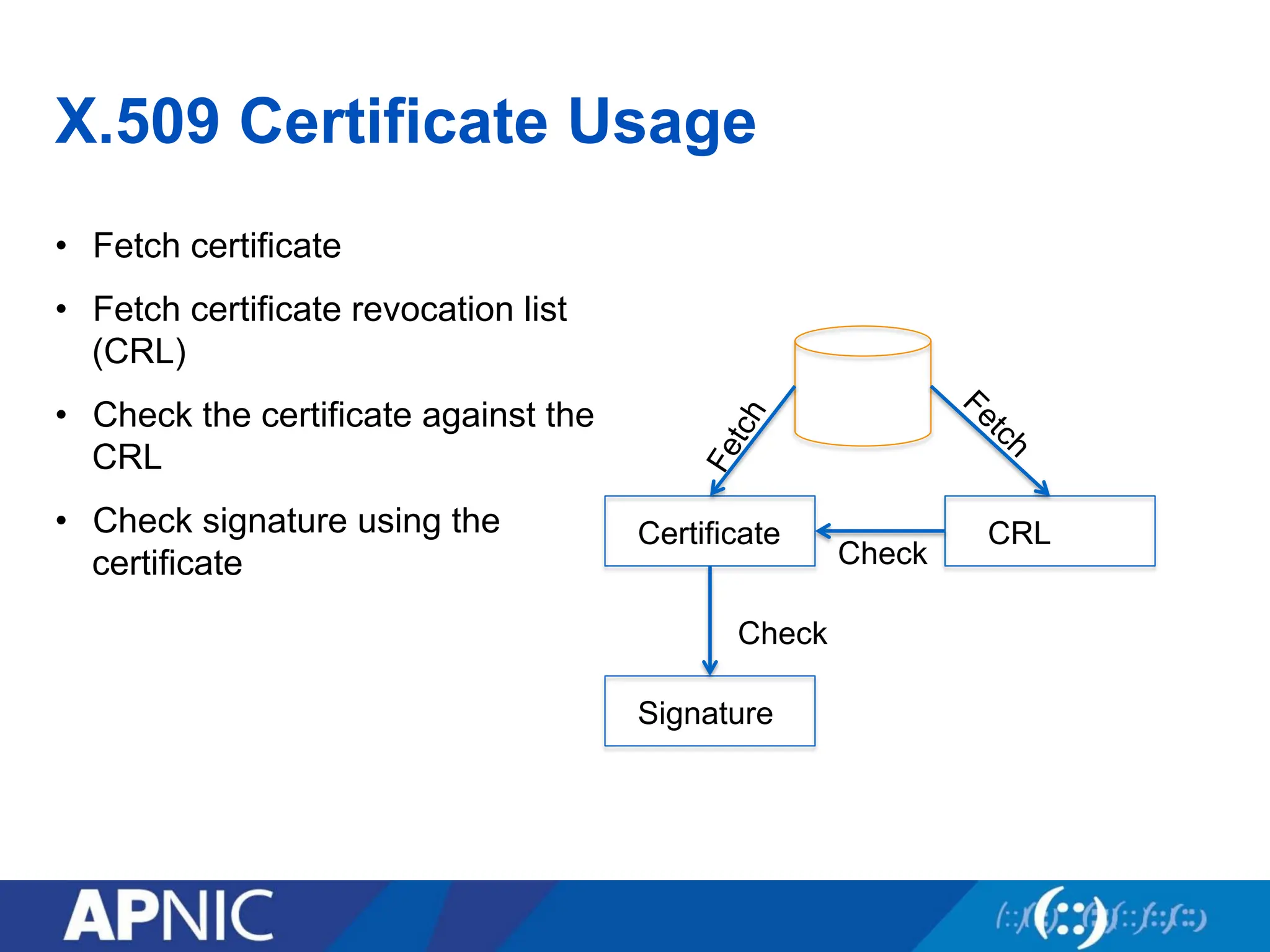
X.509 Certificate Usage
•Fetch certificate
• Fetch certificate revocation list
(CRL)
• Check the certificate against the
CRL
• Check signature using the
certificate
Certificate CRL
Signature
Check
Check
92.
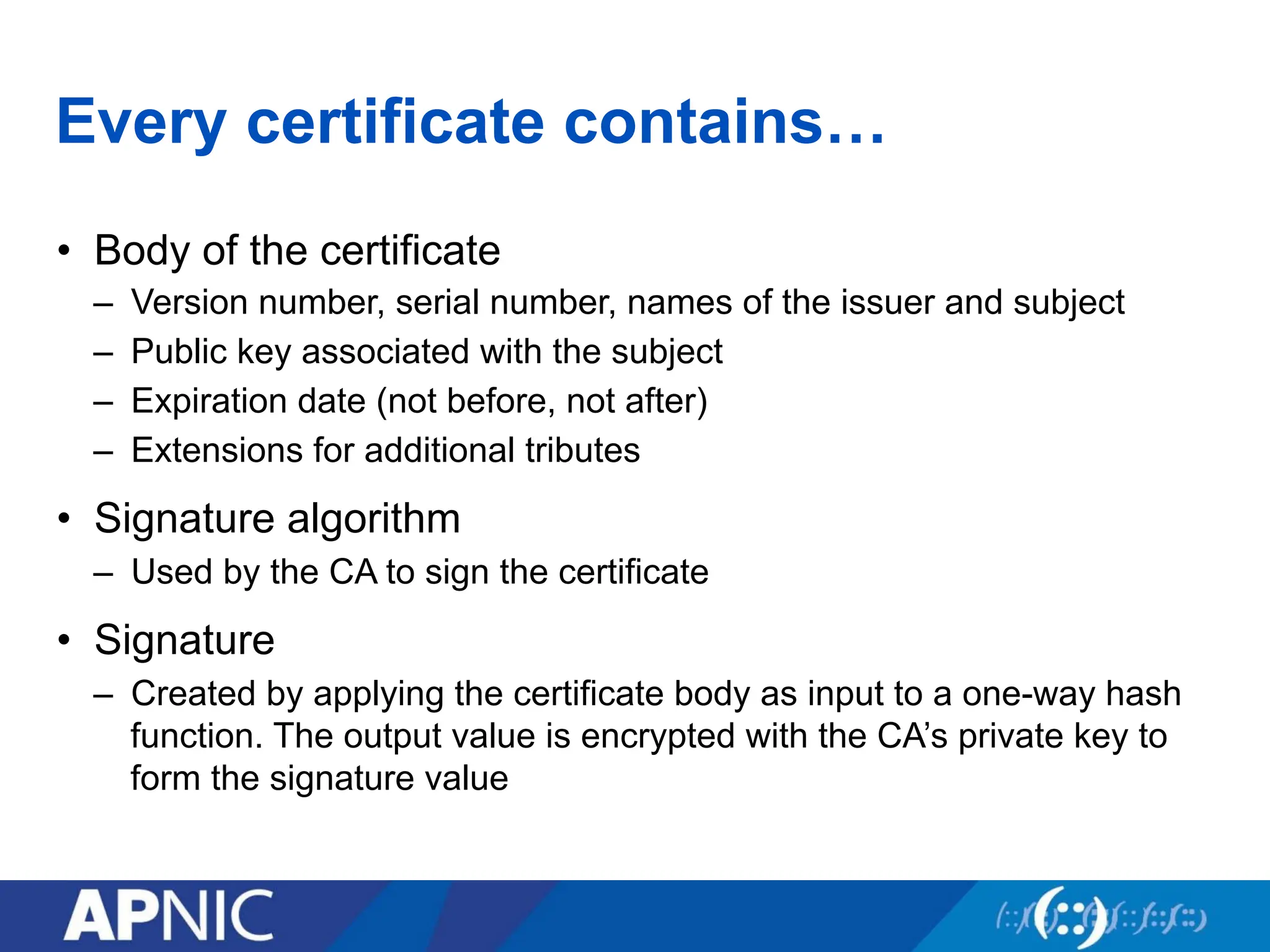
Every certificate contains…
•Body of the certificate
– Version number, serial number, names of the issuer and subject
– Public key associated with the subject
– Expiration date (not before, not after)
– Extensions for additional tributes
• Signature algorithm
– Used by the CA to sign the certificate
• Signature
– Created by applying the certificate body as input to a one-way hash
function. The output value is encrypted with the CA’s private key to
form the signature value
93.
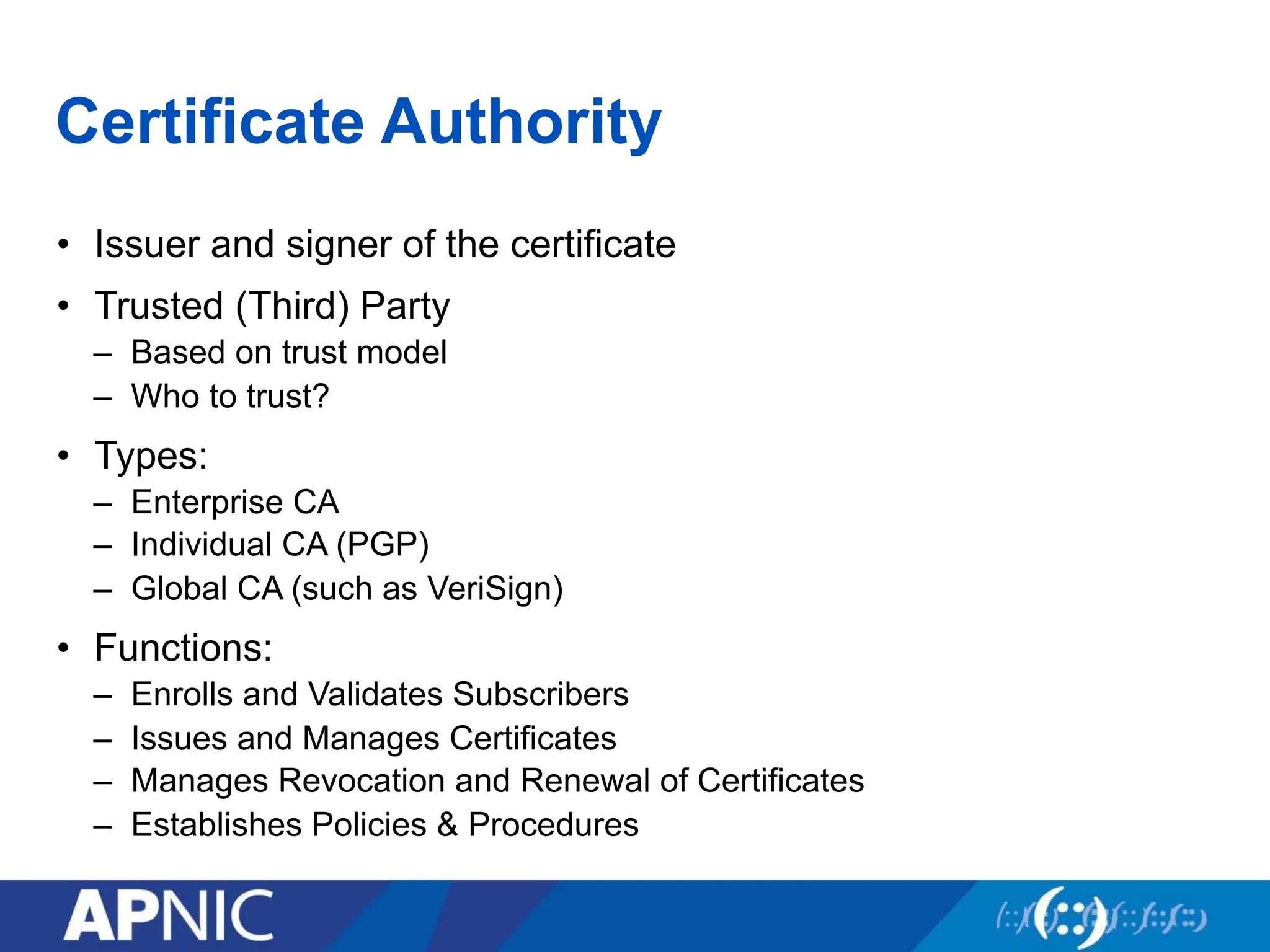
Certificate Authority
• Issuerand signer of the certificate
• Trusted (Third) Party
– Based on trust model
– Who to trust?
• Types:
– Enterprise CA
– Individual CA (PGP)
– Global CA (such as VeriSign)
• Functions:
– Enrolls and Validates Subscribers
– Issues and Manages Certificates
– Manages Revocation and Renewal of Certificates
– Establishes Policies & Procedures
94.
Registration Authority
• Forbig CAs, a separate RA might be necessary to take
some work off the CA
• Purpose:
– Identity verification and registration of the entity applying for a
certificate
95.
Certificate Revocation Lists
•CA periodically publishes a data structure called a
certificate revocation list (CRL).
• Described in X.509 standard.
• Each revoked certificate is identified in a CRL by its serial
number.
• CRL might be distributed by posting at known Web URL or
from CA’s own X.500 directory entry.
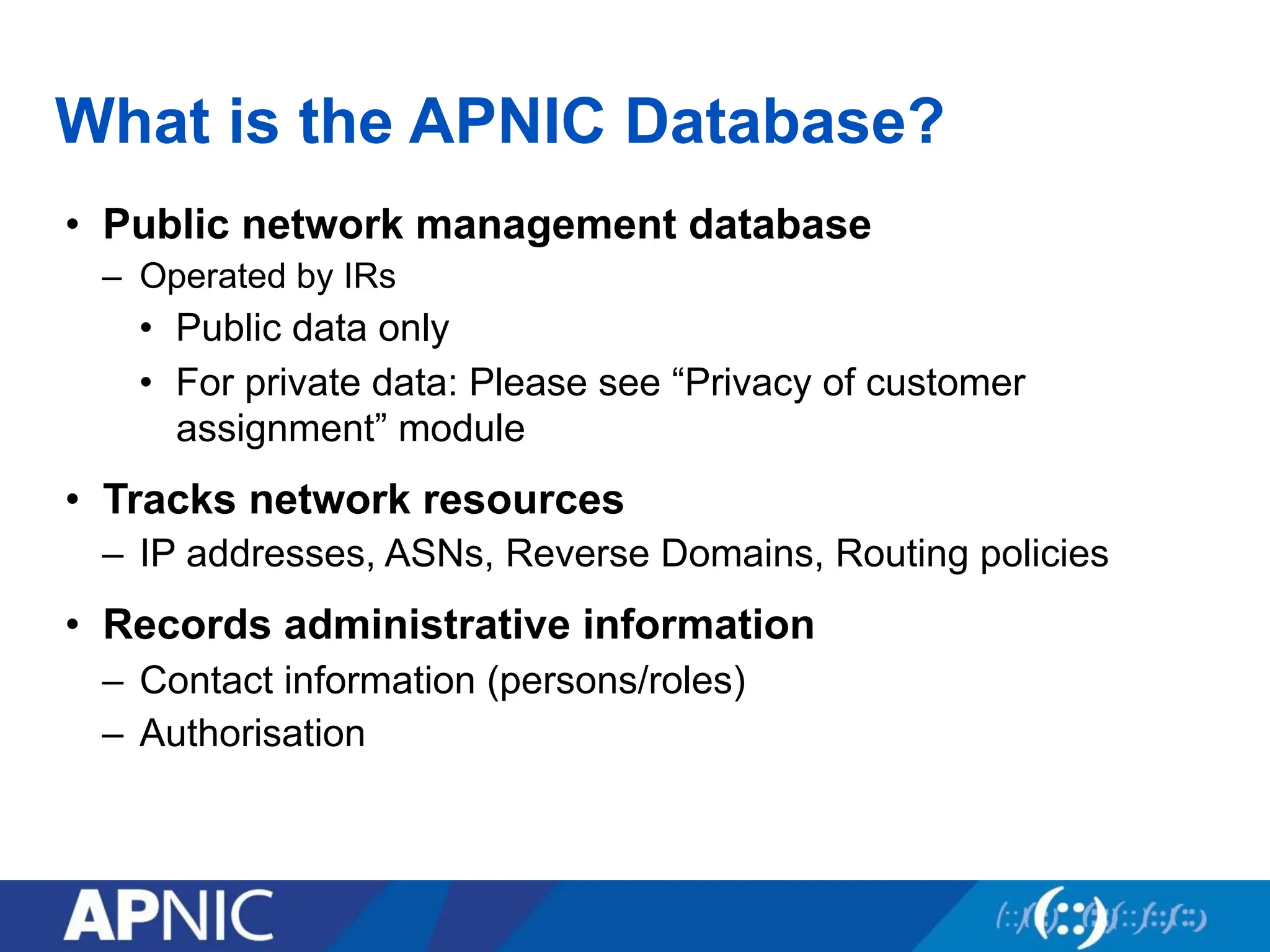
What is theAPNIC Database?
• Public network management database
– Operated by IRs
• Public data only
• For private data: Please see “Privacy of customer
assignment” module
• Tracks network resources
– IP addresses, ASNs, Reverse Domains, Routing policies
• Records administrative information
– Contact information (persons/roles)
– Authorisation
99.
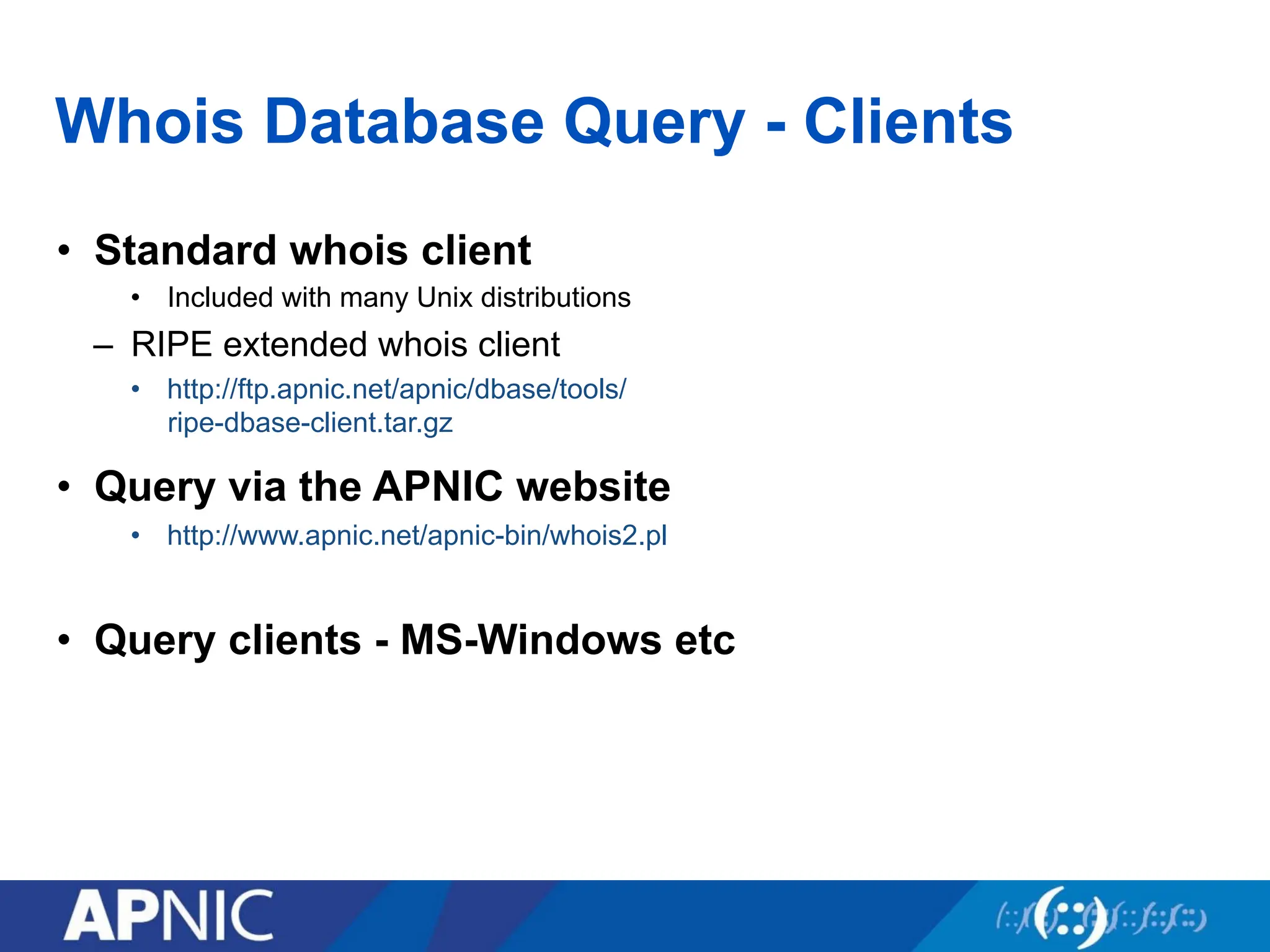
Whois Database Query- Clients
• Standard whois client
• Included with many Unix distributions
– RIPE extended whois client
• http://ftp.apnic.net/apnic/dbase/tools/
ripe-dbase-client.tar.gz
• Query via the APNIC website
• http://www.apnic.net/apnic-bin/whois2.pl
• Query clients - MS-Windows etc
100.
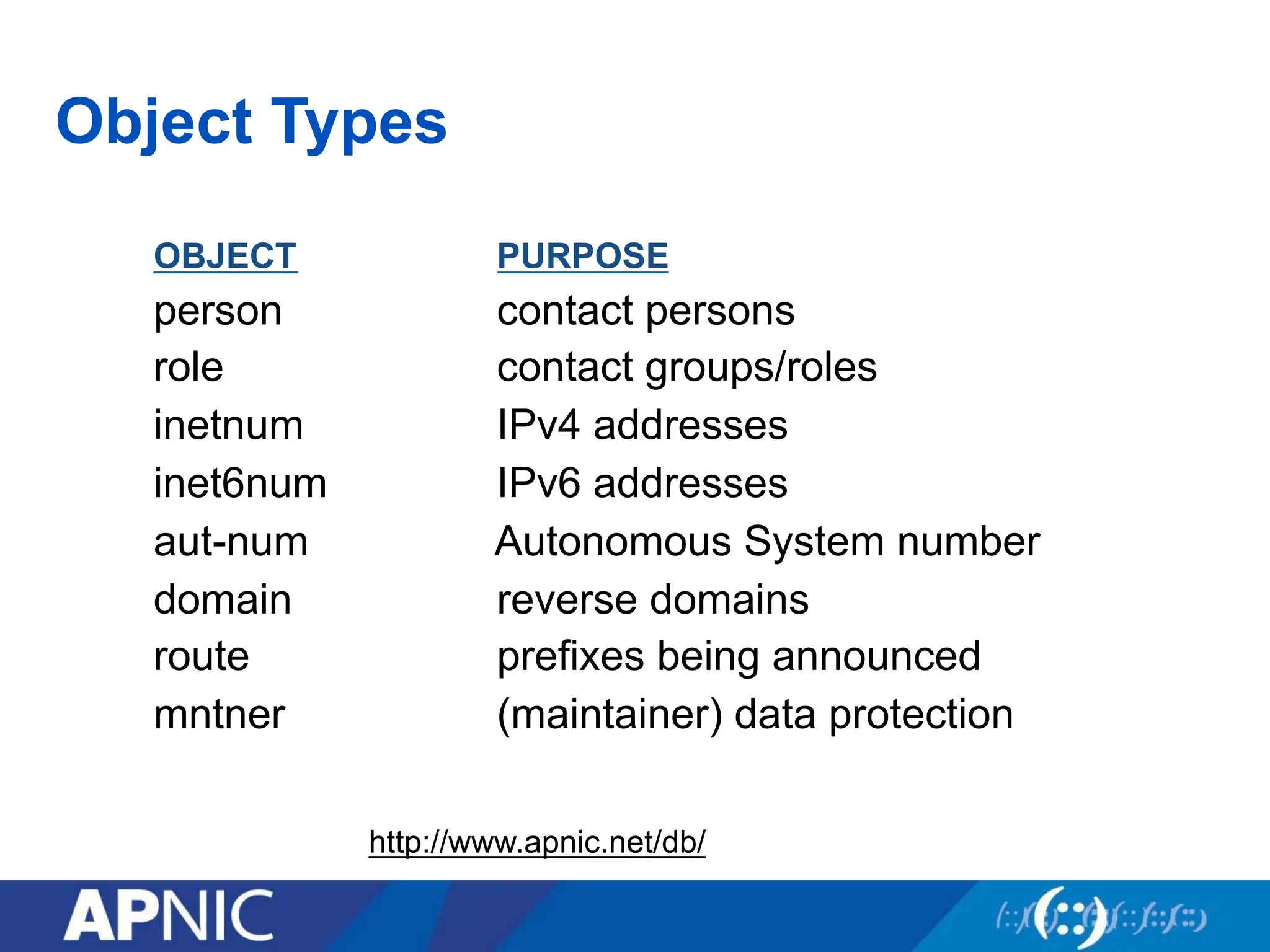
Object Types
OBJECT PURPOSE
personcontact persons
role contact groups/roles
inetnum IPv4 addresses
inet6num IPv6 addresses
aut-num Autonomous System number
domain reverse domains
route prefixes being announced
mntner (maintainer) data protection
http://www.apnic.net/db/
101.
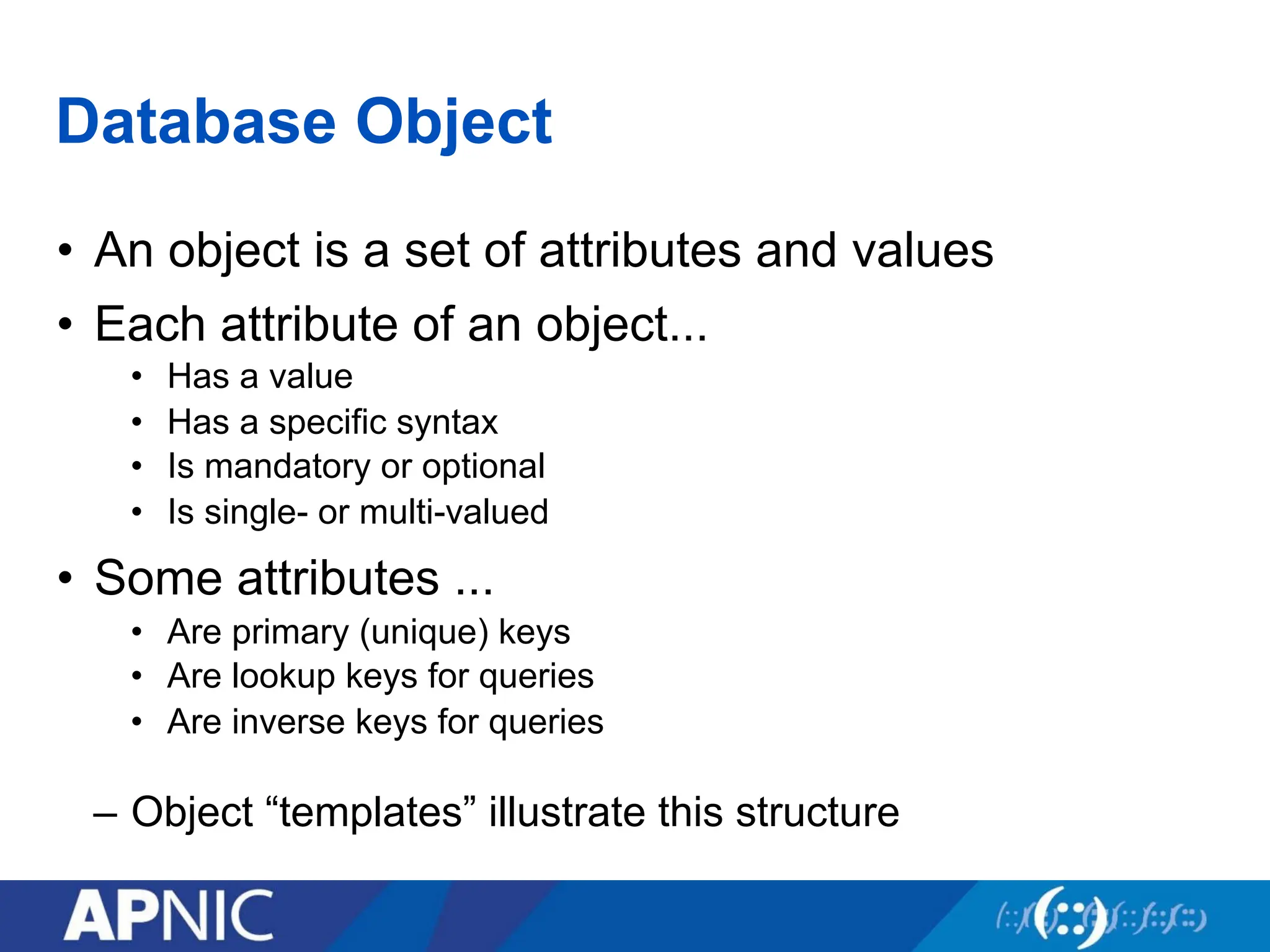
Database Object
• Anobject is a set of attributes and values
• Each attribute of an object...
• Has a value
• Has a specific syntax
• Is mandatory or optional
• Is single- or multi-valued
• Some attributes ...
• Are primary (unique) keys
• Are lookup keys for queries
• Are inverse keys for queries
– Object “templates” illustrate this structure
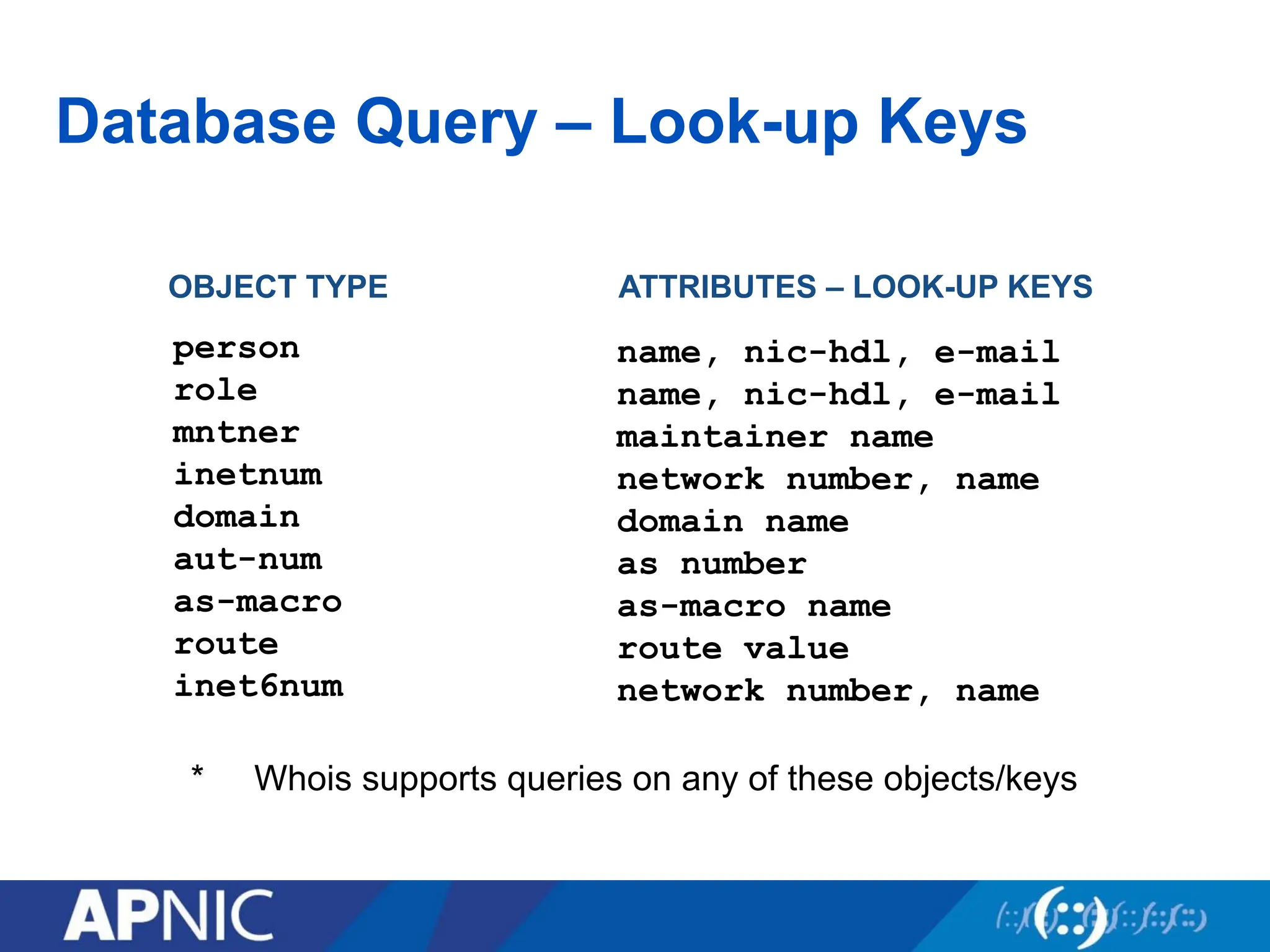
Database Query –Look-up Keys
OBJECT TYPE ATTRIBUTES – LOOK-UP KEYS
* Whois supports queries on any of these objects/keys
name, nic-hdl, e-mail
name, nic-hdl, e-mail
maintainer name
network number, name
domain name
as number
as-macro name
route value
network number, name
person
role
mntner
inetnum
domain
aut-num
as-macro
route
inet6num
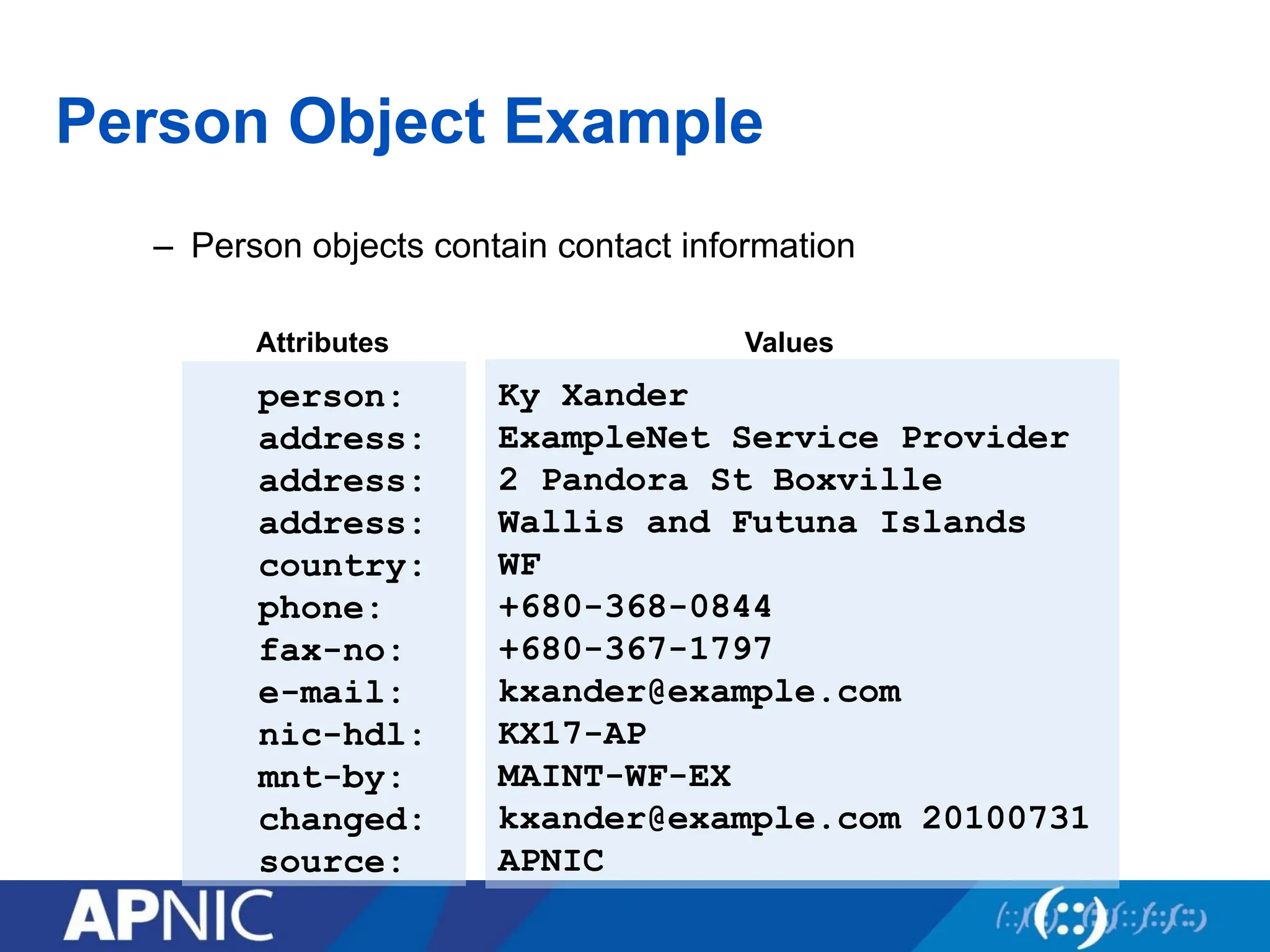
Person Object Example
–Person objects contain contact information
person:
address:
address:
address:
country:
phone:
fax-no:
e-mail:
nic-hdl:
mnt-by:
changed:
source:
Attributes Values
Ky Xander
ExampleNet Service Provider
2 Pandora St Boxville
Wallis and Futuna Islands
WF
+680-368-0844
+680-367-1797
kxander@example.com
KX17-AP
MAINT-WF-EX
kxander@example.com 20100731
APNIC
106.
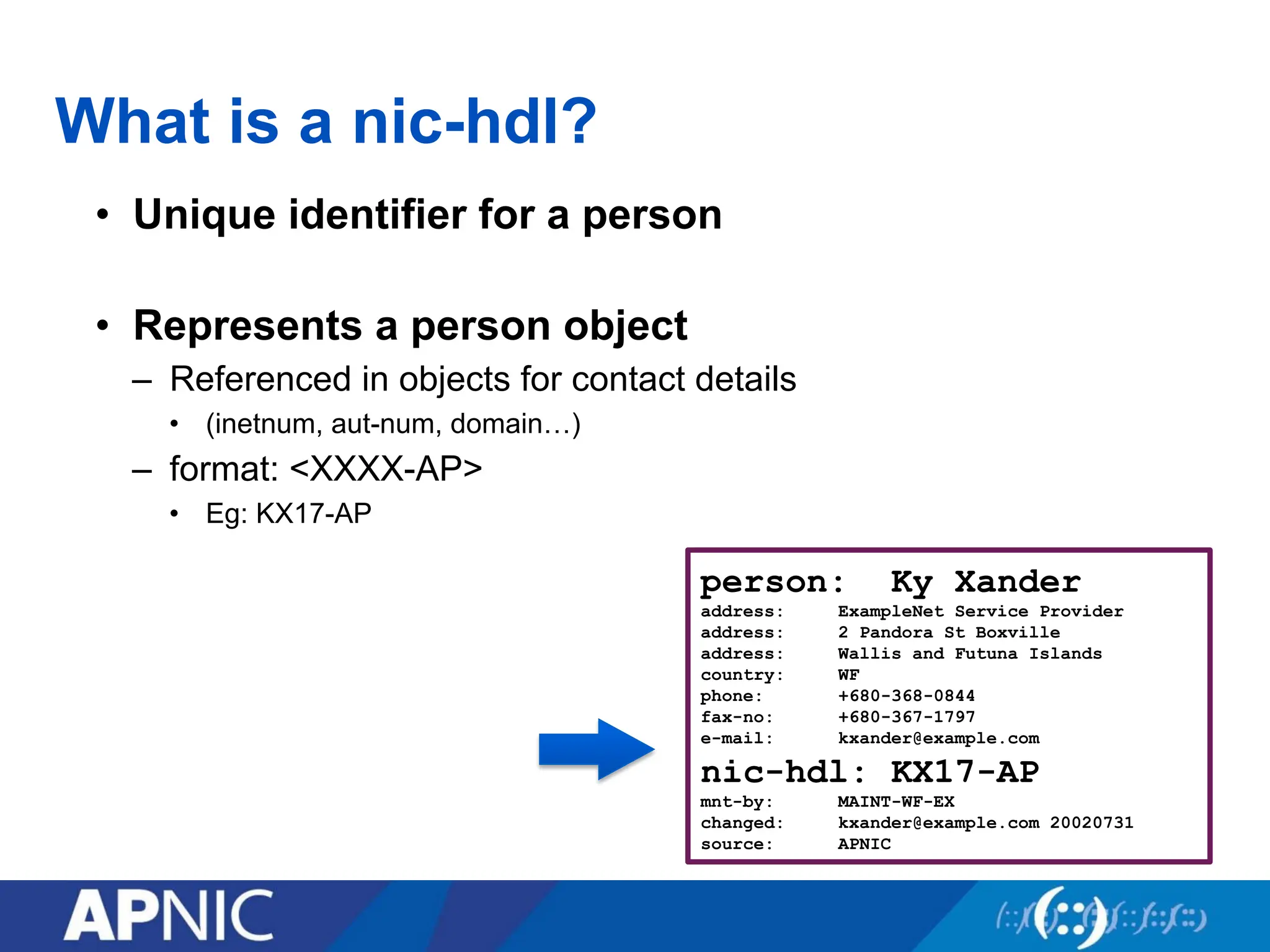
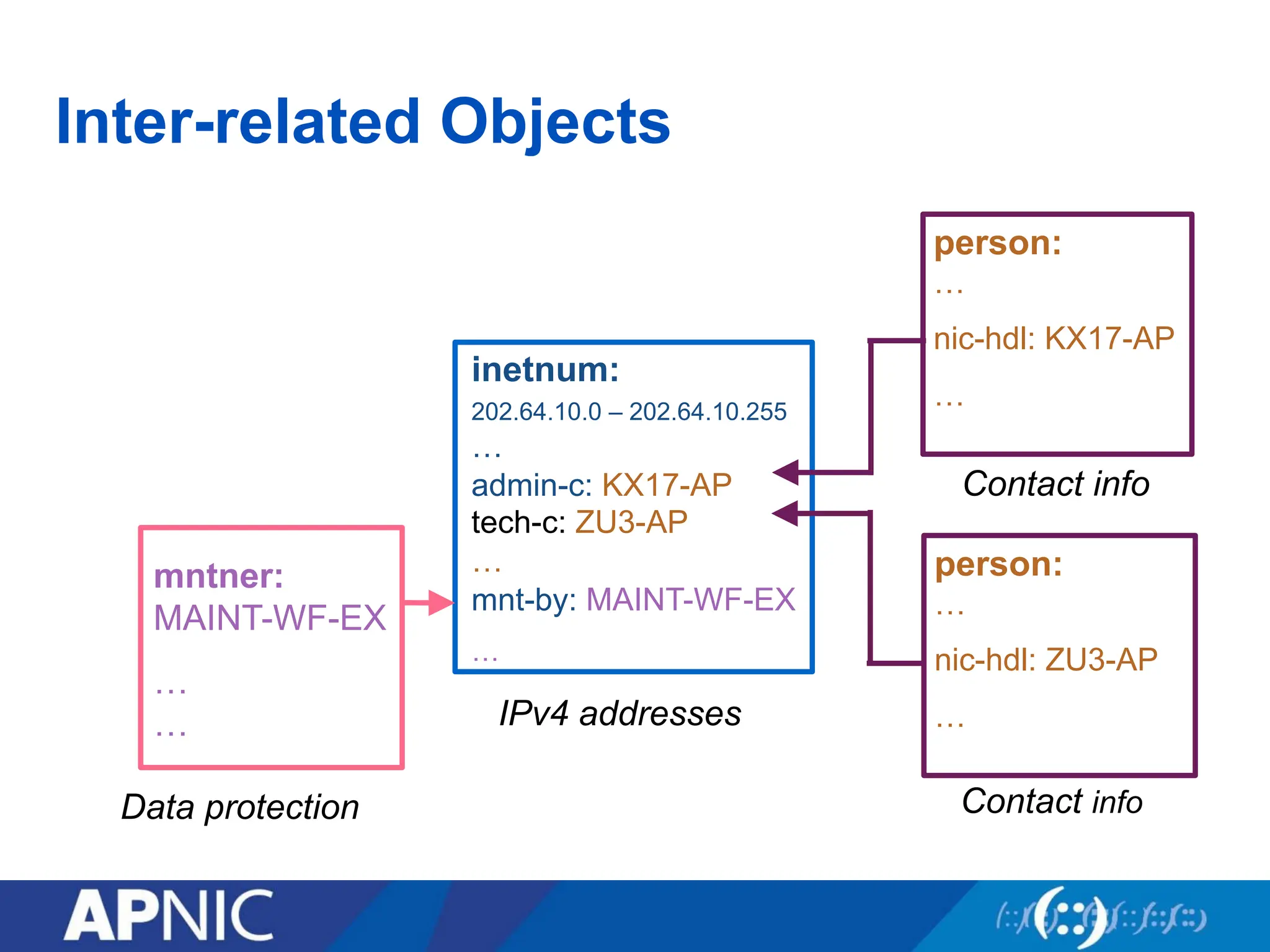
What is anic-hdl?
• Unique identifier for a person
• Represents a person object
– Referenced in objects for contact details
• (inetnum, aut-num, domain…)
– format: <XXXX-AP>
• Eg: KX17-AP
person: Ky Xander
address: ExampleNet Service Provider
address: 2 Pandora St Boxville
address: Wallis and Futuna Islands
country: WF
phone: +680-368-0844
fax-no: +680-367-1797
e-mail: kxander@example.com
nic-hdl: KX17-AP
mnt-by: MAINT-WF-EX
changed: kxander@example.com 20020731
source: APNIC
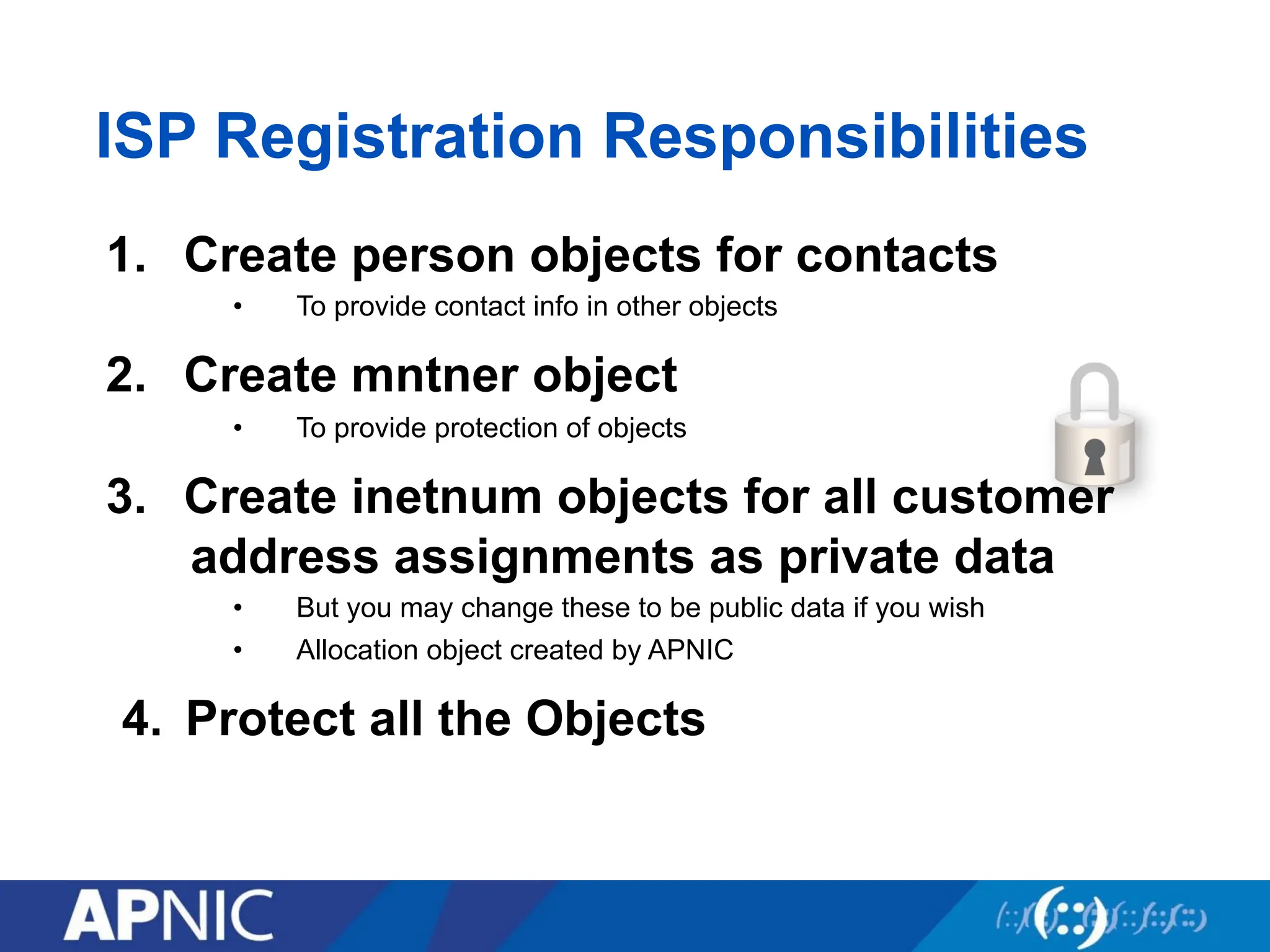
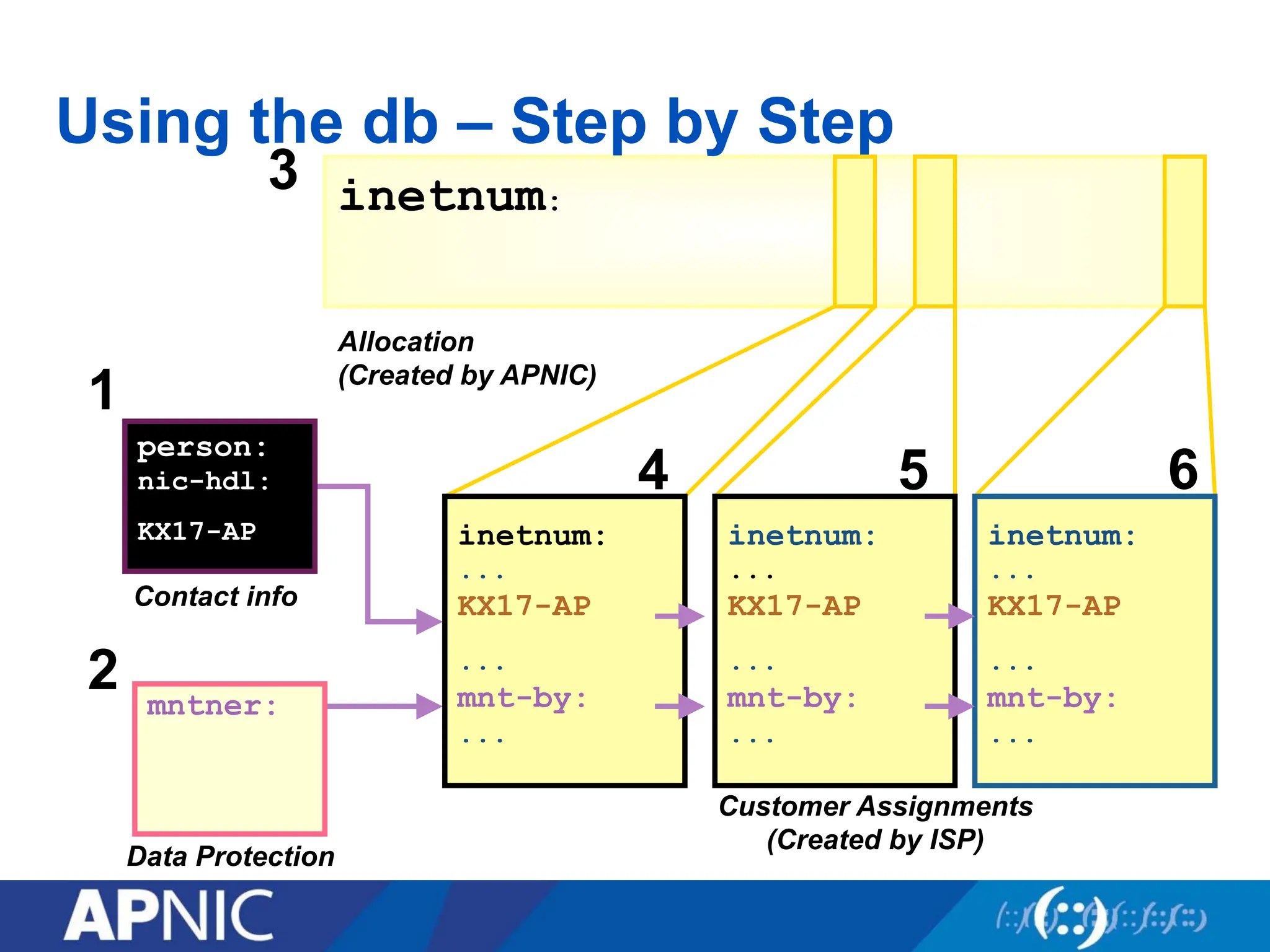
ISP Registration Responsibilities
1.Create person objects for contacts
• To provide contact info in other objects
2. Create mntner object
• To provide protection of objects
3. Create inetnum objects for all customer
address assignments as private data
• But you may change these to be public data if you wish
• Allocation object created by APNIC
4. Protect all the Objects
109.
inetnum:
Allocation
(Created by APNIC)
3
Usingthe db – Step by Step
Customer Assignments
(Created by ISP)
person:
nic-hdl:
KX17-AP
Contact info
1
Data Protection
mntner:
2
inetnum:
...
KX17-AP
...
mnt-by:
...
4
inetnum:
...
KX17-AP
...
mnt-by:
...
5
inetnum:
...
KX17-AP
...
mnt-by:
...
6
110.
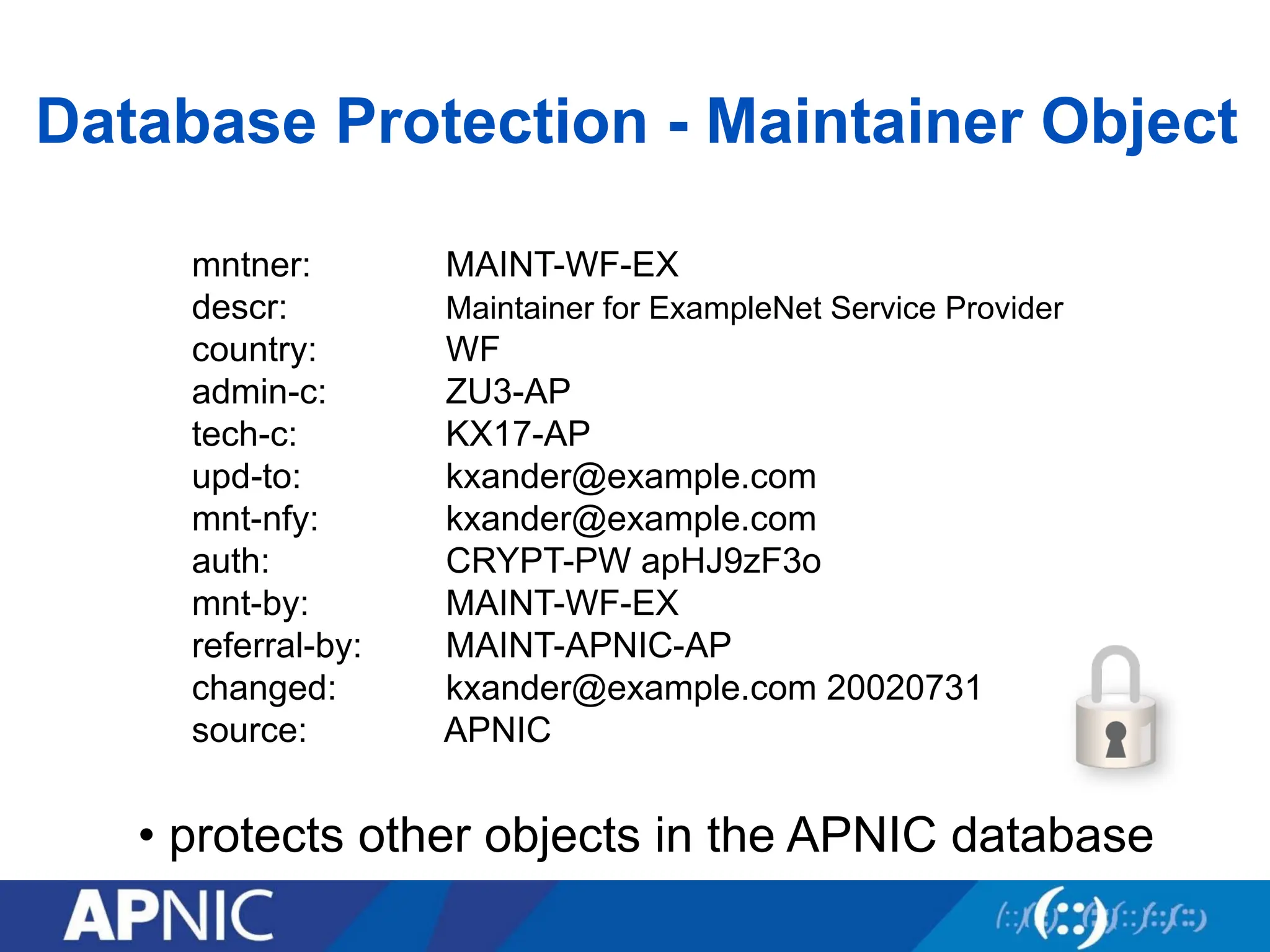
Database Protection -Maintainer Object
mntner: MAINT-WF-EX
descr: Maintainer for ExampleNet Service Provider
country: WF
admin-c: ZU3-AP
tech-c: KX17-AP
upd-to: kxander@example.com
mnt-nfy: kxander@example.com
auth: CRYPT-PW apHJ9zF3o
mnt-by: MAINT-WF-EX
referral-by: MAINT-APNIC-AP
changed: kxander@example.com 20020731
source: APNIC
• protects other objects in the APNIC database
111.
Database Protection
• Authorisation
–“mnt-by” references a mntner object
• Can be found in all database objects
• “mnt-by” should be used with every object!
• Authentication
– Updates to an object must pass the authentication rule specified by
its maintainer object
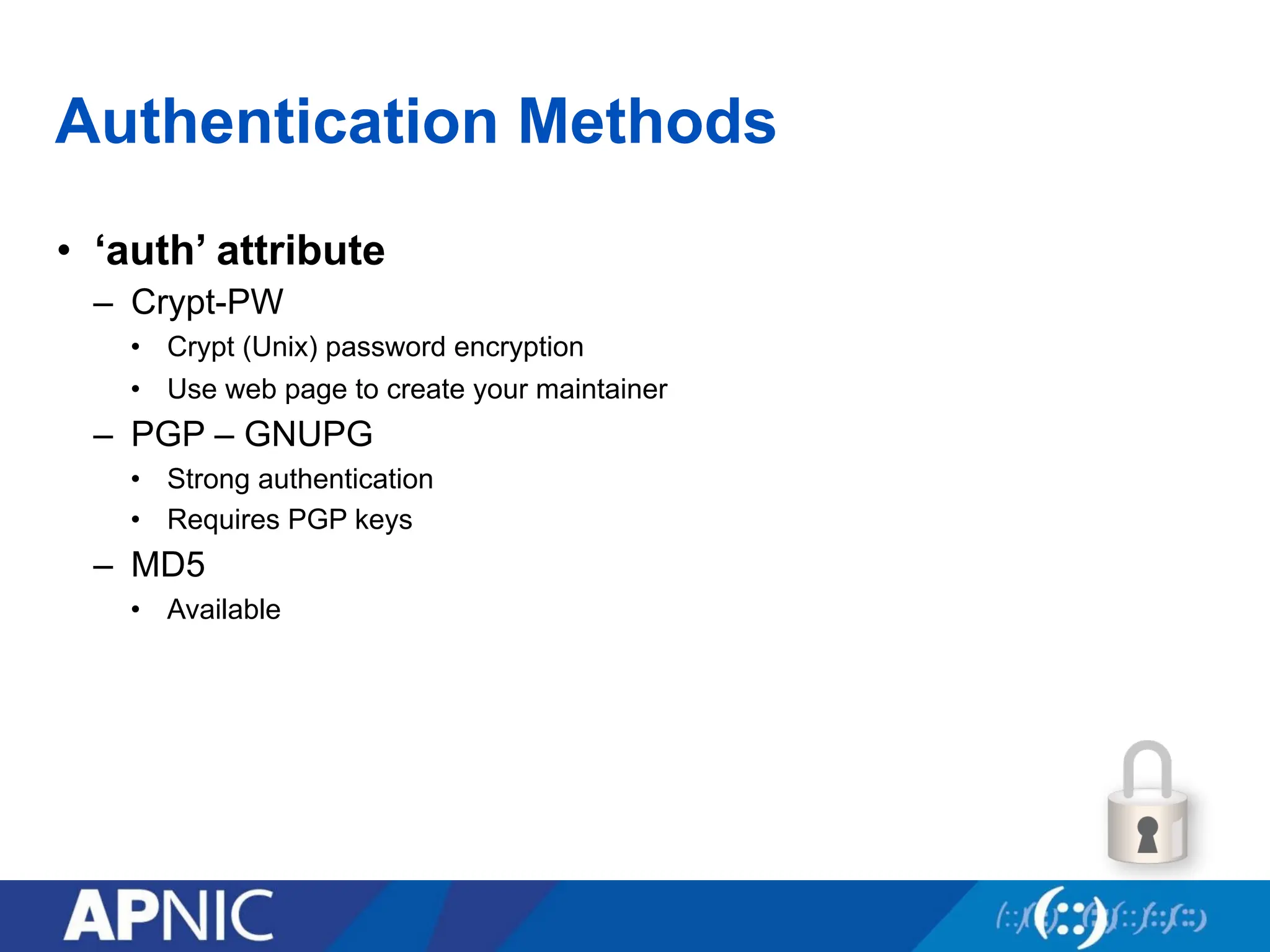
Authentication Methods
• ‘auth’attribute
– Crypt-PW
• Crypt (Unix) password encryption
• Use web page to create your maintainer
– PGP – GNUPG
• Strong authentication
• Requires PGP keys
– MD5
• Available
114.
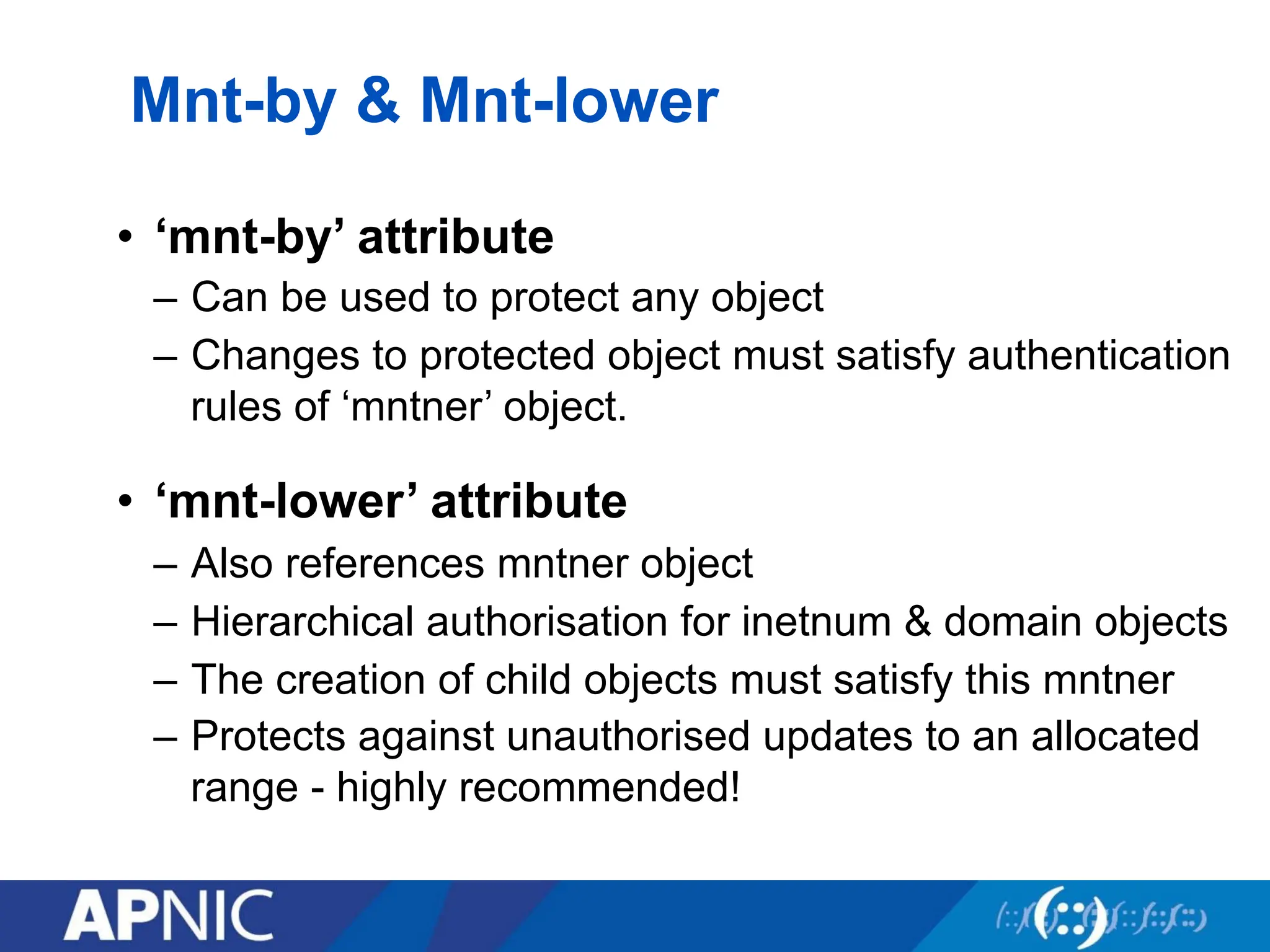
Mnt-by & Mnt-lower
•‘mnt-by’ attribute
– Can be used to protect any object
– Changes to protected object must satisfy authentication
rules of ‘mntner’ object.
• ‘mnt-lower’ attribute
– Also references mntner object
– Hierarchical authorisation for inetnum & domain objects
– The creation of child objects must satisfy this mntner
– Protects against unauthorised updates to an allocated
range - highly recommended!
115.
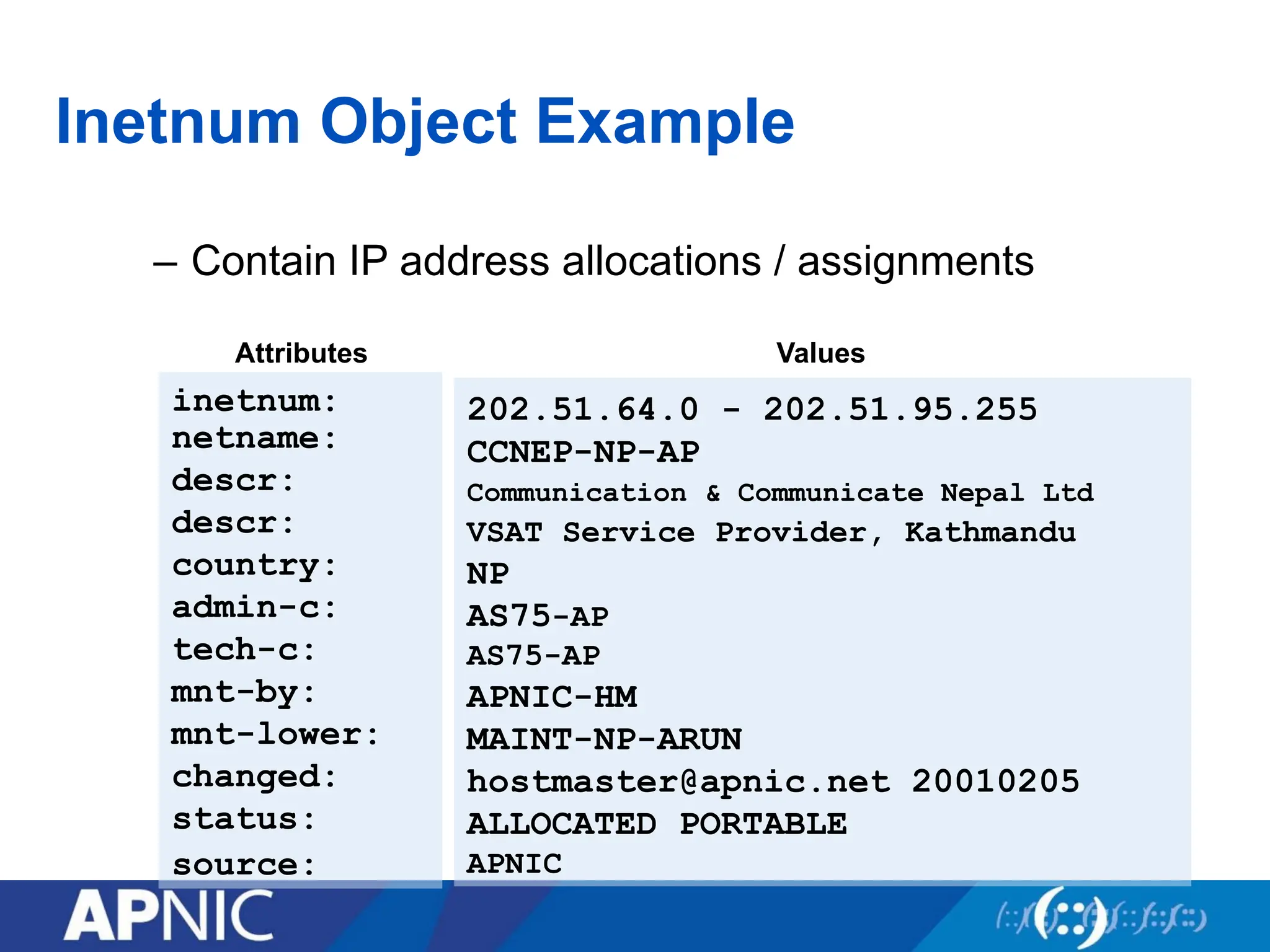
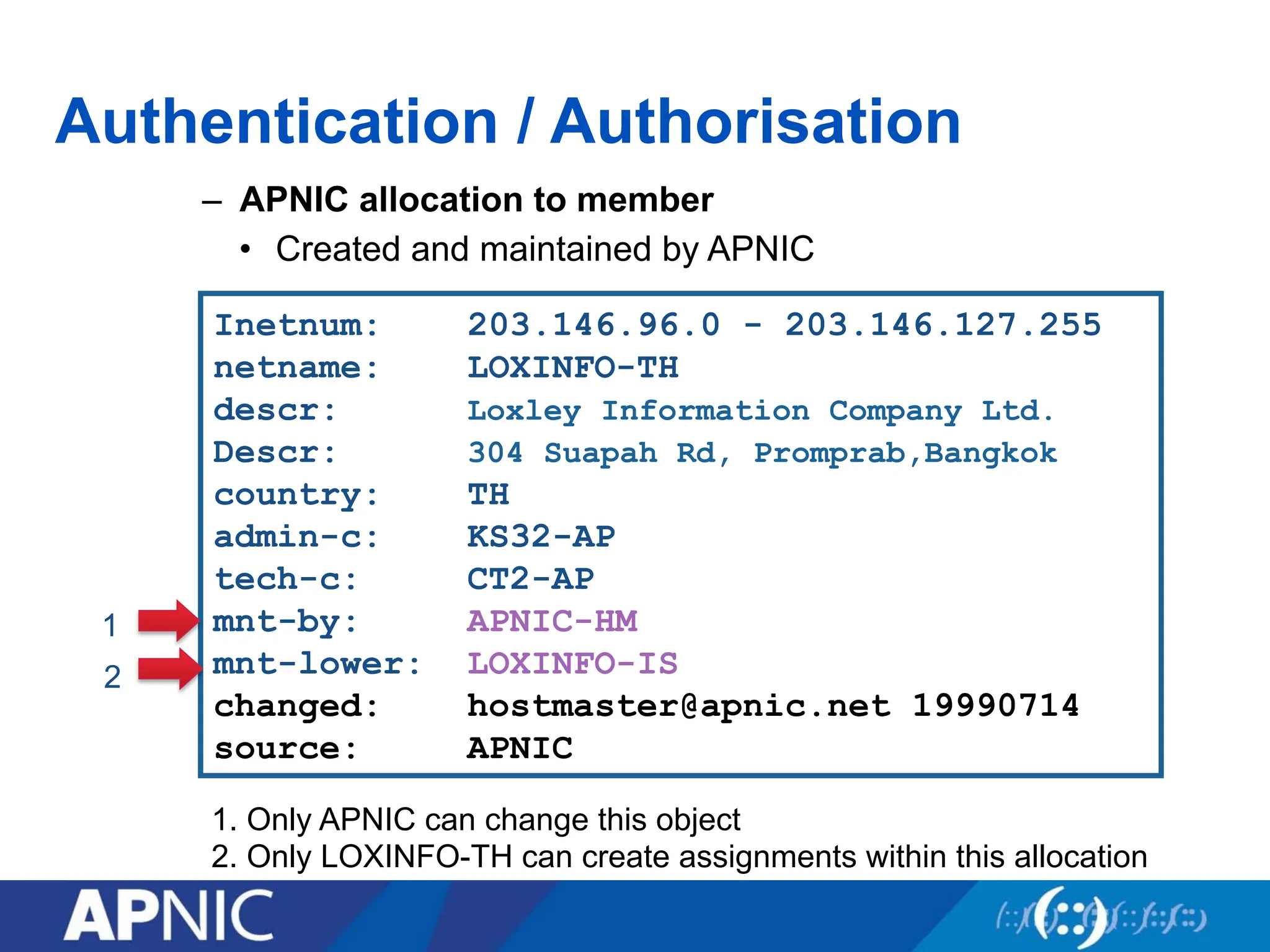
Inetnum: 203.146.96.0 -203.146.127.255
netname: LOXINFO-TH
descr: Loxley Information Company Ltd.
Descr: 304 Suapah Rd, Promprab,Bangkok
country: TH
admin-c: KS32-AP
tech-c: CT2-AP
mnt-by: APNIC-HM
mnt-lower: LOXINFO-IS
changed: hostmaster@apnic.net 19990714
source: APNIC
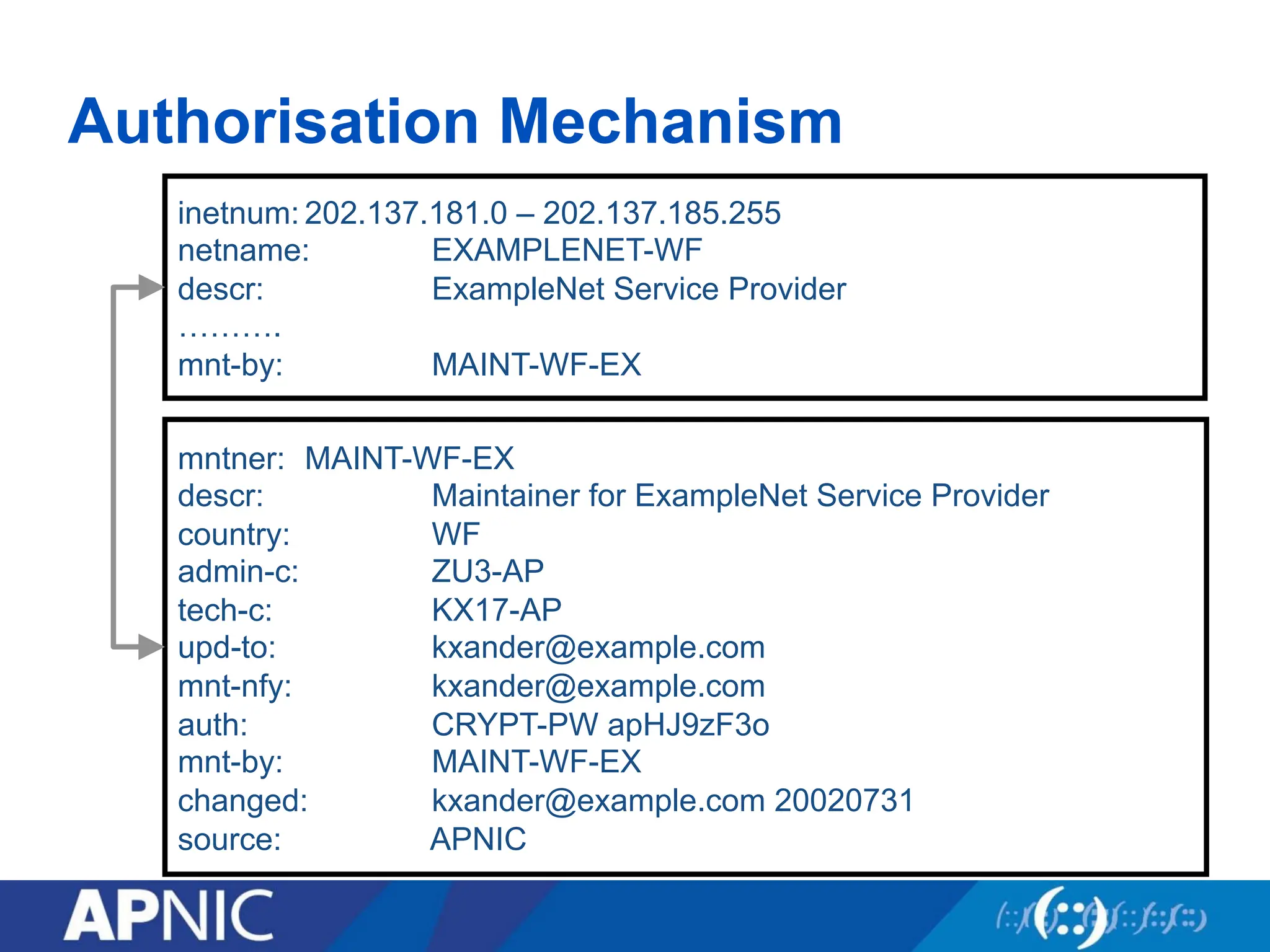
Authentication / Authorisation
– APNIC allocation to member
• Created and maintained by APNIC
1. Only APNIC can change this object
2. Only LOXINFO-TH can create assignments within this allocation
1
2
116.
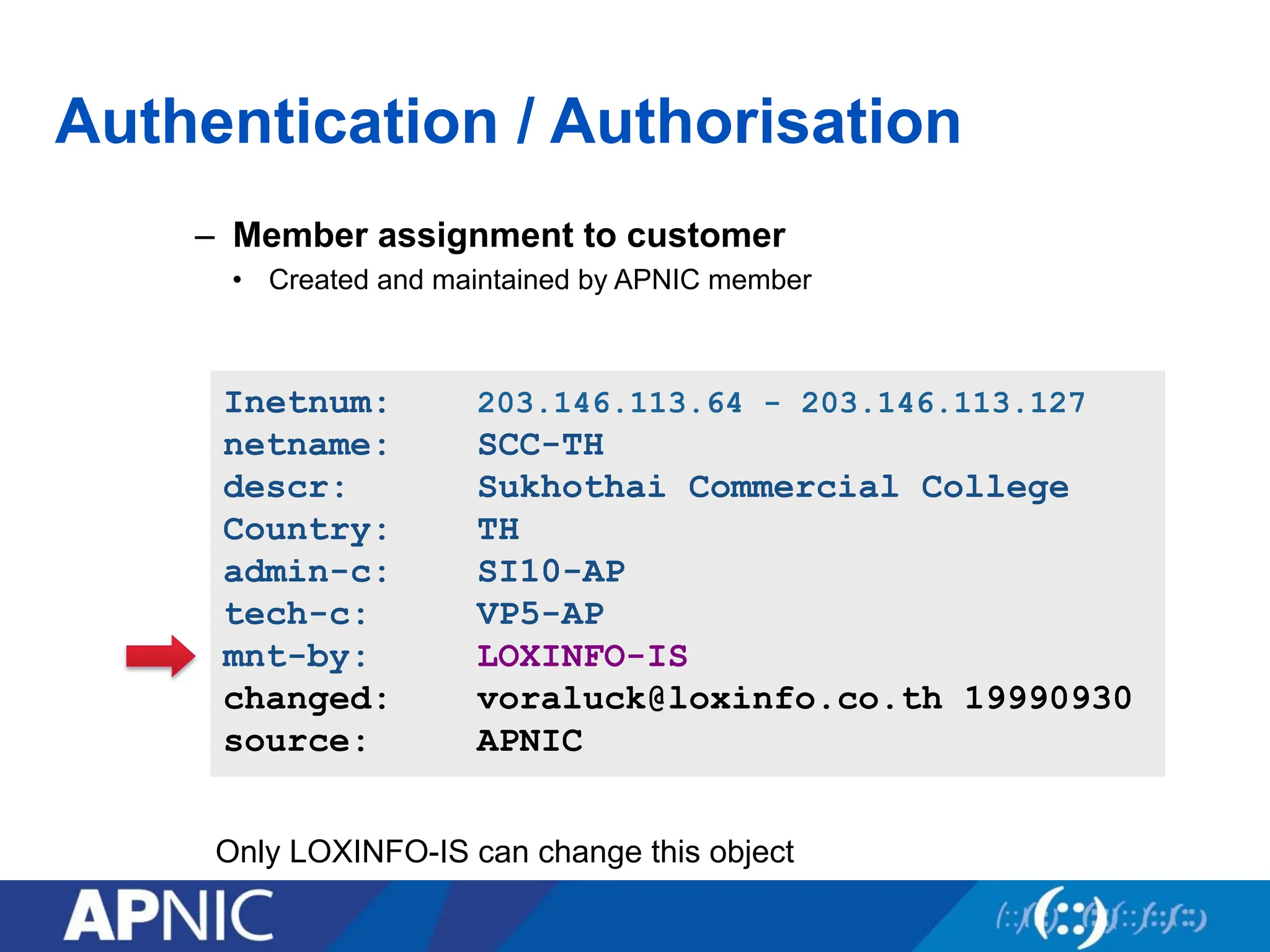
– Member assignmentto customer
• Created and maintained by APNIC member
Inetnum: 203.146.113.64 - 203.146.113.127
netname: SCC-TH
descr: Sukhothai Commercial College
Country: TH
admin-c: SI10-AP
tech-c: VP5-AP
mnt-by: LOXINFO-IS
changed: voraluck@loxinfo.co.th 19990930
source: APNIC
Authentication / Authorisation
Only LOXINFO-IS can change this object
117.
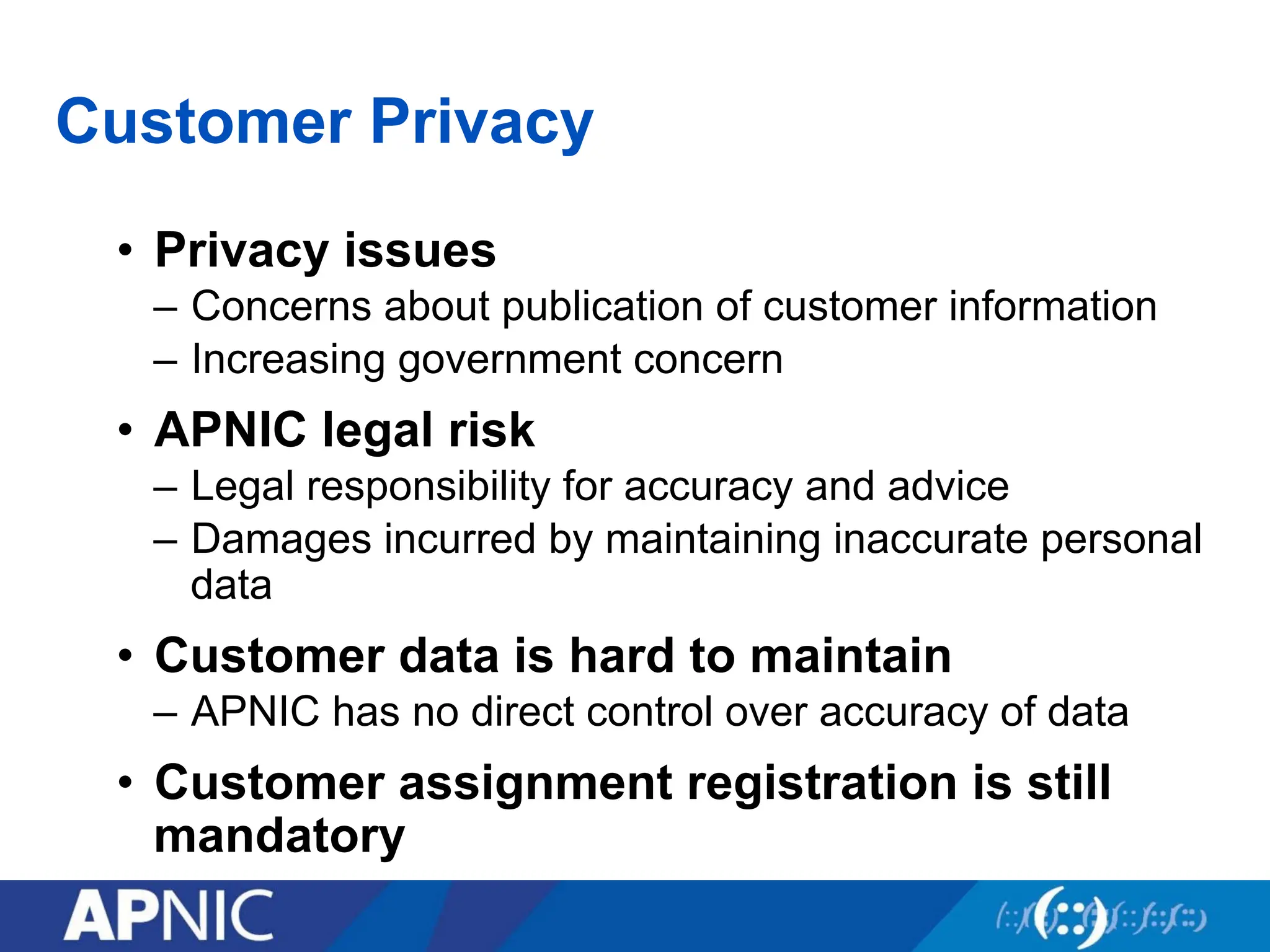
Customer Privacy
• Privacyissues
– Concerns about publication of customer information
– Increasing government concern
• APNIC legal risk
– Legal responsibility for accuracy and advice
– Damages incurred by maintaining inaccurate personal
data
• Customer data is hard to maintain
– APNIC has no direct control over accuracy of data
• Customer assignment registration is still
mandatory
118.
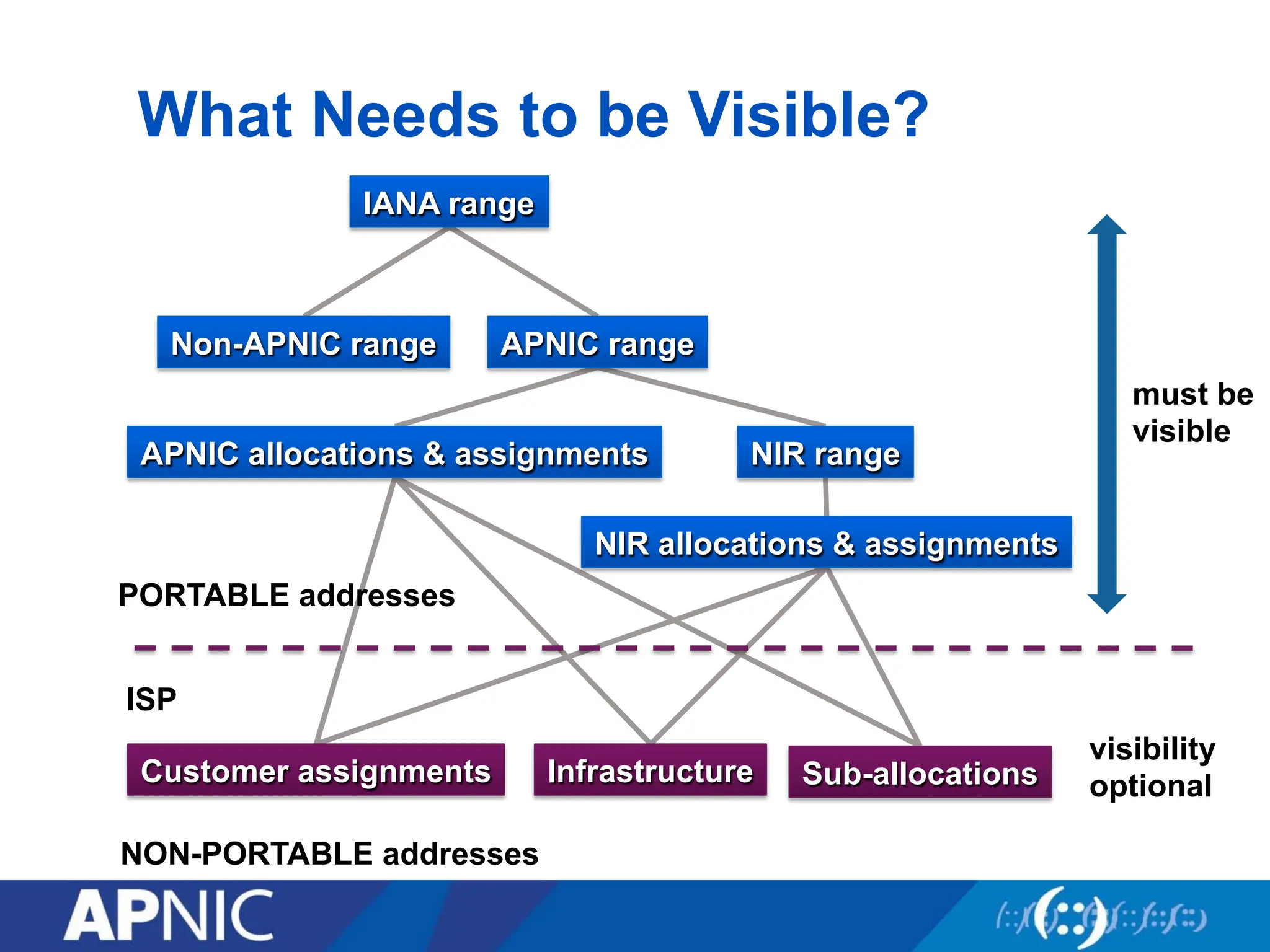
What Needs tobe Visible?
must be
visible
visibility
optional
ISP
PORTABLE addresses
NON-PORTABLE addresses
IANA range
Non-APNIC range APNIC range
NIR range
APNIC allocations & assignments
NIR allocations & assignments
Customer assignments Infrastructure Sub-allocations
![Object Templates
person: [mandatory] [single] [primary/look-up key]
address: [mandatory] [multiple] [ ]
country: [mandatory] [single] [ ]
phone: [mandatory] [multiple] [ ]
fax-no: [optional] [multiple] [ ]
e-mail: [mandatory] [multiple] [look-up key]
nic-hdl: [mandatory] [single] [primary/look-up key]
remarks: [optional] [multiple] [ ]
notify: [optional] [multiple] [inverse key]
mnt-by: [mandatory] [multiple] [inverse key]
changed: [mandatory] [multiple] [ ]
source: [mandatory] [single] [ ]
% whois -h whois.apnic.net -t person
To obtain template structure*, use :
whois -t <object type>
*Recognised by the RIPE whois client/server](https://image.slidesharecdn.com/netsec-25062013-day1-250821032935-9d7455cf/75/APNIC_TRAINING_NetSec-25062013-Day1_MODUL-pdf-104-2048.jpg)