Niobium2.input
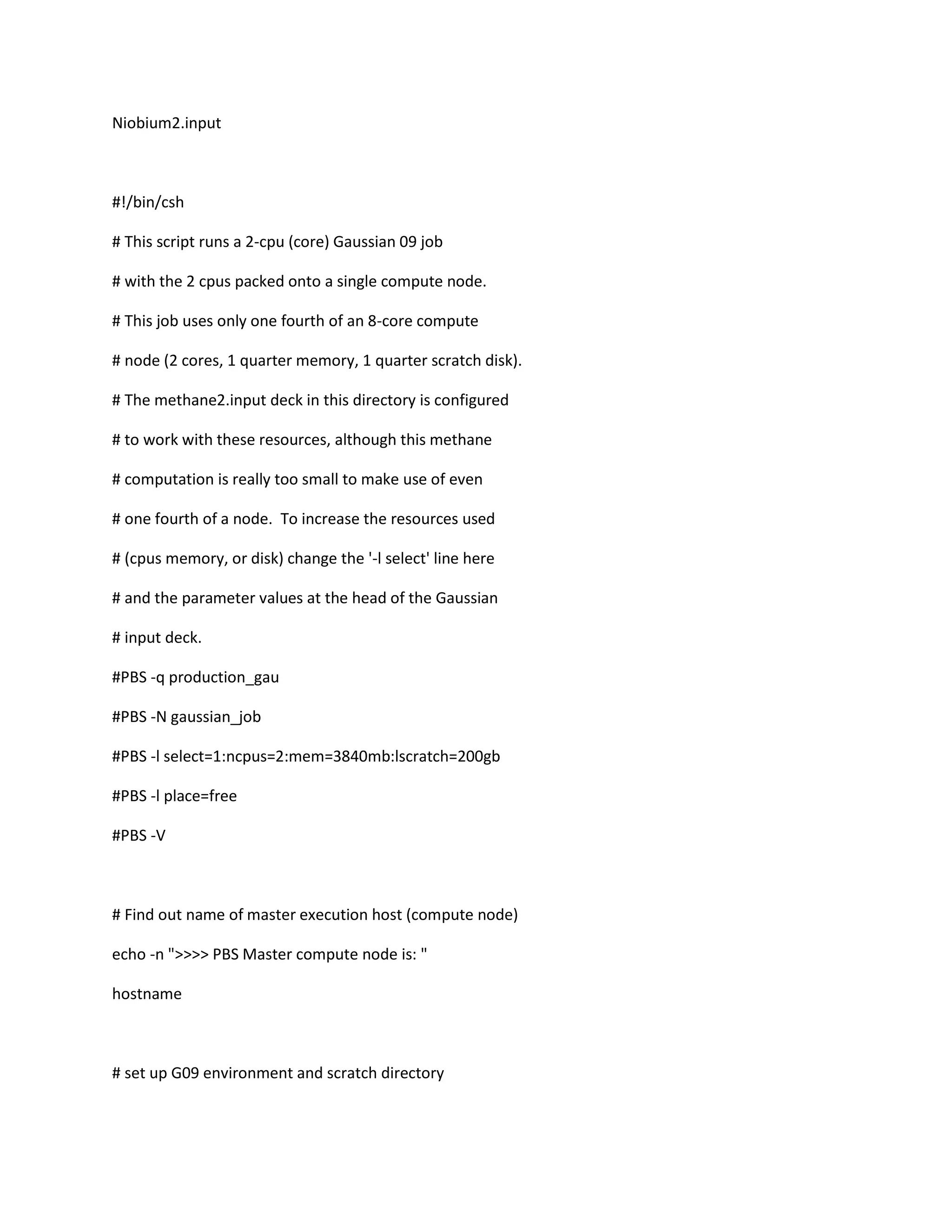
#!/bin/csh
# This script runs a 2-cpu (core) Gaussian 09 job
# with the 2 cpus packed onto a single compute node.
# This job uses only one fourth of an 8-core compute
# node (2 cores, 1 quarter memory, 1 quarter scratch disk).
# The methane2.input deck in this directory is configured
# to work with these resources, although this methane
# computation is really too small to make use of even
# one fourth of a node. To increase the resources used
# (cpus memory, or disk) change the '-l select' line here
# and the parameter values at the head of the Gaussian
# input deck.
#PBS -q production_gau
#PBS -N gaussian_job
#PBS -l select=1:ncpus=2:mem=3840mb:lscratch=200gb
#PBS -l place=free
#PBS -V
# Find out name of master execution host (compute node)
echo -n ">>>> PBS Master compute node is: "
hostname
# set up G09 environment and scratch directory
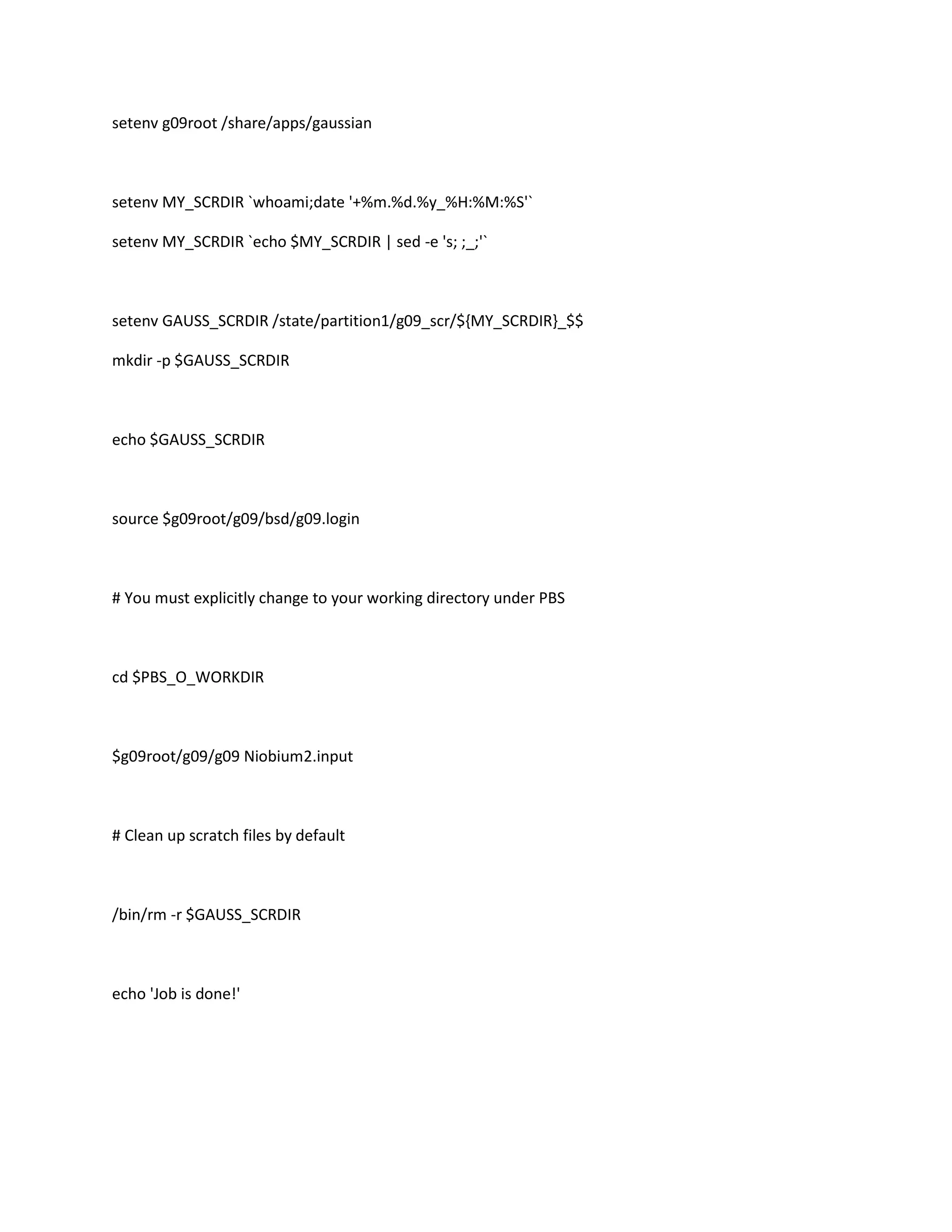
setenv g09root /share/apps/gaussian
setenv MY_SCRDIR `whoami;date '+%m.%d.%y_%H:%M:%S'`
setenv MY_SCRDIR `echo $MY_SCRDIR | sed -e 's; ;_;'`
setenv GAUSS_SCRDIR /state/partition1/g09_scr/${MY_SCRDIR}_$$
mkdir -p $GAUSS_SCRDIR
echo $GAUSS_SCRDIR
source $g09root/g09/bsd/g09.login
# You must explicitly change to your working directory under PBS
cd $PBS_O_WORKDIR
$g09root/g09/g09 Niobium2.input
# Clean up scratch files by default
/bin/rm -r $GAUSS_SCRDIR
echo 'Job is done!'

Annette g09 job file for cyclohexene for niobium

  • 1.
    Niobium2.input #!/bin/csh # This scriptruns a 2-cpu (core) Gaussian 09 job # with the 2 cpus packed onto a single compute node. # This job uses only one fourth of an 8-core compute # node (2 cores, 1 quarter memory, 1 quarter scratch disk). # The methane2.input deck in this directory is configured # to work with these resources, although this methane # computation is really too small to make use of even # one fourth of a node. To increase the resources used # (cpus memory, or disk) change the '-l select' line here # and the parameter values at the head of the Gaussian # input deck. #PBS -q production_gau #PBS -N gaussian_job #PBS -l select=1:ncpus=2:mem=3840mb:lscratch=200gb #PBS -l place=free #PBS -V # Find out name of master execution host (compute node) echo -n ">>>> PBS Master compute node is: " hostname # set up G09 environment and scratch directory
  • 2.
    setenv g09root /share/apps/gaussian setenvMY_SCRDIR `whoami;date '+%m.%d.%y_%H:%M:%S'` setenv MY_SCRDIR `echo $MY_SCRDIR | sed -e 's; ;_;'` setenv GAUSS_SCRDIR /state/partition1/g09_scr/${MY_SCRDIR}_$$ mkdir -p $GAUSS_SCRDIR echo $GAUSS_SCRDIR source $g09root/g09/bsd/g09.login # You must explicitly change to your working directory under PBS cd $PBS_O_WORKDIR $g09root/g09/g09 Niobium2.input # Clean up scratch files by default /bin/rm -r $GAUSS_SCRDIR echo 'Job is done!'