Android with
Eclipse(GitLab)
BY MALEN SUN
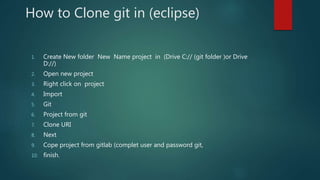
How to Clone git in (eclipse)
1. Create New folder New Name project in (Drive C:// (git folder )or Drive
D://)
2. Open new project
3. Right click on project
4. Import
5. Git
6. Project from git
7. Clone URI
8. Next
9. Cope project from gitlab (complet user and password git,
10. finish.
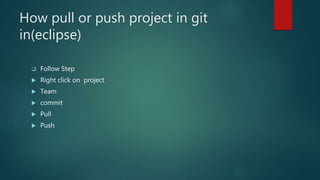
How pull or push project in git
in(eclipse)
 Follow Step
 Right click on project
 Team
 commit
 Pull
 Push
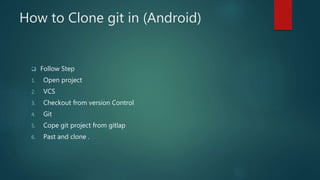
How to Clone git in (Android)
 Follow Step
1. Open project
2. VCS
3. Checkout from version Control
4. Git
5. Cope git project from gitlap
6. Past and clone .
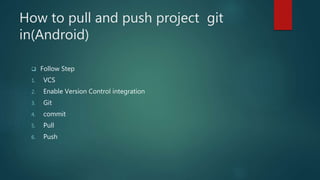
How to pull and push project git
in(Android)
 Follow Step
1. VCS
2. Enable Version Control integration
3. Git
4. commit
5. Pull
6. Push
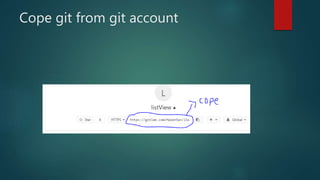
Cope git from git account

Android with eclipse(git lab)

  • 1.
  • 2.
    How to Clonegit in (eclipse) 1. Create New folder New Name project in (Drive C:// (git folder )or Drive D://) 2. Open new project 3. Right click on project 4. Import 5. Git 6. Project from git 7. Clone URI 8. Next 9. Cope project from gitlab (complet user and password git, 10. finish.
  • 3.
    How pull orpush project in git in(eclipse)  Follow Step  Right click on project  Team  commit  Pull  Push
  • 4.
    How to Clonegit in (Android)  Follow Step 1. Open project 2. VCS 3. Checkout from version Control 4. Git 5. Cope git project from gitlap 6. Past and clone .
  • 5.
    How to pulland push project git in(Android)  Follow Step 1. VCS 2. Enable Version Control integration 3. Git 4. commit 5. Pull 6. Push
  • 6.
    Cope git fromgit account