Android Application Development Online
Training
Android Application Development Course Training by Experts Learn Online Android Apps
Development Training Classes ✓Material ✓Best Institute Hyderabad Bangalore Chennai USA and
Australia ✓Pay in Installments* ✓Free Demo ✓Job Support ✓Tutorial Videos
Android Application Development Course Content
Basic Concepts of Core JavaIntroduction to Android
● Overview of Android
● Java Editions and comparison with Android
● Android Apps – Design, Vendor, Behavioral Classification
● Android Architecture Overview
Android Architecture
● Application Frameworks
● Android Libraries
● Android Runtime, Dalvik Virtual Machine
● Setup of Android Development Environment
System Requirements
● Java, Eclipse and Android SDK Installation
● Android SDK & Tools
● Android Virtual Devices & Device Definitions
● Your Android Application
Android Application Design
● Using PhotoShop for Graphic Designing
● Android Application Wireframes (screens)
● Your First Android Application
Creating Android Application
● Creating Configurations
● Testing the app : AVD, Active device
● Android Project Structure
● Android Manifest file
Publishing to the Play Store
● Release process & Release build of Android Application
● Signing the .apk file
● Preparing the Store Listing page
● Content Rating
● Distributing the Application
● Merchant Registration for Paid Applications
Activities
● About XML – approach to design layouts
● Views and Layouts
● View properties
● Linear Layout vs. Relative Layout vs. Frame Layout vs. Absolute Layout
● Localization of UI
● Best practices for targeting various form factors: phone, tablet, TV
● Best practices when working designing Android UI
Android Testing
● Creating a Test Project for Android project
● Working with Test Packages
● Writing test cases
Fragments
● Designing fragments
● Fragments lifecycle
● Fragment management and integration
User Interfaces
● Creating the Activity
● XML versus Java UI
● Selection Widgets, Using fonts
● Common UI components
● Handling UI events: a bit about listeners
Advanced UI
● Adapters
● Complex UI components
● Menus and Dialogs
● Tabbed Activities
● Navigation Drawer
● Animations
● Create activity layouts programmatically
● Testing and optimizing UI
Android Material Design
● What is material ?
● Material properties
● Material Styling / Animations
● Material Patterns
Resources
● Overview of Android Resources
● Creating Resources
● Using Resources
● Drawable Resources
● Animation Resources
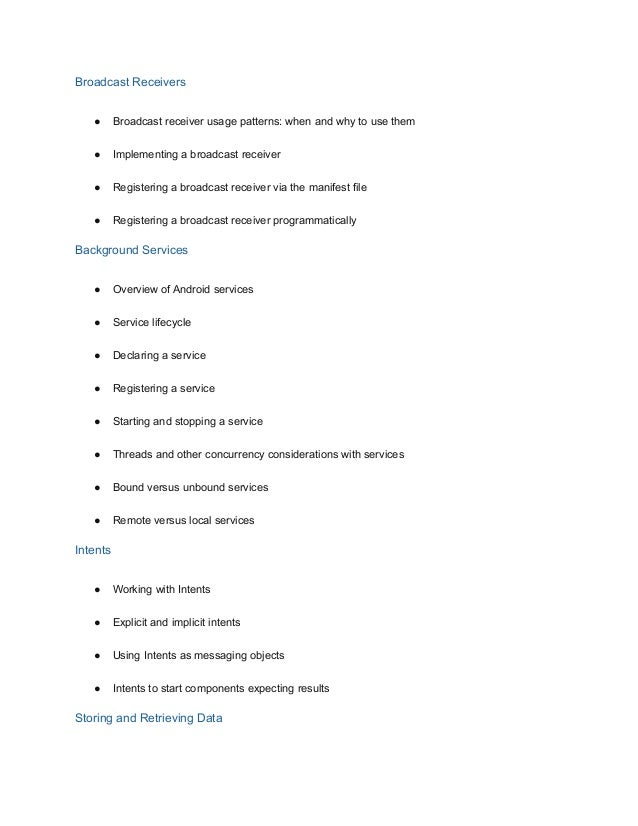
Broadcast Receivers
● Broadcast receiver usage patterns: when and why to use them
● Implementing a broadcast receiver
● Registering a broadcast receiver via the manifest file
● Registering a broadcast receiver programmatically
Background Services
● Overview of Android services
● Service lifecycle
● Declaring a service
● Registering a service
● Starting and stopping a service
● Threads and other concurrency considerations with services
● Bound versus unbound services
● Remote versus local services
Intents
● Working with Intents
● Explicit and implicit intents
● Using Intents as messaging objects
● Intents to start components expecting results
Storing and Retrieving Data
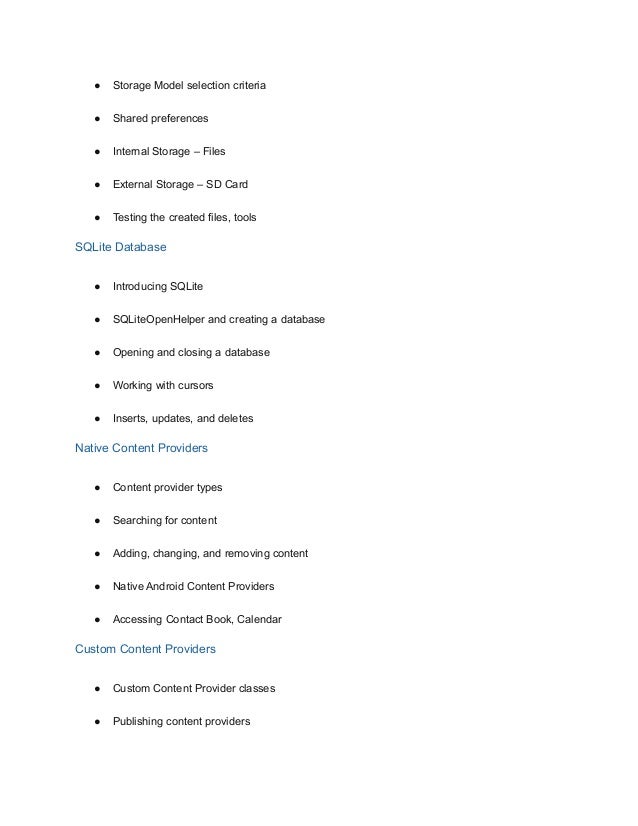
● Storage Model selection criteria
● Shared preferences
● Internal Storage – Files
● External Storage – SD Card
● Testing the created files, tools
SQLite Database
● Introducing SQLite
● SQLiteOpenHelper and creating a database
● Opening and closing a database
● Working with cursors
● Inserts, updates, and deletes
Native Content Providers
● Content provider types
● Searching for content
● Adding, changing, and removing content
● Native Android Content Providers
● Accessing Contact Book, Calendar
Custom Content Providers
● Custom Content Provider classes
● Publishing content providers
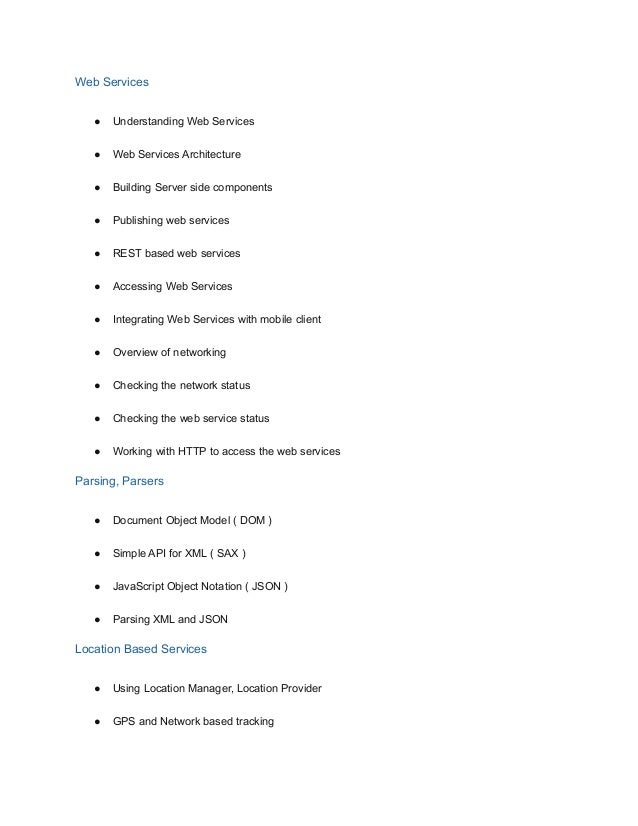
Web Services
● Understanding Web Services
● Web Services Architecture
● Building Server side components
● Publishing web services
● REST based web services
● Accessing Web Services
● Integrating Web Services with mobile client
● Overview of networking
● Checking the network status
● Checking the web service status
● Working with HTTP to access the web services
Parsing, Parsers
● Document Object Model ( DOM )
● Simple API for XML ( SAX )
● JavaScript Object Notation ( JSON )
● Parsing XML and JSON
Location Based Services
● Using Location Manager, Location Provider
● GPS and Network based tracking
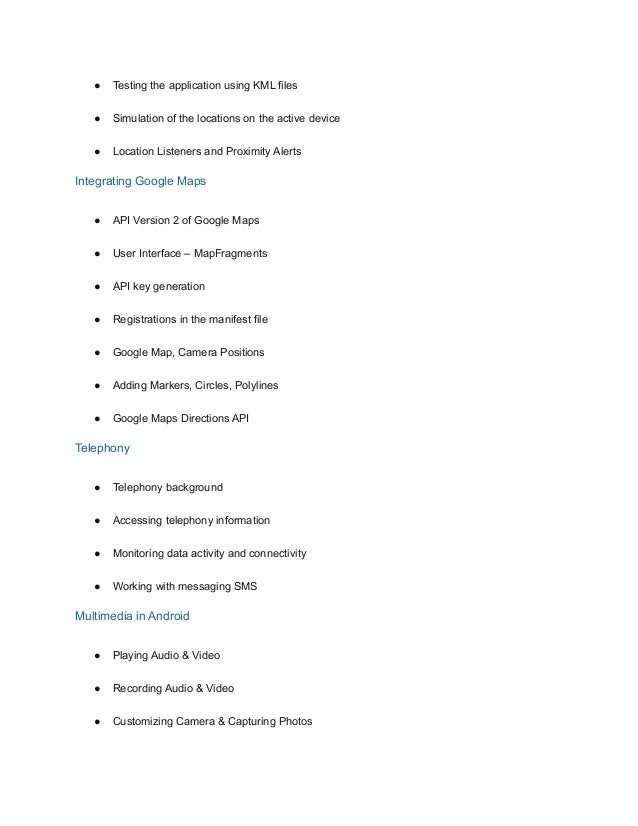
● Testing the application using KML files
● Simulation of the locations on the active device
● Location Listeners and Proximity Alerts
Integrating Google Maps
● API Version 2 of Google Maps
● User Interface – MapFragments
● API key generation
● Registrations in the manifest file
● Google Map, Camera Positions
● Adding Markers, Circles, Polylines
● Google Maps Directions API
Telephony
● Telephony background
● Accessing telephony information
● Monitoring data activity and connectivity
● Working with messaging SMS
Multimedia in Android
● Playing Audio & Video
● Recording Audio & Video
● Customizing Camera & Capturing Photos
● Voice Recognition
● Text To Speech
Bluetooth
● Controlling local Bluetooth device
● Discovering and bonding with Bluetooth devices
● Managing Bluetooth connections
● Communicating with Bluetooth
Social Networking Integrations
● Facebook Integration
Debugging and Testing Android Apps
● Logcat
● Debugger
● Traceview
● HierarchyViewer
● Monkey Runner
● UIAutomator

Android Application Development Online Training.pdf

  • 1.
    Android Application DevelopmentOnline Training Android Application Development Course Training by Experts Learn Online Android Apps Development Training Classes ✓Material ✓Best Institute Hyderabad Bangalore Chennai USA and Australia ✓Pay in Installments* ✓Free Demo ✓Job Support ✓Tutorial Videos Android Application Development Course Content Basic Concepts of Core JavaIntroduction to Android ● Overview of Android ● Java Editions and comparison with Android ● Android Apps – Design, Vendor, Behavioral Classification ● Android Architecture Overview Android Architecture ● Application Frameworks ● Android Libraries ● Android Runtime, Dalvik Virtual Machine ● Setup of Android Development Environment System Requirements ● Java, Eclipse and Android SDK Installation ● Android SDK & Tools
  • 2.
    ● Android VirtualDevices & Device Definitions ● Your Android Application Android Application Design ● Using PhotoShop for Graphic Designing ● Android Application Wireframes (screens) ● Your First Android Application Creating Android Application ● Creating Configurations ● Testing the app : AVD, Active device ● Android Project Structure ● Android Manifest file Publishing to the Play Store ● Release process & Release build of Android Application ● Signing the .apk file ● Preparing the Store Listing page ● Content Rating ● Distributing the Application ● Merchant Registration for Paid Applications Activities ● About XML – approach to design layouts
  • 3.
    ● Views andLayouts ● View properties ● Linear Layout vs. Relative Layout vs. Frame Layout vs. Absolute Layout ● Localization of UI ● Best practices for targeting various form factors: phone, tablet, TV ● Best practices when working designing Android UI Android Testing ● Creating a Test Project for Android project ● Working with Test Packages ● Writing test cases Fragments ● Designing fragments ● Fragments lifecycle ● Fragment management and integration User Interfaces ● Creating the Activity ● XML versus Java UI ● Selection Widgets, Using fonts ● Common UI components ● Handling UI events: a bit about listeners
  • 4.
    Advanced UI ● Adapters ●Complex UI components ● Menus and Dialogs ● Tabbed Activities ● Navigation Drawer ● Animations ● Create activity layouts programmatically ● Testing and optimizing UI Android Material Design ● What is material ? ● Material properties ● Material Styling / Animations ● Material Patterns Resources ● Overview of Android Resources ● Creating Resources ● Using Resources ● Drawable Resources ● Animation Resources
  • 5.
    Broadcast Receivers ● Broadcastreceiver usage patterns: when and why to use them ● Implementing a broadcast receiver ● Registering a broadcast receiver via the manifest file ● Registering a broadcast receiver programmatically Background Services ● Overview of Android services ● Service lifecycle ● Declaring a service ● Registering a service ● Starting and stopping a service ● Threads and other concurrency considerations with services ● Bound versus unbound services ● Remote versus local services Intents ● Working with Intents ● Explicit and implicit intents ● Using Intents as messaging objects ● Intents to start components expecting results Storing and Retrieving Data
  • 6.
    ● Storage Modelselection criteria ● Shared preferences ● Internal Storage – Files ● External Storage – SD Card ● Testing the created files, tools SQLite Database ● Introducing SQLite ● SQLiteOpenHelper and creating a database ● Opening and closing a database ● Working with cursors ● Inserts, updates, and deletes Native Content Providers ● Content provider types ● Searching for content ● Adding, changing, and removing content ● Native Android Content Providers ● Accessing Contact Book, Calendar Custom Content Providers ● Custom Content Provider classes ● Publishing content providers
  • 7.
    Web Services ● UnderstandingWeb Services ● Web Services Architecture ● Building Server side components ● Publishing web services ● REST based web services ● Accessing Web Services ● Integrating Web Services with mobile client ● Overview of networking ● Checking the network status ● Checking the web service status ● Working with HTTP to access the web services Parsing, Parsers ● Document Object Model ( DOM ) ● Simple API for XML ( SAX ) ● JavaScript Object Notation ( JSON ) ● Parsing XML and JSON Location Based Services ● Using Location Manager, Location Provider ● GPS and Network based tracking
  • 8.
    ● Testing theapplication using KML files ● Simulation of the locations on the active device ● Location Listeners and Proximity Alerts Integrating Google Maps ● API Version 2 of Google Maps ● User Interface – MapFragments ● API key generation ● Registrations in the manifest file ● Google Map, Camera Positions ● Adding Markers, Circles, Polylines ● Google Maps Directions API Telephony ● Telephony background ● Accessing telephony information ● Monitoring data activity and connectivity ● Working with messaging SMS Multimedia in Android ● Playing Audio & Video ● Recording Audio & Video ● Customizing Camera & Capturing Photos
  • 9.
    ● Voice Recognition ●Text To Speech Bluetooth ● Controlling local Bluetooth device ● Discovering and bonding with Bluetooth devices ● Managing Bluetooth connections ● Communicating with Bluetooth Social Networking Integrations ● Facebook Integration Debugging and Testing Android Apps ● Logcat ● Debugger ● Traceview ● HierarchyViewer ● Monkey Runner ● UIAutomator