Create a HTMLpage that convert between HTML and MarkDown.
Functions
Supports the following two types of conversions:
HTML -> MarkDown
MarkDown -> HTML
MarkDown and HTML generated after conversion should be simple, without styles, classes, CSS, and JavaScript.
In HTML to MarkDown conversion, ignore style and script elements and do not include them in MarkDown.
UI
When the user puts the pre-converted MarkDown or HTML into the pre-conversion form as text and presses the
convert button, the converted HTML or MarkDown will be displayed as text in the pre-conversion form.
Programming Languages
JavaScript, HTML, CSS
デモ用プロンプト
22
# HTML pagethat convert between HTML and MarkDown
Create a HTML page that convert between HTML and MarkDown.
## Functions
Supports the following two types of conversions:
- HTML -> MarkDown
- MarkDown -> HTML
- MarkDown and HTML generated after conversion should be simple, without styles, classes, CSS, and JavaScript.
- In HTML to MarkDown conversion, ignore style and script elements and do not include them in MarkDown.
## UI
When the user puts the pre-converted MarkDown or HTML into the pre-conversion form as text and presses the convert
button, the converted HTML or MarkDown will be displayed as text in the pre-conversion form.
## Programming Languages
JavaScript, HTML, CSS
デモ用プロンプト
29
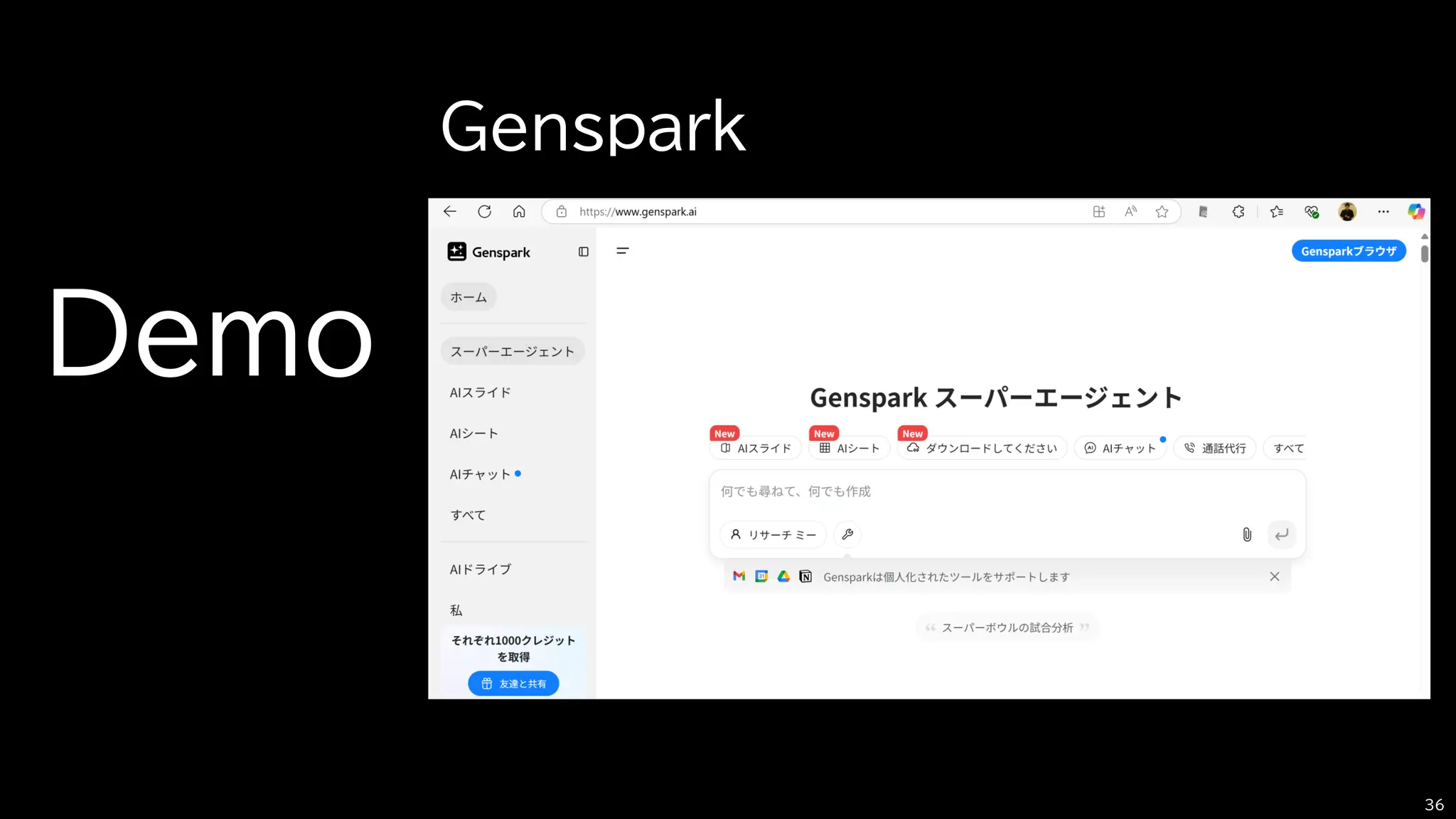
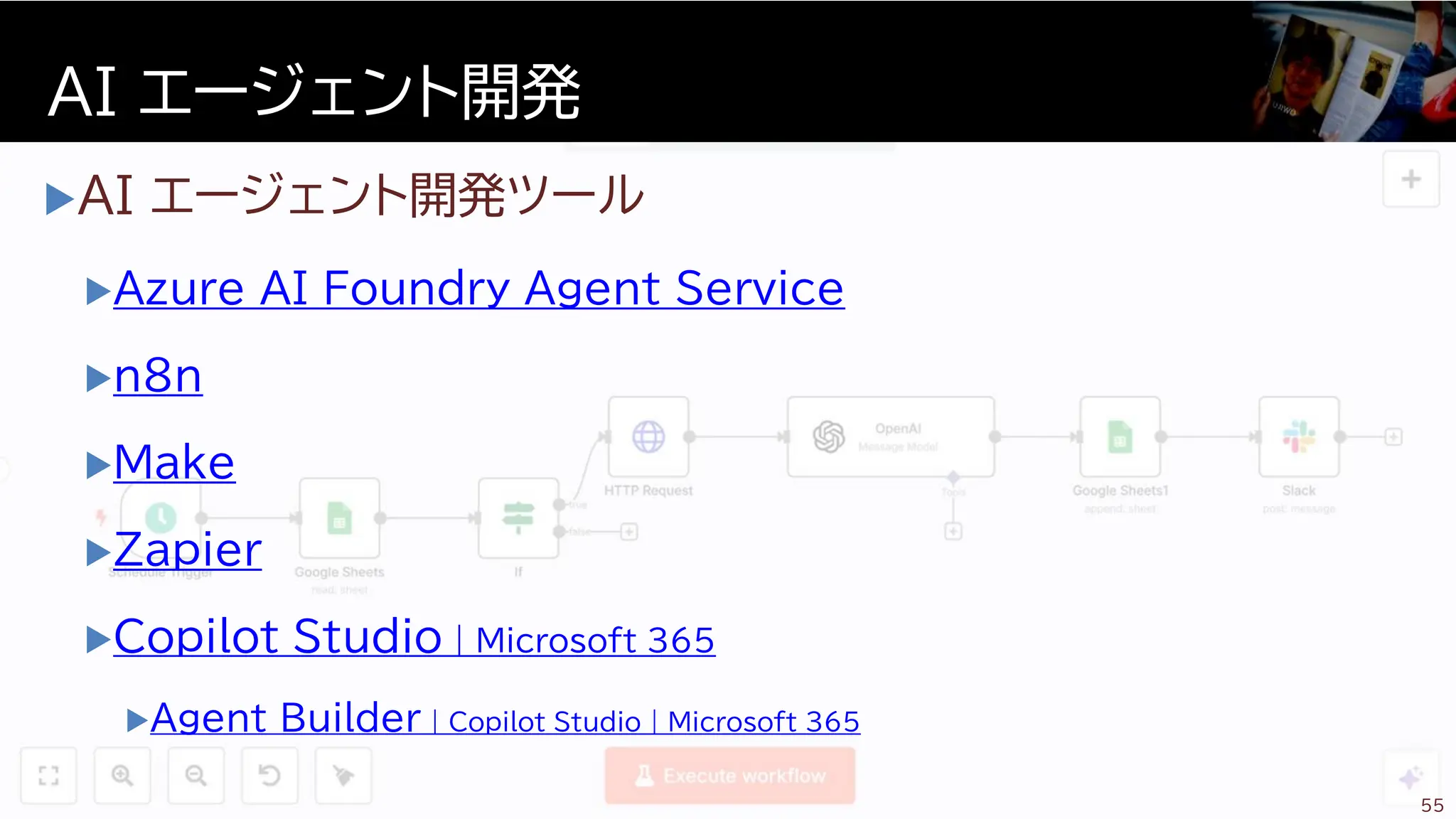
AI エージェント開発ツール
Azure AIFoundry Agent Service
n8n
Make
Zapier
Copilot Studio | Microsoft 365
Agent Builder | Copilot Studio | Microsoft 365
AI エージェント開発
55
57.
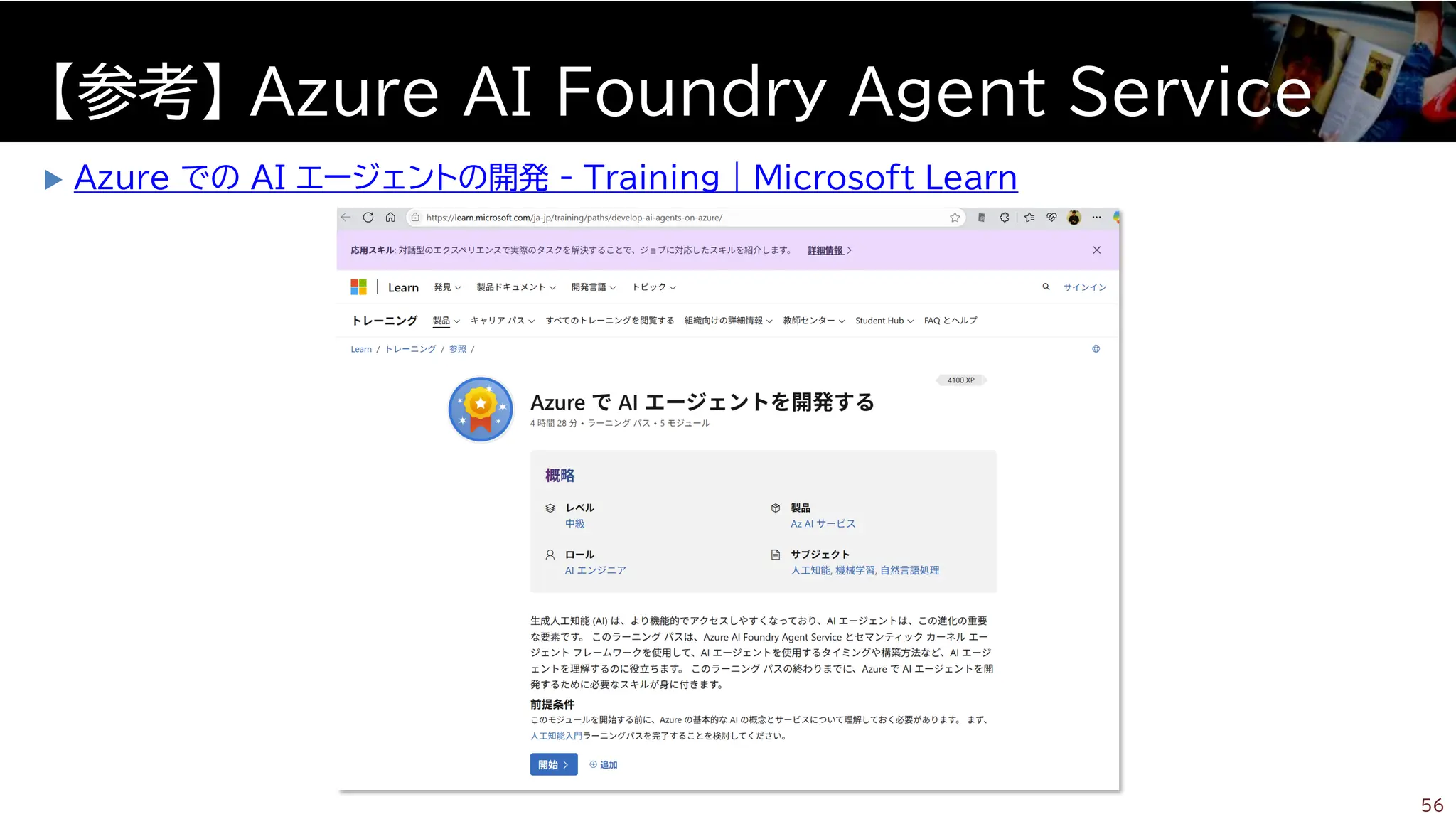
Azure でのAI エージェントの開発 - Training | Microsoft Learn
【参考】 Azure AI Foundry Agent Service
56





















![[C#/.NET] ITエンジニア (Developer) 向け AIエージェント開発ハンズオンセミナー](https://cdn.slidesharecdn.com/ss_thumbnails/2025010-251029043208-9c54cd98-thumbnail.jpg?width=640&height=640&fit=bounds)


![[2025 Rakuten Technology Conference] Daybreak for AI Agents](https://cdn.slidesharecdn.com/ss_thumbnails/2025rakutentechnologyconferenceai-251119080407-027fe107-thumbnail.jpg?width=640&height=640&fit=bounds)


![[四国クラウドお遍路 2024 in 高知] Generative AI with AWS](https://cdn.slidesharecdn.com/ss_thumbnails/generativeaiwithaws-240907082621-b34278af-thumbnail.jpg?width=640&height=640&fit=bounds)


![[C#. NET] AIエージェントの作り方 @ .NET Conf 2025 Fukuoka x Tokyo x Osaka](https://cdn.slidesharecdn.com/ss_thumbnails/20251220-251218074039-95f14129-thumbnail.jpg?width=640&height=640&fit=bounds)


