ADK  101	
           Amir Lazarovich and Uri Shaked

            amirlazarovich@gmail.com / uri@salsa4fun.co.il

Reversim  Summit  2013
What  we  will  cover	
•    What is ADK?
•    Inspirations
•    Live demo
•    Android-ADK simple communication protocol
•    1 minute about resistors and LEDs
•    Setting up the technical environment
•    Lab outline
•    Coding!
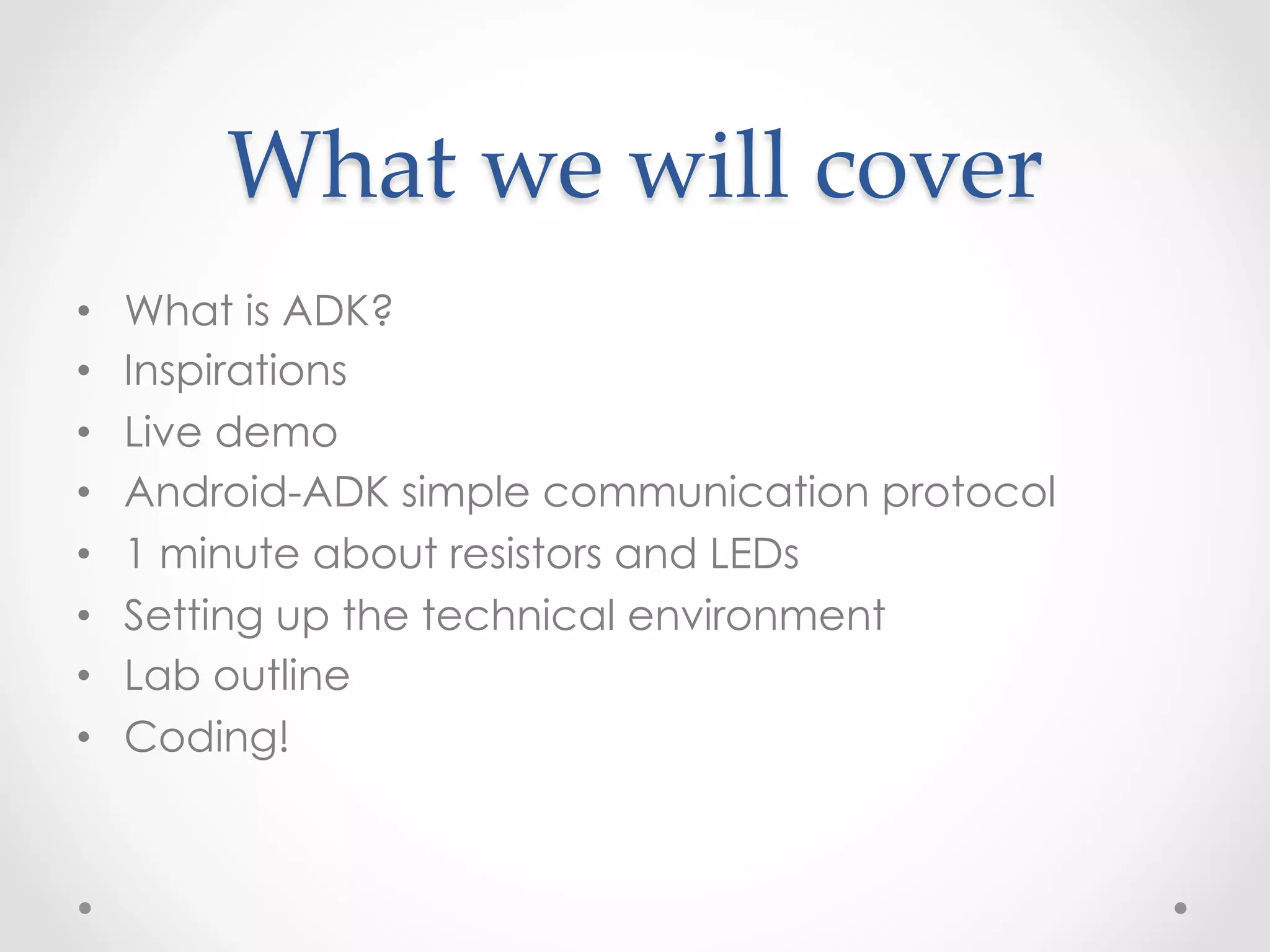
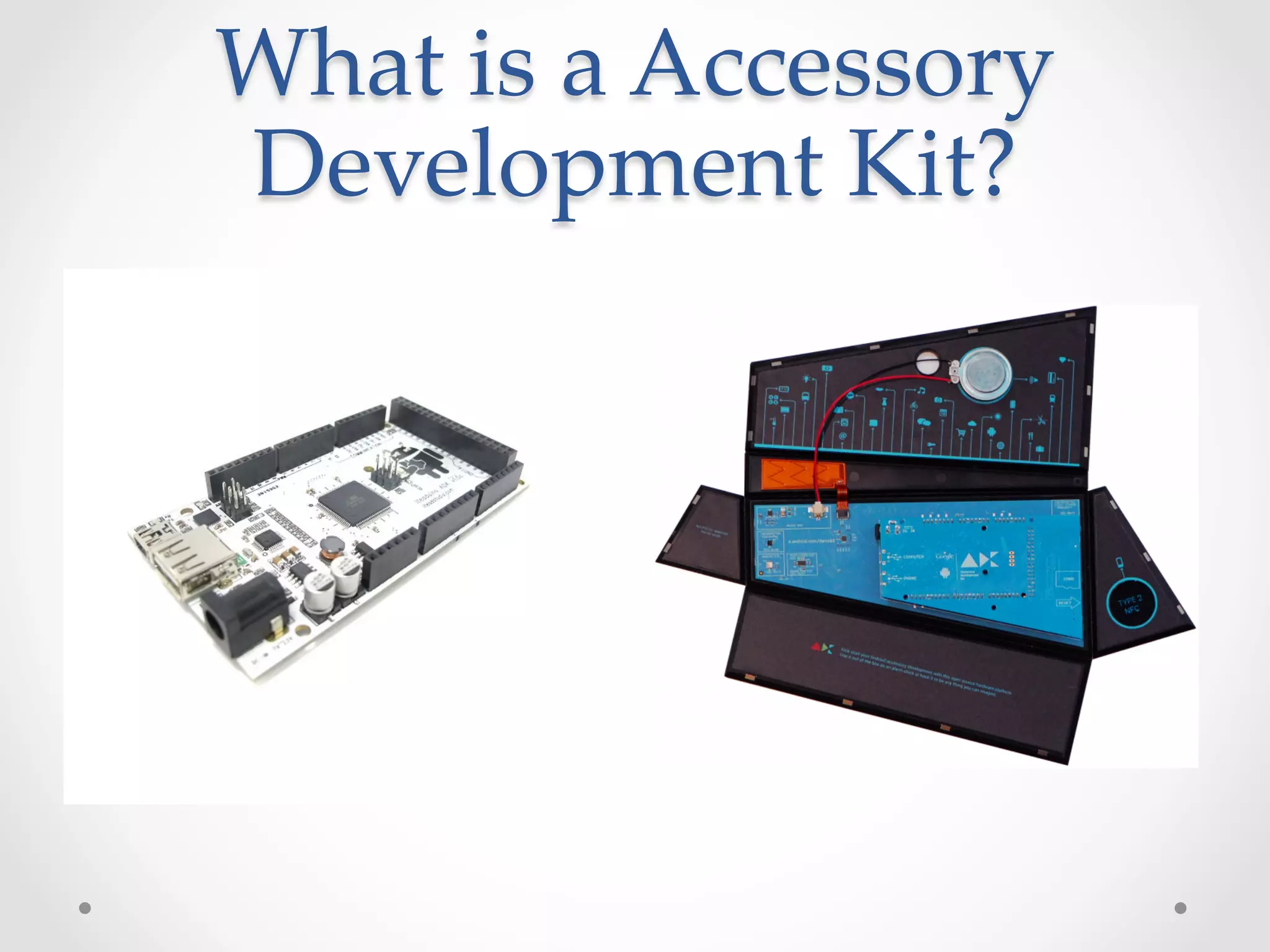
What  is  a  Accessory  
Development  Kit?
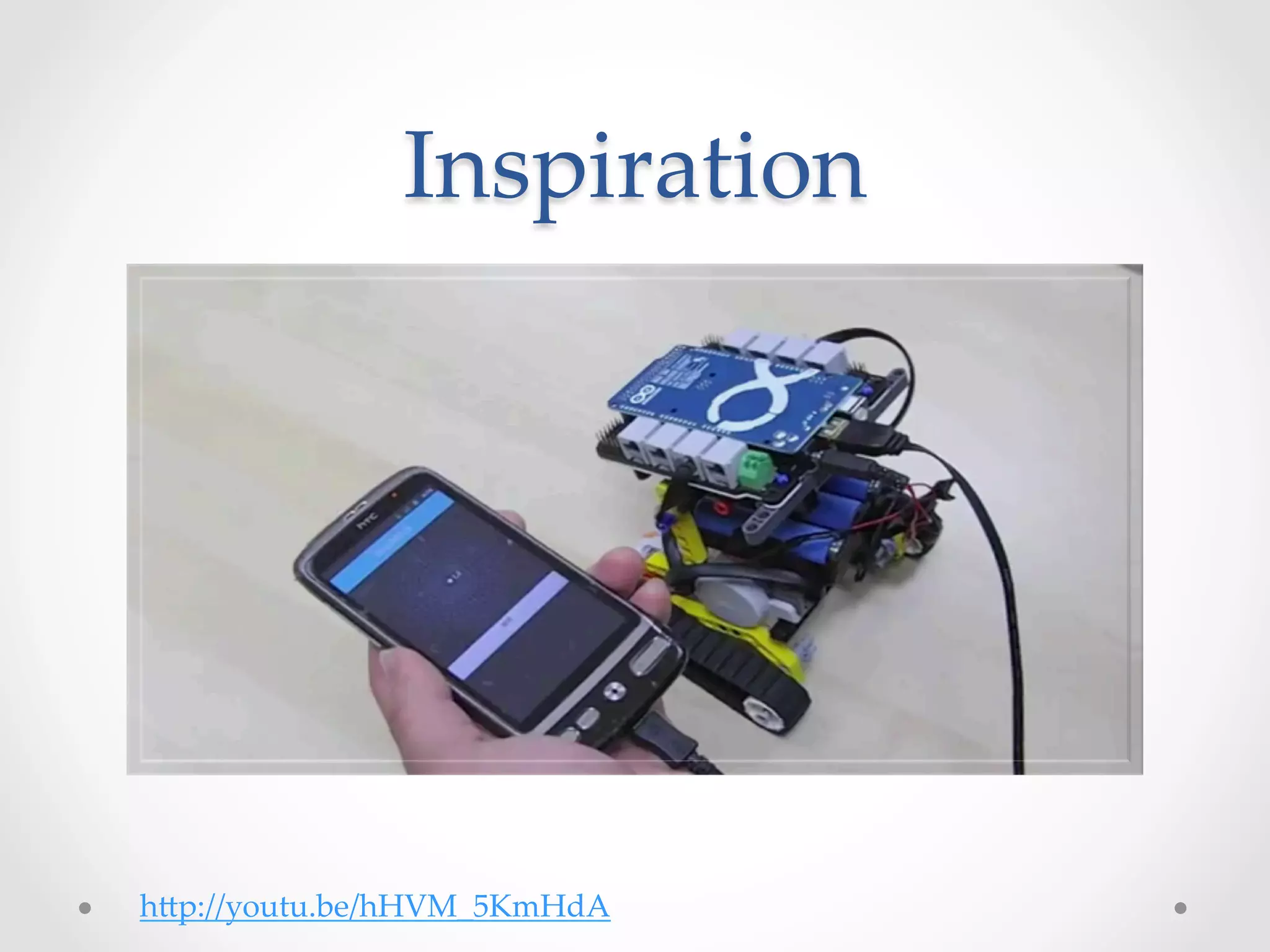
Inspiration	


h@p://youtu.be/hHVM_5KmHdA
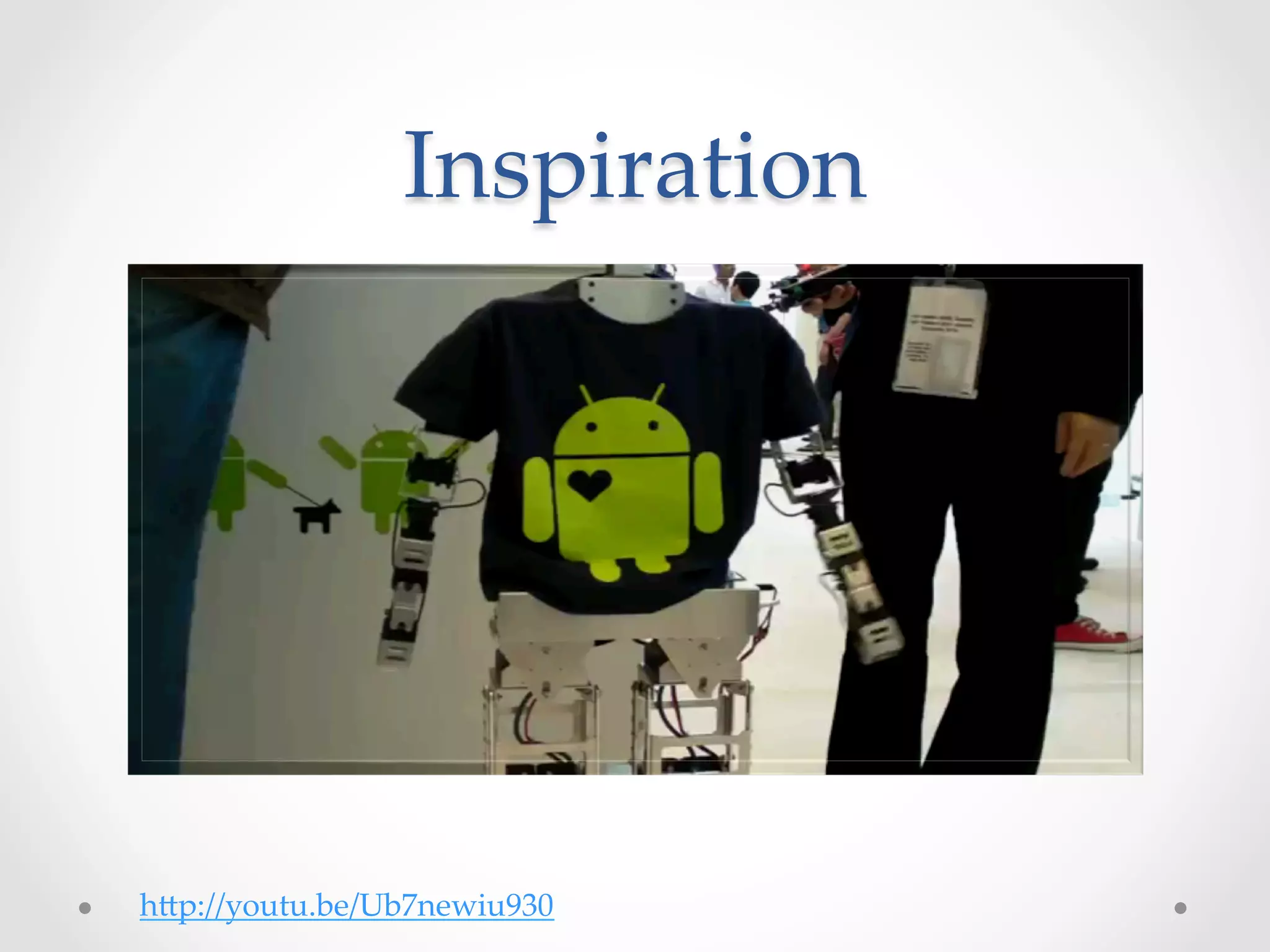
Inspiration	


h@p://youtu.be/Ub7newiu930
Live  Demo
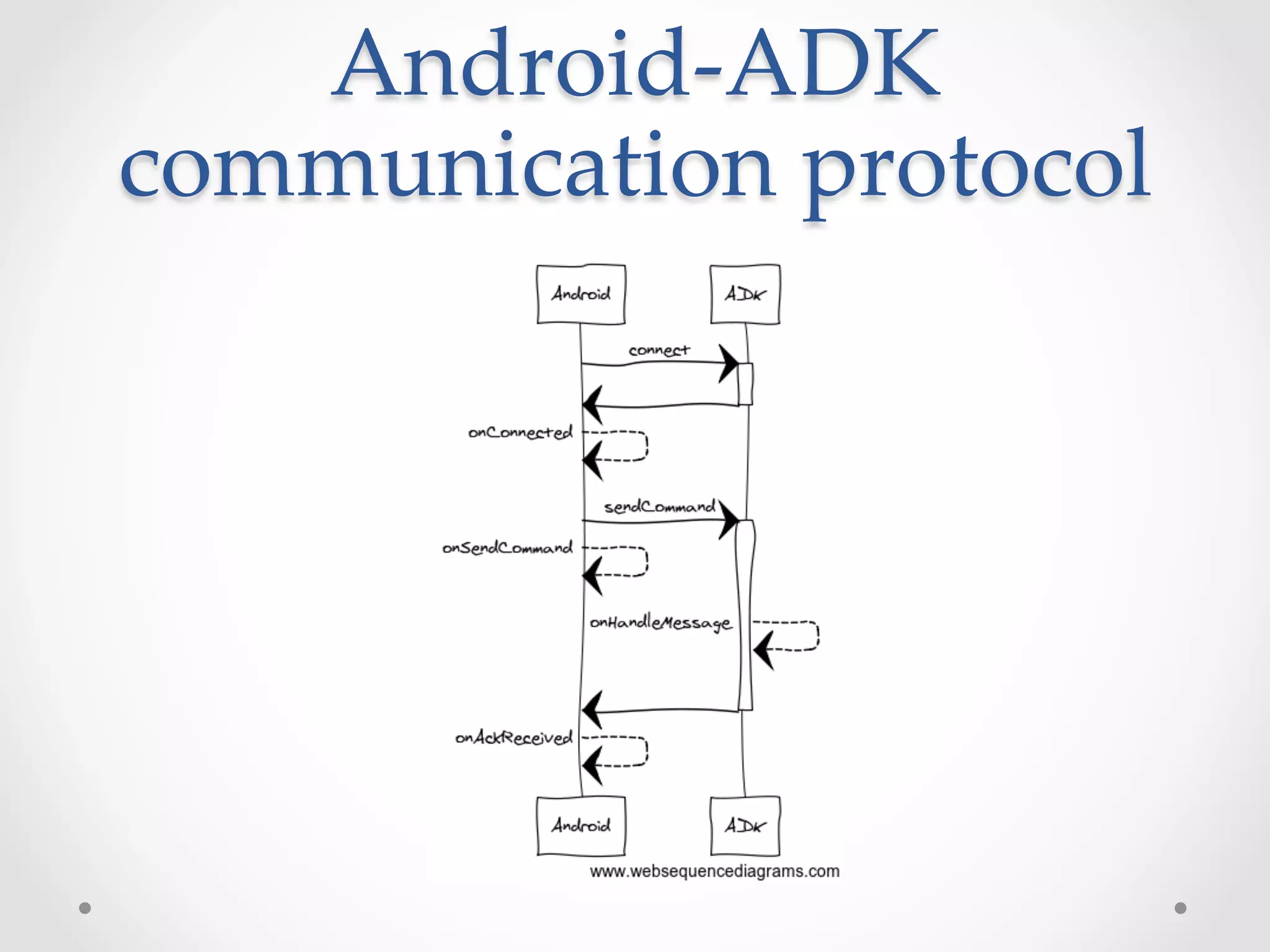
Android-­‐‑ADK  
communication  protocol
Android-­‐‑ADK  
communication  protocol	
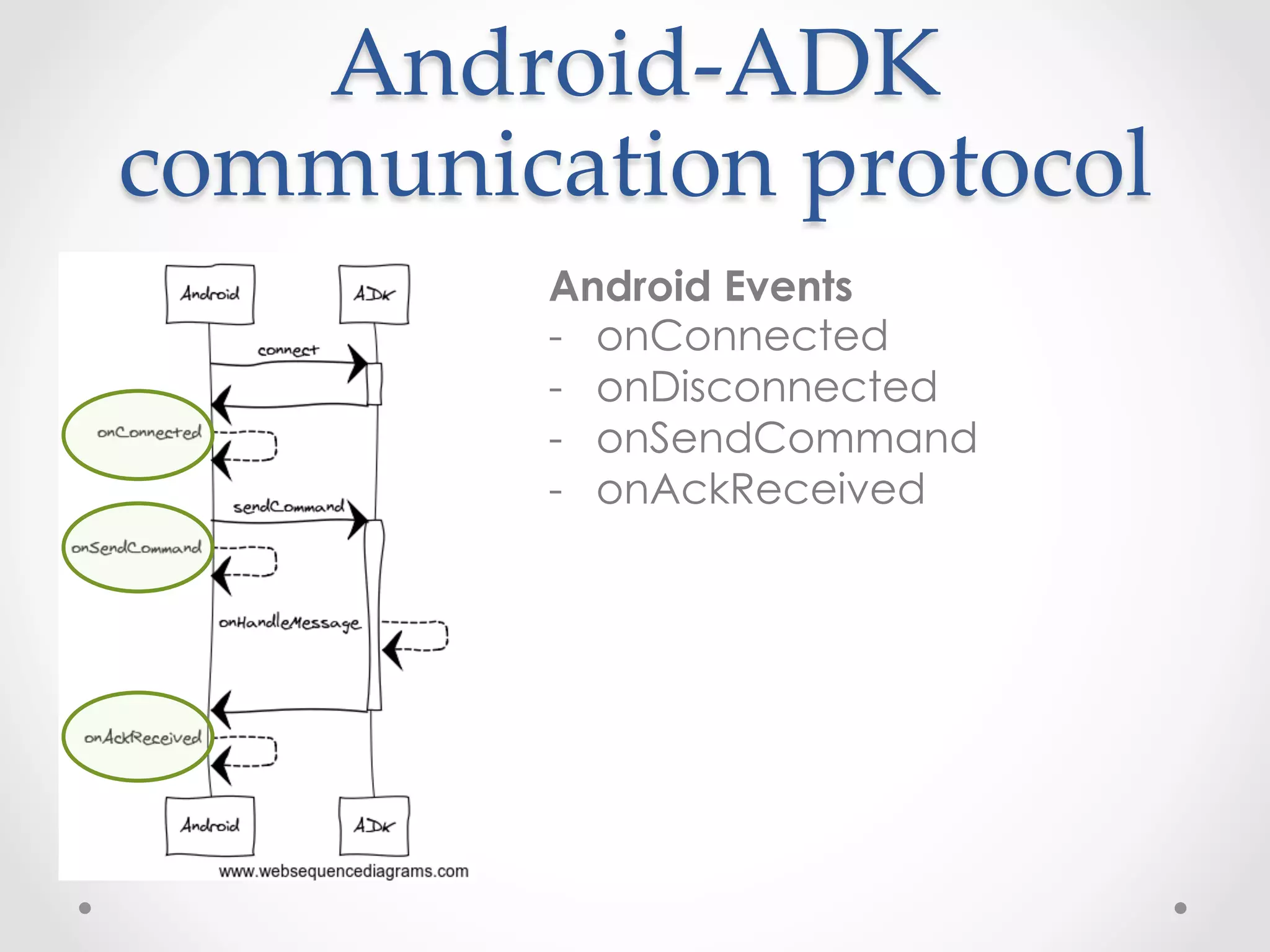
         Android Events
         -  onConnected
	
       -  onDisconnected
	
       -  onSendCommand
	
	
         -  onAckReceived
Android-­‐‑ADK  
communication  protocol	
         Android Communication API
         -  sendCommand

         Accepts:
   	
   	
    -  byte command
   	
    -  byte action
         -  byte[] data
Android-­‐‑ADK  
communication  protocol	
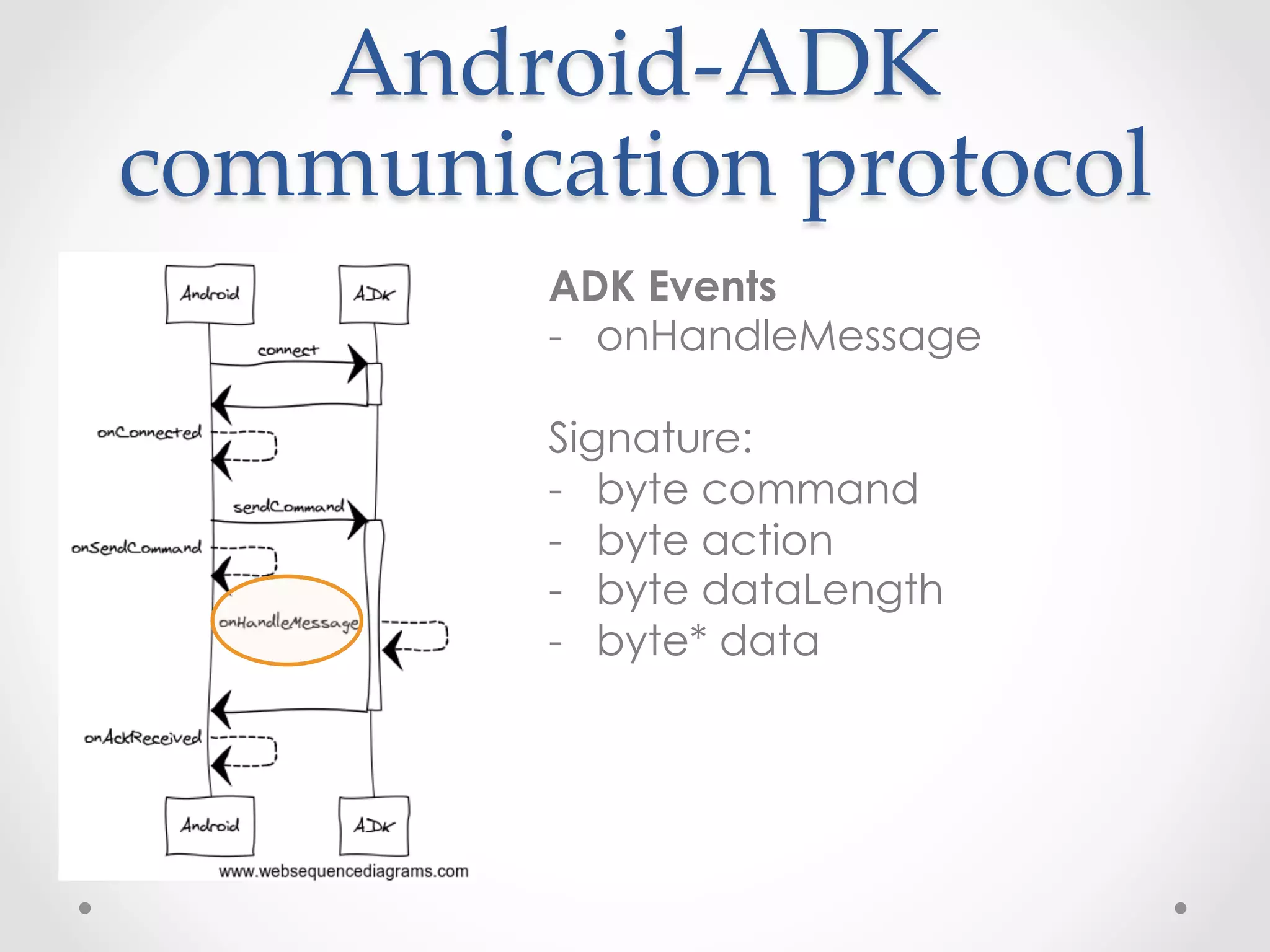
         ADK Events
         -  onHandleMessage

         Signature:
         -  byte command
         -  byte action
   	
    -  byte dataLength
   	
   	
    -  byte* data
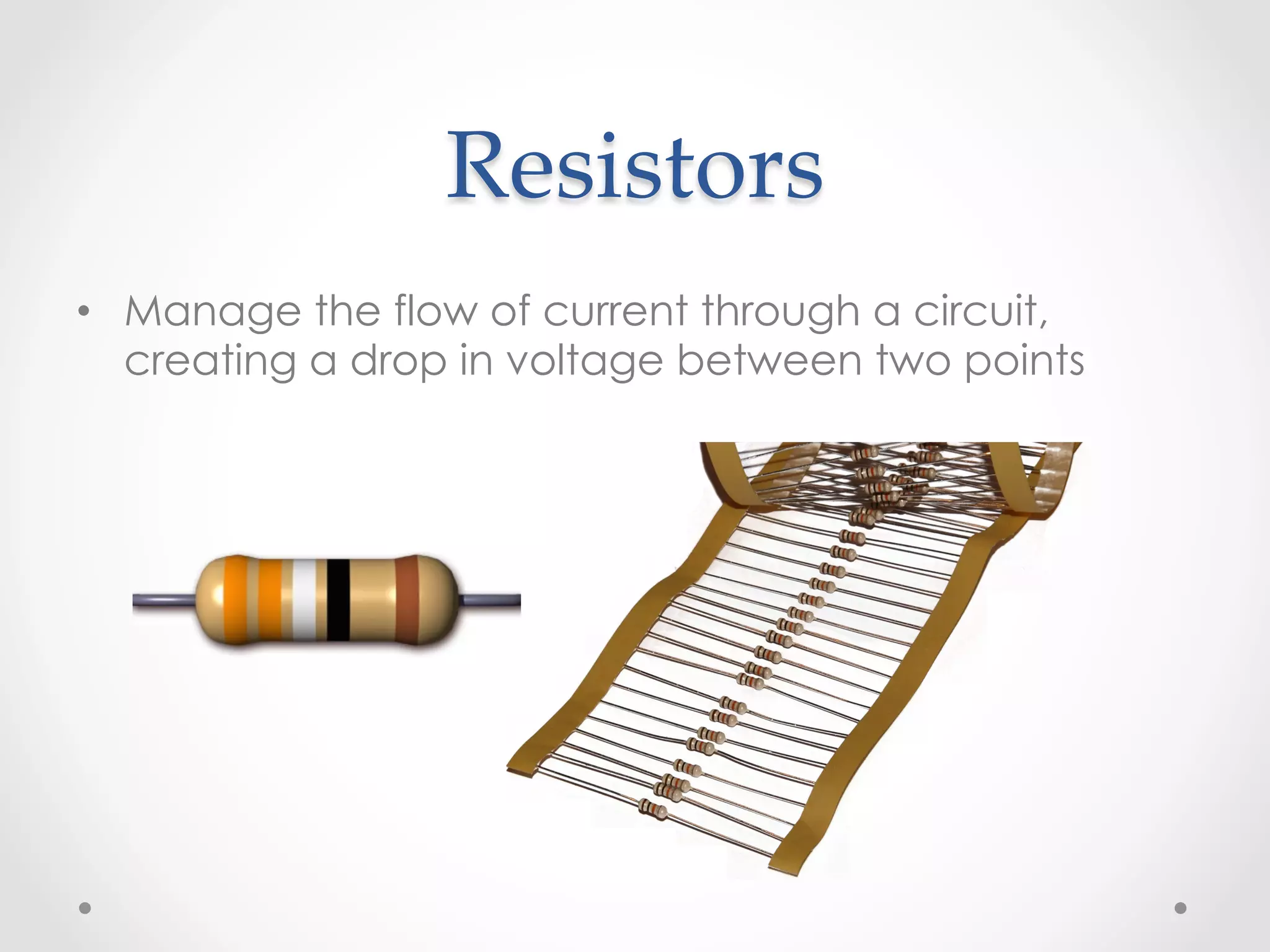
Resistors	
•  Manage the flow of current through a circuit,
   creating a drop in voltage between two points
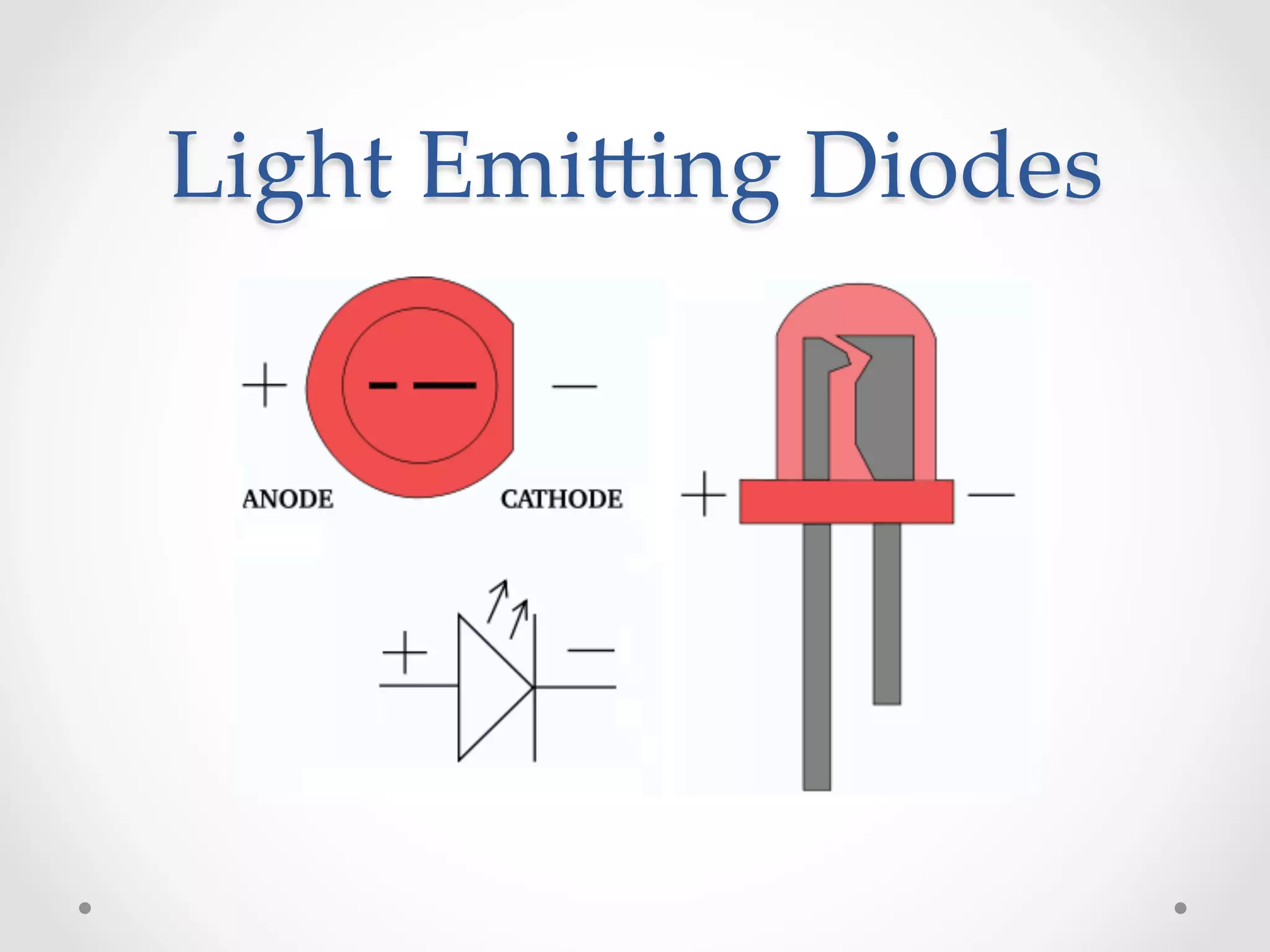
Light  Emi@ing  Diodes
Technical  environment	
•  Requirements
   o  Android device running 2.3.4 or higher (not all custom ROMs are supported)
   o  USB cable
   o  Laptop with:
        •  Android SDK (including platform 2.3.3, API level or higher)
        •  Arduino IDE for ADK 2011
        •  Arduino IDE for ADK 2012
        •  Arduino libs –
           copy these libraries to [arduino_installation_folder]/libraries/
        •  Eclipse + Android plugin / Intellij / etc.


•  Lab’s git repository
   o  https://github.com/amirlazarovich/codelab-adk-leds
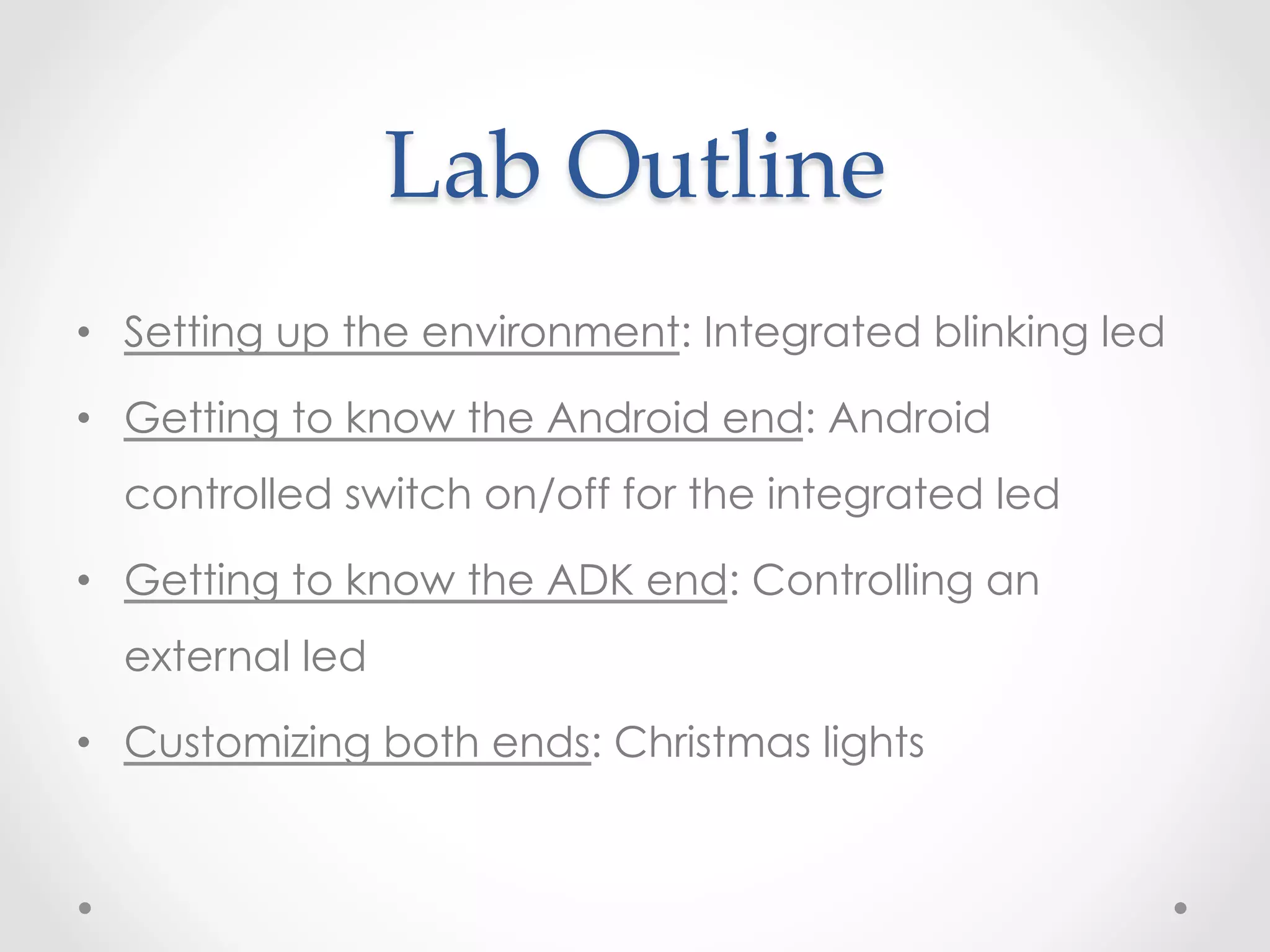
Lab  Outline	
•  Setting up the environment: Integrated blinking led

•  Getting to know the Android end: Android
  controlled switch on/off for the integrated led

•  Getting to know the ADK end: Controlling an
  external led

•  Customizing both ends: Christmas lights
1 st  milestone  (part  1)    

      Integrated  Blinking  Led	
•  Mission:
      all teams should be able to communicate with their ADKs
•  Steps:
1.    git clone git@github.com:amirlazarovich/codelab-adk-leds.git
2.    Copy the Arduino libraries from [cloned directory]/Arduino/libs to
      [Arduino installation folder]/libraries/
3.    Open the Arduino IDE and select the correct board: tools-board-
      [Arduino mega 2560 or Mega ADK] or [ADK 2012] (depending on
      your ADK model)
4.    Now select the correct usb serial-port: tty.usbserial***
5.    Run the example project: file – examples – basics - blink
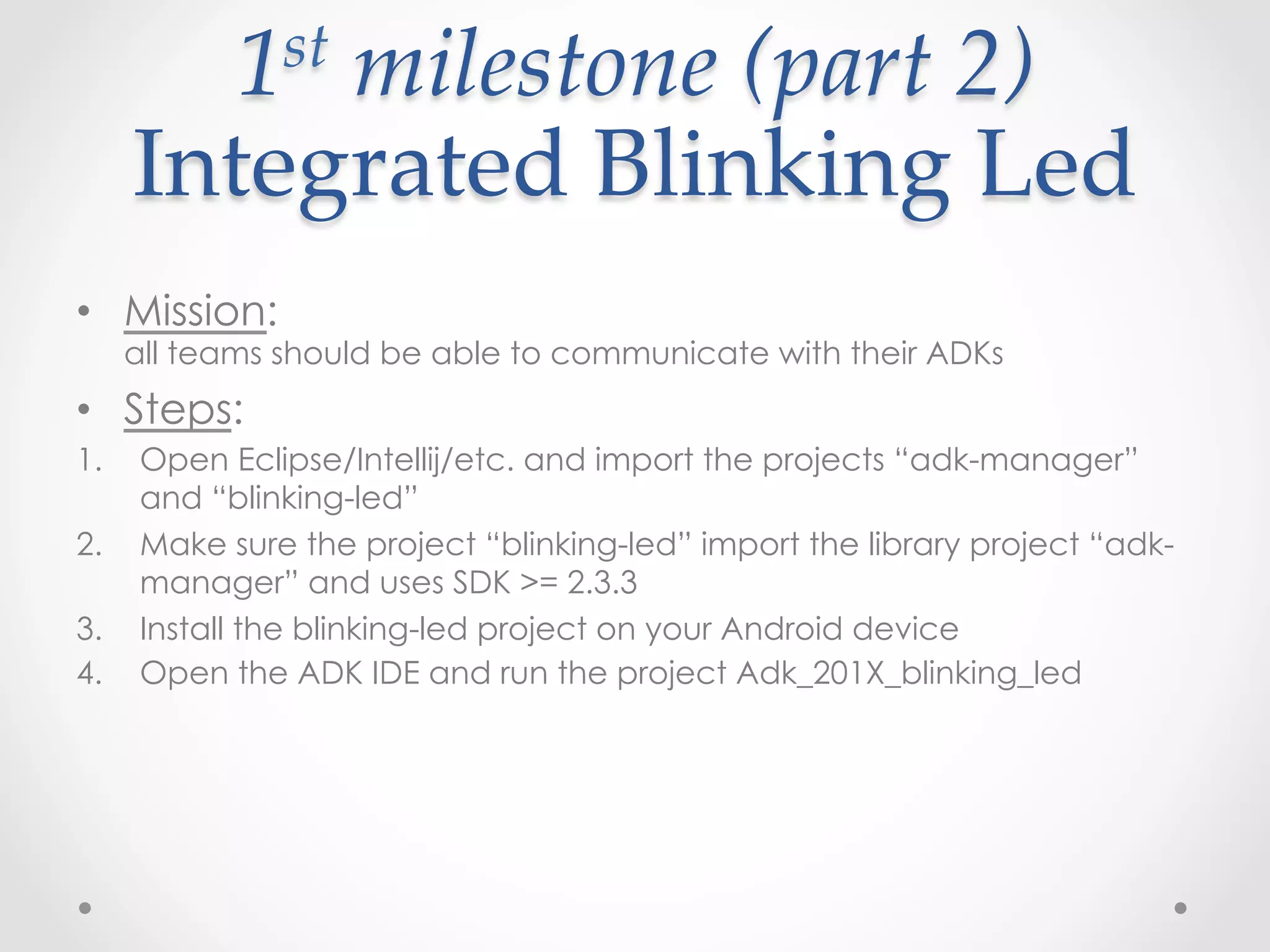
1 st  milestone  (part  2)    

      Integrated  Blinking  Led	
•  Mission:
      all teams should be able to communicate with their ADKs
•  Steps:
1.    Open Eclipse/Intellij/etc. and import the projects “adk-manager”
      and “blinking-led”
2.    Make sure the project “blinking-led” import the library project “adk-
      manager” and uses SDK >= 2.3.3
3.    Install the blinking-led project on your Android device
4.    Open the ADK IDE and run the project Adk_201X_blinking_led
2 nd  milestone    

              Android  Switch	
•  Mission:
  Getting familiar with the Android end protocol


•  What you should do:
  Create a new layout with a Switch/Toggle button/etc. that sends
  signals to the ADK device to turn the led on/off
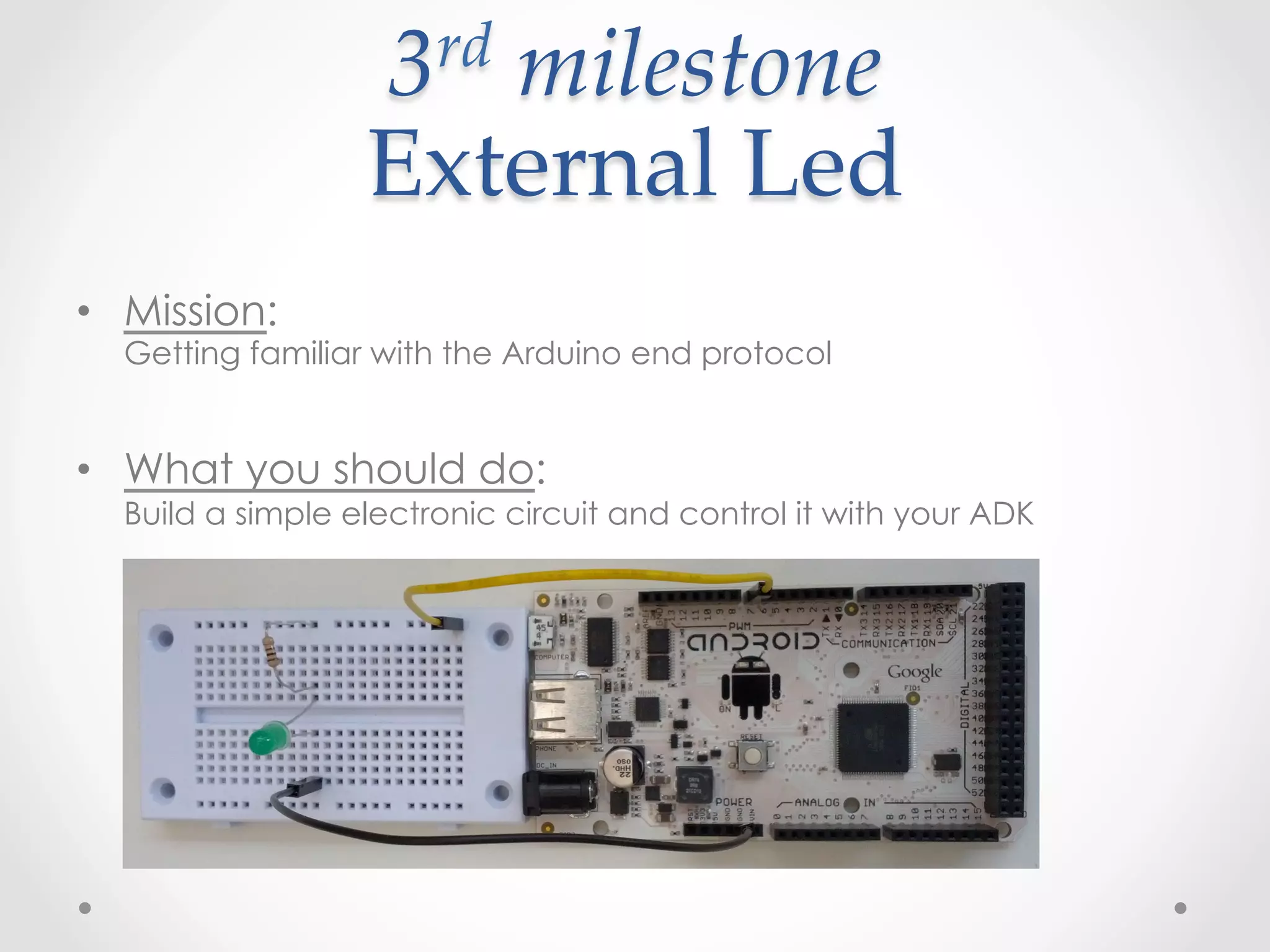
3 rd  milestone    

                  External  Led	
•  Mission:
  Getting familiar with the Arduino end protocol


•  What you should do:
  Build a simple electronic circuit and control it with your ADK
Final  milestone    
              Christmas  lights	
•  Mission:
  Customize both ends and control multiple LEDs


•  What you should do:
  Build any electronic circuit you want that is compiled of LEDs and
  resistors. Control those LEDs using your Android device in any way you
  want (switches/automatic timers/sensors/etc.)
Thank  you	
Our sponsors:
See  you  at  our  next  Lab

Adk 101

  • 1.
    ADK  101 Amir Lazarovich and Uri Shaked amirlazarovich@gmail.com / uri@salsa4fun.co.il Reversim  Summit  2013
  • 2.
    What  we  will cover •  What is ADK? •  Inspirations •  Live demo •  Android-ADK simple communication protocol •  1 minute about resistors and LEDs •  Setting up the technical environment •  Lab outline •  Coding!
  • 3.
    What  is  a Accessory   Development  Kit?
  • 4.
  • 5.
  • 6.
  • 7.
  • 8.
    Android-­‐‑ADK   communication  protocol Android Events -  onConnected -  onDisconnected -  onSendCommand -  onAckReceived
  • 9.
    Android-­‐‑ADK   communication  protocol Android Communication API -  sendCommand Accepts: -  byte command -  byte action -  byte[] data
  • 10.
    Android-­‐‑ADK   communication  protocol ADK Events -  onHandleMessage Signature: -  byte command -  byte action -  byte dataLength -  byte* data
  • 11.
    Resistors •  Manage theflow of current through a circuit, creating a drop in voltage between two points
  • 12.
  • 13.
    Technical  environment •  Requirements o  Android device running 2.3.4 or higher (not all custom ROMs are supported) o  USB cable o  Laptop with: •  Android SDK (including platform 2.3.3, API level or higher) •  Arduino IDE for ADK 2011 •  Arduino IDE for ADK 2012 •  Arduino libs – copy these libraries to [arduino_installation_folder]/libraries/ •  Eclipse + Android plugin / Intellij / etc. •  Lab’s git repository o  https://github.com/amirlazarovich/codelab-adk-leds
  • 14.
    Lab  Outline •  Settingup the environment: Integrated blinking led •  Getting to know the Android end: Android controlled switch on/off for the integrated led •  Getting to know the ADK end: Controlling an external led •  Customizing both ends: Christmas lights
  • 15.
    1 st  milestone (part  1)     Integrated  Blinking  Led •  Mission: all teams should be able to communicate with their ADKs •  Steps: 1.  git clone git@github.com:amirlazarovich/codelab-adk-leds.git 2.  Copy the Arduino libraries from [cloned directory]/Arduino/libs to [Arduino installation folder]/libraries/ 3.  Open the Arduino IDE and select the correct board: tools-board- [Arduino mega 2560 or Mega ADK] or [ADK 2012] (depending on your ADK model) 4.  Now select the correct usb serial-port: tty.usbserial*** 5.  Run the example project: file – examples – basics - blink
  • 16.
    1 st  milestone (part  2)     Integrated  Blinking  Led •  Mission: all teams should be able to communicate with their ADKs •  Steps: 1.  Open Eclipse/Intellij/etc. and import the projects “adk-manager” and “blinking-led” 2.  Make sure the project “blinking-led” import the library project “adk- manager” and uses SDK >= 2.3.3 3.  Install the blinking-led project on your Android device 4.  Open the ADK IDE and run the project Adk_201X_blinking_led
  • 17.
    2 nd  milestone    Android  Switch •  Mission: Getting familiar with the Android end protocol •  What you should do: Create a new layout with a Switch/Toggle button/etc. that sends signals to the ADK device to turn the led on/off
  • 18.
    3 rd  milestone    External  Led •  Mission: Getting familiar with the Arduino end protocol •  What you should do: Build a simple electronic circuit and control it with your ADK
  • 19.
    Final  milestone    Christmas  lights •  Mission: Customize both ends and control multiple LEDs •  What you should do: Build any electronic circuit you want that is compiled of LEDs and resistors. Control those LEDs using your Android device in any way you want (switches/automatic timers/sensors/etc.)
  • 20.
  • 21.
    See  you  at our  next  Lab