HDR Audio Adaptive mixing in Frostbite
David Möllerstedt, Head of Audio Stefan Standberg, Audio director Battlefield: Bad Company™ EA – DICE audio<@>dice.se
Agenda Battlefield Heritage HDR Audio Principle Focused Sound Design Frostbite™ Battlefield: Bad Company™ Runtime Demo Summary Questions
Battlefield heritage S andbox experience,  g ameplay driven design, open ended, free roaming, multiplayer online All out destruction in Battlefield: Bad Company™ increasing the challenge Other alternatives; duckers, snapshot mixers, scene defines , d on’t solve the problem
HDR Audio Principle Measure loudness at Listener position – Scale all sound sources accordingly Handle the dynamic range from the quietest sound noticeable to the pain threshold, Some 130 dB Functions similar to HDR lighting
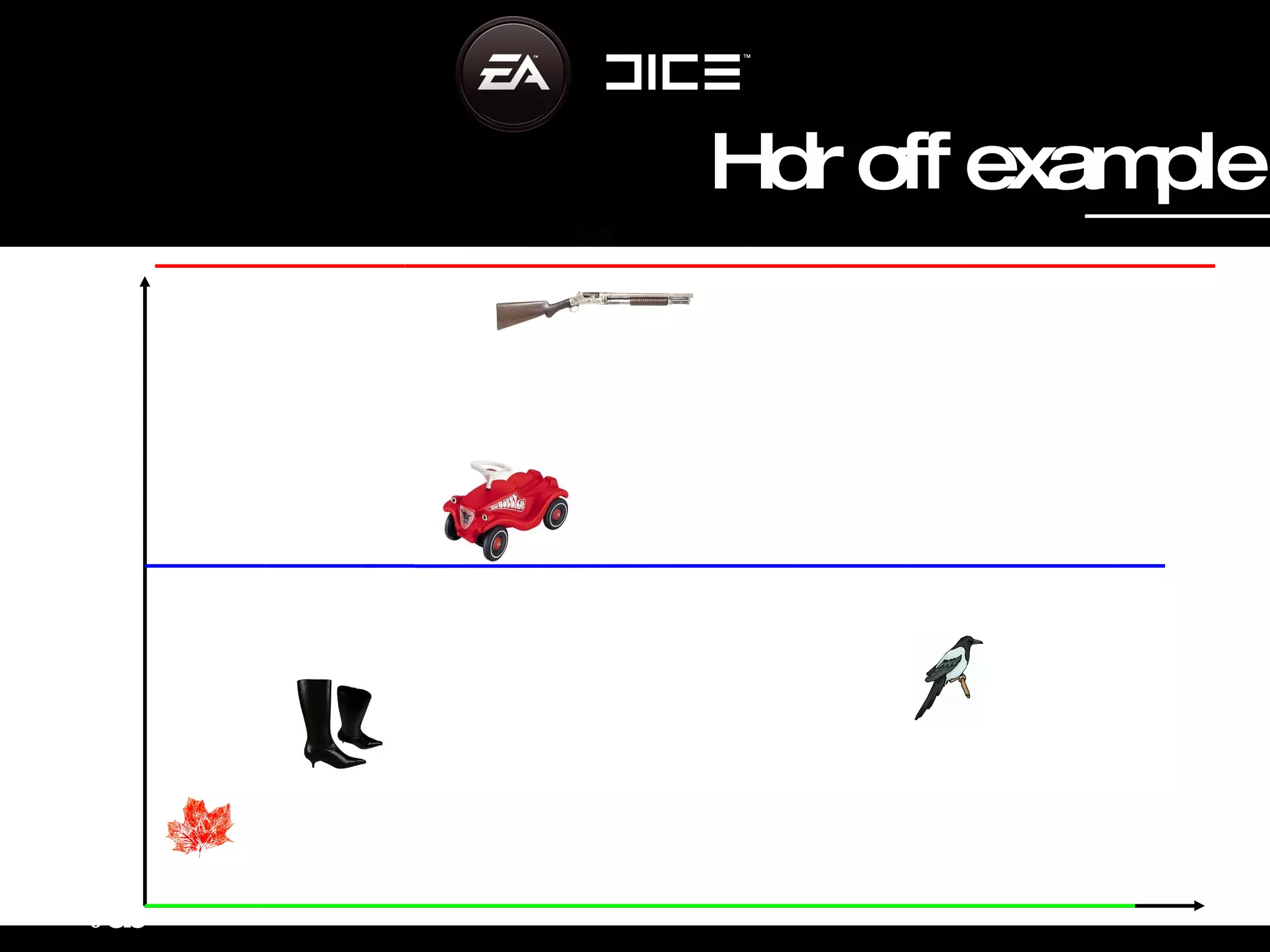
0 d b 140 db 12db 30db 55db 120db 35 db Time Hdr off example
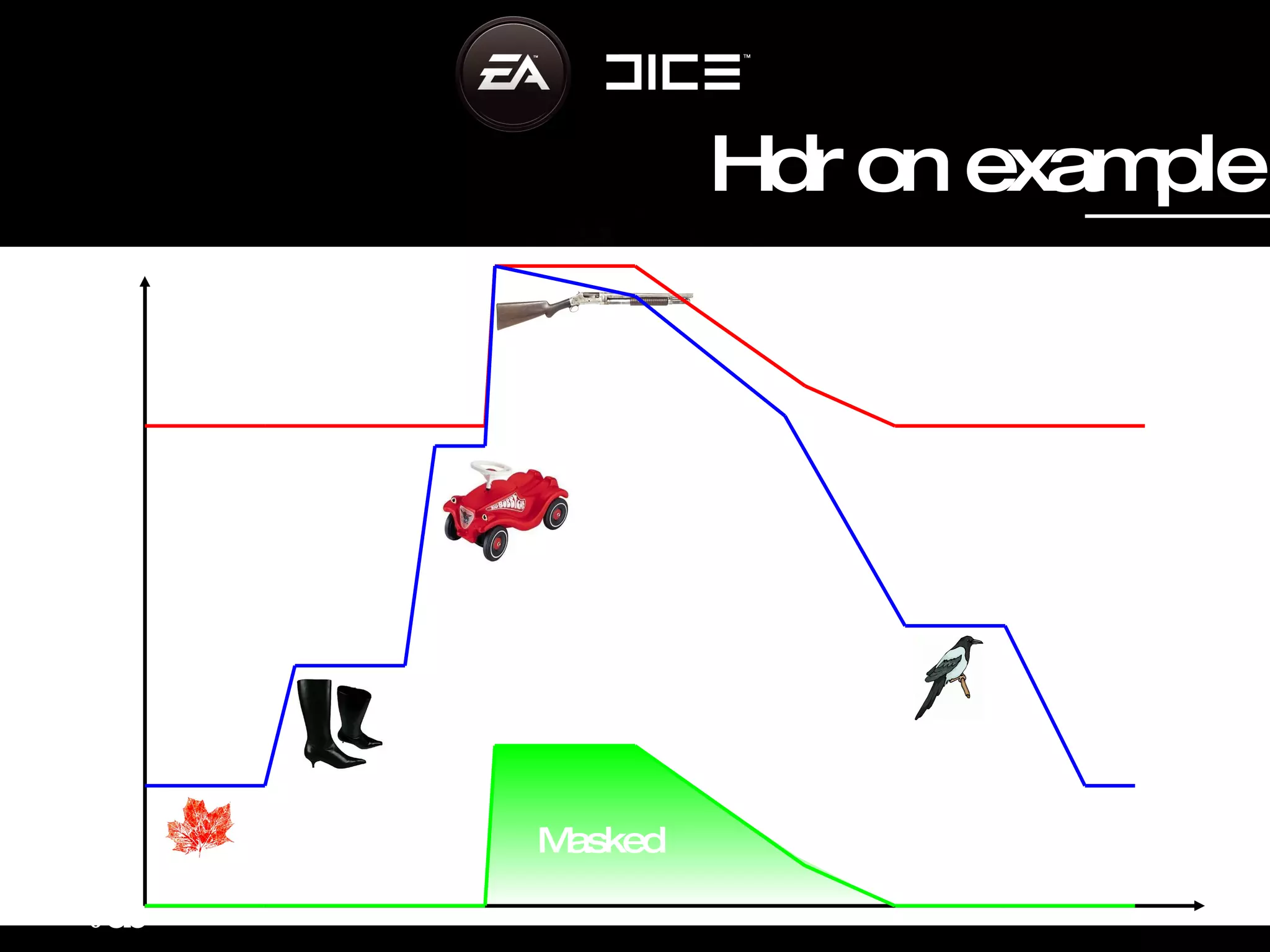
0 d b 140 db 12db 30db 55db 120db 35 db Time Masked Hdr on example
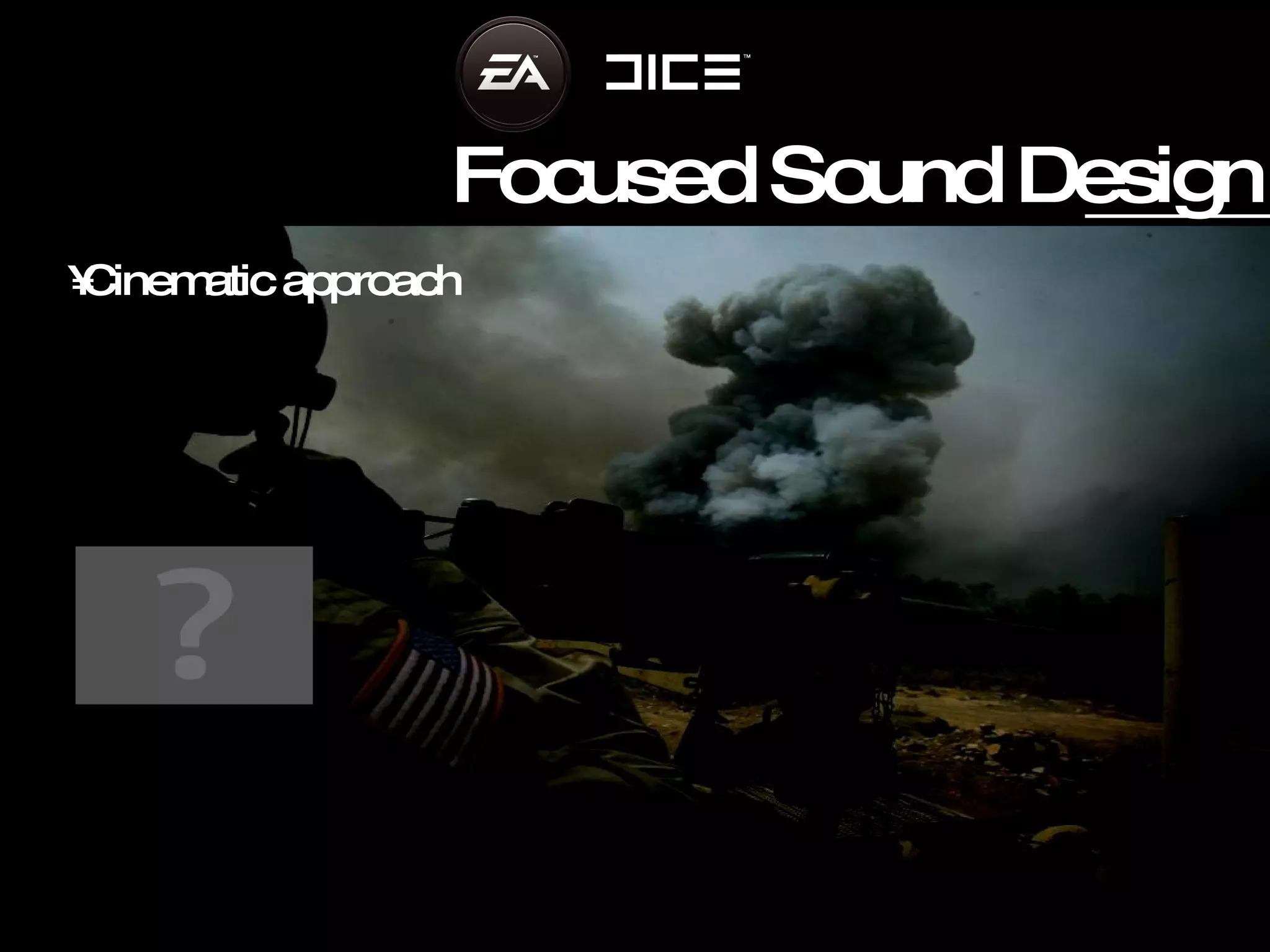
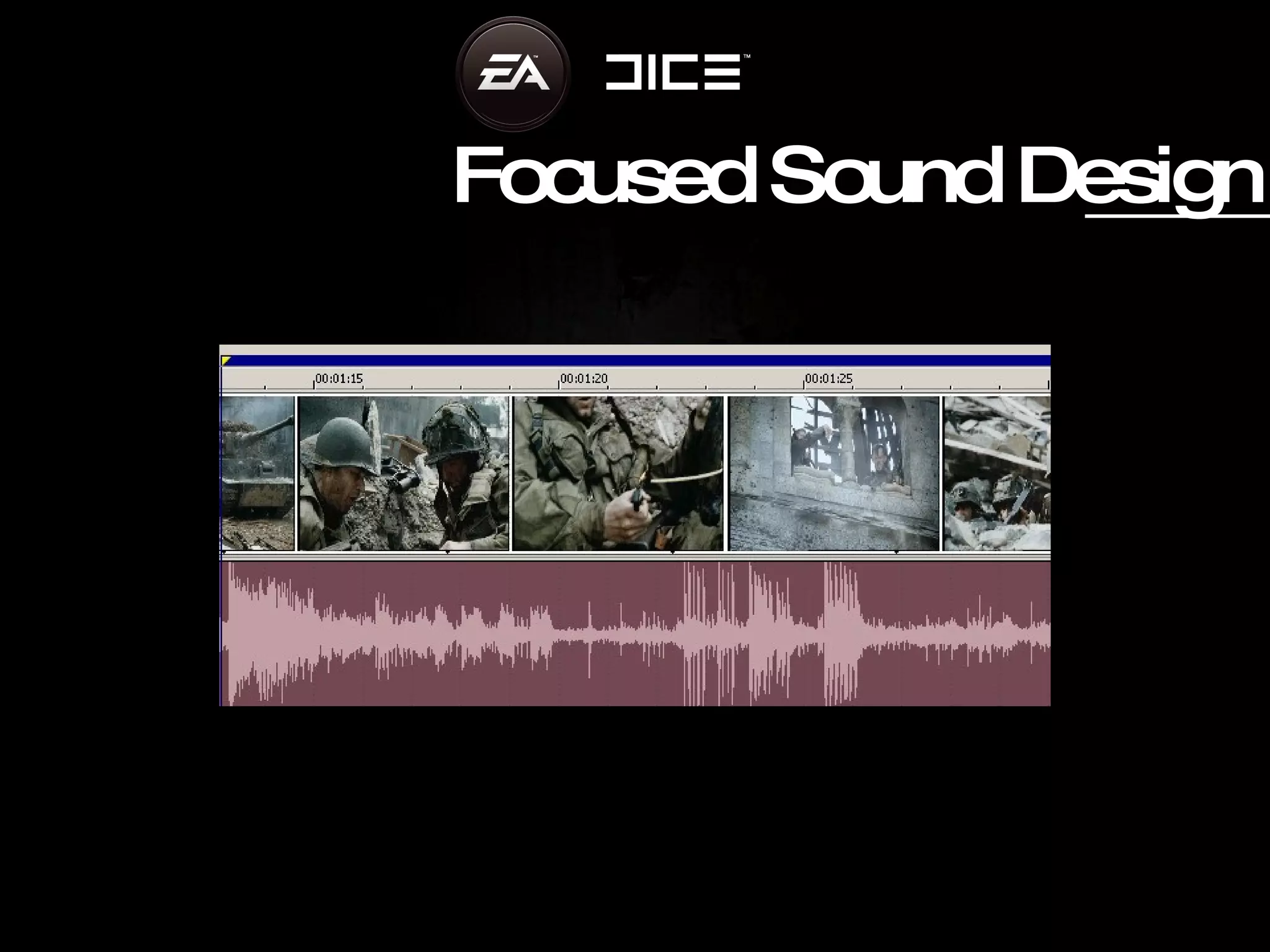
Focused Sound Design Cinematic approach
Focused Sound Design
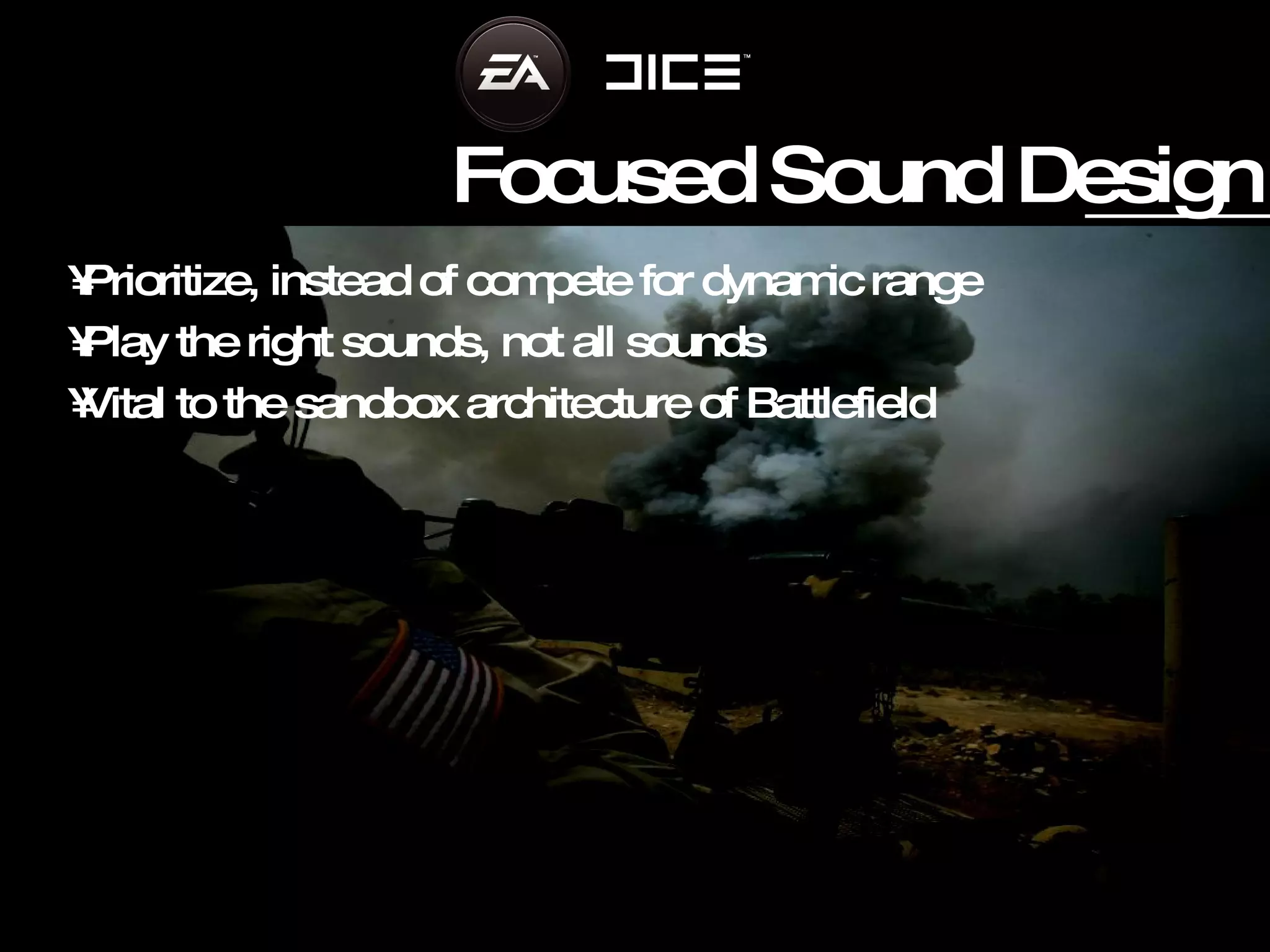
Focused Sound Design Prioritize, instead of compete for dynamic range Play the right sounds, not all sounds Vital to the sandbox architecture of Battlefield
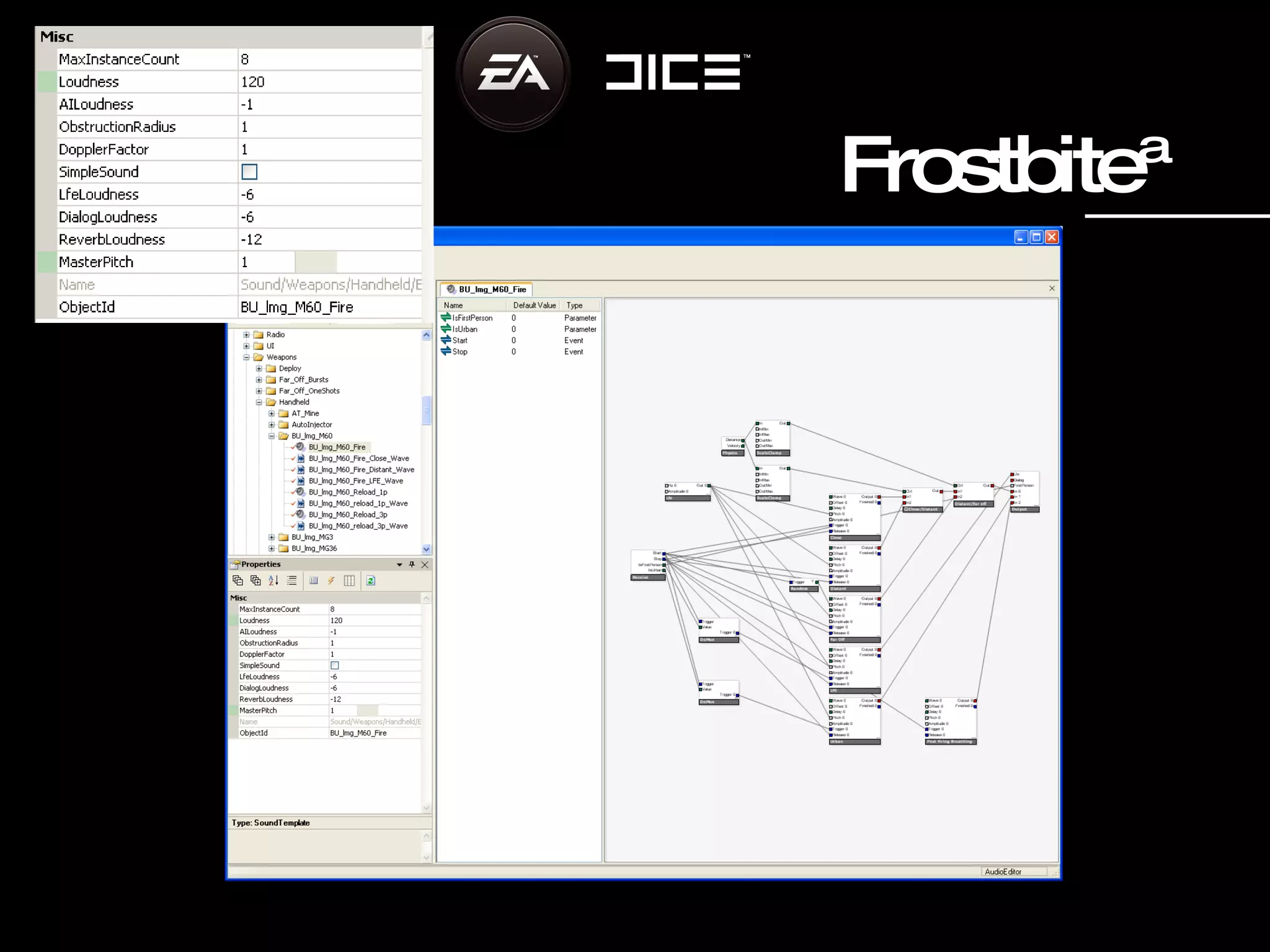
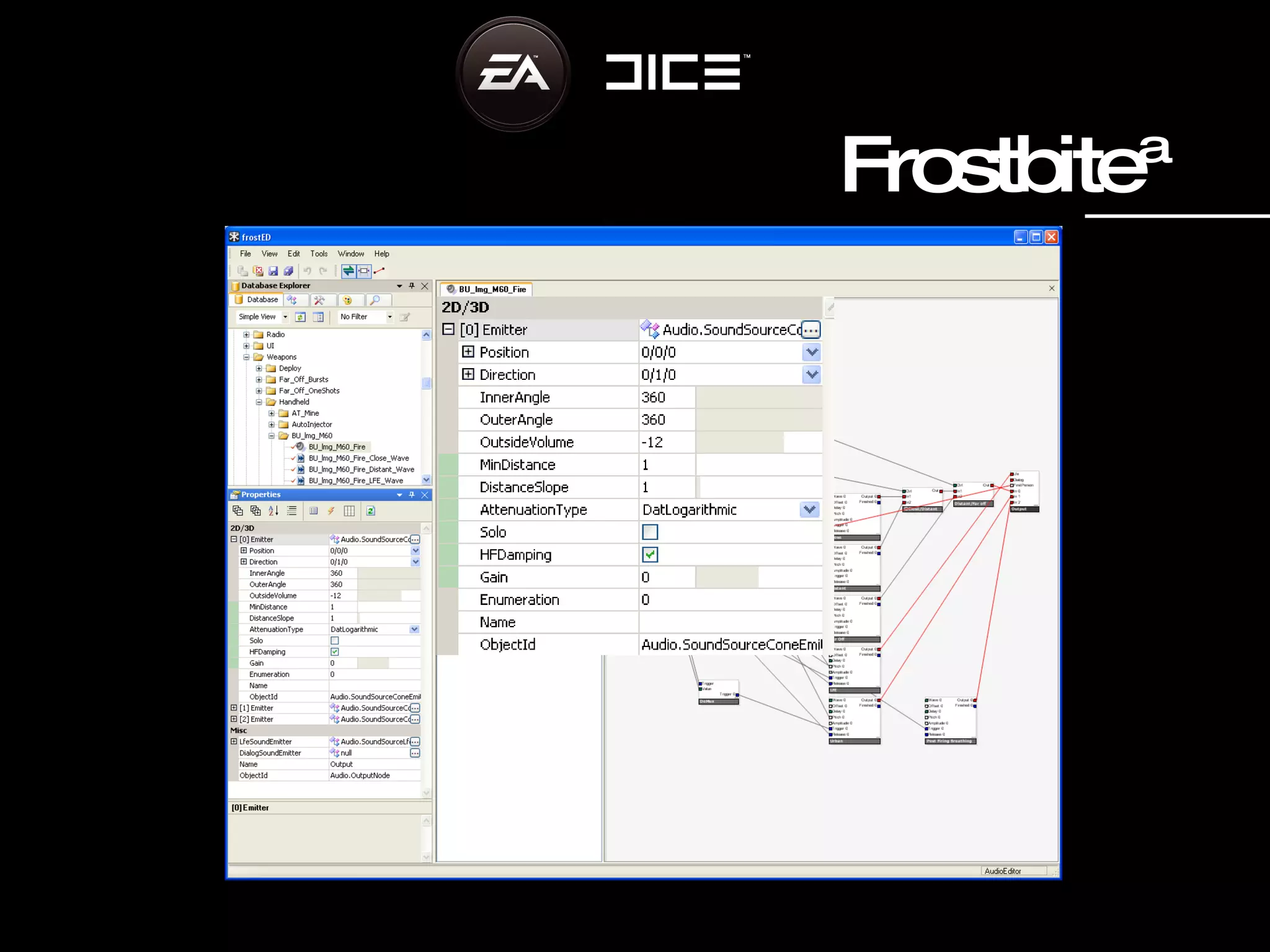
Frostbite™ DICE’s game engine Frostbite™ Tight  s ystem   integration,  a udio one of the core comp onents Destruction integral part of the engine Developed for Battlefield: Bad  Company™and to be used by  future projects at DICE
Frostbite™
Frostbite™
Battlefield: Bad Company™
Loudness HDR Audio functions as a culling algorithm This is a positive side effect Priority is set according to loudness, loudness is a good approximation for ‘importance’ especially in FPS game We set loudness values to create any desired effect
Not Compression HDR Audio does not have a specific “sound” HDR Audio is not compression, all sounds are played uncompressed The effect and thus the sound is sometimes similar HDR Audio works on logical loudness values and does not touch the actual audio waveform
Boundaries Not the Silver Bullet Special situations still need attention First Person focus
Summary “ HDR Audio   Make Loud  sounds sound loud, and quieter sounds sound as loud as loud sounds”
Summary Automatic mixing solution Handle Infinitive dynamic range Transparent sound
Sounds Interesting? We are always looking for talented and devoted persons to join our audio teams jobs.ea.com
Questions Who has the first question?
Thank You Please, fill in the questionnaire

Adaptive Mixing in Frostbite

  • 1.
  • 2.
    HDR Audio Adaptivemixing in Frostbite
  • 3.
    David Möllerstedt, Headof Audio Stefan Standberg, Audio director Battlefield: Bad Company™ EA – DICE audio<@>dice.se
  • 4.
    Agenda Battlefield HeritageHDR Audio Principle Focused Sound Design Frostbite™ Battlefield: Bad Company™ Runtime Demo Summary Questions
  • 5.
    Battlefield heritage Sandbox experience, g ameplay driven design, open ended, free roaming, multiplayer online All out destruction in Battlefield: Bad Company™ increasing the challenge Other alternatives; duckers, snapshot mixers, scene defines , d on’t solve the problem
  • 6.
    HDR Audio PrincipleMeasure loudness at Listener position – Scale all sound sources accordingly Handle the dynamic range from the quietest sound noticeable to the pain threshold, Some 130 dB Functions similar to HDR lighting
  • 7.
    0 d b140 db 12db 30db 55db 120db 35 db Time Hdr off example
  • 8.
    0 d b140 db 12db 30db 55db 120db 35 db Time Masked Hdr on example
  • 9.
    Focused Sound DesignCinematic approach
  • 10.
  • 11.
    Focused Sound DesignPrioritize, instead of compete for dynamic range Play the right sounds, not all sounds Vital to the sandbox architecture of Battlefield
  • 12.
    Frostbite™ DICE’s gameengine Frostbite™ Tight s ystem integration, a udio one of the core comp onents Destruction integral part of the engine Developed for Battlefield: Bad Company™and to be used by future projects at DICE
  • 13.
  • 14.
  • 15.
  • 16.
    Loudness HDR Audiofunctions as a culling algorithm This is a positive side effect Priority is set according to loudness, loudness is a good approximation for ‘importance’ especially in FPS game We set loudness values to create any desired effect
  • 17.
    Not Compression HDRAudio does not have a specific “sound” HDR Audio is not compression, all sounds are played uncompressed The effect and thus the sound is sometimes similar HDR Audio works on logical loudness values and does not touch the actual audio waveform
  • 18.
    Boundaries Not theSilver Bullet Special situations still need attention First Person focus
  • 19.
    Summary “ HDRAudio Make Loud sounds sound loud, and quieter sounds sound as loud as loud sounds”
  • 20.
    Summary Automatic mixingsolution Handle Infinitive dynamic range Transparent sound
  • 21.
    Sounds Interesting? Weare always looking for talented and devoted persons to join our audio teams jobs.ea.com
  • 22.
    Questions Who hasthe first question?
  • 23.
    Thank You Please,fill in the questionnaire