Principles of Web Design
5th Edition
Chapter One
HTML and the Modern Web
Objectives
In this chapter, you will learn about:
๏‚ท Creating Web pages with HTML
๏‚ท The history of HTML
๏‚ท Working with HTML5
๏‚ท Choosing an HTML editor
๏‚ท Using good coding practices
2
Principles of Web Design 5th Ed.
Creating Web Pages with HTML
โ€ข HTML is a markup language that lets you identify
common sections of a Web page
โ€ข Markup elements define each section
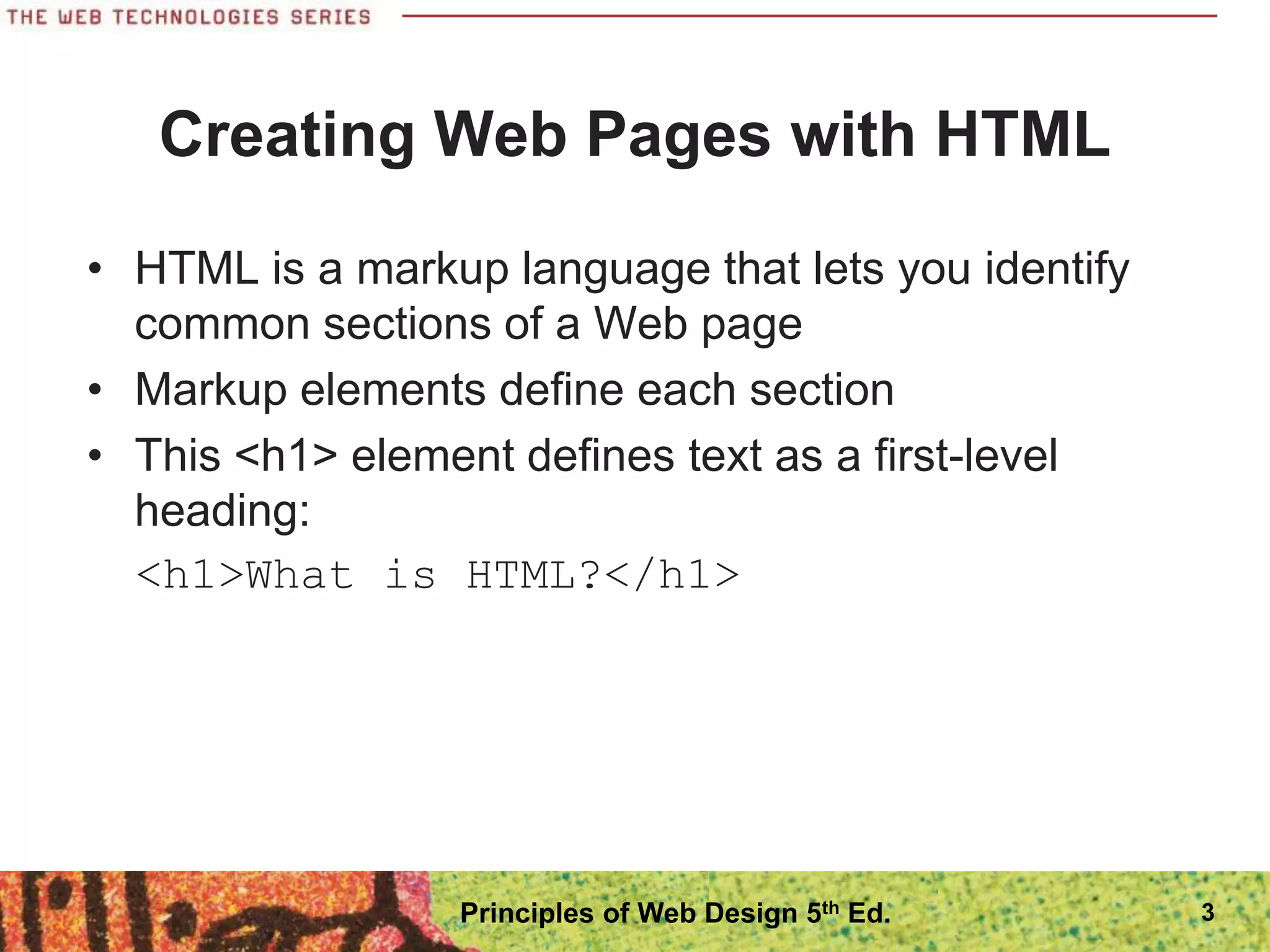
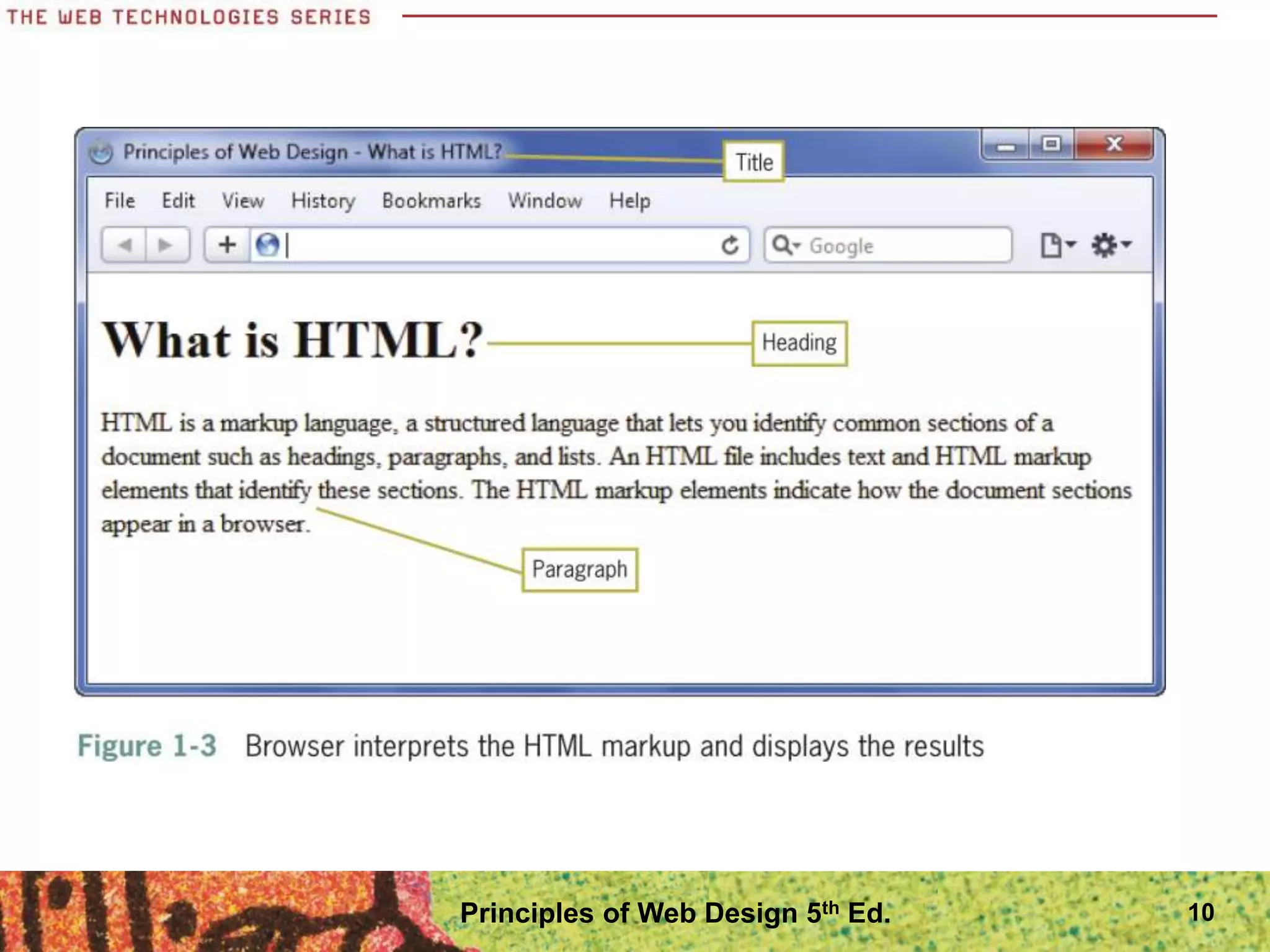
โ€ข This <h1> element defines text as a first-level
heading:
<h1>What is HTML?</h1>
3
Principles of Web Design 5th Ed.
Creating Web Pages with HTML
4
Principles of Web Design 5th Ed.
Structure of a Basic Web Page
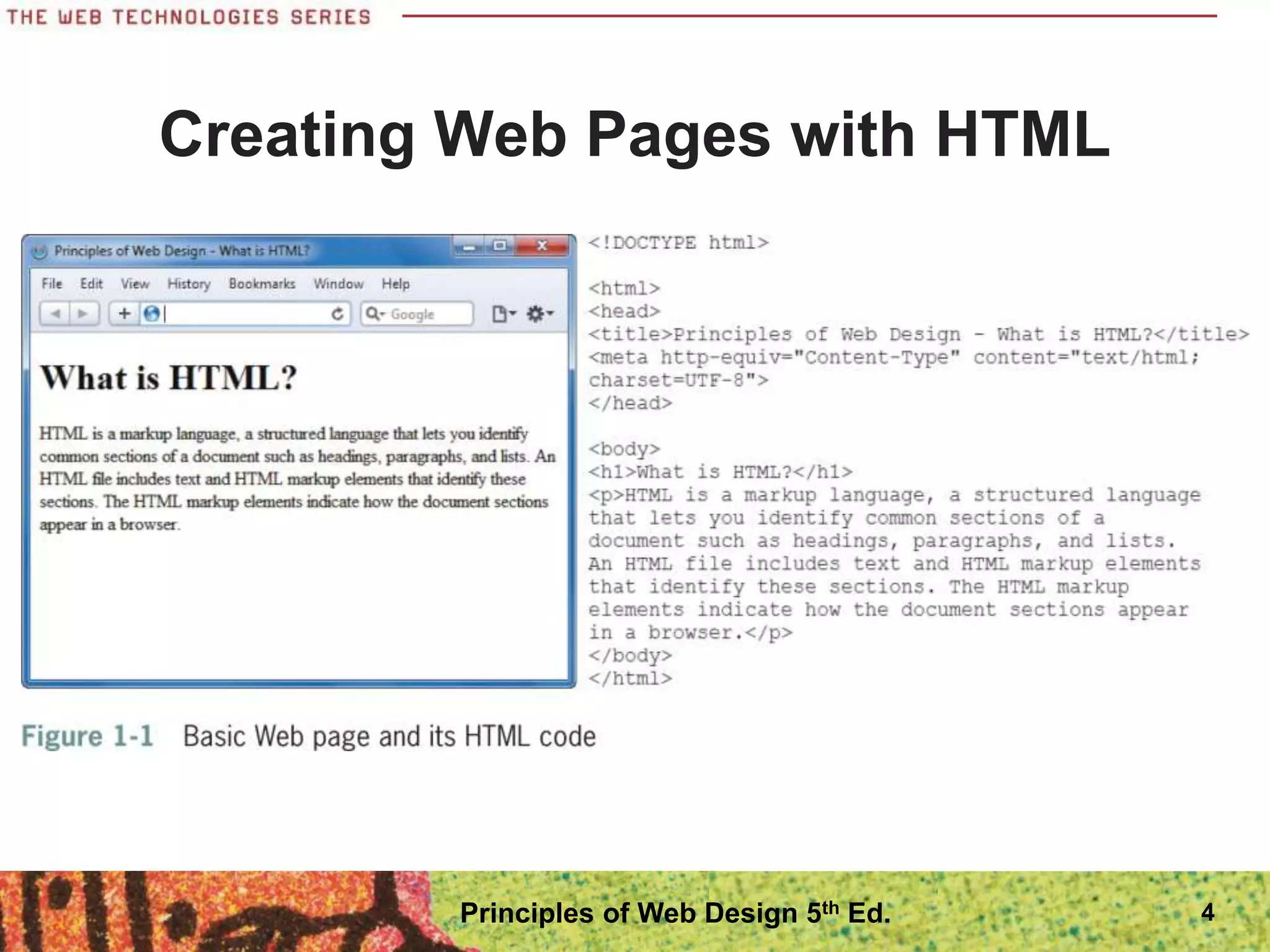
โ€ข The HTML file contains content text and HTML
markup
โ€ข The HTML markup does not appear in the browser
โ€ข The browser interprets the code and displays the
results
5
Principles of Web Design 5th Ed.
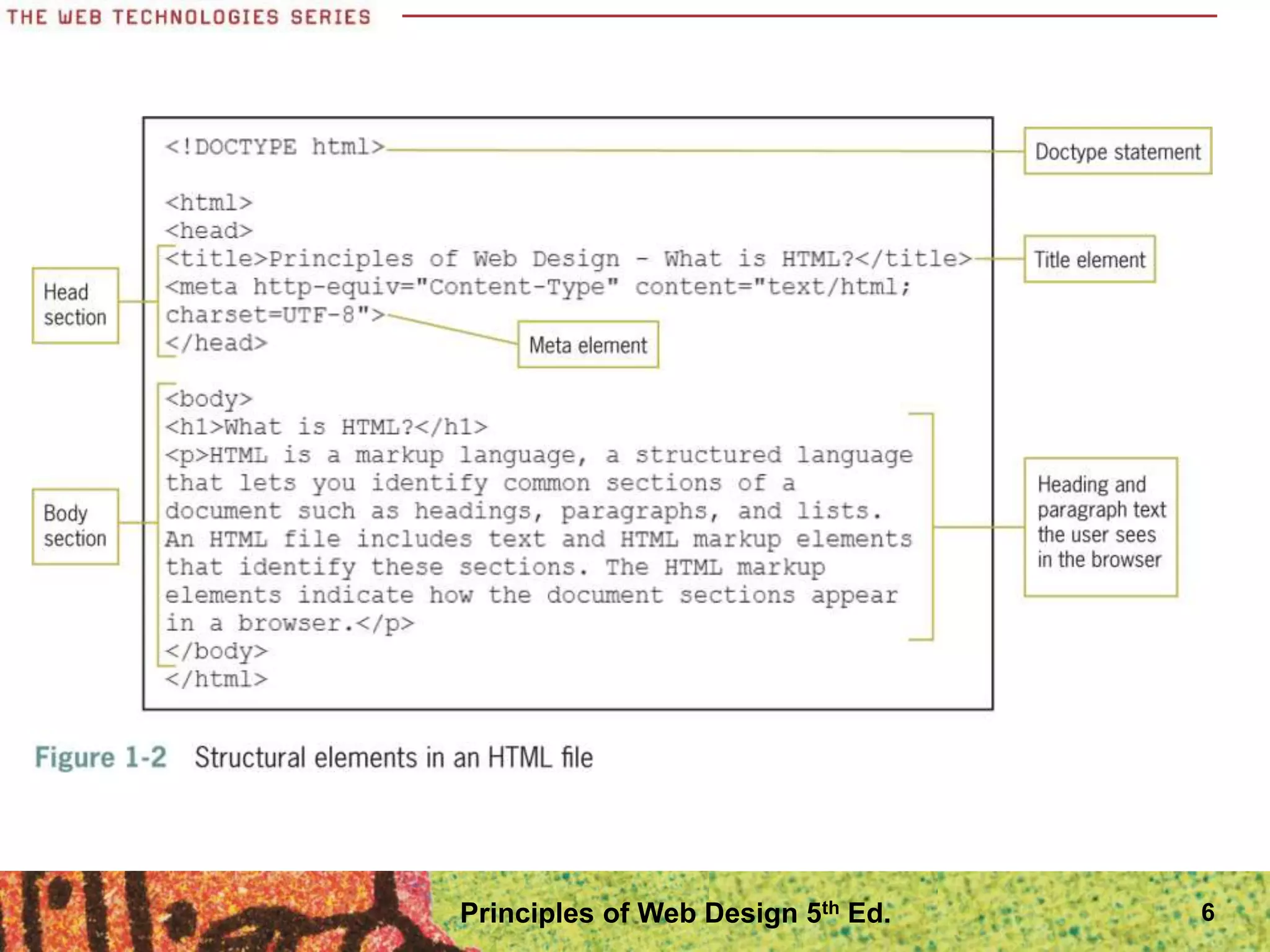
6
Principles of Web Design 5th Ed.
Structure of a Basic Web Page
โ€ข The document type, or doctype for short, specifies
the rules for the document language
โ€ข The <html> tag is the root element
โ€ข The two main sections are the <head> and <body>
elements
โ€ข The head section is the container for all of the
descriptive information about the document
โ€ข The <body> section includes the content that the
user sees in the browser window
7
Principles of Web Design 5th Ed.
Structure of a Basic Web Page
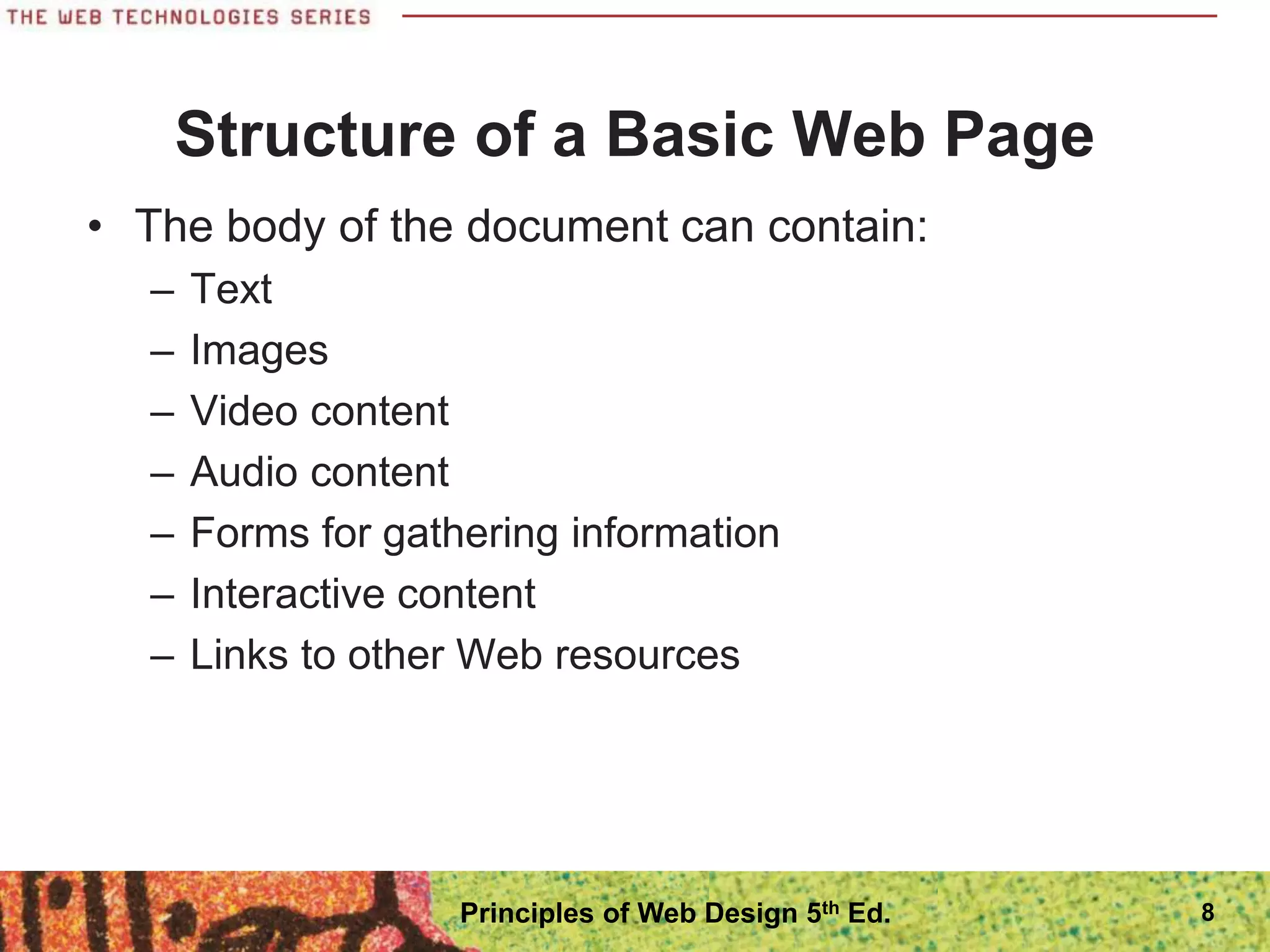
โ€ข The body of the document can contain:
โ€“ Text
โ€“ Images
โ€“ Video content
โ€“ Audio content
โ€“ Forms for gathering information
โ€“ Interactive content
โ€“ Links to other Web resources
8
Principles of Web Design 5th Ed.
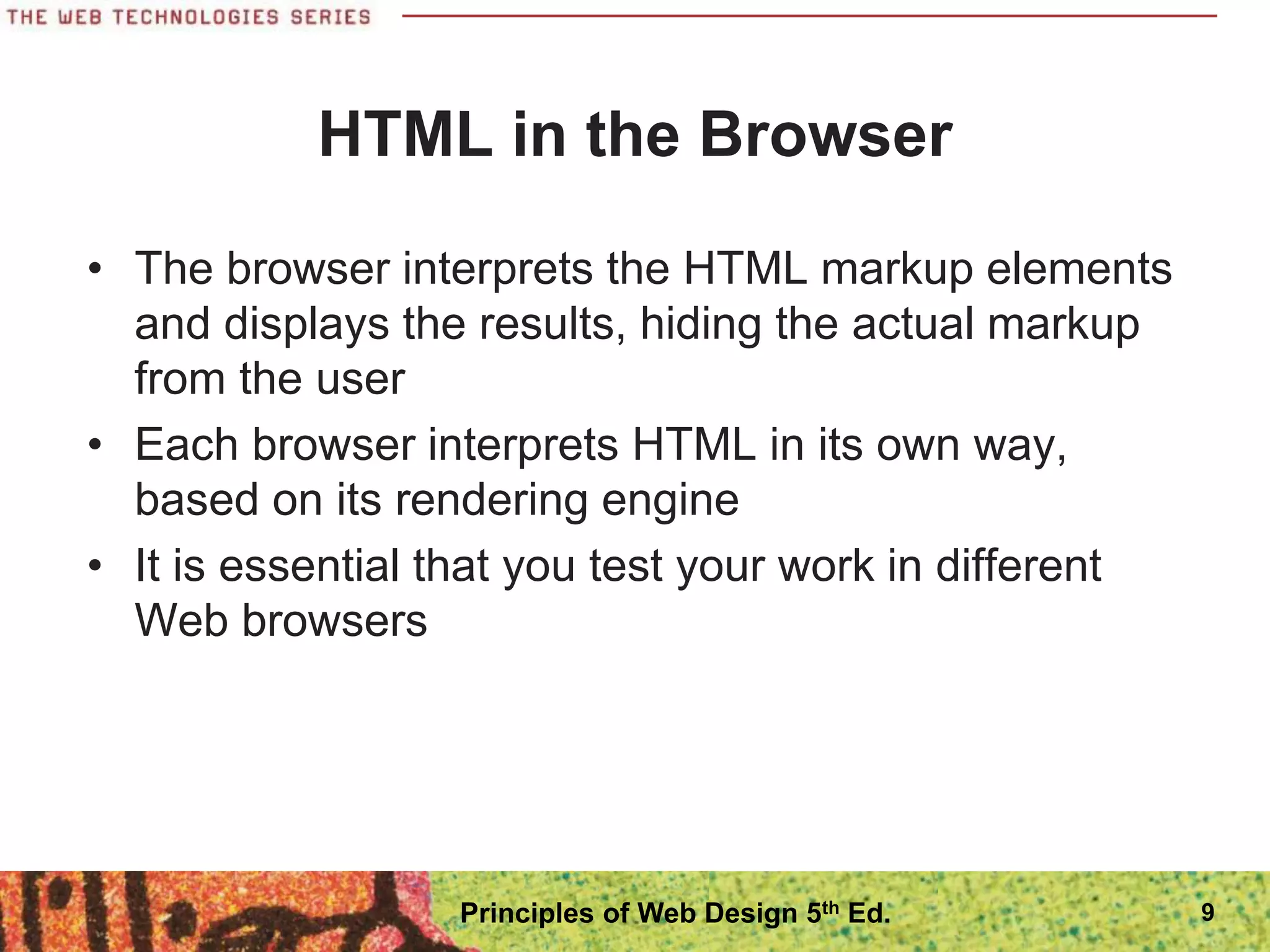
HTML in the Browser
โ€ข The browser interprets the HTML markup elements
and displays the results, hiding the actual markup
from the user
โ€ข Each browser interprets HTML in its own way,
based on its rendering engine
โ€ข It is essential that you test your work in different
Web browsers
9
Principles of Web Design 5th Ed.
10
Principles of Web Design 5th Ed.
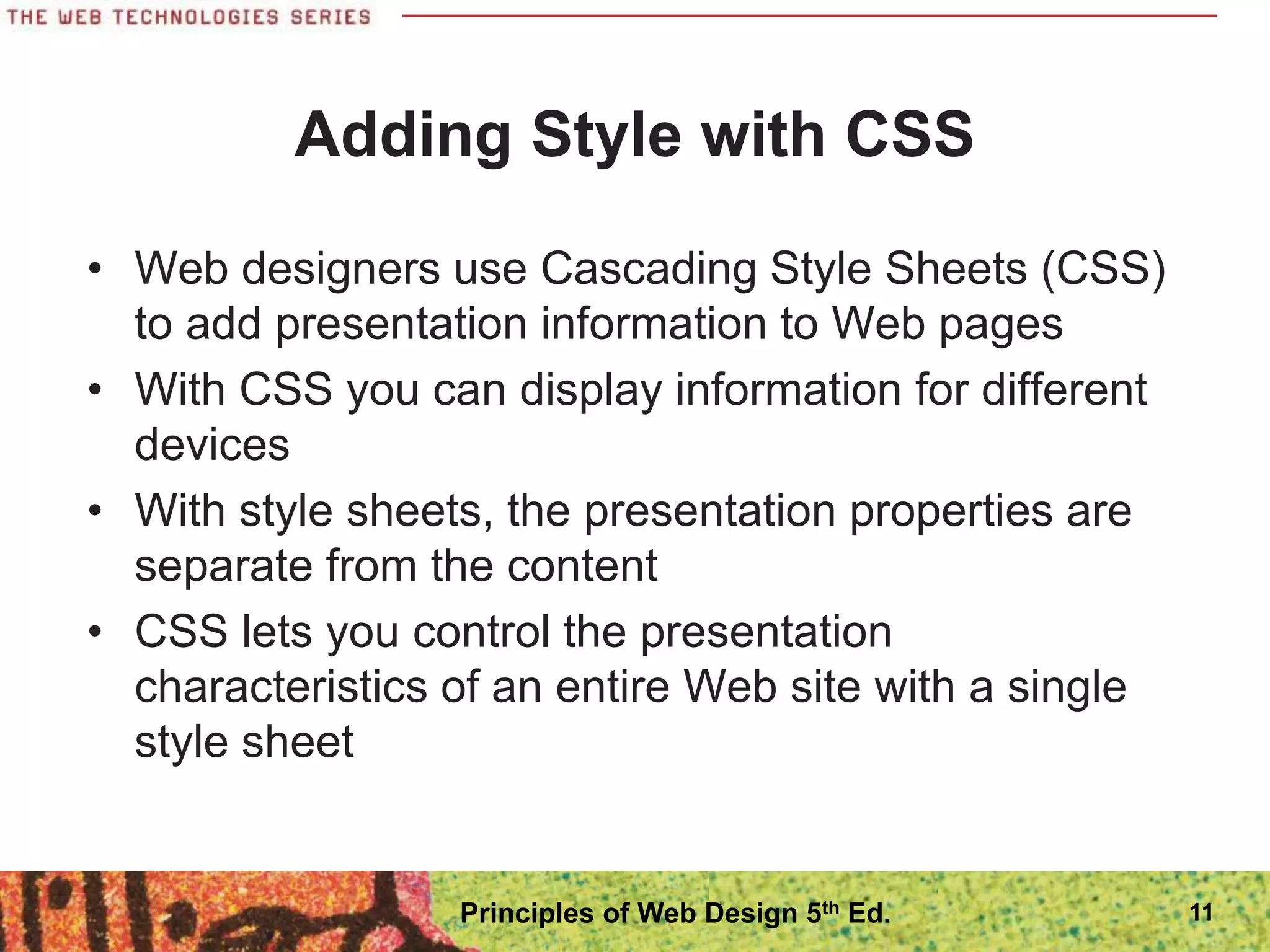
Adding Style with CSS
โ€ข Web designers use Cascading Style Sheets (CSS)
to add presentation information to Web pages
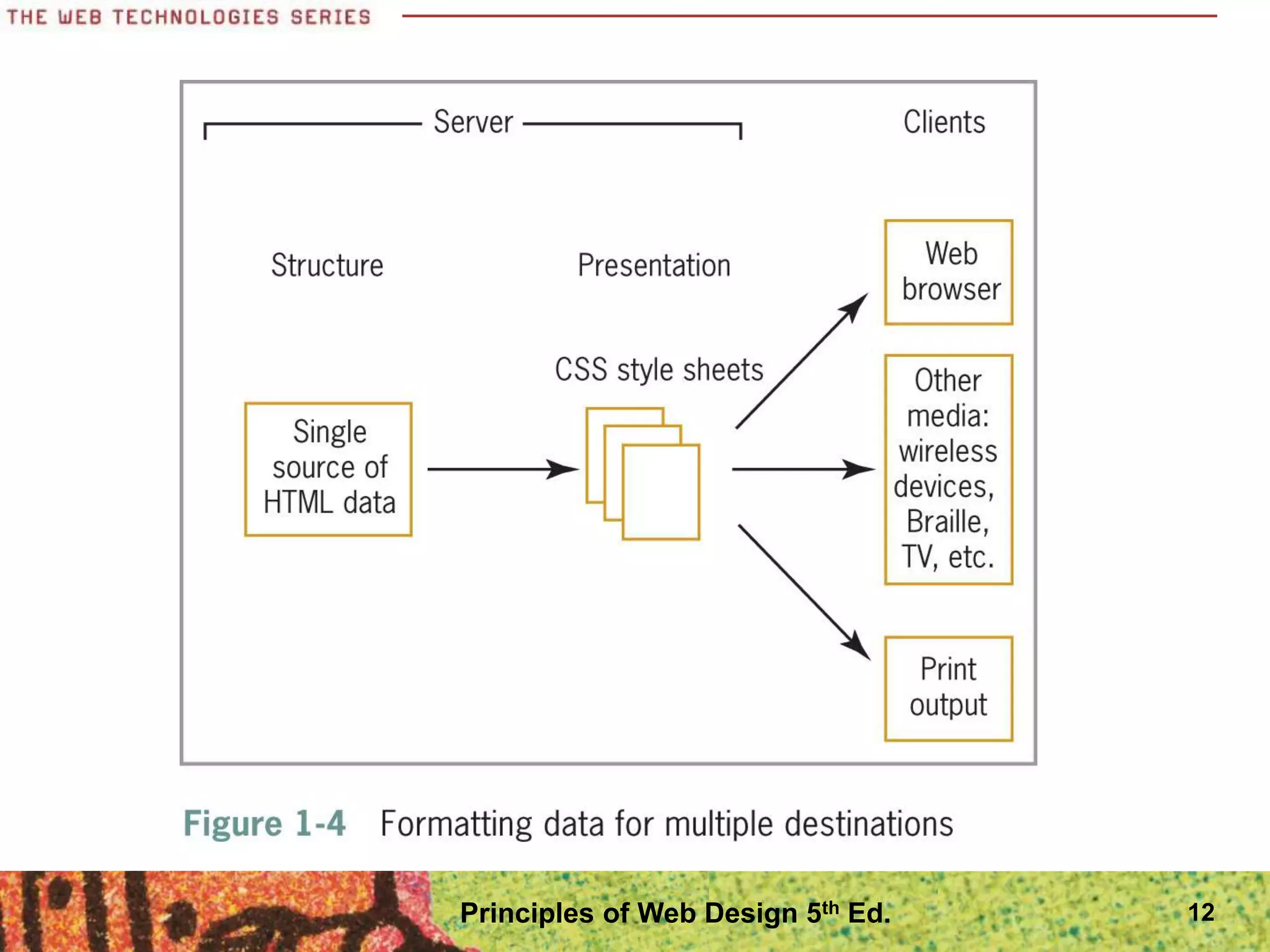
โ€ข With CSS you can display information for different
devices
โ€ข With style sheets, the presentation properties are
separate from the content
โ€ข CSS lets you control the presentation
characteristics of an entire Web site with a single
style sheet
11
Principles of Web Design 5th Ed.
12
Principles of Web Design 5th Ed.
Adding Style with CSS
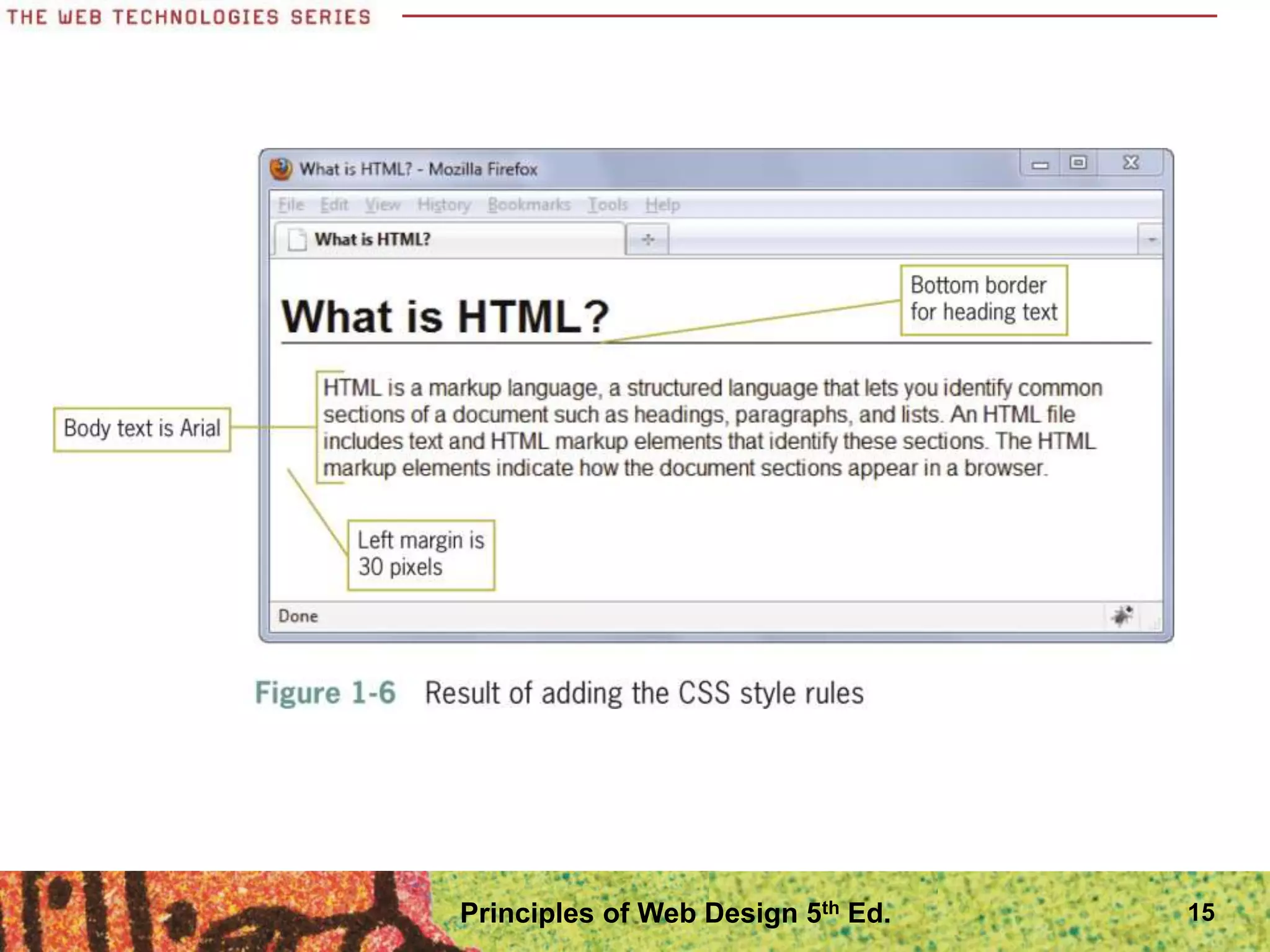
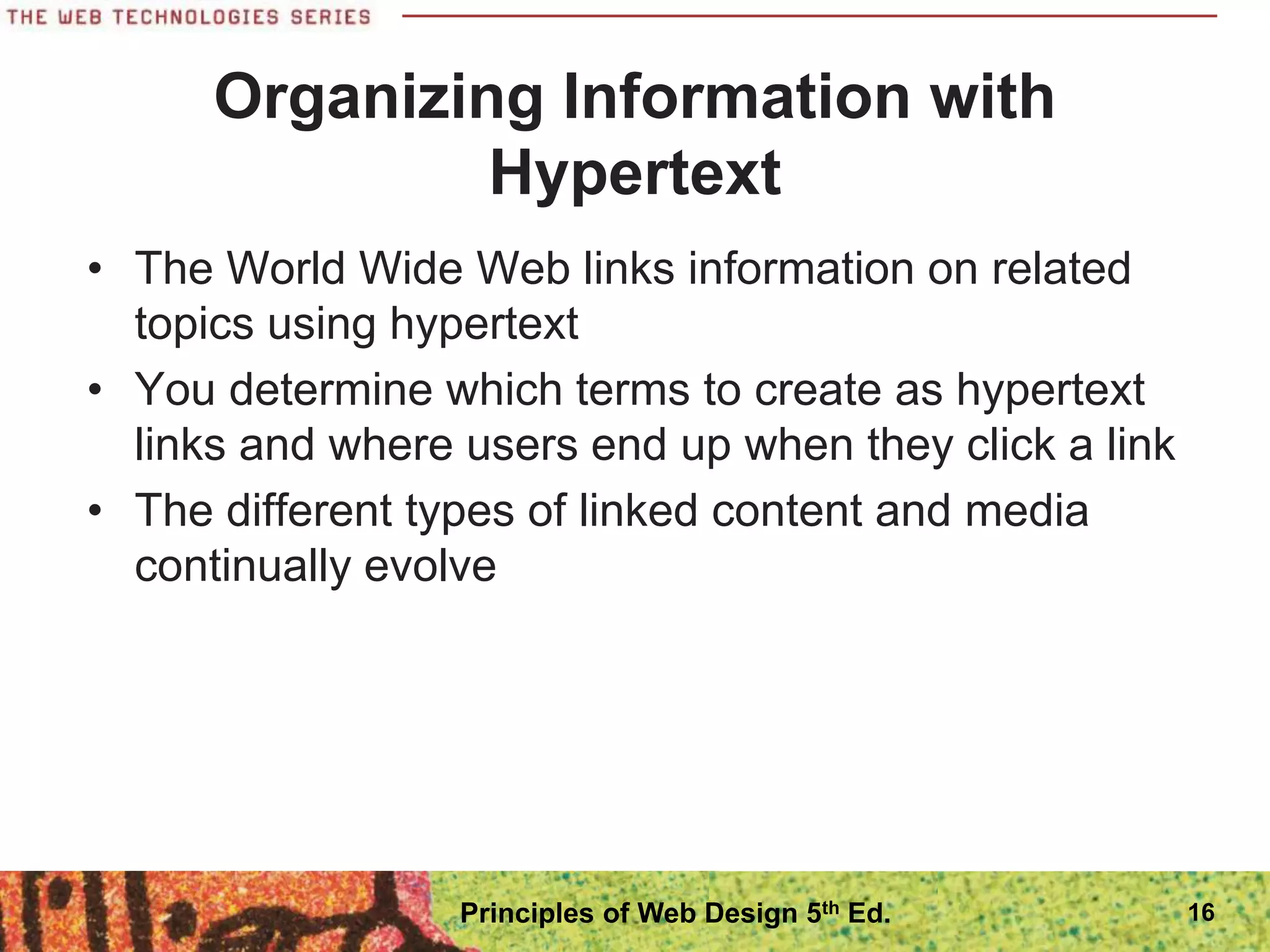
โ€ข The next two figures show CSS style rules and the
result in the browser
โ€ข The style rules in Figure 1-5 specify that the body
text for the page will be Arial, the h1 will have a
bottom border, and the paragraph will have a 30-
pixel left margin.
โ€ข Figure 1-6 shows the results in Firefox
13
Principles of Web Design 5th Ed.
14
Principles of Web Design 5th Ed.
15
Principles of Web Design 5th Ed.
Organizing Information with
Hypertext
โ€ข The World Wide Web links information on related
topics using hypertext
โ€ข You determine which terms to create as hypertext
links and where users end up when they click a link
โ€ข The different types of linked content and media
continually evolve
16
Principles of Web Design 5th Ed.
The History of HTML
โ€ข As a Web designer, you will encounter all types of
HTML coding practices
โ€ข Understanding the evolution of HTML will help you
understand various Web design methods
โ€ข To be a successful Web designer, you need to
understand the past, present, and future directions
of HTML, coding standards, and common practices
17
Principles of Web Design 5th Ed.
The History of HTML
โ€ข Tim Berners-Lee first proposed HTML at the
European Laboratory for Particle Physics (CERN)
in 1989
โ€ข Berners-Lee joined the ideas of the browser, a
markup language (HTML), and a communications
protocol that allowed hypertext linking
โ€ข Not only could people read documents, they could
easily create them using HTML
18
Principles of Web Design 5th Ed.
The History of HTML
โ€ข HTML is an application of the Standard
Generalized Markup Language (SGML), a standard
system for specifying document structure
โ€ข Berners-Lee joined the ideas of the user interface
(browser), a markup language (HTML), and a
communications protocol (http:) that allowed
hypertext linking
19
Principles of Web Design 5th Ed.
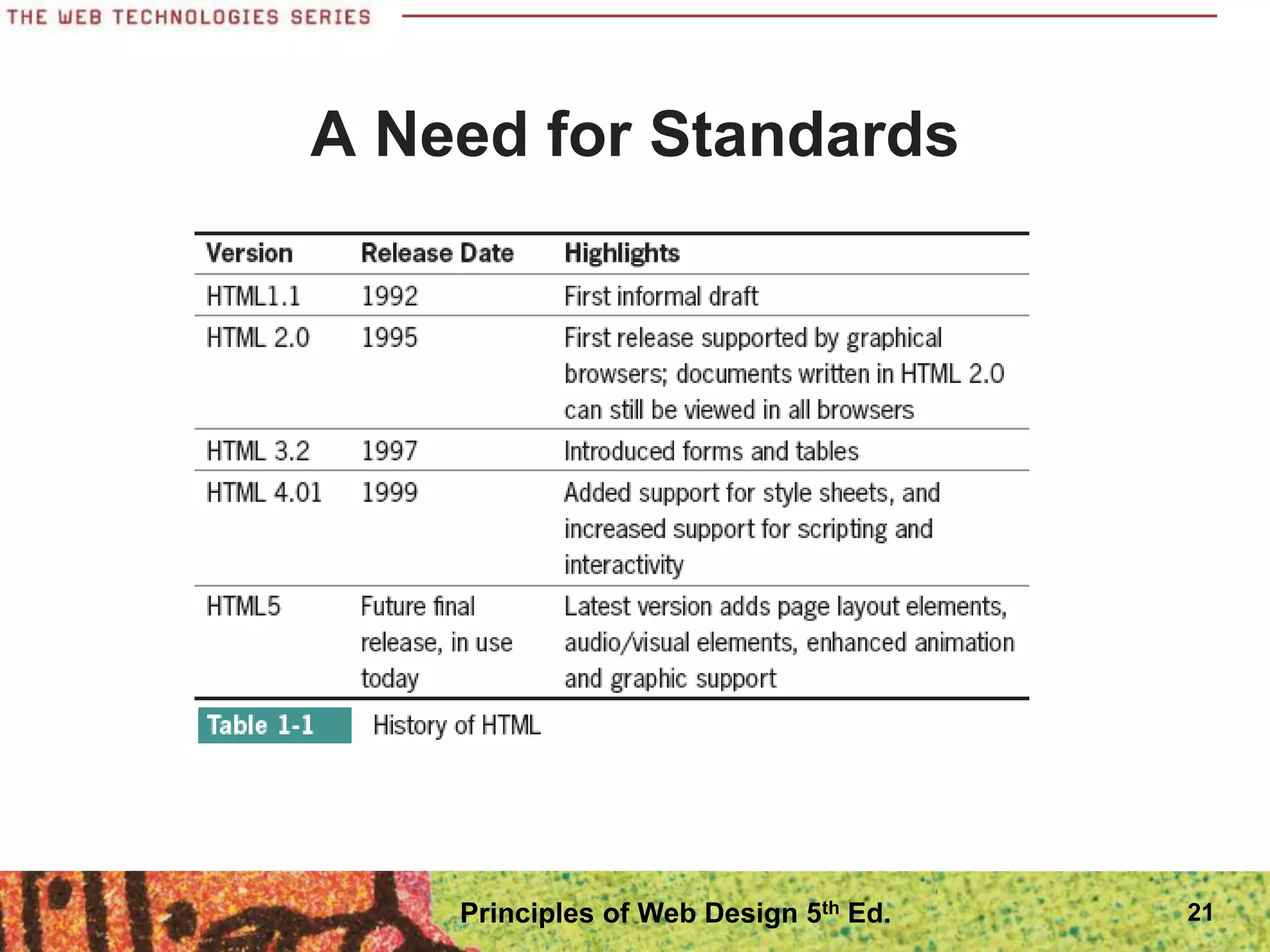
A Need for Standards
โ€ข The World Wide Web Consortium (W3C) was
founded in 1994 MIT
โ€ข The World Wide Web Consortium sets standards
for HTML and other markup languages
โ€ข Jointly developed standards, rather than ones
dictated by one vendor, benefit everyone
20
Principles of Web Design 5th Ed.
A Need for Standards
21
Principles of Web Design 5th Ed.
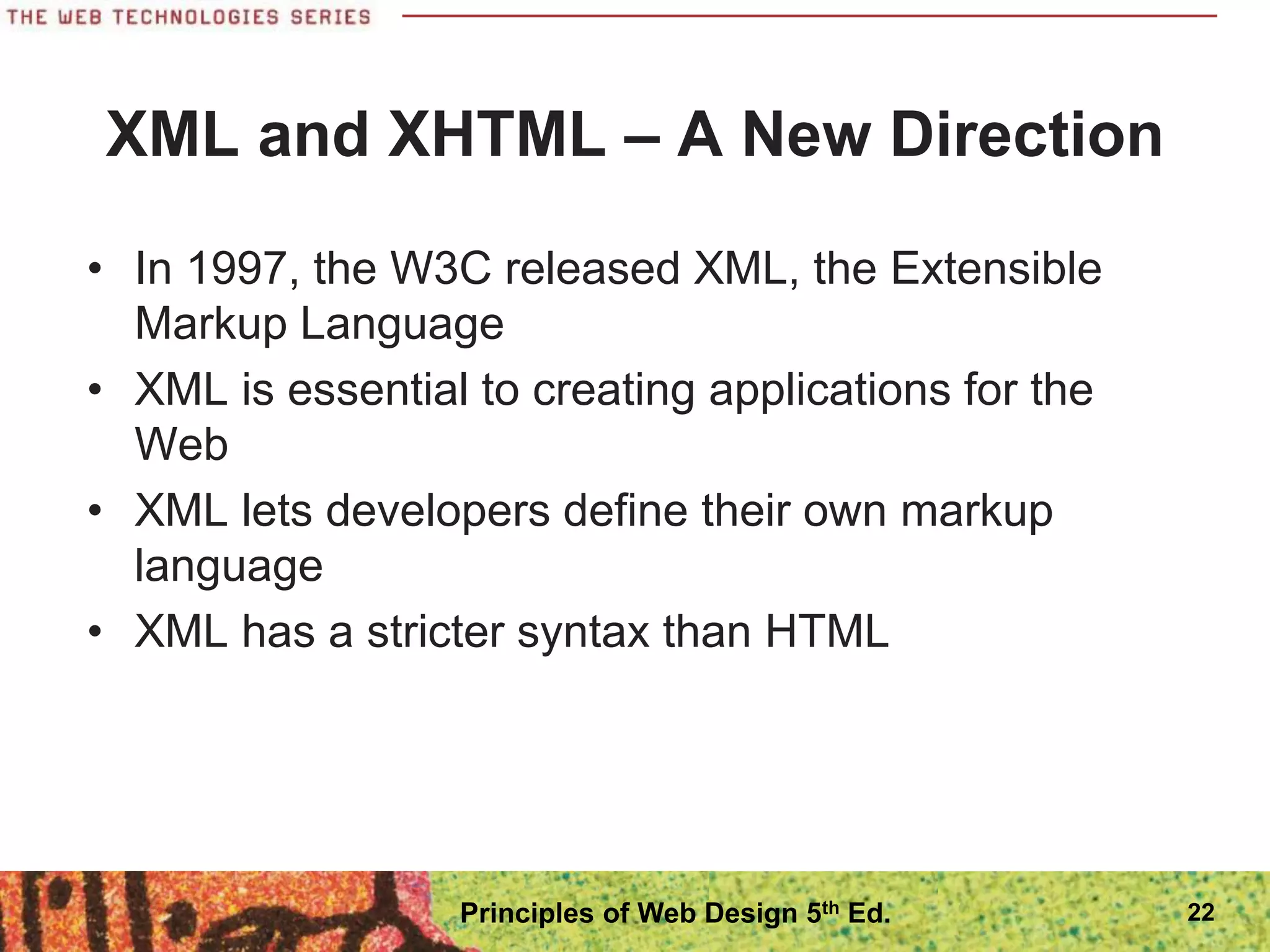
XML and XHTML โ€“ A New Direction
โ€ข In 1997, the W3C released XML, the Extensible
Markup Language
โ€ข XML is essential to creating applications for the
Web
โ€ข XML lets developers define their own markup
language
โ€ข XML has a stricter syntax than HTML
22
Principles of Web Design 5th Ed.
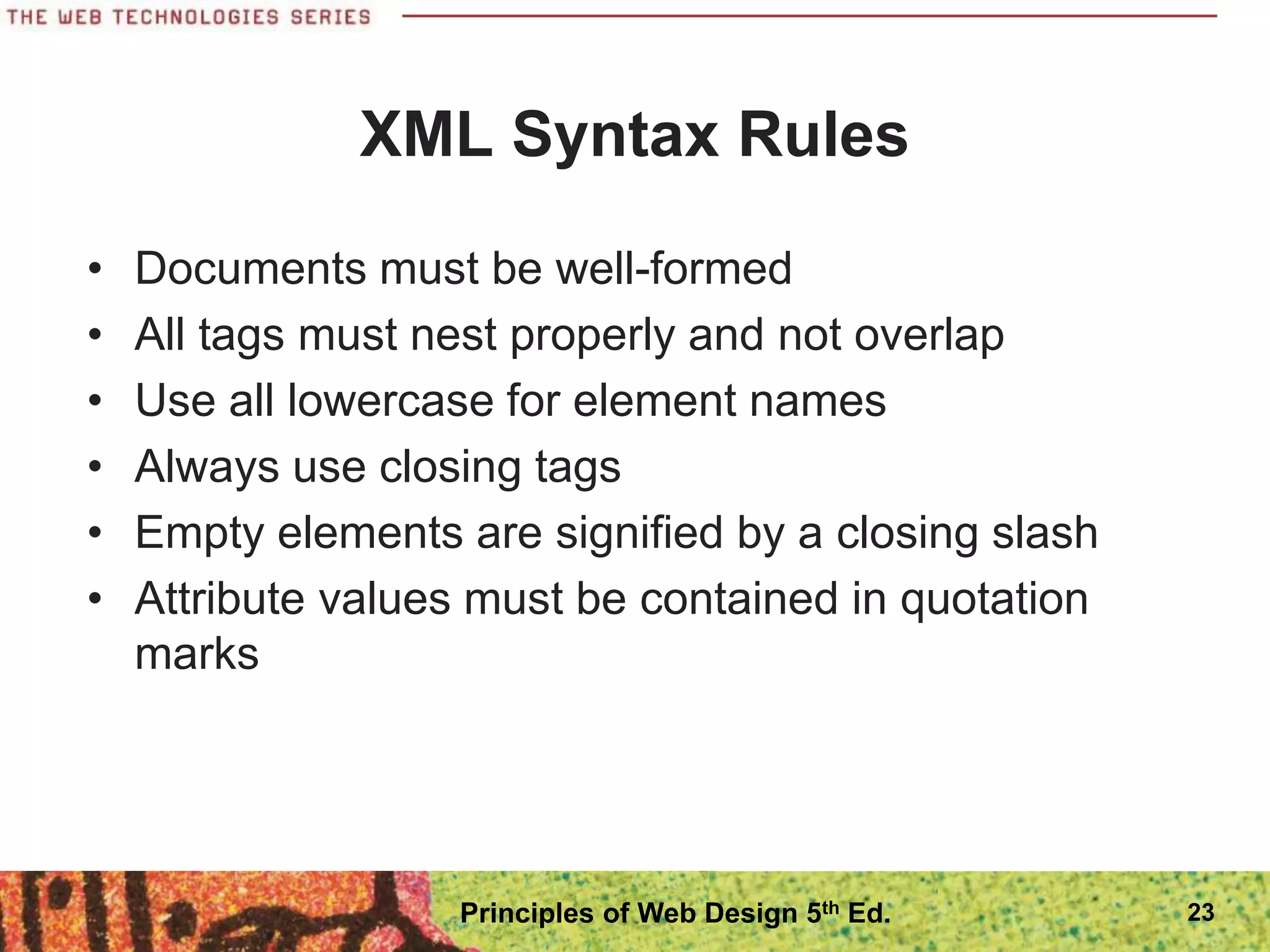
XML Syntax Rules
โ€ข Documents must be well-formed
โ€ข All tags must nest properly and not overlap
โ€ข Use all lowercase for element names
โ€ข Always use closing tags
โ€ข Empty elements are signified by a closing slash
โ€ข Attribute values must be contained in quotation
marks
23
Principles of Web Design 5th Ed.
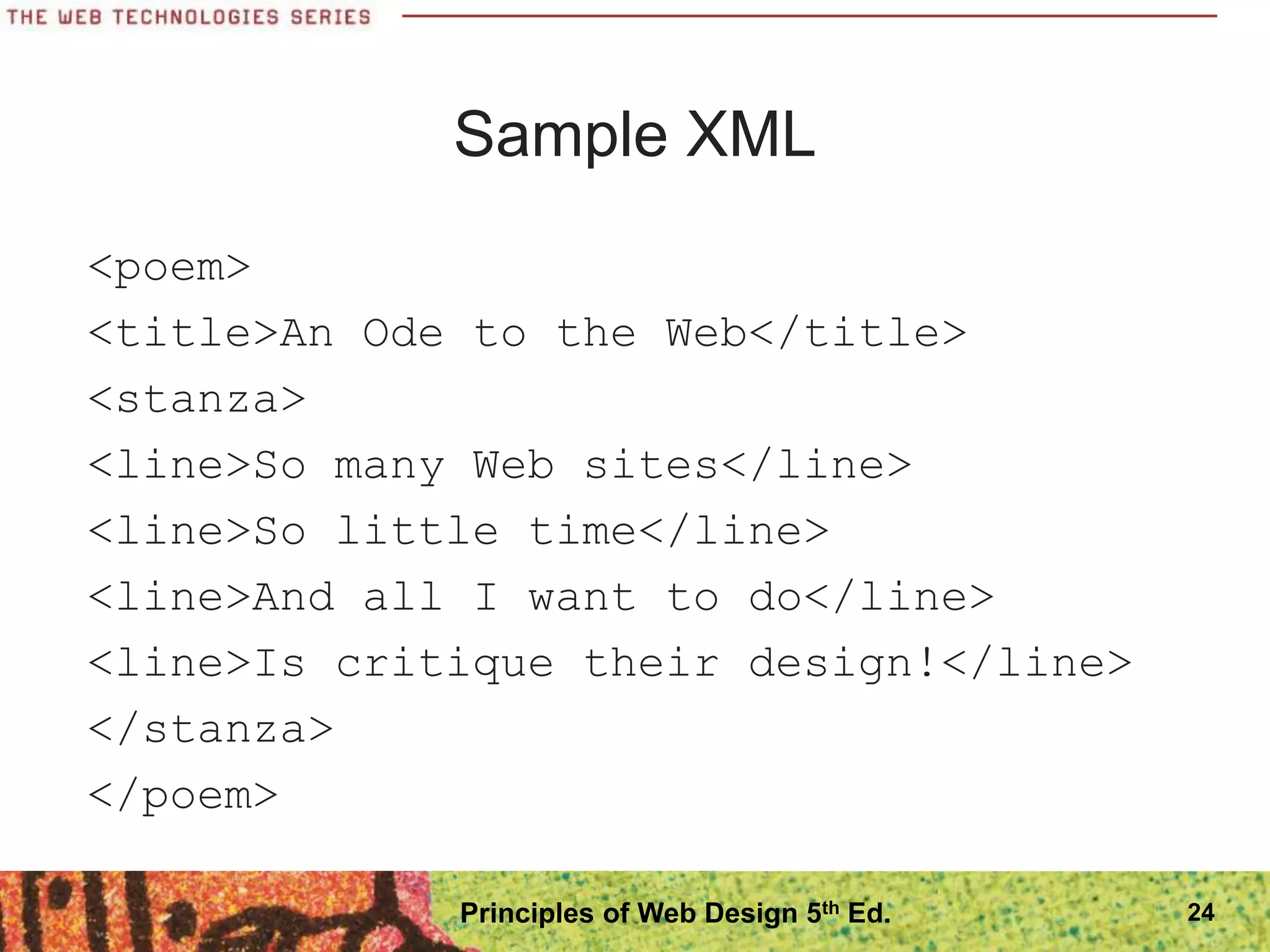
Sample XML
<poem>
<title>An Ode to the Web</title>
<stanza>
<line>So many Web sites</line>
<line>So little time</line>
<line>And all I want to do</line>
<line>Is critique their design!</line>
</stanza>
</poem>
24
Principles of Web Design 5th Ed.
XML and XHTML โ€“ A New Direction
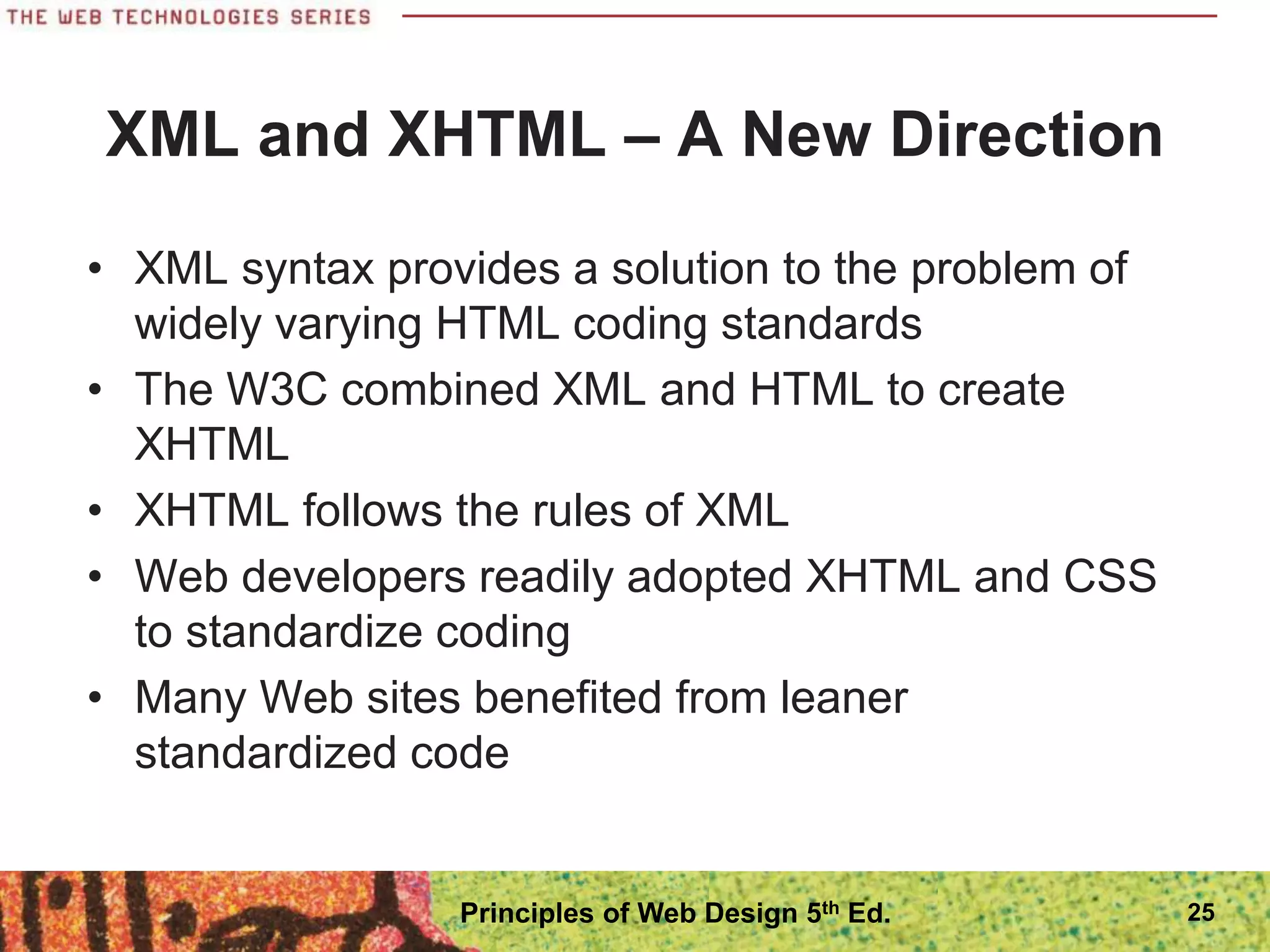
โ€ข XML syntax provides a solution to the problem of
widely varying HTML coding standards
โ€ข The W3C combined XML and HTML to create
XHTML
โ€ข XHTML follows the rules of XML
โ€ข Web developers readily adopted XHTML and CSS
to standardize coding
โ€ข Many Web sites benefited from leaner
standardized code
25
Principles of Web Design 5th Ed.
Problems with XHTML
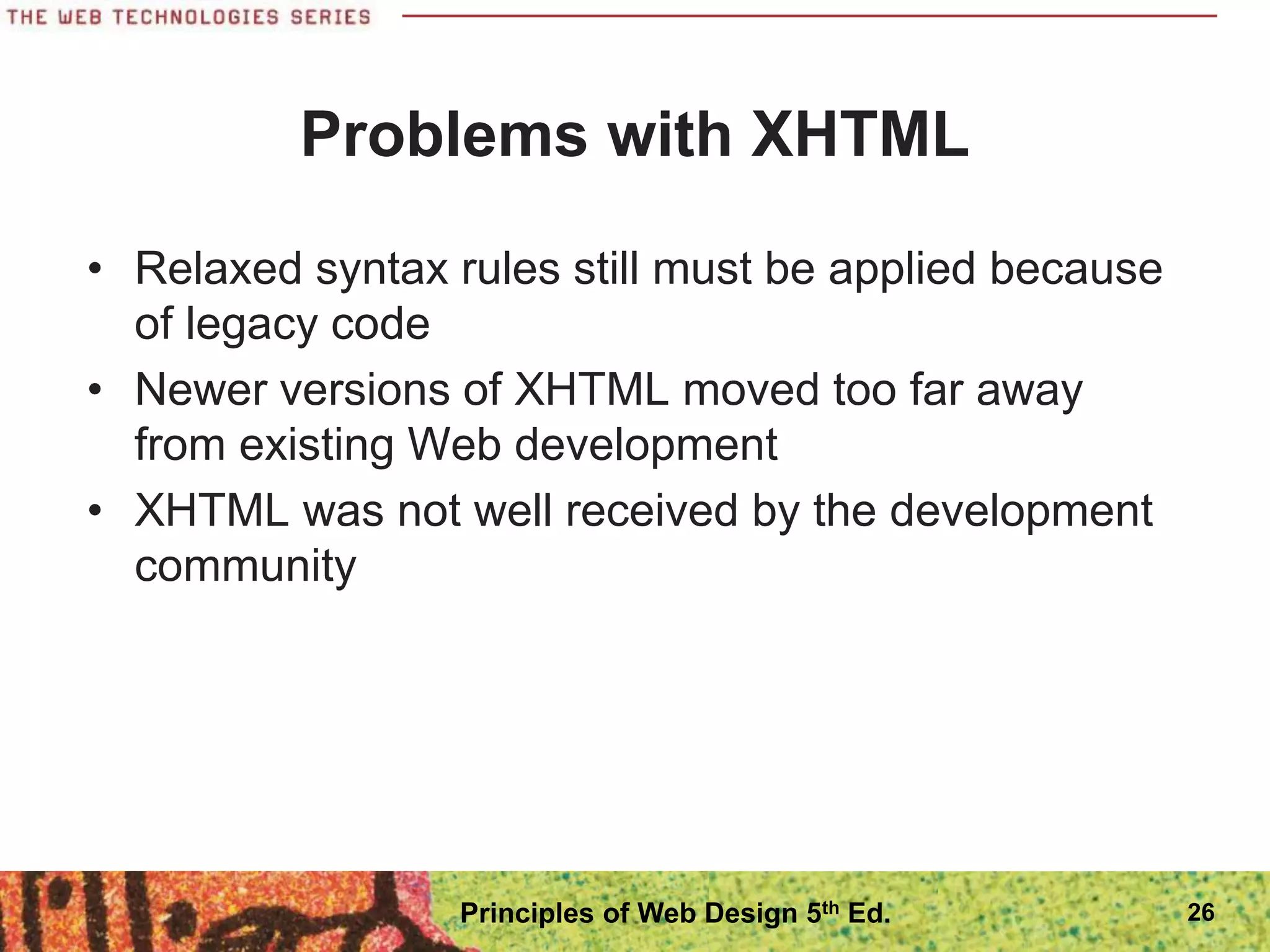
โ€ข Relaxed syntax rules still must be applied because
of legacy code
โ€ข Newer versions of XHTML moved too far away
from existing Web development
โ€ข XHTML was not well received by the development
community
26
Principles of Web Design 5th Ed.
A Proposal for HTML5
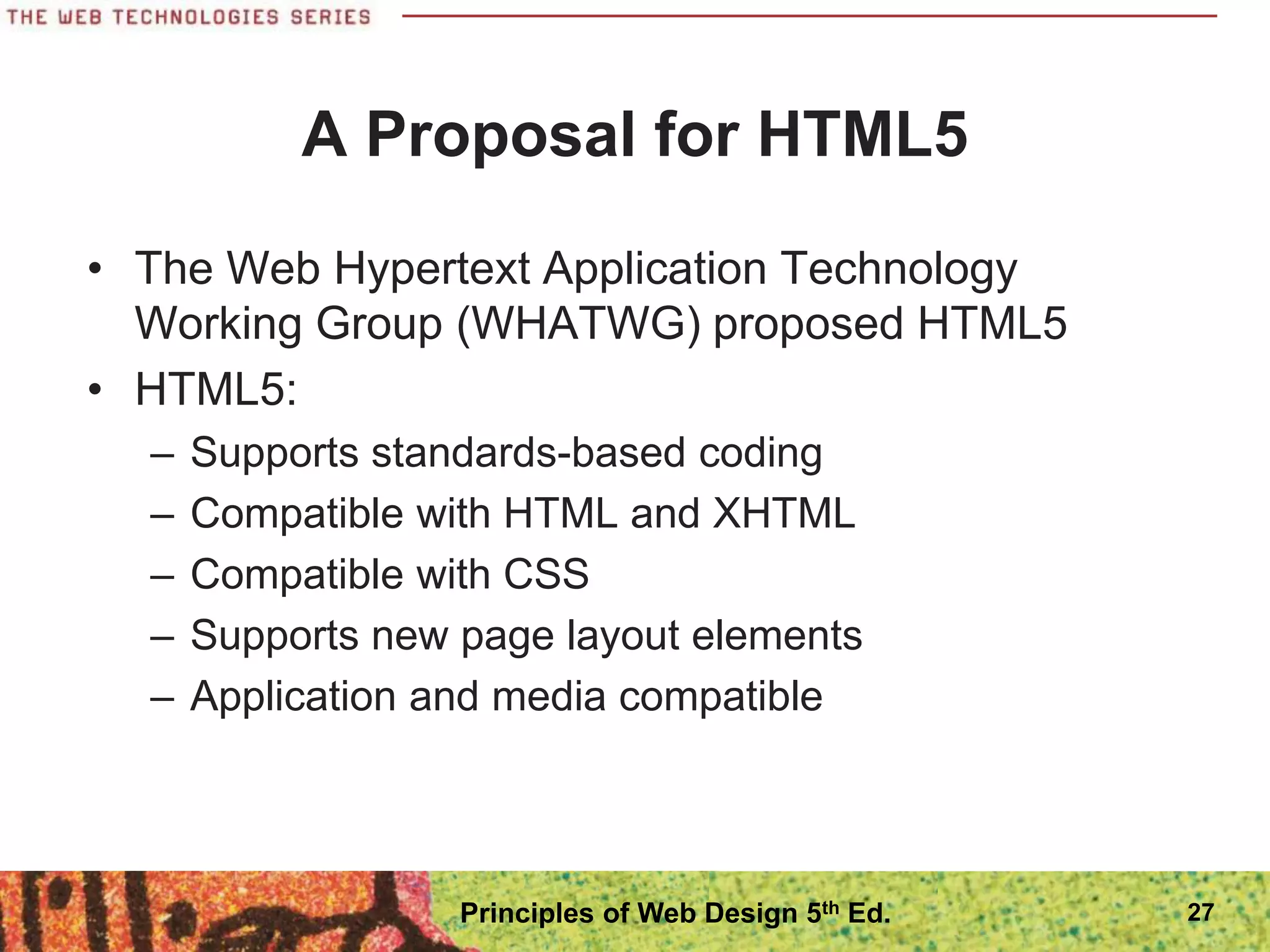
โ€ข The Web Hypertext Application Technology
Working Group (WHATWG) proposed HTML5
โ€ข HTML5:
โ€“ Supports standards-based coding
โ€“ Compatible with HTML and XHTML
โ€“ Compatible with CSS
โ€“ Supports new page layout elements
โ€“ Application and media compatible
27
Principles of Web Design 5th Ed.
Working with HTML5
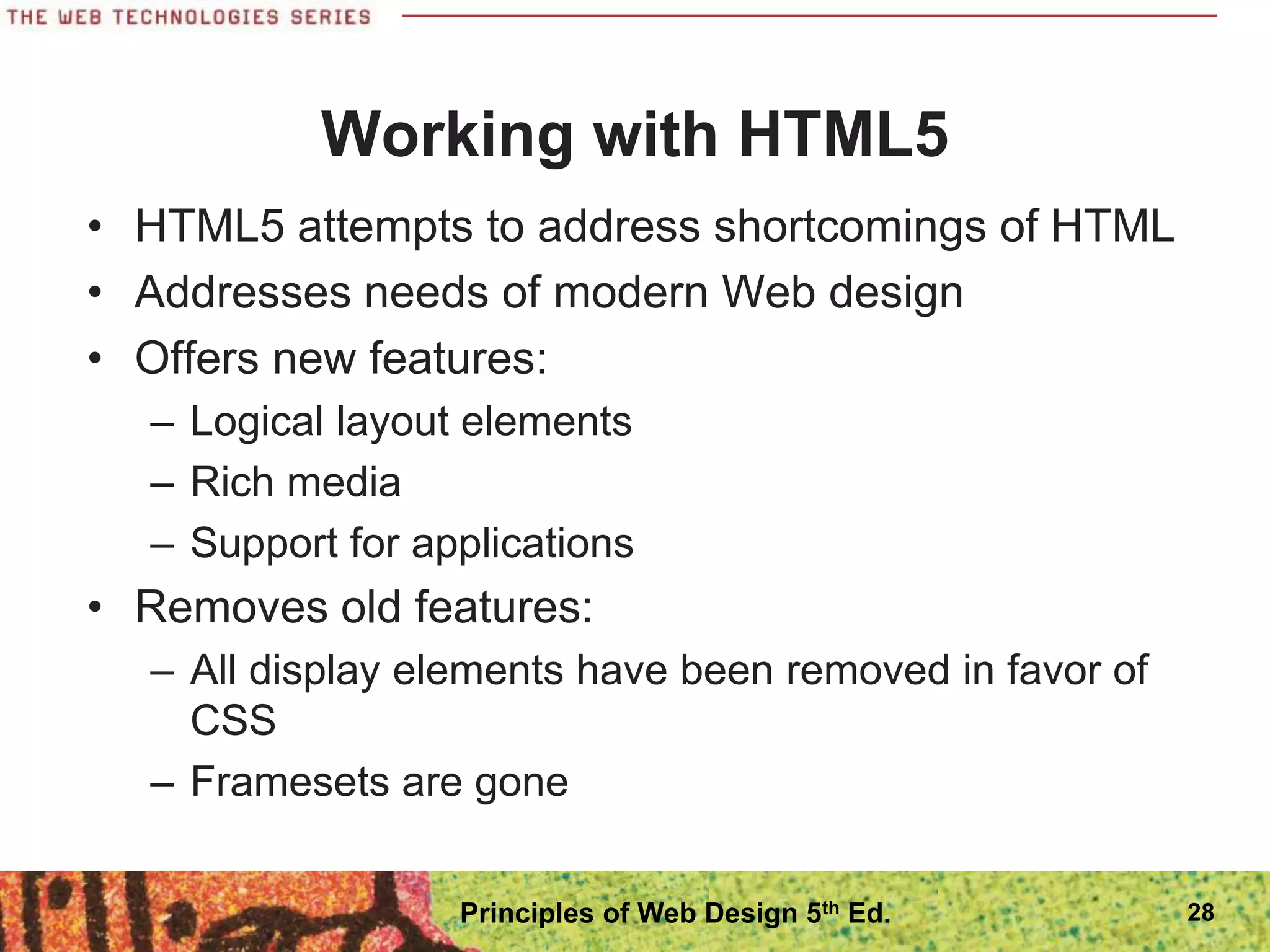
โ€ข HTML5 attempts to address shortcomings of HTML
โ€ข Addresses needs of modern Web design
โ€ข Offers new features:
โ€“ Logical layout elements
โ€“ Rich media
โ€“ Support for applications
โ€ข Removes old features:
โ€“ All display elements have been removed in favor of
CSS
โ€“ Framesets are gone
28
Principles of Web Design 5th Ed.
Working with HTML5
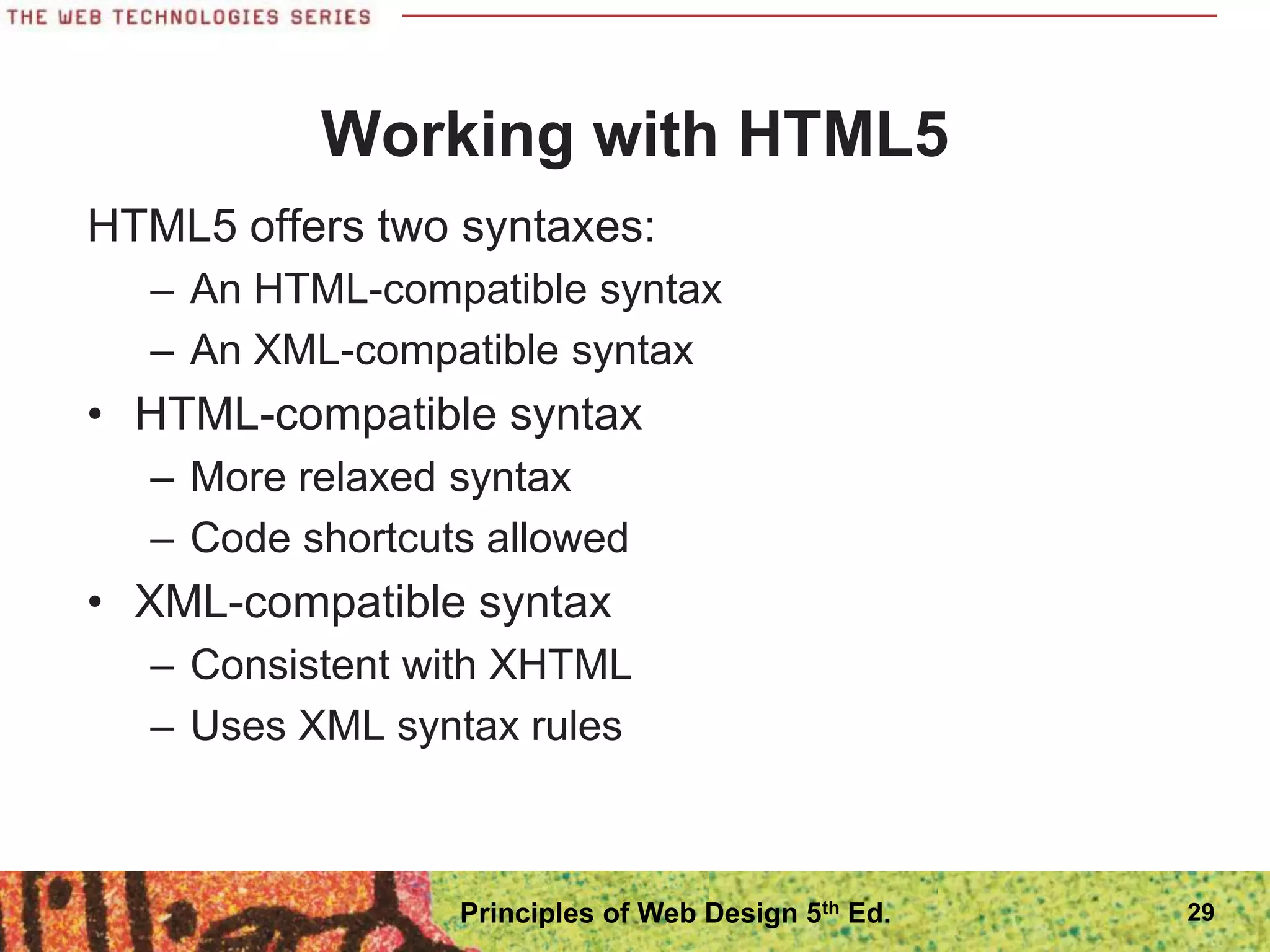
HTML5 offers two syntaxes:
โ€“ An HTML-compatible syntax
โ€“ An XML-compatible syntax
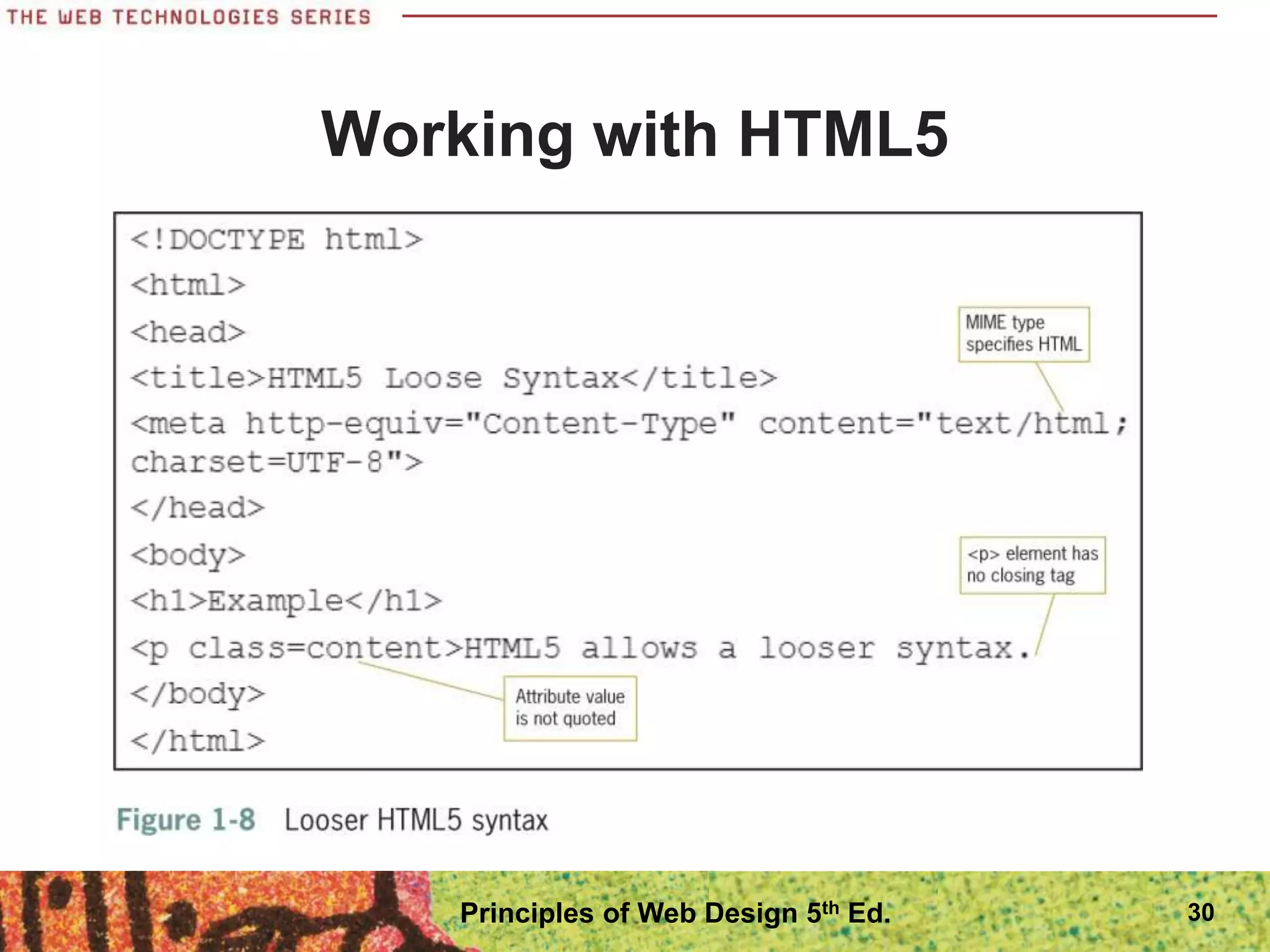
โ€ข HTML-compatible syntax
โ€“ More relaxed syntax
โ€“ Code shortcuts allowed
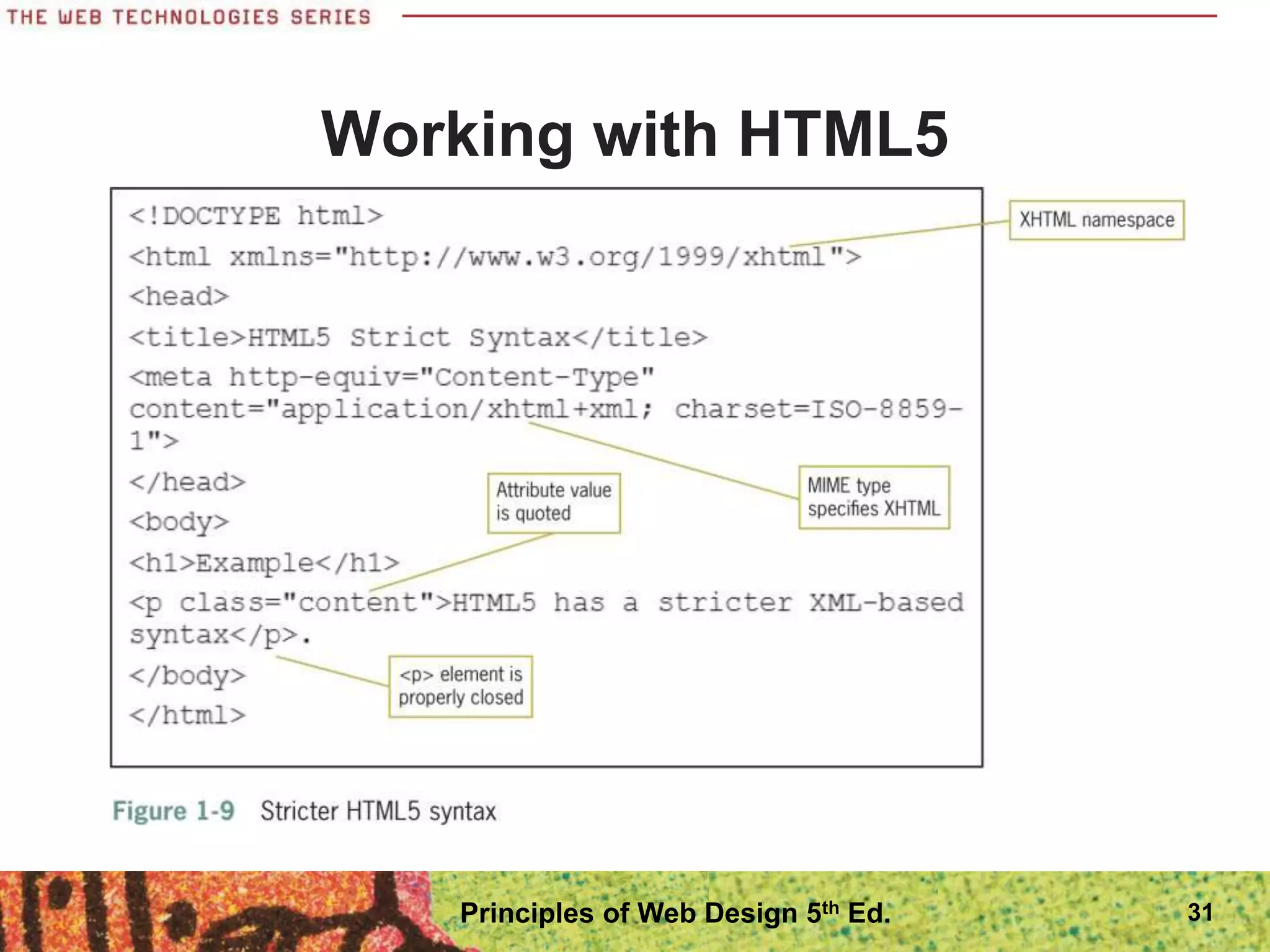
โ€ข XML-compatible syntax
โ€“ Consistent with XHTML
โ€“ Uses XML syntax rules
29
Principles of Web Design 5th Ed.
Working with HTML5
30
Principles of Web Design 5th Ed.
Working with HTML5
31
Principles of Web Design 5th Ed.
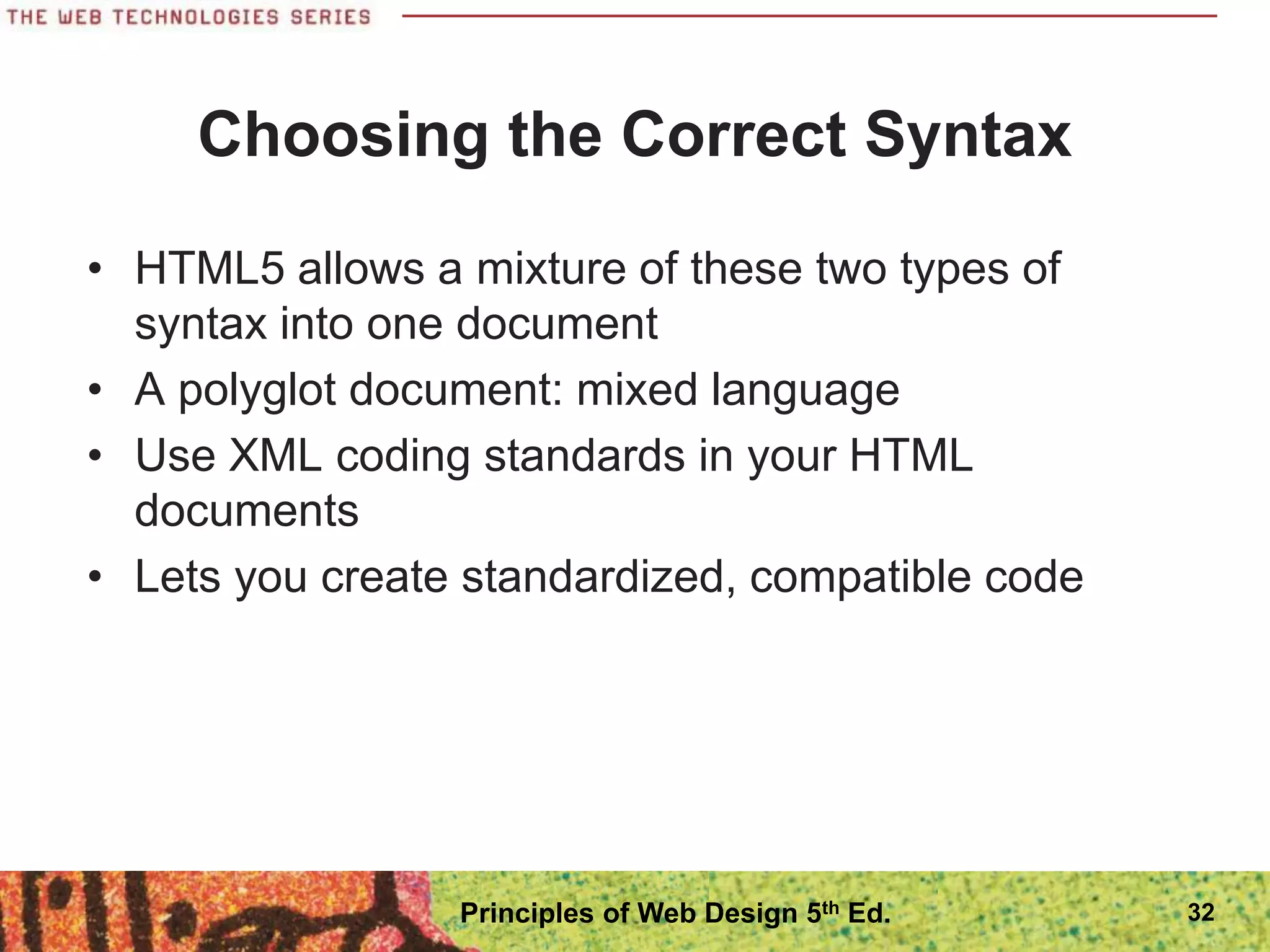
Choosing the Correct Syntax
โ€ข HTML5 allows a mixture of these two types of
syntax into one document
โ€ข A polyglot document: mixed language
โ€ข Use XML coding standards in your HTML
documents
โ€ข Lets you create standardized, compatible code
32
Principles of Web Design 5th Ed.
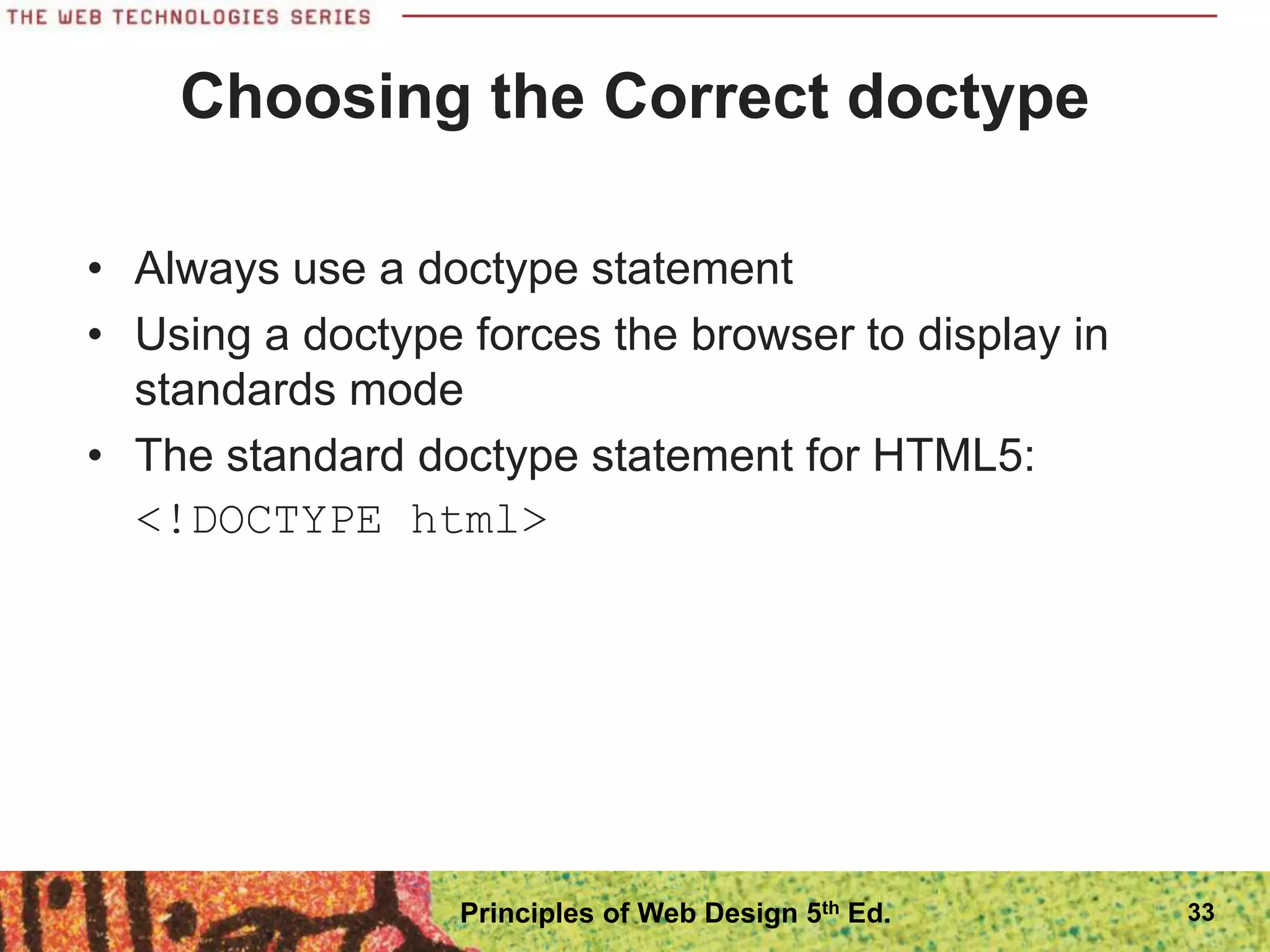
Choosing the Correct doctype
โ€ข Always use a doctype statement
โ€ข Using a doctype forces the browser to display in
standards mode
โ€ข The standard doctype statement for HTML5:
<!DOCTYPE html>
33
Principles of Web Design 5th Ed.
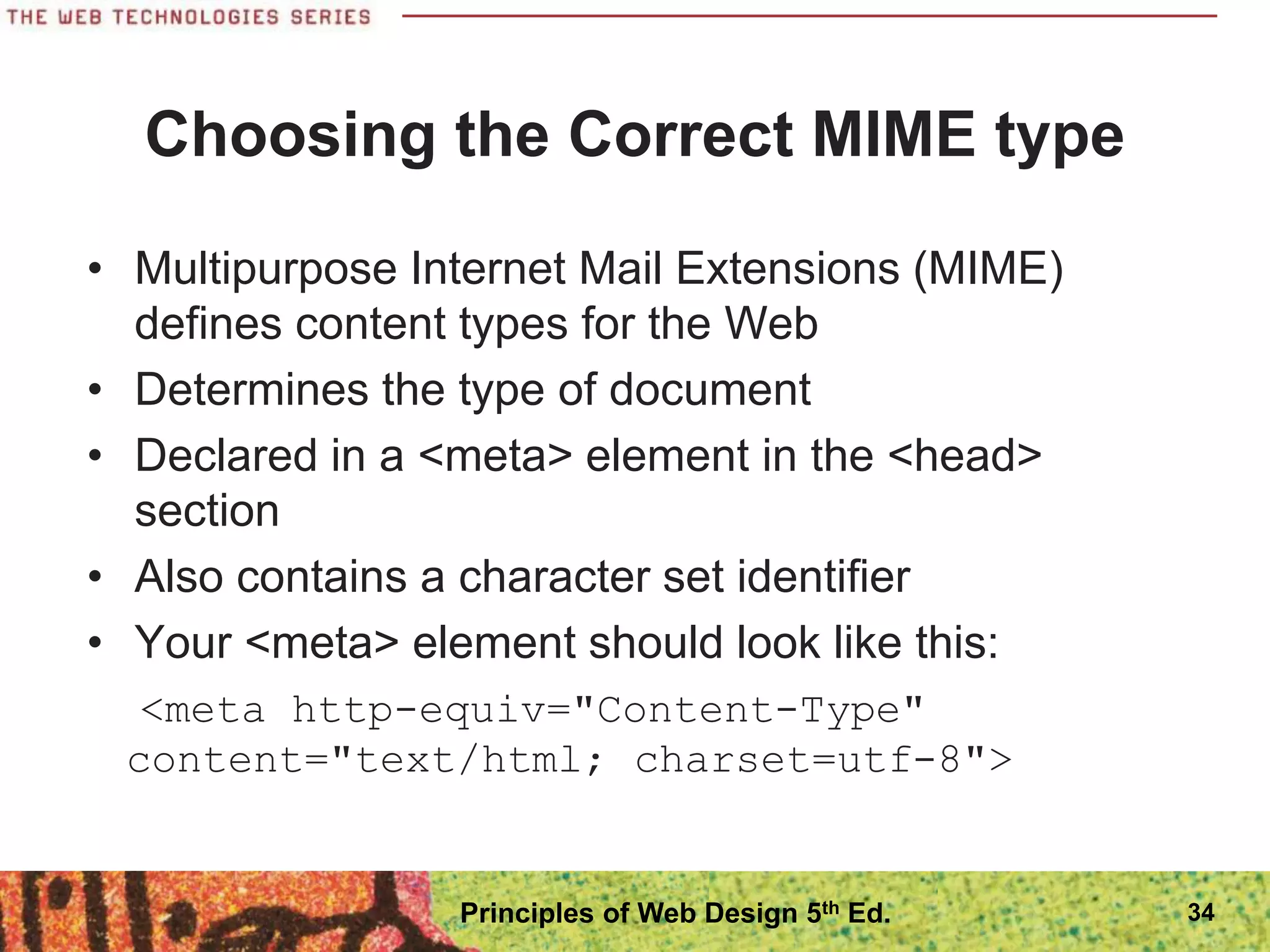
Choosing the Correct MIME type
โ€ข Multipurpose Internet Mail Extensions (MIME)
defines content types for the Web
โ€ข Determines the type of document
โ€ข Declared in a <meta> element in the <head>
section
โ€ข Also contains a character set identifier
โ€ข Your <meta> element should look like this:
<meta http-equiv="Content-Type"
content="text/html; charset=utf-8">
34
Principles of Web Design 5th Ed.
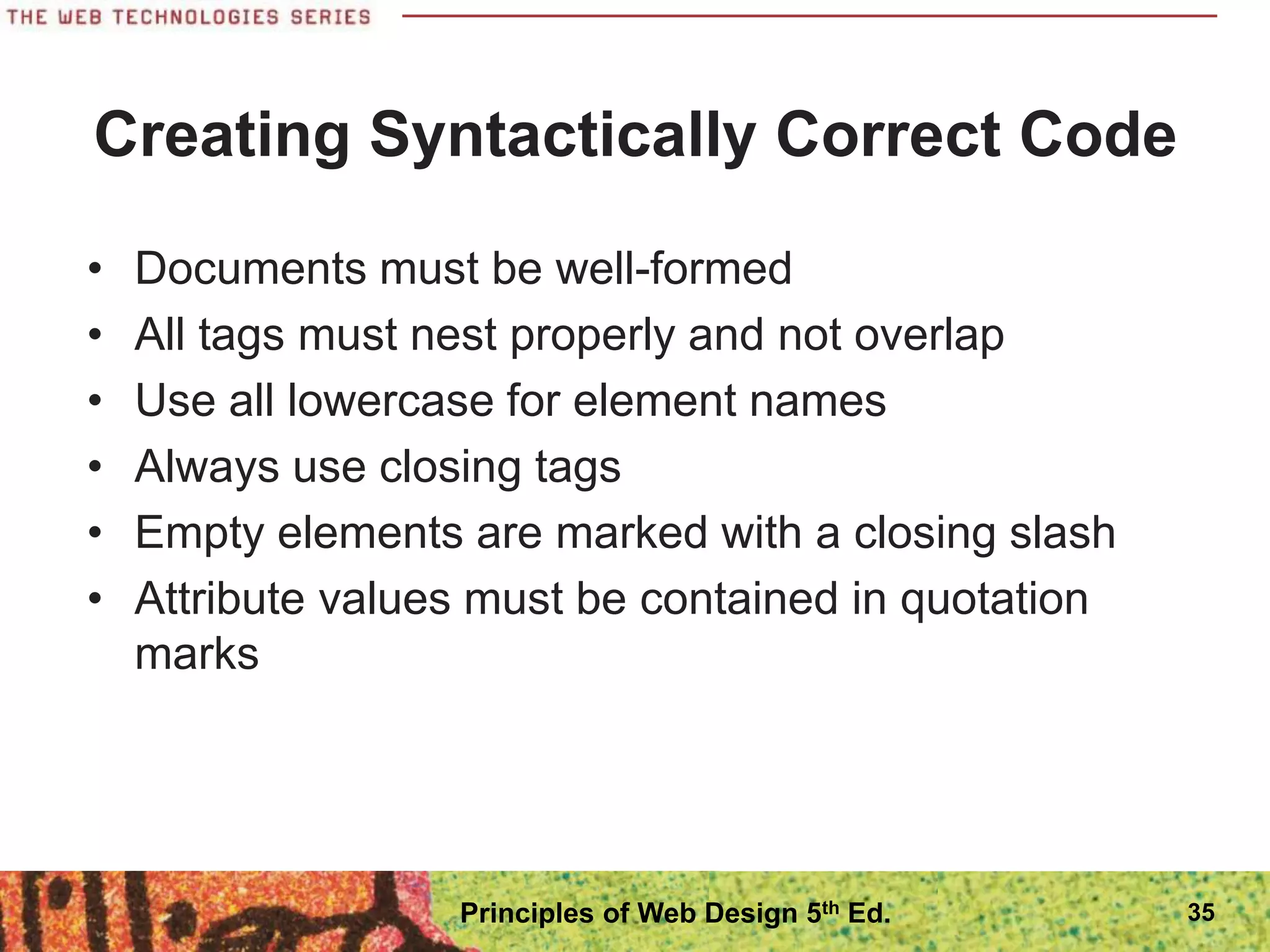
Creating Syntactically Correct Code
โ€ข Documents must be well-formed
โ€ข All tags must nest properly and not overlap
โ€ข Use all lowercase for element names
โ€ข Always use closing tags
โ€ข Empty elements are marked with a closing slash
โ€ข Attribute values must be contained in quotation
marks
35
Principles of Web Design 5th Ed.
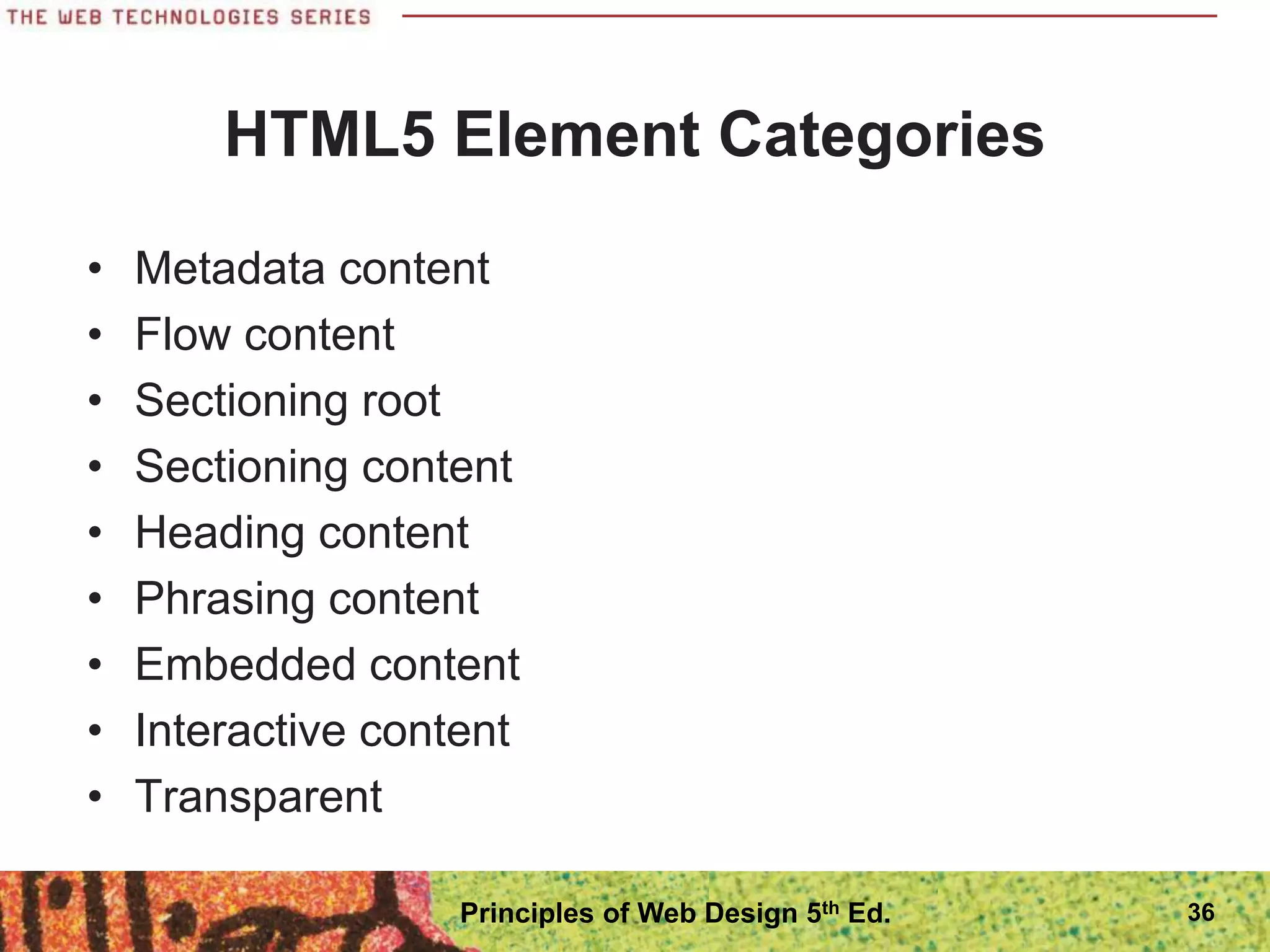
HTML5 Element Categories
โ€ข Metadata content
โ€ข Flow content
โ€ข Sectioning root
โ€ข Sectioning content
โ€ข Heading content
โ€ข Phrasing content
โ€ข Embedded content
โ€ข Interactive content
โ€ข Transparent
36
Principles of Web Design 5th Ed.
New Elements in HTML5
โ€ข HTML5 has a number of new elements; see Table
1-2 in the text
โ€ข Not all elements are supported by current browsers
โ€ข Test new elements carefully
37
Principles of Web Design 5th Ed.
Attributes in HTML5
โ€ข Elements can contain attributes that set properties
โ€ข Earlier versions of HTML had more attributes
โ€ข HTML5 has less attributes because of CSS
โ€ข Global attributes can be applied to any element
38
Principles of Web Design 5th Ed.
Obsolete Elements in HTML5
โ€ข Many elements have been removed in HTML,
mostly involving presentation effects
โ€ข Framesets are no longer available
39
Principles of Web Design 5th Ed.
Using HTML5 Elements for
Page Structure
โ€ข Most Web pages contain common characteristics:
โ€“ Header
โ€“ Navigation
โ€“ Articles
โ€“ Figures
โ€“ Footers
โ€“ Sidebars
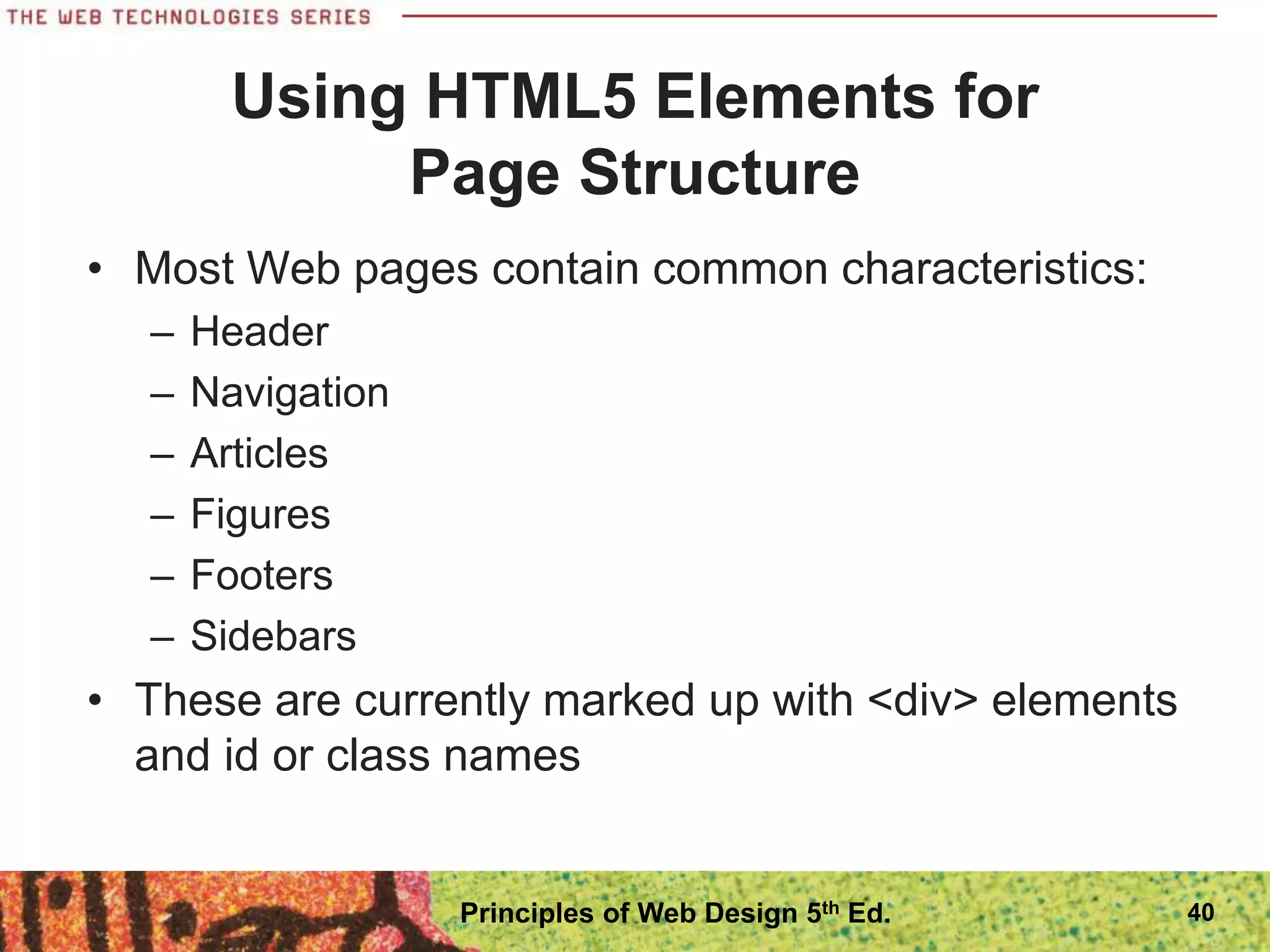
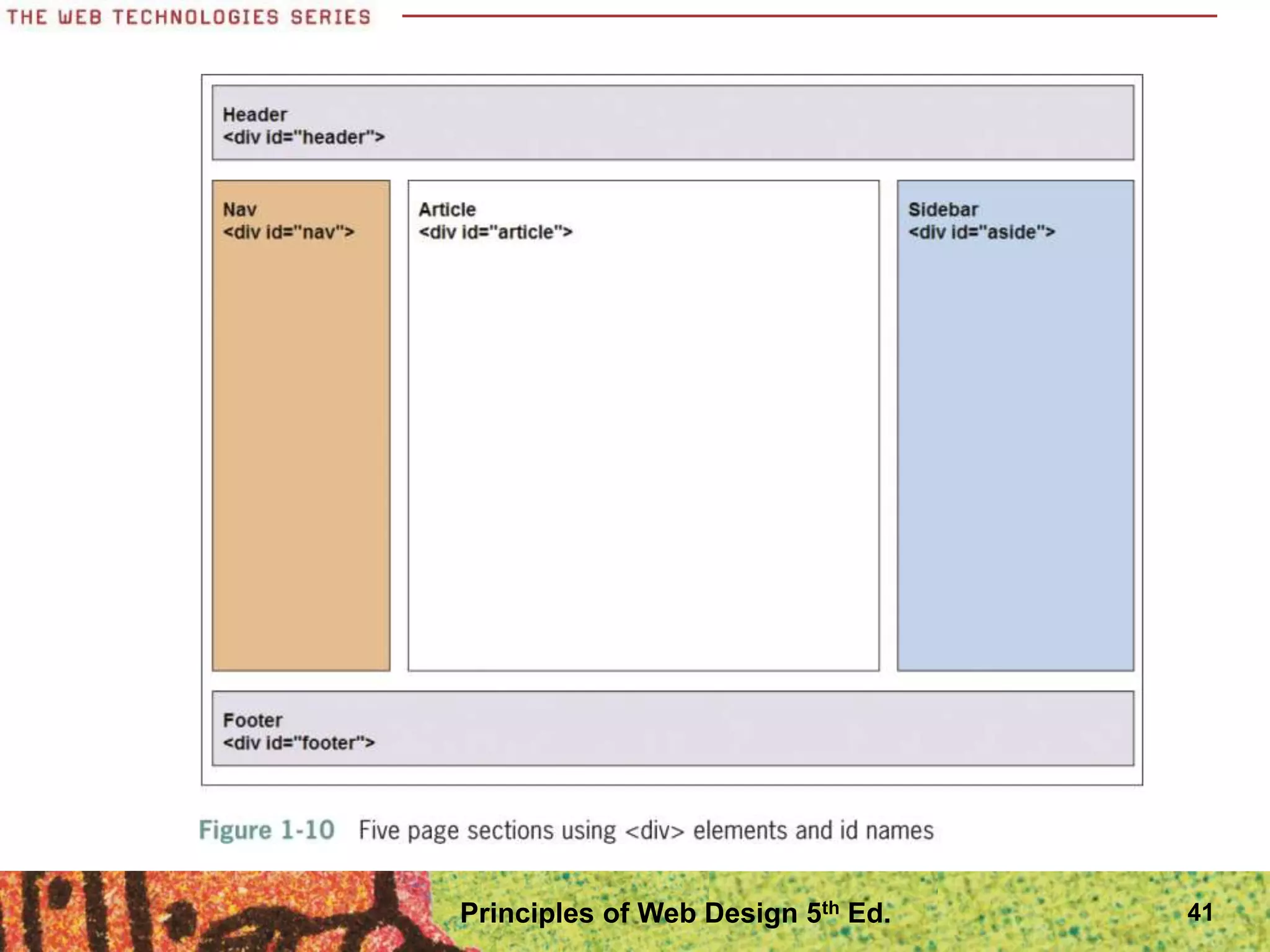
โ€ข These are currently marked up with <div> elements
and id or class names
40
Principles of Web Design 5th Ed.
41
Principles of Web Design 5th Ed.
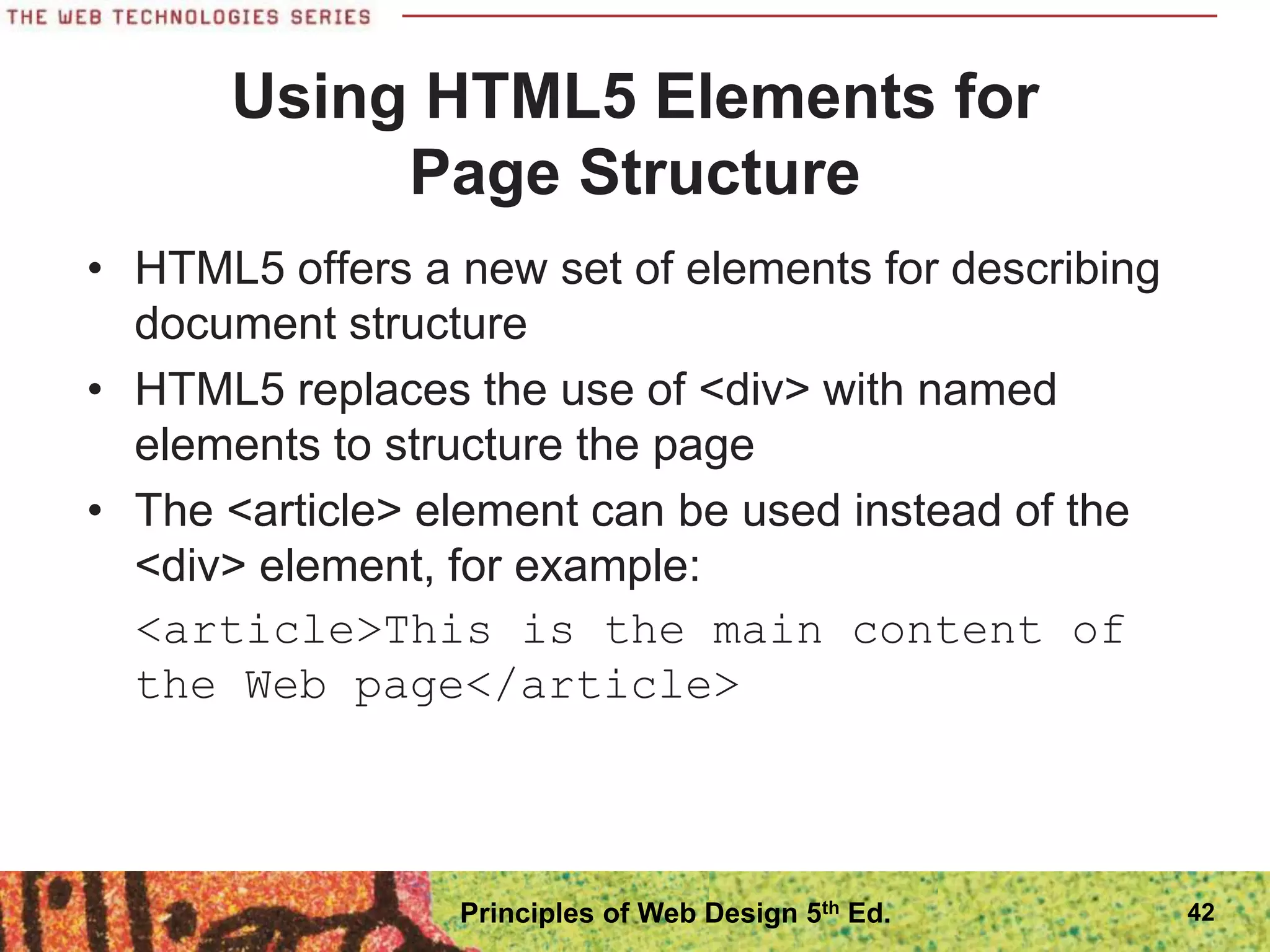
โ€ข HTML5 offers a new set of elements for describing
document structure
โ€ข HTML5 replaces the use of <div> with named
elements to structure the page
โ€ข The <article> element can be used instead of the
<div> element, for example:
<article>This is the main content of
the Web page</article>
Using HTML5 Elements for
Page Structure
42
Principles of Web Design 5th Ed.
Using HTML5 Elements for
Page Structure
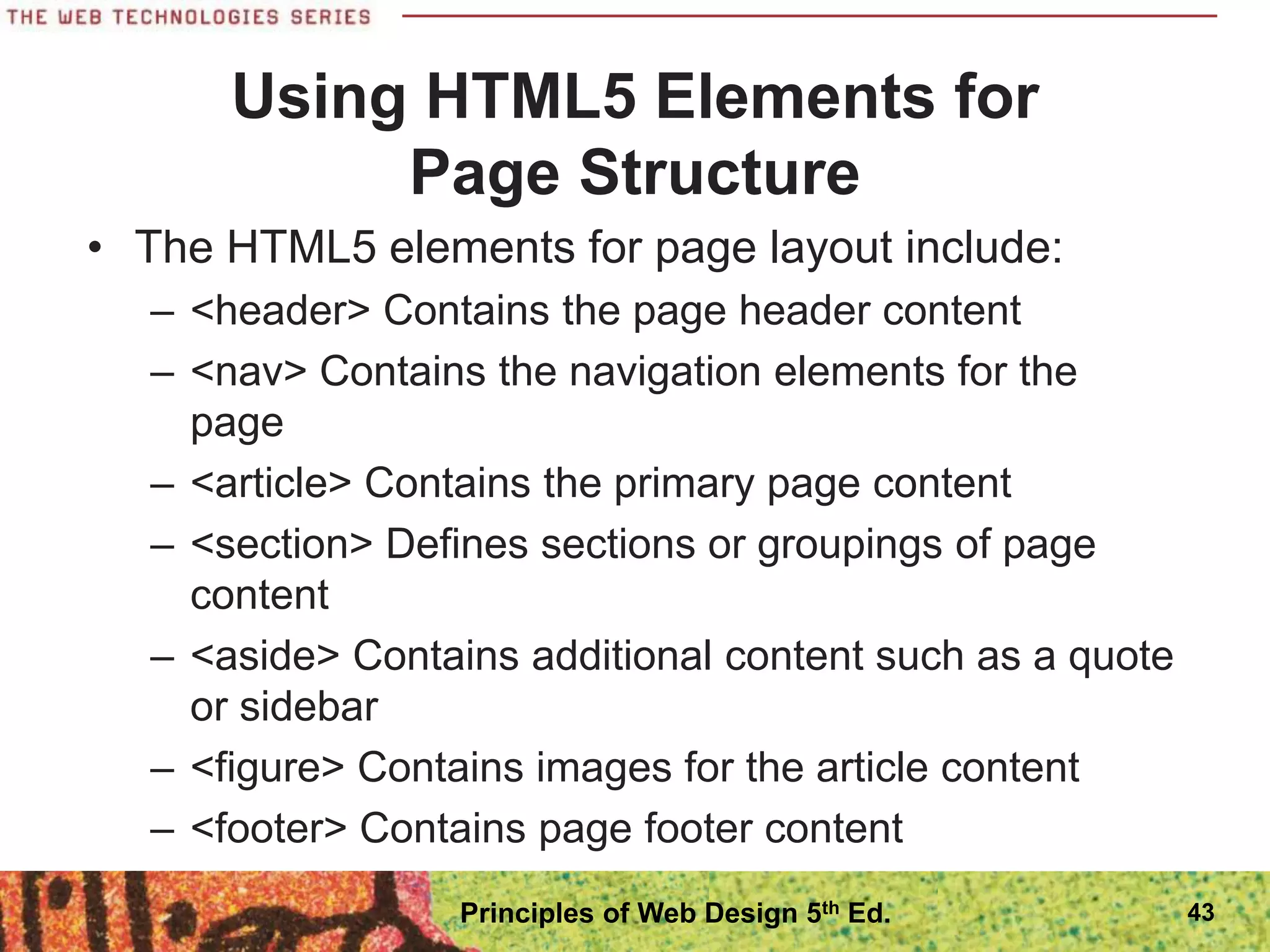
โ€ข The HTML5 elements for page layout include:
โ€“ <header> Contains the page header content
โ€“ <nav> Contains the navigation elements for the
page
โ€“ <article> Contains the primary page content
โ€“ <section> Defines sections or groupings of page
content
โ€“ <aside> Contains additional content such as a quote
or sidebar
โ€“ <figure> Contains images for the article content
โ€“ <footer> Contains page footer content
43
Principles of Web Design 5th Ed.
Interactive Capabilities in HTML5
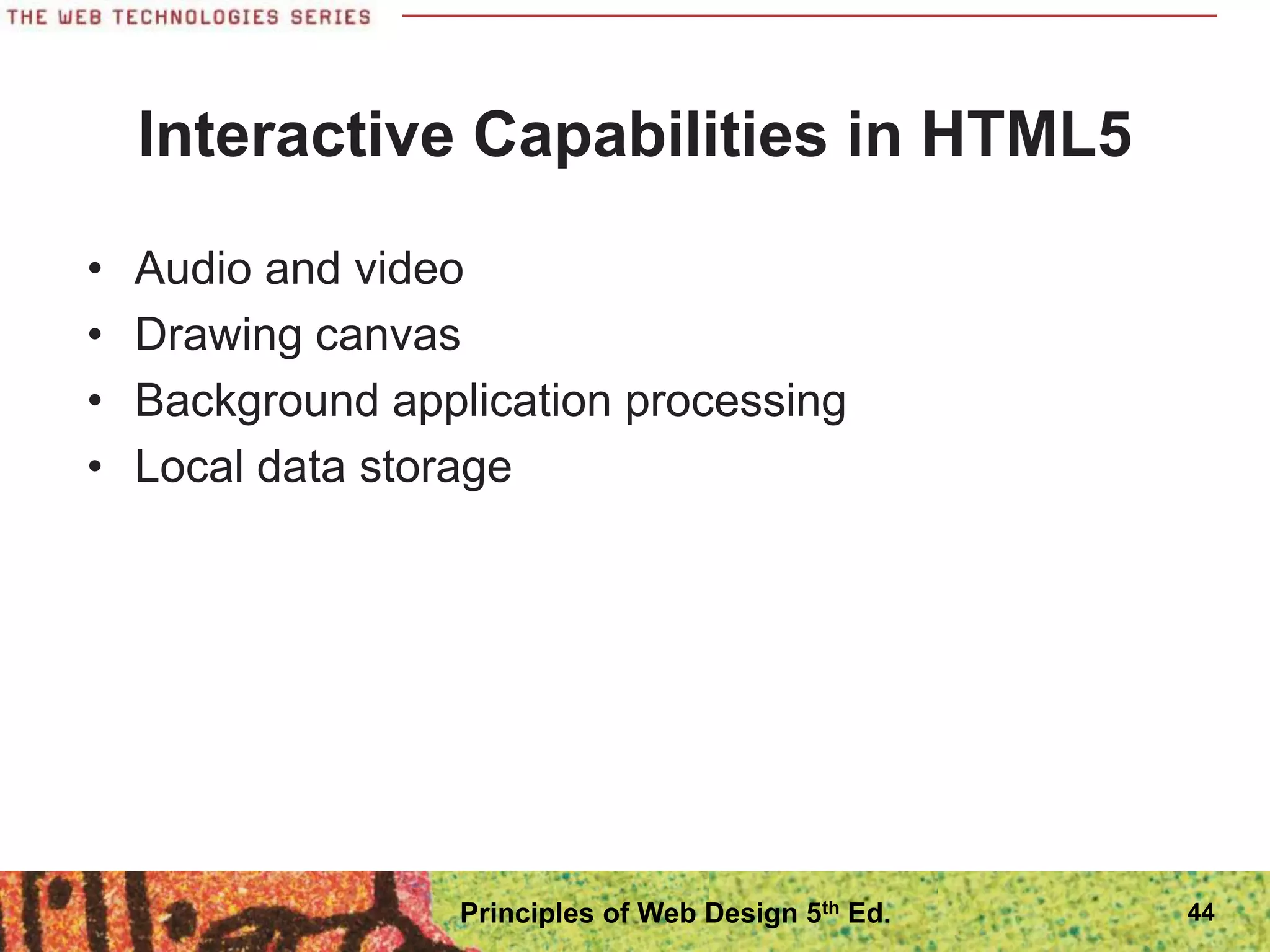
โ€ข Audio and video
โ€ข Drawing canvas
โ€ข Background application processing
โ€ข Local data storage
44
Principles of Web Design 5th Ed.
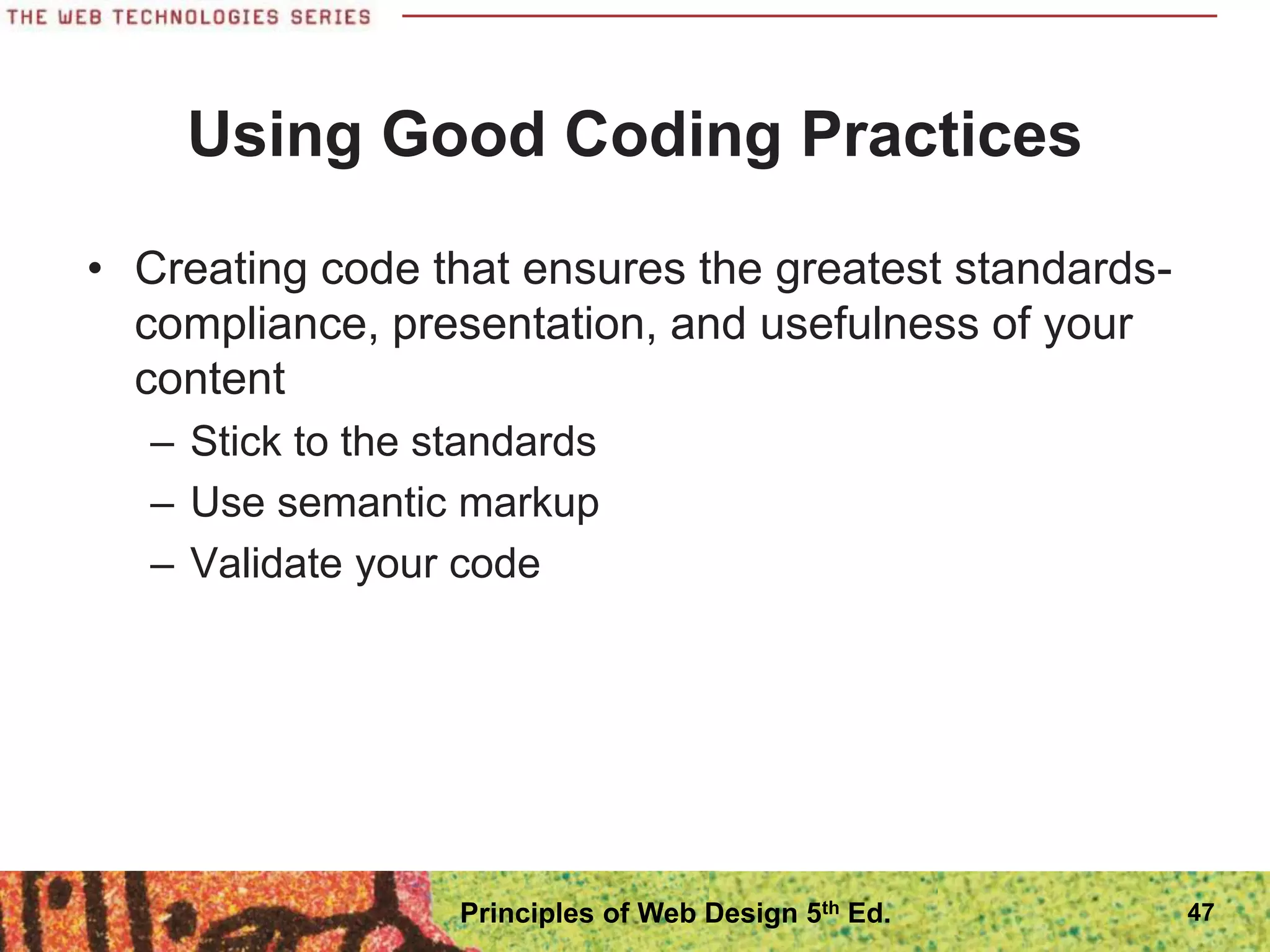
Choosing an HTML Editor
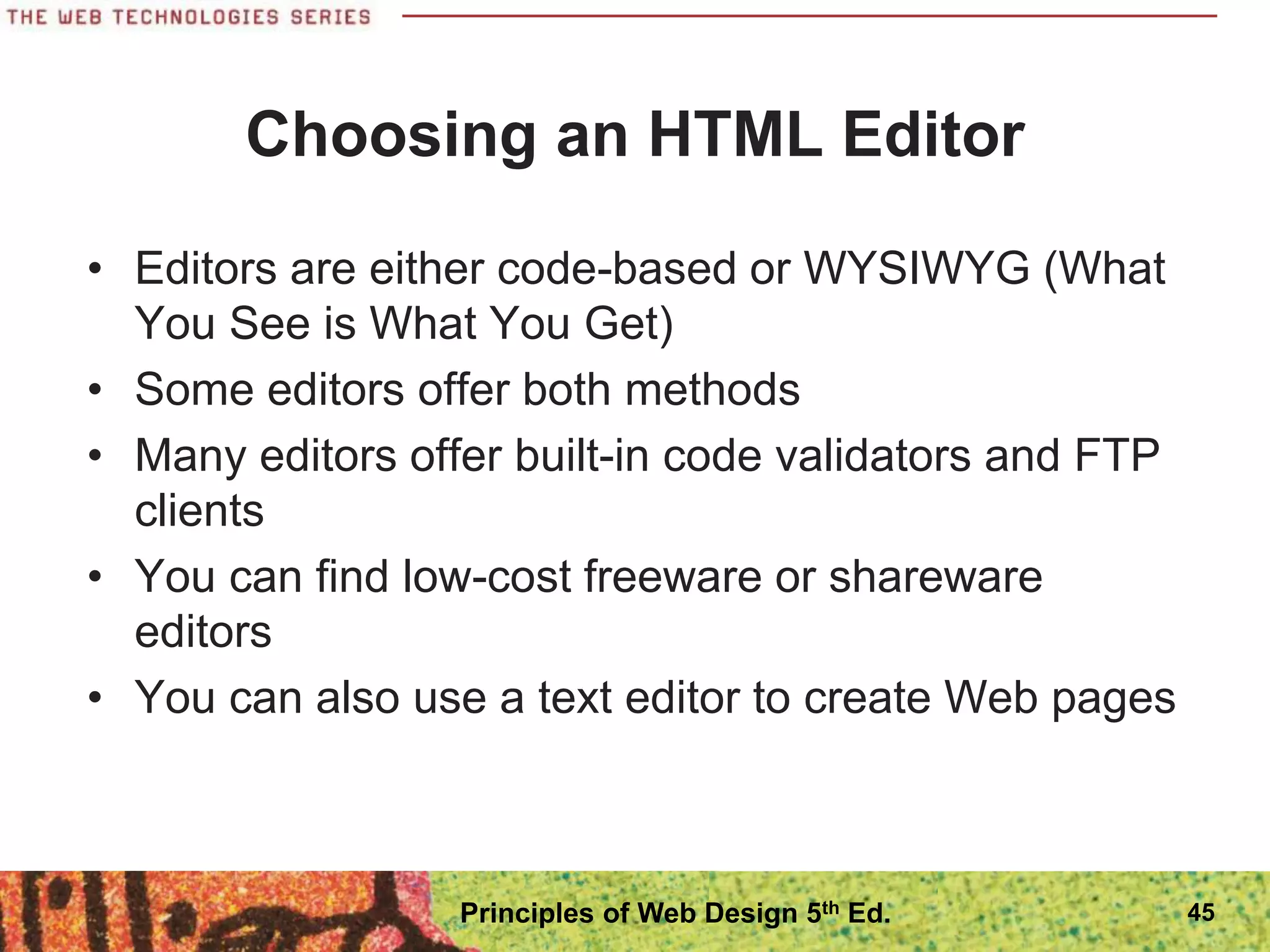
โ€ข Editors are either code-based or WYSIWYG (What
You See is What You Get)
โ€ข Some editors offer both methods
โ€ข Many editors offer built-in code validators and FTP
clients
โ€ข You can find low-cost freeware or shareware
editors
โ€ข You can also use a text editor to create Web pages
45
Principles of Web Design 5th Ed.
Choosing an HTML Editor
โ€ข HTML editors contain their own logic for
interpreting code
โ€ข Make sure to check your work in multiple browsers
โ€ข Some editors create overly complex code
46
Principles of Web Design 5th Ed.
Using Good Coding Practices
โ€ข Creating code that ensures the greatest standards-
compliance, presentation, and usefulness of your
content
โ€“ Stick to the standards
โ€“ Use semantic markup
โ€“ Validate your code
47
Principles of Web Design 5th Ed.
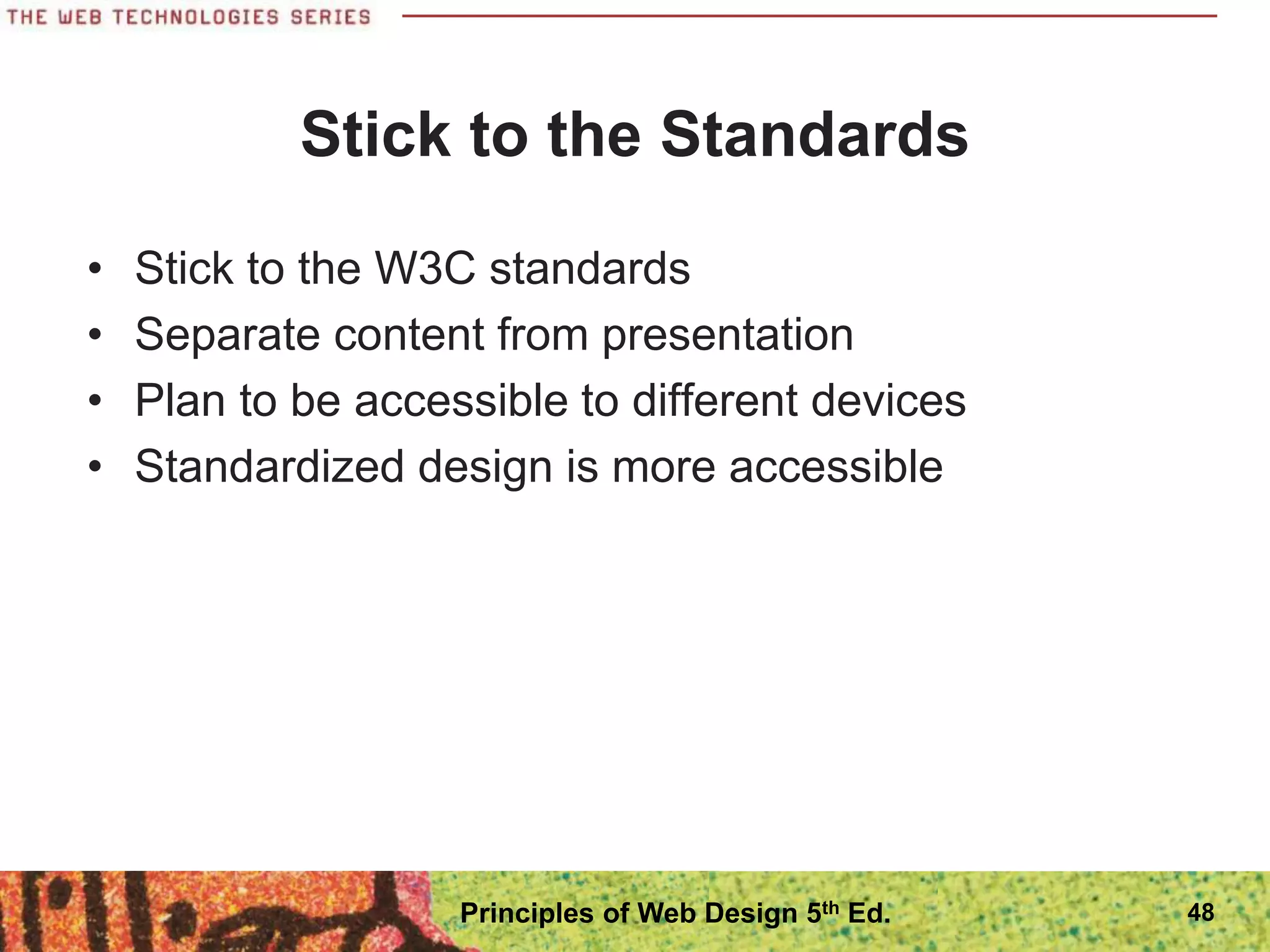
Stick to the Standards
โ€ข Stick to the W3C standards
โ€ข Separate content from presentation
โ€ข Plan to be accessible to different devices
โ€ข Standardized design is more accessible
48
Principles of Web Design 5th Ed.
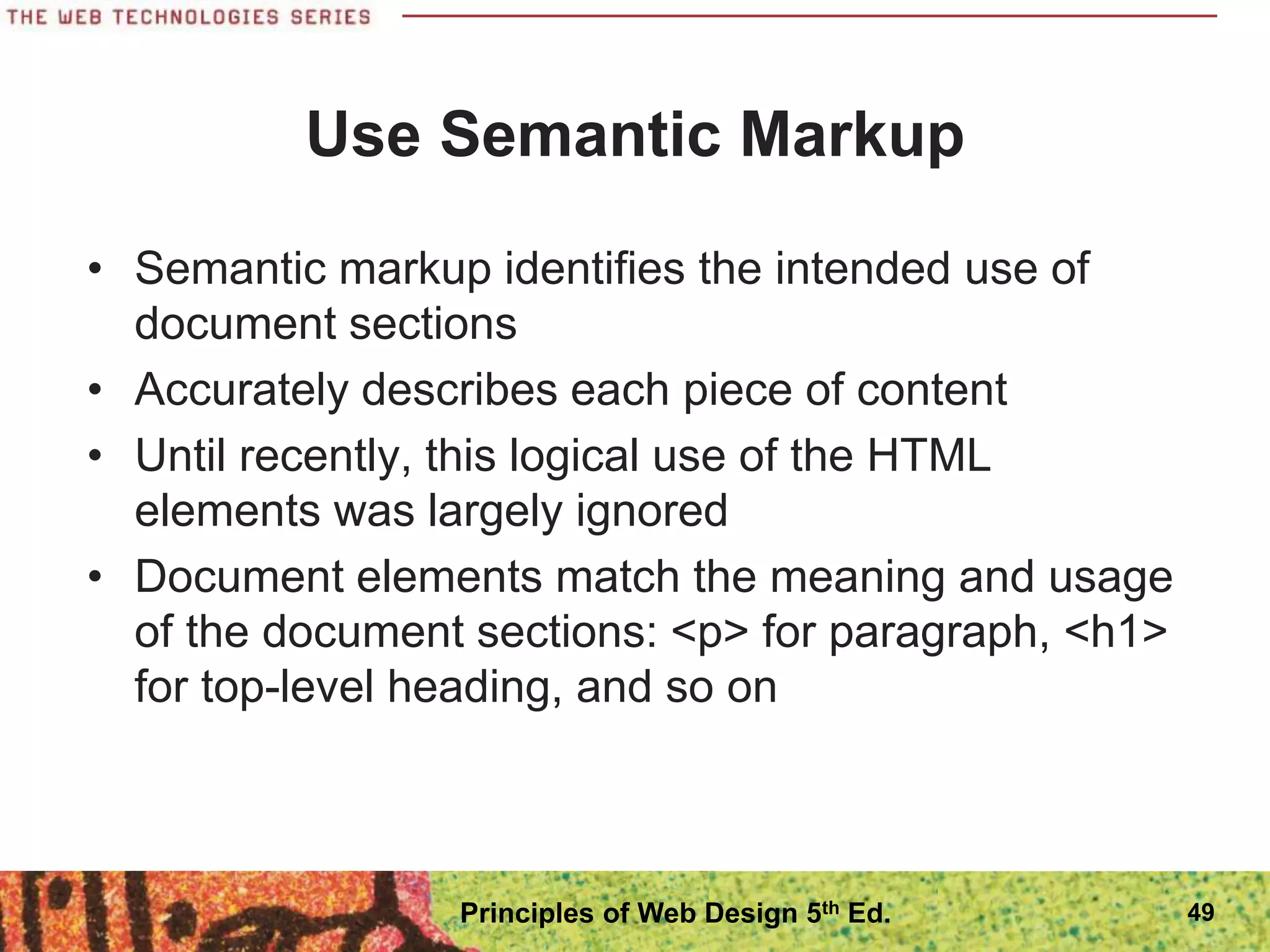
Use Semantic Markup
โ€ข Semantic markup identifies the intended use of
document sections
โ€ข Accurately describes each piece of content
โ€ข Until recently, this logical use of the HTML
elements was largely ignored
โ€ข Document elements match the meaning and usage
of the document sections: <p> for paragraph, <h1>
for top-level heading, and so on
49
Principles of Web Design 5th Ed.
Validate Your Code
โ€ข Valid code conforms to the usage rules of the W3C
โ€ข The lack of valid code is a major problem
โ€ข Valid code enhances browser compatibility,
accessibility, and exchange of data
โ€ข The most common mistakes include:
โ€“ No doctype declaration
โ€“ Missing closing tags
โ€“ Missing alt attributes in <img> elements
โ€“ Incorrect tag nesting
โ€“ Unquoted attributes
50
Principles of Web Design 5th Ed.
Migrating from Legacy HTML to
HTML5
โ€ข The transition should be a gradual process
โ€ข Clean up code on existing pages
โ€ข Plan coding conventions for new pages, removing
deprecated elements
โ€ข Move display information to CSS
โ€ข Test for backwards compatibility
51
Principles of Web Design 5th Ed.
Summary
โ€ข Make sure to check for support of new HTML5
elements, and test carefully before adding them to
your Web site
โ€ข Use the HTML5 naming conventions to name the
content sections of your site even if only using
them as class or id names
โ€ข Use Cascading Style Sheets
โ€ข Decide whether to code to the XML standard
โ€ข Use good coding practices
52
Principles of Web Design 5th Ed.

9781111528705_PPT_ch01.pptx

  • 1.
    Principles of WebDesign 5th Edition Chapter One HTML and the Modern Web
  • 2.
    Objectives In this chapter,you will learn about: ๏‚ท Creating Web pages with HTML ๏‚ท The history of HTML ๏‚ท Working with HTML5 ๏‚ท Choosing an HTML editor ๏‚ท Using good coding practices 2 Principles of Web Design 5th Ed.
  • 3.
    Creating Web Pageswith HTML โ€ข HTML is a markup language that lets you identify common sections of a Web page โ€ข Markup elements define each section โ€ข This <h1> element defines text as a first-level heading: <h1>What is HTML?</h1> 3 Principles of Web Design 5th Ed.
  • 4.
    Creating Web Pageswith HTML 4 Principles of Web Design 5th Ed.
  • 5.
    Structure of aBasic Web Page โ€ข The HTML file contains content text and HTML markup โ€ข The HTML markup does not appear in the browser โ€ข The browser interprets the code and displays the results 5 Principles of Web Design 5th Ed.
  • 6.
    6 Principles of WebDesign 5th Ed.
  • 7.
    Structure of aBasic Web Page โ€ข The document type, or doctype for short, specifies the rules for the document language โ€ข The <html> tag is the root element โ€ข The two main sections are the <head> and <body> elements โ€ข The head section is the container for all of the descriptive information about the document โ€ข The <body> section includes the content that the user sees in the browser window 7 Principles of Web Design 5th Ed.
  • 8.
    Structure of aBasic Web Page โ€ข The body of the document can contain: โ€“ Text โ€“ Images โ€“ Video content โ€“ Audio content โ€“ Forms for gathering information โ€“ Interactive content โ€“ Links to other Web resources 8 Principles of Web Design 5th Ed.
  • 9.
    HTML in theBrowser โ€ข The browser interprets the HTML markup elements and displays the results, hiding the actual markup from the user โ€ข Each browser interprets HTML in its own way, based on its rendering engine โ€ข It is essential that you test your work in different Web browsers 9 Principles of Web Design 5th Ed.
  • 10.
    10 Principles of WebDesign 5th Ed.
  • 11.
    Adding Style withCSS โ€ข Web designers use Cascading Style Sheets (CSS) to add presentation information to Web pages โ€ข With CSS you can display information for different devices โ€ข With style sheets, the presentation properties are separate from the content โ€ข CSS lets you control the presentation characteristics of an entire Web site with a single style sheet 11 Principles of Web Design 5th Ed.
  • 12.
    12 Principles of WebDesign 5th Ed.
  • 13.
    Adding Style withCSS โ€ข The next two figures show CSS style rules and the result in the browser โ€ข The style rules in Figure 1-5 specify that the body text for the page will be Arial, the h1 will have a bottom border, and the paragraph will have a 30- pixel left margin. โ€ข Figure 1-6 shows the results in Firefox 13 Principles of Web Design 5th Ed.
  • 14.
    14 Principles of WebDesign 5th Ed.
  • 15.
    15 Principles of WebDesign 5th Ed.
  • 16.
    Organizing Information with Hypertext โ€ขThe World Wide Web links information on related topics using hypertext โ€ข You determine which terms to create as hypertext links and where users end up when they click a link โ€ข The different types of linked content and media continually evolve 16 Principles of Web Design 5th Ed.
  • 17.
    The History ofHTML โ€ข As a Web designer, you will encounter all types of HTML coding practices โ€ข Understanding the evolution of HTML will help you understand various Web design methods โ€ข To be a successful Web designer, you need to understand the past, present, and future directions of HTML, coding standards, and common practices 17 Principles of Web Design 5th Ed.
  • 18.
    The History ofHTML โ€ข Tim Berners-Lee first proposed HTML at the European Laboratory for Particle Physics (CERN) in 1989 โ€ข Berners-Lee joined the ideas of the browser, a markup language (HTML), and a communications protocol that allowed hypertext linking โ€ข Not only could people read documents, they could easily create them using HTML 18 Principles of Web Design 5th Ed.
  • 19.
    The History ofHTML โ€ข HTML is an application of the Standard Generalized Markup Language (SGML), a standard system for specifying document structure โ€ข Berners-Lee joined the ideas of the user interface (browser), a markup language (HTML), and a communications protocol (http:) that allowed hypertext linking 19 Principles of Web Design 5th Ed.
  • 20.
    A Need forStandards โ€ข The World Wide Web Consortium (W3C) was founded in 1994 MIT โ€ข The World Wide Web Consortium sets standards for HTML and other markup languages โ€ข Jointly developed standards, rather than ones dictated by one vendor, benefit everyone 20 Principles of Web Design 5th Ed.
  • 21.
    A Need forStandards 21 Principles of Web Design 5th Ed.
  • 22.
    XML and XHTMLโ€“ A New Direction โ€ข In 1997, the W3C released XML, the Extensible Markup Language โ€ข XML is essential to creating applications for the Web โ€ข XML lets developers define their own markup language โ€ข XML has a stricter syntax than HTML 22 Principles of Web Design 5th Ed.
  • 23.
    XML Syntax Rules โ€ขDocuments must be well-formed โ€ข All tags must nest properly and not overlap โ€ข Use all lowercase for element names โ€ข Always use closing tags โ€ข Empty elements are signified by a closing slash โ€ข Attribute values must be contained in quotation marks 23 Principles of Web Design 5th Ed.
  • 24.
    Sample XML <poem> <title>An Odeto the Web</title> <stanza> <line>So many Web sites</line> <line>So little time</line> <line>And all I want to do</line> <line>Is critique their design!</line> </stanza> </poem> 24 Principles of Web Design 5th Ed.
  • 25.
    XML and XHTMLโ€“ A New Direction โ€ข XML syntax provides a solution to the problem of widely varying HTML coding standards โ€ข The W3C combined XML and HTML to create XHTML โ€ข XHTML follows the rules of XML โ€ข Web developers readily adopted XHTML and CSS to standardize coding โ€ข Many Web sites benefited from leaner standardized code 25 Principles of Web Design 5th Ed.
  • 26.
    Problems with XHTML โ€ขRelaxed syntax rules still must be applied because of legacy code โ€ข Newer versions of XHTML moved too far away from existing Web development โ€ข XHTML was not well received by the development community 26 Principles of Web Design 5th Ed.
  • 27.
    A Proposal forHTML5 โ€ข The Web Hypertext Application Technology Working Group (WHATWG) proposed HTML5 โ€ข HTML5: โ€“ Supports standards-based coding โ€“ Compatible with HTML and XHTML โ€“ Compatible with CSS โ€“ Supports new page layout elements โ€“ Application and media compatible 27 Principles of Web Design 5th Ed.
  • 28.
    Working with HTML5 โ€ขHTML5 attempts to address shortcomings of HTML โ€ข Addresses needs of modern Web design โ€ข Offers new features: โ€“ Logical layout elements โ€“ Rich media โ€“ Support for applications โ€ข Removes old features: โ€“ All display elements have been removed in favor of CSS โ€“ Framesets are gone 28 Principles of Web Design 5th Ed.
  • 29.
    Working with HTML5 HTML5offers two syntaxes: โ€“ An HTML-compatible syntax โ€“ An XML-compatible syntax โ€ข HTML-compatible syntax โ€“ More relaxed syntax โ€“ Code shortcuts allowed โ€ข XML-compatible syntax โ€“ Consistent with XHTML โ€“ Uses XML syntax rules 29 Principles of Web Design 5th Ed.
  • 30.
    Working with HTML5 30 Principlesof Web Design 5th Ed.
  • 31.
    Working with HTML5 31 Principlesof Web Design 5th Ed.
  • 32.
    Choosing the CorrectSyntax โ€ข HTML5 allows a mixture of these two types of syntax into one document โ€ข A polyglot document: mixed language โ€ข Use XML coding standards in your HTML documents โ€ข Lets you create standardized, compatible code 32 Principles of Web Design 5th Ed.
  • 33.
    Choosing the Correctdoctype โ€ข Always use a doctype statement โ€ข Using a doctype forces the browser to display in standards mode โ€ข The standard doctype statement for HTML5: <!DOCTYPE html> 33 Principles of Web Design 5th Ed.
  • 34.
    Choosing the CorrectMIME type โ€ข Multipurpose Internet Mail Extensions (MIME) defines content types for the Web โ€ข Determines the type of document โ€ข Declared in a <meta> element in the <head> section โ€ข Also contains a character set identifier โ€ข Your <meta> element should look like this: <meta http-equiv="Content-Type" content="text/html; charset=utf-8"> 34 Principles of Web Design 5th Ed.
  • 35.
    Creating Syntactically CorrectCode โ€ข Documents must be well-formed โ€ข All tags must nest properly and not overlap โ€ข Use all lowercase for element names โ€ข Always use closing tags โ€ข Empty elements are marked with a closing slash โ€ข Attribute values must be contained in quotation marks 35 Principles of Web Design 5th Ed.
  • 36.
    HTML5 Element Categories โ€ขMetadata content โ€ข Flow content โ€ข Sectioning root โ€ข Sectioning content โ€ข Heading content โ€ข Phrasing content โ€ข Embedded content โ€ข Interactive content โ€ข Transparent 36 Principles of Web Design 5th Ed.
  • 37.
    New Elements inHTML5 โ€ข HTML5 has a number of new elements; see Table 1-2 in the text โ€ข Not all elements are supported by current browsers โ€ข Test new elements carefully 37 Principles of Web Design 5th Ed.
  • 38.
    Attributes in HTML5 โ€ขElements can contain attributes that set properties โ€ข Earlier versions of HTML had more attributes โ€ข HTML5 has less attributes because of CSS โ€ข Global attributes can be applied to any element 38 Principles of Web Design 5th Ed.
  • 39.
    Obsolete Elements inHTML5 โ€ข Many elements have been removed in HTML, mostly involving presentation effects โ€ข Framesets are no longer available 39 Principles of Web Design 5th Ed.
  • 40.
    Using HTML5 Elementsfor Page Structure โ€ข Most Web pages contain common characteristics: โ€“ Header โ€“ Navigation โ€“ Articles โ€“ Figures โ€“ Footers โ€“ Sidebars โ€ข These are currently marked up with <div> elements and id or class names 40 Principles of Web Design 5th Ed.
  • 41.
    41 Principles of WebDesign 5th Ed.
  • 42.
    โ€ข HTML5 offersa new set of elements for describing document structure โ€ข HTML5 replaces the use of <div> with named elements to structure the page โ€ข The <article> element can be used instead of the <div> element, for example: <article>This is the main content of the Web page</article> Using HTML5 Elements for Page Structure 42 Principles of Web Design 5th Ed.
  • 43.
    Using HTML5 Elementsfor Page Structure โ€ข The HTML5 elements for page layout include: โ€“ <header> Contains the page header content โ€“ <nav> Contains the navigation elements for the page โ€“ <article> Contains the primary page content โ€“ <section> Defines sections or groupings of page content โ€“ <aside> Contains additional content such as a quote or sidebar โ€“ <figure> Contains images for the article content โ€“ <footer> Contains page footer content 43 Principles of Web Design 5th Ed.
  • 44.
    Interactive Capabilities inHTML5 โ€ข Audio and video โ€ข Drawing canvas โ€ข Background application processing โ€ข Local data storage 44 Principles of Web Design 5th Ed.
  • 45.
    Choosing an HTMLEditor โ€ข Editors are either code-based or WYSIWYG (What You See is What You Get) โ€ข Some editors offer both methods โ€ข Many editors offer built-in code validators and FTP clients โ€ข You can find low-cost freeware or shareware editors โ€ข You can also use a text editor to create Web pages 45 Principles of Web Design 5th Ed.
  • 46.
    Choosing an HTMLEditor โ€ข HTML editors contain their own logic for interpreting code โ€ข Make sure to check your work in multiple browsers โ€ข Some editors create overly complex code 46 Principles of Web Design 5th Ed.
  • 47.
    Using Good CodingPractices โ€ข Creating code that ensures the greatest standards- compliance, presentation, and usefulness of your content โ€“ Stick to the standards โ€“ Use semantic markup โ€“ Validate your code 47 Principles of Web Design 5th Ed.
  • 48.
    Stick to theStandards โ€ข Stick to the W3C standards โ€ข Separate content from presentation โ€ข Plan to be accessible to different devices โ€ข Standardized design is more accessible 48 Principles of Web Design 5th Ed.
  • 49.
    Use Semantic Markup โ€ขSemantic markup identifies the intended use of document sections โ€ข Accurately describes each piece of content โ€ข Until recently, this logical use of the HTML elements was largely ignored โ€ข Document elements match the meaning and usage of the document sections: <p> for paragraph, <h1> for top-level heading, and so on 49 Principles of Web Design 5th Ed.
  • 50.
    Validate Your Code โ€ขValid code conforms to the usage rules of the W3C โ€ข The lack of valid code is a major problem โ€ข Valid code enhances browser compatibility, accessibility, and exchange of data โ€ข The most common mistakes include: โ€“ No doctype declaration โ€“ Missing closing tags โ€“ Missing alt attributes in <img> elements โ€“ Incorrect tag nesting โ€“ Unquoted attributes 50 Principles of Web Design 5th Ed.
  • 51.
    Migrating from LegacyHTML to HTML5 โ€ข The transition should be a gradual process โ€ข Clean up code on existing pages โ€ข Plan coding conventions for new pages, removing deprecated elements โ€ข Move display information to CSS โ€ข Test for backwards compatibility 51 Principles of Web Design 5th Ed.
  • 52.
    Summary โ€ข Make sureto check for support of new HTML5 elements, and test carefully before adding them to your Web site โ€ข Use the HTML5 naming conventions to name the content sections of your site even if only using them as class or id names โ€ข Use Cascading Style Sheets โ€ข Decide whether to code to the XML standard โ€ข Use good coding practices 52 Principles of Web Design 5th Ed.