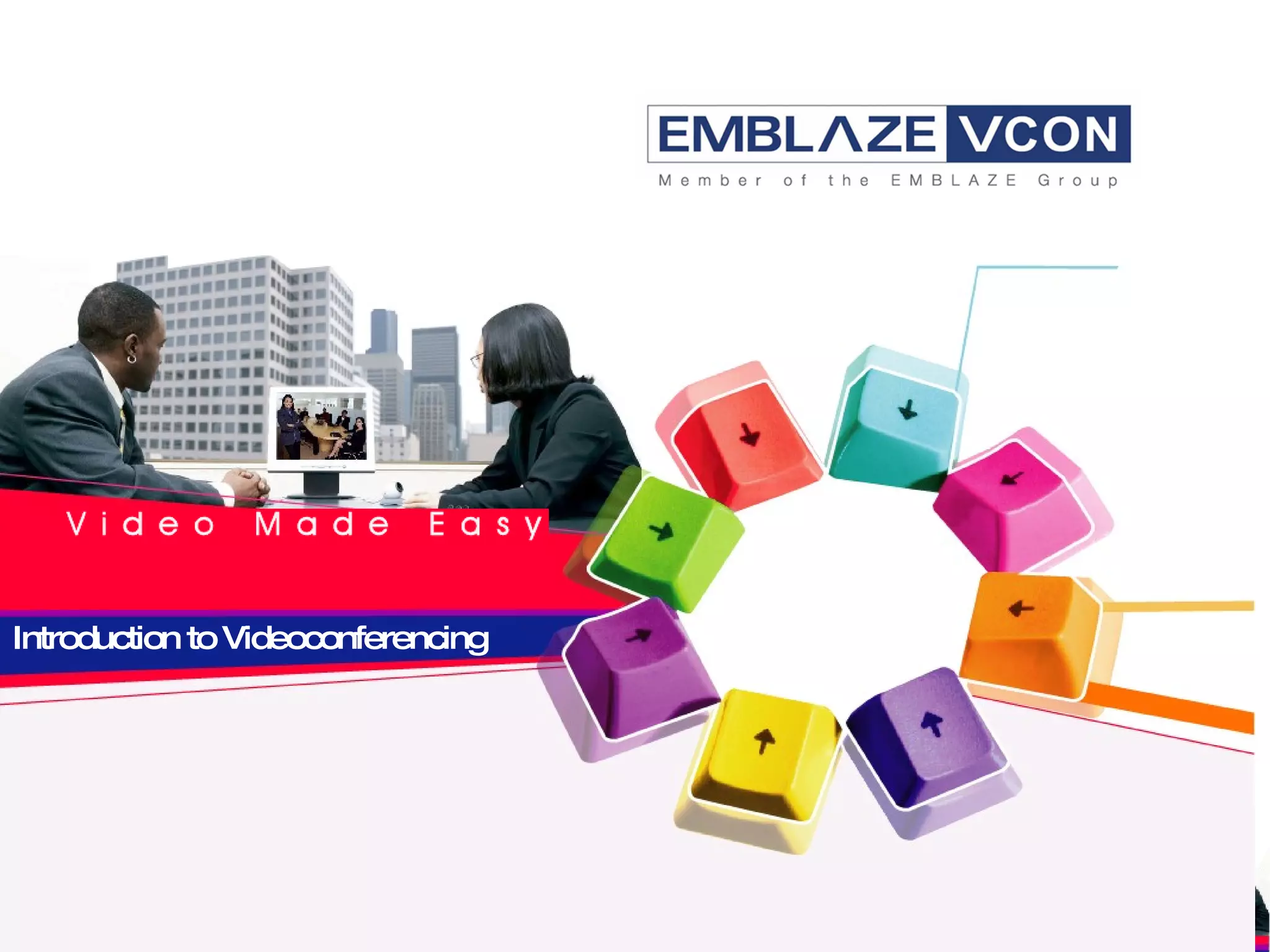
Introduction to Videoconferencing
What is Videoconferencing? Cost-effective video and audio communications tool that benefits all organizations with remote operations A same-room meeting experience with natural interaction and non-verbal communication Face-to-face conversations between two users (point-to-point) or many participants at several sites (multipoint) May include data sharing of presentations, spreadsheets, documents and video clips for full collaboration
Why Videoconference? Real-time collaboration across distances Faster, more informed remote decision-making Increased productivity Strengthens relationships with remote colleagues, partners and customers Eliminates costs and time spent in travel Green technology that reduces carbon footprint…
How It Evolved 1964 -  AT&T unveiled the first solution at the World’s Fair in NYC. (However, until 1980s, no network could transmit the amount of data required to end-users) Late 1980s  - video communication started to take off due to widely-deployed ISDN and new compression algorithms Mid-1990s –  rise of IP led to reduced costs, improved communications capabilities and simpler, more integrated platforms Past five years  - new systems, software and features make videoconferencing the most useful and cost-effective enterprise communication tool available today
Who Uses It? All vertical markets and industry sectors including: Multinationals  - communicate with international branch offices Small/Mid-Size Companies  - work with clients and suppliers in different countries Law Firms/Consultants  - avoid billing clients travel time and hold more client meetings  Schools and Universities  - distance learning and resource lecturers from remote schools Healthcare  - increase patient care quality, provide services, training Government Agencies  - implement efficiencies to enhance productivity
Which Features To Watch For? High Definition   (HD) – sharpest images and audio in natural color and full motion Data-Sharing  – presentations, spreadsheets, documents, video clips for full collaboration experience Embedded Multiparty Calling  – up to 6 sites in some products Session-recording, storing and streaming  – allows absent colleagues to remain updated instantaneously and provides real meeting records
The Emblaze-VCON Advantage World leader   - develops and deploys high-performance, feature-rich end-to-end videoconferencing solutions Full line of products  – only three companies worldwide offer this under one roof Unique technology features  –cutting-edge user experience Sophisticated and flexible R&D  - customize our products Unparalleled price performance  - value for money across the product line
What’s Available with Emblaze-VCON? Room Systems – HD or SD, set-top box, PC-based Personal Systems  – HD, software-only videoconferencing from the desktop, laptop or on the road Infrastructure  – optimize videoconferencing over networks with bandwidth management, scheduling, reporting/billing, scalability, security… Development Kits  – customized visual communications
Emblaze-VCON Technology Standards-based solutions to ensure full interoperability: High Definition or Standard Definition  – you choose Latest video and audio standards  – cutting-edge technology H.239/DualStream™  - for advanced data sharing H.235 (AES)  - for secure, encrypted communication PacketAssist™ Architecture  - for best possible conferencing  Interactive Multicast™  - for intelligent streaming
User-Friendly and Intuitive Easy to install  – up and running in a few minutes Simple to operate  – on-screen menus enable you to enter the number you want to call or select it from an address book  Intuitive interfaces  – thoughtfully designed for the lay-person No specialist technicians required  - everyone can learn how to place calls with a 10-minute training session If you can use a TV remote control -  you can videoconference!
The Emblaze-VCON Promise Industry-leading, end to end products  High quality (HD and SD) video and sharp, crisp audio Robust, reliable and feature-rich product line Standards-based products ensure full interoperability User-driven, simple to install and intuitive products Administration through centralized management Guaranteed security through full encryption Saves you money and saves the planet…
  Thank You  V i d e o  M a d e  E a s y  0908

7 Videoconferencing

  • 1.
  • 2.
    What is Videoconferencing?Cost-effective video and audio communications tool that benefits all organizations with remote operations A same-room meeting experience with natural interaction and non-verbal communication Face-to-face conversations between two users (point-to-point) or many participants at several sites (multipoint) May include data sharing of presentations, spreadsheets, documents and video clips for full collaboration
  • 3.
    Why Videoconference? Real-timecollaboration across distances Faster, more informed remote decision-making Increased productivity Strengthens relationships with remote colleagues, partners and customers Eliminates costs and time spent in travel Green technology that reduces carbon footprint…
  • 4.
    How It Evolved1964 - AT&T unveiled the first solution at the World’s Fair in NYC. (However, until 1980s, no network could transmit the amount of data required to end-users) Late 1980s - video communication started to take off due to widely-deployed ISDN and new compression algorithms Mid-1990s – rise of IP led to reduced costs, improved communications capabilities and simpler, more integrated platforms Past five years - new systems, software and features make videoconferencing the most useful and cost-effective enterprise communication tool available today
  • 5.
    Who Uses It?All vertical markets and industry sectors including: Multinationals - communicate with international branch offices Small/Mid-Size Companies - work with clients and suppliers in different countries Law Firms/Consultants - avoid billing clients travel time and hold more client meetings Schools and Universities - distance learning and resource lecturers from remote schools Healthcare - increase patient care quality, provide services, training Government Agencies - implement efficiencies to enhance productivity
  • 6.
    Which Features ToWatch For? High Definition (HD) – sharpest images and audio in natural color and full motion Data-Sharing – presentations, spreadsheets, documents, video clips for full collaboration experience Embedded Multiparty Calling – up to 6 sites in some products Session-recording, storing and streaming – allows absent colleagues to remain updated instantaneously and provides real meeting records
  • 7.
    The Emblaze-VCON AdvantageWorld leader - develops and deploys high-performance, feature-rich end-to-end videoconferencing solutions Full line of products – only three companies worldwide offer this under one roof Unique technology features –cutting-edge user experience Sophisticated and flexible R&D - customize our products Unparalleled price performance - value for money across the product line
  • 8.
    What’s Available withEmblaze-VCON? Room Systems – HD or SD, set-top box, PC-based Personal Systems – HD, software-only videoconferencing from the desktop, laptop or on the road Infrastructure – optimize videoconferencing over networks with bandwidth management, scheduling, reporting/billing, scalability, security… Development Kits – customized visual communications
  • 9.
    Emblaze-VCON Technology Standards-basedsolutions to ensure full interoperability: High Definition or Standard Definition – you choose Latest video and audio standards – cutting-edge technology H.239/DualStream™ - for advanced data sharing H.235 (AES) - for secure, encrypted communication PacketAssist™ Architecture - for best possible conferencing Interactive Multicast™ - for intelligent streaming
  • 10.
    User-Friendly and IntuitiveEasy to install – up and running in a few minutes Simple to operate – on-screen menus enable you to enter the number you want to call or select it from an address book Intuitive interfaces – thoughtfully designed for the lay-person No specialist technicians required - everyone can learn how to place calls with a 10-minute training session If you can use a TV remote control - you can videoconference!
  • 11.
    The Emblaze-VCON PromiseIndustry-leading, end to end products High quality (HD and SD) video and sharp, crisp audio Robust, reliable and feature-rich product line Standards-based products ensure full interoperability User-driven, simple to install and intuitive products Administration through centralized management Guaranteed security through full encryption Saves you money and saves the planet…
  • 12.
    ThankYou V i d e o M a d e E a s y 0908