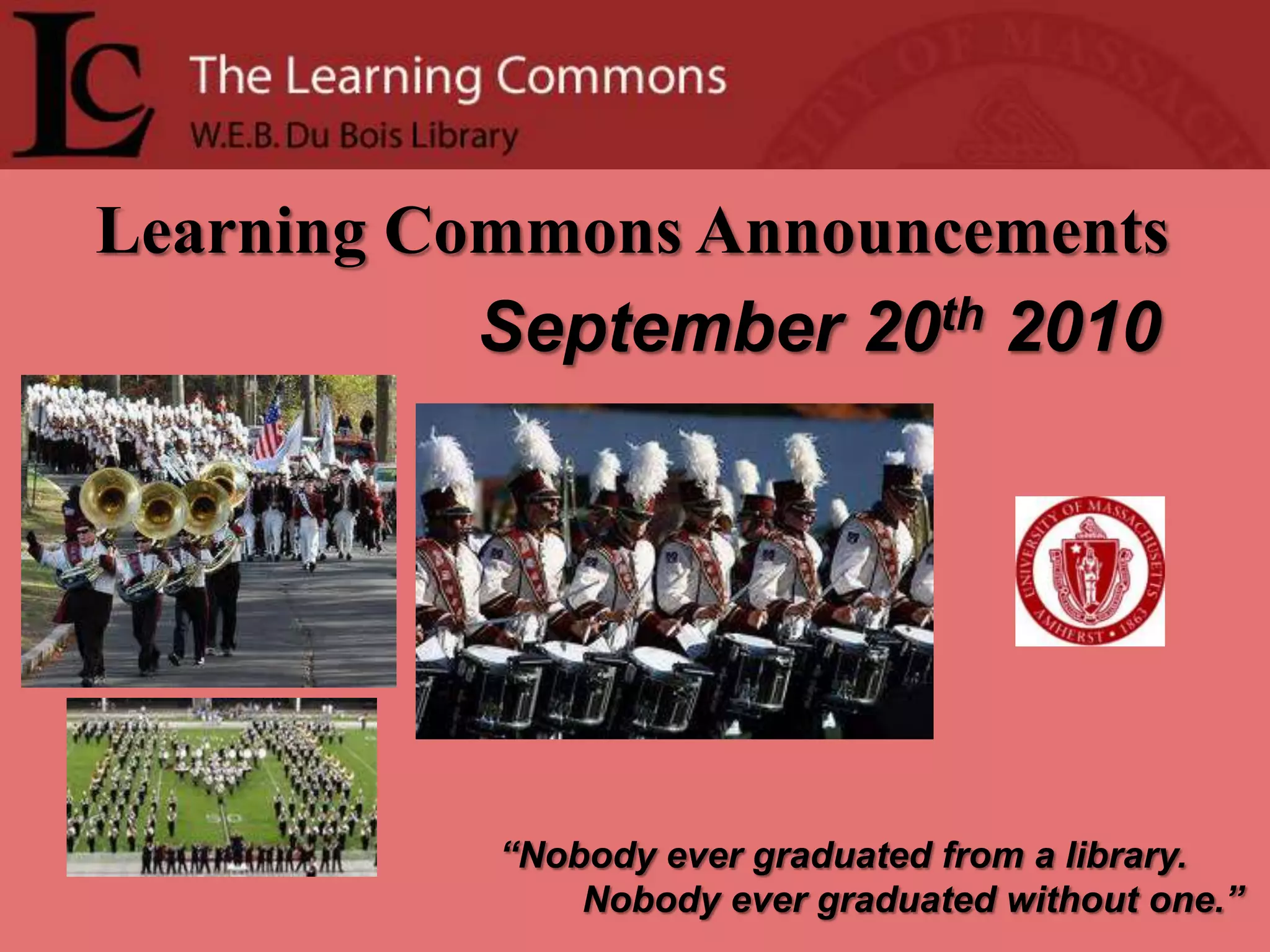
Learning Commons Announcements   September 20th2010“Nobody ever graduated from a library.        Nobody ever graduated without one.”
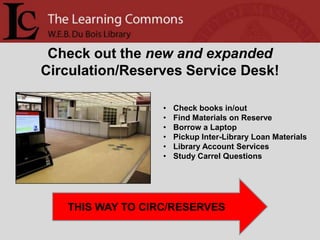
Check out the new and expanded Circulation/Reserves Service Desk!  Check books in/out
Find Materials on Reserve
Borrow a Laptop
Pickup Inter-Library Loan Materials
Library Account Services
Study Carrel QuestionsTHIS WAY TO CIRC/RESERVES
Streaming Video Collections are Here!!!More then 6,400 Programs.  Unlimited access.Humanities & Social Sciences
Business & Economics
Science & Mathematics
Health & Medicine
Archival Films & NewsreelsLook for “Films on Demand” in the list of Databases atwww.library.umass.edu
Study AbroadFairMonday, September 204:00-6:00 p.m.Student Union BallroomFind out how YOU can study abroad!Sponsored by the International Programs Office545-2710www.ipo.umass.edu
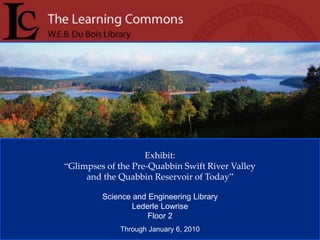
Exhibit: “Glimpses of the Pre-Quabbin Swift River Valley and the Quabbin Reservoir of Today”Science and Engineering LibraryLederle LowriseFloor 2Through January 6, 2010
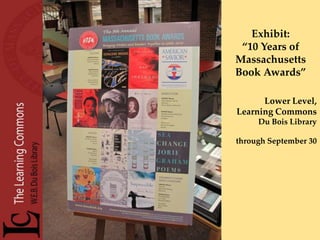
Exhibit: “10 Years of Massachusetts Book Awards” Lower Level, Learning CommonsDu Bois Librarythrough September 30
The Learning Commons welcomes the Office of Undergraduate Research and Scholarship (OURS) as the newest service provider in the Lower LevelOURS will be staffing the Advising Link to answer questions about research and scholarship opportunities, as well as application support for these opportunities.For more info, visit  www.umass.edu/OURS
www.twitter.com/umassLC
Leave something behind in the library?Check the Library’s Lost and Found at the new Circulation/Reserves Desk on this level.
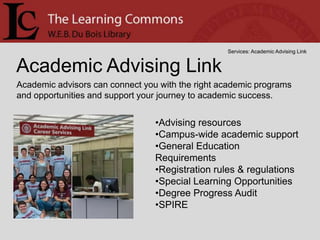
The Academic Advising Linkis a walk-in advising service providing declared and undeclared undergraduates with answers to quick advising questions.Experienced Peer Advisors are on hand to assist you with:Finding General Education coursesInterpreting your Degree Progress ReportNavigating Spireand much more!
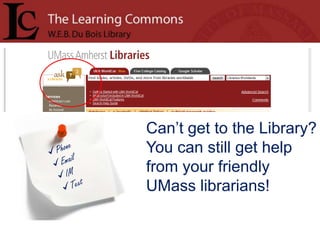
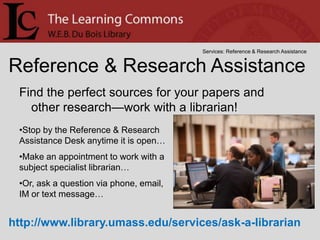
Can’t get to the Library? You can still get help from your friendly UMass librarians!Phone
Email
IM
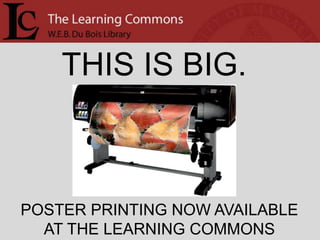
TextTHIS IS BIG.POSTER PRINTING NOW AVAILABLEAT THE LEARNING COMMONS
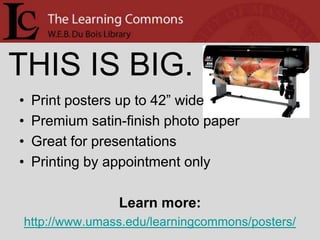
THIS IS BIG.Print posters up to 42” widePremium satin-finish photo paperGreat for presentationsPrinting by appointment onlyLearn more:http://www.umass.edu/learningcommons/posters/
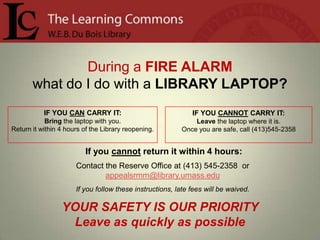
During a FIRE ALARMwhat do I do with a LIBRARY LAPTOP?IF YOU CANNOT CARRY IT:Leave the laptop where it is.Once you are safe, call (413)545-2358IF YOU CAN CARRY IT: Bring the laptop with you.Return it within 4 hours of the Library reopening.If you cannot return it within 4 hours:Contact the Reserve Office at (413) 545-2358  or  appealsrmm@library.umass.eduIf you follow these instructions, late fees will be waived.YOUR SAFETY IS OUR PRIORITY     Leave as quickly as possible
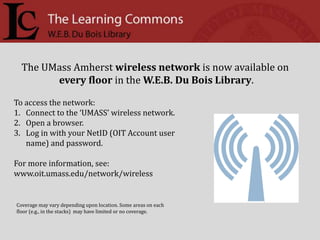
The UMass Amherst wireless network is now available onevery floor in the W.E.B. Du Bois Library. To access the network: Connect to the ‘UMASS’ wireless network.Open a browser.Log in with your NetID (OIT Account user name) and password.For more information, see: www.oit.umass.edu/network/wirelessCoverage may vary depending upon location. Some areas on each floor (e.g., in the stacks)  may have limited or no coverage.
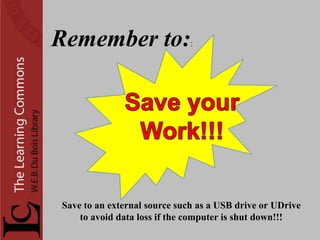
Remember to::Save your     Work!!! Save to an external source such as a USB drive or UDriveto avoid data loss if the computer is shut down!!!
Too many databases? Not sure where to start? Don’t be overwhelmed—use a Research Guide! A team of 18 librarians has created over 80 new subject research guides for various topics. These are designed to be convenient and relevant to students and faculty doing research, and can be embedded in SPARK. You can find them at http://guides.library.umass.edu/subjectguides or just use the link on the homepage.
OIT’s Remote Printing Service is here! Install a small plug-in on your own computer
 Send print jobs from your dorm room or the campus wireless network to Learning Commons printers
 You have 8 hours to come pick up your print job.Want to learn more?Ask at the Learning Commons & Technical Support Desk, or
Google “UMass Remote Printing”Printing files from SPARK?Avoid problems! Before you print, SAVE YOUR FILE TO THE DESKTOPTHEN, open it and print.

2010 september 20

  • 1.
    Learning Commons Announcements September 20th2010“Nobody ever graduated from a library. Nobody ever graduated without one.”
  • 2.
    Check out thenew and expanded Circulation/Reserves Service Desk! Check books in/out
  • 3.
  • 4.
  • 5.
  • 6.
  • 7.
    Study Carrel QuestionsTHISWAY TO CIRC/RESERVES
  • 8.
    Streaming Video Collectionsare Here!!!More then 6,400 Programs. Unlimited access.Humanities & Social Sciences
  • 9.
  • 10.
  • 11.
  • 12.
    Archival Films &NewsreelsLook for “Films on Demand” in the list of Databases atwww.library.umass.edu
  • 13.
    Study AbroadFairMonday, September204:00-6:00 p.m.Student Union BallroomFind out how YOU can study abroad!Sponsored by the International Programs Office545-2710www.ipo.umass.edu
  • 14.
    Exhibit: “Glimpses ofthe Pre-Quabbin Swift River Valley and the Quabbin Reservoir of Today”Science and Engineering LibraryLederle LowriseFloor 2Through January 6, 2010
  • 15.
    Exhibit: “10 Yearsof Massachusetts Book Awards” Lower Level, Learning CommonsDu Bois Librarythrough September 30
  • 16.
    The Learning Commonswelcomes the Office of Undergraduate Research and Scholarship (OURS) as the newest service provider in the Lower LevelOURS will be staffing the Advising Link to answer questions about research and scholarship opportunities, as well as application support for these opportunities.For more info, visit www.umass.edu/OURS
  • 17.
  • 18.
    Leave something behindin the library?Check the Library’s Lost and Found at the new Circulation/Reserves Desk on this level.
  • 19.
    The Academic AdvisingLinkis a walk-in advising service providing declared and undeclared undergraduates with answers to quick advising questions.Experienced Peer Advisors are on hand to assist you with:Finding General Education coursesInterpreting your Degree Progress ReportNavigating Spireand much more!
  • 20.
    Can’t get tothe Library? You can still get help from your friendly UMass librarians!Phone
  • 21.
  • 22.
  • 23.
    TextTHIS IS BIG.POSTERPRINTING NOW AVAILABLEAT THE LEARNING COMMONS
  • 24.
    THIS IS BIG.Printposters up to 42” widePremium satin-finish photo paperGreat for presentationsPrinting by appointment onlyLearn more:http://www.umass.edu/learningcommons/posters/
  • 25.
    During a FIREALARMwhat do I do with a LIBRARY LAPTOP?IF YOU CANNOT CARRY IT:Leave the laptop where it is.Once you are safe, call (413)545-2358IF YOU CAN CARRY IT: Bring the laptop with you.Return it within 4 hours of the Library reopening.If you cannot return it within 4 hours:Contact the Reserve Office at (413) 545-2358 or appealsrmm@library.umass.eduIf you follow these instructions, late fees will be waived.YOUR SAFETY IS OUR PRIORITY Leave as quickly as possible
  • 26.
    The UMass Amherstwireless network is now available onevery floor in the W.E.B. Du Bois Library. To access the network: Connect to the ‘UMASS’ wireless network.Open a browser.Log in with your NetID (OIT Account user name) and password.For more information, see: www.oit.umass.edu/network/wirelessCoverage may vary depending upon location. Some areas on each floor (e.g., in the stacks) may have limited or no coverage.
  • 28.
    Remember to::Save your Work!!! Save to an external source such as a USB drive or UDriveto avoid data loss if the computer is shut down!!!
  • 29.
    Too many databases?Not sure where to start? Don’t be overwhelmed—use a Research Guide! A team of 18 librarians has created over 80 new subject research guides for various topics. These are designed to be convenient and relevant to students and faculty doing research, and can be embedded in SPARK. You can find them at http://guides.library.umass.edu/subjectguides or just use the link on the homepage.
  • 30.
    OIT’s Remote PrintingService is here! Install a small plug-in on your own computer
  • 31.
    Send printjobs from your dorm room or the campus wireless network to Learning Commons printers
  • 32.
    You have8 hours to come pick up your print job.Want to learn more?Ask at the Learning Commons & Technical Support Desk, or
  • 33.
    Google “UMass RemotePrinting”Printing files from SPARK?Avoid problems! Before you print, SAVE YOUR FILE TO THE DESKTOPTHEN, open it and print.