Introduction
to
System Administration
 System Administration
 Duties of System Administrator
 Types of Administrators/Users
 Operating Systems Supporting
Administration
 Windows
 Unix
System Administration
 What is System Administration
 Management of the System
 System Comprise of
 Computers
 Hardware (CPU , Printer , Scanner etc)
 Software
 Operating System
 Application Software (Business Software,
Office Automation, Peach Tree etc)
 Management Software (Database / Web /
Email etc)
 Networks
 Users
 Any thing else?
 What do you understand by Management?
System Administration
 The subject matter of systems
administration includes computer
systems and the ways people use them
in an organization. This entails a
knowledge of operating systems and
applications, as well as hardware and
software troubleshooting, but also
knowledge of the purposes for which
people in the organization use the
computers.
Duties of a System
Administrator
A system administrator's responsibilities might
include:
 Applying operating system updates,
patches, and configuration changes.
 Installing and configuring new
hardware and software.
 Adding, removing, or updating user
account information, resetting
passwords, etc.
 System performance tuning.
Duties of a System
Administrator
 Responsibility for documenting the
configuration of the system.
 Responsibility for security.
 Performing routine audits of systems
and software.
 Performing backups.
 Analyzing system logs and identifying
potential issues with computer
systems.
 Troubleshooting any reported
problems.
Duties of a System
Administrator
 Introducing and integrating new
technologies into existing data center
environments.
 Answering technical queries.
 Insuring that the network infrastructure
is up and running
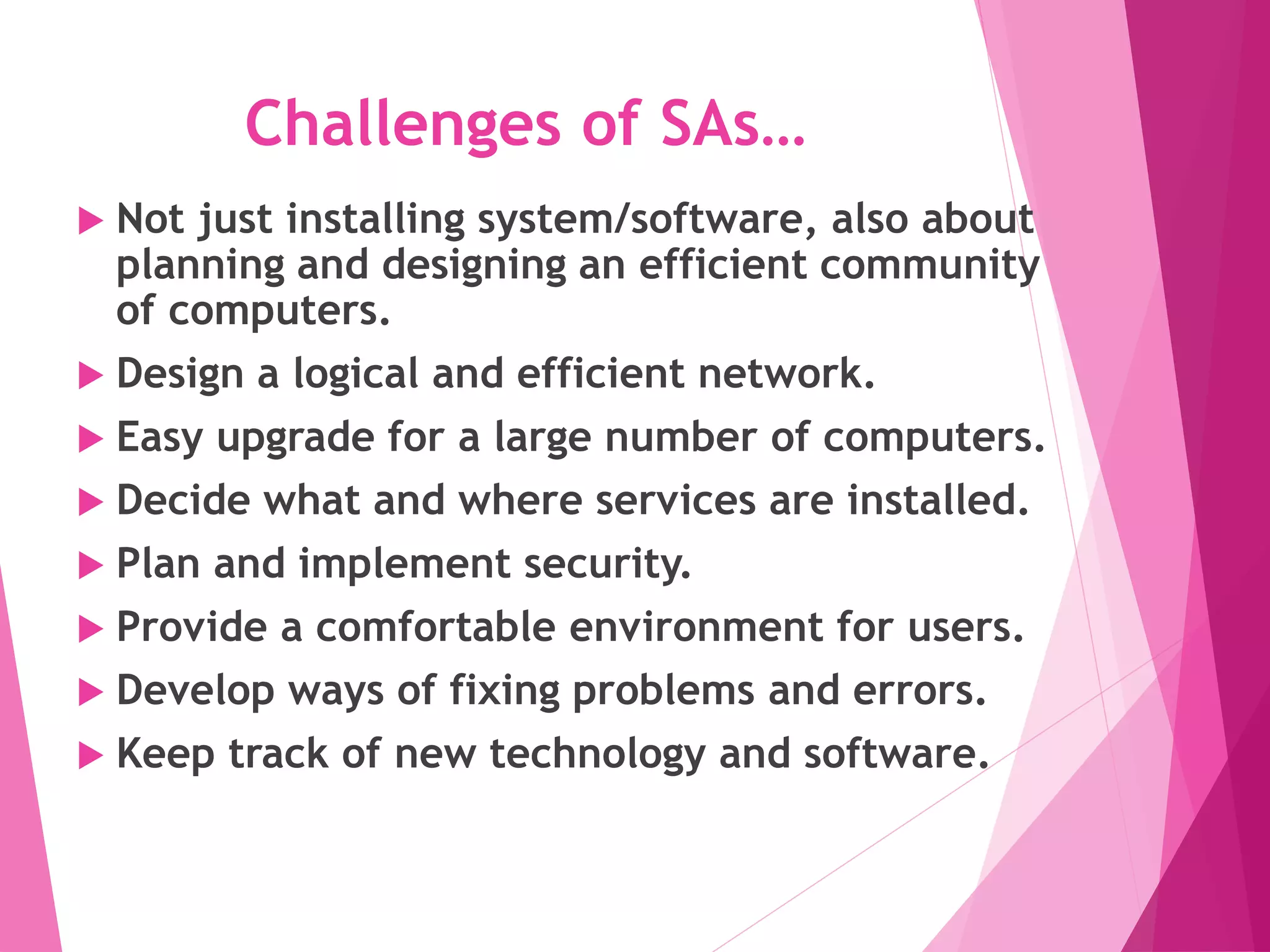
Challenges of SAs…
 Not just installing system/software, also about
planning and designing an efficient community
of computers.
 Design a logical and efficient network.
 Easy upgrade for a large number of computers.
 Decide what and where services are installed.
 Plan and implement security.
 Provide a comfortable environment for users.
 Develop ways of fixing problems and errors.
 Keep track of new technology and software.
Types of Administrators/Users
In a larger company, following may all be
separate positions within a computer
support or Information Services (IS)
department. In a smaller group they
may be shared by a few sysadmins, or
even a single person.
 Database Administrator
 Network Administrator
 Security Administrator
 Web Administrator
 Technical support
 computer operator
Types of Administrators/Users
 A database administrator (DBA)
maintains a database system, and is
responsible for the integrity of the data
and the efficiency and performance of
the system.
 A network administrator maintains
network infrastructure such as switches
and routers, and diagnoses problems
with these or with the behavior of
network-attached computers.
 A security administrator is a specialist in
computer and network security,
including the administration of security
devices such as firewalls, as well as
consulting on general security
measures.
Types of Administrators/Users
 A web administrator maintains web
server services (such as IIS or Apache)
that allow for internal or external
access to web sites. Tasks include
managing multiple sites, administering
security, and configuring necessary
components and software.
Responsibilities may also include
software change management.
 Technical support staff respond to
individual users' difficulties with
computer systems, provide instructions
and sometimes training, and diagnose
and solve common problems.
 A computer operator performs routine
maintenance and upkeep, such as
changing backup tapes or replacing
failed
Operating Systems
Supporting Administration
 Microsoft Windows
 History: 1975 - Microsoft Formed
 1980 - Xenix released by Microsoft
 1981 - MS-DOS 1.0 released with new IBM
PC
 1985 - Windows 1.0 released
 1987-1990 – Windows 2.0 to 2.11
released
 199 - Windows 3.1 released
 1993 - Windows NT 3.1 released (over 6
million lines of code)
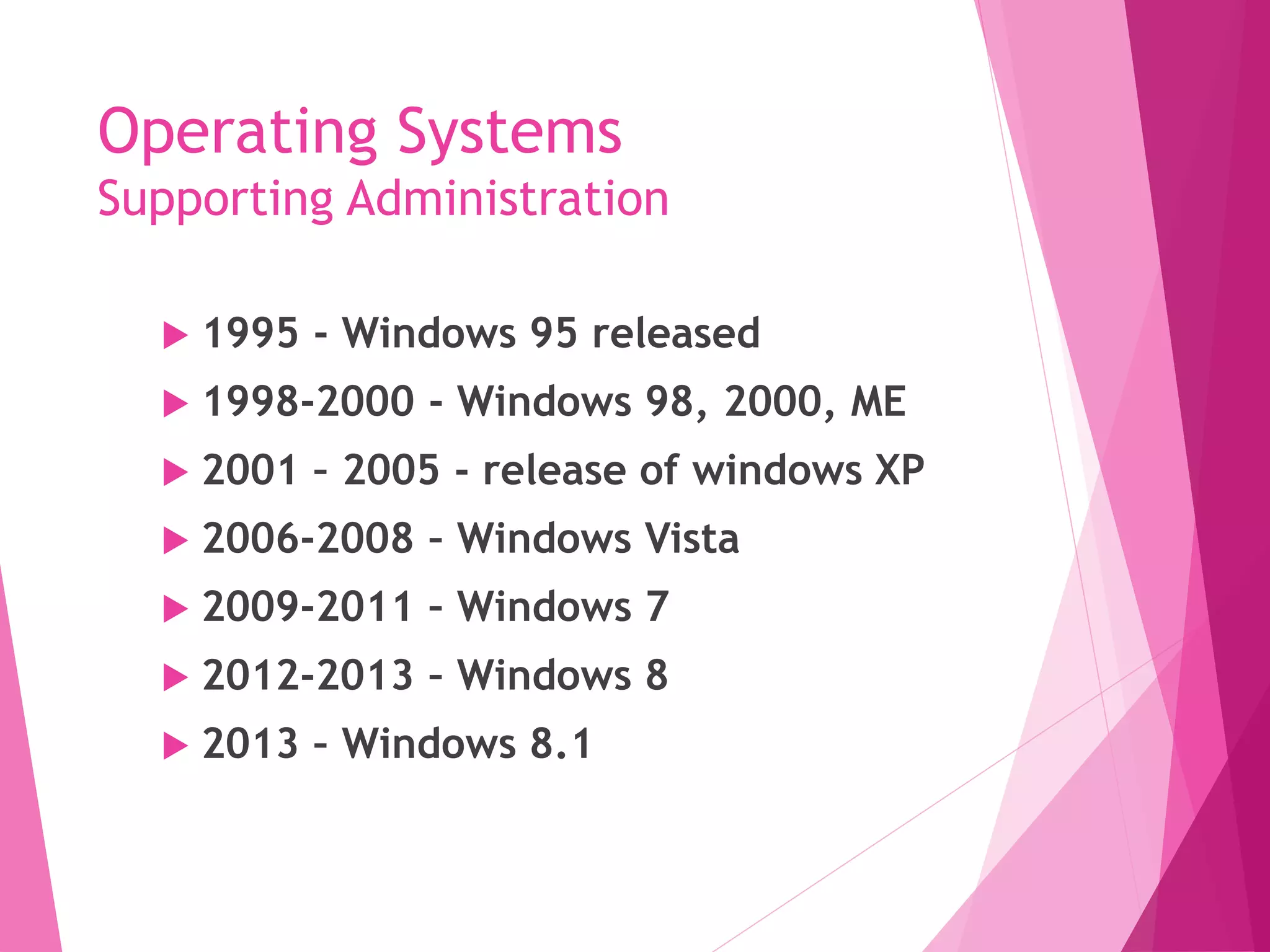
Operating Systems
Supporting Administration
 1995 - Windows 95 released
 1998-2000 - Windows 98, 2000, ME
 2001 – 2005 - release of windows XP
 2006-2008 – Windows Vista
 2009-2011 – Windows 7
 2012-2013 – Windows 8
 2013 – Windows 8.1
Operating Systems
Supporting Administration
 UNIX
 Early 70s --> AT&T System V Unix
(and C developed)--> BSD Unix (U.
Cal-Berkley)
 Today - many variants. Portable and
Scalable.
HP - HP/UX
IBM - AIX
Silicon Graphics - Irix
Sun Microsystems - SunOS/Solaris
 For history see:
http://www.sun.com/aboutsun/coinfo
Operating Systems
Supporting Administration
 1982 - Sun Microsystems founded.
 PC Based Unix - Solaris, SCO Unix,
FreeBSD, NetBSD
 Linux - Linus Torvalds (Finland) 1991.
Free/Open.
 (Red Hat Linux – Commercial Version)
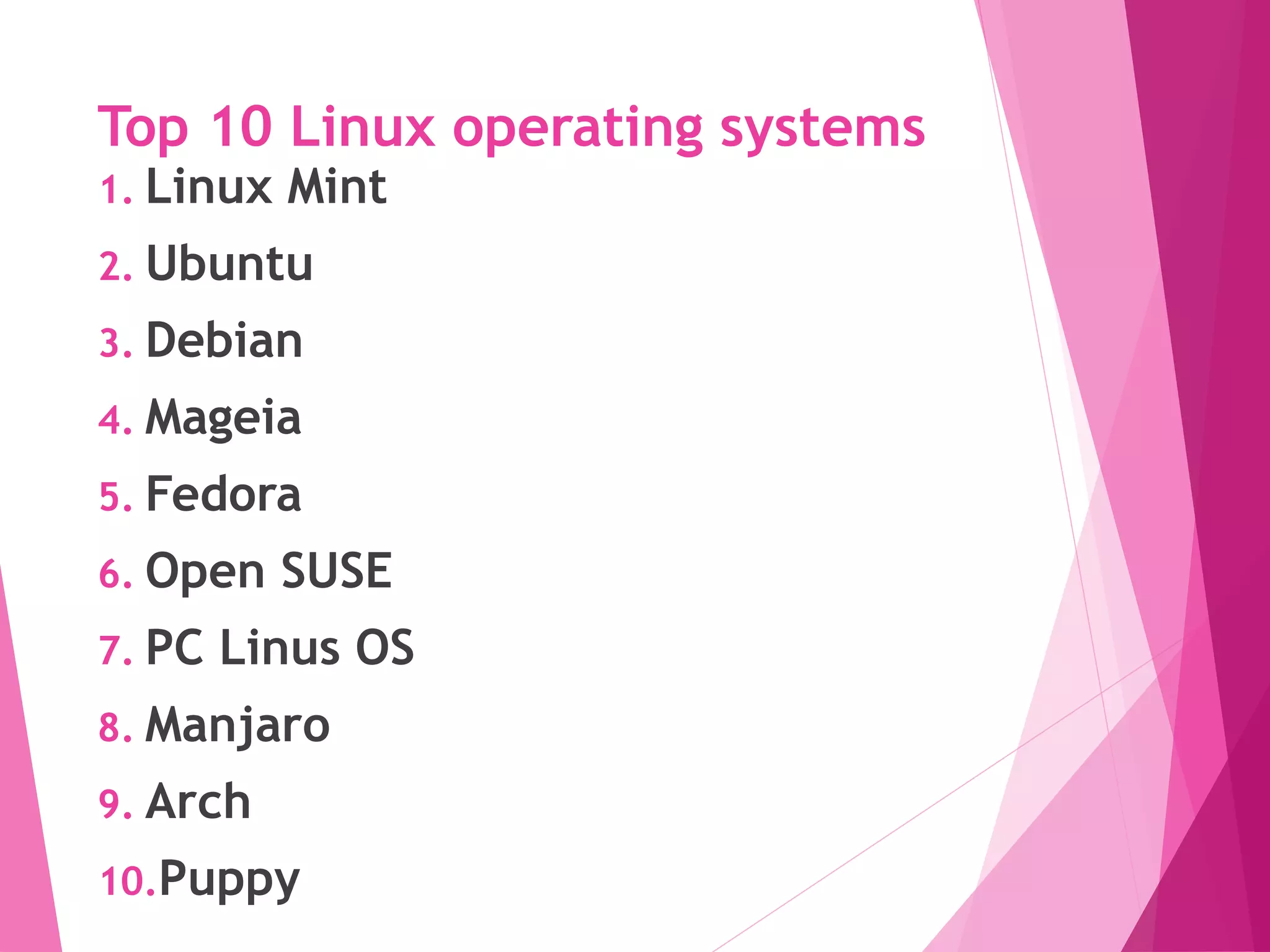
Top 10 Linux operating systems
1. Linux Mint
2. Ubuntu
3. Debian
4. Mageia
5. Fedora
6. Open SUSE
7. PC Linus OS
8. Manjaro
9. Arch
10.Puppy

15365129.ppt

  • 1.
  • 2.
    System Administration  SystemAdministration  Duties of System Administrator  Types of Administrators/Users  Operating Systems Supporting Administration  Windows  Unix
  • 3.
    System Administration  Whatis System Administration  Management of the System  System Comprise of  Computers  Hardware (CPU , Printer , Scanner etc)  Software  Operating System  Application Software (Business Software, Office Automation, Peach Tree etc)  Management Software (Database / Web / Email etc)  Networks  Users  Any thing else?  What do you understand by Management?
  • 4.
    System Administration  Thesubject matter of systems administration includes computer systems and the ways people use them in an organization. This entails a knowledge of operating systems and applications, as well as hardware and software troubleshooting, but also knowledge of the purposes for which people in the organization use the computers.
  • 5.
    Duties of aSystem Administrator A system administrator's responsibilities might include:  Applying operating system updates, patches, and configuration changes.  Installing and configuring new hardware and software.  Adding, removing, or updating user account information, resetting passwords, etc.  System performance tuning.
  • 6.
    Duties of aSystem Administrator  Responsibility for documenting the configuration of the system.  Responsibility for security.  Performing routine audits of systems and software.  Performing backups.  Analyzing system logs and identifying potential issues with computer systems.  Troubleshooting any reported problems.
  • 7.
    Duties of aSystem Administrator  Introducing and integrating new technologies into existing data center environments.  Answering technical queries.  Insuring that the network infrastructure is up and running
  • 9.
    Challenges of SAs… Not just installing system/software, also about planning and designing an efficient community of computers.  Design a logical and efficient network.  Easy upgrade for a large number of computers.  Decide what and where services are installed.  Plan and implement security.  Provide a comfortable environment for users.  Develop ways of fixing problems and errors.  Keep track of new technology and software.
  • 10.
    Types of Administrators/Users Ina larger company, following may all be separate positions within a computer support or Information Services (IS) department. In a smaller group they may be shared by a few sysadmins, or even a single person.  Database Administrator  Network Administrator  Security Administrator  Web Administrator  Technical support  computer operator
  • 11.
    Types of Administrators/Users A database administrator (DBA) maintains a database system, and is responsible for the integrity of the data and the efficiency and performance of the system.  A network administrator maintains network infrastructure such as switches and routers, and diagnoses problems with these or with the behavior of network-attached computers.  A security administrator is a specialist in computer and network security, including the administration of security devices such as firewalls, as well as consulting on general security measures.
  • 12.
    Types of Administrators/Users A web administrator maintains web server services (such as IIS or Apache) that allow for internal or external access to web sites. Tasks include managing multiple sites, administering security, and configuring necessary components and software. Responsibilities may also include software change management.  Technical support staff respond to individual users' difficulties with computer systems, provide instructions and sometimes training, and diagnose and solve common problems.  A computer operator performs routine maintenance and upkeep, such as changing backup tapes or replacing failed
  • 13.
    Operating Systems Supporting Administration Microsoft Windows  History: 1975 - Microsoft Formed  1980 - Xenix released by Microsoft  1981 - MS-DOS 1.0 released with new IBM PC  1985 - Windows 1.0 released  1987-1990 – Windows 2.0 to 2.11 released  199 - Windows 3.1 released  1993 - Windows NT 3.1 released (over 6 million lines of code)
  • 14.
    Operating Systems Supporting Administration 1995 - Windows 95 released  1998-2000 - Windows 98, 2000, ME  2001 – 2005 - release of windows XP  2006-2008 – Windows Vista  2009-2011 – Windows 7  2012-2013 – Windows 8  2013 – Windows 8.1
  • 15.
    Operating Systems Supporting Administration UNIX  Early 70s --> AT&T System V Unix (and C developed)--> BSD Unix (U. Cal-Berkley)  Today - many variants. Portable and Scalable. HP - HP/UX IBM - AIX Silicon Graphics - Irix Sun Microsystems - SunOS/Solaris  For history see: http://www.sun.com/aboutsun/coinfo
  • 16.
    Operating Systems Supporting Administration 1982 - Sun Microsystems founded.  PC Based Unix - Solaris, SCO Unix, FreeBSD, NetBSD  Linux - Linus Torvalds (Finland) 1991. Free/Open.  (Red Hat Linux – Commercial Version)
  • 17.
    Top 10 Linuxoperating systems 1. Linux Mint 2. Ubuntu 3. Debian 4. Mageia 5. Fedora 6. Open SUSE 7. PC Linus OS 8. Manjaro 9. Arch 10.Puppy