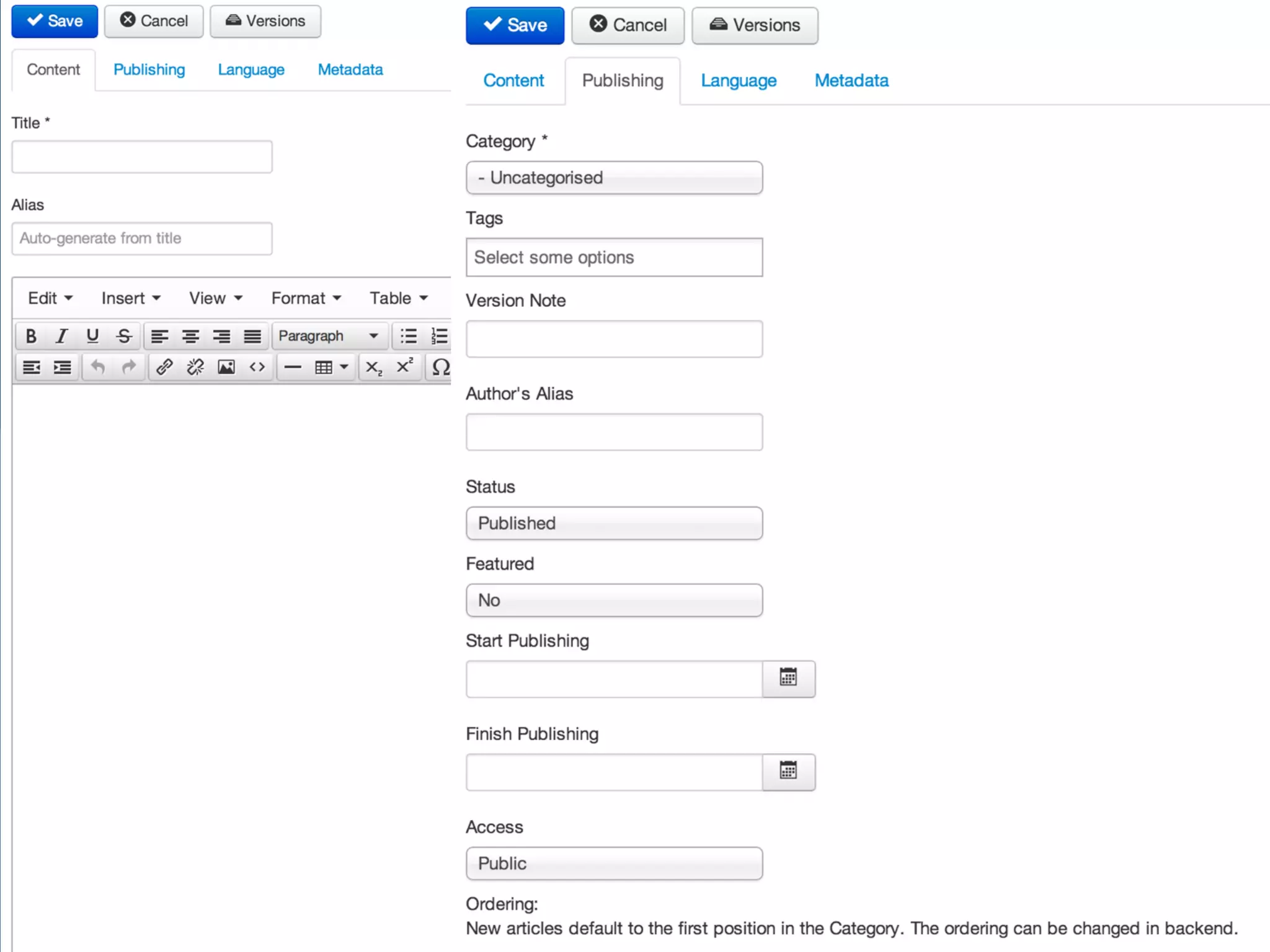
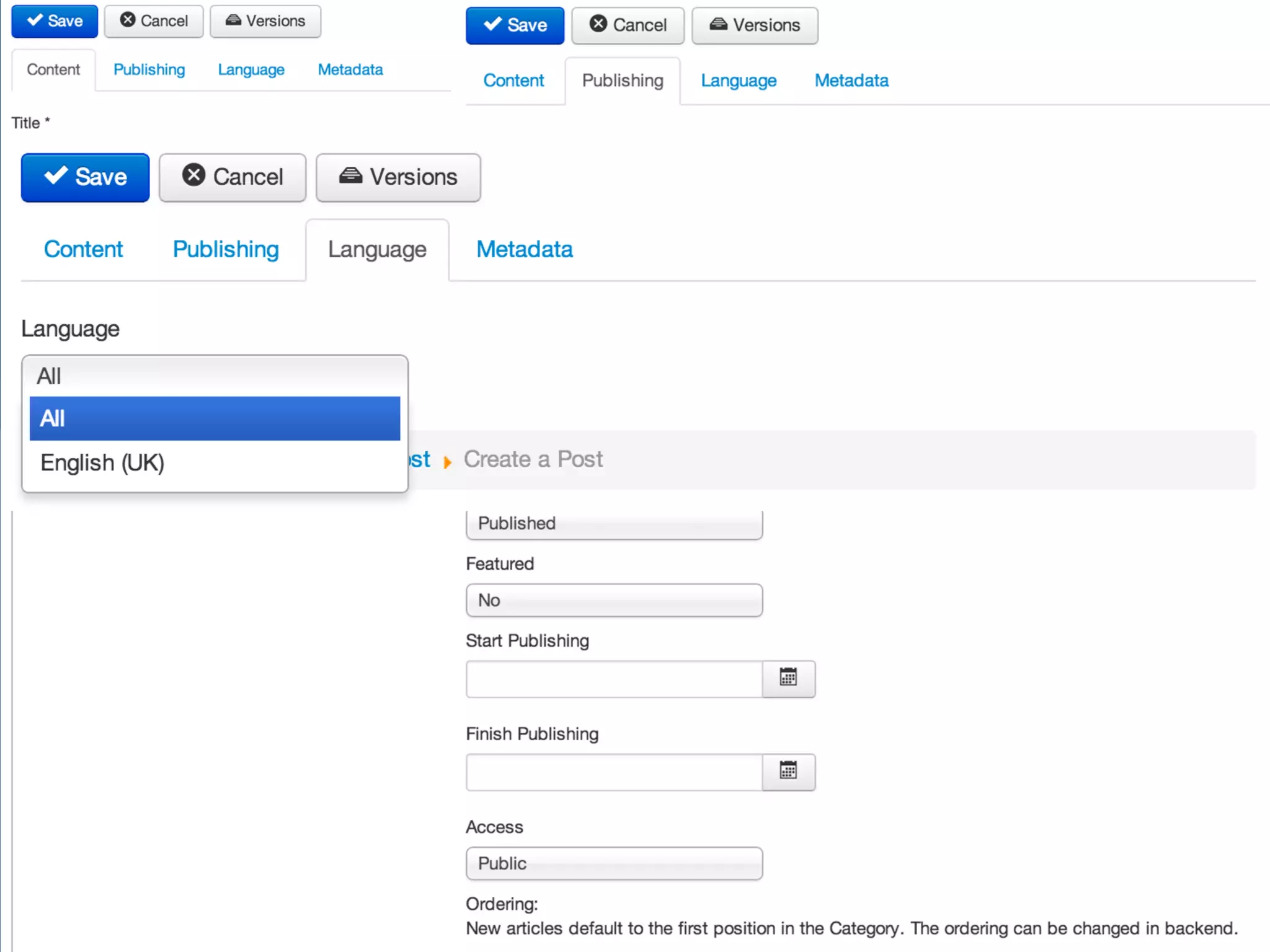
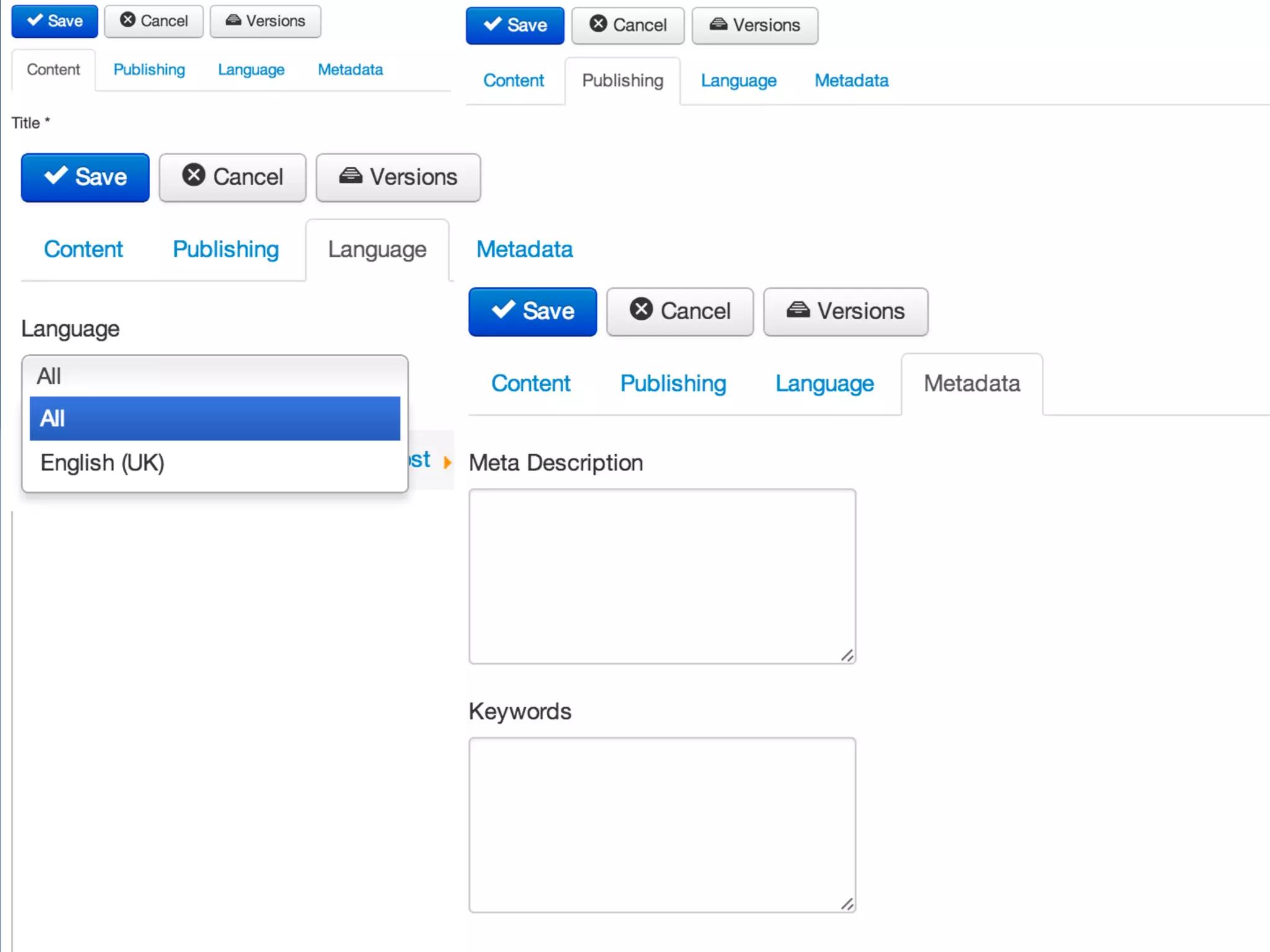
10 tips to improve 
Joomla’s usability 
Sander Potjer 
@sanderpotjer 
www.sanderpotjer.com 
JoomlaDay United Kingdom - October 4, 2014
Sander Potjer 
- Enjoy contributing to Joomla 
- Company: Perfect Web Team 
- Extension: ACL Manager 
- sander@sanderpotjer.nl
Sander Potjer 
- Enjoy contributing to Joomla 
- Company: Perfect Web Team 
- Extension: ACL Manager 
- sander@sanderpotjer.nl 
- Slides: sanderpotjer.com
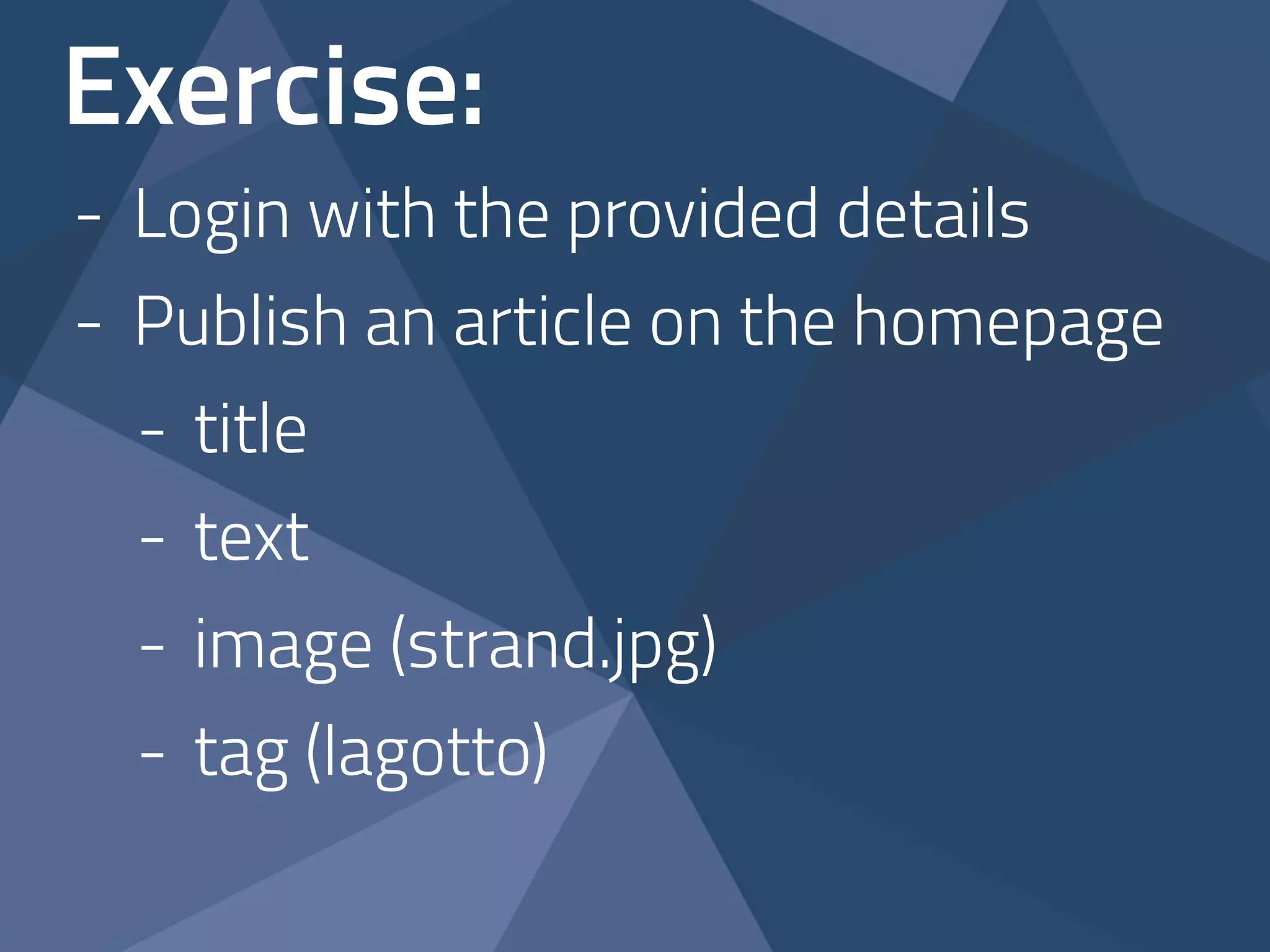
Exercise: 
- Login with the provided details
Exercise: 
- Login with the provided details 
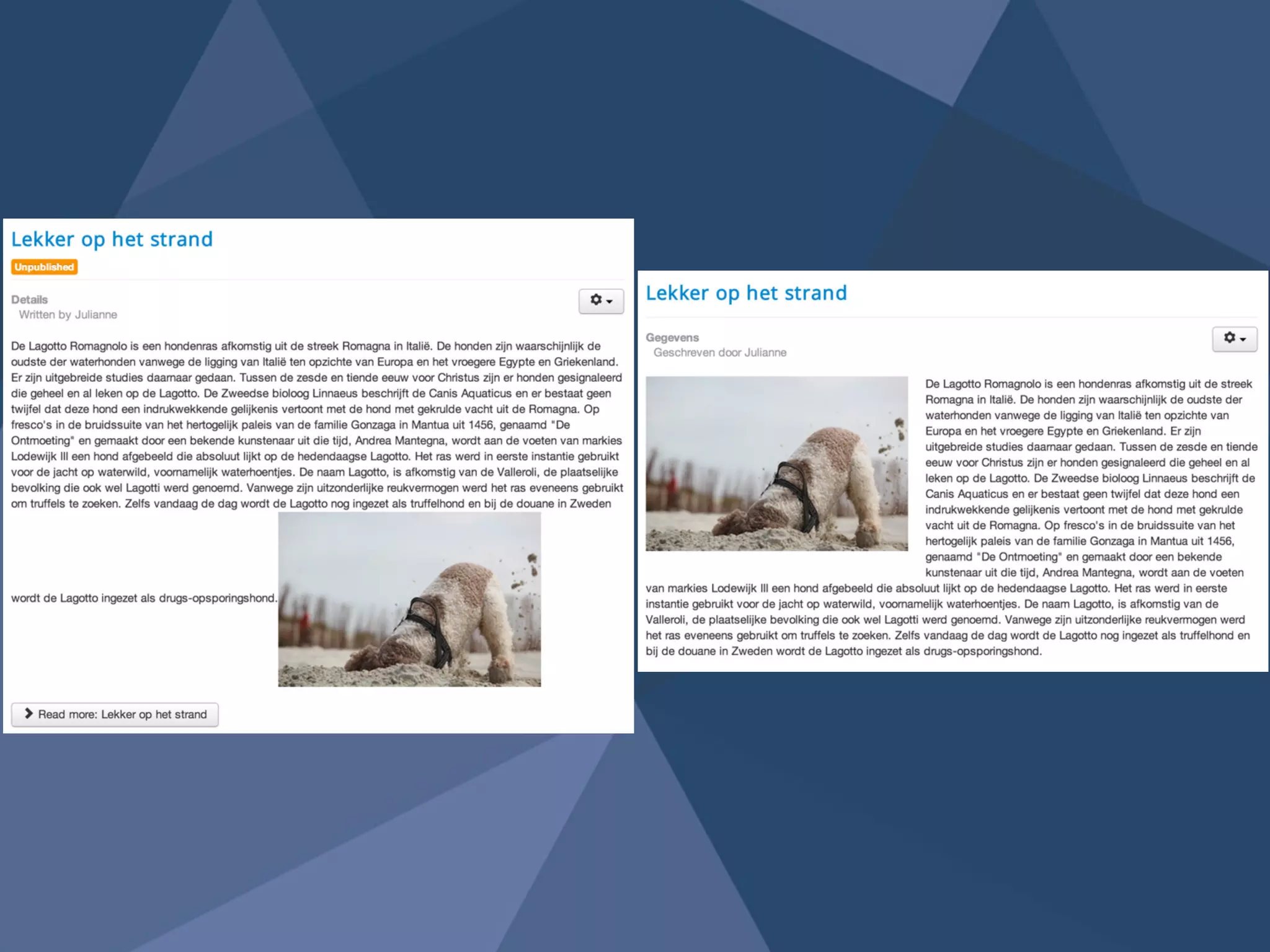
- Publish an article on the homepage 
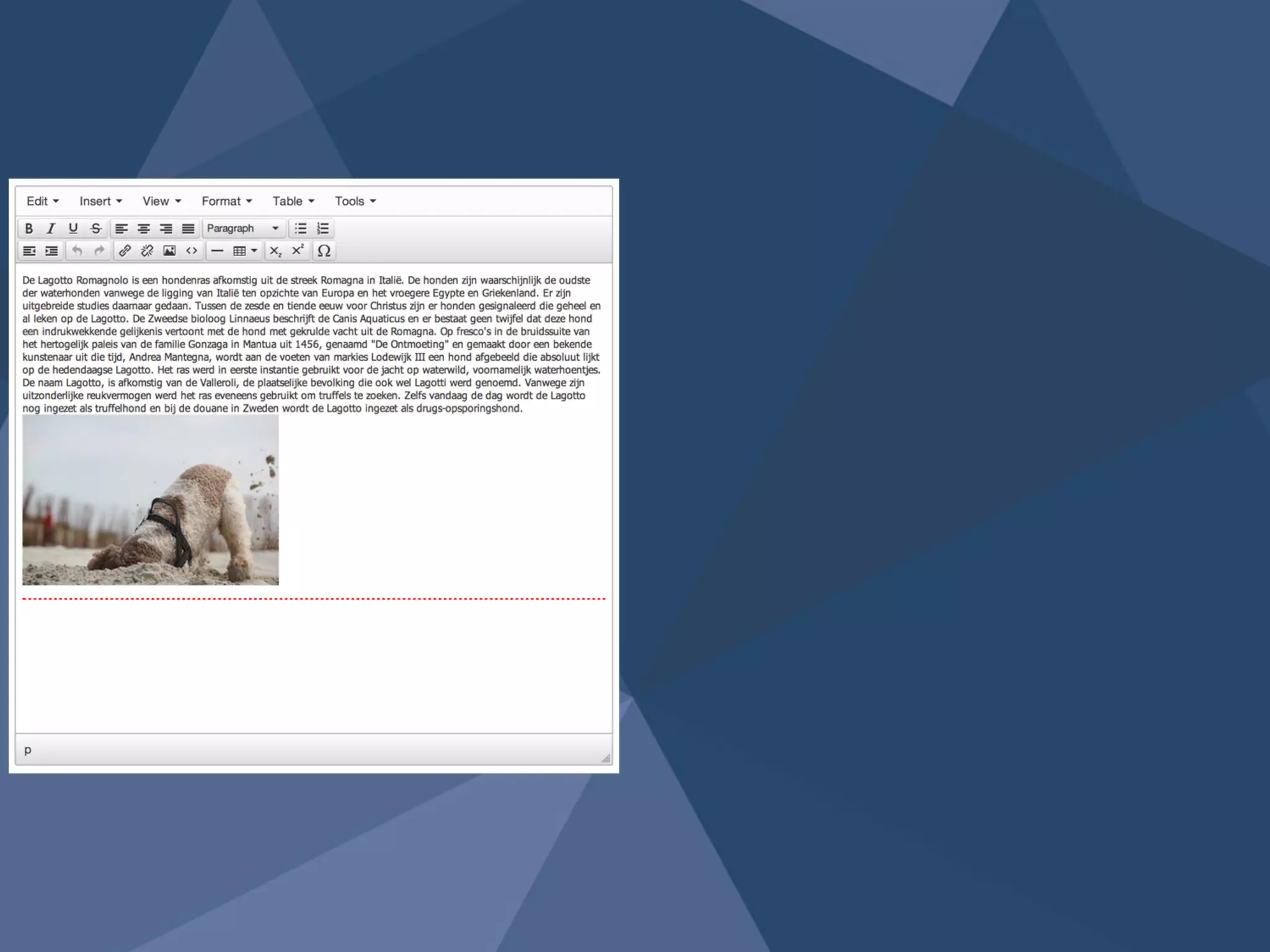
- title 
- text 
- image (strand.jpg) 
- tag (lagotto)
Exercise: 
- Login with the provided details 
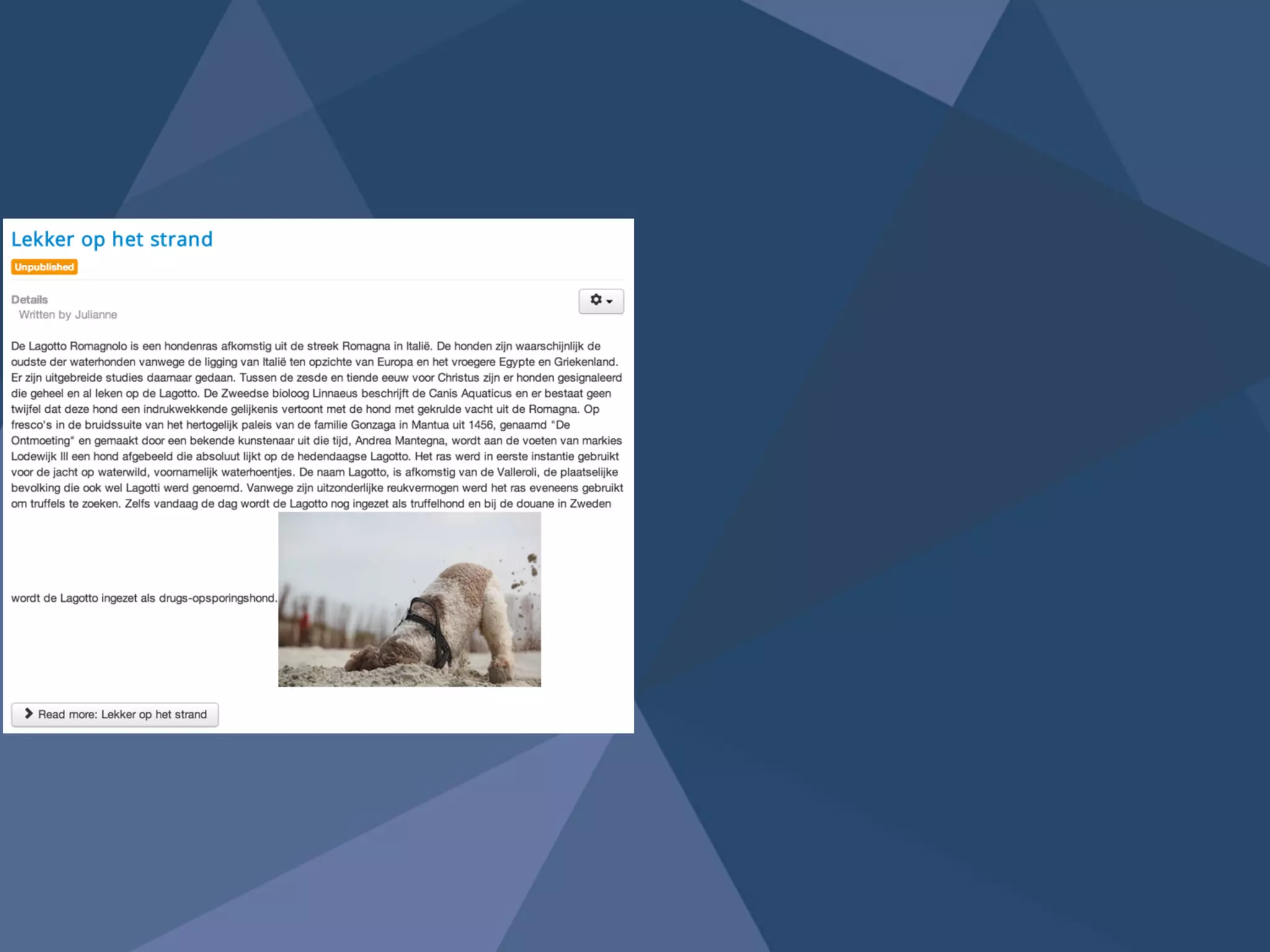
- Publish an article on the homepage 
- title 
- text 
- image (strand.jpg) 
- tag (lagotto) 
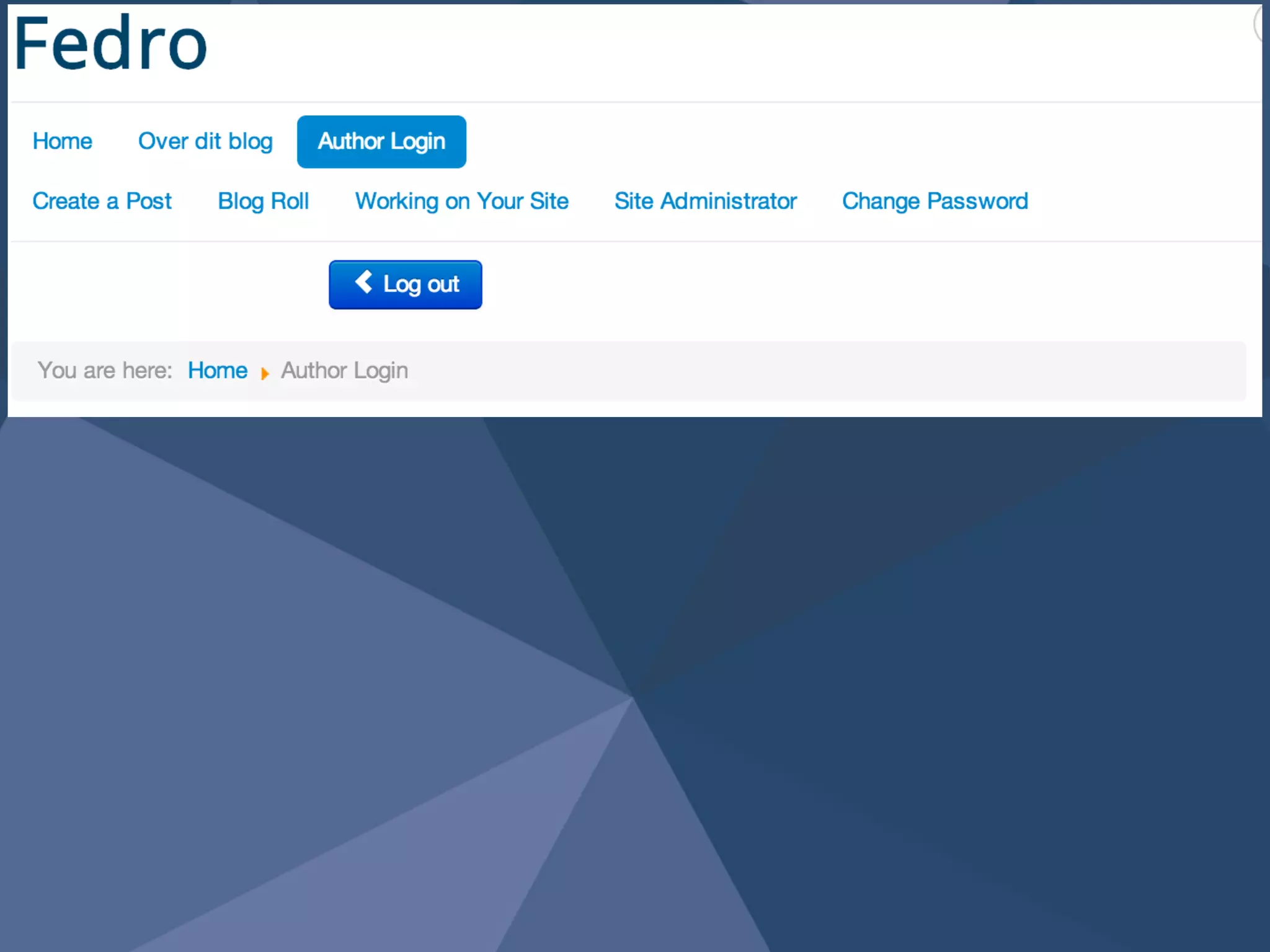
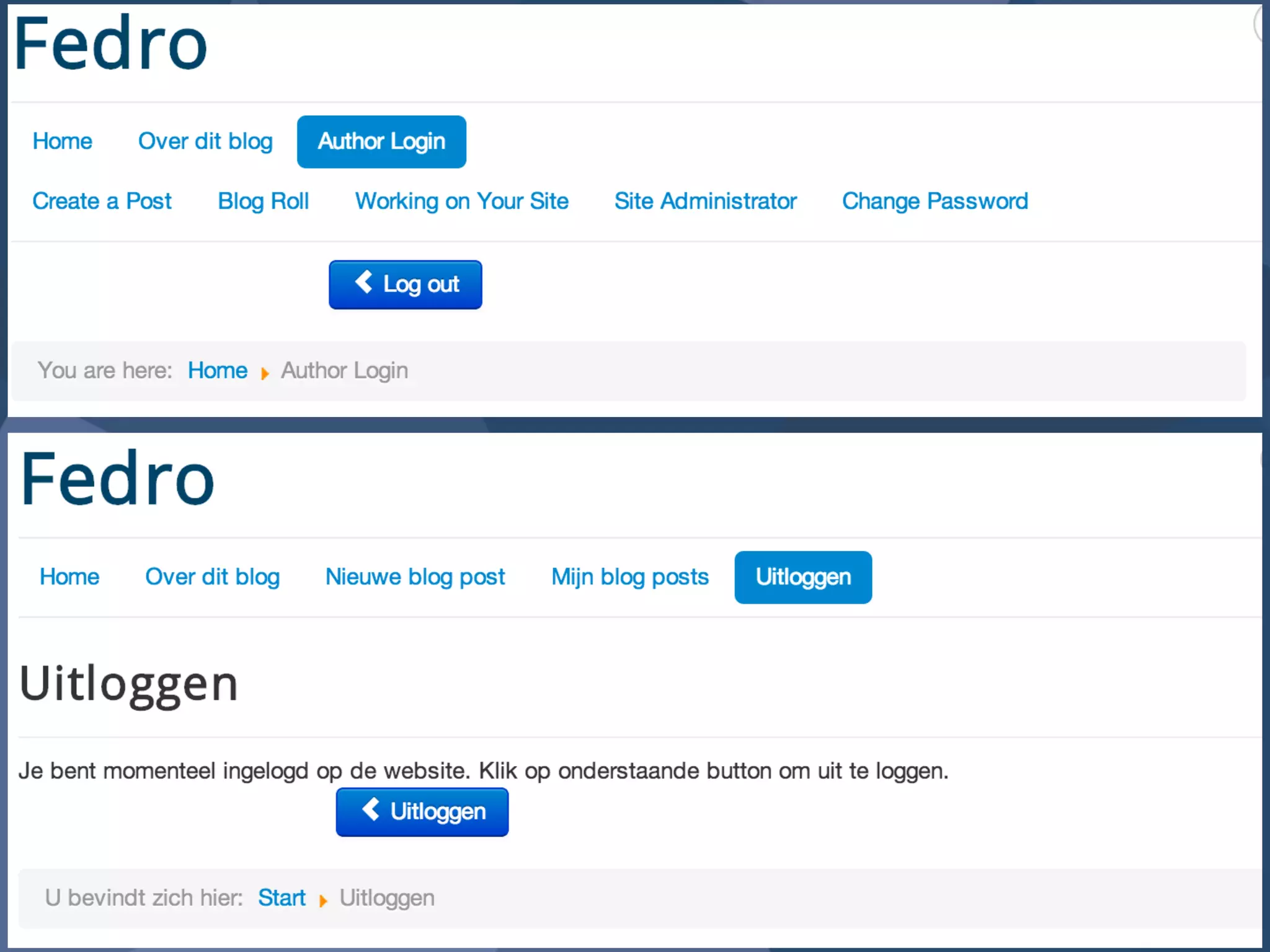
- Logout
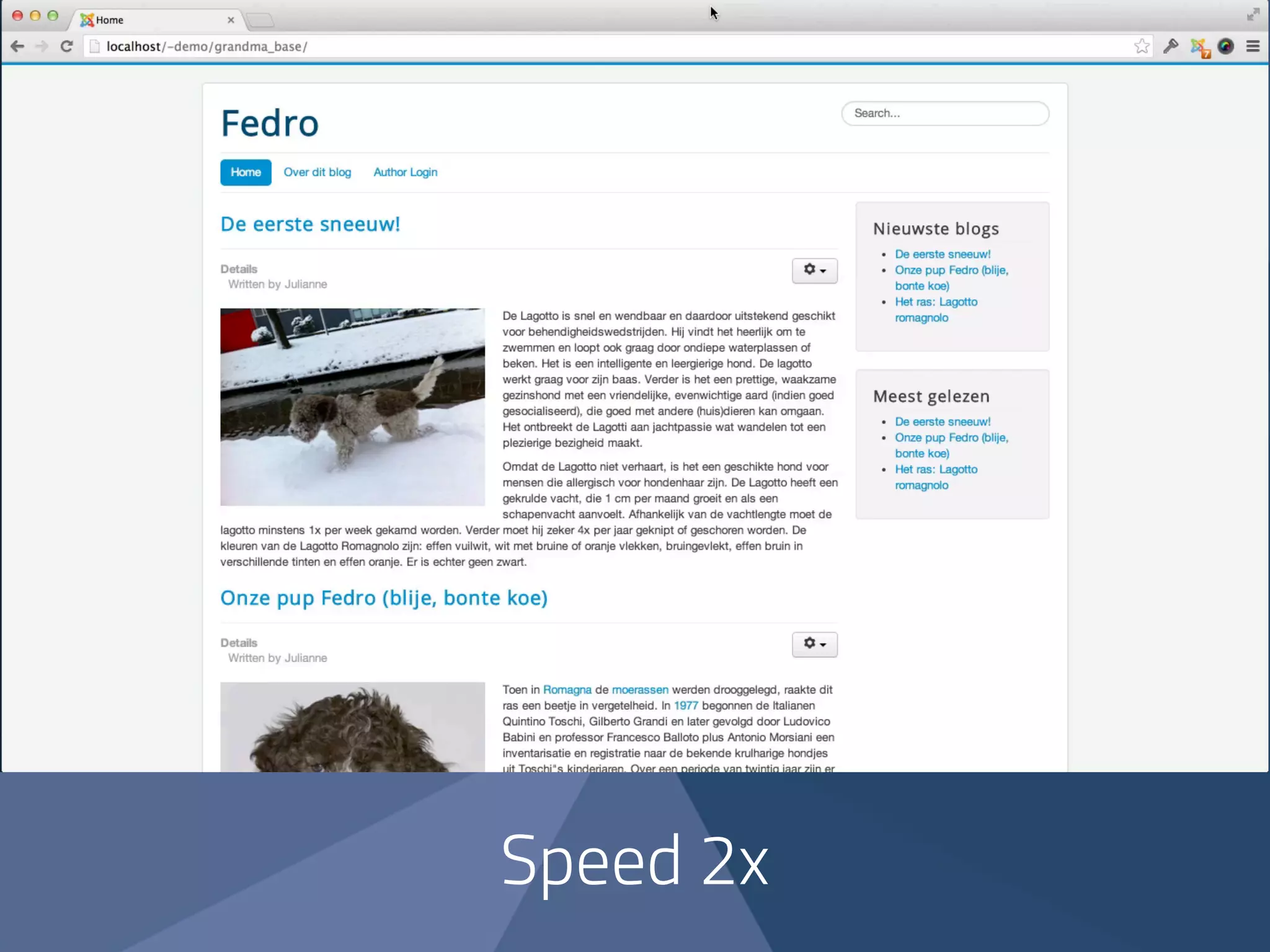
Default 
Joomla installation 
with blogging 
sample data
Speed 2x
8:22
Joomla 
user friendly?
Joomla 
gebruiksvriendelijk?
Improve the 
usability of Joomla 
10 
! 
tips
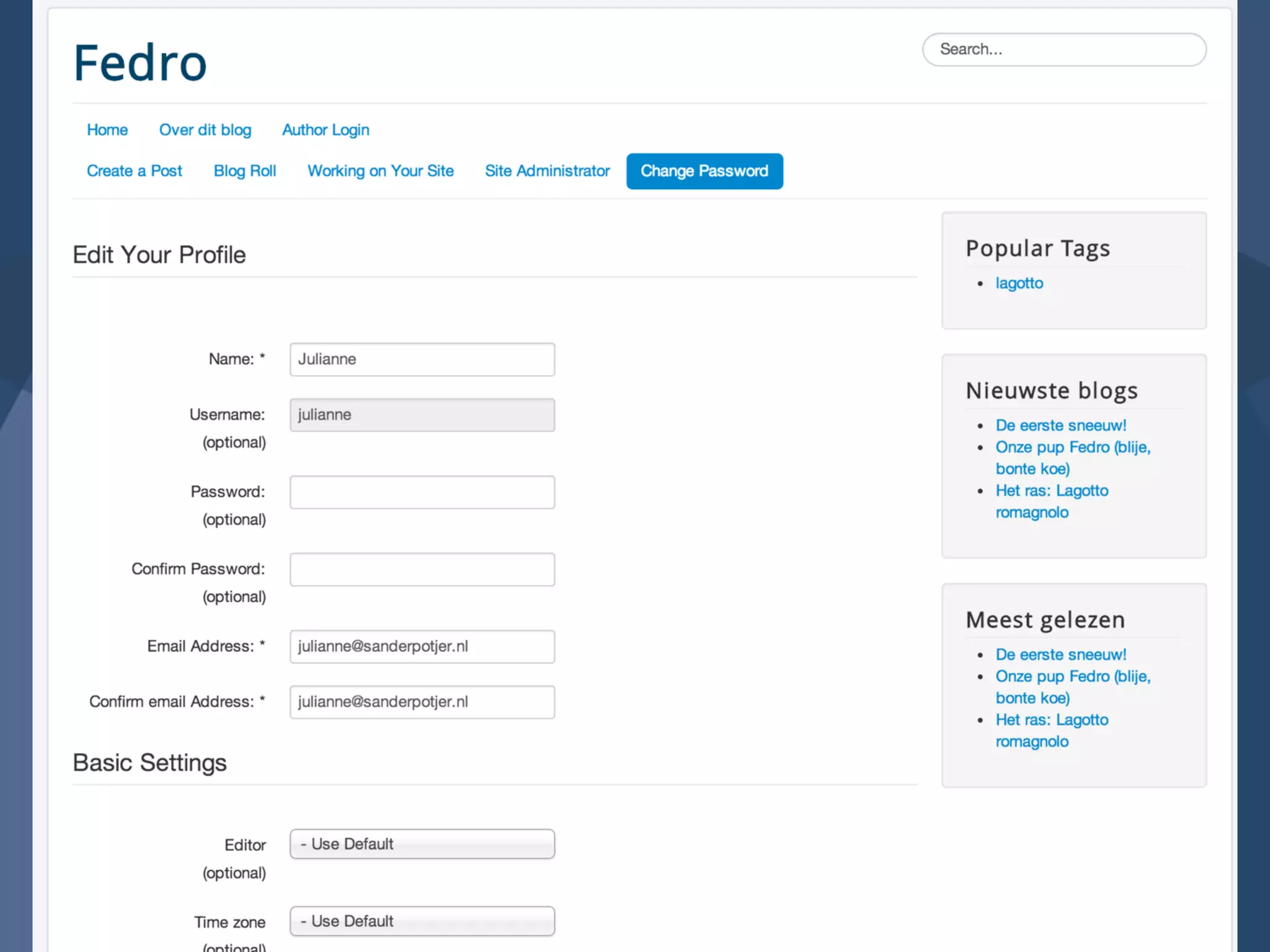
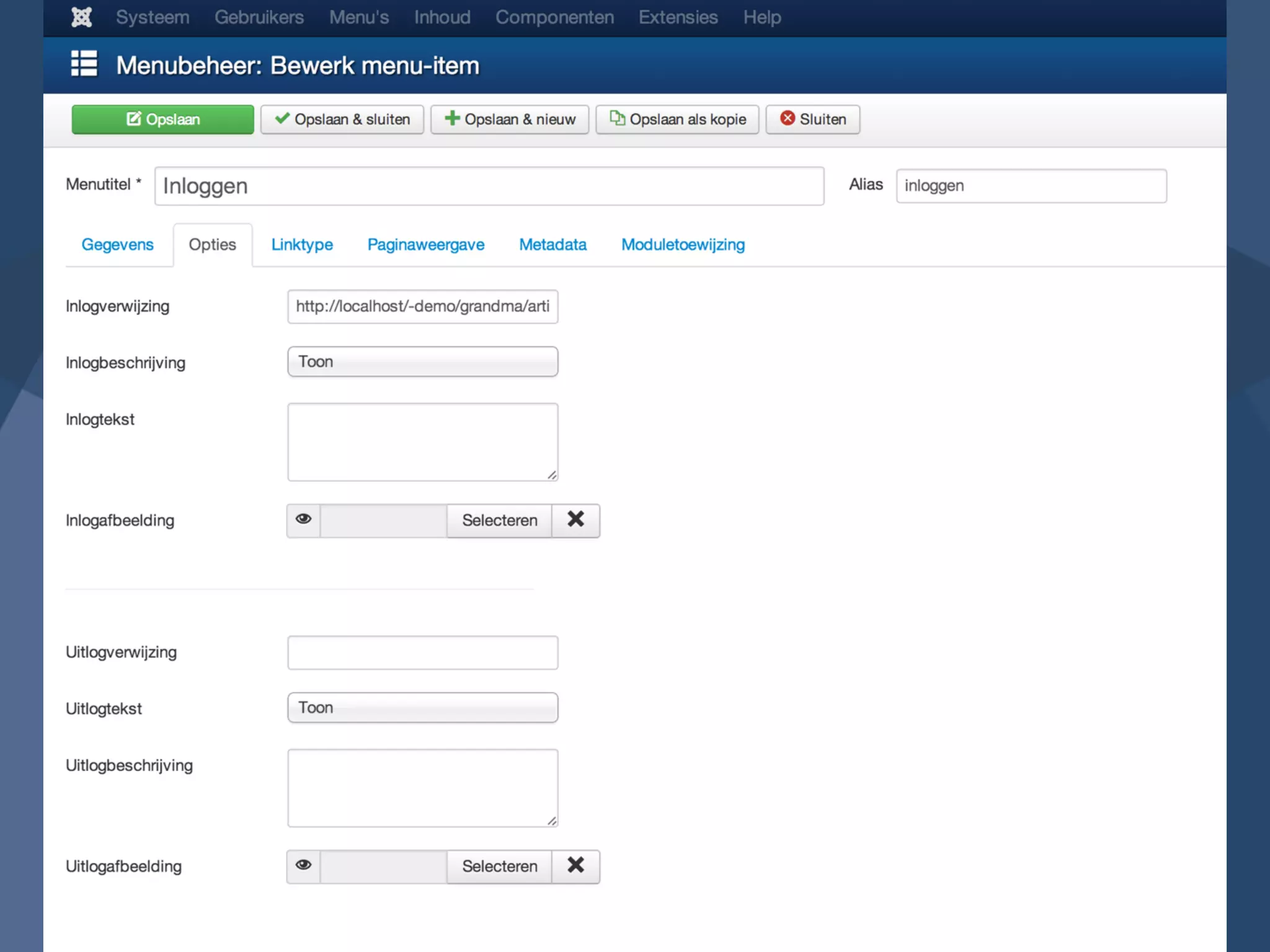
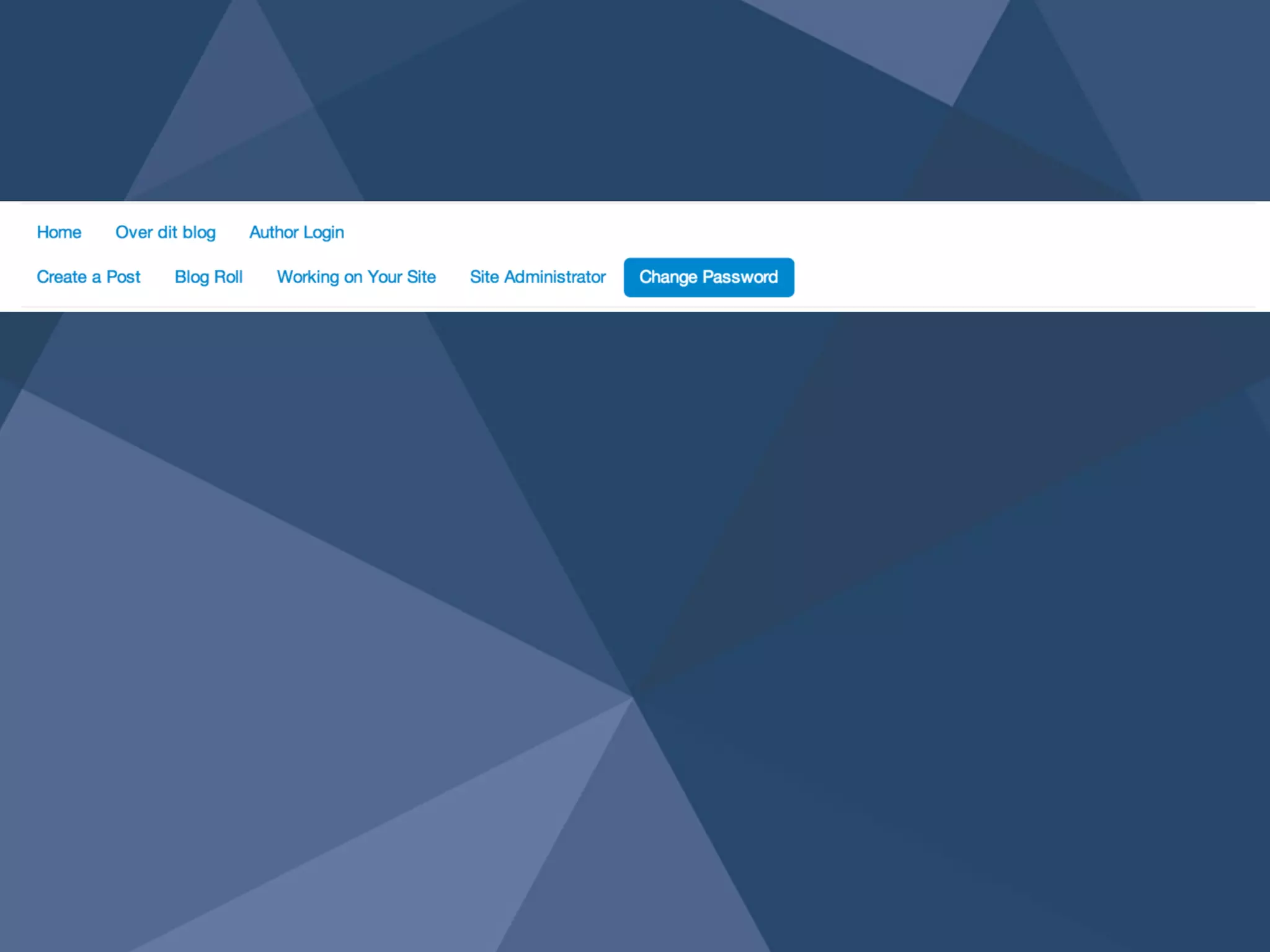
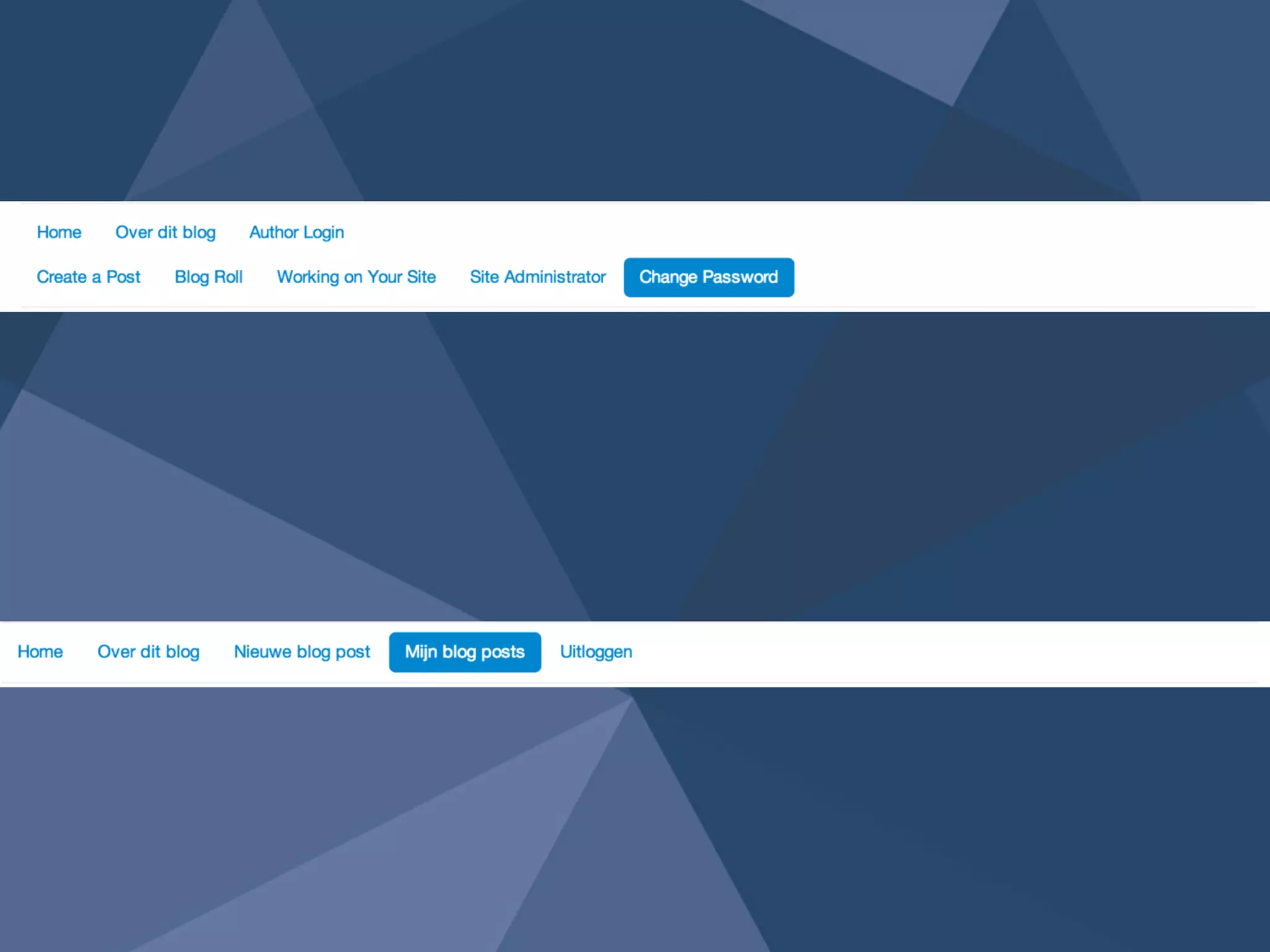
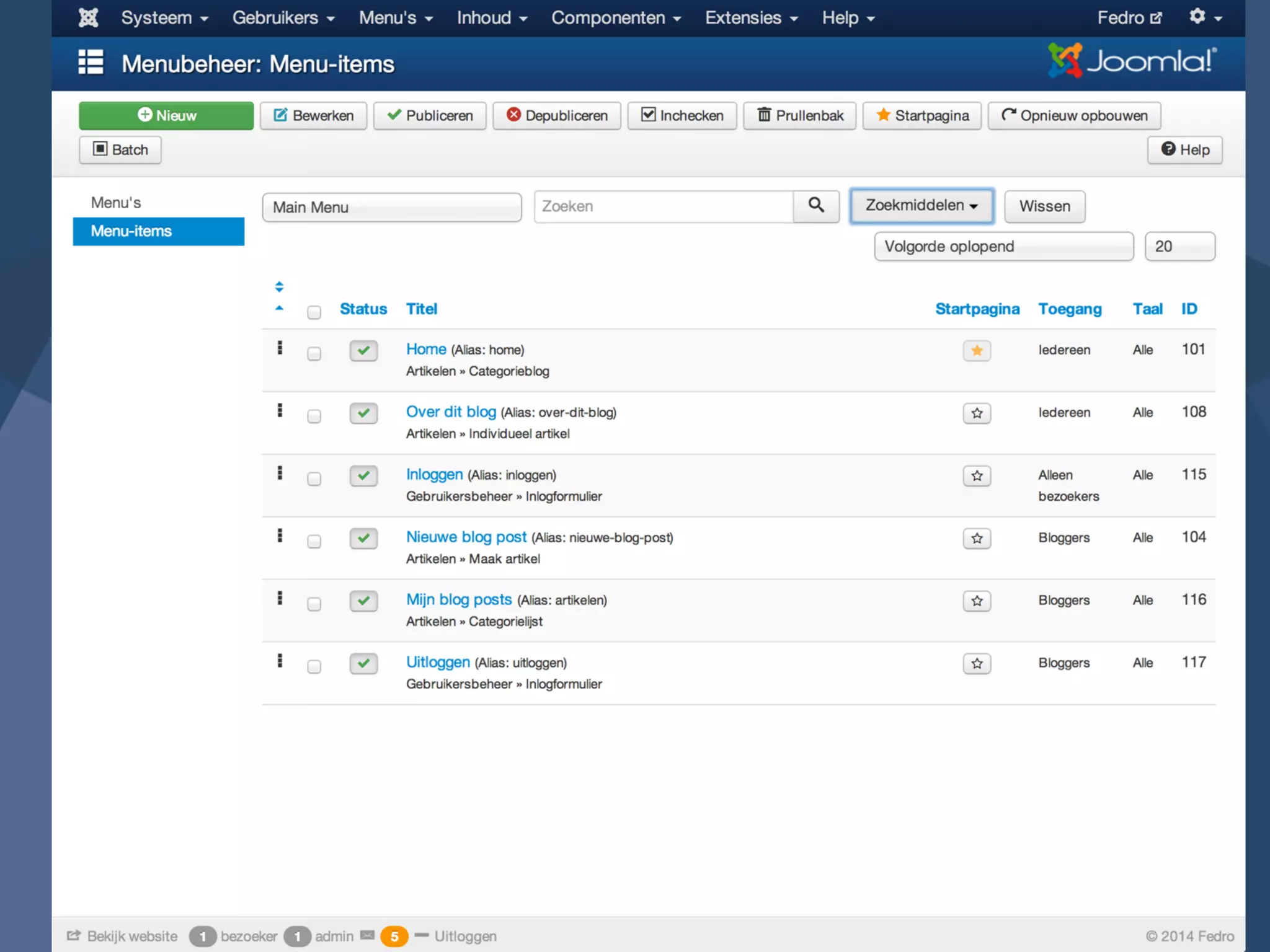
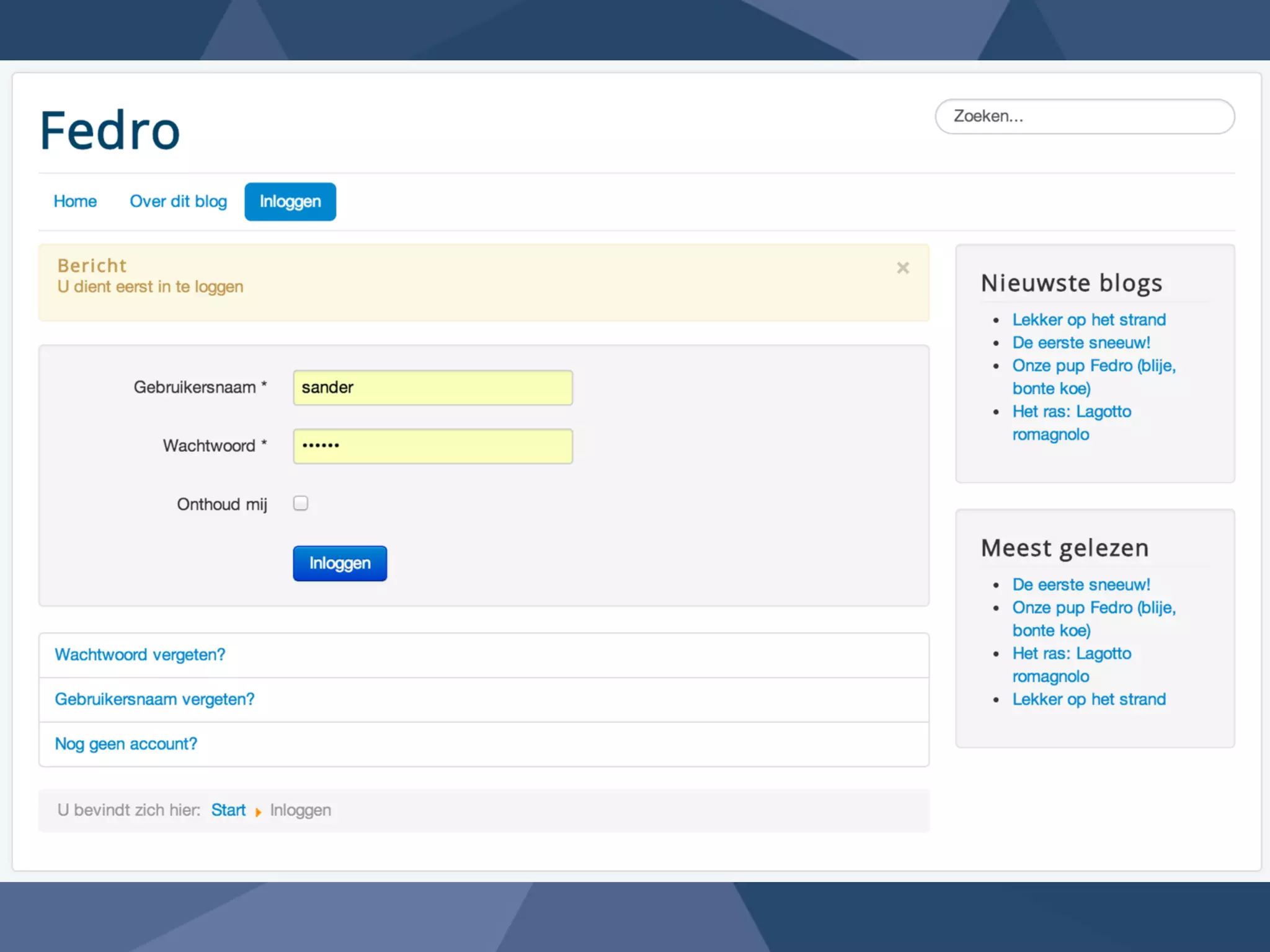
Login 1
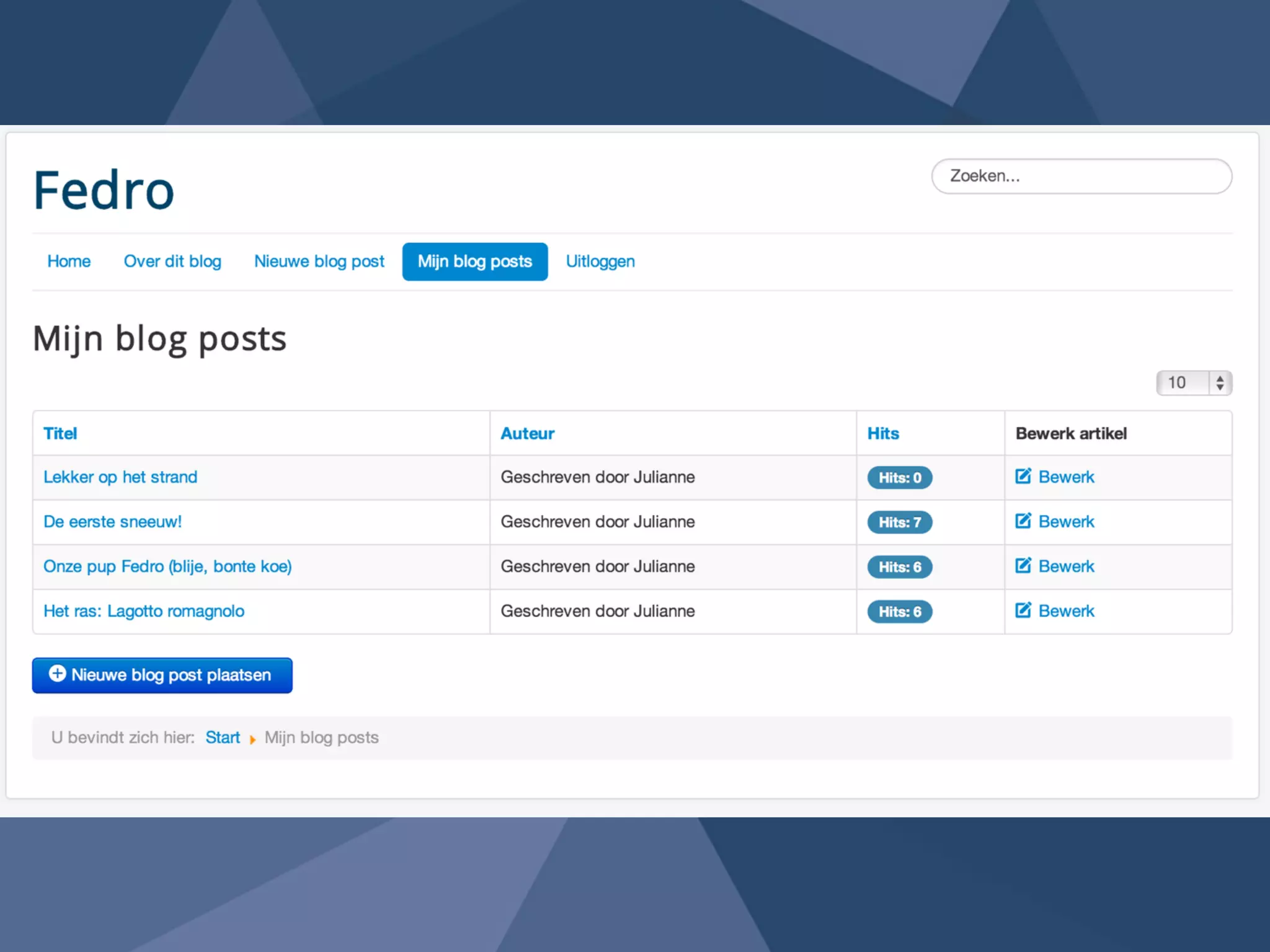
Keep it Simple2
Joomla 
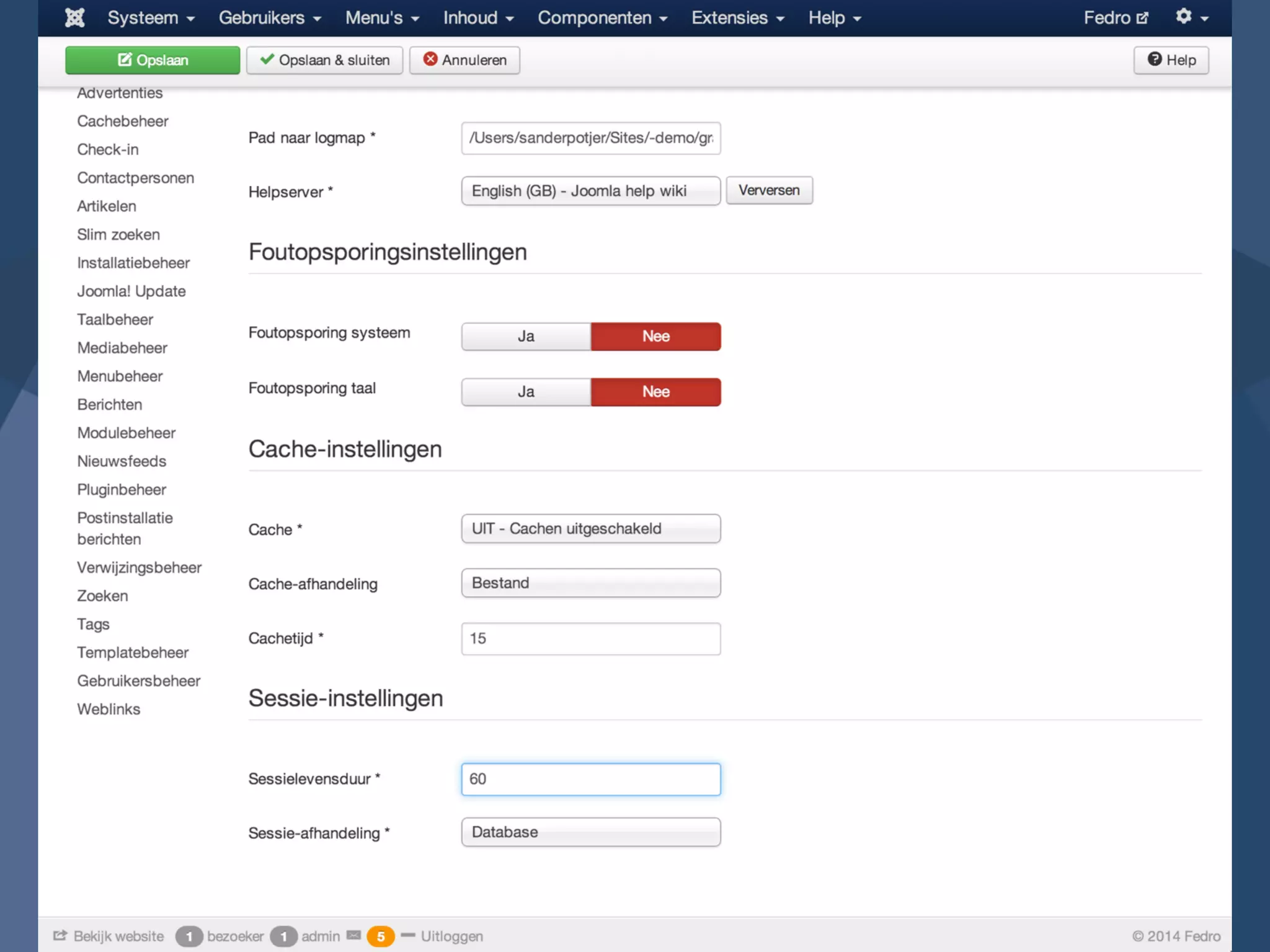
settings 3
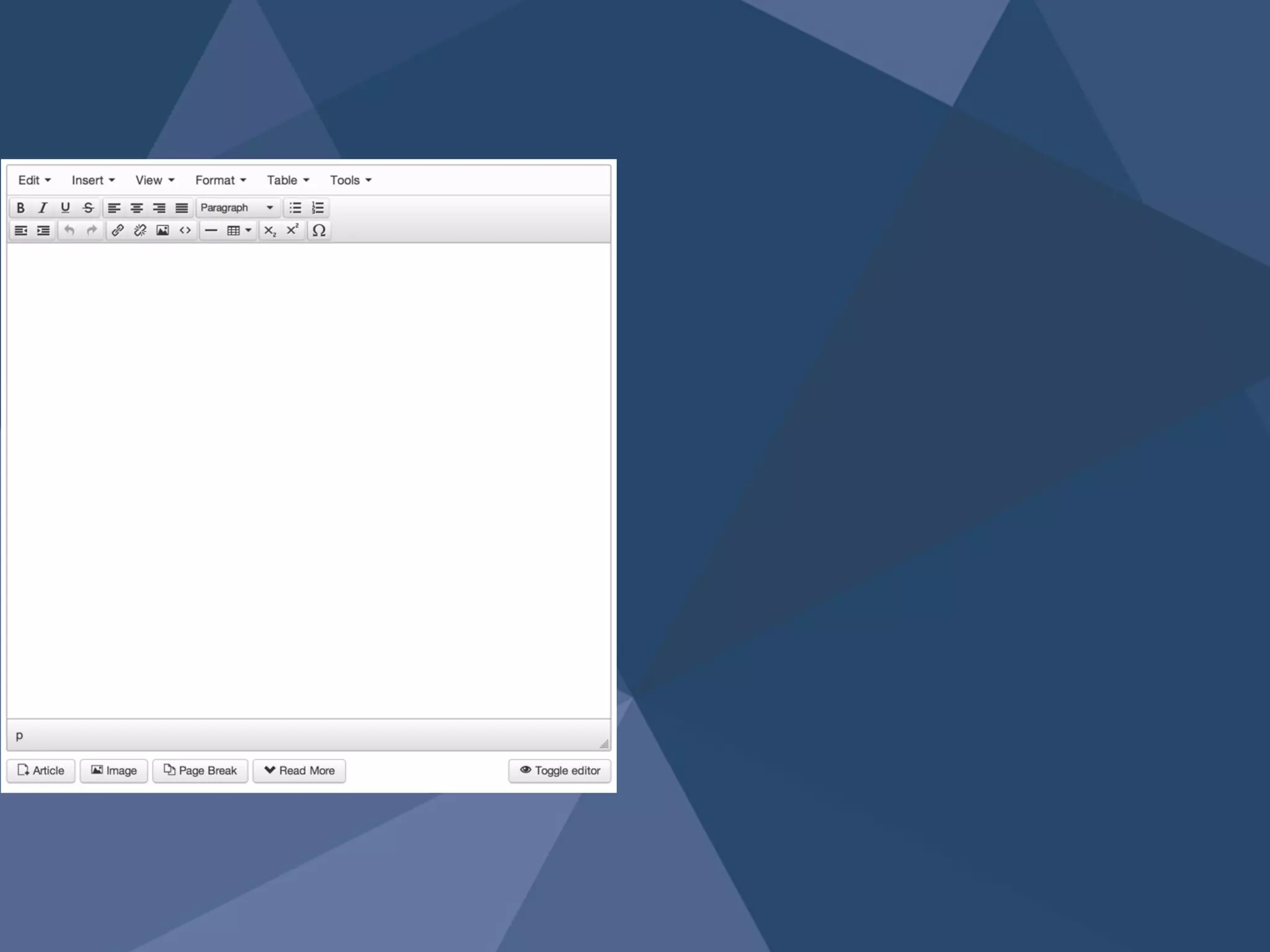
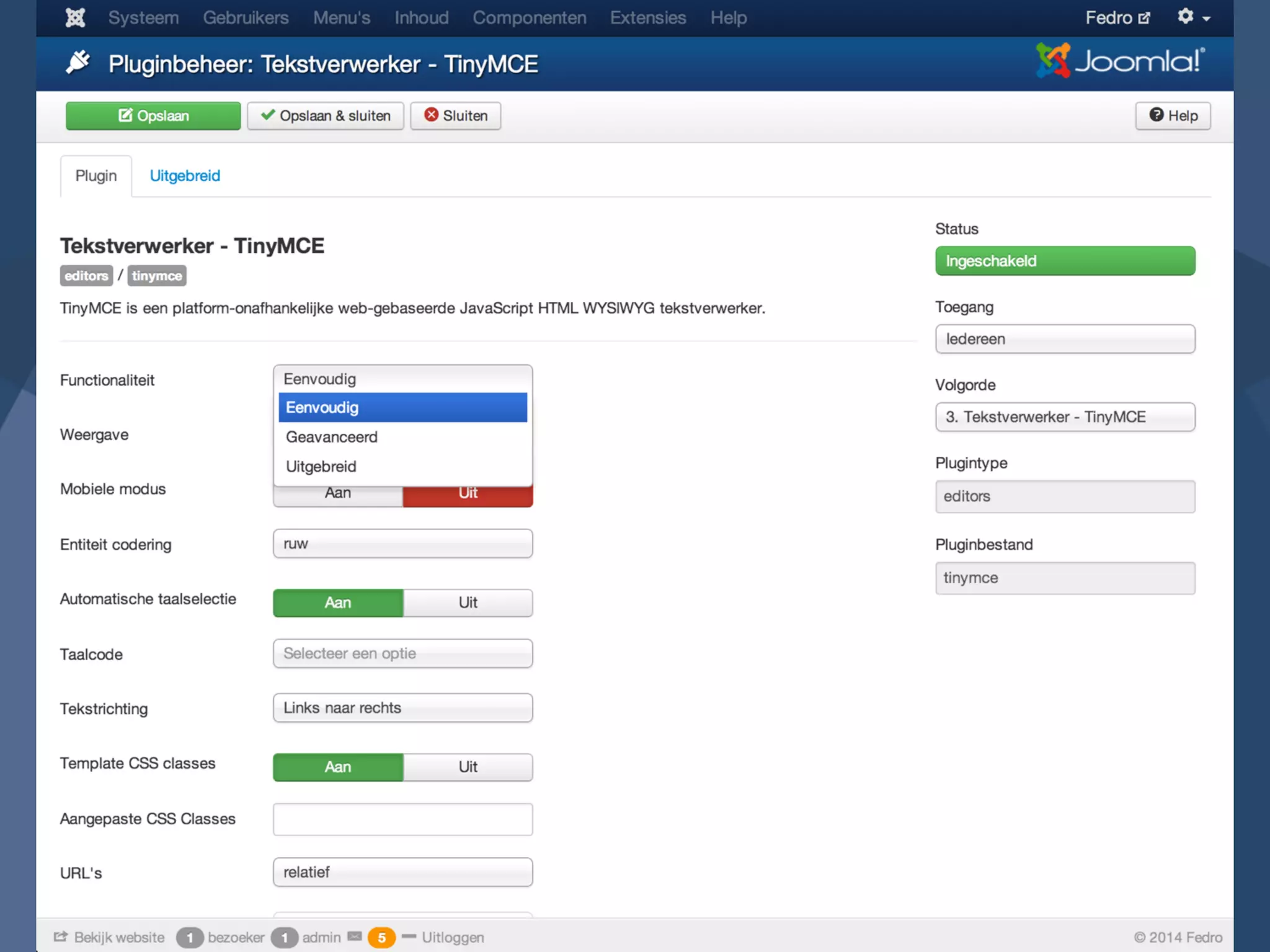
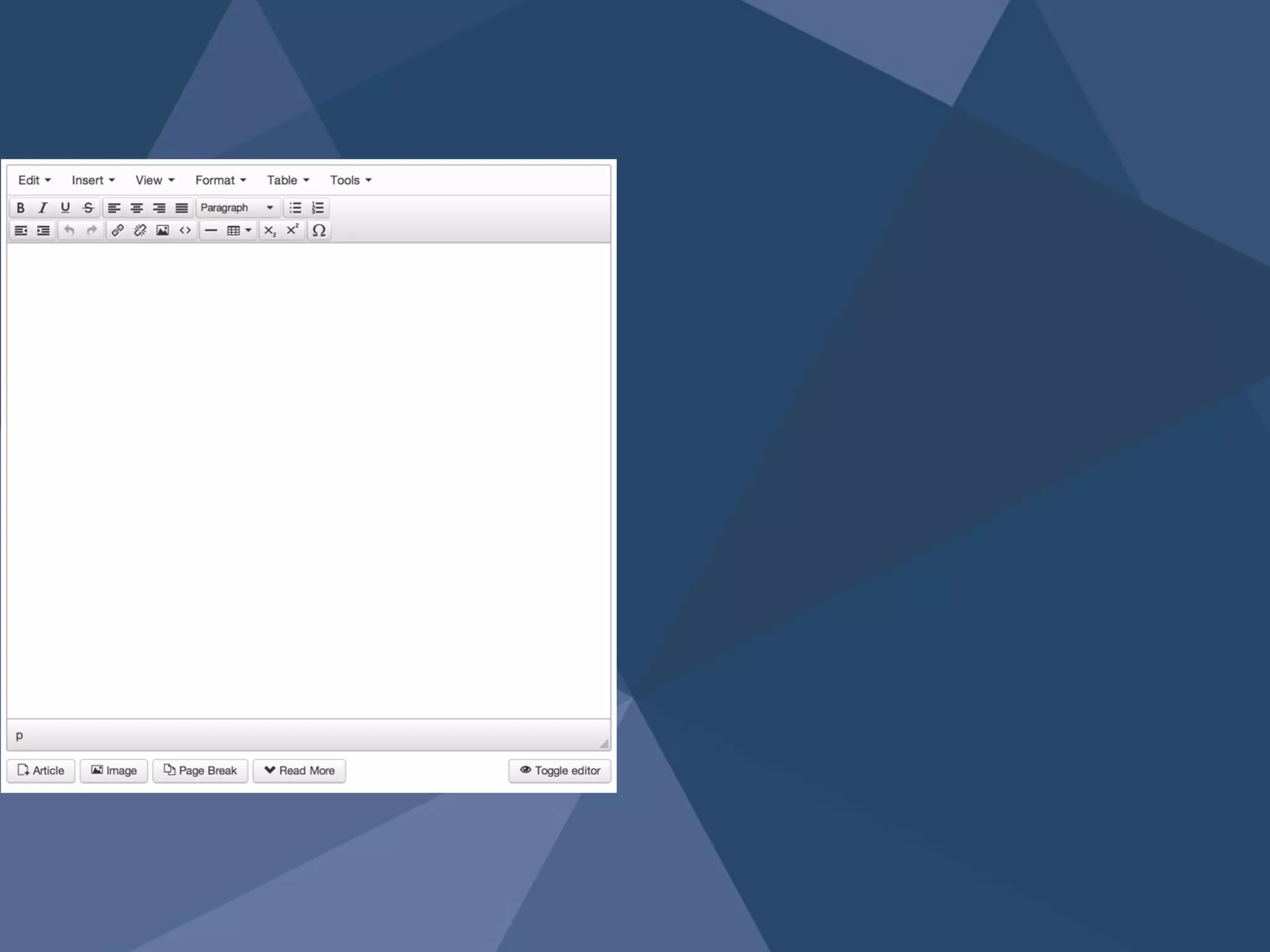
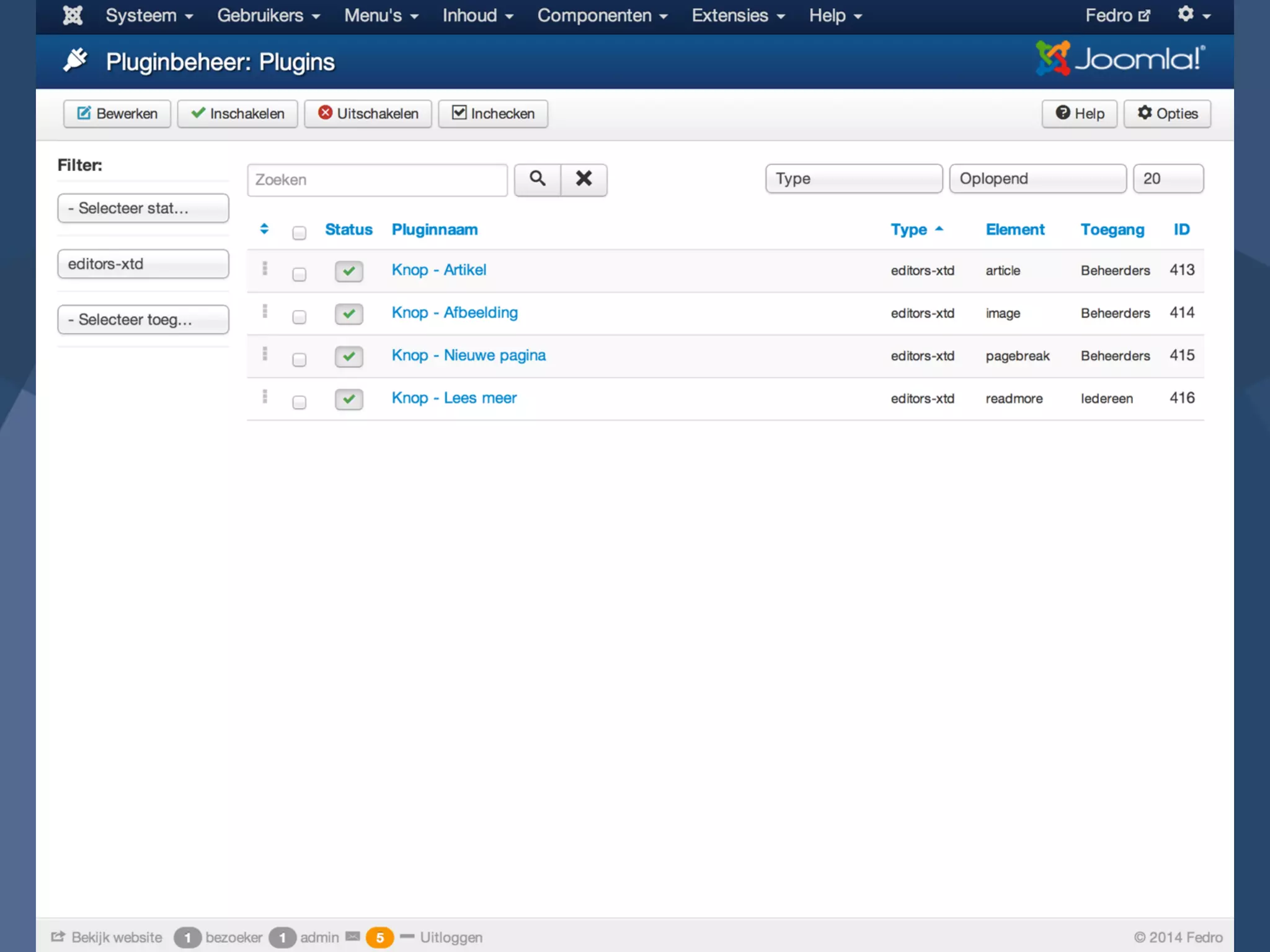
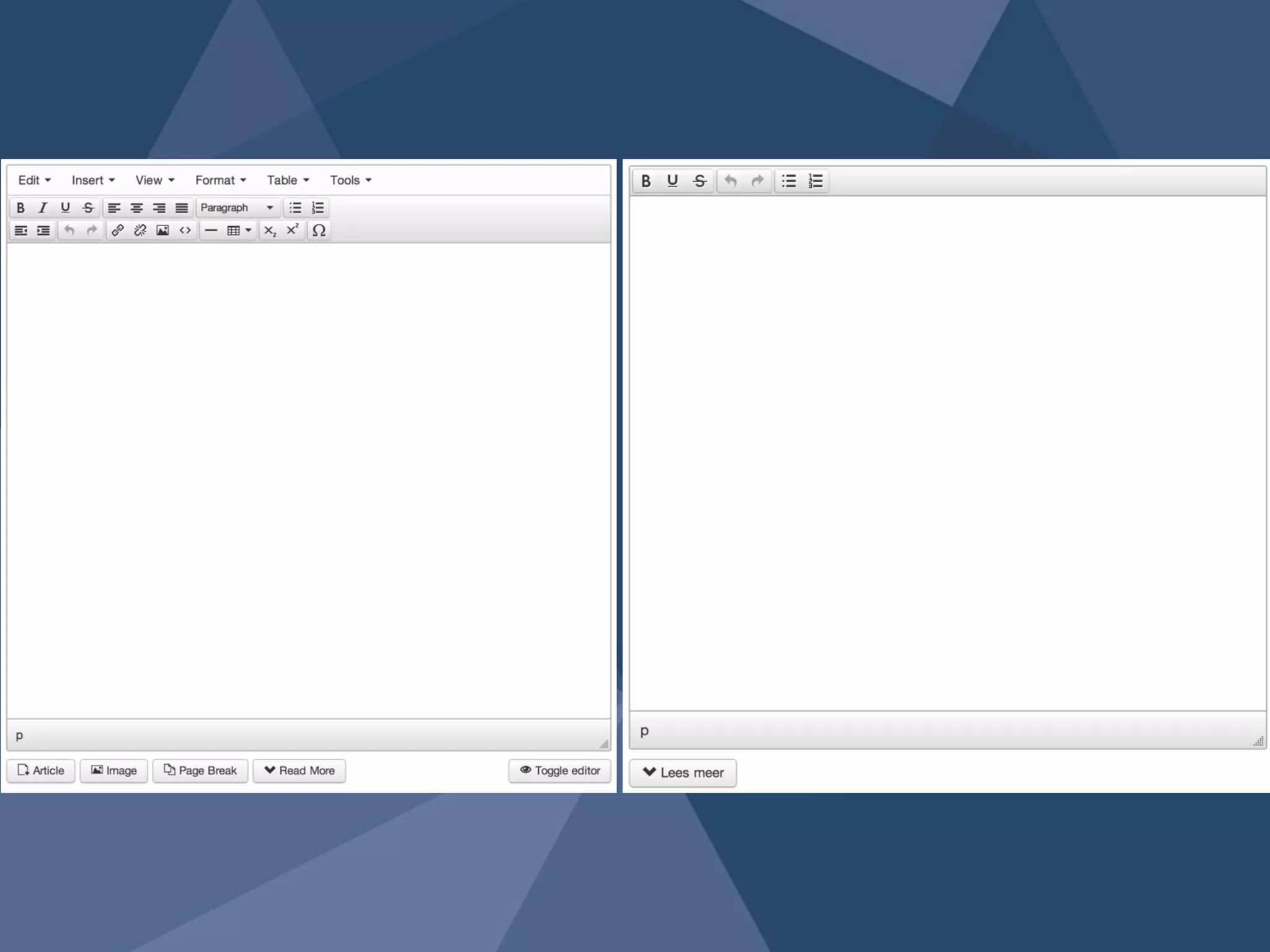
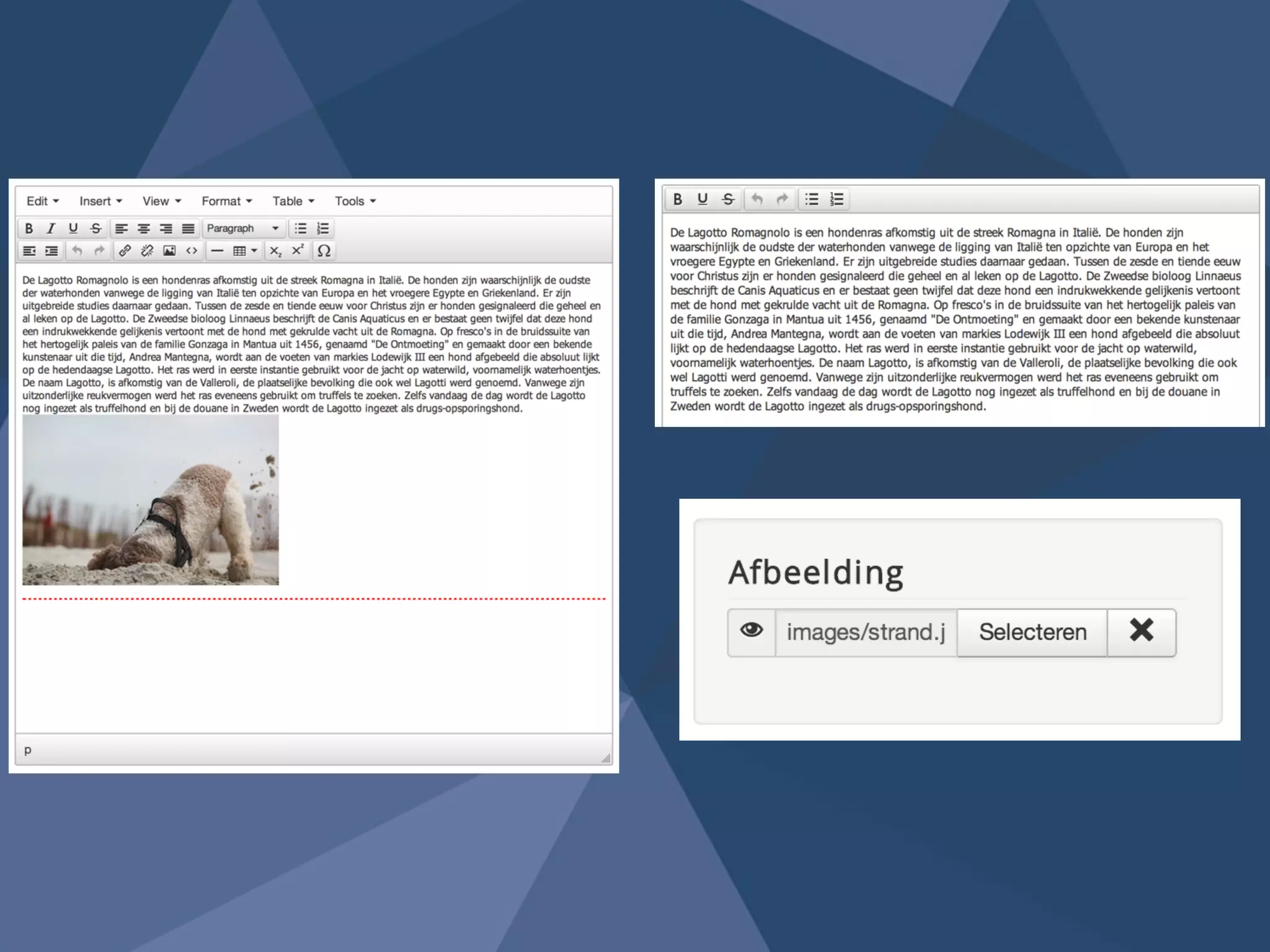
Text-editor 4
Site 
configuration5
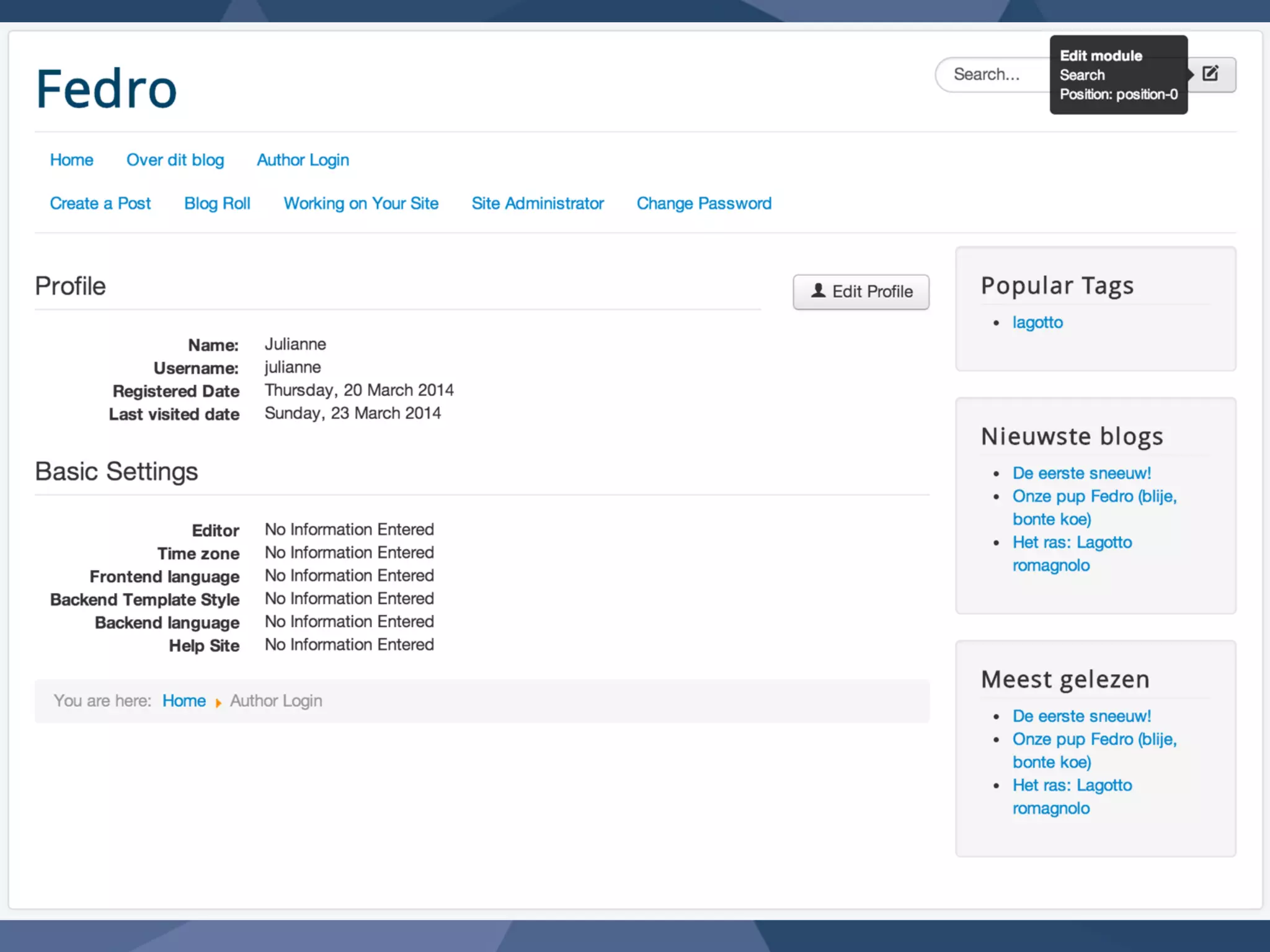
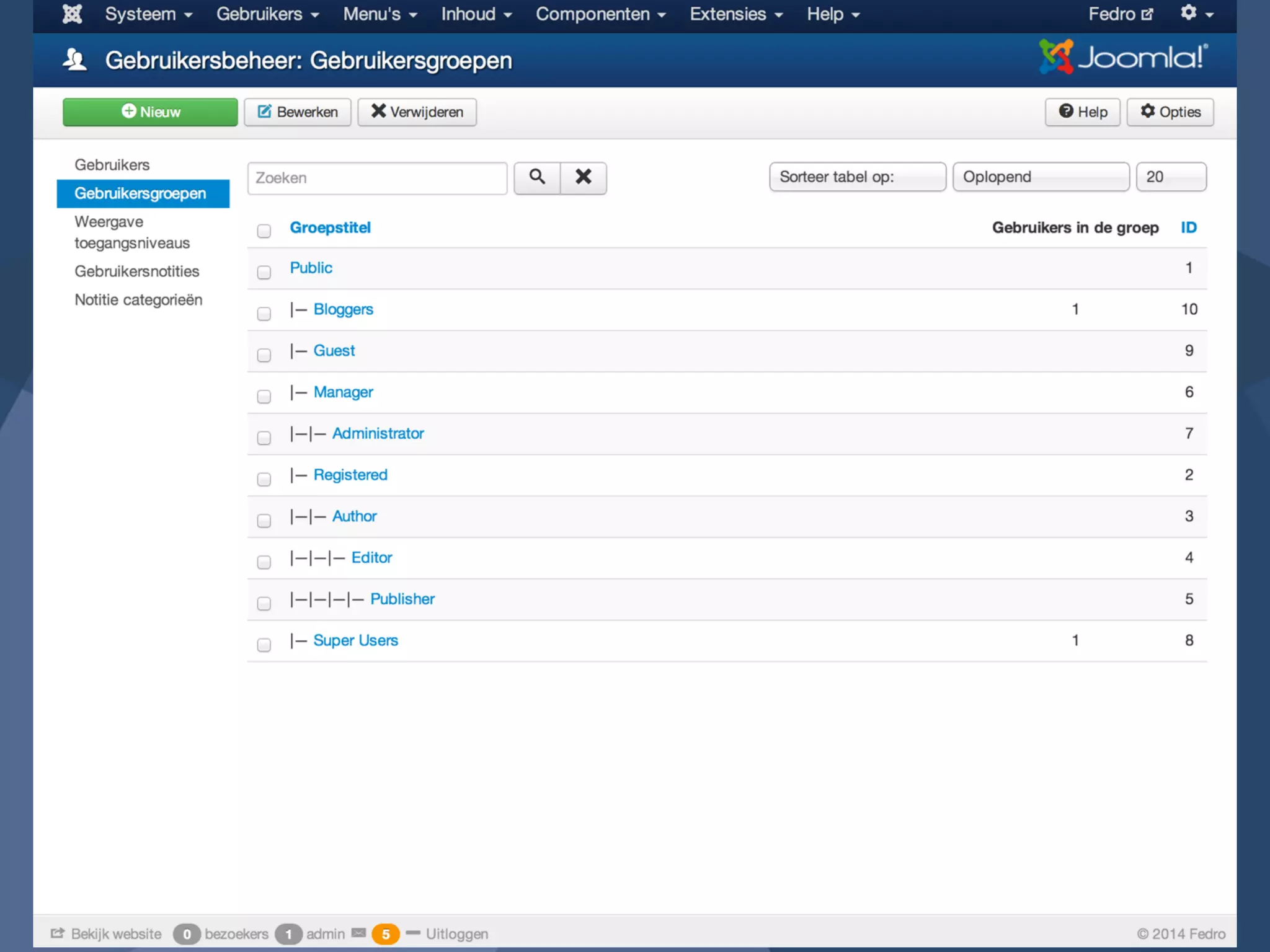
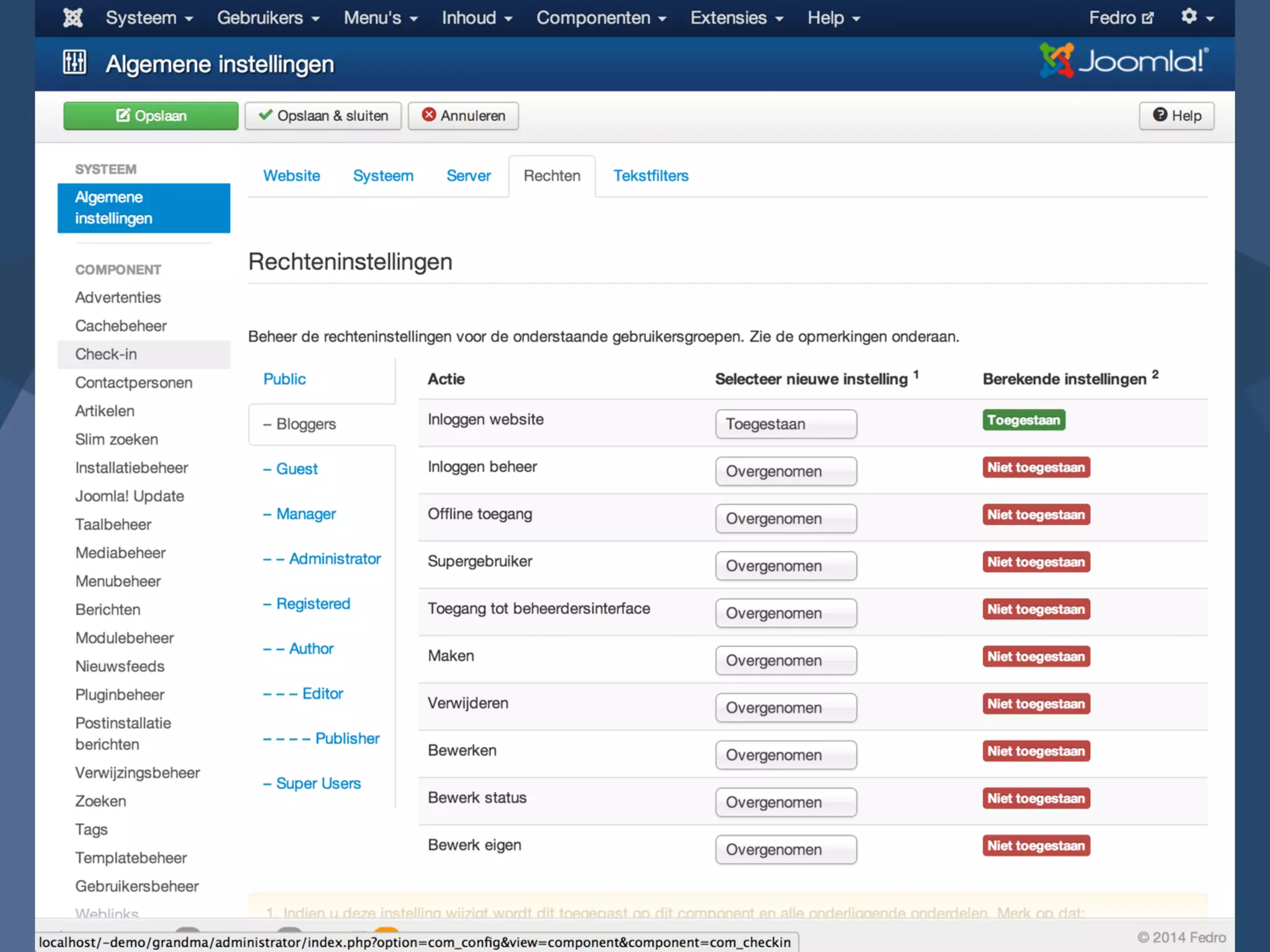
No unnecessary 
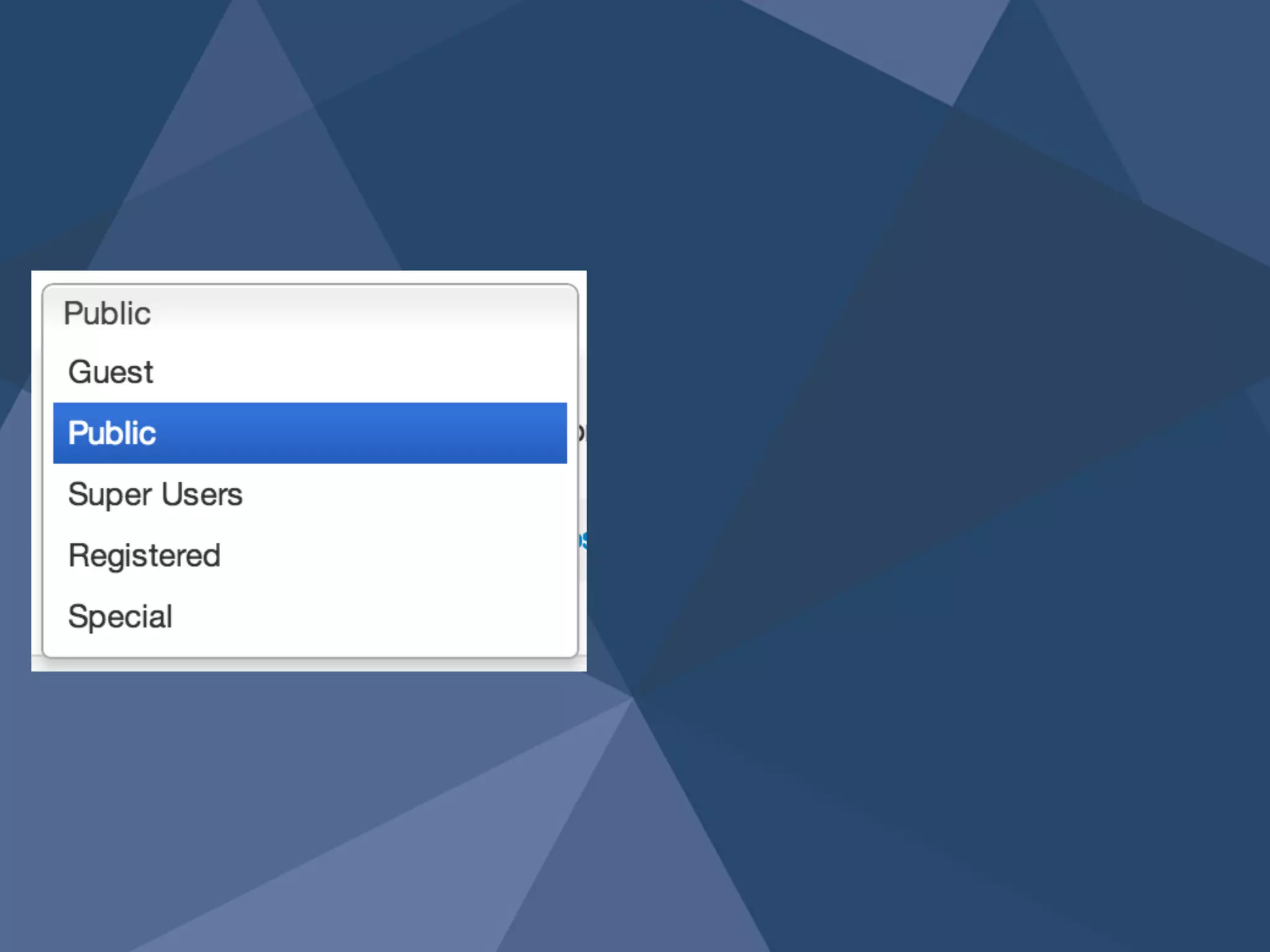
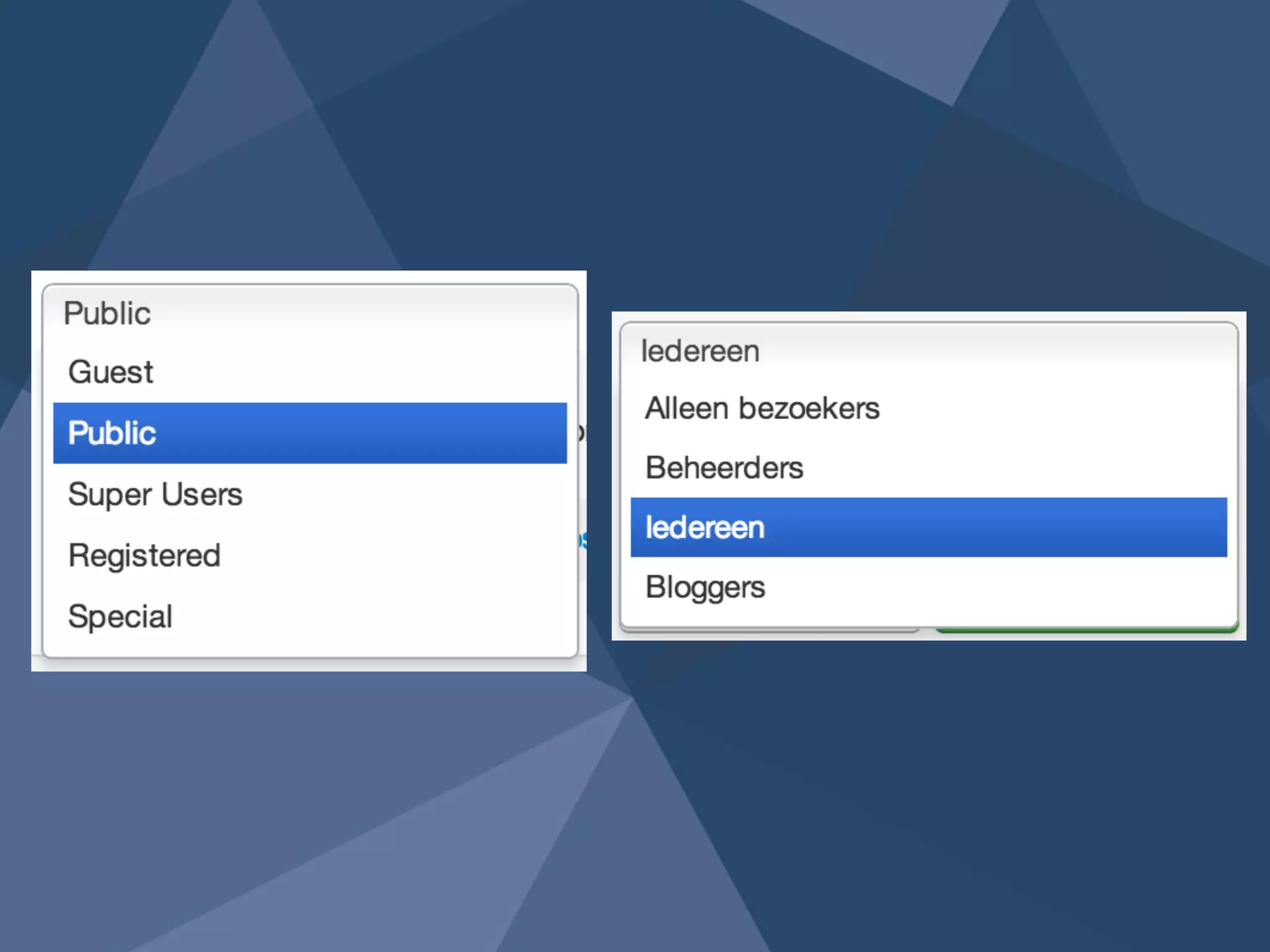
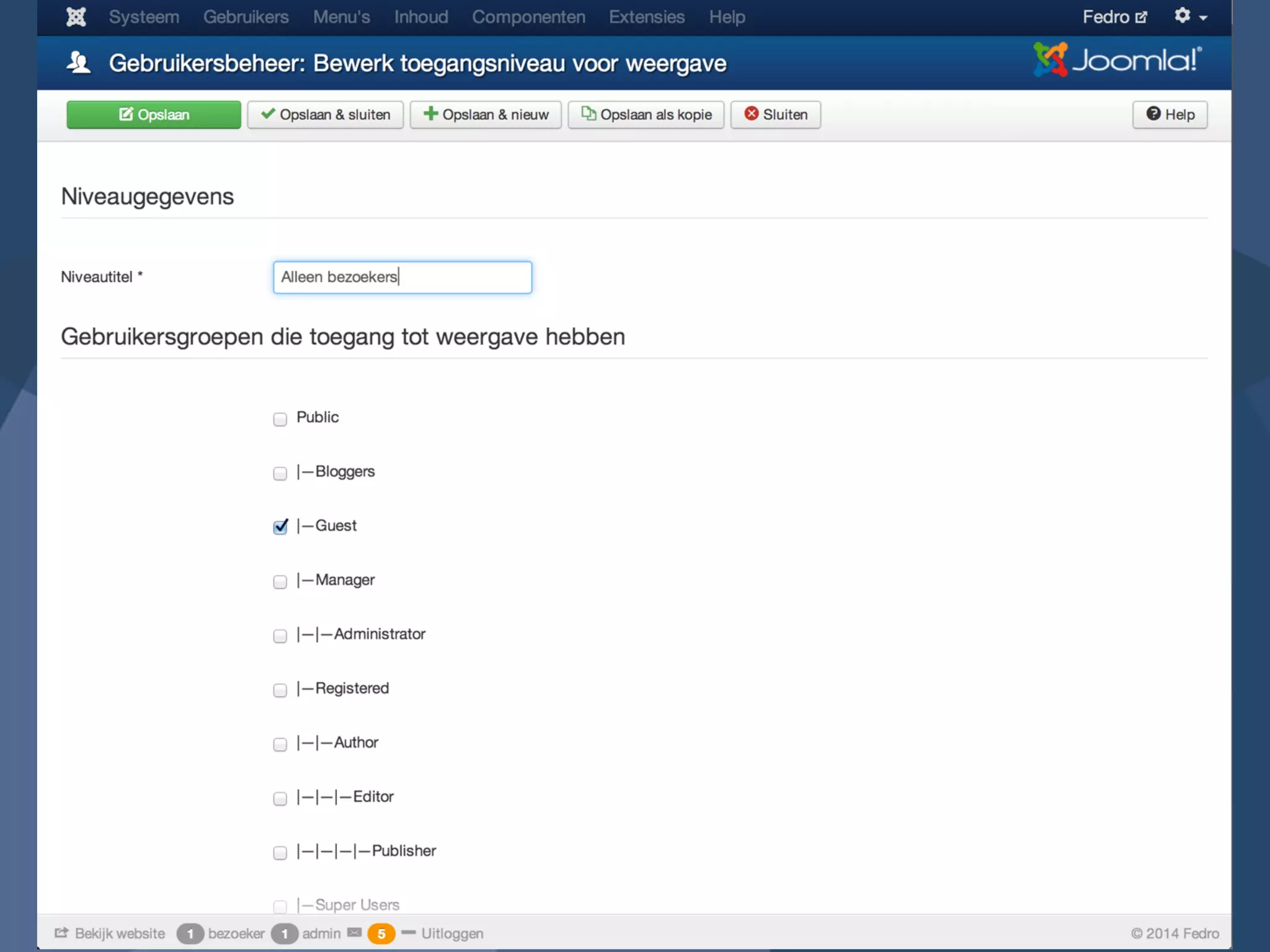
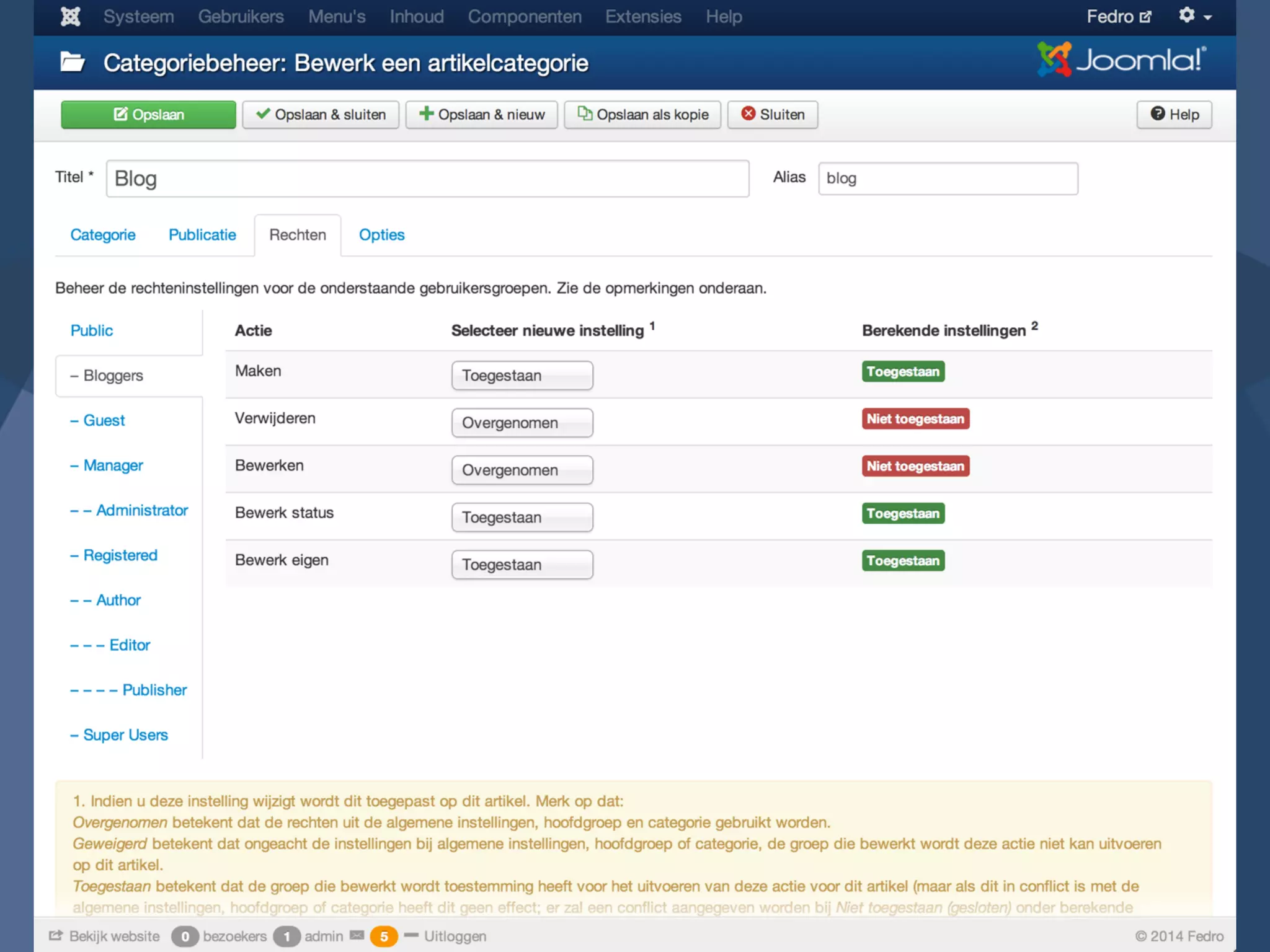
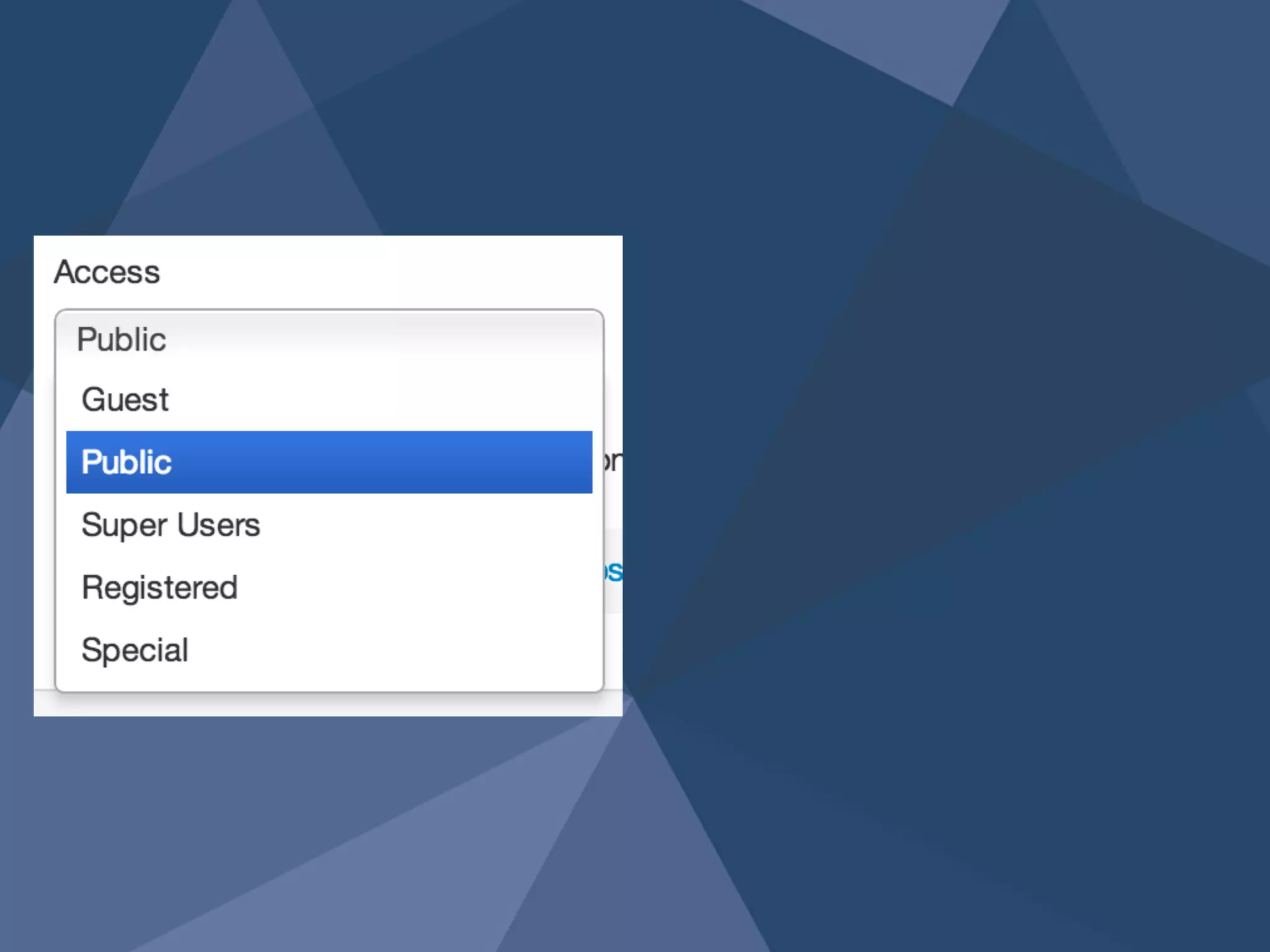
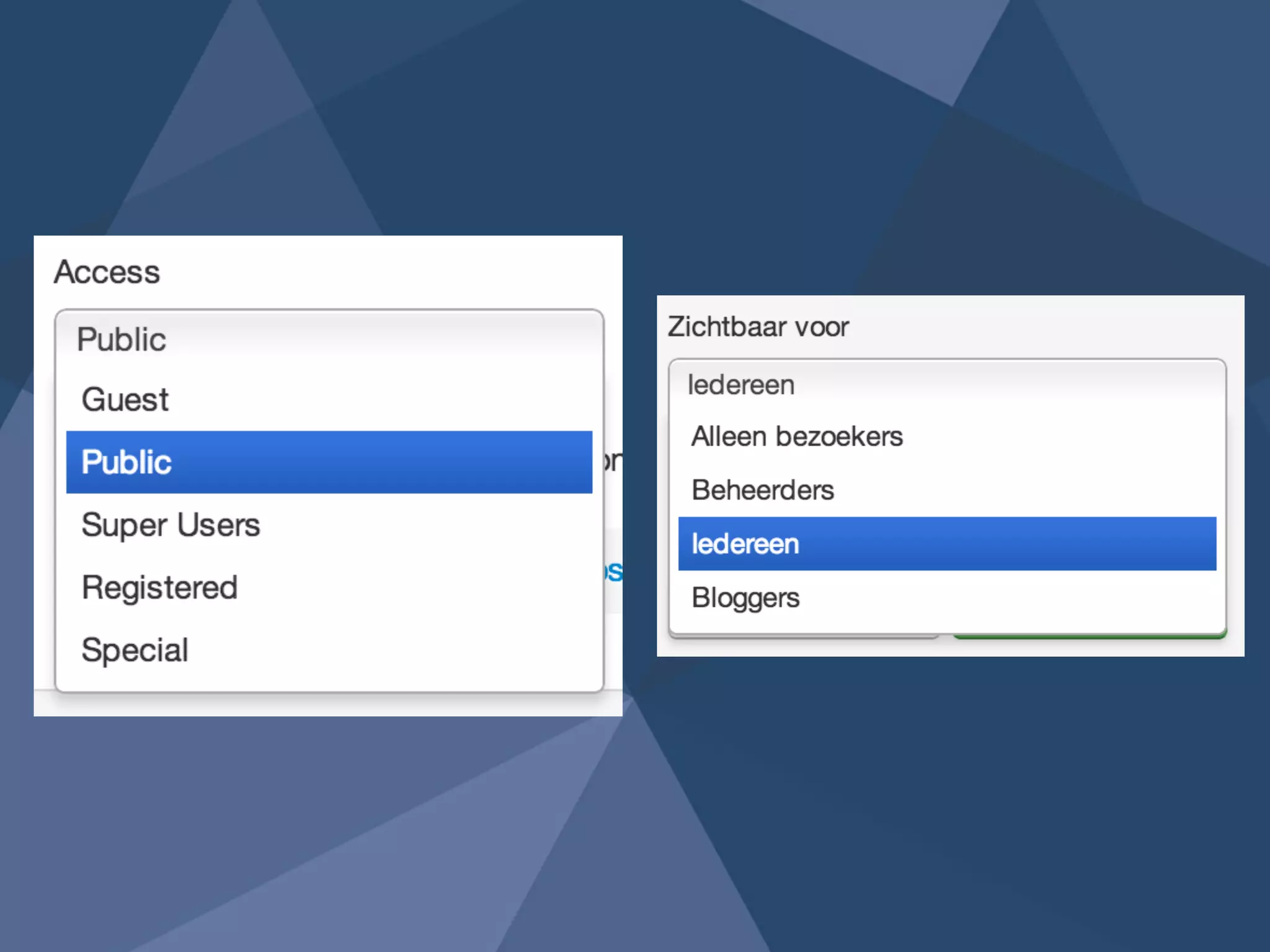
access 6
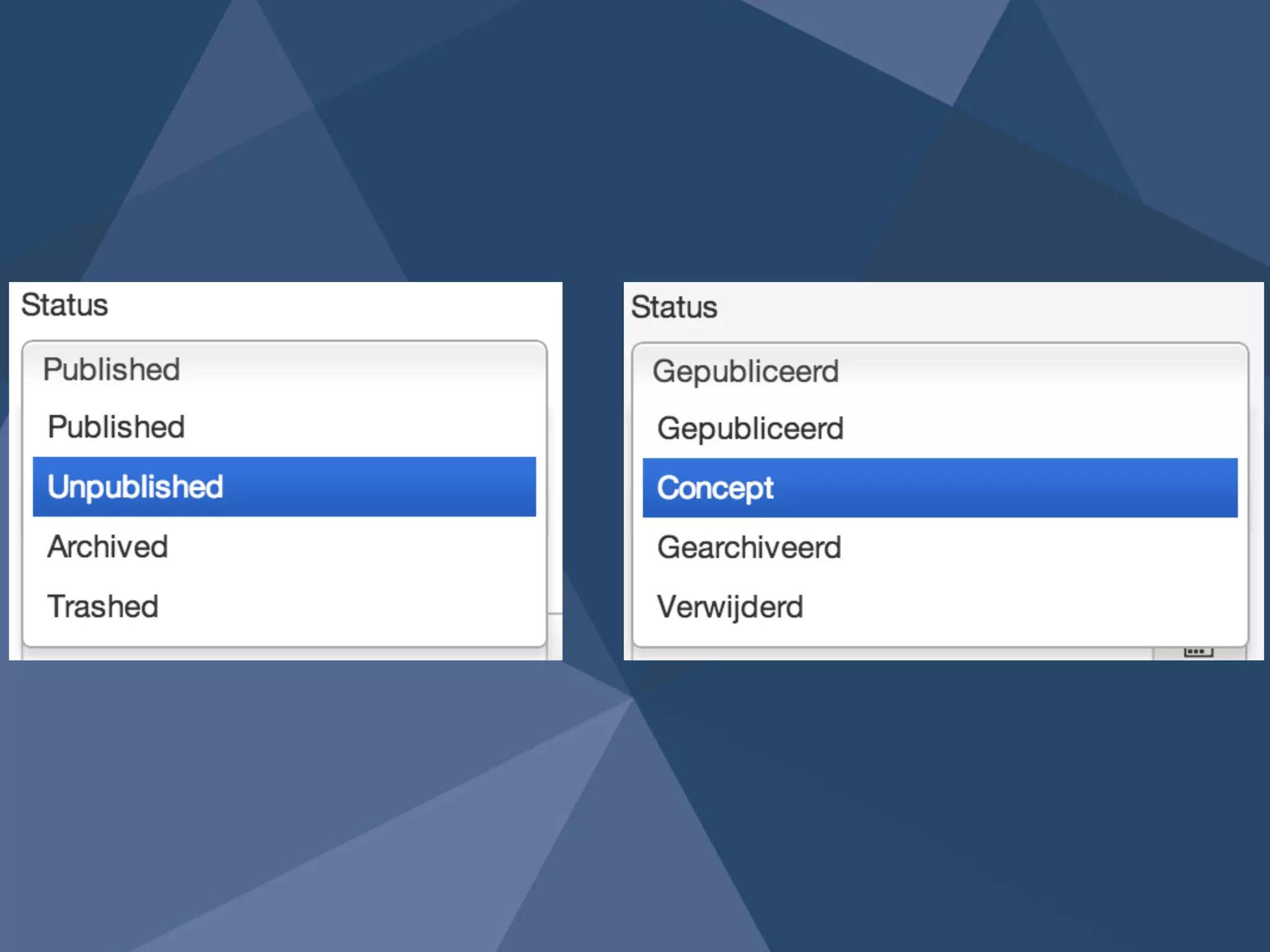
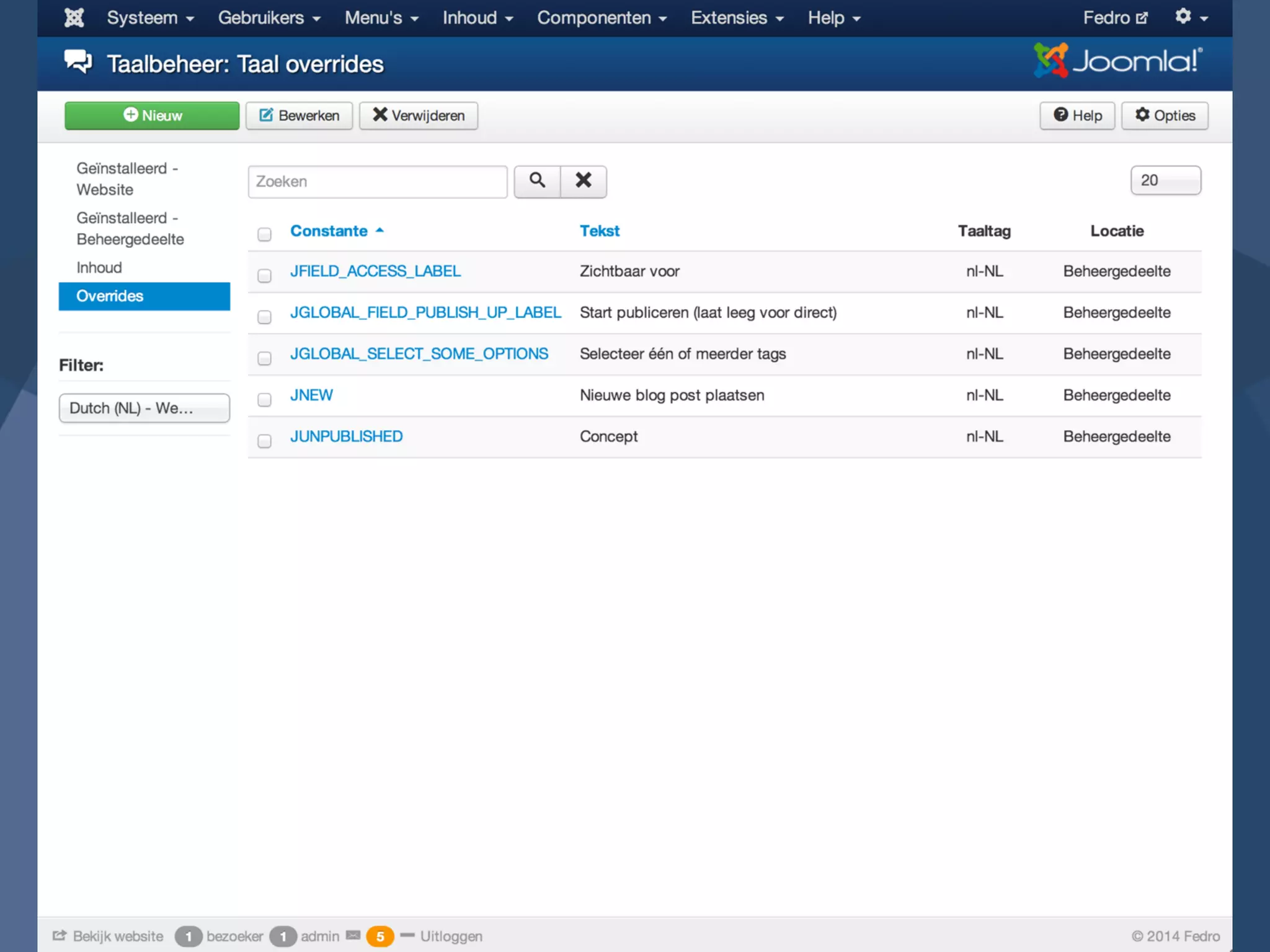
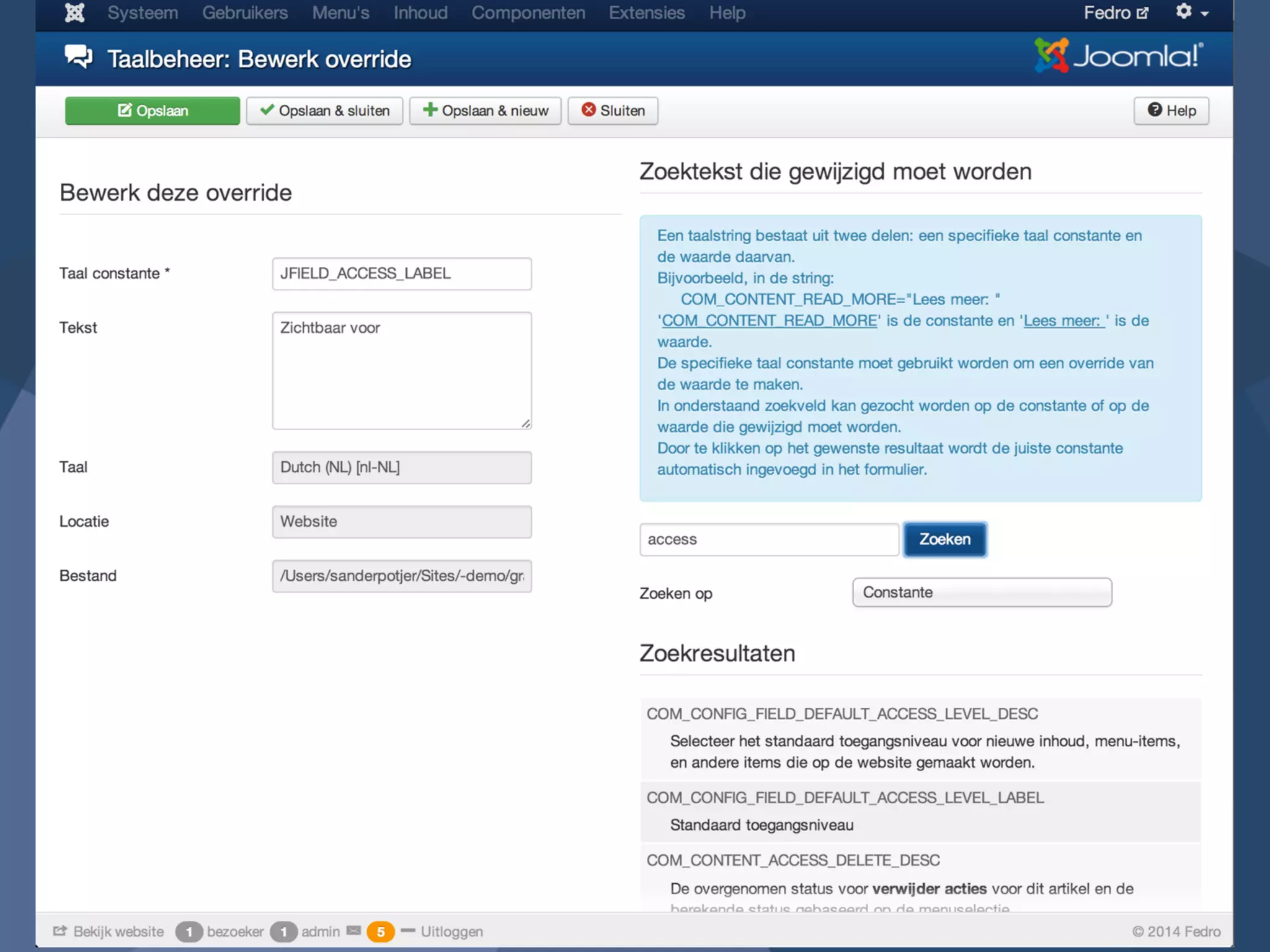
Language 
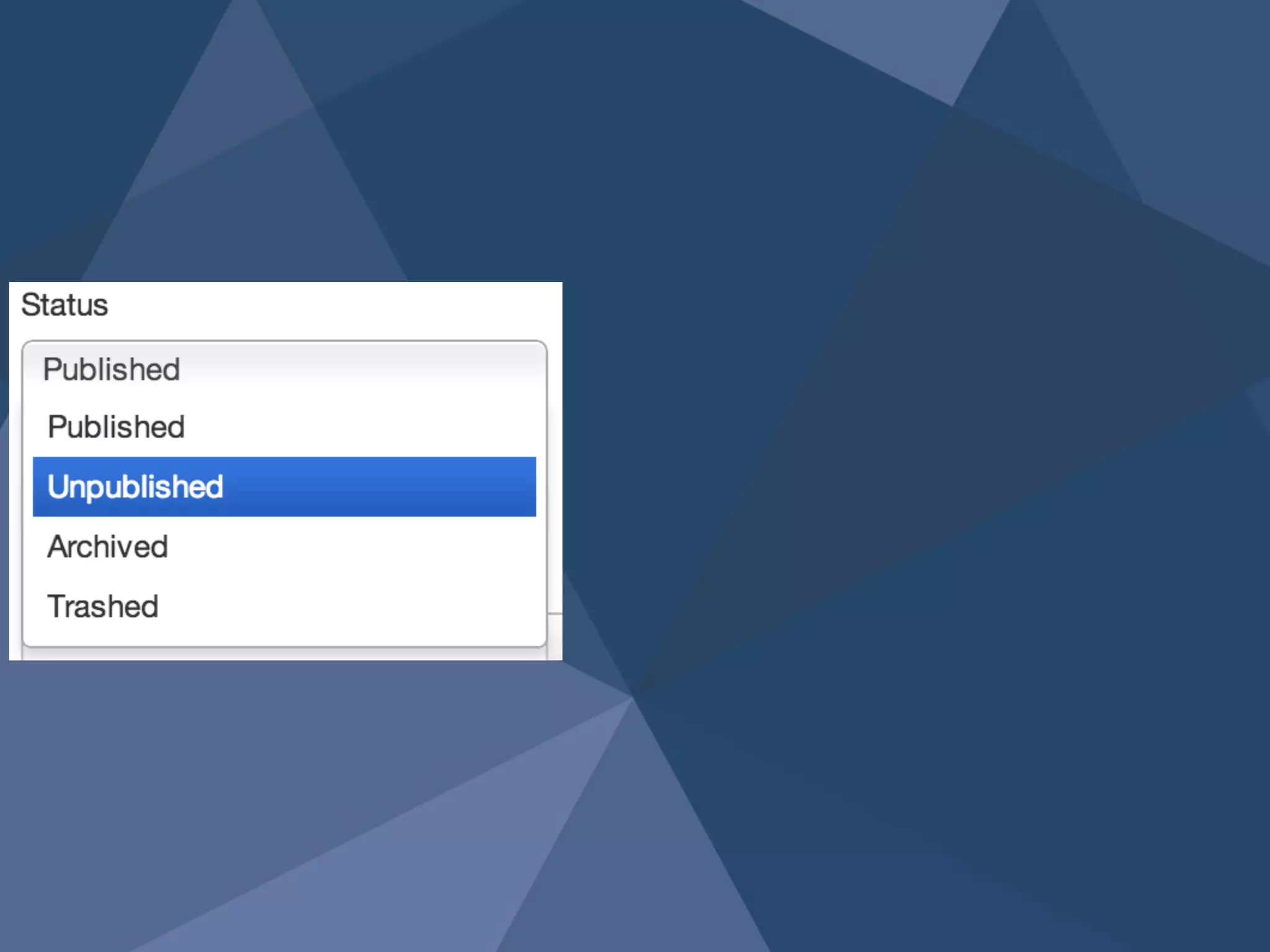
overrides 7
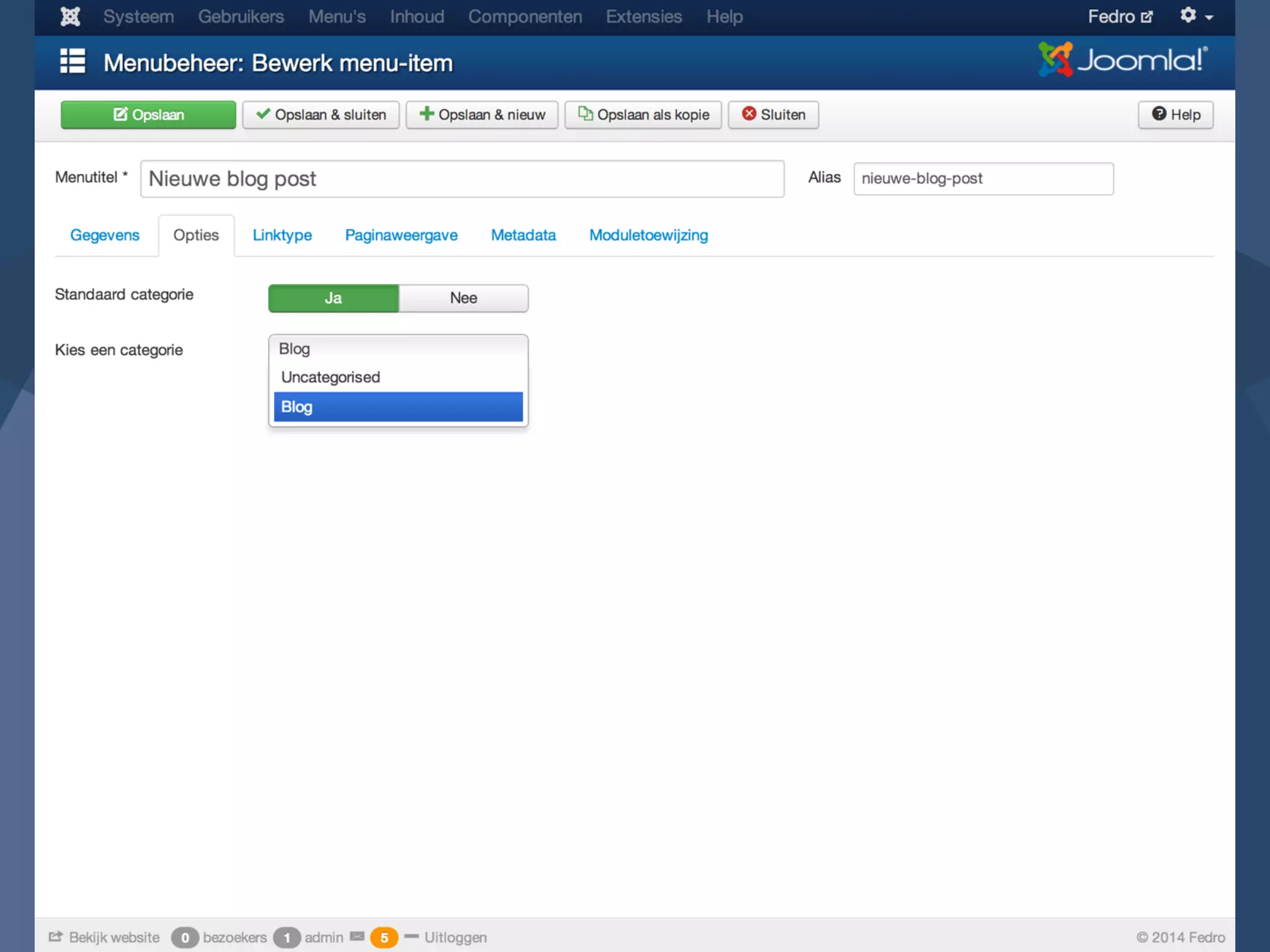
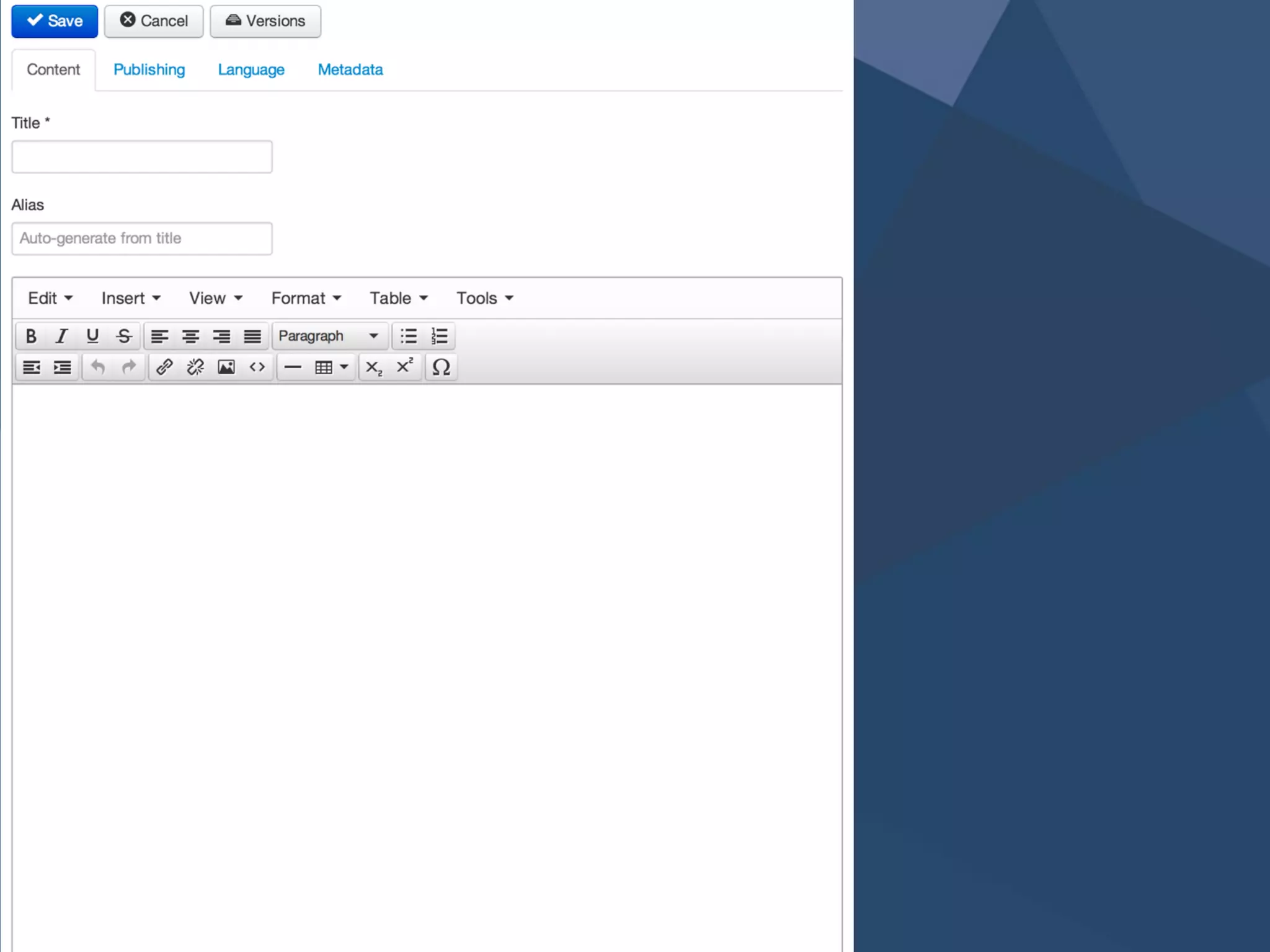
Template 
overrides 8
CSS / 
JavaScript 9
Separate 
input 10
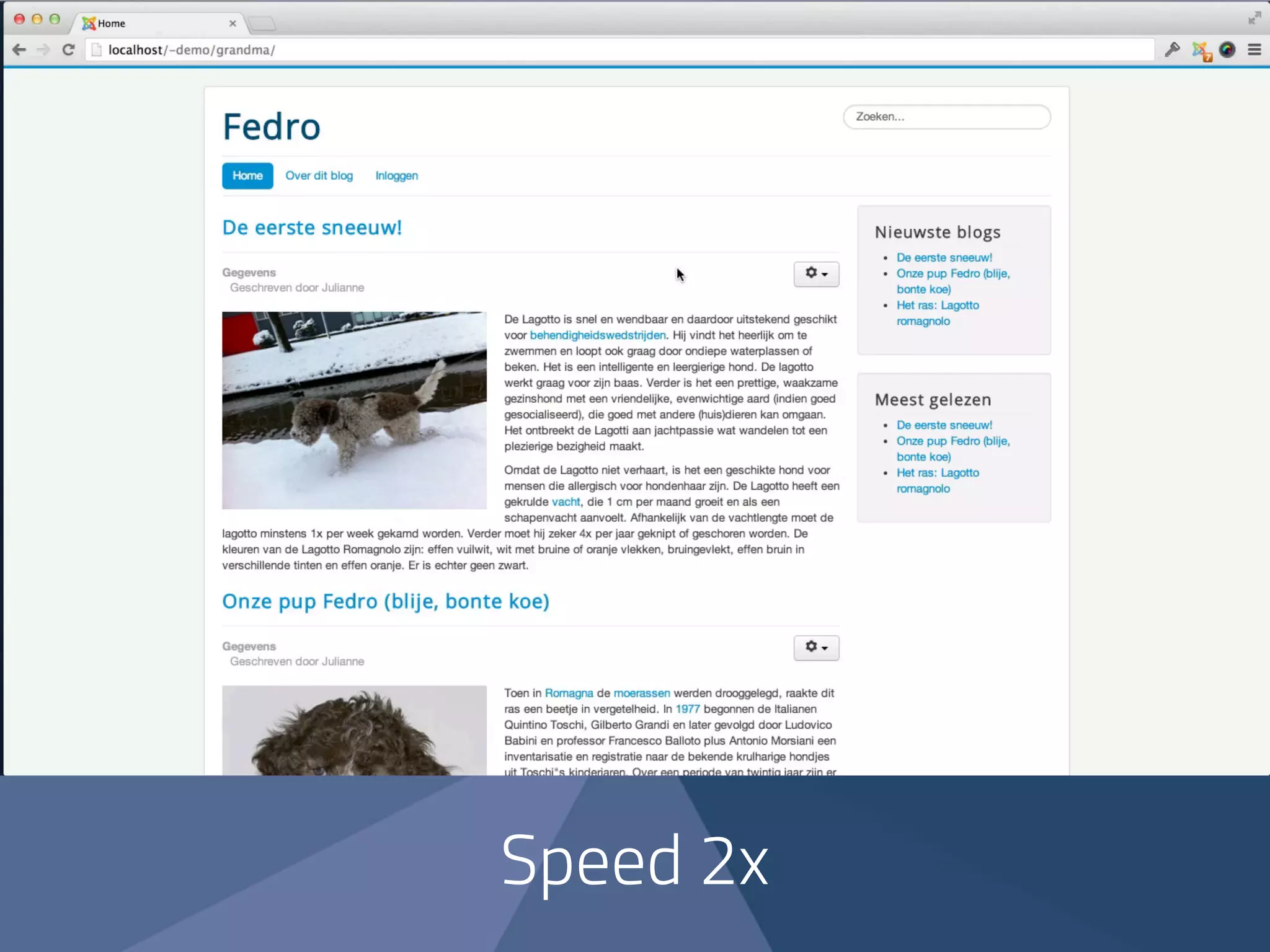
Optimized 
Joomla installation 
with blogging 
sample data
Speed 2x
1:29
Look over the 
shoulder of the 
website user
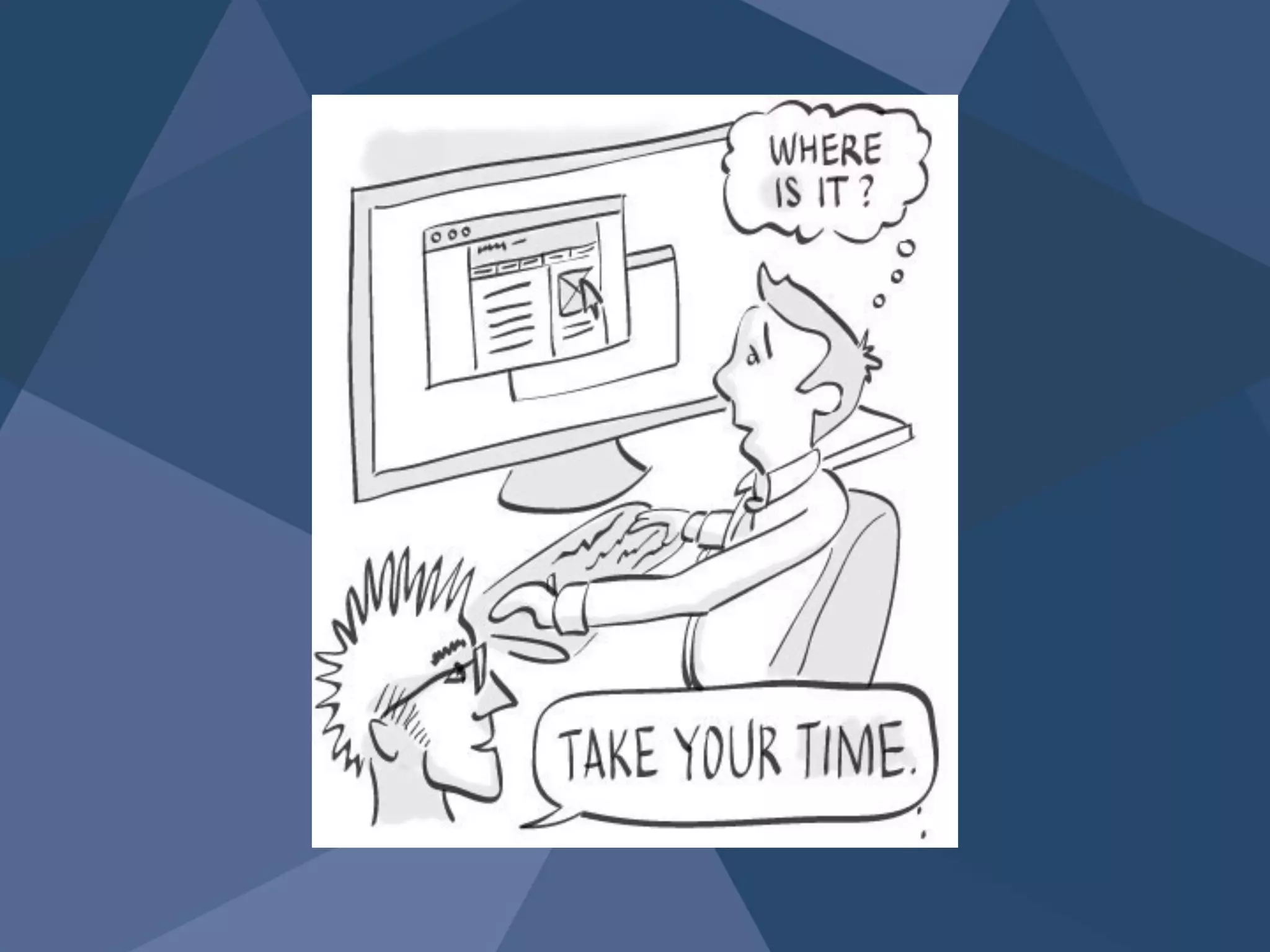
“Don’t make me think” 
- Steve Krug
Bonus: 
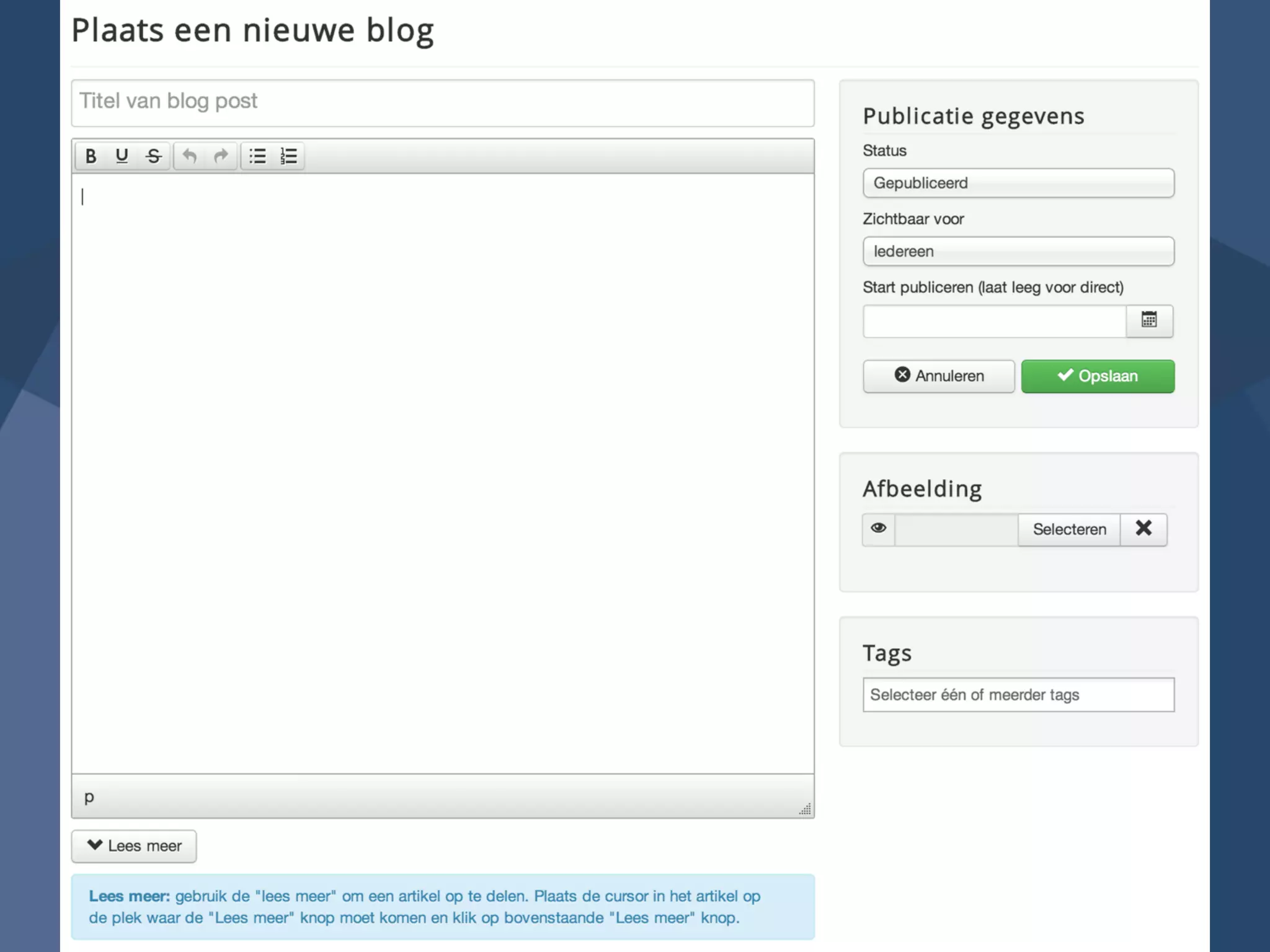
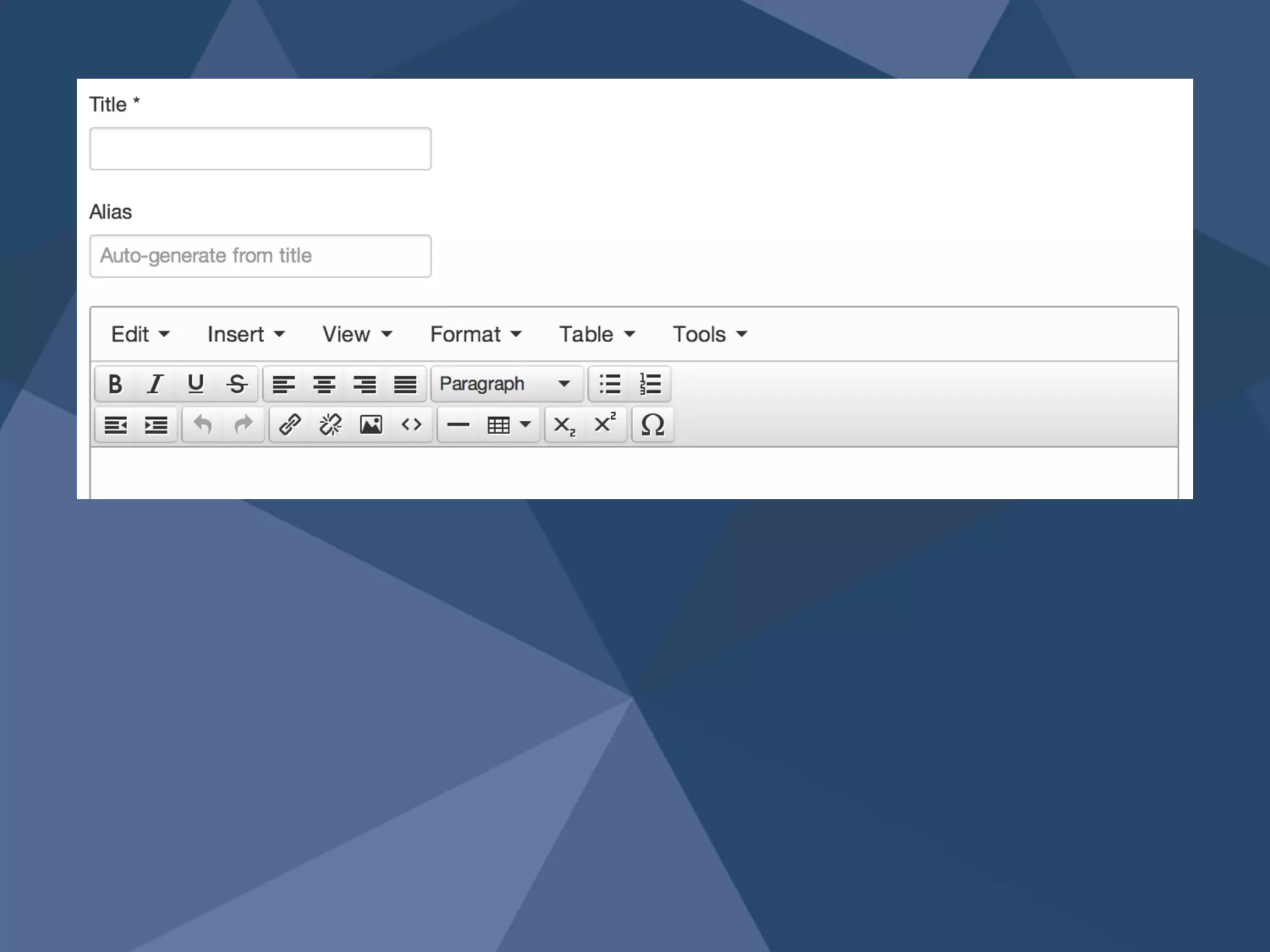
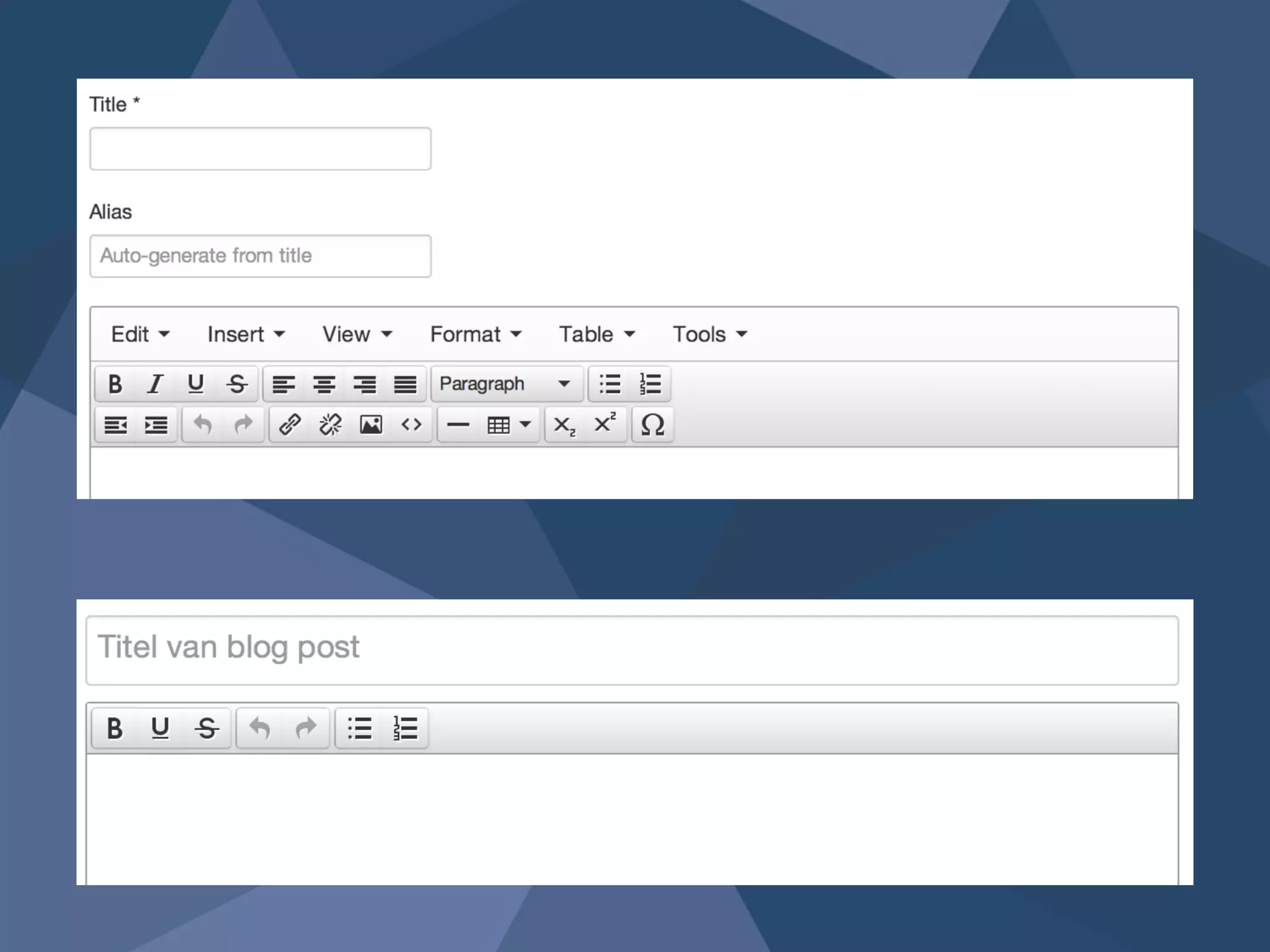
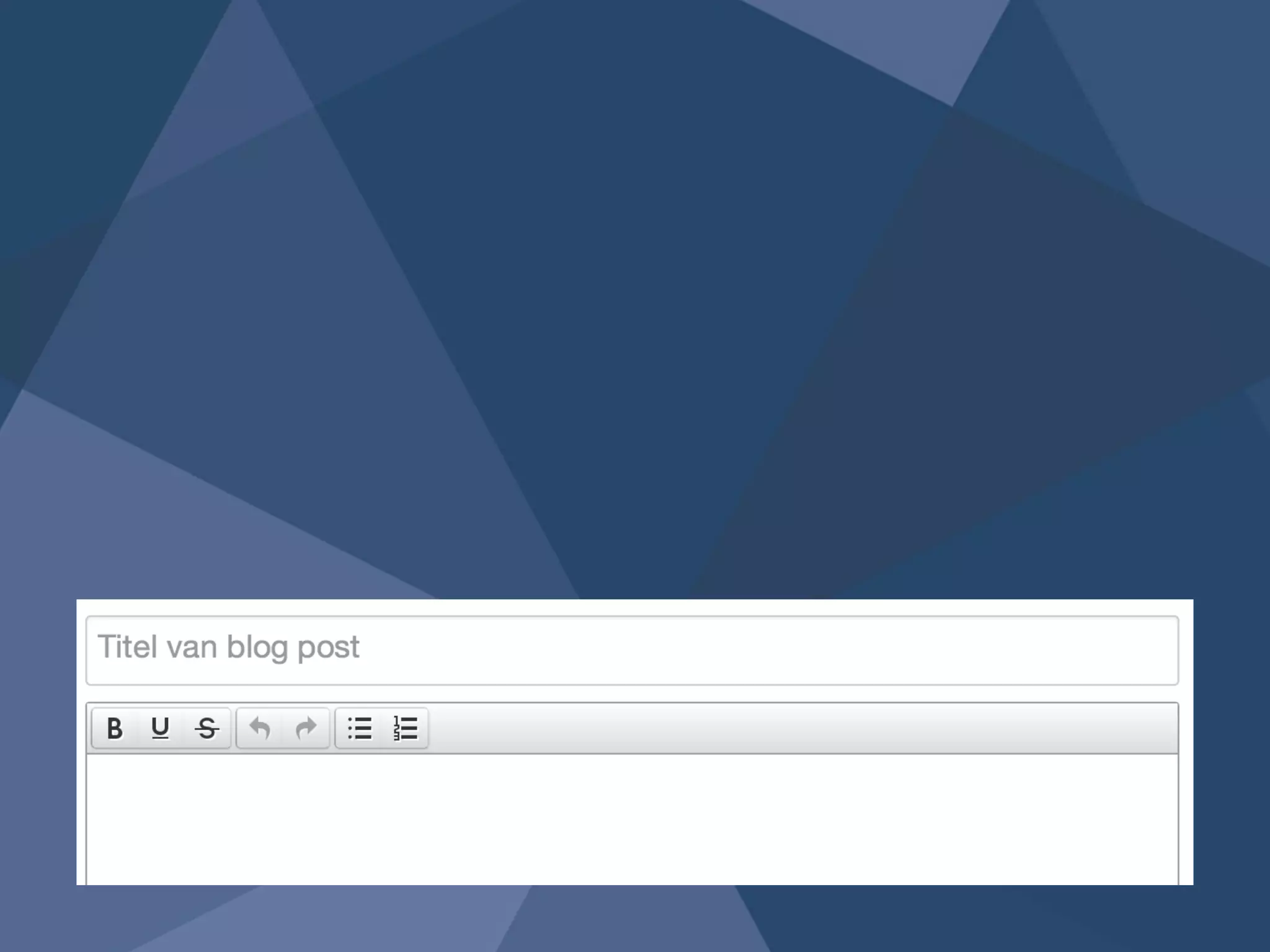
Template override
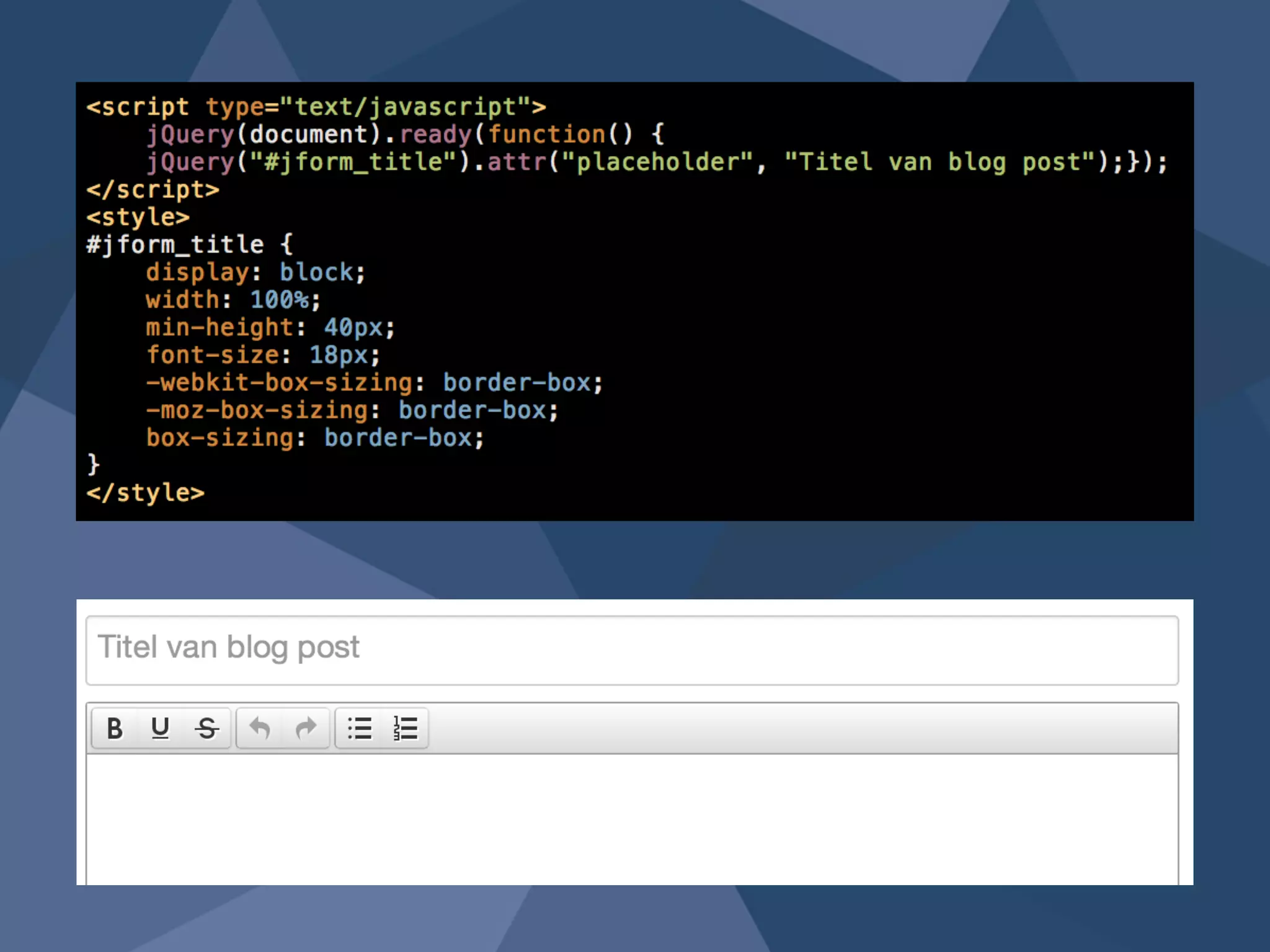
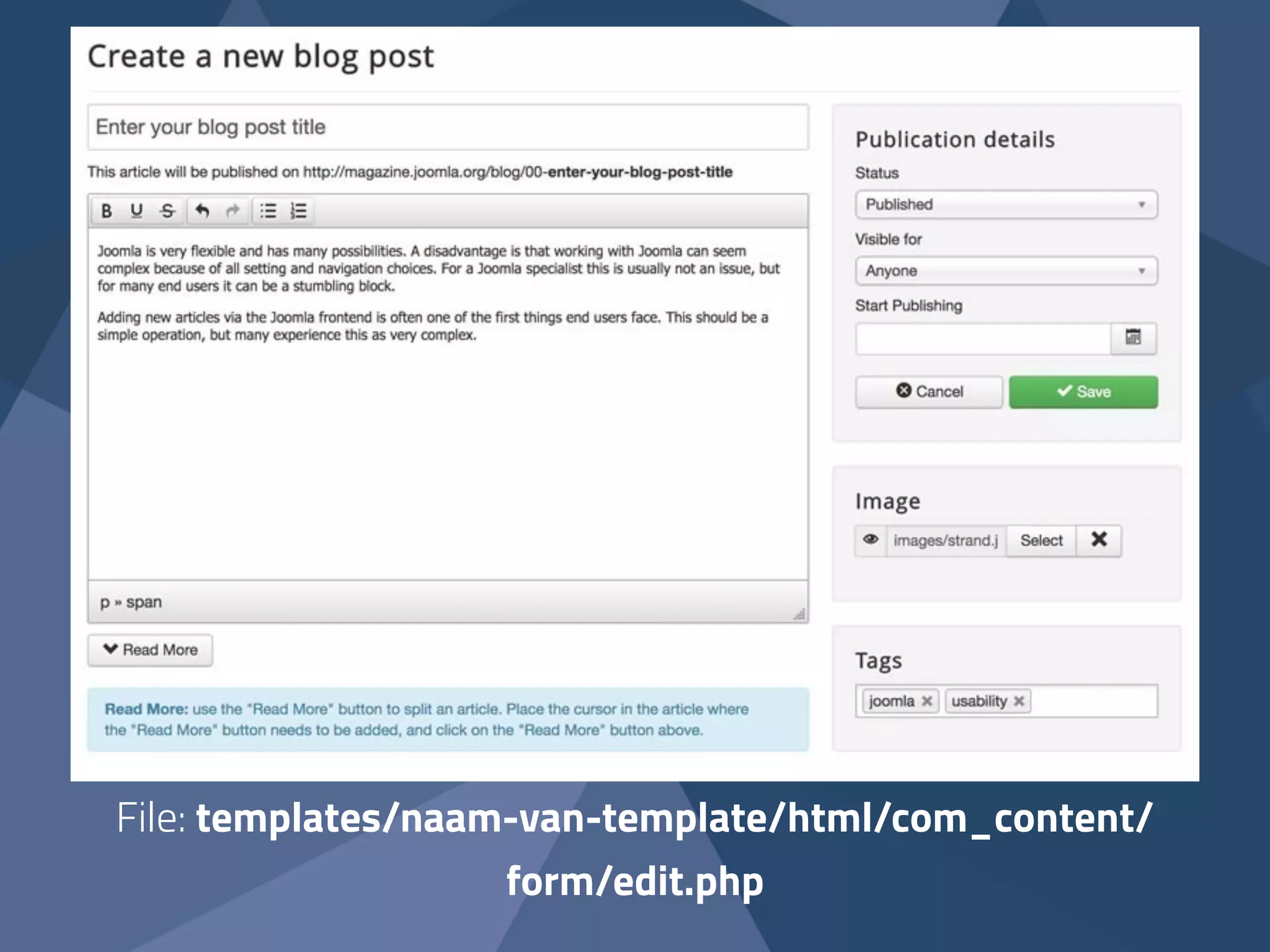
File: templates/naam-van-template/html/com_content/ 
form/edit.php
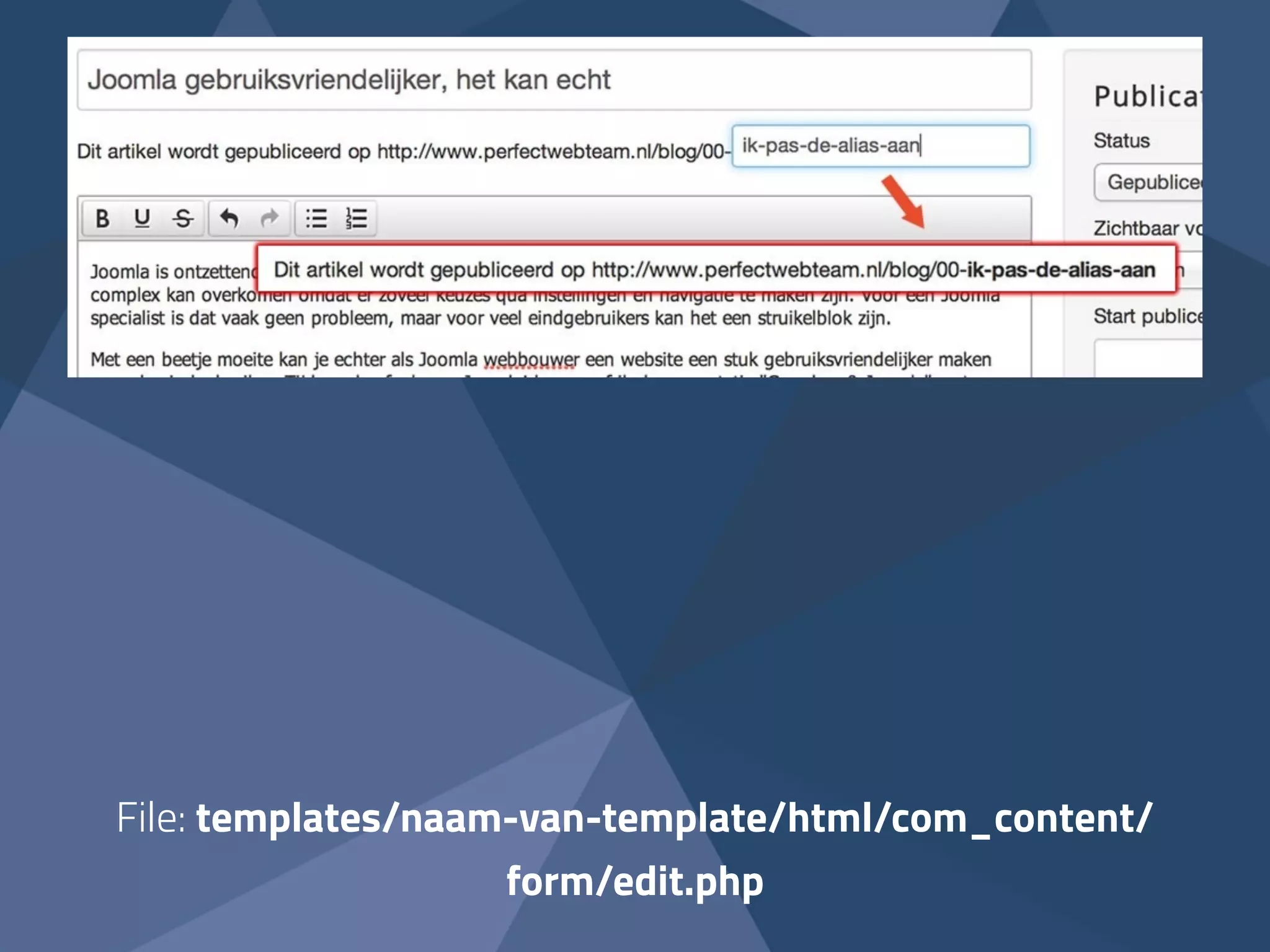
File: templates/naam-van-template/html/com_content/ 
form/edit.php
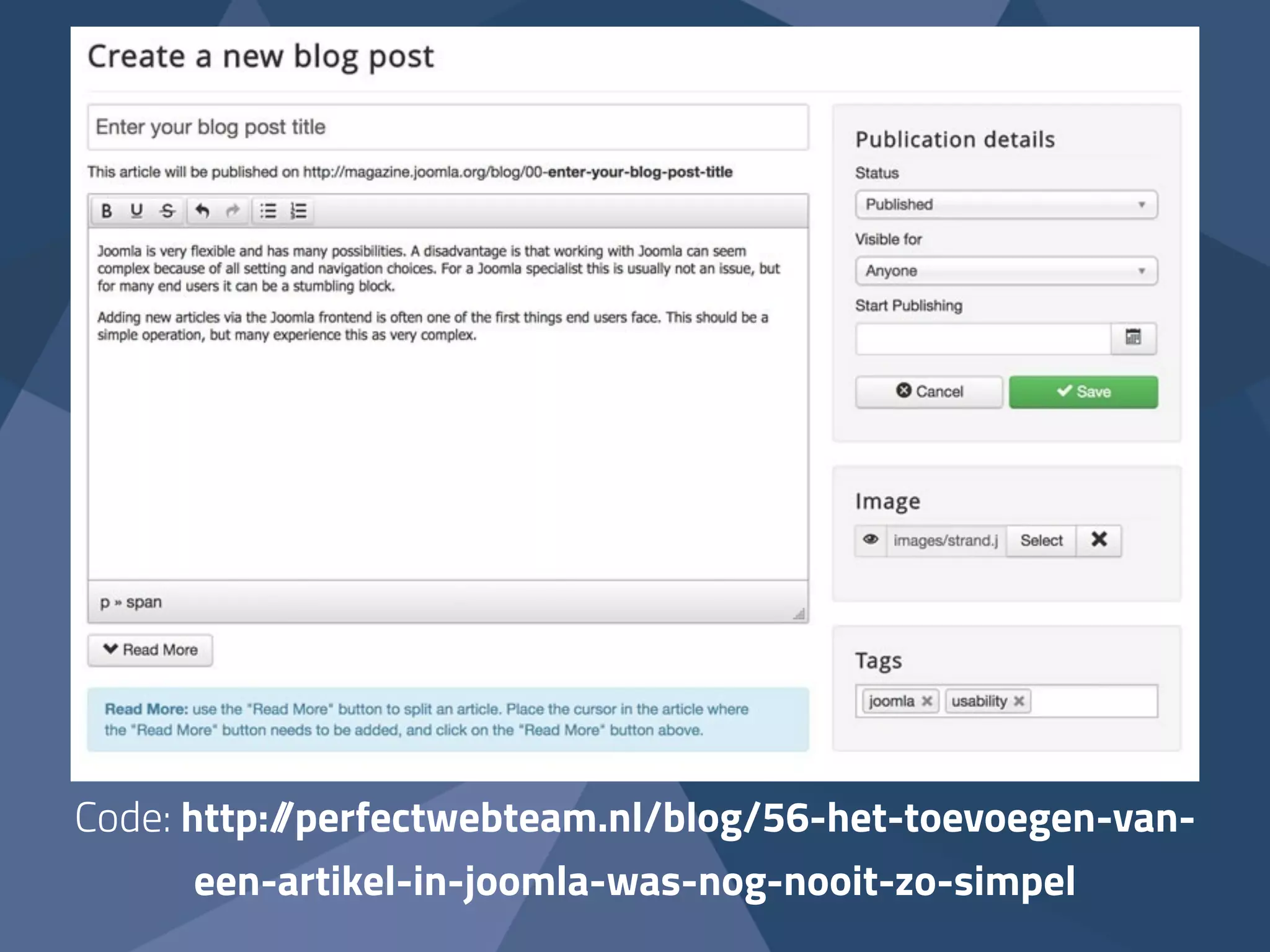
Code: http://perfectwebteam.nl/blog/56-het-toevoegen-van-een- 
artikel-in-joomla-was-nog-nooit-zo-simpel
Resources: 
! 
Joomla Community Magazine article 
“Creating an article in Joomla! has never been this easy!”: 
http://magazine.joomla.org/issues/issue-sept-2014/item/2293- 
creating-an-article-in-joomla-has-never-been-this-easy 
! 
Slides, links & code: sanderpotjer.com

10 tips to improve Joomla’s usability