Download to read offline

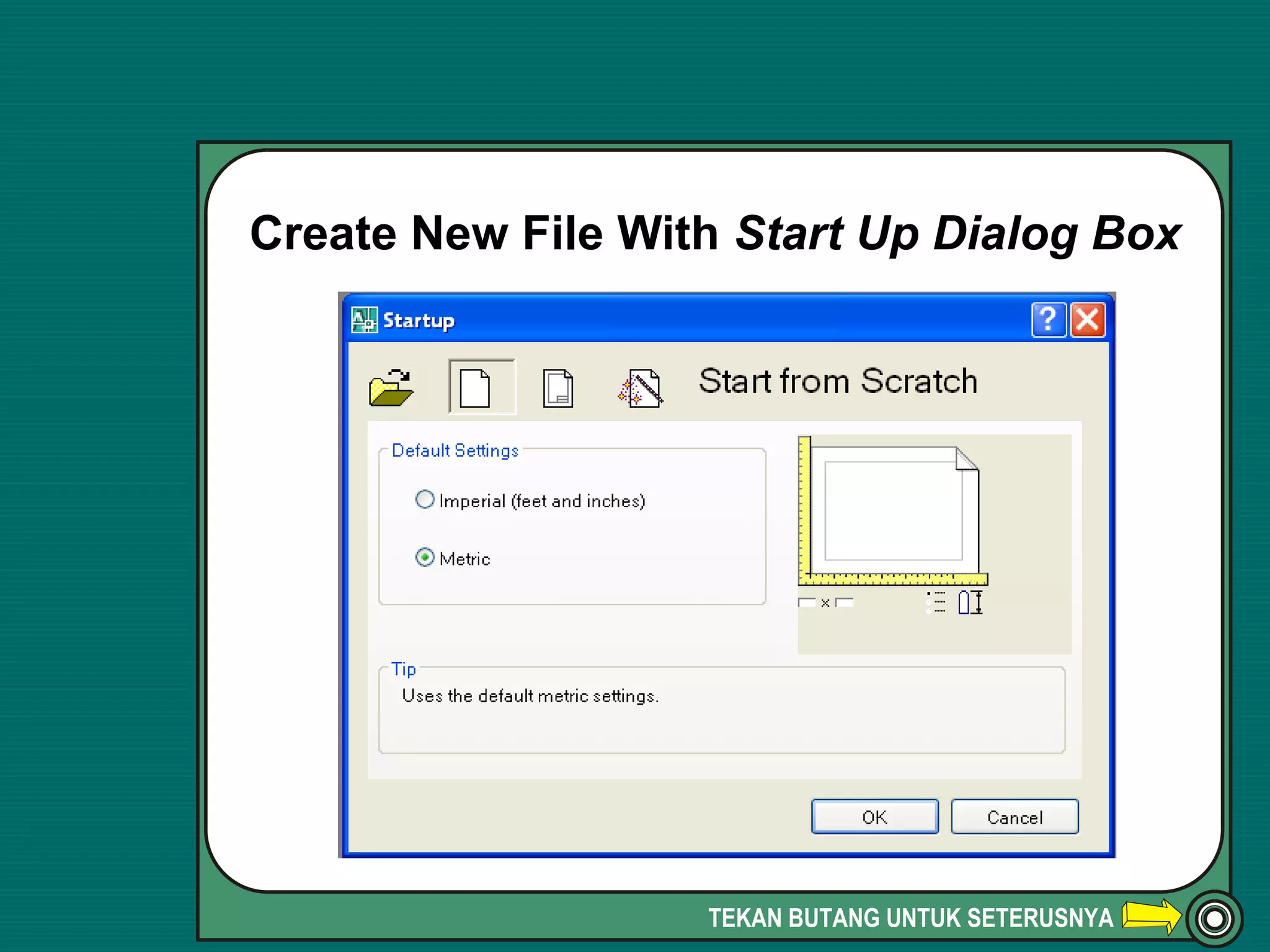
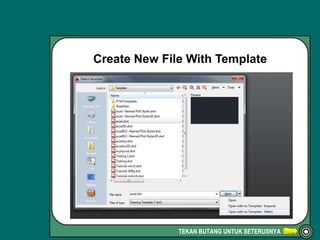
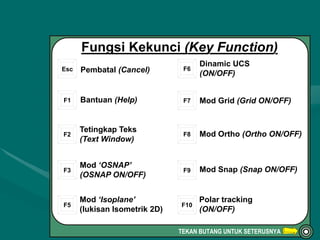
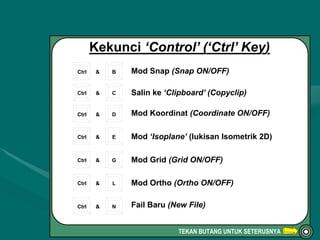
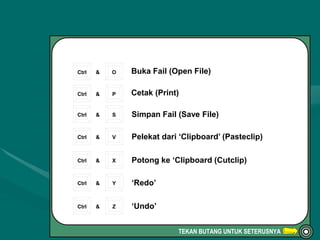
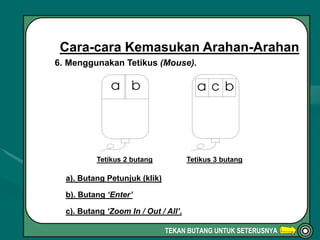

This document provides instructions for keyboard shortcuts and mouse functions in AutoCAD. It lists shortcuts for toggling settings like grids, orthographic drawing mode, and object snapping. Common file commands like save, open, copy and paste are accessible via keyboard shortcuts combining Ctrl and another key. Mouse functions include left and right clicks as well as zoom controls.


