


Stat405                 Data


                            Hadley Wickham
Monday, 14 September 2009
1. Group work
               2. Motivating problem
               3. Loading & saving data
               4. Factors & characters


Monday, 14 September 2009
Group project
                   Want to help your groups become
                   effective teams.
                   We’ll spend 15 minutes getting you into
                   teams, and establishing expectations.
                   See handouts.
                   Final project weighting for team
                   citizenship.


Monday, 14 September 2009
Firing & Quitting
                   You may fire a non-participating team
                   member, but you need to meet with me
                   and issue a written warning.
                   If you feel that you are doing all the work
                   in your team, you may quit. You’ll also
                   need to meet with me and give a written
                   warning to the rest of your team.


Monday, 14 September 2009
State regulated payoffs: how can be
sure they’re honest?             CC by-nc-nd: http://www.flickr.com/photos/amoleji/2979221622/

Monday, 14 September 2009
Where are we going?
                   In the next few weeks we will be
                   focussing our attention on some slot
                   machine data. We want to figure out if
                   the slot machine is paying out at the rate
                   the manufacturer claims.
                   To do this, we’ll need to learn more about
                   data formats and how to write functions.


Monday, 14 September 2009
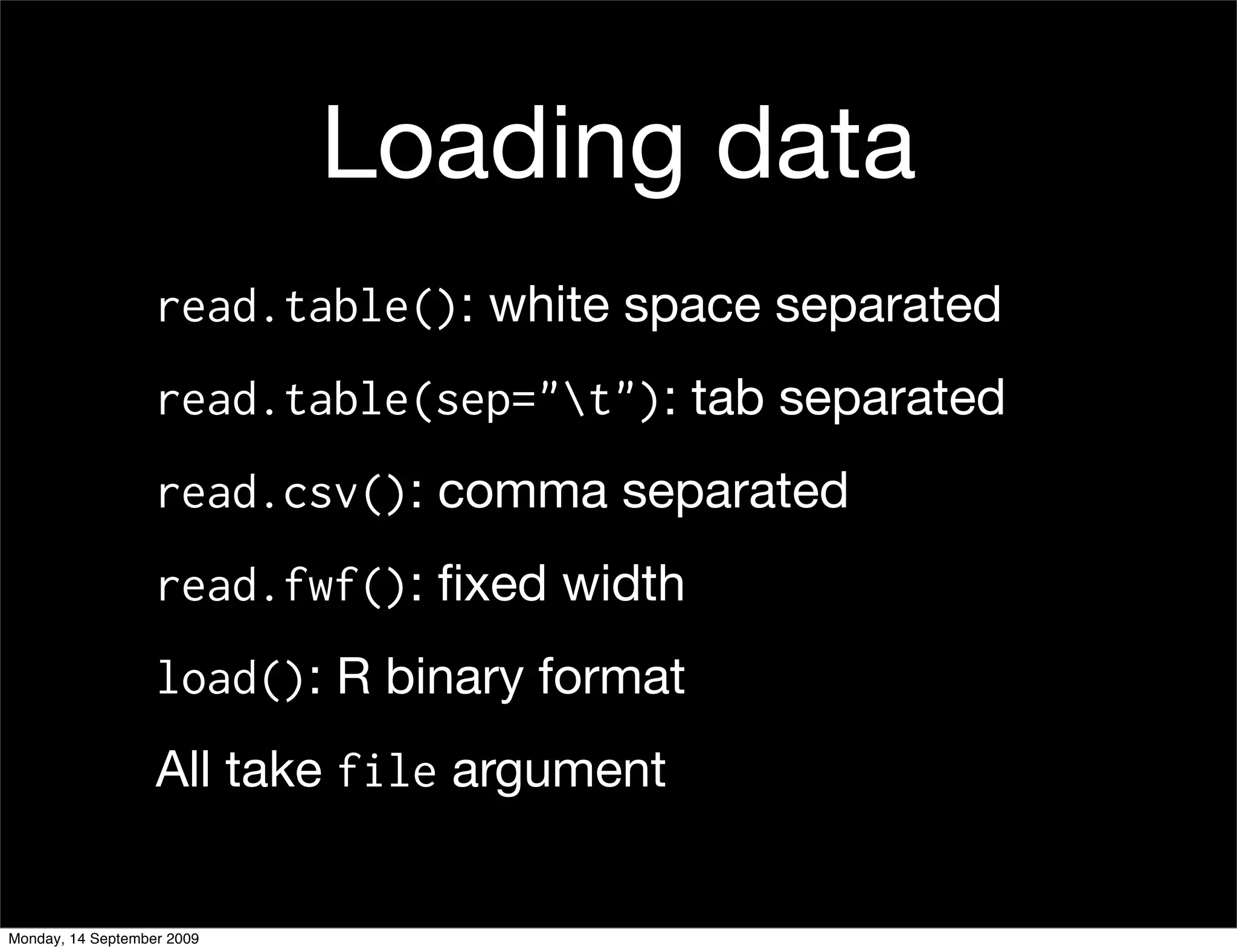
Loading data
                   read.table(): white space separated
                   read.table(sep="t"): tab separated
                   read.csv(): comma separated
                   read.fwf(): fixed width
                   load(): R binary format
                   All take file argument


Monday, 14 September 2009
Why csv?

                   Simple.
                   Compatible with all statistics software.
                   Human readable (in 20 years time you will
                   still be able to extract data from it).


Monday, 14 September 2009
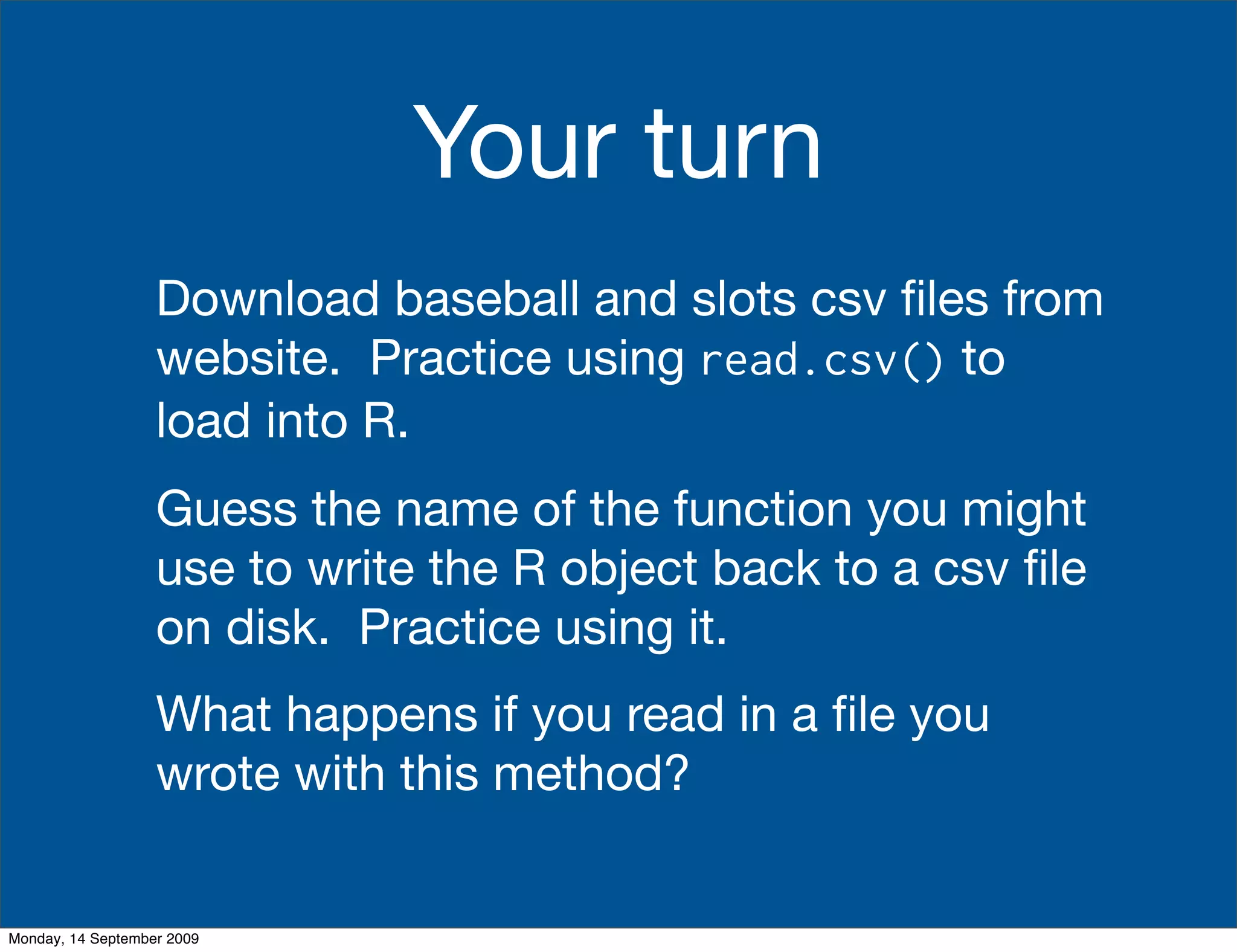
Your turn
                   Download baseball and slots csv files from
                   website. Practice using read.csv() to
                   load into R.
                   Guess the name of the function you might
                   use to write the R object back to a csv file
                   on disk. Practice using it.
                   What happens if you read in a file you
                   wrote with this method?


Monday, 14 September 2009
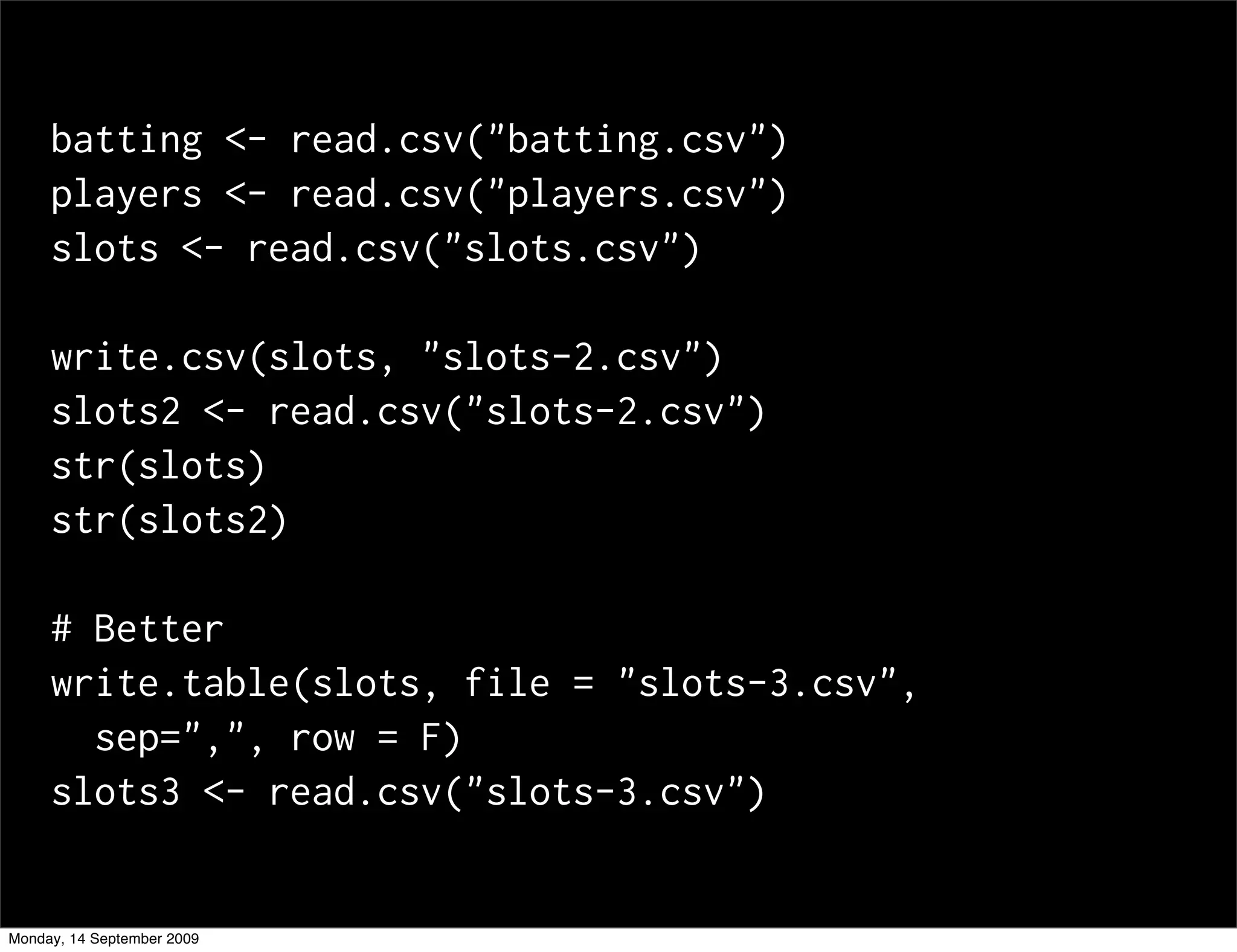
batting <- read.csv("batting.csv")
     players <- read.csv("players.csv")
     slots <- read.csv("slots.csv")

     write.csv(slots, "slots-2.csv")
     slots2 <- read.csv("slots-2.csv")
     str(slots)
     str(slots2)

     # Better
     write.table(slots, file = "slots-3.csv",
       sep=",", row = F)
     slots3 <- read.csv("slots-3.csv")


Monday, 14 September 2009
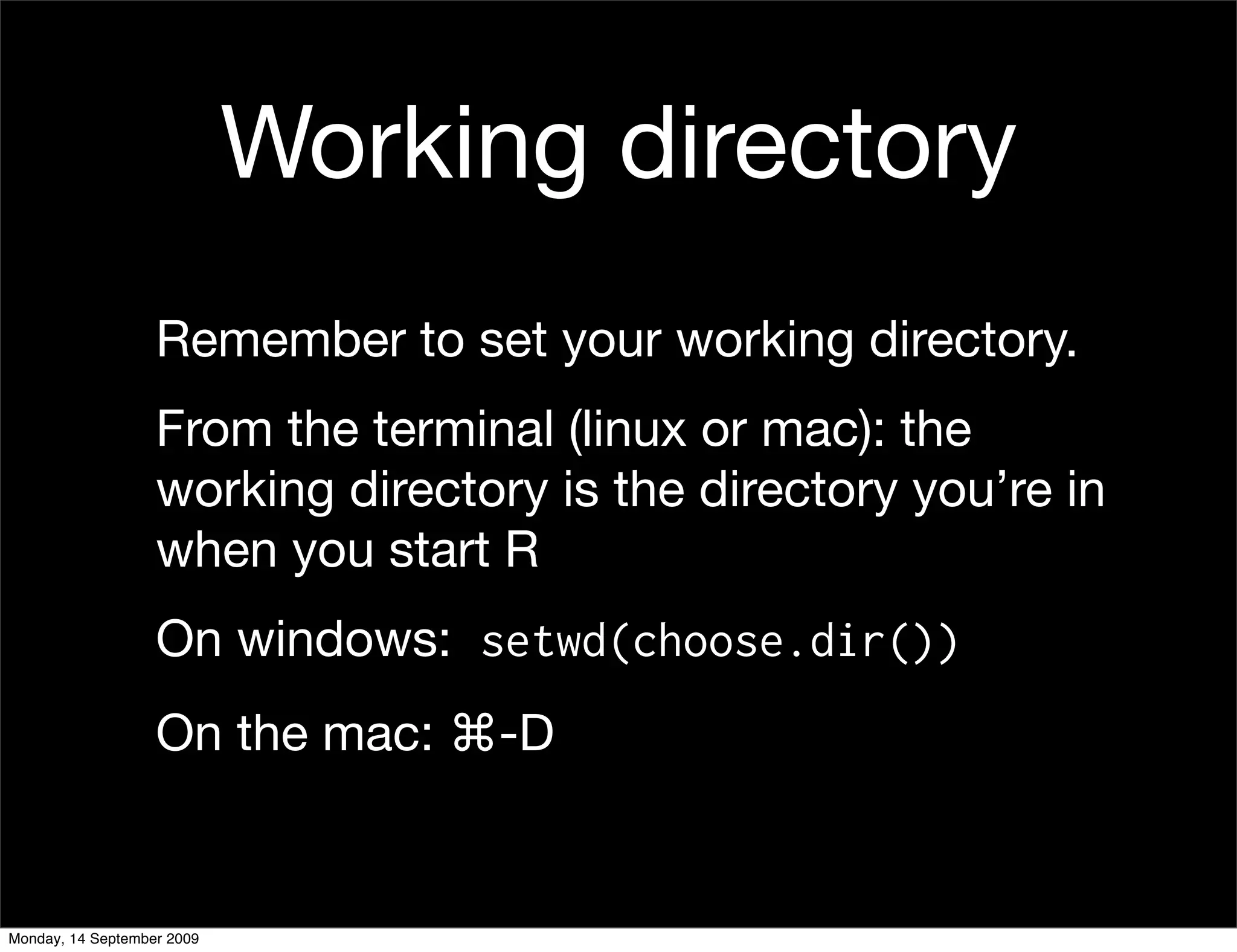
Working directory
                   Remember to set your working directory.
                   From the terminal (linux or mac): the
                   working directory is the directory you’re in
                   when you start R
                   On windows: setwd(choose.dir())
                   On the mac: ⌘-D


Monday, 14 September 2009
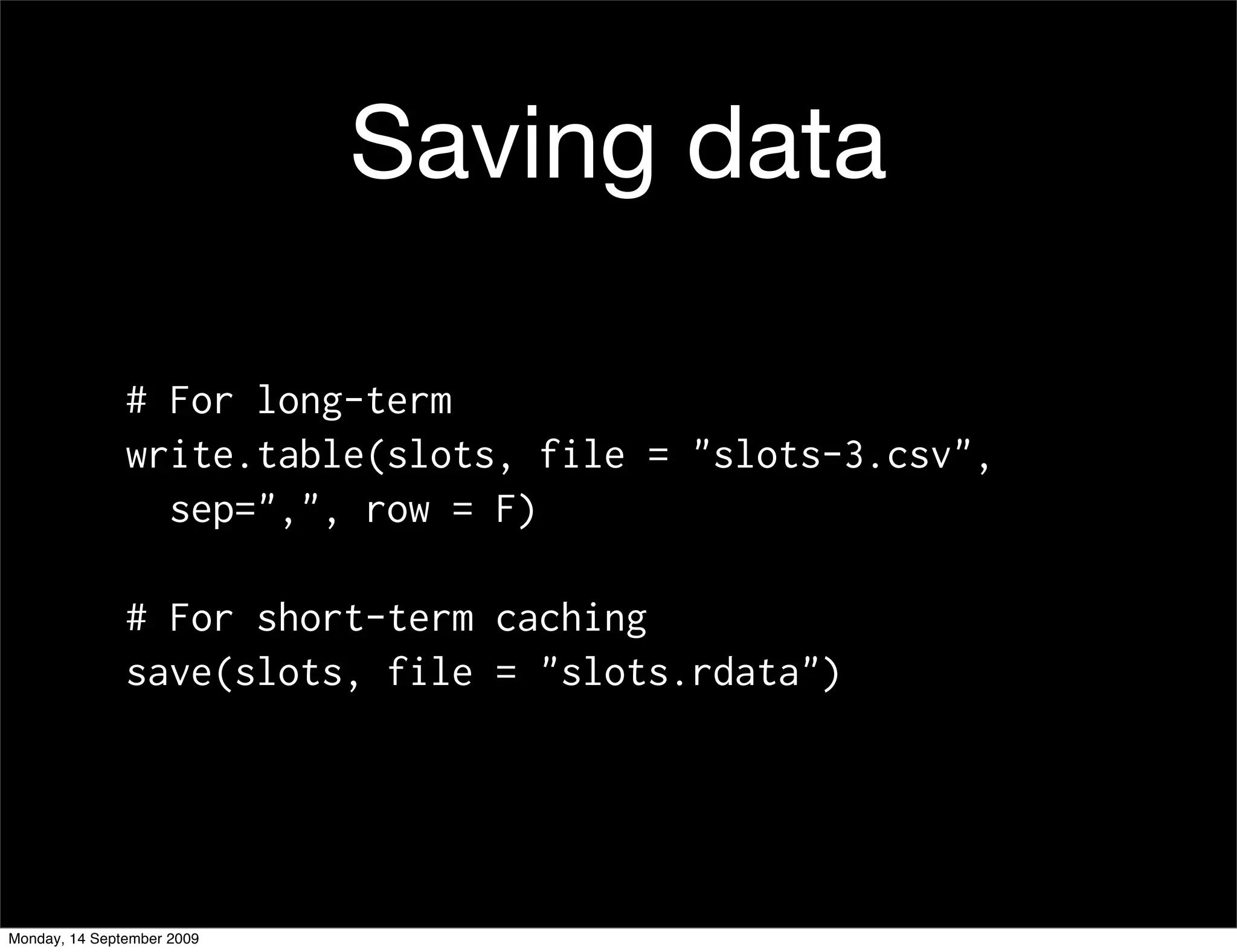
Saving data

               # For long-term
               write.table(slots, file = "slots-3.csv",
                 sep=",", row = F)

               # For short-term caching
               save(slots, file = "slots.rdata")


Monday, 14 September 2009
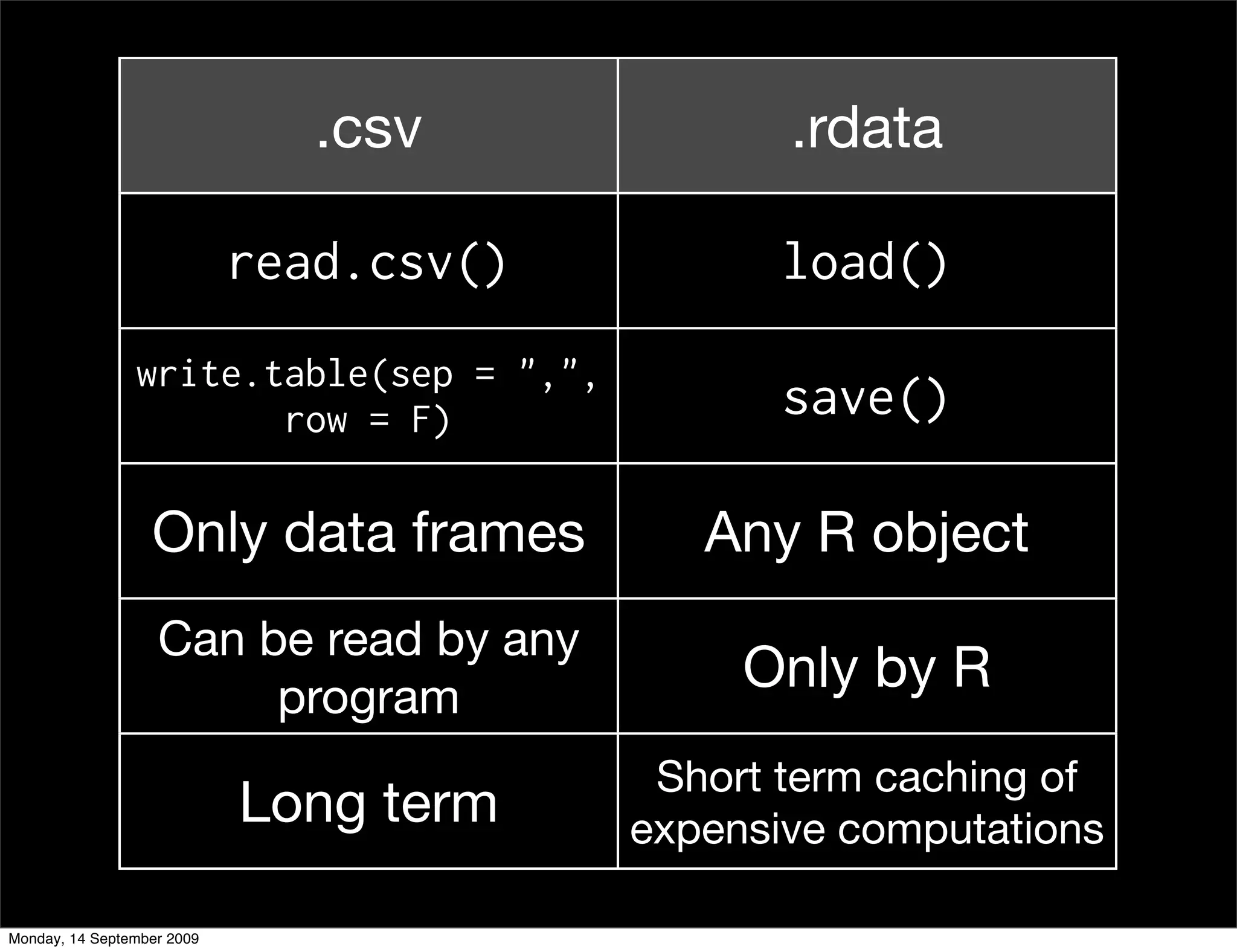
.csv             .rdata

                            read.csv()          load()
                write.table(sep = ",",
                       row = F)                 save()

                  Only data frames          Any R object
                   Can be read by any
                        program
                                              Only by R
                                          Short term caching of
                            Long term    expensive computations

Monday, 14 September 2009
Cleaning
                   I cleaned up slots.csv for you to practice
                   with. The original data was slots.txt.
                   Your next task is to performing the
                   cleaning yourself.
                   This should always be the first step in an
                   analysis: ensure that your data is available
                   as a clean csv file. Do this in once in a
                   file called clean.r.


Monday, 14 September 2009
Your turn

                   Take two minutes to find as many
                   differences as possible between
                   slots.txt and slots.csv.
                   What did I do to clean up the file?


Monday, 14 September 2009
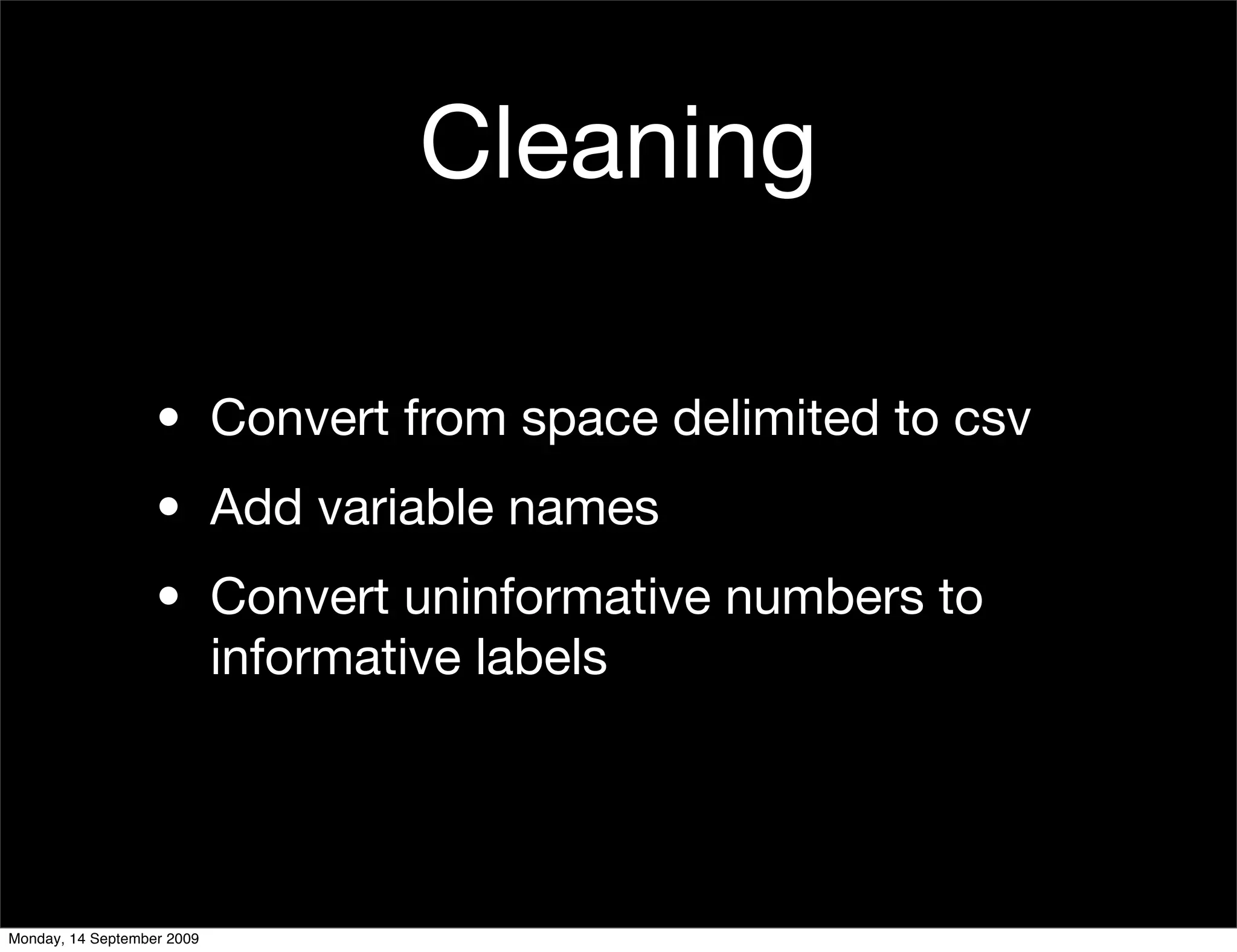
Cleaning

                   • Convert from space delimited to csv
                   • Add variable names
                   • Convert uninformative numbers to
                     informative labels


Monday, 14 September 2009
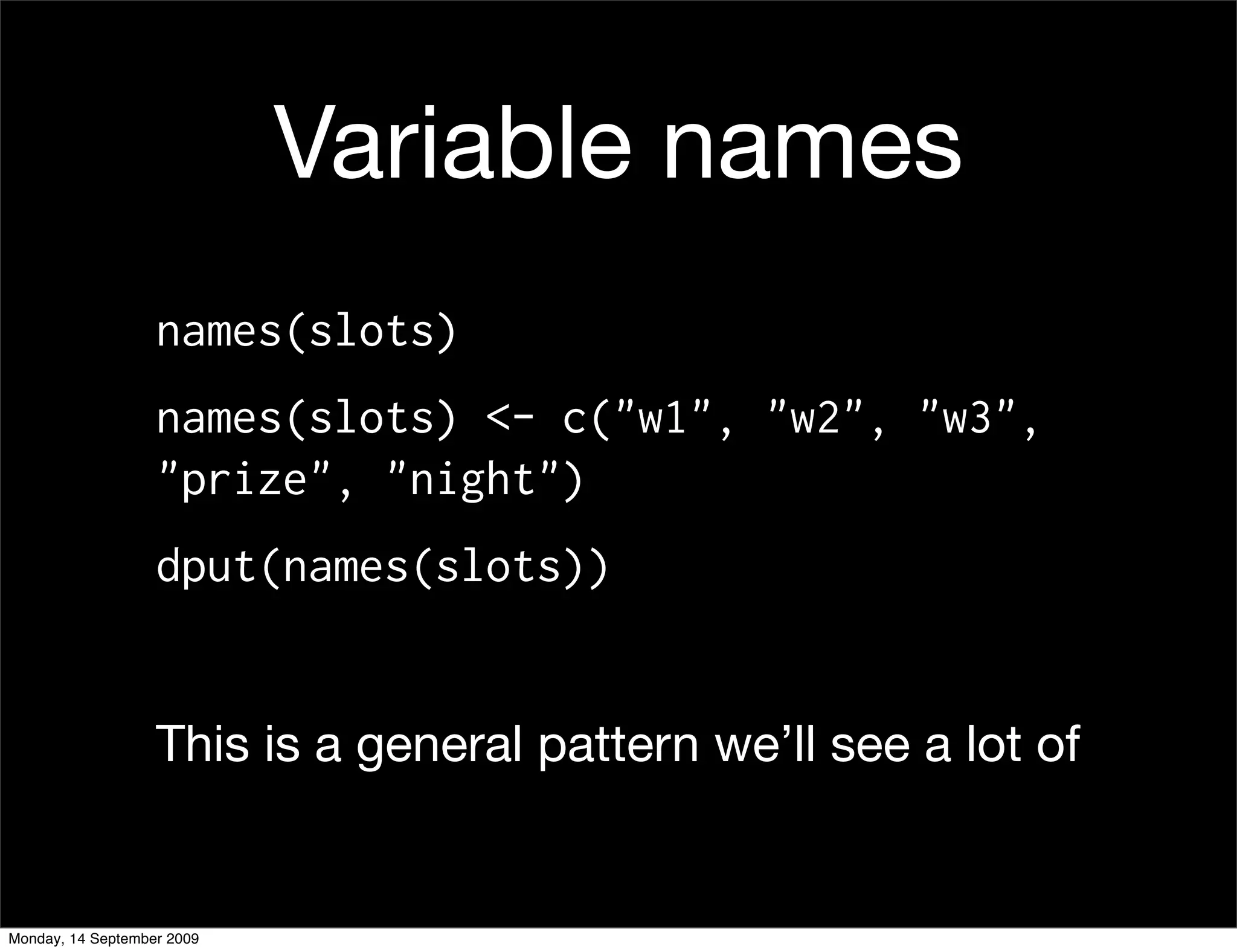
Variable names
                   names(slots)
                   names(slots) <- c("w1", "w2", "w3",
                   "prize", "night")
                   dput(names(slots))


                   This is a general pattern we’ll see a lot of


Monday, 14 September 2009
Factors
                   • R’s way of storing categorical data
                   • Have ordered levels() which:
                        • Control order on plots and in table()
                        • Are preserved across subsets
                        • Affect contrasts in linear models


Monday, 14 September 2009
#     Creating a factor
         x     <- sample(5, 20, rep = T)
         a     <- factor(x)
         b     <- factor(x, levels = 1:10)
         c     <- factor(x, labels = letters[1:5])

         levels(a); levels(b); levels(c)
         table(a); table(b); table(c)


Monday, 14 September 2009
# Subsets
         b2 <- b[1:5]
         levels(b2)
         table(b2)

         # Remove extra levels
         b2[, drop=T]
         factor(b2)

         # Convert to character
         b3 <- as.character(b)
         table(b3)
         table(b3[1:5])

Monday, 14 September 2009
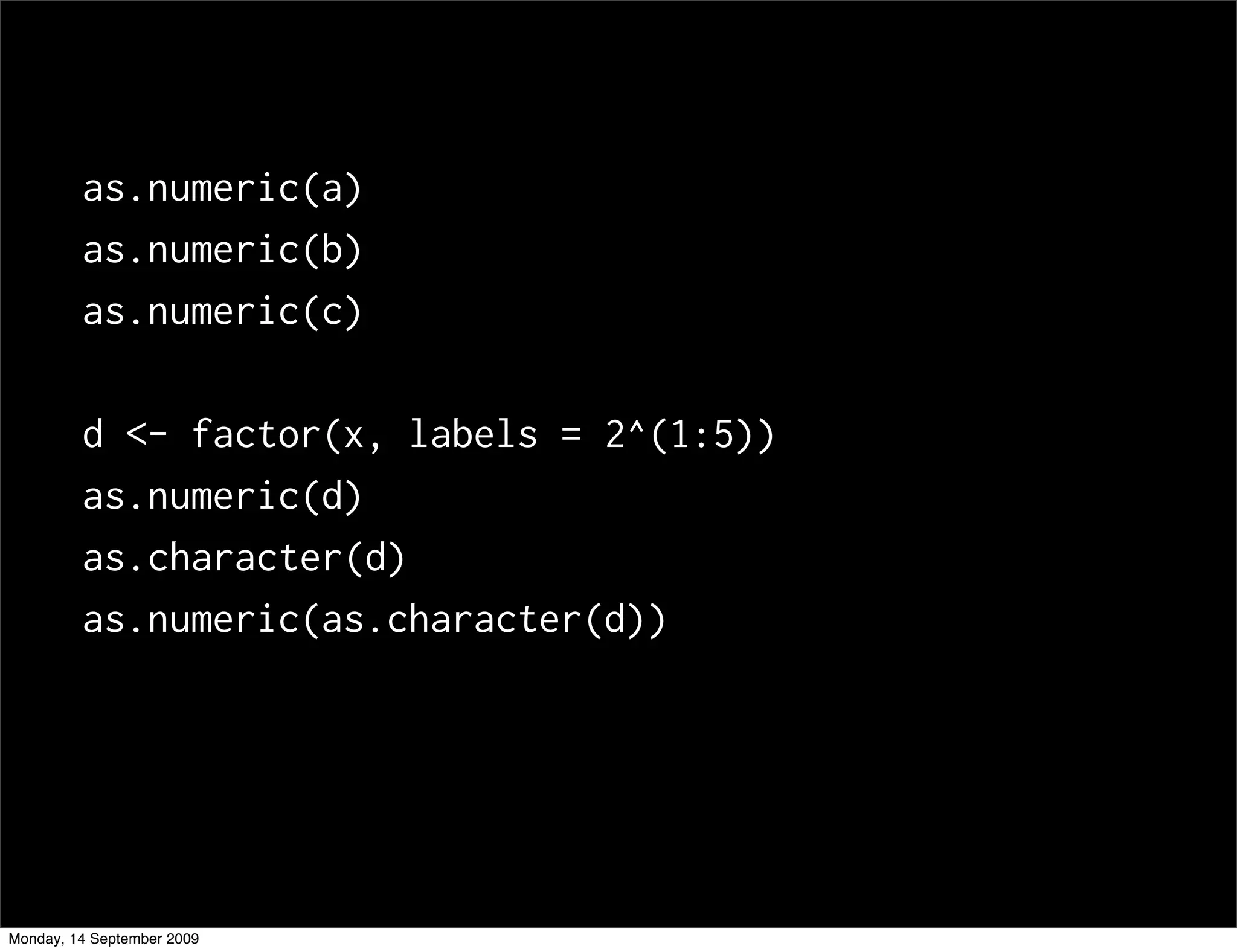
as.numeric(a)
         as.numeric(b)
         as.numeric(c)

         d <- factor(x, labels = 2^(1:5))
         as.numeric(d)
         as.character(d)
         as.numeric(as.character(d))


Monday, 14 September 2009
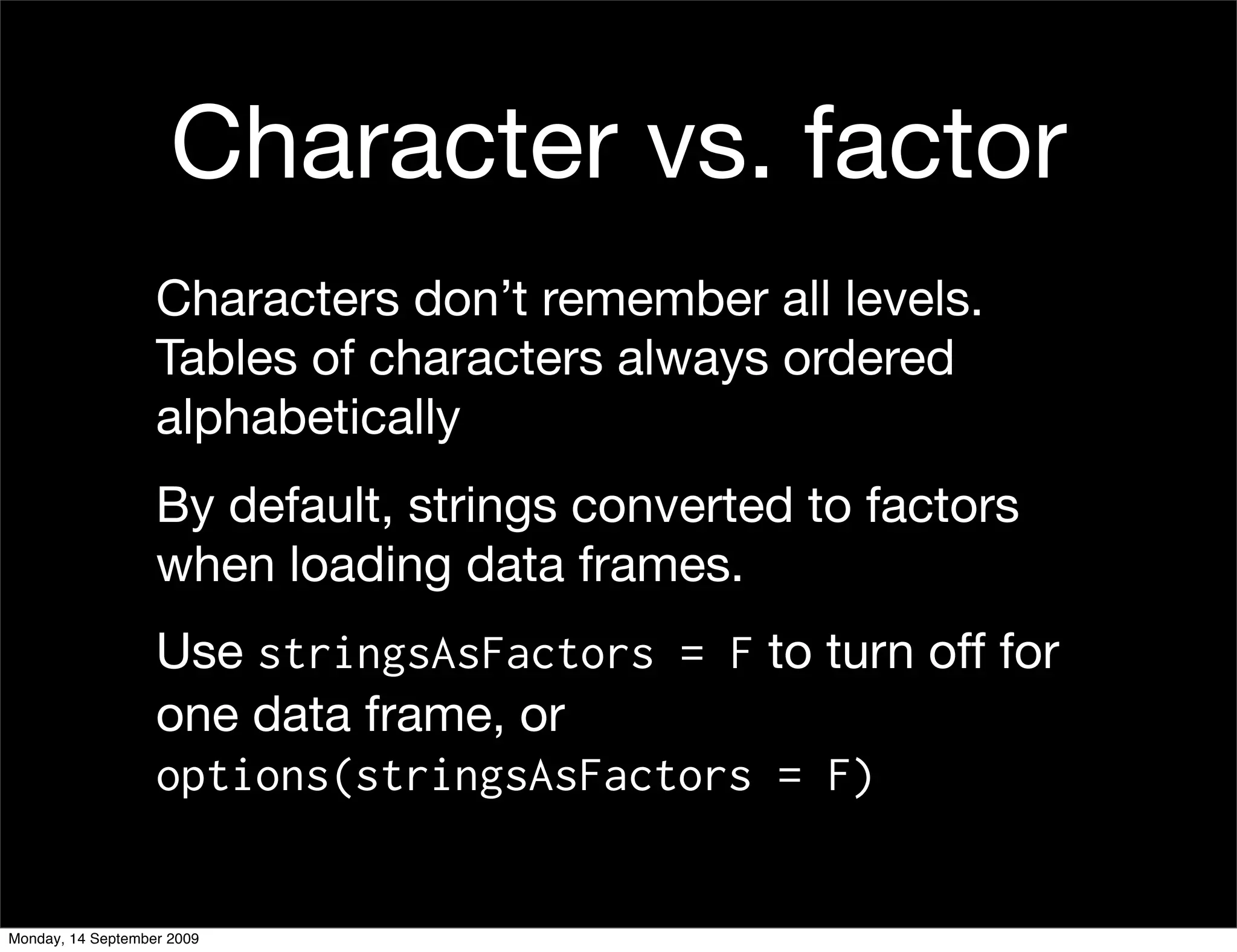
Character vs. factor
                   Characters don’t remember all levels.
                   Tables of characters always ordered
                   alphabetically
                   By default, strings converted to factors
                   when loading data frames.
                   Use stringsAsFactors = F to turn off for
                   one data frame, or
                   options(stringsAsFactors = F)


Monday, 14 September 2009
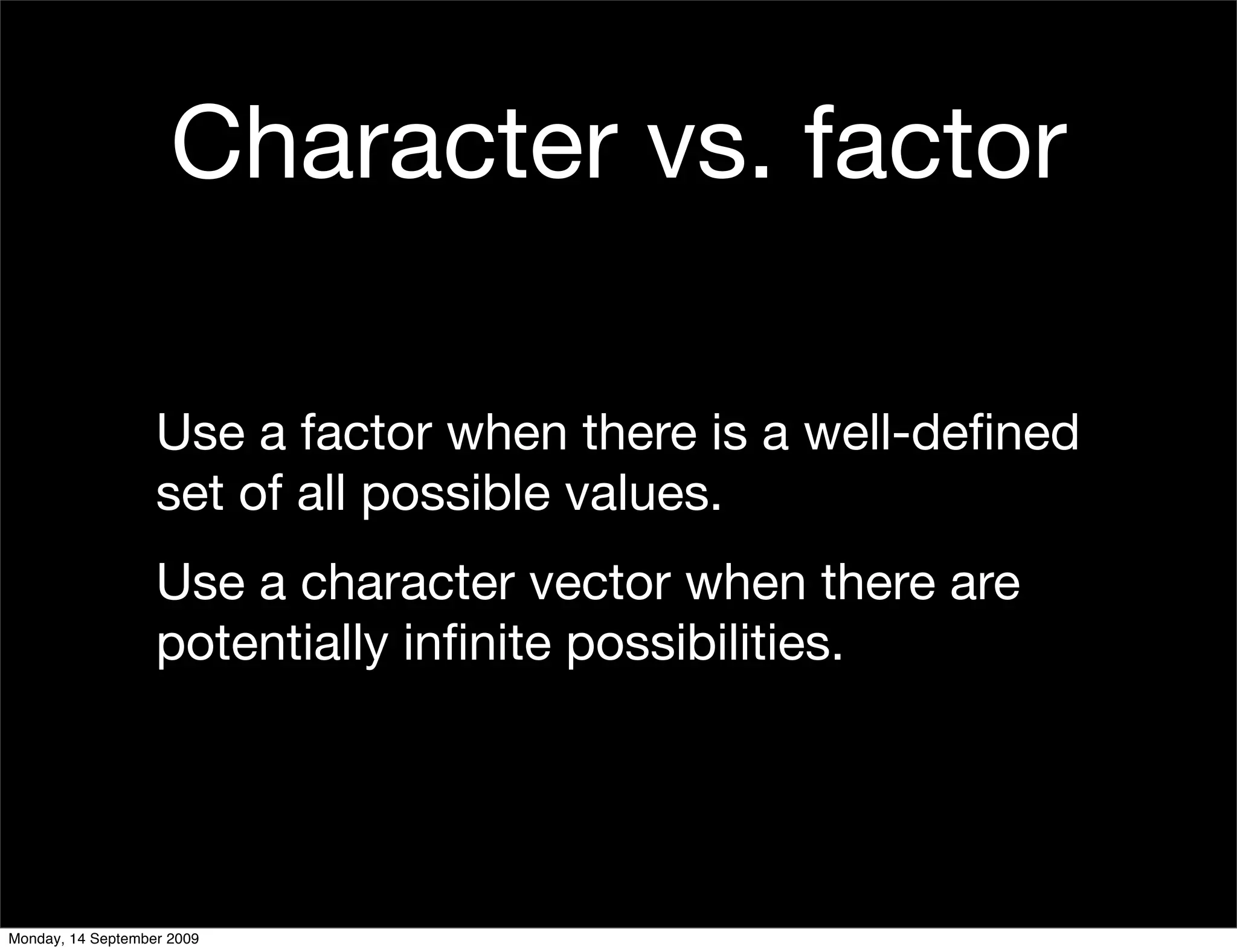
Character vs. factor

                   Use a factor when there is a well-defined
                   set of all possible values.
                   Use a character vector when there are
                   potentially infinite possibilities.


Monday, 14 September 2009
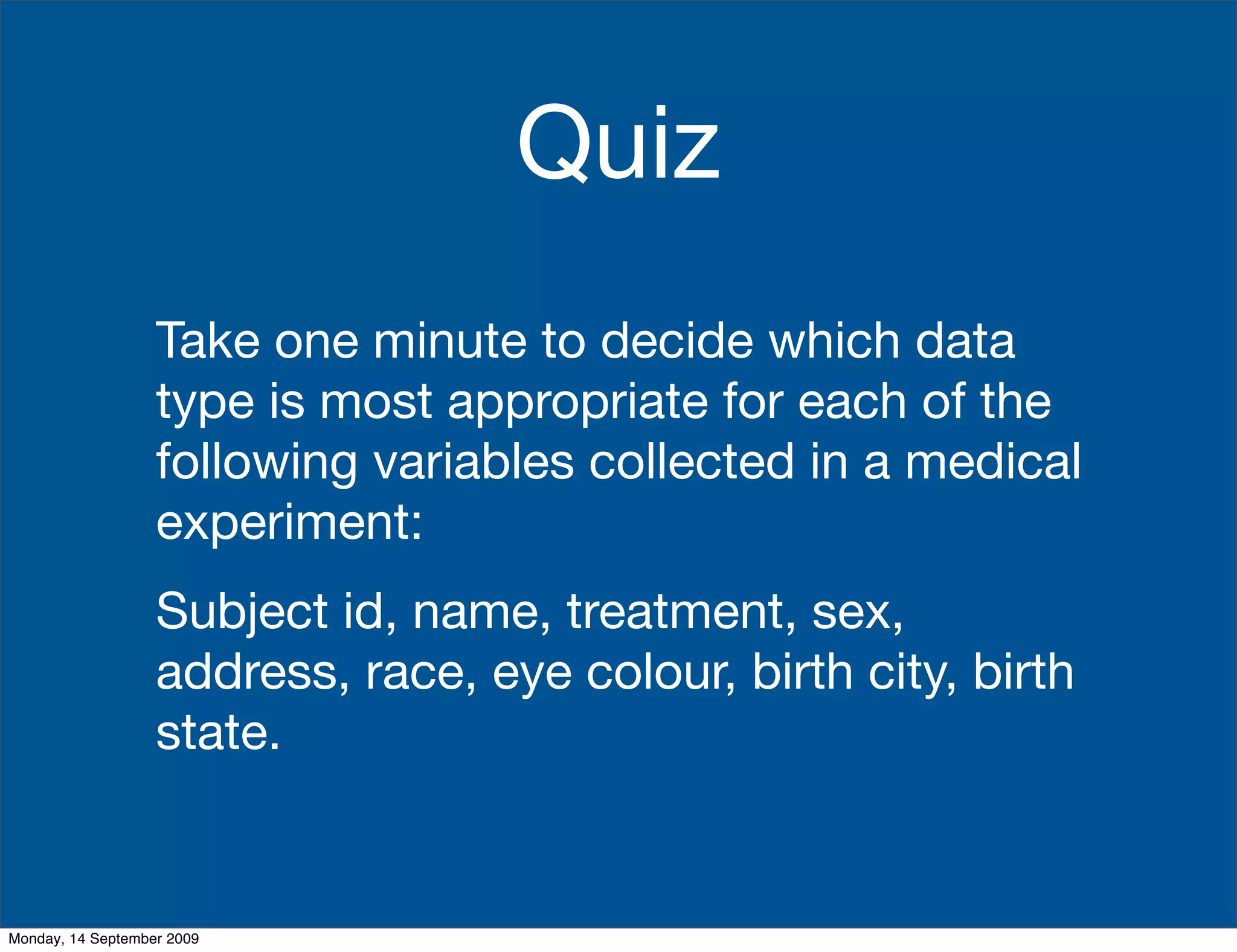
Quiz
                   Take one minute to decide which data
                   type is most appropriate for each of the
                   following variables collected in a medical
                   experiment:
                   Subject id, name, treatment, sex,
                   address, race, eye colour, birth city, birth
                   state.


Monday, 14 September 2009
Your turn
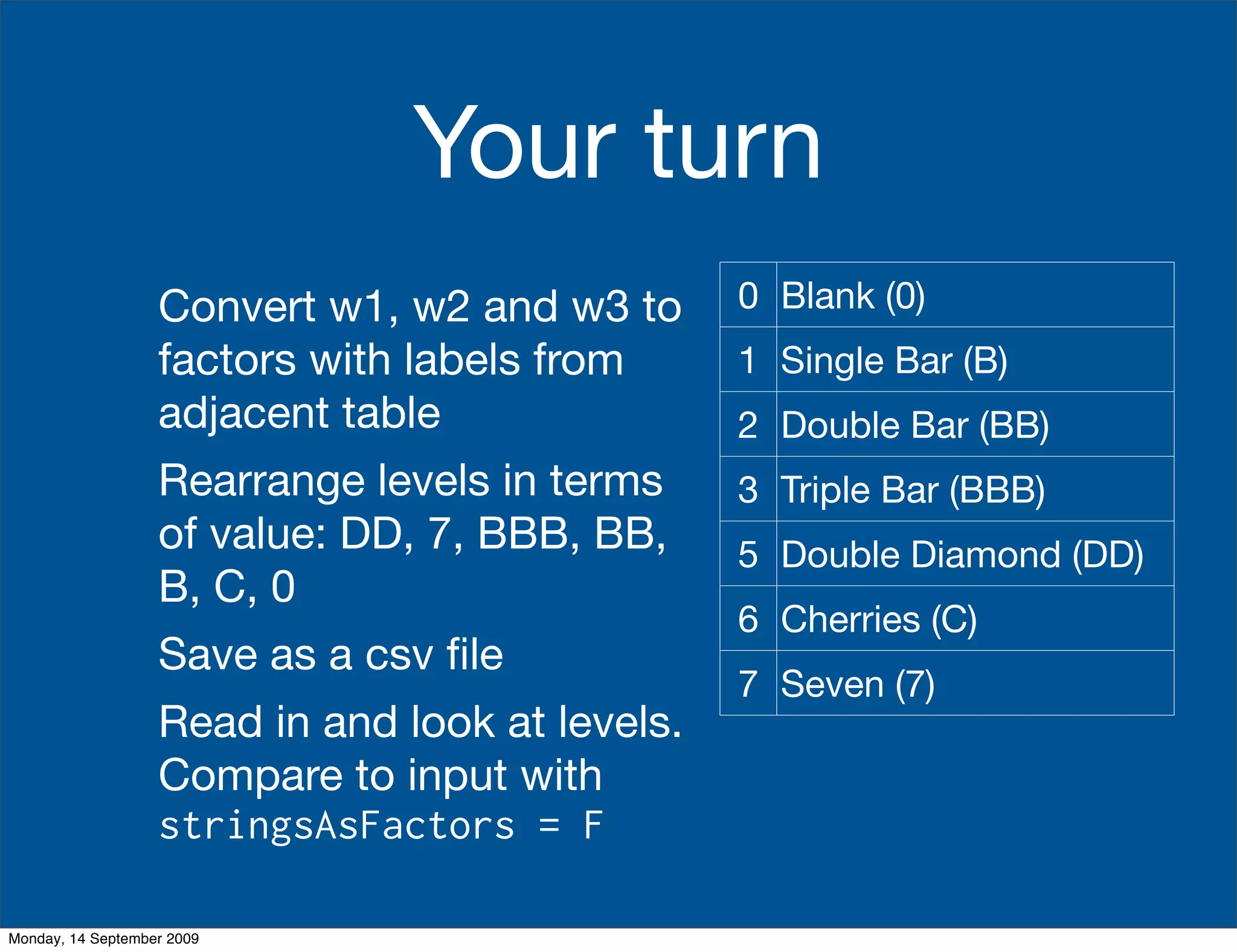
                   Convert w1, w2 and w3 to      0 Blank (0)
                   factors with labels from      1 Single Bar (B)
                   adjacent table                2 Double Bar (BB)
                   Rearrange levels in terms     3 Triple Bar (BBB)
                   of value: DD, 7, BBB, BB,     5 Double Diamond (DD)
                   B, C, 0
                                                 6 Cherries (C)
                   Save as a csv file
                                                 7 Seven (7)
                   Read in and look at levels.
                   Compare to input with
                   stringsAsFactors = F

Monday, 14 September 2009
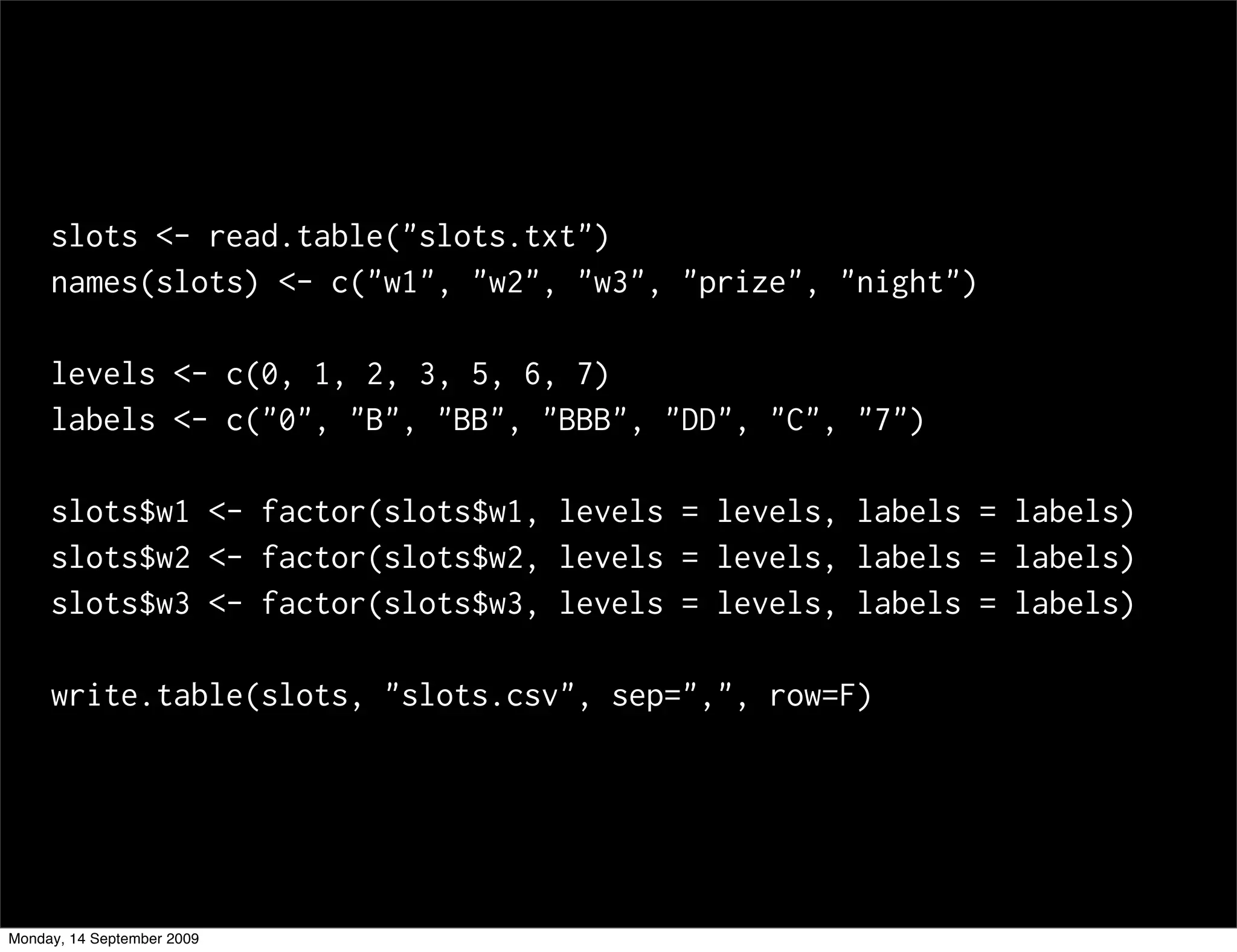
slots <- read.table("slots.txt")
     names(slots) <- c("w1", "w2", "w3", "prize", "night")

     levels <- c(0, 1, 2, 3, 5, 6, 7)
     labels <- c("0", "B", "BB", "BBB", "DD", "C", "7")

     slots$w1 <- factor(slots$w1, levels = levels, labels = labels)
     slots$w2 <- factor(slots$w2, levels = levels, labels = labels)
     slots$w3 <- factor(slots$w3, levels = levels, labels = labels)

     write.table(slots, "slots.csv", sep=",", row=F)


Monday, 14 September 2009

06 Data

  • 1.
    Stat405 Data Hadley Wickham Monday, 14 September 2009
  • 2.
    1. Group work 2. Motivating problem 3. Loading & saving data 4. Factors & characters Monday, 14 September 2009
  • 3.
    Group project Want to help your groups become effective teams. We’ll spend 15 minutes getting you into teams, and establishing expectations. See handouts. Final project weighting for team citizenship. Monday, 14 September 2009
  • 4.
    Firing & Quitting You may fire a non-participating team member, but you need to meet with me and issue a written warning. If you feel that you are doing all the work in your team, you may quit. You’ll also need to meet with me and give a written warning to the rest of your team. Monday, 14 September 2009
  • 5.
    State regulated payoffs:how can be sure they’re honest? CC by-nc-nd: http://www.flickr.com/photos/amoleji/2979221622/ Monday, 14 September 2009
  • 6.
    Where are wegoing? In the next few weeks we will be focussing our attention on some slot machine data. We want to figure out if the slot machine is paying out at the rate the manufacturer claims. To do this, we’ll need to learn more about data formats and how to write functions. Monday, 14 September 2009
  • 7.
    Loading data read.table(): white space separated read.table(sep="t"): tab separated read.csv(): comma separated read.fwf(): fixed width load(): R binary format All take file argument Monday, 14 September 2009
  • 8.
    Why csv? Simple. Compatible with all statistics software. Human readable (in 20 years time you will still be able to extract data from it). Monday, 14 September 2009
  • 9.
    Your turn Download baseball and slots csv files from website. Practice using read.csv() to load into R. Guess the name of the function you might use to write the R object back to a csv file on disk. Practice using it. What happens if you read in a file you wrote with this method? Monday, 14 September 2009
  • 10.
    batting <- read.csv("batting.csv") players <- read.csv("players.csv") slots <- read.csv("slots.csv") write.csv(slots, "slots-2.csv") slots2 <- read.csv("slots-2.csv") str(slots) str(slots2) # Better write.table(slots, file = "slots-3.csv", sep=",", row = F) slots3 <- read.csv("slots-3.csv") Monday, 14 September 2009
  • 11.
    Working directory Remember to set your working directory. From the terminal (linux or mac): the working directory is the directory you’re in when you start R On windows: setwd(choose.dir()) On the mac: ⌘-D Monday, 14 September 2009
  • 12.
    Saving data # For long-term write.table(slots, file = "slots-3.csv", sep=",", row = F) # For short-term caching save(slots, file = "slots.rdata") Monday, 14 September 2009
  • 13.
    .csv .rdata read.csv() load() write.table(sep = ",", row = F) save() Only data frames Any R object Can be read by any program Only by R Short term caching of Long term expensive computations Monday, 14 September 2009
  • 14.
    Cleaning I cleaned up slots.csv for you to practice with. The original data was slots.txt. Your next task is to performing the cleaning yourself. This should always be the first step in an analysis: ensure that your data is available as a clean csv file. Do this in once in a file called clean.r. Monday, 14 September 2009
  • 15.
    Your turn Take two minutes to find as many differences as possible between slots.txt and slots.csv. What did I do to clean up the file? Monday, 14 September 2009
  • 16.
    Cleaning • Convert from space delimited to csv • Add variable names • Convert uninformative numbers to informative labels Monday, 14 September 2009
  • 17.
    Variable names names(slots) names(slots) <- c("w1", "w2", "w3", "prize", "night") dput(names(slots)) This is a general pattern we’ll see a lot of Monday, 14 September 2009
  • 18.
    Factors • R’s way of storing categorical data • Have ordered levels() which: • Control order on plots and in table() • Are preserved across subsets • Affect contrasts in linear models Monday, 14 September 2009
  • 19.
    # Creating a factor x <- sample(5, 20, rep = T) a <- factor(x) b <- factor(x, levels = 1:10) c <- factor(x, labels = letters[1:5]) levels(a); levels(b); levels(c) table(a); table(b); table(c) Monday, 14 September 2009
  • 20.
    # Subsets b2 <- b[1:5] levels(b2) table(b2) # Remove extra levels b2[, drop=T] factor(b2) # Convert to character b3 <- as.character(b) table(b3) table(b3[1:5]) Monday, 14 September 2009
  • 21.
    as.numeric(a) as.numeric(b) as.numeric(c) d <- factor(x, labels = 2^(1:5)) as.numeric(d) as.character(d) as.numeric(as.character(d)) Monday, 14 September 2009
  • 22.
    Character vs. factor Characters don’t remember all levels. Tables of characters always ordered alphabetically By default, strings converted to factors when loading data frames. Use stringsAsFactors = F to turn off for one data frame, or options(stringsAsFactors = F) Monday, 14 September 2009
  • 23.
    Character vs. factor Use a factor when there is a well-defined set of all possible values. Use a character vector when there are potentially infinite possibilities. Monday, 14 September 2009
  • 24.
    Quiz Take one minute to decide which data type is most appropriate for each of the following variables collected in a medical experiment: Subject id, name, treatment, sex, address, race, eye colour, birth city, birth state. Monday, 14 September 2009
  • 25.
    Your turn Convert w1, w2 and w3 to 0 Blank (0) factors with labels from 1 Single Bar (B) adjacent table 2 Double Bar (BB) Rearrange levels in terms 3 Triple Bar (BBB) of value: DD, 7, BBB, BB, 5 Double Diamond (DD) B, C, 0 6 Cherries (C) Save as a csv file 7 Seven (7) Read in and look at levels. Compare to input with stringsAsFactors = F Monday, 14 September 2009
  • 26.
    slots <- read.table("slots.txt") names(slots) <- c("w1", "w2", "w3", "prize", "night") levels <- c(0, 1, 2, 3, 5, 6, 7) labels <- c("0", "B", "BB", "BBB", "DD", "C", "7") slots$w1 <- factor(slots$w1, levels = levels, labels = labels) slots$w2 <- factor(slots$w2, levels = levels, labels = labels) slots$w3 <- factor(slots$w3, levels = levels, labels = labels) write.table(slots, "slots.csv", sep=",", row=F) Monday, 14 September 2009