Uliweb开发入门
开发一个Todo程序
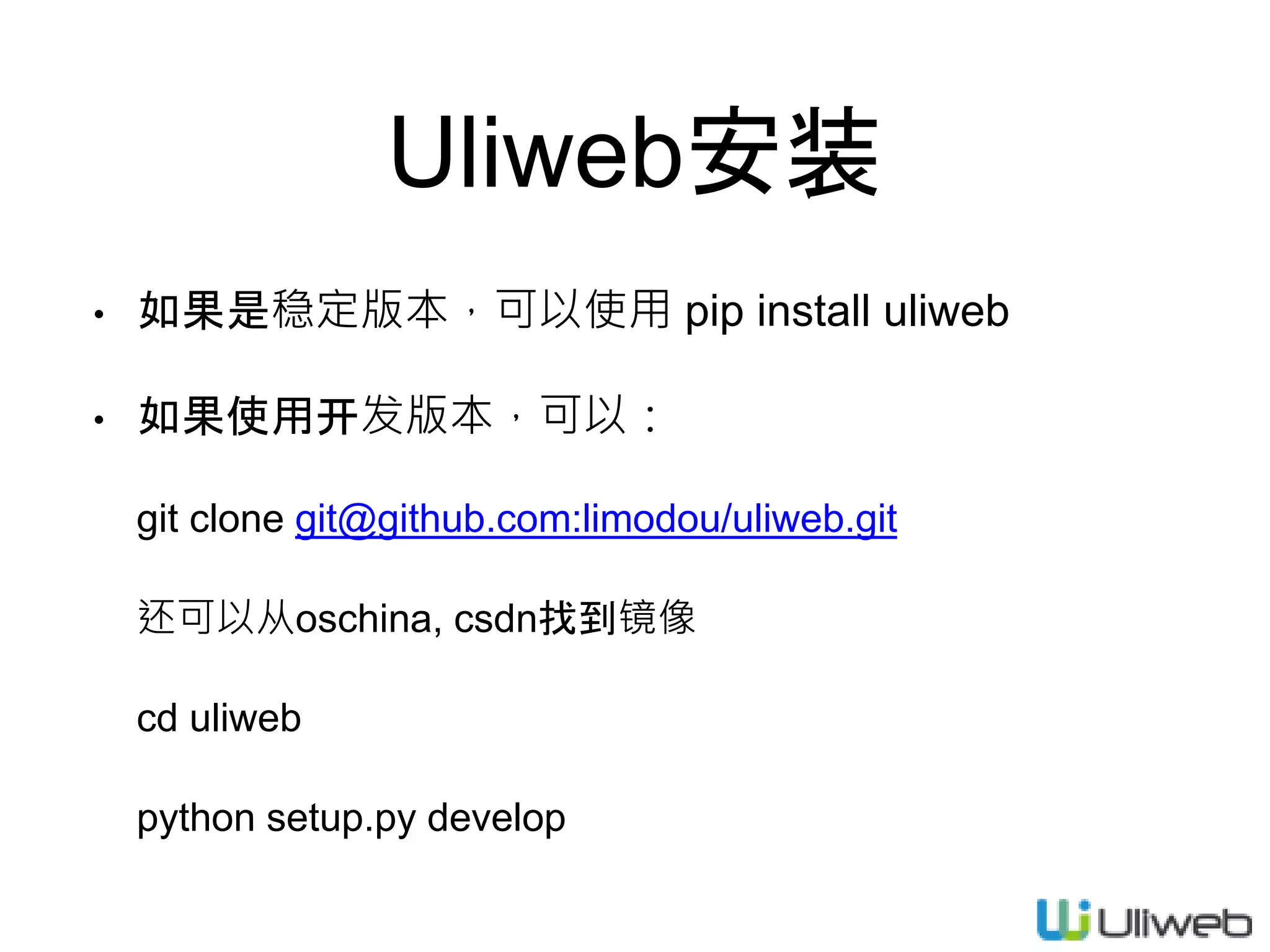
Uliweb安装
• 如果是稳定版本,可以使用 pip install uliweb
• 如果使用开发版本,可以:
git clone git@github.com:limodou/uliweb.git
还可以从oschina, csdn找到镜像
cd uliweb
python setup.py develop
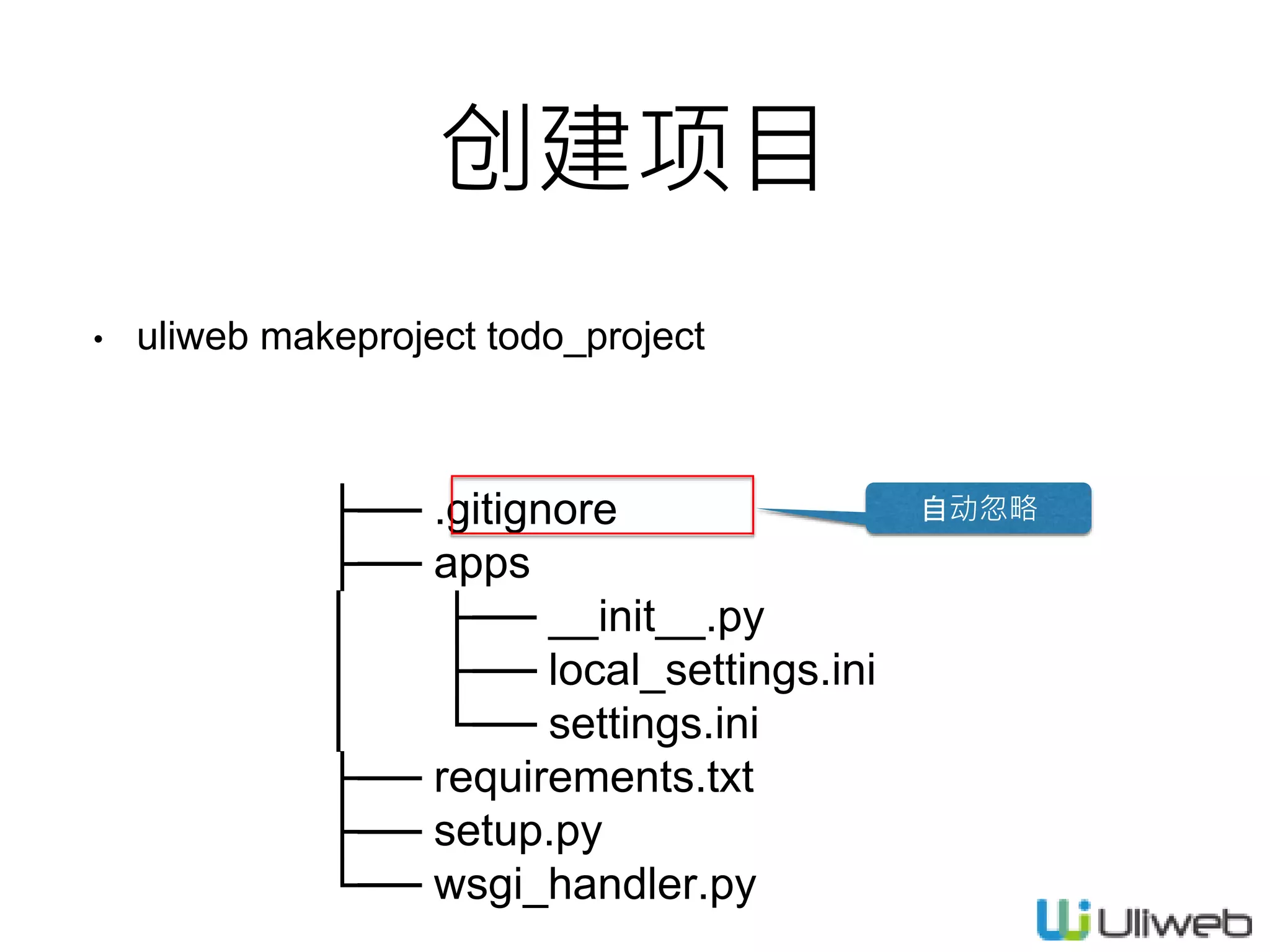
创建项目
• uliweb makeproject todo_project
├── .gitignore
├── apps
│ ├── __init__.py
│ ├── local_settings.ini
│ └── settings.ini
├── requirements.txt
├── setup.py
└── wsgi_handler.py
自动忽略
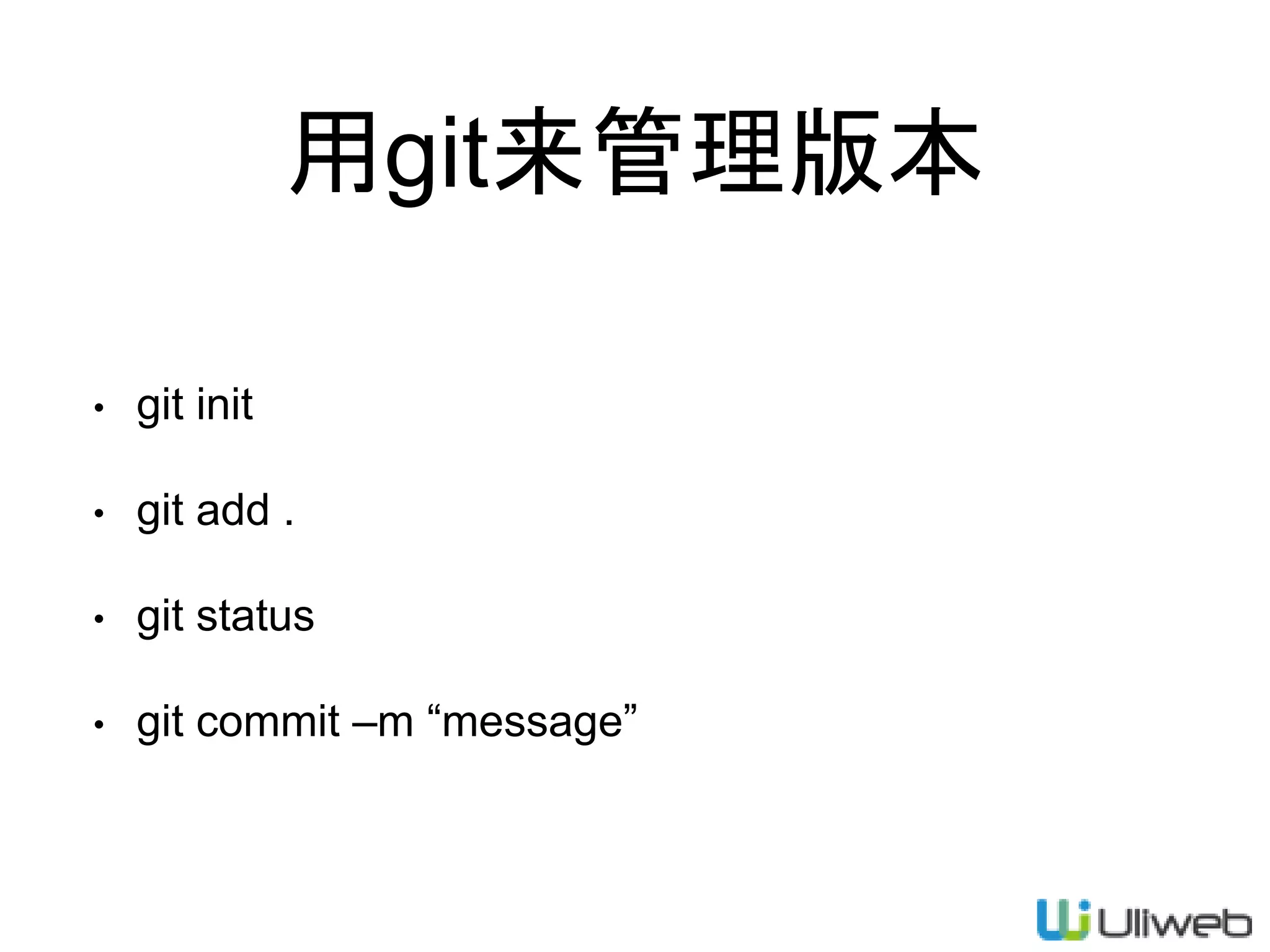
用git来管理版本
• git init
• git add .
• git status
• git commit –m “message”
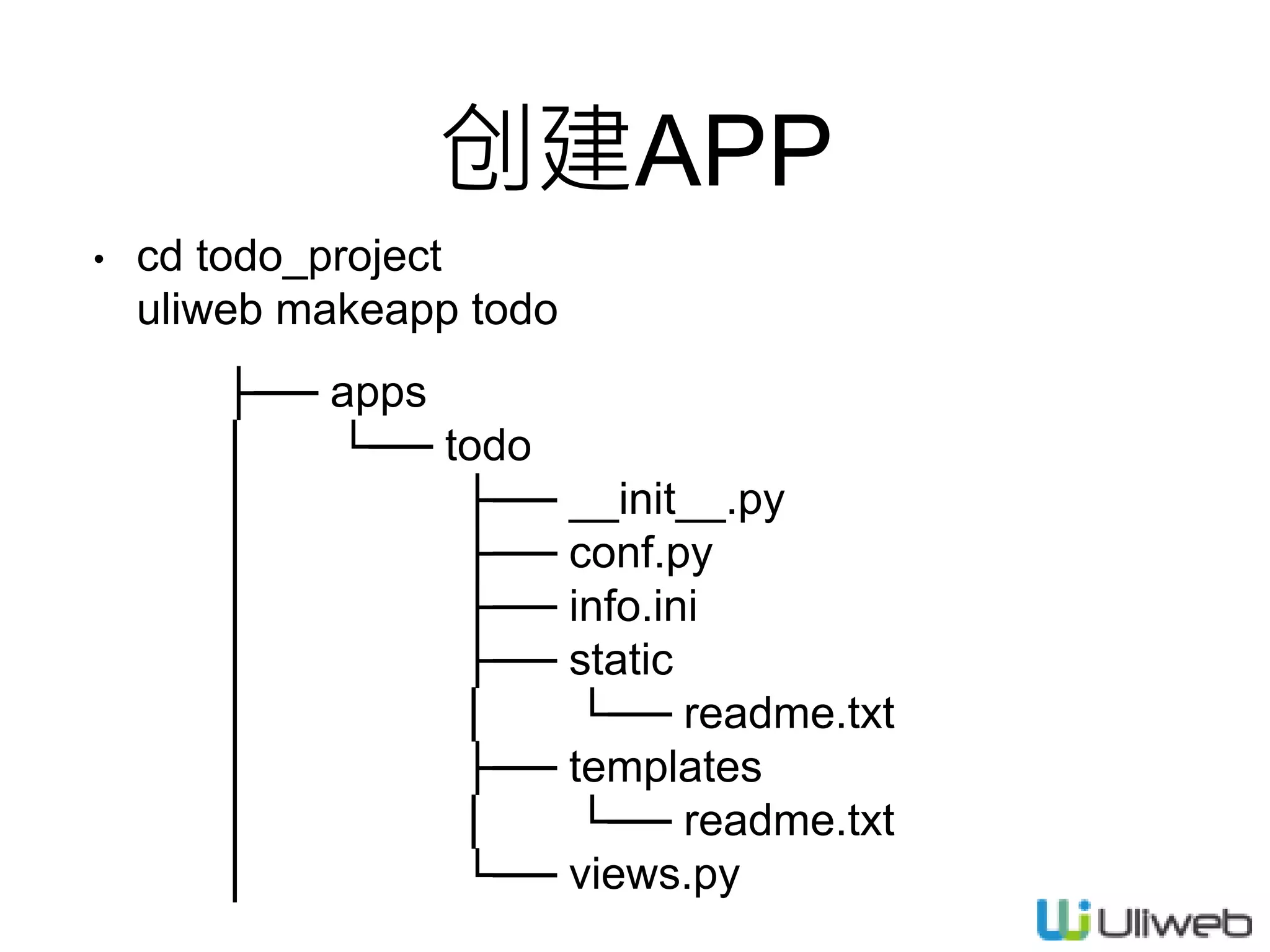
创建APP
• cd todo_project
uliweb makeapp todo
├── apps
│ └── todo
│ ├── __init__.py
│ ├── conf.py
│ ├── info.ini
│ ├── static
│ │ └── readme.txt
│ ├── templates
│ │ └── readme.txt
│ └── views.py
MVC vs MVT
• M(Model) V(View) C(Control)
• uliweb采用:Model, View, Template
• View==Control+View的功能
• Template==页面展示
运行
• uliweb runserver –thread
uliweb help runserver
uliweb runserver –h 0.0.0.0 –p 8001
功能设计
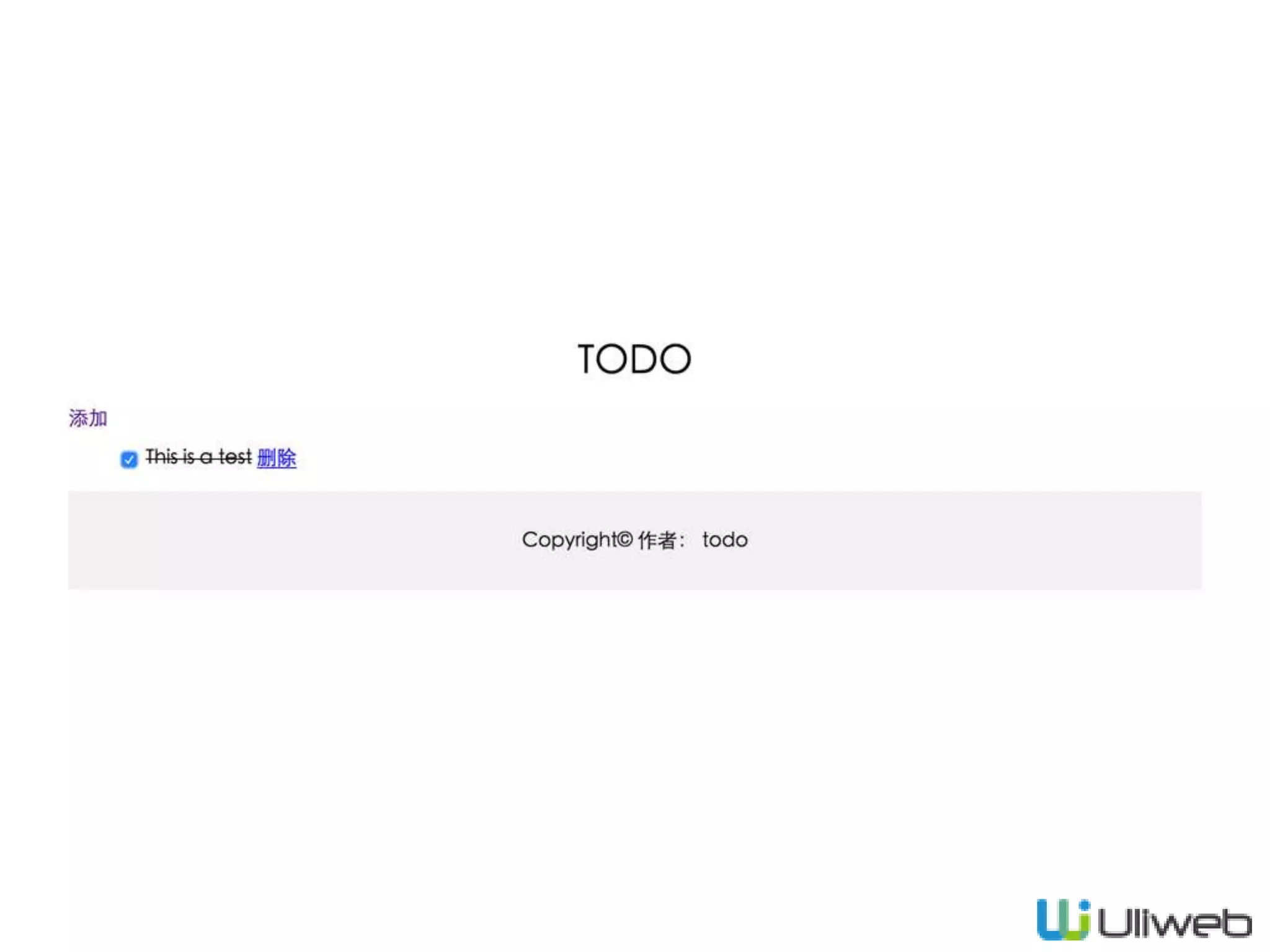
• 显示待办
• 增加
• 完成
• 删除
将要用到的功能
• 模板
• 类方式的View
• ORM
• settings.ini配置
首页
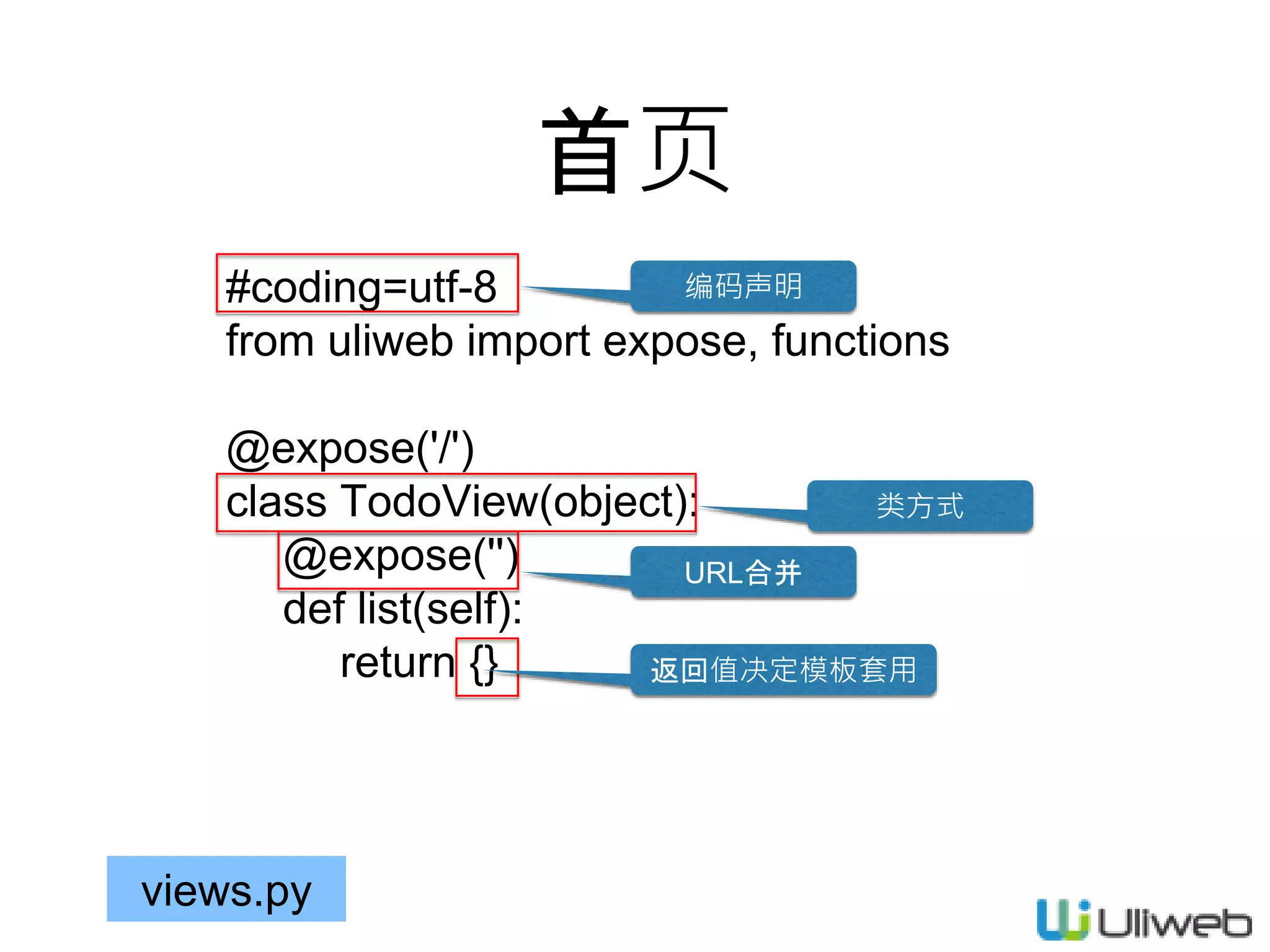
#coding=utf-8
from uliweb import expose, functions
@expose('/')
class TodoView(object):
@expose('')
def list(self):
return {}
views.py
编码声明
类方式
URL合并
返回值决定模板套用
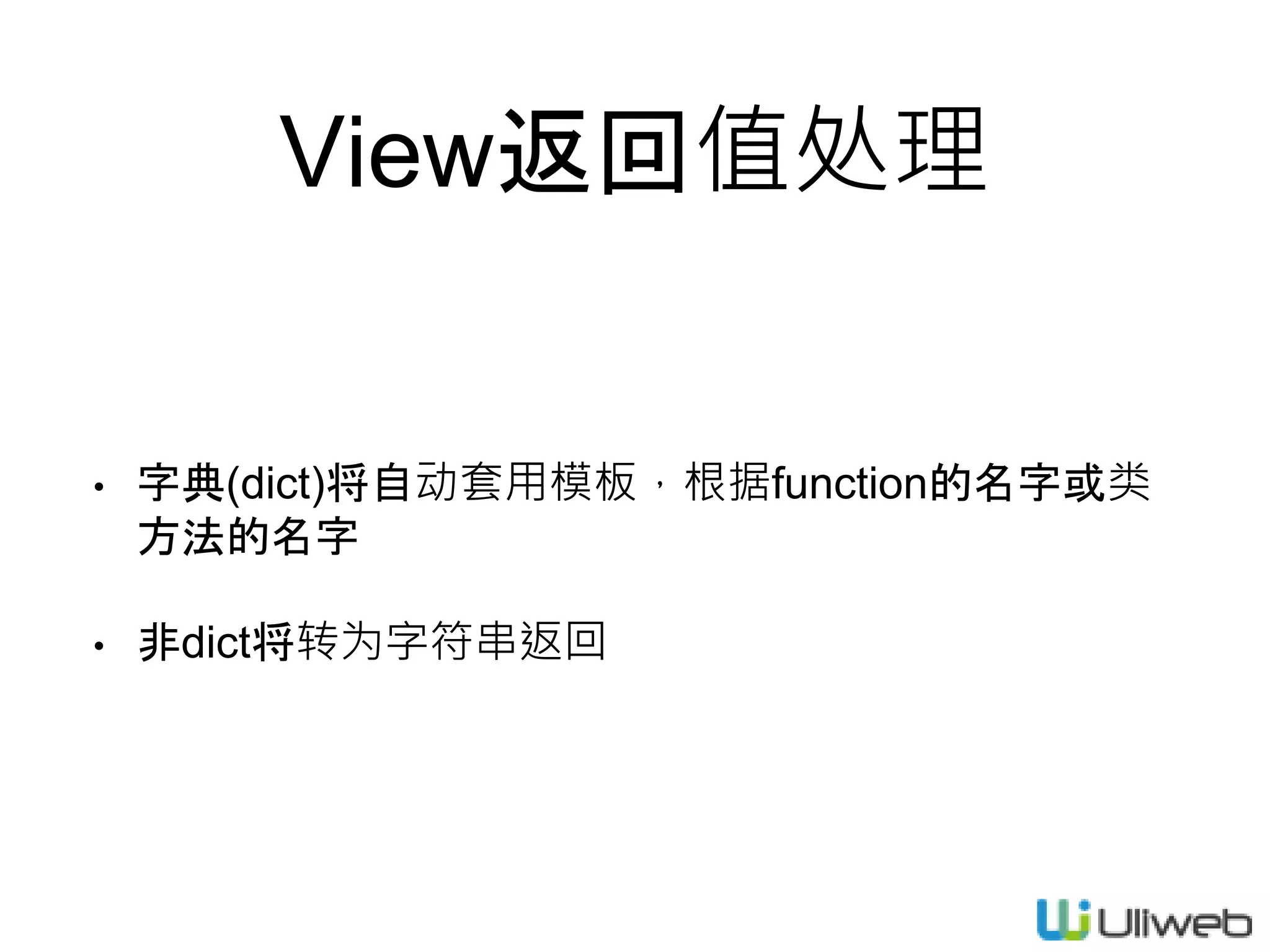
View返回值处理
• 字典(dict)将自动套用模板,根据function的名字或类
方法的名字
• 非dict将转为字符串返回
views.py
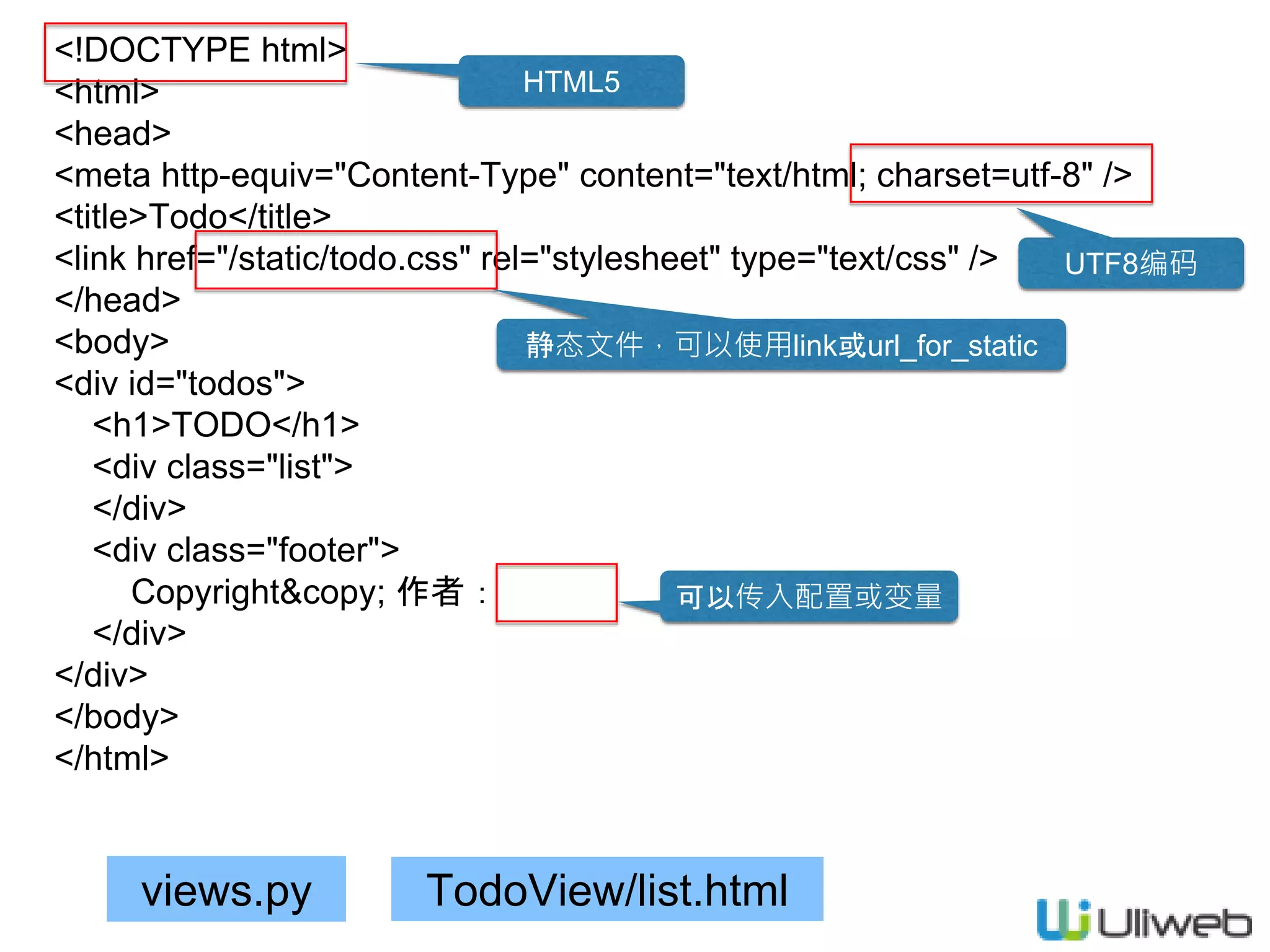
<!DOCTYPE html>
<html>
<head>
<meta http-equiv="Content-Type" content="text/html; charset=utf-8" />
<title>Todo</title>
<link href="/static/todo.css" rel="stylesheet" type="text/css" />
</head>
<body>
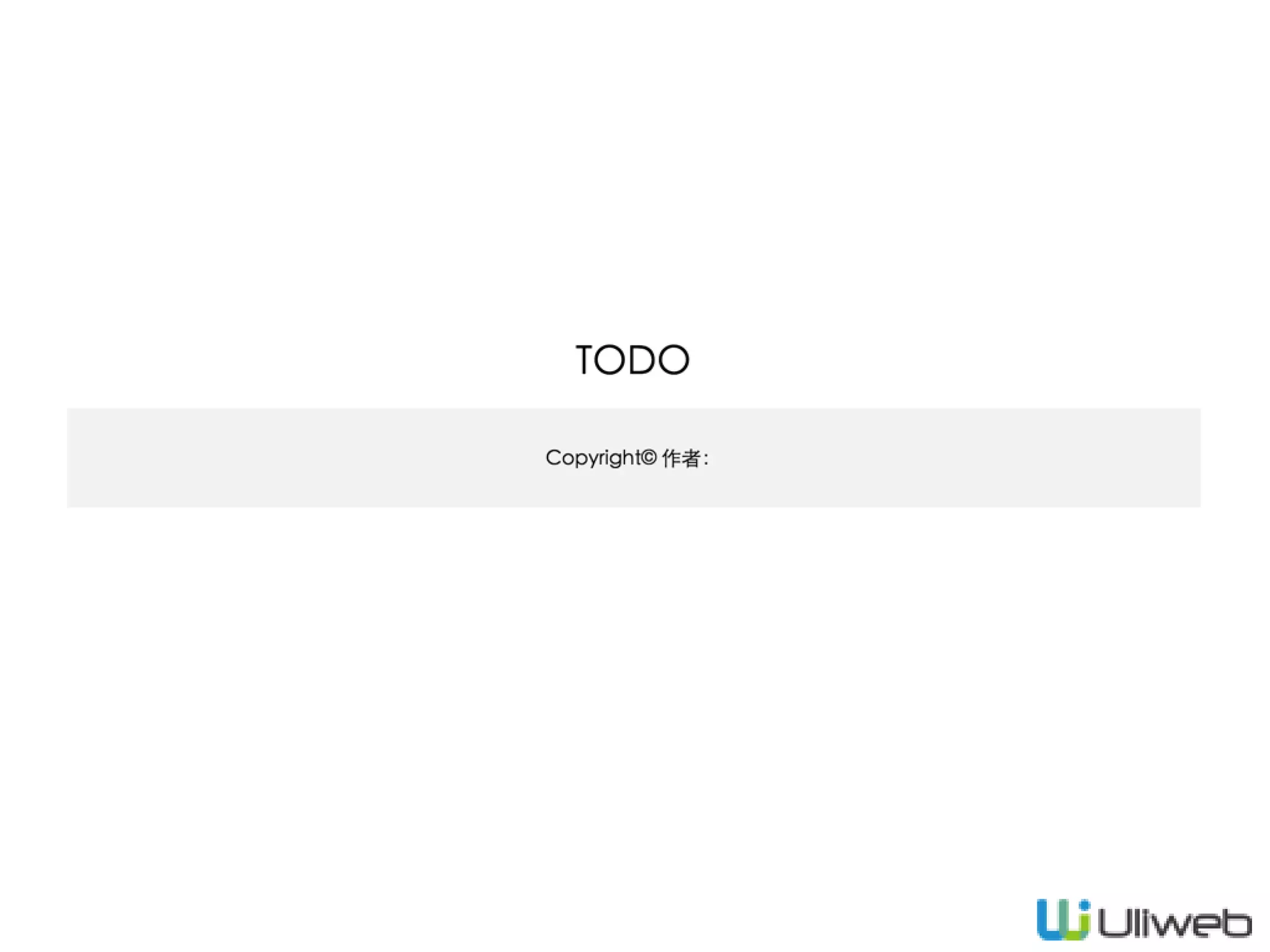
<div id="todos">
<h1>TODO</h1>
<div class="list">
</div>
<div class="footer">
Copyright&copy; 作者:
</div>
</div>
</body>
</html>
TodoView/list.html
HTML5
UTF8编码
静态文件,可以使用link或url_for_static
可以传入配置或变量
views.py
[GLOBAL]
DEBUG = False
DEBUG_CONSOLE = False
DEBUG_TEMPLATE = False
INSTALLED_APPS = [
'uliweb.contrib.staticfiles',
'uliweb.contrib.template',
# 'uliweb.contrib.upload',
'uliweb.contrib.orm',
# 'uliweb.contrib.session',
# 'uliweb.contrib.cache',
# 'uliweb.contrib.auth',
'uliweb.contrib.i18n',
# 'uliweb.contrib.flashmessage',
'todo',
]
TodoView/list.html
调试相关
ORM
国际化
静态文件
USE, LINK
settings.ini
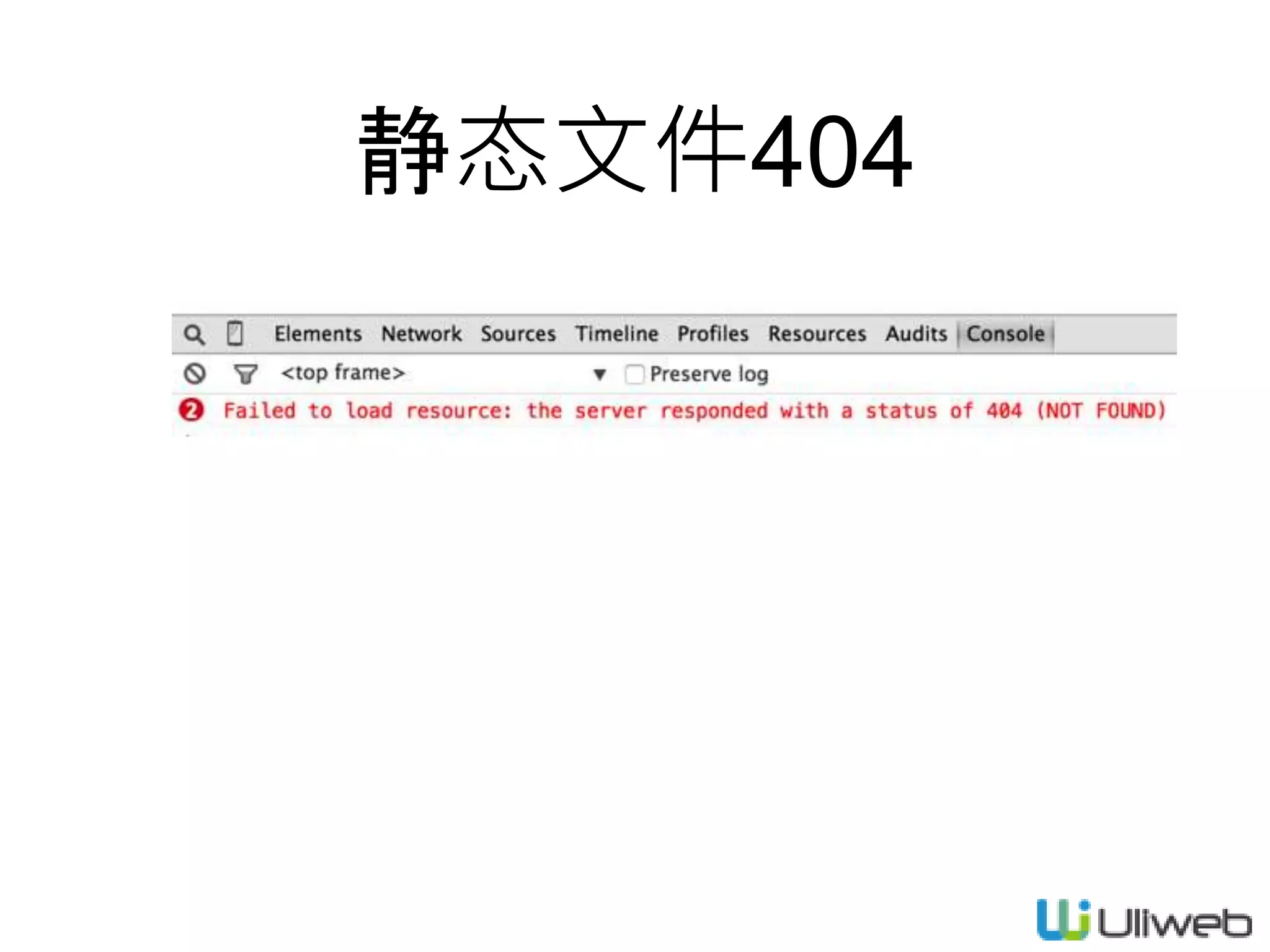
静态文件404
views.py
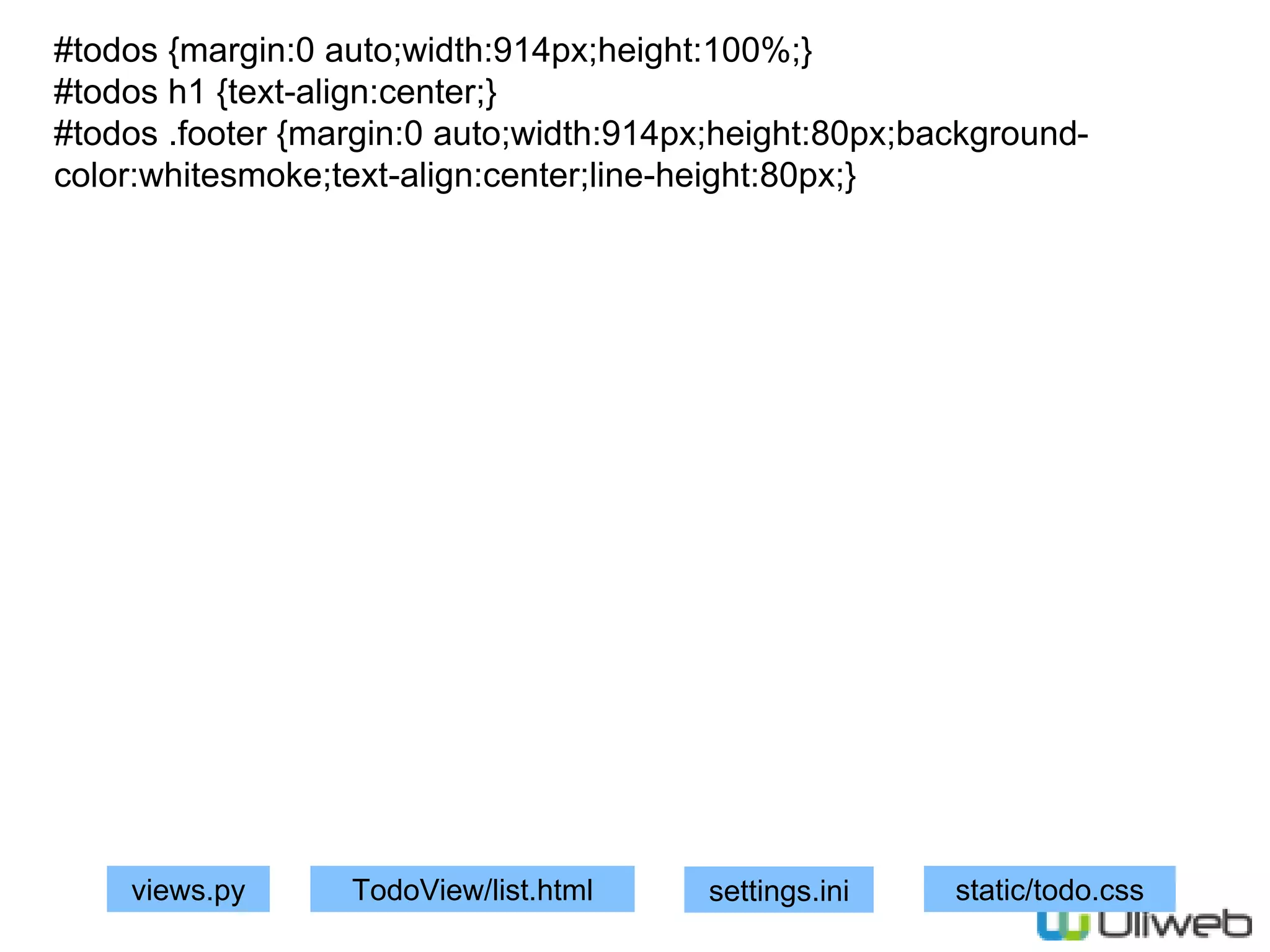
#todos {margin:0 auto;width:914px;height:100%;}
#todos h1 {text-align:center;}
#todos .footer {margin:0 auto;width:914px;height:80px;background-
color:whitesmoke;text-align:center;line-height:80px;}
TodoView/list.html settings.ini static/todo.css
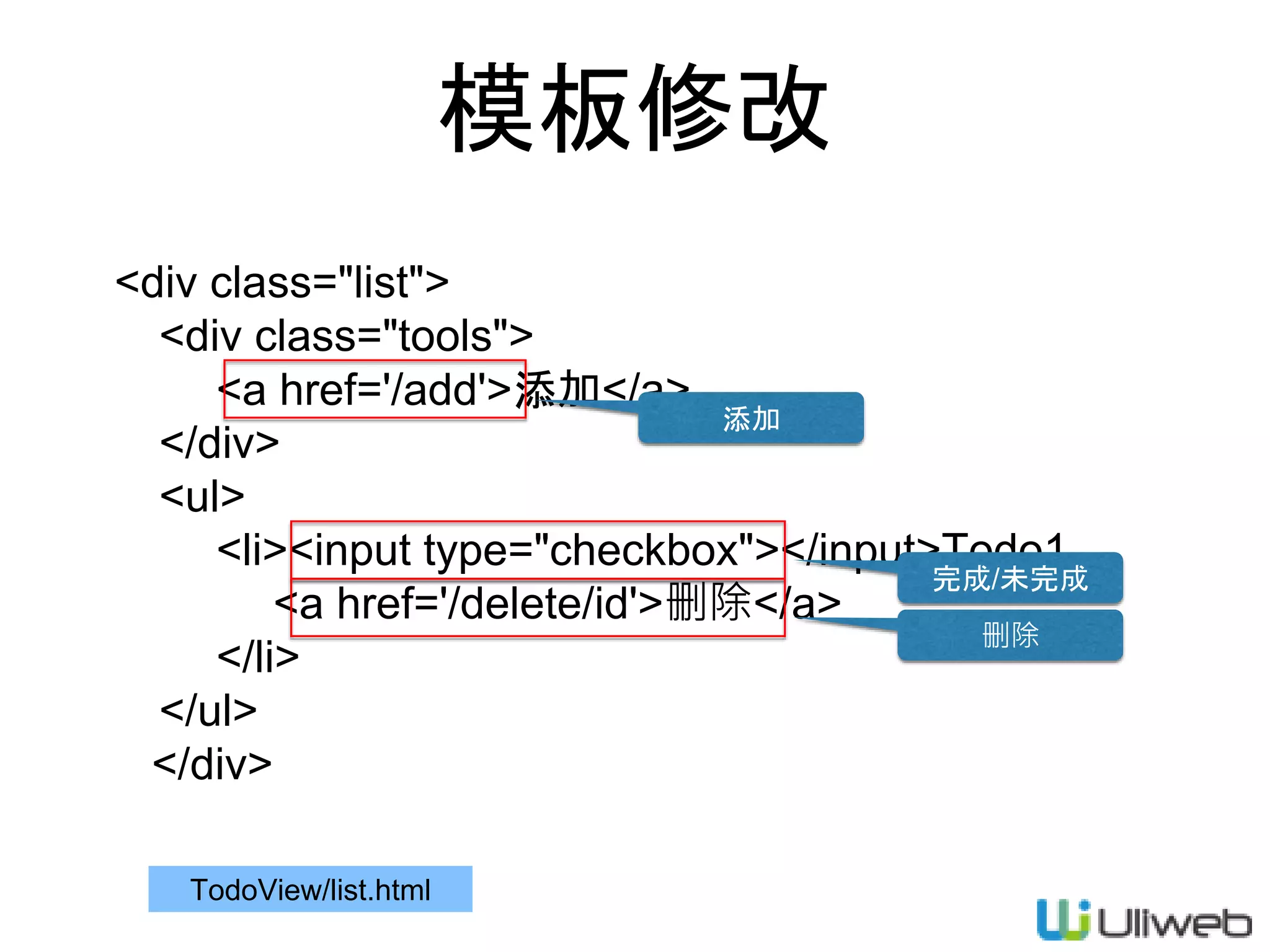
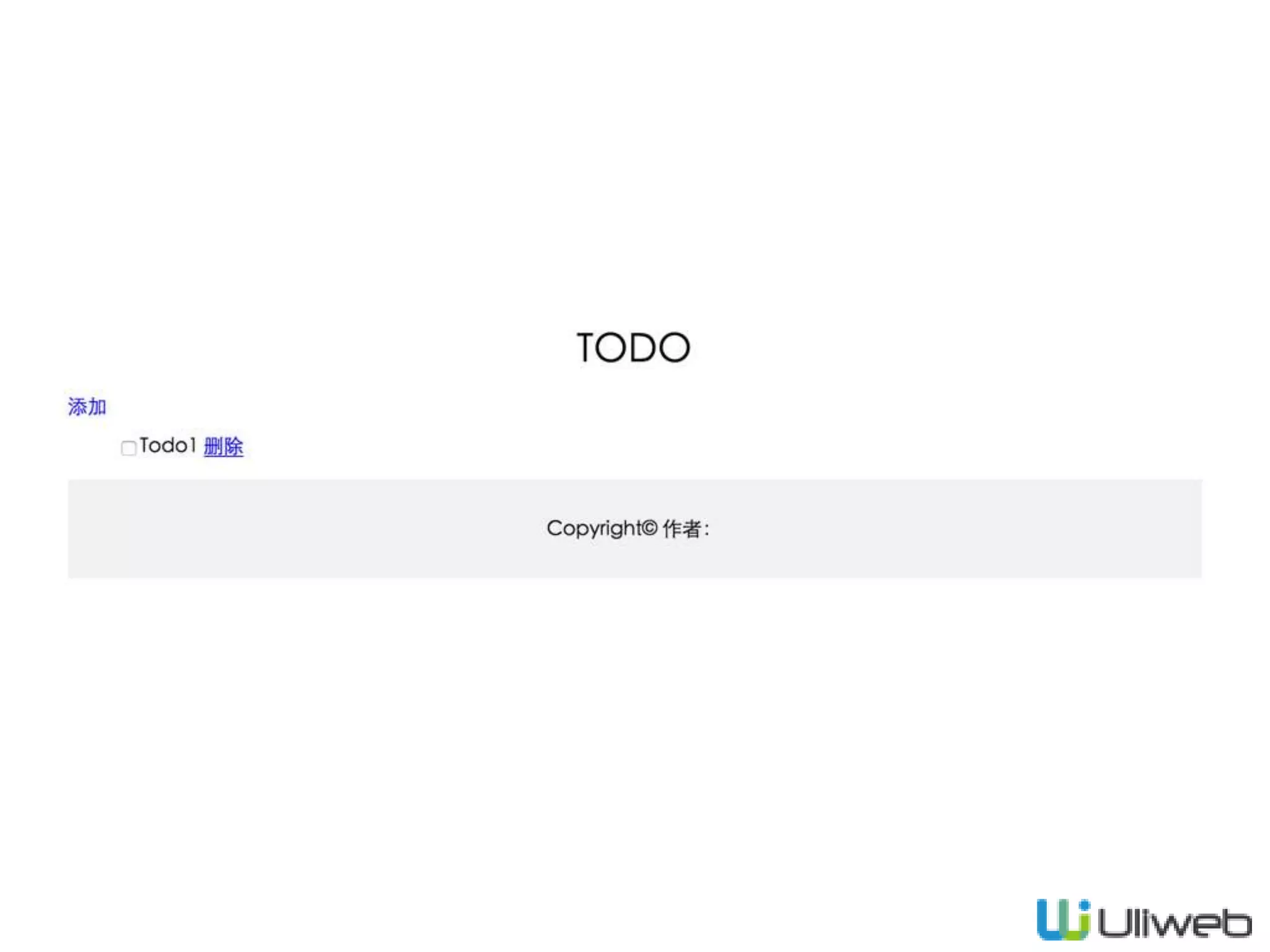
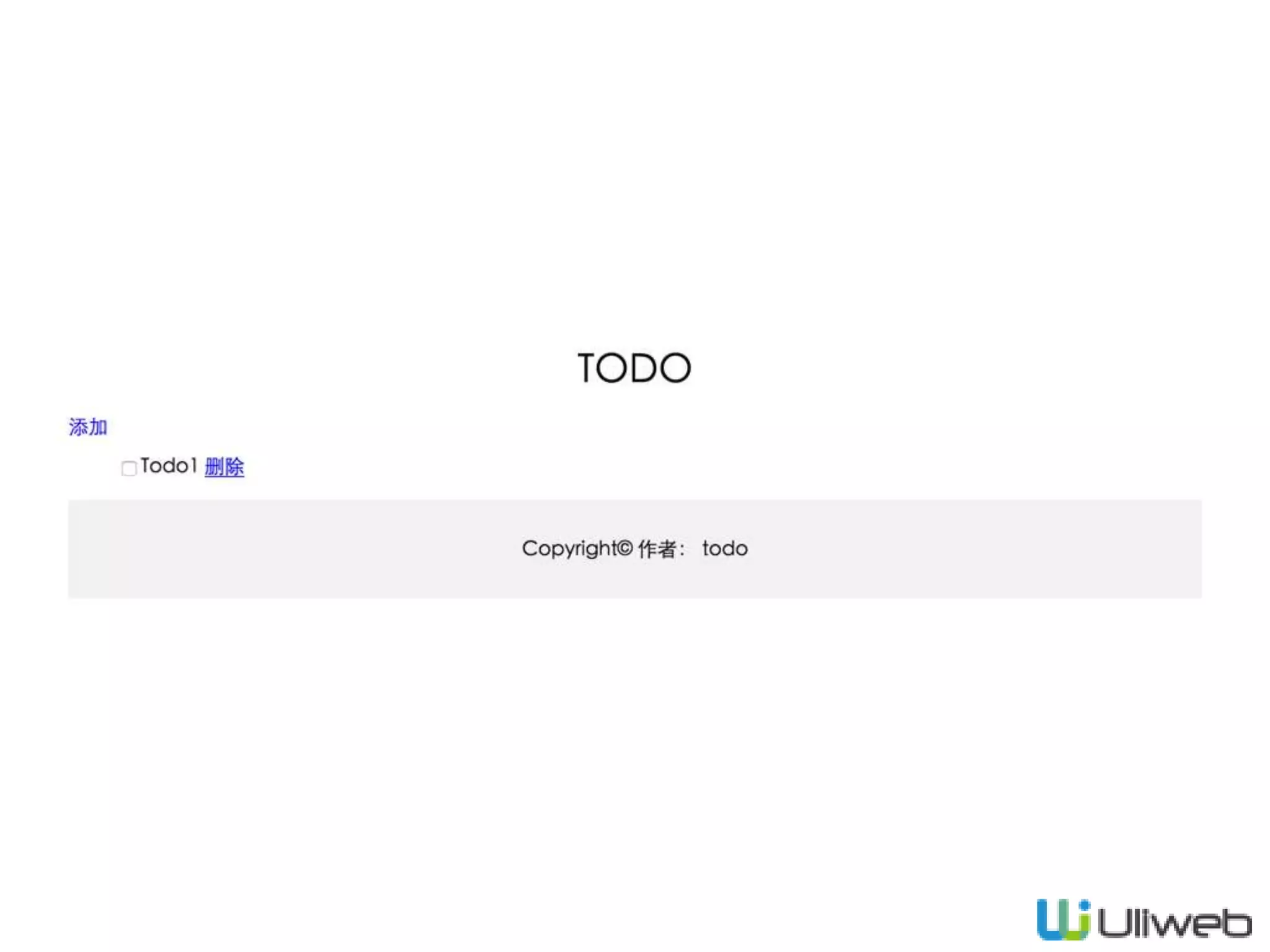
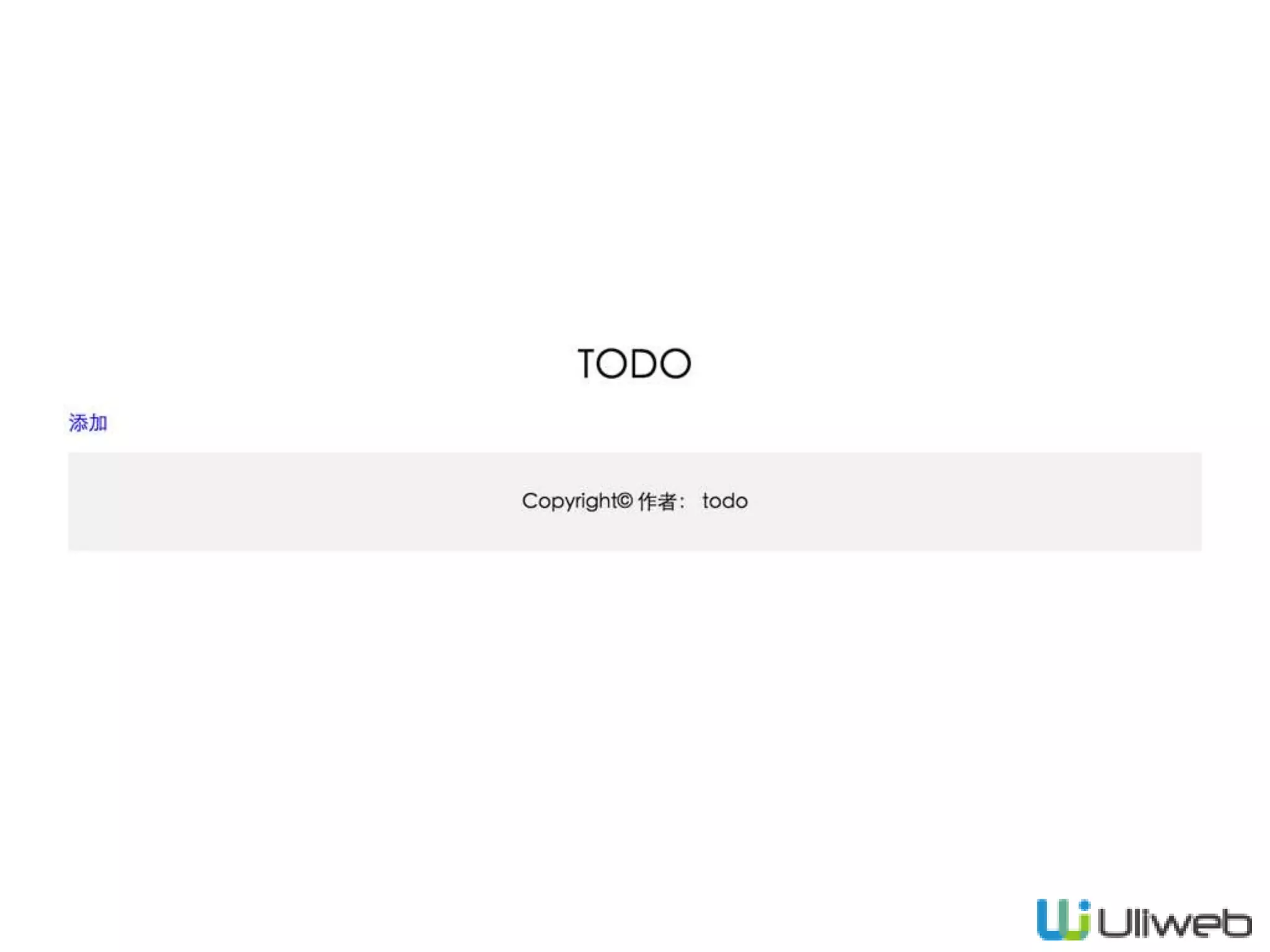
模板修改
<div class="list">
<div class="tools">
<a href='/add'>添加</a>
</div>
<ul>
<li><input type="checkbox"></input>Todo1
<a href='/delete/id'>删除</a>
</li>
</ul>
</div>
TodoView/list.html
添加
完成/未完成
删除
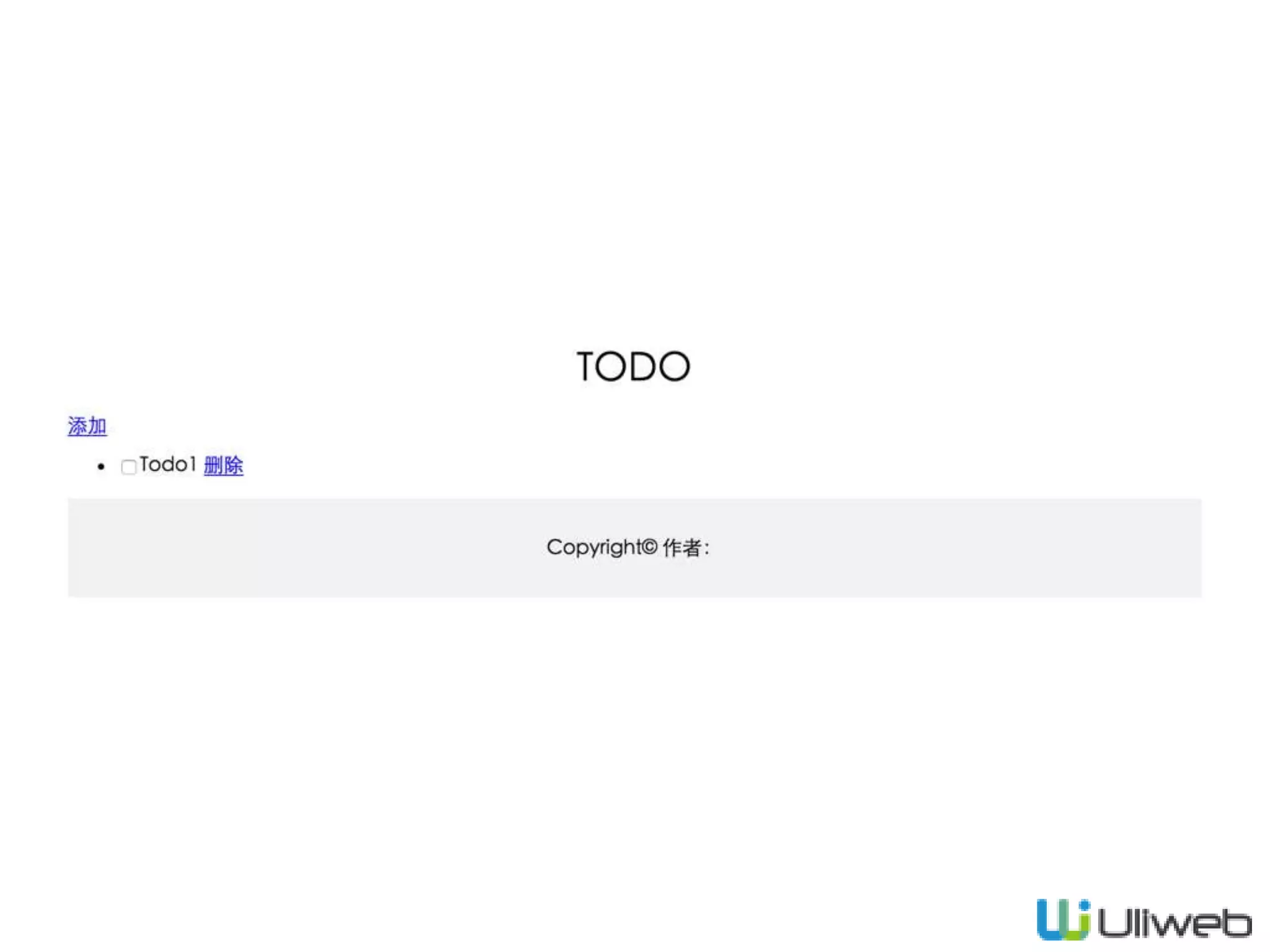
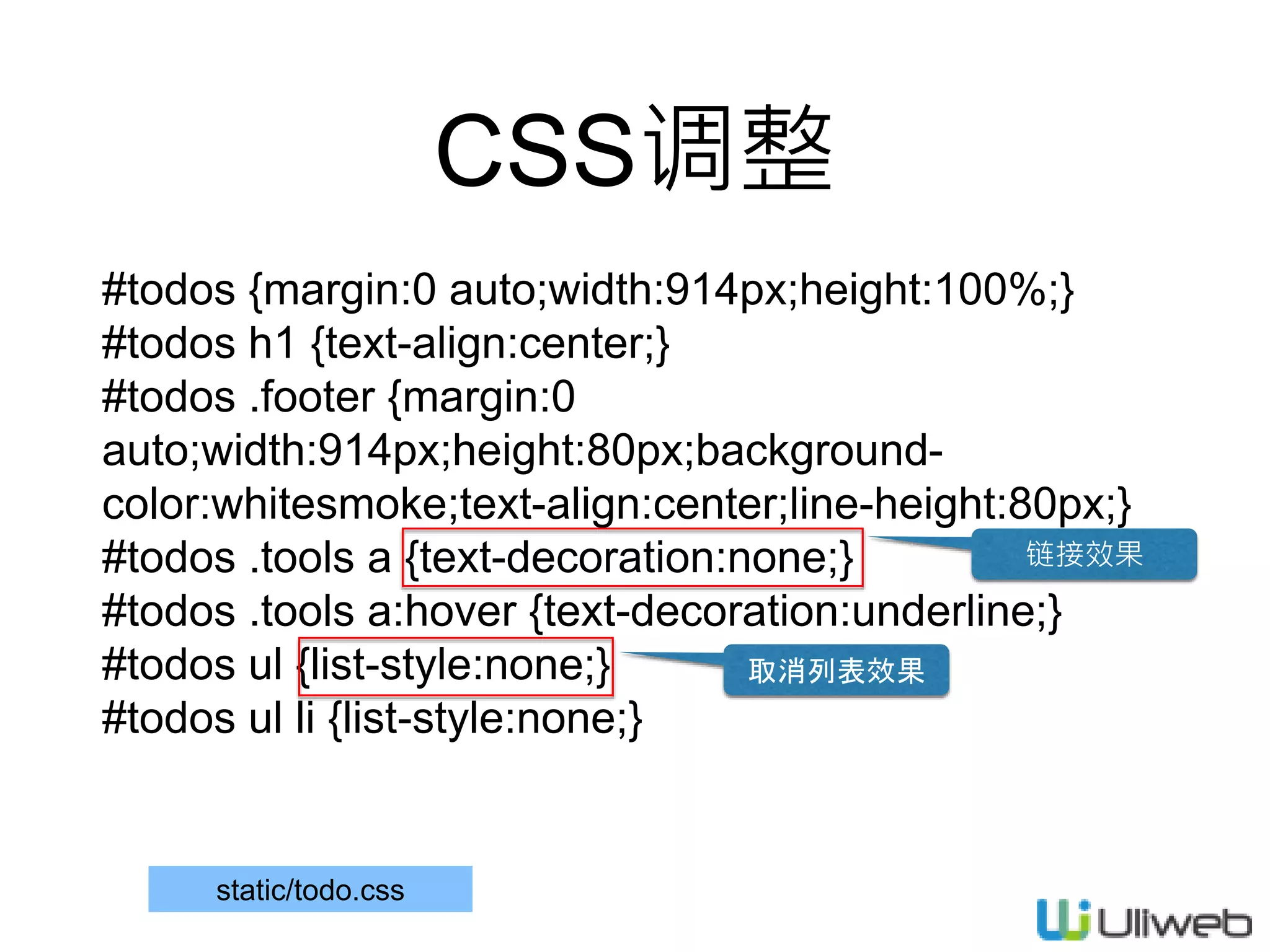
CSS调整
#todos {margin:0 auto;width:914px;height:100%;}
#todos h1 {text-align:center;}
#todos .footer {margin:0
auto;width:914px;height:80px;background-
color:whitesmoke;text-align:center;line-height:80px;}
#todos .tools a {text-decoration:none;}
#todos .tools a:hover {text-decoration:underline;}
#todos ul {list-style:none;}
#todos ul li {list-style:none;}
链接效果
取消列表效果
static/todo.css
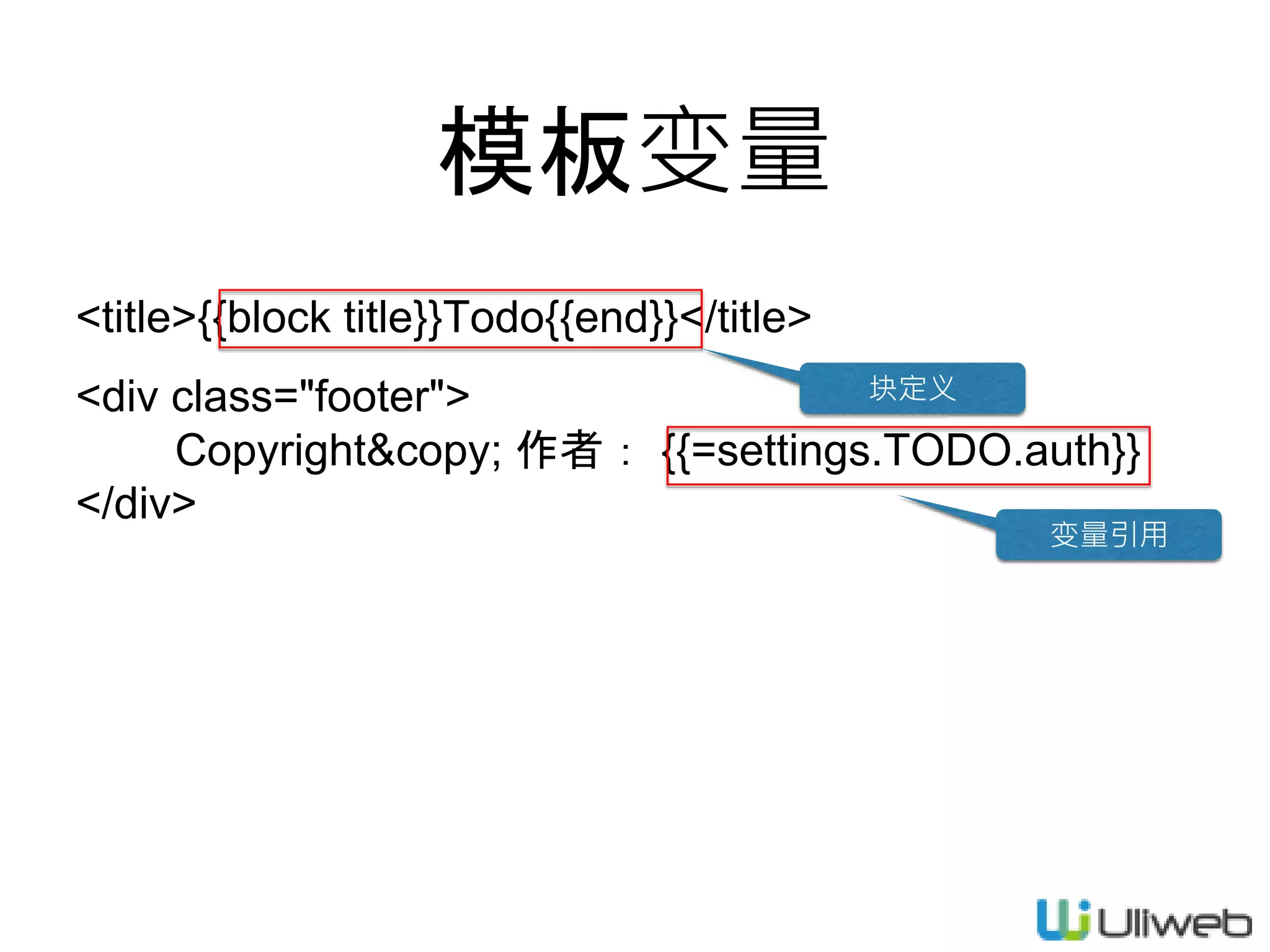
模板变量
<title>{{block title}}Todo{{end}}</title>
<div class="footer">
Copyright&copy; 作者: {{=settings.TODO.auth}}
</div>
块定义
变量引用
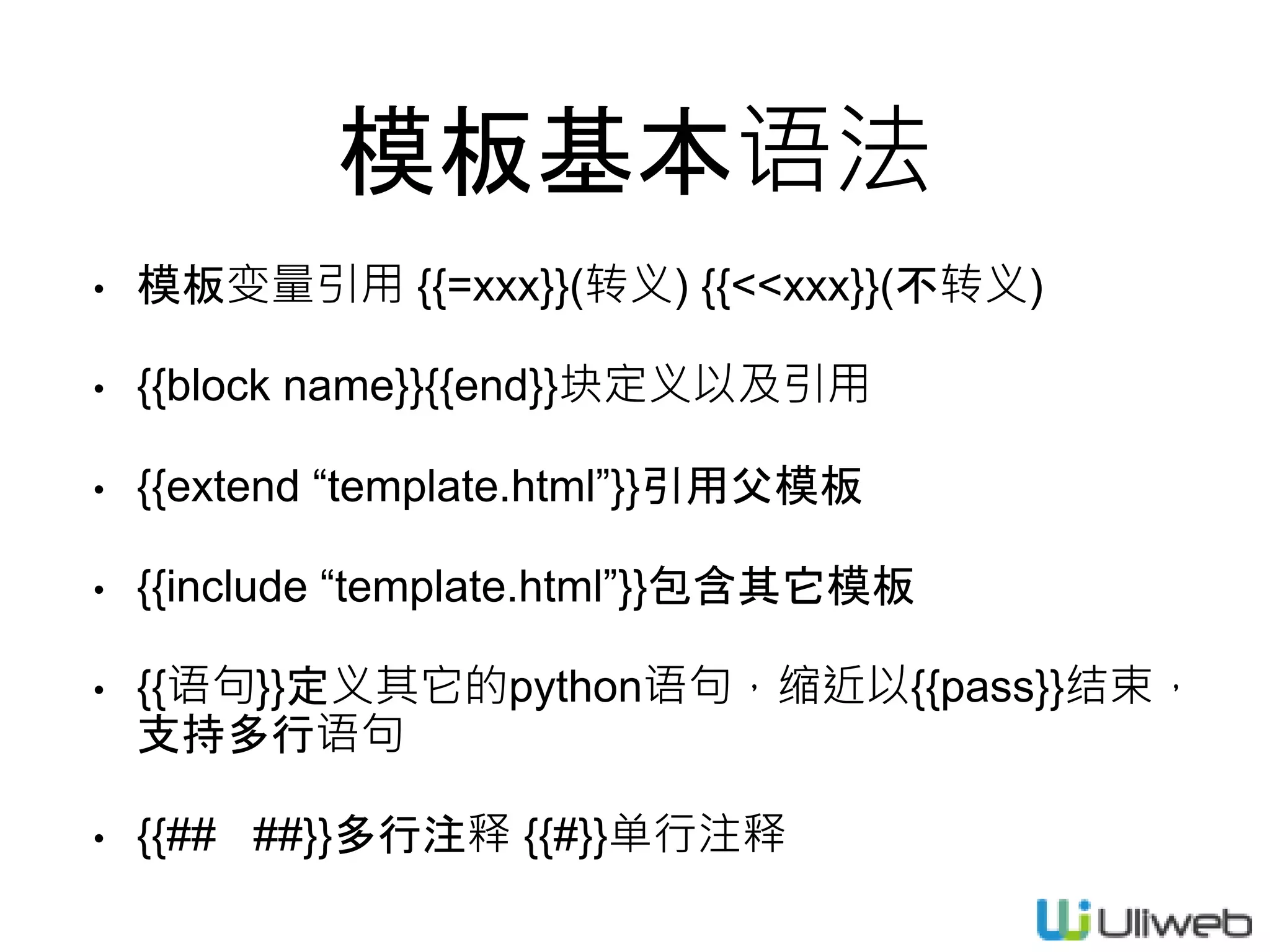
模板基本语法
• 模板变量引用 {{=xxx}}(转义) {{<<xxx}}(不转义)
• {{block name}}{{end}}块定义以及引用
• {{extend “template.html”}}引用父模板
• {{include “template.html”}}包含其它模板
• {{语句}}定义其它的python语句,缩近以{{pass}}结束,
支持多行语句
• {{## ##}}多行注释 {{#}}单行注释
模板变量的获得
• 通过view return dict
• 通过模板内置的对象,如functions, settings
• 通过嵌入python代码
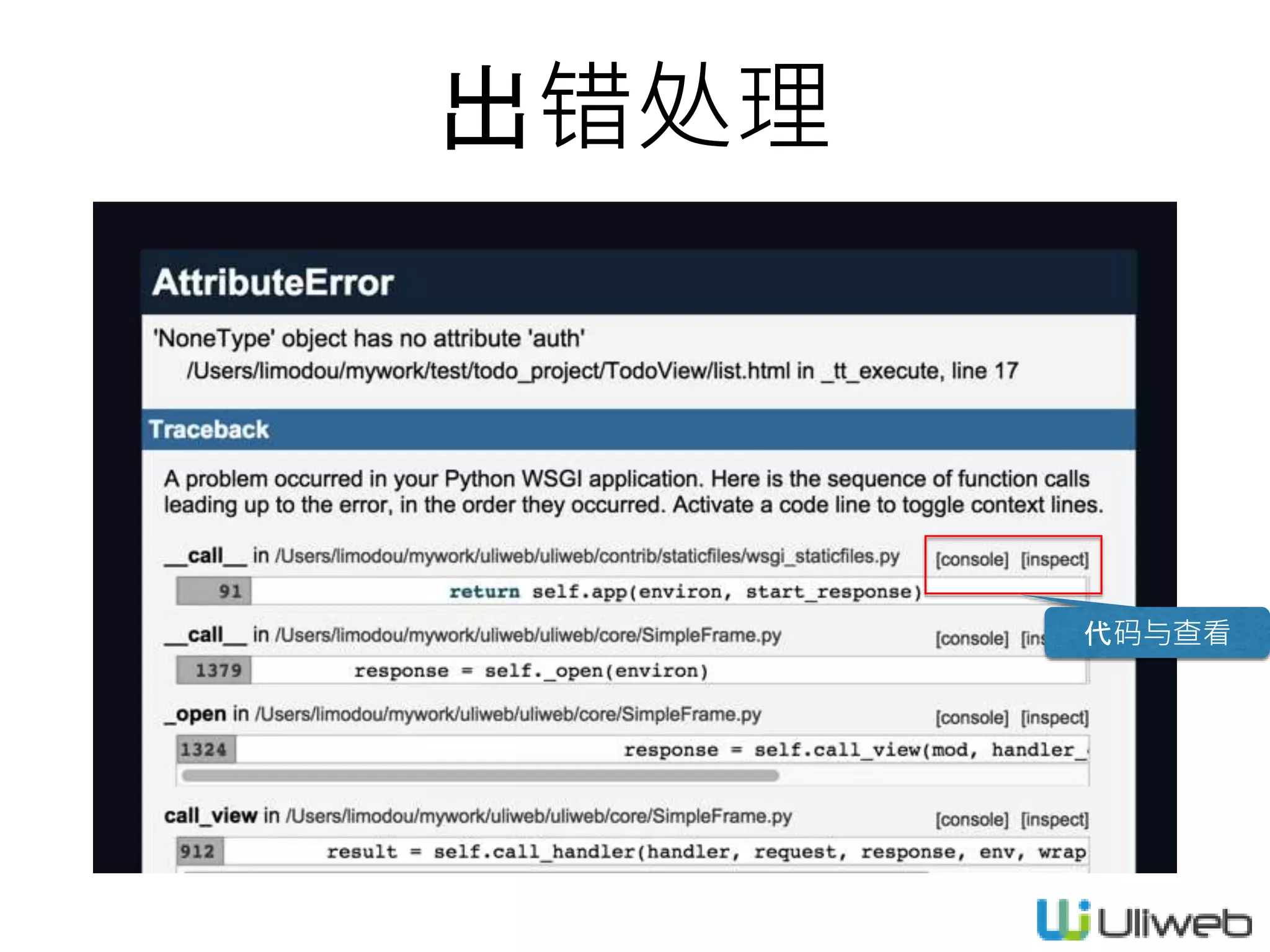
出错处理
代码与查看
关于local_settings.ini
[GLOBAL]
DEBUG = True
DEBUG_CONSOLE = True
DEBUG_TEMPLATE = False
[GLOBAL]
DEBUG = False
DEBUG_CONSOLE = False
DEBUG_TEMPLATE = False
settings.ini
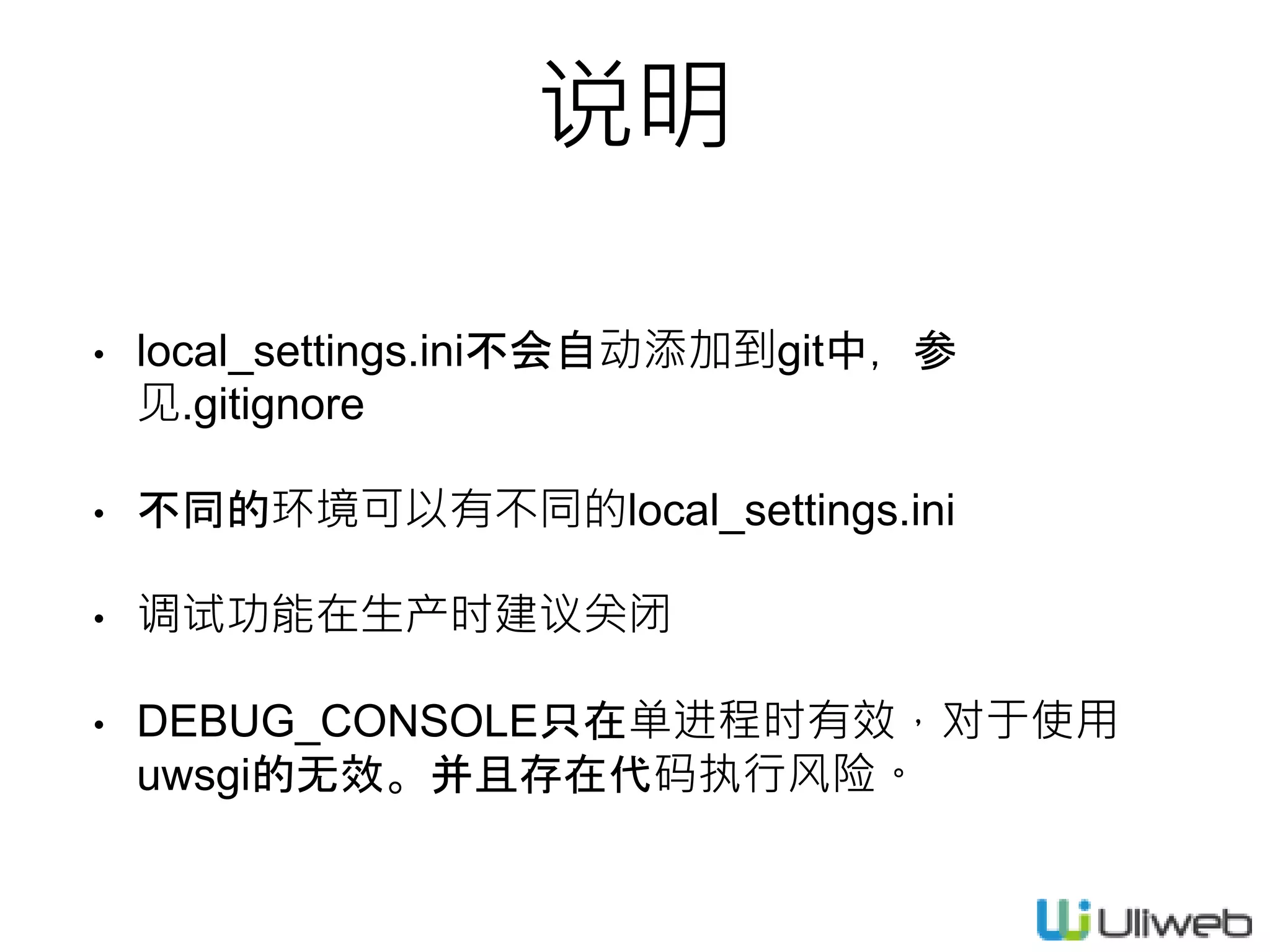
• local_settings.ini不会自动添加到git中,参
见.gitignore
• 不同的环境可以有不同的local_settings.ini
• 调试功能在生产时建议关闭
• DEBUG_CONSOLE只在单进程时有效,对于使用
uwsgi的无效。并且存在代码执行风险。
说明
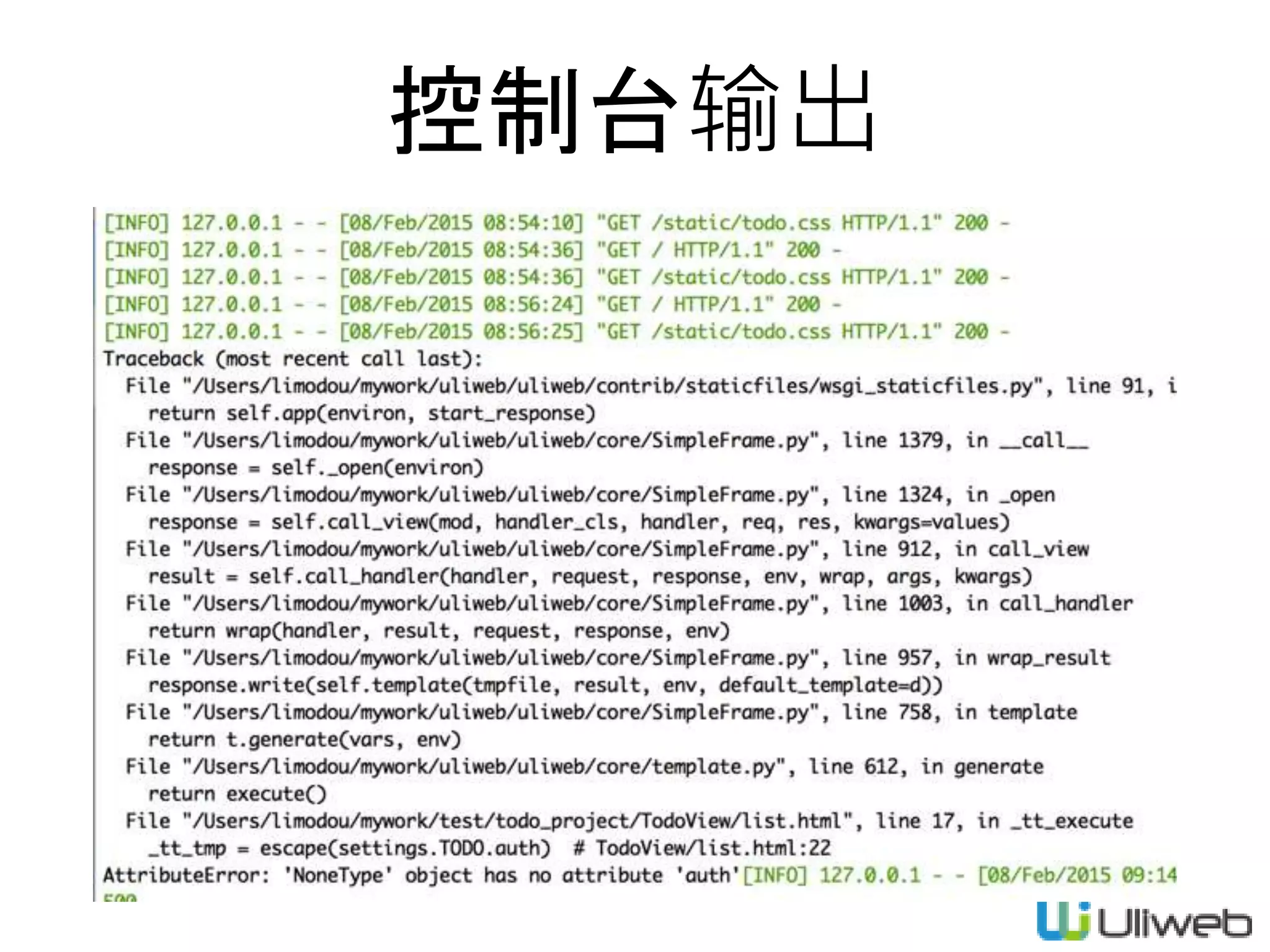
控制台输出
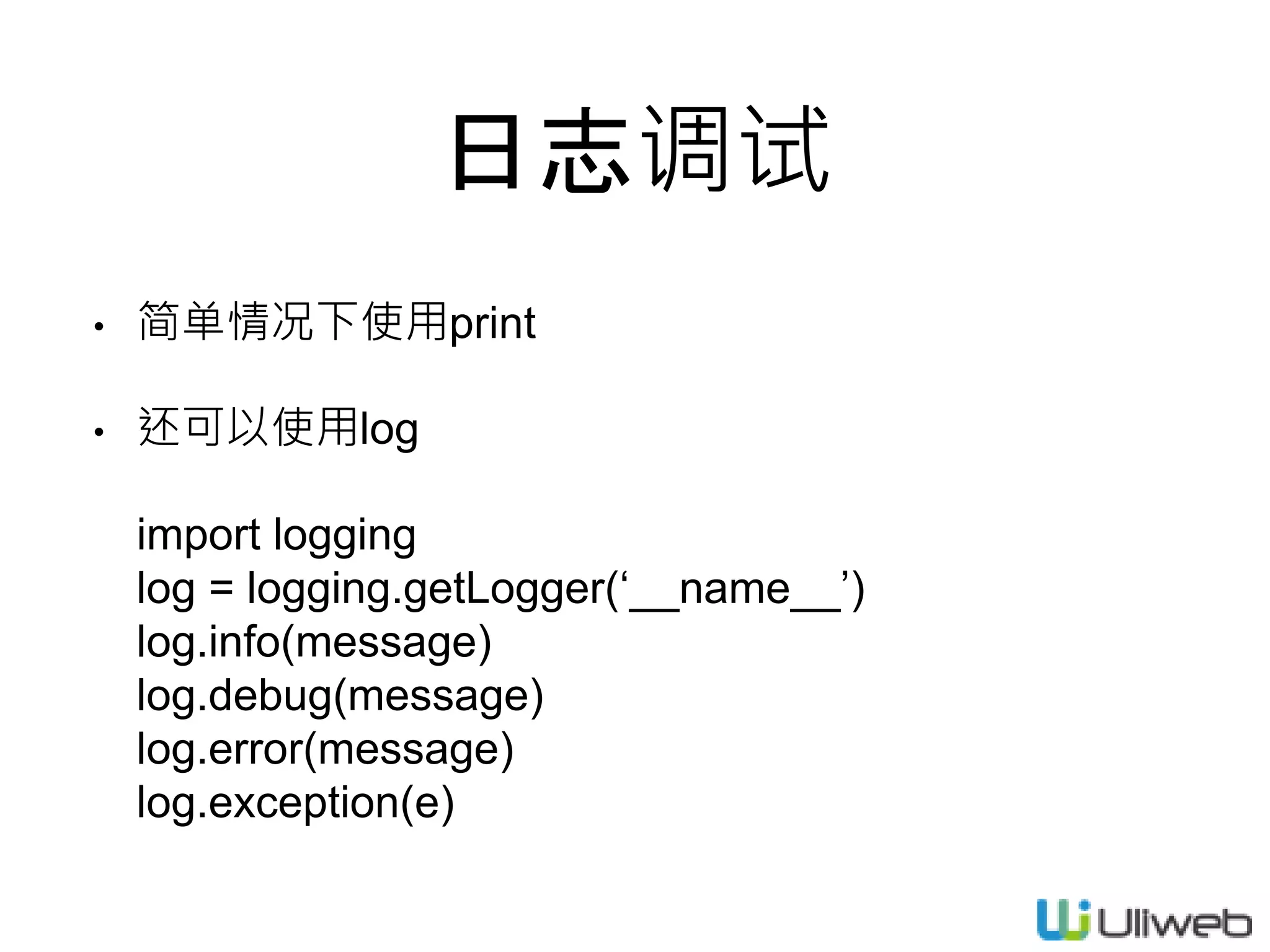
日志调试
• 简单情况下使用print
• 还可以使用log
import logging
log = logging.getLogger(‘__name__’)
log.info(message)
log.debug(message)
log.error(message)
log.exception(e)
添加todo/settings.ini
[TODO]
auth = 'todo'
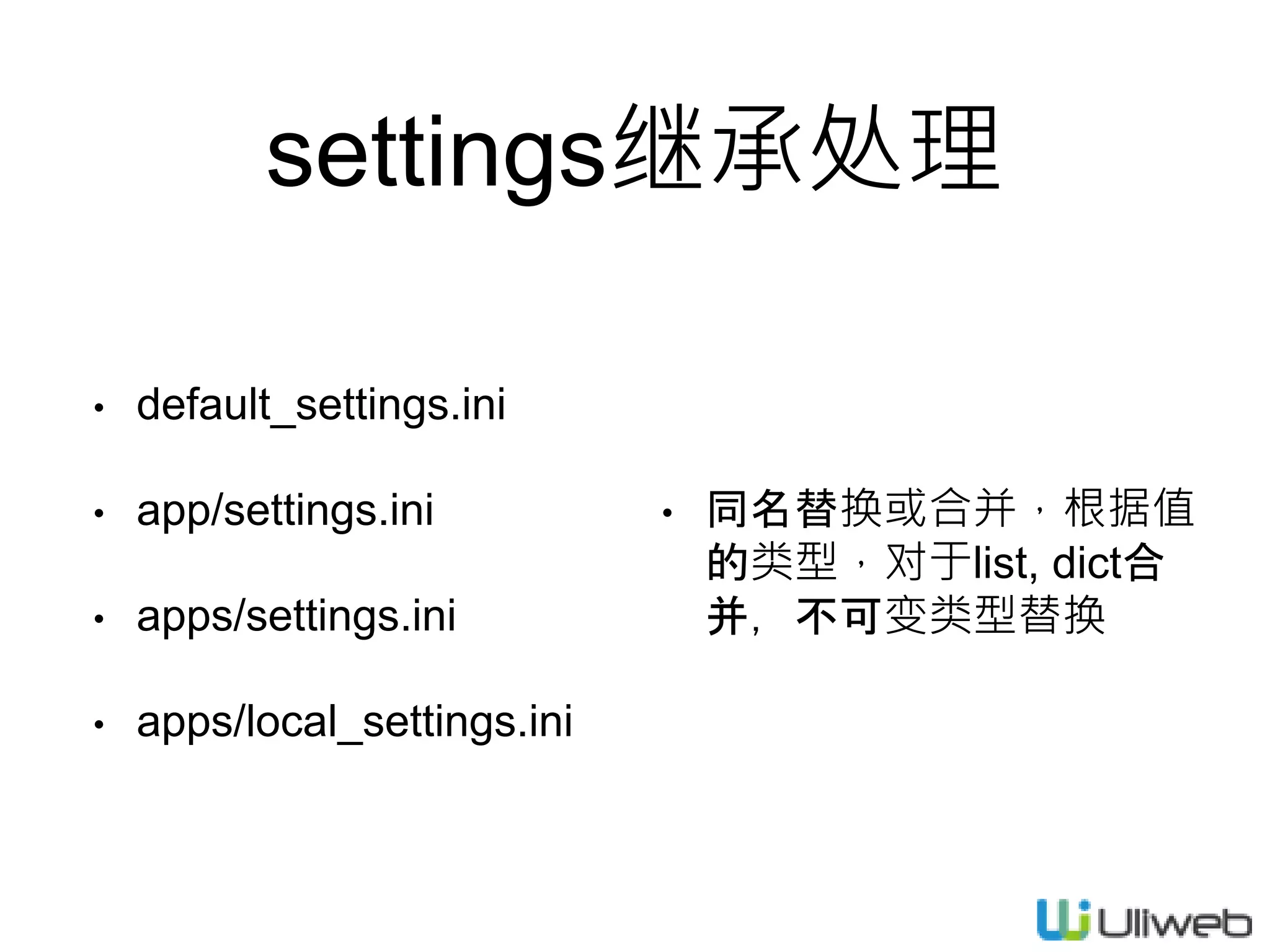
settings继承处理
• default_settings.ini
• app/settings.ini
• apps/settings.ini
• apps/local_settings.ini
• 同名替换或合并,根据值
的类型,对于list, dict合
并,不可变类型替换
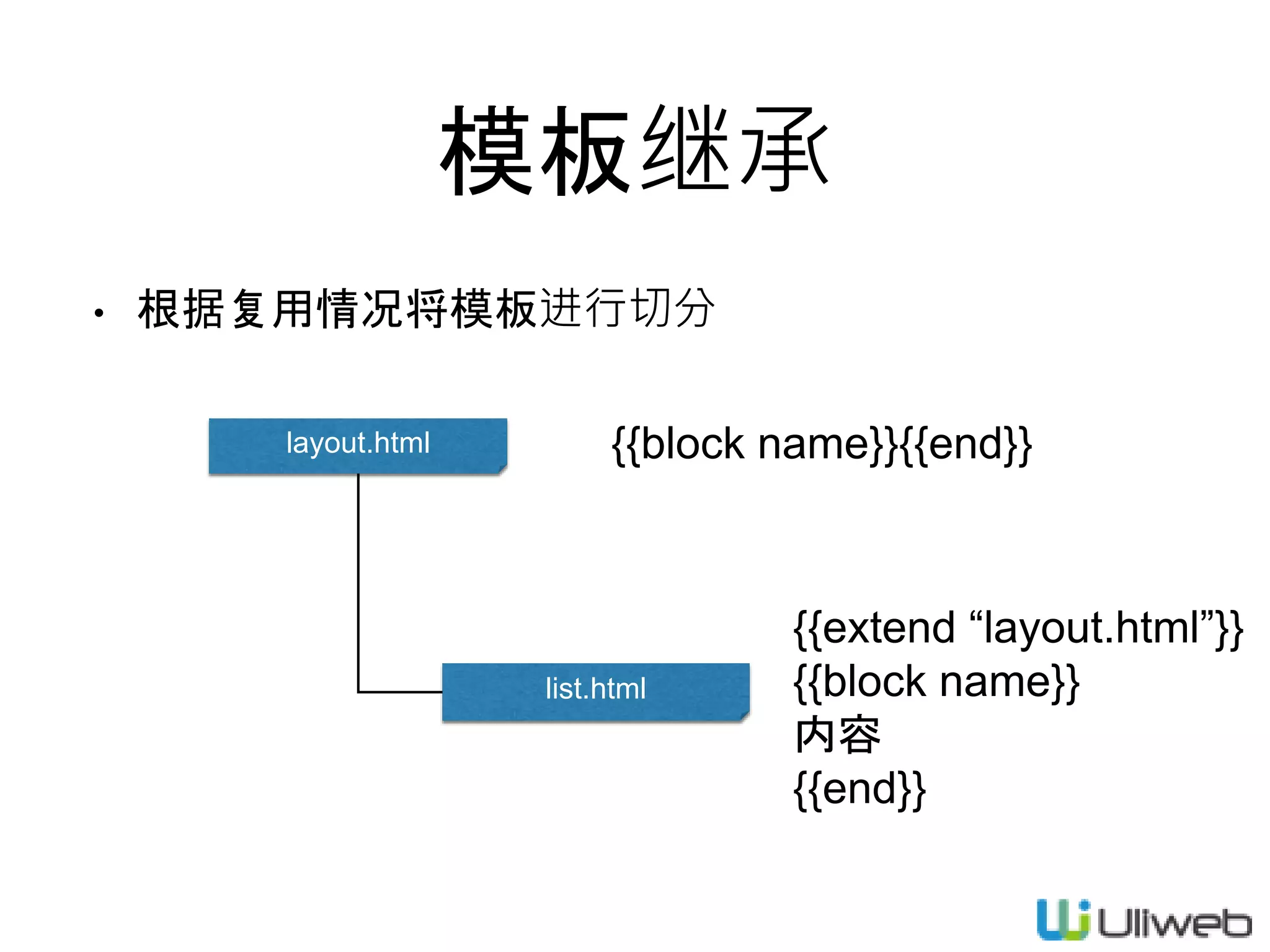
模板继承
• 根据复用情况将模板进行切分
layout.html
list.html
{{block name}}{{end}}
{{extend “layout.html”}}
{{block name}}
内容
{{end}}
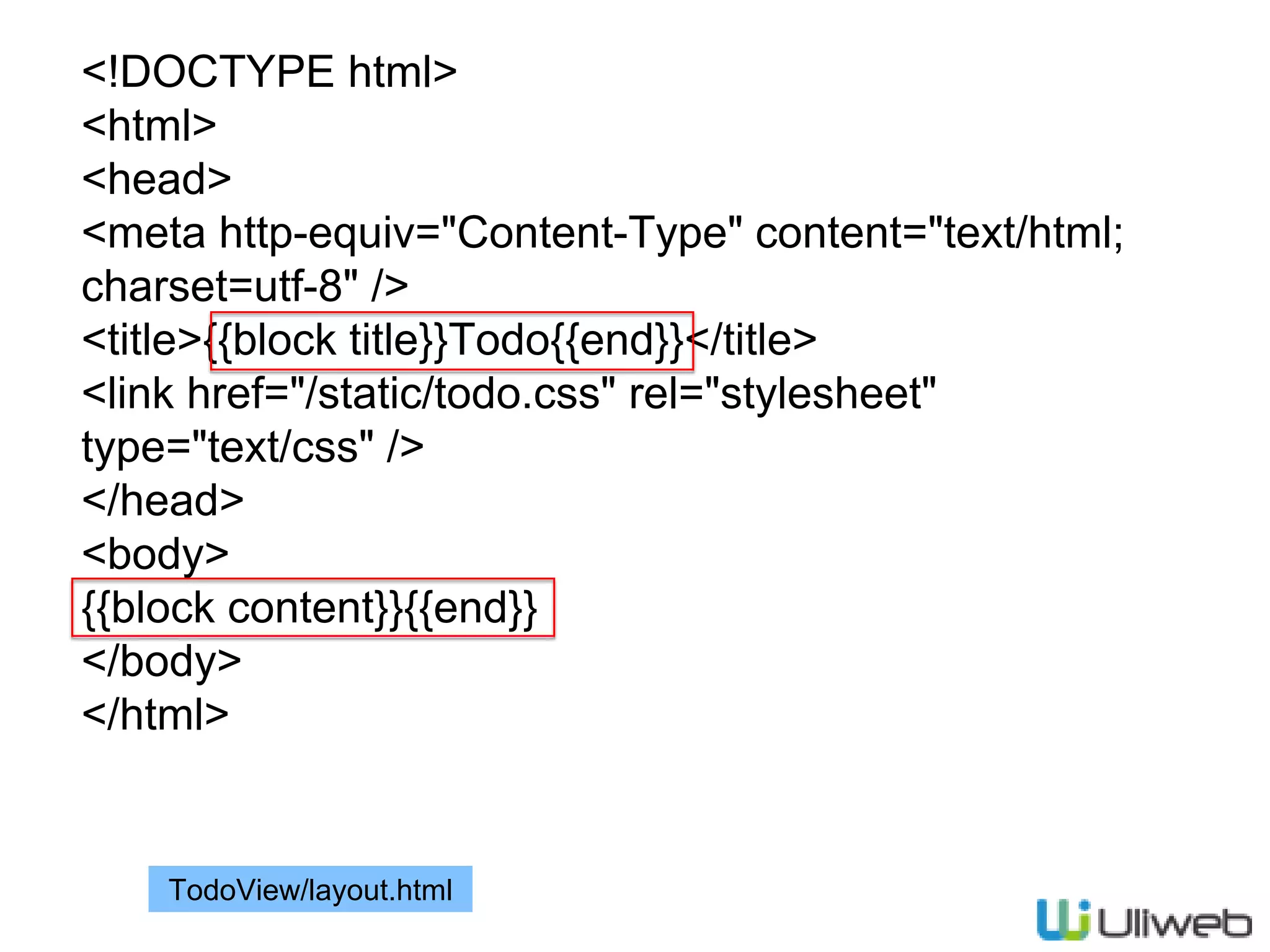
<!DOCTYPE html>
<html>
<head>
<meta http-equiv="Content-Type" content="text/html;
charset=utf-8" />
<title>{{block title}}Todo{{end}}</title>
<link href="/static/todo.css" rel="stylesheet"
type="text/css" />
</head>
<body>
{{block content}}{{end}}
</body>
</html>
TodoView/layout.html
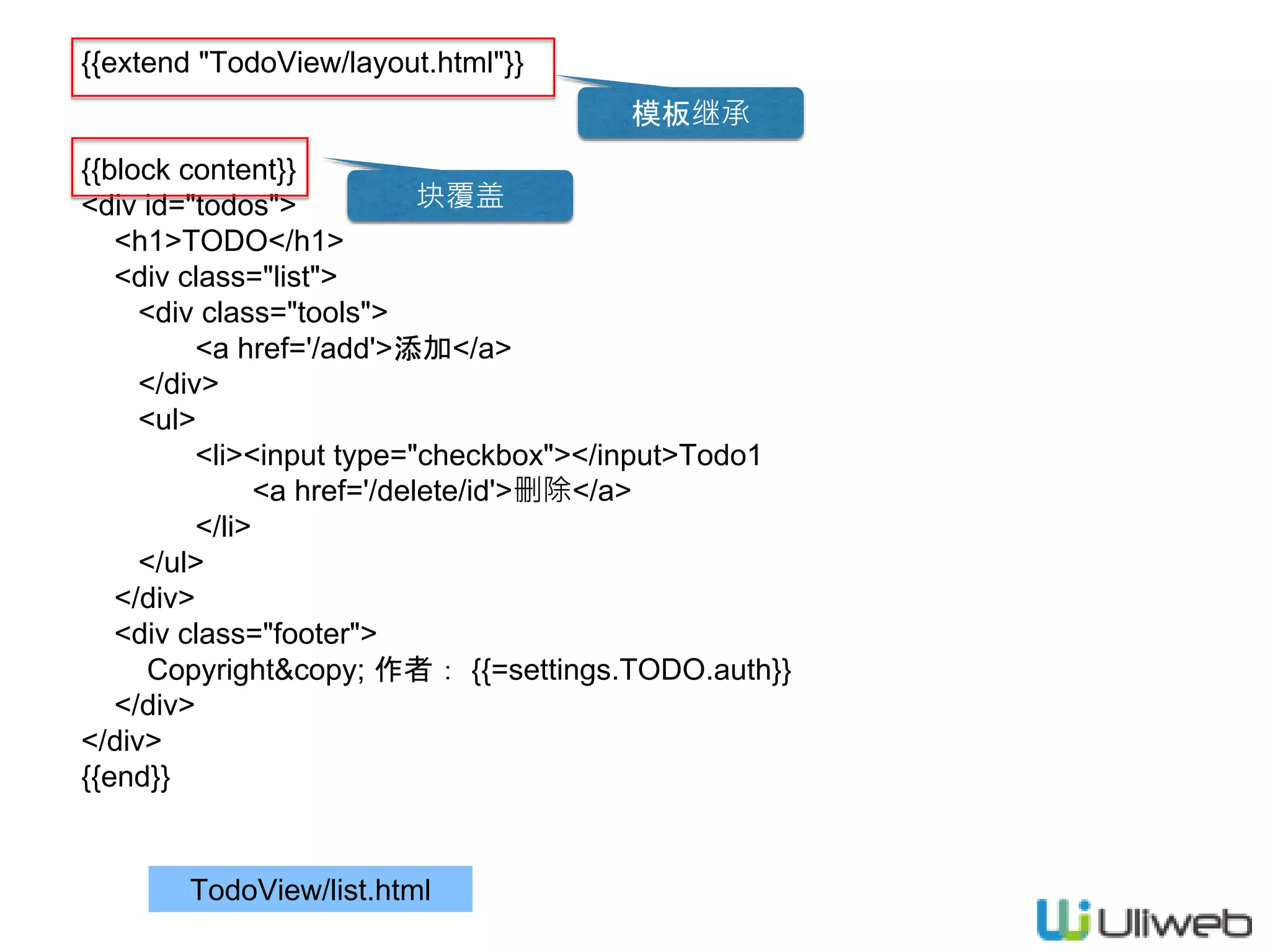
{{extend "TodoView/layout.html"}}
{{block content}}
<div id="todos">
<h1>TODO</h1>
<div class="list">
<div class="tools">
<a href='/add'>添加</a>
</div>
<ul>
<li><input type="checkbox"></input>Todo1
<a href='/delete/id'>删除</a>
</li>
</ul>
</div>
<div class="footer">
Copyright&copy; 作者: {{=settings.TODO.auth}}
</div>
</div>
{{end}}
TodoView/list.html
模板继承
块覆盖
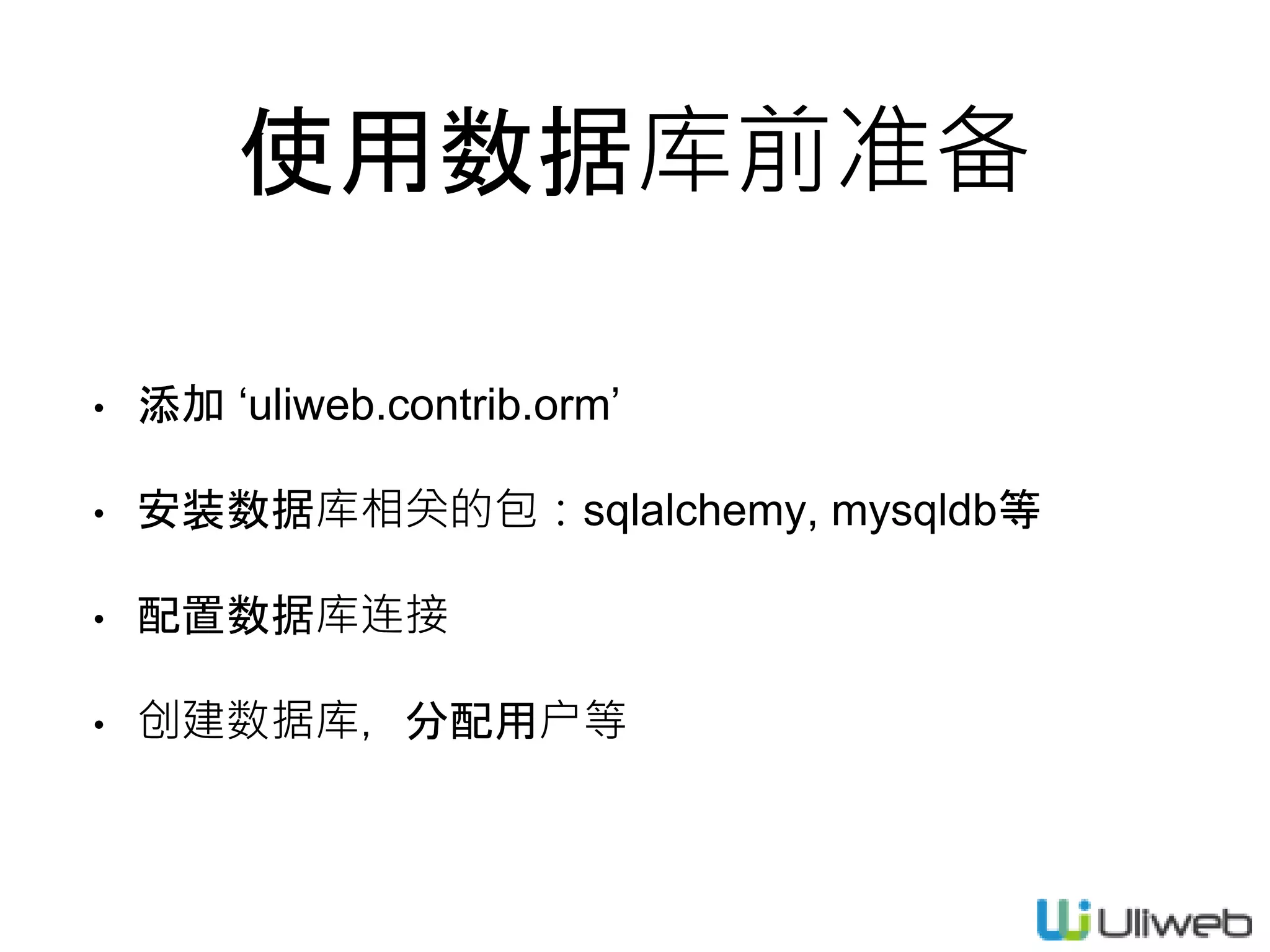
使用数据库前准备
• 添加 ‘uliweb.contrib.orm’
• 安装数据库相关的包:sqlalchemy, mysqldb等
• 配置数据库连接
• 创建数据库,分配用户等
模型管理
• 在app下创建models.py,添加相关的Model类
• 在app/settings.ini下添加[MODELS]配置信息
• 使用uliweb syncdb或uliweb alembic来更新数据库
• 使用。。。
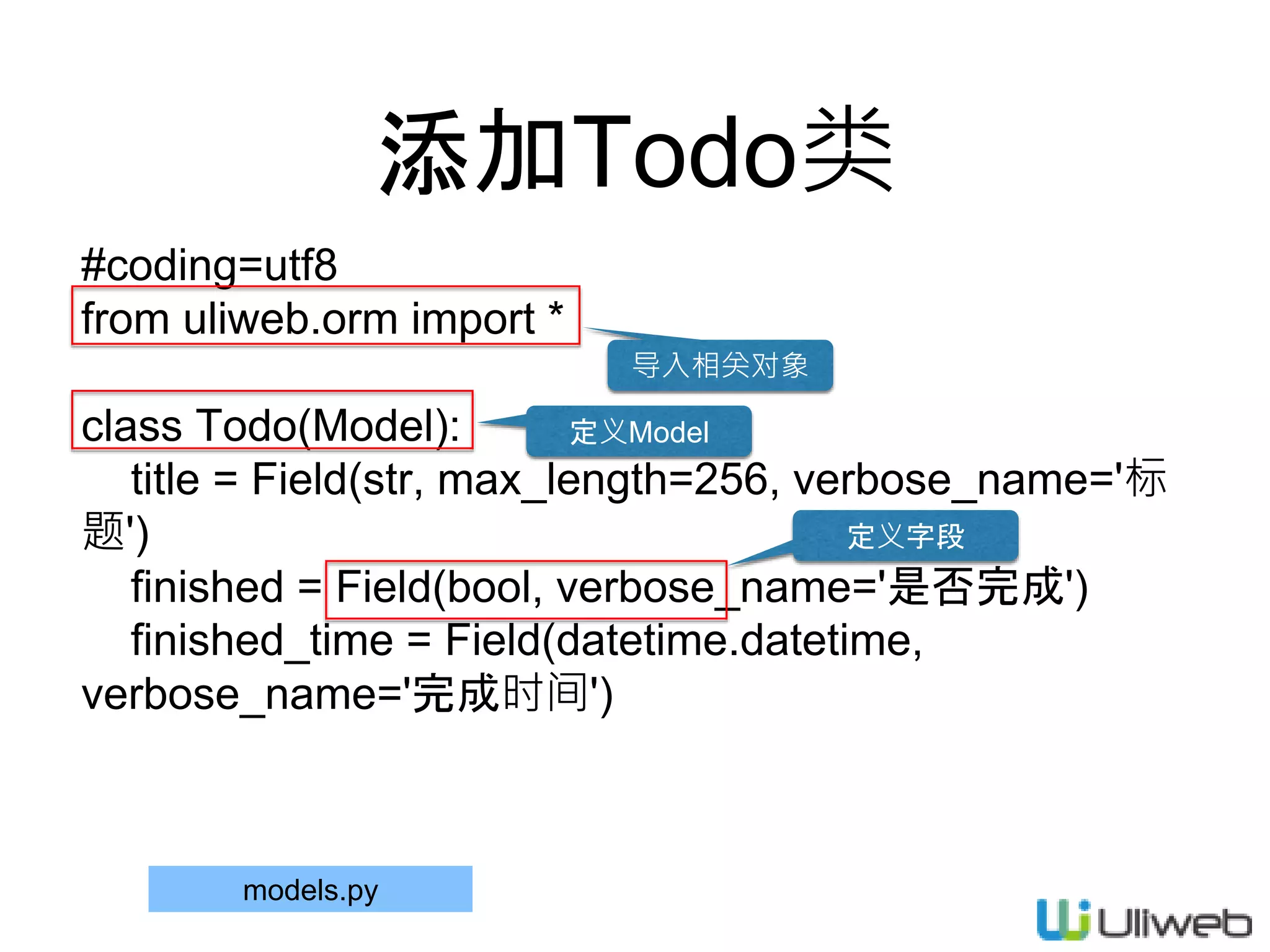
添加Todo类
#coding=utf8
from uliweb.orm import *
class Todo(Model):
title = Field(str, max_length=256, verbose_name='标
题')
finished = Field(bool, verbose_name='是否完成')
finished_time = Field(datetime.datetime,
verbose_name='完成时间')
models.py
导入相关对象
定义Model
定义字段
配置settings.ini
[TODO]
auth = 'todo'
[MODELS]
todo = 'todo.models.Todo'
建议小写 Model路径
todo/settings.ini
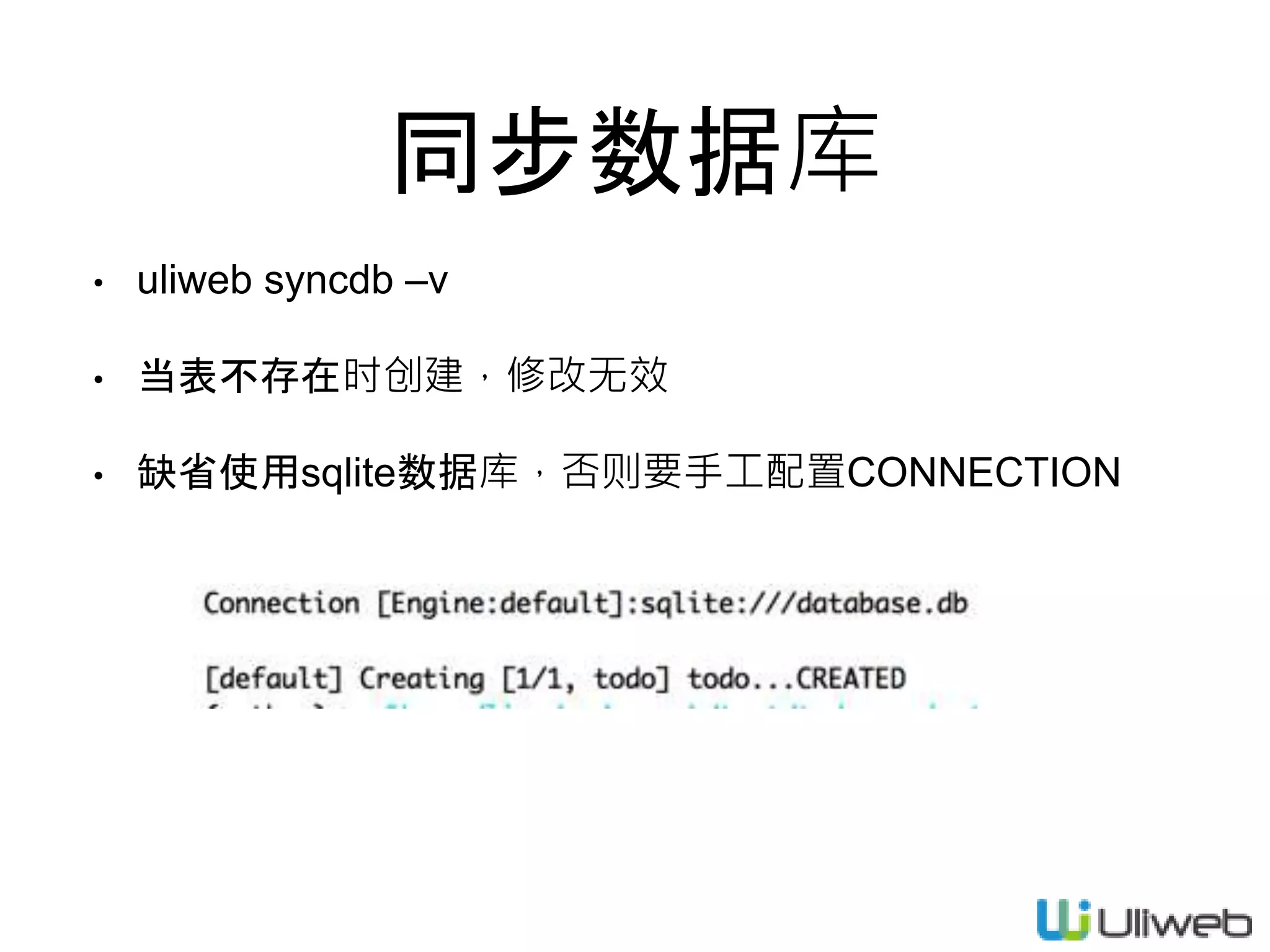
同步数据库
• uliweb syncdb –v
• 当表不存在时创建,修改无效
• 缺省使用sqlite数据库,否则要手工配置CONNECTION
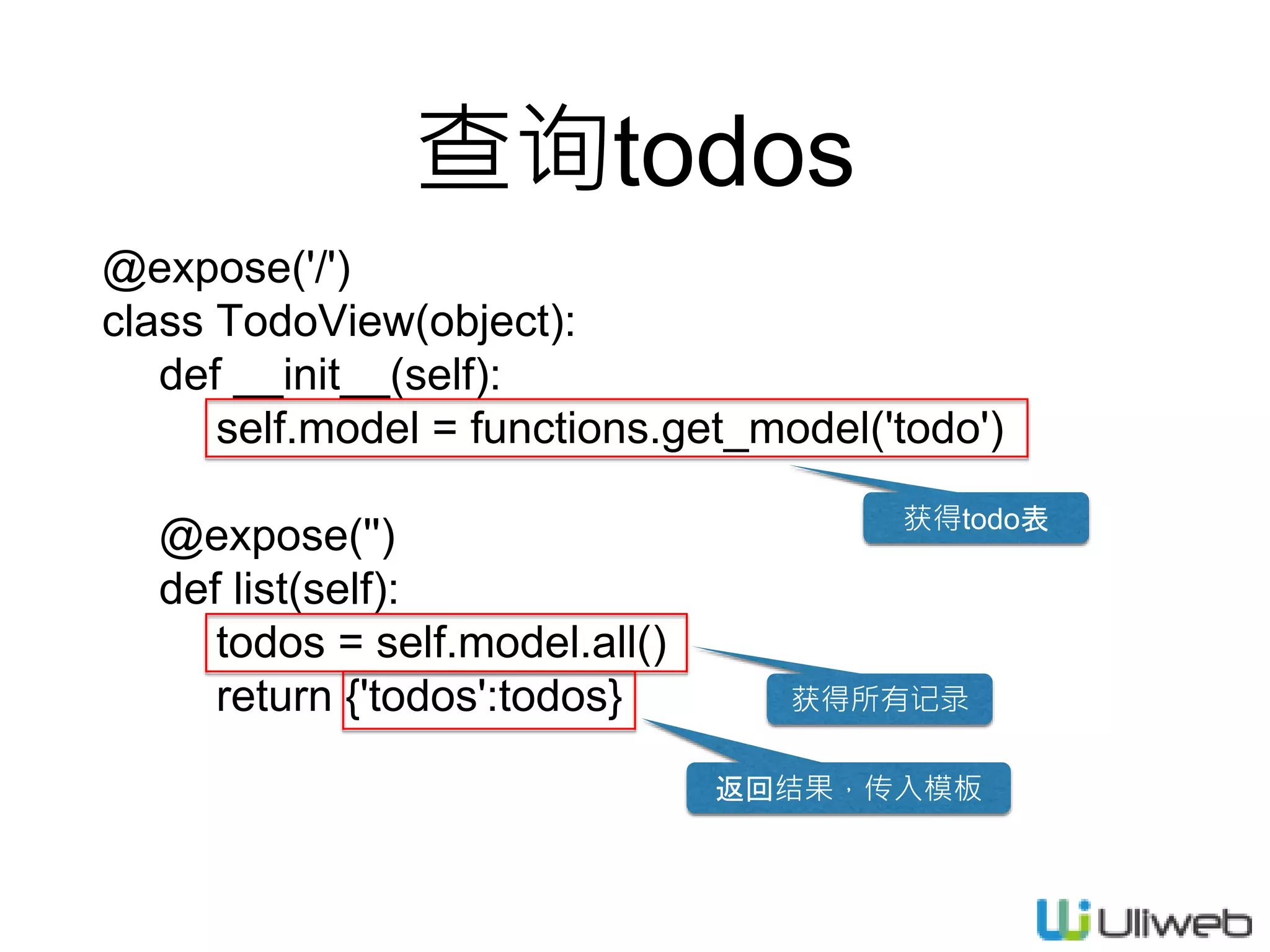
查询todos
@expose('/')
class TodoView(object):
def __init__(self):
self.model = functions.get_model('todo')
@expose('')
def list(self):
todos = self.model.all()
return {'todos':todos} 获得所有记录
返回结果,传入模板
获得todo表
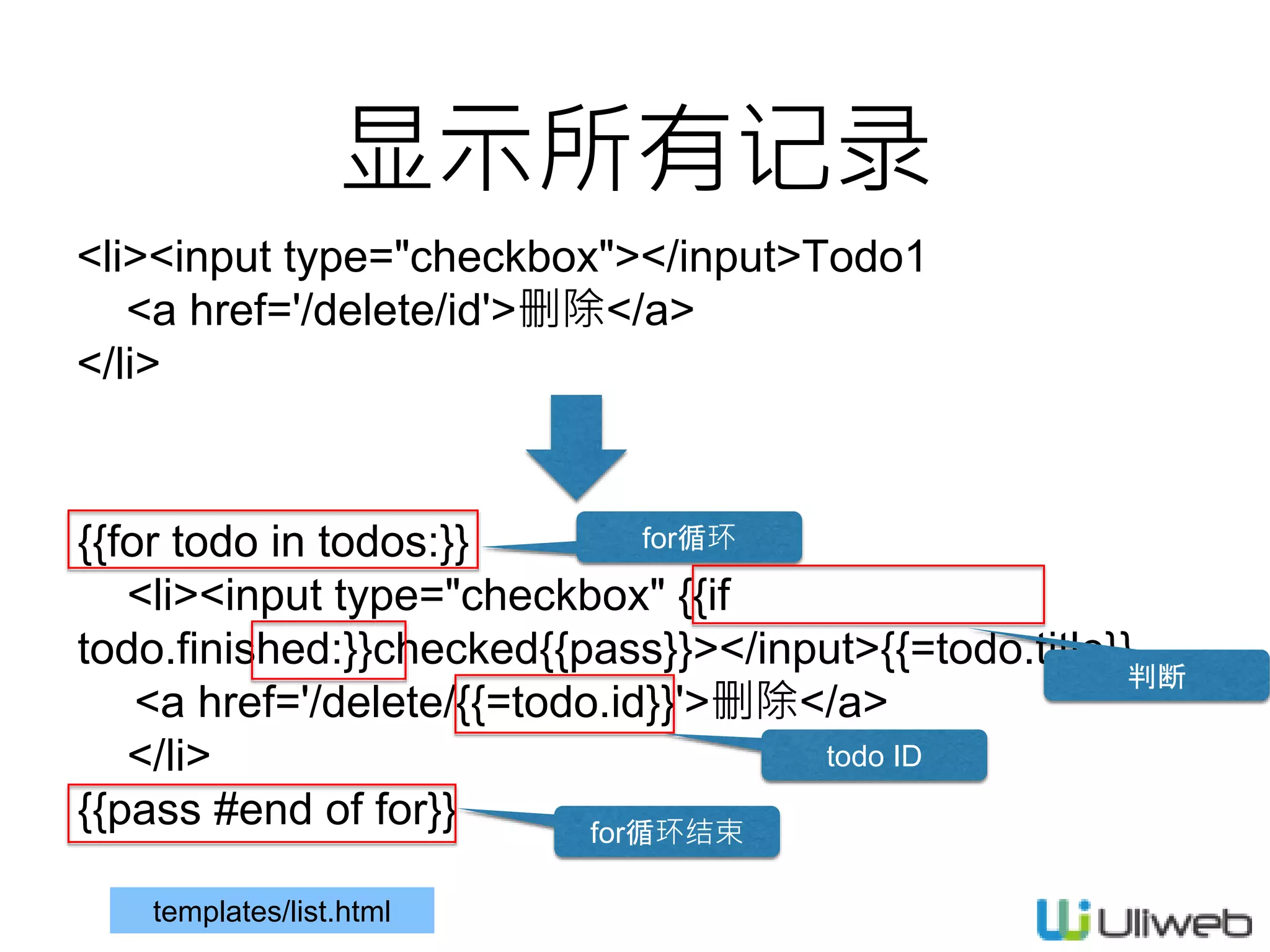
显示所有记录
<li><input type="checkbox"></input>Todo1
<a href='/delete/id'>删除</a>
</li>
{{for todo in todos:}}
<li><input type="checkbox" {{if
todo.finished:}}checked{{pass}}></input>{{=todo.title}}
<a href='/delete/{{=todo.id}}'>删除</a>
</li>
{{pass #end of for}}
for循环
for循环结束
todo ID
判断
templates/list.html
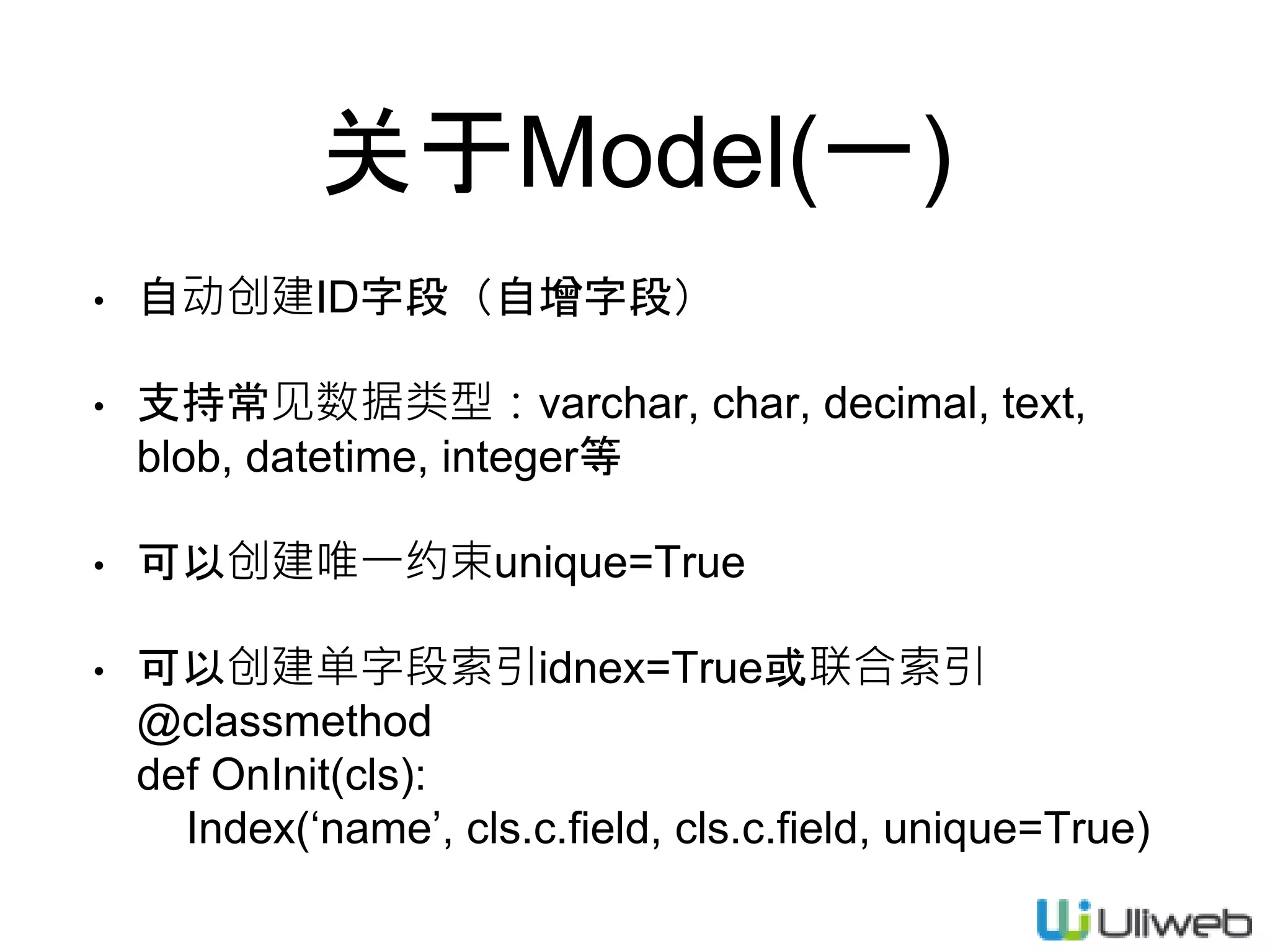
关于Model(一)
• 自动创建ID字段(自增字段)
• 支持常见数据类型:varchar, char, decimal, text,
blob, datetime, integer等
• 可以创建唯一约束unique=True
• 可以创建单字段索引idnex=True或联合索引
@classmethod
def OnInit(cls):
Index(‘name’, cls.c.field, cls.c.field, unique=True)
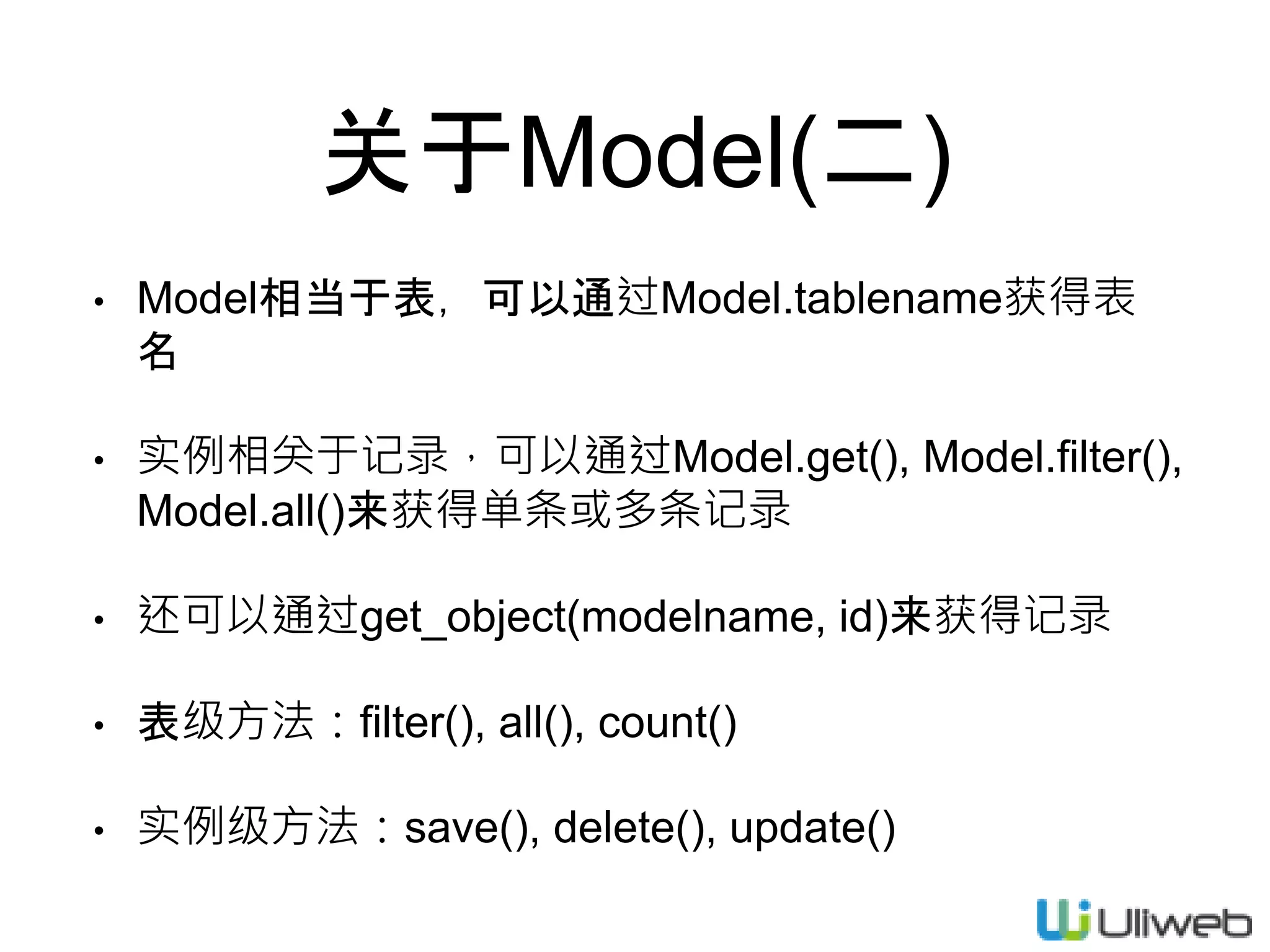
关于Model(二)
• Model相当于表,可以通过Model.tablename获得表
名
• 实例相关于记录,可以通过Model.get(), Model.filter(),
Model.all()来获得单条或多条记录
• 还可以通过get_object(modelname, id)来获得记录
• 表级方法:filter(), all(), count()
• 实例级方法:save(), delete(), update()
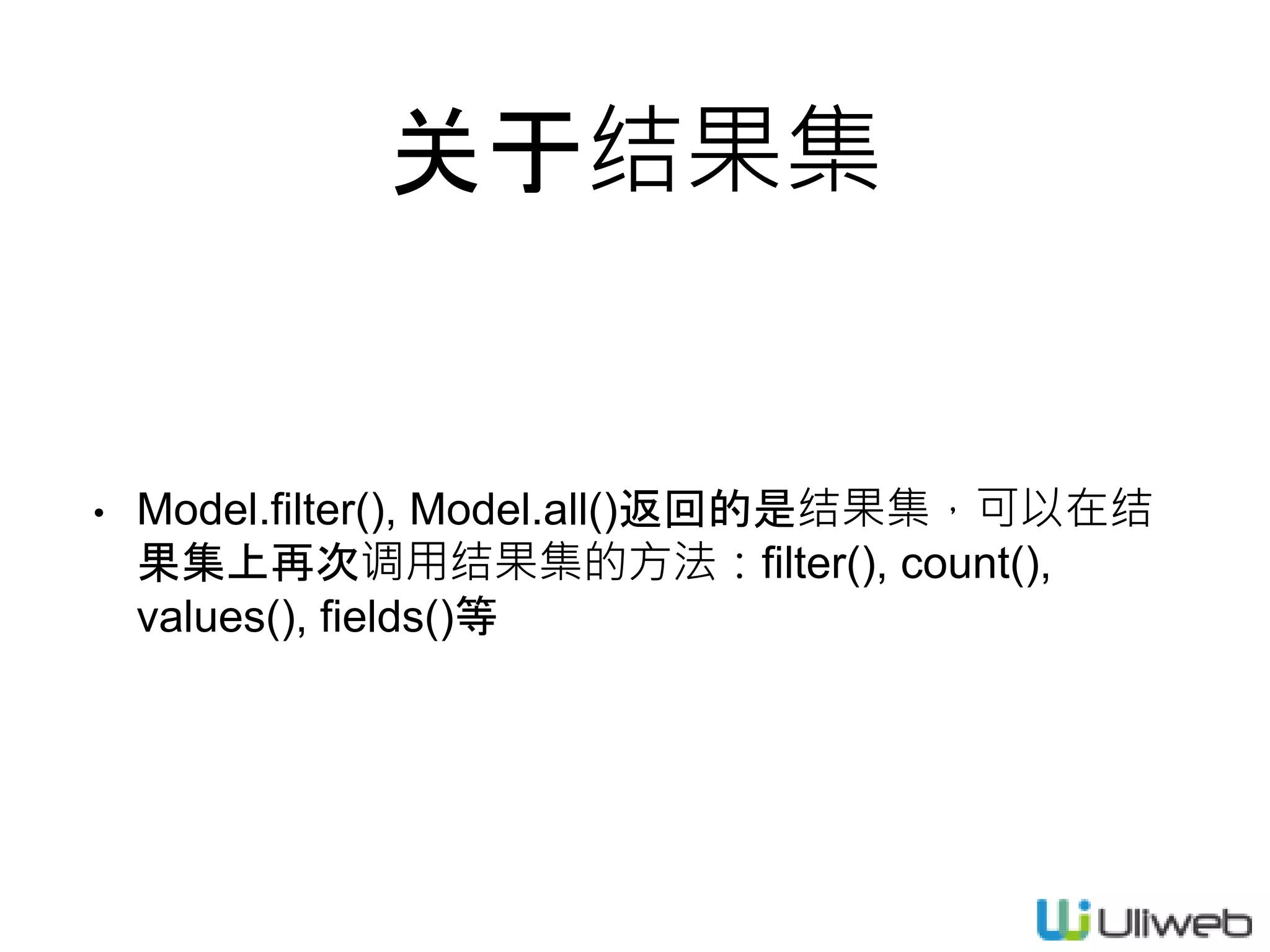
关于结果集
• Model.filter(), Model.all()返回的是结果集,可以在结
果集上再次调用结果集的方法:filter(), count(),
values(), fields()等
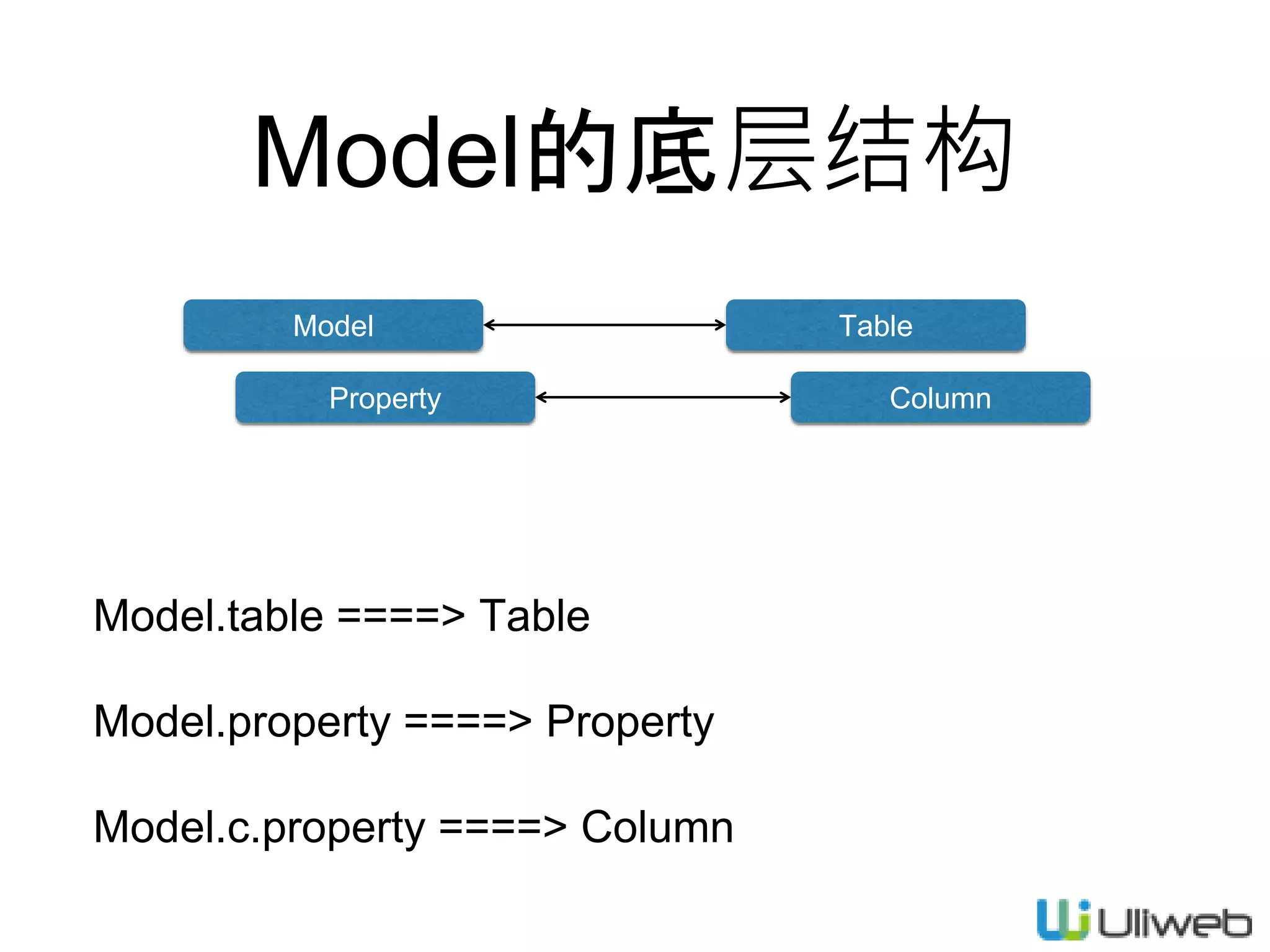
Model的底层结构
Model.table ====> Table
Model.property ====> Property
Model.c.property ====> Column
Model Table
Property Column
添加todo
def add(self):
if request.method == 'GET':
return {}
else:
todo = self.model(title=request.POST['title'])
todo.save()
return redirect(url_for(TodoView.list))
区分请求方法
没有expose,自动生成
创建实例
保存生效
重定向 反向获取URL
views.py
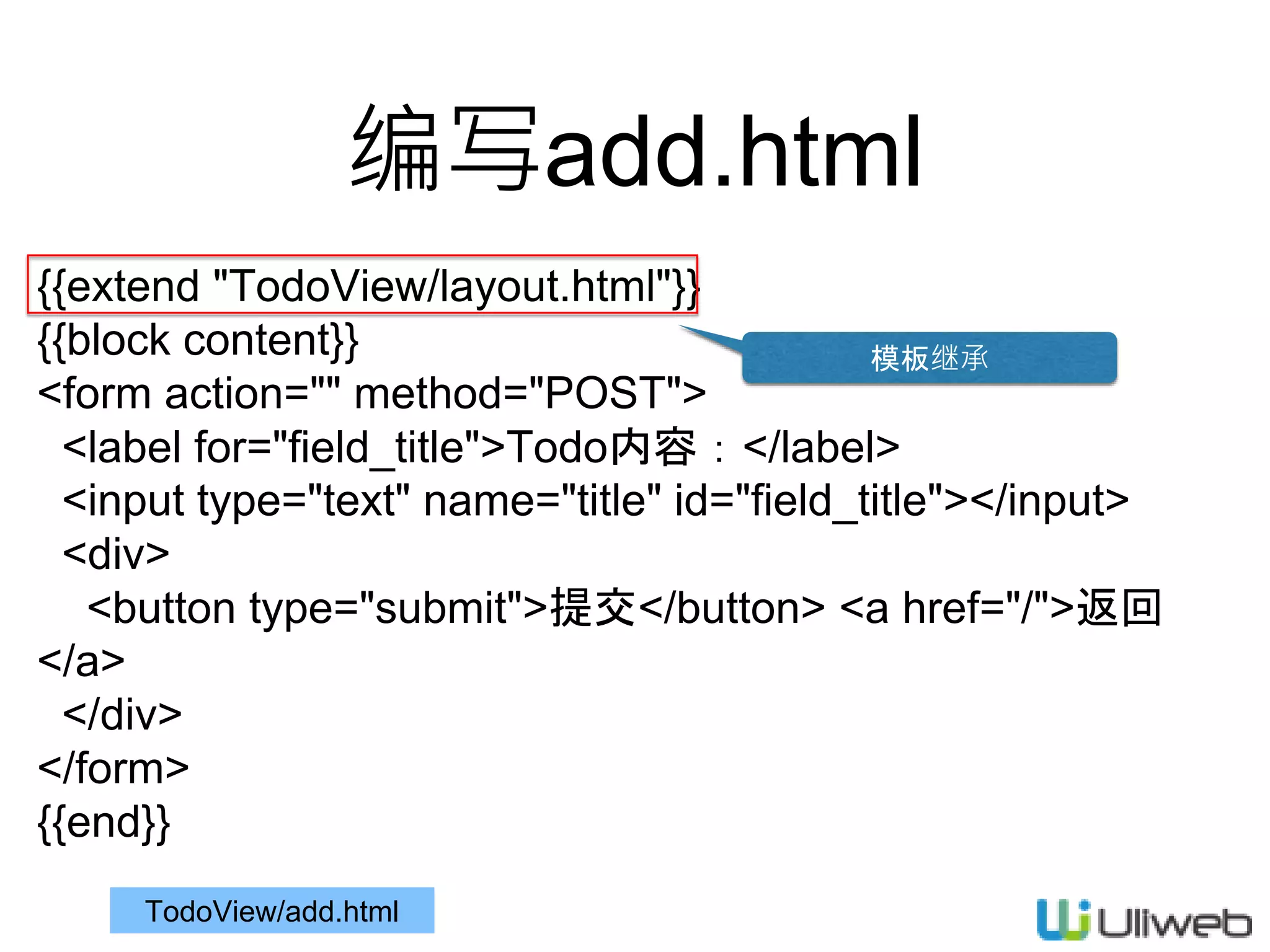
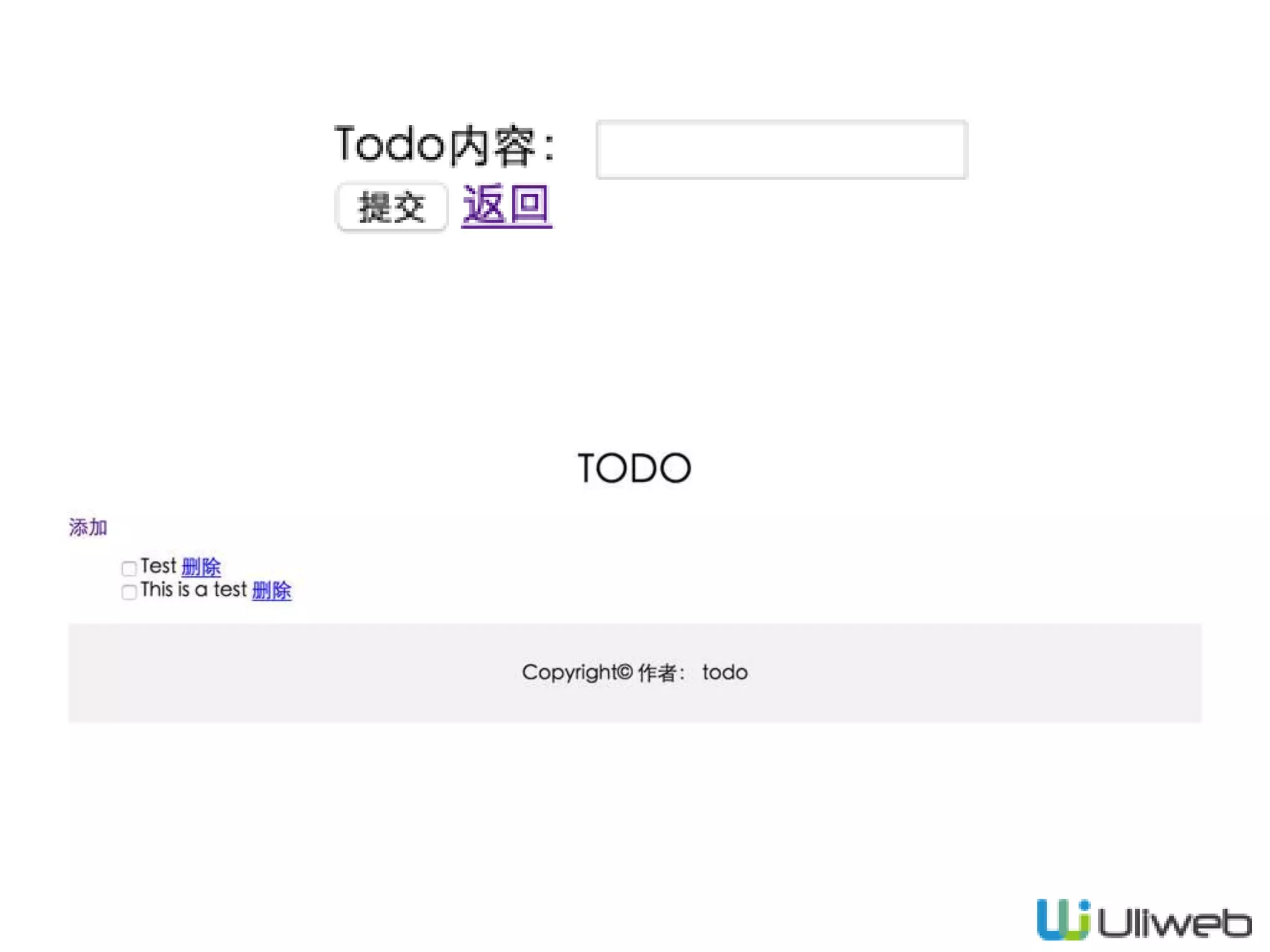
编写add.html
{{extend "TodoView/layout.html"}}
{{block content}}
<form action="" method="POST">
<label for="field_title">Todo内容:</label>
<input type="text" name="title" id="field_title"></input>
<div>
<button type="submit">提交</button> <a href="/">返回
</a>
</div>
</form>
{{end}}
TodoView/add.html
模板继承
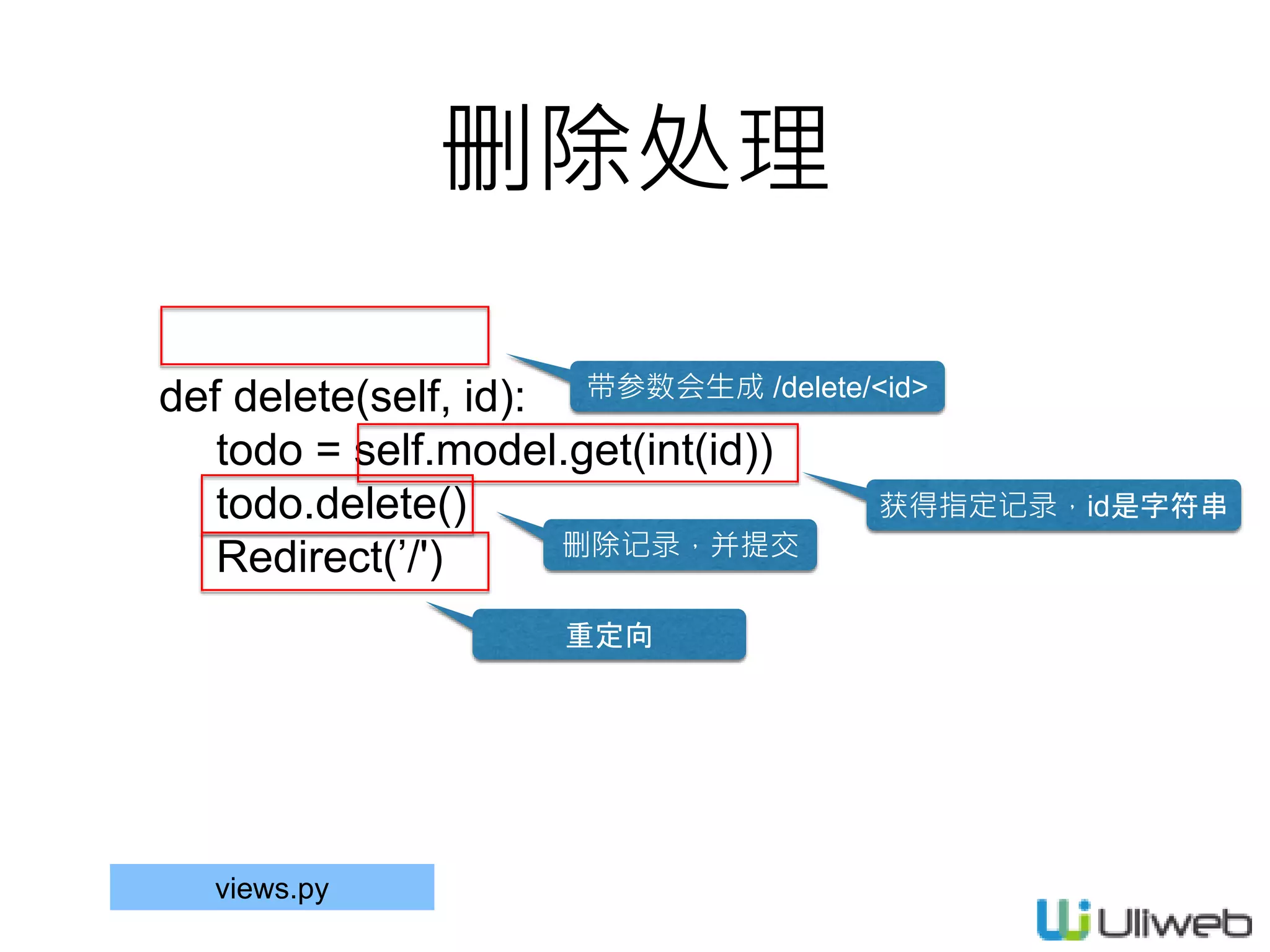
删除处理
def delete(self, id):
todo = self.model.get(int(id))
todo.delete()
Redirect(’/')
带参数会生成 /delete/<id>
获得指定记录,id是字符串
删除记录,并提交
重定向
views.py
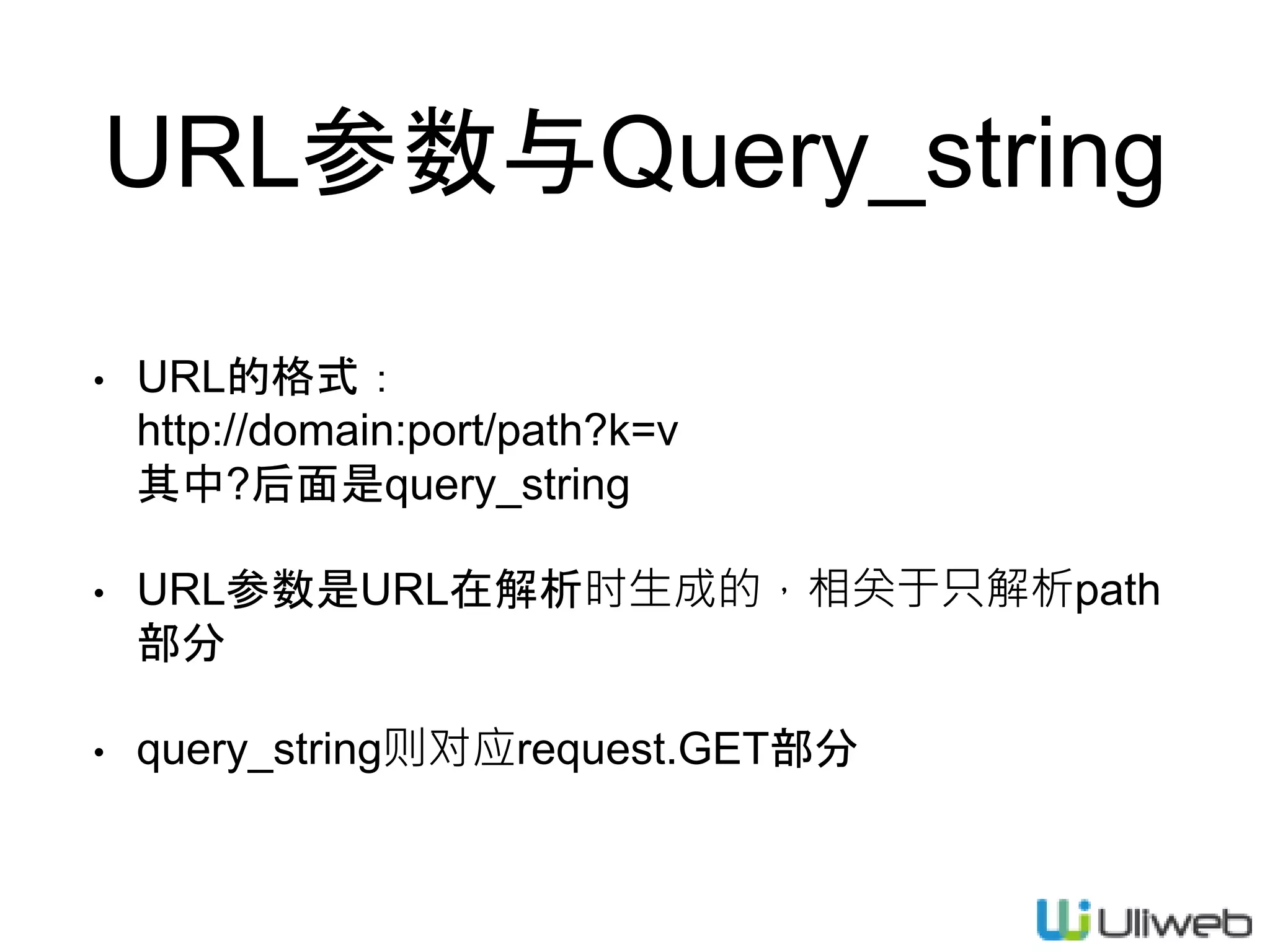
URL参数与Query_string
• URL的格式:
http://domain:port/path?k=v
其中?后面是query_string
• URL参数是URL在解析时生成的,相关于只解析path
部分
• query_string则对应request.GET部分
完成Todo功能
• 使用jquery来处理前端交互,点击checkbox实现完成
状态的切换
• 通过jquery与后台通讯
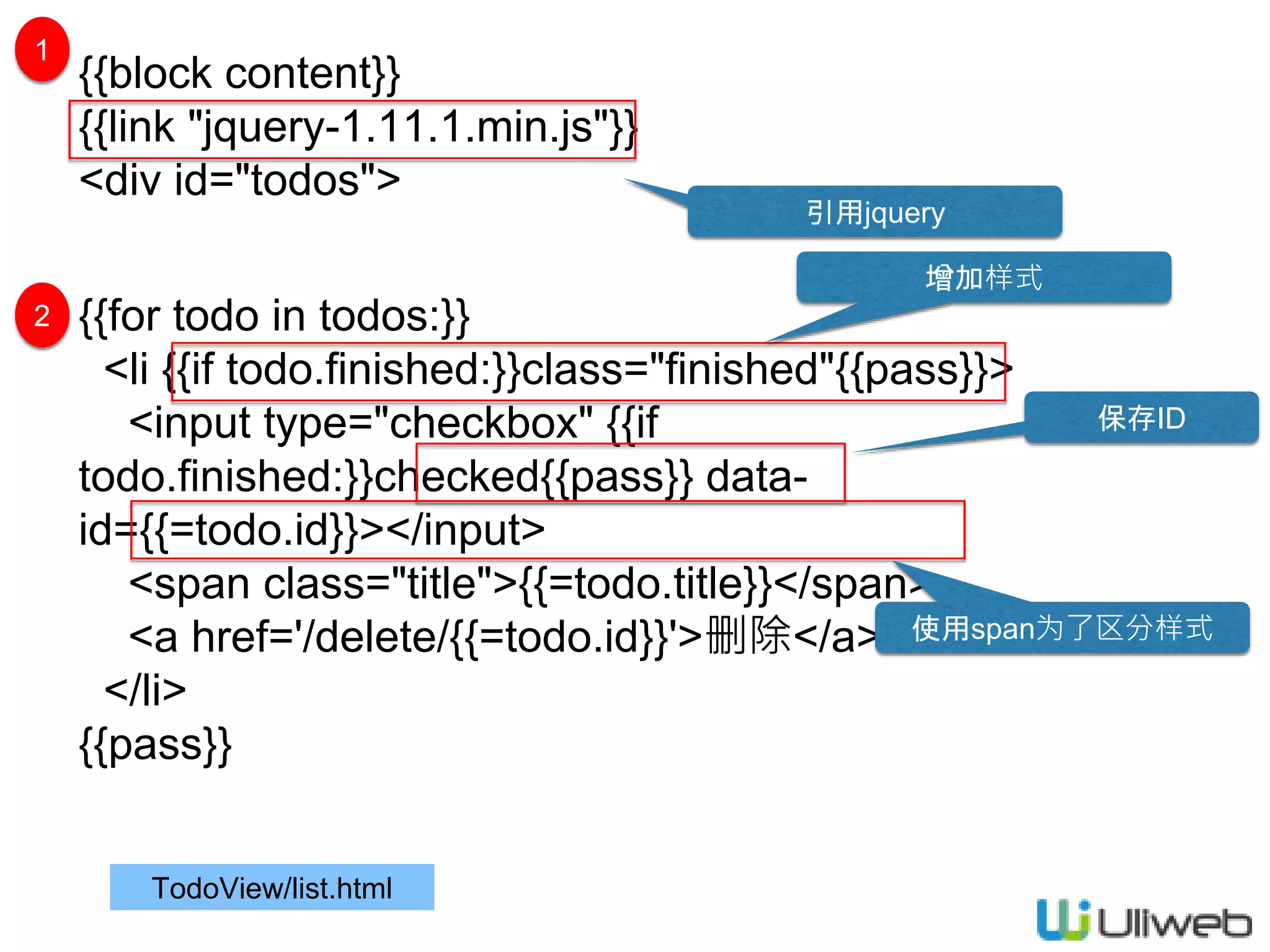
{{block content}}
{{link "jquery-1.11.1.min.js"}}
<div id="todos">
{{for todo in todos:}}
<li {{if todo.finished:}}class="finished"{{pass}}>
<input type="checkbox" {{if
todo.finished:}}checked{{pass}} data-
id={{=todo.id}}></input>
<span class="title">{{=todo.title}}</span>
<a href='/delete/{{=todo.id}}'>删除</a>
</li>
{{pass}}
TodoView/list.html
引用jquery
1
2
增加样式
使用span为了区分样式
保存ID
TodoView/list.html
<script>
$(function(){
$('#todos :checkbox').click(function(e){
var $this = $(this);
var checked = $this.is(':checked');
var id = $this.data('id');
var parent = $($this.parents('li')[0]);
$.post('/update', {id:id, finished:checked}).success(function(r){
if(r.success){
if(checked)
parent.addClass('finished');
else
parent.removeClass('finished');
}else{
alert(r.message);
}
});
});
});
</script>
3
后台交互
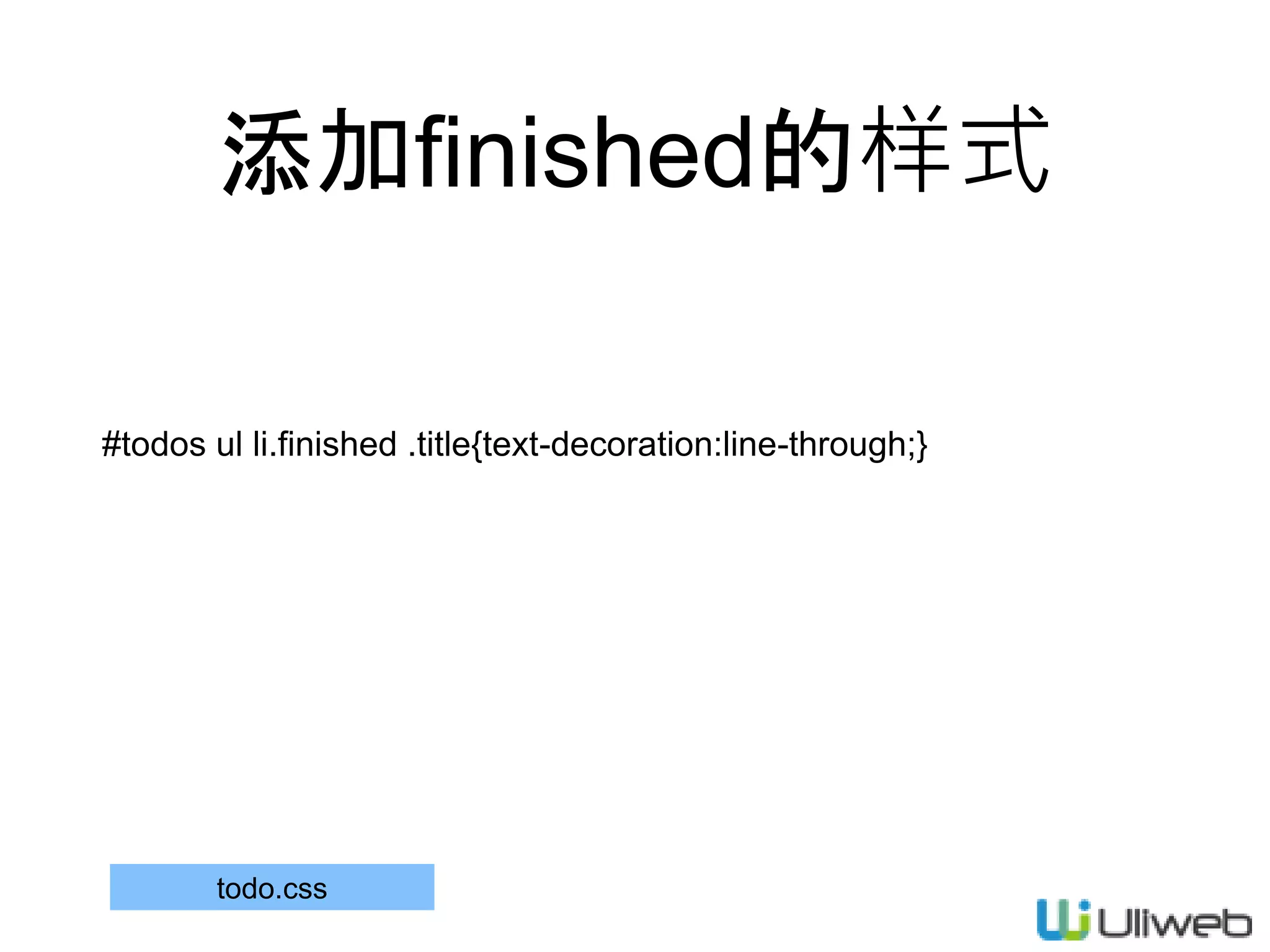
添加finished的样式
#todos ul li.finished .title{text-decoration:line-through;}
todo.css
更新完成状态
def update(self):
from uliweb.utils improt date
id = request.POST['id']
finished = request.POST['finished'] == 'true'
todo = self.model.get(int(id))
todo.finished = finished
if finished:
todo.finished_time = date.now()
else:
todo.finished_time = None
todo.save()
return json({'success':True})
views.py
填写当前时间
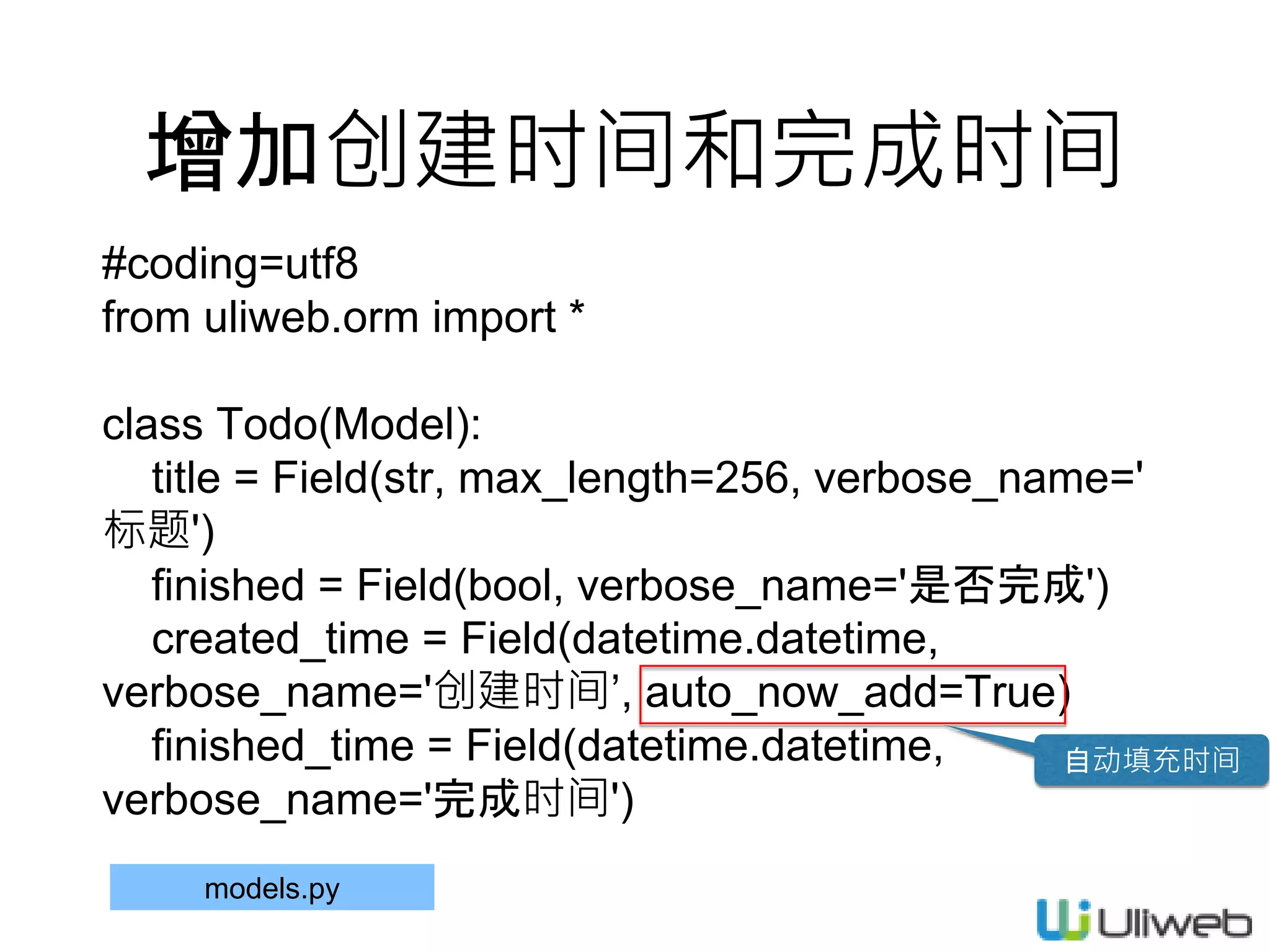
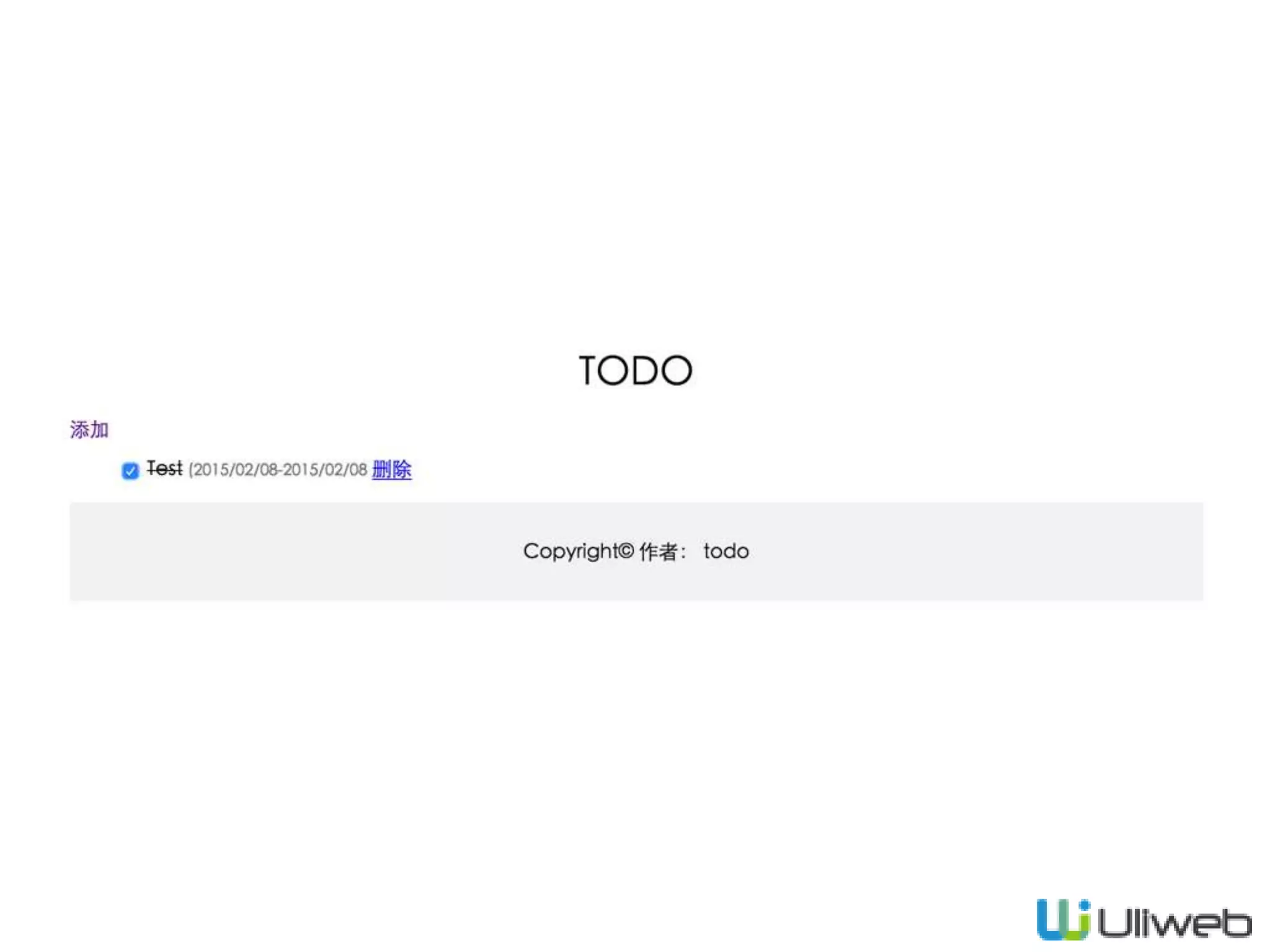
增加创建时间和完成时间
#coding=utf8
from uliweb.orm import *
class Todo(Model):
title = Field(str, max_length=256, verbose_name='
标题')
finished = Field(bool, verbose_name='是否完成')
created_time = Field(datetime.datetime,
verbose_name='创建时间’, auto_now_add=True)
finished_time = Field(datetime.datetime,
verbose_name='完成时间')
models.py
自动填充时间
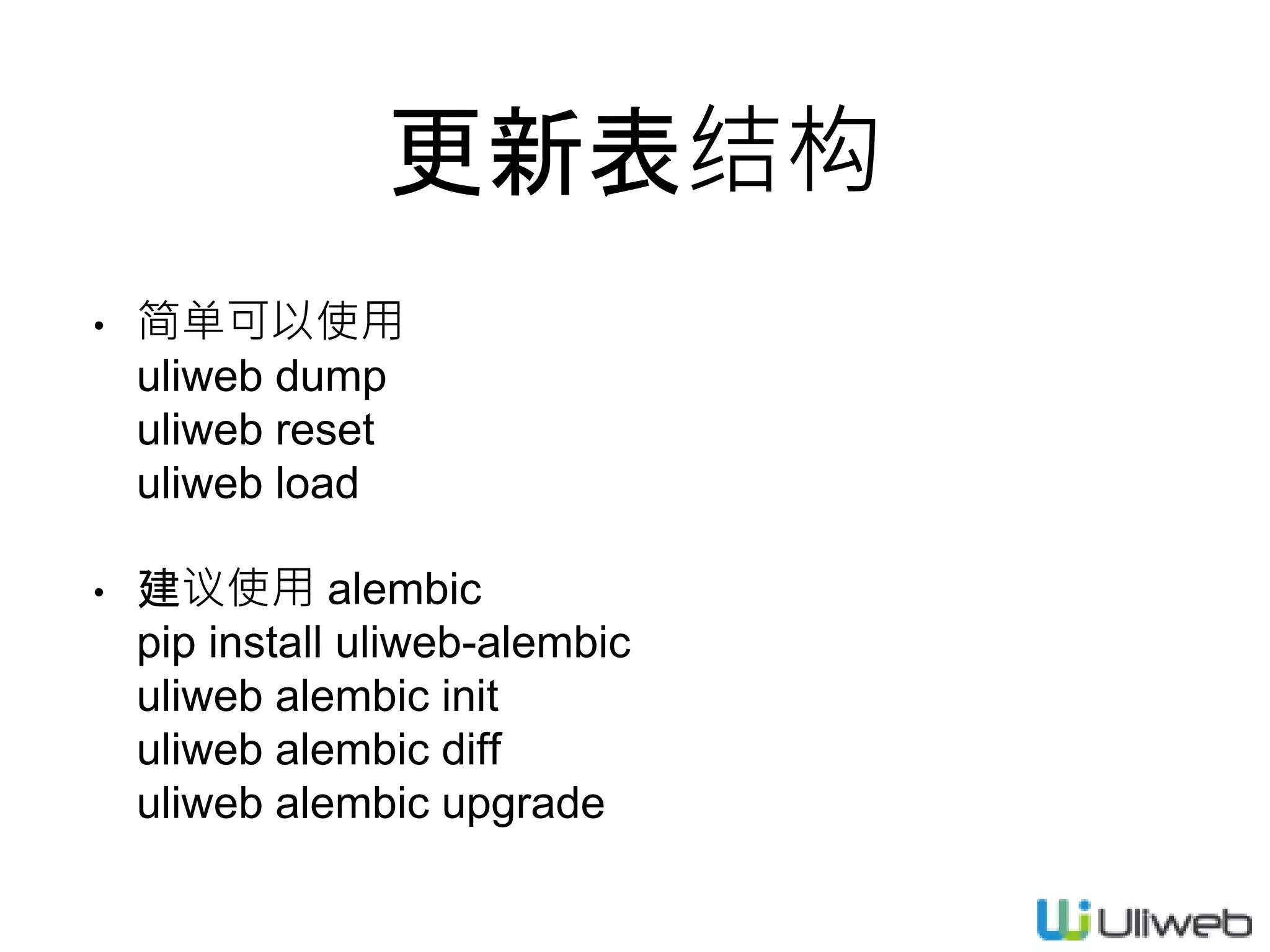
更新表结构
• 简单可以使用
uliweb dump
uliweb reset
uliweb load
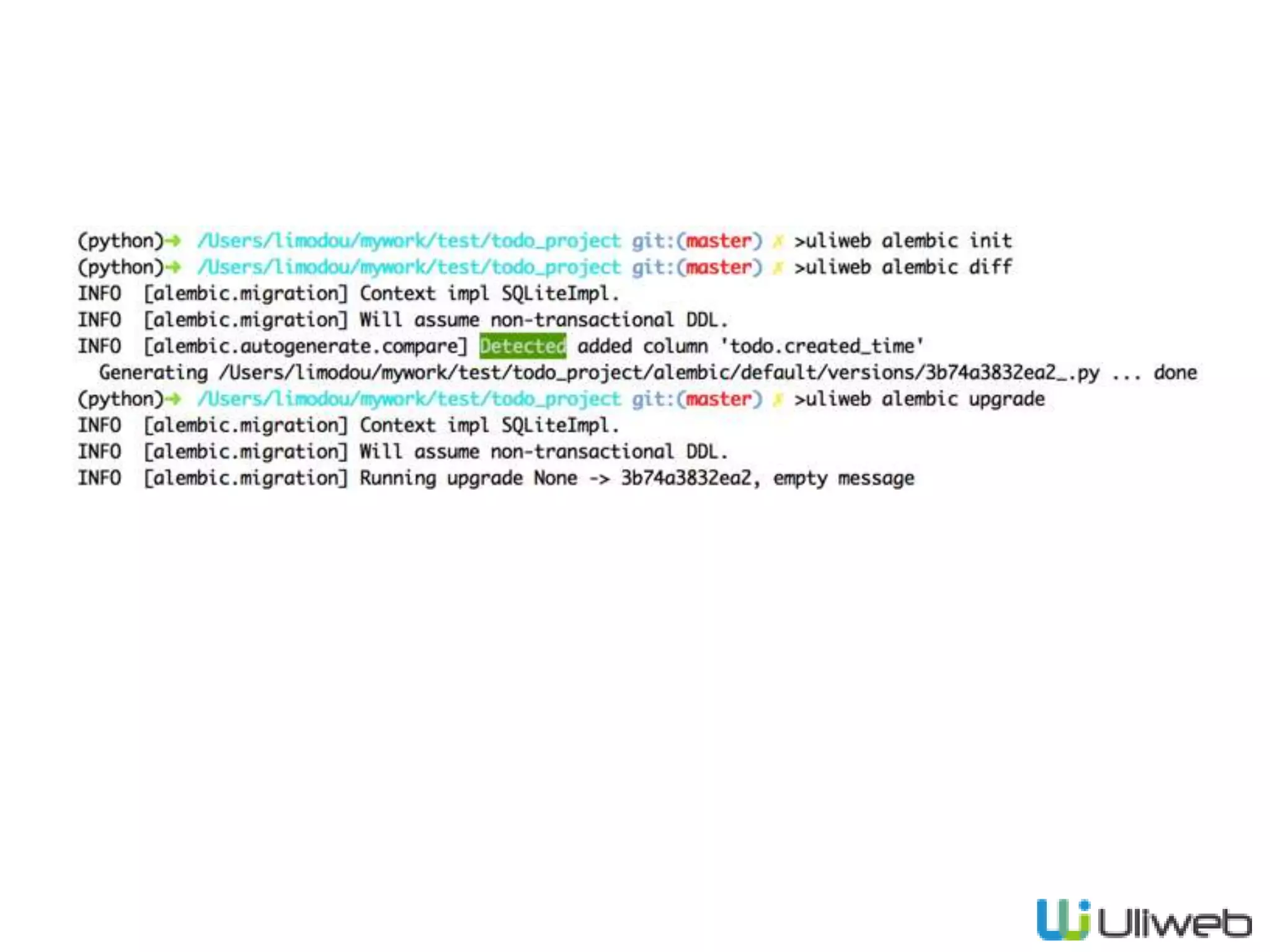
• 建议使用 alembic
pip install uliweb-alembic
uliweb alembic init
uliweb alembic diff
uliweb alembic upgrade
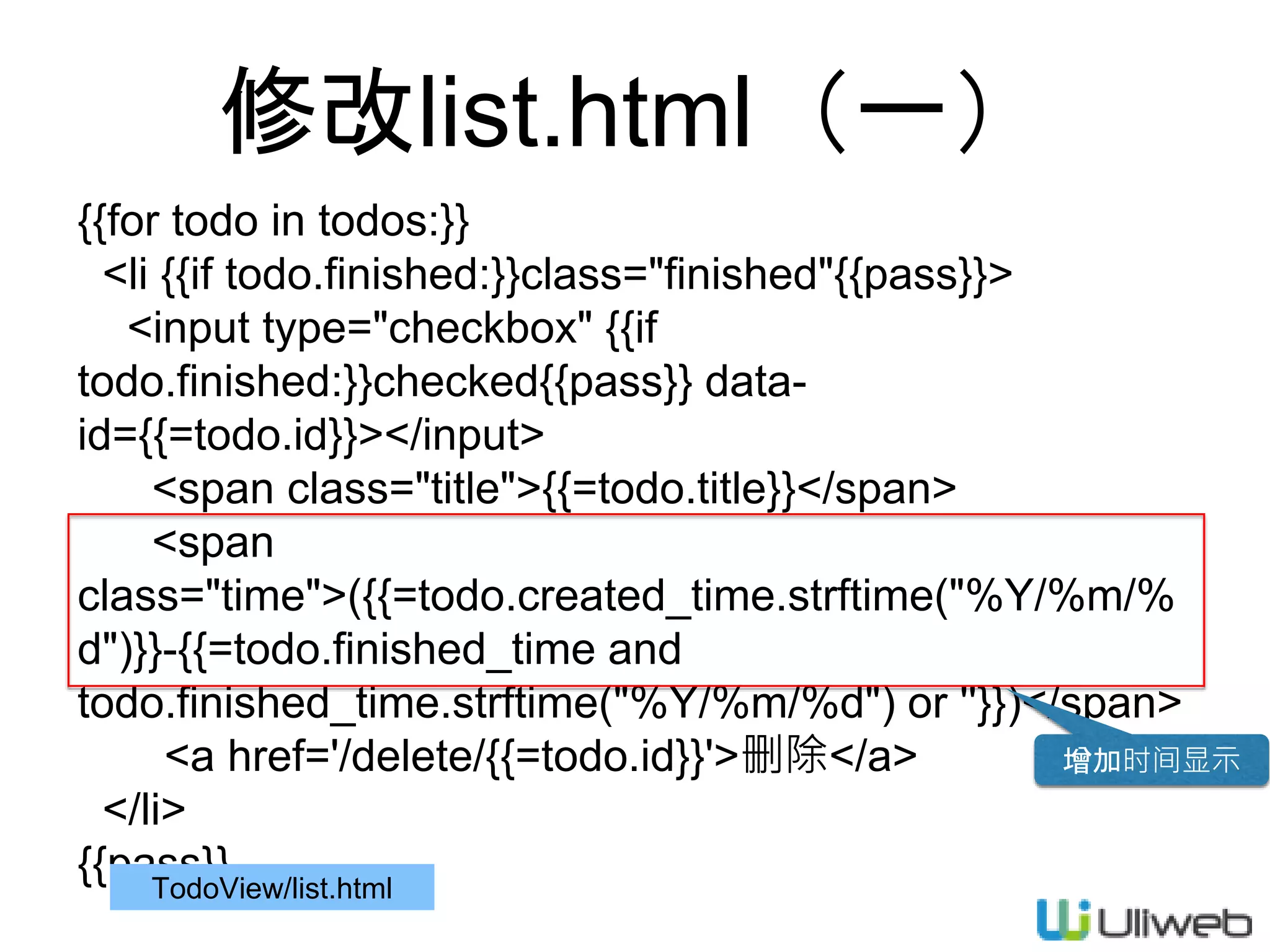
修改list.html(一)
{{for todo in todos:}}
<li {{if todo.finished:}}class="finished"{{pass}}>
<input type="checkbox" {{if
todo.finished:}}checked{{pass}} data-
id={{=todo.id}}></input>
<span class="title">{{=todo.title}}</span>
<span
class="time">({{=todo.created_time.strftime("%Y/%m/%
d")}}-{{=todo.finished_time and
todo.finished_time.strftime("%Y/%m/%d") or ''}})</span>
<a href='/delete/{{=todo.id}}'>删除</a>
</li>
{{pass}}TodoView/list.html
增加时间显示
修改list.html(二)
$.post('/update', {id:id, finished:checked}).success(function(r){
if(r.success){
if(checked)
parent.addClass('finished');
else
parent.removeClass('finished');
var time = parent.find('.time');
var t = time.text().split('-');
t[1] = r.finished_time;
time.text(t.join('-')+') ');
}else{
alert(r.message);
}
});
TodoView/list.html
更新完成时间
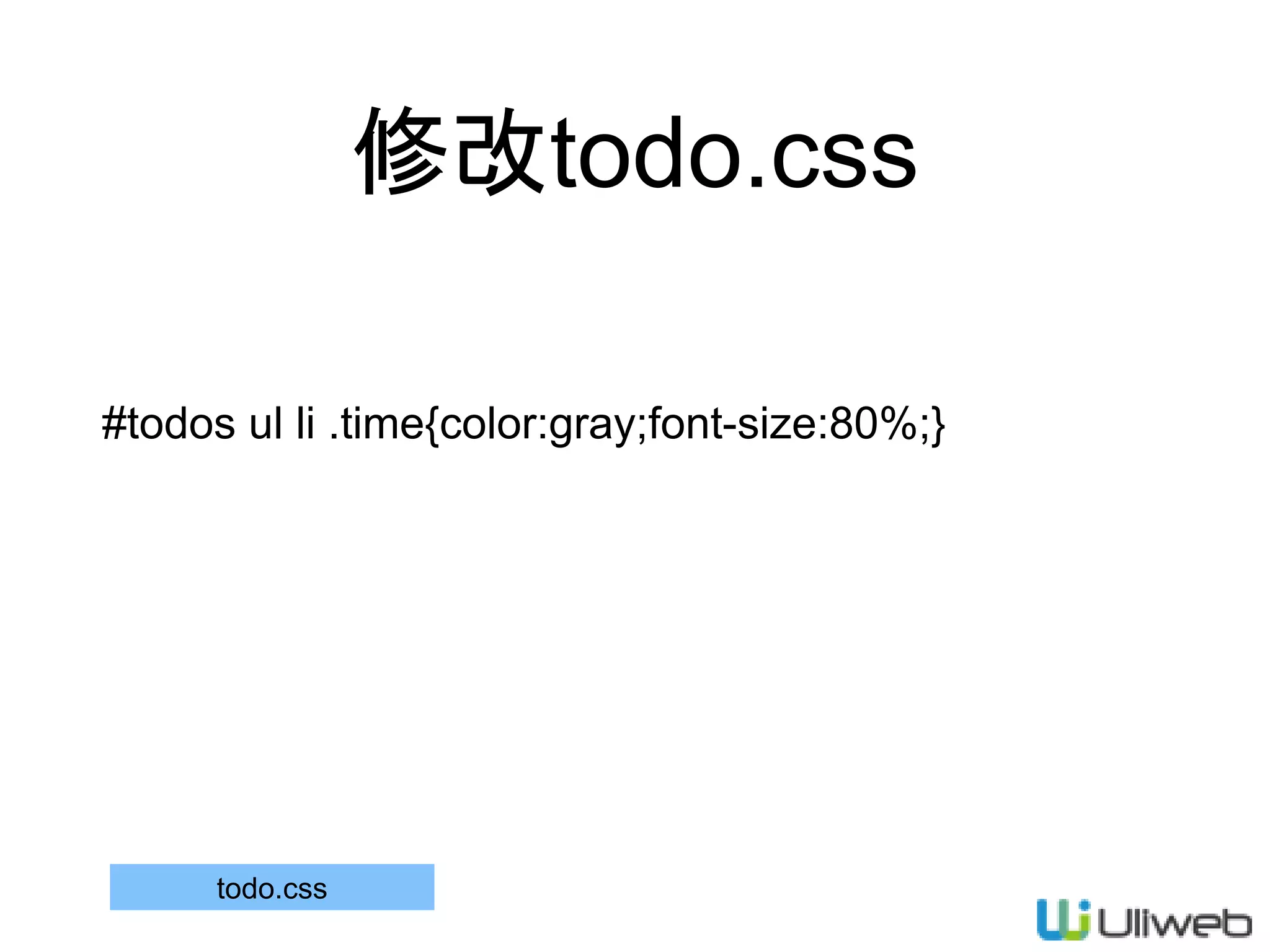
修改todo.css
#todos ul li .time{color:gray;font-size:80%;}
todo.css
修改update
def update(self):
from uliweb.utils import date
id = request.POST['id']
finished = request.POST['finished'] == 'true'
todo = self.model.get(int(id))
todo.finished = finished
if finished:
todo.finished_time = date.now()
finished_time = todo.finished_time.strftime('%Y/%m/%d')
else:
todo.finished_time = None
finished_time = ''
todo.save()
return json({'success':True, 'finished_time':finished_time})
views.py
处理完成时间
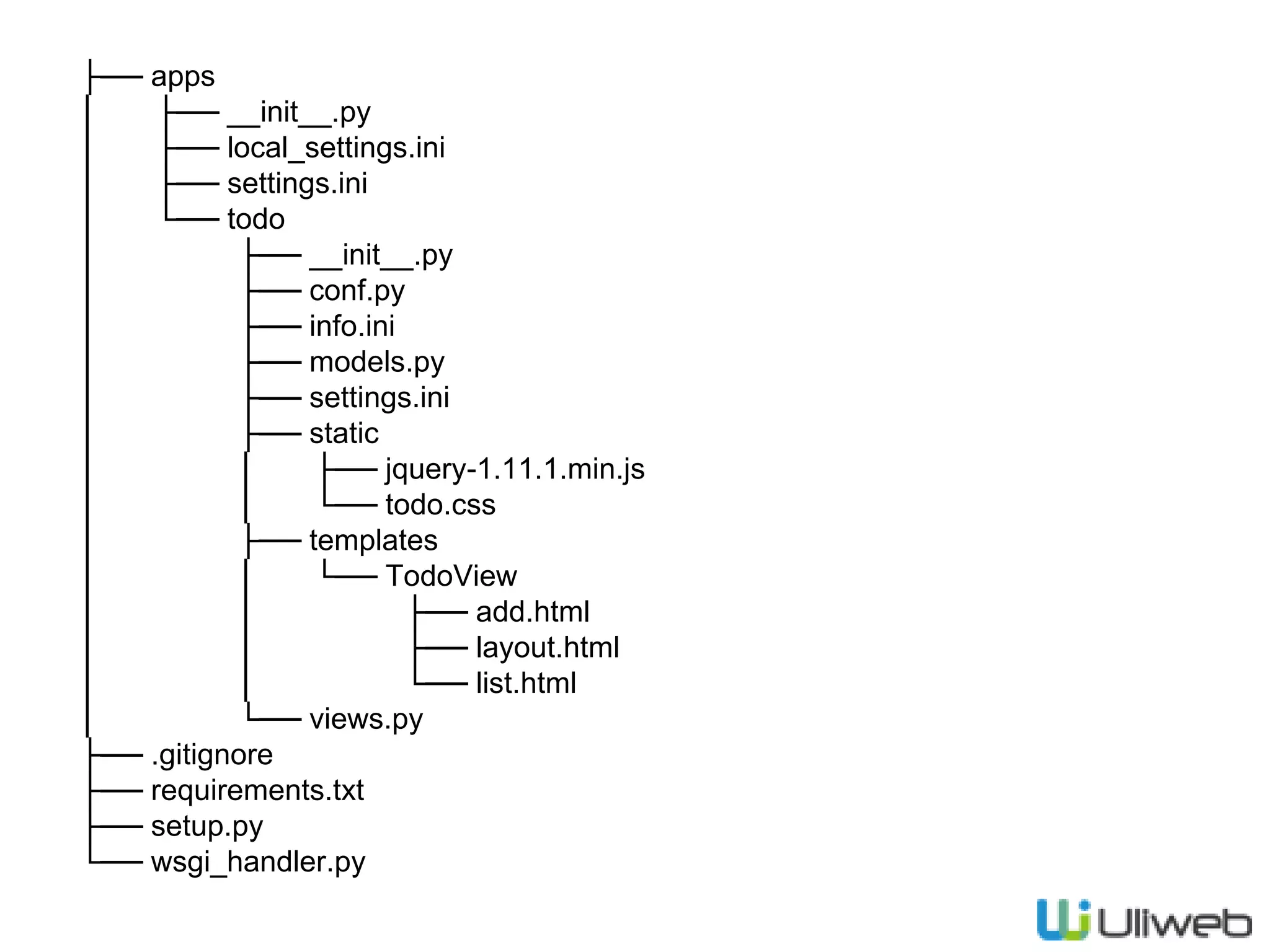
├── apps
│ ├── __init__.py
│ ├── local_settings.ini
│ ├── settings.ini
│ └── todo
│ ├── __init__.py
│ ├── conf.py
│ ├── info.ini
│ ├── models.py
│ ├── settings.ini
│ ├── static
│ │ ├── jquery-1.11.1.min.js
│ │ └── todo.css
│ ├── templates
│ │ └── TodoView
│ │ ├── add.html
│ │ ├── layout.html
│ │ └── list.html
│ └── views.py
├── .gitignore
├── requirements.txt
├── setup.py
└── wsgi_handler.py
相关资源
• 文档: http://limodou.github.io/uliweb-
doc/zh_CN/basic.html
Q&A

02.uliweb开发入门

Editor's Notes

  • #7 以app为切分功能的方式
  • #42 self.model主要是为了后面复用,修改方便。也可以在每个view方法中直接get_model(‘todo’)
  • #49 在一个view类中,如果函数以 _ 开始,则不会自动生成URL 除request之外,还存在response, application, settings, json, error, redirect等方法,但同时也可以使用 from uliweb import xxx 特别是在非“view”方法中 redirect()是一个函数 Redirect()是一个异常类 创建一个实例本身并不会提交事务,需要save(), update()之后也需要save() 更新可以使用update,也可直接修改instance.attribute = new_value之后再save(), ORM会比较是否真正有变化。根据id的不同来决定是否insert, update. save()的返回值表示保存成功与否 url_for可以是函数对象或字符串,还可以是name,name是在定义expose时通过name参数来指定的 是否要根据request.method来区分还是写成不同的函数,根据用户的需要,可以使用GET, POST来定义url,还可以通过expose(‘url’,methods=[‘GET’])来定义不同的方法匹配
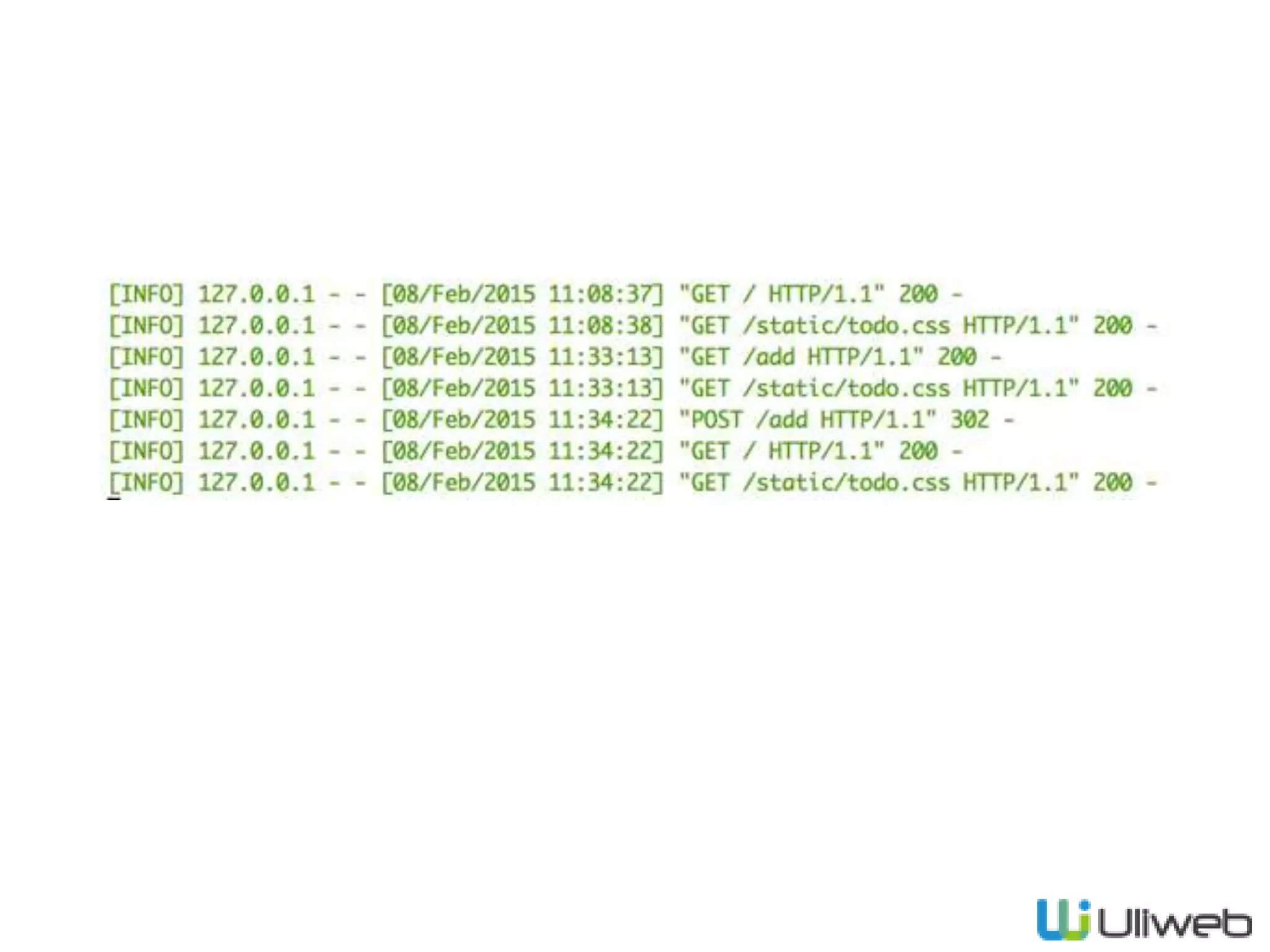
  • #52 可以看到GET, POST以及静态文件的处理
  • #53 也可以手工添加 @expose(‘/delete/<id>’) Redirect是异常类
  • #56 link使用需要添加 ‘uliweb.contrib.template’ link会自动添加到</head>之前 完成状态使用中划线