Creating and delivering a Python tutorial using a PowerPoint presentation involves two main approaches:
1. Using PowerPoint as a presentation tool for Python concepts:
This involves creating a standard PowerPoint presentation where each slide explains a Python concept, provides code examples, and illustrates output. You would use PowerPoint's features for text, images, diagrams, and potentially embedded videos to explain topics like:
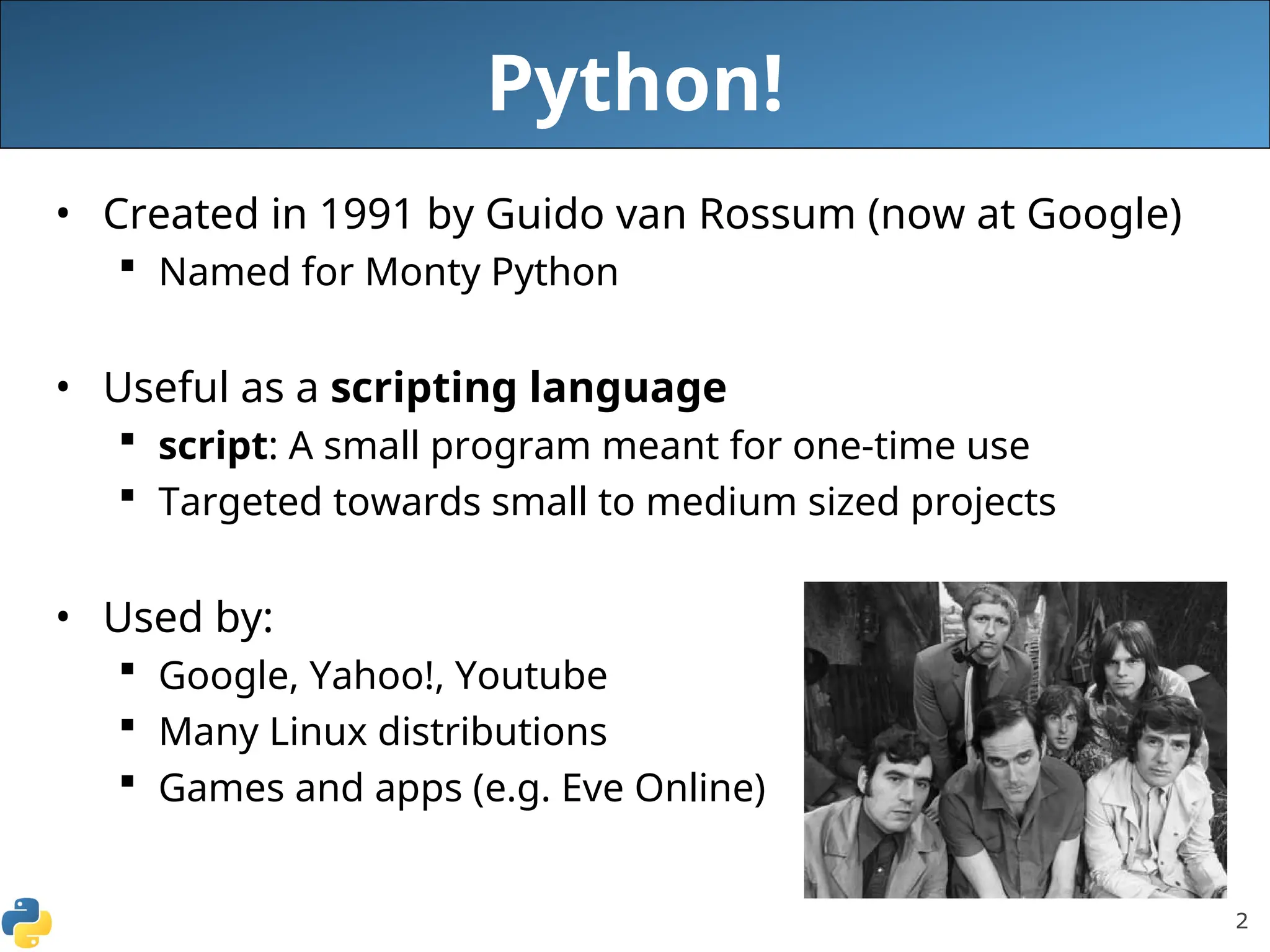
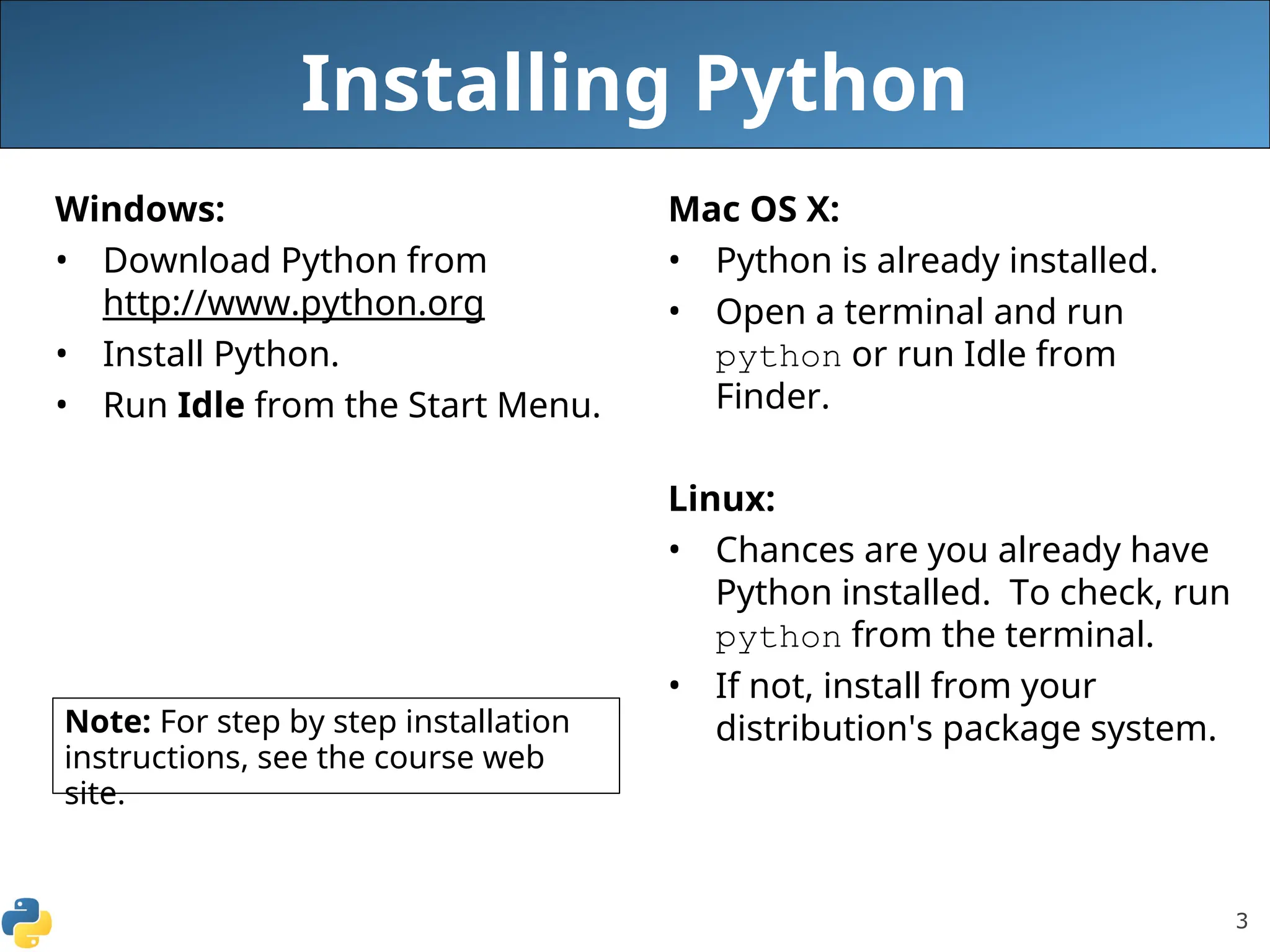
Introduction to Python: What it is, its features, installation.
Basic Syntax: Variables, data types, operators, input/output.
Control Flow: if/else, for loops, while loops.
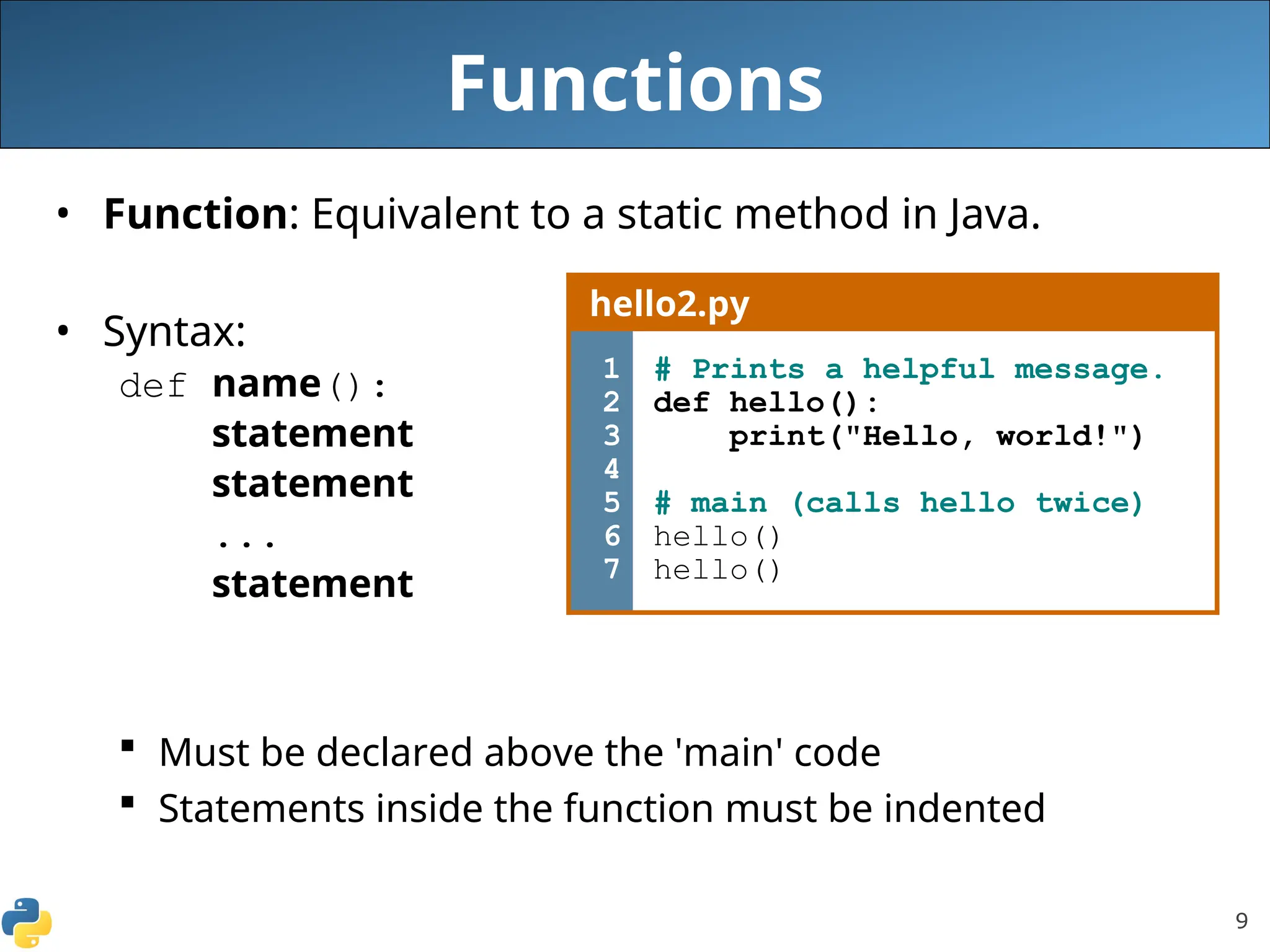
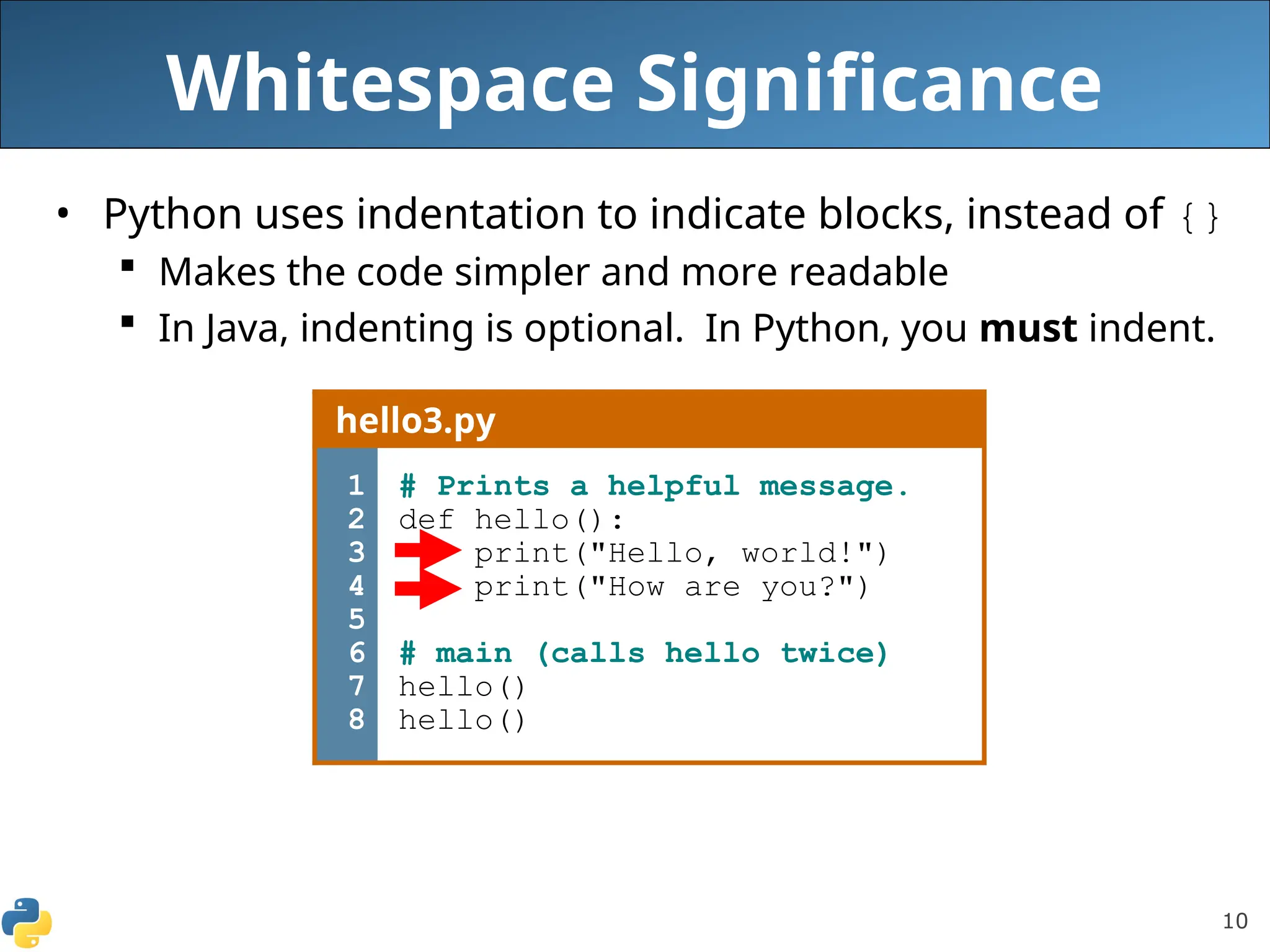
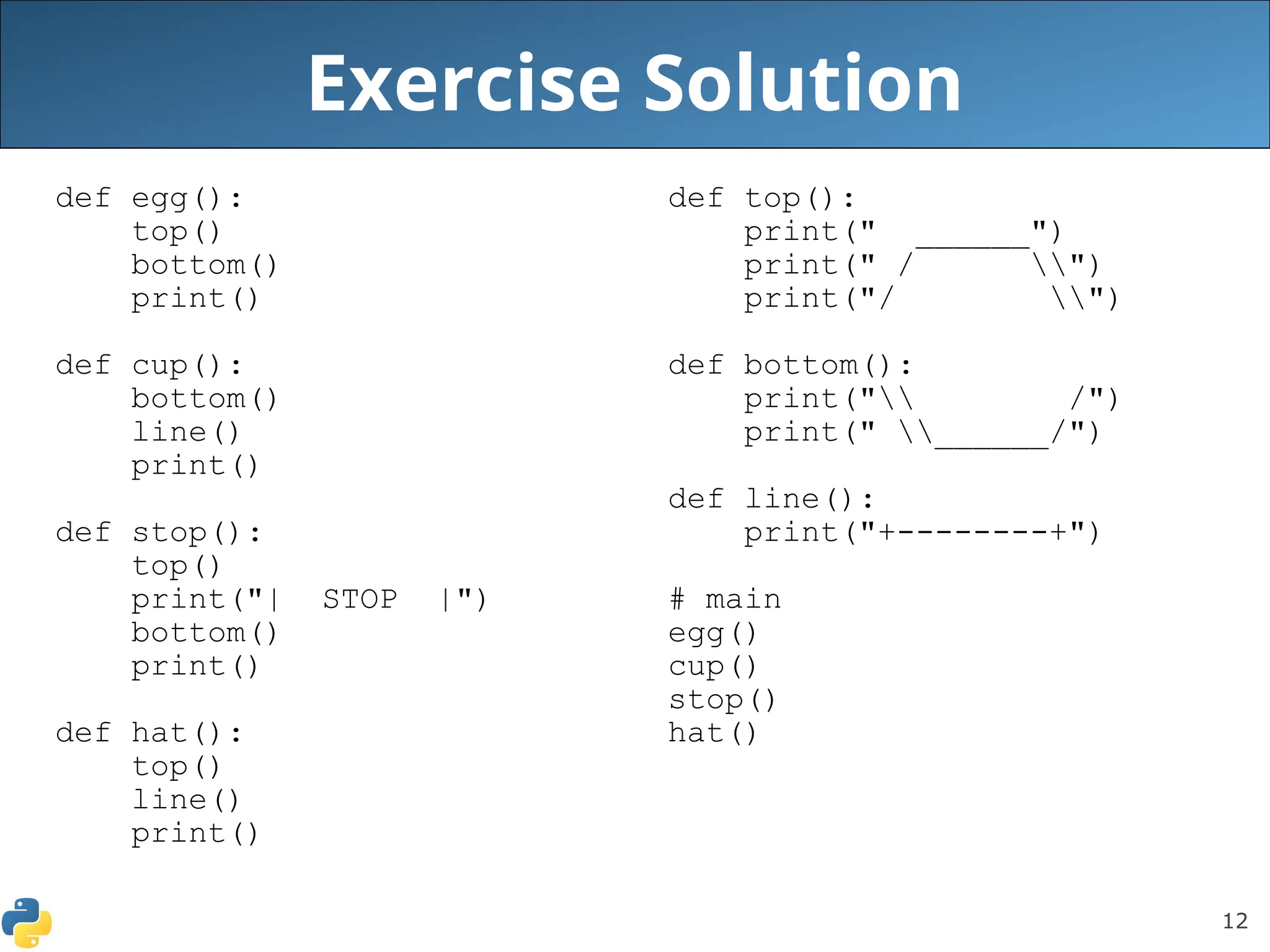
Functions: Defining and calling functions, arguments.
Data Structures: Lists, tuples, dictionaries, sets.
Object-Oriented Programming (OOP): Classes, objects, inheritance.
Modules and Libraries: Importing and using external code.
Error Handling: try/except blocks.
You can then present this PowerPoint manually, explaining each slide and potentially running live code examples in a separate Python environment.
2. Automating PowerPoint creation with Python:
This involves using the python-pptx library to programmatically generate or modify PowerPoint presentations using Python code. This approach is useful for:
Generating reports: Automatically creating presentations from data in Excel files, databases, or APIs.
Customizing presentations: Applying specific layouts, adding images, charts, and tables dynamically.
Creating templates: Building a base presentation that can be populated with varying content using Python.
To use python-pptx:
Install the library.
Code
pip install python-pptx
Import the necessary modules.
Python
from pptx import Presentation
from pptx.util import Inches # for positioning elements
Create a new presentation or open an existing one:
Python
prs = Presentation() # New presentation
# prs = Presentation('template.pptx') # Open existing template
Add slides and content.
Python
# Choose a slide layout (e.g., title and content)
blank_slide_layout = prs.slide_layouts[1]
slide = prs.slides.add_slide(blank_slide_layout)
# Add title and content
title = slide.shapes.title
body = slide.placeholders[1]
title.text = "Introduction to Python"
body.text = "Python is a versatile programming language..."
# Add an image
left = top = Inches(1)
pic = slide.shapes.add_picture('python_logo.png', left, top, width=Inches(3))
Save the presentation.
Python
prs.save('python_tutorial.pptx')
This allows you to create a dynamic and automated way to generate or update your Python tutorial presentations.