Mastering OpenBOM Formulas, Totals
and Rollups
Steve Hess
Director of User Experience, OpenBOM
stevehess@openbom.com
© OpenBOM, 2018 (Newman Cloud Inc.)
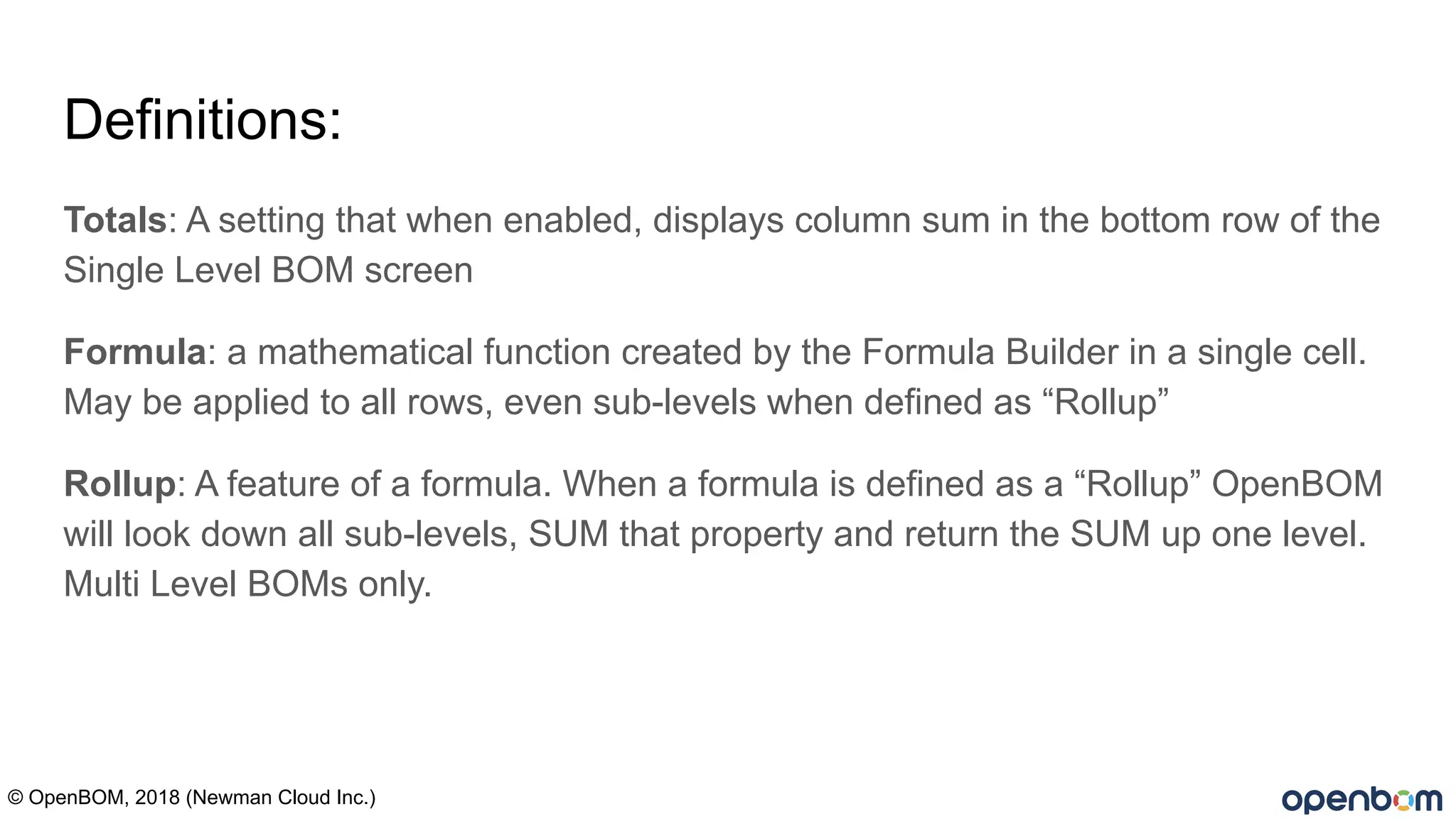
Definitions:
Totals: A setting that when enabled, displays column sum in the bottom row of the
Single Level BOM screen
Formula: a mathematical function created by the Formula Builder in a single cell.
May be applied to all rows, even sub-levels when defined as “Rollup”
Rollup: A feature of a formula. When a formula is defined as a “Rollup” OpenBOM
will look down all sub-levels, SUM that property and return the SUM up one level.
Multi Level BOMs only.
© OpenBOM, 2018 (Newman Cloud Inc.)
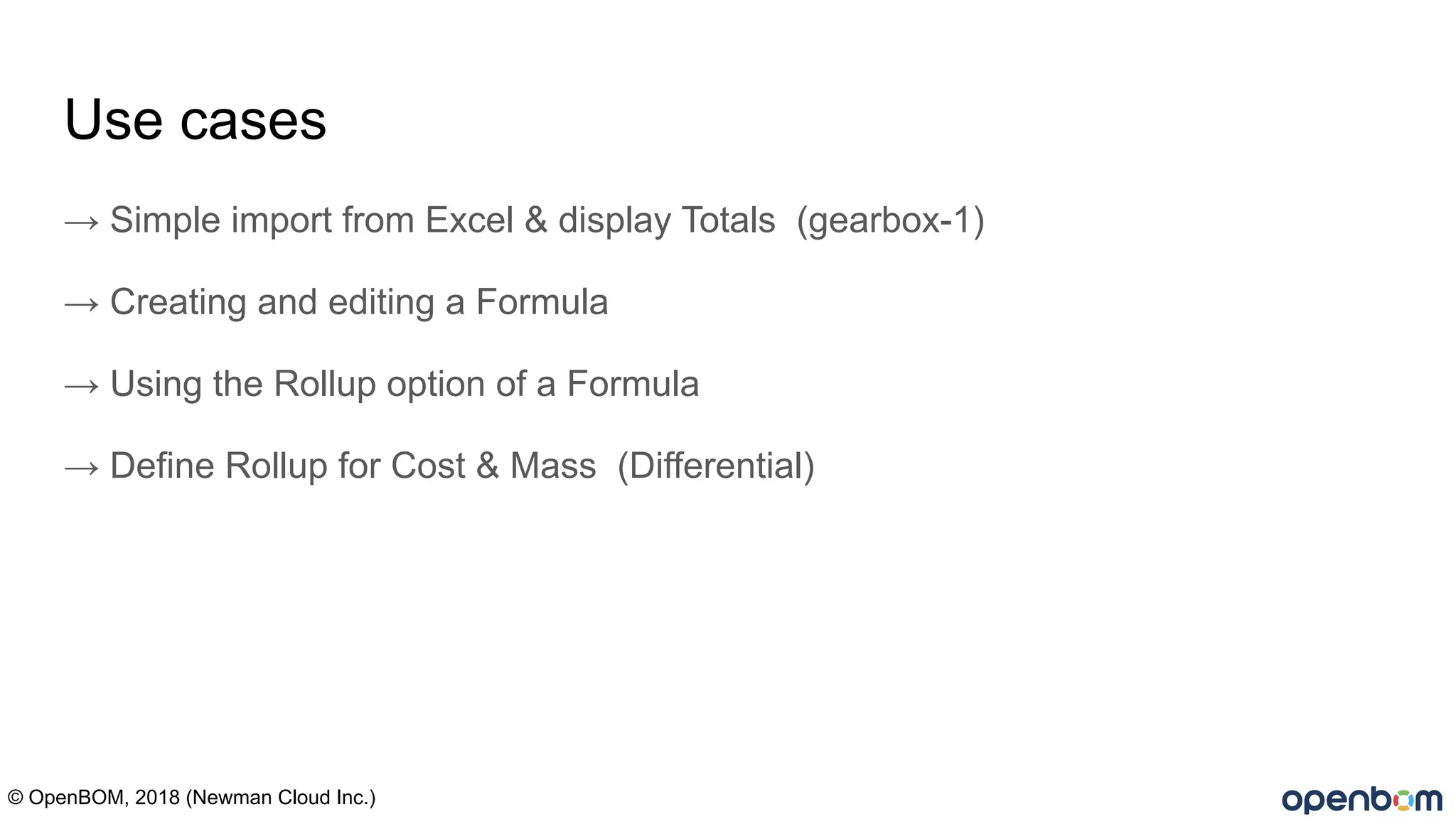
Use cases
→ Simple import from Excel & display Totals (gearbox-1)
→ Creating and editing a Formula
→ Using the Rollup option of a Formula
→ Define Rollup for Cost & Mass (Differential)
© OpenBOM, 2018 (Newman Cloud Inc.)
Use cases 1 & 2 live
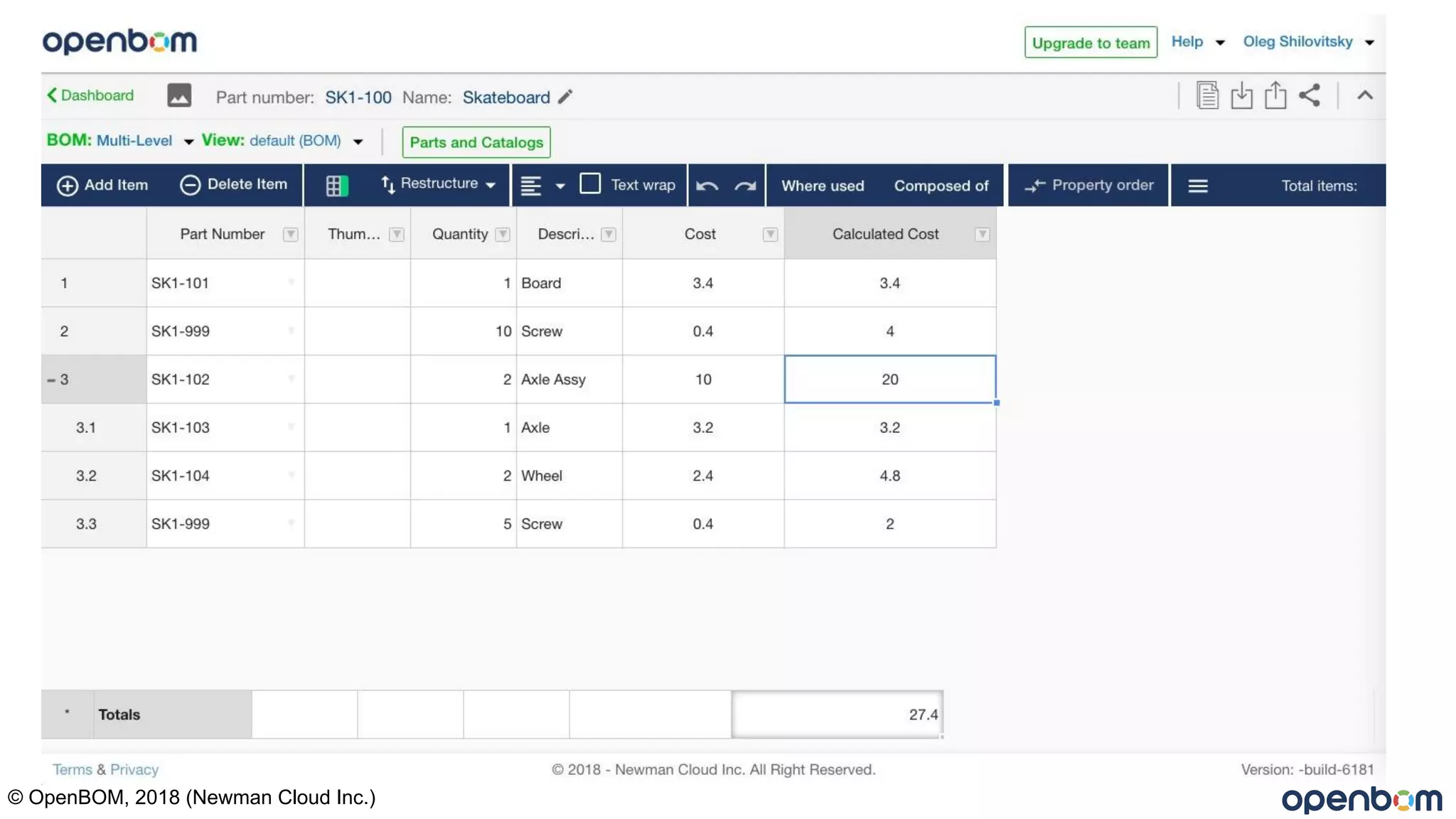
Anatomy of an OpenBOM Rollup
© OpenBOM, 2018 (Newman Cloud Inc.)
SUM (Calc cost)
Total Value
X
X
X
Cost * Quantity
Troubleshooting
#ERR is an indication that you have a problem with your formula. Likely a null or
zero value in a property. In rollups it may be in a sub-level
Formulas support one set of parens ( ). (limitation removed with next release)
Rollups must have only two values: Ex. Cost * Quantity
Up to two property rollups per BOM (ex. Mass and Cost) (limitation removed with next
release)
Reload browser can clear many issues
Unresponsive formula? Edit Formula and “Apply to all”, click OK
© OpenBOM, 2018 (Newman Cloud Inc.)
Questions?
Please type into the webinar panel or send to support@openbom.com

BOM management webinar formulas and totals using open bom

  • 1.
    Mastering OpenBOM Formulas,Totals and Rollups Steve Hess Director of User Experience, OpenBOM stevehess@openbom.com © OpenBOM, 2018 (Newman Cloud Inc.)
  • 2.
    Definitions: Totals: A settingthat when enabled, displays column sum in the bottom row of the Single Level BOM screen Formula: a mathematical function created by the Formula Builder in a single cell. May be applied to all rows, even sub-levels when defined as “Rollup” Rollup: A feature of a formula. When a formula is defined as a “Rollup” OpenBOM will look down all sub-levels, SUM that property and return the SUM up one level. Multi Level BOMs only. © OpenBOM, 2018 (Newman Cloud Inc.)
  • 3.
    Use cases → Simpleimport from Excel & display Totals (gearbox-1) → Creating and editing a Formula → Using the Rollup option of a Formula → Define Rollup for Cost & Mass (Differential) © OpenBOM, 2018 (Newman Cloud Inc.)
  • 4.
    Use cases 1& 2 live
  • 5.
    Anatomy of anOpenBOM Rollup © OpenBOM, 2018 (Newman Cloud Inc.)
  • 6.
    SUM (Calc cost) TotalValue X X X Cost * Quantity
  • 7.
    Troubleshooting #ERR is anindication that you have a problem with your formula. Likely a null or zero value in a property. In rollups it may be in a sub-level Formulas support one set of parens ( ). (limitation removed with next release) Rollups must have only two values: Ex. Cost * Quantity Up to two property rollups per BOM (ex. Mass and Cost) (limitation removed with next release) Reload browser can clear many issues Unresponsive formula? Edit Formula and “Apply to all”, click OK © OpenBOM, 2018 (Newman Cloud Inc.)
  • 8.
    Questions? Please type intothe webinar panel or send to support@openbom.com