

GWT Quick StartAlbert Guojunyuo@gmail.com
OverviewArchitectureGWT ShowcaseDocumentationImplementationReferenceAgenda2
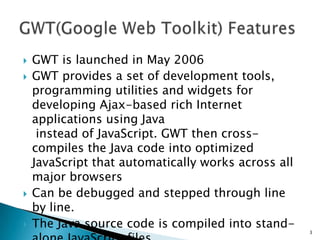
3OverviewJava      Javascript compiler (!)Dynamic, reusable UI componentsFast, responsive rich interfaceEasy on the developerApache v2.0 license
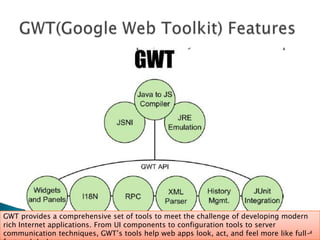
Overview – cont.GWT provides a comprehensive set of tools to meet the challenge of developing modern rich Internet applications. From UI components to configuration tools to server communication techniques, GWT’s tools help web apps look, act, and feel more like full-featured desktop apps.4
Architecture
Architecture –cont.Java Source CodeCSSJavaScriptGWT CompilerGWT Class Library
Cross browser, cross platform
Who's Using It?
http://ongwt.googlecode.com/svn/trunk/com.google.gwt.sample.showcase.Showcase/Showcase.htmlSmart GWT showcase – Rich widgets built using GWThttp://www.smartclient.com/smartgwt/showcase/GWT Showcase9
10DocumentationGWT referenceDecent JavadocActive ForumonGWT.com, GWT SiteBooks
Implementation11
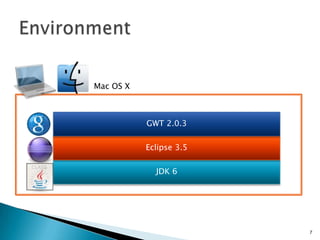
EnvironmentMac OS XGWT 2.0.3Eclipse 3.5JDK 612
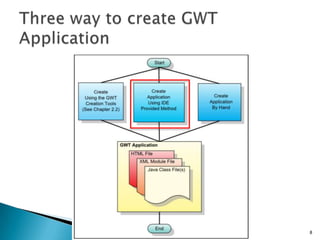
Three way to create GWT Application13
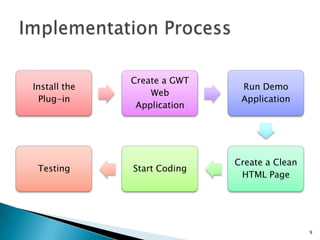
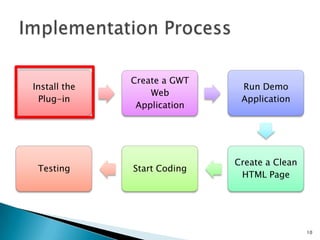
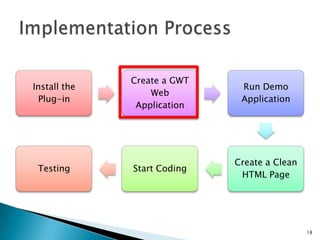
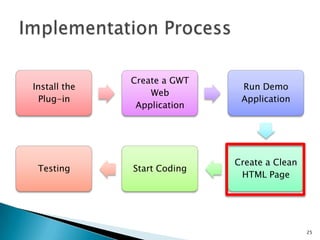
Implementation Process14
Implementation Process15
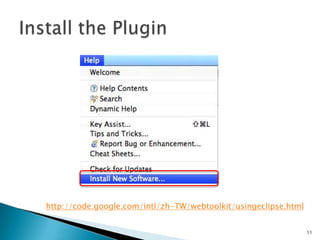
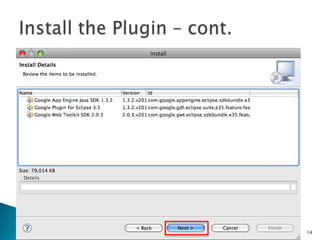
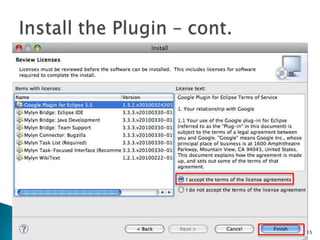
Install the Pluginhttp://code.google.com/intl/zh-TW/webtoolkit/usingeclipse.html16
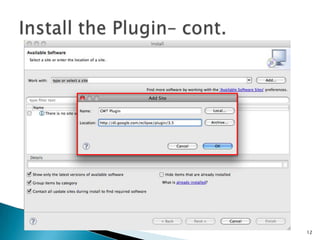
Install the Plugin – cont.17
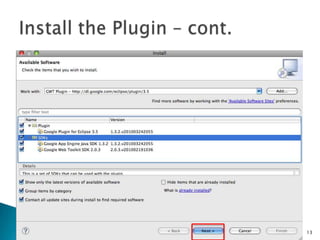
Install the Plugin – cont.18
Install the Plugin – cont.19
Install the Plugin – cont.20
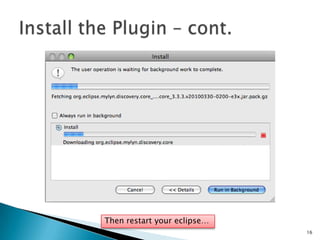
Install the Plugin – cont.Then restart your eclipse…21
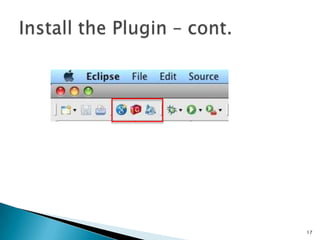
Install the Plugin – cont.22
Implementation Process23
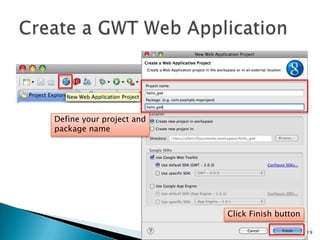
Create a GWT Web ApplicationDefine your project and package nameClick Finish button24
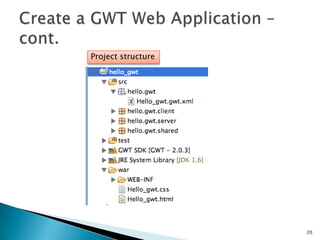
Create a GWT Web Application – cont.Project structure25
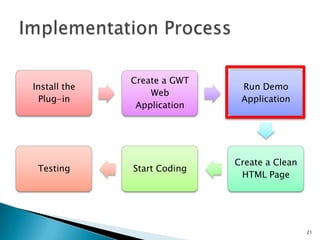
Implementation Process26
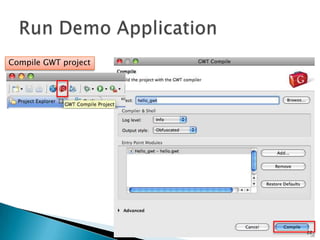
Run Demo ApplicationCompile GWT project27
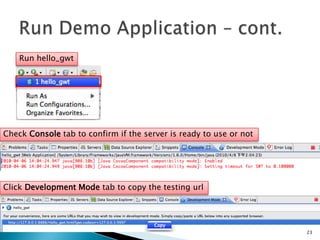
Run Demo Application – cont.Run hello_gwtCheck Console tab to confirm if the server is ready to use or notClick Development Mode tab to copy the testing url28
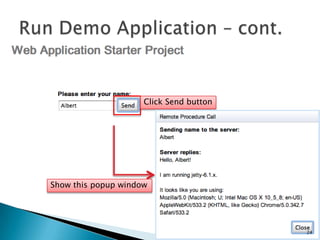
Run Demo Application – cont.Click Send buttonShow this popup window29
Implementation Process30
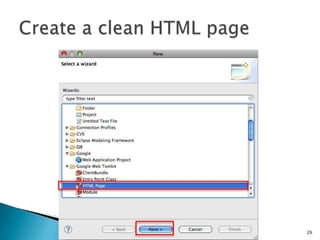
Create a clean HTML page31
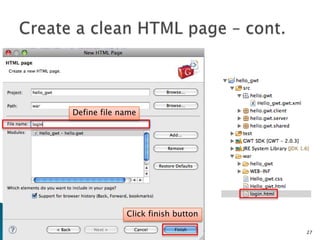
Create a clean HTML page – cont.Define file nameClick finish button32
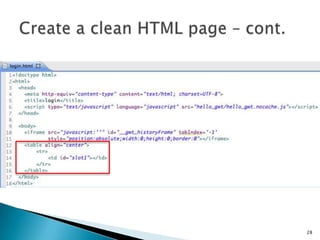
Create a clean HTML page – cont.33
Implementation Process34
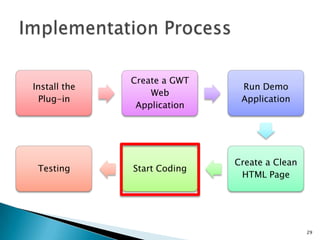
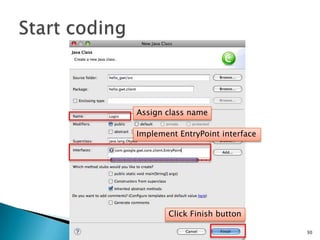
Start coding35Assign class nameImplement EntryPoint interfaceClick Finish button
36
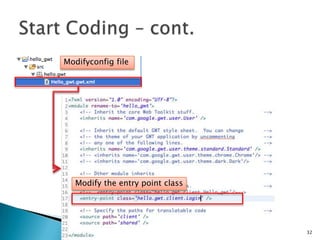
Start Coding – cont.Modifyconfig fileModify the entry point class37
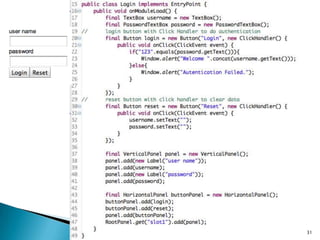
38Three main files
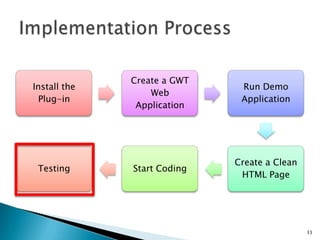
Implementation Process39
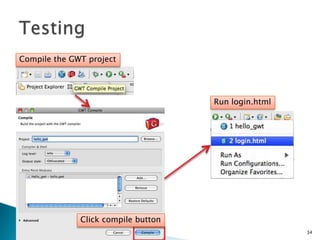
TestingCompile the GWT projectRun login.htmlClick compile button40
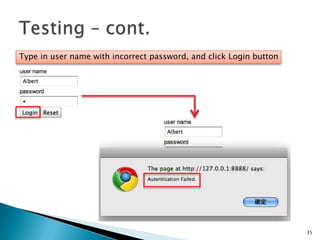
Testing – cont.Type in user name with incorrect password, and click Login button41
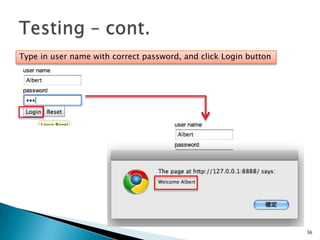
Testing – cont.Type in user name with correct password, and click Login button42
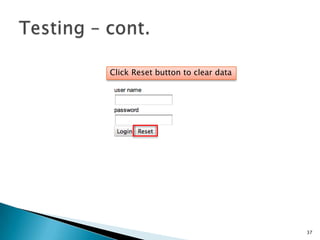
Testing – cont.Click Reset button to clear data43
http://code.google.com/intl/zh-TW/webtoolkit/usingeclipse.htmlBeginning Google Web Toolkit From Novice to Professionalhttp://apress.com/book/view/9781430210313GWT :http://code.google.com/webtoolkit/Forum :http://groups.google.com/group/Google-Web-ToolkitGWT Blog : http://googlewebtoolkit.blogspot.com/Reference44

GWT Quick Start