GephiPlugin Developer WorkshopMathieu Bastian<mathieu.bastian@gephi.org>Mountain View, CaliforniaOctober 2011
Welcome! Introduction to Gephi
 Why building plug-ins?
Netbeans Platform
Gephi’s Architecture
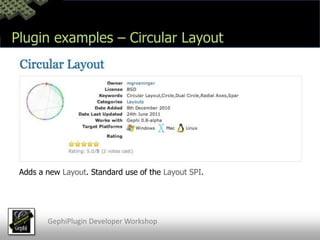
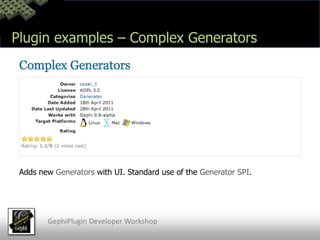
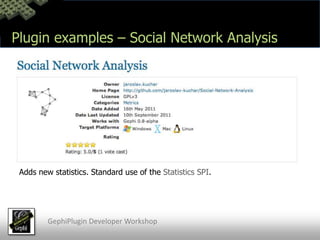
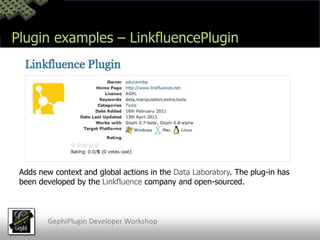
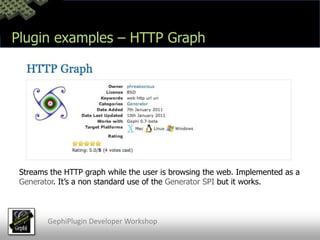
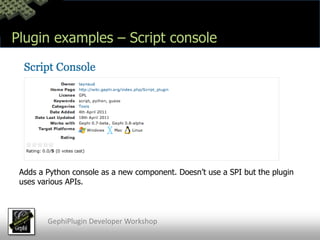
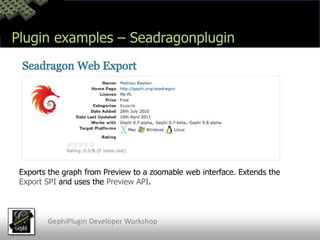
 Plug-ins example
Gephi Toolkit
 Live codingGephiPlugin Developer Workshop
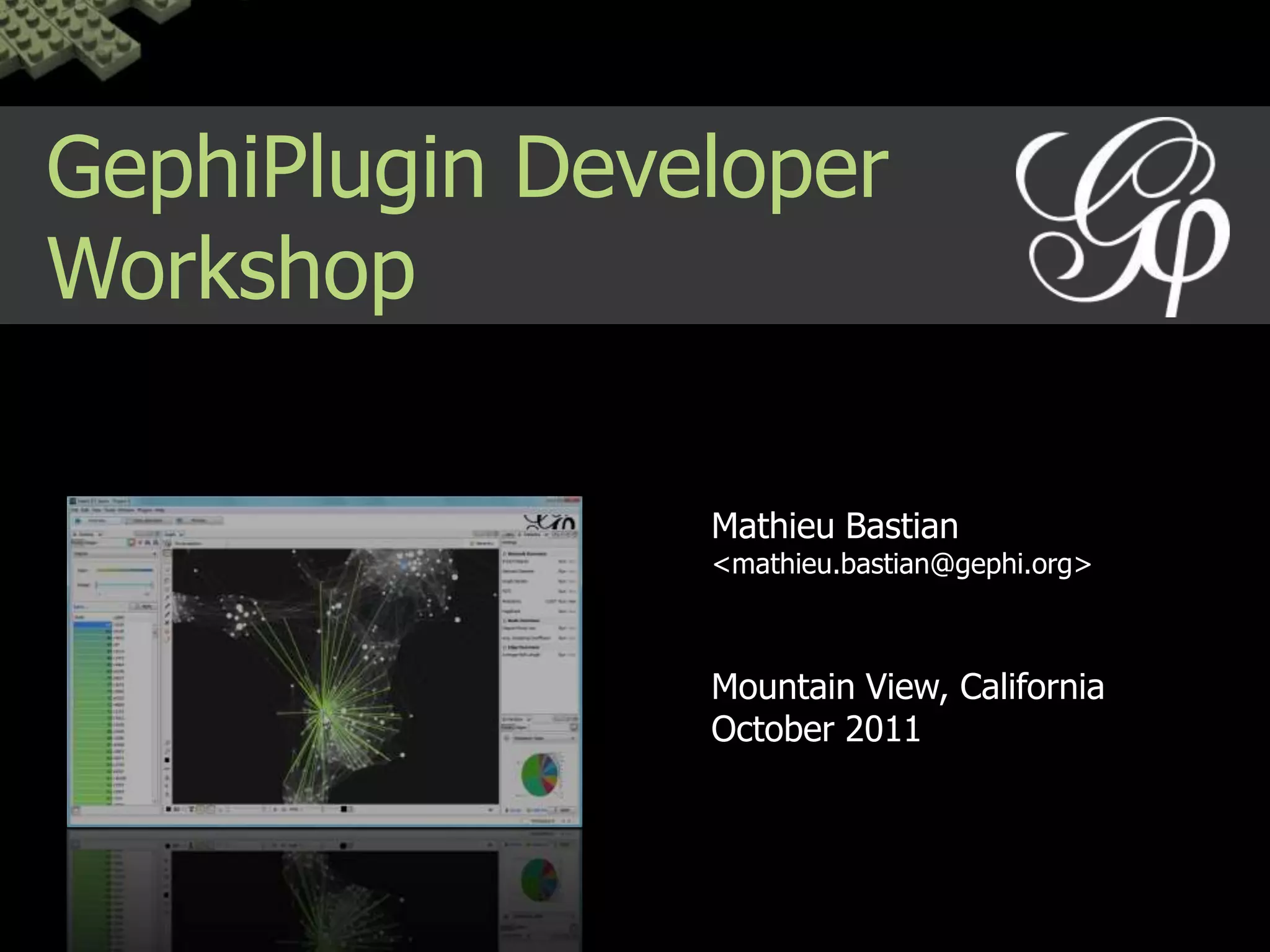
Introduction to GephiGephi is… A project started in 2007
 An Exploratory Network Analysis Tool
 An open-source platform
Written in Java, Swing, OpenGLGephiPlugin Developer Workshop
Introduction to GephiGephi has… A website, a wiki, a bug tracker, a forum and a mailing-list
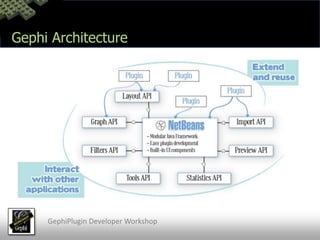
 A modular and extensible architecture
 A codebase of ~180K lines of code
 Long-term plans and roadmap
 A ManifestoGephiPlugin Developer Workshop
Introduction to GephiGephi focus on… Performance, Usability and Modularity (and Stability!)
 The platform, easy to use and extend
 Networks. No diagrams or other visualizations.
 Standards and open innovationGephiPlugin Developer Workshop
Introduction to GephiThe Platform’s vision Modular architecture		The secret sauce for a sustainable code
 Interoperability			Use, improve or create standards
 Integration				Be exigent with UI, installation, platforms
 Open and transparent		Ideas and features come from the community
Public good				Is and will remain open-source
Documentation			Provide tutorials and rich JavadocGephiPlugin Developer Workshop
Why building plug-ins? Networks are everywhereSocial Networks, Biological Networks, Power grid, Software, Innovation… 	The complex world produces networks to visualize and analyze.Gephi is a generic software for all networksThe variety of networks, data sources and algorithms is huge. Gephi can’t support all of them by default so we need plug-ins.GephiPlugin Developer Workshop
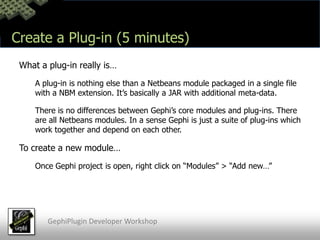
Why building plug-ins? It’s easy to build and updatePlug-ins are easy to create and release. Development is integrated in 	Netbeans IDE. No JAR hell. Easy to release new version through Gephi’s 	website. Hack vs Plug-insPlug-ins are an incentive to build sustainable modules and share them. One can always take the source code and hack it to get things done but there is an real advantage to built on top of clean APIs.GephiPlugin Developer Workshop
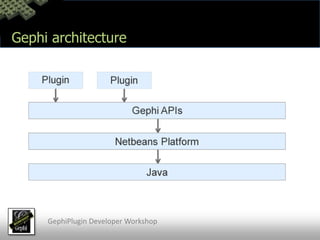
Gephi architectureGephiPlugin Developer Workshop
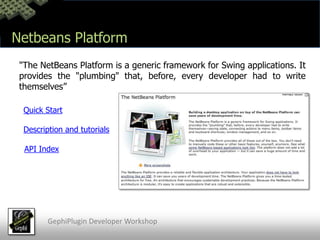
Netbeans Platform"The NetBeans Platform is a generic framework for Swing applications. It provides the "plumbing" that, before, every developer had to write themselves”Quick StartDescription and tutorialsAPI IndexGephiPlugin Developer Workshop
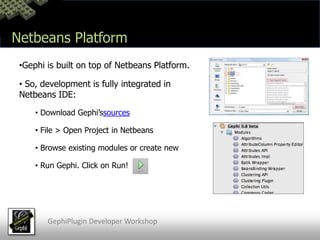
Netbeans PlatformGephi is built on top of Netbeans Platform.
 So, development is fully integrated in Netbeans IDE:
 Download Gephi’ssources
 File > Open Project in Netbeans
 Browse existing modules or create new
 Run Gephi. Click on Run!GephiPlugin Developer Workshop
Netbeans PlatformIn a few words…Netbeans Platform provides to Gephi the module system, the window system, the localization system, the preferences system and more…
Gephi development is integrated within Netbeans IDE.
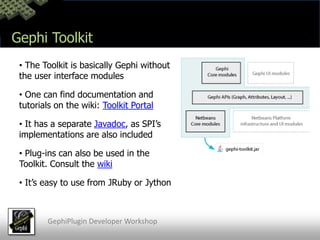
 A Netbeans Platform application (like Gephi) is basically a suite of modules.
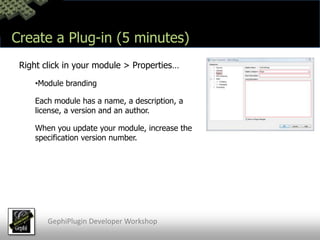
 Each module has a title, a description, a version, an author and hopefully a well defined role in the application.
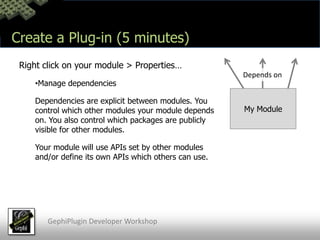
 Modules expose public APIs and depend on each other (without circular dependencies).GephiPlugin Developer Workshop
Gephi ArchitectureGephiPlugin Developer Workshop
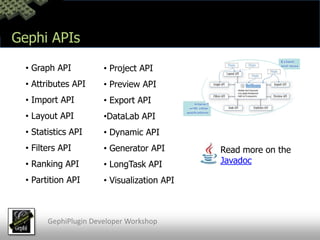
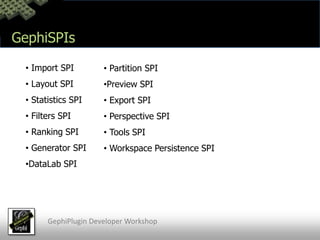
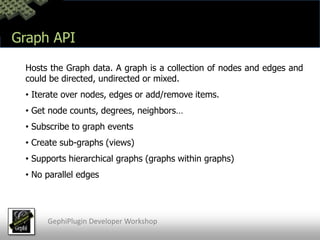
Gephi APIs Graph API
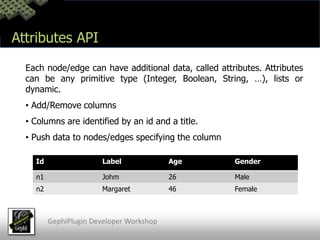
 Attributes API
 Import API
 Layout API
 Statistics API
 Filters API
 Ranking API
 Partition API
 Project API
 Preview API
 Export API
DataLab API
 Dynamic API
 Generator API
 LongTask API
 Visualization APIRead more on the JavadocGephiPlugin Developer Workshop
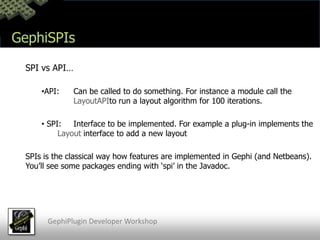
Gephi APIs Each API has a role and a set of public packages other modules can use
 Consult the Javadoc to see what an API does and browse classes
 While the software evolve, APIs remain backward compatible
 When we do changes on APIs, we wrote changes in the “API Changes” section on the Javadoc front-page

Gephi Plugin Developer Workshop