TESTING
WEB APPs & APIs
Aaron Evans
aaron@one-shore.com
@fijiaaron
1-844-AUTOM87
TESTING WEB APPs & APIs
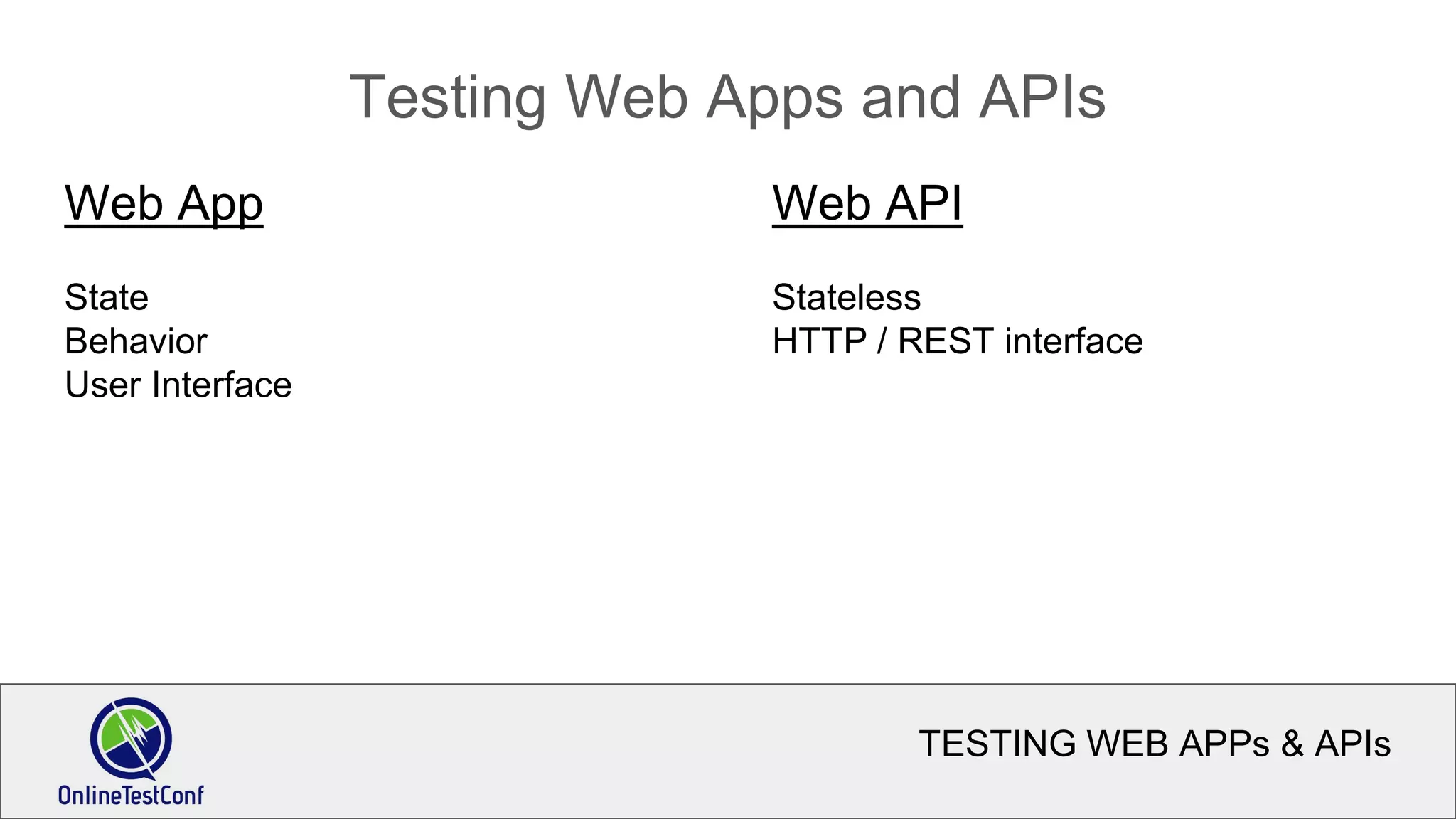
Testing Web Apps and APIs
Web App
State
Behavior
User Interface
Web API
Stateless
HTTP / REST interface
TESTING WEB APPs & APIs
Modern vs Traditional
What are the differences between “modern” web applications
and more traditional applications?
What are the challenges we face testing modern web apps?
What can we do to make it easier?
TESTING WEB APPs & APIs
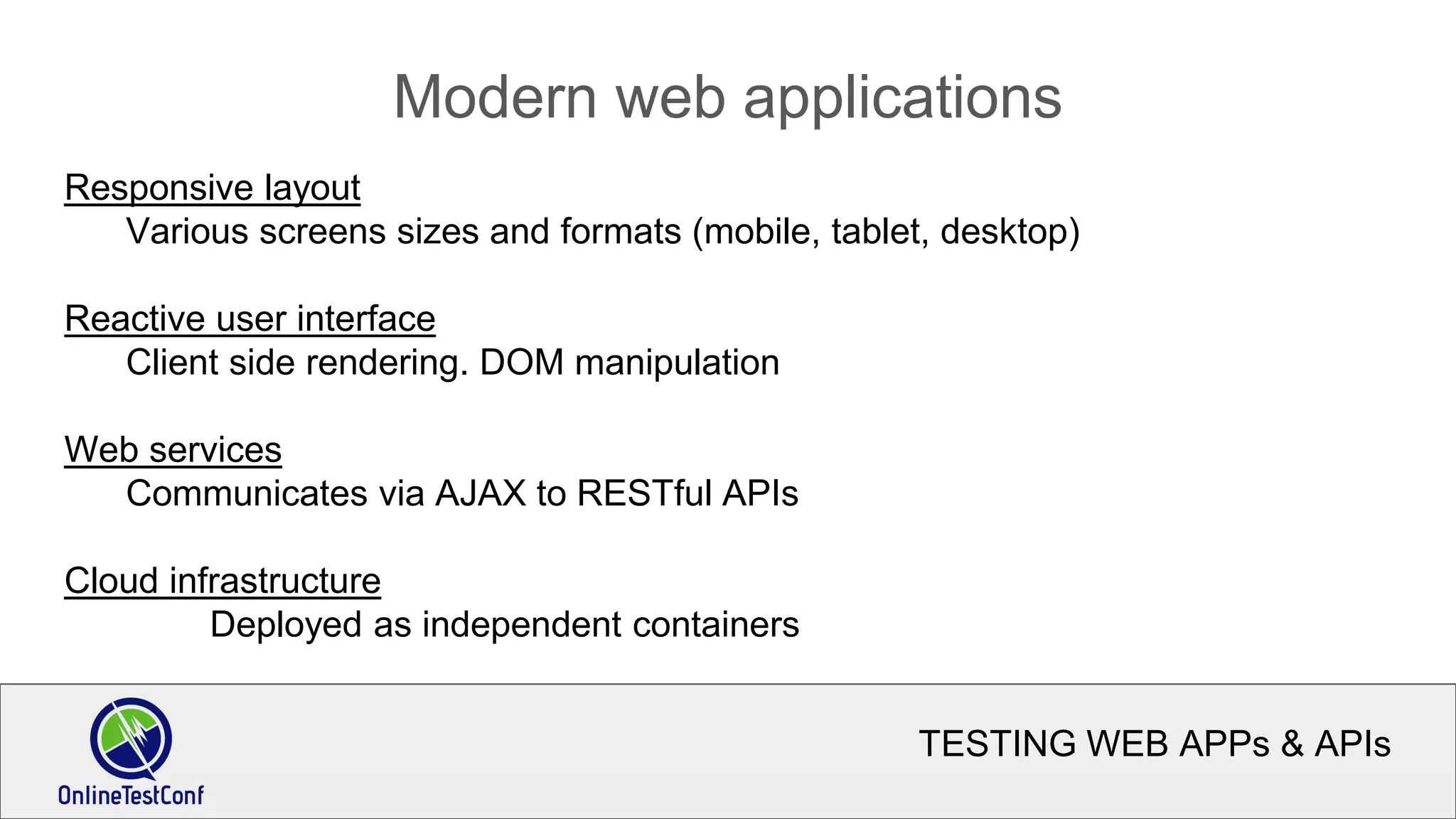
Modern web applications
Responsive layout
Various screens sizes and formats (mobile, tablet, desktop)
Reactive user interface
Client side rendering. DOM manipulation
Web services
Communicates via AJAX to RESTful APIs
Cloud infrastructure
Deployed as independent containers
TESTING WEB APPs & APIs
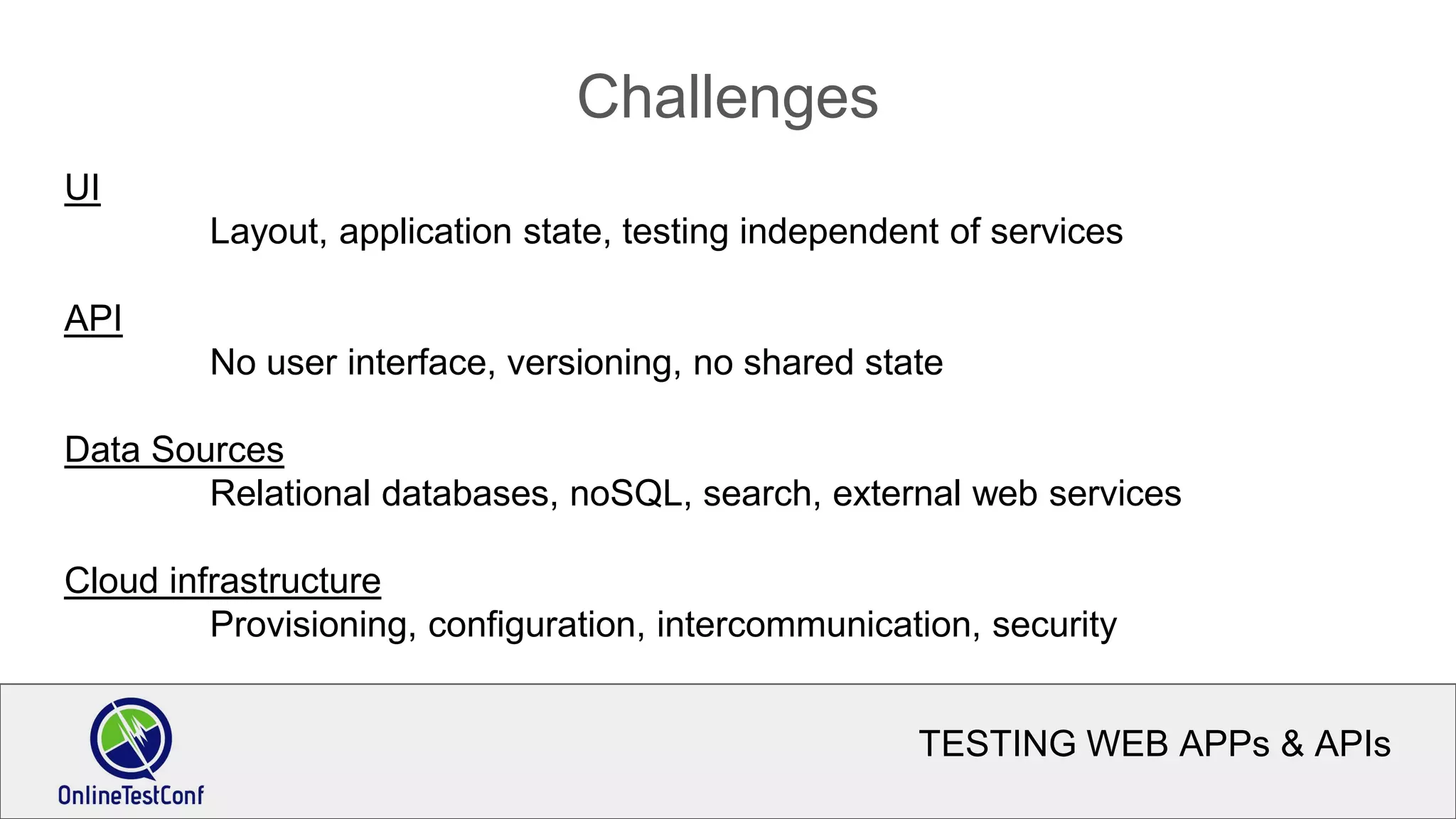
Challenges
UI
Layout, application state, testing independent of services
API
No user interface, versioning, no shared state
Data Sources
Relational databases, noSQL, search, external web services
Cloud infrastructure
Provisioning, configuration, intercommunication, security
TESTING WEB APPs & APIs
Solutions
Separation of concerns
Test the UI without the back end
Test the back end without the UI
Test deployments without either the front or back end
Environments that can be swapped out or rolled back seamlessly
TESTING WEB APPs & APIs
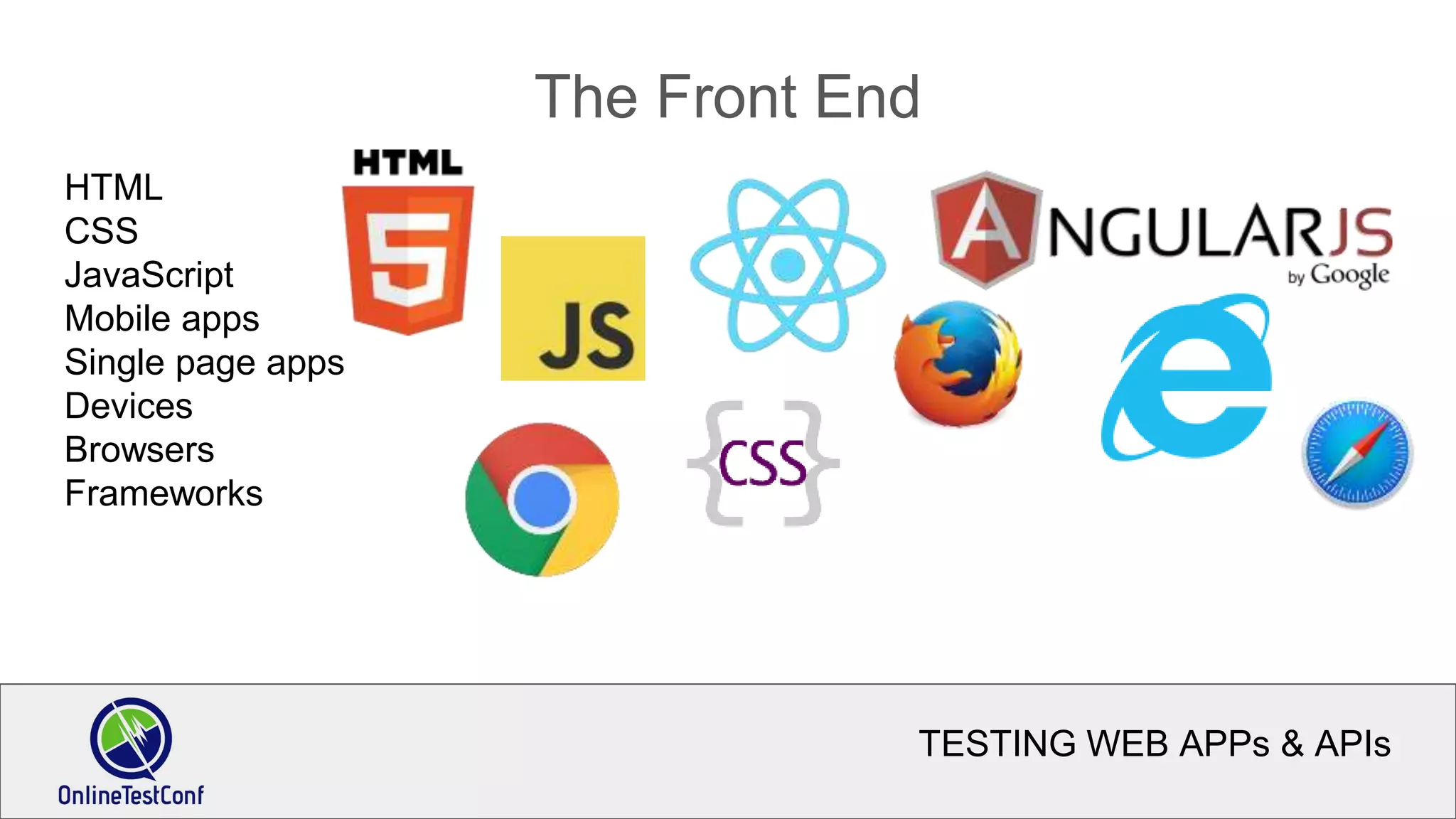
The Front End
HTML
CSS
JavaScript
Mobile apps
Single page apps
Devices
Browsers
Frameworks
TESTING WEB APPs & APIs
UI Testing
Still necessary, but not the only (or even primary) way to test
Weaknesses:
Slow, brittle, too many interfaces (devices, browsers, etc.)
Useful for:
End to end tests
testing user experience
verifying requirements
Visual testing
TESTING WEB APPs & APIs
The Back End
Node.js, Express, Koa, Ruby on Rails, Java, PHP, Go, .NET
etc.
REST
Microservices
Relational & NoSQL data stores (MongoDB, Redis, CouchDB, Elasticsearch, etc.)
External services (payment processing, authorization, etc.)
TESTING WEB APPs & APIs
Testing web APIs
Faster, less error prone
No user interface
Focus on:
Functionality of individual service
Integration of services
Smoke test entire system
TESTING WEB APPs & APIs
Deployment testing
Containers & VMs
Continuous integration & delivery
Ability to switch from test to production with the flip of a switch (DNS)
TESTING WEB APPs & APIs
DEMO
Hart - medical information software
TESTING WEB APPs & APIs
DEMO: UI Testing
Test as a user through the browser.
Manually, then automate.
Tools:
Javascript
Mocha (BDD test framework)
Selenium (Webdriver.io)
Sauce Labs (Cloud devices)
TESTING WEB APPs & APIs
DEMO: API Testing
Test via the REST API
Manually using Postman, then automate
Tools:
Javascript
Cucumber (BDD test framework)
Postman (Google Chrome plugin)
Unirest (HTTP library)
TESTING WEB APPs & APIs
Confidence
Use continuous integration to:
Run tests after every build
Run tests after deployment to every environment
Benefits:
Quicker discovery of issues
More time for manual exploratory testing
Release changes on demand
Roll back production issues immediately
Thanks.
Aaron Evans
aaron@one-shore.com
@fijiaaron
1-844-AUTOM87

Testing Web Apps and APIs (1)

  • 1.
    TESTING WEB APPs &APIs Aaron Evans aaron@one-shore.com @fijiaaron 1-844-AUTOM87
  • 2.
    TESTING WEB APPs& APIs Testing Web Apps and APIs Web App State Behavior User Interface Web API Stateless HTTP / REST interface
  • 3.
    TESTING WEB APPs& APIs Modern vs Traditional What are the differences between “modern” web applications and more traditional applications? What are the challenges we face testing modern web apps? What can we do to make it easier?
  • 4.
    TESTING WEB APPs& APIs Modern web applications Responsive layout Various screens sizes and formats (mobile, tablet, desktop) Reactive user interface Client side rendering. DOM manipulation Web services Communicates via AJAX to RESTful APIs Cloud infrastructure Deployed as independent containers
  • 5.
    TESTING WEB APPs& APIs Challenges UI Layout, application state, testing independent of services API No user interface, versioning, no shared state Data Sources Relational databases, noSQL, search, external web services Cloud infrastructure Provisioning, configuration, intercommunication, security
  • 6.
    TESTING WEB APPs& APIs Solutions Separation of concerns Test the UI without the back end Test the back end without the UI Test deployments without either the front or back end Environments that can be swapped out or rolled back seamlessly
  • 7.
    TESTING WEB APPs& APIs The Front End HTML CSS JavaScript Mobile apps Single page apps Devices Browsers Frameworks
  • 8.
    TESTING WEB APPs& APIs UI Testing Still necessary, but not the only (or even primary) way to test Weaknesses: Slow, brittle, too many interfaces (devices, browsers, etc.) Useful for: End to end tests testing user experience verifying requirements Visual testing
  • 9.
    TESTING WEB APPs& APIs The Back End Node.js, Express, Koa, Ruby on Rails, Java, PHP, Go, .NET etc. REST Microservices Relational & NoSQL data stores (MongoDB, Redis, CouchDB, Elasticsearch, etc.) External services (payment processing, authorization, etc.)
  • 10.
    TESTING WEB APPs& APIs Testing web APIs Faster, less error prone No user interface Focus on: Functionality of individual service Integration of services Smoke test entire system
  • 11.
    TESTING WEB APPs& APIs Deployment testing Containers & VMs Continuous integration & delivery Ability to switch from test to production with the flip of a switch (DNS)
  • 12.
    TESTING WEB APPs& APIs DEMO Hart - medical information software
  • 13.
    TESTING WEB APPs& APIs DEMO: UI Testing Test as a user through the browser. Manually, then automate. Tools: Javascript Mocha (BDD test framework) Selenium (Webdriver.io) Sauce Labs (Cloud devices)
  • 14.
    TESTING WEB APPs& APIs DEMO: API Testing Test via the REST API Manually using Postman, then automate Tools: Javascript Cucumber (BDD test framework) Postman (Google Chrome plugin) Unirest (HTTP library)
  • 15.
    TESTING WEB APPs& APIs Confidence Use continuous integration to: Run tests after every build Run tests after deployment to every environment Benefits: Quicker discovery of issues More time for manual exploratory testing Release changes on demand Roll back production issues immediately
  • 16.

Editor's Notes

  • #2  ------------ Introduction ---------- Main point: Greeting and credentials. Goals: positive feeling, personal connection ---------- Hi, I’m Aaron Evans. I've been testing software for about 15 years. Except for that period where I quit and moved to Fiji and ended up sailing around the South Pacific. I have my own test consulting company "One Shore" and “fijiaaron” is my twitter handle and blog name which stems from those days. My specialty is test automation with open source tools. I’ve worked for both small startups and large enterprises and just about everything in between. I am excited to share how I do testing and would love to hear your feedback.
  • #3  ------------ Synopsis ------------ Main point: First a discussion, then a demonstration Goal: participants understand what to expect ------------ I’m going to talk about testing web applications. Specifically, I’m going to talk about testing “modern” web applications with reactive and responsive user interfaces communicating with RESTful web services. We’ll talk about the challenges and benefits of these “modern” apps and then dive in and explore testing a real live application via the browser interface and then the HTTP API. And then we will talk about the benefits of testing at each level. ------------ APPs and APIs ------------ Main point: What I mean by "web app" and "web API" Goal: participants understand what I mean by "app" and "API" ------------
  • #4  ------------ Modern vs Traditional ------------ Main point: Modern web application are different than traditional applications Goal: Get participants thinking about their own experience with testing modern web apps ------------ What are the differences between “modern” web applications and more traditional applications? What are the challenges we face testing modern web apps? What can we do to make it easier?
  • #5  ------------ Characteristics of modern web applications ------------ Main Point: Modern web applications have additional complexity which makes testing more challenging. Goal: understand what I mean by modern web applications ------------ Responsive layout - the presentation adapts to the display size and characteristics, whether on a laptop, tablet, or phone. Reactive user interface - client side rendering, DOM manipulation, AJAX calls,
  • #6  ------------ Testing Challenges ------------ Main point: Testing modern web applications is challenging Goal: participants are thinking about the complexity of testing modern web apps ------------ What challenges do we face testing…the user interface? web services? back end data sources? integration with external services? cloud deployments? ------------ Challenges ------------ Main point: We need to test the UI, the back end services, and the architecture / deployment Goal: participants have a sense of the complexity of testing modern apps ------------ Traditionally, web applications have been tested via the browser. Testers manually click around following scripts to verify functionality or exploring the app, trying to “break” it. And automation scripts, using tools such as Selenium or QTP exercised the application to perform functional regression testing. We still need to test the user interface, but we also have these separate entities -- these web services that act independently. But they don’t have a user interface to interact with. You need to drop down to a lower level and test them at the protocol layer -- HTTP. And because apps are deployed as a series of independent components - a web UI that is primarily client-side (but needs to be served from somewhere). All the associated libraries and assets (javascript, css, images) -- which might be served from a CDN somewhere completely beyond our control -- and then all the services that our app communicates with, and the data sources and services they communicate with -- ok, take a deep breath. My point is that there is too much to test at too many layers. And let's not forget the greater concern for security, greater need for scalability, faster agile development processes and need for better adaptability to change...
  • #7  --------- Solutions --------- But, there is some good news. Or at least it’s not all bad. You’ve heard of companies deploying multiple times per day, and not breaking anything. Or at least being able to roll back quickly with minimal user impact. Are these just myth? ------------ Solutions ------------ Main point: separation of concerns can make testing easier Goal: participants are hopeful about testing ------------ Because our app is separated into individual components, it can be easier to test the UI independently. We can also test functionality independent of the user interface, eliminating all sorts of problems including false positives from flaky UI tests and crashing browsers. API tests can run much faster than browser based tests. It does take some additional technical knowhow to understand HTTP but luckily there are tools that make working with APIs relatively easy. With help from DevOps and some continuous integration we can
  • #8  --------- UI Testing ---------- We still need to test the user interface. But we can’t rely on it as the primary test mechanism. It’s too slow, too brittle, and too diverse to be able to test every state, on every device configuration. We will concentrate on using the browser to do end-to-end tests, verifying user experience, business requirements, and visual testing. We will use the same familiar UI testing tools. In this case, Selenium / Webdriver and
  • #9  --------- UI Testing ---------- We still need to test the user interface. But we can’t rely on it as the primary test mechanism. It’s too slow, too brittle, and too diverse to be able to test every state, on every device configuration. We will concentrate on using the browser to do end-to-end tests, verifying user experience, business requirements, and visual testing. We will use the same familiar UI testing tools. In this case, Selenium / Webdriver and
  • #10  --------- The Back End --------- Luckily, there are tools available that help to make it fairly easy. And for consistency’s sake, with a little thought (and some good program design) we can write our API tests and UI tests in a way that many features can be tested interchangably using either the browser or by calling the API directly.
  • #11  -------- Testing Web APIs --------- We can use the APIs to verify the bulk of functionality. Calling APIs is faster, more reliable, and easier than browser automation. But it does require a higher level of technical acumen -- you need to understand the HTTP protocol and how your app works at that level to be able to test your APIs directly. Luckily, there are tools available that help to make it fairly easy. And for consistency’s sake, with a little thought (and some good program design) we can write our API tests and UI tests in a way that many features can be tested interchangably using either the browser or by calling the API directly.